Customer Ratings & Reviews


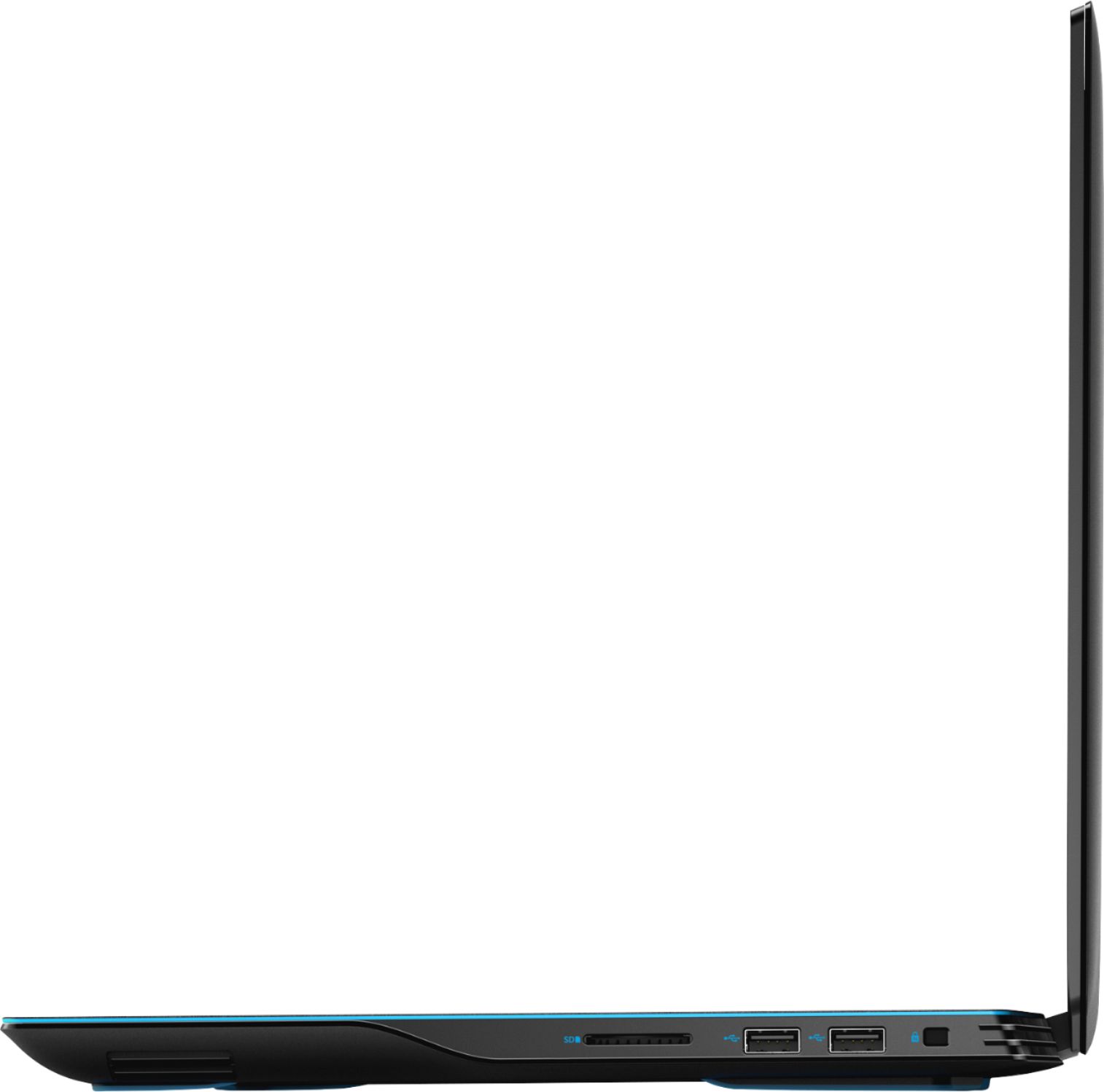
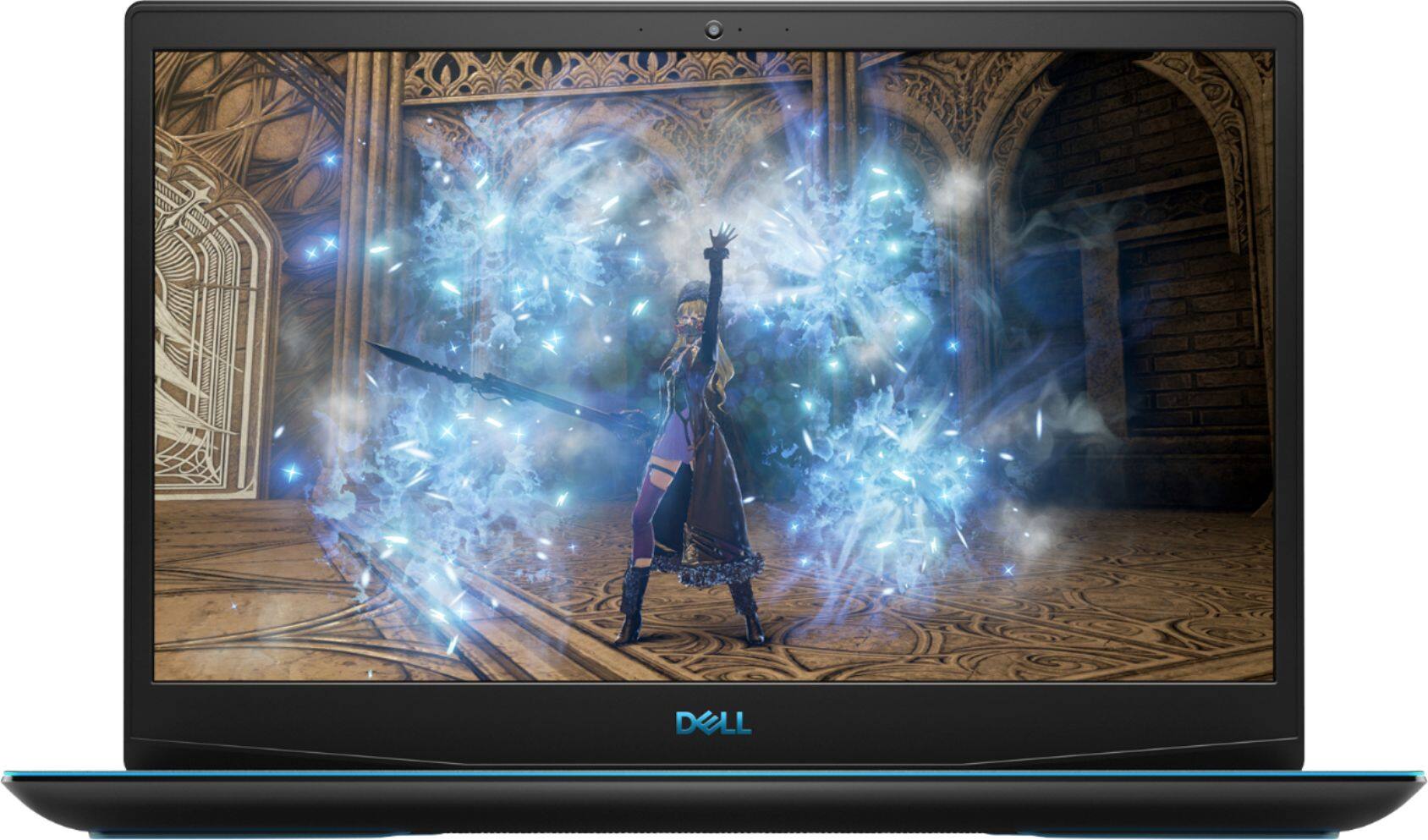
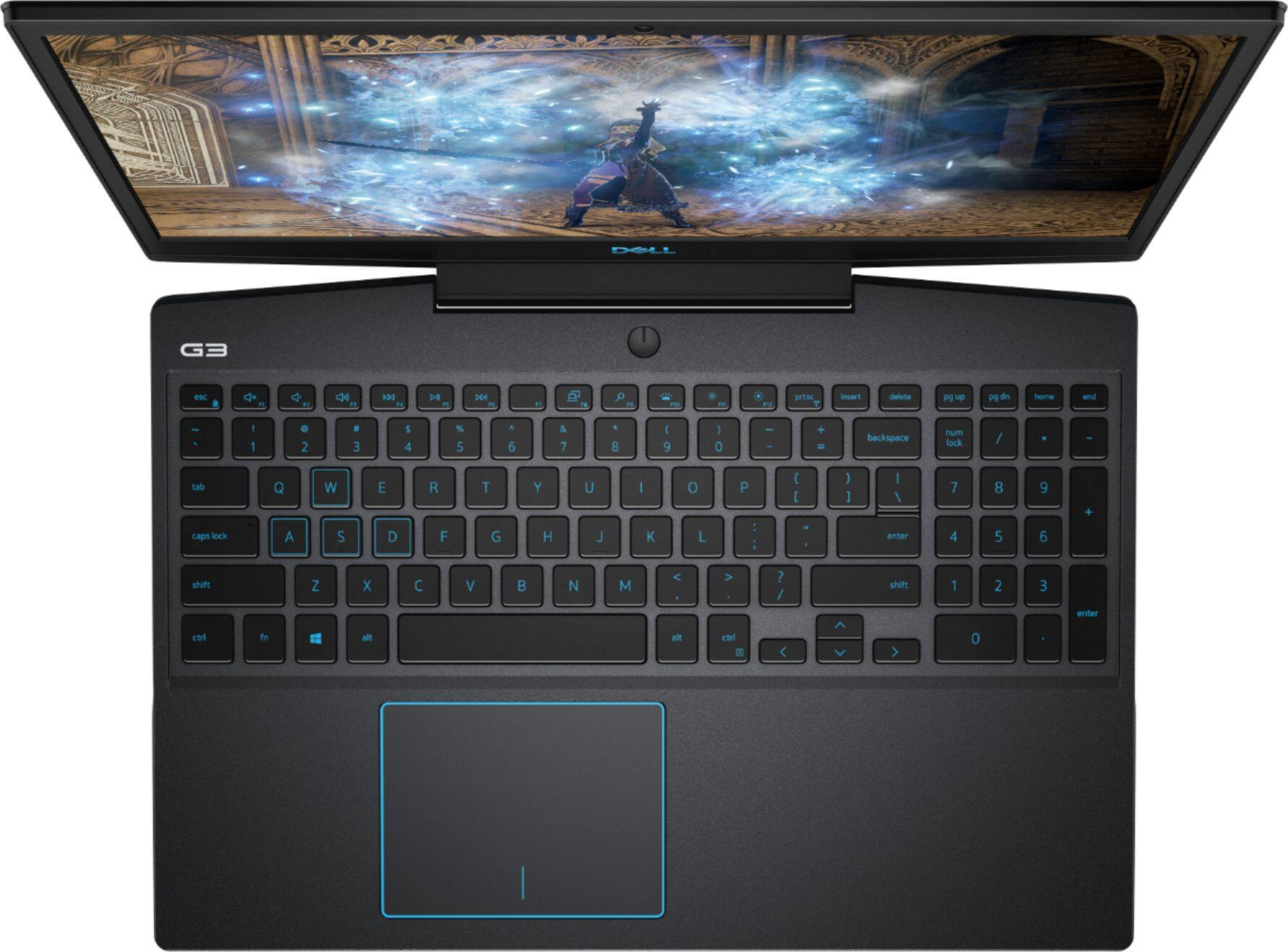
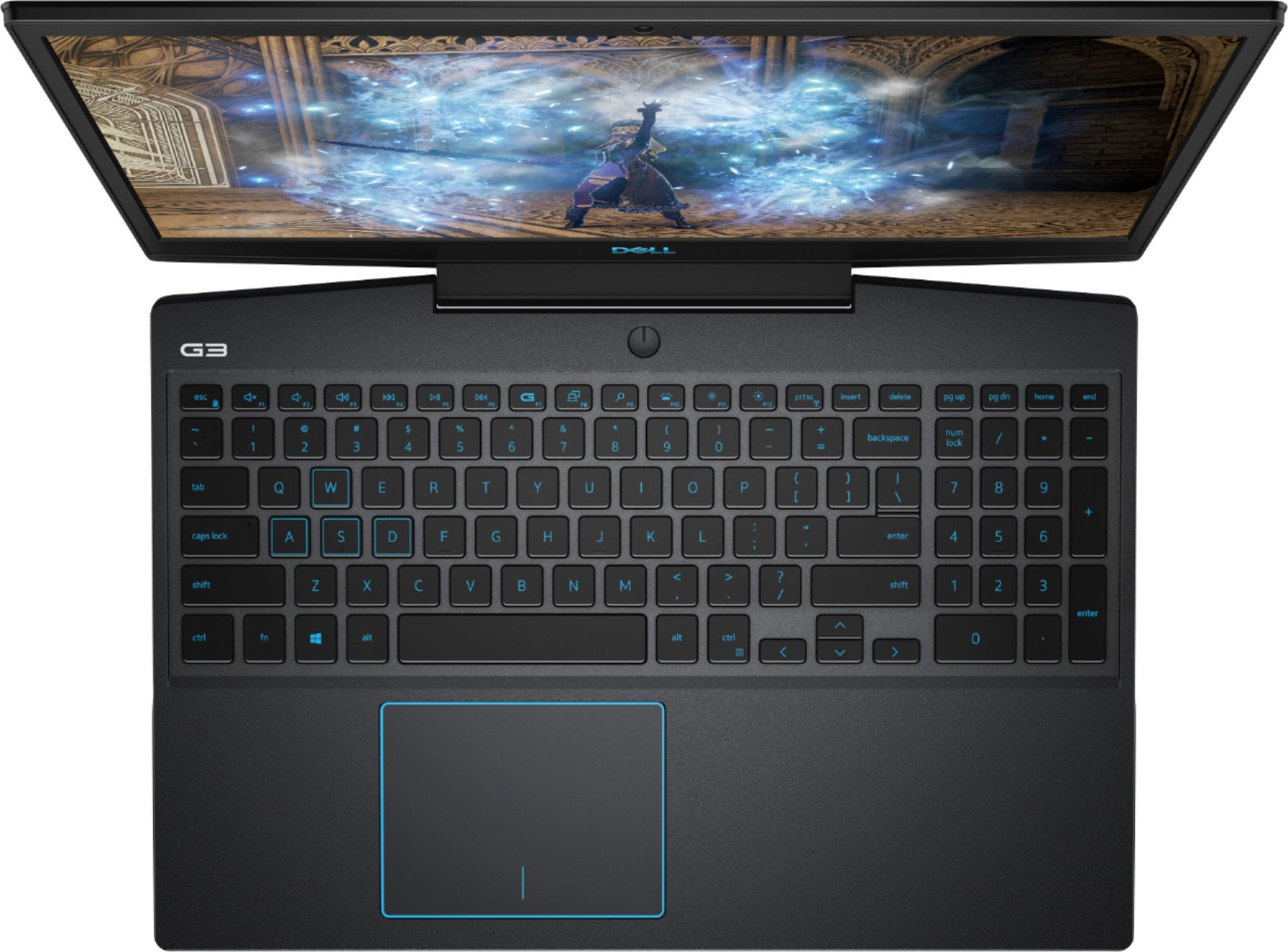
- Model:
- I3590-7957BLK-PUS
- SKU:
- 6350873
Rating by feature
- Battery Life
Rating 3.7 out of 5 stars
- Speed
Rating 4.2 out of 5 stars
- Display
Rating 4.0 out of 5 stars
Customers are saying
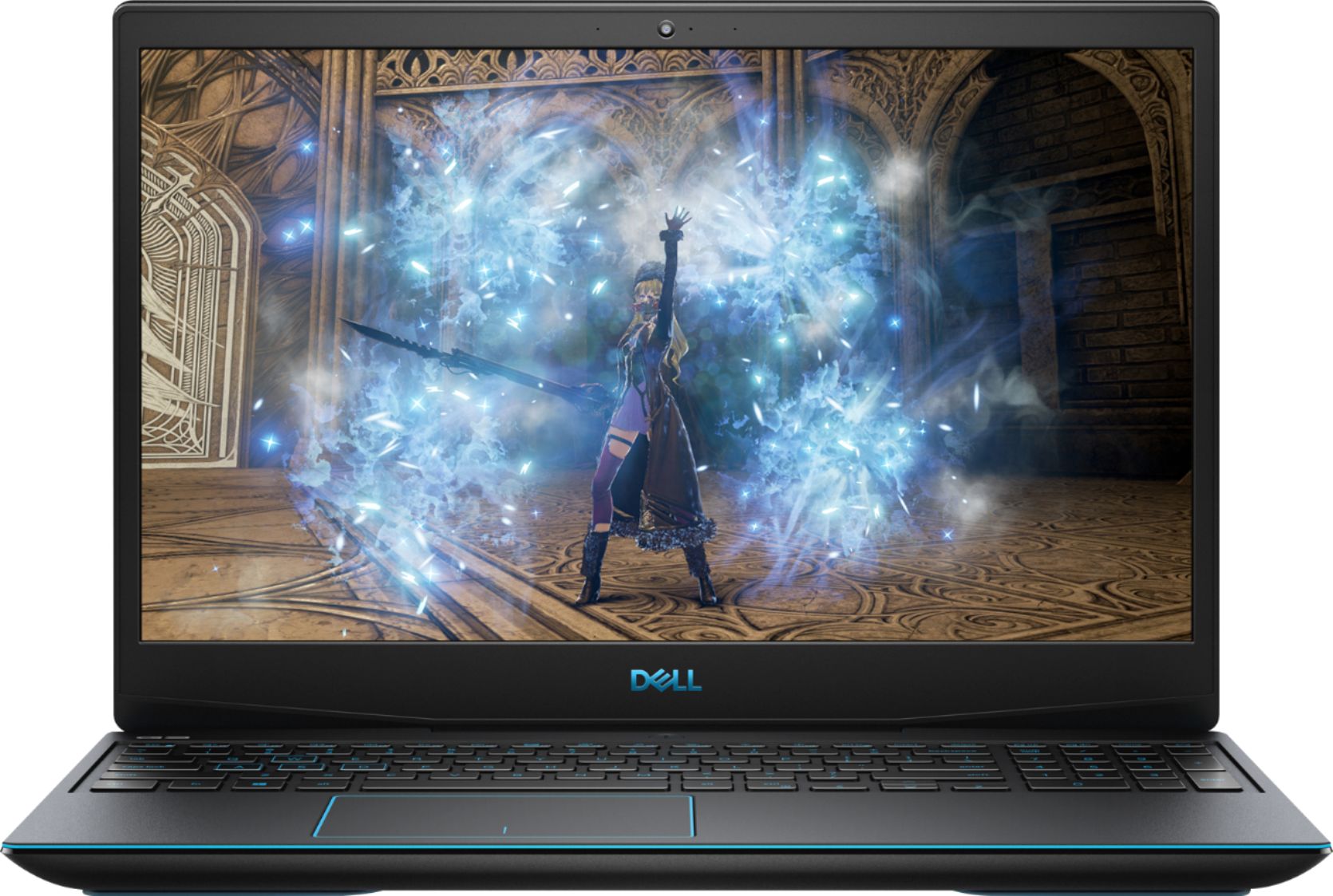
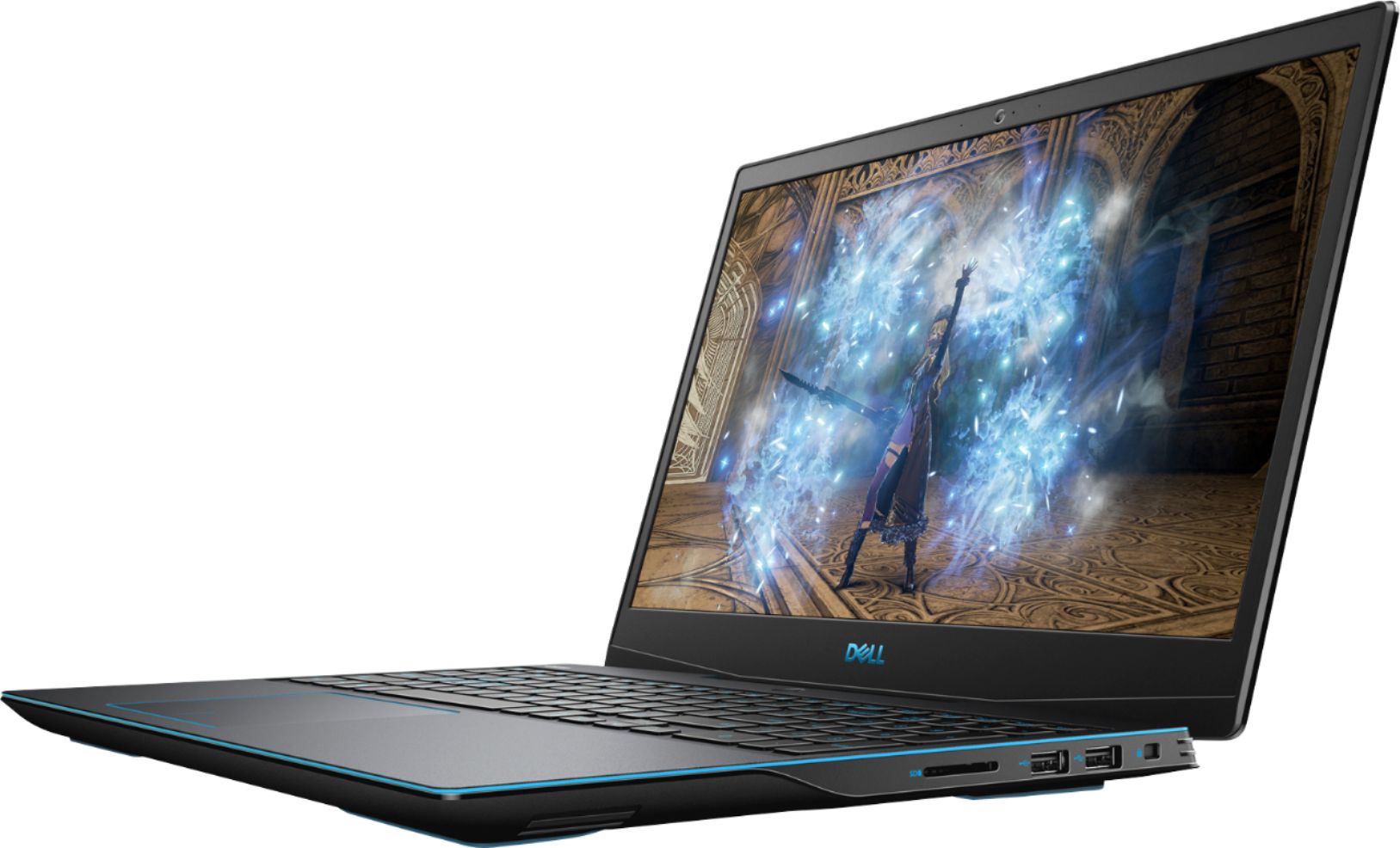
Customers commend the G3 15.6" Gaming Laptop's performance, graphics capabilities, and ease of use. Many appreciate its value for the price and the option to upgrade RAM and storage. However, some users note concerns regarding battery life, fan noise, and the laptop's tendency to generate heat. A few also mention the weight of the device and potential hinge issues.
This summary was generated by AI based on customer reviews.
Great laptop!
||Posted . Owned for 3 weeks when reviewed.This reviewer received promo considerations or sweepstakes entry for writing a review.My daughter loves her new Dell laptop. It's great for gaming and watching movies.
I would recommend this to a friendInternet capabilities intermiitent
||Posted . Owned for 3 months when reviewed.This reviewer received promo considerations or sweepstakes entry for writing a review.I purchased this computer on March 27, 2020 to use for work at home. About 2 months after purchasing it, I began to lose connection, and eventually could barely connect and would only stay connected for short periods of time. I called my works IT Dept. they had me perform a speed test and on this laptop when I could do a speed test, it was in the single digits. I was told to call my IP (Spectrum) everything was fine, but they gave me a new modem anyway since mine was old. Everything else in the house was connecting fine, my wife was working from home, the speed test on my phone was over 200. I took it back to Best Buy on 7/3/2020 and they were kind enough to look at it for me. They said that they loaded a new driver and did some updates. The problem still persists, so I made an appointment and took it back and they basically said that there is nothing they can do and I need to contact Dell. I’m not happy about that, I tried calling Dell, I was on hold so long that I ran out of time and had to hang up. I paid over $1300 for this thing. Dell and Best Buy made their profit and as it stands right now, I have a $1300 paper weight. I spend $1000 to $2000 a year in Best Buy. I’m going to take my business somewhere else from now on and I will never purchase another Dell product.
No, I would not recommend this to a friendBrand response from YourDellTeam
Posted .RickH,
We're sorry to hear about the speed issues that you're experiencing with your new computer. We'd suggest also running the Windows Performance Troubleshooter to see if there are ways to speed up your computer:
1. Close all open windows.
2. Press the Windows logo key + X key on the keyboard.
3. Click Control Panel.
4. Click System and Security.
5. Under Security and Maintenance, select Troubleshoot common problems.
6. Under System and Security, click Run maintenance tasks.
7. Follow the on-screen instructions and prompts to complete the process.
8. Restart the PC.
You can read the full article here - http://dell.to/2tSulGV.
If you'd like to see if you can improve your computer's connectivity you can try these steps:
1. Download and install the latest Wireless Card driver. (https://dell.to/2th3Tpe) After updating the driver, re-establish the connection with the Wireless Access Point and check the wireless performance.
2. If the issue persists, proceed to step 3.
3. Power-cycle the local network. Shut down the Dell system, the Wireless Access Point/Router and the Modem. Wait a minimum of 60 seconds before powering up the components in the following order:
4. Power ON the Modem, and wait for it to boot fully.
5. Power ON the Wireless Access Point/Router, and wait for it to boot fully.
6. Power ON the Dell system.
7. Open Network and Sharing Center
8. In the left side navigation pane, click on Change Adapter Settings
9. Right click on the wireless connection icon and select Properties followed by the Configure button
10. Under Wireless Options, select the Wireless N mode
11. For Windows 8 or later systems click the Advanced tab and look for 802.11n Mode on the right you will be given the option to Enable or Disable. If the mode is not visible you may need to update your drivers and firmware.
12. From the drop-down menu, choose Disable followed by Ok
13. This should restore the wireless download and upload speed. Internet speed can be tested at http://speedtest.net.
Best,
Bryan
1-800-624-9896
its good for gaming it also has a good camera
||Posted . Owned for 3 weeks when reviewed.This reviewer received promo considerations or sweepstakes entry for writing a review.i liked it mostly for gaming i can take it anywhere. it also has a good camera.
I would recommend this to a friendGreat graphics but subpar keyboard
||Posted . Owned for 3 weeks when reviewed.This reviewer received promo considerations or sweepstakes entry for writing a review.Great performance (especially graphics) - but the keyboard is subpar and the touch pad is quite bad. I have to use external mouse. Numeric pad seems upside down from what I've been used to but it's okay.
I would recommend this to a friendBrand response from YourDellTeam
Posted .Hello bbman,
If you'd like to re-calibrate your computer's touchpad, you can follow these steps: Some Notebooks and Tablets with Keyboards have added gesture features to the touchpad hardware and drivers. A few of these features are two or three finger scrolling, pinch zoom, circle zoom, rotate and swiping. These new features may be the reason for the erratic cursor movement since most are turned on by default. You can disable or modify the way the features work in the touchpad driver properties.
Here are some tips to modify these settings:
1. In the Search box, type main.cpl.
2. Touch or click main.cpl in the list of programs.
3. Touch or click the Dell Touchpad tab.
4. Touch or click on the picture of the touchpad.
5. Touch or click Gestures (depending on your computer there may not be a Gestures option).
6. Change the options as preferred.
7. Touch or click Save.
8. Touch or click the X in the upper-right corner to close the Dell Touchpad Utility.
9. Touch or click OK on the Mouse Properties window.
10. If the touchpad still does not work after following the preceding steps, refer to Dell Knowledge Base article - http://dell.to/2iaiujA.
You can read the full article here - http://dell.to/2tqmS02.
Best,
Bryan
1-800-624-9896
- Cons mentioned:Fan noise
Serious Fan Problems
||Posted . Owned for 1 year when reviewed.This reviewer received promo considerations or sweepstakes entry for writing a review.Constantly over heated, not to the point where it would shut off, but it would not render some of my items as they should be. Should have seen the warning signs because only a month after the one year warranty expired one of the fans magically broke. I’ve read other reviews for this as well and they seem to have the same problems. Seems to be a Lemon.
No, I would not recommend this to a friend Smoke
||Posted . Owned for 11 months when reviewed.This reviewer received promo considerations or sweepstakes entry for writing a review.Wow nice this is pretty good what would I do without all this nice stuff.
No, I would not recommend this to a friendGreat laptop - plenty of power
||Posted . Owned for 1 month when reviewed.This reviewer received promo considerations or sweepstakes entry for writing a review.Was a great purchase - easy to set up - plenty of power. Full warranty....SSD is super.
I would recommend this to a friendGood value and specs
||Posted . Owned for 9 months when reviewed.This reviewer received promo considerations or sweepstakes entry for writing a review.My son was pleased with this computer, and the value for the money was a plus.
I would recommend this to a friendGood
||Posted . Owned for 1 year when reviewed.This reviewer received promo considerations or sweepstakes entry for writing a review.Pretty good. I am glad to have purchased it. Thanks me.
I would recommend this to a friendGreat value on an i7 with GTX 1660Ti
||Posted . Owned for 3 weeks when reviewed.This reviewer received promo considerations or sweepstakes entry for writing a review.This laptop is fast and light. I can't wait to get everything loaded the way want.
I would recommend this to a friendREALLY GOOD!
||Posted . Owned for 5 months when reviewed.This reviewer received promo considerations or sweepstakes entry for writing a review.AWESOME LAPTOP FOR GAMERS, ARRIVED ON TIME QUICK SHIPMENT GREAT PRICE !
I would recommend this to a friendGreat
||Posted . Owned for 1 year when reviewed.This reviewer received promo considerations or sweepstakes entry for writing a review.Best laptop so far super fast battery it’s super good
I would recommend this to a friendLove this laptop.
||Posted . Owned for 3 weeks when reviewed.This reviewer received promo considerations or sweepstakes entry for writing a review.Really love this laptop. I recommend this laptop as an excellent choice.
I would recommend this to a friendVery fast computer
||Posted . Owned for 3 weeks when reviewed.This reviewer received promo considerations or sweepstakes entry for writing a review.Speed, great graphics, the ultimate gaming laptop with new 9th generation chip.
I would recommend this to a friendExcellent quality for the price
||Posted . Owned for 9 months when reviewed.This reviewer received promo considerations or sweepstakes entry for writing a review.Great quality and power for the price. Would recommend.
I would recommend this to a friendgreat laptop
||Posted . Owned for 1 month when reviewed.This reviewer received promo considerations or sweepstakes entry for writing a review.Love this laptop I use 4 monitors daily for work and can game when I get home
I would recommend this to a friend- Cons mentioned:Hinge
Junk laptop
||Posted . Owned for 11 months when reviewed.This reviewer received promo considerations or sweepstakes entry for writing a review.Garbage. Frame around screen warped and cracked. Hinge cracked. Not made to be a laptop. Do not wast 1300 bucks on this
No, I would not recommend this to a friendBrand response from YourDellTeam
Posted .Hello Triken,
Thank you for finding the time to share your experience. We do sincerely apologize for the experience you have had with your G3. Your feedback is incredibly valuable as we take future products into consideration. We look forward to informing our engineers so as to explore what may be causing these issues and to address it appropriately.
Until then, we strongly encourage you get in contact with Dell Support directly to explore coverage options under your warranty.
Best Regards,
Anthony P.
Excellent
||Posted . Owned for 1 month when reviewed.This reviewer received promo considerations or sweepstakes entry for writing a review.Very good laptop for gaming and entertainment especially for younger people
I would recommend this to a friendGood
||Posted . Owned for 1 month when reviewed.This reviewer received promo considerations or sweepstakes entry for writing a review.Good very good indeed me a buy a buy a me me buying buying a lot now
I would recommend this to a friendVery powerfull
||Posted . Owned for 3 weeks when reviewed.This reviewer received promo considerations or sweepstakes entry for writing a review.I love it blue lights, very fast, its big enough. Better than expected.
I would recommend this to a friend