Customer Ratings & Reviews
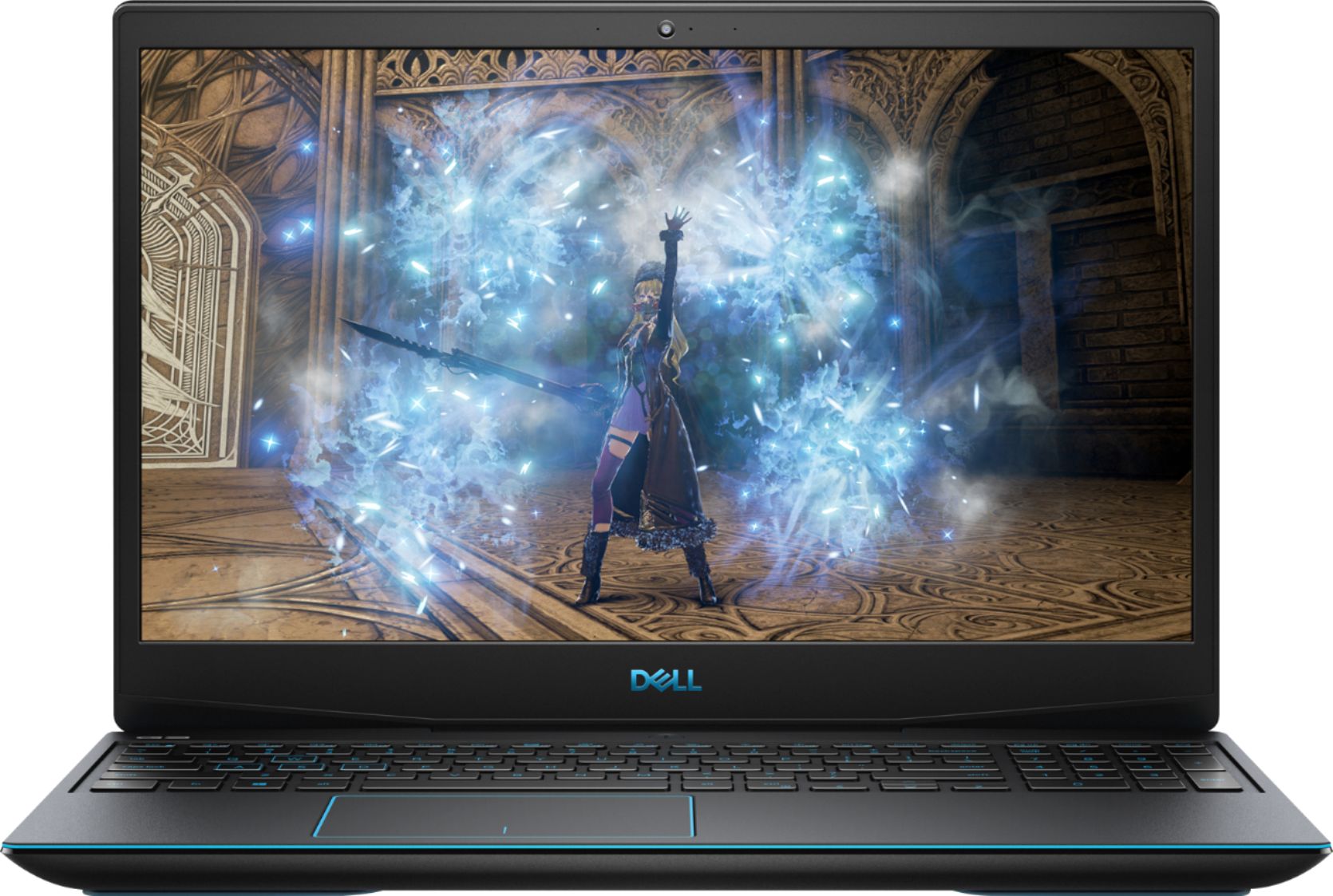

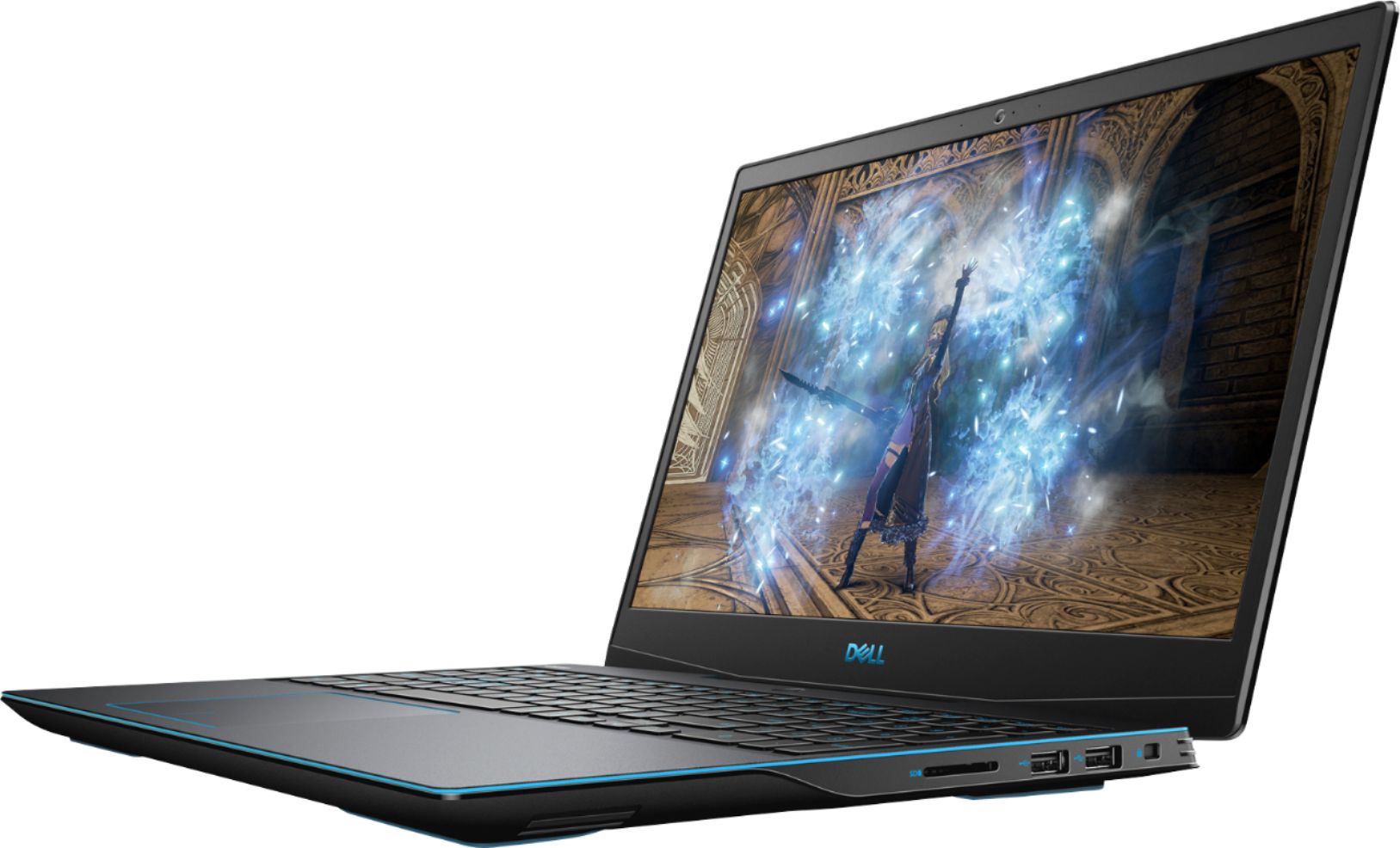
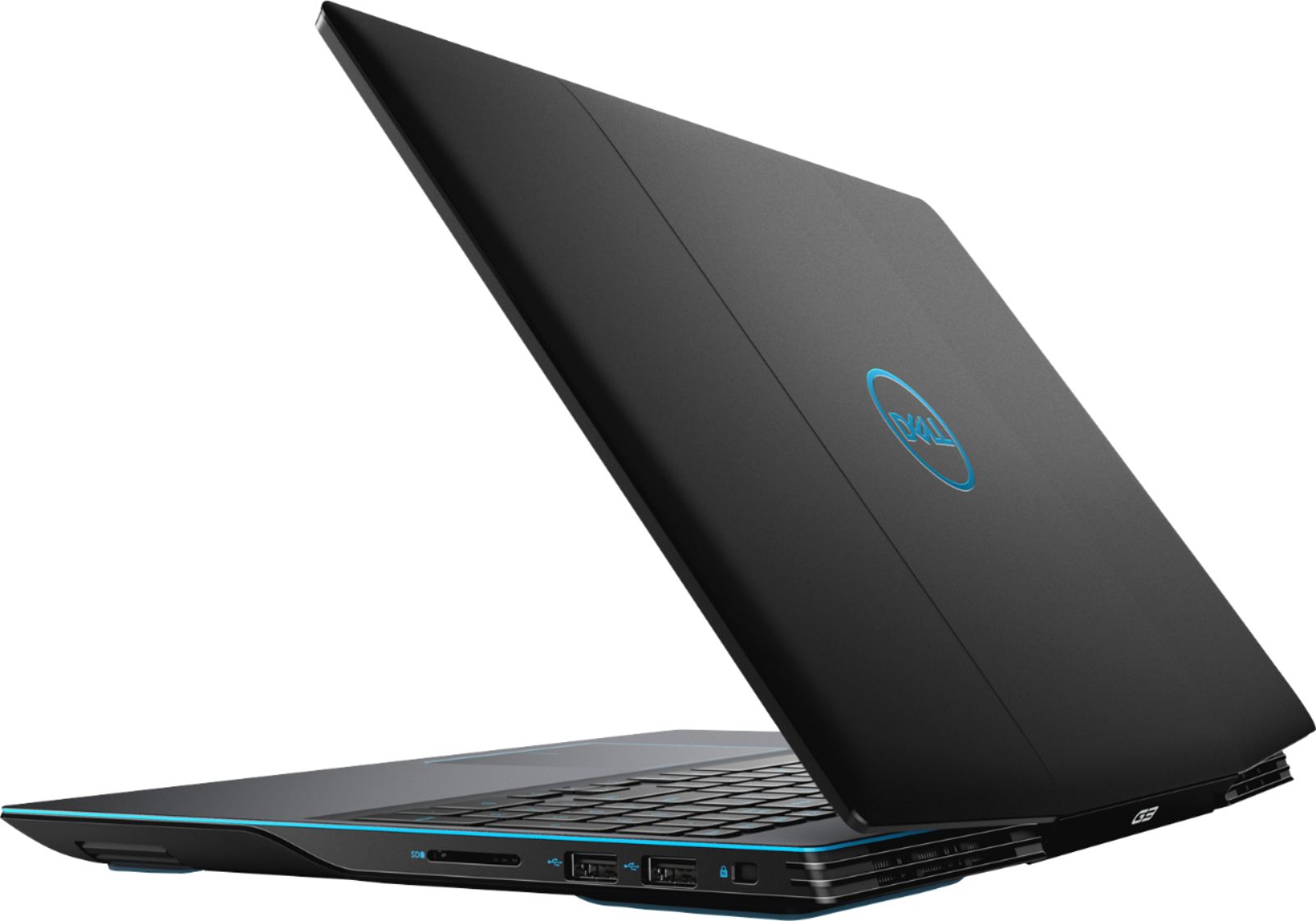
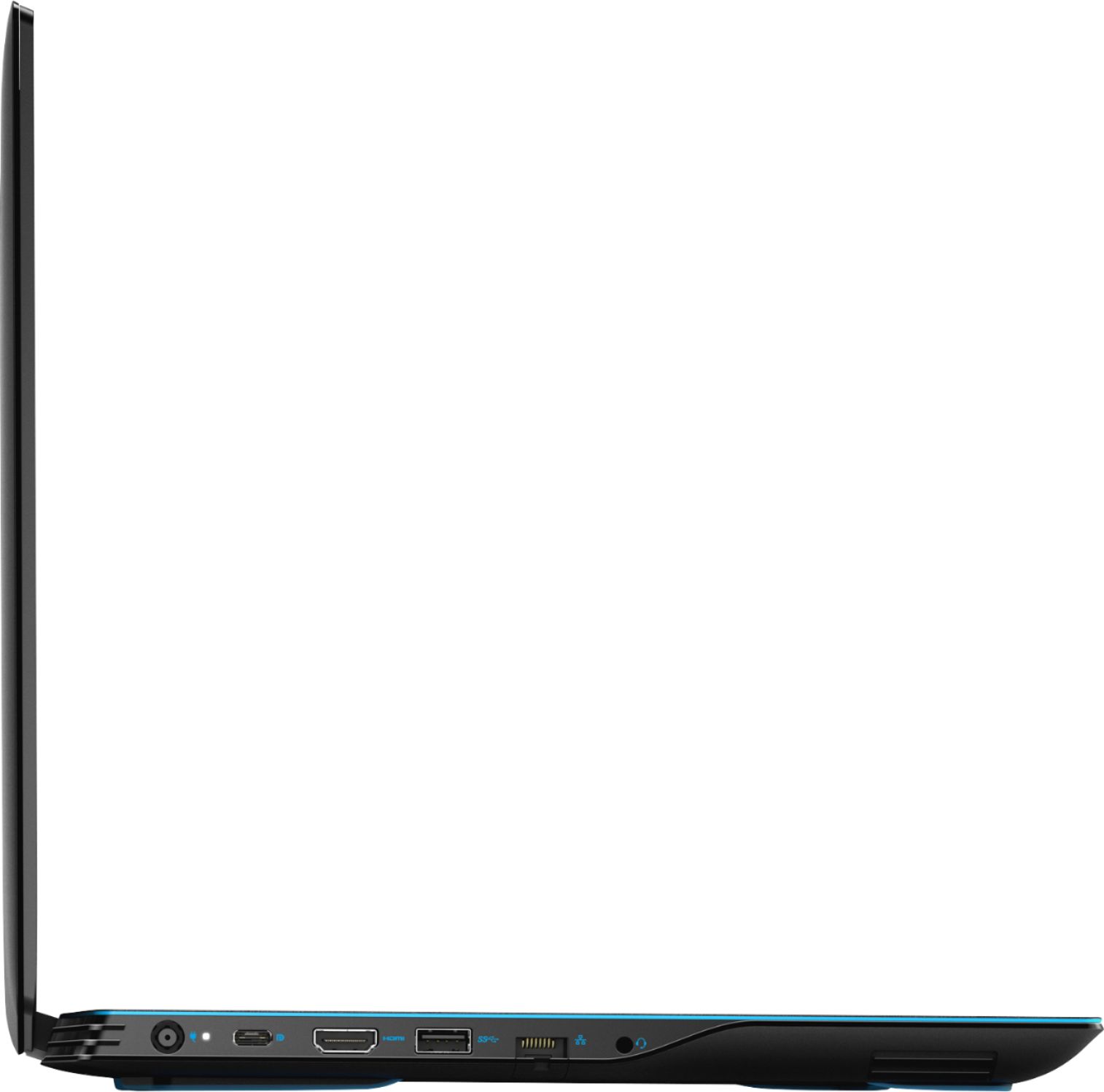
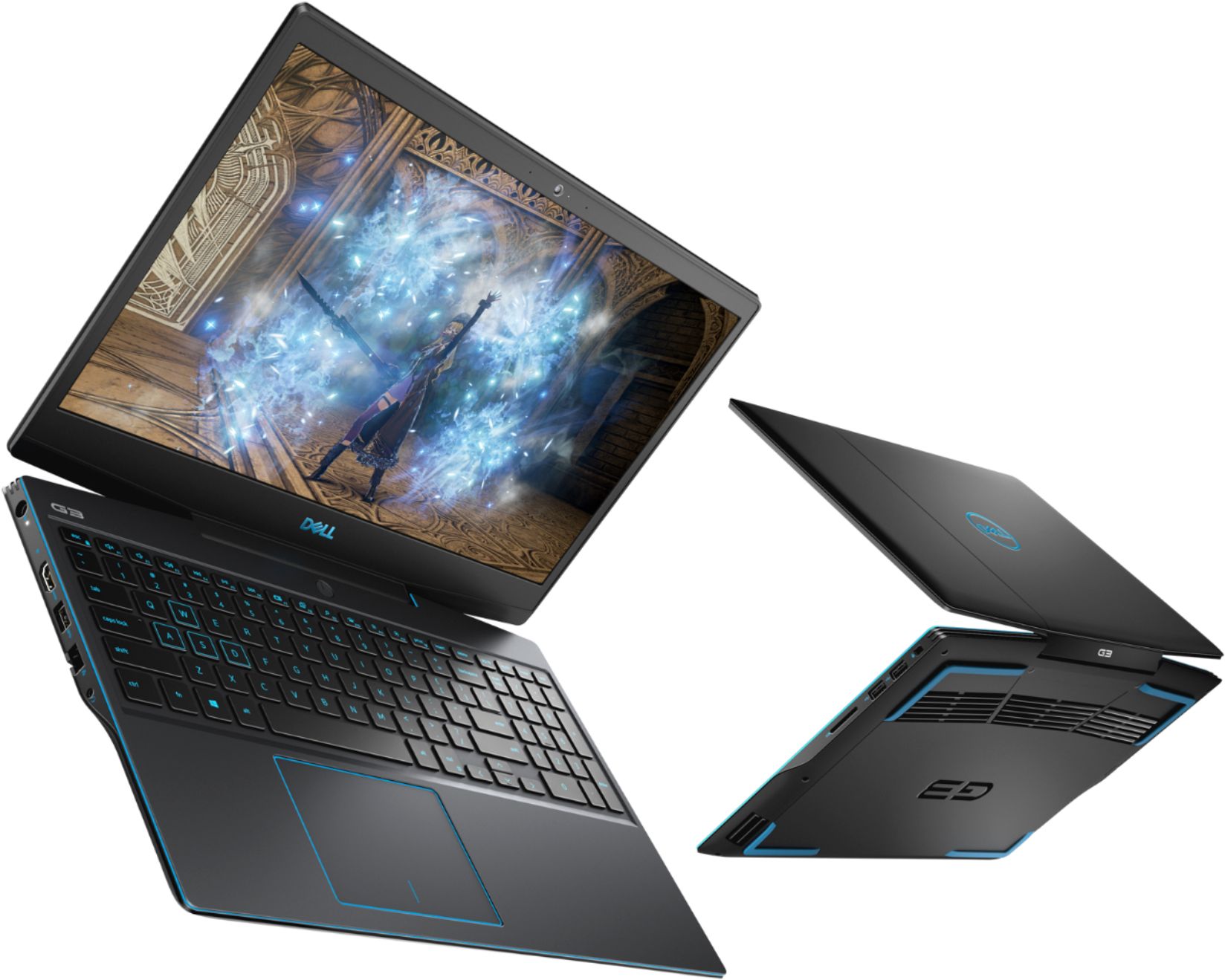
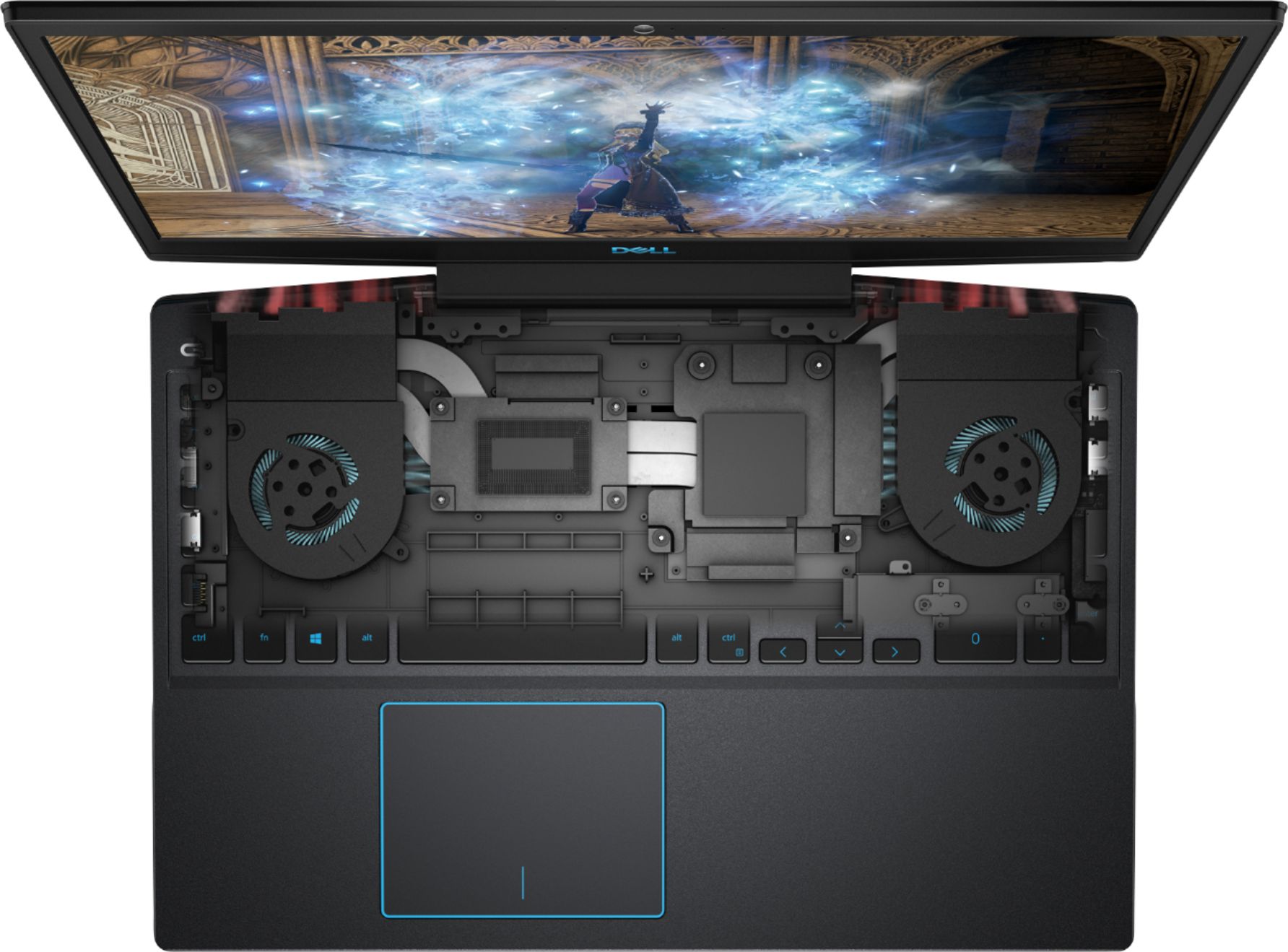

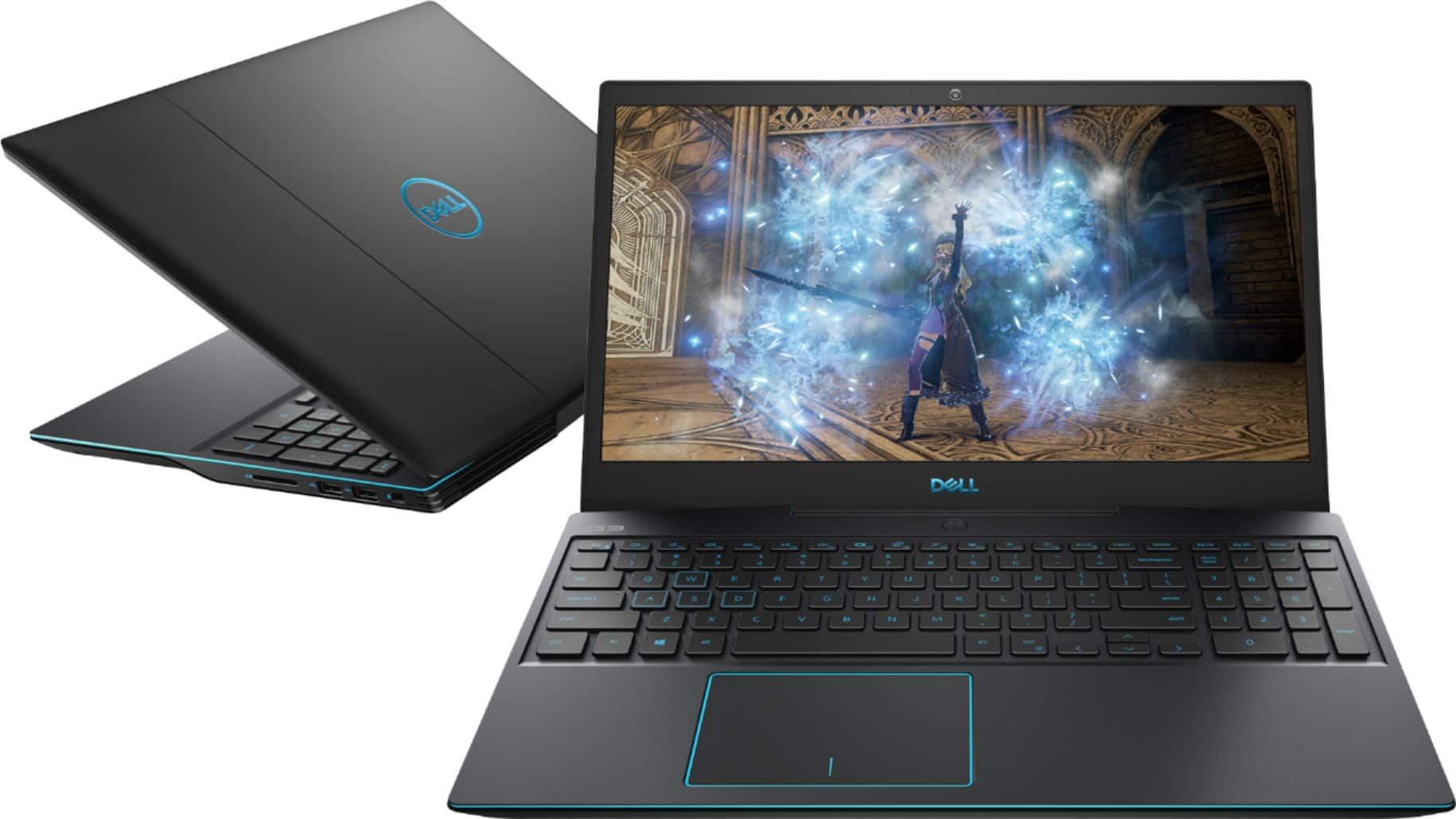
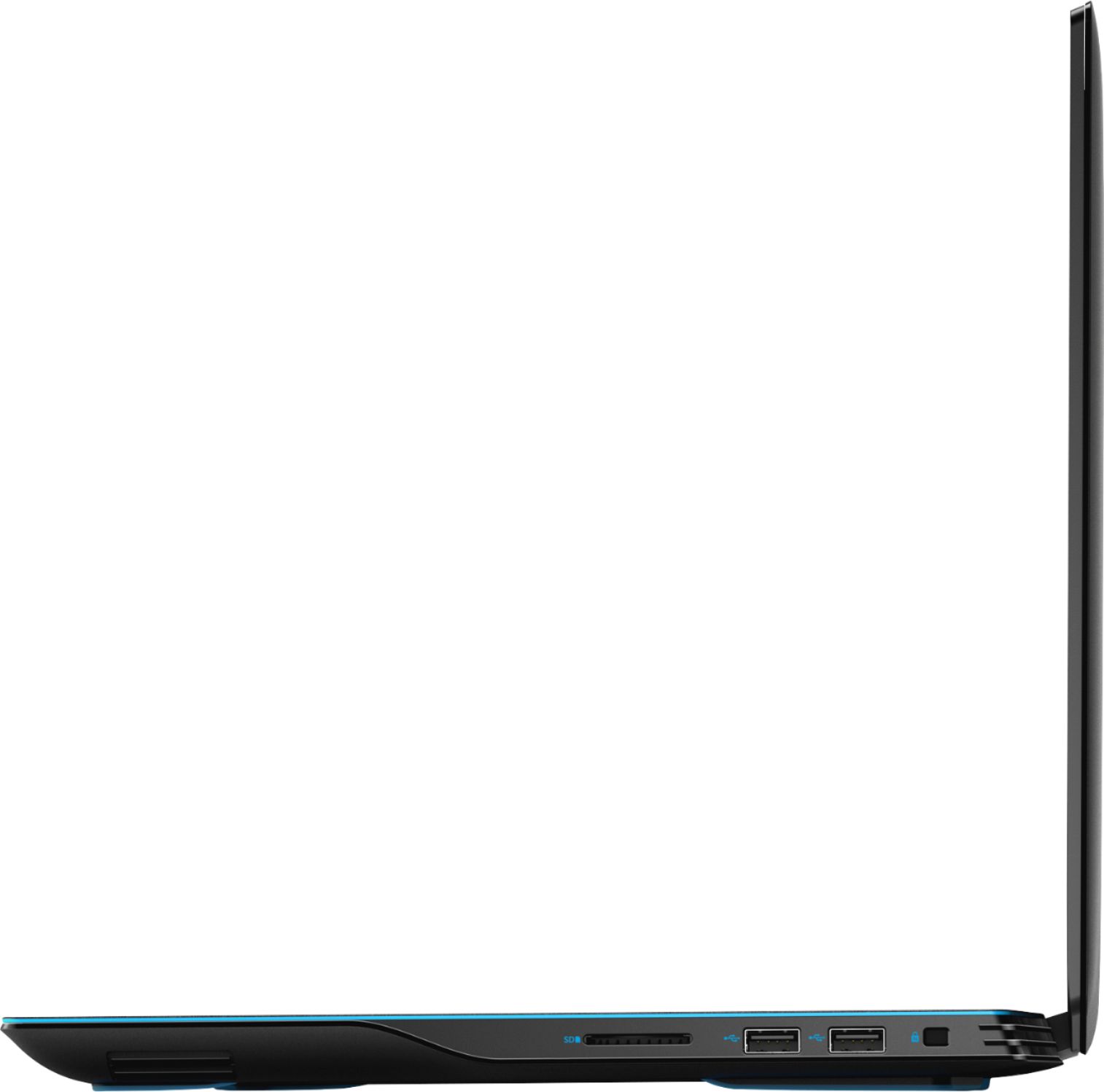
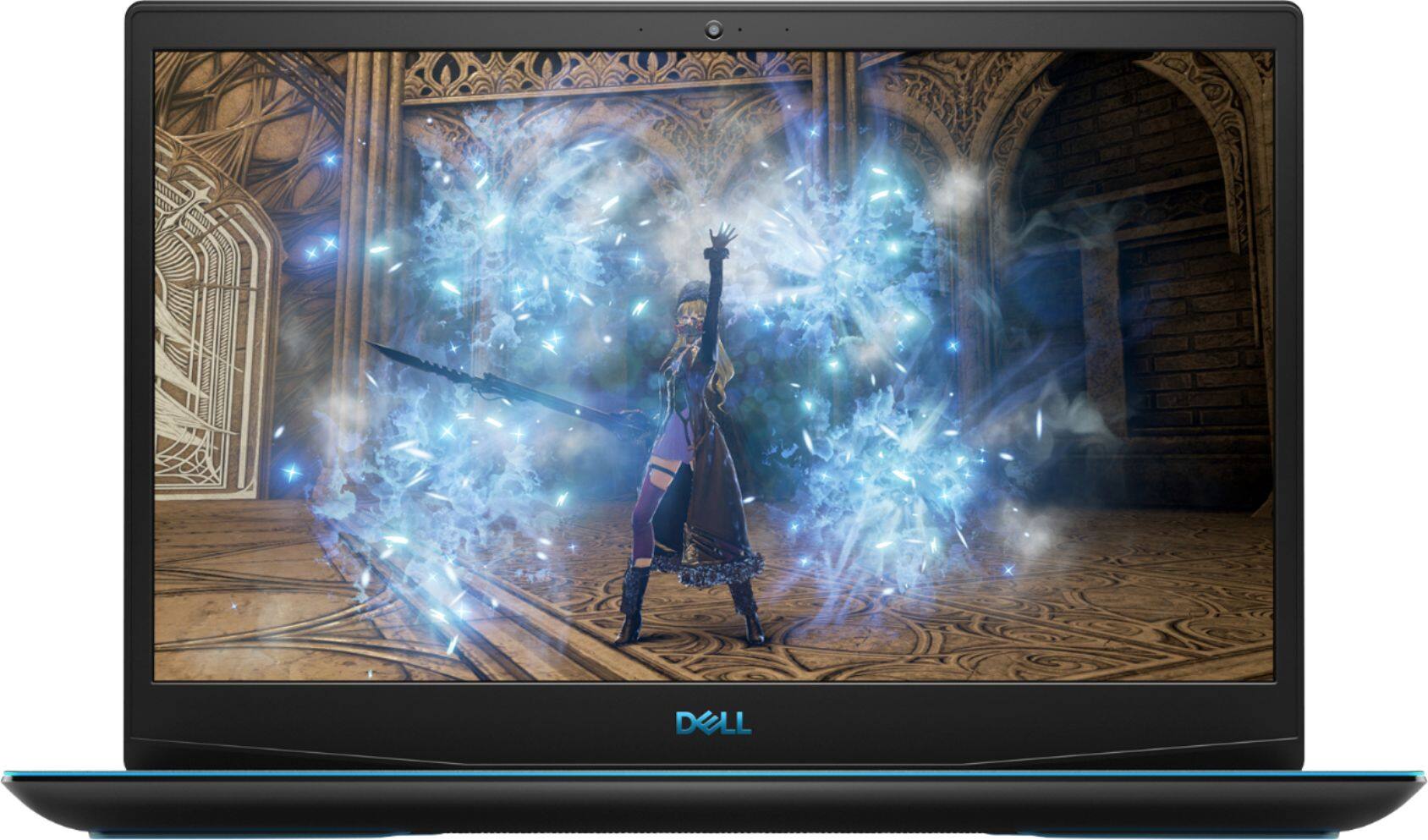
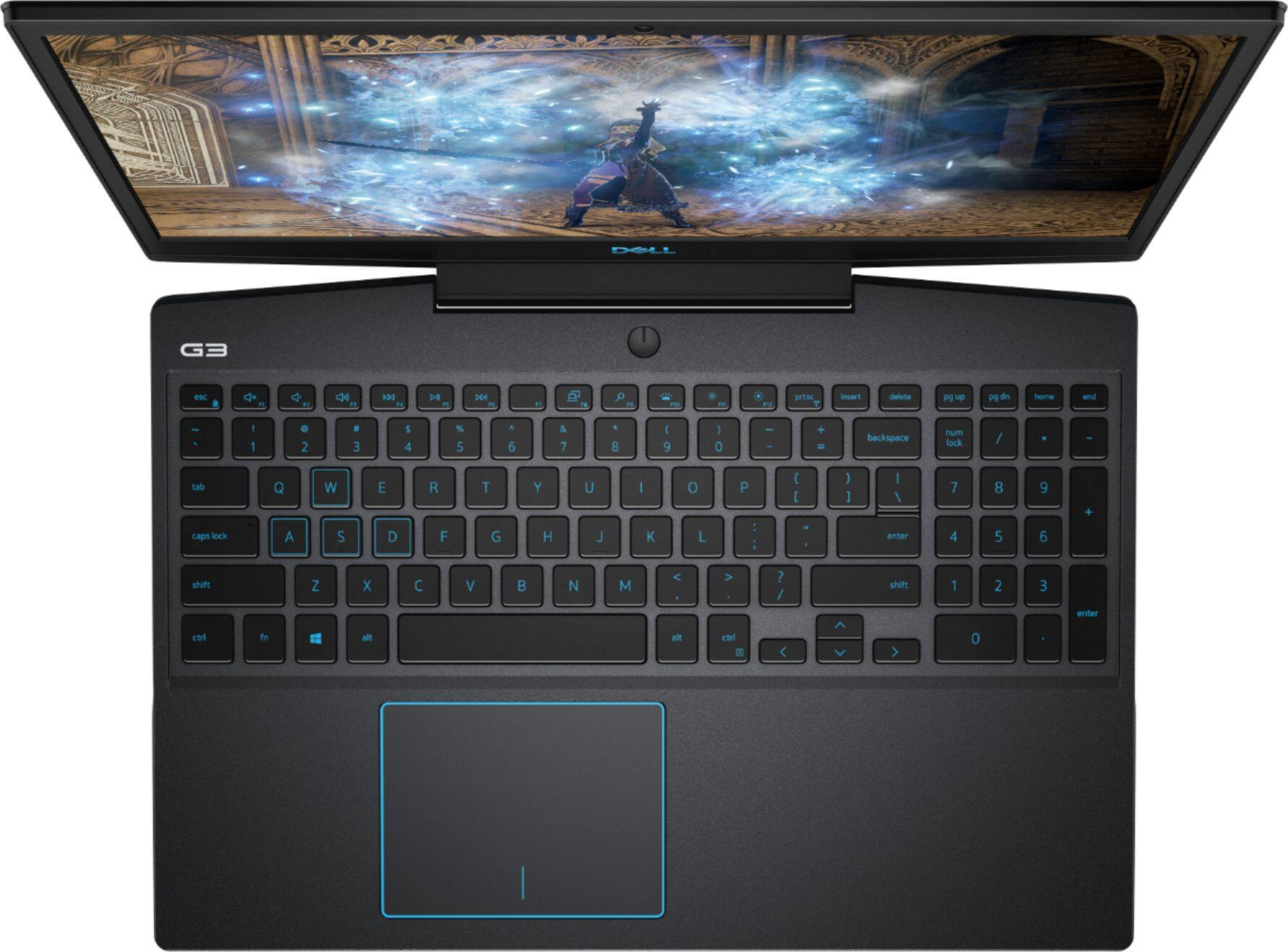
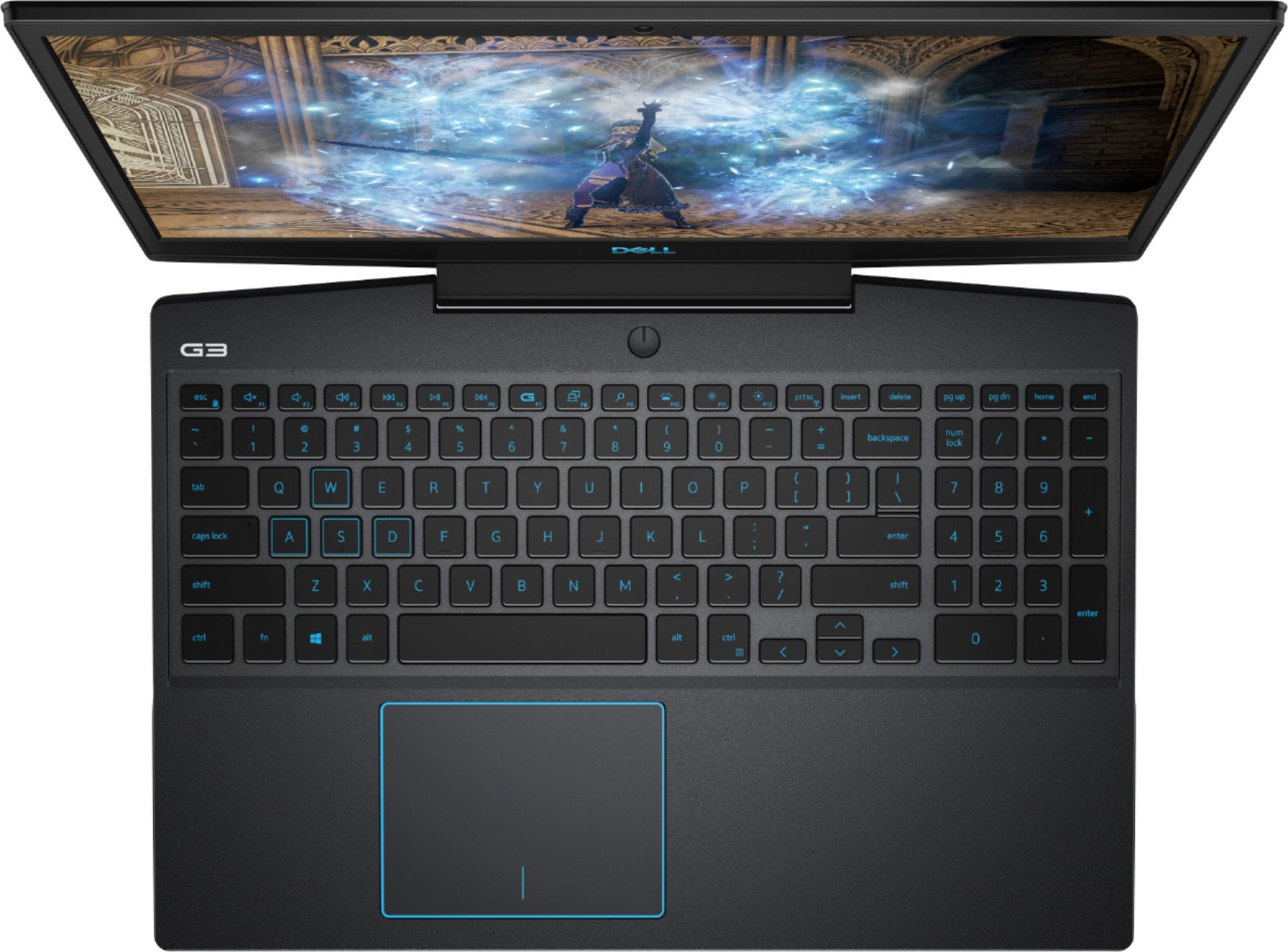
- Model:
- I3590-7957BLK-PUS
- SKU:
- 6350873
Rating by feature
- Battery Life
Rating 3.7 out of 5 stars
- Speed
Rating 4.2 out of 5 stars
- Display
Rating 4.0 out of 5 stars
Customers are saying
Customers commend the G3 15.6" Gaming Laptop's performance, graphics capabilities, and ease of use. Many appreciate its value for the price and the option to upgrade RAM and storage. However, some users note concerns regarding battery life, fan noise, and the laptop's tendency to generate heat. A few also mention the weight of the device and potential hinge issues.
This summary was generated by AI based on customer reviews.
- Cons mentioned:Battery life
Not worth the price
||Posted . Owned for 1 year when reviewed.This reviewer received promo considerations or sweepstakes entry for writing a review.The laptop sometimes randomly bricks itself, and the battery life has been terrible from the get go.
No, I would not recommend this to a friend IT DOESNT WORK WITH OCULUS RIFT S
||Posted . Owned for less than 1 week when reviewed.This reviewer received promo considerations or sweepstakes entry for writing a review.Over a month ago someone put up that oculus rift s is NOT compatible with this laptop, yet somehow its still advertised this way, not only online but by your techs at the store!!! I bought the laptop and had the rift delivered because its sold out in the area, just to spend an hour to find out the laptop DOES NOT have the display port needed for Oculus rift S. Now i have to take both back to the store when I can get away from work. This is blatantly false advertising.
No, I would not recommend this to a friendBrand response from YourDellTeam
Posted .Kayphilly81,
Thanks for letting us know about your concern. We're sorry that you were faced with this non-compatible bundle. We are currently addressing this bundle with Best Buy.
Please contact Best Buy directly with regards to your return or exchange options: http://bit.ly/2v2IVhI.
Best,
Bryan
1-800-624-9896
Very poor hinges, it last only few months
||Posted . Owned for 8 months when reviewed.This reviewer received promo considerations or sweepstakes entry for writing a review.Very poor hinges, it last only few months. I really disappointed. I couldn't claim the warranty since the hinges fall apart right after warranty period. Really disappointed. Other than that spec and the machine function well.
No, I would not recommend this to a friendBrand response from YourDellTeam
Posted .Hello Dil30,
Thank you for finding the time to share your experience. We do sincerely apologize for the experience you have been having with your G3. Your feedback is incredibly valuable as we take future products into consideration. We look forward to informing our engineers so as to explore what may be causing these issues and to address it appropriately.
Until then, we strongly encourage you get in contact with Dell Support directly at 1-800-264-9896 to explore coverage options under your warranty.
Best regards,
Wendy C.
Returning it
||Posted . Owned for 4 months when reviewed.This reviewer received promo considerations or sweepstakes entry for writing a review.This model is not worth this money, I got returned him and took 17” for almost same money.
No, I would not recommend this to a friendDecent
||Posted .This reviewer received promo considerations or sweepstakes entry for writing a review.Don’t buy open-box, I closed it and nothing was inside and it still broke.
No, I would not recommend this to a friend- Cons mentioned:Fan noise
Broken
||Posted . Owned for 1 week when reviewed.This reviewer received promo considerations or sweepstakes entry for writing a review.Laggy. No touch screen. Loud fan nono no dont buy it
No, I would not recommend this to a friendBrand response from YourDellTeam
Posted .Nono,
Thanks for your review we're sorry to hear that your computer is not performing the way that you hoped it would. If you'd like to see if your computer can perform any faster we'd recommend running the Windows Performance Troubleshooter:
1. Close all open windows.
2. Press the Windows logo key + X key on the keyboard.
3. Click Control Panel.
4. Click System and Security.
5. Under Security and Maintenance, select Troubleshoot common problems.
6. Under System and Security, click Run maintenance tasks.
7. Follow the on-screen instructions and prompts to complete the process.
8. Restart the PC.
You can read the full article here - http://dell.to/2tSulGV.
We're sorry that this computer model does not come with a touchscreen if you were hoping that it would.
Lastly, if you'd like to see if you can lessen the fan noise on your computer you can consider updating the BIOS:
An out-of-date BIOS can cause loud fan noises by having an outdated temperature table for the system. Refer to update BIOS and follow the instructions to update the BIOS on your computer. You can also follow up with our Technical Support Team here - 1-800-624-9896.
You can read the full article here - http://dell.to/2ENlXfz.
Best,
Bryan
1-800-624-9896
- Pros mentioned:Graphics, RamCons mentioned:Heat
Good performance, TERRIBLE cooling
Posted .This reviewer received promo considerations or sweepstakes entry for writing a review.This laptop has all the power I need to run virtually whatever game I want to, but power doesn't count for much when it overheats after just an hour of using that power. for context, my previous laptop, which had: Intel i3 processor 8 GB RAM AMD radeon R5 graphics card was able to run skyrim at "medium" quality with no issues. it was smooth and didn't overheat. at "high", I experienced lag, and at "ultra", the game barely functioned, and the computer began to overheat. it was annoying, but at least I *knew* when my computer couldn't handle any more. but This computer? it has intel i7 processor 16 GB ram NVIDIA GeForce graphics card I can run skyrim on "Ultra" quality with no issues at all. no stutter whatsoever. no warnings my computer is actually at the limit. nothing to indicate that it's overheating. If i hadn't touched the keyboard on a whim, it probably would have fried the motherboard after another hour. so now, to keep this powerhouse from overheating, I lower the quality down to "medium". which renders buying this laptop in the first place completely redundant. TLDR: Laptop is too powerful, overheats quickly and renders that power completely useless.
No, I would not recommend this to a friendBrand response from YourDellTeam
Posted .harambelives,
Thanks for your review and we're sorry to hear about the overheating issues that you've been having. Dell does have an enhancement for this system that was just released that should help with the thermal concerns that you have: https://dell.to/2KVegYj.
If you have any additional questions about your computer you can check our Product Support Page here: https://dell.to/2NSjl8n.
Best,
Bryan
1-800-624-9896
Computer crashed six weeks after purchase
||Posted .This reviewer received promo considerations or sweepstakes entry for writing a review.Computer crashed six weeks after purchase. I have only use this computer for work.
No, I would not recommend this to a friendBrand response from YourDellTeam
Posted .Hi TheConsultant,
We're sorry to hear about your computer crashing. We'd recommend these steps to help diagnose the crash:
1. At the desktop, click the Search the web and Windows box and type "problem reports".
2. Select View all problem reports to view a list of errors that have occurred on your computer and possible solutions for them, such as updating drivers, flashing your system BIOS, or checking for updates to the software.
3. Under the Source column, look for Windows and under Summary, look for Shut down unexpectedly.
4. Right-click the line item and select Check for a solution.
We'd also suggest checking to make sure that your software and drivers are up to date on Dell's Product Page - https://dell.to/2m3DPO3.
You can read the full article here - http://dell.to/2u98Cct.
Best,
Bryan
1-800-624-9896
Bad investment
||Posted . Owned for 10 months when reviewed.This reviewer received promo considerations or sweepstakes entry for writing a review.We bought this computer and within a month part of the plastic just snapped off. The company has not been able to replace it nor have they been willing to help replace the computer
No, I would not recommend this to a friendBrand response from YourDellTeam
Posted .Stevis123,
We're sorry that the build quality of your new computer did not meet your needs. Here are the terms of Dell's One Year Limited Warranty on our products so you know what is covered in the future: https://dell.to/39iwZuX.
Best,
Bryan
1-800-624-9896
WORSE COMPUTER EVER
||Posted . Owned for 1 month when reviewed.This reviewer received promo considerations or sweepstakes entry for writing a review.THIS COMPUTER CANT EVEN RUN ANYGAME! FREEZES ALL THE TIME, I BOUGHT A LAPTOP COOLER SUPPORT TO SEE IF HELPS BUT IT STILL NOT DOING ITS JOB! AT LEAST ONCE A DAY DELL SEND UPDATES AND MORE BUT ITS THE WORST COMPUTER I EVER HAD. IM ON MY LAST DAY OF QUARANTINE AND I WILL RETURN THIS PC
No, I would not recommend this to a friendBrand response from YourDellTeam
Posted .Dear Valued Customer,
We're sorry to hear about the performance issues that you had with your gaming laptop. We'd recommend this troubleshooting and BIOS update page for your system to see if it helps your computer's overall performance: https://dell.to/3jgQlm6.
Best,
Bryan
1-800-624-9896
Not well equipped
||Posted . Owned for 1 month when reviewed.This reviewer received promo considerations or sweepstakes entry for writing a review.Processing speed not as expected. Heavy thank other computer
No, I would not recommend this to a friendBrand response from YourDellTeam
Posted .Hello,
We're sorry to hear that your computer's performance is not what you were hoping it would be. We'd recommend checking out our Product Support Page to help with any questions that you may have: https://dell.to/2NSjl8n.
Best,
Bryan
1-800-624-9896
Junk
||Posted . Owned for 1 week when reviewed.This reviewer received promo considerations or sweepstakes entry for writing a review.Trash kept locking up even after second computer sucks
No, I would not recommend this to a friendBrand response from YourDellTeam
Posted .R2ives,
Thanks for your review. We're sorry to hear about your computer locking up on you. Here are some steps to help resolve your concern:
1. Run a Computer Diagnostic. To determine if your computer is experiencing a hardware problem, run the Dell Preboot System Assessment (PSA) Diagnostics. For information on how to run Diagnostics, and to determine the issue, refer to Dell Knowledge Base Article: http://dell.to/2iaiujA.
2. Check Safe Mode for Symptoms. To boot into safe mode, please follow the instructions below:
a) Start the computer.
b) Tap 'F8' on the keyboard immediately and every one second until the Dell logo screen disappears. From there you will see the Windows Advanced Options Menu on the screen. (If the Windows Advanced Options Menu does not appear, restart the system and try again.)
c) Select Safe mode with Networking and press Enter.
d) Log on as the administrator or as a user with administrative access.
e) Open applications and test the computer in safe mode. If the symptoms exist in safe mode, please continue the troubleshooting steps in this article. If the symptoms do not exist in safe mode, the issue is likely related to a driver or software and you may wish to complete step 3 to see if you are able to resolve the lockups or freezing.
3. Check for Malware. Malware (Virus, Spyware, etc.) can definitely cause a Windows system to lock up or appear to hang. To check for malware on your system and to ensure that your computer is up to date on security software, visit Dell Knowledge Base Article: http://dell.to/2wWP1zI.
You can read the full article here - http://dell.to/2tW5m33.
Best,
Bryan
1-800-624-9896
Unacceptable never buying Dell again.
||Posted . Owned for 1 year when reviewed.This reviewer received promo considerations or sweepstakes entry for writing a review.The hinges snapped in under two years. This laptop lived mostly as a desktop and left the home only a handful of times because when school started covid was in full swing so everything was online only.
No, I would not recommend this to a friendStay away
||Posted . Owned for 1 year when reviewed.This reviewer received promo considerations or sweepstakes entry for writing a review.Returned immediately. Poor design of where the screen lines up with the ents. The vents blew directly on the screen. After one day of gaming I noticed color change in screen
No, I would not recommend this to a friendLoose power cord. Useless Extended Warranty
||Posted . Owned for 1 month when reviewed.This reviewer received promo considerations or sweepstakes entry for writing a review.The power cord or connection is loose but I can't have it looked at under the extended warranty. It seems like when you buy an extended warranty they should let you know when they will start honoring them.
No, I would not recommend this to a friendBrand response from YourDellTeam
Posted .DigitalGirl,
We're sorry to hear about the issue that you're having with your power cord. You can read the terms of Dell's One Year Limited Warranty here: http://dell.to/2tNsVOs.
We hope that you'll be able to resolve your power cord issue soon.
Best,
Bryan
1-800-624-9896
Do not buy
||Posted . Owned for less than 1 week when reviewed.This reviewer received promo considerations or sweepstakes entry for writing a review.Just out of the box and started to update then blue screen and reboot. Haven't bought a Dell in along time I won't again.
No, I would not recommend this to a friendBrand response from YourDellTeam
Posted .Demo,
Thanks for your review. We're sorry to hear about the Blue Screen Errors that you've been experiencing. We'd recommend diagnosing the Blue Screen Errors with these steps:
1. At the desktop, click the Search the web and Windows box and type "problem reports".
2. Select View all problem reports to view a list of errors that have occurred on your computer and possible solutions for them, such as updating drivers, flashing your system BIOS, or checking for updates to the software.
3. Under the Source column, look for Windows and under Summary, look for Shut down unexpectedly.
4. Right-click the line item and select Check for a solution.
We'd also suggest checking to make sure that your software and drivers are up to date on Dell's Product Page - https://dell.to/2m3DPO3.
You can read the full article here - http://dell.to/2u98Cct.
Best,
Bryan
1-800-624-9896
Loved this laptop -- until it DIED < 6 months
||Posted . Owned for 4 months when reviewed.This reviewer received promo considerations or sweepstakes entry for writing a review.Purchased 4/13/20. Died 9/4/20. Otherwise a fast laptop. Even had a built-in Ethernet port.
No, I would not recommend this to a friendBrand response from YourDellTeam
Posted .customer,
We're sorry to hear about the issues that you had with your laptop. Please read Dell's One Year Limited Warranty Policy here to see if your computer qualifies: http://dell.to/2tNsVOs.
If you need to reach out to Dell Support for your Warranty needs you can reach them here: http://dell.to/2sH7Qlm.
Best,
Bryan
1-800-624-9896
Terrible computer
||Posted . Owned for 1 month when reviewed.This reviewer received promo considerations or sweepstakes entry for writing a review.Made in China not a reliable computer I’d rather settle for an Alienware new m15
No, I would not recommend this to a friendBrand response from YourDellTeam
Posted .Itsmejeff,
We're sorry to hear that your computer is not what you were hoping it would be. We'd recommend checking out our Product Support Page if you have specific questions: https://dell.to/2NcFuwV.
Best,
Bryan
1-800-624-9896
Ok computer
||Posted . Owned for 2 weeks when reviewed.This reviewer received promo considerations or sweepstakes entry for writing a review.Didn’t care at all for laptop returned after 2 days
No, I would not recommend this to a friend- Pros mentioned:Graphics, Performance
Great performance at a great price!
Posted .This reviewer received promo considerations or sweepstakes entry for writing a review.I have had the Dell G3 for about a day and last night had my first gaming marathon on it. It was a fantastic experience! I upgraded from a 1050 and the difference is apparent essentially from boot up. The M.2 SATA drive is very quick and is a decent size at 512 gb. I am going to get a 2.5” SATA though for my games. I tested the Witcher 3, Metro Exodus, Borderlands 3, Farming Simulator 19, American Truck Simulator and Red Dead Redemption 2 last night and was able to play all of them at ultra at between 50-100 fps. I played all games on performance mode. Total game time between all of the aforementioned titles was about 10 hours. I undervolted the CPU by 0.141 V using Throttlestop. I recommend an undervolt in this system or any laptop because it lowers Thermal throttling substantially. Undervolting is very simple and there are several online videos to teach you how to do it. I experienced no thermal throttling and the GPU and CPU stayed at 70-90 degrees Celsius. Even after 10 hours of heavy use, the system was cool to the touch. Good job on this system Dell. If you want a gaming laptop, you can’t beat the performance of the G3, especially at the price.
I would recommend this to a friend