Customer Ratings & Reviews


- Model:
- I3590-7957BLK-PUS
- SKU:
- 6350873
Rating by feature
- Battery Life
Rating 3.7 out of 5 stars
- Speed
Rating 4.2 out of 5 stars
- Display
Rating 4.0 out of 5 stars
Customers are saying
Customers commend the G3 15.6" Gaming Laptop's performance, graphics capabilities, and ease of use. Many appreciate its value for the price and the option to upgrade RAM and storage. However, some users note concerns regarding battery life, fan noise, and the laptop's tendency to generate heat. A few also mention the weight of the device and potential hinge issues.
This summary was generated by AI based on customer reviews.
- Pros mentioned:Speed
Dell G3
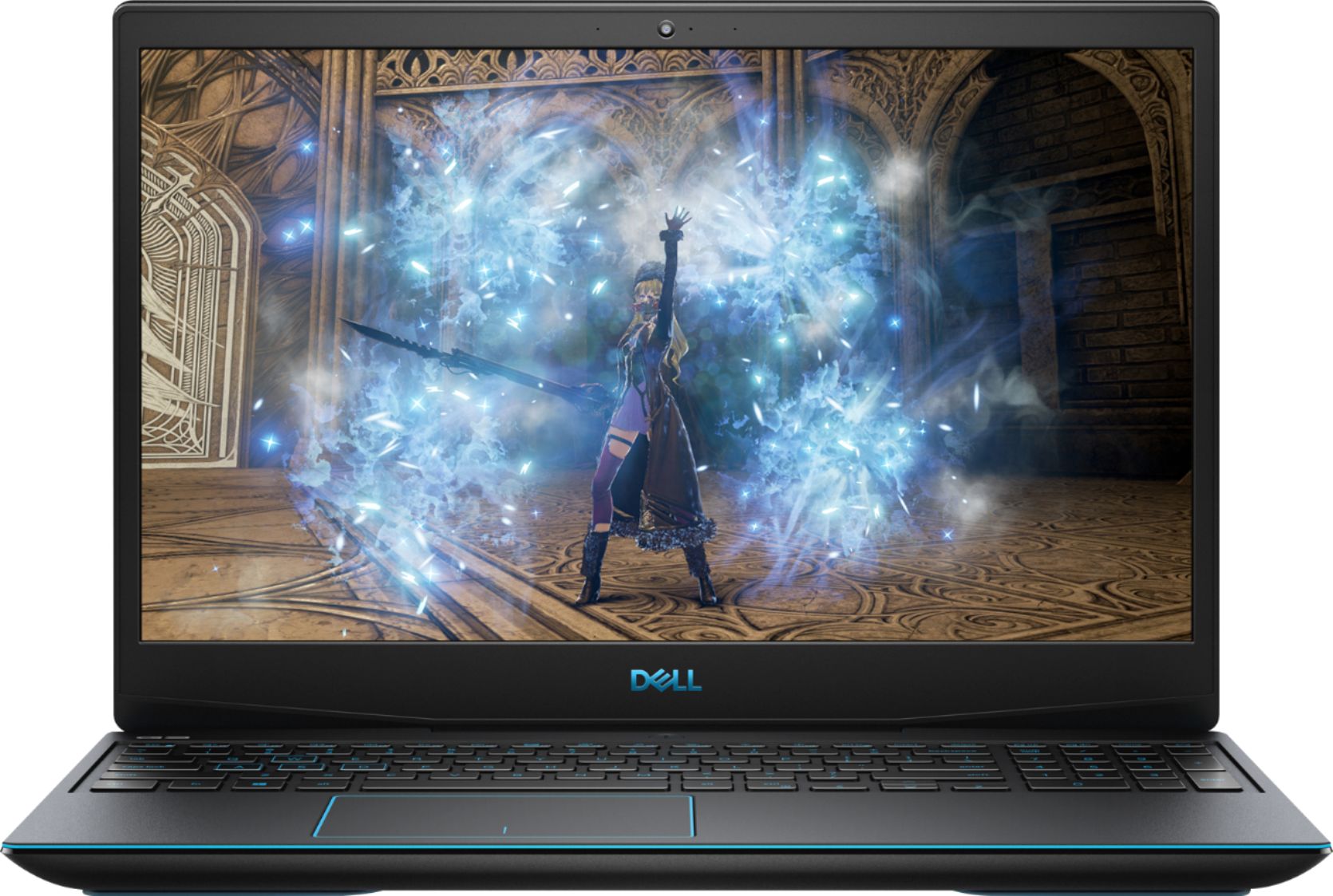
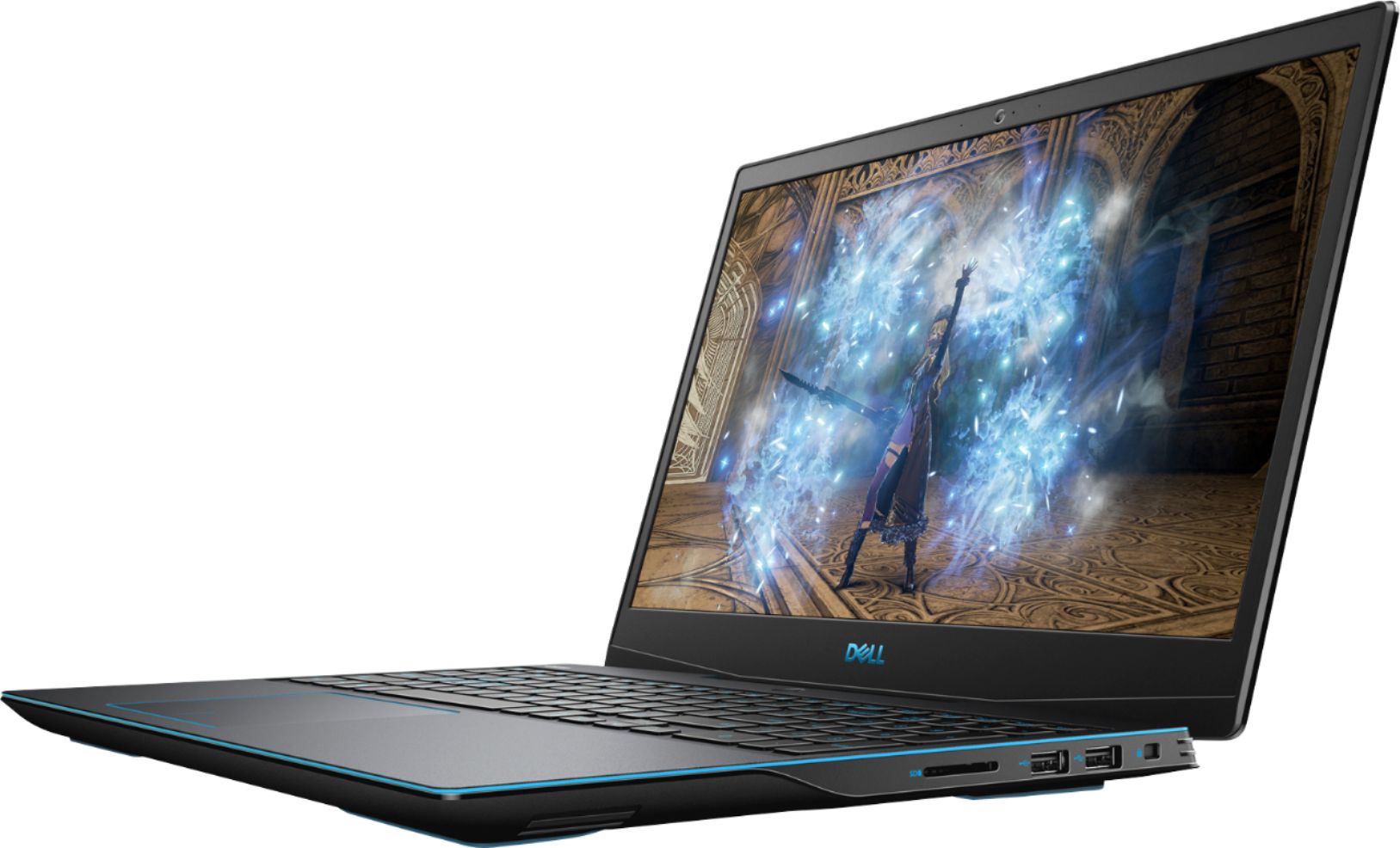
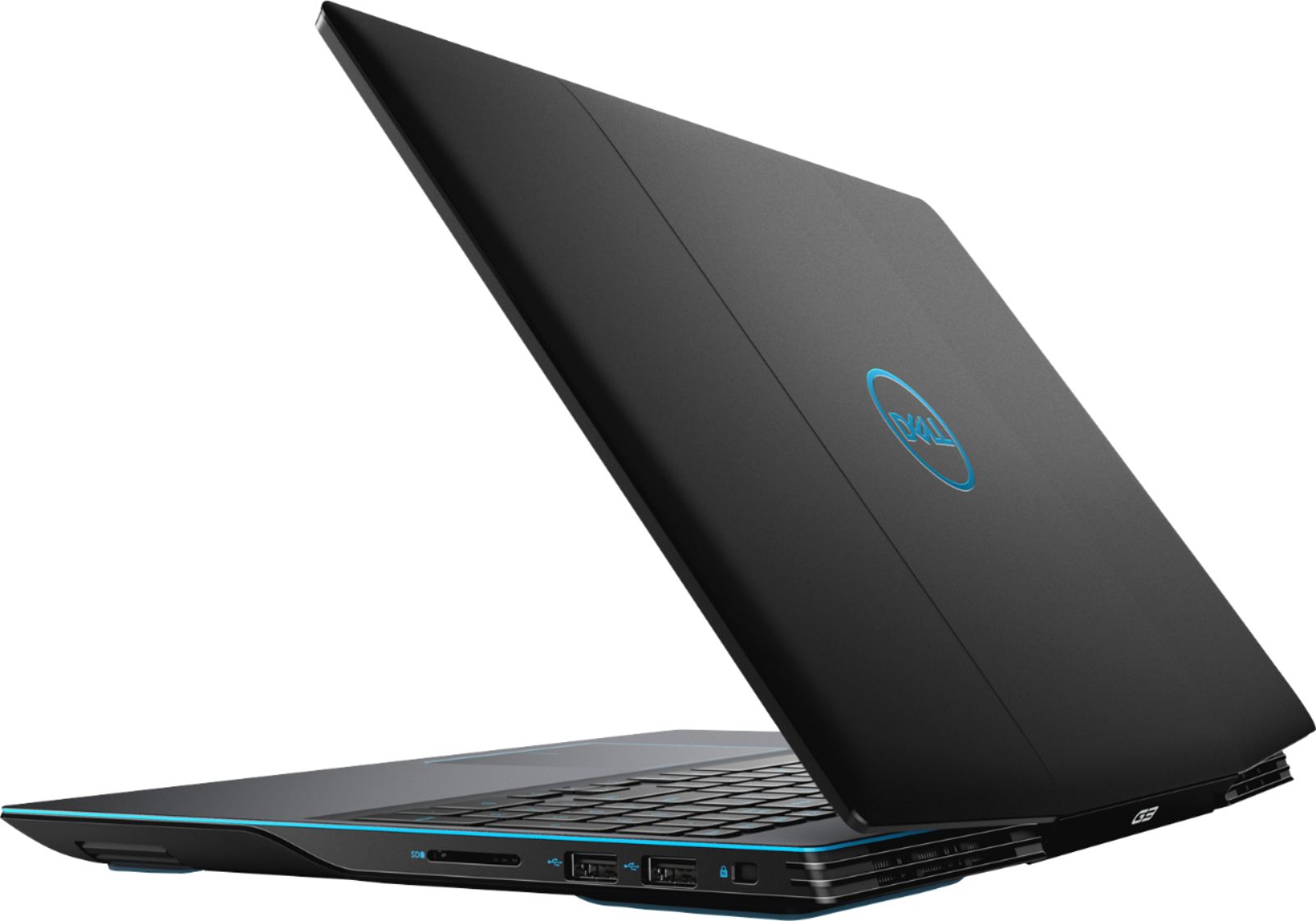
Posted .This reviewer received promo considerations or sweepstakes entry for writing a review.This is a short review on the Dell G3 with the i7, 16 ram and 1660ti video card and 512gb SSD. i say this as there are other iterations of the G3 and i dont want to group this with the others. From Dells website this is the best G3 that you can buy. When i first got this almost 1 month ago there was no reviews and nothing to go by, but the aforementioned stats spoke for themselves, so i took the plunge and bought it. The first thing I did was update everything first as this is something that should be absolutely done before first use. My main use for this is all CAD platforms mainly SolidWorks and CREO. I have to say that this is one fast computer and i have had zero issues with anything on this computer. One thing to mention is like one other person stated, make sure to make the GTX1660ti as your main video card so that the computer is not choosing between the integrated one or the one that makes this computer very expensive. I love this computer and hopefully it lasts for quite a few years. Dell/Alienware is a respected brand so I believe it well. I got this when it first came out like i mentioned but at 1079.00 which was a great deal
No, I would not recommend this to a friend reliable laptop
Posted .This reviewer received promo considerations or sweepstakes entry for writing a review.This is a very reliable laptop. I am still using this up to now. great design. I just replaced the battery 4 months ago and now still working fine.
I would recommend this to a friendRecommend!
Posted .This reviewer received promo considerations or sweepstakes entry for writing a review.Love it! I use it for school and streaming, browsing, shopping or research. Works great
I would recommend this to a friend- Cons mentioned:Battery life
Nice up front, Disaster after purchase
Posted .This reviewer received promo considerations or sweepstakes entry for writing a review.The screen on this laptop was styled like laptops I remember using in mid 2000s. Not 4K or OLED or anything. Also very cheaply made parts due to cutting corners to include the specs it has. I had this laptop for only a couple weeks or so when I dropped it maybe 2 feet off the ground, it lands on it’s plugged-in charger and starts sparking. To my dismay, this fried the battery and completely bricked the laptop. The shop I took it too couldn’t figure out how to fix it
No, I would not recommend this to a friend Great Model
Posted .This reviewer received promo considerations or sweepstakes entry for writing a review.Great computer. I play intensive games, never overclocked or streamed on this computer just used for playing games. Runs everything I've tried with ease.
I would recommend this to a friendBest Lapto for work
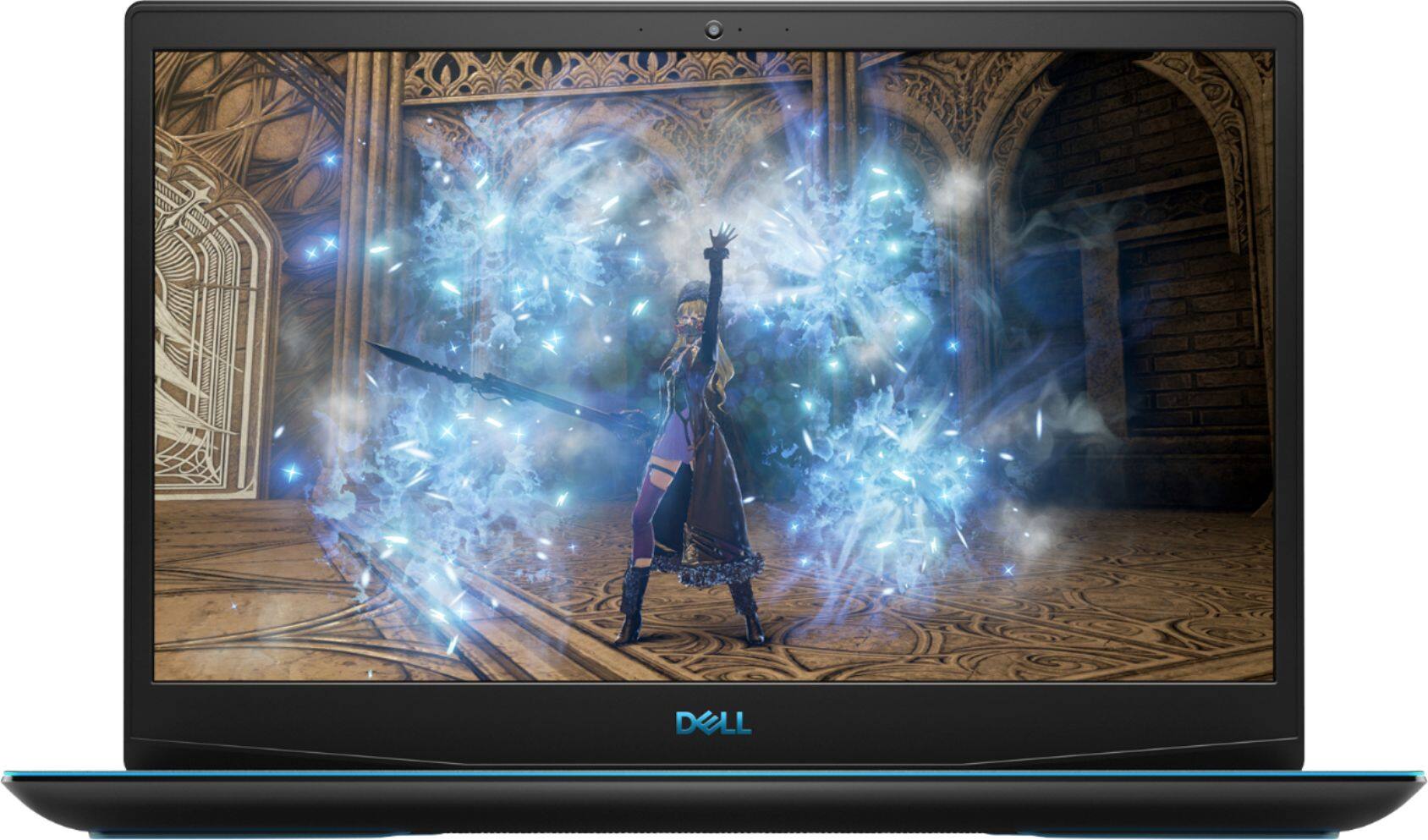
Posted .This reviewer received promo considerations or sweepstakes entry for writing a review.EXCELLENT EQUIPMENT AND PERFECT for gaming and editing photos and viseos professionally, onky downside that the hinges can fail
I would recommend this to a friend- Pros mentioned:Performance
great job
Posted .This reviewer received promo considerations or sweepstakes entry for writing a review.great laptop! good for gaming and very easy to use
I would recommend this to a friend Good PC
Posted .This reviewer received promo considerations or sweepstakes entry for writing a review.Materials are good, the design can be better, but it is out of personal opinion.
I would recommend this to a friendNo problems for 3 years... then...
Posted .This reviewer received promo considerations or sweepstakes entry for writing a review.3 years and the fans have failed. Otherwise strong laptop.
I would recommend this to a friendDecent College Gaming Laptop
Posted .This reviewer received promo considerations or sweepstakes entry for writing a review.Very good gaming laptop. Lasted me through a couple years in college with very heavy gaming use. Also did a lot for me for classes. It does have some storage issues but that’s about it. Overall pretty solid choice if you have to wait to build a computer.
I would recommend this to a friendGood for the Price Point
Posted .This reviewer received promo considerations or sweepstakes entry for writing a review.I bought it open box so I actually can't complain, but for almost $1,300 retail it could have had a little more storage or a better screen. My main complaint would be that it get's pretty hot, CPU reaching 100°C when playing most games, but you can undervolt it and apply better thermal paste if keen. I'm also replacing the 60hz LED screen with a 144hz, as it's actually pretty easy. Overall satisfied with the whole ordeal.
I would recommend this to a friend- Cons mentioned:Hinge
DO NOT BUY THIS
Posted .This reviewer received promo considerations or sweepstakes entry for writing a review.Initially, I bought this laptop thinking I could play games on it and do work. I was sorely mistaken. After about a month the laptop became extremely hot, the frame rates went from around 120-140 on low settings to 20-60 and they would randomly peak and drop. Not only this, but the WiFi card is horrible so the internet cuts out constantly. The cherry on top is the fact that the hinge is broken so I can't close it and take it with me anywhere without pieces literally falling out of it, and apparently that is a manufacturer's defect that I will be shelling out money to fix. And now, even though I paid too much money for a warranty and it has never even left my desk, I will be paying at least $80 to send it in for inspection and probably more to have it fixed. I cannot express enough how disappointed I am with this purchase and I urge anyone reading this to never buy this laptop.
No, I would not recommend this to a friendBrand response from YourDellTeam
Posted .Dear Valued Customer,
We're sorry to hear about the issues that you've had with your computer so far. We'd recommend reading these recommendations for operating your computer at a cooler temperature:
Tips for Proper Usage:
1. Dell does not recommend placing portable systems directly on your lap. Due to reductions in the thickness of modern portable systems, heat transfer can be an issue.
2. Using a portable system (Laptop) on a hard, flat, non-cloth surface will increase airflow and reduce heat from underneath and inside the system.
Using the portable system on a blanket, pillow, or other types of cloth will cover up the fan cause the computer to overheat and can cause permanent damage.
3. It is recommended to use the portable system in a Room temperature of 0°C to 35°C (32°F to 95°F) with a Humidity level no greater than 90%.
4. Use compressed air to clean the vents on a regular basis.
5. Using a cooling pad can decrease heat and increase performance.
6. If you want to know the temperature limitations for your system, go to the Dell Support Website, look up your system model then open the user guide under the manuals link.
You can read the full article here - http://dell.to/2uJ8AdG.
If you need to update the WiFi on your computer you can follow these instructions:
1. Download and install the latest Wireless Card driver. (https://dell.to/2th3Tpe) After updating the driver, re-establish the connection with the Wireless Access Point and check the wireless performance.
2. If the issue persists, proceed to step 3.
3. Power-cycle the local network. Shut down the Dell system, the Wireless Access Point/Router and the Modem. Wait a minimum of 60 seconds before powering up the components in the following order:
4. Power ON the Modem, and wait for it to boot fully.
5. Power ON the Wireless Access Point/Router, and wait for it to boot fully.
6. Power ON the Dell system.
7. Open Network and Sharing Center
8. In the left side navigation pane, click on Change Adapter Settings
9. Right click on the wireless connection icon and select Properties followed by the Configure button
10. Under Wireless Options, select the Wireless N mode
11. For Windows 8 or later systems click the Advanced tab and look for 802.11n Mode on the right you will be given the option to Enable or Disable. If the mode is not visible you may need to update your drivers and firmware.
12. From the drop-down menu, choose Disable followed by Ok
13. This should restore the wireless download and upload speed. Internet speed can be tested at http://speedtest.net.
We hope that your computer will be able to be fixed to your satisfaction. If you have any technical questions you can check our Product Support Page here: https://dell.to/2NSjl8n.
Best,
Bryan
1-800-624-9896
Great computer
Posted .This reviewer received promo considerations or sweepstakes entry for writing a review.Have been doing some pretty serious gaming on this laptop for 3 years now and is still running great
I would recommend this to a friendi should building my own desktop
Posted .This reviewer received promo considerations or sweepstakes entry for writing a review.I bought this laptop about 9 months ago. I was super happy I could play games anywhere am casual gamer due to my job and family I thought it would better get a med to a high-level laptop. but I was wrong something went super wrong with the GPU. my laptop doesn't find the Nvidia GPU or doesn't have it in the system. went through fixing it video then I got contact with dell support. after talking to them they couldn't find any issue on how to fix. I give up trying to find the issue at the moment the laptop is being used for basic task around the house. because after the NVIDIA GeForce GTX 1660Ti went bad my HDMI port stop working . am not going waste money to get repair
No, I would not recommend this to a friendBrand response from YourDellTeam
Posted .ikki,
Thank you for reaching out to Dell for support with your gaming laptop. We're sorry to hear about the issues that you're having. Please take a moment to look into Dell's One Year Limited Warranty to see if your computer may qualify: http://dell.to/2tNsVOs.
If you need additional support please don't hesitate to reach out to Dell's Support Team again: http://dell.to/2sH7Qlm.
Best,
Bryan
1-800-624-9896
MD
Posted .This reviewer received promo considerations or sweepstakes entry for writing a review.good PC and cheap, Little bit noisy, you're not gonna regret
I would recommend this to a friendHinge issue
Posted .This reviewer received promo considerations or sweepstakes entry for writing a review.Hinges are horrible and if you look on the web you will find numerous reports and video
No, I would not recommend this to a friendDecent for gaming, but bad lifespan.
Posted .This reviewer received promo considerations or sweepstakes entry for writing a review.I have had this computer for 3 months and already the hard drive died. This also happened to my freind that bought the same model computer. If you plan on upgrading storage right away I would not recommend this computer.
No, I would not recommend this to a friendBrand response from YourDellTeam
Posted .Parker,
Thanks for your review. We're sorry to hear about the trouble that you've had with your computer so far. Dell does offer a One Year Limited Warranty on our products that you can find out more about here: http://dell.to/2tNsVOs.
Best,
Bryan
1-800-624-9896
Poor quality
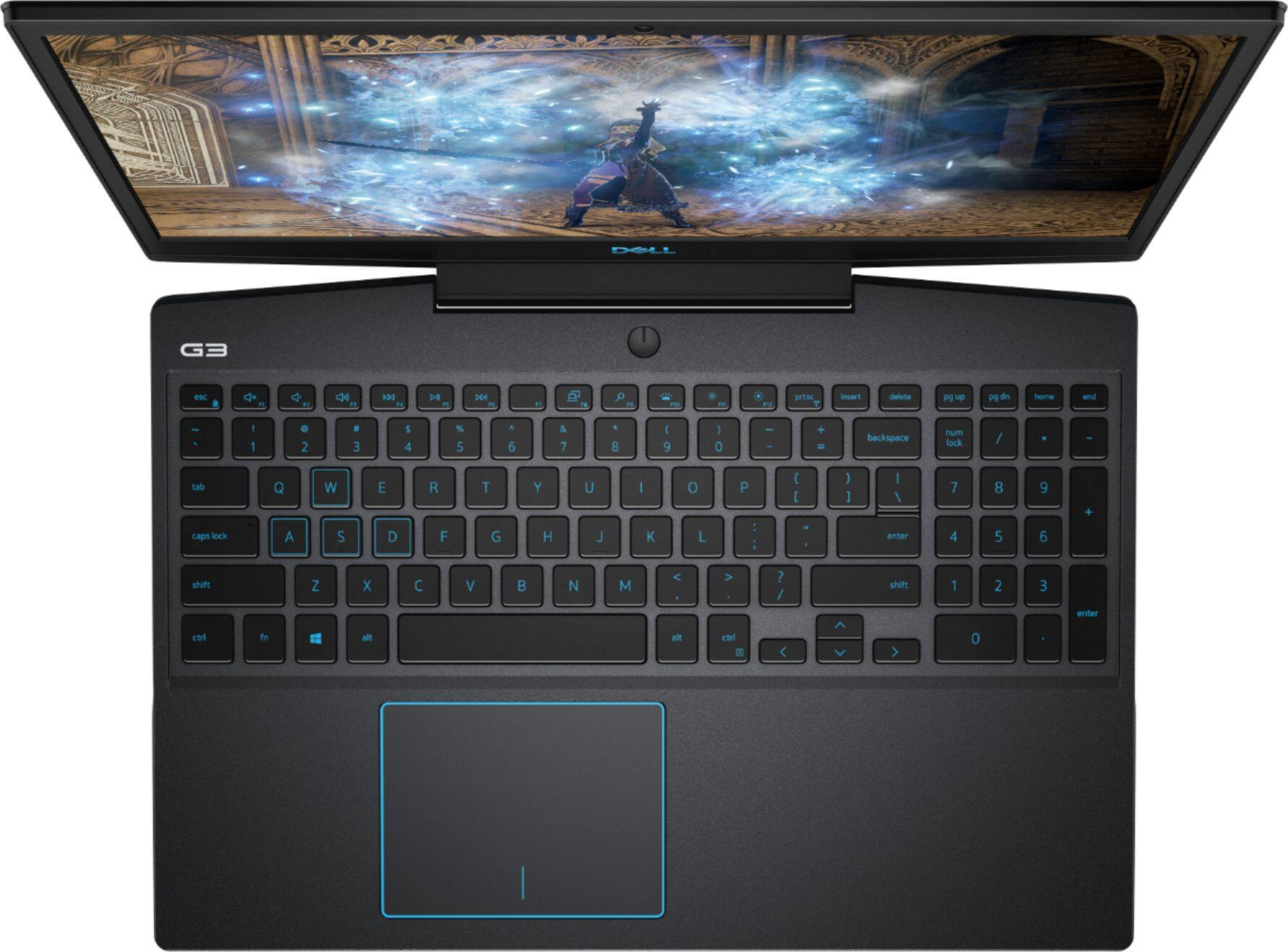
Posted .This reviewer received promo considerations or sweepstakes entry for writing a review.Initially, I loved this laptop. It provided great performance for the price. In the two months since I purchased it, I have had three problems: 1. The audio from the speakers randomly mutes. 2. The "Enter" key sticks and the keyboard is of poor quality. 3. The bluetooth card failed. For a $1249 laptop, hardward should not be failing. This is my second Dell laptop, the first one had a hard drive failure. After hardware failures on two separate machines, I cannot recommend this computer or Dell in general.
No, I would not recommend this to a friendBrand response from YourDellTeam
Posted .nonickname,
Thanks for your review. We're sorry to hear about the issues that you've faced with your laptop. We'd recommend that you check to see if there are any updates to the audio drivers on your computer: https://dell.to/2m3DPO3.
If the bluetooth card on your computer is no longer working you can read about Dell's One Year Limited Warranty on products here: http://dell.to/2tNsVOs.
We hope that your computer will work the way you'd like it to soon.
Best,
Bryan
1-800-624-9896
Not a bad product although very hot.
Posted .This reviewer received promo considerations or sweepstakes entry for writing a review.Windows doesn't allow me to under volt my CPU because of plunder volt. plz help my computer is consistently hitting 100c on minor games like csgo.
No, I would not recommend this to a friendBrand response from YourDellTeam
Posted .bt123,
Thanks for your review and we're sorry to hear about the overheating that you're experiencing. We'd recommend the following tips for your Gaming laptop:
1. Update your computer BIOS to the latest version available
• Browse to the Dell Drivers & Downloads page:
• Ensure you have selected the correct Operating System
• Under Category, choose BIOS
• Locate the latest System BIOS
• Click Download and save the file to your PC
• Open File Explorer and browse to the location where you saved the downloaded file
• Double-click the BIOS setup file and follow the on-screen instructions to complete the installation process
2. Open Alienware Command Center
3. Click Thermal at the Active Default Theme and set it to Performance
4. Restart the computer
5. Once the computer boots into Windows open SupportAssist
6. Go to the Troubleshooting tab and click on I want to check a specific piece of hardware
7. Click CPU under CPU Devices
8. Select CPU Stress Test and click Run Test
9. Open the Alienware Command Center and go to the Fusion tab
• The CPU peak temperature should be less than or equal to (≤) 100 ℃
• When under high stress, the computer's average temperature can be expected to be less than (≤) 100 ℃.
Best,
Bryan
1-800-624-9896
DO NOT BUY. BUNDLE IS NOT COMPATIBLE
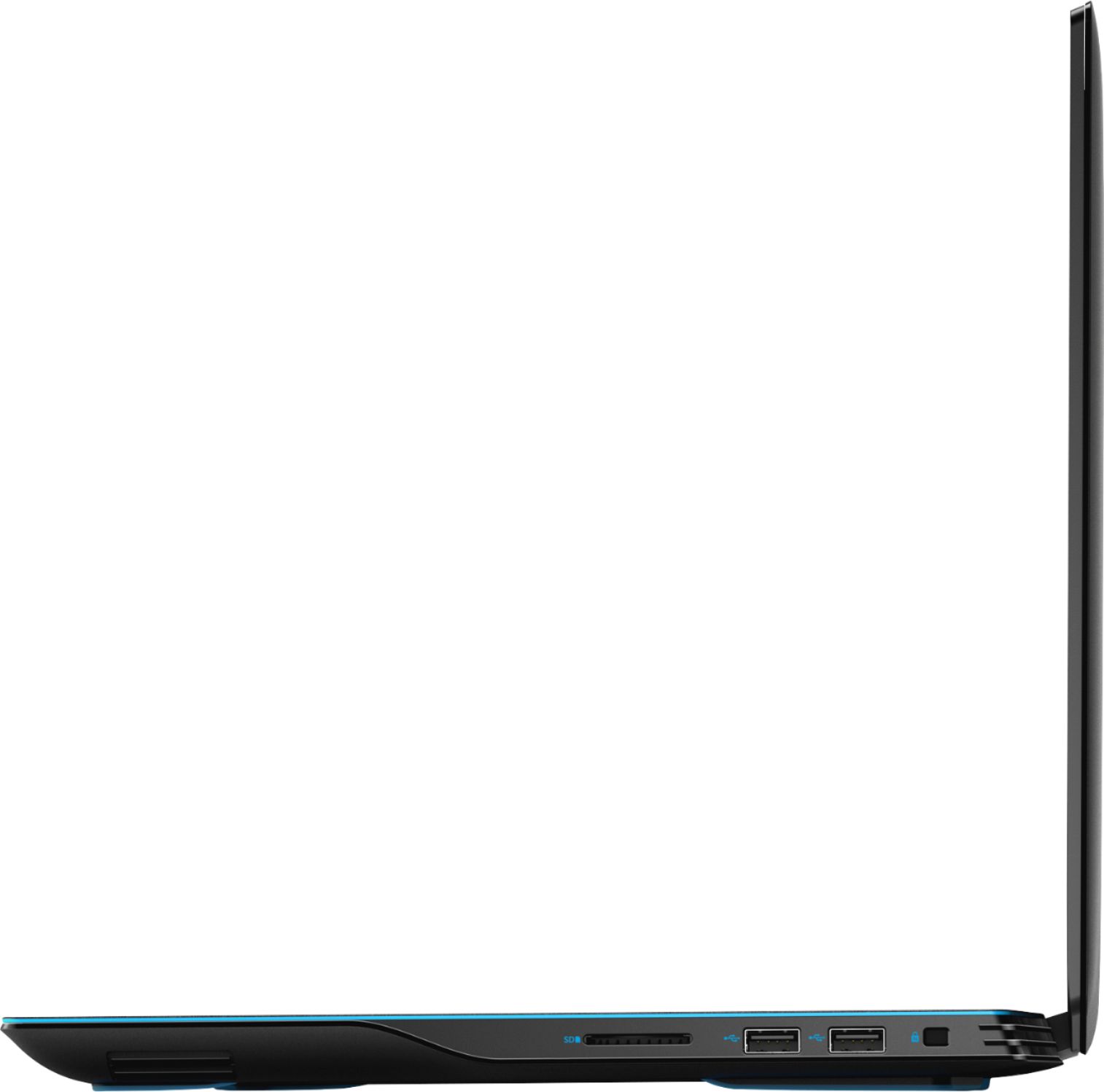
Posted .This reviewer received promo considerations or sweepstakes entry for writing a review.Bought the bundle of the Dell G3 laptop and Oculus Rift S. Best buy listed the two items as compatible, and they are not. The connection needed is a display port, and the G3 only has a HDMI. This is not advertised or made known anywhere. WILL NOT WORK
No, I would not recommend this to a friendBrand response from YourDellTeam
Posted .kstart,
Thanks for your review. We're sorry to hear about your purchase experience. Our team is currently working with Best Buy with regards to this concern.
Best,
Bryan
1-800-624-9896