Customer Ratings & Reviews



- Model:
- i5505-A685GRY-PUS
- SKU:
- 6409419
Rating by feature
- Battery Life
Rating 3.7 out of 5 stars
- Speed
Rating 4.0 out of 5 stars
- Display
Rating 3.9 out of 5 stars
Customers are saying
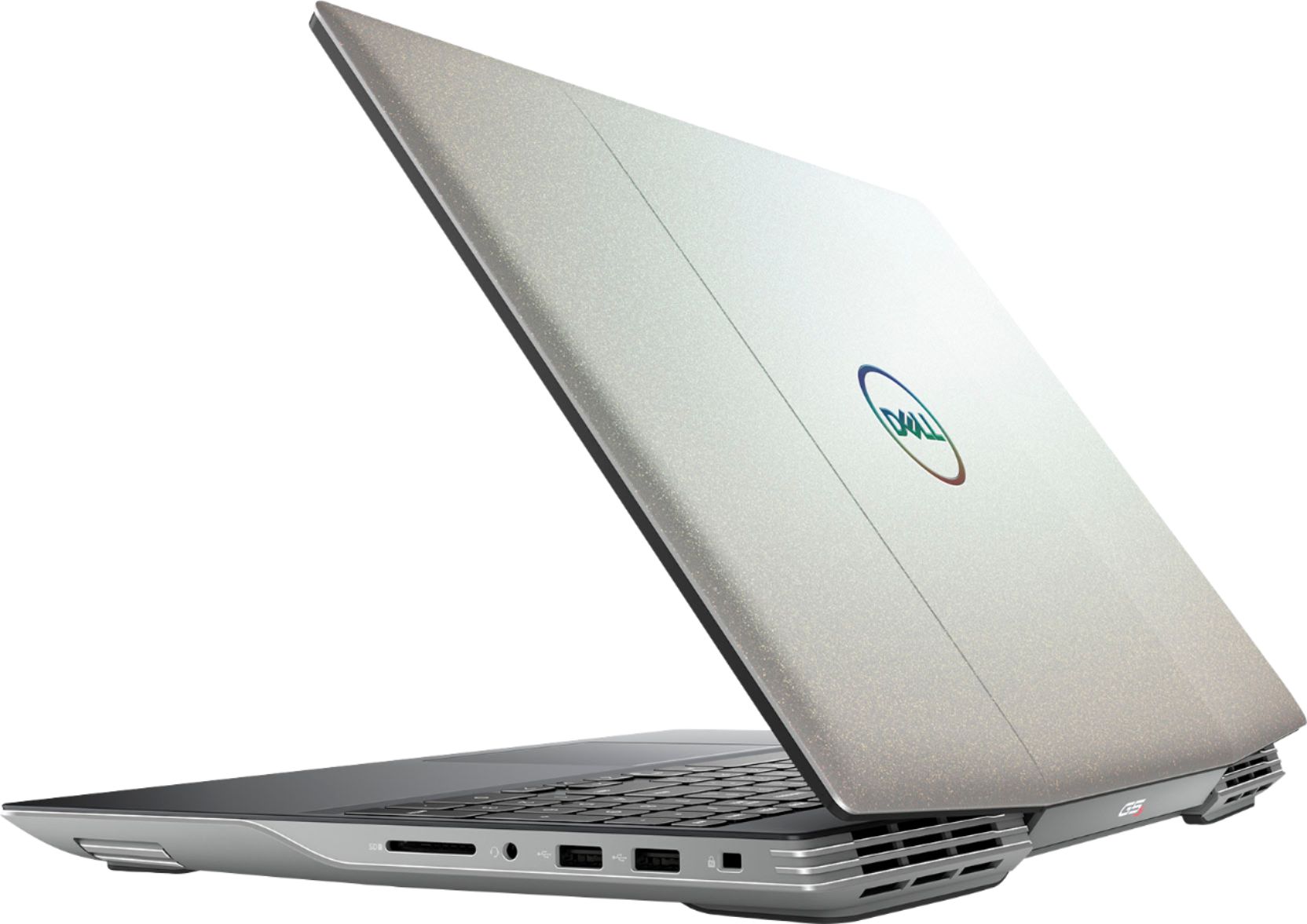
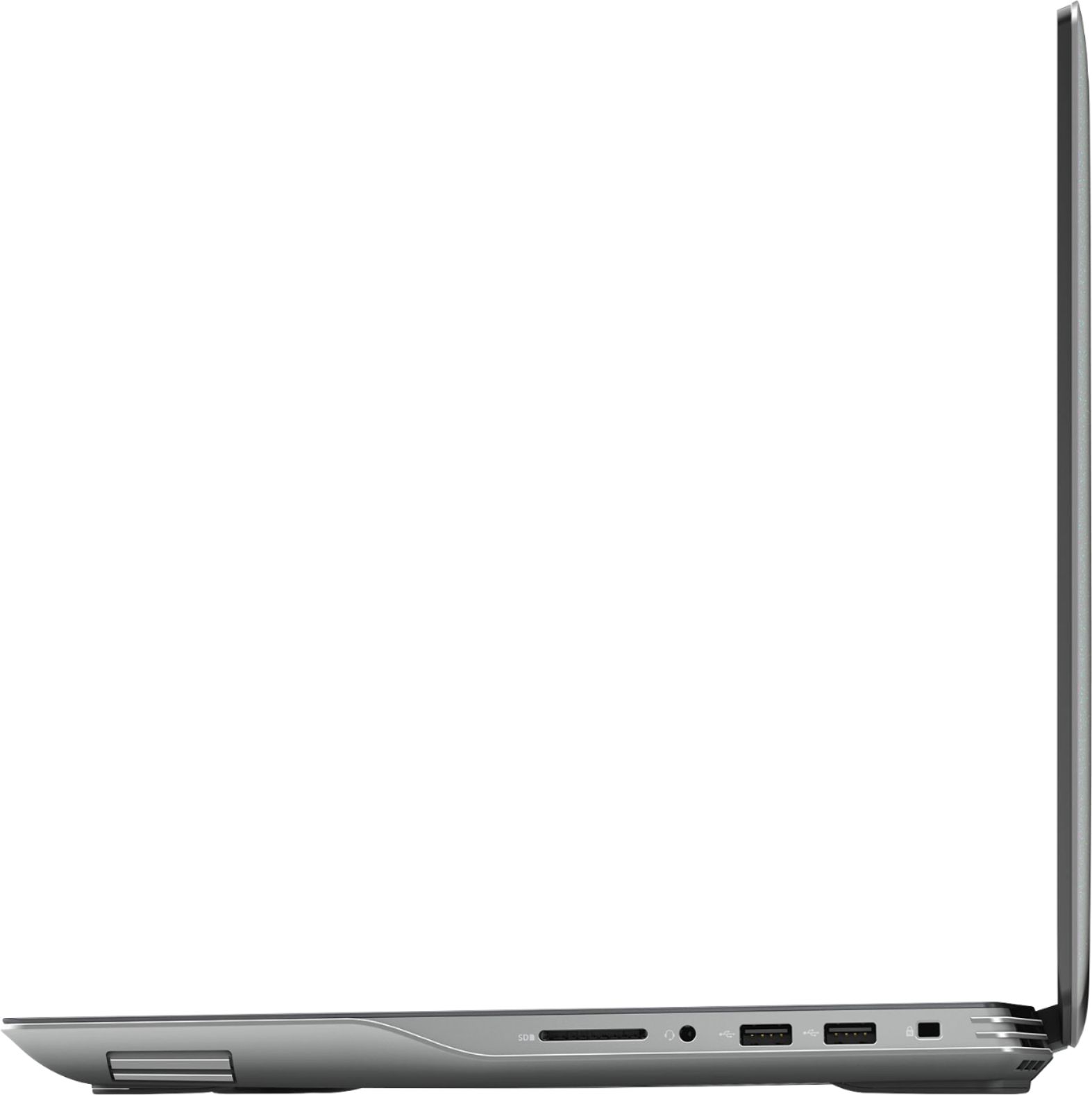
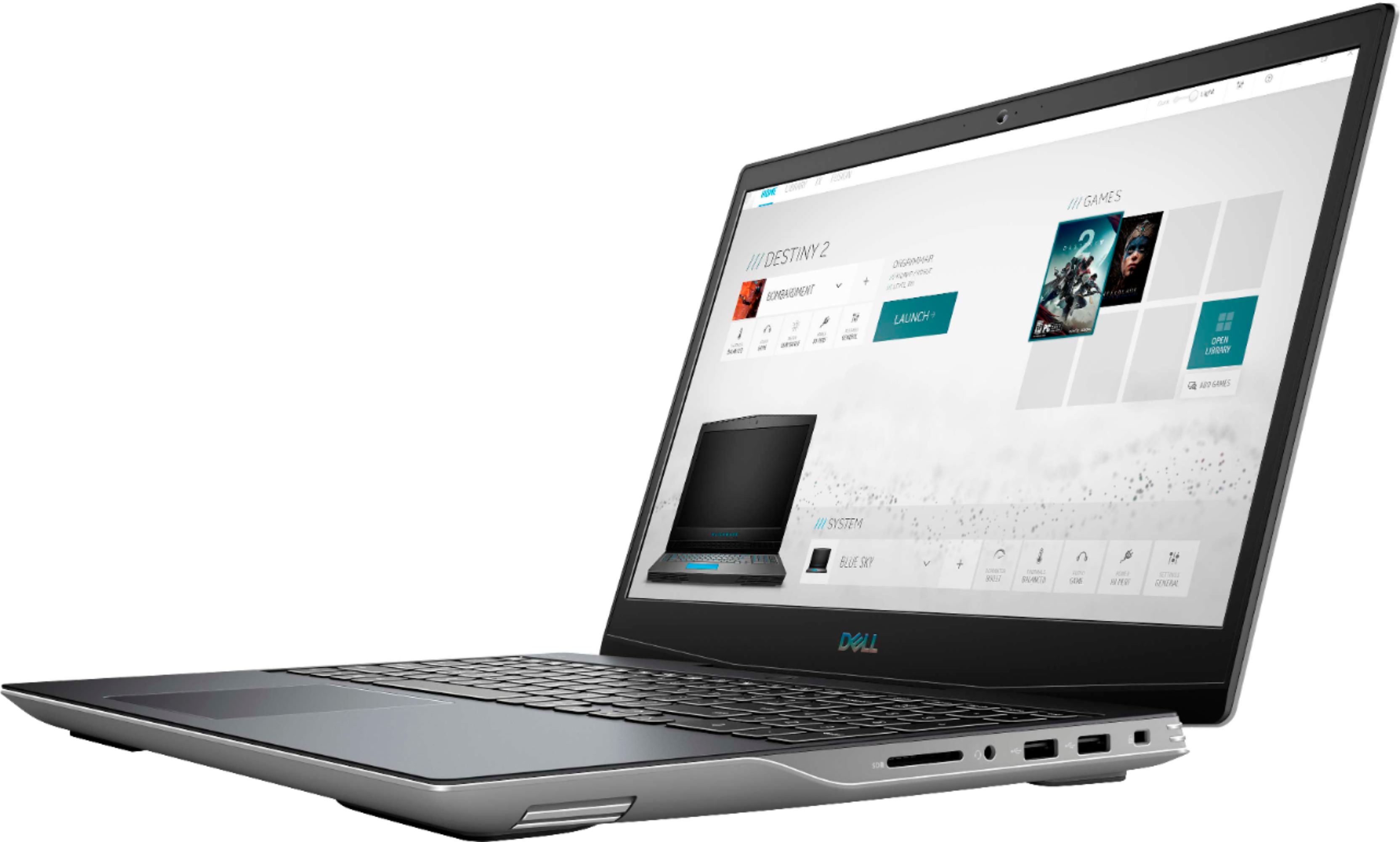
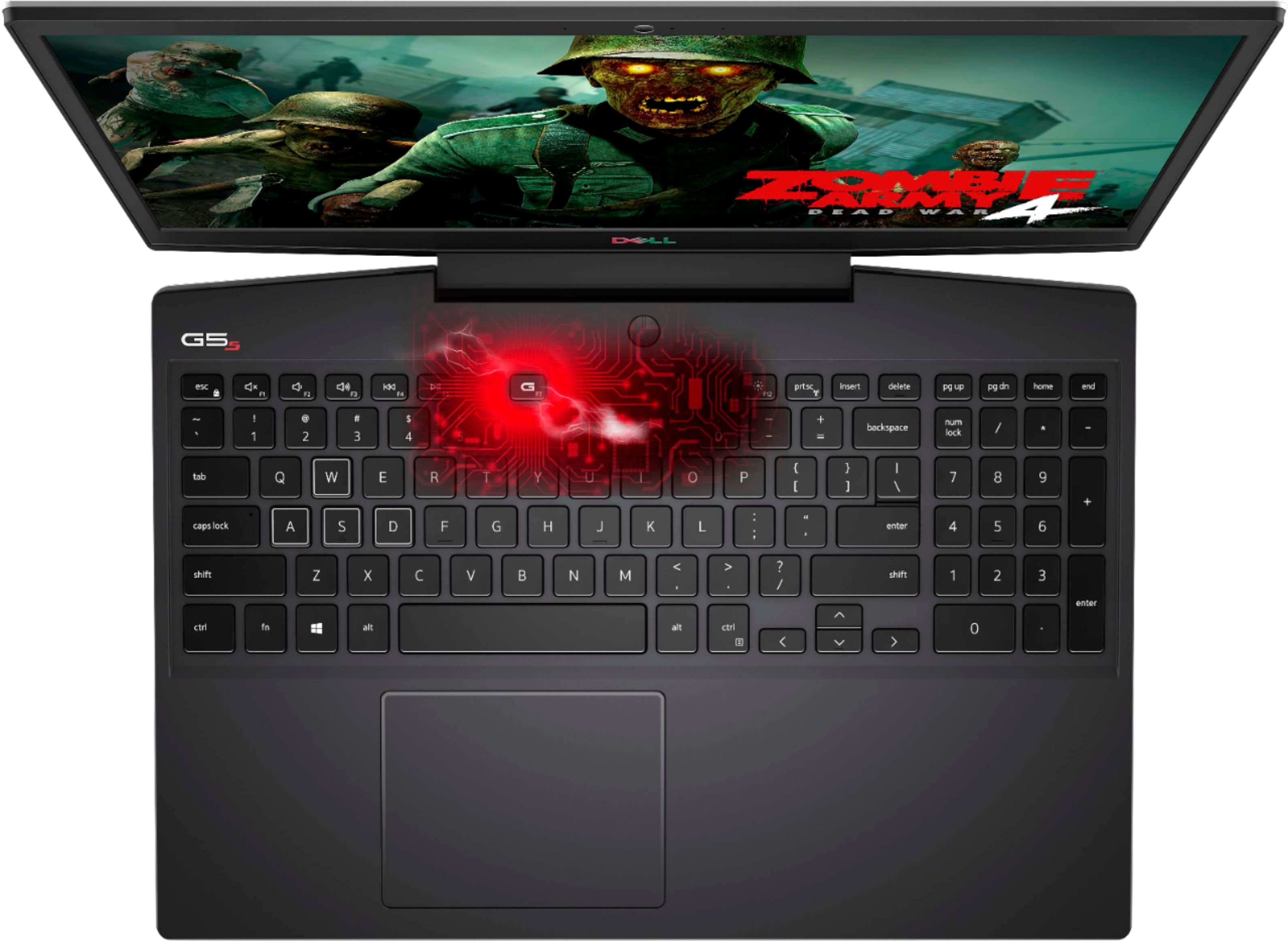
Customers are positive about the G5 15.6" FHD Gaming Laptop's performance, especially considering its price, and also appreciate its graphics capabilities and relatively easy upgrade options for RAM and SSD. However, customers are negative about the laptop's tendency to overheat and generate significant fan noise, along with its shorter-than-expected battery life and limited storage capacity. Some also found the laptop to be heavier than expected.
This summary was generated by AI based on customer reviews.
Short on storage, limits games you can play
||Posted . Owned for 3 weeks when reviewed.This reviewer received promo considerations or sweepstakes entry for writing a review.Processor and graphics were good but the tiny SSD didn’t have enough space left over for modern games like Microsoft Flight Simulator. The 8gb of Ram also holds it back. Both of these are easily upgraded if your budget is really tight, you would be limited to one game at a time.
I would recommend this to a friendBrand response from YourDellTeam
Posted .Derek,
Thanks for your review and we're sorry to hear that you are short on storage. We'd recommend storing several files in the cloud with a service like Microsoft's OneDrive for some additional space.
We would also recommend checking to make sure that your computer's BIOS is up to date in order to make sure that you're getting the best performance from your computer: https://dell.to/374WuyC.
Best,
Bryan
1-800-624-9896
- Cons mentioned:Heat
Worth the price
||Posted . Owned for 7 months when reviewed.This reviewer received promo considerations or sweepstakes entry for writing a review.Good quality, doesn't overheat. Very fast rendering.
I would recommend this to a friend - Cons mentioned:Heat
My computer
||Posted . Owned for 3 weeks when reviewed.This reviewer received promo considerations or sweepstakes entry for writing a review.Great for my games just get hot fast and not a get fan.
I would recommend this to a friend - Pros mentioned:Graphics
Great
||Posted . Owned for 3 weeks when reviewed.This reviewer received promo considerations or sweepstakes entry for writing a review.Does everything it should. The graphics are amazing.
I would recommend this to a friend Laptop
||Posted . Owned for 3 weeks when reviewed.This reviewer received promo considerations or sweepstakes entry for writing a review.We thought the service was friendly and helpful. Are very pleased with are purchase
I would recommend this to a friendNice computer
||Posted . Owned for 1 month when reviewed.This reviewer received promo considerations or sweepstakes entry for writing a review.Nice computer, a bit overpriced, but is doing its job for this homeschooling season.
I would recommend this to a friendGood but bad.
||Posted . Owned for 1 week when reviewed.This reviewer received promo considerations or sweepstakes entry for writing a review.It was great at first. Played overwatch at decently high settings no tearing. 1080p 60fps. But.. Big but... Pixels started to die within first few days. I can visually see at least 5or 6dots where there should be color. Sad. Returning tonight.
No, I would not recommend this to a friendBrand response from YourDellTeam
Posted .Hello Timmayl40,
Thank you for your feedback and review. We're sorry about the trouble you have encountered with the gaming performance of your G5. To make sure we can help in the future, below is a link that can be used to maximize your gaming experience. We hope this helps and if you have any questions, please visit the Support Page of your product.
Here is the link to the full article to assist with your gaming performance issue:
https://dell.to/2RWhh1M.
Best regards,
Wendy C.
For further assistance, you can contact Dell directly with the information below Chat or Call:
https://bit.ly/DellSupportTeam.
Phone number to Dell: 1-800-264-9896.
Great value, but could benefit from easy cooling t
||Posted . Owned for 1 month when reviewed.This reviewer received promo considerations or sweepstakes entry for writing a review.Great laptop for the price. If you don't care about looks, id recommend considering cutting out plastic grate covering the two exhaust fans on the rear of the bottom case. Surprisingly, it made a huge difference in GPU temperature.
I would recommend this to a friendNew French doors with bottom drawer freezer
||Posted . Owned for 1 month when reviewed.This reviewer received promo considerations or sweepstakes entry for writing a review.I shopped around and choose to purchase my refrigerator from Best Buy. It was the best deal for the quality I could find. It was delivered and setup on time. The delivery guys were very professional and had good attitudes. I am very satisfied with my product. It was definitely worth buying.
I would recommend this to a friend- Pros mentioned:Performance
Great, when it worked.
||Posted . Owned for more than 2 years when reviewed.This reviewer received promo considerations or sweepstakes entry for writing a review.Graphical driver error, you need to flash bios 1.4.4 for stability. Crashes, stuttering, a lot of weird problems, but it stacks up to RTX 2060.
No, I would not recommend this to a friendBrand response from YourDellTeam
Posted .Hello Dasom,
Thank you very much for your valued feedback. We apologize for all the issues you have come across with your Dell G5 gaming computer because it is crashing and you are having problems with BIOS. This is certainly not the experience that we like to hear from our customers. It's important for us to hear about inconsistencies in our products for consideration of future development. Below I have provided troubleshooting instructions with the full article that can help resolve crashing issue.
Here's the steps to help resolve your crashing issue:
1. At the desktop, click the Search the web and Windows box and type "problem reports".
2. Select View all problem reports viewing a list of errors that have occurred on your computer and possible solutions for them, such as updating drivers, flashing your system BIOS, or checking for updates to the software.
3. Under the Source column, look for Windows and under Summary, look for Shut down unexpectedly.
4. Right-click the line item and select Check for a solution.
You can read the full article on solving PC crashing issues here: http://dell.to/2u98Cct
We'd also suggest checking to make sure that your software and drivers are up to date on Dell's Product Page here:
Drivers and Downloads Page: https://dell.to/3C0ZwCV
To help with error issues, please see the troubleshooting article: https://dell.to/33Y2KFn
If the issues with your computer are still not resolved after utilizing the troubleshooting options above, please contact the Dell Support Team at 1-800-624-9896 for further guidance.
Best,
Katarina@Dell
Should you need further assistance, you can contact Dell directly with the information below.
Chat or call: https://bit.ly/DellSupportTeam
Phone number to Dell: 1-800-624-9896
Open box laptop
||Posted .This reviewer received promo considerations or sweepstakes entry for writing a review.Good laptop. Bought an open box laptop and no issue.
I would recommend this to a friendImpressed
||Posted . Owned for 2 weeks when reviewed.This reviewer received promo considerations or sweepstakes entry for writing a review.My son wanted this so bad I had the option to buy open box or new I took the open box and it was just like a new one I was so impressed my son loves it Best Buy answered all are question made this convenient I'm happy I recommend this laptop it's one of the best items I've bought thank you Best Buy !!!
I would recommend this to a friendGood value
||Posted . Owned for 3 weeks when reviewed.This reviewer received promo considerations or sweepstakes entry for writing a review.Good deal for a laptop with a radeon 5600m video card.
I would recommend this to a friendSpend your money here
||Posted . Owned for 3 weeks when reviewed.This reviewer received promo considerations or sweepstakes entry for writing a review.Great experience from the greeting to the cashier. Really enjoyed the time spent finding the right labtop for my gaming needs. The staff is no pushy and they know their stuff. I will go back and I will spend more money here
I would recommend this to a friendGreat Value.
||Posted . Owned for 3 weeks when reviewed.This reviewer received promo considerations or sweepstakes entry for writing a review.Great specs for price. 34 M/h on eth out the box.
I would recommend this to a friendFrame rates for streaming r slow
||Posted . Owned for 1 month when reviewed.This reviewer received promo considerations or sweepstakes entry for writing a review.It was working well for streaming before the next Gen consoles released, but now that the PS5 is out the frame rates r really bad and slow. I like it but it needs a better graphics card for next Gen consoles and streaming.
No, I would not recommend this to a friendBrand response from YourDellTeam
Posted .Dear Valued Customer,
We're sorry that your new laptop is not fully meeting your needs. There is a video BIOS update that was recently released for your computer. We'd recommend downloading this BIOS update and seeing if it helps your computer's overall performance: https://dell.to/374WuyC.
Best,
Bryan
1-800-624-9896
Average
||Posted .This reviewer received promo considerations or sweepstakes entry for writing a review.Bought this open box. Did not come in original package. Just bubble wrapped in a random shipping box. No dell original oem box. Gamimg FPS seems lower compared to my friend's new one. Returning one soon.
No, I would not recommend this to a friendDoesnt recognize OEM cord all the time
||Posted .This reviewer received promo considerations or sweepstakes entry for writing a review.I am more unhappy about the service that I got from BB than about this computer but there are some things that do not work quite right on this computer either.
No, I would not recommend this to a friendGood value
||Posted . Owned for 3 weeks when reviewed.This reviewer received promo considerations or sweepstakes entry for writing a review.Great PC, power supply was bad, but they replaced it.
I would recommend this to a friend- Cons mentioned:Heat
Won’t turn on after a month mild weekend use.
||Posted . Owned for 1 month when reviewed.This reviewer received promo considerations or sweepstakes entry for writing a review.Quit working 2 days after the return date expired. Tried calling the store multiple times and was on hold (Owasso, OK) without and answer. Customer support via live chat redirected me to Dell. Now on hold and awaiting the results. Would not recommend. It feels cheaply made and I had to buy a cooling mat the next day with desk use and a fan because it gets extremely hot.
No, I would not recommend this to a friendBrand response from YourDellTeam
Posted .Hello BBox,
Thank you for your feedback and response. We are sorry to hear your G5 is no longer responding and apologize for the inconvenience. It is understandable how frustrating that can be. We would love to help right away! We have provided steps below that you may take to troubleshoot this further:
1. If the computer is displaying the Dell logo and does not move past that point, it has probably failed POST.
2. If the power indicator lights up and it is amber or orange, this is usually an indicator that it has failed POST.
3. If you see text on a black screen, the computer is currently performing the POST. If the computer stays in that condition and does not move past it, it has probably failed POST.
4. If the video screen displayed anything at all during the startup process but is now black, this probably indicates that the computer failed POST.
5. If the computer is beeping or if Caps/Num/Scroll Locks are flashing, note if there is a particular pattern in which it beeps or flashes.
6. If the computer is not beeping and caps/num/scroll locks are not flashing, unplug all connections and remove all media communication devices (e.g. external monitors); reconnect one at a time and check if the computer functions.
7. For a notebook, press and hold the Fn key and then press the power button. This starts the pre-boot testing and will launch ePSA. In case you have a Desktop at the Dell logo screen tap the F12 key to enter One Time Boot Menu and use the arrow keys to highlight Diagnostics and press enter. You can read the full article here - http://dell.to/2uj1Sby.
If needed in the future, we'd also suggest always checking to make sure that your software and drivers are up to date on Dell's Product Page - https://dell.to/3zJKIFE.
Best regards,
Wendy C.
For further assistance, you can contact Dell directly with the information below Chat or Call:
https://bit.ly/DellSupportTeam.
Phone number to Dell: 1-800-264-9896.