Customer Ratings & Reviews
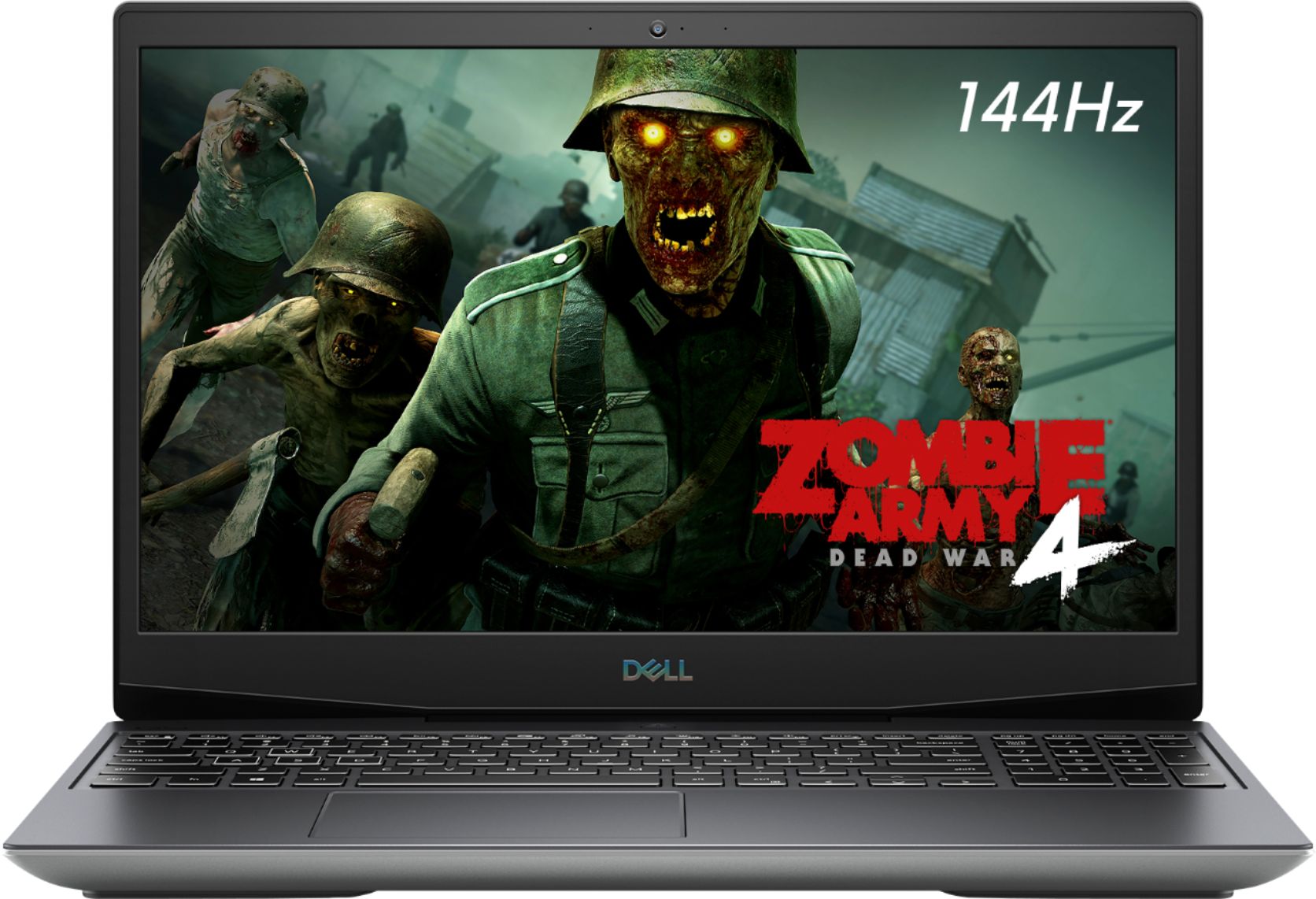
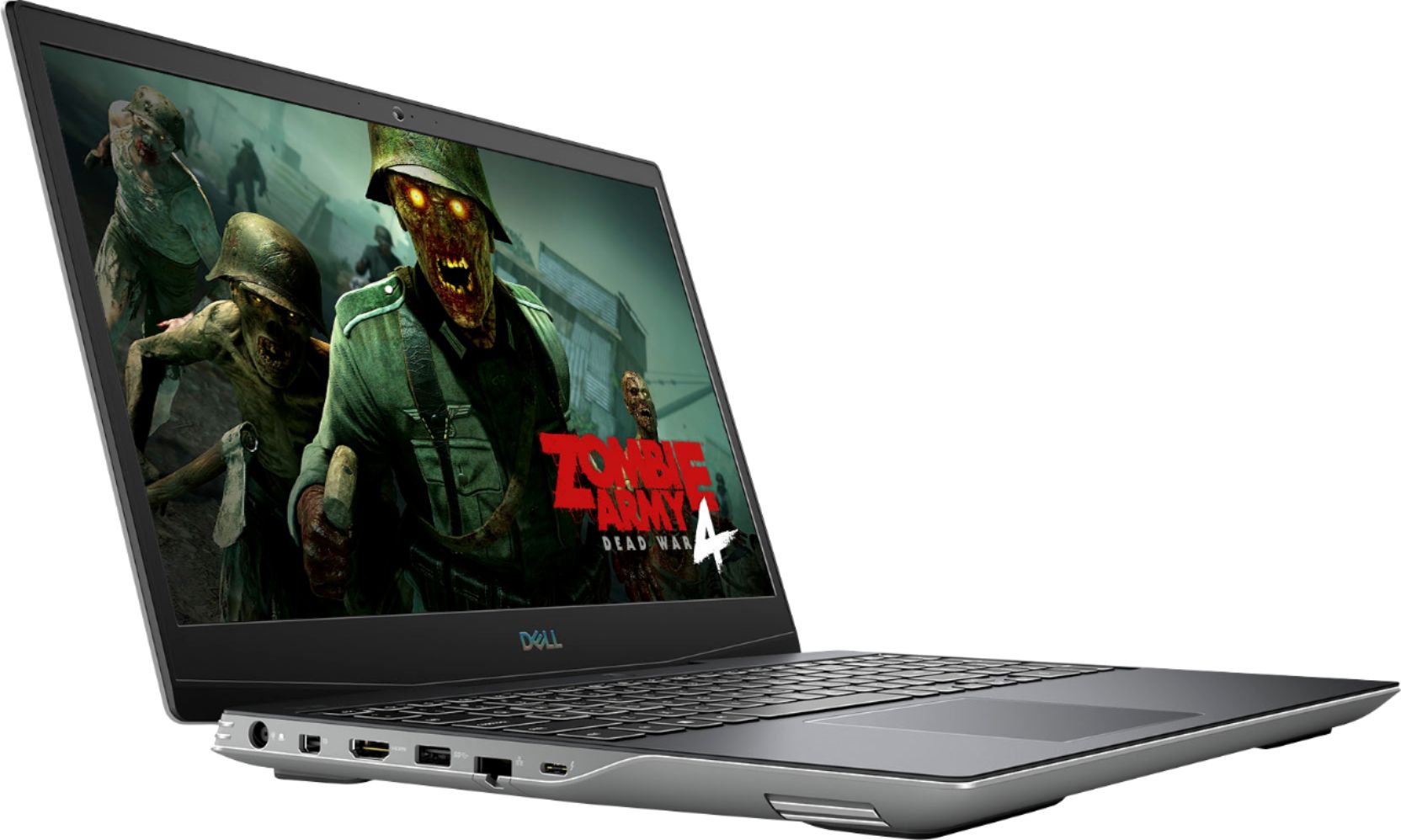
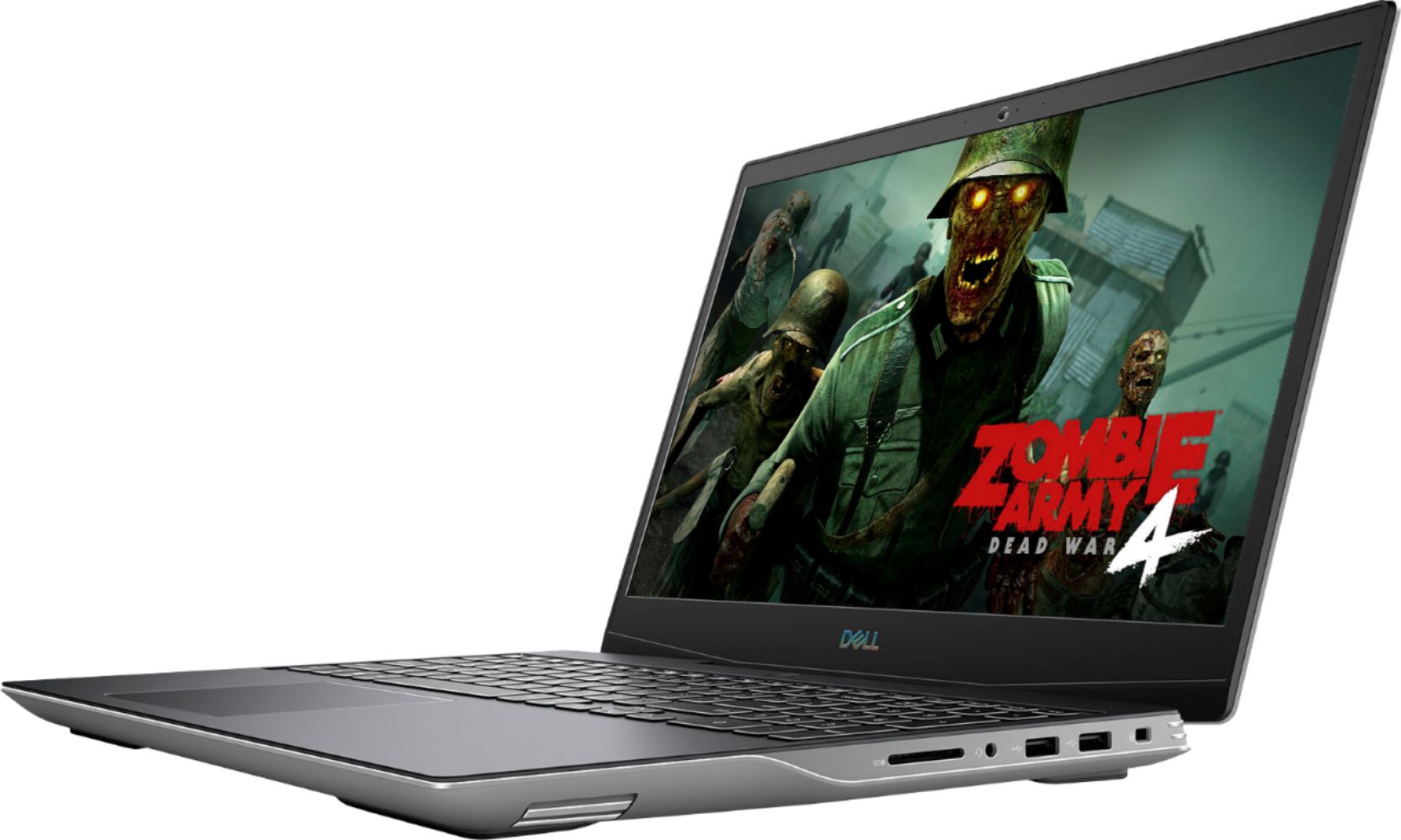
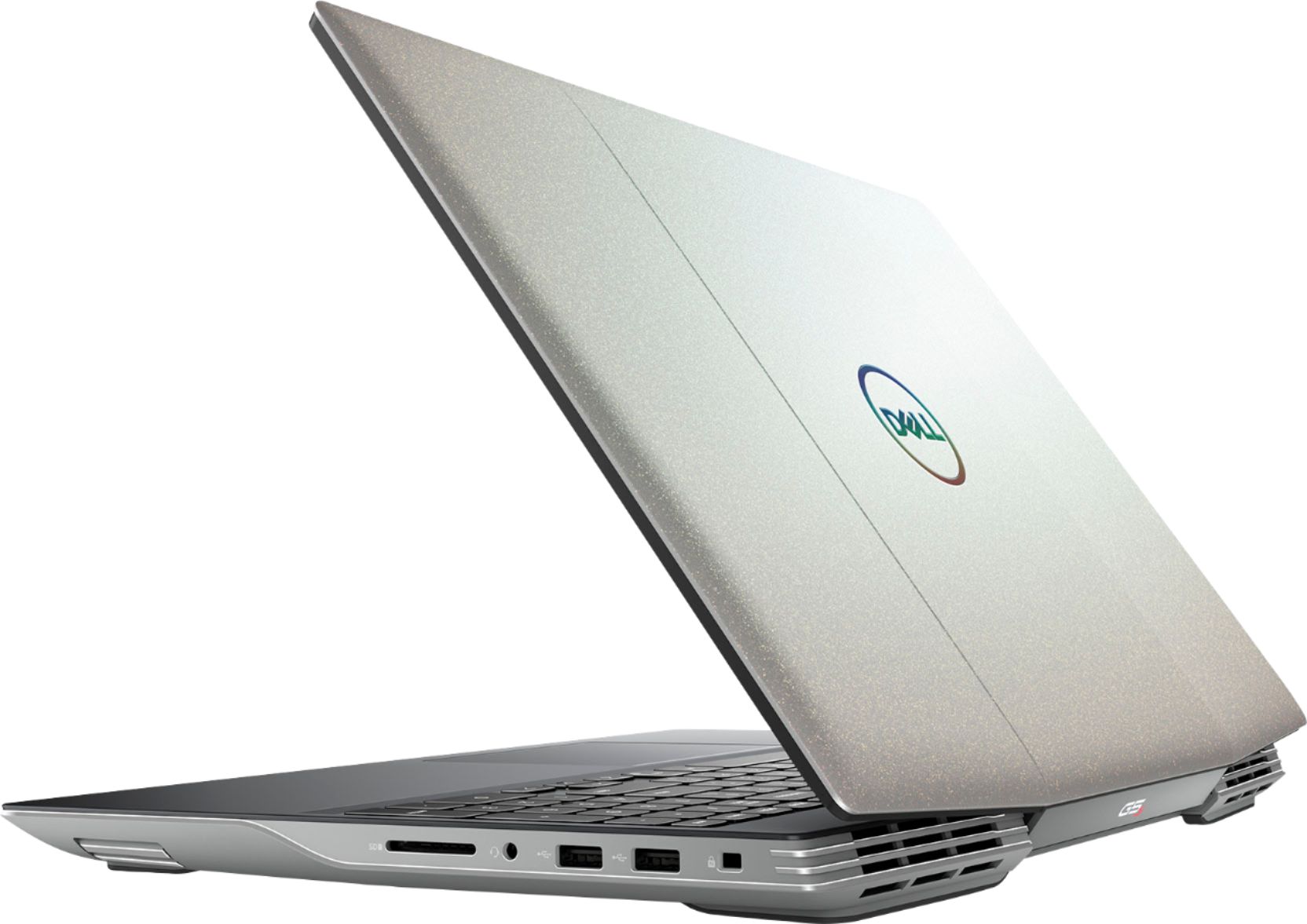

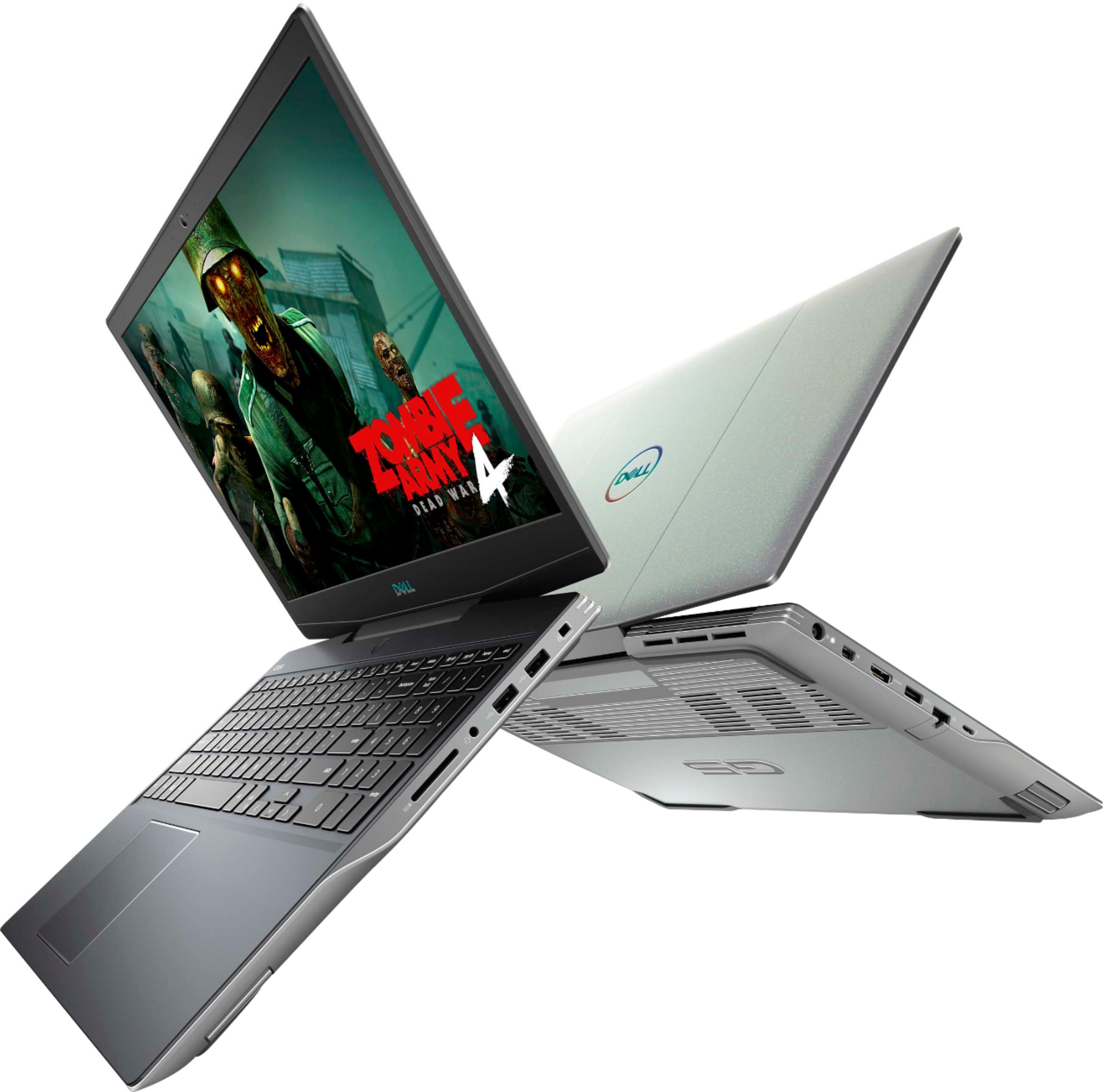
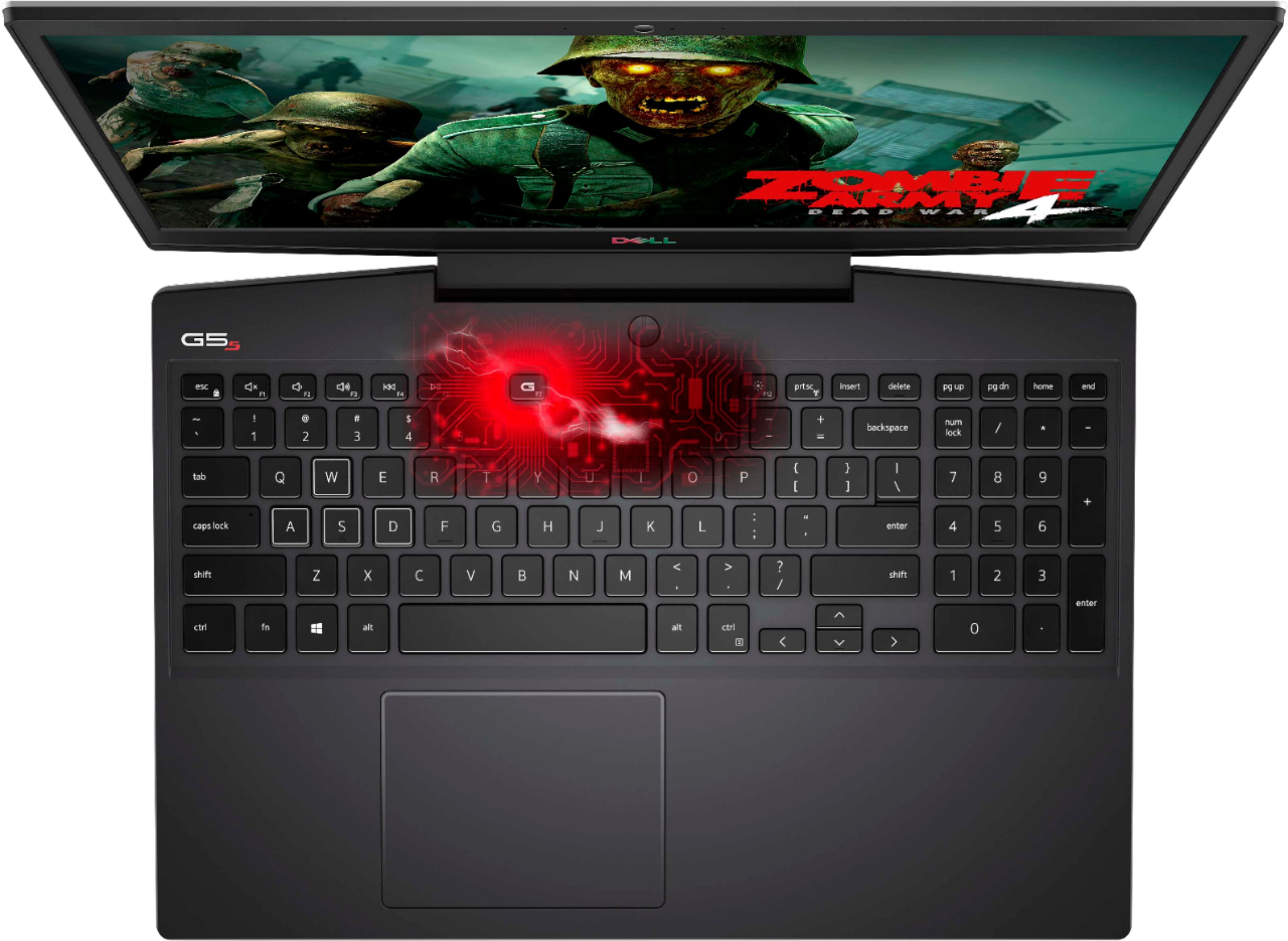
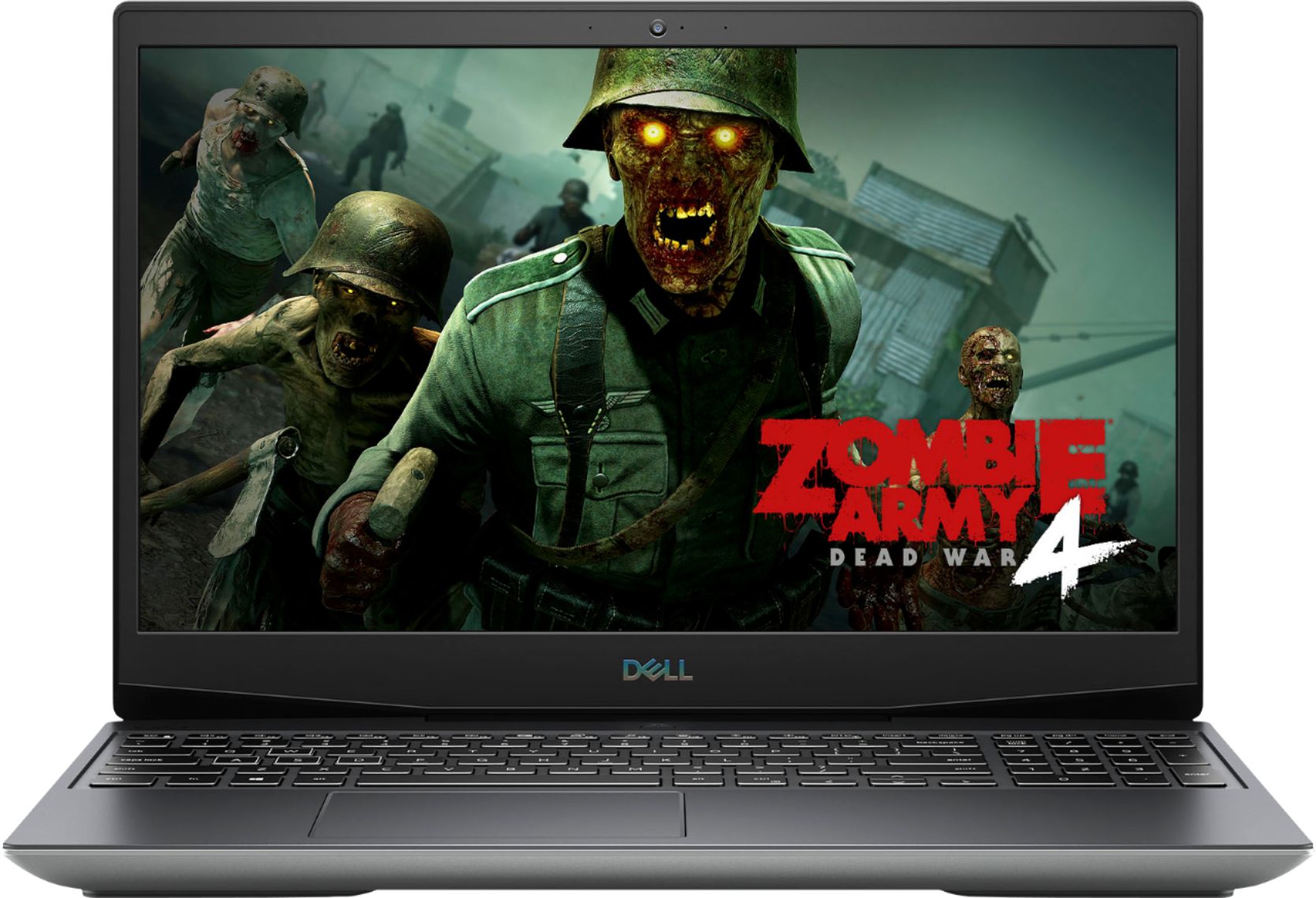
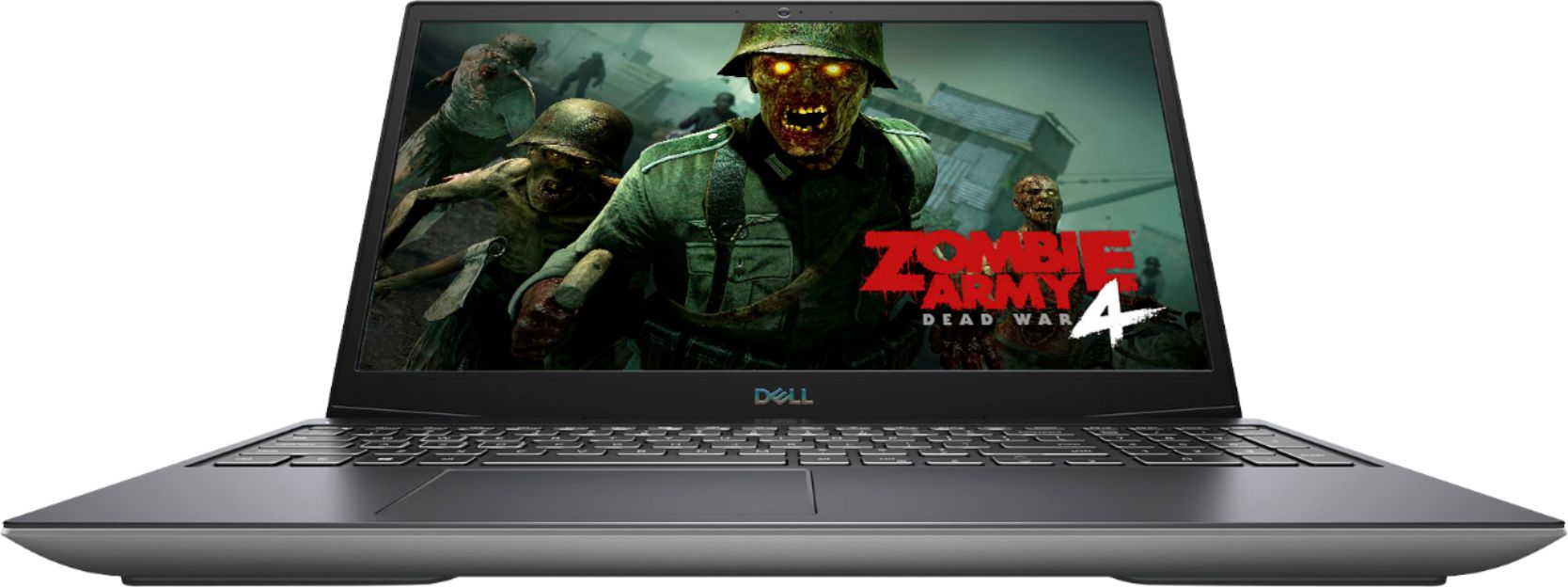
- Model:
- i5505-A753GRY-PUS
- SKU:
- 6409421
Rating by feature
- Battery Life
Rating 3.6 out of 5 stars
- Speed
Rating 4.2 out of 5 stars
- Display
Rating 4.0 out of 5 stars
Customers are saying
Customers consistently note the strong performance and impressive graphics capabilities of the G5 15.6" Gaming Laptop, along with positive feedback on its SSD speed and backlit keyboard. However, many reviews cite significant drawbacks regarding its heat generation, battery life, and fan noise. Some also mention concerns about the build quality and weight of the device.
This summary was generated by AI based on customer reviews.
- Pros mentioned:SpeedCons mentioned:Battery life, Fan noise, Heat
Great Budget Gaming Laptop
||Posted . Owned for 1 week when reviewed.This reviewer received promo considerations or sweepstakes entry for writing a review.My son had been begging me for a gaming laptop so he can play more demanding games. So far we haven't found any games we can't play on max settings. It does tend to get a bit hot to the touch and the fan can get loud when pushing it for performance. These are all things I expected. Battery life is limited but considering the power demands of the processor and graphics also to be expected. If you are looking for a laptop that sits on a table, plugged in when your planning on using it for an extended time. But will play whatever game you throw at it. This will do the job.
I would recommend this to a friend - Pros mentioned:Keyboard, PerformanceCons mentioned:Battery life, Heat
Amazing, with some noticeable cons
||Posted . Owned for 2 months when reviewed.This reviewer received promo considerations or sweepstakes entry for writing a review.Pros: Excellent performance, amazing sound and screen, love the RGB keyboard and spectacular wifi Cons: runs hot and the battery doesnt last that long. Also, if you use it to type a lot, the edges hurt your wrist. Also, the price fluctuates a lot and best buy isnt very friendly when it comes to open box items
I would recommend this to a friend - Pros mentioned:PerformanceCons mentioned:Battery life, Build quality
Value buy for those not worried about aesthetics
||Posted . Owned for 1 month when reviewed.This reviewer received promo considerations or sweepstakes entry for writing a review.The Dell G5 is high in value and low on visual appeal. The laptop itself looks like it was conceived of ten years ago. The build quality is unabashedly plastic. The situation is not helped by the color choice, which accentuates the budget laptop feel. The trade off is that you’re getting the ability to play AAA games at frames rates of at least 60fps at 1080p for only $850-$1000. Everything ran smooth, even when I put games into ultra settings. As with most gaming laptops, don’t even try to game on it without being plugged in. But while plugged in, my admittedly medium expectations were blown away. If you’re on a budget, but looking for performance while still wanting the convenience of a laptop, pick this one up.
I would recommend this to a friend - Pros mentioned:PerformanceCons mentioned:Heat
a little hot, but....
||Posted . Owned for less than 1 week when reviewed.This reviewer received promo considerations or sweepstakes entry for writing a review.So this laptop is awesome, the 144hz is cool, games run pretty smoothly with respectable settings, and it's super for casual use, and maintains a respectable heat during regular use. This thing gets super hot under load and I heavily recommend checking in Dell Update that you have the most recent updates (especially the latest BIOS update) and those may help your problems there, or you can look up a tutorial to turn off Ryzen Turboboost which massively reduced my temps. Otherwise, its great for the price! Just a hassle to optimize.
I would recommend this to a friend - Pros mentioned:Keyboard, SsdCons mentioned:Heat
Best Laptop for the amount you pay
||Posted .This reviewer received promo considerations or sweepstakes entry for writing a review.I did a lot of shopping around looking for a laptop that was under $1000. I was first looking at the laptops with an i5 or i7 core 9th or 10th gen and a gtx 1660 or 1660 ti. Then i stumbled on the lower end model of the dell g5 15 se with the ryzen 5 and the rx 5600m. Well after looking at the specs between the ryzen 5 and ryzen 7 model dells it was a really easy. For only a little bit more money you can get the better processor ryzen 7 which out performs the new gen i7s and has more cores. now on single core performance the i7 does beat the ryzen 7 but not by much. The screen is a 144hz panel and brighter than the ryzen 5 model. Plus double the ssd space of 512gb instead of 256gb. Also a 4 zone RGB keyboard compared to just a red back lit keyboard. Its a no brainer to spend an extra 150$ or so just to get the brighter and higher refresh rate panel. The panel with the ryzen 5 is a 60hz panel with a brightness lvl of 220nits. Pretty dim. The only issue i have had with it is the heat. It does get pretty hot where the heat sink fins are. Almost hot enough that it burns if you hold your finger on it but no one's hand will be up there any way. it will also get hot just to the right of the touchpad it doesn't bother me enough to care. I haven't popped it open to see what components. So far I've been really pleased with it. I would suggested doing all your updates when you first get it so that it runs well and all the features work. The RBG keyboard wouldn't work for me until i updated.
I would recommend this to a friend - Pros mentioned:Performance, Ssd
I wish it would have worked how I needed it to.
||Posted .This reviewer received promo considerations or sweepstakes entry for writing a review.This is actually a terrific laptop for the price. Sadly, I had to return it because of one fatal flaw for my purposes. I was very impressed with the performance, super quick and responsive and it seems like it should be easy to upgrade with more RAM and an additional SSD. The screen is also beautiful. I ran several benchmarks and was super excited to get to work on this with Davinci Resolve. Now, many people have mentioned that it's LOUD under load, and that's true. I found that with Ryzen Controller, I could tweak the performance and temps to fix that, so good deal. But there was still a flaw, for my specific use case, that made me return this. The Smart Shift tech in this is supposed to switch automatically between the igpu and the 5600M, and it might for games and such. However, for me, in Resolve it simply couldn't figure out what to do.it took over 5minutes to load a project and would often freeze while working. Now, once it came time to render, it was a BEAST! That 5600M is no slouch. But I can't afford the instability and slow response times in that, primary for my purpose, workload. If you w ant to play high end games on the cheap, or probably any other similar task, buy it. If you want to use it for Resolve...look elsewhere.
I would recommend this to a friend - Pros mentioned:Graphics, SpeedCons mentioned:Battery life
Great graphics and speed for the price
||Posted . Owned for 2 weeks when reviewed.This reviewer received promo considerations or sweepstakes entry for writing a review.The graphics and color are captivating. Speed is good. The power button is awkward and the fans can be a bit loud. To maximize experience, I need to leave the power cord plugged in even though the battery is fully charged. Also when unplugged, the battery doesn't last long.
I would recommend this to a friend - Pros mentioned:PerformanceCons mentioned:Battery life
Pretty solid for the price
||Posted . Owned for 1 year when reviewed.This reviewer received promo considerations or sweepstakes entry for writing a review.Pretty good quality for the price. The manufacturer cut costs around the airflow and battery. Don't expect it to last more than 2 hours unplugged. For peak performance, raise the laptop off the table a bit to let it breathe. Looks are deceiving. When you're using it it is easy to forget the bulky ugly exterior with the sleek black inside and RGB backlight. You will be battling drivers, but that's pretty much a given with a AMD gpu. For game performance, expect a bit more than you paid for, but much less than if you spent this money on a RIG. Hard to find a game you can use the 144hz screen for these days. I get about 45 FPS in dyson sphere program, maybe 20 in borderlands 3, inconsistent, and 60ish in borderlands 2.
I would recommend this to a friend - Pros mentioned:PerformanceCons mentioned:Heat
Satisfied
||Posted .This reviewer received promo considerations or sweepstakes entry for writing a review.The G5 laptop has been exactly what I expected. It was priced competitively, at least according to what comparison shopping I did. Since purchase I have attended an online class, completed some .pdf editing for work and played 5-6 different pc games. All activities it performed quite well. My only complaint is one I have seen in a few other reviews of this laptop and that is the heat. It does get surprisingly warm right above the keyboard, around the power button. A 15-20 dollar laptop cooling pad solves this problem easily.
I would recommend this to a friend - Pros mentioned:PerformanceCons mentioned:Heat
Best gaming laptop under $1000
||Posted . Owned for 1 week when reviewed.This reviewer received promo considerations or sweepstakes entry for writing a review.I don’t regret this buy at all! Super fast and strong machine. It plays almost any game on high/ultra at over 60fps (usually over 100fps). The 144hz monitor is a game changer, it’s so crisp and smooth, colors look great. It gets really hot but that’s just how laptops are since they have such restricted flow. I only have one disclaimer. Buy this along with 16 gigs of ram. 8 does not cut it in this machine, if you have more than one program open at a time it will stutter and freeze. Upgrading the ram made this issue disappear.
I would recommend this to a friend - Pros mentioned:SsdCons mentioned:Heat
Good Budget Device / Horrible Quality Assurance
||Posted . Owned for 1 month when reviewed.This reviewer received promo considerations or sweepstakes entry for writing a review.I was able to purchase one for $622 after tax, which was a huge win. So I thought… It has an 8 Core CPU + 6GB GPU + 512GB NVME which was definitely a steal for the price. It also ran HP WINDOWS VR smoothly. HOWEVER, the description stated it has an 144hz Display, this was NOT the case for me. I spent a week googling forums, updating the bios & drivers, going on Reddit - all to no avail. The model I received was ONLY 60HZ. The hassle of contacting customer was not worth it, I have since returned the device. Being an open box item, there was some minor damages/blemishes on the display panel. About 2-3% of the display had burned through the LCD resulting in lost color/pixels (about the size of half a penny) Fans were audibly loud and were occasionally distracting, the device also had a tendency of getting hot really fast. There were forums stating if you upgraded/replaced the thermal solutions, it could result in a cooler laptop with better temps. I was too lazy and would only go as far as replacing the thermal paste on both the CPU & GPU I wished the Ram came as an 8GB single stick instead of a dual set 2x4GB. This makes upgrading the ram a little pricier because you are now forced to purchase 16GB of ram 2x8GB instead of just buying One stick of 8GB ram OVERALL/TLDR: for the price that I paid, I was happy with the hardware Included. However, the negatives still outweighed the bargain unless you’re willing to spend another $30-40 on DIY supplies and a few hours tinkering
I would recommend this to a friend - Pros mentioned:SpeedCons mentioned:Fan noise
Fast but noisy fan
||Posted . Owned for 1 month when reviewed.This reviewer received promo considerations or sweepstakes entry for writing a review.Overall it is a very fast laptop. When playing games with the laptop plugged in the fan gets very loud. I am new to AMD products so I kept getting a blue screen when I first got it until I realized I had to upgrade the AMD graphics card (which AMD helped with support in about 5 minutes). I can have email, YouTube videos, and games playing all at the same time with ease. So if you can handle a deal of noise while playing then this a great laptop.
I would recommend this to a friend - Pros mentioned:PerformanceCons mentioned:Heat
Underrated beast
||Posted .This reviewer received promo considerations or sweepstakes entry for writing a review.Got this on sale, needed a new laptop and since I am off to college next year figured why not get a gaming laptop so I dont have to bring my xbox with me to college. Little did I know what I had just done. Laptop was delivered to me same day I ordered it, and when I first opened the box I will admit I had my doubts. The plastic casing doesn't exactly look or feel premium, and very much reminded me of a 90's laptop case. I was also a little hesitant about the fact the gpu is amd and not nvidia, but the deal was too good to pass up and the risk paid off. This thing has been awesome. Absolute performance beast for a laptop, and even outperforms my friends 2000 dollar gaming laptop!!! Only drawback to this laptop is that it only comes with 8 gb ram, but if you choose to buy this laptop over a much more expensive one then you will save more than enough to cover the cost of 16 gb ram upgrade(I recommend the corsair vengeance 3200 mhz 16 gb ddr4 laptop ram, which will run you between 100 and 125 dollars). Even so, 8 gb ram is enough for most games, the 16 gb is just essential for streaming and if you want better performance while gaming. The one complaint I have is thermals, as gaming for extended periods of time make the case really hot, and I have seen my cpu and gpu temps hit above 70 celcius on more than one occasion. I do have to say though, as long as you keep it on a hard flat surface, performance is not affected hardly at all when the laptop gets really hot. Just dont do what I did and contact dell the first time I played a game on the laptop and my frame rate dropped to 20 on warzone because I had my laptop on my matress and there was nowhere for the heat to escape.
I would recommend this to a friend - Pros mentioned:Keyboard, SpeedCons mentioned:Battery life
Gamers laptop
||Posted . Owned for 1 month when reviewed.This reviewer received promo considerations or sweepstakes entry for writing a review.Very nice laptop. Fast processor and 6 gigs of video ram. Played Fallout 4 with the settings all set as high as they would go and it worked great. Fast FPS and smooth as silk. The RGB keyboard can be configured to a four zone look which is very cool but also quite practical. Battery life is good for web surfing and the like but if playing a game it's good for an hour at best. All in all for the price the features are very good.
I would recommend this to a friend - Pros mentioned:Ssd
Best budget gaming laptop
||Posted . Owned for 3 weeks when reviewed.This reviewer received promo considerations or sweepstakes entry for writing a review.I've tried many from Legion, Omen, Zephyrus to Razer Blade. Everyone has different needs.. here were mine. -Ram upgradable up to 32Gb. -Two M.2 2280 slots full lanes -144Hz -Not too pricey -Normal keyboard layout with Fn+arrow as home, end, pg up/down. -Ryzen 7 -300 nits or above display This was the only one that fit the bill. Very satisfied.
I would recommend this to a friend - Pros mentioned:SpeedCons mentioned:Build quality, Heat
Thermal issues.
||Posted . Owned for 7 months when reviewed.This reviewer received promo considerations or sweepstakes entry for writing a review.I only gave this computer two stars because it would frequently overheat while playing World of Warcraft. Are used a dual fan chill pad with the G5, and still had thermal issues. After approximately one hour of gameplay it would overheat and either freeze, or shut down, or both. Kept the computer too long to return it so I sold the G5. I bought an Alienware R3 M15 and have had no problems with overheating even after hours of playing World of Warcraft on maximum settings. I know Dell owns Alienware; however, there is a huge performance and reliability difference. Alienware is a completely different division. I can only recommend the Dell gaming laptops if you are a very casual gamer. The Dell gaming laptop would have been a keeper if not for the thermal issues. The Dell gaming laptop did not seem very well built, but it was fast until it shutdown. Best Buy frequently has sales on the Alienware laptops. I know they are expensive, but you get what you pay for.
No, I would not recommend this to a friendBrand response from YourDellTeam
Posted .Hello Steve,
While our G5 did not quite meet your expectations, we are pleased to hear that our Alienware system are to your liking. They are our premium gaming notebooks so as you mentioned, there are a number of notable improvements across the board.
Whether you have a G5 or an m15, you can prioritize cooling by opening the Alienware Command Center application that came pre-installed with your device and selecting the 'Cool' thermal profile.
Keep in mind that our notebooks follow Intel performance design guidelines which can lead CPU temperatures to reach 100°C to output top in-game performance. We fully warrant the product under these conditions. If you see CPU temperatures rising beyond 100°C within the Alienware Command Center, you are more than welcome to contact Dell support for further assistance.
Best Regards,
Anthony P.
1-800-624-9896
- Pros mentioned:GraphicsCons mentioned:Battery life, Fan noise
Battery life
||Posted . Owned for 1 month when reviewed.This reviewer received promo considerations or sweepstakes entry for writing a review.I bought this computer for my daughter who likes to game. The graphics are good but the battery life is not. If she doesn’t have it charging while she plays, she gets maybe an hour of game time. Although I understand this kind of computer needs the stronger fans, they definitely are quite noisy.
No, I would not recommend this to a friendBrand response from YourDellTeam
Posted .Hello Nico,
Thank you for your feedback and review. We are glad to hear that you're pleased with the graphics. We're sorry about the trouble you have encountered with the battery runtime and loud fans. Below are steps that can assist with maximizing and troubleshooting any possible issues with her battery runtime.
1. Press the Windows key + R on the keyboard.
2. In the Run dialog box, type Control and press the Enter key on the keyboard.
3. On the top-right corner, in the Search box of Control Panel, type Troubleshooter and then click Troubleshooting.
4. Under System and Security item, click Power.
5. If you still have issues with your battery runtime, this link can be used to help with power: http://dell.to/34UUp6t.
Lastly, an out-of-date BIOS can cause loud fan noises. We would recommend checking to ensure that the latest BIOS is installed on your system. You can download the update here - https://dell.to/3C6a69U. This article can be used to further assist: http://dell.to/38XbfCV. If your issue with fan noise continues after updating the software and drivers, please contact Dell Support at your earliest convenience at 1-800-264-9896.
Best,
Wendy C.
https://bit.ly/DellSupportTeam.
Phone number to Dell: 1-800-264-9896.
Fan died
||Posted . Owned for more than 2 years when reviewed.This reviewer received promo considerations or sweepstakes entry for writing a review.Was great until the fan died and blue screened me after mostly office work and some kid gaming after less than a year. But mostly a pretty good laptop for the price. I was able to fix it and it does run well enough to somewhat support my son’s VR. It’s kinda glitchy tho:
I would recommend this to a friend- Pros mentioned:SsdCons mentioned:Battery life
Dell G5 se 5505
||Posted . Owned for 9 months when reviewed.This reviewer received promo considerations or sweepstakes entry for writing a review.It's a solid laptop, no problems ever with the Ryzen 7 4800h, but updating the graphics drivers almost always ends up with a crash and restore. Don't know if its a Dell thing or AMD thing. Otherwise once its running right, for the price, every game runs on at least High graphics settings. Battery life isnt great but its a gaming laptop soo... No regrets purchasing this product.
I would recommend this to a friend - Pros mentioned:PerformanceCons mentioned:Battery life, Heat
Its fast on Photoshop but not on the internet
||Posted . Owned for 1 month when reviewed.This reviewer received promo considerations or sweepstakes entry for writing a review.The speed for Photoshop is great but if i don't leave it plugged in the display doesn't register truecolors and brightness despite changing the settings so it should... It's slow on the internet.much slower than my desktop. Gets pretty warm quickly and the battery only lasts a couple hours max
No, I would not recommend this to a friendBrand response from YourDellTeam
Posted .AmyJ,
We're sorry to hear about the issues that you're having with your laptop so far. We'd recommend checking out this article to see if it helps with the display settings that may need to be adjusted: https://dell.to/2CLF6yC.
If you'd like to see if your computer can perform faster we'd recommend running the Windows Performance Troubleshooter:
1. Close all open windows.
2. Press the Windows logo key + X key on the keyboard.
3. Click Control Panel.
4. Click System and Security.
5. Under Security and Maintenance, select Troubleshoot common problems.
6. Under System and Security, click Run maintenance tasks.
7. Follow the on-screen instructions and prompts to complete the process.
8. Restart the PC.
You can read the full article here - http://dell.to/2tSulGV.
If your computer is still overheating, here are some suggestions:
Tips for Proper Usage:
1. Dell does not recommend placing portable systems directly on your lap. Due to reductions in the thickness of modern portable systems, heat transfer can be an issue.
2. Using a portable system (Laptop) on a hard, flat, non-cloth surface will increase airflow and reduce heat from underneath and inside the system.
Using the portable system on a blanket, pillow, or other types of cloth will cover up the fan cause the computer to overheat and can cause permanent damage.
3. It is recommended to use the portable system in a Room temperature of 0°C to 35°C (32°F to 95°F) with a Humidity level no greater than 90%.
4. Use compressed air to clean the vents on a regular basis.
5. Using a cooling pad can decrease heat and increase performance.
6. If you want to know the temperature limitations for your system, go to the Dell Support Website, look up your system model then open the user guide under the manuals link.
You can read the full article here - http://dell.to/2uJ8AdG.
Lastly, if you'd like to try to extend the life of your computer's battery, you can try these tips:
Change the Power Plan:
1. On the notification area of the taskbar, right-click the Battery icon.
2. On the options list, click Power Options.
3. Select a power plan on the battery meter, such as Power Saver or Balanced. Windows 10 has a built in 'Battery Saver' mode that can be activated to extend your system's battery life. The Battery Saver mode will monitor and limit background activity and other features such as push notifications. You do have the option to enable or disable this mode within settings or within advanced Battery Saver settings, you can customize the mode to best suit your needs.
a) Click on the Action Center icon in the taskbar and select the tile for Battery Saver.
b) If running Cortana then type Battery Saver into the search box and select from the results.
Within the Battery Saver settings page, you will be able to turn on and off the feature and customize the feature to best meet your needs.
c) Turn Battery Saver On or Off.
d) Additional settings available via the Battery use and Battery saver settings links.
e) Battery use shows further info on apps and their power usage.
f) Battery Saver Settings screen allows you to customize further Battery Saver feature.
You can read the full article here - http://dell.to/2vfXWf4.
Best,
Bryan
1-800-624-9896