Customer Ratings & Reviews
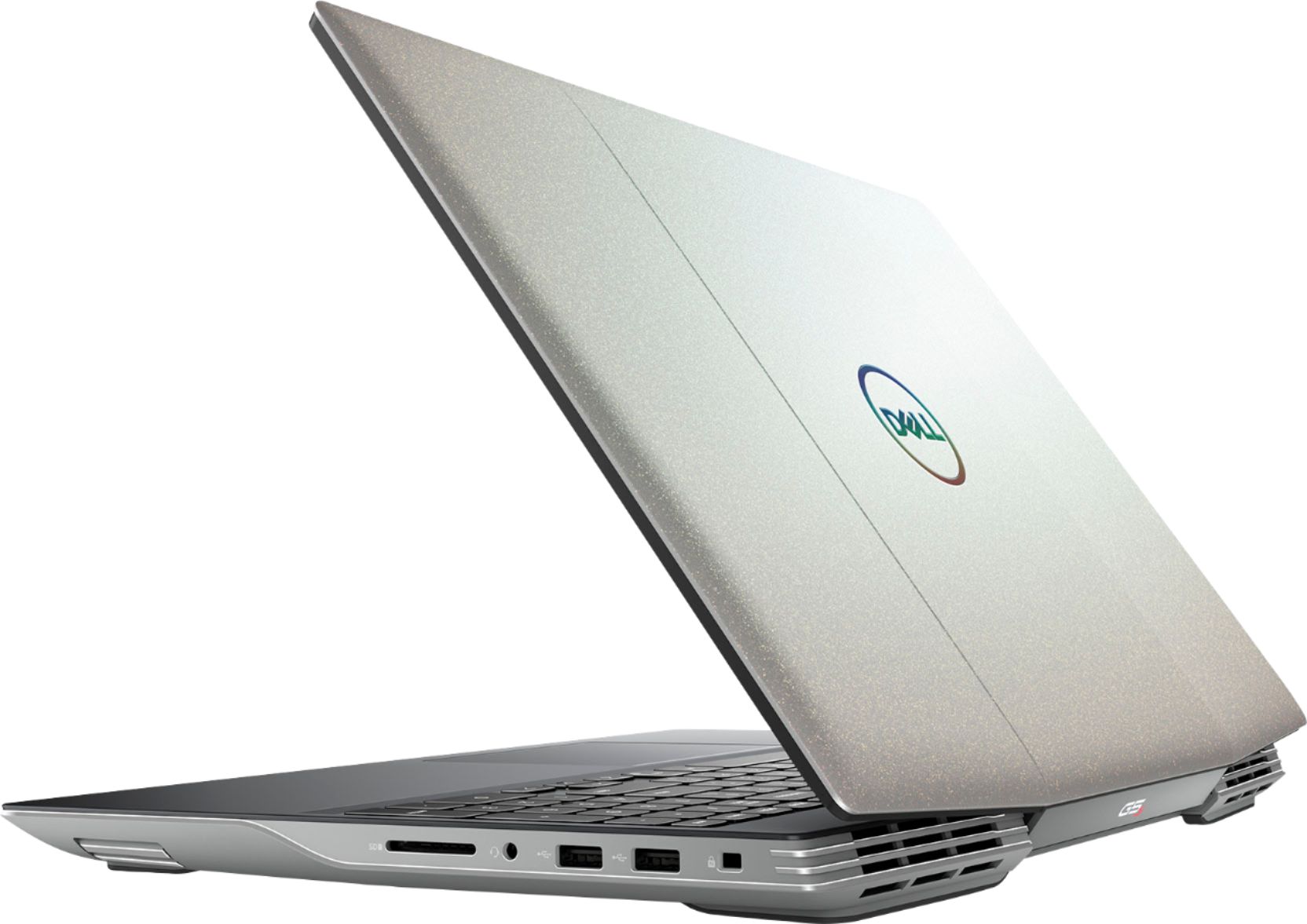
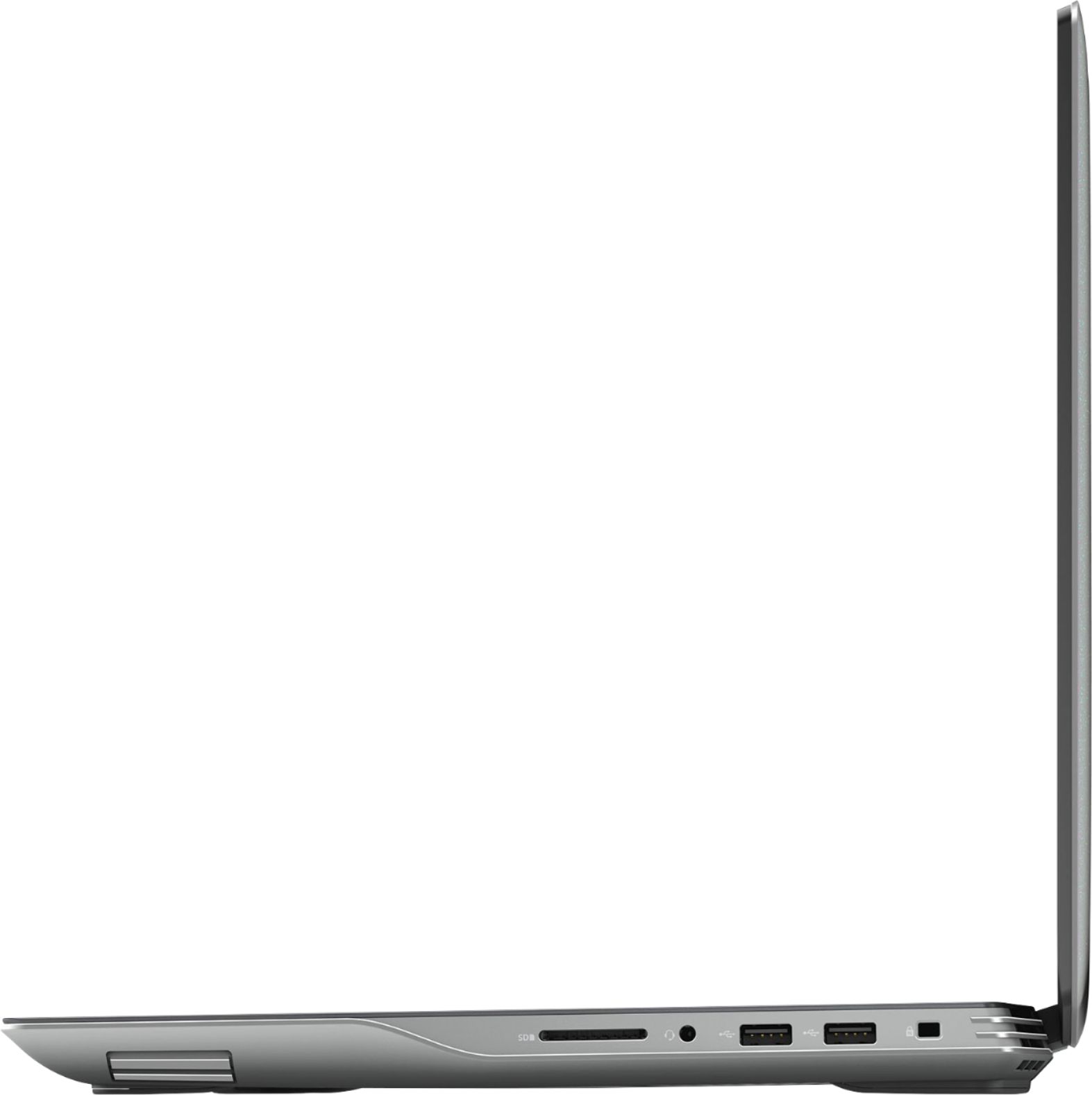
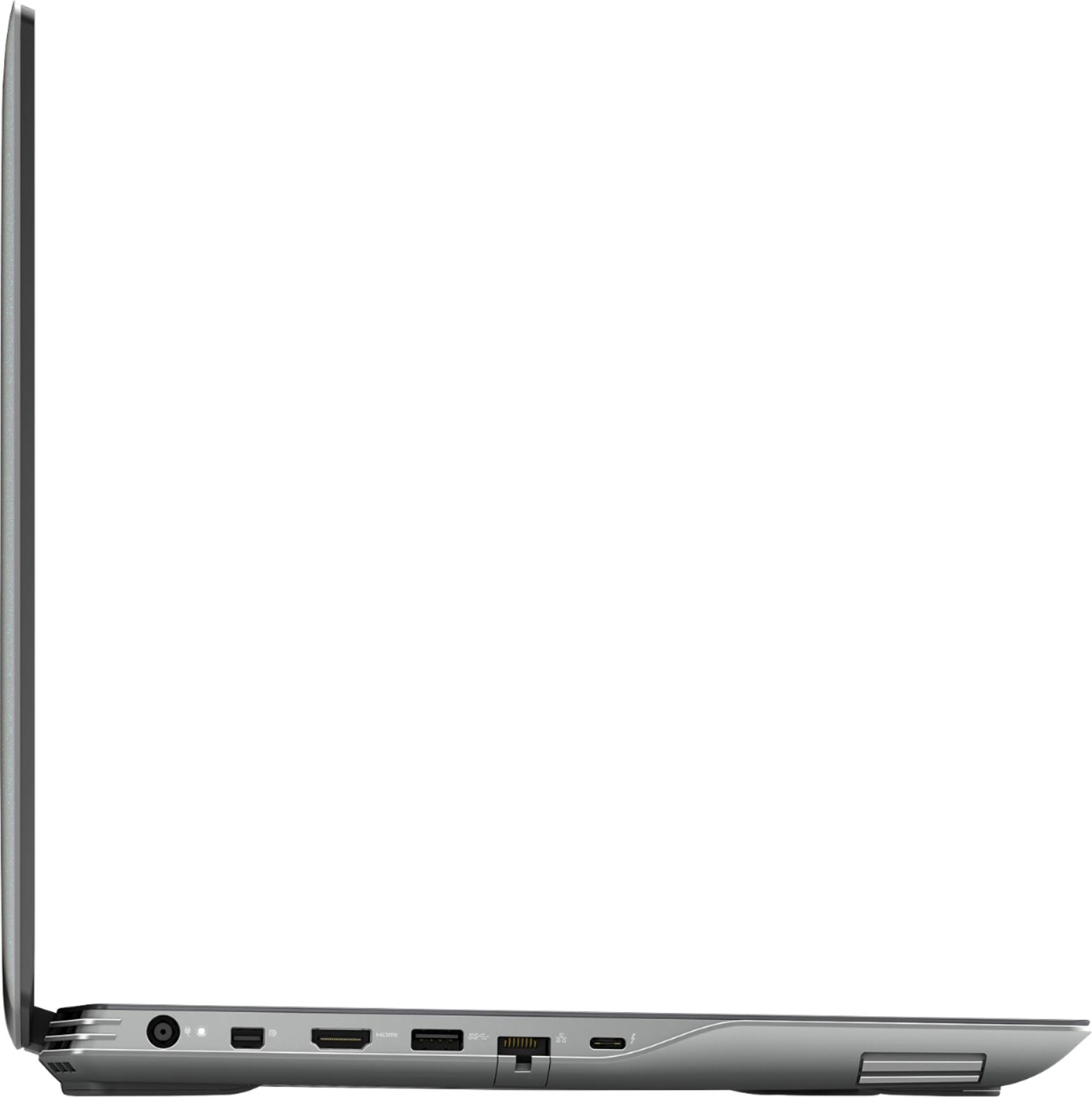

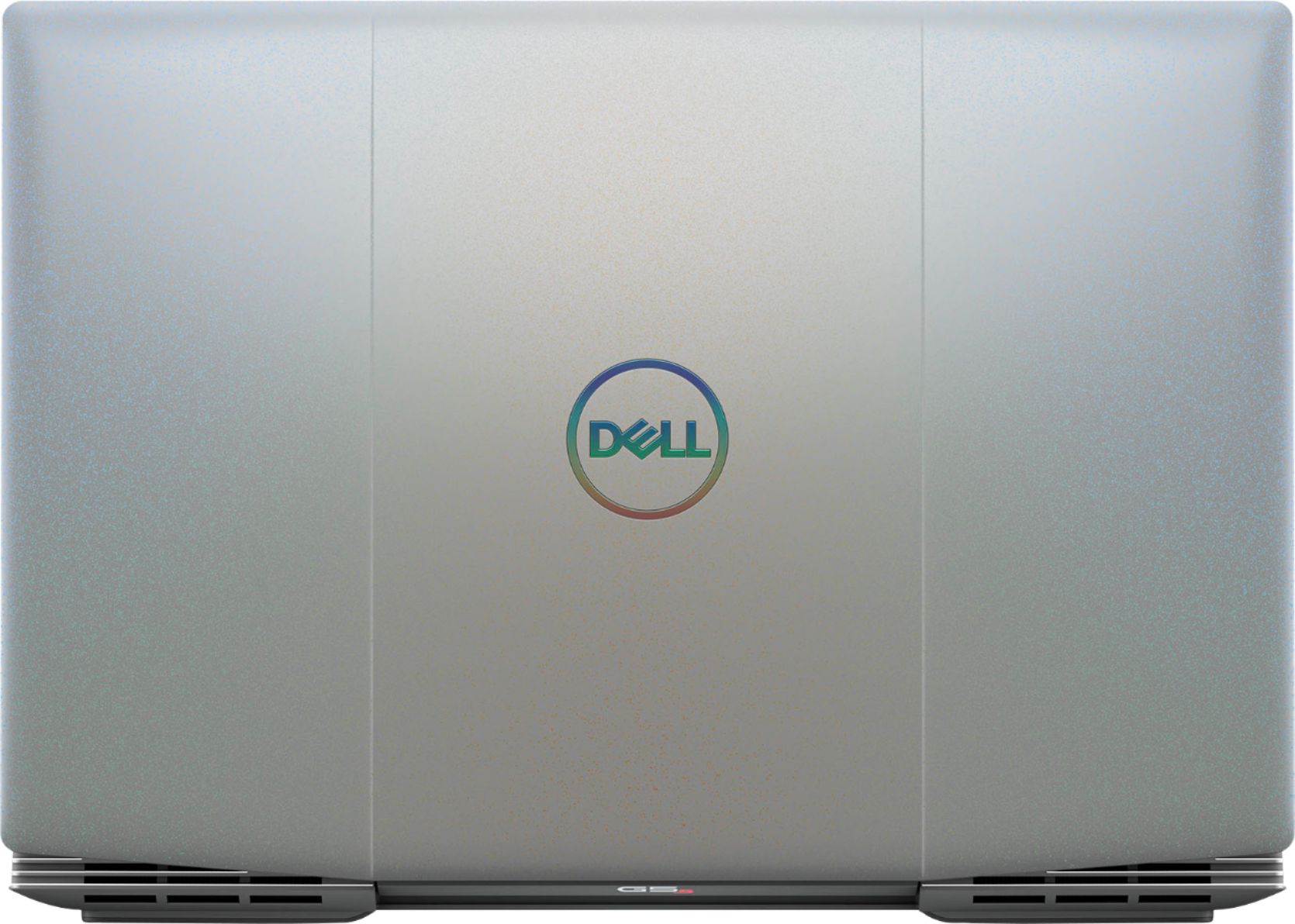
- Model:
- i5505-A753GRY-PUS
- SKU:
- 6409421
Rating by feature
- Battery Life
Rating 3.6 out of 5 stars
- Speed
Rating 4.2 out of 5 stars
- Display
Rating 4.0 out of 5 stars
Customers are saying
Customers consistently note the strong performance and impressive graphics capabilities of the G5 15.6" Gaming Laptop, along with positive feedback on its SSD speed and backlit keyboard. However, many reviews cite significant drawbacks regarding its heat generation, battery life, and fan noise. Some also mention concerns about the build quality and weight of the device.
This summary was generated by AI based on customer reviews.
Ugh laptop from hell
||Posted . Owned for 3 weeks when reviewed.This reviewer received promo considerations or sweepstakes entry for writing a review.No stars hate it i hated it still do just the thought of it n the battery is huge I just returned it n bought the new iPad much better option
No, I would not recommend this to a friendBrand response from YourDellTeam
Posted .Millie,
We're sorry that your new computer did not meet your needs. There is a new BIOS update that was released that is meant to help with the performance concerns that you may have had with this computer. We hope that you will consider Dell again in the future.
Best,
Bryan
1-800-624-9896
Don't buy it
||Posted . Owned for 3 weeks when reviewed.This reviewer received promo considerations or sweepstakes entry for writing a review.Second one I've gotten in a month and both have broke in 2 weeks. Flashing a batteries code now it just gives me the blue screen of death
No, I would not recommend this to a friendBrand response from YourDellTeam
Posted .Jonny,
We're sorry that your computer has been giving you issues. There is a BIOS update available for your computer that you can find out more information about here: https://dell.to/3jgQlm6.
If you need additional assistance you can reach out to Dell's Technical Support Team here: http://dell.to/2sH7Qlm.
Best,
Bryan
1-800-624-9896
Old casing
||Posted . Owned for 1 week when reviewed.This reviewer received promo considerations or sweepstakes entry for writing a review.Runs hot and Dell laptop don't usually have good value this laptop just always run hot for no reason the thermal is pretty bad
No, I would not recommend this to a friendBrand response from YourDellTeam
Posted .Umcpgrad,
Thanks for your review and we're sorry to hear that your computer is running hotter than you'd like it to. We'd recommend the following steps to help your computer operate at a cooler temperature:
1. Update your computer BIOS to the latest version available
• Browse to the Dell Drivers & Downloads page:
• Ensure you have selected the correct Operating System
• Under Category, choose BIOS
• Locate the latest System BIOS
• Click Download and save the file to your PC
• Open File Explorer and browse to the location where you saved the downloaded file
• Double-click the BIOS setup file and follow the on-screen instructions to complete the installation process
2. Open Alienware Command Center
3. Click Thermal at the Active Default Theme and set it to Performance
4. Restart the computer
5. Once the computer boots into Windows open SupportAssist
6. Go to the Troubleshooting tab and click on I want to check a specific piece of hardware
7. Click CPU under CPU Devices
8. Select CPU Stress Test and click Run Test
9. Open the Alienware Command Center and go to the Fusion tab
• The CPU peak temperature should be less than or equal to (≤) 100 ℃
• When under high stress, the computer's average temperature can be expected to be less than (≤) 100 ℃.
Best,
Bryan
1-800-624-9896
Waste of money
||Posted . Owned for 1 year when reviewed.This reviewer received promo considerations or sweepstakes entry for writing a review.Spent this kinda money and can't even use it to stream on twitch.
No, I would not recommend this to a friendProcessor fan failed to respond correctly
||Posted . Owned for 2 weeks when reviewed.This reviewer received promo considerations or sweepstakes entry for writing a review.Processor fan failed in under 30 days. I will be returning this laptop to Best Buy for a refund.
No, I would not recommend this to a friendnone
||Posted .This reviewer received promo considerations or sweepstakes entry for writing a review.I hate this computer! I wish I could afford to get rid of it
No, I would not recommend this to a friendA problem from the start
||Posted .This reviewer received promo considerations or sweepstakes entry for writing a review.The laptop kept shorting out and turning off. I finally took it in and asked for a refund.
No, I would not recommend this to a friendBrand response from YourDellTeam
Posted .Hello,
Thanks for your review. We are sorry to hear you were experiencing difficulties with your G5 and apologize for the inconvenience. We have provided steps that can be used to help diagnose the issue if needed in the future. We suggest running the suite of tools found within the 'Alienware Command Center' application that came pre-installed with your PC. It will not only perform diagnostics to determine what may be causing errors but also install the latest updates and drivers. This usually ensures you have the best experience to date.
Best regards,
Wendy C.
If you have any questions or concerns, you can contact Dell directly with the information below Chat or Call:
https://bit.ly/DellSupportTeam.
Phone number to Dell: 1-800-264-9896.
Not good
||Posted . Owned for 1 week when reviewed.This reviewer received promo considerations or sweepstakes entry for writing a review.Not good, First the guy didn’t help at all, the sound is really awful graphics not as advertised
No, I would not recommend this to a friendBrand response from YourDellTeam
Posted .Crisbob,
Thanks for your review. We're sorry that you're not more satisfied with your computer. If you'd like to see if you can improve the sound on your computer we'd recommend checking to make sure that all of your drivers are up to date: https://dell.to/31CU4mu.
If you'd like to troubleshoot your display, you can read this article: https://dell.to/2CLF6yC.
If you need additional support you can always reach out to Dell's Technical Support Team: http://dell.to/2sH7Qlm.
Best,
Bryan
1-800-624-9896
Do NOT buy
||Posted . Owned for 6 months when reviewed.This reviewer received promo considerations or sweepstakes entry for writing a review.This computer has had nothing but issues since I bought it. Complete crap!
No, I would not recommend this to a friendBrand response from YourDellTeam
Posted .Hello Kelli,
Thank you for your review. We apologize for the issues you have come across with your G5. We would love to assist you with any troubleshooting needs but would need a little more information. Please feel free to reach out to Dell Support at your earliest convenience.
Best regards,
Wendy C.
For further assistance, you can contact Dell directly with the information below Chat or Call:
https://bit.ly/DellSupportTeam
Phone number to Dell: 1-800-264-9896
sucks
||Posted . Owned for 1 week when reviewed.This reviewer received promo considerations or sweepstakes entry for writing a review.it broke within two weeks of owning so its not really good
No, I would not recommend this to a friendBrand response from YourDellTeam
Posted .Fernando,
We're sorry to hear that your computer broke. If you'd like to see if your concern is covered by Dell's One Year Limited Warranty you can read more about it here: http://dell.to/2tNsVOs.
Best,
Bryan
1-800-624-9896

Hot! Gaming Paradise
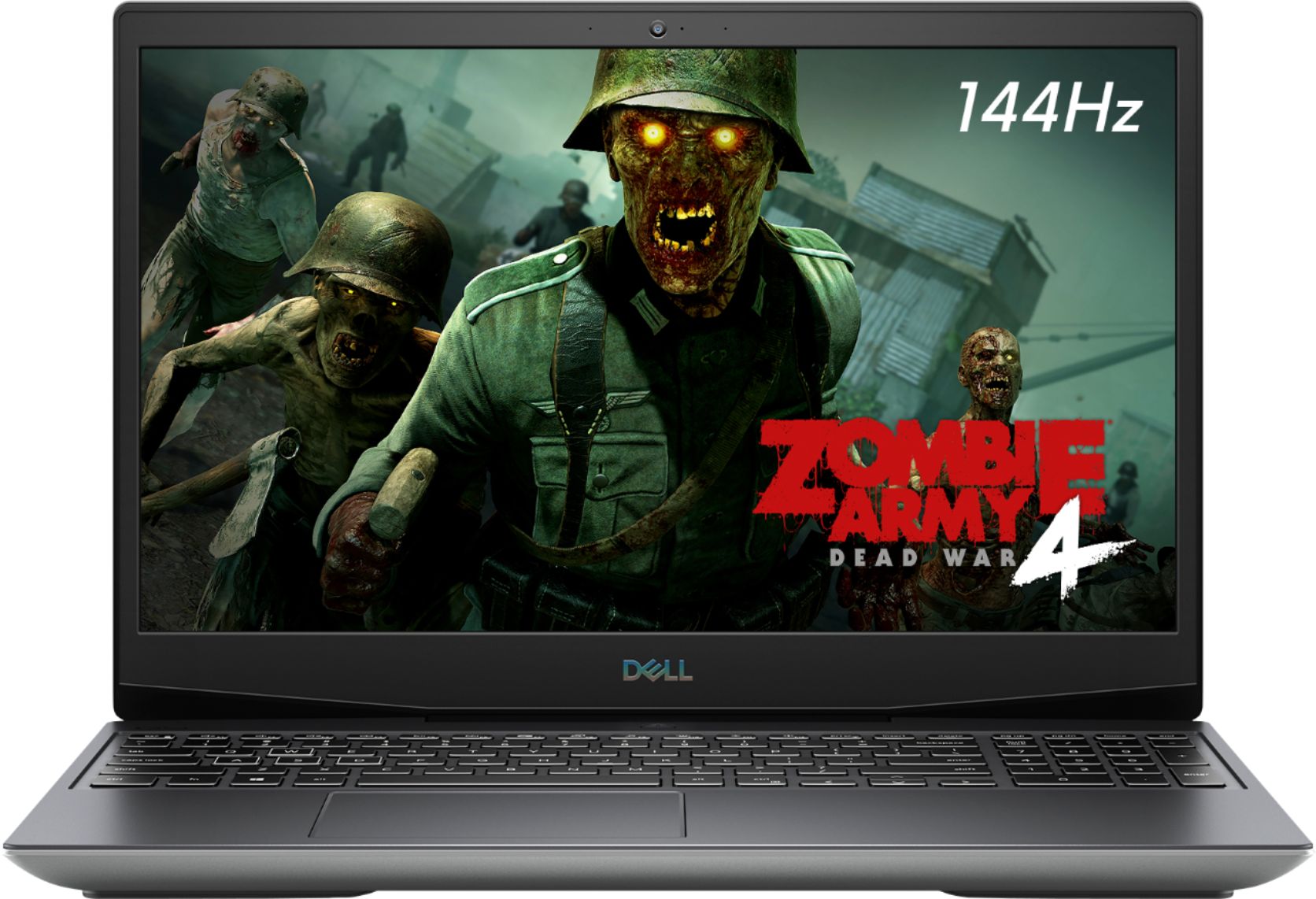
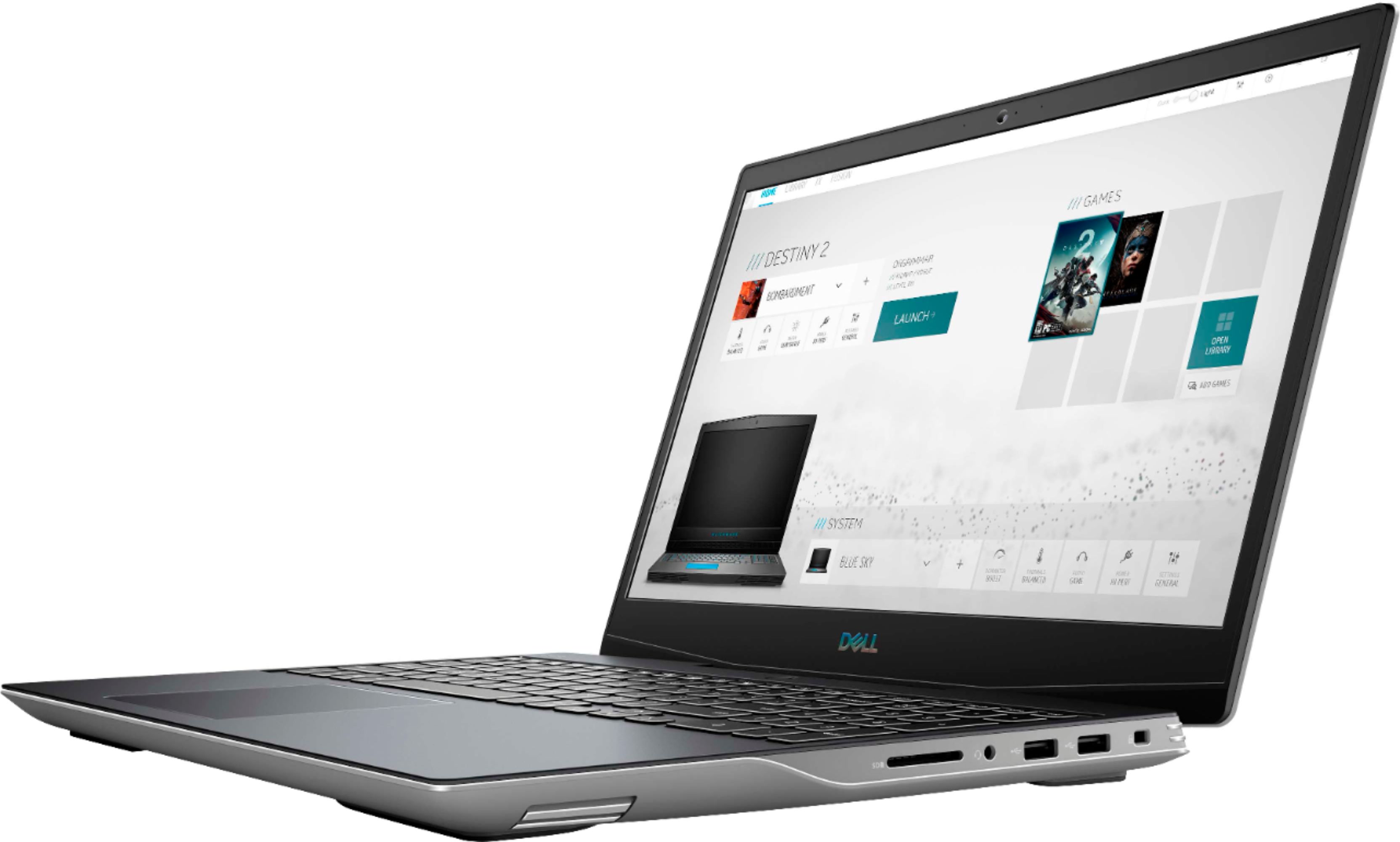
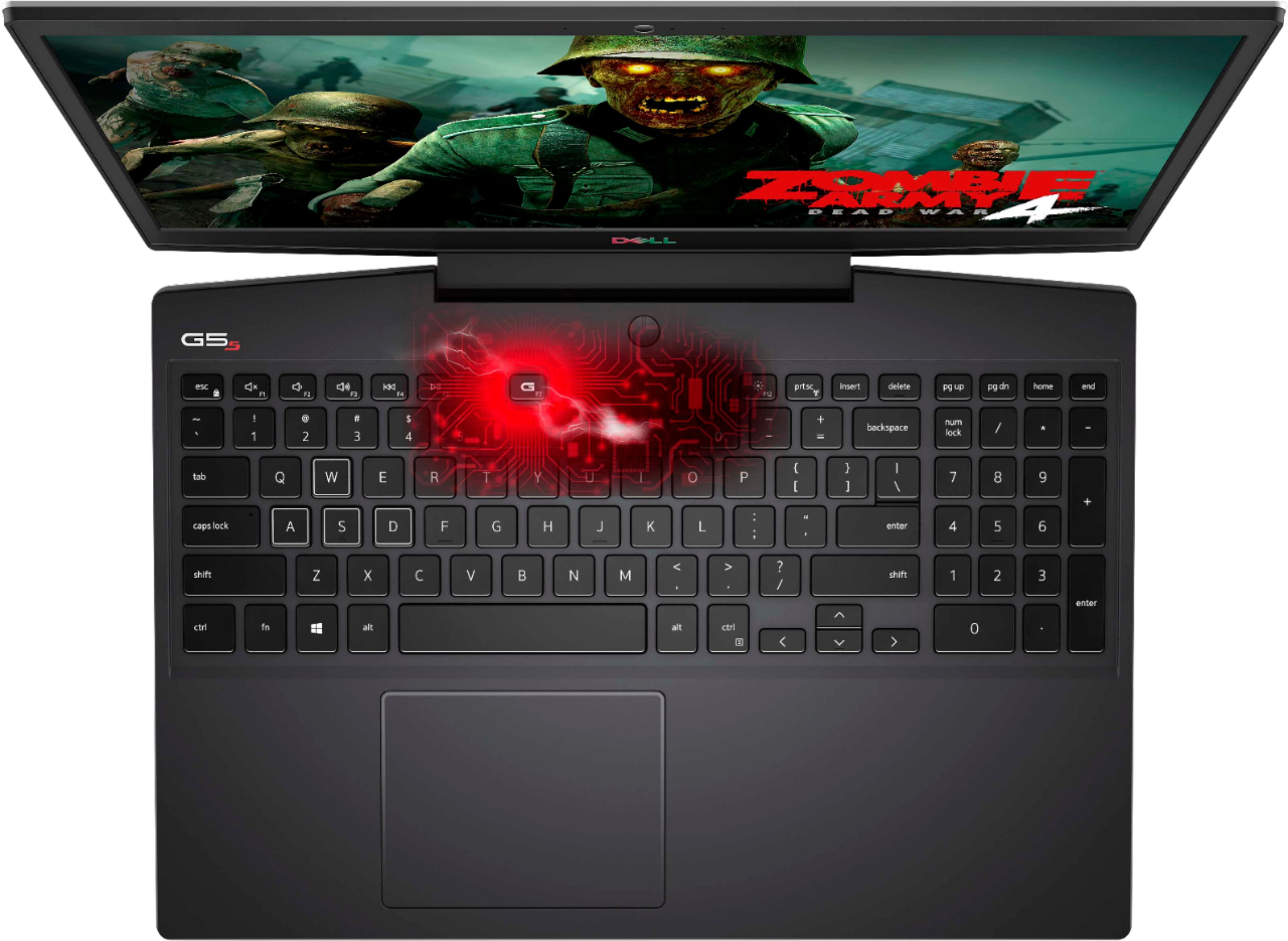
|Posted .This reviewer received promo considerations or sweepstakes entry for writing a review.TLDR: A great laptop that will handle almost every game that you throw at it. The only negative, its cooling system sometimes gets overwhelmed if you are running games at the highest settings. Therefore, if you use it truly as a laptop - in your lap - you might want to invest in a cooling pad (you can get those here too). But if you're like me and you always (luckily) seem to have access to tables/desks wherever you go - you'll be fine to run it sans cooling pad. So, the first thing that came to my mind when seeing this laptop is that it does not mind being a little bit bulky. But, heck with what is inside, I give it a free pass. This is truly a gaming workhorse. And I like that it actually performs the way that it is promoted. There are other "gaming laptops" where manufacturers throw a bit of ram, and a starter graphics card in and call it a gaming laptop. The Dell G5 SE on the other hand was obviously built from the ground up to be a gaming laptop. I've played the following games so far on it with no issue (other than mentioned in the TLDR) in either high or ultra settings COD:MW Bayonetta Dead Rising 2: Off The Record Far Cry Primal Red Dead Redemption 2 Super Mega Baseball 3 Doom Eternal Those are just a few that come to mind. You may think that 8GB of RAM isn't enough. But somehow, Dell has pulled it off because of the other internal hardware. This all AMD system and the Ryzen 7 Proc with the AMD Rx5600M as I said above handles all games without a hiccup. When you are ready to game, you can hit the fn+G.F7 key and the system will put you into "high performance mode". This immediately gets you and your laptop ready to game, and you can hear this function push the internal fans to their max to keep everything (but your lap) as cool as possible. With it being marketed as a "gaming laptop", it would be a shame for owners not to take advantage of its power for other uses. Such as digital video and audio editing (it renders extremely fast). It also is an awesome laptop to watch youtube on. It is also perfect to use as a VR machine. It works perfectly with my HP VR system with no hiccups. I had been waiting for a long long time to be able to use VR on something other than my Desktop. The Dell G5 FINALLY arrived to take on and completely go beyond my expectations in that department. Something else that other may consider a small thing, but one that I truly appreciate is its full numeric keypad on the keyboard. It may be just me, but I've been noticing them less and less on newer laptop models across all brands. Speaking of the keyboard, it is backlit! Not only that, but you can fully customize the colors and if you want them to have any effects (i.e. breathing/pulsing etc). Or, you can do as I do and just keep them lit solid. There is so much to say about this laptop that I fear that I may have missed something crucial in this review. It's very rare that ANY computer, be it laptop or PC, impresses me so much that I could probably go on and on forever with all the cool features. If I had to sum it up in one (long) sentence I would say: This is the most awesome laptop I've owned and it is truly capable to do just about everything you throw at it! I f you are in the market for a (in my opinion) very reasonably priced laptop for what hardware it provides - then definitely get the Dell G5 SE! You will be very glad you did!.
I would recommend this to a friendFast laptop with lots of features for the money!
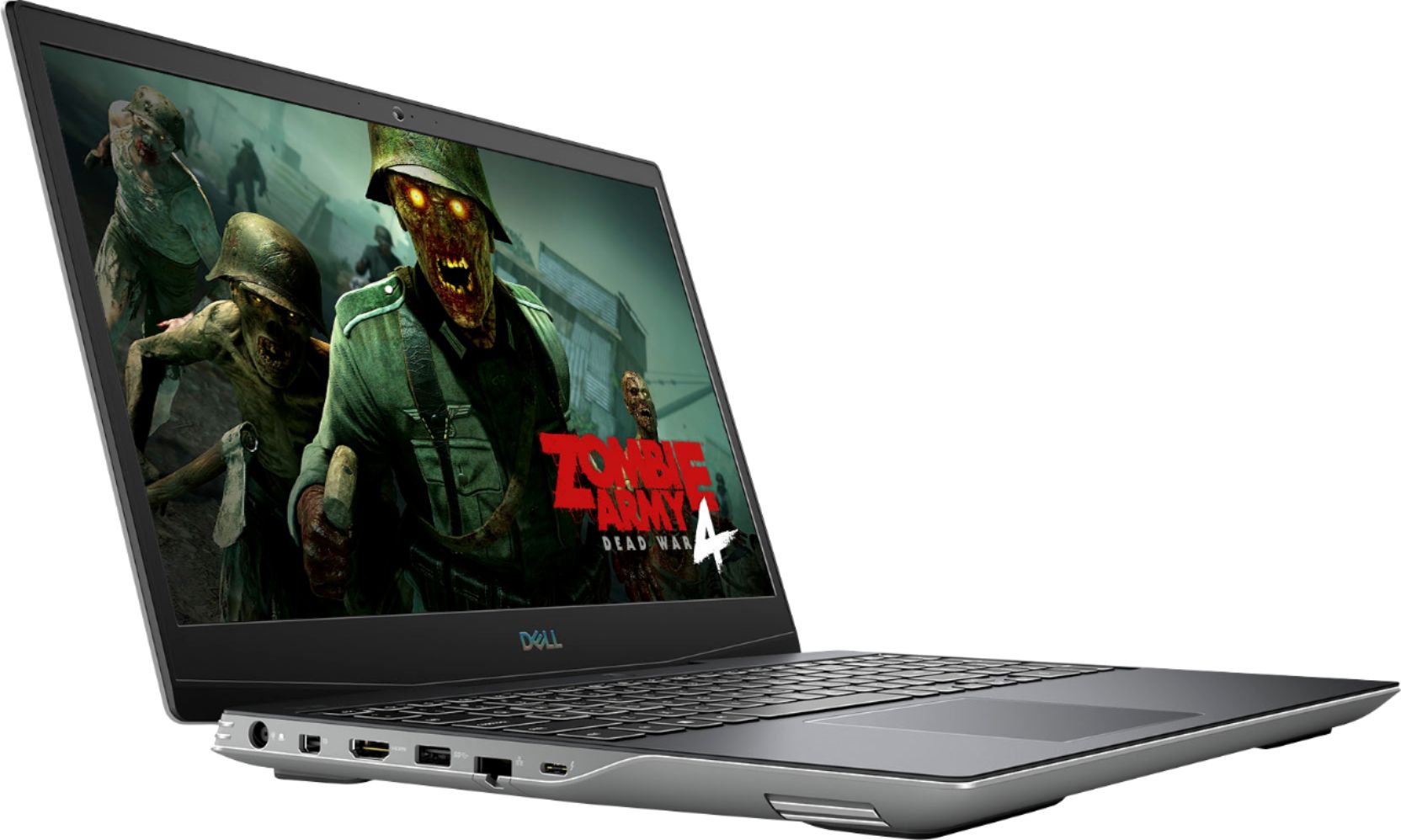
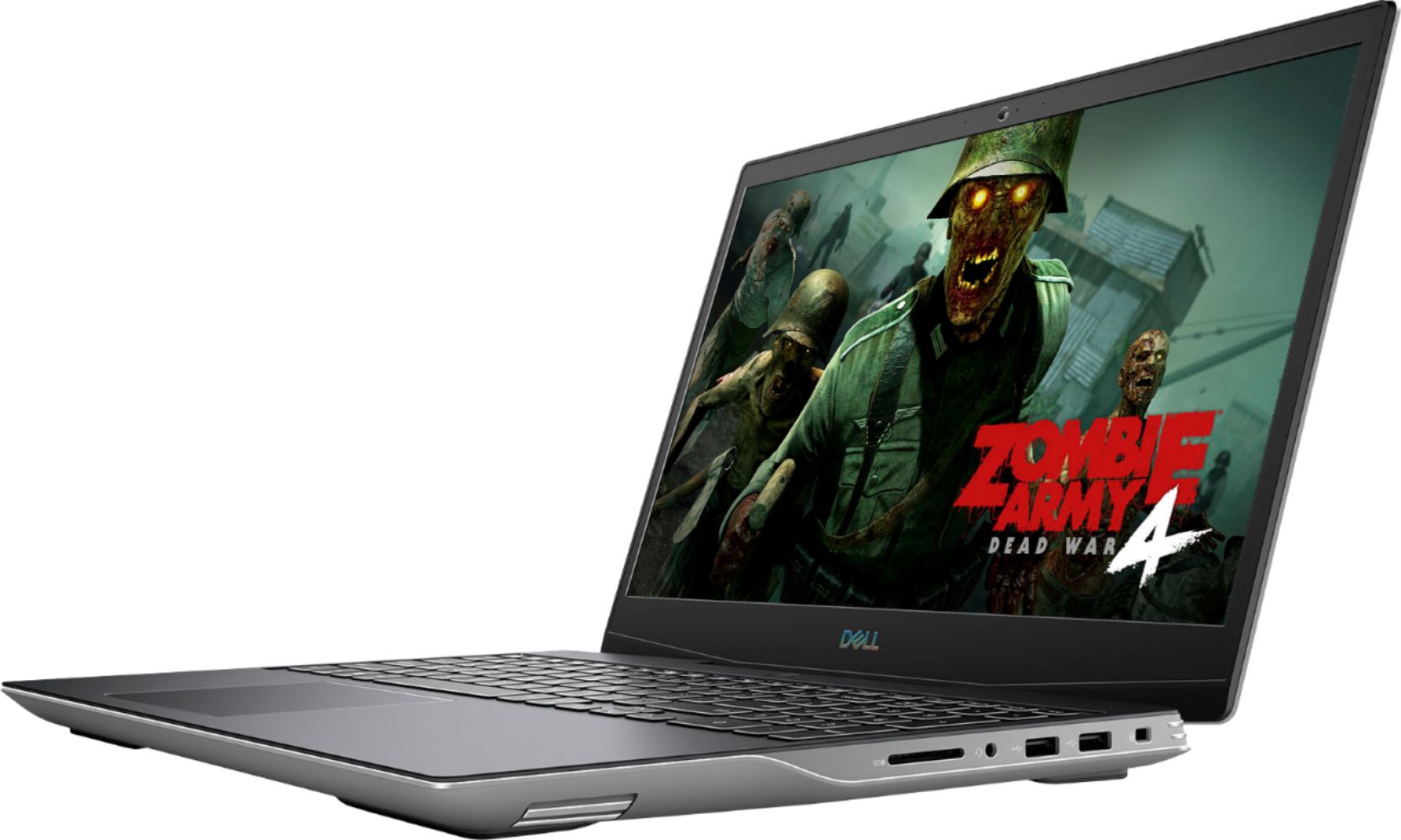
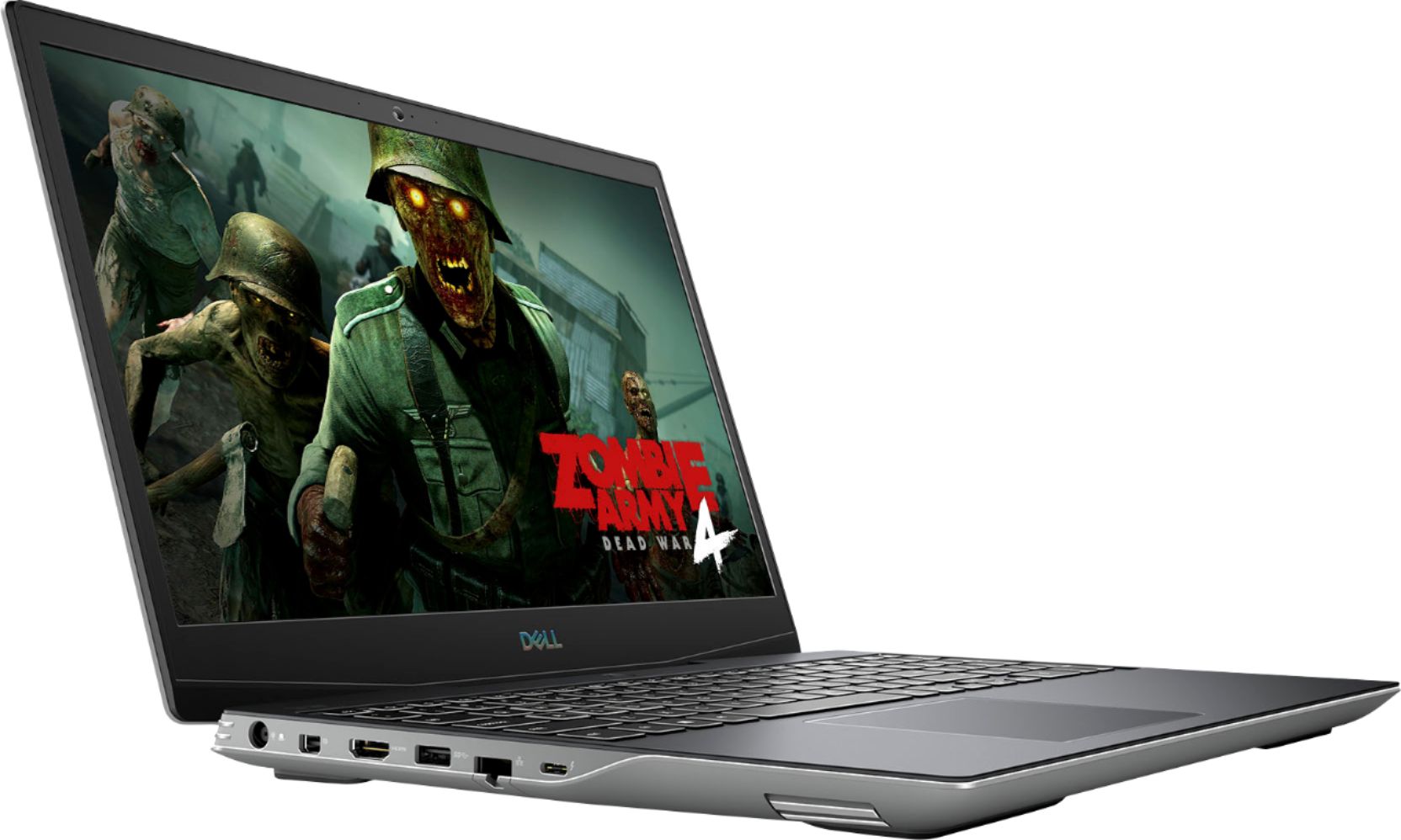
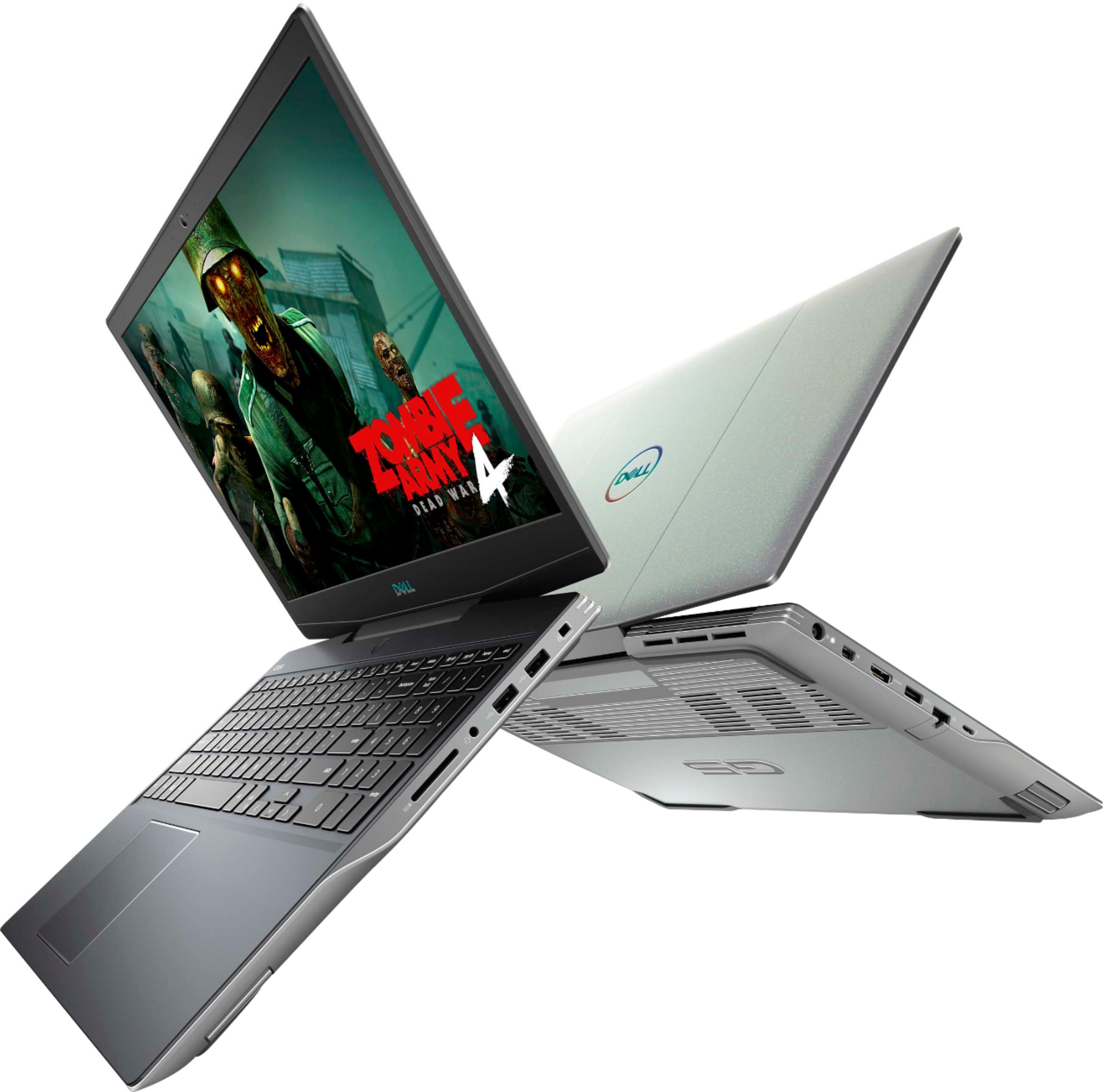
|Posted .This reviewer received promo considerations or sweepstakes entry for writing a review.The Dell G5s gaming laptop is a great machine! It's got a great combination of performance, ports, and random cool features to make it a great gaming laptop! Performance This thing is fast! The Ryzen 7 4800H CPU give you 8 physical cores and 16 logical processors! The performance from the CPU is excellent, as you would expect from that many cores in a current CPU. Don't worry, Dell didn't stop there. The 512GB SSD drive using the NVMe protocol is also very fast. While this probably won't make a big difference in game performance it could help reduce install time. The graphics performance is naturally important in a gaming laptop. This is no slouch! Along with the 16 logical processors you have a Radeon RX 5600M discrete graphics card for intense gaming. Using the normal graphics I got about 59fps to 75fps in one of my favorite racing games. When I bumped it up it up to full power to run the game, cooling fans running, I got 120fps average up to 155fps peak!!! I guess it's good it has a 144Hz display! That's right! They top off the performance with a 144Hz LED backlit LCD panel! I tried a bunch of different games. In fact, one game I noticed ran much faster than my other laptop, not too fast but at a comfortable speed. I went to the other laptop and turned down the graphics settings and what do you know, the game wasn't coded to run at an odd slow speed. My other laptop couldn't handle it with the settings configured the way I had them. The game ran smoothly and was very playable but it was just slower than what felt natural. Not only can you set the laptop to run in a high power mode for full performance but it's very easy. Just hit <Fn>-<F7> (the G button) to set it to gaming mode to enable "High performance mode" in the Alienware Command Center. Ports, ports, and ports!!! I love the way this is loaded with ports! There are 2 USB 2.0 ports, one USB 3.1 port, and one USB 3.2 Type-C port. Then there is video - along with the USB Type-C port that supports DisplayPort it also has a mini-DisplayPort port and a full size HDMI port. I almost forgot the full sized SD Card. No RJ-45 you say? Wrong! It has 1Gbps physical NIC as well as a WiFi 6 adapter. Naturally there's Bluetooth too! Input The keyboard has a good feel. Initially I thought the keys felt a bit soft, for lack of a better word, and I thought maybe the travel was a little short, but after using it more I feel like it's very comfortable to type on and I don't feel like the key travel is short or I don't notice it as I type. I think the keyboard has a very good feel and the key layout and spacing is good. I like the way they only have a "Windows" key on the left side of the space bar for instance to leave good room for a decent inverted T arrow key layout on the right side of the space bar. For a laptop keyboard it's one of my favorite, if not my favorite layout that I've used in recent years. its nice having a numeric keypad there too. That's a very good use of space. Other cool features The keyboard is backlit and you can make it any color you want! From the Alienware Command Center you can choose a few presets and change the color of the backlights for the entire keyboard or separately for four different regions, broken up from left to right. They can be still solid colors or the colors can change and you can have up to four colors on the keyboard at a time. I mentioned the Alienware command center above. It found games I had in Steam and made them available in a launcher to run them with optimal settings. It also has all kinds of hardware info. You can see all kinds of clock speed and thermal data for various components and it even tracks history of some if not all of those stats. There are lots of options to customize your gaming performance, including overclocking options. It also has controls to easily set things like sleep, screen auto off, and audio settings. The display supports HDR video playback, but apparently not HDR gaming on the built-in panel - according to Windows 10 info on the hardware. I'm very impressed by what Dell put together and the performance of the AMD hardware. You get a lot for the money with this laptop with plenty of fun extras too!
I would recommend this to a friend- Cons mentioned:Heat
Good Gaming Power for a Great Price
|Posted .This reviewer received promo considerations or sweepstakes entry for writing a review.The Dell - G5 15.6" Gaming Laptop - 144Hz - AMD Ryzen 7 - 8GB Memory - AMD Radeon RX 5600M - 512GB Solid State Drive is a great laptop for gaming at an affordable price. I would probably be classified as a casual gamer - Tomb Rader, Jedi Knight, AC, etc. So I'm not up on all of the specs and framerates. I just know if it looks good and plays smooth - and that's exactly what I've experienced. The image is very crisp and the graphics were impressively quick, smooth and engaging with no lagging at all. I like using my XBox controller, which worked with no problem. The onboard sound is not that good, but I prefer headphones anyway and that worked excellently. I'm looking forward to using it plugged into a larger monitor and external speakers - just haven't had the chance yet. As you should expect with a gaming laptop, it gets hot. When using it on my lap, I've needed to use a pad. Otherwise it is not doable. Bottom-line. I am thoroughly enjoying this powerful, yet affordable, gaming laptop.
I would recommend this to a friend - Pros mentioned:PerformanceCons mentioned:Build quality
Heats up
Posted .This reviewer received promo considerations or sweepstakes entry for writing a review.I bought my dell g5se a few months ago but i got mine off amazon and its a good machine alot of tech geeks dont like the smart shift on this because it heats up the laptop to high temps. Other than the temp issue i havent had any issues with this laptop. Run amazing for games i havent had any slowdowns really other than my own internet. Temps can get high with the g shift on. If you do not care about the appearance of the laptop great but its plastic frame and body. I dont like the monitor hinge. It makes the screen feel flimsy but that just me. Perfomance wise it works mid range to the higher end. 80 +frame rate on most games if it seems kinda laggy use your g shift button will smooth it right out. All in all i give this laptop 3.8 out of 5 stars as there are heating issues and the g shift button i dont care for thebappearnace i dont necessarily like but i dont care either. Mainly my issue is the heating issue with this laptop it gets pretty hot.
I would recommend this to a friendBrand response from YourDellTeam
Posted .Hello,
Thank you for taking the time to share your experience. We apologize for the experience you have had with your G5 overheating. Your feedback is incredibly valuable as we build current and future products. We would recommend checking to ensure that the latest BIOS is installed on your system. You can download the update here - https://dell.to/3r7NAbH. We hope this helps with any overheating issues that you are experiencing.
Best,
Wendy C.
https://bit.ly/DellSupportTeam.
Phone number to Dell: 1-800-264-9896.
Good ….kind of
Posted .This reviewer received promo considerations or sweepstakes entry for writing a review.Worked great for the first 3 years. Then the graphics card slowly declined and begins lagging. The fan on the computer is absolutely terrible. I have multiple burn marks on my legs from using the LAPtop on my LAP. Works most newer games but don’t expect to play any AAA games like GTA without major lag and performance issues.
No, I would not recommend this to a friend- Pros mentioned:Performance
Lapto
Posted .This reviewer received promo considerations or sweepstakes entry for writing a review.The laptop is awesome. It’s runs great and I’ve never had a problem
I would recommend this to a friend - Pros mentioned:Performance
Amazing
Posted .This reviewer received promo considerations or sweepstakes entry for writing a review.It was the greatest product I ever purchased, 100% recommend
I would recommend this to a friend Great gaming laptop
|Posted .This reviewer received promo considerations or sweepstakes entry for writing a review.This is my first laptop that’s gaming centric and I have to say I really like it. Set up was fairly easy for me and I was able to get steam up and running with relative ease. I haven’t noticed any issues with lag, connection or pixelation. Boots up relatively easy and I can’t get 6-7 hours on the battery before needing to charge it. My only complaint is that even though it has a camera, there’s no facial log in capability.
I would recommend this to a friend- Pros mentioned:Graphics, Keyboard
Worth the money.
Posted .This reviewer received promo considerations or sweepstakes entry for writing a review.So far, really impressed. Has a lot of extras that I enjoy. Slim, quick, nice graphics, backlit keyboard.
I would recommend this to a friend Halo on the go
Posted .This reviewer received promo considerations or sweepstakes entry for writing a review.Best computer for 2020- halo all day for me, great fps
I would recommend this to a friend