Customer Ratings & Reviews
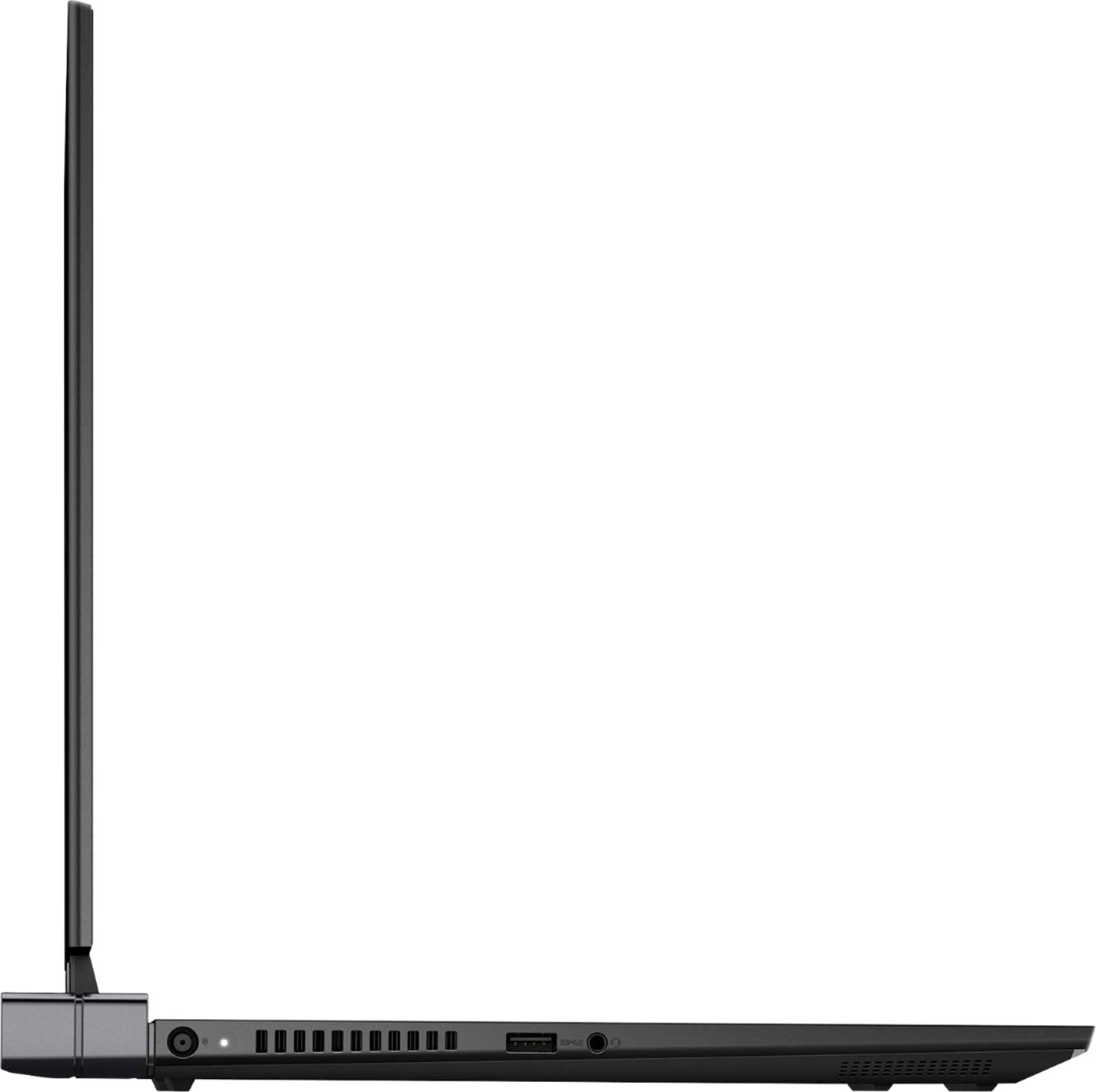
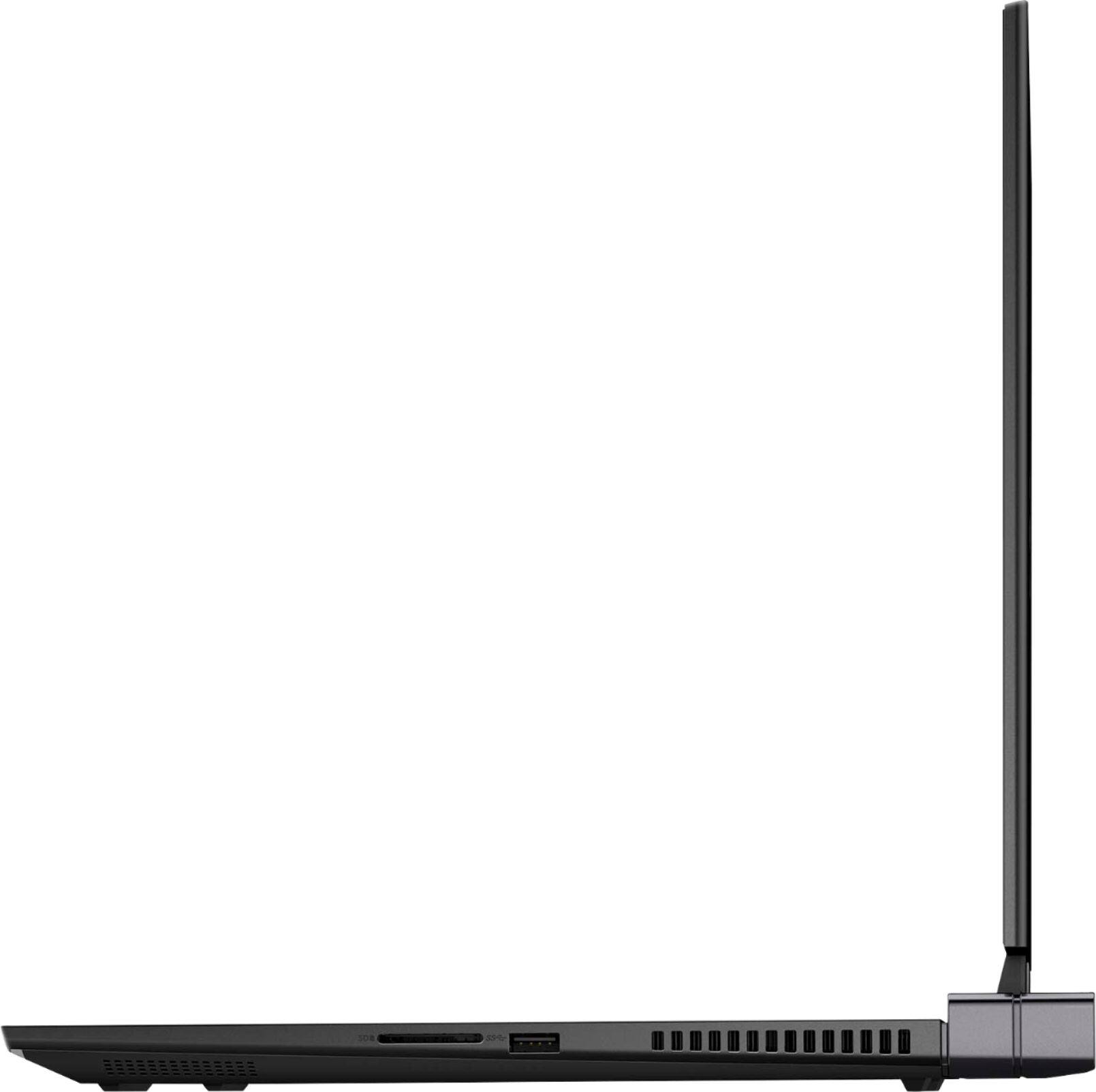
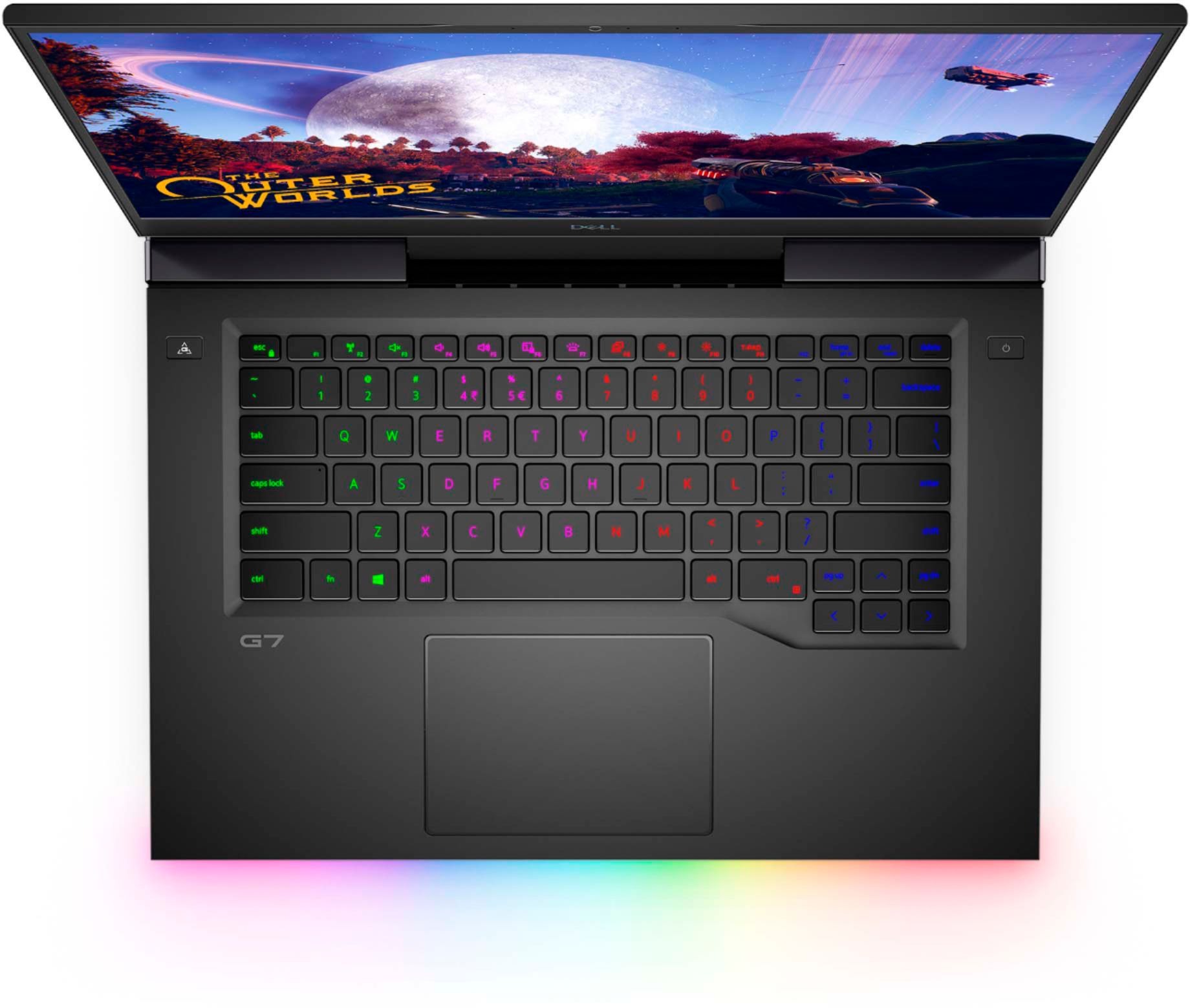
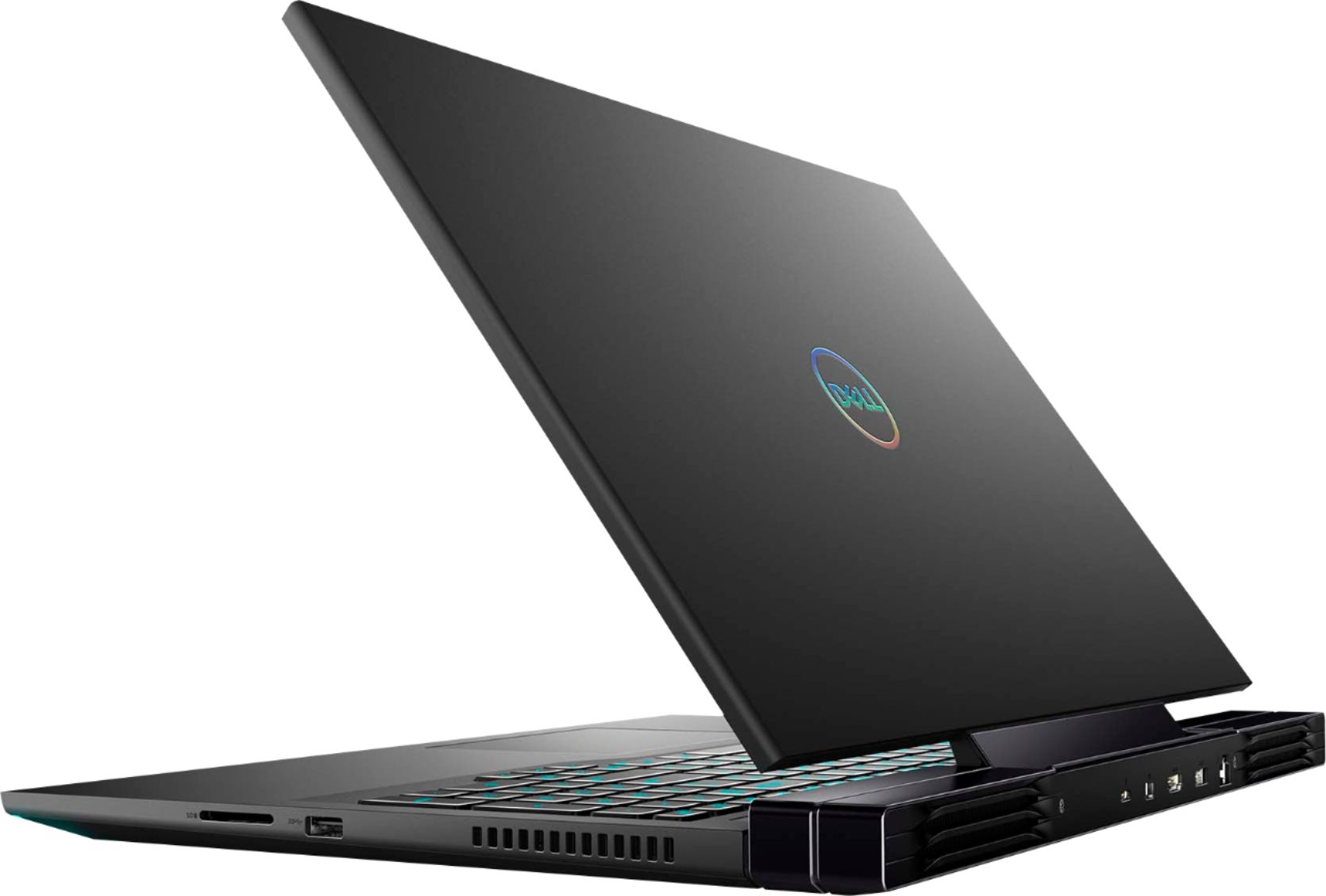


- Model:
- G7500-7194BLK-PUS
- SKU:
- 6419696
Rating by feature
- Battery Life
Rating 3.9 out of 5 stars
- Speed
Rating 4.3 out of 5 stars
- Display
Rating 4.5 out of 5 stars
Customers are saying
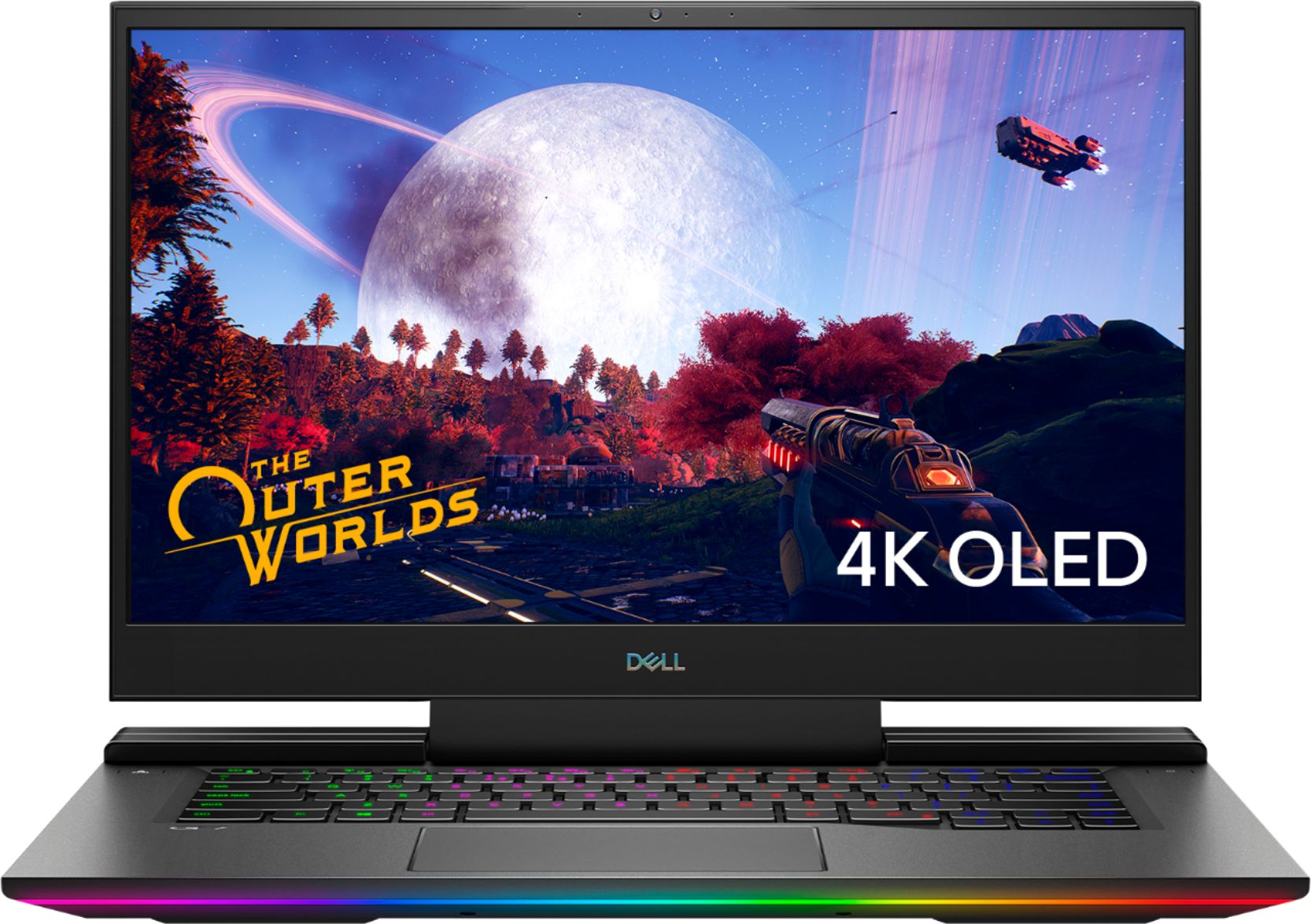
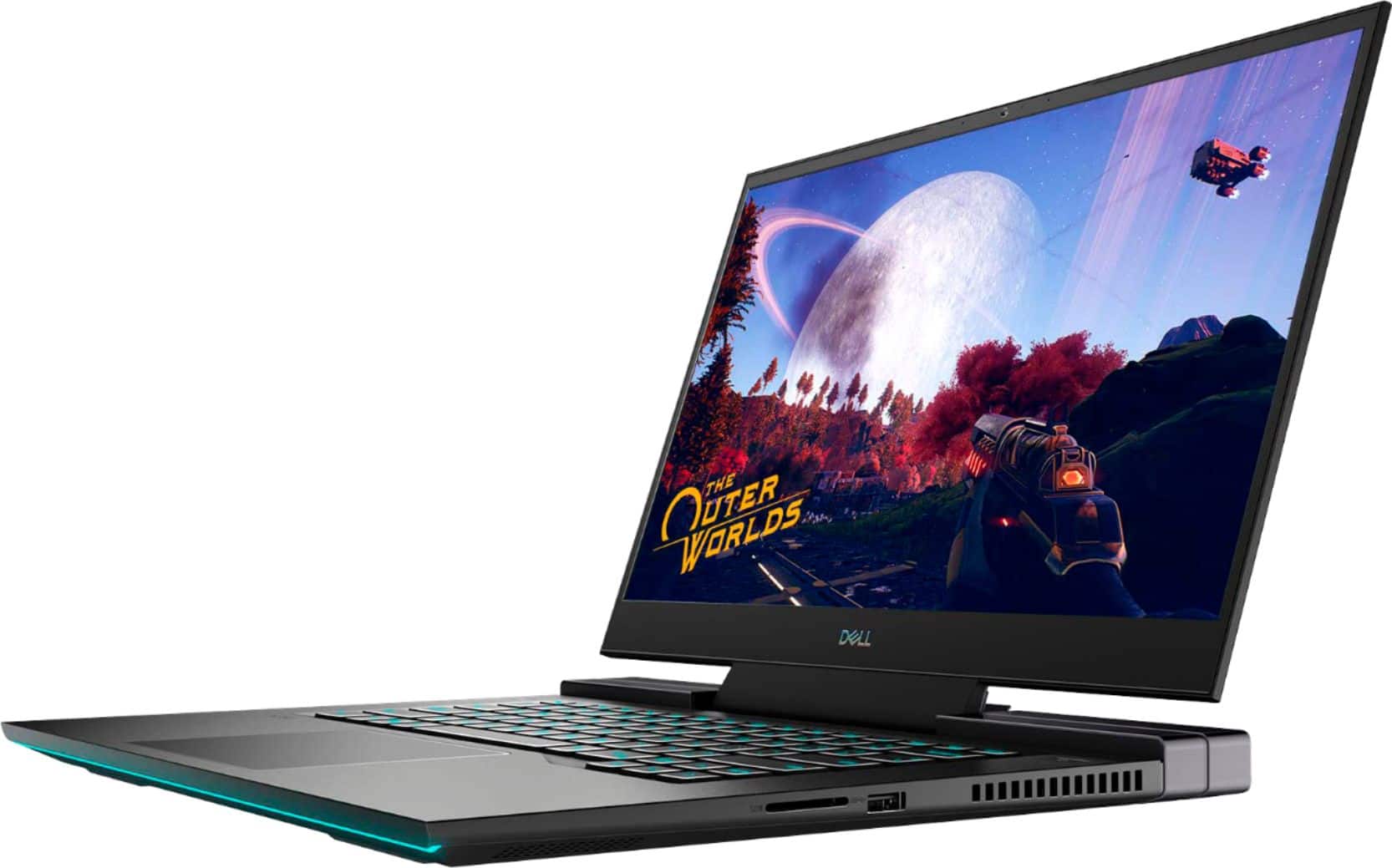
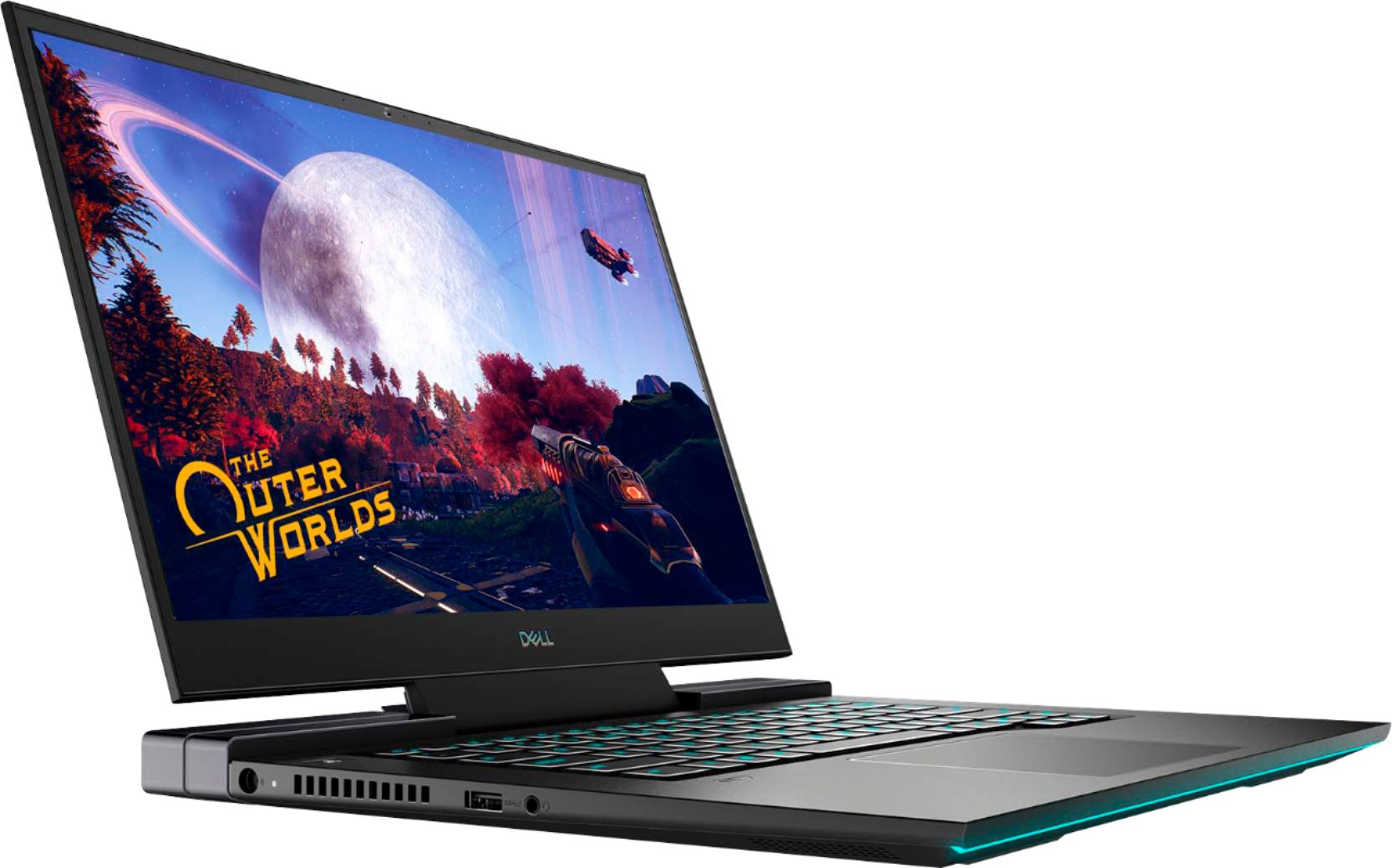
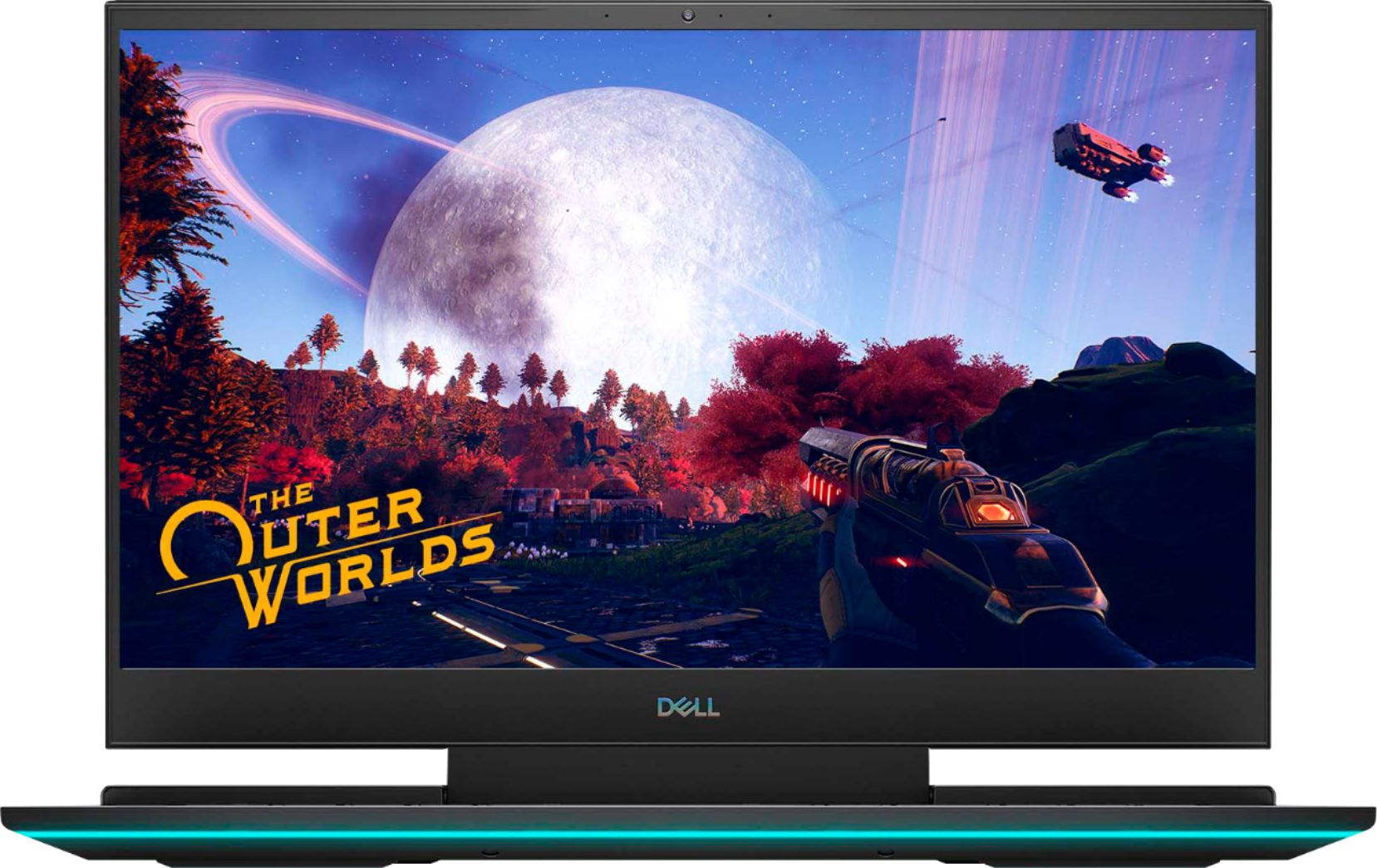
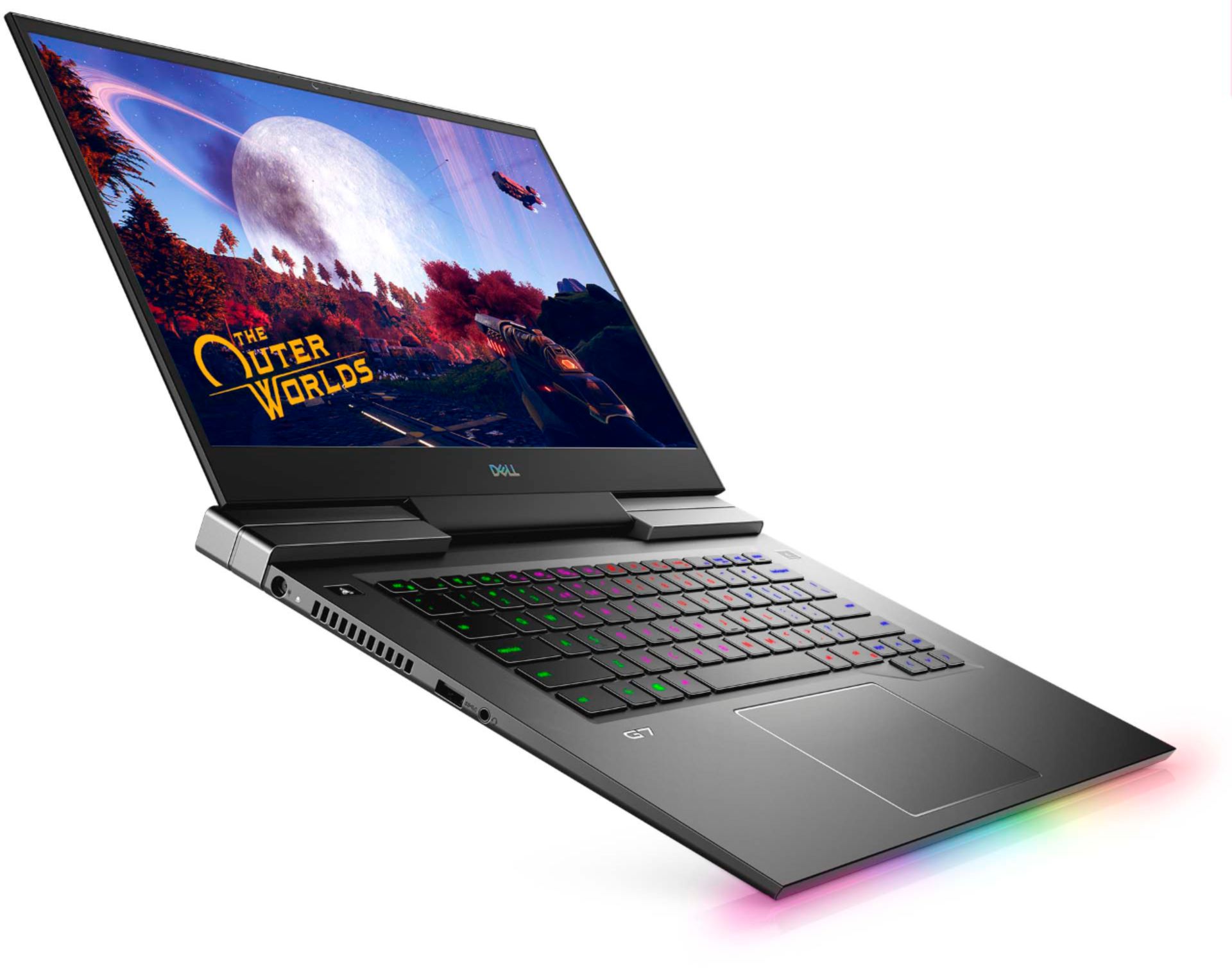
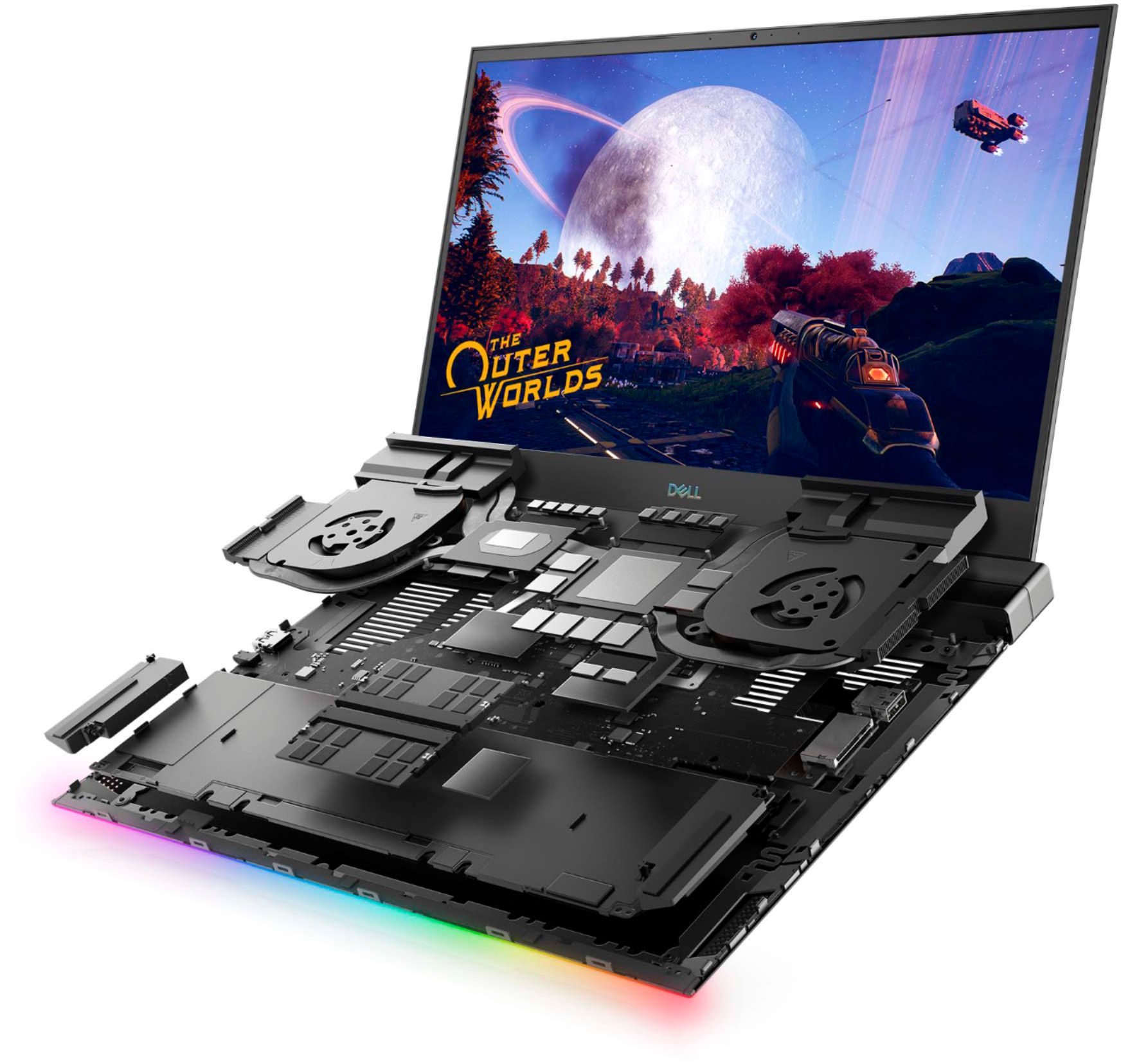
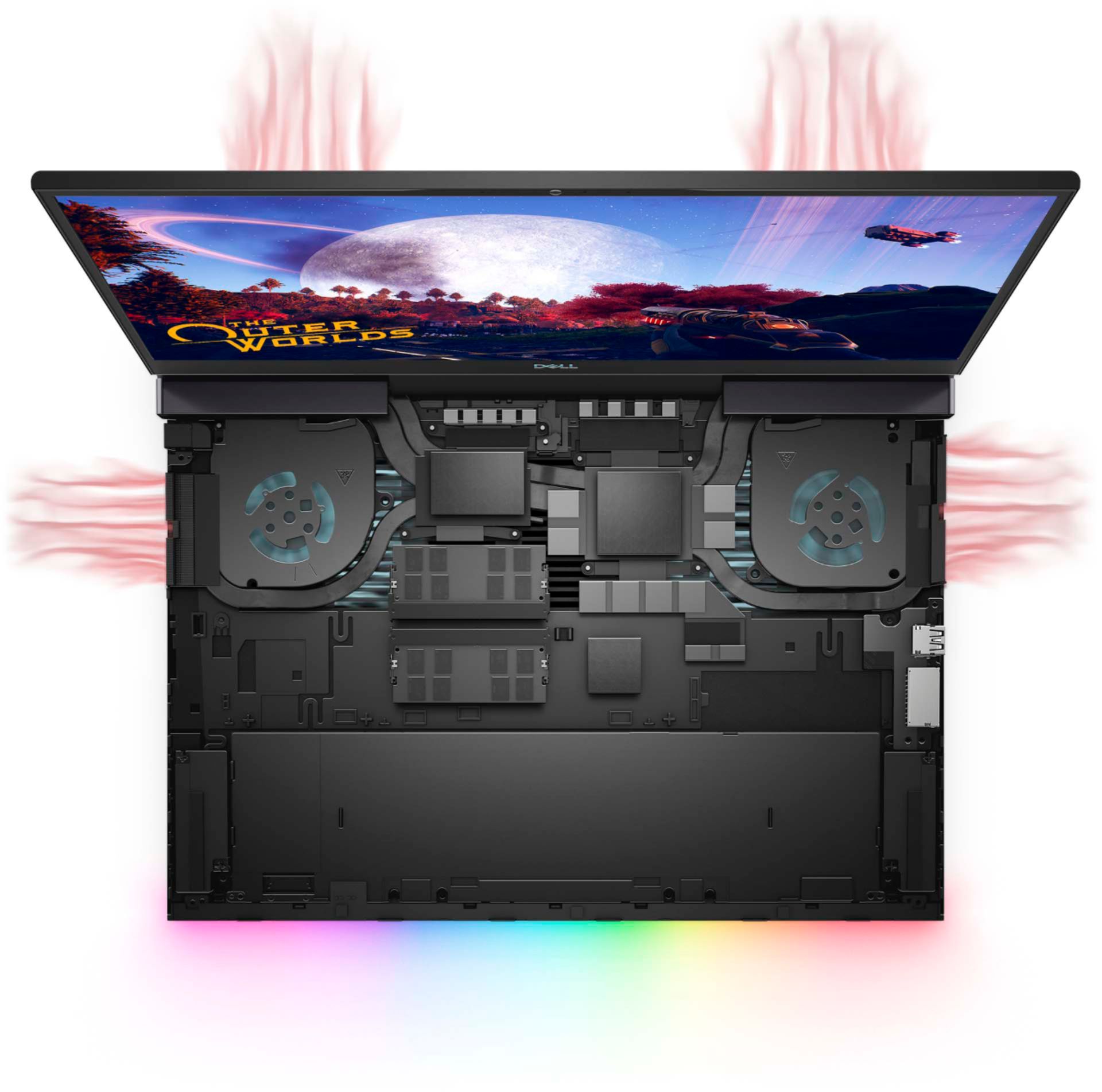
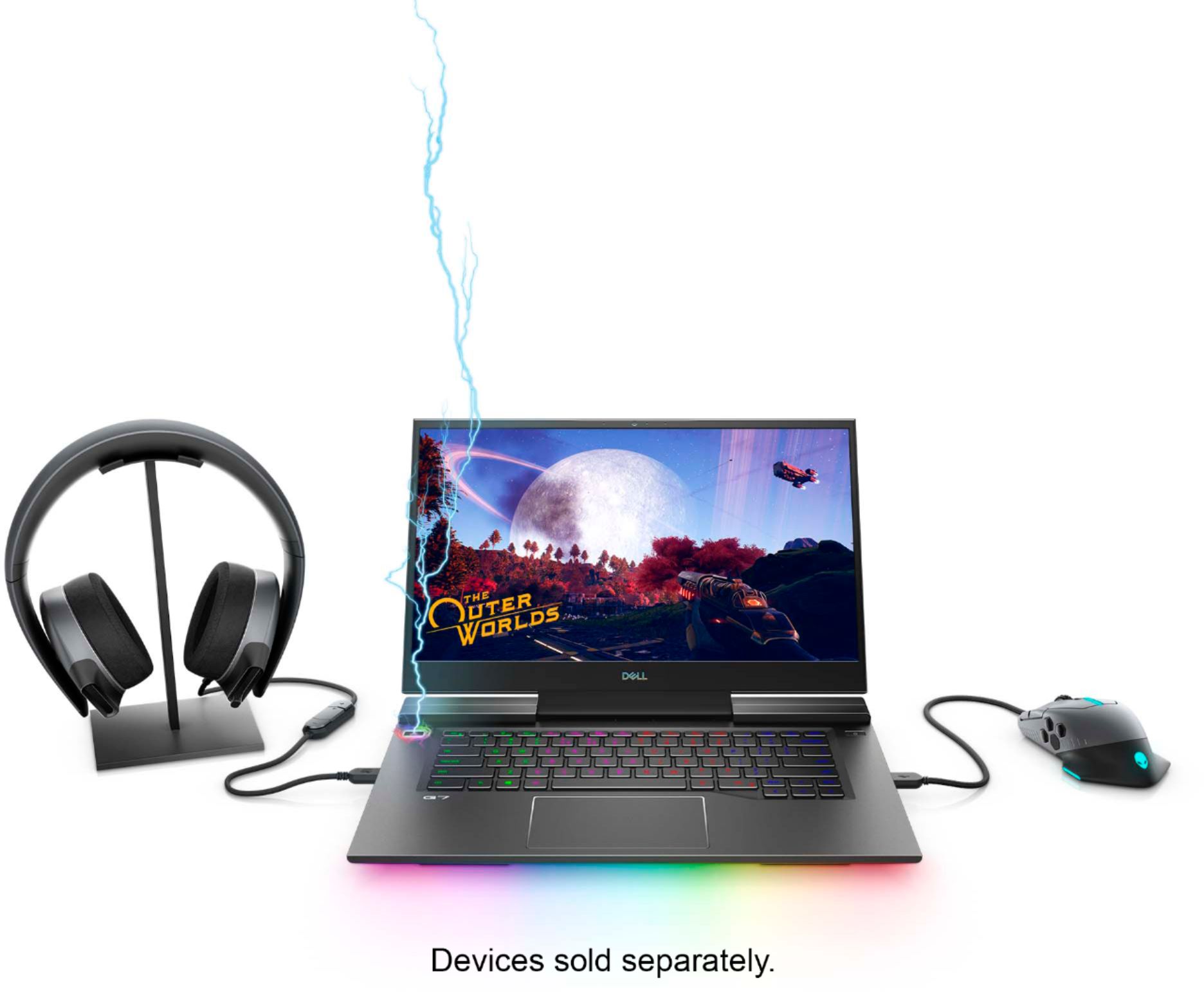
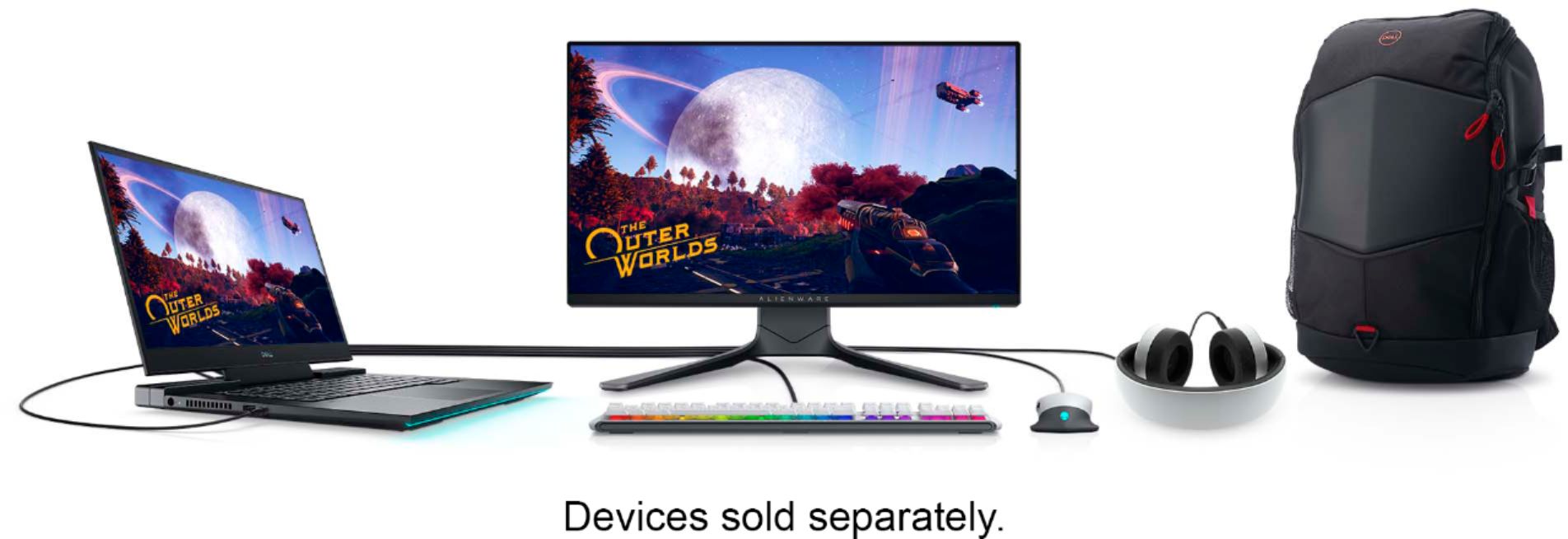
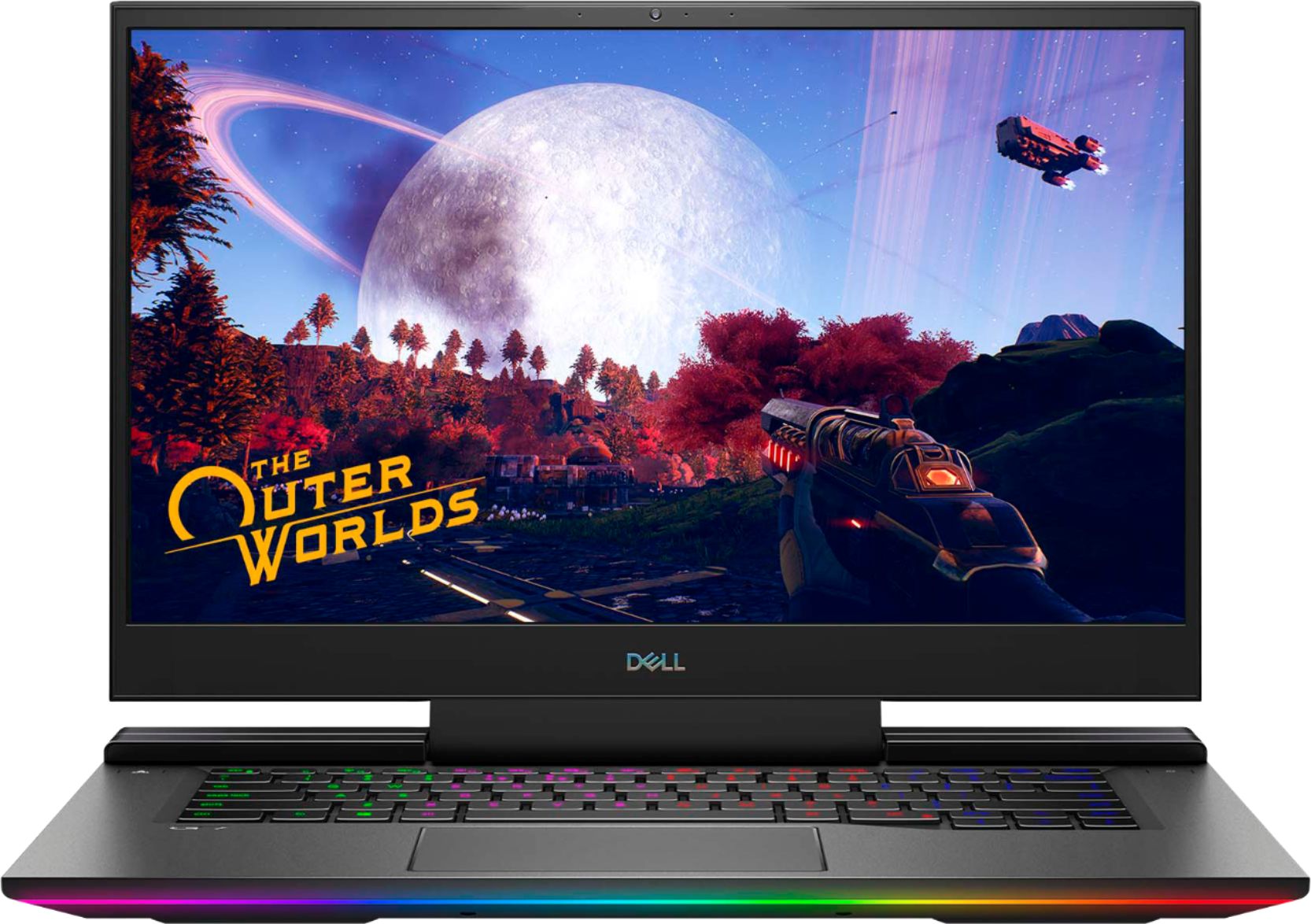
Customers praise the G7 15.6" 4K Gaming Laptop's OLED display and its impressive performance, noting the excellent graphics capabilities. However, many users report issues with overheating, and some express concerns about battery life, fan noise, and frame rates in games. The laptop's weight is also mentioned as a potential drawback by some customers.
This summary was generated by AI based on customer reviews.
Great pc
Posted .This reviewer received promo considerations or sweepstakes entry for writing a review.Only thing I don’t like is that I cannot upgrade the memory. Overall great pc
I would recommend this to a friendGreat laptop
Posted .This reviewer received promo considerations or sweepstakes entry for writing a review.Great laptop for personal and business. I got it in 2020 and it still is working great!
I would recommend this to a friend- Pros mentioned:Graphics
Reoccurring Black/Frozen Screen Problem
Posted .This reviewer received promo considerations or sweepstakes entry for writing a review.I literally made an account just to say this: These laptop specs are great. Until you start typing or do nothing for like one minute. A black screen happens in a rapid-fire session. The black screen issue is incredibly annoying and frustrating. It will even freeze your whole screen for no reason. The only time it does not do this, is when you're watching a video on-screen or gaming. I recommend not to buy this unless you can handle the frustration or annoyance. Specs are great, but sometimes it makes me reconsider not buying this. This is a major issue yet to be fixed since I've looked around and it's been a reoccurring problem since 2019. This review is made for people thinking about buying a non-issue laptop that isn't a hassle. Quality of laptop: The design of the laptop is alright. Love the bottom LED. Graphics are great, can run at high graphics, and average around 60 FPS at max settings. Value of laptop: Great value for the specs it has. Considering can run at 4k. So the price is alright if you're not looking for something too overdone or expensive. Ease of use: Easy use, but the hassle of black/frozen screen.
No, I would not recommend this to a friendBrand response from YourDellTeam
Posted .Hello Maxxy,
Thank you for your review and input. We apologize for the issues you have come across when trying to turn on your laptop and have provided steps below that may help with fixing your black screen. The details include how to perform a hard reset along with expelling and lingering power.
1. Disconnect all external devices or peripherals (such as a printer, Bluetooth, or USB devices).
2. Power off your laptop by pressing the Power button for about 10 to 20 seconds.
3. Disconnect the AC adapter and remove the battery intact.
4. Drain the remaining battery by holding onto the power button for approximately 60 seconds.
5. Place the battery back in and plug in the charger.
6. Press the Power button to turn on your laptop.
If you require further assistance, please visit the Support Page of your product: https://dell.to/3aPGx03.
Best regards,
Wendy C.
For further assistance, you can contact Dell directly with the information below Chat or Call:
https://bit.ly/DellSupportTeam.
Phone number to Dell: 1-800-264-9896.
- Cons mentioned:Fps, Heat
Please don't buy this
Posted .This reviewer received promo considerations or sweepstakes entry for writing a review.This is something that looks good but in reality is just the looks. The screen is amazing but other then that it is filled with bugs and problems. The "gaming" button on the computer that is supposed to give you a boost doesn't work half the time. The RGB lighting on the keyboard cuts out randomly and won't turn back on. When trying to shut the computer down it take 2-3 attempts to shut it off. The laptop overheats way to much. And its not even good at running games. I try the most basic games such as minecraft and I'm getting 20 fps. Thats worse then I get on my phone. There are so many bugs and glitches in this laptop I would return it if I still could. Sadly these bugs didn't start to turn up in force until after the return period
No, I would not recommend this to a friendBrand response from YourDellTeam
Posted .Hello Slothman,
We're sorry to hear that your G7 is not quite meeting expectations. You can make sure it is running as smooth as possible by regularly utilizing the suite of tools found within the Dell 'SupportAssist' application that came pre-installed with your device. It will not only download the latest updates for your system but also diagnose for any errors as they occur. Likewise, if system thermals are of concern, you can prioritize cooling by opening the Alienware Command Center application that came pre-installed with your device and select the 'Cool' thermal profile.
Keep in mind that our G7 follows Intel performance design guidelines, which can lead CPU temperatures to reach 100°C to output top in-game performance. We fully warrant the product under these conditions. If you see CPU temperatures rising beyond 100°C on Alienware Command Center, you are more than welcome to contact Dell support for further assistance.
Best Regards,
Anthony P.
1-800-624-9896
- Pros mentioned:Performance
Great laptop!
Posted .This reviewer received promo considerations or sweepstakes entry for writing a review.This laptop is great! I've had no problems with it at all. Does not run hot. Excellent performance!
I would recommend this to a friend To hot to handle
Posted .This reviewer received promo considerations or sweepstakes entry for writing a review.Awesome gaming laptop till you play any high end games that demand high performance. The keyboard and surrounding metal got very hot to the point I couldn't hold my fingers to the keyboard area. I have installed every updates including BIOS and drivers that is available and updated windows build to 202H. One thing that I have noticed is the fans are at max speed but under the case there is very little clearance between the desk top and bottom of case, don't know if it matters though
No, I would not recommend this to a friendBrand response from YourDellTeam
Posted .Hello B747FE,
We are sorry to hear you are experiencing difficulties managing your thermals. Keep in mind that our systems are designed to deliver peak performance while meeting Intel 10th Generation guidelines of not exceeding 100 degrees celsius. If this it too warm for comfort and you wish to prioritize cooling, we recommend you switch to the 'Cool' mode within the Alienware Command Center pre-installed in your system. This will prioritize system temperature and increase the overall cooling potential.
Best Regards,
Anthony P.
- Pros mentioned:Oled display
It is just a thick Netbook, with lights, thermals.
Posted .This reviewer received promo considerations or sweepstakes entry for writing a review.I bought it, returned it for the GS66 Stealth Goal: Wanted a DAW workhorse, work from home, gaming, youtube vaccum. Tried COD Modern Warefare, after 30 minutes it stuttered..crapped out....frames bad... Midi controls, and a lot of sounds reacting at the same time on my DAW...stutters. BIG NOPE for me and my hobby. Turns out thermal throttles sooo hard, with updates Don't dare to try 4k gaming. 1080 on high, not ultra settings to get away from thermal drop. POSITIVES Its great for photo/video editing. OLED is XPS 15 in a gaming device. Movies and streaming is amazing. Very minimal outside, could pass as a work laptop.
No, I would not recommend this to a friend throttling and bottelnecking
Posted .This reviewer received promo considerations or sweepstakes entry for writing a review.DO NOT BUY!!!!!!!!!!!!! i bought this just 2 days ago. everything seemed okay while i was setting up my games and running a few quick fps tests. but after actually getting into my games, this system throttles and bottelnecks constantly. it makes even basic games almost unable to play. my $700 asus tuf gaming laptop performs better that thins $1600 hunk of crap!!!!! DO NOT BUY!!!!!!!!
No, I would not recommend this to a friendBrand response from YourDellTeam
Posted .Xecutioner,
Thanks for your review and we're sorry to hear that your new gaming laptop is not meeting your expectations. It's important to check to make sure that all of your drivers and software are up to date: https://dell.to/32rXH02.
If everything is up to date we'd suggest that you check the settings in the Alienware Command Center based on the game that you are playing. Make sure that the settings for the game align with the settings in your Alienware Control Center as sometimes the game has defaults that are setup that may not be the most compatible with every computer.
If you need additional assistance please don't hesitate to reach out to Dell's Technical Support Team: http://dell.to/2sH7Qlm.
Best,
Bryan
1-800-624-9896
Black screens and hangups
Posted .This reviewer received promo considerations or sweepstakes entry for writing a review.After waiting for all the updates, and making sure the bios/firmware and video card was updated, I kept getting a black screen having to close the top and reopen it to get the screen to come back on. Even after a clean install, Couldn't get it to work. Returned it immediately.
No, I would not recommend this to a friendBrand response from YourDellTeam
Posted .Hello StuckinQueens,
Thank you for your review and input. We apologize for the issues you have come across when trying to turn on your laptop. We really do appreciate your feedback and will use it to help improve our current and future products.
We have provided steps below that may help with fixing black screen if needed in the future. The details include how to perform a hard reset along with expelling and lingering power.
1. Disconnect all external devices or peripherals (such as a printer, Bluetooth, or USB devices).
2. Power off your laptop by pressing the Power button for about 10 to 20 seconds.
3. Disconnect the AC adapter and remove the battery intact.
4. Drain the remaining battery by holding onto the power button for approximately 60 seconds.
5. Place the battery back in and plug in the charger.
6. Press the Power button to turn on your laptop.
If you have any additional questions, please use the information below to contact Dell Support at your earliest convenience 1-800-264-9896.
Best regards,
Wendy C.