Customer Ratings & Reviews
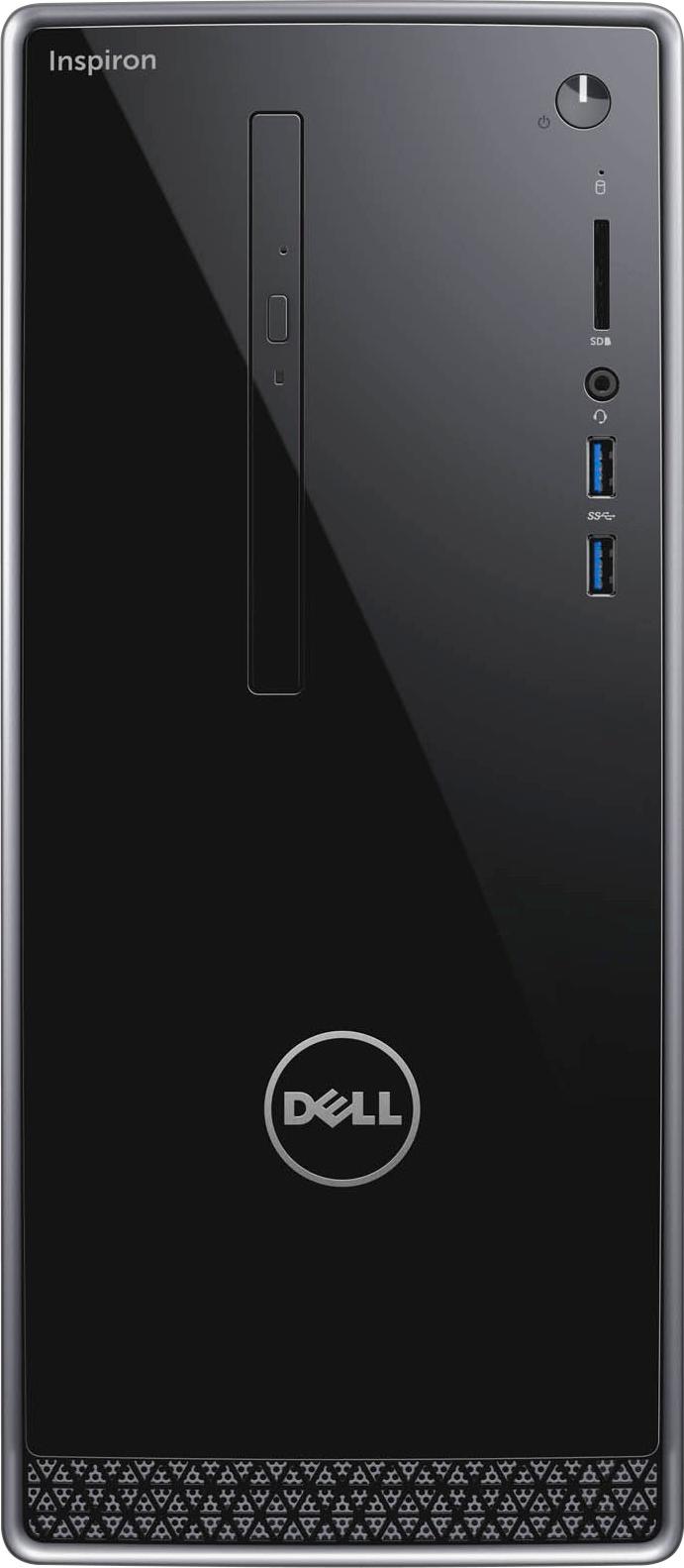
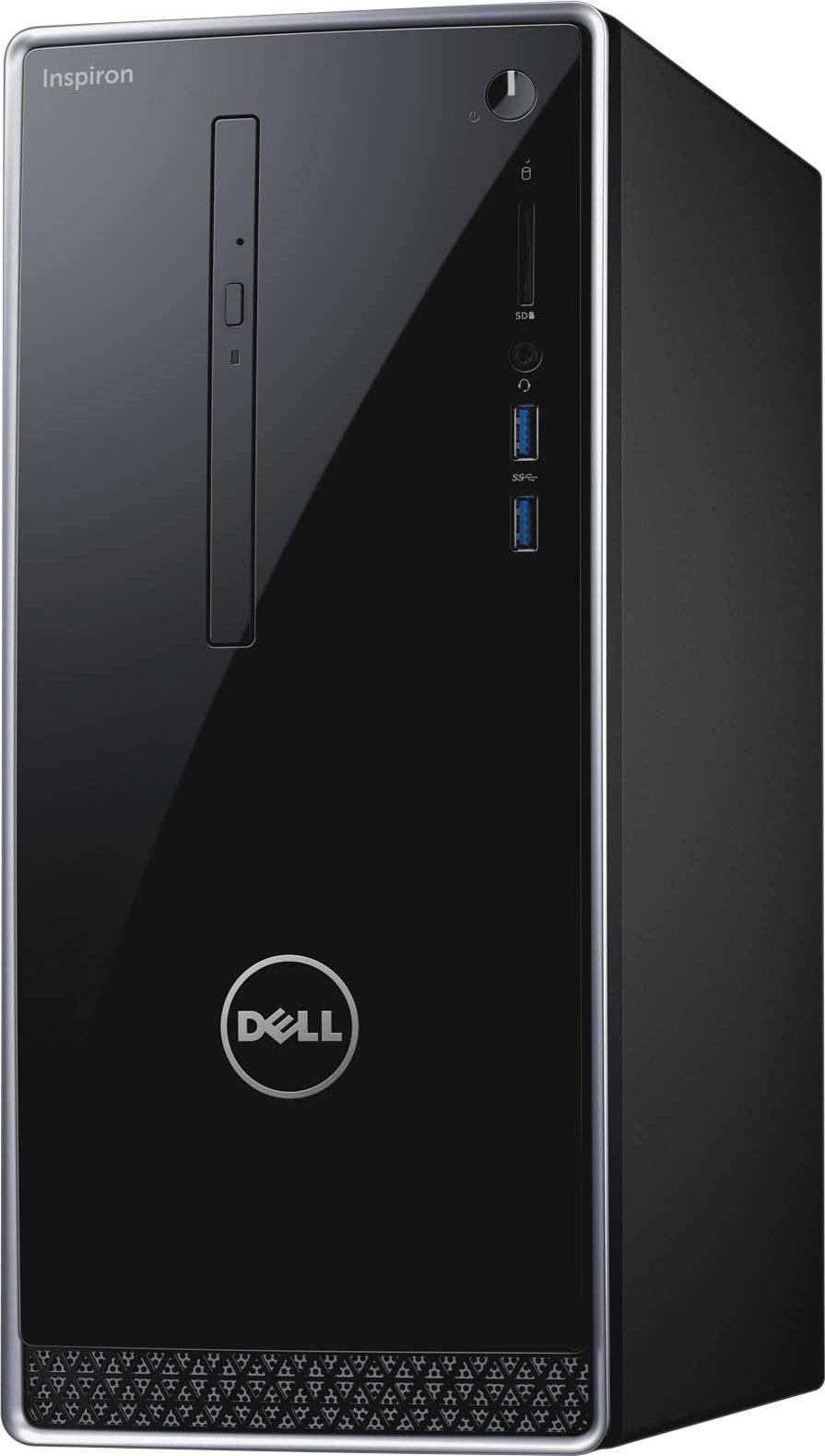
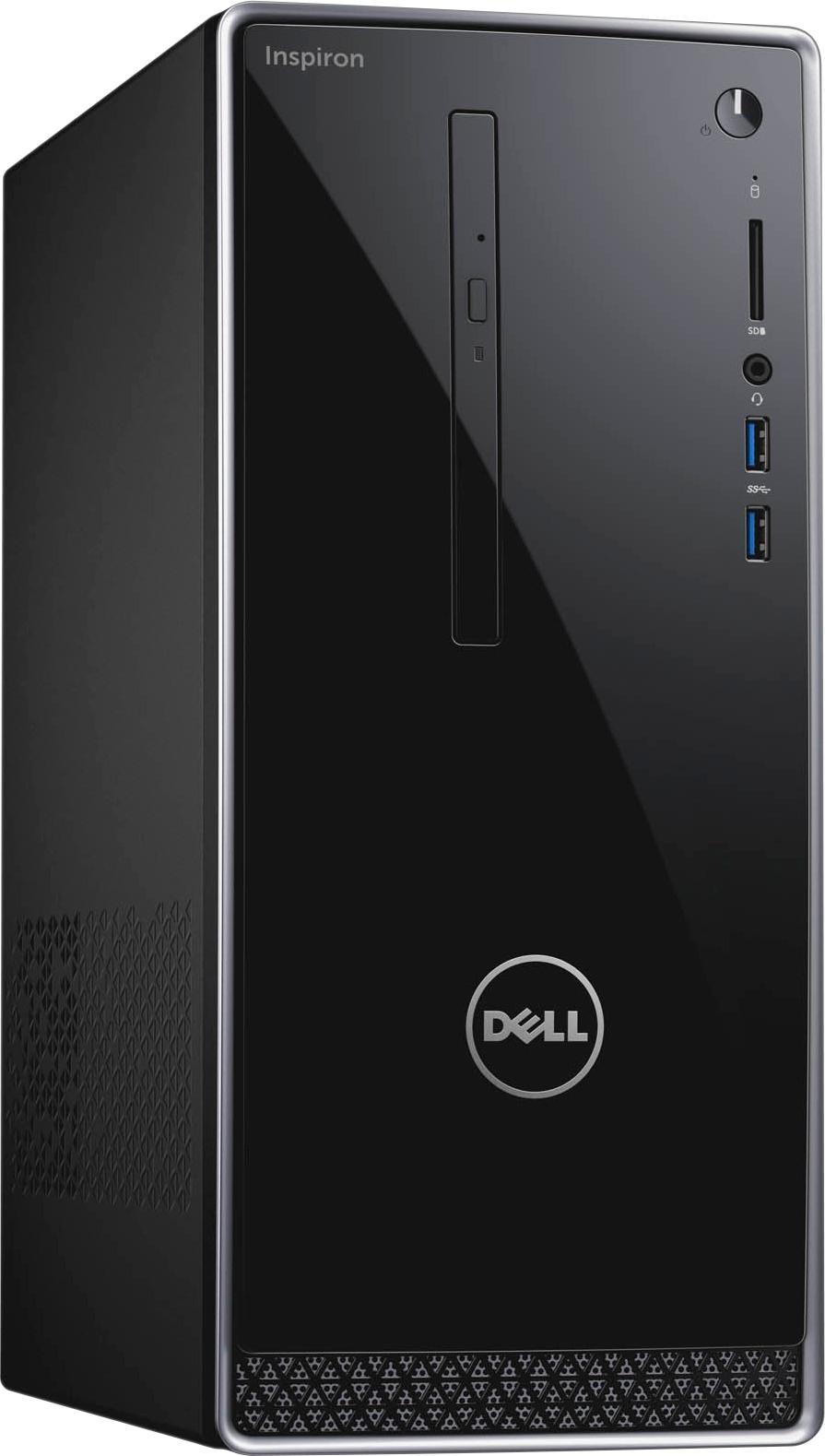
- Model:
- I3668-5113BLK-PUS
- SKU:
- 5775305
Rating by feature
- Value
Rating 4.2 out of 5 stars
- Quality
Rating 4.4 out of 5 stars
- Ease of Use
Rating 4.4 out of 5 stars
Customers are saying
Customers are delighted by the Inspiron Desktop's performance, ease of use, and its affordable price. Many appreciate its compact size and ample storage, along with the readily available memory. However, some users experienced challenges with the operating system and WiFi connectivity. A few also noted limitations with the power supply.
This summary was generated by AI based on customer reviews.
Ok for the price
||Posted .This reviewer received promo considerations or sweepstakes entry for writing a review.A little slower than I thought. I was hoping for something a little quicker but I guess it was an ok purchase.
No, I would not recommend this to a friendHad features needed
||Posted .This reviewer received promo considerations or sweepstakes entry for writing a review.A little slower than expected, but ok. Price high, not a great deal, even on sale.
No, I would not recommend this to a friendBrand response from YourDellTeam
Posted .lglmoris,
Thanks for your review. We're sorry that your computer is running slow for you. We'd recommend running the Windows Performance Troubleshooter to make sure that there are not things you could do differently to help your computer run faster:
1. Close all open windows.
2. Press the Windows logo key + X key on the keyboard.
3. Click Control Panel.
4. Click System and Security.
5. Under Security and Maintenance, select Troubleshoot common problems.
6. Under System and Security, click Run maintenance tasks.
7. Follow the on-screen instructions and prompts to complete the process.
8. Restart the PC.
You can read the full article here - http://dell.to/2tSulGV.
Best,
Bryan
1-800-624-9896
It is doing the job we need it to do.
||Posted .This reviewer received promo considerations or sweepstakes entry for writing a review.It is doing what we need it to do, but could have been more upgradable.
No, I would not recommend this to a friendBrand response from YourDellTeam
Posted .MerryVulture,
We're happy to hear that your new computer is doing the job that you needed it to. If you have questions about your computer you can check our Product Support Page here - http://dell.to/2wqZGQ7.
Best,
Bryan
1-800-624-9896
Ok
||Posted .This reviewer received promo considerations or sweepstakes entry for writing a review.The Wi-Fi on this will not keep up from 20 feet away with 50mpgs service
No, I would not recommend this to a friendBrand response from YourDellTeam
Posted .Jb118182 - Here are some tips to help troubleshoot your computer's Wi-Fi connectivity:
1. Run the Network Troubleshooter.
a) Touch and hold or right-click the network icon (Available Networks or Network Icon, located in the lower right-hand corner).
b) Touch or click Troubleshoot problems and then follow the prompts.
You can read the full article here - http://dell.to/2sLtwRh. - Bryan
functional but feel like it is overpriced
||Posted .This reviewer received promo considerations or sweepstakes entry for writing a review.By the time you get all the "add-ons" it seem a bit pricey.
No, I would not recommend this to a friendBrand response from YourDellTeam
Posted .Hello Nashinga,
Thank you for purchasing your new Dell desktop. If you have any questions about your new device you can always check our Product Support Page here - http://dell.to/2wqZGQ7.
We hope this helps you get the most out of your new computer.
Best,
Bryan
1-800-624-9896
great Dell - Inspiron Desktop
||Posted .This reviewer received promo considerations or sweepstakes entry for writing a review.exelent product working good kjbdkjbkqk;kg ghhghgbkjbk
I would recommend this to a friendNot my best buy
||Posted .This reviewer received promo considerations or sweepstakes entry for writing a review.I've been using Dell computers for almost 20 years. However, this one has proven to be a bad choice. I know it isn't your fault (best buy) but you sold the machine so I guess that kinda does make your problem at least for now. Thank You. M r. Smith
No, I would not recommend this to a friendBrand response from YourDellTeam
Posted .20RoTIsseRiE20 - Thanks for your review. It's unfortunate to hear that your Dell Desktop is not working the way you had anticipated it would. We'd recommend checking out our Product Support Page here that will hopefully answer questions that you may have - http://dell.to/2wqZGQ7. We hope these articles will help you. - Bryan
Not a fan
||Posted . Owned for 1 year when reviewed.This reviewer received promo considerations or sweepstakes entry for writing a review.Not a big fan of Dell !! This is my first and last One I have own many HP’s over the year and prefer them . One of the big flaws is the vertical disc tray it’s very difficult to put a cd in and take out !!!
No, I would not recommend this to a friendFine computer but Windows is a nightmare
||Posted .This reviewer received promo considerations or sweepstakes entry for writing a review.MY old computer died (power failure during Windows Update). So I buy this computer and it takes TWO DAYS to run all the Windows 10 Updates, Dell updates, etc. Then, as soon as that was done, the browser got malware that crippled it because I hadn't yet activated the auto-renewing trial of the Macaffee anti-virus that came with the computer. That was it. Took it back, got an iMac and haven't had even one tiny problem since.
No, I would not recommend this to a friendLasted 2 months
||Posted .This reviewer received promo considerations or sweepstakes entry for writing a review.This computer was excelent while it lasted. After being used for a couple of months, after startup, it wouldnt allow the ability to type in password. Turns out, none of the usb drives work. So theres no ability to get past the openining screen, then type in the password. Mouse and keyboard both work in safe mode and in bios, but not regular usage. Seems like theres a driver issue. Due to the fact that theres financial information on the drive, I dont want to return it, or have it serviced. And without the use of the mouse or keyboard, I'm not able to wipe the hard drive. It is now, literally, a doorstop.
No, I would not recommend this to a friendBrand response from YourDellTeam
Posted .Patrick,
We're sorry to read about the issues that you're facing with your Dell computer. We'd recommend that you speak with one of Dell's Technical Support Team Members and hopefully they can help you troubleshoot the issues that you are facing. We understand that you want to keep your stored financial data secure and when you speak with one of our representatives you will be able to ensure that they only see what you give them permission to. You can contact our support team here: http://dell.to/2sH7Qlm.
Best,
Bryan
1-800-624-9896
HDMI port does not function.
||Posted .This reviewer received promo considerations or sweepstakes entry for writing a review.Waited 10 minutes on hold for store to answer phone. Then was referred to Geek support for another wait. Tech, Michael, was very good. I presently have 6 Dell business computers in my business, which is why I purchased the home model. I am disappointed Can't take back to store because it is on another island and cost of airfare and time are hurdles. I was given an estimate of a month or two to get the cpu back even if I returned it. Tech submitted request for a vga/hdmi cable which would get by desktop functional. I have to follow up tomorrow for status of the request.
No, I would not recommend this to a friendBrand response from YourDellTeam
Posted .Hi Warren,
Thanks for your review and we're sorry to hear about the service issues that you've been having. If you haven't tried to contact Dell's Technical Support Team you can contact them here - http://dell.to/2sH7Qlm.
We hope that you are able to get the port working on your computer soon.
Best,
Bryan
1-800-624-9896
It works but that's about it
||Posted .This reviewer received promo considerations or sweepstakes entry for writing a review.The product works and has not given me any kind of problem but there is something about the keys that I don't like. I guess it is be personal preference. Very basic. Problem free product.
No, I would not recommend this to a friendSlow
||Posted .This reviewer received promo considerations or sweepstakes entry for writing a review.It works good for the first couple of month then get really slow so slow that chrome takes more then a minute to load let alone word docs or any sort of games.
No, I would not recommend this to a friendPerformance quite mediocre
||Posted .This reviewer received promo considerations or sweepstakes entry for writing a review.I didn't like this computer: it is slow, not easy to navigate, less intuitive than previous PC versions. Sometimes changes make product worse.
No, I would not recommend this to a friendBrand response from YourDellTeam
Posted .@Vera, Thanks for your recent review and for your Dell desktop purchase. We're sorry to hear that you're experiencing slowness with your new device. We'd recommend that you try the following steps to help increase the speed of your device:
Delete temporary files and directories
1. Click Start, then in the search bar type "disk". Disk Cleanup should appear on the menu above the search box.
2. Run disk cleanup and eliminate unneeded temporary files (Search results, Internet Cache and other windows temp files you may no longer need)
3. Select files you want to delete then click OK to start the cleanup process. Uninstall applications you no longer use 1. Open the Programs and Features application in Control Panel. 2. Scan the list of applications installed for ones that you no longer use. 3. Highlight any application you no longer use and then click the uninstall button at the top of the list. Follow the prompts to uninstall.
4. Repeat for each application you want to uninstall.
5. Move large files and/or seldom used files to backup media (Photos, Music you seldom listen to, application downloads after the application has been installed etc.).
6. Empty the Recycle Bin.
You can view the full article here - http://dell.to/2tSulGV.
We hope these tips help increase the speed of your desktop. - Bryan
This computer is slower than the same type!?
||Posted .This reviewer received promo considerations or sweepstakes entry for writing a review.This computer is slower than the same type that I worked with and I saw!? it takes so long to boot or log in..
No, I would not recommend this to a friendBrand response from YourDellTeam
Posted .@Allen, Thanks for your review and for your recent Dell Desktop purchase. We're sorry to hear that it's a little slower than the model that you used previously. You may want to try to remove some programs from your computer that you do not plan to use. Here's a video that outlines these steps - http://bit.ly/2ALK0IH. We hope this helps your computer speed up for you. - Bryan
had a problem
||Posted .This reviewer received promo considerations or sweepstakes entry for writing a review.real slow. had trouble getting it to start the first time
No, I would not recommend this to a friendDidn't last long
||Posted .This reviewer received promo considerations or sweepstakes entry for writing a review.Computer completely failed in 3 yrs 8 months. Had to replace it and it wouldn't even reload the initial operating system. Blue Screen failure. Out of all the computers I've owned, this one was the worst for longevity
No, I would not recommend this to a friendVideo Board Did Not Work
||Posted . Owned for more than 2 years when reviewed.This reviewer received promo considerations or sweepstakes entry for writing a review.I returned this open-box computer the next day as the video board did not appear to work. Since it was open-box, I decided not to get another computer at that time and just used my old one.
No, I would not recommend this to a friendGarbage computer that I regret buying.
||Posted . Owned for 1 year when reviewed.This reviewer received promo considerations or sweepstakes entry for writing a review.At least purchasing this garbage computer has solidified that I will never spend $1 with Dell again. Computer has been worthless since the day I bought it.
No, I would not recommend this to a friendDo Not buy
||Posted .This reviewer received promo considerations or sweepstakes entry for writing a review.item was not as described on best buy site. Buyers be aware before you purchase.
No, I would not recommend this to a friendBrand response from YourDellTeam
Posted .Hello JoeT,
Thanks for letting us know that your item was not everything you were hoping it would be. Would you mind replying in the comment section of this review and let us know specifically what parts of the description on the Best Buy site did not match up with the computer that you received?
We will have our content team review the listing on the Best Buy site and make sure that everything is correct.
Best,
Bryan
1-800-624-9896