Customer Ratings & Reviews


- Model:
- X5V51
- SKU:
- 6237640
Rating by feature
- Ease of Use
Rating 4.8 out of 5 stars
- Value
Rating 4.7 out of 5 stars
- Quality
Rating 4.7 out of 5 stars
Customers are saying
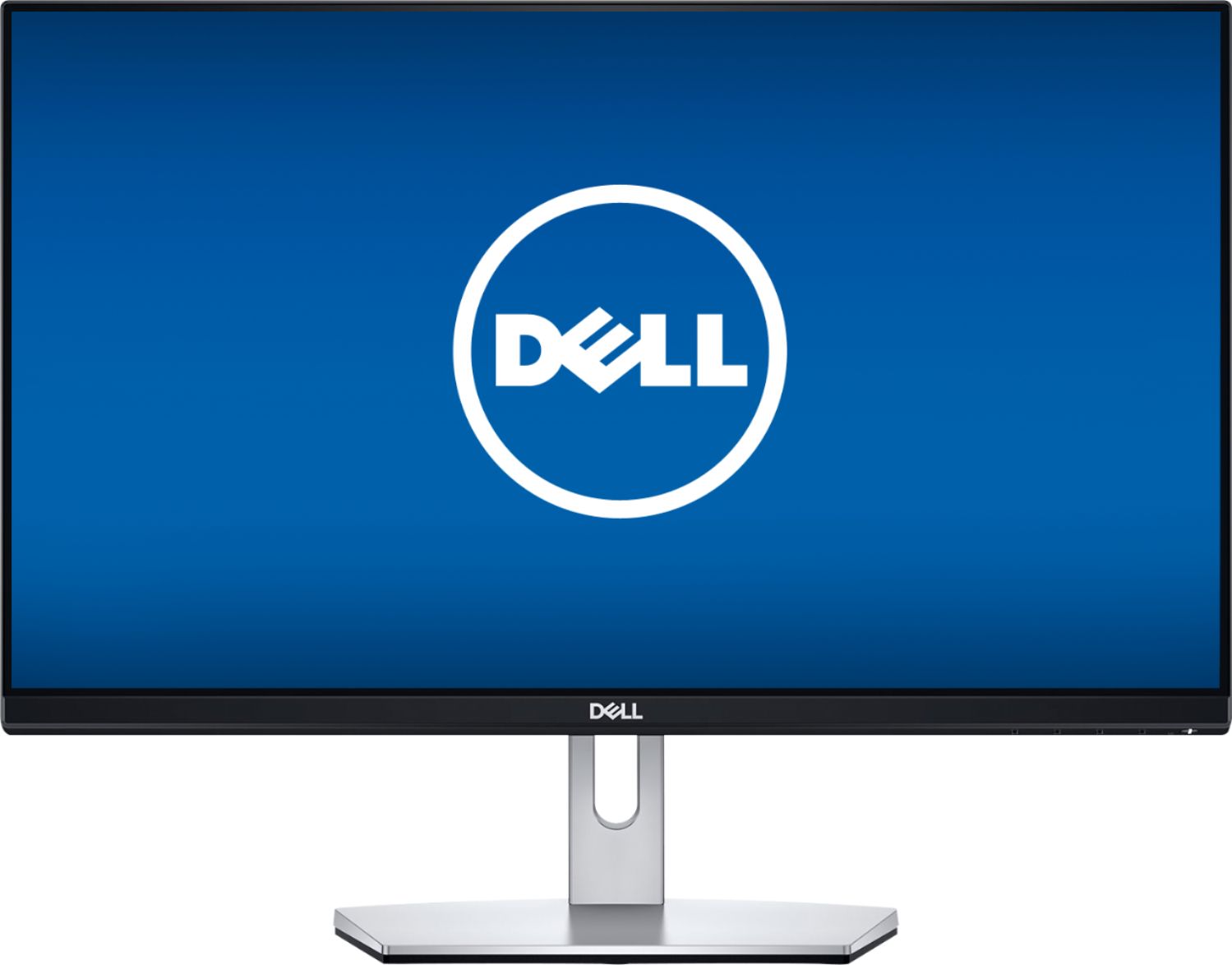
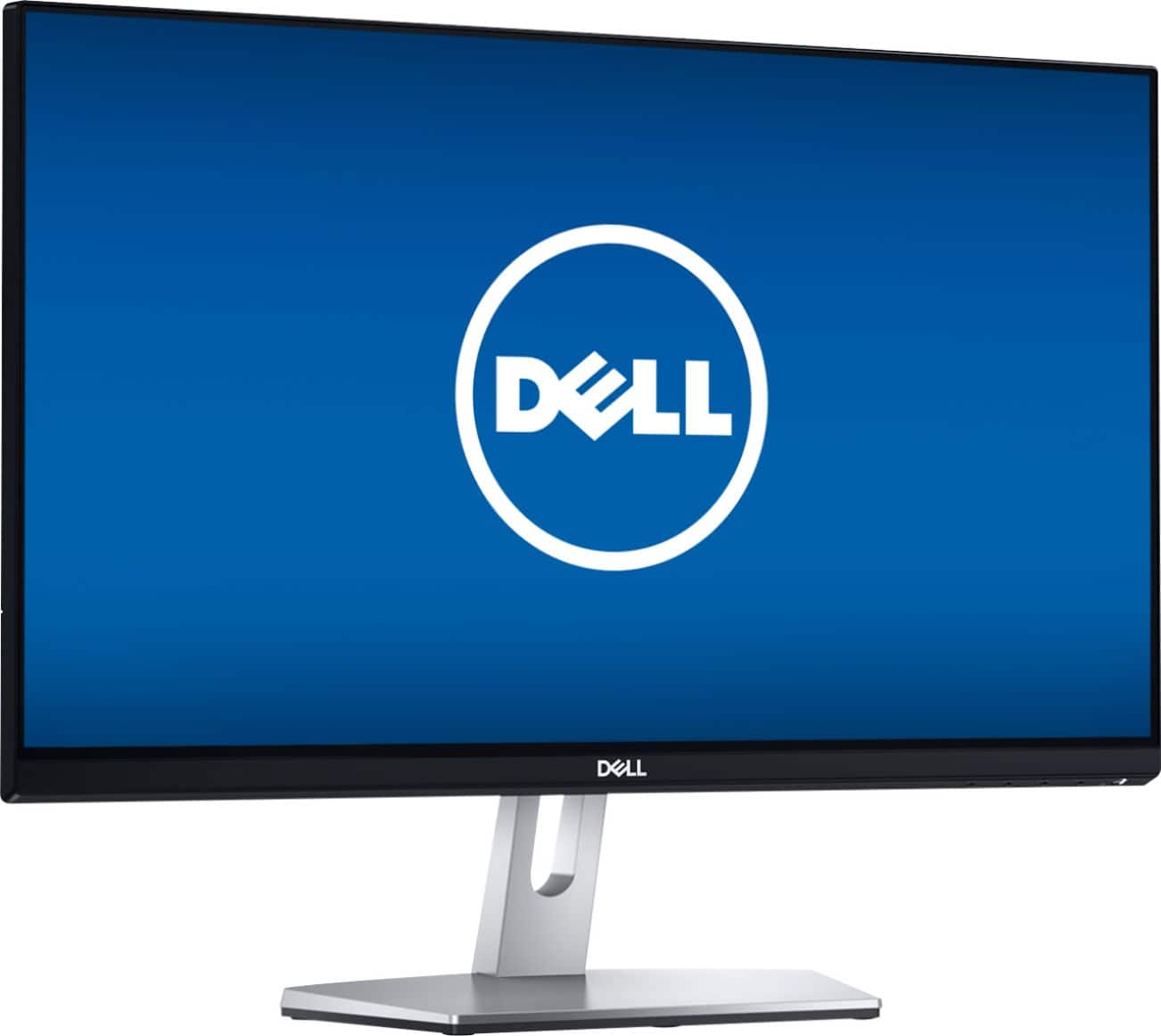
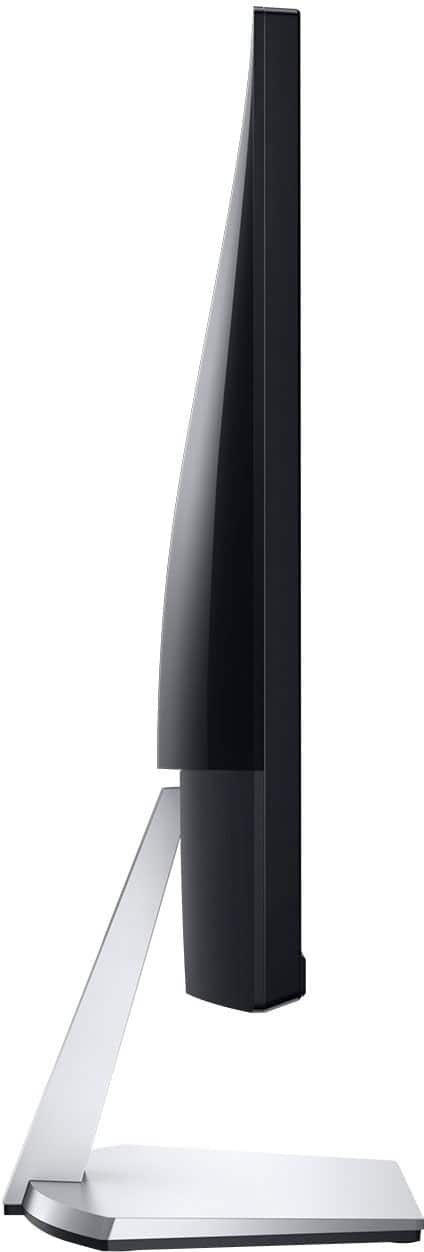
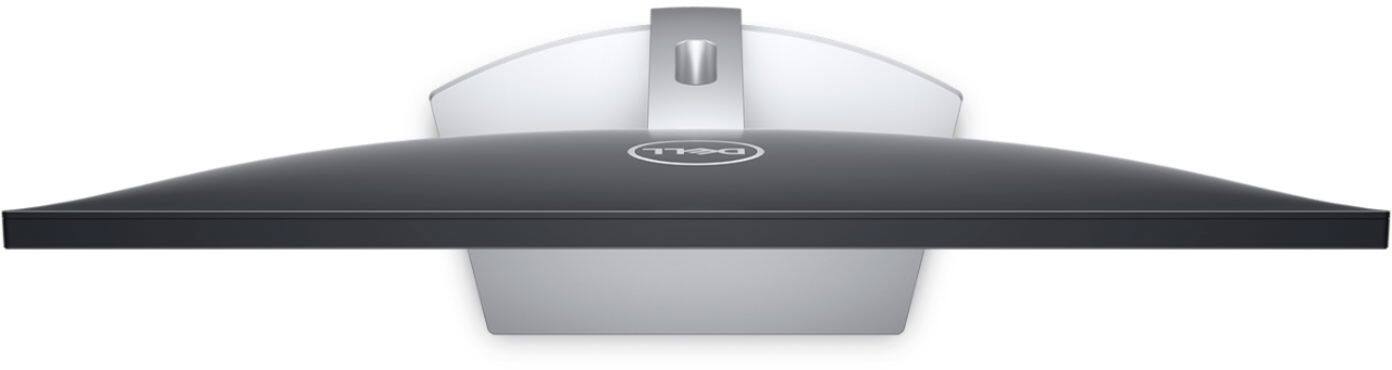
Customers express satisfaction with the S2319NX monitor's screen size, price, and ease of use, frequently citing its good resolution and clarity. Many appreciate the inclusion of HDMI connectivity. However, some customers note the lack of built-in speakers and express concerns about glare and the stand's adjustability.
This summary was generated by AI based on customer reviews.
Awesome display
||Posted . Owned for 3 weeks when reviewed.This reviewer received promo considerations or sweepstakes entry for writing a review.I recently bought this for my girlfriend to play PS4 on and the display is very vibrating, I highly recommend.
I would recommend this to a friendNice monitor screen
||Posted . Owned for 1 month when reviewed.This reviewer received promo considerations or sweepstakes entry for writing a review.It works. I would like to bring the old screen I bought from you into the LaBrea/Sunset store.
I would recommend this to a friendGood basic screen
||Posted . Owned for 3 weeks when reviewed.This reviewer received promo considerations or sweepstakes entry for writing a review.Just what i was looking for. A simple computer screen. Interested in seeing how long it'll last.
I would recommend this to a friend- Pros mentioned:Screen size
monitor
||Posted .This reviewer received promo considerations or sweepstakes entry for writing a review.does what it is supposed to do, better than old monitor
I would recommend this to a friendBrand response from YourDellTeam
Posted .Hello nevermind,
We are pleased to hear you are enjoying your S-Series monitor. If you have any questions, don't hesitate to visit the support page for your S2319NX
Best Regards,
Anthony P.
- Cons mentioned:Glare
Good but dim
||Posted . Owned for 3 weeks when reviewed.This reviewer received promo considerations or sweepstakes entry for writing a review.Good monitor for the price but a little dim. Power save mode sucks.
I would recommend this to a friendBrand response from YourDellTeam
Posted .Okinawahall,
We're sorry to hear about the brightness issues that you're experiencing. Here are some monitor articles that Dell has released to help: https://dell.to/2CLF6yC.
Best,
Bryan
1-800-624-9896
- Pros mentioned:Price
good item
||Posted . Owned for 1 week when reviewed.This reviewer received promo considerations or sweepstakes entry for writing a review.really good stuff i like the price i would recommend
I would recommend this to a friendBrand response from YourDellTeam
Posted .rehmanuzair,
We're happy to hear that you're enjoying your new Dell monitor. If you have any questions about your monitor you can check our Product Support Page here: https://dell.to/2mt1Cnz.
Best,
Bryan
1-800-624-9896
2nd Monitor for Laptop.
||Posted . Owned for 1 week when reviewed.This reviewer received promo considerations or sweepstakes entry for writing a review.Great second monitor for my Dell XPS laptop. After figuring how to configure, it works great.
I would recommend this to a friendA great add on screen
||Posted . Owned for 3 weeks when reviewed.This reviewer received promo considerations or sweepstakes entry for writing a review.We use as an additional screen for a laptop. Have had absolutely no issues. Great value for the money.
I would recommend this to a friendGood quality monitor.
||Posted . Owned for 11 months when reviewed.This reviewer received promo considerations or sweepstakes entry for writing a review.Good quality monitor, it's perfect if all you do is office work.
I would recommend this to a friendNice Monitor
||Posted . Owned for 3 weeks when reviewed.This reviewer received promo considerations or sweepstakes entry for writing a review.Very nice monitor, especially for the sales price I paid. I'm very happy with the purchase.
I would recommend this to a friendGood purchase
||Posted . Owned for 11 months when reviewed.This reviewer received promo considerations or sweepstakes entry for writing a review.I was a good purchase.The screen is clear and good quality of images.
I would recommend this to a friendGreat monitor
||Posted . Owned for 3 weeks when reviewed.This reviewer received promo considerations or sweepstakes entry for writing a review.This is a great monitor for watching pr0n, very nice colors, better than my old crt monitor
I would recommend this to a friend- Cons mentioned:Glare
Good basic monitor
||Posted .This reviewer received promo considerations or sweepstakes entry for writing a review.I like this monitor, wish it was non glare, a bit hard on the eyes
I would recommend this to a friendBrand response from YourDellTeam
Posted .We're happy to learn you're enjoying the monitor. However, we regret you've been experiencing the glare. We'd like to offer support to help your situation. Please check out these troubleshooting steps:
1 Press Button 3 on the monitor to enter the On-Screen Display (OSD) Menu.
2 Press Button 1 or Button 2 to highlight Others option in the menu and press Button 3 to select.
For additional steps please visit https://dell.to/2PAIdl2
We thank you for taking the time to provide feedback and for additional support, at your convenience, please call 1 (800) 624-9897.
Best,
Chris
Monitor is clear
||Posted . Owned for 1 month when reviewed.This reviewer received promo considerations or sweepstakes entry for writing a review.I love it. My eyes feel comfortable with this screen.
I would recommend this to a friendGood screen
||Posted . Owned for 1 month when reviewed.This reviewer received promo considerations or sweepstakes entry for writing a review.Great quality. Easy to install. My only issue is not much room to raise it up.
I would recommend this to a friendFew scuffs
||Posted . Owned for 1 month when reviewed.This reviewer received promo considerations or sweepstakes entry for writing a review.There were scuffs on the frame but nothing wrong with the screen itself
I would recommend this to a friendGood Monitor
||Posted . Owned for 1 year when reviewed.This reviewer received promo considerations or sweepstakes entry for writing a review.Happy with it overall. I thought the picture would be a little bit more crisp.
I would recommend this to a friendGreat monitor. My wife is very
||Posted .This reviewer received promo considerations or sweepstakes entry for writing a review.My wife is very pleased with this monitor. It is very dependable and very bright and sharp.
I would recommend this to a friendworks as expected
||Posted . Owned for 7 months when reviewed.This reviewer received promo considerations or sweepstakes entry for writing a review.wife bought to use as an extra screen for work. so far no issues and works as expected.
I would recommend this to a friendGreat value for the price
||Posted . Owned for 1 month when reviewed.This reviewer received promo considerations or sweepstakes entry for writing a review.Over all great display. The LCD panel is good. The base is flimsily and non-adjustable.
I would recommend this to a friend