Customer Ratings & Reviews


- Model:
- X5V51
- SKU:
- 6237640
Rating by feature
- Ease of Use
Rating 4.8 out of 5 stars
- Value
Rating 4.7 out of 5 stars
- Quality
Rating 4.7 out of 5 stars
Customers are saying
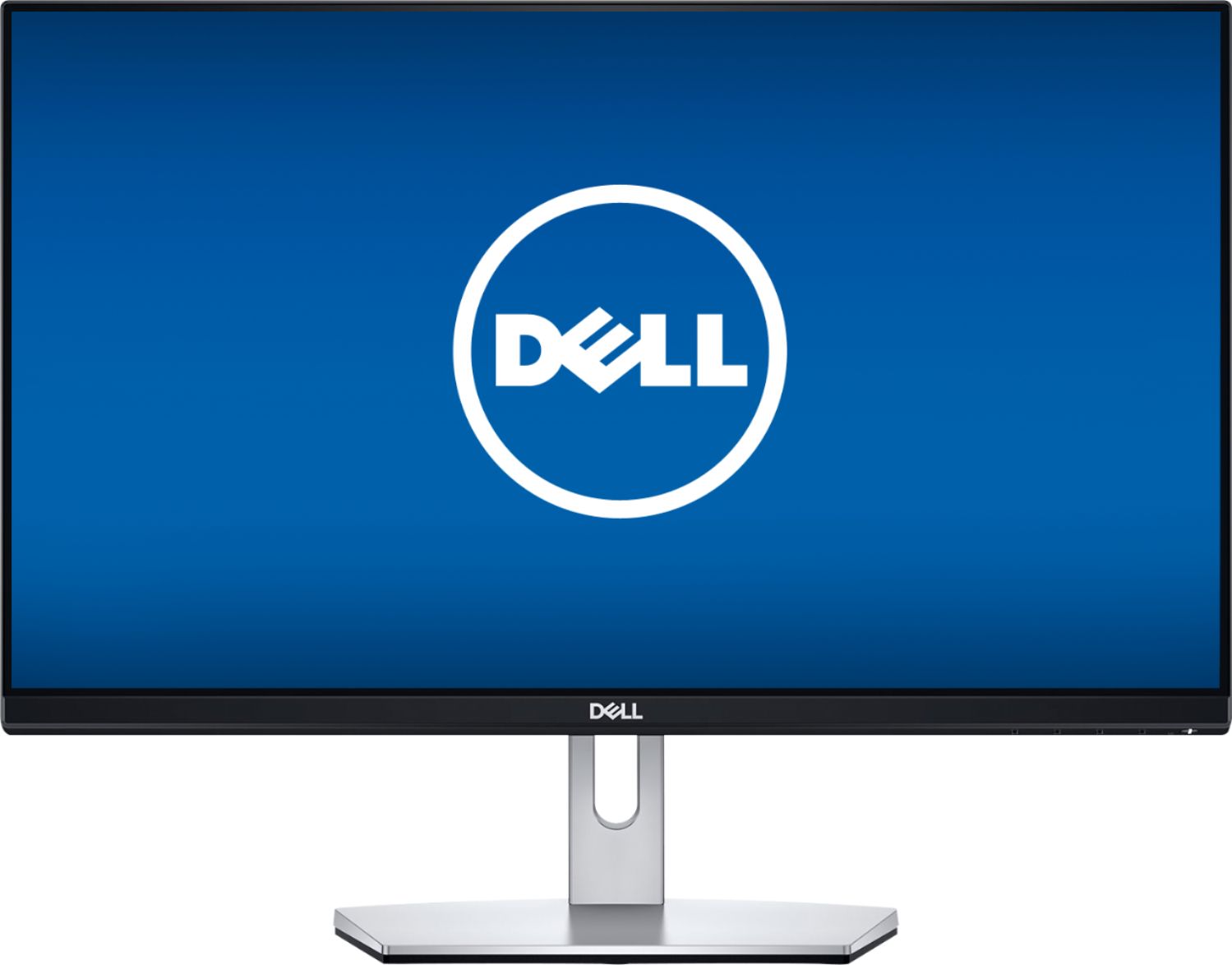
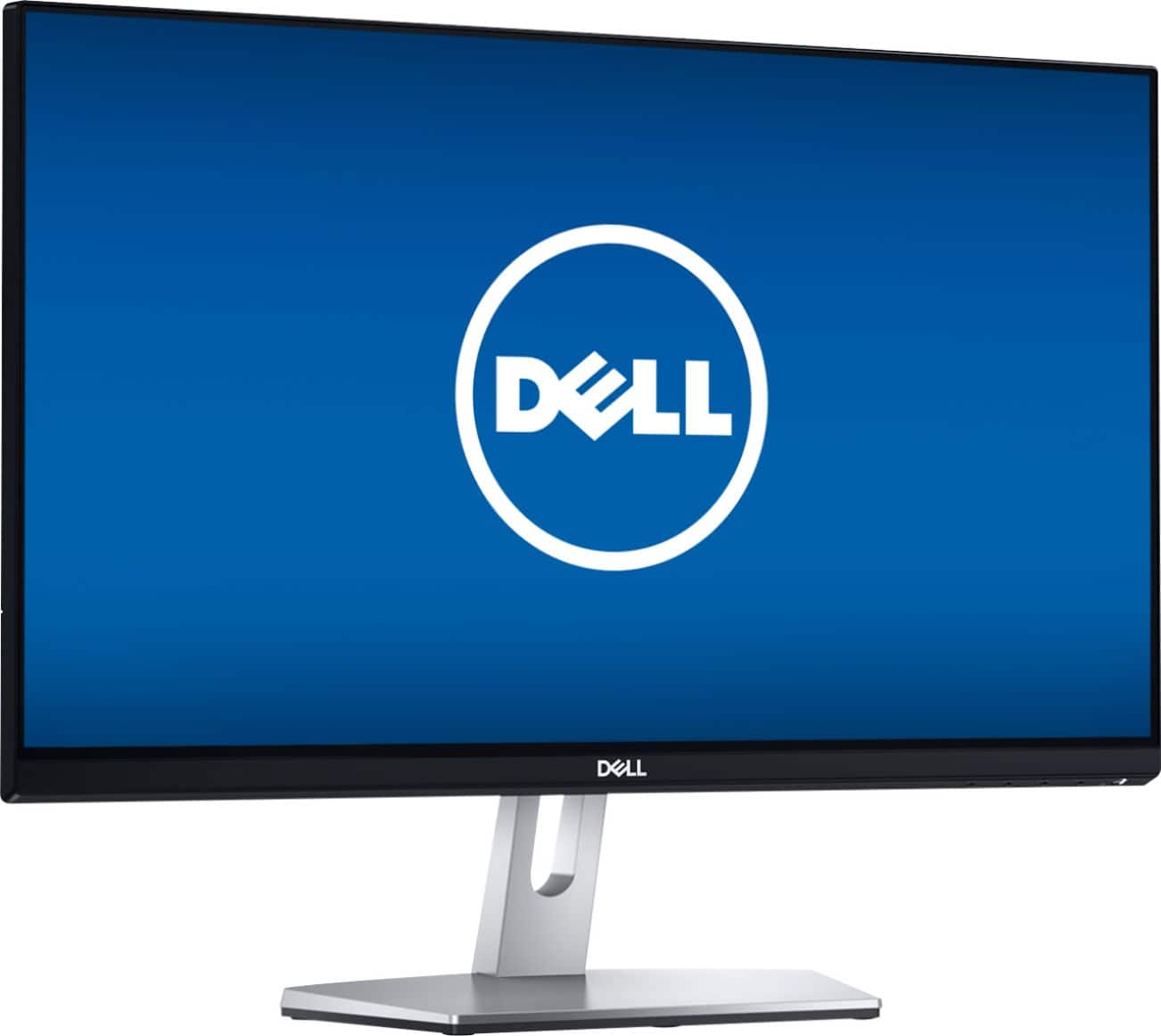
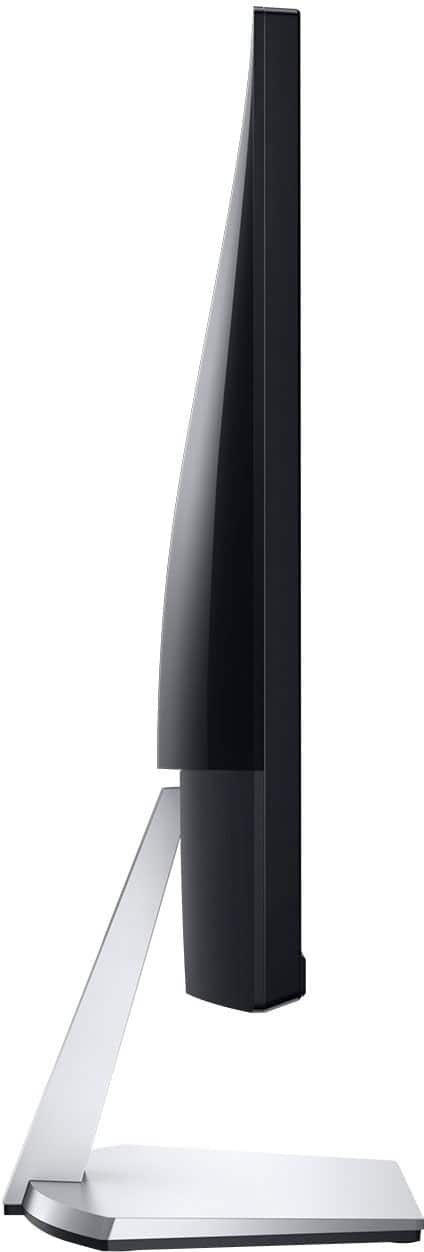
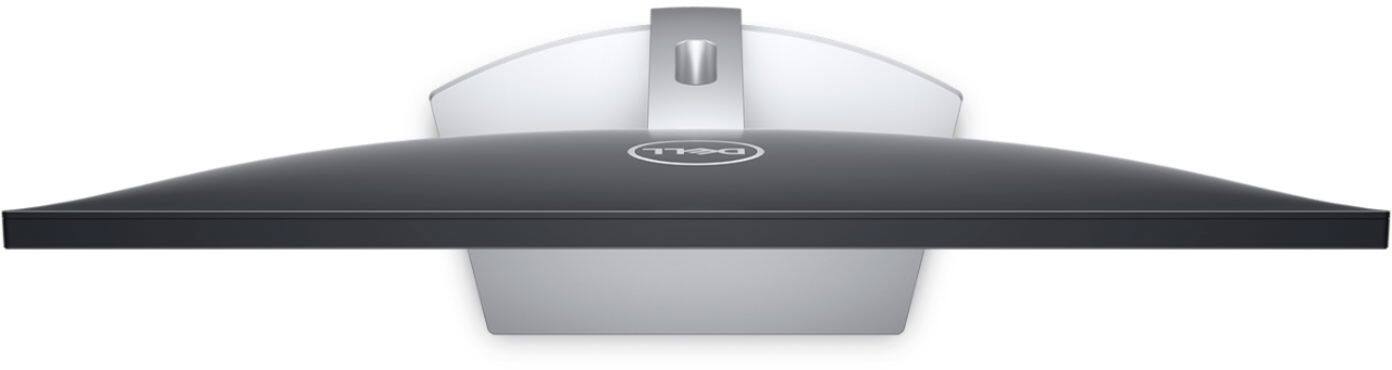
Customers express satisfaction with the S2319NX monitor's screen size, price, and ease of use, frequently citing its good resolution and clarity. Many appreciate the inclusion of HDMI connectivity. However, some customers note the lack of built-in speakers and express concerns about glare and the stand's adjustability.
This summary was generated by AI based on customer reviews.
- Pros mentioned:Screen size

A great standard monitor
|Posted .This reviewer received promo considerations or sweepstakes entry for writing a review.It is hard to go wrong with a Dell, and if you need a good, current solid monitor, this Dell monitor does a great job. It is pretty basic, and it does have an HDMI port and a VGA port. Any kind of instructions with it are very limited though. The stand is very easy and quick to put together and attach to the monitor. There are two 3.5mm jacks on the monitor though with weird symbols i've never seen on a monitor before and not sure what those are. Don't recall seeing anything on the documentation on what it is either. One annoyance is that the power for this monitor is delivered through a power brick,like you use on a laptop, instead of a standard plug. So it just adds to the clutter around the power strip, but it is an overall decent length cord. One perk is the inclusion of an HDMI cable, which was a nice surprise to see in the box. The menu's are pretty basic but easy to navigate, with on screen logo's appearing on top of the buttons to show you what they do when you push one of the 4 menu buttons. For some reason, there is an audio section in the menus, but the monitor does not appear to have any speakers, so not sure why that section is there. There is no volume up and down either. For gamers, You can adjust the response time of the monitor and it has 3 options: Standard, Fast, Very Fast. I imagine the very fast is the advertised 5ms. It is set on Standard from the factory, so you should adjust if you are going to be gaming on it. You can hook up your Playstation or Xbox or other game system through the HDMI for fast response time as well compared to a TV, but as stated, it does not have sound or volume. You can also change the aspect mode from 4:3, 5:3, or 16:9. The image is very bright and clear. It has a nice contrast ratio of 8,000,000:1 so the blacks look pretty black. Overall, for a computer monitor, This Dell is very nice and stylish, it has all the functionality you could need from a standard monitor, and the visual performance is great. Definitely worth a buy for the price.
I would recommend this to a friend Price was great for the size
||Posted . Owned for 1 month when reviewed.This reviewer received promo considerations or sweepstakes entry for writing a review.The instructions to hook it up were, not really clear, and since we've had it, its shut off for no reason 2 times, and we had to shut everything else down just to get the screen to come back on.
No, I would not recommend this to a friendBrand response from YourDellTeam
Posted .We're glad to read the price has met your standards. However, we regret the instructions weren't clear for you. We'd like to offer you assistance.
At your convenience, please give us a call at 1 (800) 624-9897.
Another great resource is Dell Supportassist, which can be located in the 'start' menu under 'all programs' in the Dell.
We thank you for the time to provide feedback on your experience.
Chris
- Pros mentioned:Screen size
Solid color quality straight out of the box.
|Posted .This reviewer received promo considerations or sweepstakes entry for writing a review.Disclaimer - I received this monitor in exchange for a fair and honest review. Dell has been a company known for decent computers and, surprisingly, legendary monitors. Back in the CRT days, they used Sony Trinitron tubes - the absolute best in the industry. Their pro line screens, the UltraSharp series, are some of the best displays in the industry (and even a go-to for Apple users). Their consumer LCD monitors were also generally good, but overpriced for their features and quality. However, I do believe Dell has finally figured it out with their current line of consumer monitors, which include the S2319NX display. The monitor itself is pretty decent before you turn it on. The base is solid and the screen has very little wobble compared to many other consumer-model screens. The only things I would have wanted to see at this price point are a fully-adjustable base and VESA mounting holes on the back side of the screen; a second HDMI port and built-in power supply would have also been nice. Power it on and I'm greeted to the a couple of firsts: - the first glossy screen that I actually like. - the first monitor I've purchased in years that only needed a brightness adjustment. A really thoughtful feature was also that this monitor can manage audio from two sources; there is an analog audio input that pairs with a VGA port, so those of us who will use this screen with an older computer and a gaming console, a cable box, a media player, or even in a 2 computer setup can connect our speakers straight to the audio output of the screen, allowing the screen to switch both the video and auto source for you. This is where the additional HDMI port would have come in handy, as this monitor could be used as a dorm room TV when paired with a streaming sick. All in all, I highly recommend this monitor for consumer use.
I would recommend this to a friend Screen quality not great
||Posted . Owned for 3 weeks when reviewed.This reviewer received promo considerations or sweepstakes entry for writing a review.The screen is already going out and it has only been 3 weeks.
No, I would not recommend this to a friendBrand response from YourDellTeam
Posted .Evan,
We're sorry to hear that your monitor is not meeting your needs. We'd recommend trying some of the troubleshooting tips on this page: https://dell.to/2CLF6yC.
We hope this helps resolve the monitor issues that you're having.
Best,
Bryan
1-800-624-9896
Dell Monitor
||Posted .This reviewer received promo considerations or sweepstakes entry for writing a review.Power saving feature on monitor is annoying and not needed.
No, I would not recommend this to a friendBrand response from YourDellTeam
Posted .Hello Mobile,
Here are the steps to disable the Power Saving feature on your monitor:
1. Open the Control Panel.
2. Click Hardware and Sound.
3. Click Power Options.
4. Click Change plan setting next to Power saver.
5. Click Change advanced power settings.
6. Expand Hard disk.
7. Change the time listed under Turn off hard disk after to Never.
8. Expand Sleep.
9. Expand Hibernate after.
10. Change the time listed to Never.
12. Click OK.
Best,
Bryan
1-800-624-9896
- Pros mentioned:Screen sizeCons mentioned:Speakers
Decent business or spare monitor for price
|Posted .This reviewer received promo considerations or sweepstakes entry for writing a review.It's a decent picture, and responsive, but nothing to really set it apart from other monitors in the same class. I have it setup on a spare machine I use for KVM/testing, and it works well enough as a part-time use. Pros: It does have an audio out for the HDMI connection to speakers Easy to assemble/setup Thin bezel with crisp 1080 picture Cons: Only connections are VGA/HDMI, no DVI Audio in port for VGA use, but no internal speakers No height adjustment or horizontal angle, only vertical tilt
No, I would not recommend this to a friendBrand response from YourDellTeam
Posted .Our team is glad to learn you enjoyed the monitors' price. However, we regret to learn that you haven't been pleased with your overall experience. Our team here at Dell would love to find a monitor that meets you needs 100 percent. At your convenience, please call us at 1 (800) 624-9897 and thanks for taking the time to provide a review. - Chris
Screen quality poor
||Posted . Owned for 3 weeks when reviewed.This reviewer received promo considerations or sweepstakes entry for writing a review.Its just not very clear to view. That's all...……………………………….
No, I would not recommend this to a friendBrand response from YourDellTeam
Posted .kingt111111,
We're sorry to hear about the screen resolution issues that you're having with your new computer. Here's an article that goes over several ways to resolve screen issues: https://dell.to/2CLF6yC.
Best,
Bryan
1-800-624-9896
Monitor did not last 6 months
||Posted . Owned for 4 months when reviewed.This reviewer received promo considerations or sweepstakes entry for writing a review.I bought this monitor on February 26, 2019. Today is July 1, 2019 and it is not working. The monitor did not last 5 months. Will not buy Dell monitor again.
No, I would not recommend this to a friendBrand response from YourDellTeam
Posted .TJS85,
We're sorry to hear that your monitor is not working the way that it should. We'd recommend seeing if your monitor qualifies for Dell's One Year Limited Warranty: http://dell.to/2tNsVOs.
Best,
Bryan
1-800-624-9896
- Pros mentioned:Screen size
Typical Dell Quality
|Posted .This reviewer received promo considerations or sweepstakes entry for writing a review.There are times when a moderately sized monitor works best, and this 23 inch Dell monitor offers a near right size for limited desk space areas. I wanted a second screen for a laptop but did not have a lot of space to use for something larger. I use a 20 inch screen at work and it is too small - I have a 27 inch that I use with a desktop and that was unnecessarily large. This 23 inch proved to be exactly what I needed - a larger screen than the laptop, but something that was manageable for use. The image quality and colors are very good - I've used Dell monitors for years and have had great luck with them and I expect nothing different here. Good value for the money. There is no height adjustment and limited angle adjustment on this monitor. Not a deal breaker for this application though you should understand this "limitation" before you consider. I highly recommend this monitor if you need a smaller one for your application.
I would recommend this to a friend Do not buy this monitor
||Posted .This reviewer received promo considerations or sweepstakes entry for writing a review.I bought this monitor on 4 January 2021. 25% of the screen just went black. I literally lasted 1 year and 3 days. Do not buy this monitor
No, I would not recommend this to a friendLooked good in store, never could get it set up
||Posted .This reviewer received promo considerations or sweepstakes entry for writing a review.I am going to take it back. Gave up. Looked great in the store. I set it up at home. Never could get it to show anything other than my back ground photo. Finally gave up and returned it.
No, I would not recommend this to a friendBrand response from YourDellTeam
Posted .Hello Jim,
Our team is sorry to learn the monitor didn't met your expectations from the store. Your frustrations is understand and we'd like to understand the situation little more. At your convenience, please give our tech support a ring at 1 (800) 999-3355 and thanks for taking the time to write about your experience.
Best,
Chris
Bad quality
||Posted . Owned for 1.5 years when reviewed.This reviewer received promo considerations or sweepstakes entry for writing a review.Broken (vertical bars on the screen ) without doing anything after 6 moths. Now sits in my storage room.
No, I would not recommend this to a friend- Pros mentioned:Ease of use, Price
Great Monitor
Posted .This reviewer received promo considerations or sweepstakes entry for writing a review.Great monitor! Coming from a Sony (at least 10+ years old) I was amazed at how fibrant the colors were. HDMI hookup and a cable was included! There is the VGA hookup as well. Although no speaker input/output, hope you should have one on your computer. Took less than 5 minutes to install and half of that was taking it out of the box and unpackaging it. My son was happy with it for his games he plays on it. Good product for the price.
I would recommend this to a friend - Pros mentioned:Price
Awesome Monitor
Posted .This reviewer received promo considerations or sweepstakes entry for writing a review.I wanted a monitor with a speaker! But for the price of it I got it for and the quality of the graphic it was worth getting it and not having sound. Instead I got a Bluetooth speaker for sounds!
I would recommend this to a friend - Pros mentioned:Screen size
Perfect secondary monitor for iMac
Posted .This reviewer received promo considerations or sweepstakes entry for writing a review.I am using this as secondary monitor. It is hooked up to a 27" late 2013 iMac. Im using a mini display port to hdmi connector and everything runs perfectly. I noticed the colors are very close to the iMac out of the box. If i do some color tweaking it probably wont be much. It has a nice reflective mirror finish which is what the iMac screen has, i prefer that glossy look over the matte light absorbent panels. It shows in mac OSX sierra as 1080p and not 1920 x 1080 if that makes any difference. I was hesitant to buy this because i wasn't sure if it would work with a mac. The guy at the store said yes it should work no problem. I am a graphic designer and this is perfect for what i need.
I would recommend this to a friend Junky
||Posted . Owned for 1 month when reviewed.This reviewer received promo considerations or sweepstakes entry for writing a review.Small and hard to see. Not sturdy Would not purchase again
No, I would not recommend this to a friendBrand response from YourDellTeam
Posted .Octoberredhead,
We're sorry to hear that your new monitor is not as large as you hoped it would be. IF you have any technical questions you can check out our Product Support Page here: https://dell.to/2mt1Cnz.
Best,
Bryan
1-800-624-9896
Monitor
||Posted .This reviewer received promo considerations or sweepstakes entry for writing a review.Was cracked and the guy that brought it to me didn't even check the products properly.
No, I would not recommend this to a friendReally Nice No Frill Monitor
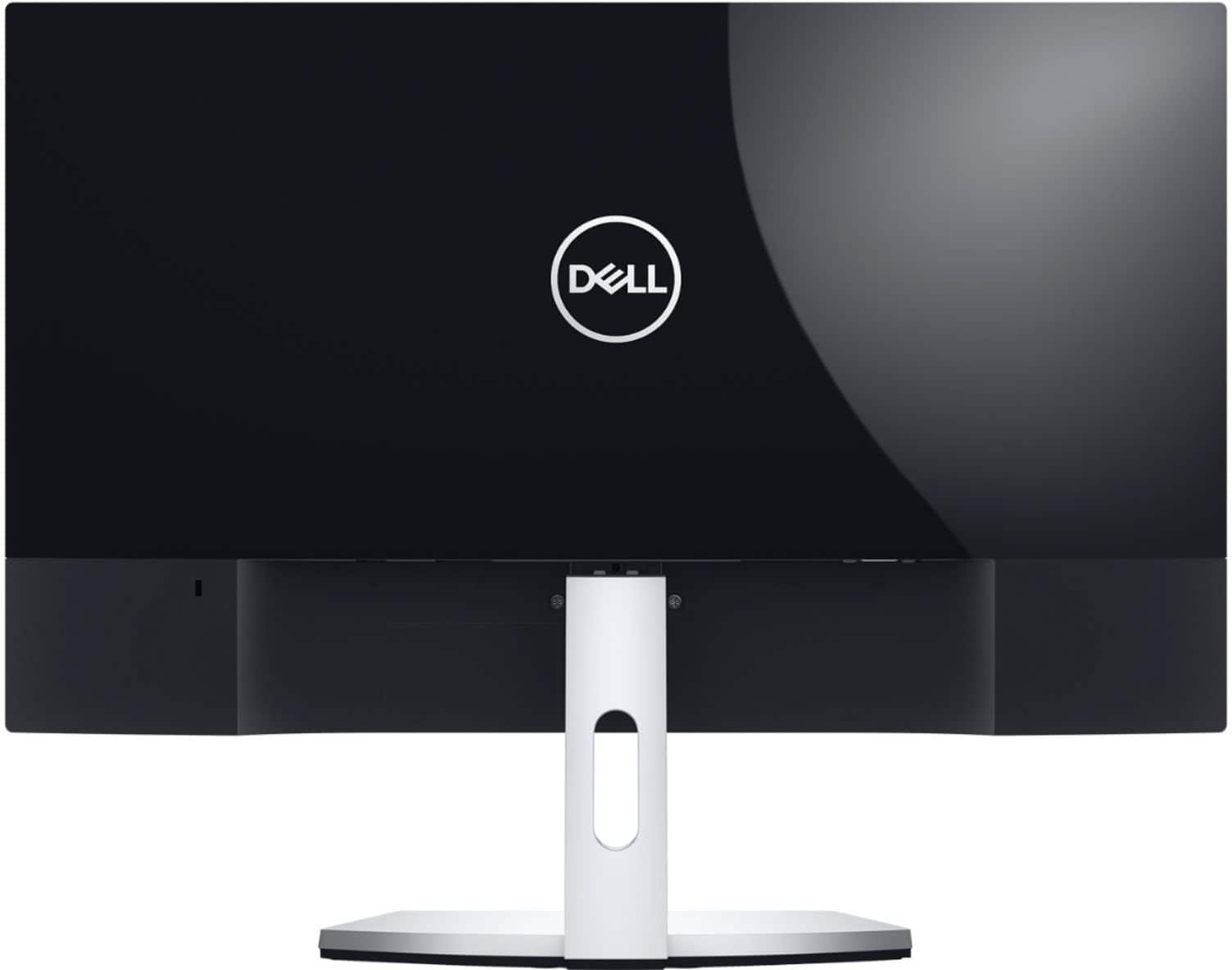
|Posted .This reviewer received promo considerations or sweepstakes entry for writing a review.If you are looking for a multiple monitor setup, these are great as long as you do not want a VESA setup. You have a tilt option on the monitor, but no real height adjustments. There is nearly no bezel, so a side by side layout would be very nice. Color is surprisingly good out of the box. Close to 180 degree viewing (178 as marketed). Connections are HDMI and VGA. Ports are typical to most Dell configurations. The VGA can be hard to access for those of us with large hands. Luckily I needed HDMI. The back of the monitor is very clean and plain, perfect for a desk facing towards the room. I can't really complain about a monitor at this price. No speakers in this model. Bottom line, this is a really nice business class monitor that has no frills and no roadblocks, minus VESA.
I would recommend this to a friendAn average monitor at best
|Posted .This reviewer received promo considerations or sweepstakes entry for writing a review.I got this Dell 23 inch monitor to add to my 2 monitor setup. I am an application designer and developer, so a multiple monitor setup is almost necessary for efficiency and consistency. This monitor comes packaged no different than others. The packaging is tight, well cushioned and easily opened. Dell includes the stand components, power cable, HDMI cable, and a small setup guide. The stand has to be assembled, but honestly, it is as simple as buckling your belt. The monitor is very sleek, with nearly a bezel around it. With the stand, the depth of it’s footprint is still minimal, and this is key when space is at a premium. I really like the look of this monitor, and the minimal bezel helps screen to screen flow more seamless in my opinion. Once plugged in, it took no time for my PC to recognize the device and have it up and running. My first impressions were mixed, and the default display setting of ‘Standard’ appeared to be rather warm. I was actually surprised that this was the default setting. No matter; the standard visibility settings and options exist here, and with a couple of quick presses I was able to switch to the mode of my liking. I will say though, the S2319NX has a bit of a muted look to it. I think Dell is really going for efficiency and a much more tolerable display for longer viewing/working periods. What I mean by muted is that the screen doesn’t seem to really pop or look quite as vibrant. It almost reminds me of putting a screen filter over the monitors of old to reduce glare and brightness – not quite to that level of effect, but it has that feel. I can see the good in taking this approach, but sitting next to my other monitors, the difference is notable. I also noticed that lettering on the Dell wasn’t quite as sharp as my other monitor. I increased the sharpness about 30%, and I could see the difference. It still didn’t quite get where I needed it to be. This is notable with this being a 23 inch monitor, which is on the smaller side of things in this day and age. Again, sitting next to another very good monitor doesn’t really help in this regard. In nearly every case, comparison can serve as gateway to recognition – good or bad. Motion/framerate was very smooth, and the overall picture seemed very natural and balanced. I do recommend downloading the device drivers for this monitor if you feel your PC is using a generic driver. This could help quite a bit. Overall, I think this monitor is decent, but not quite where I expected. Part of the problem could be my use case, and the fact it is sitting next to some pretty good monitors. Whatever the case, the S2319NX could be a bit sharper, have the option of being more vibrant rather than muted, and improve the default setting. Maybe a driver update could change things, but as it stands, not sure I would pick up another unless the price pulled me into the decision.
No, I would not recommend this to a friendBrand response from YourDellTeam
Posted .TheTruQ,
Thanks for your feedback on your new Dell monitor. We'd recommend checking for software and driver updates on Dell's Support Page here: https://dell.to/2PLML4G.
Best,
Bryan
1-800-624-9896
Perfect for All Occasions
|Posted .This reviewer received promo considerations or sweepstakes entry for writing a review.I connected my tower to this Monitor and set it up as a dual screen with my other monitor. The other monitor brand is not worth mentioning, what is worth mentioning is that the colors and the details in this monitor were amazing. There was some lag for PC gaming but that may have been my PC. Still look amazing
I would recommend this to a friend