Customer Ratings & Reviews


- Model:
- X5V51
- SKU:
- 6237640
Rating by feature
- Ease of Use
Rating 4.8 out of 5 stars
- Value
Rating 4.7 out of 5 stars
- Quality
Rating 4.7 out of 5 stars
Customers are saying
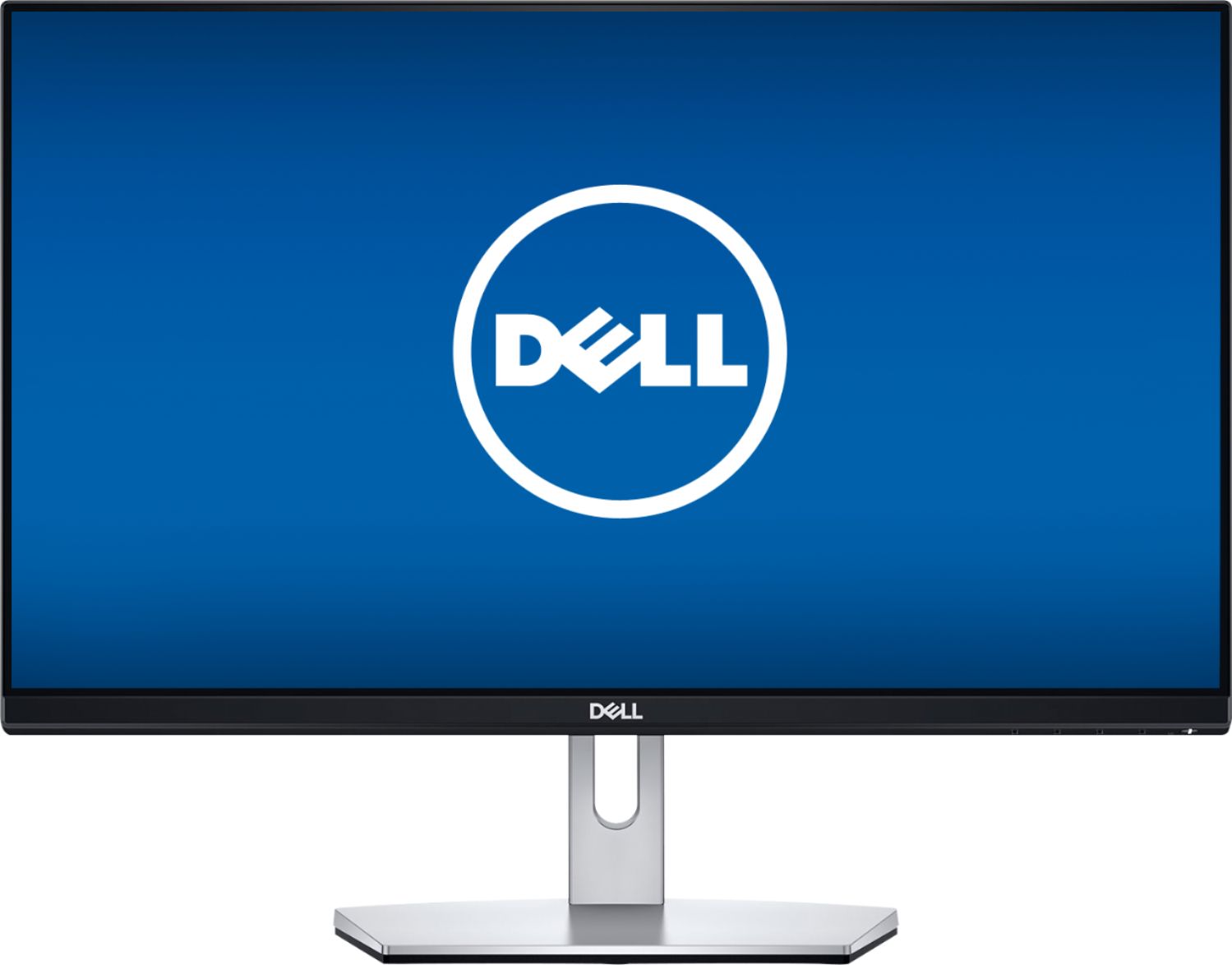
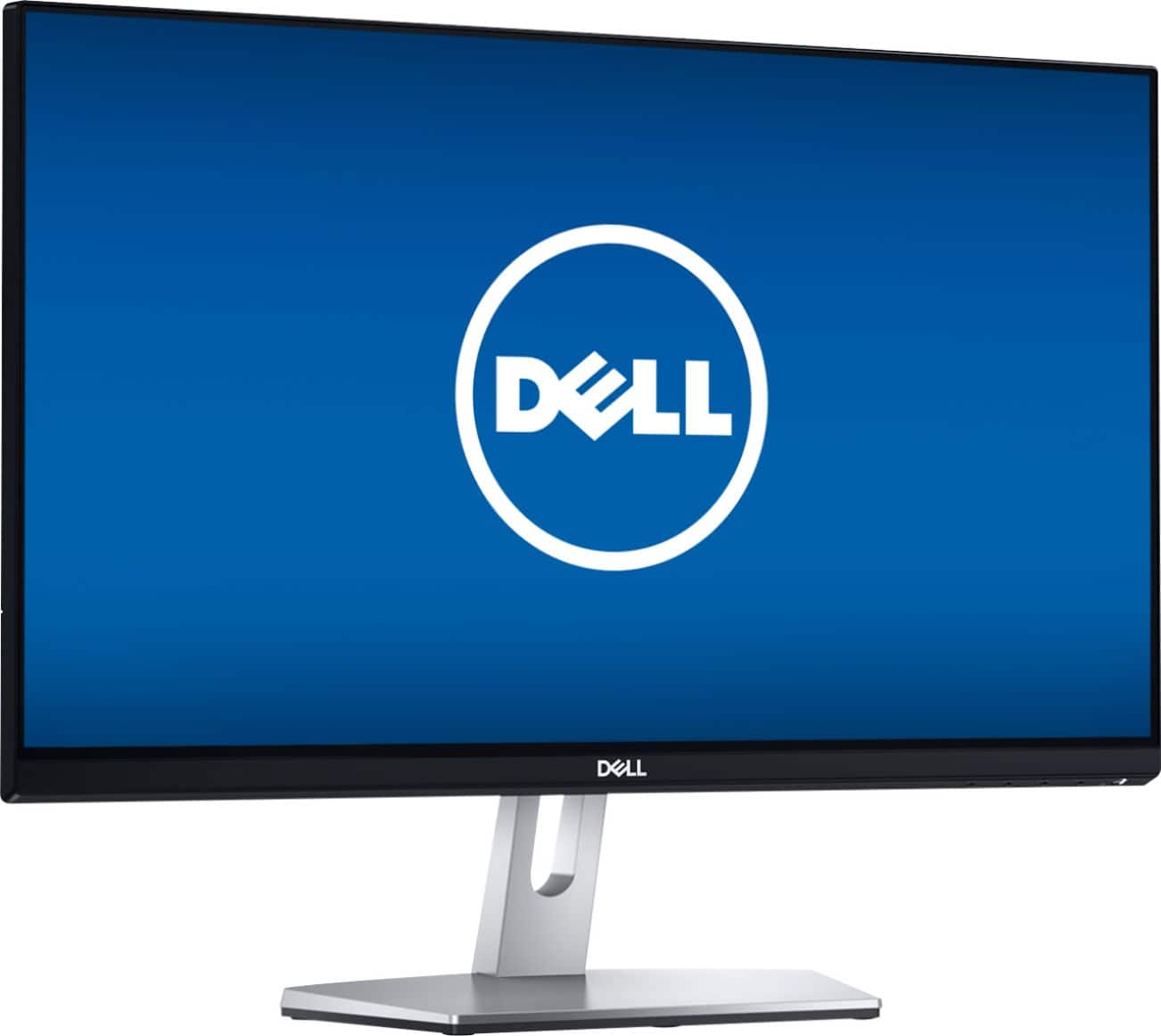
Customers express satisfaction with the S2319NX monitor's screen size, price, and ease of use, frequently citing its good resolution and clarity. Many appreciate the inclusion of HDMI connectivity. However, some customers note the lack of built-in speakers and express concerns about glare and the stand's adjustability.
This summary was generated by AI based on customer reviews.
Aww man
||Posted . Owned for 1 month when reviewed.This reviewer received promo considerations or sweepstakes entry for writing a review.Purchased this monitor in 2019 and has been working flawlessly ever since. A very good budget friendly monitor. Recently decided to extend my desktop and buy another one of these monitors. With the new monitor it does have some flaws compared to the original. In the photos, the original is on the left and the new one is on the right. The left monitor has a red-ish tint and the right has a green-ish tint, even with both monitors on the same picture settings, brightness, contrast, preset modes and even playing with custom color settings on both monitors, with green, blue, red, they are still off in tint with each other. The left always has a more red tint, and the right always has a green tint. Also the new one is shorter than the original. Even though these monitors are exactly the same, there is a cheaper feel to this new one. Even the original monitor has more reflective coating on the screen. This is great budget buy to anyone who needs a secondary monitor for a laptop, mac, or just buying one in general. But if you want to use two together, hope they look exactly the same.
I would recommend this to a friendBrand response from YourDellTeam
Posted .techman,
Thanks for your review and we're sorry to hear about the color on your new monitor. We'd recommend the following article for some troubleshooting tips for your display: https://dell.to/2CLF6yC.
Best,
Bryan
1-800-624-9896
Excellent monitor at a good price
||Posted .This reviewer received promo considerations or sweepstakes entry for writing a review.I take art and film classes using Zoom, and the brilliant colors I get with this monitor really enhance the class experience. I'm very happy with it.
I would recommend this to a friend- Pros mentioned:Screen size

Sleek Monitor
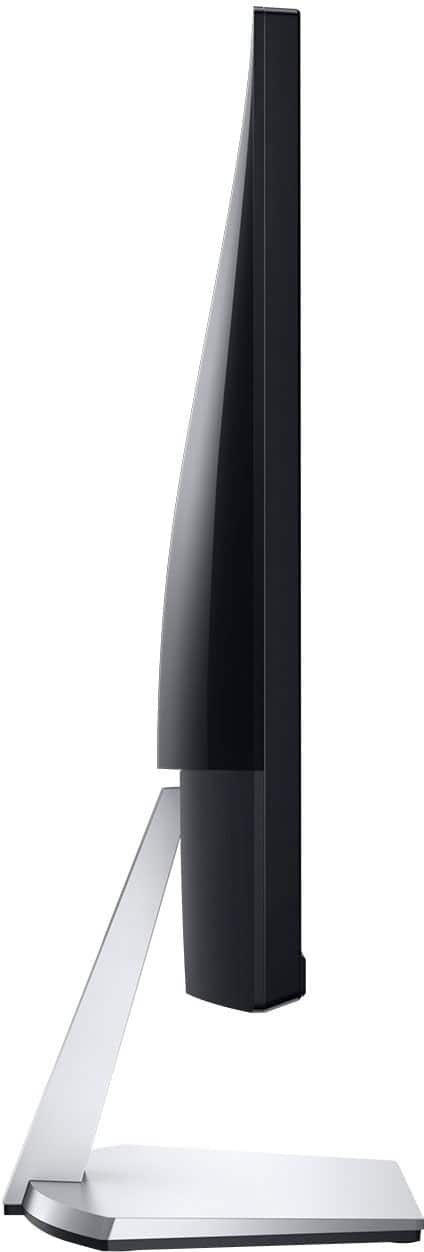
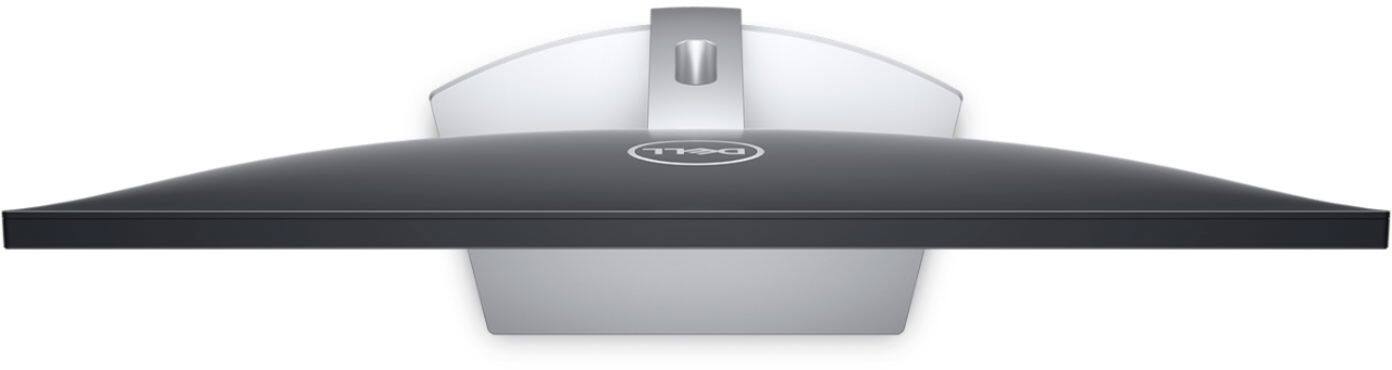
|Posted .This reviewer received promo considerations or sweepstakes entry for writing a review.Setup was easy. The monitor is well packaged. Assembly requires no tools. A 6ft HDMI cable is included, which was really convenient for plugging in my laptop. The picture is sharp, with good brightness and color. It auto selects the correct input when plugged in. I don’t usually think of a monitor as pretty, but this one actually has some style to it. With a brushed metal base and smooth black plastic back, it looks great on my glass desk. The base also has a hole for cord management. Two things to note before buying are that the base has tilt adjustment only (no height) and it may not work with aftermarket mounts. Overall this is a beautiful, well thought display that looks good on or off.
I would recommend this to a friend - Cons mentioned:Stand
Decent budget monitor for non-critical viewing
|Posted .This reviewer received promo considerations or sweepstakes entry for writing a review.PROs: - Tool-free assembly; the captive screw on the bottom of the stand has a thumbscrew wing to help lock the vertical support into the base plate. From there, the stand only attaches to the back of the monitor one way so even those intimidated by tech shouldn't have a problem assembling the entire monitor - Typical QC that I've come to expect from Dell--no dead/stuck pixels across the entire screen - Semi-gloss screen coating somewhere between cell-phone super-shiny and budget LCD TV-like matte finish--works well for onscreen images without too many distracting reflections - Very thin black bezel around the sides/top would probably make a multi-monitor setup easy to pull off; contrasting silver band across the bottom gives the monitor a TINY splash of style - Single LED power status light in the lower right makes for a simple and uncluttered appearance - Horizontal viewing angle is decent, especially for a screen this size--two people could easily sit abreast at a work desk and not fight over who can see the monitor or not - Adjustable screen response time (from Normal to Super Fast) might be useful for gamers or those sensitive to screen flicker though the refresh rate is limited to 60 Hz - Reasonably accurate color out of the box just in "Standard" mode--with minor tweaking of the color sliders (R 100, G 93, B 90) I was able to get within 3 degrees of 6500K - Most color temperature presets variances were still somewhat close to the 6500K standard, Standard and Game especially...this kept the images from looking REALLY overblown in most viewing modes (great for those looking for trial-and-error-free adjustments to the picture while still having room to suit individual tastes) CONs: - Only one HDMI input and a single VGA hookup for the holdout legacy PC connections out there - Make sure you realize there are no speakers on this unit (though there is an audio mini-jack input and output) - Unlike the larger iteration of this same monitor, this one demonstrated some fairly noticeable backlight bleed-through across the bottom and upper left--for full screen gaming it's far less noticeable; but with a letterboxed movie especially, you're going to see some pretty bright grey bars top and bottom of the screen - Hidden/unlabeled menu buttons in the lower right--you can’t always tell which button you’ve pressed until you see the results first on the OSD display - No VESA arm/wall mounting option...it's the stand or nothing...multi-monitor setups might be able to span horizontally, but only so far as the stand allows side-by-side placement and forward/rearward tilt - Speaking of the stand, it only allows tilt a few degrees forward and back--no rotation or elevation options (though the integrated hole for cable management is certainly appreciated) - Maybe it's just me, but I find the attachment point between the stand and the back of the monitor to be a bit on the smallish and less reassuring size...this yields some noticeable screen wiggle when you start using the menu buttons We already have a larger version of this same model in my wife's home office and liked it enough that we got this smaller version to use for my younger daughter's PC. While not quite as captivating in performance/features as its larger sibling, this monitor gets the job done at a bargain basement price--so long as you're heading into the purchase knowing that, you'll probably be just fine. As we found with the larger (27") version, this monitor is simple to use and configure, comes with pretty much everything you'd need to get it set up with a modern PC right in the box, and will provide exactly the kind of plug-and-play experience someone considering a monitor at this price would likely be expecting anyway. With some minimal effort, I was able to achieve some very accurate color levels that produced a pleasing-to-the-eye image suitable for movies or onscreen reading/web surfing. My guess is that your results would be the same...so long as you don't plan to do much more than office/school work, web browsing, or light gaming, this monitor will fit the bill--if it's attached to anything other than an integrated graphics card or intended for critical uses (serious gaming, photo/video editing, etc.), you'll likely be disappointed. Here's a rundown of the non-adjustable color modes I measured out of the box after 1 hour of warm-up time... - Standard: just a bit under-saturated on red with a little emphasis on green (6894K) - ComfortView: deeply cut blues with a massive bump in green (5429K) - Movie: dialed back in the reds and a bump up in blues (8350K) - Game: just a tad bit of de-emphasis in reds and a hint of green push (6890K) - Warm: red and greens together were just a hair high with blues just a bit low (5779K) - Cool: big drop in reds with a blue push (8398K)
I would recommend this to a friendBrand response from YourDellTeam
Posted .WyldeBlue,
We appreciate your feedback. We're sory that your new monitor is not meeting all of your needs. If you do have technical questions about your monitor you can always refer to our Product Support Page here: https://dell.to/2mt1Cnz.
Best,
Bryan
1-800-624-9896
- Pros mentioned:Ease of useCons mentioned:Glare
Solid basic monitor
|Posted .This reviewer received promo considerations or sweepstakes entry for writing a review.For this review I'm using this monitor as a secondary in a home office, connected to a docking station via VGA. Out of the box, this monitor is quick to set up. The stand locks in place with a turn latch type screw, meaning no tools required. I connected this monitor to a docking station using VGA and it was quickly identified. Overall setup is quick and intuitive. The pros of this monitor are that it meets all the basic expectations - solid stand, physical buttons, ease of set up and options. The monitor quality is average, with the expected color options and settings. I like that the menus are easy to navigate with the 4 physical buttons on bottom right of the monitor. The downside to this monitor is that for an office with windows I have a significant amount of glare on the screen, see attached photo. Also, I find that the "Comfort View" which I would expect to reduce blue light, doesn't match the quality of my primary monitor. Lastly, I find it frustrating that the monitor stand is rigid, so I have no ability to adjust for height, only tilt. I'd recommend this monitor for someone needing a basic monitor for non-gaming purposes in a room that has low to no natural lighting.
I would recommend this to a friendBrand response from YourDellTeam
Posted .EngineerMom,
Thanks for your review. We're sorry that your monitor is not meeting all of your needs. We'd recommend checking out our Product Support Page if you have technical questions: https://dell.to/2mt1Cnz.
Best,
Bryan
1-800-624-9896
- Pros mentioned:Clarity, Ease of use, PriceCons mentioned:Glare
Great monitors at a great price!
||Posted . Owned for 2 months when reviewed.This reviewer received promo considerations or sweepstakes entry for writing a review.I actually bought two of these right before COVID made my job mandatory work-from-home. My organization was trying a "test run" to make sure everyone had a good home setup and could log in to everything they needed to. Little did we know, a week later, the world is in quarantine. Backstory aside, these monitors are high quality and are BRIGHT. I actually read that it's good to keep your monitors at a lower setting. I currently have these set at 63% and are still plenty bright and clear. I'm running them through a JCreate dock so I can hook my laptop(s) up and have 2 monitors and my laptop screen. Driver install was super easy on Windows. Great purchase, great price, and would buy again!
I would recommend this to a friend - Pros mentioned:Price, Screen size
Dell 23" IPS LED FHD Monitor, worth every penny
||Posted .This reviewer received promo considerations or sweepstakes entry for writing a review.This monitor is far from a top of the line gaming monitor and it does have some minor flaws and I will get to them. First I want to say that my choice is either 4 stars or 5 stars for the review, I could not give it the 4.5 stars I would actually like to rate it at. I purchased this monitor to hook up to my Alienware laptop when I'm actually working or gaming at my desk, I did not want to go "all in" on a monitor because most of the time I'm actually not using it at my desk. I will make this review as short and sweet as I can: Pros: * Picture quality * Response time * Small bezel (the bottom is larger than the top and sides) * Overall stylish design * Price * True IPS panel * Glossy screen for better clarity * Low power consumption/heat output. Cons: * Some minor back light bleed-through noticeable when gaming in the dark along the bottom of the monitor - not noticeable when working in a normally lite room. * Lack of more than 1 HDMI port - may be an issue for some * A power brick similar to a laptop (this however is also probably why the monitor seems to run cooler than other monitors I have used in the past Overall: This is a great solid purchase for the price. If you are purchasing it for business use or for casual gaming you will not be disappointed with this monitor.
I would recommend this to a friend Good HD monitor
|Posted .This reviewer received promo considerations or sweepstakes entry for writing a review.The Dell S2319NX 23" IPS LED FHD Monitor is good looking and performs well for a basic monitor. It has 2 connections 1 VGA and 1 HDMI. Color reproduction is good and text looks sharp. I use it as a second screen for my laptop and the S2319NX provides a better picture with brighter more realistic looking colors and deep blacks especially when watching videos. The S2319NX looks good and controls are easy to use one handed. The base works ok and allows you to easily adjust the viewing angle but does not have as solid a feel to it. As I use it as a second screen being able to break it down is an option I like but unlike my other monitors I need a small screwdriver to press a tiny release button to remove the base something not mentioned on the bare minimum instructions but found online. This won't be an issue if you don't need to break it down. Overall the S2319NX is a good basic monitor for everyday use.
I would recommend this to a friend- Pros mentioned:Clarity, Ease of use, Price
Great monitor.great price
||Posted . Owned for 1 month when reviewed.This reviewer received promo considerations or sweepstakes entry for writing a review.Bought it for my work at home as I am used to using 2 monitors, plus I wanted something bigger than a laptop monitor. Great price and nice monitor. Very clear, easy to read and just plug and play.
I would recommend this to a friend - Pros mentioned:Price, Resolution, Screen size
Great monitor for home office during pandemic
||Posted . Owned for 3 weeks when reviewed.This reviewer received promo considerations or sweepstakes entry for writing a review.The monitor has been a huge improvement to my WFH pandemic experience. I am working off of an older Macbook Air and it was killing my eyes. This monitor is bright, clear and has excellent resolution. I thought at first that it would be too big, but it's perfect. I sometimes use it as a single monitor and sometimes use dual screen with my laptop as the second screen. The stand is modern, the bevel is slim and the price was very reasonable.
I would recommend this to a friend - Pros mentioned:Ease of use, ResolutionCons mentioned:Stand
Great picture quality
||Posted . Owned for 1 week when reviewed.This reviewer received promo considerations or sweepstakes entry for writing a review.I like the thin profile of this monitor. Mine is a little crooked on its stand, but I threw it together in about 5 minutes. I use it with a Dell laptop for working from home, it was a simple plug and play experience that required no set up. I can easily flip between dual monitor or duplicate mode and have no audio concerns. Cord length is good. Resolution and colors are great for spreadsheets, email and webinars.
I would recommend this to a friend - Pros mentioned:Ease of use, Screen sizeCons mentioned:Stand
Pretty good so far
||Posted . Owned for 1 month when reviewed.This reviewer received promo considerations or sweepstakes entry for writing a review.So this Samsung TV has a fantastic picture and is fairly easy to use. The all-in-one remote is good but lacks some functionality (needs FF and RW buttons). Had a few issues with connecting consistently with the sound bar, but that seems to have fixed itself. Overall, super picture, easy to use and the issues are minor. Oh one last thing, I wish they would bring back the center TV stand instead of the little legs!
I would recommend this to a friend - Pros mentioned:Clarity, Ease of use, Screen sizeCons mentioned:Glare
Exactly what I wanted
||Posted . Owned for 1 month when reviewed.This reviewer received promo considerations or sweepstakes entry for writing a review.Size is perfect and easy to connect. Little glare and things are clear on it.
I would recommend this to a friend - Pros mentioned:Price, Resolution
Excellent monitor for home use!
||Posted . Owned for 11 months when reviewed.This reviewer received promo considerations or sweepstakes entry for writing a review.Bought this as a gift for my Dad! He loves it. It looks very sleek and slim. The resolution is excellent - very clear running on Windows 10. My dad loves it. Very simple and efficient monitor that won't break your pocket. Works great - can't ask for more!
I would recommend this to a friend still works, no problems
Posted .This reviewer received promo considerations or sweepstakes entry for writing a review.This is a very rugged monitor to have lasted this long! Highly recommend!
I would recommend this to a friend- Pros mentioned:Ease of use
Good for standard 1080p monitor
||Posted . Owned for 2 months when reviewed.This reviewer received promo considerations or sweepstakes entry for writing a review.I would wait for this item to go on sale, as it goes down to $110 every so often. There's a noticeable price difference between this and the 24 inch version ($30-$40), and the displays in store did show the colors being more vivid on the 24 inch version for each different display setting (movie, warm, cool, etc). However, I think the price different wasn't worth the extra bit of color on 1080p. It was very easy to set up. I don't remember having to pull out a screwdriver, you just had to put things in the right places. VGA and HDMI compatible, and it comes with an HDMI cable. The stand is tilt adjustable only, which is standard for monitors in this price range. The design is pretty sleek, and the buttons come on the underside of the monitor.
I would recommend this to a friend - Pros mentioned:Resolution, Screen sizeCons mentioned:Speakers, Stand
Great all around budget monitor
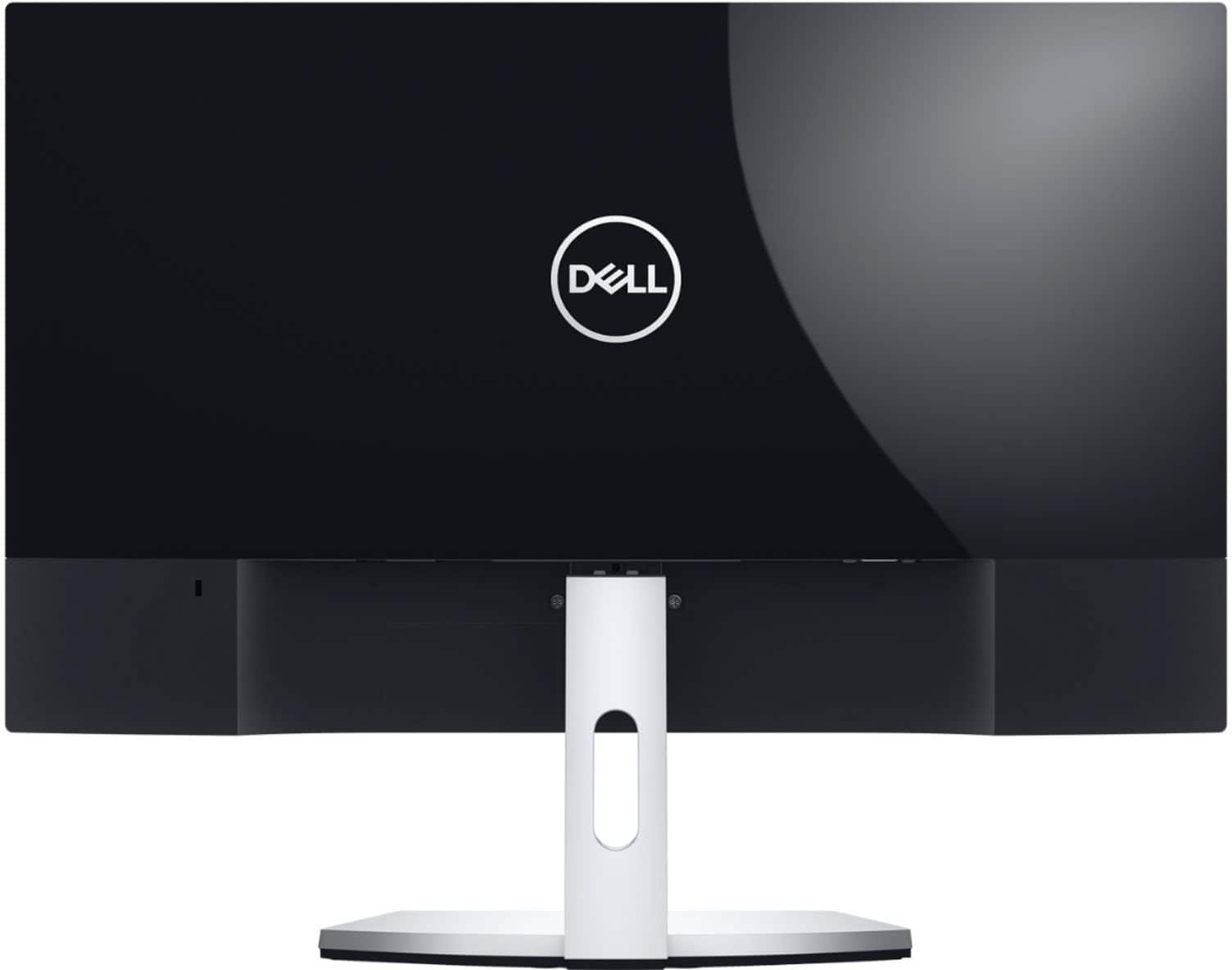
|Posted .This reviewer received promo considerations or sweepstakes entry for writing a review.The Dell S2319NX is one of Dell’s newest budget entries in the S-series “Studio” monitors. The hallmark of the studio series are monitors that look nice, offer thin bezels and in general are decent day to day monitors. The S2319NX features a 1080p resolution, 5ms response time, 178 degree viewing angles, and VGA and HDMI inputs. While it carries an MSRP that might seem on the high side, it’s often on sale, while makes it attractive. First things first, my unit was nearly flawless on arrival. There were no dead or stuck pixels (a big deal w/ budget monitors), and panel uniformity was excellent. The 178 degree viewing angle spec should be a hint to you that we’re dealing with an IPS technology screen (probably AH-IPS, but I can't verify that). For those of you unaware, IPS is in-plane switching, which allows for excellent color reproduction, and great viewing angles. It’s a great tech for general purpose monitors, as the upsides are positive for most office/productivity workloads. After unboxing and attaching the base to the monitor it’s pretty easy to get setup. The stand is extremely basic, only providing vertical tilt. Unfortunately there isn’t a VESA mount here, so standard mounting is out of the question. Another negative in my book there is a power brick providing power. It’s a 40w (12v 3.33a) brick that comes with a decent length cord, but it’s still an annoyance for me as I prefer just having a standard 3 prong outlet built in (one less thing to lose). I suppose one positive is that a replacement power adapter would be easy to procure. Once you plug in the monitor, you’ll find your choices of either a VGA or HDMI input. It’s interesting to see a ‘19 model year offer the legacy VGA port (which hasn’t been native on laptops since 2014 nor found on desktops as often as it used to be). I only used the HDMI port, which has the advantages of being digital and carrying audio as well. While you’re exploring the ports you’ll also find an audio input and audio output. This is handy for the aforementioned HDMI input, as you can attach your speakers or headphones to this output to without having to run an audio cable back to your computer. Unfortunately you’ll have to look to the ‘H’ variant to find speakers, as there are no built in speakers here. It’s also handy to have the input to match up w/ the VGA if you do end up using it. There isn’t a separate volume control, but I know I never use a monitor’s volume control anyways. I had no problems getting it connected. The included HDMI cable made it easy to just plug and play. The monitor menu system will be familiar to anyone who’s used a Dell monitor before. Unlike the upper tier monitors, the menu doesn’t have the niceties such as active power consumption, gamma control or other picture settings. What you find here are brightness, contrast, a set of predefined color profiles, and a smattering of other non-picture related settings. Like many of Dell’s monitors, there is a personalization section so you can setup the non-menu buttons for certain actions, like quick switching color profiles, or inputs. There is a flip between auto source and locking on either VGA or HDMI manually (I appreciate this). One thing I did like, the ability to turn off the power LED when in use (in Other Settings). In case you’ve never owned a Dell product, the service tag is also found in the menus. You can also tell the HDMI input to use audio from the analog input if you wish as well. Unfortunately when it comes to picture you pretty much only have one custom profile, which only allows you to adjust the intensity of the red, green or blue colors. The lack of adjustments make it hard to correct any color imbalance on the display itself. The good news here is, colors are pretty good. IPS brings pretty decent color accuracy out of the box. In my basic tests, each color channel was fairly smooth transition from bright to dark. Color banding wasn’t apparent in any examples I noticed. At first, I felt as though the colors displayed were washed out. The blacks were essentially a dark gray, and contrast was poor. Then I realized that on my Nvidia test bed, the monitor must have looked like a TV to the drivers, and thus limited RGB settings were applied. Once I switched the drivers to use full RGB instead of the limited gamut, blacks, whites, and colors improved dramatically. I’m no stranger to this problem, as I’ve had monitors like this in the past, but it’s an unfortunate issue that all but the advanced user would miss - providing significantly worse picture quality. It’s compounded further in the monitor’s color settings to allow either RGB or YCbCr inputs (essentially I believe the monitor itself is almost advertising TV style color). It’s possible that Dell assumes the HDMI input will be used for a game console or other living room device that is geared to limited RGB, either way I’d highly suggest setting the monitor to RGB, and ensuring a full RGB color setting is used. Once the limited RGB was out of the way, things got much better for this display. I recommend leaving the sharpness to 50, as it did some odd things with a cross hatch pattern either going up or down. There is a response time setting, but I highly recommend leaving it on normal even if you are gaming. There is traditional LCD motion blur, but the response time set to fastest only seems to induce overdrive inverse ghosting. I’d rather deal with a bit of a slower response time than have various color artifacts from too much overdrive. Another great thing was lack of any real IPS glow around the edges. Blacks were pretty dark (not as dark as some other panel types, but definitely higher contrast than many IPS panels). There was some off-center viewing glow, but that was less panel and more coating. The coating applied is definitely glossy, and is fine for most environments. It’s not super shiny, but it also is far from matte. Again, panel uniformity was above par (especially for a thin bezel edge-lit display), with only some color variance when viewed at an angle. I found this affect more pronounced on the vertical axis than the horizontal, which is probably fine considering the stand doesn't rotate. I used the monitor for both gaming a productivity to test it out. I played several rounds of CS:GO, and while it only offers 60Hz refresh rates, I felt it was more than adequate for non-competitive play. I didn’t notice any ghosting even in faster scenes. RTS or other games only helped this monitor shine further. Productivity wise, the comfort color profile was handy to have, but considering both Windows, Mac, and Chrome OS all offer automatic time of day color profile switching, it seemed moot. All in all, it really is a great looking 23” display during use. Physically it’s about as small as one can make a 23” panel. It honestly looks like a 20” monitor from the back, but the display itself is definitely 23”. The bezels are smaller than either my U3415w or d2716dg Dell’s, which all offered the best of the best slim bezels of their day. It’s very light, under 10lbs w/ the stand, so it’s easy to move as necessary. It can wiggle a bit if you are a heavy typer, but generally I found it stable enough for normal use. The design is sleek, but also (from experience) a dust magnet. The glossy black frame and backing will show and attract dust quite well (the D2716ds is very similar). This monitor is just a monitor, lacking any USB hubs, or other functionality. So who is the S2319NX for? If you’re looking for an affordable monitor with an above average picture quality, small footprint, and don’t need speakers, this is a really good fit. The speakers might be a bigger deal for some users, as many PC users don’t want desktop speakers anymore. However a set of headphones might be the perfect pair for some environments. Gamers might want to shoot for higher refresh rates, but both the size and resolution are perfect fits for casual players. Obviously the lack of VESA means in a professional environment, your options are limited for mounting to only the stand and viewing angles are affected by reflections from the coating. You might be thinking by this point the S2319NX is a jack of all trades, master of none, and you’d be right. However that isn’t to say this monitor is mediocre, but rather just less flexible than some. The panel is a decent IPS unit with a good picture only let down if a bad color setting is selected. It’s a testament to the state of budget monitors - that while you can spend a lot more for other features/quality, this unit will take you a long way if you can deal with its quirks.
I would recommend this to a friend - Pros mentioned:Ease of use, Screen size
Fantastic Price and Quality
||Posted . Owned for 3 weeks when reviewed.This reviewer received promo considerations or sweepstakes entry for writing a review.Using as a second monitor for work-from-home office tasks and finding this is a great purchase that really serves its purpose. Highly recommend for those seeking similar utility.
I would recommend this to a friend - Pros mentioned:Ease of use, Screen size
Easy to Connect to Computer and Stylish.
||Posted .This reviewer received promo considerations or sweepstakes entry for writing a review.This Dell Monitor has a sleek, slim design and sits up tall on a pedestal making space on my work desk. Very easy to connect to our PC. Clear, crisp visual screen. Excellent Monitor for the price!
I would recommend this to a friend - Pros mentioned:Screen size
Perfect for my needs
||Posted .This reviewer received promo considerations or sweepstakes entry for writing a review.Love this monitor! It's exactly what I needed for my home office computer setup. I use my laptop, but when I need the extra screen space, I just hook it up to this monitor, and I'm set. It's stylish and the picture is crisp and the colors are vivid. Just what I was looking for. I had ordered a different monitor initially, but when I went in-store to pick it up, I decided to see in person what I was actually ordering, and when I asked the sales guy for his opinion, he steered me towards this one. I'm so glad he did! It was only $10 more than the original monitor I almost got, and way better quality, and much nicer looking, too, which is a plus. Recommend!
I would recommend this to a friend