Customer Ratings & Reviews

- Model:
- S2419NX
- SKU:
- 6237639
Rating by feature
- Ease of Use
Rating 4.8 out of 5 stars
- Value
Rating 4.6 out of 5 stars
- Quality
Rating 4.7 out of 5 stars
Customers are saying
Customers are satisfied with the S2419NX monitor's picture quality, ease of use, price, and size. Many appreciate the inclusion of HDMI ports and the vibrant colors. However, some customers note the lack of built-in speakers and limitations with the stand's adjustability. A few also mention the refresh rate as an area for potential improvement.
This summary was generated by AI based on customer reviews.
Screen sometimes blacks out
||Posted .This reviewer received promo considerations or sweepstakes entry for writing a review.sometime the screen blacks out intermittently. some days it's okay and then other days I can't get it to quit. i love it when it works but it's very frustrating when it doesn't.
No, I would not recommend this to a friendBrand response from YourDellTeam
Posted .dpayme,
We're sorry to hear about the screen issues that you're experiencing. We'd recommend reaching out to Dell's Technical Support Team to assist you with this issue and help you resolve it in a timely manner: http://dell.to/2sH7Qlm.
Best,
Bryan
1-800-624-9896
- Pros mentioned:Picture quality, Size

A Good All Purpose Home/Office Monitor
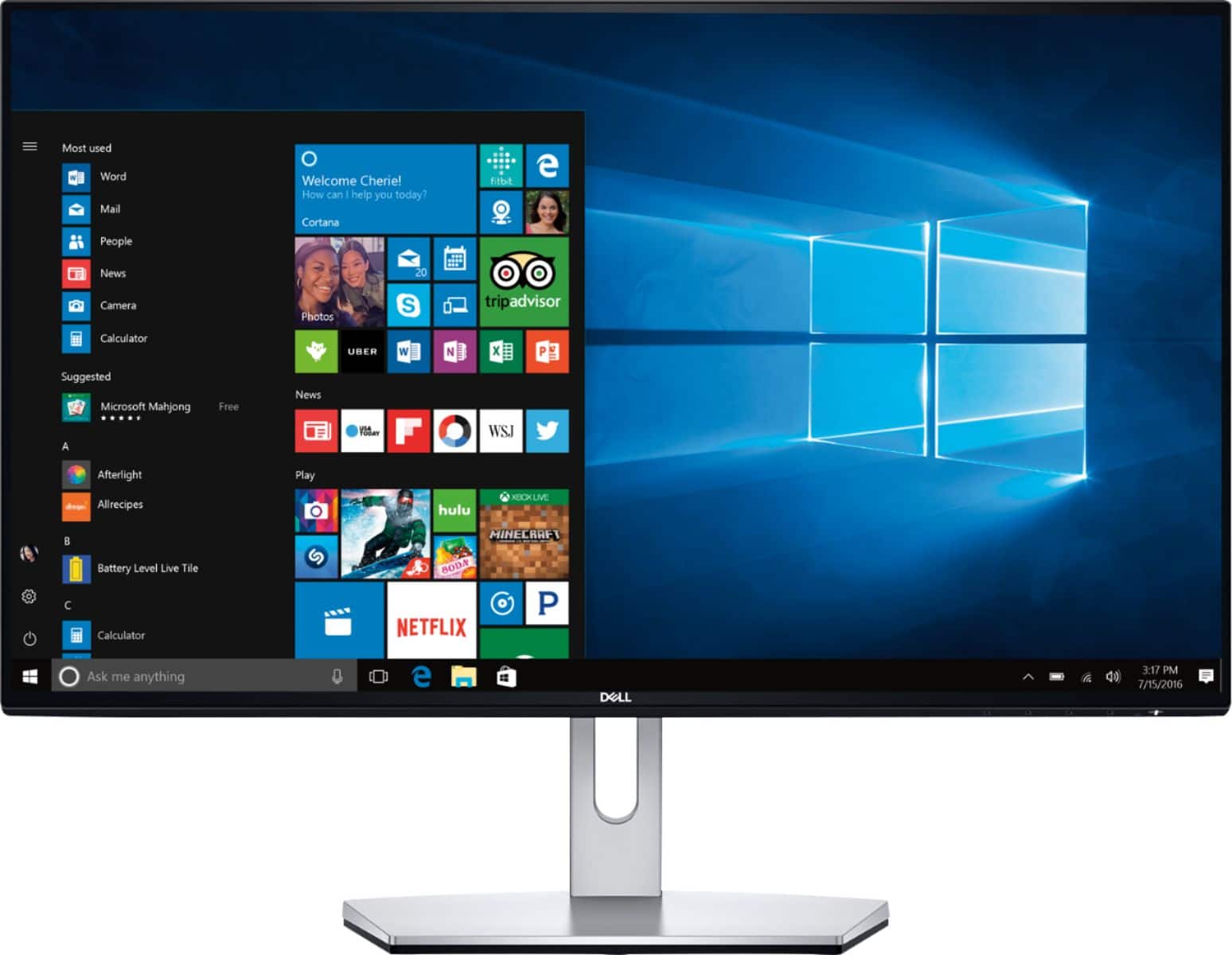
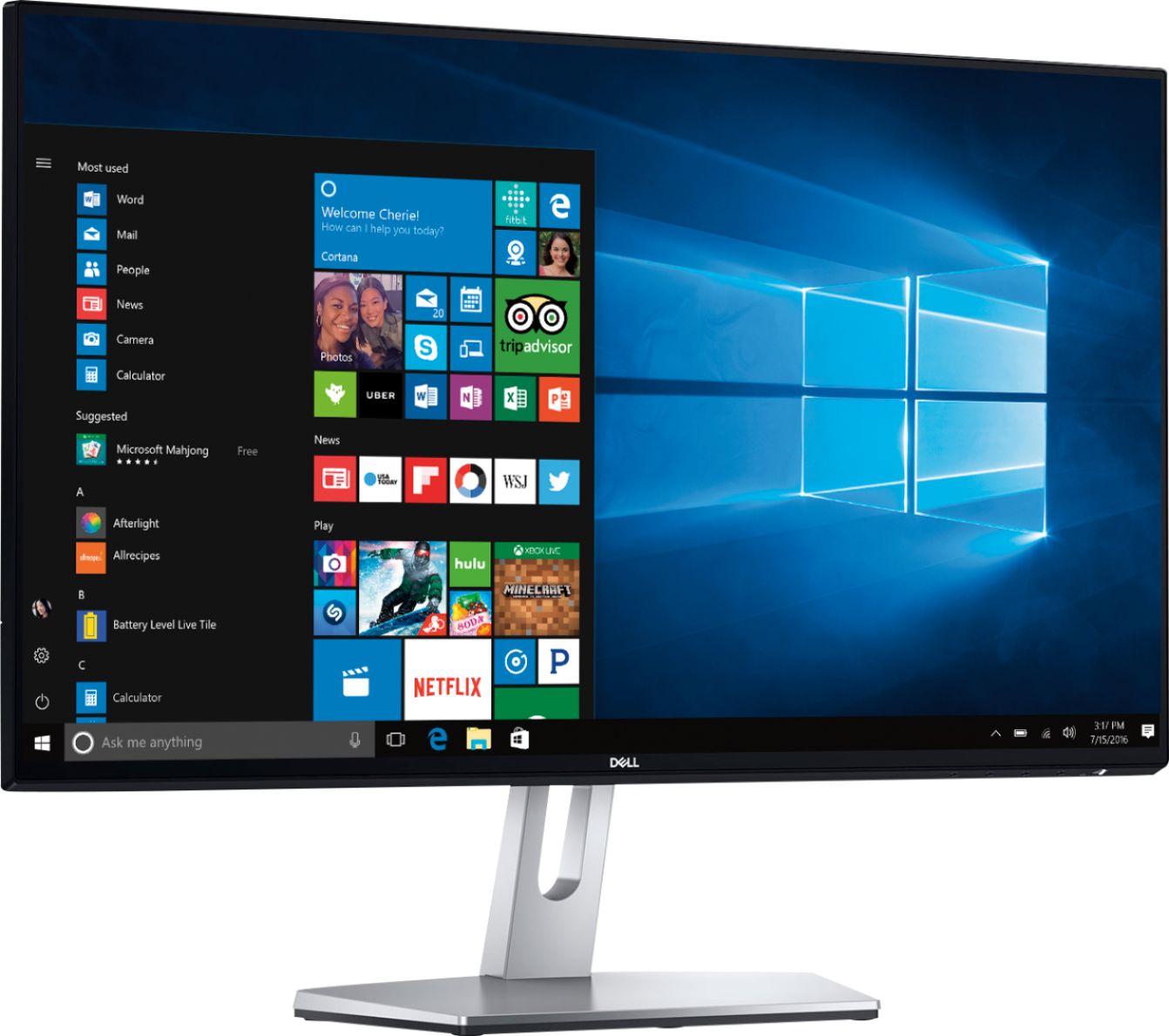
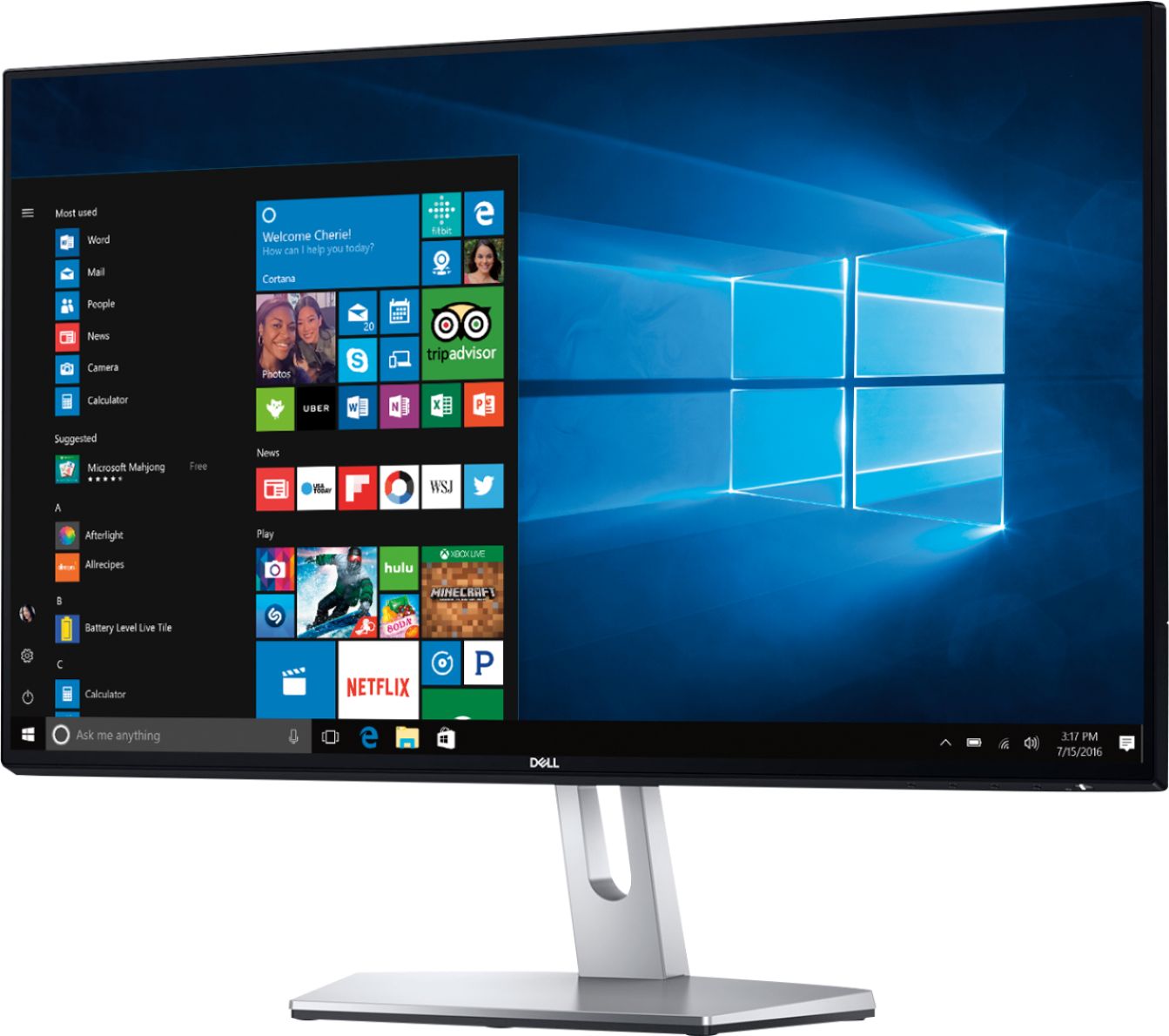
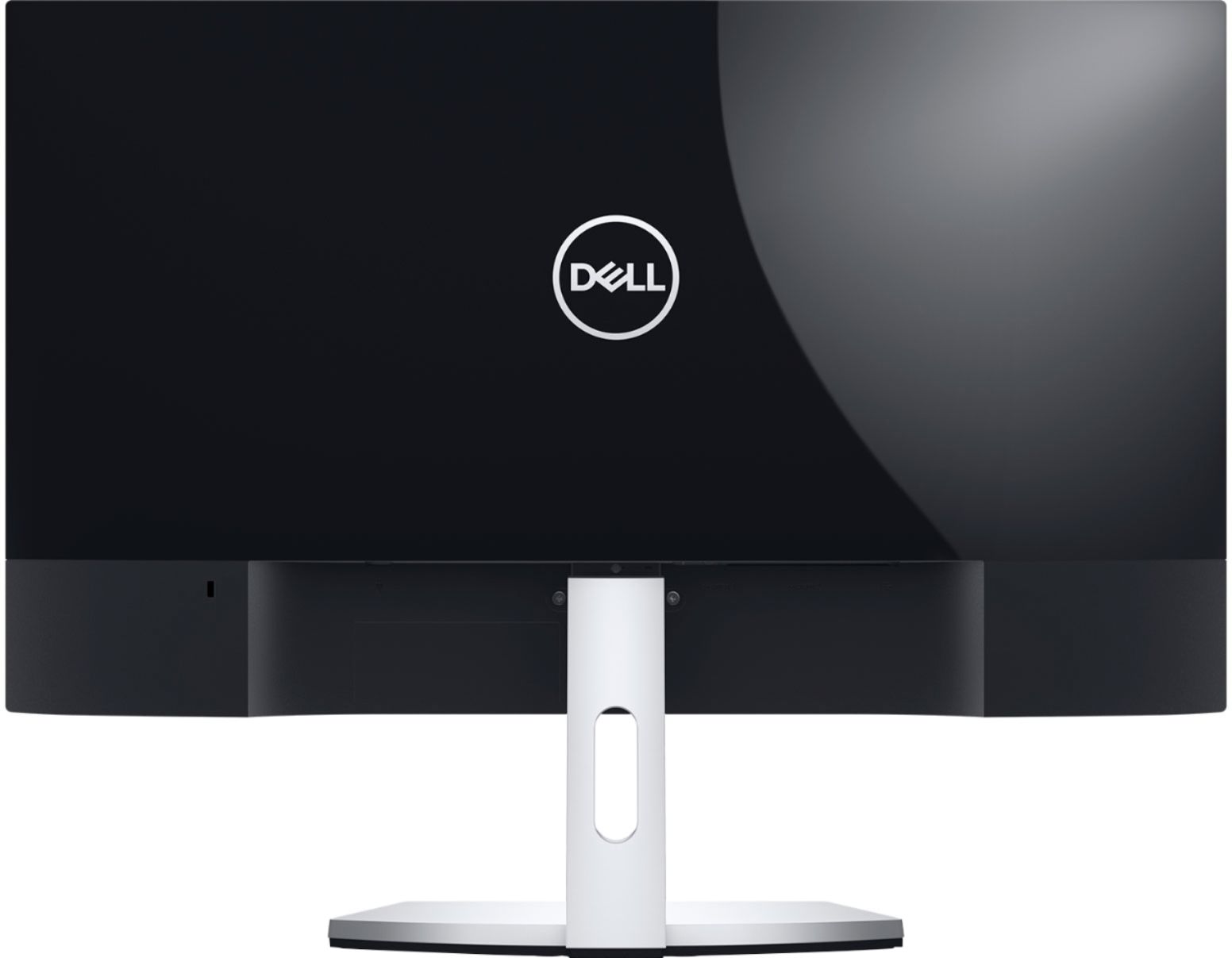
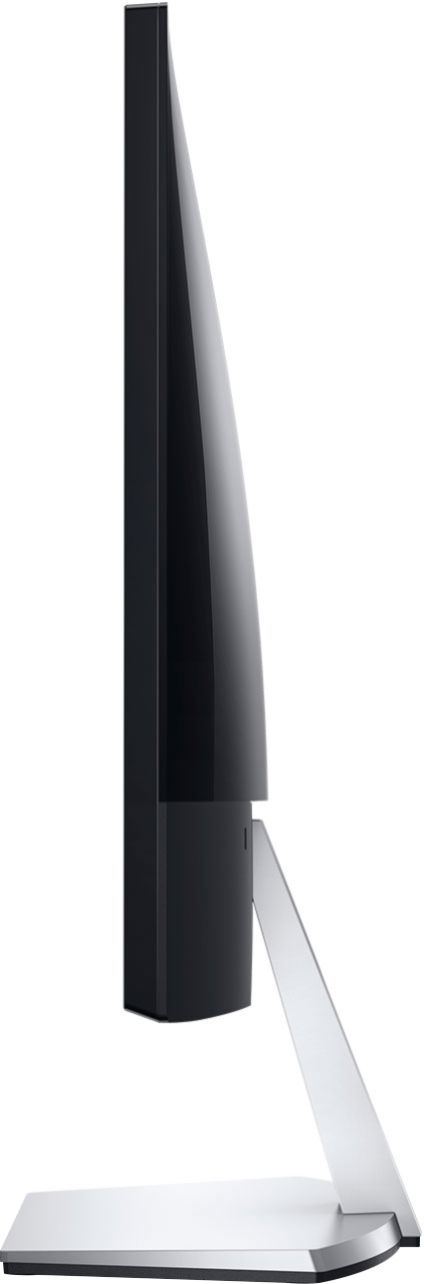
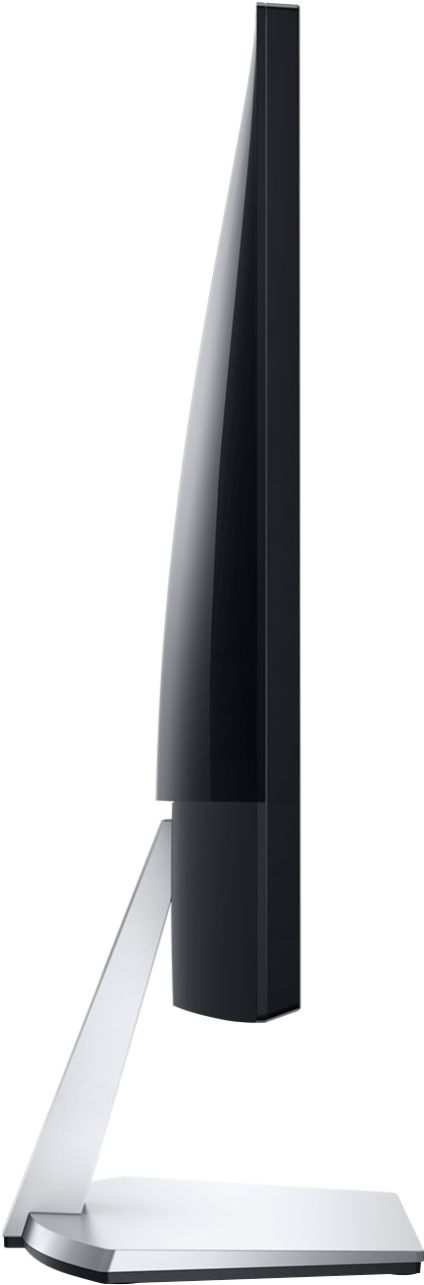
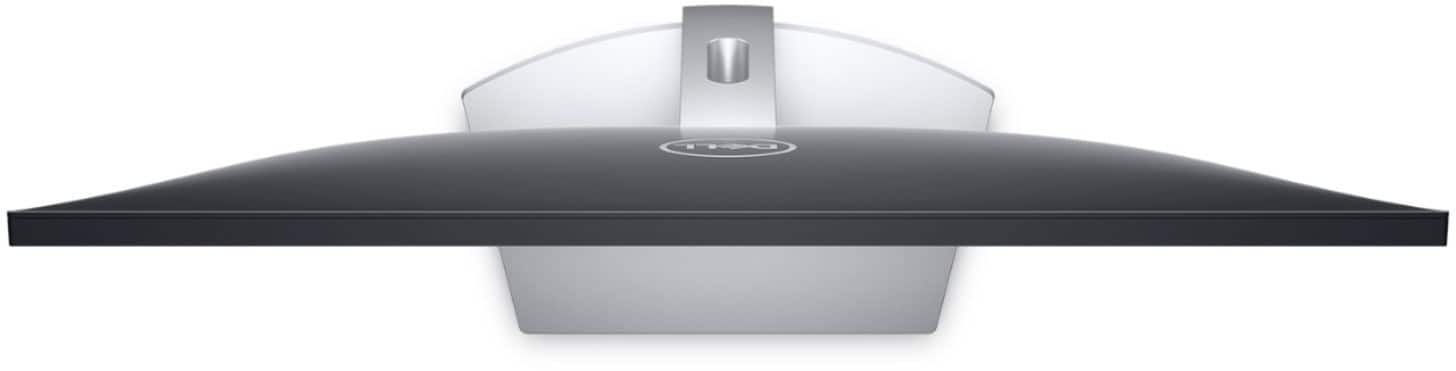
|Posted .This reviewer received promo considerations or sweepstakes entry for writing a review.With a bright, colorful, and vivid display, the Dell S2419NX 24” IPS LED Full HD monitor will fit the display needs of most office and home office applications. The overall design is very clean with a thin black bezel that runs on all four edges, and the monitor is supported on a slender support arm and sits on top of a base with rubber feet to prevent slipping. The monitor has some glare and reflection. In bright rooms or near windows where there is sunlight coming through, the display images can be obscured by glare and reflection. One nice thing about the monitor is that colors and brightness remain consistent at wide viewing angles. Assembling the monitor out of the box is relatively quick requiring no tools. Simply connect the support arm to the monitor on one end and the base on the other. Connect to one of the two available hdmi ports on the monitor and plug in the ac power brick. I am moving up from a 15.6” laptop display, so the 24” display of this Dell monitor provides enough screen real estate for my needs. I use the display mostly for office productivity software, web browsing, and the occasional video or movie. Text and images are rendered very clearly with good sharpness and detail. Images are also bright, vivid and have good contrast. On the lower right corner of the monitor are buttons which will bring up an onscreen menu with options to make adjustments to the display such as brightness, contrast, color, sharpness, etc. Being that this is a budget monitor, there really aren't many features to describe. Inputs are only two hdmi connectors. There's no vga input for legacy devices and no dvi input. The only physical adjustment to the monitor is the ability to tilt the display angle up and down. The monitor does not pivot. You'll need to pick it up to adjust the pivot. You also won't be able to adjust the display height of the monitor. It doesn't move up or down. And it doesn't rotate into portrait mode. These aren't really disadvantages of this monitor as most monitors in this class and price point also do not provide much in terms of degrees of freedom to tilt, pivot, adjust vertical movement, or rotate the monitor. It's just something to be aware of when considering the purchase. All in all, the Dell S2419NX 24” monitor accomplishes its intended purpose of nicely displaying text, graphics, images, and video with good color, clarity, brightness, and contrast without breaking the bank. This would definitely be on the short list of monitors that I would consider.
I would recommend this to a friend An alright monitor for what it is
||Posted . Owned for 1.5 years when reviewed.This reviewer received promo considerations or sweepstakes entry for writing a review.Some of the colors are a bit faded, not the most HD monitor, but it doesn't hurt your eyes, especially if you bring the brightness down.
I would recommend this to a friendBrand response from YourDellTeam
Posted .Akio,
Thanks for your review and we're sorry to hear about the colors on your new monitor. Here's a display support article that may help with some tips for adjustments that you can make to your display: https://dell.to/2CLF6yC.
Best,
Bryan
1-800-624-9896
good imagen, but no sound at all.
||Posted .This reviewer received promo considerations or sweepstakes entry for writing a review.I like the clear view but, do not know if it cames with an integrated speaker, but I am not able to play any sound, but I am not sure if, it is a computer problem
No, I would not recommend this to a friendBrand response from YourDellTeam
Posted .curious,
Thanks for your review. The HDMI input in the back of your monitor will allow for sounds when connected to a gaming console or a PC.
Best,
Bryan
1-800-624-9896
Disappointed.
||Posted . Owned for 1 year when reviewed.This reviewer received promo considerations or sweepstakes entry for writing a review.Good for the brice but very washed out image. No matter how you adjust brightness and contrast the blacks never look black.
No, I would not recommend this to a friendAverage monitor.
||Posted . Owned for 3 weeks when reviewed.This reviewer received promo considerations or sweepstakes entry for writing a review.Difficult to read, the black writing in more a light grayish. Dell support tried to darken the lettering, but to no avail.
No, I would not recommend this to a friendBrand response from YourDellTeam
Posted .Jack,
We're sorry that your monitor is not meeting your needs. Please consider checking our Product Support Page for additional troubleshooting options: https://dell.to/2wdnpoH.
Best,
Bryan
1-800-624-9896
Paying for the name.
||Posted . Owned for 1 month when reviewed.This reviewer received promo considerations or sweepstakes entry for writing a review.This is not a bad monitor but there are others for lower cost that are better this one you're paying more for the name.
No, I would not recommend this to a friendBrand response from YourDellTeam
Posted .jM3DdaTechDad,
Thanks for your review. If you have questions about your monitor you can check our Product Support Page here: https://dell.to/2wdnpoH.
Best,
Bryan
1-800-624-9896
Doesn't work with Macbook Air 2020
||Posted . Owned for 1 week when reviewed.This reviewer received promo considerations or sweepstakes entry for writing a review.I bought this to use with my Macbook Air, a new 2020 model. The monitor did not communicate with the computer. I tried 3 different USB-C-to-HDMI adapters; in each case the monitor turned on fine, display was fine, but I got a message to the effect that it was not detecting an HDMI signal from the computer. I was on the phone with Apple support for half an hour, they could not figure out a solution. I ended up returning this Dell and getting a different brand. It worked immediately. So not a problem with the Macbook or the adapter; this monitor is not compatible with Macbook Air (I can't say whether it would work with other Macbooks.) By the way, while I was still trying to get the Dell to work, I tried twice to connect with Dell's Help line; each time I was waiting for 20 minutes and finally gave up.
No, I would not recommend this to a friend- Pros mentioned:Picture quality, Size
Brilliant Depth and Brightness
|Posted .This reviewer received promo considerations or sweepstakes entry for writing a review.The Dell S2419NX is a great monitor for its tax bracket. It can often be hard to compare review monitors, first because the price points can vary so wildly, and second because unless they are side by side for a real comparison, quality can be hard to judge. First on quality, it is top notch, the small bezel around the outside of the screen gives is a large feel, and also saves on real estate. Many monitors of this size have a large plastic frame, but this one is tiny and it really helps the monitor stand out, and take up less space. It has a high gloss finish on the monitor, which is awesome, but can be problematic. It really makes the monitor bright, and look great, but if you have the screen on something very dark, and say a keyboard that lights up, you will get a bit of a reflection. I like having the small audio out on the monitor that you can plug speakers into - its perfect for the small speakers I have in my home office, and saves cabling mess. I have a 3 monitor setup, so this monitor is sitting alongside two other monitors of the same size , and same class, and this one is by far the crispest picture. It has great color depth, and I really find the natural brightness makes it great for reading documents or articles. As for everything else it is exactly what you would expect. Pros - Great Color Depth Small frame/Bezel Screen Brightness is second to none Con The brightness causes occasional glare/reflection It is not height adjustable - most monitors of this size are not anyway but, it is a feature I appreciate. Net result is if i needed to replace one of my other monitors, this would be the model I would pick moving forward.
I would recommend this to a friend Great picture but no sound
||Posted .This reviewer received promo considerations or sweepstakes entry for writing a review.Great picture but no sound making the use of external speakers a must.
I would recommend this to a friendBrand response from YourDellTeam
Posted .Theking,
We're happy that you're enjoying the quality of your new monitor. If you have any questions about it you can check our Product Support Page here: https://dell.to/2wdnpoH.
Best,
Bryan
1-800-624-9896
Terrible
||Posted . Owned for 1 year when reviewed.This reviewer received promo considerations or sweepstakes entry for writing a review.Screen would go black or select buttons on its own. We contacted dell and they said they would send us a new monitor. We waited and waited, we got an email stating we receive it’s but we never did so we called dell they said basically to bad and if we want another monitor sent we need to make a police report but we still have to send the one not working properly back. So we don’t get a new monitor and you want our back so we basically just gave you guys money. We never sent it back we ended up paying someone to fix it
No, I would not recommend this to a friendBrand response from YourDellTeam
Posted .Jess,
We're sorry to hear about your experience but we're glad to hear that your monitor has now been fixed. If you have questions in the future you can visit our Product Support Page here: https://dell.to/2wdnpoH.
Best,
Bryan
1-800-624-9896
Works but not what I need it for
||Posted .This reviewer received promo considerations or sweepstakes entry for writing a review.When I asked if it would work with my MacBook Air I was told yes. When I got home and plugged everything in it didn’t work at all. Worked with my other Mac but it’s not the one I use for work so it is what it is
I would recommend this to a friendBrand response from YourDellTeam
Posted .Nditty,
We're sorry that your new monitor is not compatible for what you need it for. We'd recommend following up with Best Buy to find out about your return or exchange options: http://bit.ly/2v2IVhI.
Best,
Bryan
1-800-624-9896
- Pros mentioned:Picture qualityCons mentioned:Stand
Nice Monitor
|Posted .This reviewer received promo considerations or sweepstakes entry for writing a review.The Dell S2419NX 24" IPS LED FHD is a nice monitor. Setup was very quick and easy. It really is plug and play. Color reproduction is strong. Image quality is also good, although it's not QHD or 4k. There is no perceptible lag with videos or gaming (unless you're a professional gamer). The monitor is also attractive and modern-looking. The stand is limited to just tilt adjustments. Unfortunately, this Dell is not VESA compatible, so the stand is your only option for mounting the monitor. Note, your only input options are two HDMI inputs. So this may not be a good fit for an older system. Overall, this is a very nice 24" monitor that doesn't break the bank. I would have given it 5 stars other than the lack of VESA compatibility and the lack of a legacy input. If those things don't matter to you, then check it out.
I would recommend this to a friend - Pros mentioned:Picture quality
Great Monitor for you Work At Home Types
|Posted .This reviewer received promo considerations or sweepstakes entry for writing a review.Let me say straight off the bat this has typical Dell Quaility and Picture for the Monitor. There is no complaints from the picture/color of the monitor. For my needs it is perfect and I'm happy, but I have a few notes for those shopping for monitors that may or may not matter: 1. This is not a standard VESA mount. If you were planning on using a something to mount a monitor that uses a typical VESA mount this is not the monitor for you. It has its own very solid stand, but is not VESA compatible from what I see. 2. Input to this monitor is HDMI only. Yes it has two HDMI ports, but it is an HDMI only monitor. If you're looking for a monitor to connect your work system to when you work in office from home, make sure you have an HDMI port on the laptop, not Display port or a suitable dongle to convert from HDMI to display port or VGA. 3. While it has an easy to assemble stand and its solid the monitor does not roate in the stand. Just tilts a bit, so if you need height adjustment for rotation of the monitor to portrait, this is not the monitor for you. That all said, I like this monitor, I'm happy with it. The biggest issue I have is having to use the OSD to change sources when I have two different computers plugged into the monitor and on, would have liked just a single button press. The picture is great. No bleed and the monitor does look great, with deep blacks and nice bezel that disappears into the monitor. If you need an office monitor for when you from home, this is definitely a monitor to consider. Espescially if you want one that is easy to setup and start using, then this is defintiely one to consider.
I would recommend this to a friend Cheated buy bestbuy.
||Posted . Owned for more than 2 years when reviewed.This reviewer received promo considerations or sweepstakes entry for writing a review.I was cheated by Bestbuy. I bought an apple gift card from bestbuy, but they gave me a different gift card (not the one I bought). as the serial numbers does not match, i cannot redeem, and it cannot be solved by Bestbuy or Apple (I tried many times). and Bestbuy even did not this is a mistake. And with these serial number not matching, i cannot return the gift card. Is Bestbuy's new business model? make profits by cheating customers? I promise not to buy anything from bestbuy.
No, I would not recommend this to a friendAVERAGE MONITOR
||Posted .This reviewer received promo considerations or sweepstakes entry for writing a review.This monitor does not have a camera on it and is not large enough for me. Not user friendly and resolution is average. Thinking of getting another monitor soon.
No, I would not recommend this to a friendBrand response from YourDellTeam
Posted .Bugster,
Thanks for your review. We're sorry to hear that your new monitor is not fully meeting your needs. We're recommend making sure that your settings are the way that you want them if your resolution is bothering you. Here's a way that you can refresh your computer's settings:
Windows 10 is capable of resetting all of its system files without affecting your personal data. Refresh will do the following:
• Reinstalls Windows 10 and keeps your personal files.
• Removes apps and drivers you installed.
• Removes changes you made to settings.
• Removes any apps your PC manufacturer installed. (If your PC came with Windows 10, apps from your PC manufacturer will be reinstalled.)
To get started with a refresh of your system files, follow these steps:
1. At the desktop, click the Search the web and Windows box and type "reset".
2. Select Reset this PC (System Setting).
3. Under Reset this PC, select Get Started.
4. Select the option to Keep my files.
5. Note any apps or drivers that will need to be reinstalled after the refresh has completed.
6. Follow the on-screen instructions to complete the refresh process. This will take some time and your computer will restart.
Click here to read the full article: https://dell.to/2VGi4F3.
We hope that these tips help your monitor perform better for you.
Best,
Bryan
1-800-624-9896
do not recommend
||Posted .This reviewer received promo considerations or sweepstakes entry for writing a review.not adjustable, bought this one before the same model bought earlier this year started going out - after a few days. would not recommend.
No, I would not recommend this to a friendBrand response from YourDellTeam
Posted .Kokoro,
Thanks for your review. We're sorry that the settings on your new monitor are not meeting your needs. Here is our Product Support Page that may help answer some of your questions: https://dell.to/2wdnpoH.
Best,
Bryan
1-800-624-9896
Crap
||Posted . Owned for 1 month when reviewed.This reviewer received promo considerations or sweepstakes entry for writing a review.Bought for a gaming computer .. 2 months and it just dried out.. turned on one morning and was just a bunch of colored pixels all over the screen .. wouldn’t ever recommend this monitor
No, I would not recommend this to a friendBrand response from YourDellTeam
Posted .Jaminjak,
Thanks for your review. We're sorry to hear about the pixels on your monitor. Here is some information on Dell's Pixel Guidelines: https://dell.to/2lCLW0I.
Please follow up with Dell's Technical Support Team for additional assistance: http://dell.to/2sH7Qlm.
Best,
Bryan
1-800-624-9896
- Pros mentioned:Picture quality, Size
Terrific Display, Decent Price
|Posted .This reviewer received promo considerations or sweepstakes entry for writing a review.This is a terrific all-around monitor for anyone looking to upgrade their display. Whether you are looking to game, web browse, view media, or work from home on this monitor, it will serve you well. Pros: Fantastic display quality. Slim bezel is very stylish, as is the black/silver design. Able to tilt to optimal angle. HDMI cord is included. 2 HDMI ports allows you connect multiple devices at the same time. Cons: The price point isn't outrageous, but you can find other comparable models at lower prices. HDMI is the only connection type available. Overall, this is an excellent option for anyone looking for a new monitor. It will perform well for any purpose that you need. Just be sure that purpose involves a device that outputs with HDMI.
I would recommend this to a friend Bad quality
||Posted . Owned for 1 month when reviewed.This reviewer received promo considerations or sweepstakes entry for writing a review.After a month and a half, verticle color lines appeared. The screen went off saying "no signal" and wouldn't work again at the night before my essay deadline. What a wonderful product...
No, I would not recommend this to a friendBrand response from YourDellTeam
Posted .Eliza,
Dell's products do come with a One Year Limited Warranty that you can read more about here: http://dell.to/2tNsVOs.
We realize that this will not help you with the essay deadline that you had but you can always reach out to Dell's Technical Support Team here: http://dell.to/2sH7Qlm.
If you have additional questions about your monitor you can check our Product Support Page here: https://dell.to/2wdnpoH.
Best,
Bryan
1-800-624-9896