Customer Ratings & Reviews
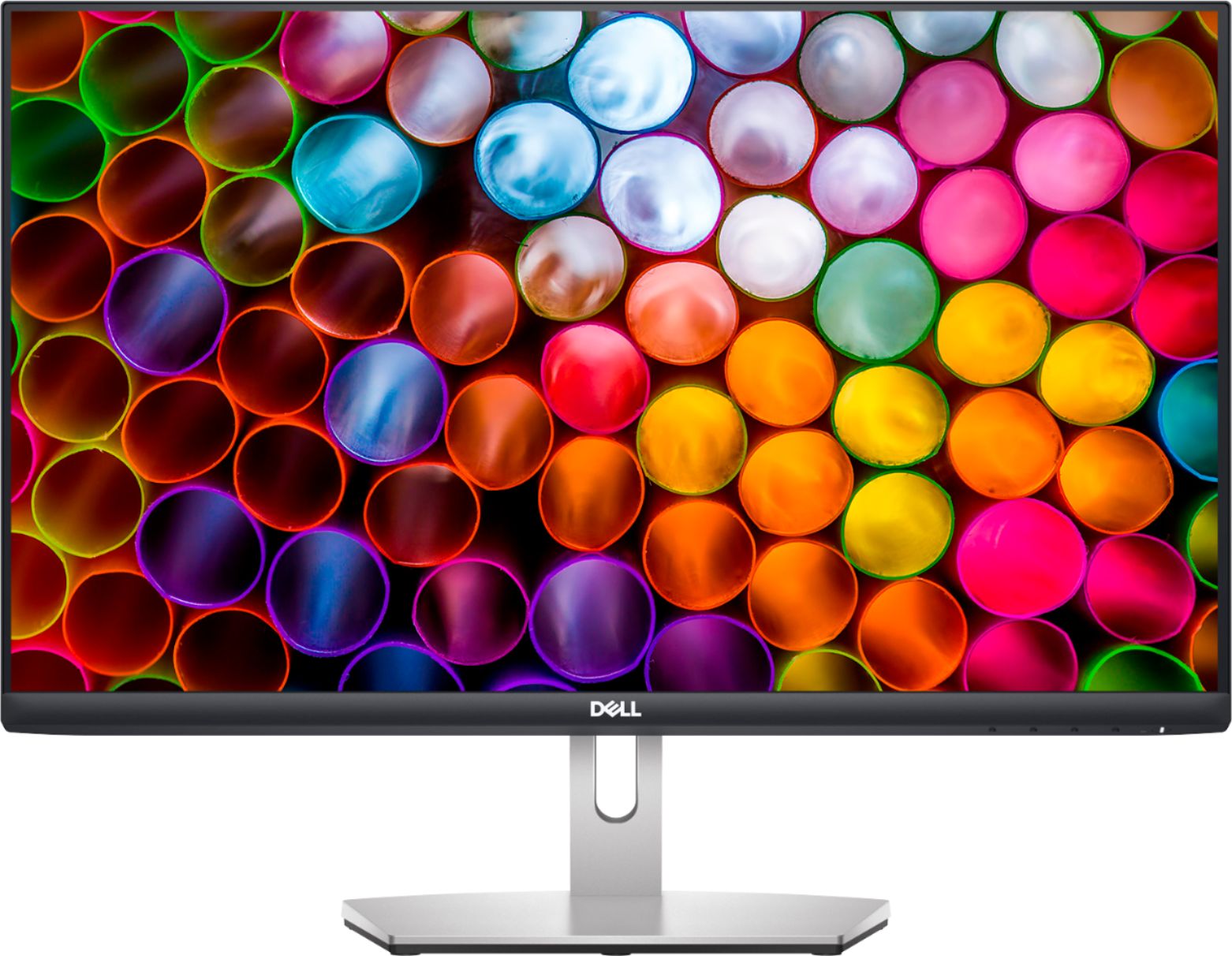
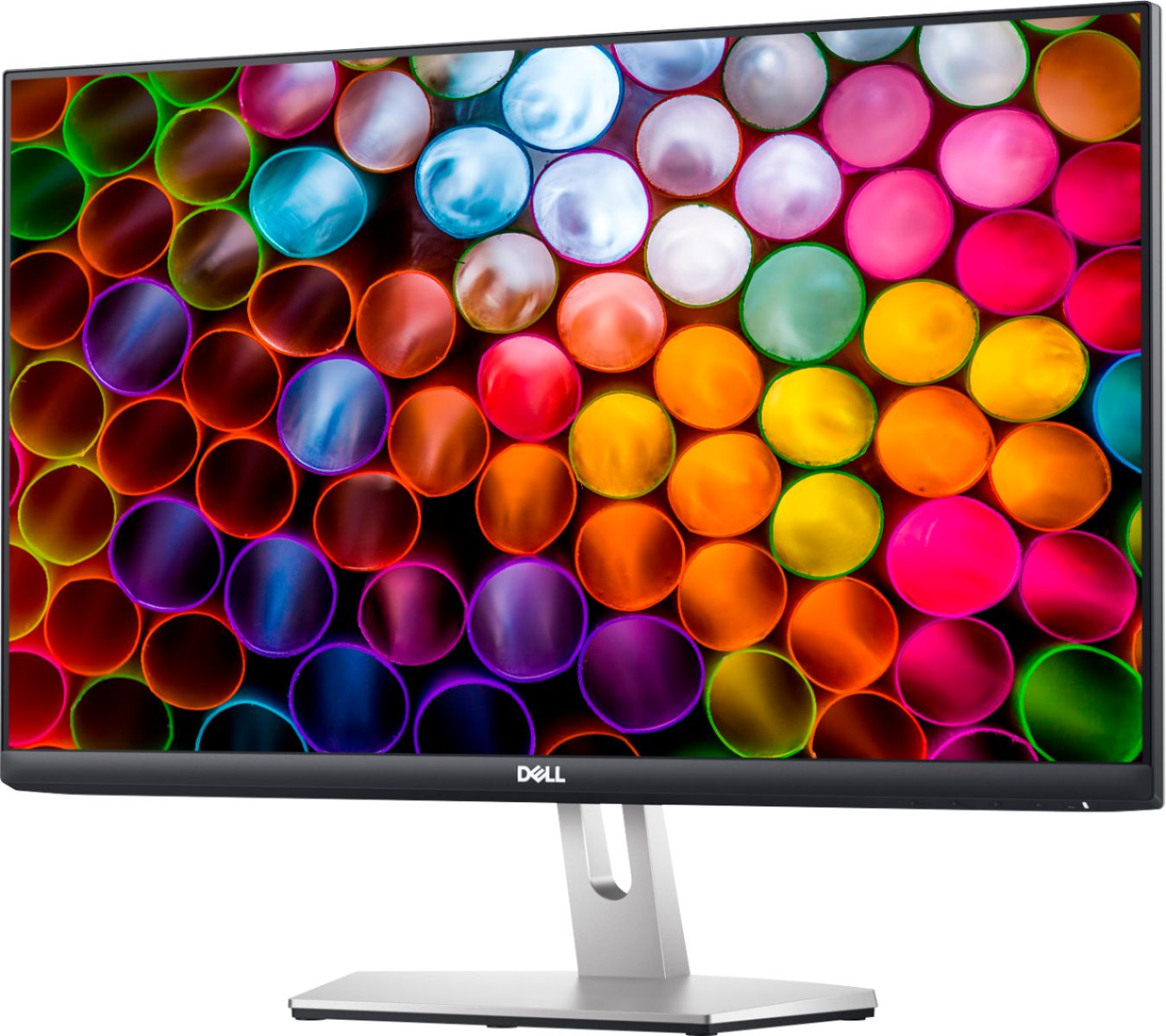

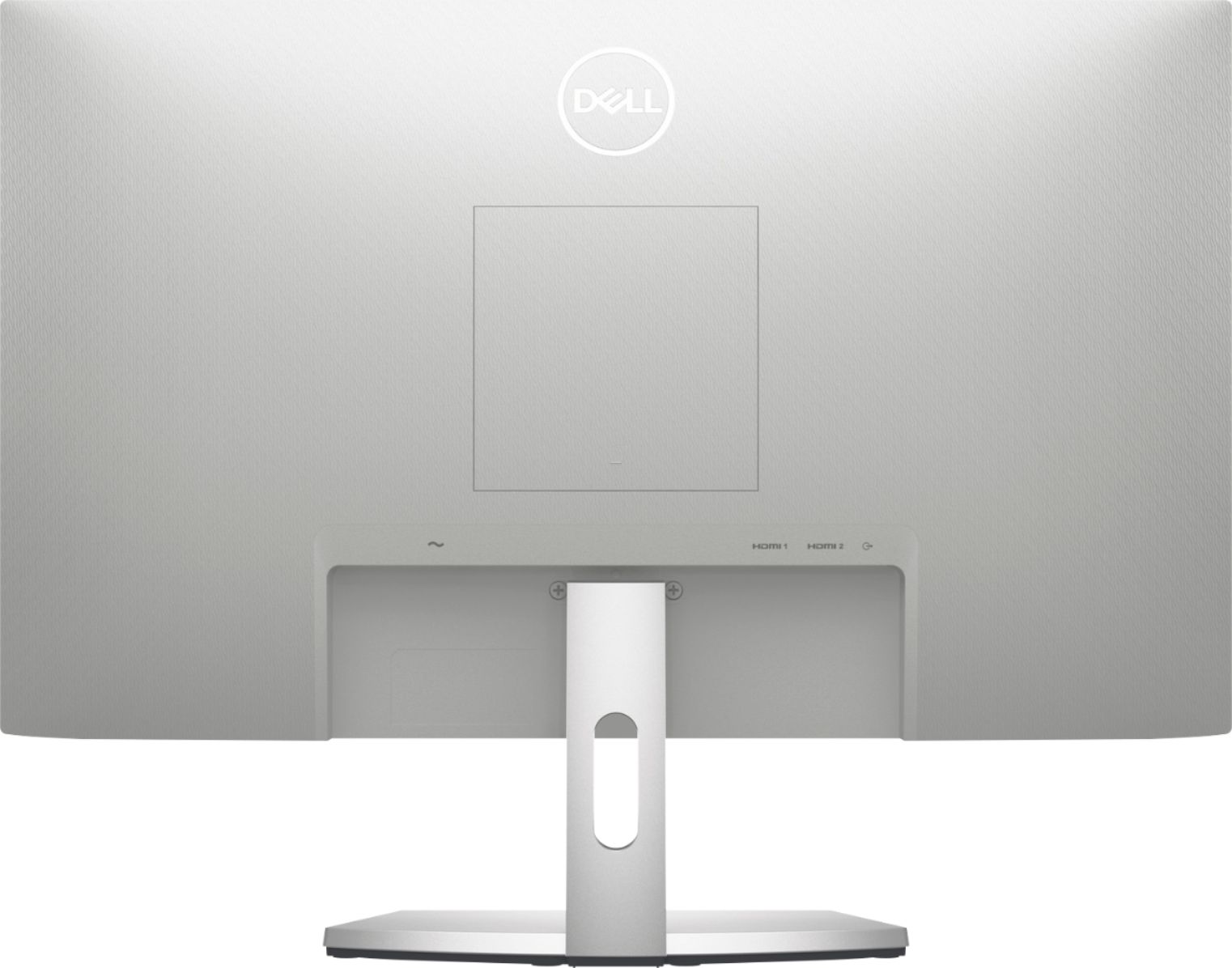
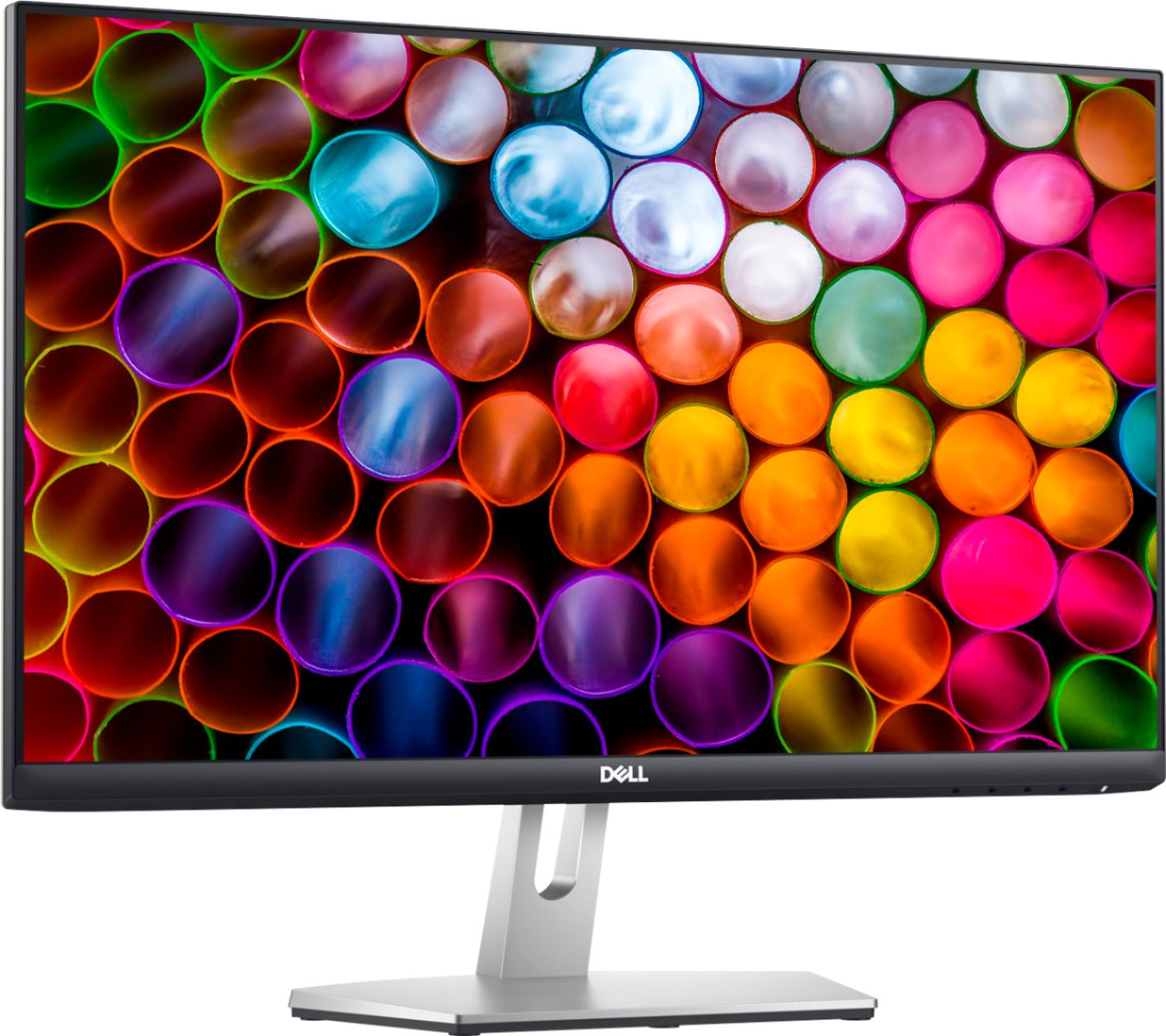

- Model:
- 4HRJP
- SKU:
- 6432815
Rating by feature
- Ease of Use
Rating 4.8 out of 5 stars
- Value
Rating 4.7 out of 5 stars
- Quality
Rating 4.7 out of 5 stars
Customers are saying
Customers have good things to say about the picture quality, built-in speakers, and price of the S2421H monitor. Many also appreciate the ease of setup and connection, as well as the color and brightness of the screen. However, some customers expressed that the monitor lacks height adjustment and that the stand could be improved. Overall, the positive feedback on image quality and value outweighs the concerns about the stand and adjustability.
This summary was generated by AI based on customer reviews.
Good 24" monitor
||Posted . Owned for 1 month when reviewed.This reviewer received promo considerations or sweepstakes entry for writing a review.It's clear and sharp. Great monitor and not too expenisve
I would recommend this to a friendNice monitor
||Posted . Owned for 3 weeks when reviewed.This reviewer received promo considerations or sweepstakes entry for writing a review.Birthday gift to myself and definitely glad I bought it.
I would recommend this to a friendGreat products
||Posted . Owned for 2 weeks when reviewed.This reviewer received promo considerations or sweepstakes entry for writing a review.Excellent products, I like it so much , looking so cute
I would recommend this to a friendAwesome.
||Posted . Owned for 3 weeks when reviewed.This reviewer received promo considerations or sweepstakes entry for writing a review.Nice monitor......................................
I would recommend this to a friendDell
||Posted . Owned for less than 1 week when reviewed.This reviewer received promo considerations or sweepstakes entry for writing a review.Great monitor. Was on sale for black friday.......
I would recommend this to a friendUsed as a second screen
||Posted . Owned for 8 months when reviewed.This reviewer received promo considerations or sweepstakes entry for writing a review.works great. Bought as a second monitor to mirror the other.
I would recommend this to a friendDied just after warranty ended
||Posted . Owned for 1.5 years when reviewed.This reviewer received promo considerations or sweepstakes entry for writing a review.I liked this monitor when it was working but it died 20 months in. As the warranty is only for 12 months I have to buy a new one. Will not be going with Dell again. I tried all troubleshooting per Dell’s online support and called in to the out of warranty repair and was told to buy a new one.
No, I would not recommend this to a friendScreen
||Posted .This reviewer received promo considerations or sweepstakes entry for writing a review.Screen wasn’t working when I finally hook the computer up. Color was wrong this is a first for Best Buy I usually have good delivery experience
No, I would not recommend this to a friendBrand response from YourDellTeam
Posted .Goddess,
Thanks for your review and we're sorry to hear that your screen is not working properly. Here's an article that will help you troubleshooting your display issues: https://dell.to/2CLF6yC.
Best,
Bryan
1-800-624-9896
No camera
||Posted . Owned for 1 month when reviewed.This reviewer received promo considerations or sweepstakes entry for writing a review.I am going to have to return this item. When i purchased this, the salesman told me that i would be able to zoom on this monitor. There is no camera. I had to have the geek squad to set it up as it did not work when i set it up. He informed me that there was no camera in the monitor so that is why i have been having zoom issues all month.
No, I would not recommend this to a friendBrand response from YourDellTeam
Posted .momof4girls,
Thanks for your review and we're sorry that your monitor did not come with a webcam like you hoped it would. Currently this monitor is sold out but you can look for this Dell monitor with a built-in webcam to come back into stock - https://bit.ly/2YwqGx1.
Best,
Bryan
1-800-624-9896
Dell S241H
||Posted . Owned for less than 1 week when reviewed.This reviewer received promo considerations or sweepstakes entry for writing a review.Didn’t come with power cord other than that is looks good
No, I would not recommend this to a friendBrand response from YourDellTeam
Posted .Hello Will,
Thank you for your review. We're sorry that you haven't received a power cord with your purchase. To ensure that you're taken care of, could you please contact Dell Support at 1-800-624-9896 at your earliest convenience.
Best regards,
Wendy C.
Very good
||Posted . Owned for 3 weeks when reviewed.This reviewer received promo considerations or sweepstakes entry for writing a review.Excelent service in the profuct. Very good in everytime
I would recommend this to a friendBrand response from YourDellTeam
Posted .Hello Josejimenez,
We are pleased to hear you are enjoying your S-Series monitor. If you have any questions, don't hesitate to visit the support page for your S2421H.
Best Regards,
Anthony P.
Not worth the cost.
||Posted . Owned for 1 year when reviewed.This reviewer received promo considerations or sweepstakes entry for writing a review.Monitor worked until warranty expired. About 5 days after expiration the monitor has died.
No, I would not recommend this to a friendBrand response from YourDellTeam
Posted .Hi JSMELTZ,
We appreciate your valued feedback. We are sorry to hear you are having trouble with your monitor not working. Below I have provided a list of possible solutions to help resolve this issue. I have given you a link to the User's Guide for your Monitor.
Possible Solutions
• Ensure that the video cable connecting the
monitor and the computer is properly connected
and secure.
• Verify that the power outlet is functioning
properly using any other electrical equipment.
• Ensure that the power button is depressed fully.
• Ensure that the correct input source is selected in
the Input Source menu
User's Guide: https://dell.to/3KmXfnG
If you still experience this problem after you have finished troubleshooting your monitor, please feel free to reach out to our support team here at your earliest convenience: https://bit.ly/DellSupportTeam.
Should you need further assistance, you can contact Dell directly with the information below.
Chat or call: https://bit.ly/DellSupportTeam
Phone number to Dell 1-800-624-9896
Best,
Wendy@Dell
do not buy if you do video conferencing
||Posted . Owned for 3 months when reviewed.This reviewer received promo considerations or sweepstakes entry for writing a review.surprisingly-no camera and unable to do zoom with this monitor
No, I would not recommend this to a friendBrand response from YourDellTeam
Posted .Hello Joeb,
Thank you for your feedback. We are sorry to hear your monitor did not meet expectations. Monitors often do not include a webcam. Some accessories are typically purchased separately or bundled. Your feedback is incredibly valuable as we build current and future products. If you have any other questions, feel free to visit the support page for your monitor.
Best,
Wendy C.
https://bit.ly/DellSupportTeam.
Phone number to Dell: 1-800-264-9896.
Product works as it’s supposed to
||Posted . Owned for 1 month when reviewed.This reviewer received promo considerations or sweepstakes entry for writing a review.Product works, but doing a bigger nicer One for same price. At MC
No, I would not recommend this to a friendBrand response from YourDellTeam
Posted .Hello Joepinga,
Thank you for your review. Your feedback is sincerely appreciated and will surely be taken into consideration when designing future products. If you have any other questions, feel free to visit the support page for your S-Series monitor.
Best Regards,
Anthony P.
Don’t purchase
||Posted . Owned for 3 weeks when reviewed.This reviewer received promo considerations or sweepstakes entry for writing a review.The screen blinks every minute or so while I’m working and it’s really annoying. I got a better quality HDMI cable but it’s still doing it.
No, I would not recommend this to a friendBrand response from YourDellTeam
Posted .Hello Cilla,
Thank you for your review. We are sorry to hear your screen is flickering. Below I have provided a monitor built-in test and a link that should resolve this issue.
To run the monitor built-in self test (BIST):
1. Make sure that the monitor screen is clean (no dust particles on the surface of the screen).
2. Unplug the video cable(s) from the back of the Dell monitor and the PC. The Dell monitor should now enter self-test mode.
3. Press and hold Button 1 for 5 seconds. A gray screen should appear (Figure 4).
4. Carefully inspect the screen for abnormalities.
5. Press Button 1 on the front panel again. The color of the screen should now change to red.
6. Inspect the screen for any abnormalities.
7. Repeat Step 5 and Step 6 to inspect the screen in green, blue, black, white and text screens.
8. The test is complete when the white screen appears.
9. Press Button 1 to exit the built-in self test diagnostics.
More Troubleshooting Solutions: https://dell.to/3lhHIrW
For additional support, please call Dell directly at 1-800-624-9896
Best, Lexy
MonitorAudioIssue
||Posted .This reviewer received promo considerations or sweepstakes entry for writing a review.No audio after only 2 weeks from purchase!!!! Want it fixed ASAP. Need for work!
No, I would not recommend this to a friendBrand response from YourDellTeam
Posted .Hello DisappointedDell,
Thank you for sharing your experience, we apologize for the inconvenience. We suggest you ensure that your monitor is set as the default audio playback device. You can test this by right-clicking the monitor within the Windows Sound Control Panel and selecting 'Test'. You may also troubleshoot your sound within Windows settings. We hope this helps.
Best Regards,
Anthony P.
1-800-624-9896
- Pros mentioned:Picture quality
Fantastic
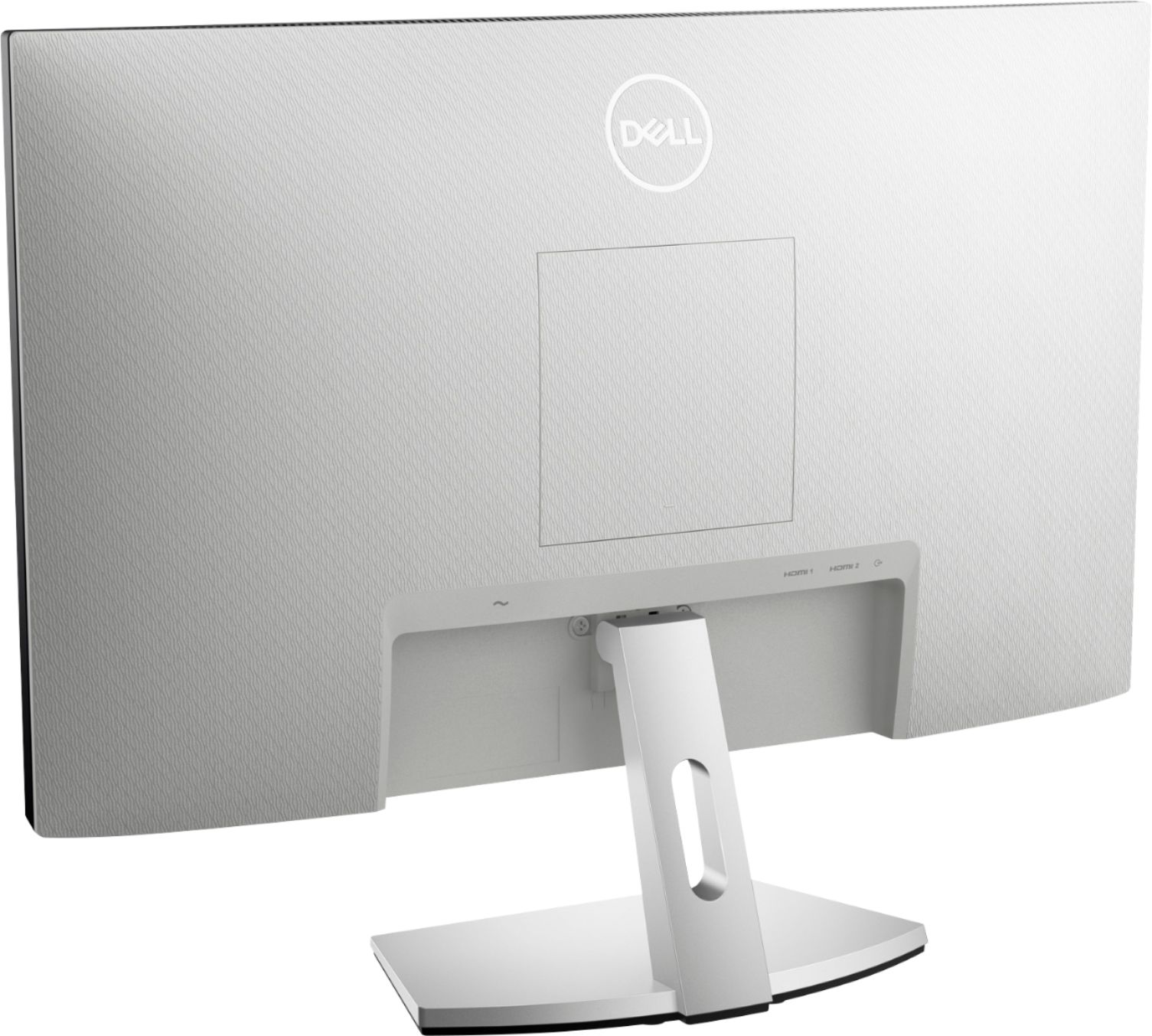
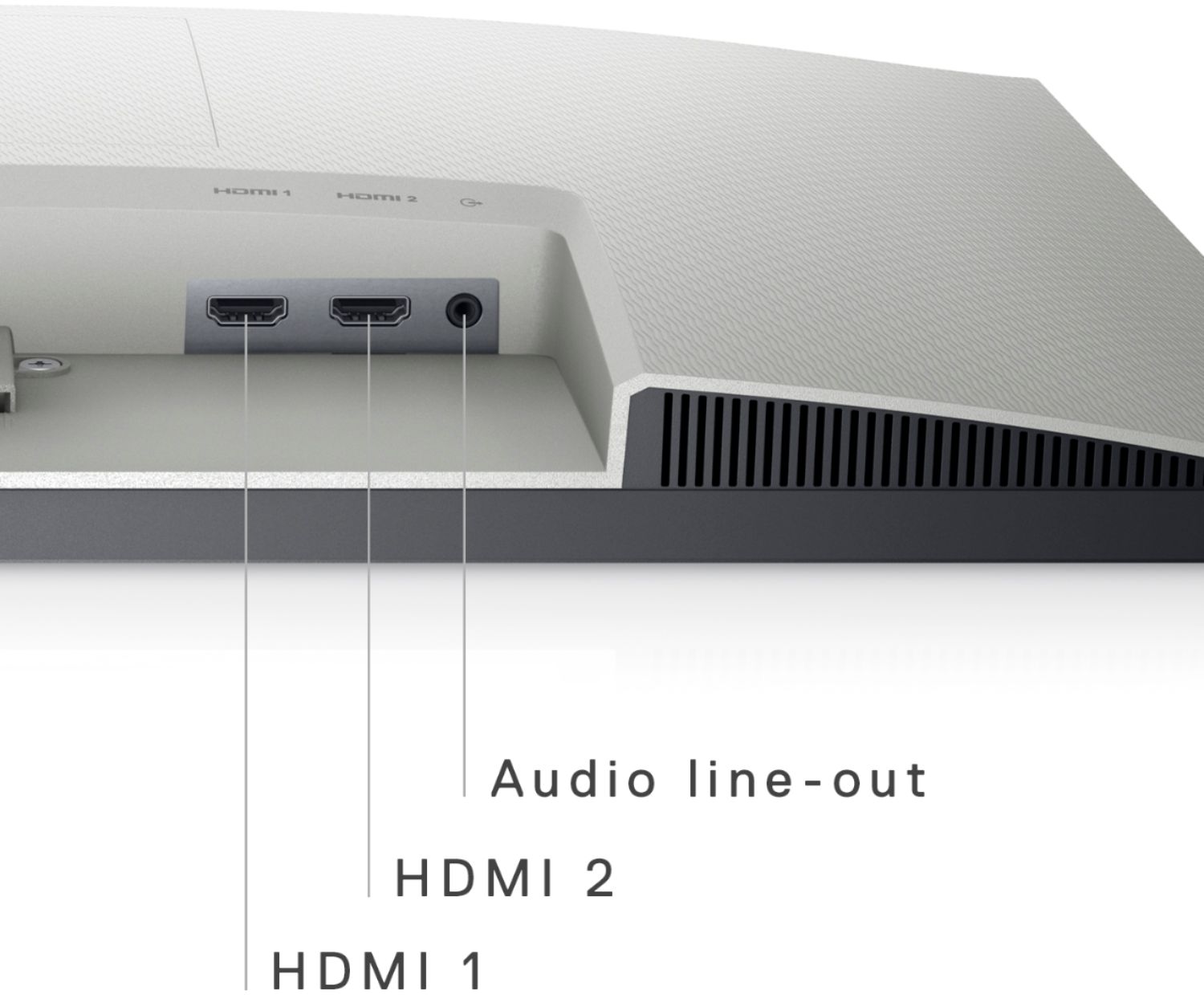
Posted .This reviewer received promo considerations or sweepstakes entry for writing a review.Really nice monitor, dual hdmi, vesa mounting as well since you can use a monitor arm for it, fast response, picture quality is fantastic, for the price Dell has a top notch product.
I would recommend this to a friend - Pros mentioned:Picture quality, Price
my new monitor
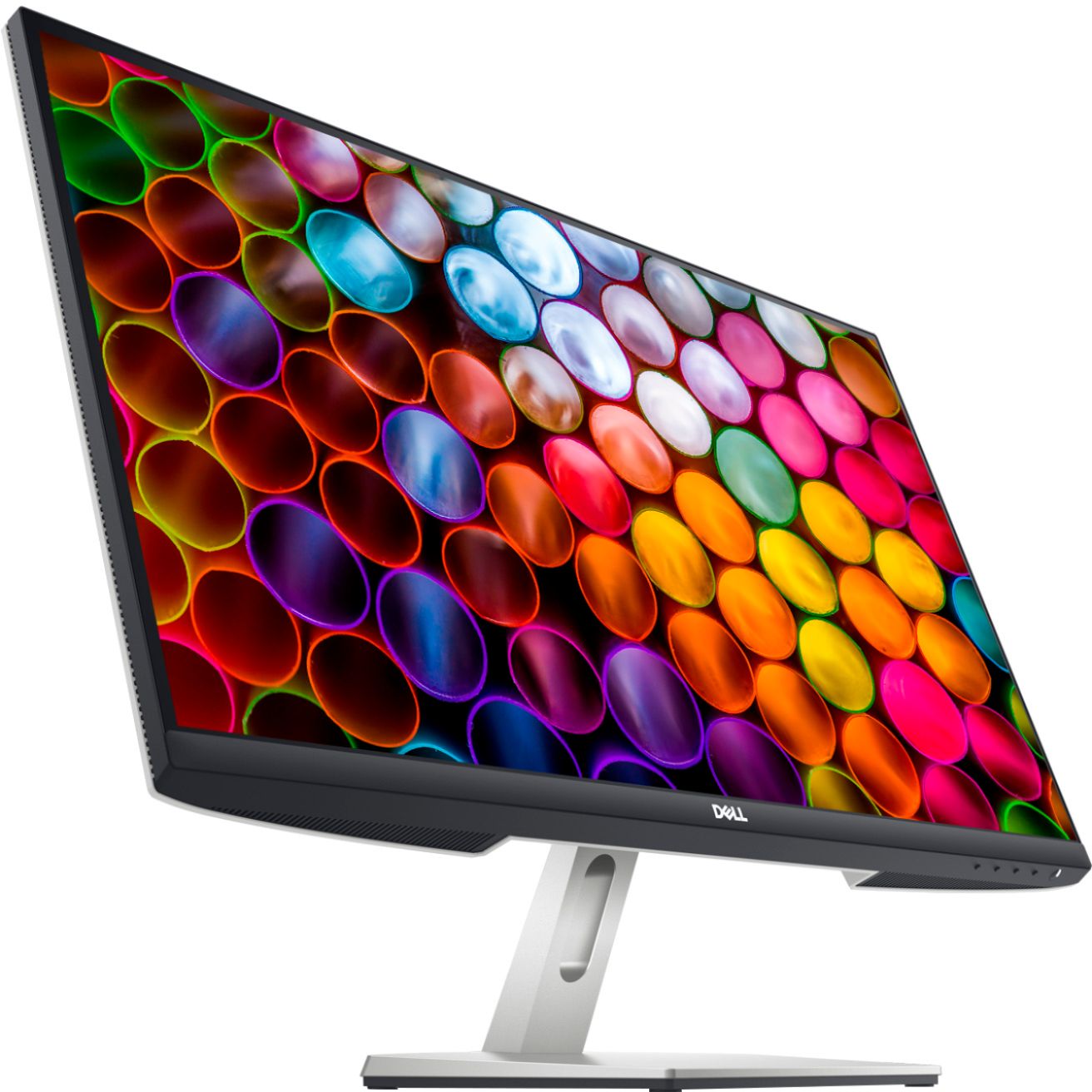
Posted .This reviewer received promo considerations or sweepstakes entry for writing a review.Beautiful display very clear perfect size pretty good price
I would recommend this to a friend INCORRECT SPECIFICATIONS
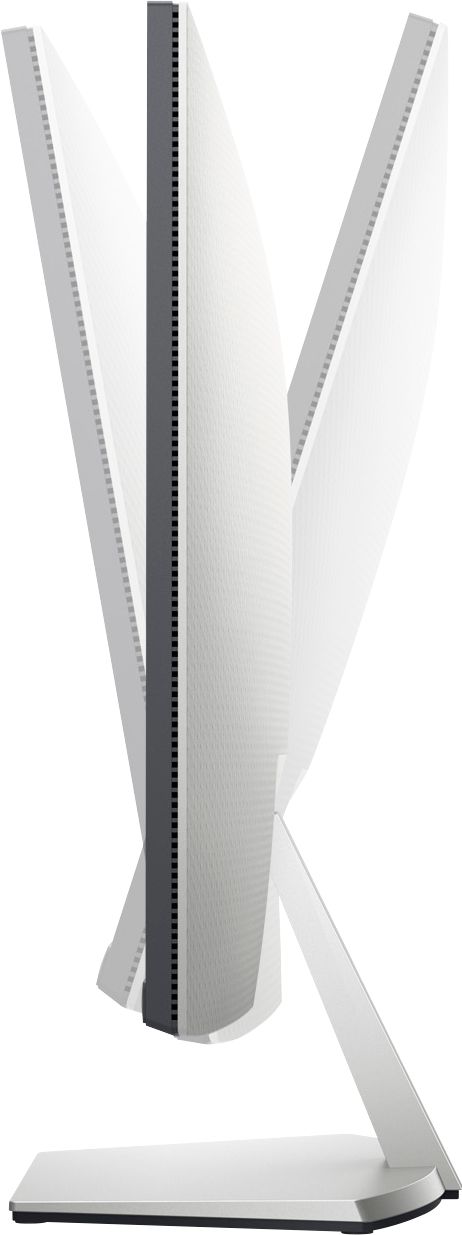
Posted .This reviewer received promo considerations or sweepstakes entry for writing a review.I purchased this for my wife to use on her desk in our home office. The biggest reason I purchased it was because it said it was adjustable height but the only thing it does is goes forward and backward. I was looking for one that went up and down adjustable height not tilting. Did not use this product but am not disappointed in the brand.
No, I would not recommend this to a friendPoor reliability on THREE units.
Posted .This reviewer received promo considerations or sweepstakes entry for writing a review.Great monitor when it works, but that isn't going to be very long. I got TWO of these monitors. I had to send one back because the image flickered. I got a replacement, and then the other new one started flickering. If you leave it to sit for a day, it will likely start working again. Well, the replacement that they gave me started flickering too. That is three out of three that have exhibited this behavior.
No, I would not recommend this to a friendBrand response from YourDellTeam
Posted .Hello Harrkev,
Thanks for sharing your feedback and review. We are glad to hear that you were pleased with the performance of your monitor. We are sorry about the flickering issue with your monitor. We understand how frustrating this can be. We have provided steps that can be used to run a Self-Test on the monitor to help diagnose the issue.
To run the monitor built-in self test (BIST):
1. Make sure that the monitor screen is clean (no dust particles on the surface of the screen).
2. Unplug the video cable(s) from the back of the Dell monitor and the PC. The Dell monitor should now enter self-test mode.
3. Press and hold Button 1 for 5 seconds. A gray screen should appear.
4. Carefully inspect the screen for abnormalities.
5. Press Button 1 on the front panel again. The color of the screen should now change to red.
6. Inspect the screen for any abnormalities.
7. Repeat Step 5 and Step 6 to inspect the screen in green, blue, black, white and text screens.
8. The test is complete when the white screen appears.
9. Press Button 1 to exit the built-in self test diagnostics.
If your monitor still has issues, this link can be used to help run further steps and provide more in-depth information: https://dell.to/3jTiTFm. We invite you to contact Dell Support directly at 1-800-264-9896 if the issue persists.
Sincerely,
Wendy C.
https://bit.ly/DellSupportTeam.
Phone number to Dell: 1-800-264-9896.