Customer Ratings & Reviews
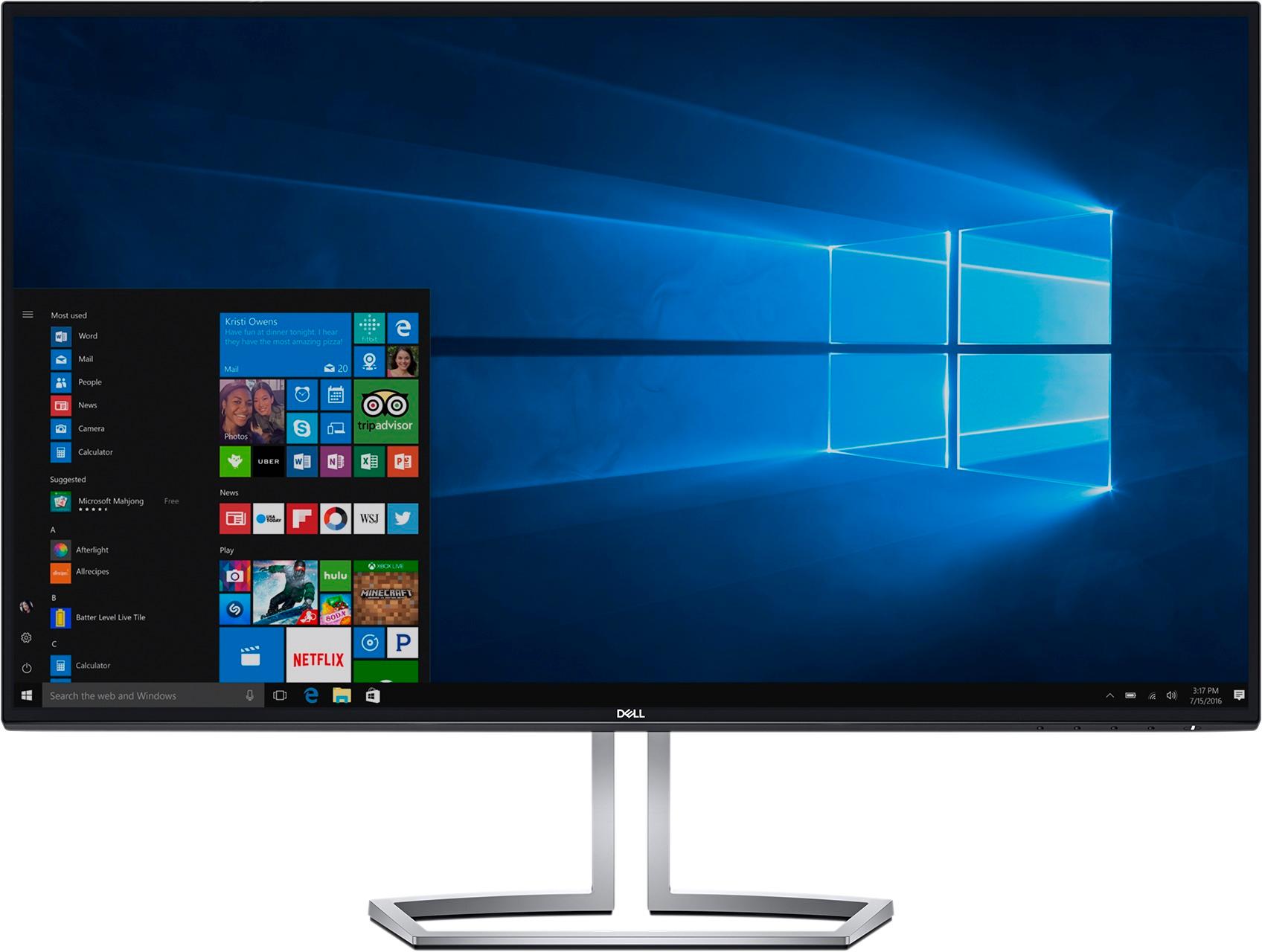
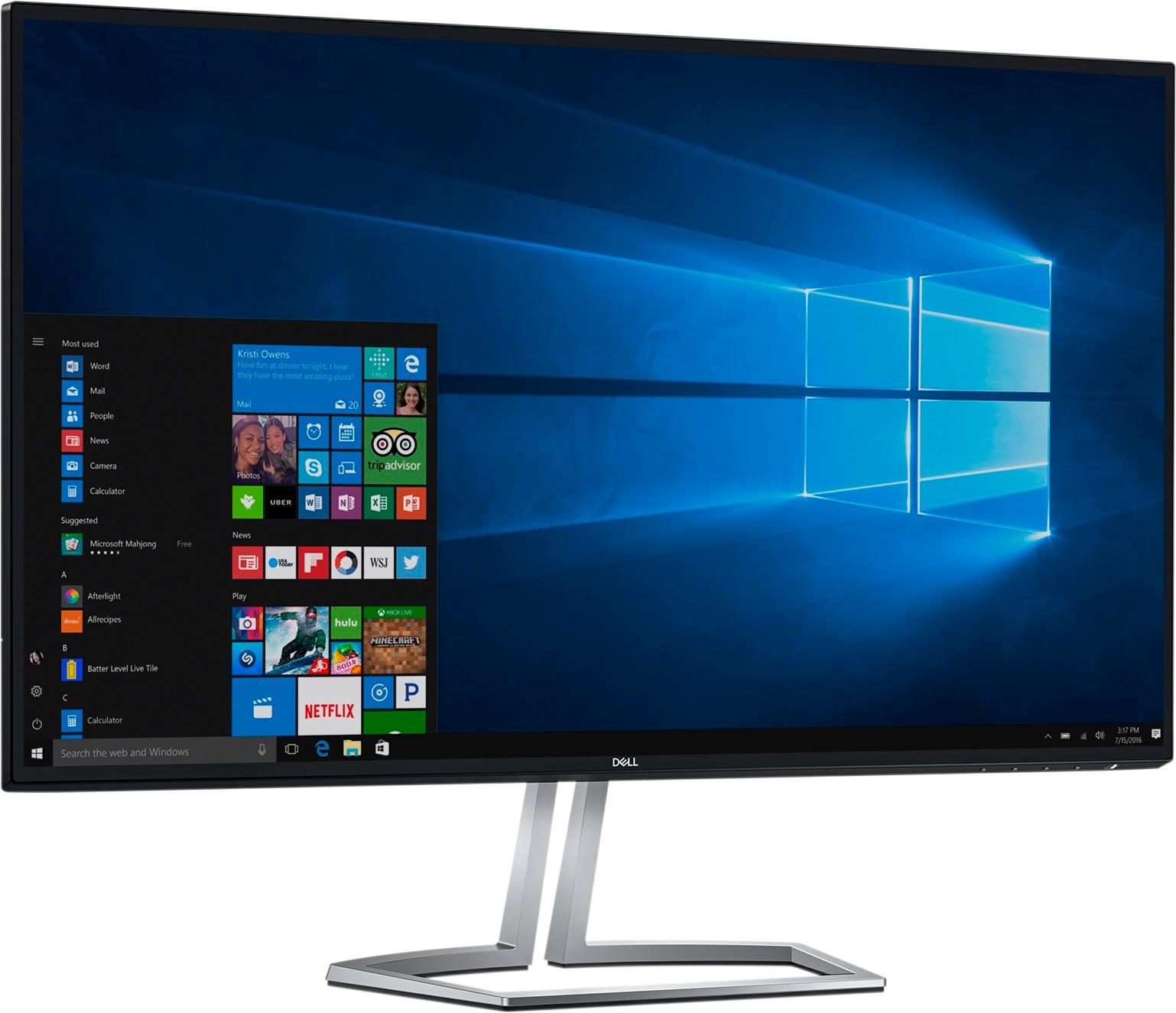
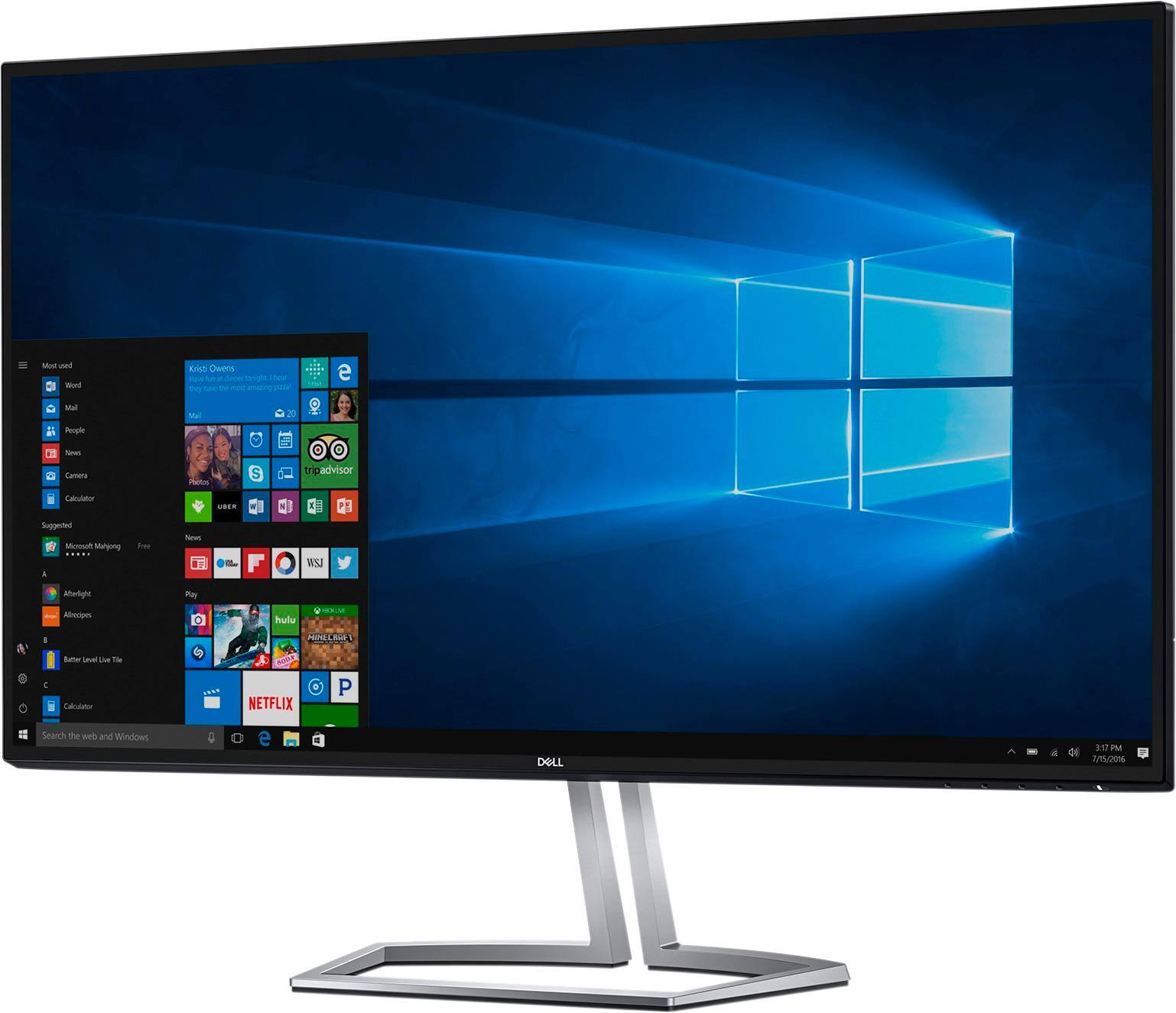
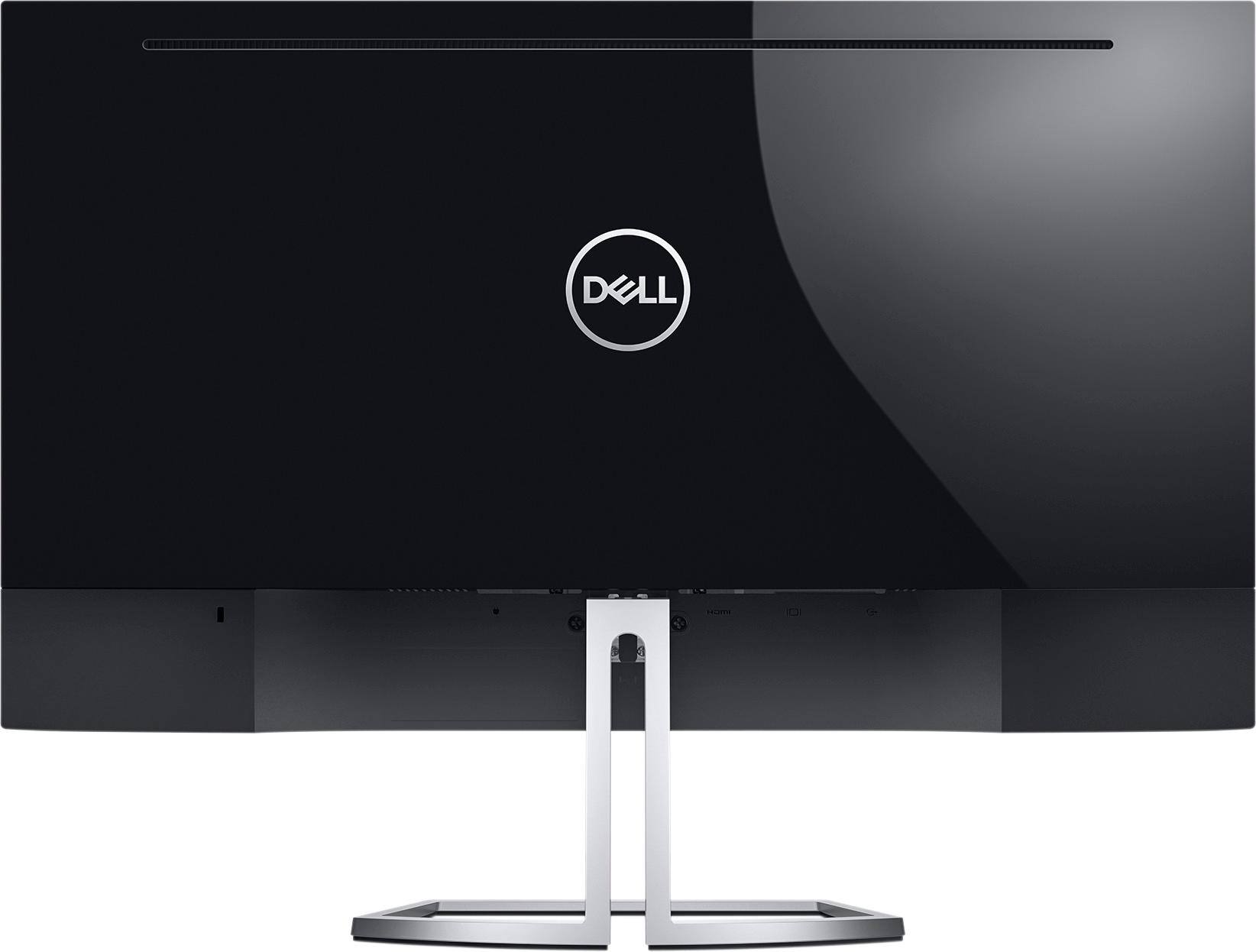
- Model:
- S2718HN
- SKU:
- 5770928
Rating by feature
- Ease of Use
Rating 4.8 out of 5 stars
- Value
Rating 4.2 out of 5 stars
- Quality
Rating 4.3 out of 5 stars
Customers are saying
Customers praise the S2718HN 27" IPS LED FHD Monitor's screen size, resolution, and ease of use, frequently citing its sharp picture and simple setup. The monitor's price and design also receive positive feedback, with many appreciating its sleek appearance and affordability. However, a common complaint is the lack of built-in speakers.
This summary was generated by AI based on customer reviews.
After 7 months the product no longer works.
||Posted .This reviewer received promo considerations or sweepstakes entry for writing a review.I purchased this monitor in may and last night it got green lines and gray lines on start up.
No, I would not recommend this to a friend- Pros mentioned:Screen size
Overall Great Product
Posted .This reviewer received promo considerations or sweepstakes entry for writing a review.I had stopped by my local Best Buy store looking for a completey different dell monitor. The best buy in my location didn't have the one I wanted and they recommended this one to me instead. They even knocked the price down to the monitor I originally wanted for not having it. The display looks amazing and the monitor is surprisingly thin. It is great for the price they are asking. I use this to dock my laptop and play my PlayStation on. Love this product.
I would recommend this to a friend - Pros mentioned:Resolution
Only the HDR is terrible
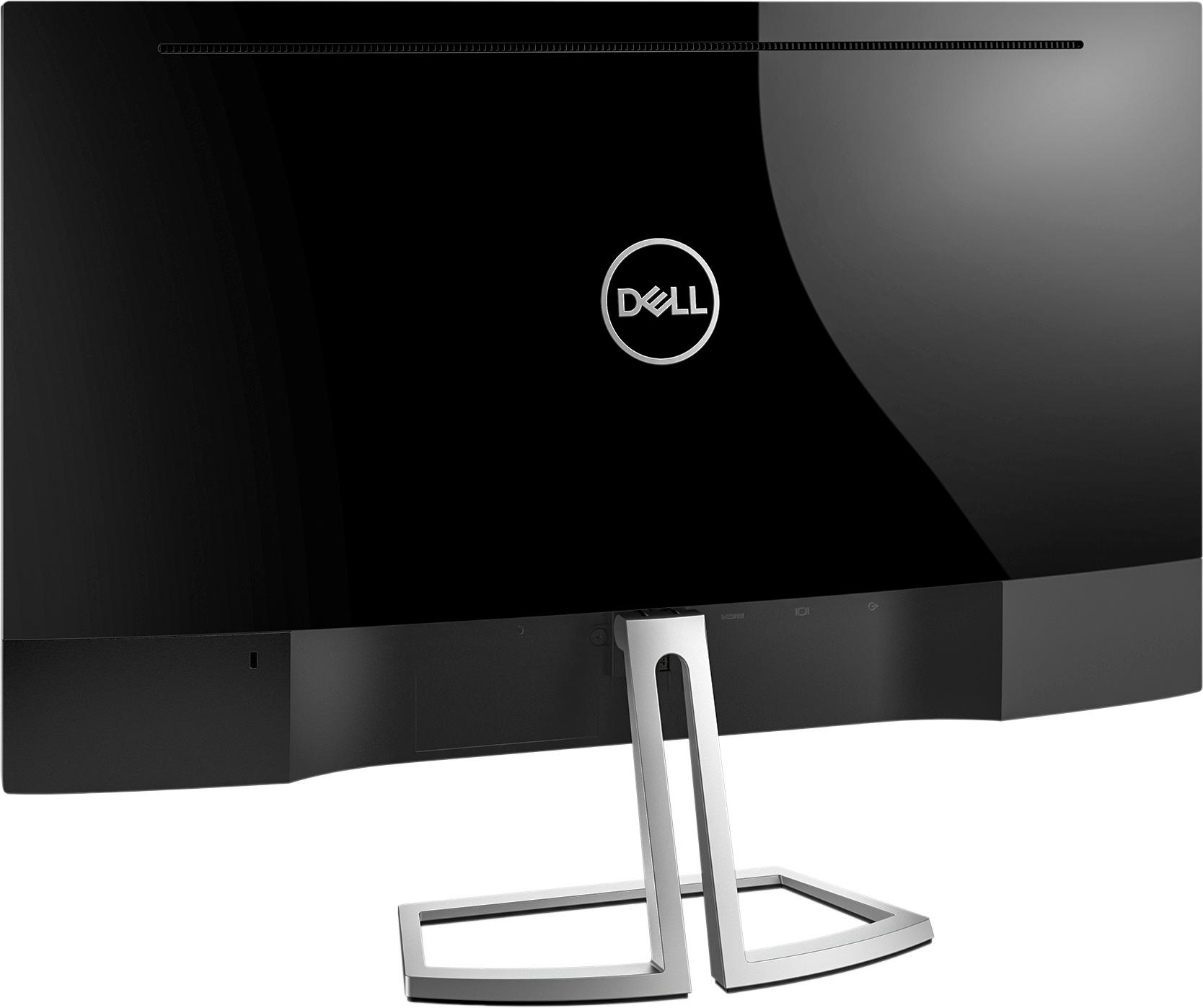
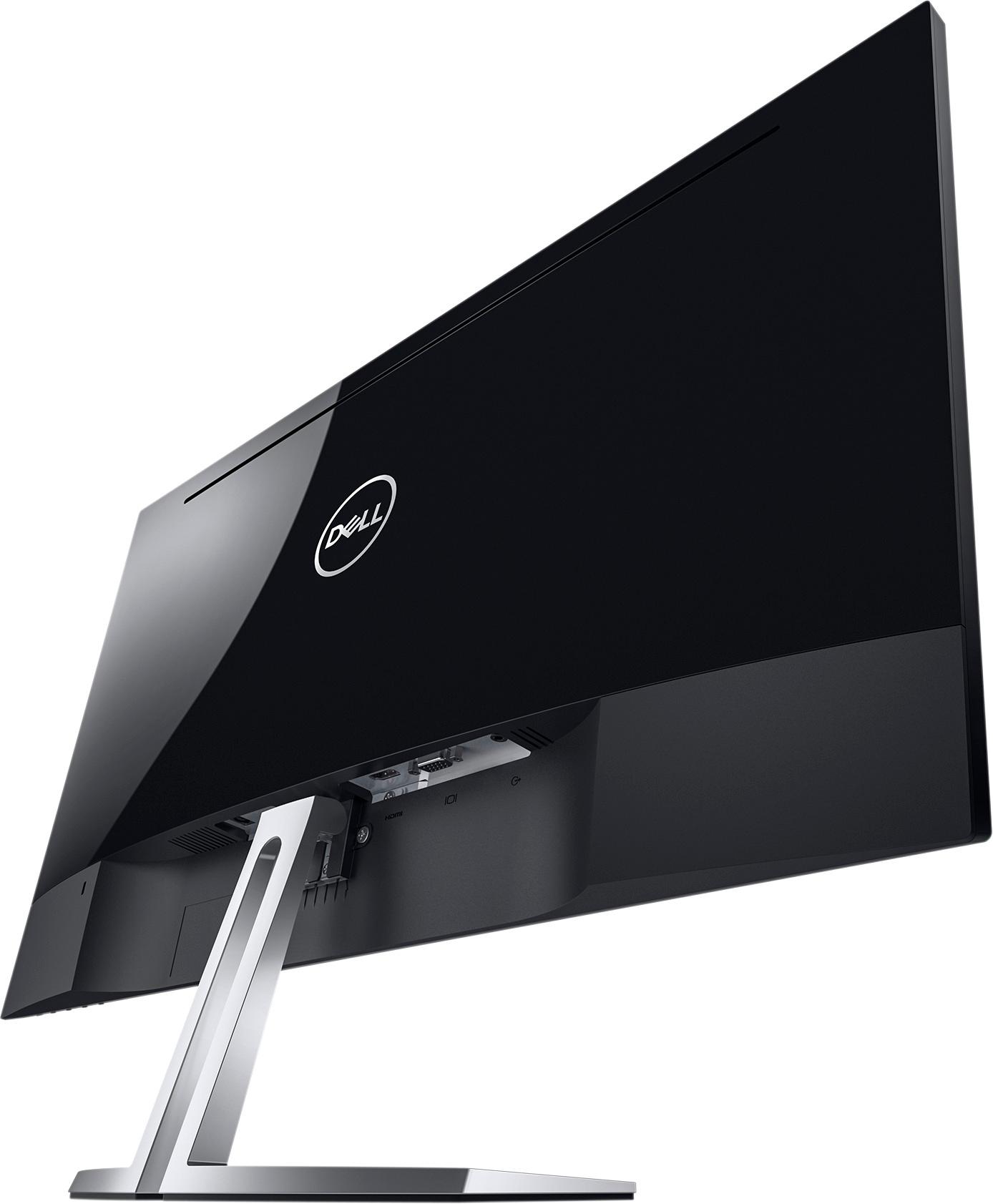
Posted .This reviewer received promo considerations or sweepstakes entry for writing a review.I didnt even knew this was a 4K display I hooked it up to my PS5 and it was 4K and very sharp but on Windows it prefer to stay at 1080P and if I bump it up to 4K its not sharp at all. If I do HDR on anything it looks yellowish and plus it only has one HDMI port and an old VGA port. I got this Monitor in 2018 to replace my old ASUS 20 inch and it looks a lot more modern with the smaller borders. I hardly see any light bloom in a dark room. At least I got it for $150 back then
I would recommend this to a friend Fairly decent
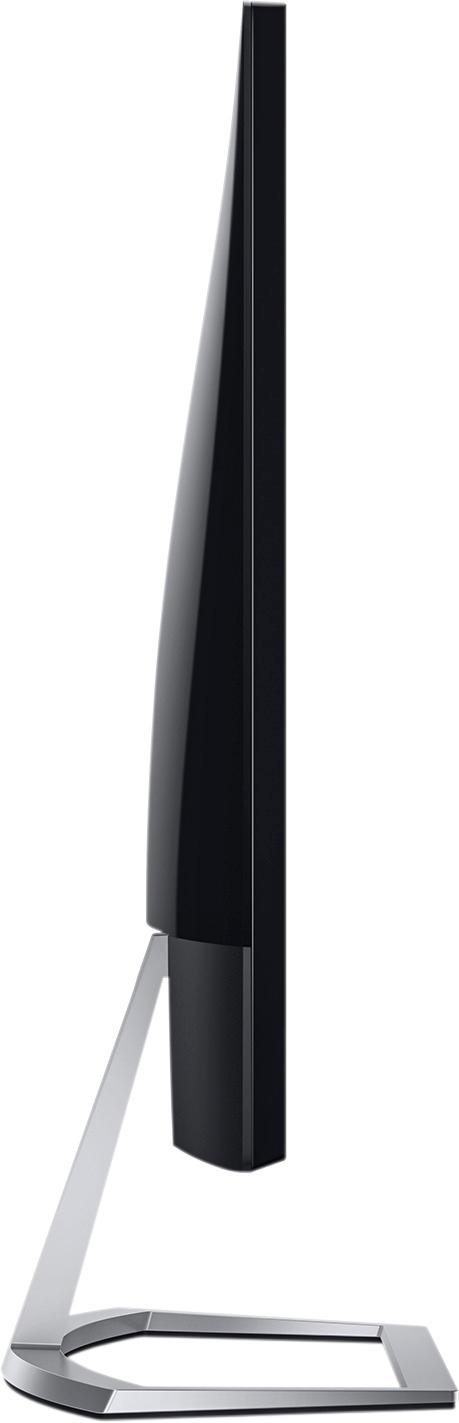
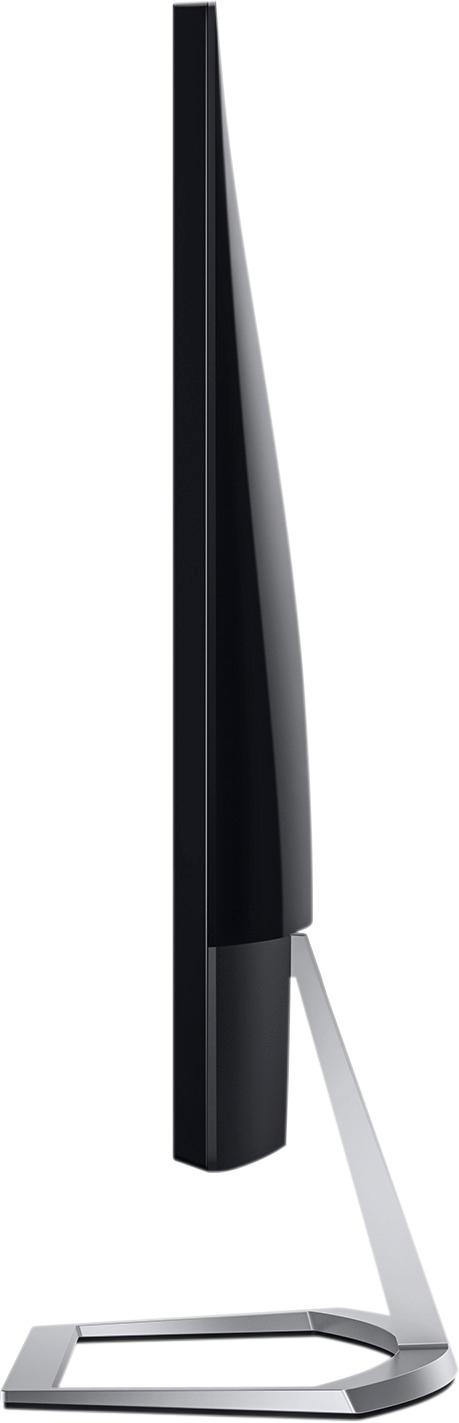
Posted .This reviewer received promo considerations or sweepstakes entry for writing a review.From a looks perspective, this monitor is very sleek and appears to take up much less space than some of the other 27" monitors out there. As soon as I plugged it in I realized it didn't have nearly the crisp colors the HP Z27n has, which I had bought and returned as I didn't think I needed the extra resolution. This is unfortunate because I really like the looks of the Dell otherwise. From an ergonomics perspective, this monitor leaves something to be desired as it only tilts but doesn't raise up or down. Compared to the HP, I felt like I had to look down because of the height of my (fairly standard) desk. This might be an issue for others too. I might end up going back to the HP, even though it's more expensive.
No, I would not recommend this to a friendAwesome Monitor
Posted .This reviewer received promo considerations or sweepstakes entry for writing a review.I was going to purchase another monitor when I saw this one on display and was blown away by how nice it looked plus it was on sale.
I would recommend this to a friendPoor picture quality
Posted .This reviewer received promo considerations or sweepstakes entry for writing a review.Picture is very dark. It only allows you to brighten it enough to barely see it.
No, I would not recommend this to a friendBrand response from YourDellTeam
Posted .Ethel,
We're sorry to hear that the brightness on your new monitor is not what you were hoping for. We'd recommend looking at the adaptive screen brightness settings on your monitor by following these steps:
Windows can adjust the brightness of the display based on how much light is reaching the system's ambient light sensor. This feature is referred to as 'adaptive brightness' and it can be disabled in Windows. Here are some steps to adjust this feature:
1. In the Search box, type Settings.
2. Touch or click Settings (Modern application).
3. Touch or click System.
4. On the Display screen find the Adjust my screen brightness automatically option.
5. Touch or click the slider to toggle the option on or off.
6. Touch or click Apply.
7. Close the System window.
You can read the full article here - http://dell.to/2vjtPzg.
We hope these tips help your monitor perform better for you.
Best,
Bryan
1-800-624-9896