Customer Ratings & Reviews

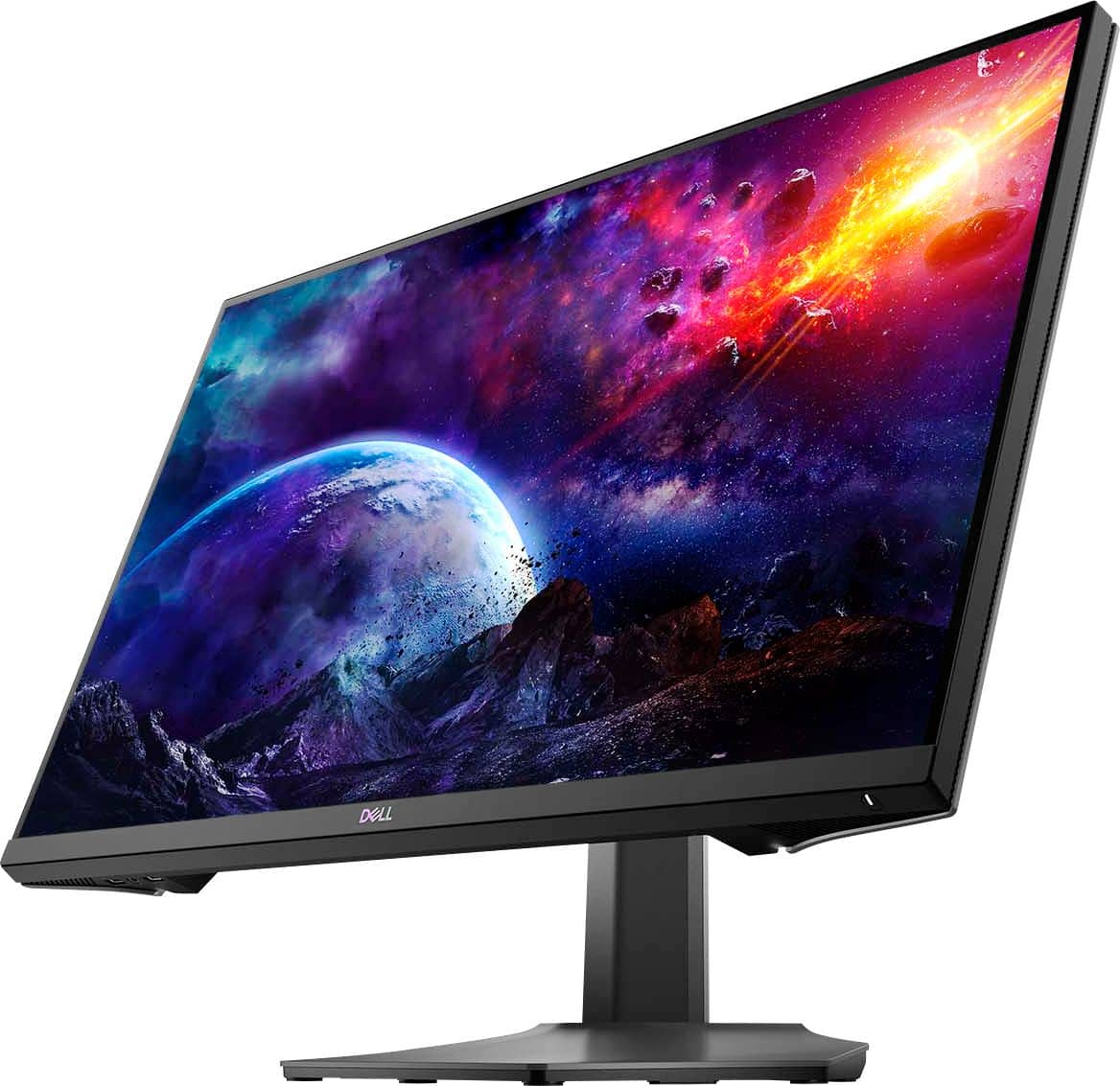
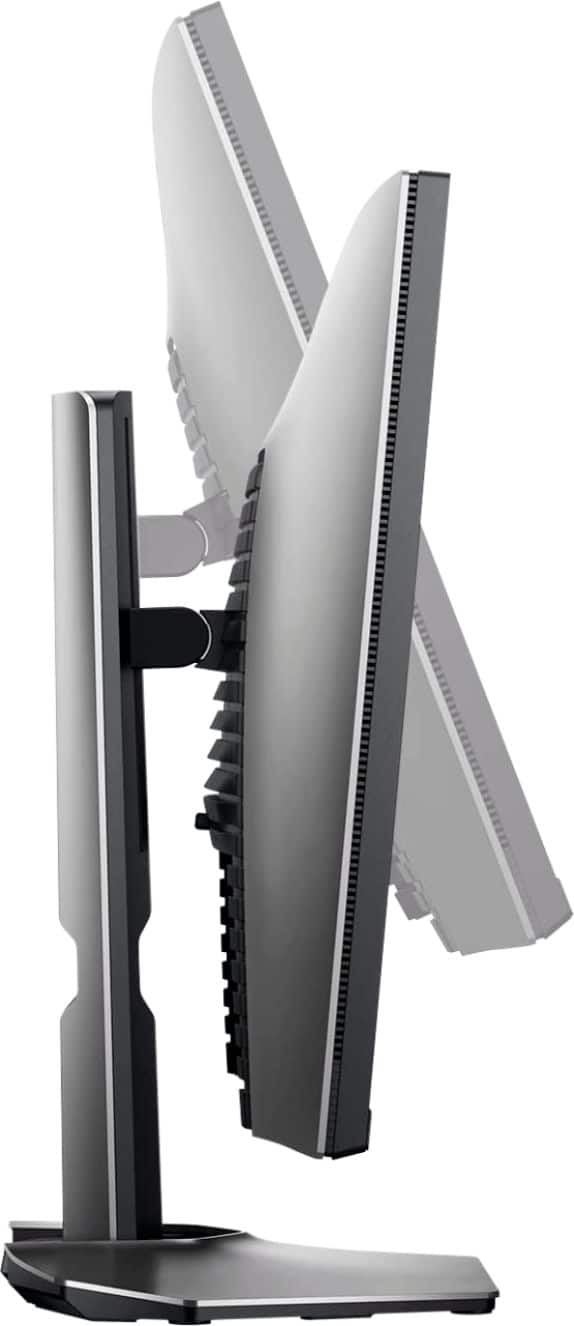
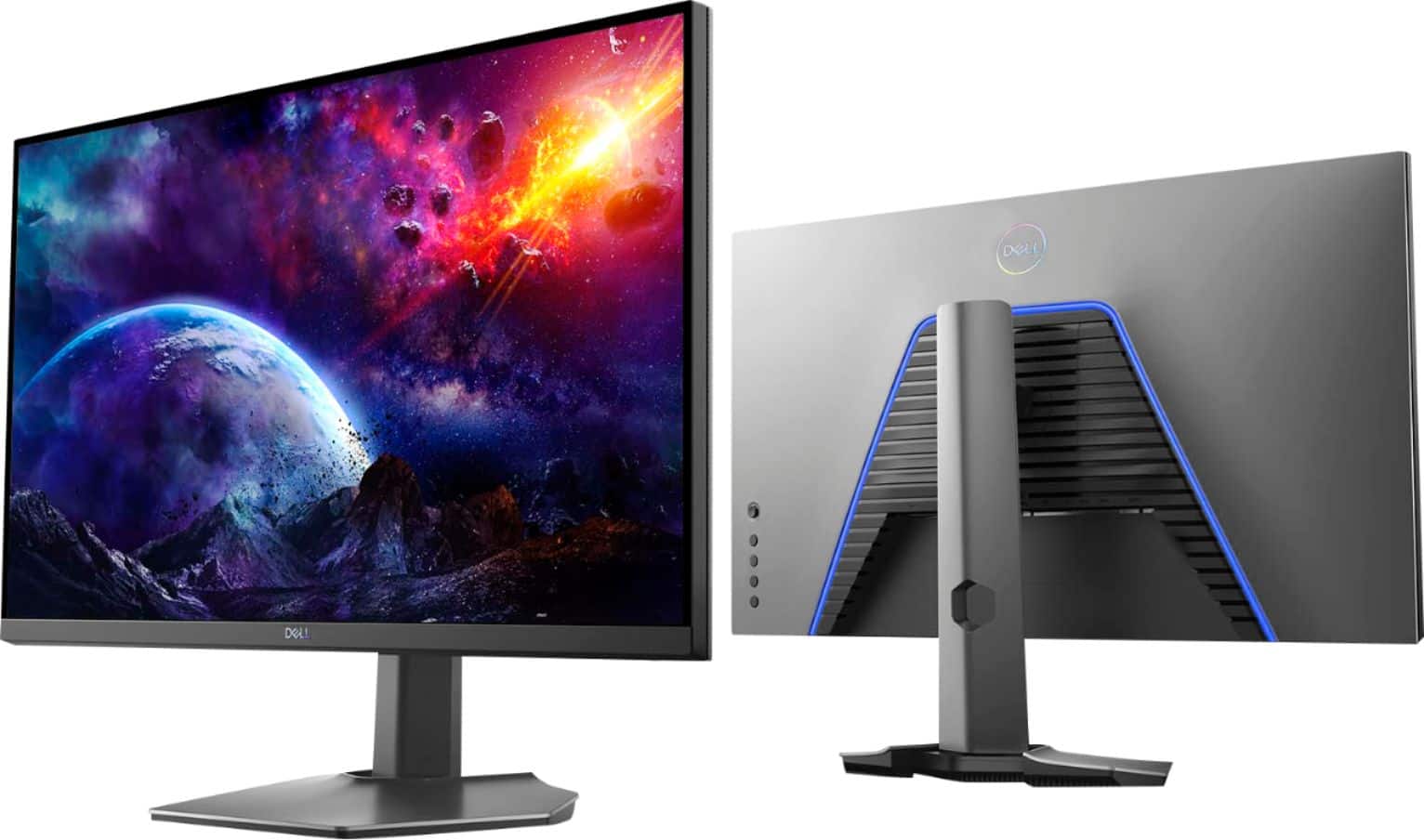
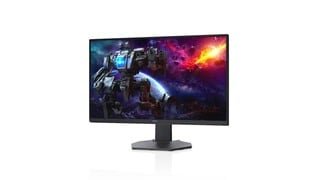
- Model:
- DCY89
- SKU:
- 6421624
Rating by feature
- Display Quality
Rating 4.7 out of 5 stars
- Ease of Use
Rating 4.7 out of 5 stars
- Features
Rating 4.7 out of 5 stars
Customers are saying
Customers are impressed with the picture quality, refresh rate, and color of the S2721DGF monitor, frequently praising its performance and vibrant visuals at a reasonable price point. Many also appreciate the HDR capabilities and adjustable stand. While some users noted issues with IPS glow and the lack of built-in speakers, the overall feedback highlights the monitor's strengths in image quality and value.
This summary was generated by AI based on customer reviews.
Bright realistic looking colors!
||Posted .This reviewer received promo considerations or sweepstakes entry for writing a review.Excellent looking display. I got a revision A02 built in December of 2020. The only difference I can tell from previous revisions is my stand came with a Nvidia G-Sync sticker. This monitor makes everything pop and look life-like especially paired with an RTX 3080. So far this monitor has exceeded my expectations.
I would recommend this to a friendDope Monitor. Get at a discount if possible
||Posted . Owned for 3 weeks when reviewed.This reviewer received promo considerations or sweepstakes entry for writing a review.Great experience with this monitor. I use it gaming and work. I enjoy the size of the monitor due to amount of work that becomes available for me. I really do enjoy the color profile out of the box. You may need to make a few tweaks but nothing major. 1440p 165 hz out the box. Can beat that.
I would recommend this to a friendGood purchase
||Posted . Owned for 3 weeks when reviewed.This reviewer received promo considerations or sweepstakes entry for writing a review.I love it, the graphics are great on it. Just make sure that you go into ur settings and check that its set to the correct resolution and refresh rate. I wish that the cords provided were a little longer but other than that no complaints so far.
I would recommend this to a friendGreat monitor but...
||Posted .This reviewer received promo considerations or sweepstakes entry for writing a review.I've had this monitor for roughly two months now and, while overall I'm happy with it, I do have a few complaints: -When I initially started using the monito, its brightness would flicker up and down (i.e. it would become more bright for a second or two and then return to its original brightness), This has become less noticeable over time. -Occasionally w the top 3rd of the panel will flicker black -The smart HDR is terrible
I would recommend this to a friendDell S2721DGF 27" QHD Gaming Monitor
||Posted . Owned for 8 months when reviewed.This reviewer received promo considerations or sweepstakes entry for writing a review.This monitor is worth the cost. This monitor is used daily for personal and professional purposes. Personal: FPS Gaming. Professional: 3-D Modeling Software, Microstation and AutoCad. It's super sharp and responsive. Stands up to all Destiny 2 activity. Highly recommend.
I would recommend this to a friendDecent monitor really...I did return it.
||Posted . Owned for 1 week when reviewed.This reviewer received promo considerations or sweepstakes entry for writing a review.Keeping is short and simple. Its a great monitor but for 450 USD at the time of making this (I got it on sale 320ish) there should be more like built in speaker HDR/colors where off menu on the display is a bit weird. Main reason for return was the color and the heat coming off of it made my room hotter so much faster then my ASUS monitor which I recommend even more over this one (VG27WQ1B gaming. VG289Q movies/videos)
I would recommend this to a friendSolid 2k Monitor
||Posted . Owned for 1 year when reviewed.This reviewer received promo considerations or sweepstakes entry for writing a review.Upgraded from a 1080p Acer model of 5 years ago to this. Was a huge difference of overall quality and performance, the G-Sync is something i cannot be without anymore. Highly reccomend it if you are looking for a solid 2k Monitor.
I would recommend this to a friendGreat value
||Posted . Owned for 3 weeks when reviewed.This reviewer received promo considerations or sweepstakes entry for writing a review.Great monitor working with 16” Macbook Pro. I have two of them, they are connected with two separate HDMI adapters. The auto source detect feature makes it easy to use with multiple computers without a KVM. Monitors have USB inputs as well that makes cable management easy.
I would recommend this to a friendGreat Gaming Monitor. Fast Response
||Posted . Owned for 1 month when reviewed.This reviewer received promo considerations or sweepstakes entry for writing a review.Was looking at the LG Nano IPS display and read the rtings review and this monitor uses an LG panel but has the better image. It looks clean and professional, and work great. The blue light on the back is almost violet and isn't too overwhelming.
I would recommend this to a friendDell does it again!
||Posted . Owned for 2 weeks when reviewed.This reviewer received promo considerations or sweepstakes entry for writing a review.Amazing. It Might be that I am coming from a 1080P monitor at 60hz but I never truly gamed until I bought this. I did have a tough time mounting this so if you have a mounting arm prepare for a little bit of trouble because the mounting screws are recessed so it was tricky
I would recommend this to a friendExcellent display!
||Posted . Owned for 1 month when reviewed.This reviewer received promo considerations or sweepstakes entry for writing a review.Excellent display for the price. I purchased as a second monitor for our MacBook and Apple Display setup. The resolution and color quality is very good. Great response time as well.
I would recommend this to a friend- Pros mentioned:Color
Cons outway the Pros
||Posted . Owned for 1 week when reviewed.This reviewer received promo considerations or sweepstakes entry for writing a review.You get what you pay for usually when it comes to PC components and peripherals.. with that in mind, for the price point, it's not terrible. I was looking for a cheaper alternative coming from an odyssey G7. But for me, it had some major drawbacks and I will be returning. PROS: -pretty decent colors, good but not great -good build quality with adjustable height, tilt -very simple design -gets pretty bright in SDR CONS: - G-SYNC did NOT work properly with this monitor. I still experienced minor screen tearing and major amounts of jitter when enabled. I tried all possible fixes. Only solution was to disable G-Sync and enable V-SYNC in game to (mostly) eliminate jitter and tearing. * I have a high end 3080 build. - Poor motion handling / ghosting to the point where using the monitor for an hour or more would give me pretty bad eye strain and headaches. In game with V sync enabled or without, even at max refresh of 165hz, quick motion resulted in very noticeable ghosting.
No, I would not recommend this to a friendBrand response from YourDellTeam
Posted .Hello,
Thank you for taking a moment to share your feedback and response. We are glad to hear that you're pleased with various aspects and the build of your monitor. We greatly appreciate your feedback. The contents of your review will be used to help improve now and future Dell products. We would like to apologize for the issues you have come across with the performance of your monitor. We have provided steps that can be used to run a Self-Test on the monitor to help diagnose the issue.
To run the monitor built-in self test (BIST):
1. Make sure that the monitor screen is clean (no dust particles on the surface of the screen).
2. Unplug the video cable(s) from the back of the Dell monitor and the PC. The Dell monitor should now enter self-test mode.
3. Press and hold Button 1 for 5 seconds. A gray screen should appear.
4. Carefully inspect the screen for abnormalities.
5. Press Button 1 on the front panel again. The color of the screen should now change to red.
6. Inspect the screen for any abnormalities.
7. Repeat Step 5 and Step 6 to inspect the screen in green, blue, black, white and text screens.
8. The test is complete when the white screen appears.
9. Press Button 1 to exit the built-in self test diagnostics.
10. This link can be used to help run further steps and provide more in-depth information: https://dell.to/3jTiTFm.
We recommend following the steps above to resolve your issue. If the issue continues, please contact our support team here: https://bit.ly/DellSupportTeam.
Best Regards,
Wendy C.
https://bit.ly/DellSupportTeam.
Phone number to Dell: 1-800-264-9896.
Best 1440p IPS monitor in the $400 range.
||Posted . Owned for 1 month when reviewed.This reviewer received promo considerations or sweepstakes entry for writing a review.On the same tier as LG 27GL850-B & Omen 27i. They all use the same LG panel. I tested and compared all 3 together. In my opinion, this is the best bargain compared with all those as it has more features such as I/O, 165hz refresh rate, and 10bit. If you can get it for $430 or under, it's a great buy
I would recommend this to a friend- Pros mentioned:Color
Great value
||Posted . Owned for 2 weeks when reviewed.This reviewer received promo considerations or sweepstakes entry for writing a review.The colors are much better than the 144hz 1080p acer its replacing. Lots of good features.
I would recommend this to a friend Compatible with Mac mini M1
||Posted . Owned for 3 weeks when reviewed.This reviewer received promo considerations or sweepstakes entry for writing a review.Very happy and satisfied with the monitor is cristal clear compatible with my Mac mini M1 no need for thunderbolt output HDMI works fine no issues with any connection I recommend to anyone.
I would recommend this to a friendExcellent Purchase
||Posted .This reviewer received promo considerations or sweepstakes entry for writing a review.WOW!!! I upgraded from a Dell 1440p 60hz monitor from 2012 and the difference is night and day. I cannot even use G-sync since I have a GTX 970 but I have to say it made my experience playing games so much better. Also, the colors look great. You won’t regret this monitor.
I would recommend this to a friendAmazing monitor for the price
||Posted . Owned for 1 month when reviewed.This reviewer received promo considerations or sweepstakes entry for writing a review.A 2k Monitor with great refresh rates. My only con is the lack of internal speakers.
I would recommend this to a friendBest monitor for this price point.
||Posted . Owned for 5 months when reviewed.This reviewer received promo considerations or sweepstakes entry for writing a review.Absolutely beautiful. It is clear and sharp. The reds are a little hot out of the box, but can be brought down in the settings. I liked it so much that I bought a second .
I would recommend this to a friendBought for Xbox series x
||Posted . Owned for 3 weeks when reviewed.This reviewer received promo considerations or sweepstakes entry for writing a review.Picture quality is good! Have to look up a guide though to get the picture quality right, as it’s not the best out the box.. handles motion flawlessly, and it having the freesync premium pro and g sync is awesome.. would buy this again hands down.
I would recommend this to a friendDell - S2721DGF 27" IPS QHD monitor: GREAT.
||Posted . Owned for 1 month when reviewed.This reviewer received promo considerations or sweepstakes entry for writing a review.The Dell - S2721DGF 27" IPS QHD monitor is super. It is the perfect size, fully adjustable in all axes, discreetly designed, easy to set up, sits very well on a desk, the stand is very sturdy. and the screen is excellent. Highly recommended,
I would recommend this to a friend