Customer Ratings & Reviews

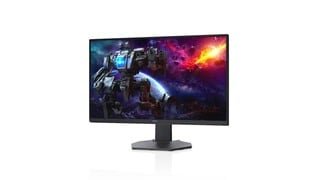
- Model:
- DCY89
- SKU:
- 6421624
Rating by feature
- Display Quality
Rating 4.7 out of 5 stars
- Ease of Use
Rating 4.7 out of 5 stars
- Features
Rating 4.7 out of 5 stars
Customers are saying
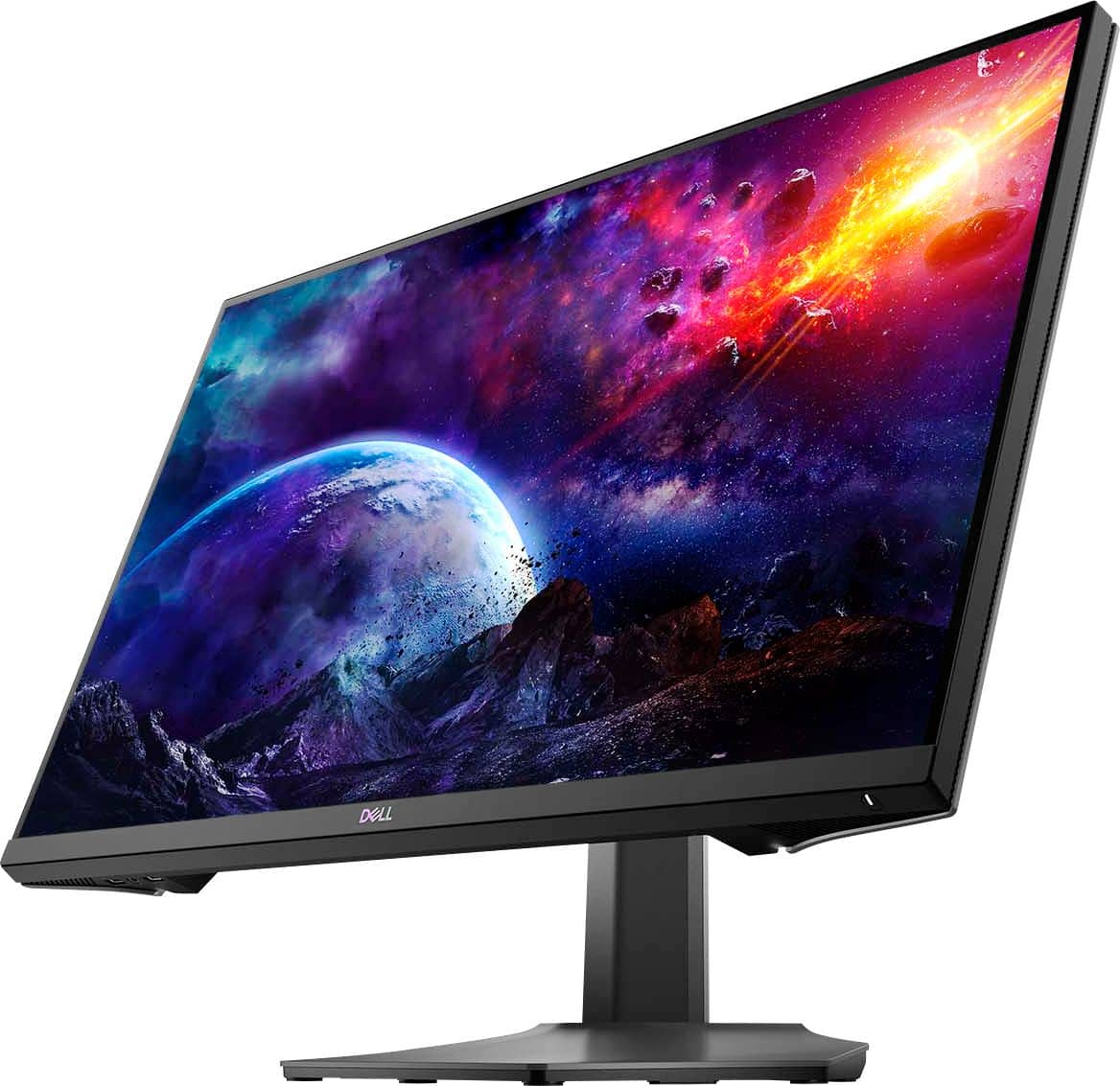
Customers are impressed with the picture quality, refresh rate, and color of the S2721DGF monitor, frequently praising its performance and vibrant visuals at a reasonable price point. Many also appreciate the HDR capabilities and adjustable stand. While some users noted issues with IPS glow and the lack of built-in speakers, the overall feedback highlights the monitor's strengths in image quality and value.
This summary was generated by AI based on customer reviews.
Amazing monitor
||Posted . Owned for 2 weeks when reviewed.This reviewer received promo considerations or sweepstakes entry for writing a review.Expensive, but does the job beautifully and overall a great monitor
I would recommend this to a friendGreat monitor
||Posted .This reviewer received promo considerations or sweepstakes entry for writing a review.Works fast and has great led screening for the brightness
I would recommend this to a friendQuality Monitor
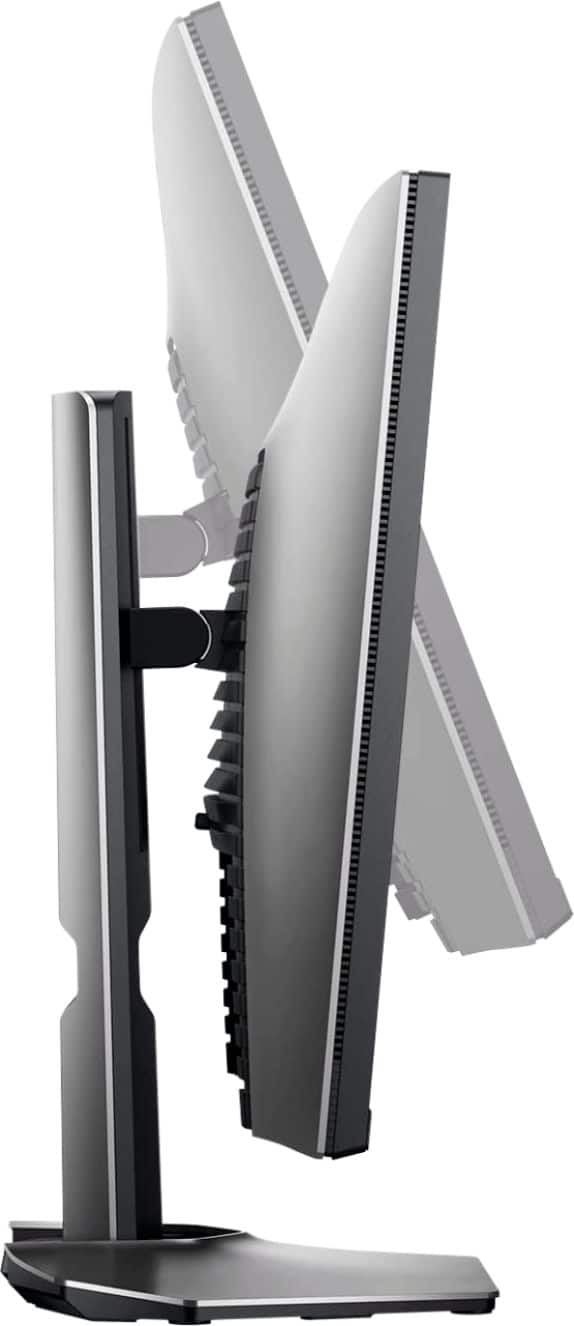
||Posted . Owned for 3 weeks when reviewed.This reviewer received promo considerations or sweepstakes entry for writing a review.Very good picture quality, easy to setup, and decent cable management stand.
I would recommend this to a friendNice color display
||Posted .This reviewer received promo considerations or sweepstakes entry for writing a review.The color is so accurate compared to other LG monitors I purchased.
I would recommend this to a friendMonitor
||Posted . Owned for 3 weeks when reviewed.This reviewer received promo considerations or sweepstakes entry for writing a review.Nice package Good quality I bought that at sale timw
I would recommend this to a friendGreat monitor
||Posted . Owned for 1 week when reviewed.This reviewer received promo considerations or sweepstakes entry for writing a review.Bought this to replace a screen for my son…..great clarity
I would recommend this to a friendGreat for gaming
||Posted . Owned for 1 month when reviewed.This reviewer received promo considerations or sweepstakes entry for writing a review.Great color, very fast monitor, slight IPS glow. Overall great 1440p monitor.
I would recommend this to a friendComputer monitor
||Posted . Owned for 3 weeks when reviewed.This reviewer received promo considerations or sweepstakes entry for writing a review.Nice monitor and does the job I need for gaming on my console. Graphics are nice
I would recommend this to a friendGreat buy
||Posted . Owned for 3 weeks when reviewed.This reviewer received promo considerations or sweepstakes entry for writing a review.Good monitor! Extreme setting kinda blurry. Very durable and build quality.
I would recommend this to a friendLove it!
||Posted . Owned for 5 months when reviewed.This reviewer received promo considerations or sweepstakes entry for writing a review.Christmas gift for my boyfriend. He picked it out and really like it
I would recommend this to a friendGreat Monitor for the price. (was on sale)
||Posted . Owned for 1 month when reviewed.This reviewer received promo considerations or sweepstakes entry for writing a review.Great monitor!! Would be amazing and five stars if it had HDMI 2.1
I would recommend this to a friendMultiple replacements monitors dead in short time
||Posted . Owned for 9 months when reviewed.This reviewer received promo considerations or sweepstakes entry for writing a review.Terrible. I purchased 2 of these in November/December of 2020. When they work, they're great. However just as of this morning the display has completely died, for the 4th time in roughly 10 months. Dell continues to send me refurbished replacements that last anywhere from a few weeks to a few months. If I could do it all over again, I would choose another brand and model, this is not worth the headache.
No, I would not recommend this to a friendBrand response from YourDellTeam
Posted .Hello,
Thank you for taking the time to share your feedback and response. We apologize for the issues you have come across with the initial monitor and the replacement not functioning properly. Your monitor provides a self-test feature that allows you to check whether the monitor is functioning properly. If the monitor and computer are properly connected but the monitor screen remains dark, run the monitor self-test by performing the following steps:
Turn off both your computer and the monitor.
Unplug the video cable from the back of the computer. To ensure proper Self-Test operation, remove all digital cables (DVI, HDMI or DisplayPort) from the back of the computer.
Turn on the monitor.
Turn off your monitor and reconnect the video cable: then turn on both your computer and the monitor.
If your monitor screen remains blank after you use the previous procedure, check your video card (GPU) and computer, because your monitor is functioning properly.
This link can be used to help run further steps and provide more in-depth information: https://dell.to/3AhVxir.
We recommend following the steps above to resolve your issue. If your monitor still has issues, please contact our support team here: https://bit.ly/DellSupportTeam.
Best,
Wendy C.
https://bit.ly/DellSupportTeam.
Phone number to Dell: 1-800-264-9896.
Well worth the money
||Posted . Owned for 4 months when reviewed.This reviewer received promo considerations or sweepstakes entry for writing a review.Great monitor overall just very heavy for adjustable stands
I would recommend this to a friendGood Build for 1440P
||Posted .This reviewer received promo considerations or sweepstakes entry for writing a review.Good Build, Very Bright. Hope it came with HDMI 2.1
I would recommend this to a friendTOO EXPENSIVE
||Posted . Owned for 3 months when reviewed.This reviewer received promo considerations or sweepstakes entry for writing a review.Not worth the price. Its not HDR compatible with my xbox series S. There are plenty of monitors with the same specs that are way cheaper. This is a great monitor dont get me wrong. NOT WORTH THE PRICE.
No, I would not recommend this to a friendBrand response from YourDellTeam
Posted .Hi MrBitcoin,
We appreciate you taking the time to leave us your review. We are sorry to hear that you are not 100% satisfied with your Dell 27” gaming monitor because it was too expensive and it doesn’t work with your gaming system. We will share your comments about these issues with our quality team, so future improvements can be made.
For your reference, I have included an article below, that includes information about the compatibility of Dell monitors with gaming consoles:
Dell Gaming and Alienware Monitors Support for Gaming Consoles: https://dell.to/3MhEjXz
If you need further technical support, please use the information below to contact Dell Support at your earliest convenience.
Best,
Katarina@Dell
Should you need further assistance, you can contact Dell directly with the information below.
Chat or call: https://bit.ly/DellSupportTeam
Phone number to Dell: 1-800-624-9896
Good for the price, Mine have factory defect
||Posted . Owned for 1 month when reviewed.This reviewer received promo considerations or sweepstakes entry for writing a review.Sometimes the monitor turns off and on for a few seconds. Windows is freshly installed and all drivers are updated. My GPU is RX 6800 XT It works good other than that, sometimes when im watching videos, it turns on and off..
No, I would not recommend this to a friendBrand response from YourDellTeam
Posted .Dear Marco,
We appreciate you taking the time to leave us your valued feedback. We apologize for the screen flickering issue you have had with your Dell S Series Monitor. We recommend making sure the drivers and downloads for your monitor are up to date. I have provided a link to the Drivers and Downloads Page for your monitor below. We also suggest making sure the video drivers are up to date on the system you are using with your monitor.
Drivers and Downloads Page: https://dell.to/3g9lF6j
If you still encounter this problem after you have finished troubleshooting your monitor, please feel free to reach out to our support team here: https://bit.ly/DellSupportTeam.
Respectfully,
Ashley@Dell
Should you need further assistance, you can contact Dell directly with the information below.
Chat or call: https://bit.ly/DellSupportTeam
Phone number to Dell 1-800-624-9896
Good monitor (dont buy for ps5)
||Posted . Owned for 3 weeks when reviewed.This reviewer received promo considerations or sweepstakes entry for writing a review.The monitor good but for ps5 ir not 1440p isnt supported yet on ps5 so the monitor turns black opening and closing games but im assuming that because it switching from 120hz to 60hz when changing to home screen
I would recommend this to a friendBrand response from YourDellTeam
Posted .Hi Sonygammer55,
Thank you very much for your valuable feedback. We are sorry to hear that you are not 100% satisfied with your Dell 27” gaming monitor because it is not working well with your Play Station 5.
This monitor does not support the following resolution: 2560 x 1440 or 3840 x 2160. Please see a more detailed description of supported monitors for gaming consoles below:
Dell Gaming and Alienware Monitors Support for Gaming Consoles: https://dell.to/3MhEjXz
If you come across any questions or have concerns about this product, please don’t hesitate to contact Dell Support Team at the information provided below.
Best,
Katarina@Dell
Should you need further assistance, you can contact Dell directly with the information below.
Chat or call: https://bit.ly/DellSupportTeam
Phone number to Dell 1-800-624-9896
Overall, it is a good panel.
||Posted . Owned for 1 month when reviewed.This reviewer received promo considerations or sweepstakes entry for writing a review.Very good response time, excellent low input lag but texts are not really clear and the pre calibration is horrible. If you don’t care about backlight bleeding, low black equalizer, contrast ratio and color accuracy, this is very good gaming 1440p IPS panel.
I would recommend this to a friendBrand response from YourDellTeam
Posted .XASC,
Thanks for your review. We're sorry to hear about the issues that you're having with your monitor so far. Here's an article related to light leakage and screen bleed that may help you: https://dell.to/2RjwSFM. If you'd like to make adjustments to your display settings, we'd recommend this article: https://dell.to/2CLF6yC.
Best,
Bryan
1-800-624-9896
HDR wont work
||Posted . Owned for less than 1 week when reviewed.This reviewer received promo considerations or sweepstakes entry for writing a review.HDR wont work no matter what settings snd drivers I select. Also, Windows reads this as an 8-bit monitor even though people online say its 10-bit. Otherwise its an okay monitor. But these issues leave a lot to be desired.
No, I would not recommend this to a friendBrand response from YourDellTeam
Posted .Hello Cody,
We want to thank you for taking the time to leave us your review. We apologize for the trouble you are having with the HDR settings on your Dell Monitor. Below I have provided a list of possible solutions to help resolve this issue. I have also given you a link to the User's Guide for your monitor, where you can find the list of solutions on page 60.
Possible Solutions
•Ensure your computer or graphics solution meets the minimum requirement for HDR playback and install the latest software drivers for the graphics card.
•Ensure that the HDMI 2.0 cable that comes with the package is used.
•If the above steps fail, choose the resolution 2560 x 1440 from the Display Properties to force the proper HDR signaling.
User's Guide: https://dell.to/3buvuts
If you still experience this issue after you have finished troubleshooting your monitor, please feel free to reach out to our support team here: https://bit.ly/DellSupportTeam.
If you require further assistance, you can contact Dell directly with the information below.
Chat or call: https://bit.ly/DellSupportTeam
Phone number to Dell 1-800-624-9896
Best,
Ashley@Dell
Worth it but be careful with the colors.
||Posted . Owned for 1 week when reviewed.This reviewer received promo considerations or sweepstakes entry for writing a review.While i'll love to enjoy this monitor to it's full potential...sadly the monitor didn't come calibrated, so i had to spend $250 buying a spider pro to correct the colors. I still dont understand how monitors don't come color calibrated.
No, I would not recommend this to a friendBrand response from YourDellTeam
Posted .Hello xeathkid,
Thank you for your review. We are sorry to learn that your monitor didn't quite meet your expectations. We really do appreciate your feedback and will use it to help improve our current and future products. If you come across any further questions, issues or concerns, please contact Dell Support at your earliest convenience at 1-800-264-9896.
Best regards,
Wendy C.