Customer Ratings & Reviews

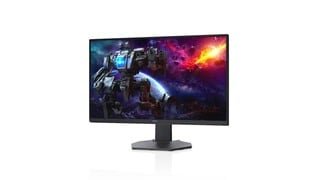
- Model:
- DCY89
- SKU:
- 6421624
Rating by feature
- Display Quality
Rating 4.7 out of 5 stars
- Ease of Use
Rating 4.7 out of 5 stars
- Features
Rating 4.7 out of 5 stars
Customers are saying
Customers are impressed with the picture quality, refresh rate, and color of the S2721DGF monitor, frequently praising its performance and vibrant visuals at a reasonable price point. Many also appreciate the HDR capabilities and adjustable stand. While some users noted issues with IPS glow and the lack of built-in speakers, the overall feedback highlights the monitor's strengths in image quality and value.
This summary was generated by AI based on customer reviews.
Beautiful picture!
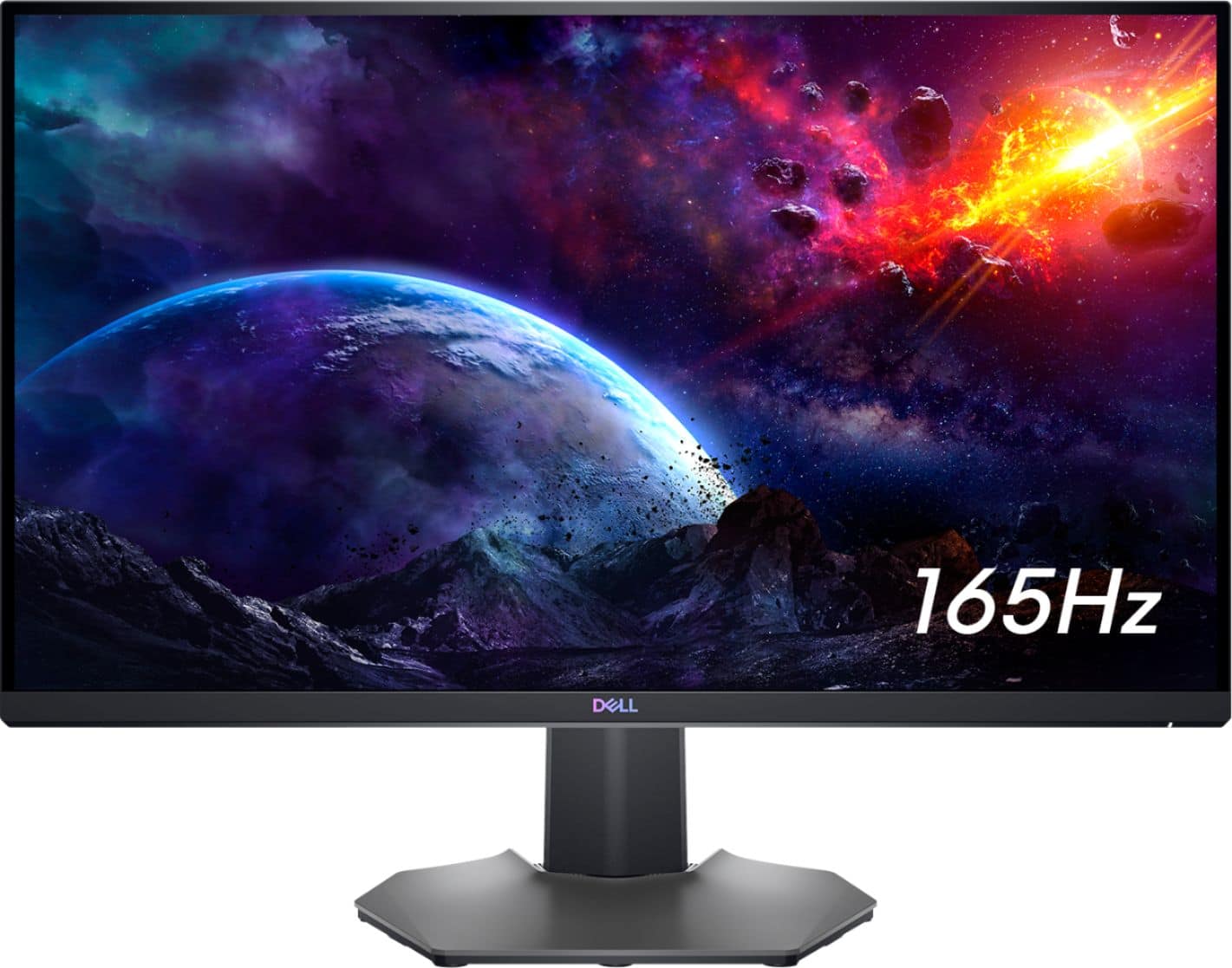
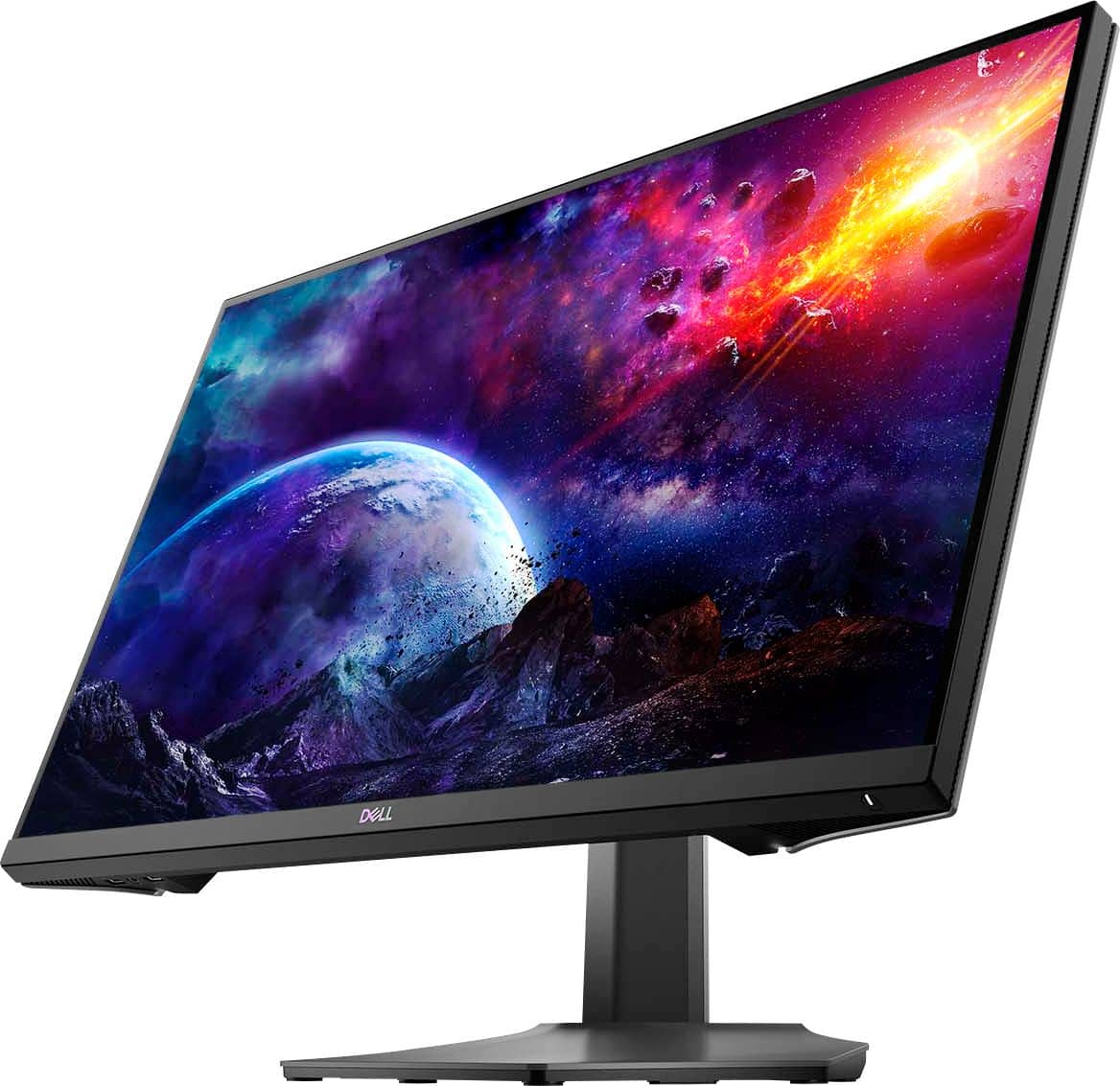
||Posted .This reviewer received promo considerations or sweepstakes entry for writing a review.The screen is very thin with the slightest curve. Video games are clear. Computer games look like real life. It is great for business use as well. Best of all…it is light weight.
I would recommend this to a friendBrand response from YourDellTeam
Posted .Dear Valued Customer,
Thank you very much for your valued feedback. We appreciate your kind words and are happy to know you're enjoying your Dell 27” gaming monitor because you like its design and picture resolution.
If you come across any questions, issues, or concerns, please use the information below to contact Dell at your earliest convenience.
Best,
Katarina@Dell
Should you need further assistance, you can contact Dell directly with the information below.
Chat or call: https://bit.ly/DellSupportTeam
Phone number to Dell 1-800-624-9896

Amazing monitor, but tiny VESA mount headache.
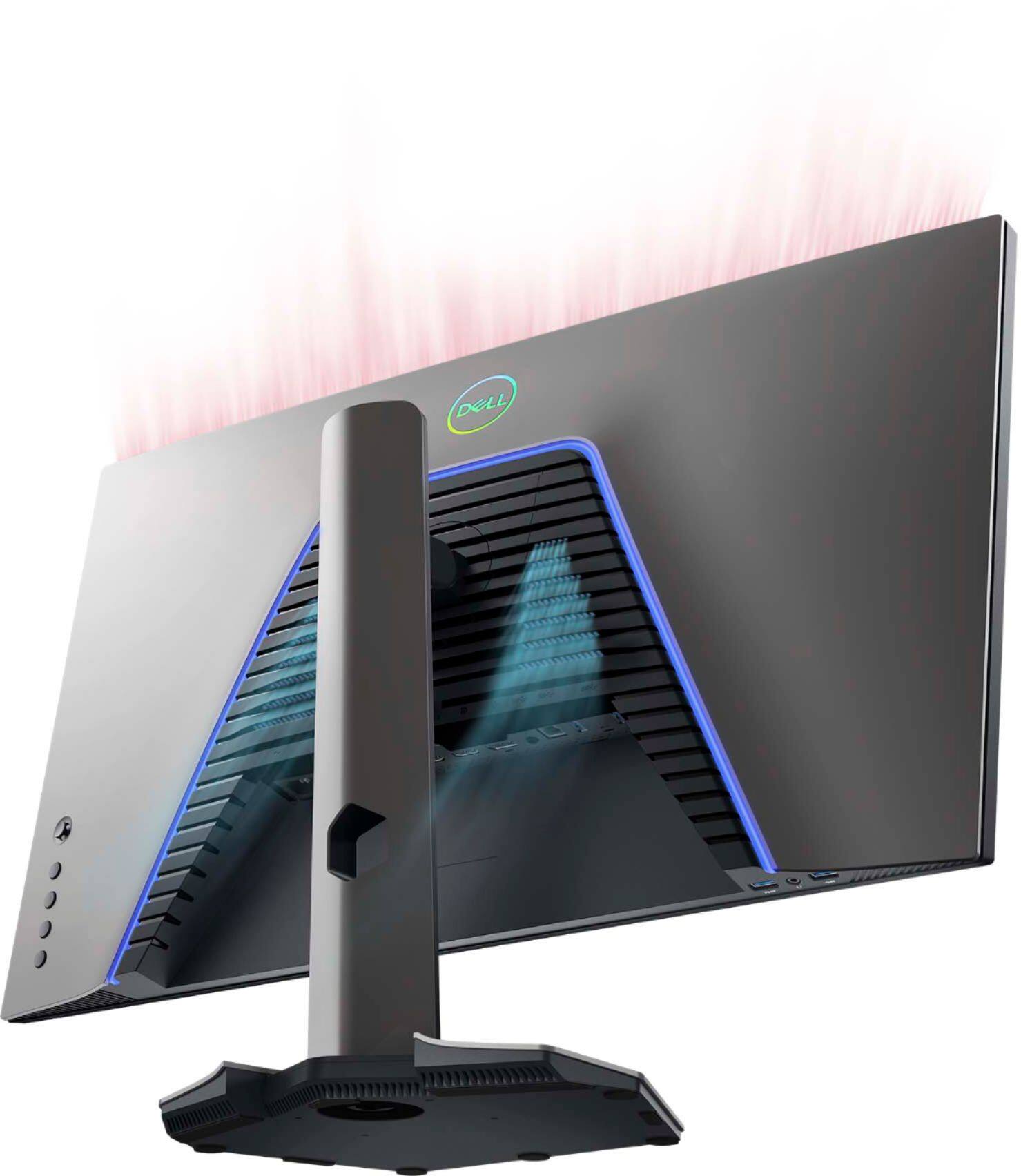
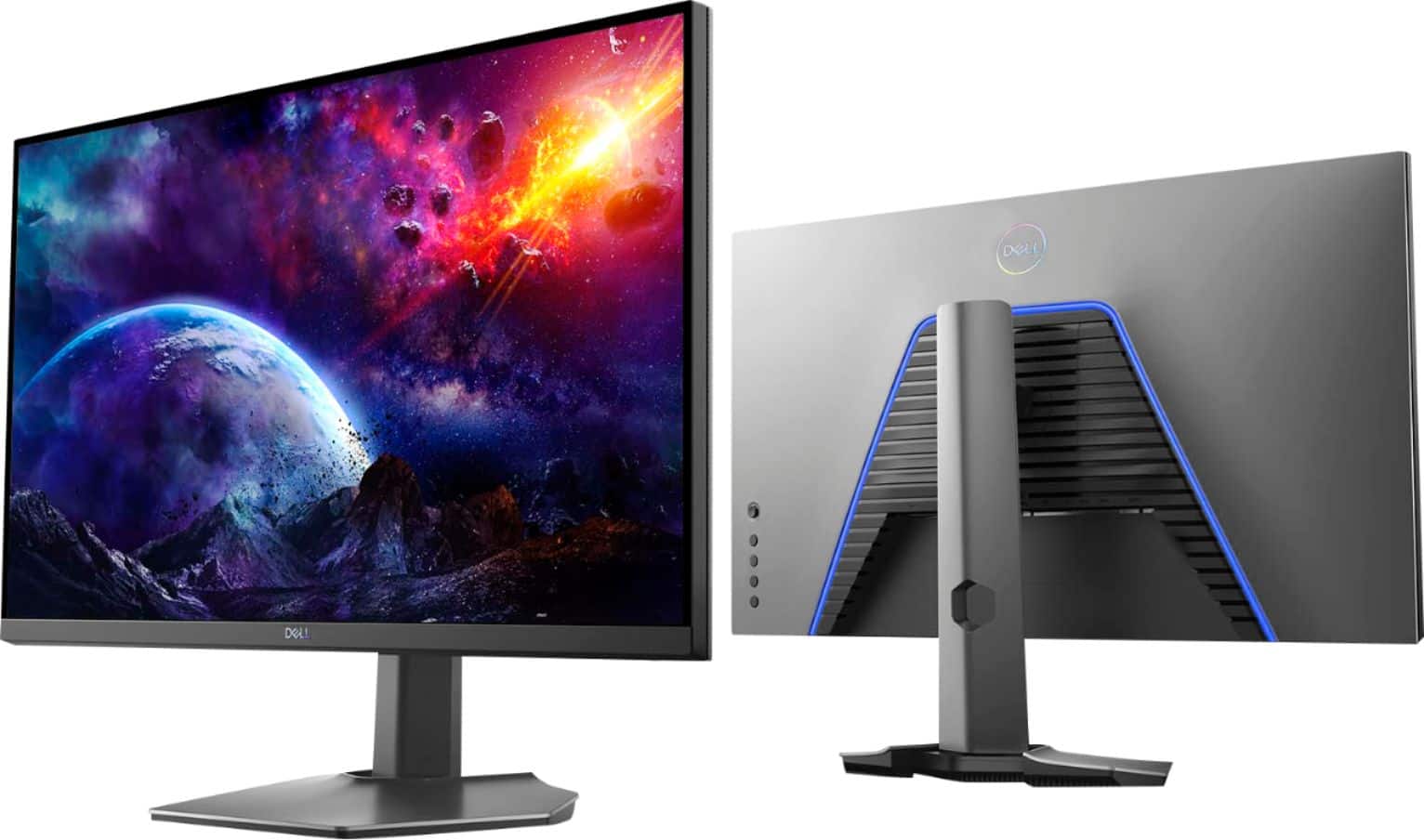
|Posted .This reviewer received promo considerations or sweepstakes entry for writing a review.Sweet screen. The variable refresh rate works great (I saw some 140 Hz rates in some titles), and there is a feature to show the rate in a built-in OSD mode. Nice touch. This is my first new monitor in a while, so the HDR looks great in Microsoft Flight Sim, but this is my first experience, so I have nothing to compare it to. It has a very small bezel, and it is light for its size. It claims to have colors accurate enough to make photographers happy. I have no way to measure this, but it sure looks great to me. It even has USB 3.0 ports built in! Really, there are only two annoyances. The first is the blue LED strip in the back. Yeah, I guess that it looks cool. But, as near as I can tell, it is blue only. No RGB. If it were RGB, then I might have the option to turn it off. I want my screen to perform great, and extra lights on the back don't help. This is just me. Some people think that cool lights help the FPS or something. Whatever. I am going to put electrical tape over those lights. The second annoyance is that the VESA mount is set in deep into the back of the case -- the bottom is set deeper. I have a Vivo brand monitor stand. In this unit you attach a bracket to the VESA mount, and then drop the bracket and monitor onto a special attachment point on the arm. The problem is that, even with spacers, I could not get it to go because the case extends nearly one inch beyond the screw holes. So I had to leave the screws loose, then drop it onto the arm, and finally tightened up the screws. Stills, it HAS a functioning VESA mount, which not all monitors have, so I can't complain too much. Overall, I *LOVE* this display.The price is a little steep, but that is the cost of 140 Hz and variable refresh rates.
I would recommend this to a friendstuck red pixel / backlight bleed
||Posted . Owned for less than 1 week when reviewed.This reviewer received promo considerations or sweepstakes entry for writing a review.I've had about 6 different monitors with no issues and this is the first one I've ran into any issues. the monitor is nice overall with good colors and freesync works pretty well but my first monitor had a red stuck pixel,everything was perfect about it except that one pixel so i took a huge risk and exchanged it. the new one had no stuck or dead pixels BUT it had terrible backlight bleed, which is when you can see a bit of light showing through and it's most visible when looking at a black or dark background so i will be exchanging once again and hope for the best.
No, I would not recommend this to a friendBrand response from YourDellTeam
Posted .ras12,
Thanks for your review and we're sorry to hear about the issues that you're having with your monitors lately. Here's an article that covers several things you can try to help with the backlight bleed that you're experiencing: https://dell.to/2RjwSFM.
Best,
Bryan
1-800-624-9896
- Pros mentioned:Price
Fantastic Monitor
Posted .This reviewer received promo considerations or sweepstakes entry for writing a review.Fantastic Monitor -- very little complaints after years of use. Works well, great product for the price. 165 Hz, 2K, Dell brand for this price is great value.
I would recommend this to a friend It’s ok
||Posted . Owned for 2 weeks when reviewed.This reviewer received promo considerations or sweepstakes entry for writing a review.Generally good display. Well you get what you pay for. Can’t complain so much about it when it’s only costing me 300 bucks.
I would recommend this to a friendBrand response from YourDellTeam
Posted .Dear Kkkkkk,
Thank you very much for your review. We are glad your Dell 27” gaming FreeSync monitor is working well for you and you are happy with its display.
In the future, if you come across any questions or have concerns about this product, please don’t hesitate to contact Dell Support Team at the information provided below.
Best,
Katarina@Dell
Should you need further assistance, you can contact Dell directly with the information below.
Chat or call: https://bit.ly/DellSupportTeam
Phone number to Dell 1-800-624-9896
Buy New
||Posted . Owned for 1 year when reviewed.This reviewer received promo considerations or sweepstakes entry for writing a review.I got a used “Like New” unit. It was missing cords and had a lot of scratches on the back.
I would recommend this to a friendBlack screen, usb ports out
||Posted . Owned for 3 months when reviewed.This reviewer received promo considerations or sweepstakes entry for writing a review.I ordered form BestBuy on Sep 16th not even 4months later the monitor has gone black on half of the screen and USB ports inoperable. Great monitor up until this point. Geek squad is not an option. Luckily Dell has a good warranty to replace item for up to 3years but it'll be refurbished. Would recommend if your going to purchase this monitor and spend 500 that you also buy the 74$ replacement fee via BestBuy to get a new directly from the store.
No, I would not recommend this to a friendBrand response from YourDellTeam
Posted .ZG29,
Thanks for your review and we're sorry to hear about your monitor's performance. If you have any questions once you get your replacement monitor you can check our Product Support Page here: https://dell.to/3mSb1lH.
Best,
Bryan
1-800-624-9896
Faulty Monitor with no return/exchange
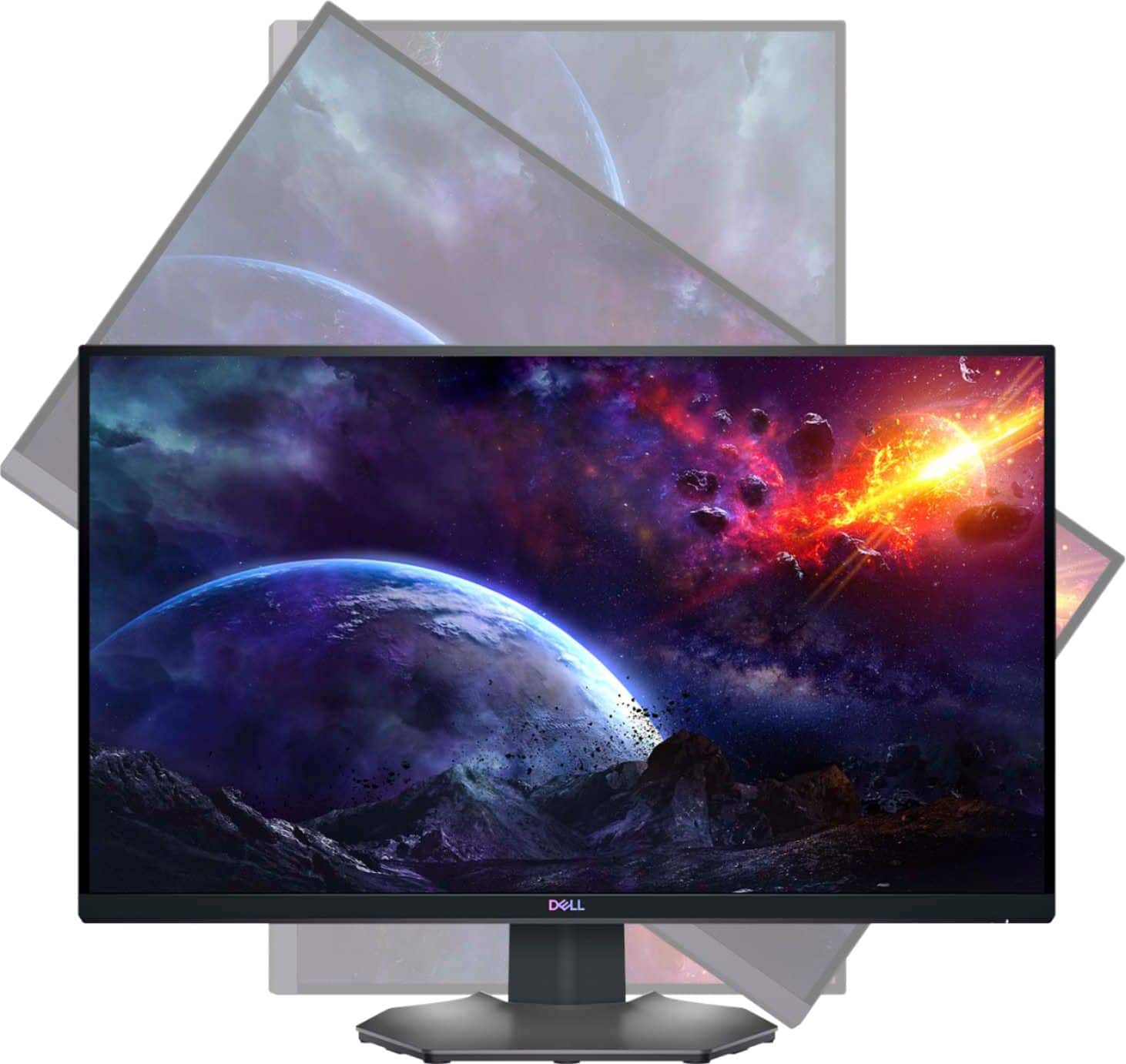
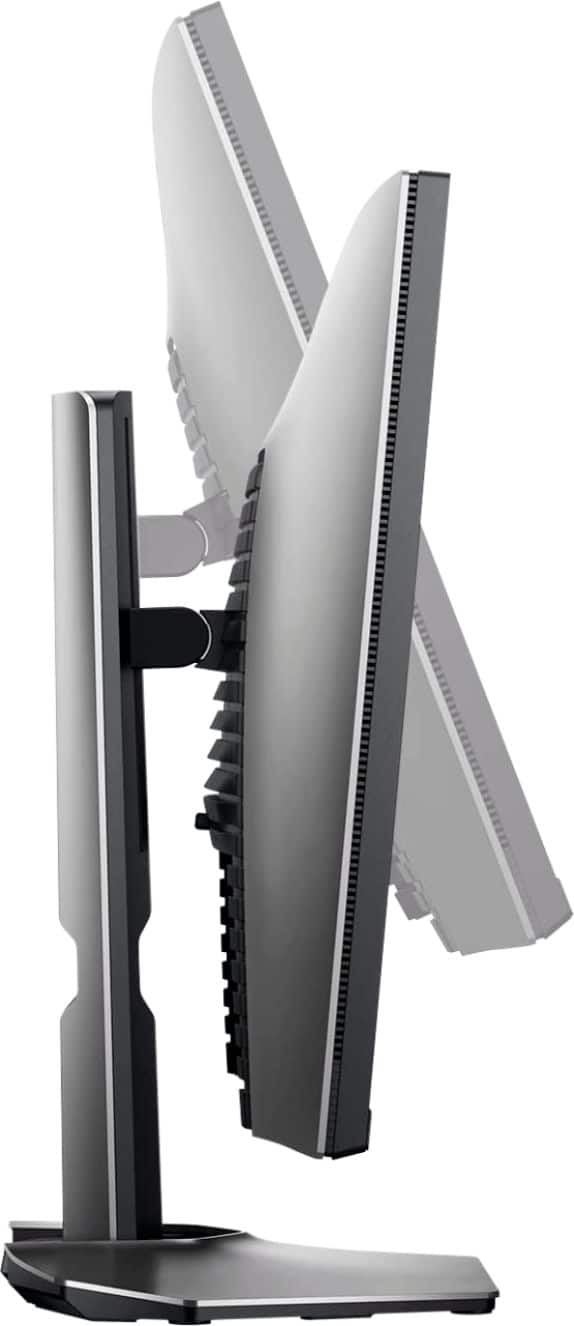
||Posted . Owned for 1 month when reviewed.This reviewer received promo considerations or sweepstakes entry for writing a review.This is my second s2721DGF and the one I bought from Best Buy does not sit straight and does not perfectly get vertical with the stand being off. Also the display port is not working and was not able to get it out of box within 15 days and was told nothing they can do. Worst policy ever considering you sold a faulty $400 monitor… all they were interested in if I BOUGHT A WARRANTEE which shouldn’t even be a question if it’s still within 30 days and the monitor does not work properly..
No, I would not recommend this to a friendBrand response from YourDellTeam
Posted .Hey There JackM,
Thank you for your feedback and input. We are sorry to hear that you are experiencing an issue with your monitor out of the box and that your display port is not working. That is not the type of product Dell intends to deliver or the type of feedback we like to hear from our customers. We have noted the details of your statement and will use them to help improve our current and future products. We would love to help you. Please use the contact information provided below to contact our support team at your convenience.
Best,
Summer@Dell
Should you need further assistance; you can contact Dell directly with the information below.
Chat or call: https://bit.ly/DellSupportTeam
Phone number to Dell: 1-800-624-9896.
Bad flickering
||Posted . Owned for 3 weeks when reviewed.This reviewer received promo considerations or sweepstakes entry for writing a review.The monitor was returned because it flickers a lot would not buy again.
No, I would not recommend this to a friendBrand response from YourDellTeam
Posted .Hello,
Thank you for taking the time to share your review. We apologize for the flickering issue you have experienced with your monitor, and we understand how frustrating this can be. If needed in the future, here is a link to an article that can be used to run a Self-Test on the monitor to help diagnose the issue: https://dell.to/3jTiTFm.
We invite you to review the product Support Page if any other questions or concerns arise.
Best,
Wendy C.
https://bit.ly/DellSupportTeam.
Phone number to Dell: 1-800-264-9896.
buyer beware
||Posted . Owned for 1 week when reviewed.This reviewer received promo considerations or sweepstakes entry for writing a review.hdr on it looked like crap and it died in 8 days from when it was bought. good thing it was still in return period. got an acer predator xb273u same hdr rating but it looks awesome in games.
No, I would not recommend this to a friendBrand response from YourDellTeam
Posted .Hello,
Thanks for taking the time to share your review. We are extremely sorry to hear that your monitor had stopped functioning normally. We understand how frustrating this can be. If needed in the future, we have provided a link that can be used to run a Self-Test on the monitor to help diagnose and troubleshoot the issue: https://dell.to/3AhVxir.
We recommend following the instructions to resolve your issue if needed in the future. If you come across any questions, issues, or concerns, please contact our support team here: https://bit.ly/DellSupportTeam.
Best,
Wendy C.
https://bit.ly/DellSupportTeam.
Phone number to Dell: 1-800-264-9896.
Doesn't work with Dell S2716DG
||Posted . Owned for 2 months when reviewed.This reviewer received promo considerations or sweepstakes entry for writing a review.I bought this and can no longer return while diagnosing its issues. I bought this as a 3rd monitor. I had two Dell S2716DG monitors before which are Titan Panel and native G SYNC on a 1080Ti. My issue with this monitor is it will randomly "go black" and resume functioning. It does not turn off, but the image stops displaying for a few seconds. Video: https://youtu.be/IpMdYw1v9ZQ After plugging this in AND getting an RMA from Dell, I found the only way to get this monitor to stabilize is to unplug BOTH of the TN monitors. This thing simply isn't compatible with the TN versions. I believe this is a GSYNC vs FreeSync issue. My other theory is this monitor has a 165hz native refresh rate and the TN monitors only have 144hz. Either way, I cannot get this to work and I cannot recommend the product as there seems to be issues with the compatibility of this monitor with other types.
No, I would not recommend this to a friendBrand response from YourDellTeam
Posted .Hi Rpiv,
Thank you very much for your valuable review. We are sorry to hear that you are having troubles with your Dell 27” gaming monitor because you are not able to connect it with another Dell monitor.
Below I have provided a link to the User’s Manual. Please refer to the troubleshooting section, page 56:
Manual: https://dell.to/3nEOify
Also, your monitor has a built-in diagnostic tool that helps you determine if any screen abnormality you experience is an inherent problem with your monitor, or with your computer and video card.
To run the built-in diagnostics:
1. Ensure that the screen is clean (no dust particles on the surface of the screen).
2. Press and hold Button 4 for about 4 seconds until a pop-menu appears.
3. Use Button 1 or Button 2 to select the diagnostic tool and use Button 3 to confirm. A gray test pattern appears at the beginning of the diagnostic program.
4. Carefully inspect the screen for abnormalities.
5. Press Button 1 again to change the test patterns.
6. Repeat steps 4 and 5 to inspect the display in red, green, blue, black, white, and text screens.
7. Press Button 1 to end the diagnostic program.
If you do not detect any screen abnormalities upon using the built-in diagnostic tool, the monitor is functioning properly. Check the video card and computer.
The full article on built-in diagnostics can be found below:
How to Run a Diagnostic Test on a Dell Monitor: https://dell.to/3CW8ctj
If the issues are still not resolved after applying the troubleshooting tips above, we recommend contacting the Dell Support Team at the information provided below for further guidance.
Best,
Katarina@Dell
Should you need further assistance, you can contact Dell directly with the information below.
Chat or call: https://bit.ly/DellSupportTeam
Phone number to Dell 1-800-624-9896
Does the job.
||Posted . Owned for 9 months when reviewed.This reviewer received promo considerations or sweepstakes entry for writing a review.An okay monitor that does the job well. Struggles with dark scenes.
No, I would not recommend this to a friendBrand response from YourDellTeam
Posted .Dear Chancierdruid,
We would like to thank you for taking the time to provide us with your feedback. We are sorry to hear that you are not 100% satisfied with your Dell 27” gaming monitor because of the dark scenes.
Your monitor has a built-in diagnostic tool that helps you determine if any screen abnormality you experience is an inherent problem with your monitor, or with your computer and video card.
To run the built-in diagnostics:
1. Ensure that the screen is clean (no dust particles on the surface of the screen).
2. Press and hold Button 4 for about 4 seconds until a pop-menu appears.
3. Use Button 1 or Button 2 to select the diagnostic tool and use Button 3 to confirm. A gray test pattern appears at the beginning of the diagnostic program.
4. Carefully inspect the screen for abnormalities.
5. Press Button 1 again to change the test patterns.
6. Repeat steps 4 and 5 to inspect the display in red, green, blue, black, white, and text screens.
7. Press Button 1 to end the diagnostic program.
If you do not detect any screen abnormalities upon using the built-in diagnostic tool, the monitor is functioning properly. Check the video card and computer.
The full article on built-in diagnostics can be found below:
How to Run a Diagnostic Test on a Dell Monitor: https://dell.to/3CW8ctj
If the issues with your monitor are still not resolved after applying the troubleshooting tips above, we recommend contacting the Dell Support Team at the information provided below for further guidance.
Best,
Katarina@Dell
Should you need further assistance, you can contact Dell directly with the information below.
Chat or call: https://bit.ly/DellSupportTeam
Phone number to Dell: 1-800-624-9896
Stellar for 2 weeks
||Posted . Owned for 1 month when reviewed.This reviewer received promo considerations or sweepstakes entry for writing a review.It was working great no complaints would rate it a 5 star had this not happened. My girlfriend started to play spiderman and then every 25 seconds the screen would completely go black and I will have to turn it on and off to get a picture again. This suddenly happened and It has only been 3 weeks !!
No, I would not recommend this to a friendBrand response from YourDellTeam
Posted .Hello CarlosP,
Thank you for taking the time to leave us your valued feedback. We sincerely apologize for the screen flickering you are experiencing with your Dell Monitor. We recommend making sure you have the latest drivers and downloads loaded for your monitor. I have provided a link to the Drivers and Downloads Page for your monitor so you can check for and do any applicable installations and/or updates. We suggest making sure your video drivers are also up to date on your system.
Drivers and Downloads Page: https://dell.to/3Kx432q
If you still encounter this problem after you have finished troubleshooting your monitor, please feel free to contact our support team here: https://bit.ly/DellSupportTeam.
Should you need further assistance, you can contact Dell directly with the information below.
Chat or call: https://bit.ly/DellSupportTeam
Phone number to Dell 1-800-624-9896
Best,
Ashley@Dell
Meh, YMMV.
||Posted . Owned for 1 week when reviewed.This reviewer received promo considerations or sweepstakes entry for writing a review.Pretty bad glow, monitor continuously turns off mid play and resets. Checked everything made sure power cables plugged in good etc. Also the power button feels like it’s broken. Honesty when I opened it, it felt like this monitor was used before and wasn’t new no film over anything etc. Gonna have to return it tbh may just choose something else.
No, I would not recommend this to a friendBrand response from YourDellTeam
Posted .Ceeb,
Thanks for your review and we're sorry to hear about the performance issues with your new monitor so far. Please take a moment and reach out to Dell's Technical Support Team for additional help before you decide to return your monitor: http://dell.to/2sH7Qlm.
You can also check for any product updates that are available here: https://dell.to/2G3jjaq.
Best,
Bryan
1-800-624-9896
Buyer Beware
||Posted . Owned for 2 months when reviewed.This reviewer received promo considerations or sweepstakes entry for writing a review.I really wanted to like this monitor. The first one I had purchased was an open box and just died on me 3 weeks later then I swapped and got a new in box. 4 weeks later the monitor displayed a red line horizontally in the middle of the screen. I just gave up and returned it
No, I would not recommend this to a friendBrand response from YourDellTeam
Posted .Dear BBReviewer,
We appreciate you taking the time to leave us your review. We are sorry to hear that you were not too happy with your Dell 27” gaming monitor because it displayed a red line across its screen and that you have ultimately decided to return this system. We will share your comment with our quality team, so future improvements can be made. In the future, we would love the opportunity to help troubleshoot any problems you may be facing.
If you come across any questions about the Dell products, please don’t hesitate to contact Dell Support Team at the information provided below.
Best,
Katarina@Dell
Should you need further assistance, you can contact Dell directly with the information below.
Chat or call: https://bit.ly/DellSupportTeam
Phone number to Dell 1-800-624-9896
Good product, poor service.
||Posted .This reviewer received promo considerations or sweepstakes entry for writing a review.The monitor is great (5 stars), but I wouldn't purchase it from Best Buy. The box arrived looking very much like they had re-packaged a floor model, and when it went on sale direct from Dell shortly after, I discovered Best Buy's price match "guarantee" has exceptions which doesn't allow them to actually match lower prices.
I would recommend this to a friendBrand response from YourDellTeam
Posted .Jerm,
We're sorry to hear about your purchase experience. If you have any technical questions about your computer you can check our Product Support Page here: https://dell.to/3mSb1lH.
Best,
Bryan
1-800-624-9896
Monitor
||Posted . Owned for 3 weeks when reviewed.This reviewer received promo considerations or sweepstakes entry for writing a review.Monitor so good but i need to return 1 time because shipper in usps not very well.
I would recommend this to a friendBrand response from YourDellTeam
Posted .Rtxcard,
Thanks for your review and we hope that your monitor continues to meet your needs. If you have any questions about your monitor you can check our Product Support Page here: https://dell.to/3mSb1lH.
Best,
Bryan
1-800-624-9896
Black screen flicker
||Posted . Owned for 1 week when reviewed.This reviewer received promo considerations or sweepstakes entry for writing a review.Easy set up with back kit display, however 1 day of owning and screen flickering black repeatedly. Have tried updating all drivers including graphics card and changing the refresh rate as well as using HDMI rather than display port. Nothing helping…screen going back!
No, I would not recommend this to a friendBrand response from YourDellTeam
Posted .Hello Shadowyt04,
We appreciate your valued feedback. We sincerely apologize for the issues you have had with the display of your gaming monitor. We would recommend making sure all drivers and downloads are up to date on your system, especially the video drivers. I have provided a link to the Drivers and Downloads Page for PC, so you can check for and do any applicable updates.
Drivers and Downloads Page: https://dell.to/3FBfdPO
If you still experience these issues after you have finished troubleshooting your system, please feel free to contact our support team here: 1-800-624-9896.
If you require further assistance, you can contact Dell directly with the information below.
Chat or call: https://bit.ly/DellSupportTeam
Phone number to Dell 1-800-624-9896
Best,
Wendy@Dell
Did not like
||Posted .This reviewer received promo considerations or sweepstakes entry for writing a review.Did not like this monitor. The display was not bright enough.
No, I would not recommend this to a friendBrand response from YourDellTeam
Posted .Alex,
Thanks for your review. We're sorry that your monitor is not as bright as you hoped it would be. Here's an article for help adjusting the settings on your monitor: https://dell.to/2CLF6yC.
Best,
Bryan
1-800-624-9896
Buyer beware.
||Posted . Owned for 2 months when reviewed.This reviewer received promo considerations or sweepstakes entry for writing a review.It was great for almost 90 days then it stopped working. Power switch would no longer work after it just died, went black on me. Unplugged and plugged back in and it came on for a while power switch still not working and it keeps going dead. Was on chat with dell filing a claim and while trying to upload the info the person from dell wanted he ended the conversation because I took to long to find a cord to upload the photo he requested even after I told him I had to get a cord and transfer photo. Really bad!!!!
No, I would not recommend this to a friendBrand response from YourDellTeam
Posted .Hello Race,
We appreciate you taking the time to leave us your review. We apologize for the trouble you have had with your Dell Monitor and Dell. This is certainly not what we like to hear from our valued customers. We recommend reaching back out to our support team at your earliest convenience.
You can contact Dell directly with the information below.
Chat or call: https://bit.ly/DellSupportTeam
Phone number to Dell 1-800-624-9896
Best,
Ashley@Dell