Customer Ratings & Reviews

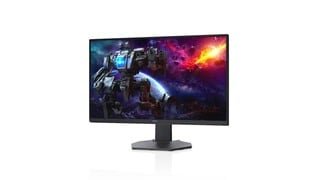
- Model:
- DCY89
- SKU:
- 6421624
Rating by feature
- Display Quality
Rating 4.7 out of 5 stars
- Ease of Use
Rating 4.7 out of 5 stars
- Features
Rating 4.7 out of 5 stars
Customers are saying
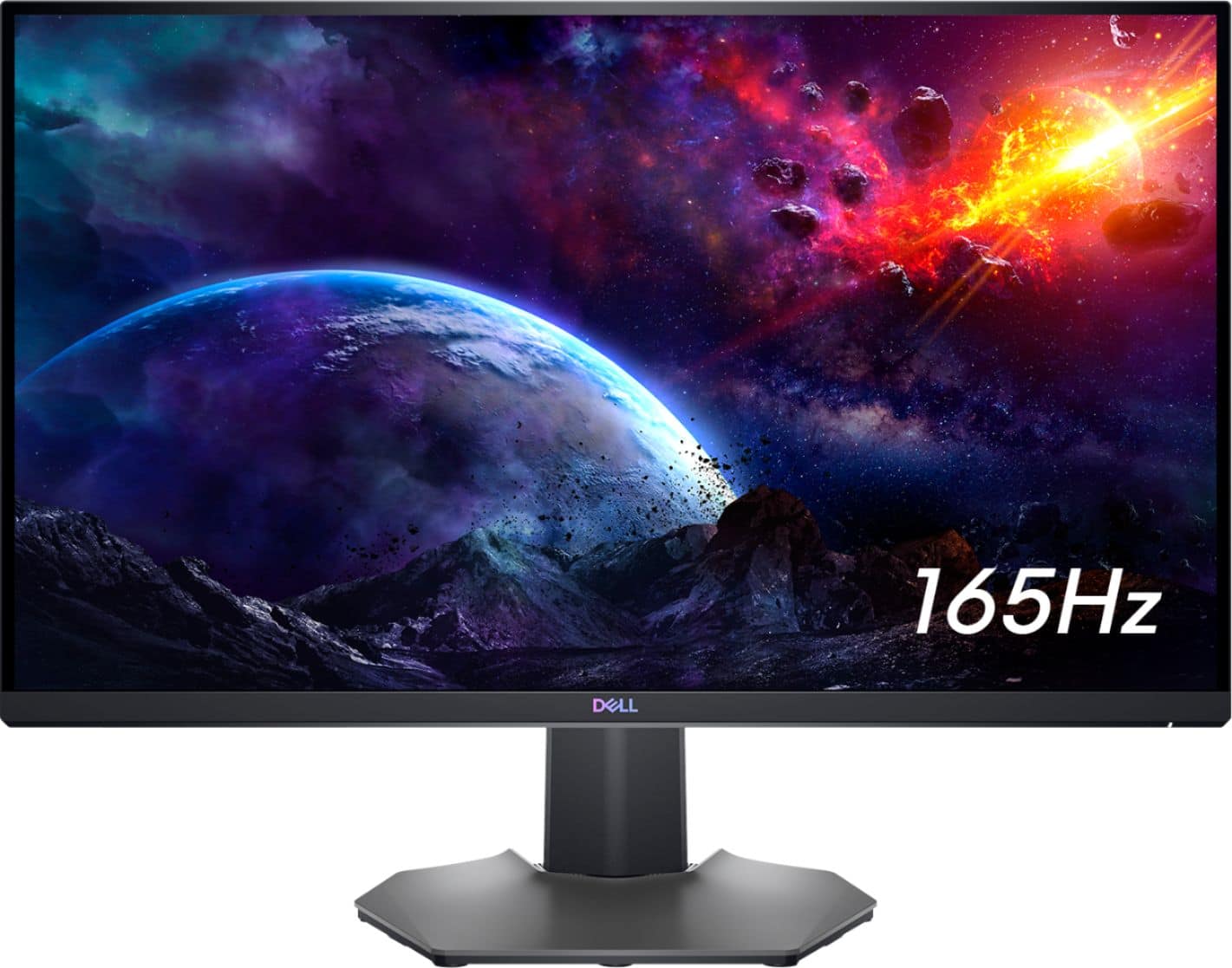
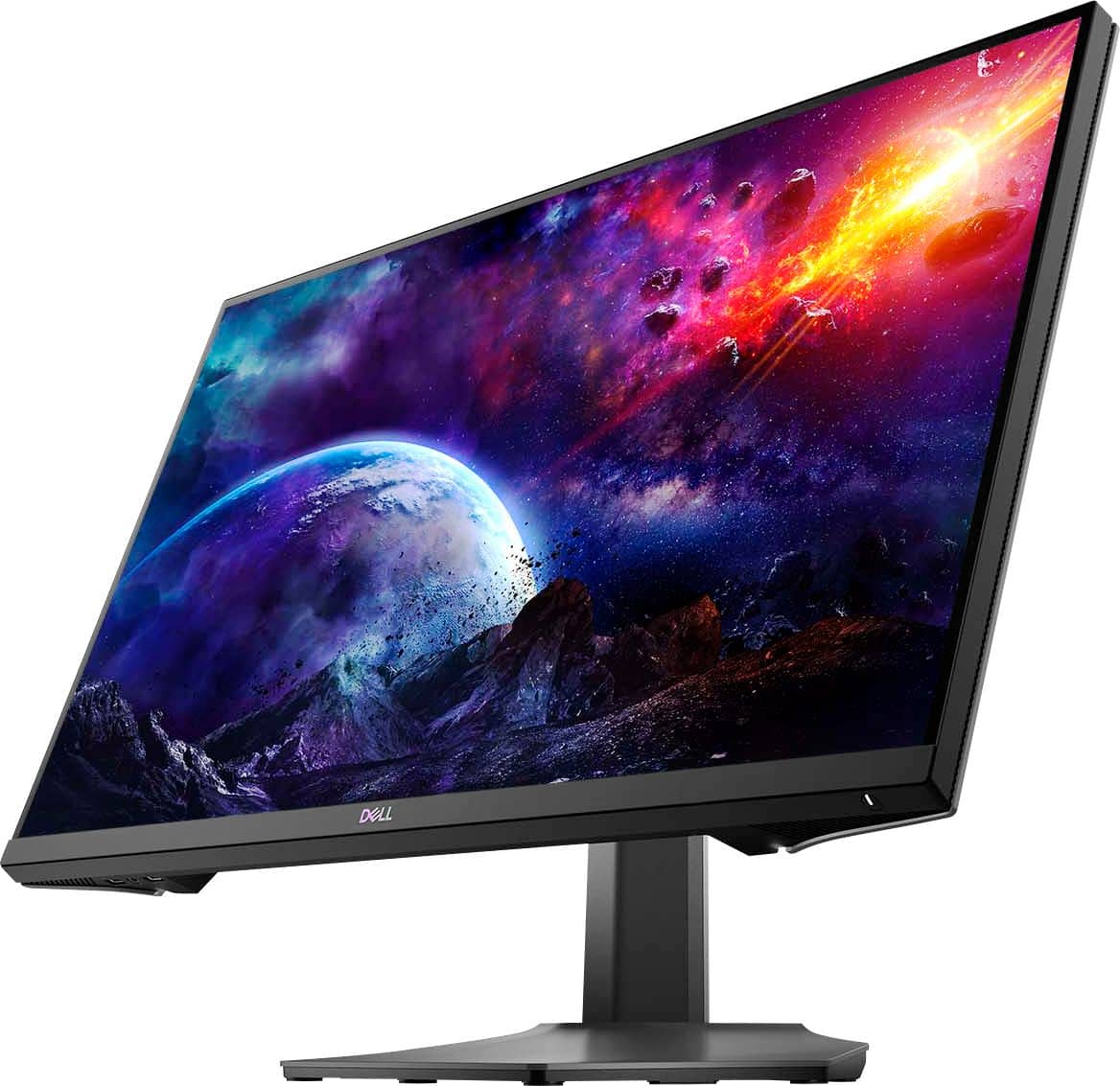
Customers are impressed with the picture quality, refresh rate, and color of the S2721DGF monitor, frequently praising its performance and vibrant visuals at a reasonable price point. Many also appreciate the HDR capabilities and adjustable stand. While some users noted issues with IPS glow and the lack of built-in speakers, the overall feedback highlights the monitor's strengths in image quality and value.
This summary was generated by AI based on customer reviews.
Bad color display
||Posted . Owned for 2 weeks when reviewed.This reviewer received promo considerations or sweepstakes entry for writing a review.The color display is awful. Grey color looks like pink.
No, I would not recommend this to a friendBrand response from YourDellTeam
Posted .Dear cl00,
We appreciate you taking the time to leave us your review. We apologize for the problems you are having with the display color of your Dell Gaming Monitor. Below I have provided a link to the User's Guide for your monitor. On page 30 of the guide, you will find instructions to help with configuring the display settings.
User's Guide: https://dell.to/3rmlERR
If you still experience this issue after you have finished troubleshooting your monitor, please reach out to our support team here at your earliest convenience: https://bit.ly/DellSupportTeam.
Should you require further assistance, you can contact Dell directly with the information below.
Chat or call: https://bit.ly/DellSupportTeam
Phone number to Dell 1-800-624-9896
Best,
Ashley@Dell
Flickers when you have more than 2 monitors.
||Posted . Owned for 3 weeks when reviewed.This reviewer received promo considerations or sweepstakes entry for writing a review.Had to returned this monitor as it flickers or it puts a random black screen that last 2 seconds in the middle of the games. It's "solved" by disabling GSYNC according to Dell, really?!?!
No, I would not recommend this to a friendBrand response from YourDellTeam
Posted .Hello AstroPanda,
We appreciate you taking the time to leave us your review. We sincerely apologize for the issues you had with your Dell Monitor. This is certainly not what we like to hear from our valued customers. We will share your comments with our quality team so improvements can be made to current and future products.
If you require further assistance, you can contact Dell directly with the information below.
Chat or call: https://bit.ly/DellSupportTeam
Phone number to Dell 1-800-624-9896
Best,
Ashley@Dell
1440p beginner but for gaming!
Posted .This reviewer received promo considerations or sweepstakes entry for writing a review.Solid colors and was good for gaming! If you can get it on a sale it’s a good step into 1440p gaming!
I would recommend this to a friendAmazing but stopped working
||Posted . Owned for 3 months when reviewed.This reviewer received promo considerations or sweepstakes entry for writing a review.Well it completely quit working in 3 months. It is an amazing monitor though! I went ahead and just got the same one again. I’ll take my chances.
I would recommend this to a friendBrand response from YourDellTeam
Posted .Hello,
Thank you for your feedback. We are sorry to hear it quit working so soon. We hope the new product works as expected. For additional support, please call Dell directly at 1-800-624-9896
Best, Lexy
Garbage
||Posted . Owned for less than 1 week when reviewed.This reviewer received promo considerations or sweepstakes entry for writing a review.This monitor is not worth it. I hooked uo my ps5 and it was blurry af. I could not fix the resolution by messing around with the settings. The HDR makes it worse it gives the screen an ugly filter. Thing sucks
No, I would not recommend this to a friendBrand response from YourDellTeam
Posted .Hi Jordi,
We appreciate you taking the time to leave us your review. We sincerely apologize for the trouble you have had getting your Dell Monitor hooked up to your gaming system. Below I have provided some possible solutions, along with a link to the User's Guide for your Monitor, where this information can be found on page 60.
• Ensure your computer or graphics solution meets the minimum requirement for HDR playback and install the latest software drivers for the graphics card.
• Ensure that the HDMI 2.0 cable that comes with the package is used.
• If the above steps fail, choose the resolution 2560 x 1440 from the Display Properties to force the proper HDR signaling
User's Guide: https://dell.to/3vDDBNy
After utilizing the troubleshooting options provided above, if the problem is not resolved, please feel free to reach out to our support team here: https://bit.ly/DellSupportTeam.
If you require further assistance, you can contact Dell directly with the information below.
Chat or call: https://bit.ly/DellSupportTeam
Phone number to Dell 1-800-624-9896
Best,
Ashley@Dell
Do not buy this moniter.
||Posted . Owned for 1 month when reviewed.This reviewer received promo considerations or sweepstakes entry for writing a review.Moniter is crap. Has foggy film over screen you can’t fix. Resolution is closer to 1080 then 1440 in my opinion. The colors are great but if you go into a dark room you are literally blind.
No, I would not recommend this to a friendBrand response from YourDellTeam
Posted .Hello ZenapseGaming,
Thank you very much for your valued feedback. We are sorry to hear that you are not too happy with your Dell 27” IPS gaming monitor because its resolution is not good and it has a foggy film over the screen.
Your monitor has a built-in diagnostic tool that helps you determine if any screen abnormality you experience is an inherent problem with your monitor, or with your computer and video card.
To run the built-in diagnostics:
1. Ensure that the screen is clean (no dust particles on the surface of the screen).
2. Press and hold Button 4 for about 4 seconds until a pop-menu appears.
3. Use Button 1 or Button 2 to select the diagnostic tool and use Button 3 to confirm. A gray test pattern appears at the beginning of the diagnostic program.
4. Carefully inspect the screen for abnormalities.
5. Press Button 1 again to change the test patterns.
6. Repeat steps 4 and 5 to inspect the display in red, green, blue, black, white, and text screens.
7. Press Button 1 to end the diagnostic program.
If you do not detect any screen abnormalities upon using the built-in diagnostic tool, the monitor is functioning properly. Check the video card and computer.
To view the full troubleshooting steps for this monitor, you can reference page 58 of the User's Guide here: https://dell.to/36p7990
If the issues are still not resolved after applying the troubleshooting tips above, we recommend contacting the Dell Support Team at the information provided below for further guidance.
Best,
Katarina@Dell
Should you need further assistance, you can contact Dell directly with the information below.
Chat or call: https://bit.ly/DellSupportTeam
Phone number to Dell 1-800-624-9896

Beautiful Adaptable Monitor
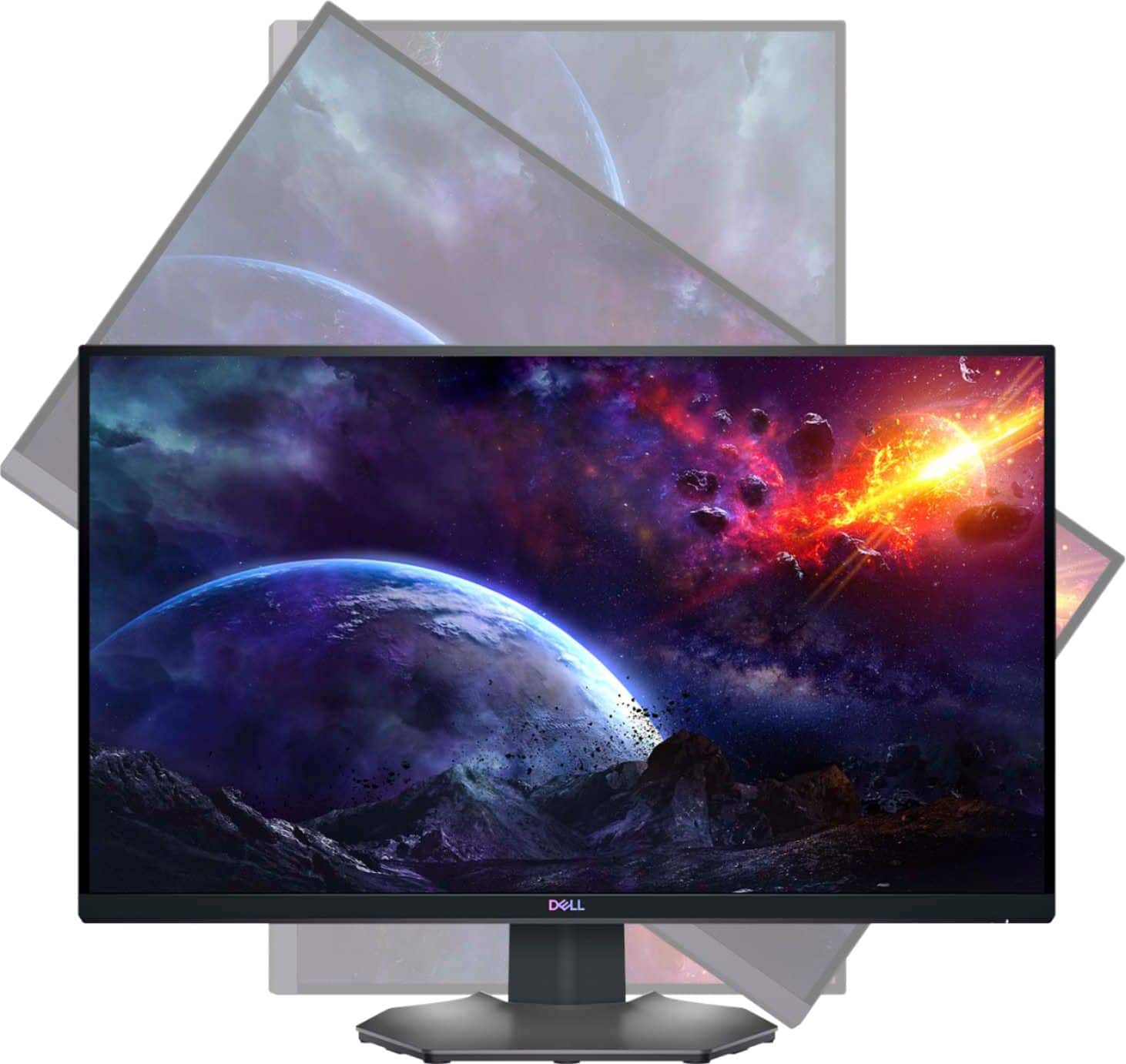
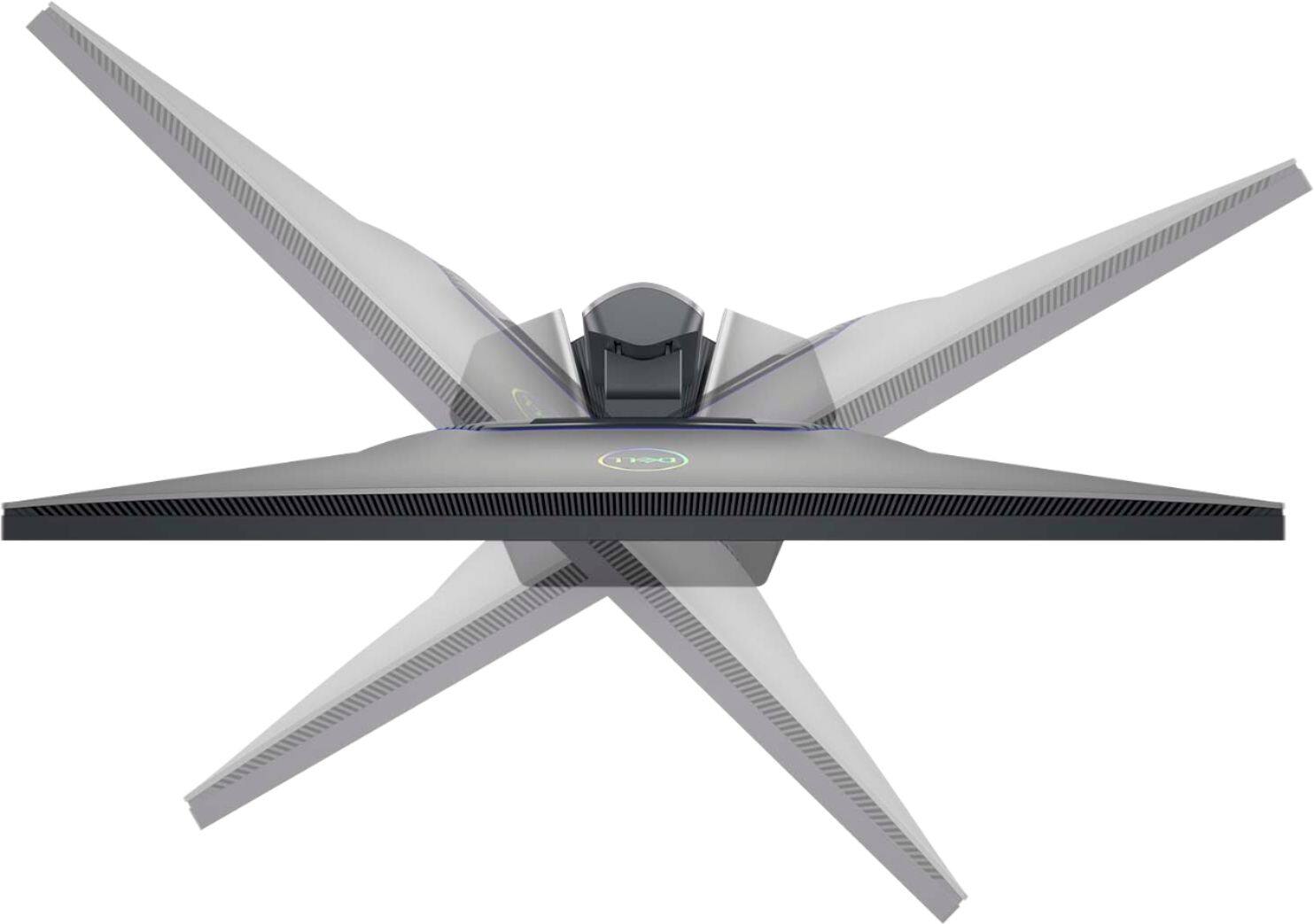
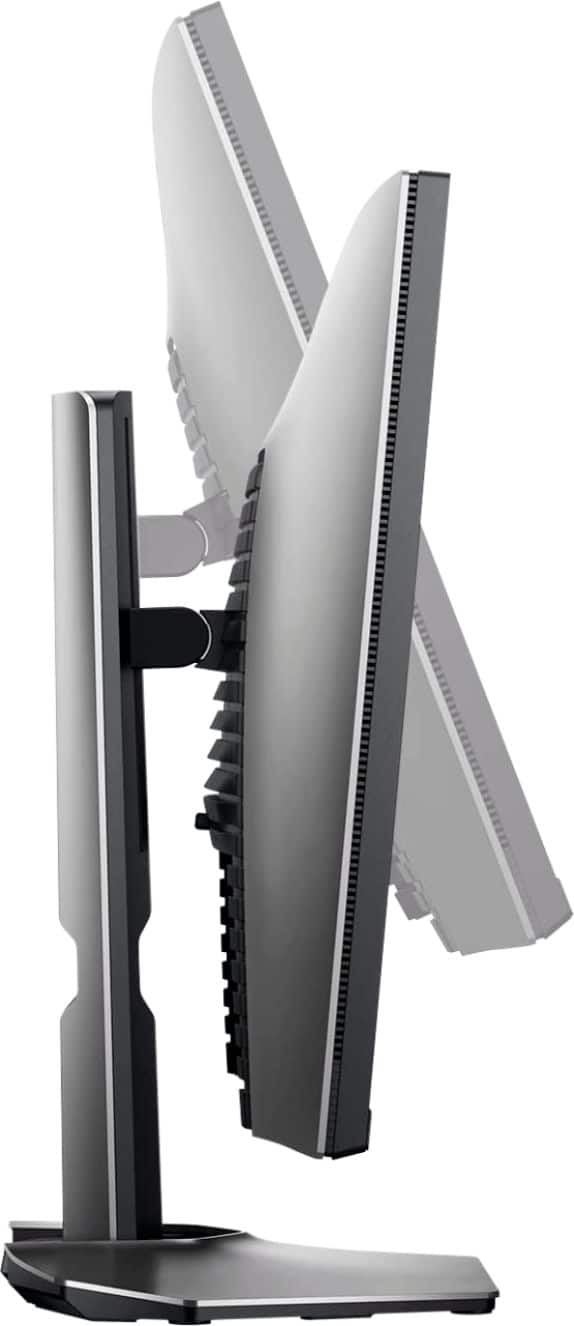
|Posted .This reviewer received promo considerations or sweepstakes entry for writing a review.I absolutely love the quality and size of this monitor. It's not so huge that sitting at a desk up close is uncomfortable and hard to deal with, but it is plenty large enough to give you an excellent view. The color depth and resolution is impeccable and every game I have tried on this monitor as well as streaming video content looks absolutely gorgeous. It has 2 built in USB ports so if you set up things properly it's easy to create a setup with a hub with your Keyboard/Mouse plugged into the monitor, the monitor into the hub, then simply switch the hub between computers. I have a work laptop and a gaming machine so this is the exact convenience I wanted and this monitor is perfect for this setup. With full 360 degree rotation you can orient the monitor vertically if you'd like which makes great for reading long documents or reading a chat while watching a stream or even playing on a different monitor. I plan to purchase a second one of these to complete my setup.
I would recommend this to a friendNo power cord inside box
||Posted .This reviewer received promo considerations or sweepstakes entry for writing a review.I just got the monitor today literally today and I didn’t receive the power cord in the box, I bought this device brand new and didn’t have the main cord in the box at all.
No, I would not recommend this to a friendBrand response from YourDellTeam
Posted .Hi Jordan,
Thank you very much for your valuable feedback. We apologize for the trouble you have encountered with your Dell 27” monitor because the cord was not included in the package. We understand how frustrating this could be. We will share your comment about this issue with our quality team, so future improvements can be made.
Please contact the Dell support team at the information provided below at your earliest convenience so we can resolve this issue.
Best,
Katarina@Dell
Should you need further assistance, you can contact Dell directly with the information below.
Chat or call: https://bit.ly/DellSupportTeam
Phone number to Dell 1-800-624-9896
Very faulty Monitor
||Posted . Owned for 1 month when reviewed.This reviewer received promo considerations or sweepstakes entry for writing a review.DisplayPort connection on the monitor went bad after a month. Best Buy would not offer a replacement even though it was still in perfect condition
No, I would not recommend this to a friendBrand response from YourDellTeam
Posted .Hello RobertF,
We appreciate you taking the time to leave us your review. We are sorry to hear about the troubles you have encountered with your Dell 27” Gaming Monitor because its DisplayPort connection is not functional.
I have included links to troubleshooting articles, that should help to resolve this issue:
Troubleshooting No Sound with DisplayPort Cable: https://dell.to/3AdSqe3
How to Troubleshoot Display and Video Issues on Dell Monitors: https://dell.to/39X5IAY
If the problem with your monitor is still not resolved, please contact the Dell Support Team at 1-800-624-9896 for further guidance.
Best,
Katarina@Dell
Should you need further assistance, you can contact Dell directly with the information below.
Chat or call: https://bit.ly/DellSupportTeam
Phone number to Dell 1-800-624-9896
Keeps freezing
||Posted . Owned for 1 week when reviewed.This reviewer received promo considerations or sweepstakes entry for writing a review.These monotors are going back. They keep freezing and i have to reset them all the time. Whats the point of having monitors a when they are not reliable.
No, I would not recommend this to a friendBrand response from YourDellTeam
Posted .Hello Denji01,
We want to thank you for taking the time to leave us your review. We sincerely apologize for the freezing issues you have had with your gaming monitors. This is certainly not what we like to hear from our valued customers. We do recommend updating these drivers and Bios in this order to help with the problem. I have provided the Drivers and Downloads page for your PC below so you can do any applicable updates.
Drivers and Downloads Page: https://dell.to/3EBINV1
After utilizing the troubleshooting options provided above, if the issue persists, please reach out to our support team here: https://bit.ly/DellSupportTeam.
If you require further assistance, you can contact Dell directly with the information below.
Chat or call: https://bit.ly/DellSupportTeam
Phone number to Dell 1-800-624-9896
Best,
Wendy@Dell
Awful, dead pixels no help
||Posted .This reviewer received promo considerations or sweepstakes entry for writing a review.2 dead puxels qithin 5 months of use. Do not buy its a piece of junk. Best buy nor dell would help in any way either so i am stuck with it now.
No, I would not recommend this to a friendBrand response from YourDellTeam
Posted .Dear Valued Customer,
We would like to thank you for taking the time to provide us with your feedback. We apologize for the troubles you have come across with your Dell gaming monitor.
To help with the pixel issue, I have provided a link to the User’s Manual for your monitor. Please refer to the troubleshooting section, the page 59 part about “Missing Pixels”:
User’s Guide: https://dell.to/3sDtxnQ
If you still experience this issue after you have finished troubleshooting your system, please reach out to our support team here: 1-800-624-9896.
Best,
Katarina@Dell
Should you need further assistance, you can contact Dell directly with the information below.
Chat or call: https://bit.ly/DellSupportTeam
Phone number to Dell 1-800-624-9896
INCREDIBLE GAMING MONITOR
|Posted .This reviewer received promo considerations or sweepstakes entry for writing a review.No Compromises. Those are the best two words I could choose to describe this monitor. Everything about this monitor is flawless: - 1ms response time - Excellent build quality. I was tempted to use the stand instead of my VESA desk mount becuase it is so nice. - 1440p resolution - Beautiful construction - 165hz refresh - HDR - Amazing color accuracy Whether you are a gamer into the AAA FPS titles like COD or a content creator making sure you have crisp, accurate colors this is for you. My only issue with the monitor is that my system couldn't push it to the limits (i7 6700K & GTX 1080). If you can swing the $, you will absolutely not be dissapointed. Everything about the panel is exactly as advertized. BUY IT YESTERDAY.
I would recommend this to a friendscreen
||Posted . Owned for 2 weeks when reviewed.This reviewer received promo considerations or sweepstakes entry for writing a review.all the new and improved specs but picture quality looks the same as my screen from 2105
No, I would not recommend this to a friendBrand response from YourDellTeam
Posted .Hello Thom,
We want to thank you for taking the time to leave us your valued feedback. We are sorry to hear you are not completely satisfied with the picture quality of your Dell Monitor. I have provided a list of possible resolutions for this issue. I have also given you a link to the full article should you need more information.
Resolutions
*Verify display or video issue on a known-good monitor
*Check for physical damage
*Run hardware diagnostics on the Dell monitor
*Reset the monitor to factory settings
*Verify display or video issue in Windows Safe Mode
*Update the video card (GPU) driver, monitor driver, chipset driver, and BIOS
*Download and install Microsoft Windows updates
*Change the video or display settings and adjust the brightness
*Touchscreen troubleshooting (touch-capable monitors only)
*Run a Video Stress Test using Dell SupportAssist
*Perform a Windows System Restore
*Restore your computer to factory defaults
How to troubleshoot display and video issues on Dell monitor: https://dell.to/2NqoNAb
Please follow the resolutions above, and if the problem persists, please feel free to contact our support team here: https://bit.ly/DellSupportTeam.
If you should require further assistance, you can contact Dell directly with the information below.
Chat or call: https://bit.ly/DellSupportTeam
Phone number to Dell 1-800-624-9896
Best,
Ashley@Dell
Meh
||Posted . Owned for 1 week when reviewed.This reviewer received promo considerations or sweepstakes entry for writing a review.Just not what I was expecting to be honest. That’s with a high end pc.
No, I would not recommend this to a friendBrand response from YourDellTeam
Posted .Hi DominicanGunz,
Thank you very much for your feedback. We are sorry to hear that your new Dell Gaming Monitor is not as you expected. We will share your comments with our quality team, so improvements can be made now and in the future.
If you come across any questions or have concerns about this product, please don’t hesitate to contact Dell Support Team at the information provided below.
Best,
Katarina@Dell
Should you need further assistance, you can contact Dell directly with the information below.
Chat or call: https://bit.ly/DellSupportTeam
Phone number to Dell 1-800-624-9896
Beautiful monitor, great gaming response
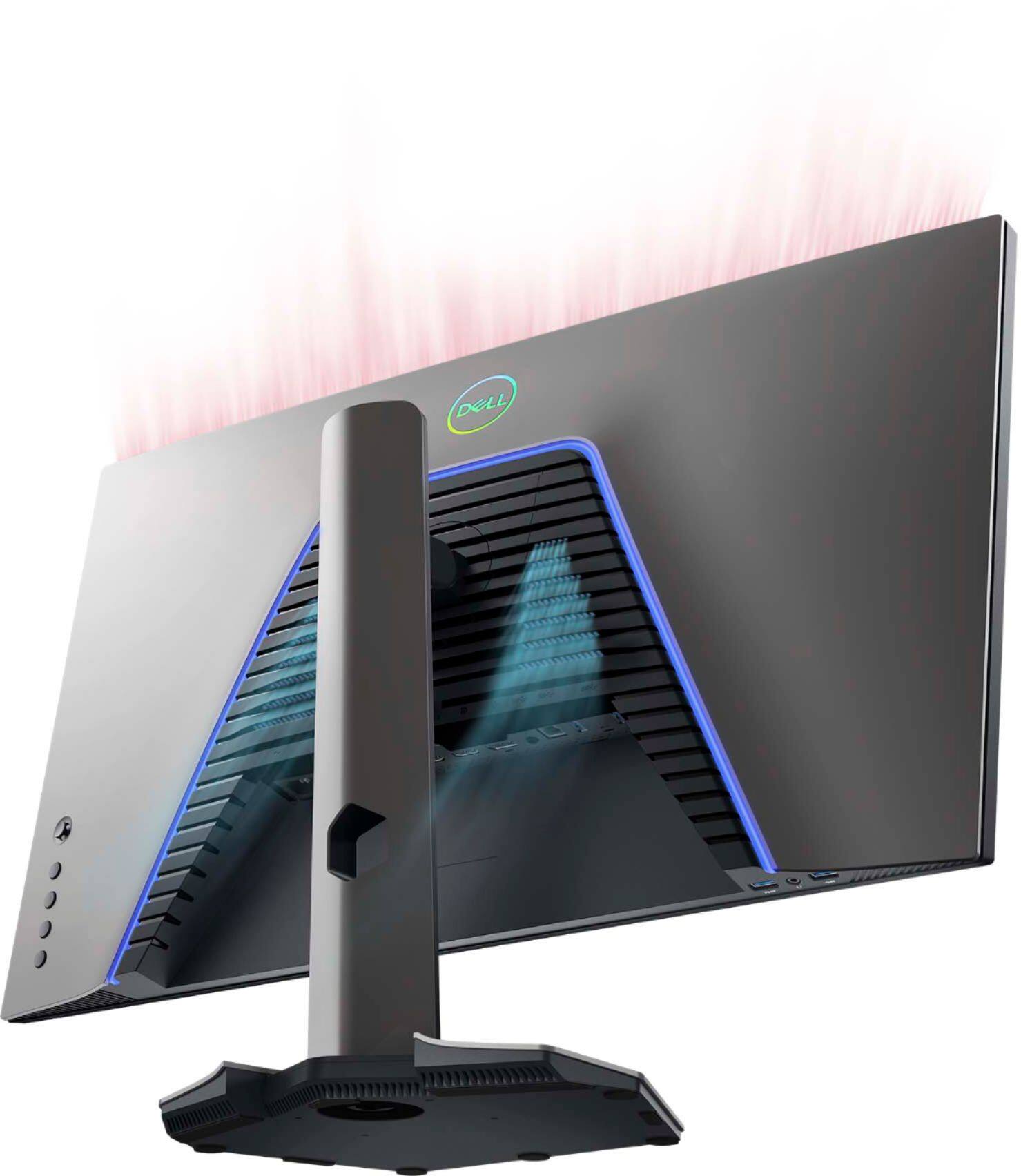
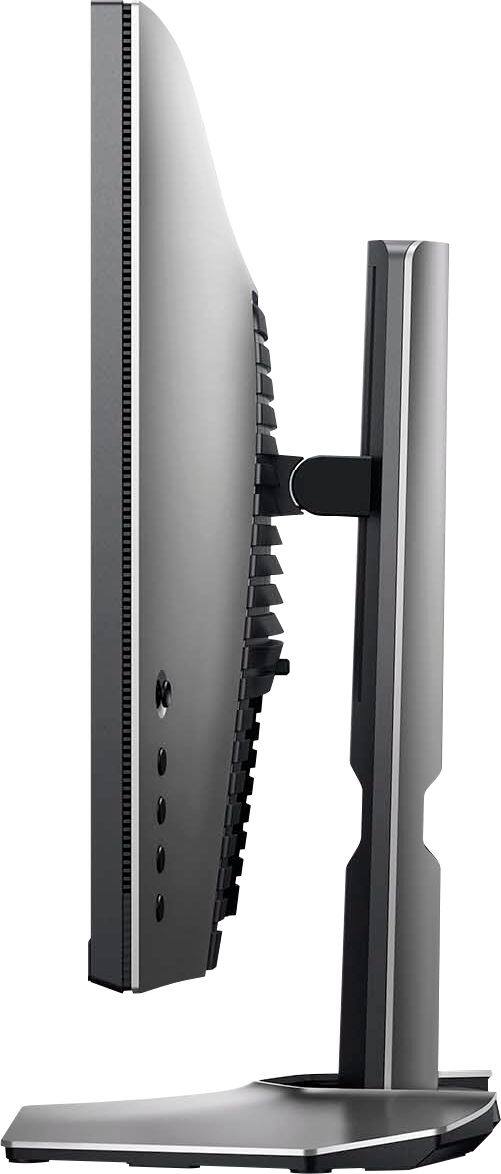
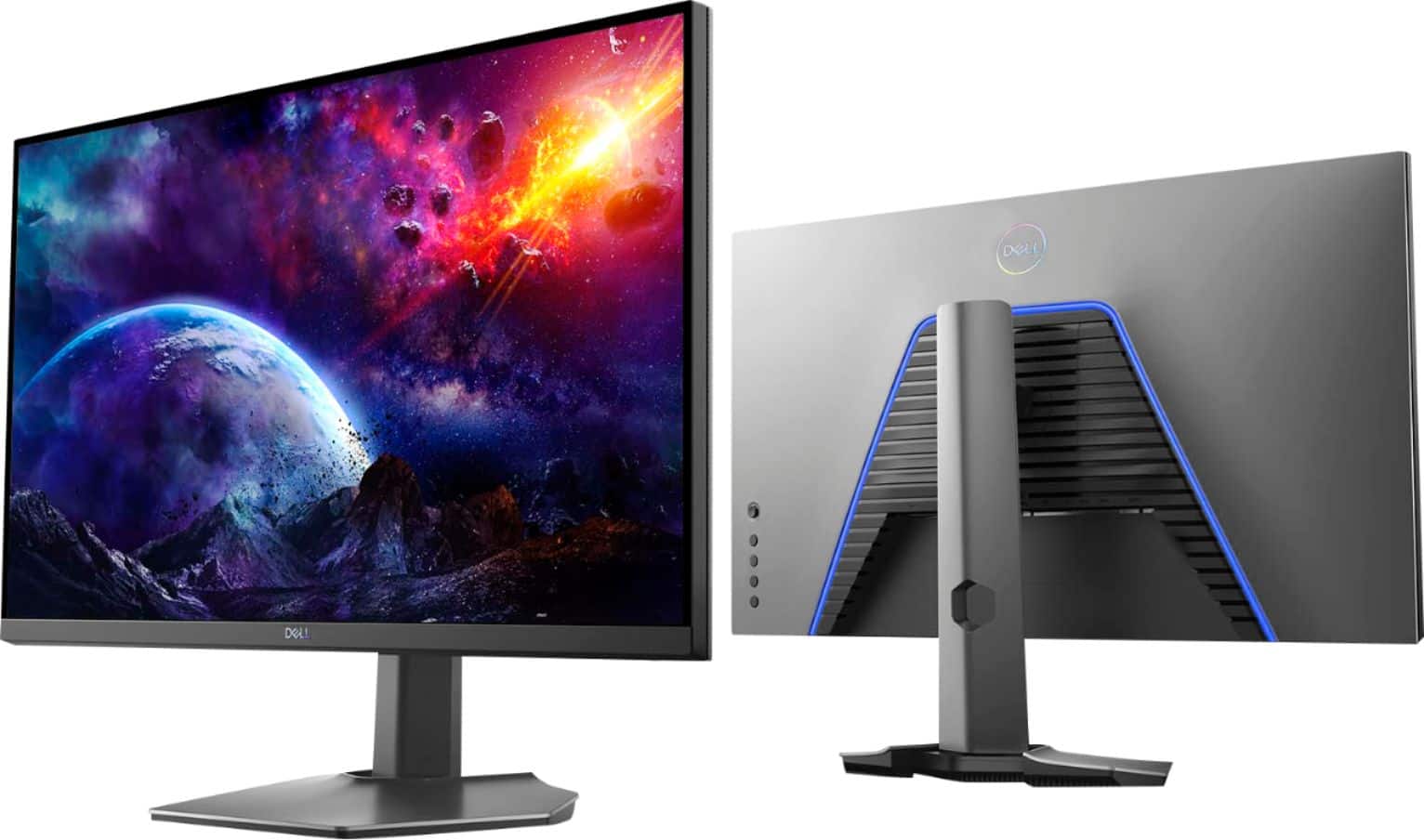
|Posted .This reviewer received promo considerations or sweepstakes entry for writing a review.The best part of this monitor is the construction. It is super easy to put together. Three pieces, 2 snap together (the monitor and the post) and the third screws in at the bottom, with a screw similar to that found on a mounting plate for a camera tripod. The second best part are the buttons. They are big (for monitor buttons), noticeable, and clicky. Very easy to operate. (I know these items are built for their performance and with a certain usage in mind, but I place a high value on the intangibles). On the back is a blue light, for all you guys out there who love light customization. Unfortunately, I don't see a way to turn it off, for those hoping to do so. The maneuvering of the monitor is really nice. It has full rotation and the ability to be raised and lowered. It is super smooth in its movement. Now about the performance. The screen is absolutely beautiful, bright, billiant, really sharp. I mean reallllly sharp. 27" is a very modest size. I suppose you can go higher up to 32" and more, or even one of those super wide screens, but the 27" size is nice in my opinion. I don't seem to see anything that the MONITOR indicates it recognizes a freesync/144hz signal (I'm using the HDMI output from my HP Omen gaming laptop with FreeSync). Nor does my laptop identify it as supporting it (default HP Omen software). So, like usual, you will need to utilize the command center for NVidia (or AMD) to enable 144 Hz. I don't have the super duper tools that these high tech individuals have to measure the color gamut and all the ghosting and all that jazz. I can only tell you what I see with my own eyes. And what I see with my own eyes is a beautiful monitor that experiences no lag, no ghosting and excellent gaming performance, period end. Now, the question is whether I think that this is a better purchase than other freesync monitors at this price point. Well...look, if you are part of the PCMasterRace and need the top of the line hardware, then yes, this fits the bill. If you are looking, though, for more casual gaming hardware, you might be better off going with something a bit more modestly priced.
I would recommend this to a friendReturned.
||Posted . Owned for 1 month when reviewed.This reviewer received promo considerations or sweepstakes entry for writing a review.Christmas gift. Power suppply failed in a week and had to be returned.
No, I would not recommend this to a friendBrand response from YourDellTeam
Posted .Hi Monitor,
We want to thank you for taking the time to leave us your review. We apologize for the problems you had with the power supply of your S Series Monitor and ultimately had to return it. This is certainly not what we like to hear from our valued customers. Should you have any other questions or concerns, please feel free to reach out to our support team here: https://bit.ly/DellSupportTeam.
Respectfully,
Ashley@Dell
Should you need further assistance, you can contact Dell directly with the information below.
Chat or call: https://bit.ly/DellSupportTeam
Phone number to Dell 1-800-624-9896
doesn't even power on
||Posted .This reviewer received promo considerations or sweepstakes entry for writing a review.i don't know why such defective items are delivered. It doesn't even power on.
No, I would not recommend this to a friendBrand response from YourDellTeam
Posted .Hello Anmoh,
Thank you for taking a moment to share your feedback and review. We are sorry to hear that your monitor isn't turning on and would love to help in getting this resolved as soon as possible. Your monitor provides a self-test feature that allows you to check whether the monitor is functioning properly. If the monitor and computer are properly connected but the monitor screen remains dark, run the monitor self-test by performing the following steps:
Turn off both your computer and the monitor.
Unplug the video cable from the back of the computer. To ensure proper Self-Test operation, remove all digital cables (DVI, HDMI or DisplayPort) from the back of the computer.
Turn on the monitor.
Turn off your monitor and reconnect the video cable: then turn on both your computer and the monitor.
If your monitor screen remains blank after you use the previous procedure, check your video card (GPU) and computer, because your monitor is functioning properly.
This link can be used to help run further steps and provide more in-depth information: https://dell.to/3AhVxir.
We recommend following the steps above to resolve your issue. If your monitor still has issues, please contact our support team here: https://bit.ly/DellSupportTeam.
Respectfully,
Wendy C.
https://bit.ly/DellSupportTeam.
Phone number to Dell: 1-800-264-9896.
This is one sweet monitor!
|Posted .This reviewer received promo considerations or sweepstakes entry for writing a review.Received this 27" Dell S2721DGF a couple days ago. Very impressed so far! The 27" display that runs a pixel resolution of 2560 x 1440 is really nice to be able to get more onto the screen vs my previous 1920 x 1080 monitor.. Very easy to setup out of the box and connect to my Acer Nitro gaming laptop. Was surprised to see it came with two HDMI cables and USB as well. Has a ton of ports on the back and underside as well. The multiple adjustments for rotation in 2 directions and to raise and lower on the stand by about 5 inches difference min/max was nice since I was able to lower it a bit and fit under the hutch above my desk. To my eyes, the brightness and contrast are great out of the box (but still playing with settings of course). Limited gaming so far has been perfectly smooth and responsive. I really think this display will serve me well for many many years (well, maybe until I have a 4K screen maybe). :)
I would recommend this to a friendAwesome monitor
|Posted .This reviewer received promo considerations or sweepstakes entry for writing a review.This monitor is probably the best I've ever owned. I use it for both work and for playing games. With work I am able to clearly see details on floor plans and digital drawings. The size makes everything so much easier. I am able to swap from my work laptop to my gaming desk top with ease. With gaming, everything is crisp and clean. I tested multiple games and played a few movies on it. The screen adjusts to whatever it needs to quickly. I never have any issue with fuzziness or color. Since I work next to a large patio door, glare was a concern. This monitor has an anti-glare finish which works wonderfully. The only things that this monitor does not come with is an integrated camera or speakers. The monitor I owned previously did have integrated speakers which weren't that great, but I do wish this one had them, although most of the time I have a headset on so it's not a deal breaker. This monitor slides up and down easily. I can adjust everything with one hand. It has several different connections, including (but not limited to) 2 HDMI ports and a headphone jack. There are buttons on the back of the monitor so you can adjust the settings if needed. I haven't had to use these other than to see what options were there. Overall I think anyone, gamer or not, would love this monitor. I think you get a real good value for your money.
I would recommend this to a friendA Self-Employed Person's DREAM
Posted .This reviewer received promo considerations or sweepstakes entry for writing a review.I've had one of these monitors for 3 years now, just recently bought another! I have no idea why I waited so long for a 2 monitor setup, but I'm never going back now haha. Highly recommend these for anyone that edits or games!
I would recommend this to a friend