Customer Ratings & Reviews
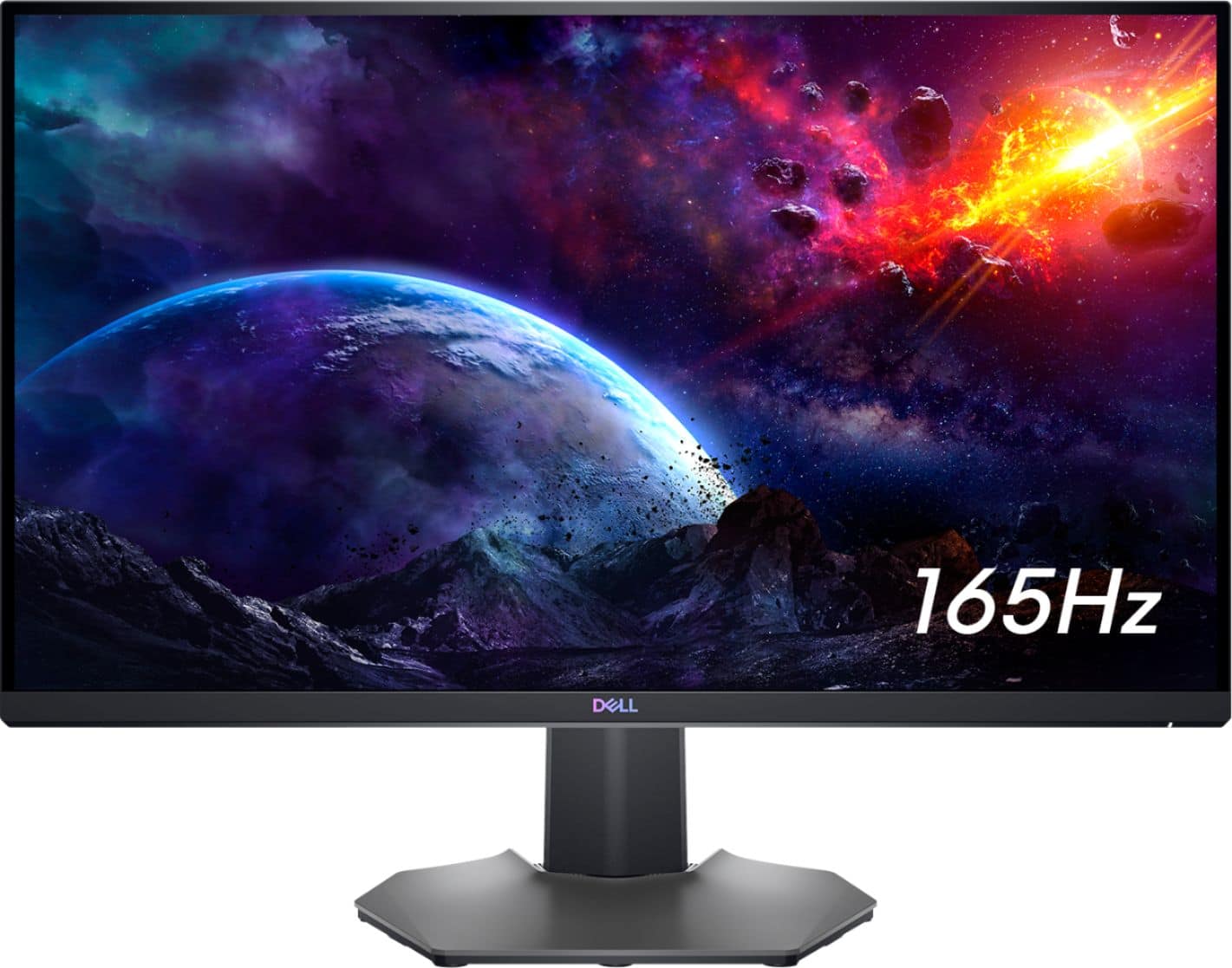
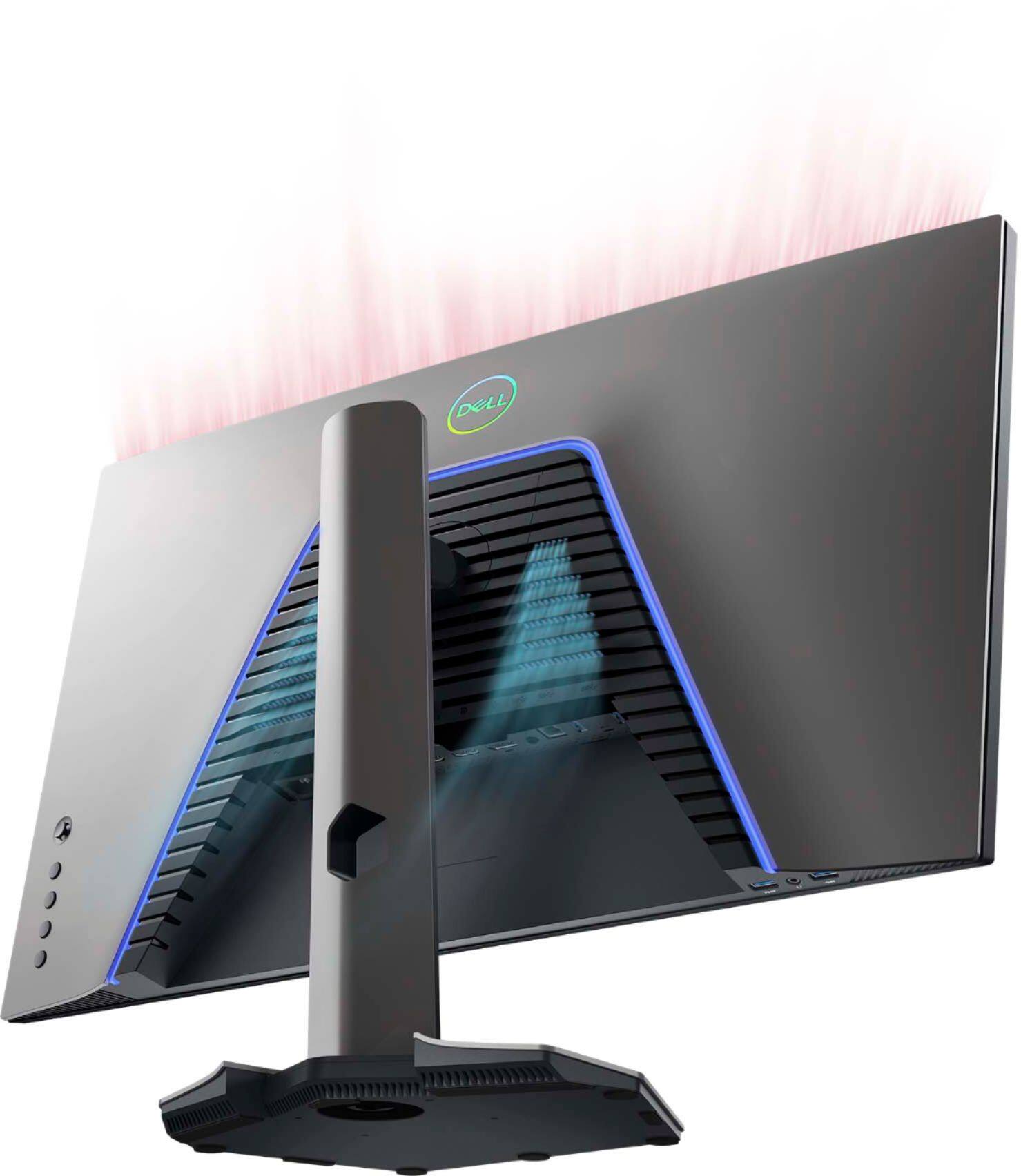
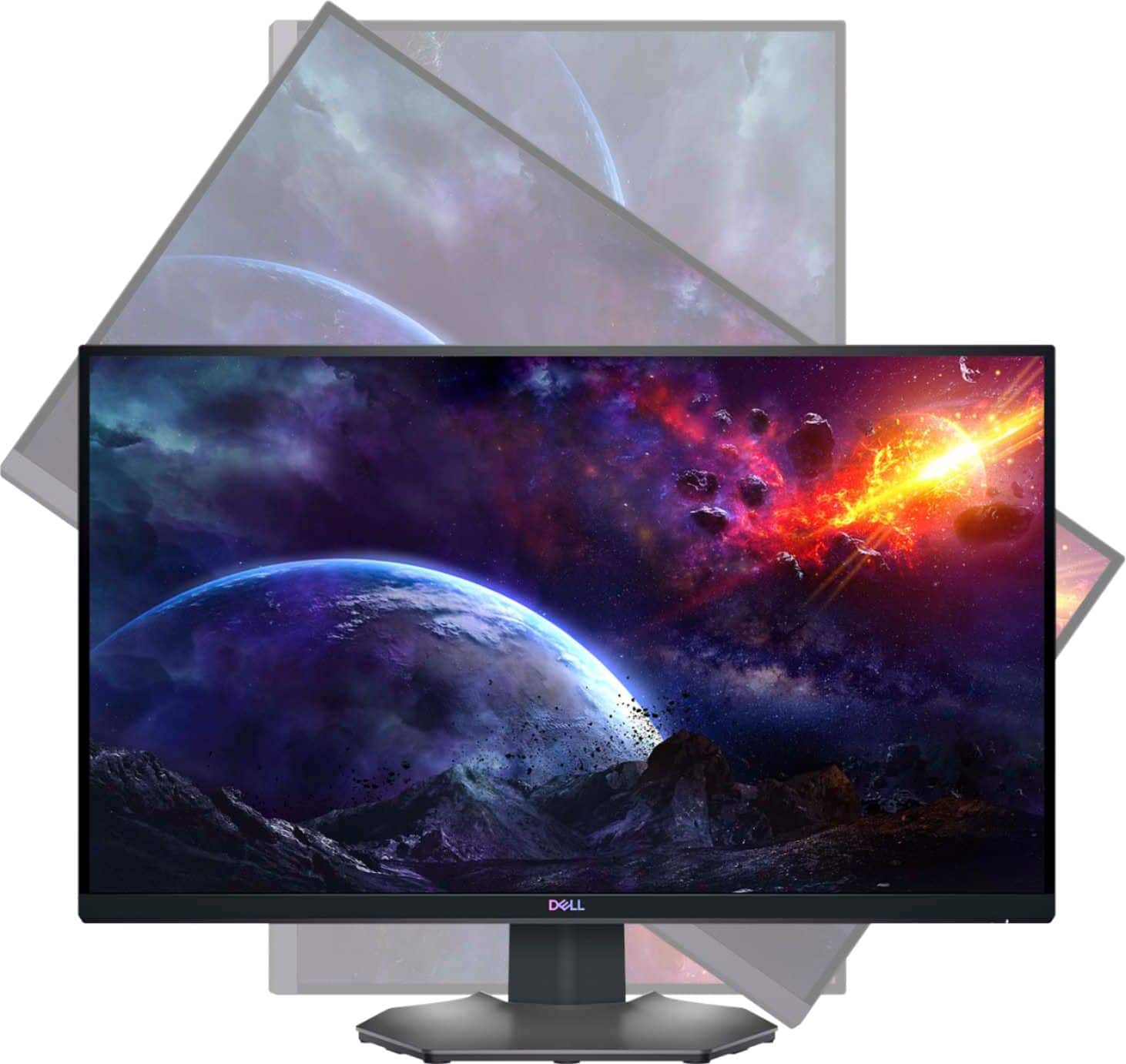
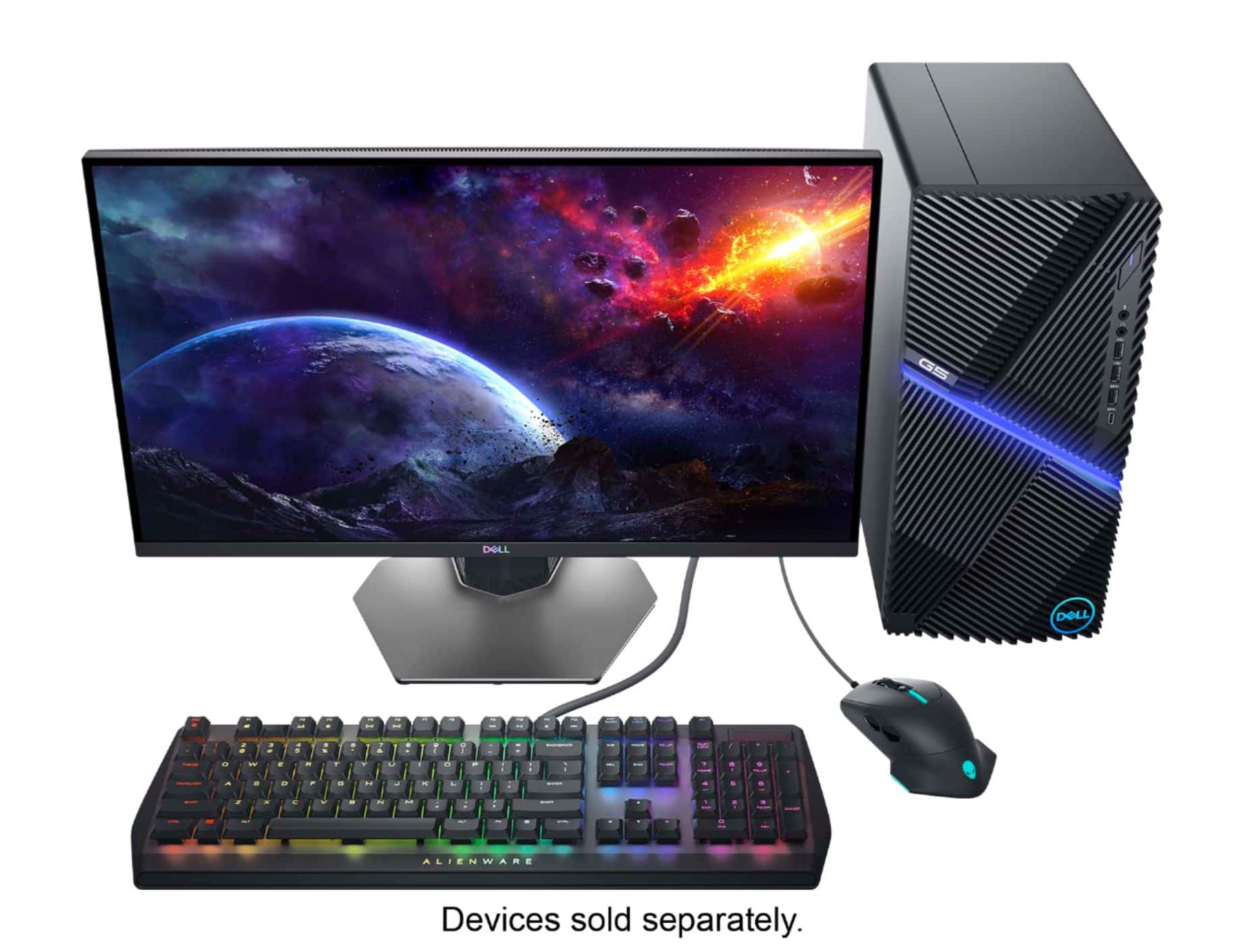

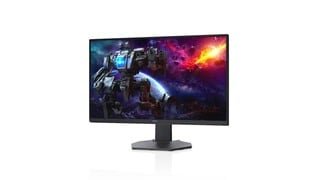
- Model:
- DCY89
- SKU:
- 6421624
Rating by feature
- Display Quality
Rating 4.7 out of 5 stars
- Ease of Use
Rating 4.7 out of 5 stars
- Features
Rating 4.7 out of 5 stars
Customers are saying
Customers are impressed with the picture quality, refresh rate, and color of the S2721DGF monitor, frequently praising its performance and vibrant visuals at a reasonable price point. Many also appreciate the HDR capabilities and adjustable stand. While some users noted issues with IPS glow and the lack of built-in speakers, the overall feedback highlights the monitor's strengths in image quality and value.
This summary was generated by AI based on customer reviews.
Great Value and Picture Quality
Posted .This reviewer received promo considerations or sweepstakes entry for writing a review.So far great product. The aesthetic quality isn't as good as an Alienware. But the quality where it matters is on par with higher end dell product lines. Definitely a great value. I use it to play Warzone mostly. Nice smooth display.
I would recommend this to a friendVery nice!!!
Posted .This reviewer received promo considerations or sweepstakes entry for writing a review.Very nice monitor, very bright and crisp, runs games very well, hdr looks super nice. price was right, i have always liked dell monitors, you cant go wrong!!!
I would recommend this to a friendDo NOT buy for PS5 or Xbox Series X
Posted .This reviewer received promo considerations or sweepstakes entry for writing a review.This is an amazing monitor for PC gaming, but if you're planning to use it with next-gen gaming consoles like PS5 or Xbox Series X do not buy this monitor. This monitor does NOT have the downscaling feature (from native 4K signal to 1440p or 1080p) for PS5. So the image will be blurry with the 1080p with PS5 until Sony offers 1440p native resolution to PS5 (they're not planning to do). So be aware of this! Instead, go for LG GP83 or GP850 series if you're looking monitor for GAMING CONSOLES.
No, I would not recommend this to a friendBrand response from YourDellTeam
Posted .Hello FatihOzguner,
Thank you very much for your valuable feedback. We are sorry to hear that you have come across some troubles with your Dell 27” Gaming Monitor because it is not performing well with PS5 or Xbox Series X.
Below, I have provided a link to an article that specifies the monitor model and supported gaming consoles.
Dell Gaming and Alienware Monitors Support for Gaming Consoles: https://dell.to/3MhEjXz
Please refer to the support and specifications for your monitor – S2721DGF.
If you come across any other questions or have concerns about this product, please don’t hesitate to contact Dell Support Team at the information provided below for further guidance.
Best,
Katarina@Dell
Should you need further assistance, you can contact Dell directly with the information below.
Chat or call: https://bit.ly/DellSupportTeam
Phone number to Dell 1-800-624-9896
iRacing triple screens
Posted .This reviewer received promo considerations or sweepstakes entry for writing a review.Using a GTX 3080 10gb to span three of these for iRacing using NVIDA G-Sync. Brilliant!
I would recommend this to a friendXbox series X
Posted .This reviewer received promo considerations or sweepstakes entry for writing a review.I use it on my Xbox series X don’t pass this monitor up for the price.
I would recommend this to a friendGreat!
Posted .This reviewer received promo considerations or sweepstakes entry for writing a review.Best gaming monitor I've ever used. Great specs and price!
I would recommend this to a friendGreat monitor
Posted .This reviewer received promo considerations or sweepstakes entry for writing a review.Good size, picture quality. Set up wasn't a problem. Haven't noticed burn in or dead pixels.
I would recommend this to a frienddell no good
Posted .This reviewer received promo considerations or sweepstakes entry for writing a review.many different issues with the screen poor quality never dell again.
No, I would not recommend this to a friendA Lemon?
Posted .This reviewer received promo considerations or sweepstakes entry for writing a review.Product had horrible backlight bleed and discoloration throughout panel. Probably just a lemon. Best Buy returned and exchanged no problem. 1 star for product 5 stars for Best Buy.
No, I would not recommend this to a friendBrand response from YourDellTeam
Posted .Dear PhilipL,
We want to thank you for taking the time to leave a review of your Dell 27” Gaming laptop. We are sorry to hear that your device had a backlight bleed and discoloration and that you made the decision to return the device. That is not the type of feedback Dell likes to hear from our customers. We have noted the details of your statement and will use them to improve current and future products.
Should you need further assistance; we recommend that you contact Dell directly with the information below.
Chat or call: https://bit.ly/DellSupportTeam
Phone number to Dell: 1-800-624-9896.
Sincerely,
Summer@Dell
Meh
Posted .This reviewer received promo considerations or sweepstakes entry for writing a review.Great if you dont want to use displayport. HDMI functions fine but it doesnt receive any video when using displayport and its apparently not an uncommon issue from looking online. If you dont need DP its a phenomenal monitor across the board, but having a faulty port right out of the box regardless of if you're going to use it is a bummer
No, I would not recommend this to a friendBrand response from YourDellTeam
Posted .Hi Jedwards,
We want to thank you for taking the time to leave us your review and valued feedback. We are sorry to hear about the issues you are experiencing with your Dell 27” gaming monitor because its display port is not working. This is certainly not the experience that we like to hear from our customers. We appreciate your feedback and will use it to help improve our current and future products.
Below I have included a link to documentation for your monitor, where troubleshooting articles and manuals can be found:
Documentation (S2721DGF): https://dell.to/3cPaRvH
To help with the non-working display port, please contact the Dell Support Team at your earliest convenience at the information provided below.
Best,
Katarina@Dell
Should you need further assistance, you can contact Dell directly with the information below.
Chat or call: https://bit.ly/DellSupportTeam
Phone number to Dell: 1-800-624-9896
Defective or just a horrible product?
Posted .This reviewer received promo considerations or sweepstakes entry for writing a review.Defective. Every time I turn it on I get flickering lines and it looses connection mid game. The flickers come and go but the black screen/signal loss becomes less frequent the longer the monitor is on.
No, I would not recommend this to a friendBrand response from YourDellTeam
Posted .Hello Garrett,
We want to thank you for taking the time to leave us your valued feedback. We apologize for the screen flickering issue you are experiencing with your Dell S Series Monitor. We recommend making sure you have the drivers for your monitor downloaded and up to date on the system, you are using. I have provided a link to the Drivers and Downloads Page for your monitor so you can check for and do any applicable installations and/or updates. We also suggest making sure the video drivers on your PC are up to date as well.
Drivers and Downloads Page: https://dell.to/3GsK9lS
After utilizing the troubleshooting options provided, if the problem is not resolved, please reach out to our support team here at your earliest convenience: https://bit.ly/DellSupportTeam.
Respectfully,
Ashley@Dell
Should you need further assistance, you can contact Dell directly with the information below.
Chat or call: https://bit.ly/DellSupportTeam
Phone number to Dell 1-800-624-9896
DESIGN FLAW BUYER BEWARE
Posted .This reviewer received promo considerations or sweepstakes entry for writing a review.Definitely a design flaw. Lots of posts regarding this monitor powering on but no display. It's either a design flaw or a firmware issue. Bought mine in May and had to return it in September. I would get the BB extended warranty on this because after year one you are on your own. If you experience this problem you have to keep the monitor on, unplug all the cables, then unplug the power. Push all the buttons on the back. Wait 30 secs. Then plug everything back in. Then reboot the computer. That should fix it. Dell needs to fix this problem with firmware or offer more warranty coverage non this particular issue.
No, I would not recommend this to a friendBrand response from YourDellTeam
Posted .Hello,
Thank you for taking a moment to share your review and input. We are extremely sorry to hear about the issues you have with your monitor not functioning properly. We can imagine how upsetting and frustrating this can be and would love to help right away. Your monitor provides a self-test feature that allows you to check whether the monitor is functioning properly. If the monitor and computer are properly connected but the monitor screen remains dark, run the monitor self-test by performing the following steps:
Turn off both your computer and the monitor.
Unplug the video cable from the back of the computer. To ensure proper Self-Test operation, remove all digital cables (DVI, HDMI or DisplayPort) from the back of the computer.
Turn on the monitor.
Turn off your monitor and reconnect the video cable: then turn on both your computer and the monitor.
If your monitor screen remains blank after you use the previous procedure, check your video card (GPU) and computer, because your monitor is functioning properly.
This link can be used to help run further steps and provide more in-depth information: https://dell.to/3AhVxir.
We recommend following the steps above to resolve your issue. If your monitor still has issues, please contact our support team here: https://bit.ly/DellSupportTeam.
Respectfully,
Wendy C.
https://bit.ly/DellSupportTeam.
Phone number to Dell: 1-800-264-9896.
Broken right out of the box
Posted .This reviewer received promo considerations or sweepstakes entry for writing a review.Joystick on the back of the monitor that controls all the OSD menu options for adjusting the monitor completely non functional. How does something like this get past QA. Makes me leary of returning it for another. Will be returning this for one of its competitors. Build quality was kind of meh for a monitor of this price, my 24 inch 5 year old Dell that cost half as much is built more solid. Couldn't review anything else about the monitor since nothing could be adjusted.
No, I would not recommend this to a friendBrand response from YourDellTeam
Posted .Dell,
We're sorry to hear about the issues that you've been having with your new monitor. We'd encourage you to click the Dell Display Manager’s notification tray icon to open the Quick Settings
dialog box. The Quick Settings dialog box enables convenient adjustment of the display’s brightness, contrast, resolution, window layout, and so on. You can select Manual Mode or Auto
Mode, and the screen resolution can be changed. We hope this will help you adjust some of the functions that you are looking for. Here's a link to the Quick Start Guide for this monitor: https://dell.to/332kikd.
Please reach out to Dell's Technical Support Team for any additional help: http://dell.to/2sH7Qlm.
Best,
Bryan
1-800-624-9896