Customer Ratings & Reviews


- Model:
- YPF9V
- SKU:
- 6425904
Rating by feature
- Display Quality
Rating 4.9 out of 5 stars
- Ease of Use
Rating 4.8 out of 5 stars
- Features
Rating 4.5 out of 5 stars
Customers are saying
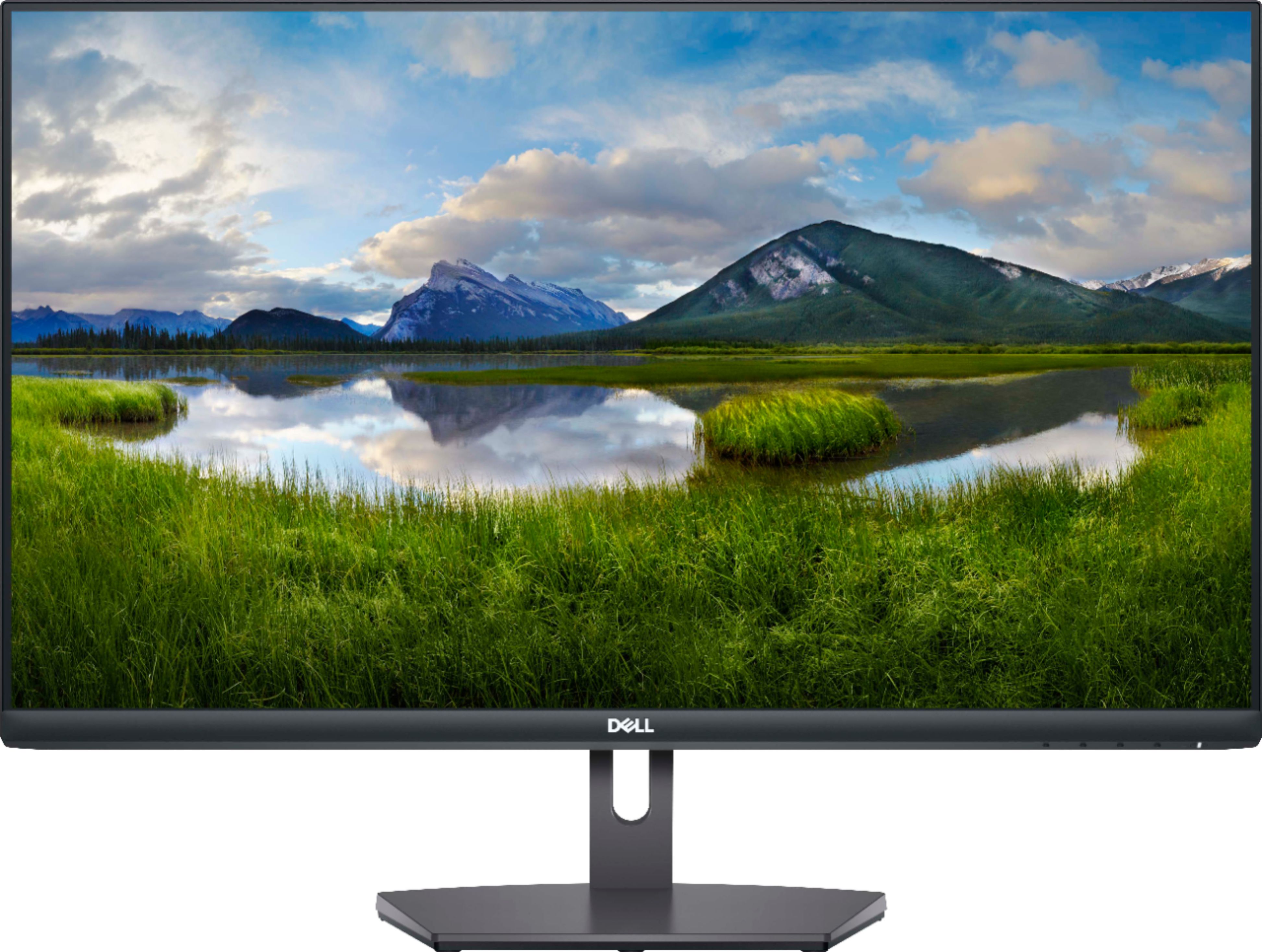
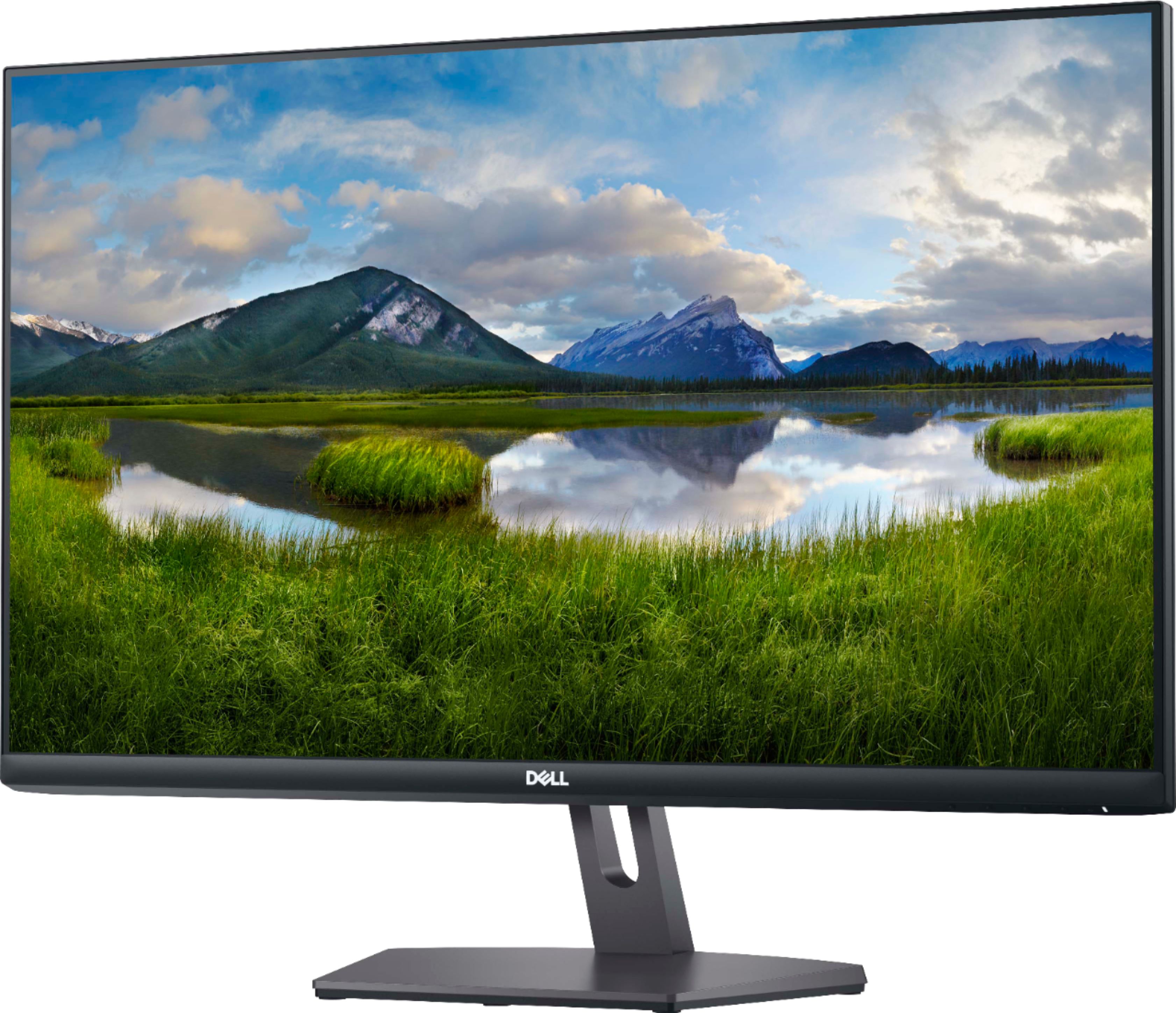
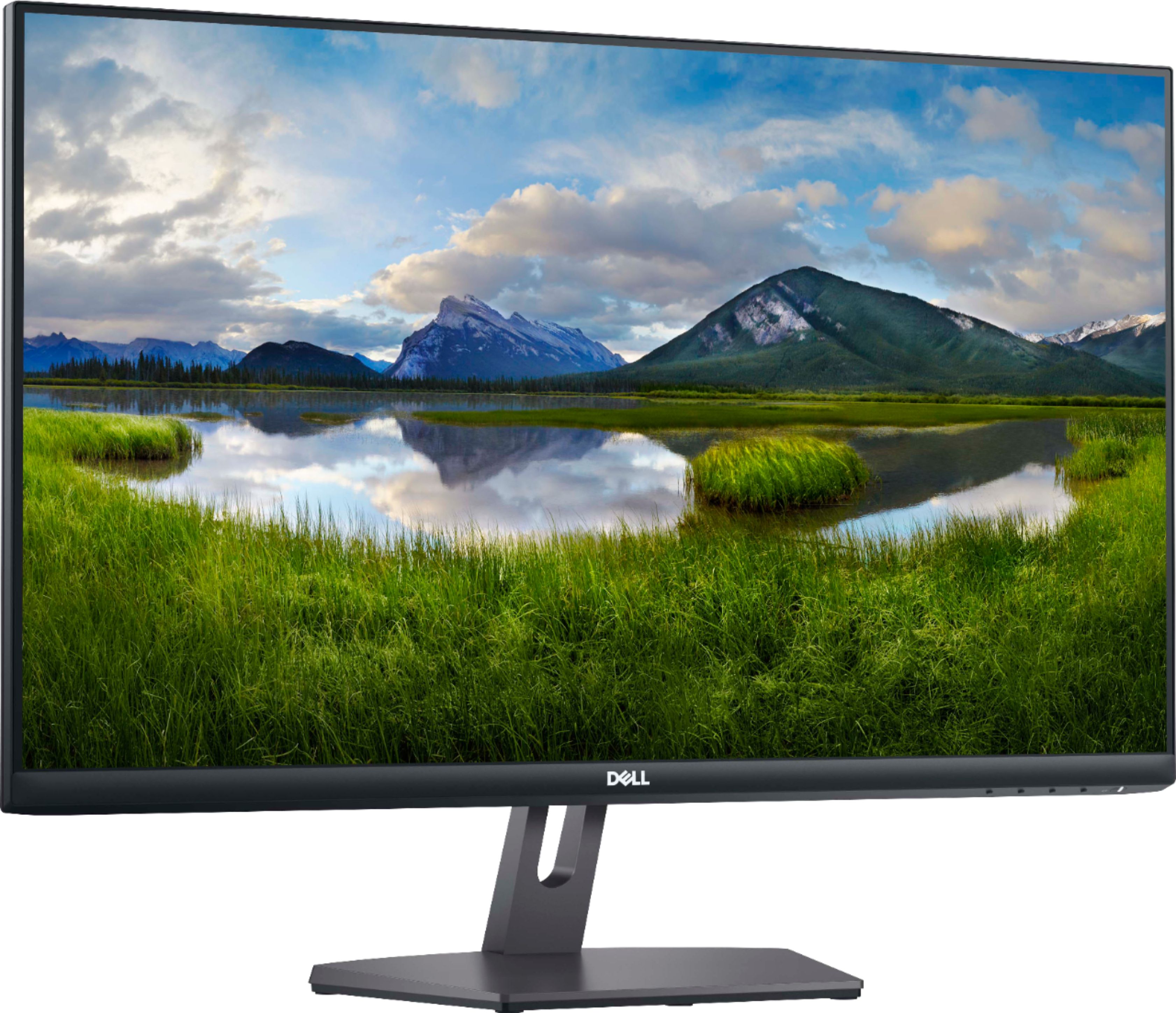
Customers regard the S2721NX monitor favorably due to its large screen size, excellent price, and ease of use. Many appreciate the clear resolution and smooth refresh rate, finding it easy to connect via HDMI. While some wish it included speakers, the overall positive feedback highlights its value for the price.
This summary was generated by AI based on customer reviews.
- Pros mentioned:Screen size

A GOOD entry level semi-gaming monitor
|Posted .This reviewer received promo considerations or sweepstakes entry for writing a review.This dell 27” 1080p monitor is plenty good in my opinion. Nothing out of this world but good if you have a budget gaming pc as I have set up for my wife. Who mainly plays sims 4, sim city a few racing games and my daughter also uses this monitor to play Minecraft. With those titles this monitor works perfectly and is well built and has very good picture quality. Plus add the smooth 75hz refresh rate with low response time and you will definitely have a solid budget gaming set up. The viewing angles are good due to this panel being an IPS screen. Freesync helps with the minor screen tearing and the monitor is adjustable from front to back. No height adjustment but this is at a lower price range. Overall happy with the monitor. As I’ve stated before this is not meant for high end gaming. So this is a basic gaming monitor with a better refresh rate than your standard 60hz panel. It’s a dell. So you know you get value and quality at the same time. I have several dell. And I love them all. But that’s me. I’m sure you will be happy as well. No built in speakers but most don’t have any so not a big deal. Also the box is actually pretty small. So u can fit in the average size trunk.
I would recommend this to a friend Not for everyone.
||Posted . Owned for 1 week when reviewed.This reviewer received promo considerations or sweepstakes entry for writing a review.Probably a great monitor for data use but as a photographer I was disappointed in how pixelled and grainy it was even using a Mac standard desktop image
No, I would not recommend this to a friendBrand response from YourDellTeam
Posted .Rcsj1310,
Thanks for your review and we're sorry that your monitor's image is not what you hoped it would be. Please consider reading the following support article related to display adjustments that may help you: https://dell.to/2CLF6yC.
Best,
Bryan
1-800-624-9896
dell monitor review
||Posted . Owned for 1 month when reviewed.This reviewer received promo considerations or sweepstakes entry for writing a review.serves its purpose. however, i thought it was a bit expensive for just a monitor
No, I would not recommend this to a friendBrand response from YourDellTeam
Posted .Hello,
Thank you for taking the time to share your feedback. We are glad to know that you're enjoying your monitor. We greatly appreciate your feedback and we are sorry to hear that you are unsatisfied with the price of your product. We will use your feedback to help with improvements. If you have any other questions, feel free to visit the support page for your monitor.
Best,
Wendy C.
https://bit.ly/DellSupportTeam.
Phone number to Dell: 1-800-264-9896.
Poor blacks and colors bleed into each other.
||Posted . Owned for less than 1 week when reviewed.This reviewer received promo considerations or sweepstakes entry for writing a review.I had this plugged in alongside of my 7 year old Dell monitor for trading. The new dell had horrible blacks and the lines from one color to another blurred into each other when the older monitor was crisp. I adjusted every setting possible and ended up returning it.
No, I would not recommend this to a friend- Pros mentioned:Screen size
A good option for typical gaming
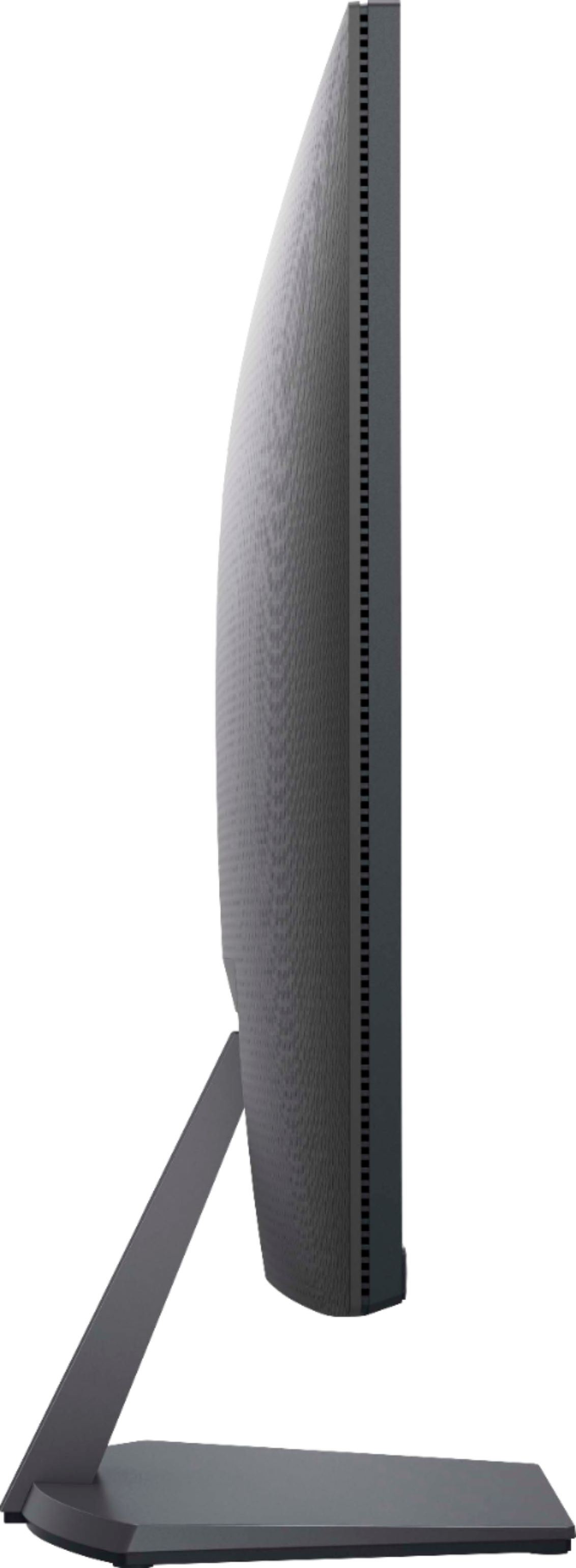
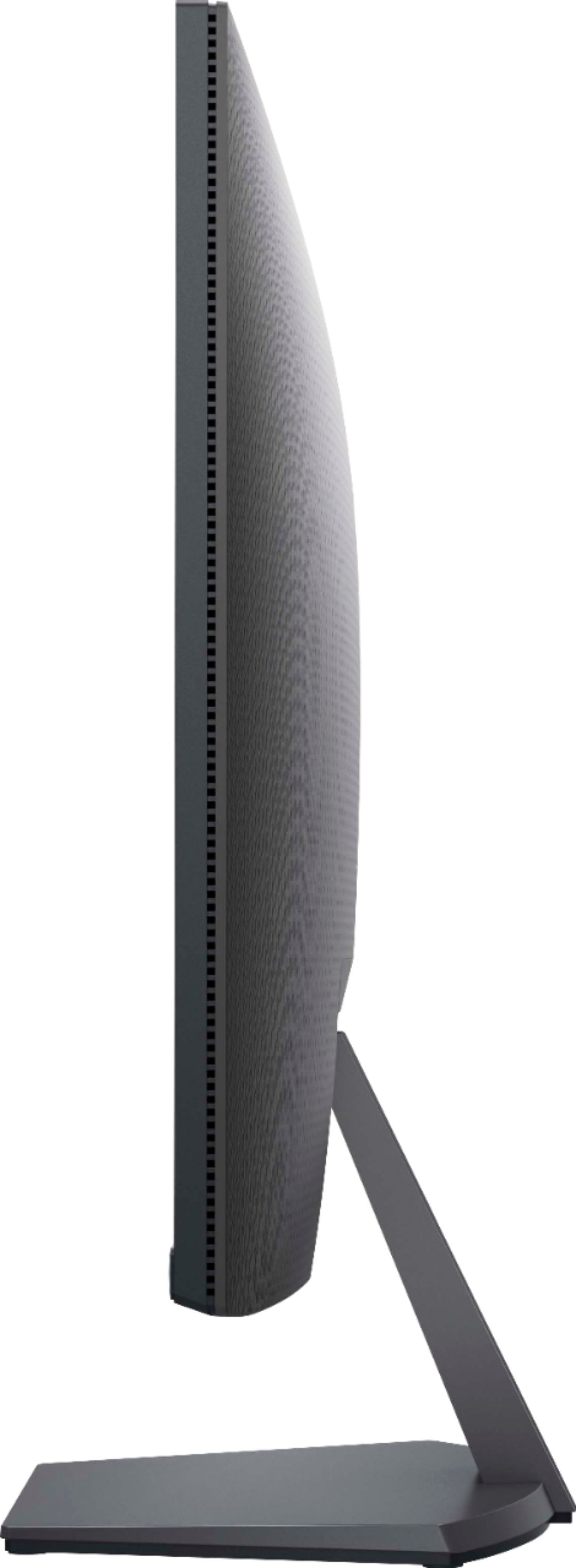
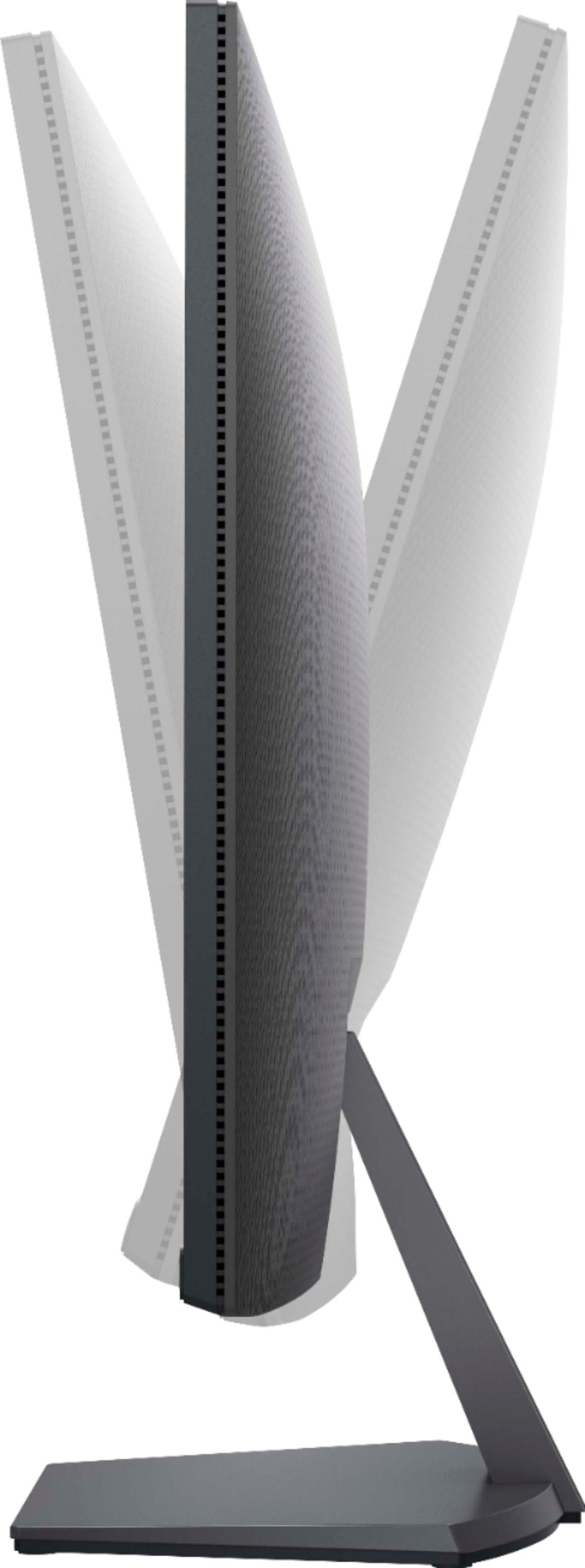
|Posted .This reviewer received promo considerations or sweepstakes entry for writing a review.The Steam hardware survey has shown that the majority of gamers do so at 1080p, and for their purposes, the Dell S2721NX is a solid choice. For those gaming with say, a GTX 1060 or RX 570/580 (or similar), this monitor provides a spacious IPS panel with thin bezels as a perfect complement. It supports a 75Hz refresh rate, so a bit higher than the standard 60, and with AMD Freesync support, there's some support for variable refresh rates. (Alas, I was unable to get my 1060 Max-Q on my Dell G3 laptop to recognize VRR, but not necessarily surprising to have difficulty with Nvidia working with AMD tech. My guess is that it has something to do with the laptop display or having switchable graphics.) The monitor is ridiculously easy to setup--no tools, and no difficulty. You can be up and running in less than 5 minutes. The stand doesn't have height adjustments, but does tilt (5 degrees forward/21 degrees back). The stand is sturdy, and the overall presentation, with the essentially invisible bezels on 3 sides, is very attractive. Combined with the IPS panel, and its attendant strong viewing angles, this monitor would do well for anyone doing work as well as gaming. Other than the lack of height adjustment, I did find the under bezel buttons a bit cumbersome to use. Overall, it's a good monitor for mainstream gamers. Pairing this with an RTX 3080 would be a bit crazy, but for those with the mid-range Pascal and Turing cards, or the RX 500 series or mid-range Navi (especially the AMD cards for Freesync, although some measure of support may be possible with Nvidia cards), this is perfect. I used this with a 1060 Max Q, which is still a solid 1080p performer. The higher 75Hz refresh rate is welcome, and the aesthetics and build quality are excellent, and so anyone looking for a good 1080p 27" monitor for gaming should definitely check this one out. Recommended.
I would recommend this to a friend Buy in sale only
||Posted .This reviewer received promo considerations or sweepstakes entry for writing a review.Great monitor for the sale price it was purchased.
I would recommend this to a friendBrand response from YourDellTeam
Posted .NiteshP,
Thanks for your review and we're glad that your monitor is working well for you. If you have any technical questions you can check our Product Support Page here: http://dell.to/3apuRjE.
Best,
Bryan
1-800-624-9896
- Cons mentioned:Speakers
mad
||Posted . Owned for 1 month when reviewed.This reviewer received promo considerations or sweepstakes entry for writing a review.very upset there are not even any speakers and i just found out at 11 at night and i have homework due!
No, I would not recommend this to a friendBrand response from YourDellTeam
Posted .Hi Jasmine,
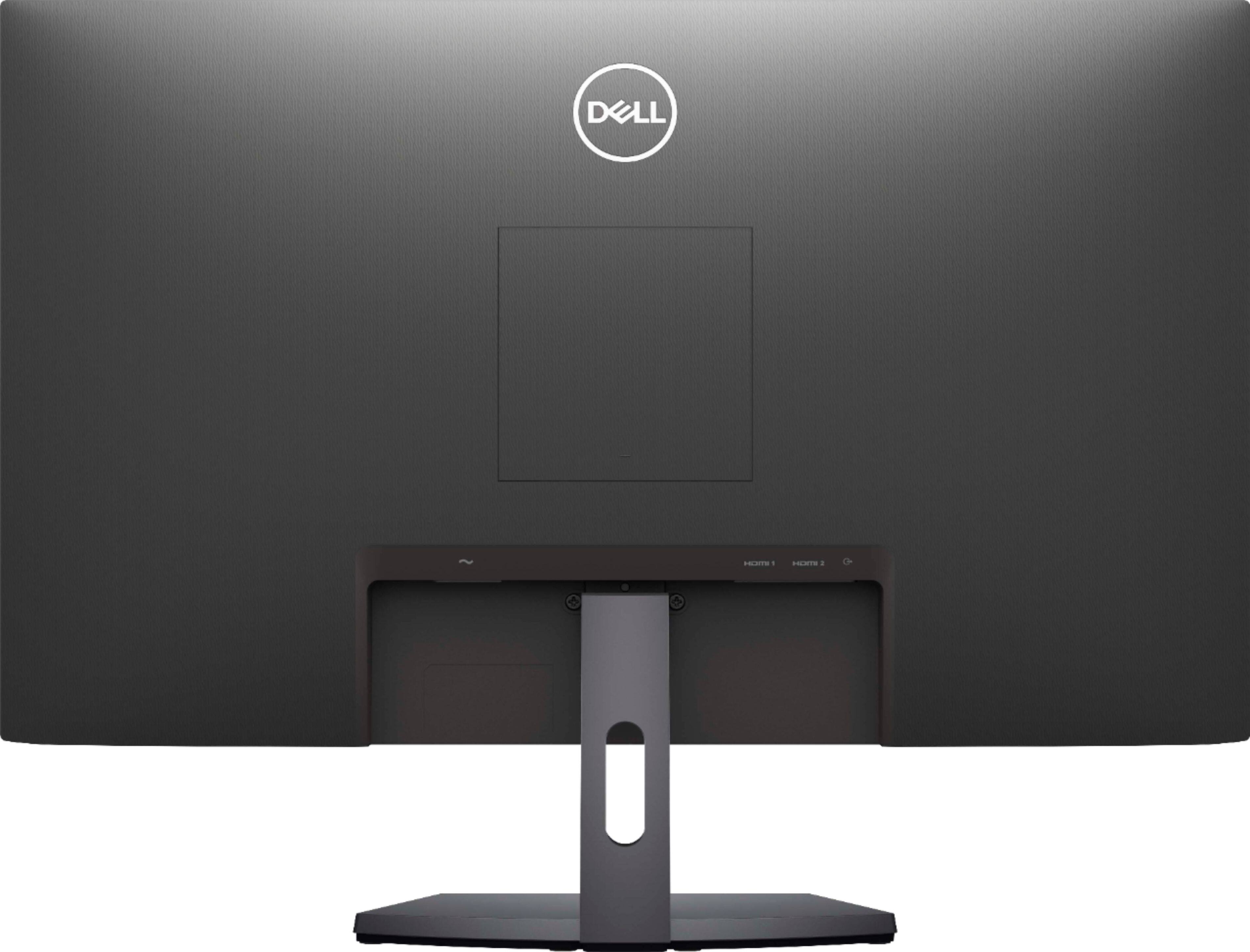
Thank you very much for your valued feedback. We are sorry to hear that you are not too happy with Dell 27” LED monitor because it doesn’t include built-in speakers. Unfortunately, this monitor is equipped with only an audio line-out interface. We will share your comment with our quality team, so future improvements can be made.
Please see the link to the product page for a more detailed description and specifications for this product.
Product Page: https://dell.to/3veT4VF
If you come across any questions or have concerns about this product, please don’t hesitate to contact Dell Support Team at the information provided below.
Best,
Katarina@Dell
Should you need further assistance, you can contact Dell directly with the information below.
Chat or call: https://bit.ly/DellSupportTeam
Phone number to Dell: 1-800-624-9896
- Pros mentioned:Price
Worthy Budget Gaming Monitor
|Posted .This reviewer received promo considerations or sweepstakes entry for writing a review.Currently priced at $139.99 (On sale of course) this monitor is perfect for someone looking for an extremely capable gaming monitor that won't break the bank. Easy and quick to set up, no tools required, only about ten minutes to unbox and get it up and running. The size of the stand is fantastic. Small and un-intrusive, it takes up very little desk-top space but the monitor is held securely. As other reviewers have mentioned, it is worth taking the time to check display settings to verify/change refresh rate to 75 hertz. Otherwise, factory settings are very good. Only minor tweaks needed to get things the way you prefer. Action games are well represented, great colors and depth, with minimal motion blur. Visual clarity with other, non-graphic intensive games is just as impressive. It is true, there are better gaming monitors available but for the price, this one is hard to beat.
I would recommend this to a friend - Pros mentioned:Screen size
Superior resolution for gaming
|Posted .This reviewer received promo considerations or sweepstakes entry for writing a review.Whats not to love about the Dell S2721NX 27" screen? If there is something, I have yet to find it. The colors are super crisp. For gaming it has an amazing refresh rate and the colors are astounding. I also use it for Photo Editing and have found it to be amazing in allowing me to capture every little detail needed in photography editing. I would definitely recommend this screen to any gamer or person who is looking to do an upgrade to there system.
I would recommend this to a friend 1080P
||Posted . Owned for 3 weeks when reviewed.This reviewer received promo considerations or sweepstakes entry for writing a review.Not great 1080 P. Not even at $220. OK four web browsing but text clarity is not very good.
No, I would not recommend this to a friendBrand response from YourDellTeam
Posted .Hello Automaster,
Thank you for taking the time to leave us your valued feedback. We are sorry to hear you are not completely satisfied with the text clarity on your Dell S Series Monitor. Below I have provided a link to an article to help troubleshoot and resolve issues with your monitor.
How to Troubleshoot Display or Video Issues on a Dell Monitor: https://dell.to/3HB3YIX
If you still experience this problem after you have finished troubleshooting your monitor, please feel free to contact our support team here at your earliest convenience: https://bit.ly/DellSupportTeam.
Best Regards,
Ashley@Dell
Should you need further assistance, you can contact Dell directly with the information below.
Chat or call: https://bit.ly/DellSupportTeam
Phone number to Dell 1-800-624-9896
Nice large size and works exactly as advertised
|Posted .This reviewer received promo considerations or sweepstakes entry for writing a review.This 27" Dell monitor is a very good upgrade to a 24" monitor we have. Extremely responsive playing a couple Steam games so far. Very good color and contrast with no blur to my or my son's eyes. Very sharp and clear for browsing and office documents as well. Not too many stand adjustments other than tilt (some other displays have rotate, raise, etc). But I knew that before I received it and the height is just fine of my needs. Only 1080p max resolution, but I knew that as well. Quick and easy to hook up to HDMI. You'll like it.
I would recommend this to a friendNice size screen, display isn't the best.
||Posted .This reviewer received promo considerations or sweepstakes entry for writing a review.Graphics are very grainy. Not the greatest display but can't complain about the low price.
No, I would not recommend this to a friendBrand response from YourDellTeam
Posted .Hello Dennisthemenace,
Thank you for your review. We apologize for the issues you have come across with your display resolution. We would love to help right away and have provided steps below that can help adjust your resolution through Windows 10.
Setting the resolution in Windows 10:
1. Close all open programs.
2. You can either right click Start, and then click Control Panel or click on start and type Control Panel and click the icon that appears.
3. In the Control Panel window, click System, and then click Display.
4. Select the monitor you want to change, if more than one is connected to your PC.
5. Click on the Resolution drop down box to see a list of recommended resolutions for that display.
6. Click on the one you want, to change the screen resolution, and then click Apply.
7. Click on keep changes if you want to keep the new settings. If not select revert.
- Note: If new settings do not work, Windows® will attempt to revert back to the original settings automatically.
8. Restart the computer to ensure that the changes stay in effect.
If you still come across issues with your display resolution, you can use this link for further steps and details: http://dell.to/3oitVT6.
Best regards,
Wendy C.
For further assistance, you can contact Dell directly with the information below Chat or Call:
https://bit.ly/DellSupportTeam.
Phone number to Dell: 1-800-264-9896.
Worst monitor I have ever owned
||Posted . Owned for 2 months when reviewed.This reviewer received promo considerations or sweepstakes entry for writing a review.Worst monitor I have ever owned. It is not functional, it has very low quality design and it also malfunctions. Whenever I have tried to contact Dell for service or repair they offer me a credit on my account, which I do not have any use for, instead of trying to solve the problem.
No, I would not recommend this to a friendBrand response from YourDellTeam
Posted .Hello Betty,
Thank you for taking the time to share your review. We apologize for the issues you have come across with your monitor not functioning properly, and we understand your frustration dealing with this issue. Your monitor provides a self-test feature that allows you to check whether the monitor is functioning properly. If the monitor and computer are properly connected but the monitor screen remains dark, run the monitor self-test by performing the following steps below.
If needed in the future, here are the recommended steps:
Turn off both your computer and the monitor.
Unplug the video cable from the back of the computer. To ensure proper Self-Test operation, remove all digital cables (DVI, HDMI or DisplayPort) from the back of the computer.
Turn on the monitor.
Turn off your monitor and reconnect the video cable: then turn on both your computer and the monitor.
If your monitor screen remains blank after you use the previous procedure, check your video card (GPU) and computer, because your monitor is functioning properly.
This link can be used to help run further steps and provide more in-depth information: https://dell.to/3AhVxir.
We recommend following the steps above to resolve your issue. If your monitor still has issues, please contact our support team here: https://bit.ly/DellSupportTeam.
Best regards,
Wendy C.
https://bit.ly/DellSupportTeam.
Phone number to Dell: 1-800-264-9896.
A defect in the bezel!
||Posted .This reviewer received promo considerations or sweepstakes entry for writing a review.The monitor has a defect like a dot in the upper right corner of the bezel!
No, I would not recommend this to a friendBrand response from YourDellTeam
Posted .Jo23,
Thanks for your review and we're sorry that there's a dot on your screen by the bezel. Please read Dell's Pixel Guidelines here: https://dell.to/2lCLW0I.
Best,
Bryan
1-800-624-9896
HDMI Cable not provided
||Posted . Owned for 1 month when reviewed.This reviewer received promo considerations or sweepstakes entry for writing a review.The HDMI cable was not in the box. After an hour online with support who stated I could get a replacement HDMI at the store, the management at the store denied the claim. I provided the transcript from support to no avail. I ended up having to buy the replacement.
No, I would not recommend this to a friendBrand response from YourDellTeam
Posted .Hello MGNJ,
Thank you for your input and feedback. We apologize for the issues you have come across with your product and have noted the details of your statement to help improve our products now and in the future. If you need further assistance, please use the information below to contact Dell Support at your earliest convenience.
For additional support, please call Dell directly at 1-800-624-9896
Best,
Lexy@Dell
Chat or Call:
https://bit.ly/DellSupportTeam
Really good
|Posted .This reviewer received promo considerations or sweepstakes entry for writing a review.I had a Dell 24 inch monitor that I used for work at home and wanted to get a monitor with more viewing "real estate" - so here is a 27 inch that just seems to be better on all counts. First, the viewing angle must be different with this one - perhaps because of the IPS panel. I can see the monitor better from more angles which helped me place the monitor in the space I had available without having to be so worried about seeing the screen. Second, this monitor also seems to have a much more vivid color display than the older 24 inch one. Very impressive with the colors and the black reproduction. Third, image clarity. I don't see the pixels as much as a had on the 24 inch which is surprising since I went to a bigger monitor; had things stayed the same, the pixels should have been more obvious. Overall, I have had great luck with Dell monitors - usually I want to get a bigger one rather than to replace a non-functional one. Very reliable and durable.
I would recommend this to a friendTERIBBLE BEST BUY SUPPORT
||Posted . Owned for 1 month when reviewed.This reviewer received promo considerations or sweepstakes entry for writing a review.Only had this screen one month from best buy and now it is broken already with terrible pixilation, best buy tell me it was no longer returnable after the 17th January 2021, today is the 27th. BEST BUY SUCK
No, I would not recommend this to a friendBrand response from YourDellTeam
Posted .Scatter,
Thanks for your review and we're sorry to hear about the pixels on your screen. Your monitor does have a one year warranty from Dell that you can read more about here: https://dell.to/39iwZuX.
You can also read Dell's Pixel Guidelines here: https://dell.to/2lCLW0I.
Best,
Bryan
1-800-624-9896
- Pros mentioned:Screen size
Size Does Matter
|Posted .This reviewer received promo considerations or sweepstakes entry for writing a review.This was my first personal 27 inch monitor besides the ones I have at work. I never knew how 3 more inches was such a big difference from my 24 inch monitors when compared side-by-side. This Dell monitor was great for work and gaming, everything is bigger. I also like the menu controls. The only thing is that this monitor interfered with my sound because it has an audio jack and people not computer savvy might have issues with this feature. Overall a good monitor. I think I am going to buy another one to match because now I have a 24 and a 27 side-by-side.
I would recommend this to a friend Great HDMI Monitor
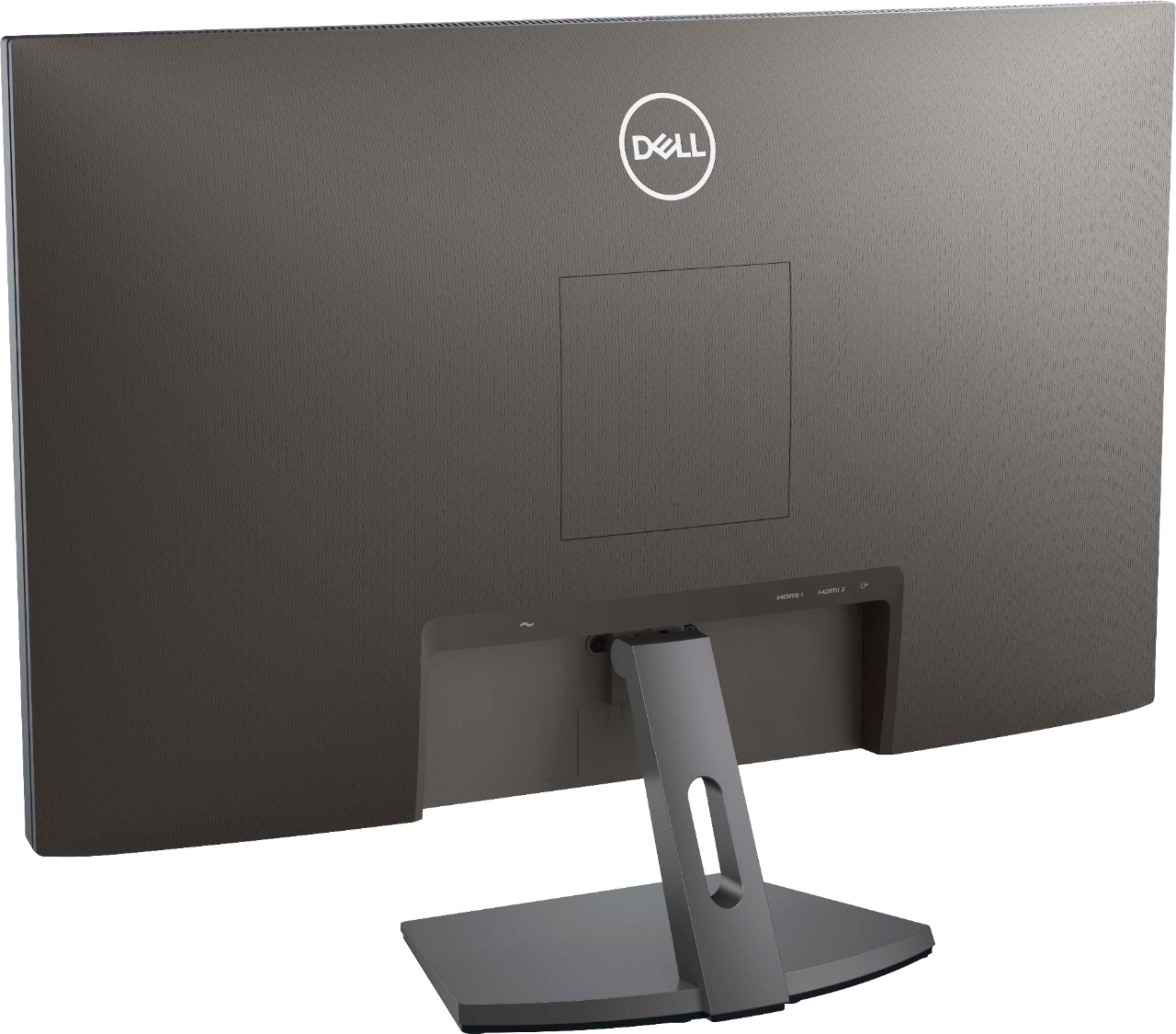
|Posted .This reviewer received promo considerations or sweepstakes entry for writing a review.The Dell - S2721NX is a nice 27" IPS monitor. The size is great. Having used a 24" monitor for years, there is a big difference when you go to 27". The monitor has a maximum refresh rate of 75Mhz and a response of 4ms. It's not the fastest monitor around, but I'm not gaming so it is sufficient. The monitor is pretty basic. It offers Freesync for PCs that support it. It also has 8 preset color modes. I saw no ghosting of images and everything looks crystal clear on the monitor. The only strike against this monitor is that it only contains 2 HDMI ports. There are no VGA or DCMI connections available. Since most new PCs have HDMI capabilities, that won't be an issue for most, but it could be an issue if you are replacing an existing monitor on an older pc. Overall, I like the monitor a lot and highly recommend it.
I would recommend this to a friend- Pros mentioned:Screen size
Amazing Monitor
|Posted .This reviewer received promo considerations or sweepstakes entry for writing a review.I am a gamer who plays racing games and have always had issues with my current monitor, just couldn’t keep up with my computer. With this monitor it was like getting a new computer. All the fast moving graphics are so smooth and clear now. The monitor is packaged very well, easy to set up and is very slim and stylish. The 27” is large and very clear with great color. I never knew how a decent monitor would make this much difference but it does and I highly recommend in.
I would recommend this to a friend