Customer Ratings & Reviews


- Model:
- YPF9V
- SKU:
- 6425904
Rating by feature
- Display Quality
Rating 4.9 out of 5 stars
- Ease of Use
Rating 4.8 out of 5 stars
- Features
Rating 4.5 out of 5 stars
Customers are saying
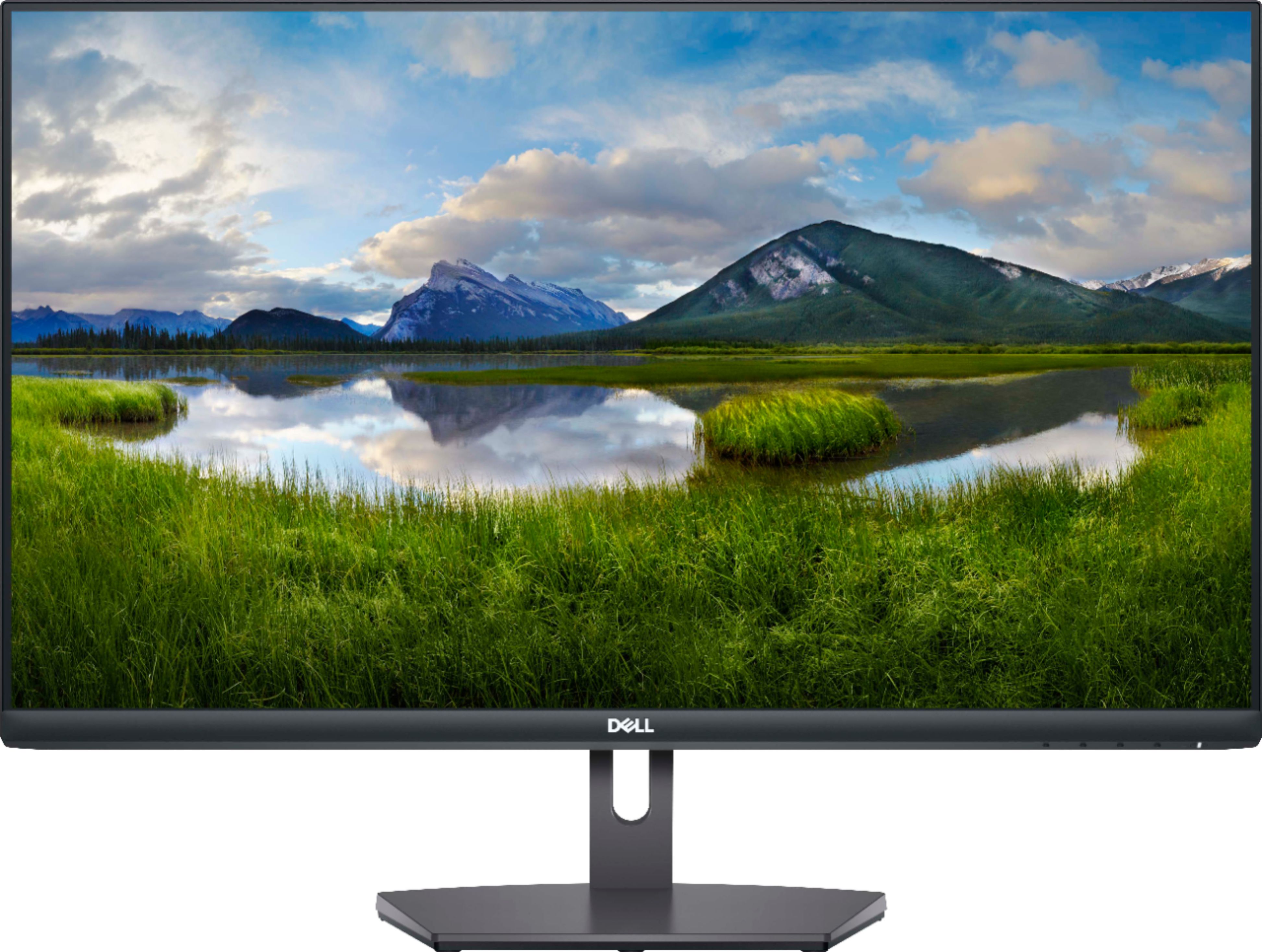
Customers regard the S2721NX monitor favorably due to its large screen size, excellent price, and ease of use. Many appreciate the clear resolution and smooth refresh rate, finding it easy to connect via HDMI. While some wish it included speakers, the overall positive feedback highlights its value for the price.
This summary was generated by AI based on customer reviews.
Defective
||Posted . Owned for 3 weeks when reviewed.This reviewer received promo considerations or sweepstakes entry for writing a review.There is a lag and its hanging. Won’t recommend this product.
No, I would not recommend this to a friendBrand response from YourDellTeam
Posted .Dear Valued Customer,
Thank you very much for your valued feedback. We are sorry to hear that you are not too happy with your Dell 27” IPS LED monitor because it is lagging.
Your monitor has a built-in diagnostic tool that helps you determine if any screen abnormality you experience is an inherent problem with your monitor, or with your computer and video card.
To run the built-in diagnostics:
1. Ensure that the screen is clean (no dust particles on the surface of the screen).
2. Press and hold Button 4 for about 4 seconds until a pop menu appears.
3. Use Button 1 or Button 2 to select the diagnostic tool and use Button 3 to confirm. A gray test pattern appears at the beginning of the diagnostic program.
4. Carefully inspect the screen for abnormalities.
5. Press Button 1 again to change the test patterns.
6. Repeat steps 4 and 5 to inspect the display in red, green, blue, black, white, and text screens.
7. Press Button 1 to end the diagnostic program.
If you do not detect any screen abnormalities upon using the built-in diagnostic tool, the monitor is functioning properly. Check the video card and computer.
The full article on built-in diagnostics can be found below:
How to Run a Diagnostic Test on a Dell Monitor: https://dell.to/3CW8ctj
If the issues are still not resolved after applying the troubleshooting tips above, we recommend contacting the Dell Support Team at the information provided below for further guidance.
Best,
Katarina@Dell
Should you need further assistance, you can contact Dell directly with the information below.
Chat or call: https://bit.ly/DellSupportTeam
Phone number to Dell: 1-800-624-9896
Failing monitor
||Posted . Owned for 1 month when reviewed.This reviewer received promo considerations or sweepstakes entry for writing a review.Monitor flickering out. Just purchased a little over a month ago.
No, I would not recommend this to a friendBrand response from YourDellTeam
Posted .Dear Monitorfailed,
Thank you for taking the time to leave us your review. We apologize for the screen flickering problem you have encountered with your Dell S Series Monitor. We recommend making sure the drivers for your monitor are up to date. I have provided a link to the Drivers and Downloads Page for your monitor so you can check for and do any applicable updates. We also suggest making sure video drivers are up to date on the system you are using.
Drivers and Downloads Page: https://dell.to/3Ir6GAJ
If you still experience this problem after you have finished troubleshooting your monitor, please contact our support team here: https://bit.ly/DellSupportTeam.
Best Regards,
Ashley@Dell
Should you need further assistance, you can contact Dell directly with the information below.
Chat or call: https://bit.ly/DellSupportTeam
Phone number to Dell 1-800-624-9896
- Pros mentioned:Screen size

Nice monitor, but not that fast for gaming
|Posted .This reviewer received promo considerations or sweepstakes entry for writing a review.The Dell S72721NX 27" is a nice monitor, but it is advertised for gaming, but it is very similar to the average 27" monitor. The main thing that differentiates it from a normal monitor is the AMD FreeSync technology. But you can only use this if you have an AMD graphics card. It does have a nice UI, allowing you to change brightness and other features. It also has nice colors and good image clarity. Don't get me wrong, it is a very nice monitor, but it is advertised for gaming, and being at only 75hz which is only slightly above the average monitor, and it has an 8ms response time, which is much higher than the usual 1ms. Other than that, if you want a nice monitor at a good price I would recommend the S72721NX 27" monitor.
I would recommend this to a friend useless
||Posted . Owned for 2 weeks when reviewed.This reviewer received promo considerations or sweepstakes entry for writing a review.cannot use it with my Mac its useless no good for me
No, I would not recommend this to a friendBrand response from YourDellTeam
Posted .Hello,
Thanks for taking the time to share your review. We are extremely sorry to hear that you're having issues with using your monitor with your Mac. We would love to assist you with any troubleshooting needs but would need a little more information. Please feel free to reach out to Dell Support directly at 1-800-264-9896.
Best,
Wendy C.
https://bit.ly/DellSupportTeam.
Phone number to Dell: 1-800-264-9896.
Good Entry Level Gaming Monitor
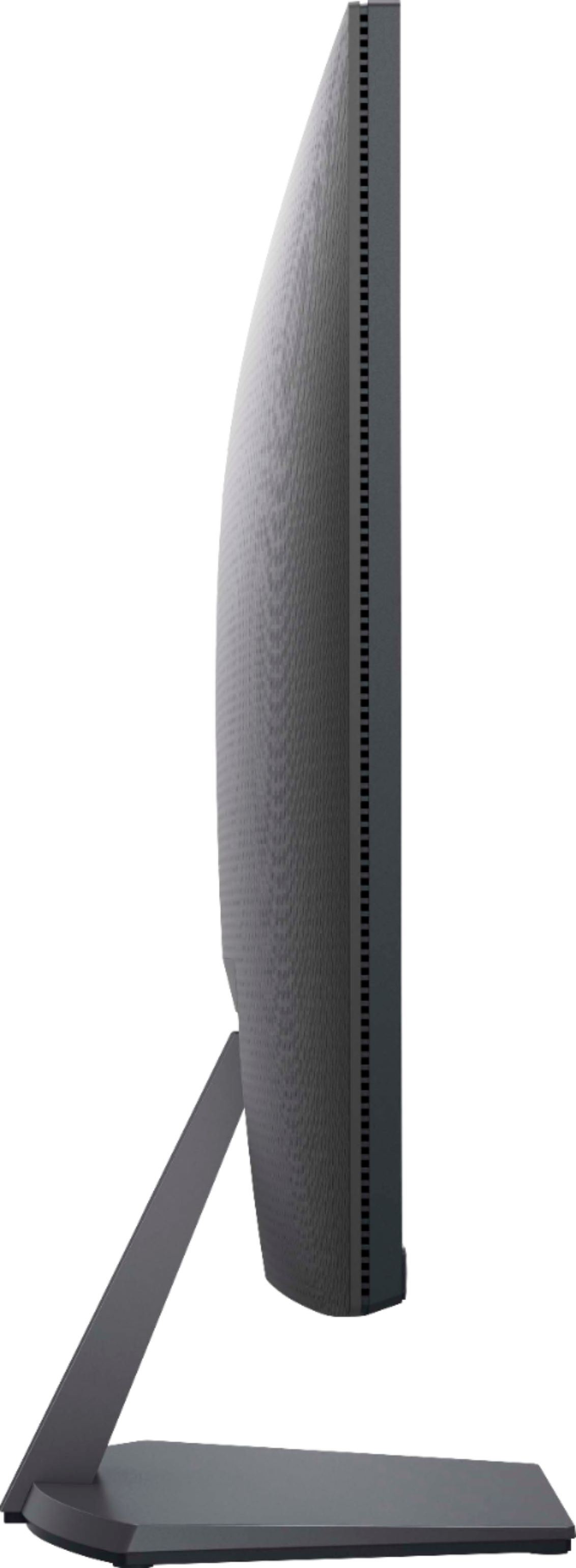
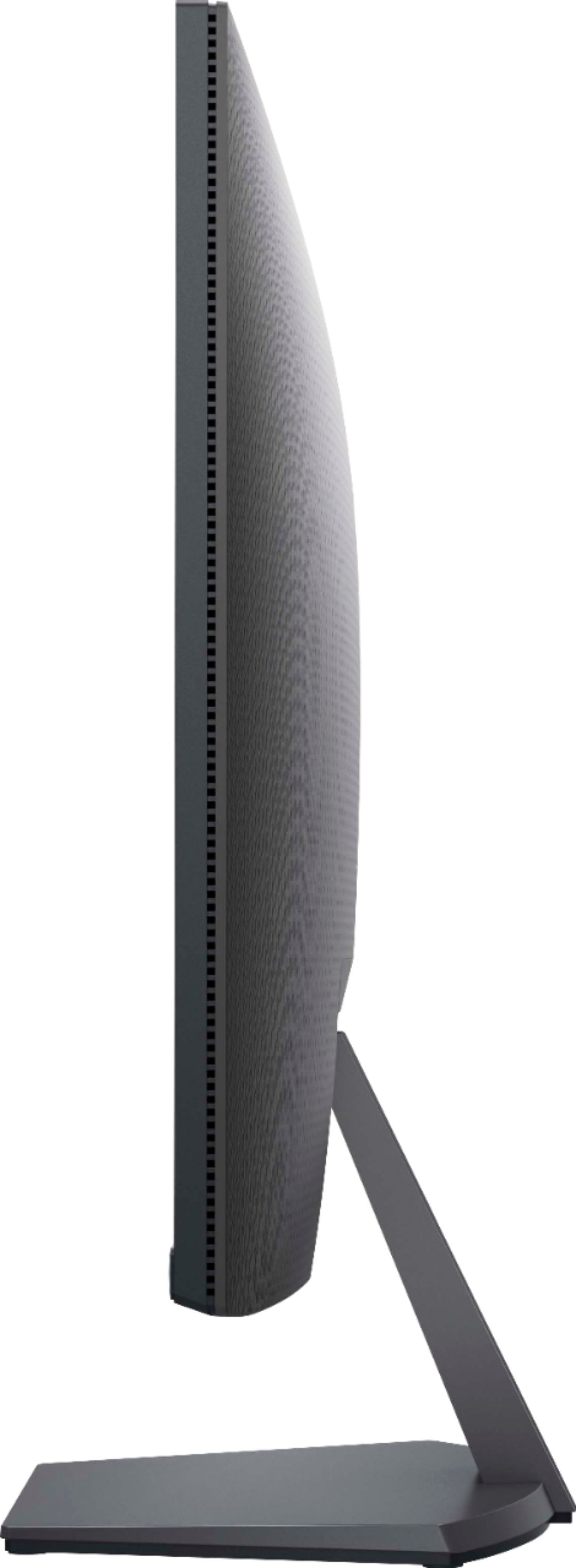
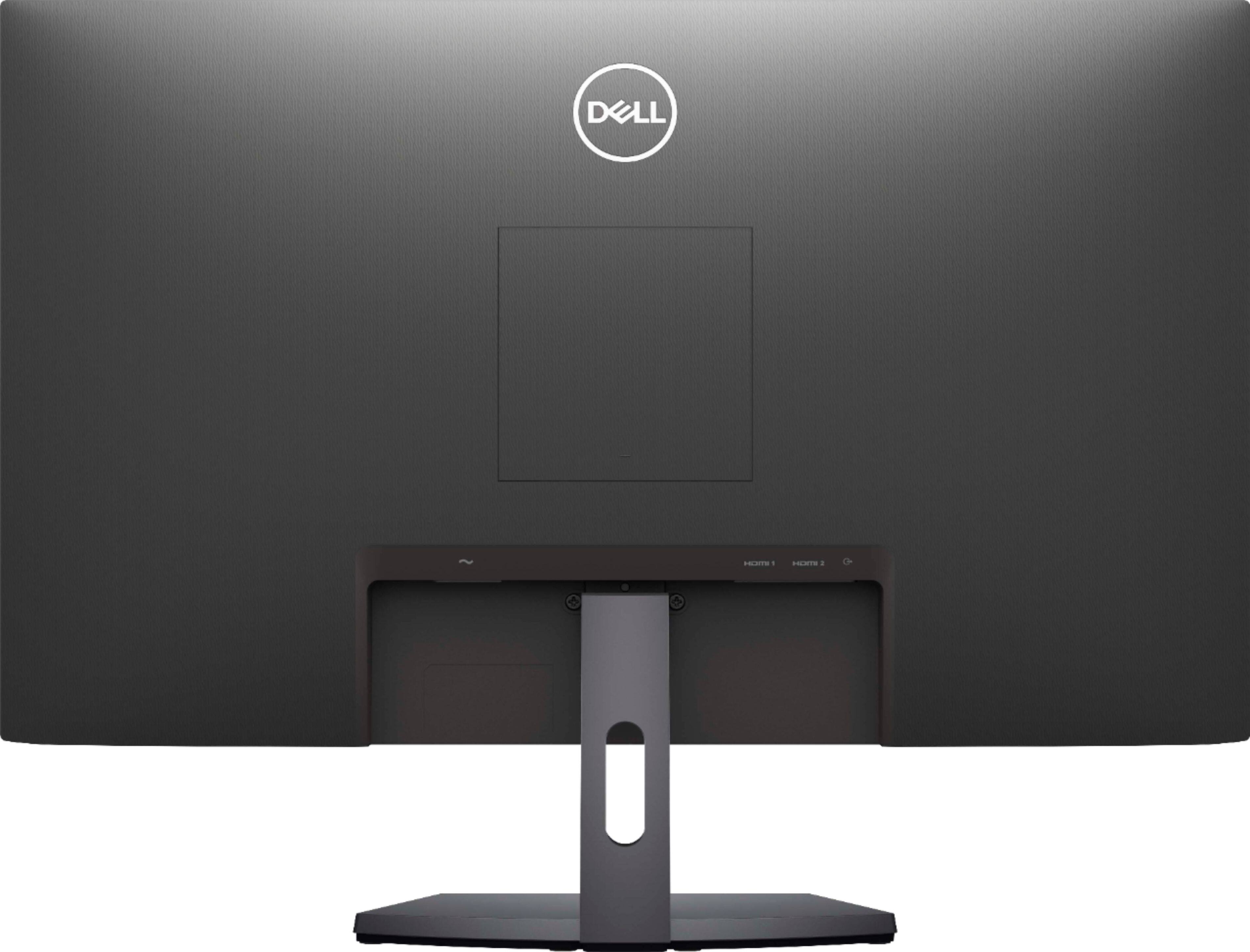
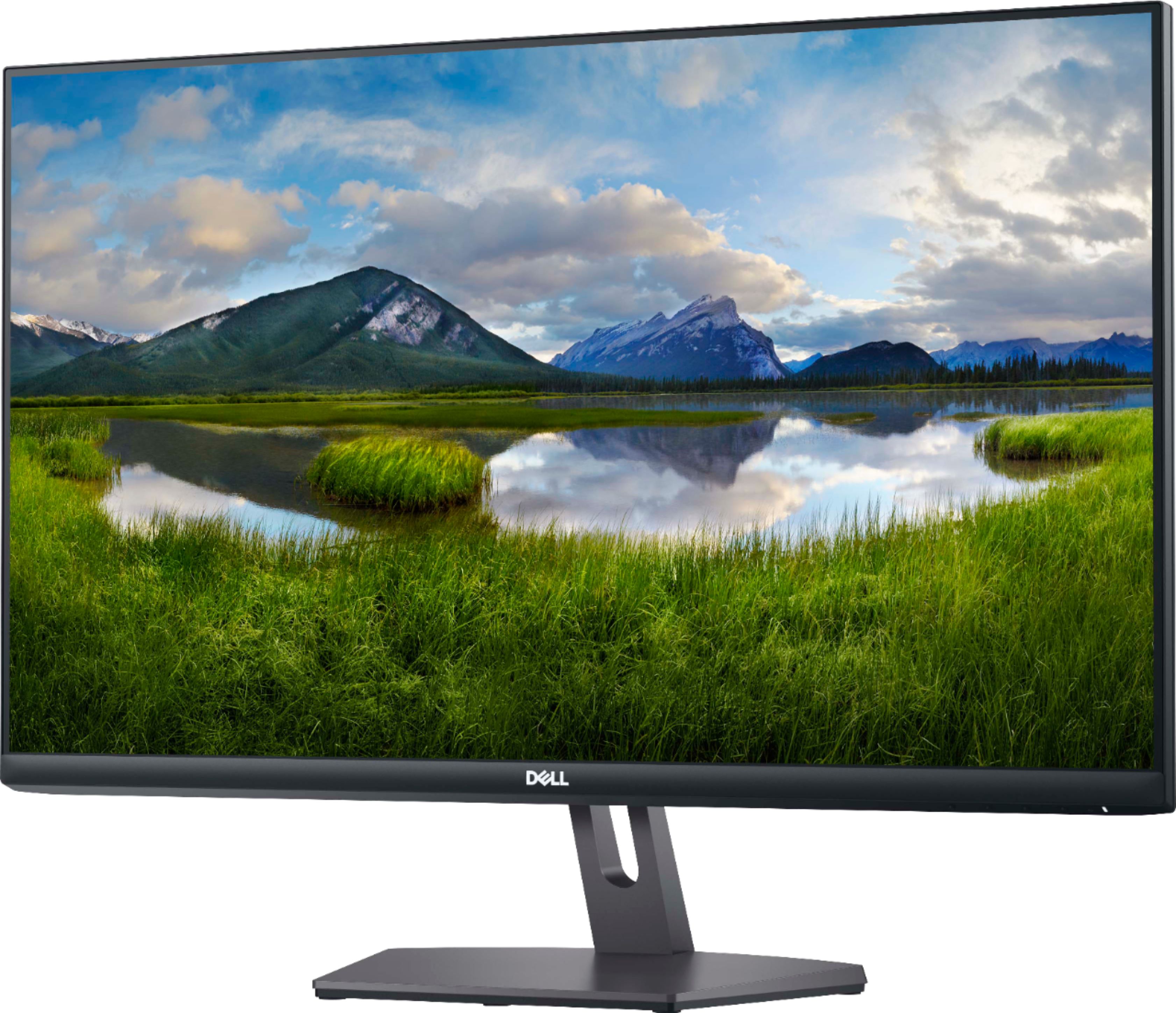
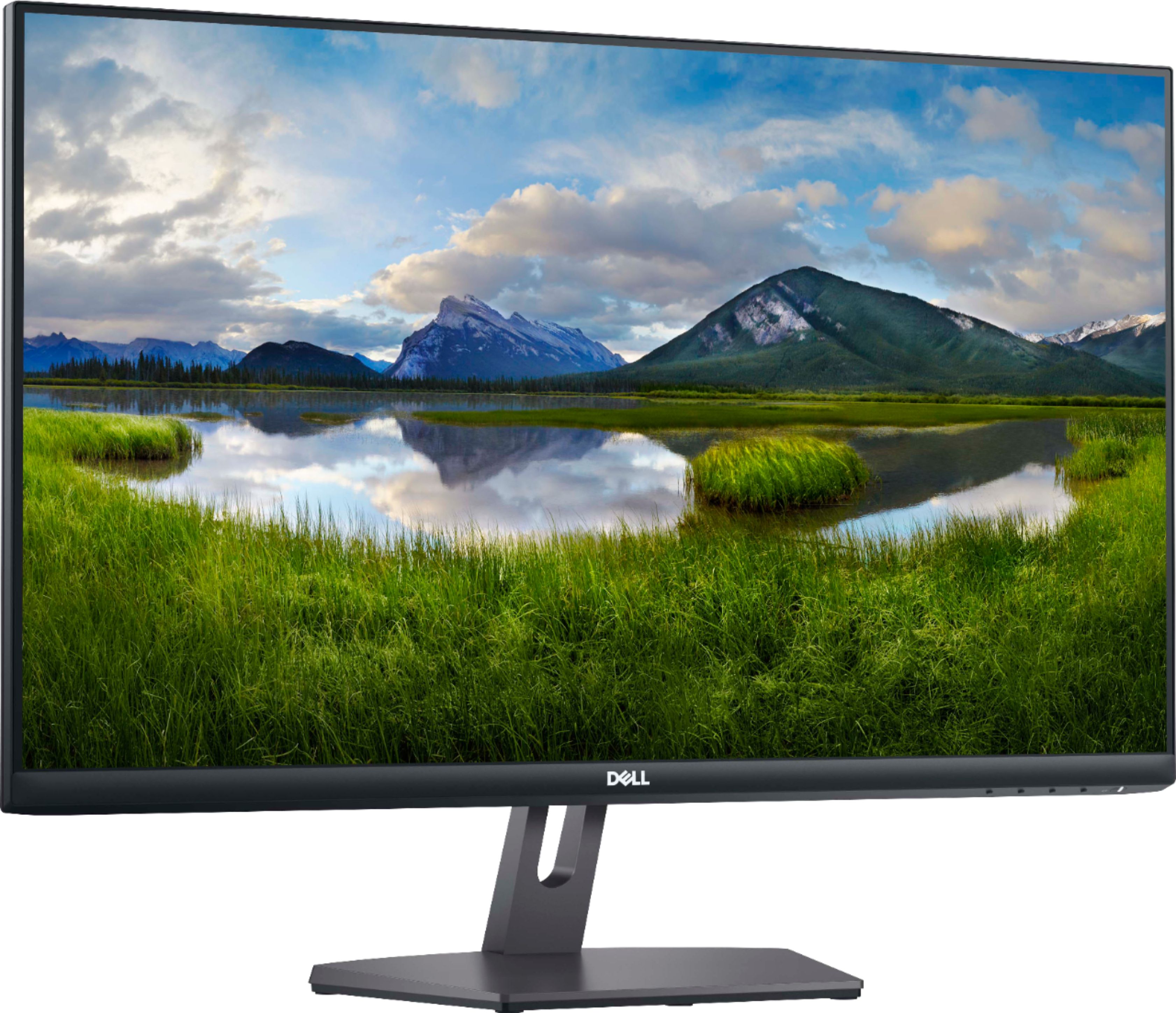
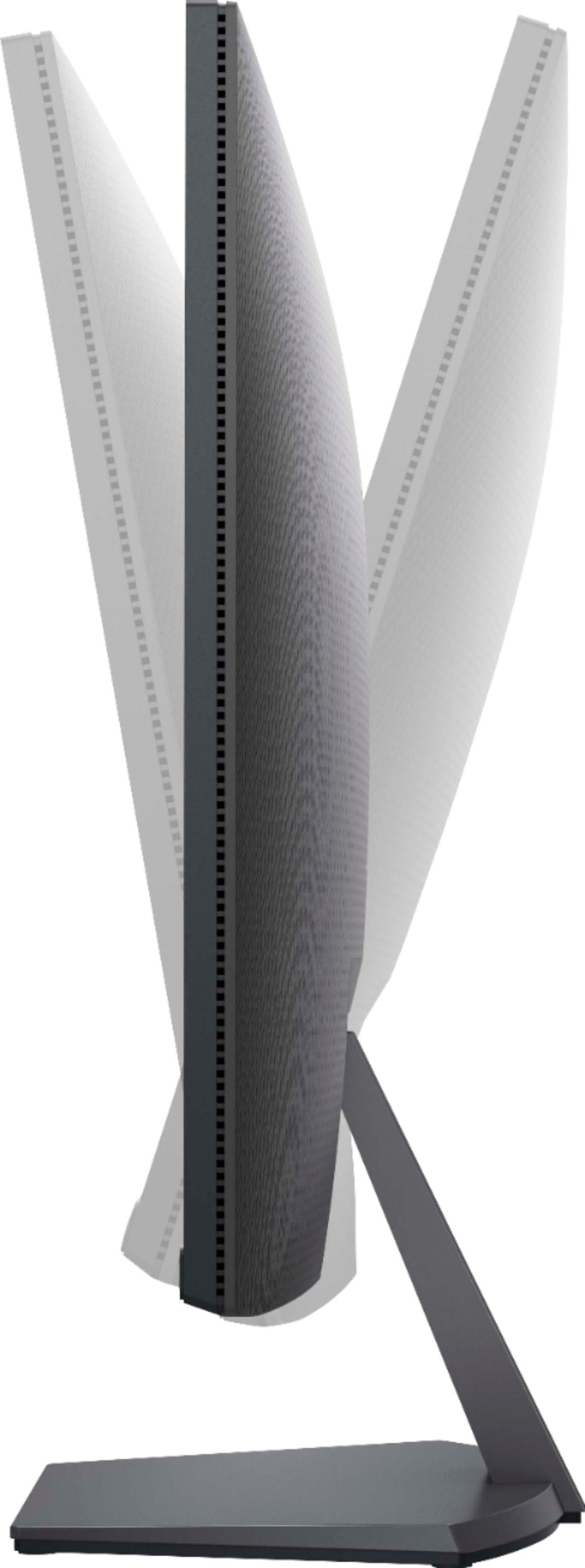
|Posted .This reviewer received promo considerations or sweepstakes entry for writing a review.This 27" gaming monitor from Dell is a pretty good starter gaming pc option, but leaves a lot to be desired for the gaming enthusiasts. The size and overall design with the thin bezels is nice. The monitor can tilt forward and back for better viewing angles. It features two hdmi ports and a headphone jack which is nice for someone who wants it to use for a console as well as a pc. The 75 hz refresh rate and 4 ms response time is good, but it would be nice to see 120 or 144 hz with 1 ms timing. The IPS display has great viewing angles and is bright and vibrant, with good contrast. Overall this is a pretty good monitor to get you started.
I would recommend this to a friendExcellent for office work and light gaming.
|Posted .This reviewer received promo considerations or sweepstakes entry for writing a review.This Dell monitor is an excellent all-around value. It has vibrant colors and works well as an office monitor or an entry-level gaming monitor. Its resolution is limited to 1920x1080, which for me is low for a 27" monitor. Still, text and images are sharp and eye strain is low. The thin bezel is excellent and provides an immersive experience. I have this monitor hooked up to an HP Omen gaming computer next to Dell's one-step-up gaming monitor. Flight Simulator 2020 looks great on both, with the higher-level gaming monitor looking better overall. Still, this monitor is no slouch. Responsiveness is very good and Flight Sim looks fantastic. Overall, this is a good buy. If you have some extra cash you could upgrade to a Dell 27" gaming monitor that has better resolution and refresh rate. But if you mainly need it for office work and light gaming, this is a great choice.
I would recommend this to a friendOk Monitor with Gimmicky Feature
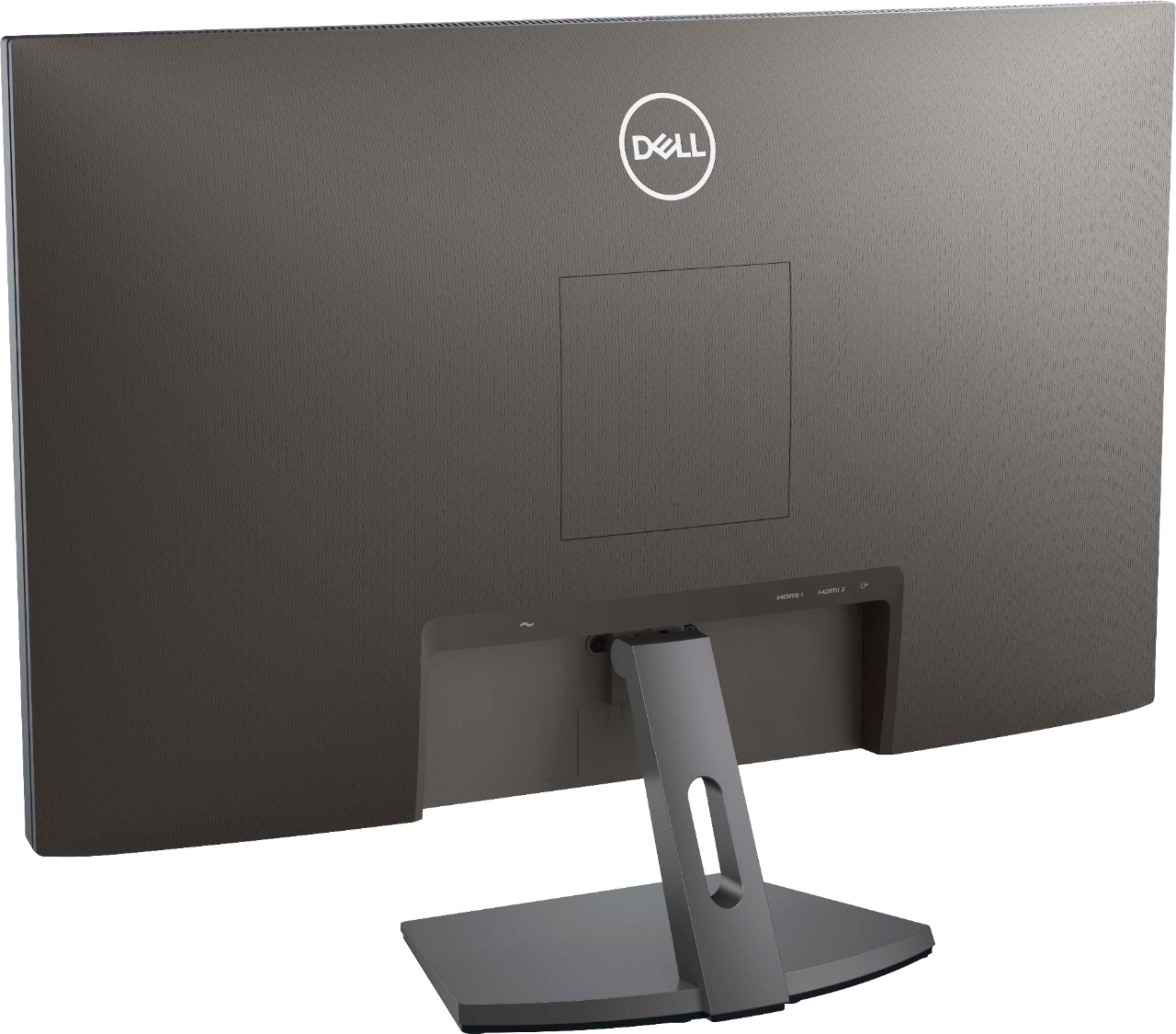
|Posted .This reviewer received promo considerations or sweepstakes entry for writing a review.With the pandemic, I find myself working more at home so welcomed the opportunity to set up a more permanent area with a decent monitor. Yes, there's more work at home, but also a bit more opportunity to play. So, I was glad to try out this 27" led monitor, in particular to try out the freesync features. The monitor is a typical Dell affair. Kinda corporate looking, not too flashly, but sleek and looks well designed and put together. It has a stand (which I used) but VESA mounting holes hidden behind a panel (maybe if I go back to the office and take this with me). Inputs are also pretty basic with two HDMI in and one two channel audio out (no speakers in the monitor itself). The big feature here is freesync because otherwise, this is as basic a monitor as it gets. As it turns out, I have a recent AMD graphics card, so we'll see how this performs when put to the test. Evaluating this, I mostly stuck to watching online video and gaming. I did a bit of work (code editing in visual studio, some photo review, web browsing) and the monitor handled that well. It was as clear as I expected from a 1080p monitor and I didn't notice any brightness issues or weird behavior when dragging from my laptop screen to the monitor screen. The 27" wide view was good for working at a normal desktop distance. For normal tasks, I think I would have preferred a wide screen (with more pixels horizontally) but this was decent enough to work with my laptop mounted such that its screen and the Dell were side by side. Streaming videos from my two fave sites, I really didn't notice much between the laptop screen (1080p as well) and the Dell other than brightness and contrast. The standalone monitor was a bit better which in some cases made things look sharper or clearer, even though I know the screen resolutions are identical and I could freeze and drag between the screens so I knew I was looking at the same identical image. Where it came to gaming however, I was expecting to see a bigger difference, which I did not. The freesync feature should let the graphics card take advantage of the higher potential refresh rate (75Hz vs 60Hz) of the S2721NX to aid rendering. And while in these tests, I could not freeze frame to compare (because there, the refresh rate needed is 0Hz), I needed to rely more on subjective comparison - I did not feel the Dell monitor did any better than the laptop screen, other than in the ways already mentioned. Game test modes and running benchmark apps using either screen gave more or less the same results with no real bias towards either display. I think perhaps if I were comparing 4k monitors with a higher available freesync refresh rate, there would be something to see, but I honestly could not find a difference between what my machine could achieve visually using this freesync enabled monitor and one without. So, while this is certainly a good basic buy - a monitor to setup for a semi-permanent work from home office and to do a bit of light gaming and streaming, it's just that. An ok upgrade from staring at a 15" display on a workstation laptop, but maybe not worth pairing to a dedicated gaming laptop.
No, I would not recommend this to a friendBrand response from YourDellTeam
Posted .zboot,
Thank you for your thorough review of your new monitor. We're sorry that your monitor is not meeting all of your performance needs and expectations. If you'd like to see if there are any improvements that you can make to the display we'd recommend reading the following article: https://dell.to/2CLF6yC.
Best,
Bryan
1-800-624-9896
Pleasantly surprised
|Posted .This reviewer received promo considerations or sweepstakes entry for writing a review.Unexpectedly good picture for a 1080p 27" monitor. I typically dislike 1080p monitors at this size as you can often see the individual pixels. However this effect is not near as noticeable on this panel. The display has a matte finish that helps prevent glare while still keeping decent color saturation. I also like the button layout, the buttons are easy to find and navigate through the OSD menu. I have had a good experience with this monitor thus far. My only complaint is how Dell monitors (still) go into sleep mode. The sleep mode still annoys me, when I turn my pc off the monitor should sleep within a few seconds (like any other monitor I've used). There shouldn't be a 4 minute delay to this. Had no trouble handling GTA5 or COD:Warzone. Also good with MS Flight Simulator 2020.
I would recommend this to a friend- Pros mentioned:Price
A Solid Monitor From Dell
Posted . Owned for 2 months when reviewed.This reviewer received promo considerations or sweepstakes entry for writing a review.Dell is a quality brand, and this is a nice monitor to help you be productive for both work and with multimedia projects at home. It's a very good deal when it's on sale.
I would recommend this to a friend - Pros mentioned:Resolution
Best in the 1080p category
Posted .This reviewer received promo considerations or sweepstakes entry for writing a review.I recently bought 2 of these monitors, in the 1080P category, and the best I've ever seen. Excellent
I would recommend this to a friend Not for gaming
Posted .This reviewer received promo considerations or sweepstakes entry for writing a review.Nice monitor but NOT FOR GAMING! I bought it for gaming but it is a 4ms response time which is terrible for fps. 60fps and 4mrs.
No, I would not recommend this to a friendBrand response from YourDellTeam
Posted .Hello Responsetime,
Thank you for your feedback and review. We really appreciate your kind words and sorry about the trouble you have encountered with the gaming performance of your monitor. To make sure we can help, below are steps that can be used to troubleshoot and maximize your gaming experience.
1. Restart your computer regularly
2. Run the automated tools provided in the SupportAssist tool
3. Run a complete hardware diagnostic test
4. Scan your computer for malware
5. Restore your Dell computer using Windows System Restore
6. Reinstall Microsoft Windows
Here is the link to the full article to assist with your performance issue: https://dell.to/32wo0Ss.
Best regards,
Wendy C.
For further assistance, you can contact Dell directly with the information below Chat or Call:
https://bit.ly/DellSupportTeam.
Phone number to Dell: 1-800-264-9896.
may cause epileptic seizures
Posted .This reviewer received promo considerations or sweepstakes entry for writing a review.When it is not flashing it’s a beautiful monitor. But it does not work well when you need to use a dual monitor system. Dell support was 100% absolutely useless
No, I would not recommend this to a friendBrand response from YourDellTeam
Posted .Hi TEEJAY,
Thank you very much for your valued feedback. We are sorry to hear that you are not too happy with your Dell 27” IPS monitor because its screen is flashing. We apologize that the support team was not able to help you to resolve this issue.
Your monitor has a built-in diagnostic tool that helps you determine if any screen abnormality you experience is an inherent problem with your monitor, or with your computer and video card.
To run the built-in diagnostics:
1. Ensure that the screen is clean (no dust particles on the surface of the screen).
2. Press and hold Button 4 for about 4 seconds until a pop menu appears.
3. Use Button 1 or Button 2 to select the diagnostic tool and use Button 3 to confirm. A gray test pattern appears at the beginning of the diagnostic program.
4. Carefully inspect the screen for abnormalities.
5. Press Button 1 again to change the test patterns.
6. Repeat steps 4 and 5 to inspect the display in red, green, blue, black, white, and text screens.
7. Press Button 1 to end the diagnostic program.
If you do not detect any screen abnormalities upon using the built-in diagnostic tool, the monitor is functioning properly. Check the video card and computer.
The full article on built-in diagnostics can be found below:
How to Run a Diagnostic Test on a Dell Monitor: https://dell.to/3CW8ctj
If the issue with your monitor is still not resolved after applying the troubleshooting tips above, we recommend contacting the Dell Support Team at the information provided below for further guidance. We hope that the next representative you speak with can help you to resolve these issues to your satisfaction.
Best,
Katarina@Dell
Should you need further assistance, you can contact Dell directly with the information below.
Chat or call: https://bit.ly/DellSupportTeam
Phone number to Dell: 1-800-624-9896