Customer Ratings & Reviews



- Model:
- S2725QC
- SKU:
- 6619486
Rating by feature
- Display Quality
Rating 4.8 out of 5 stars
- Ease of Use
Rating 4.8 out of 5 stars
- Features
Rating 4.7 out of 5 stars
Customers are saying
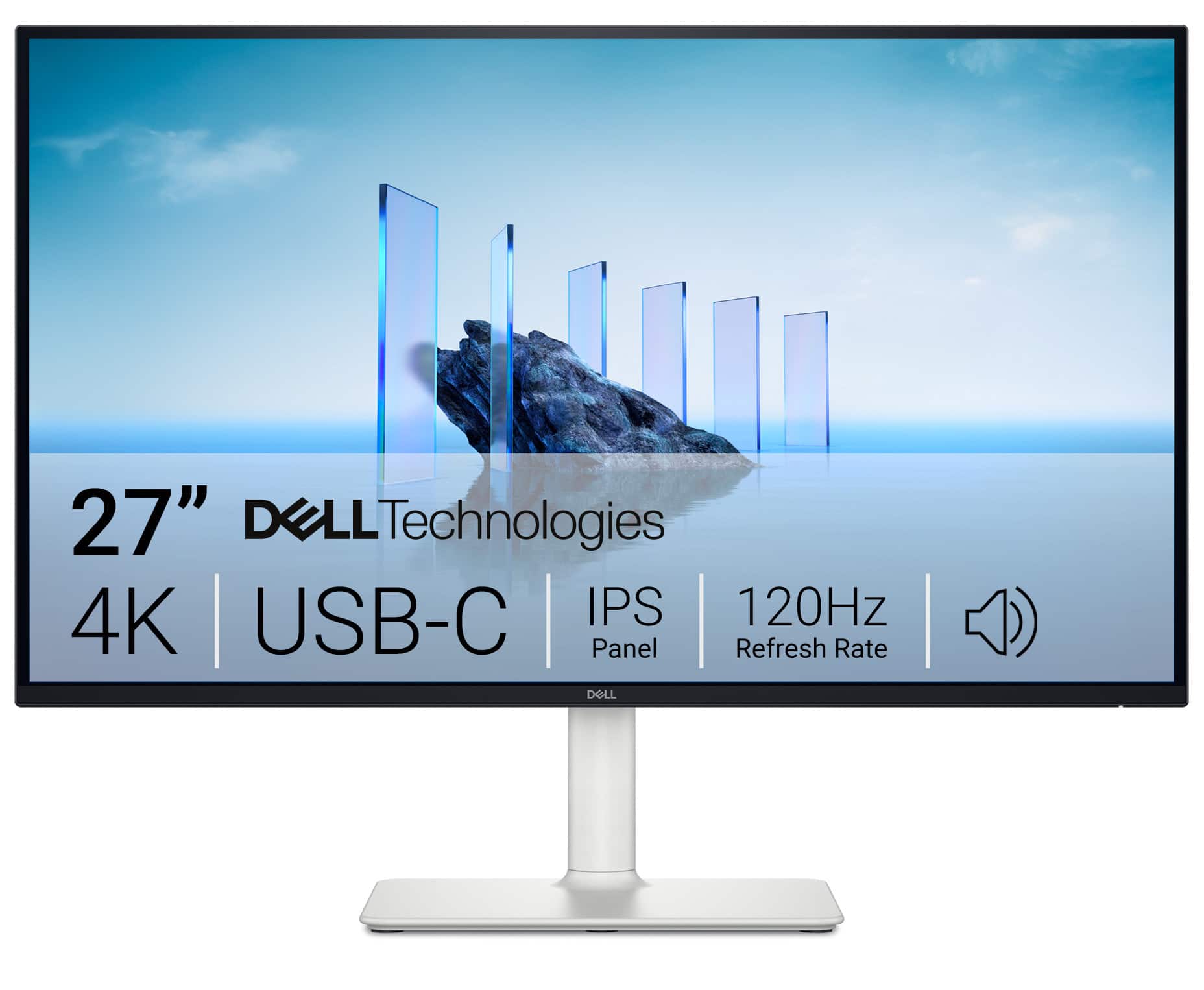
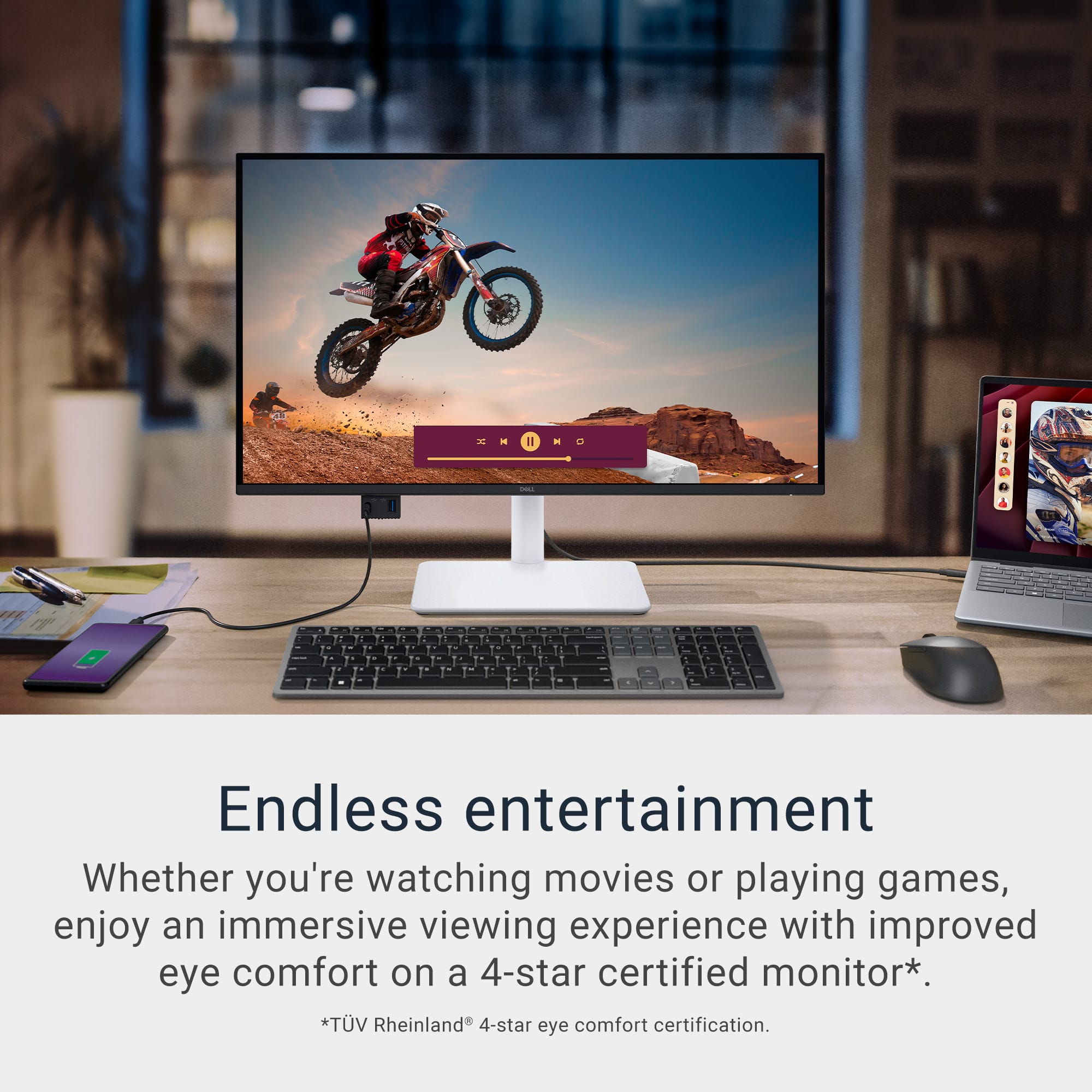
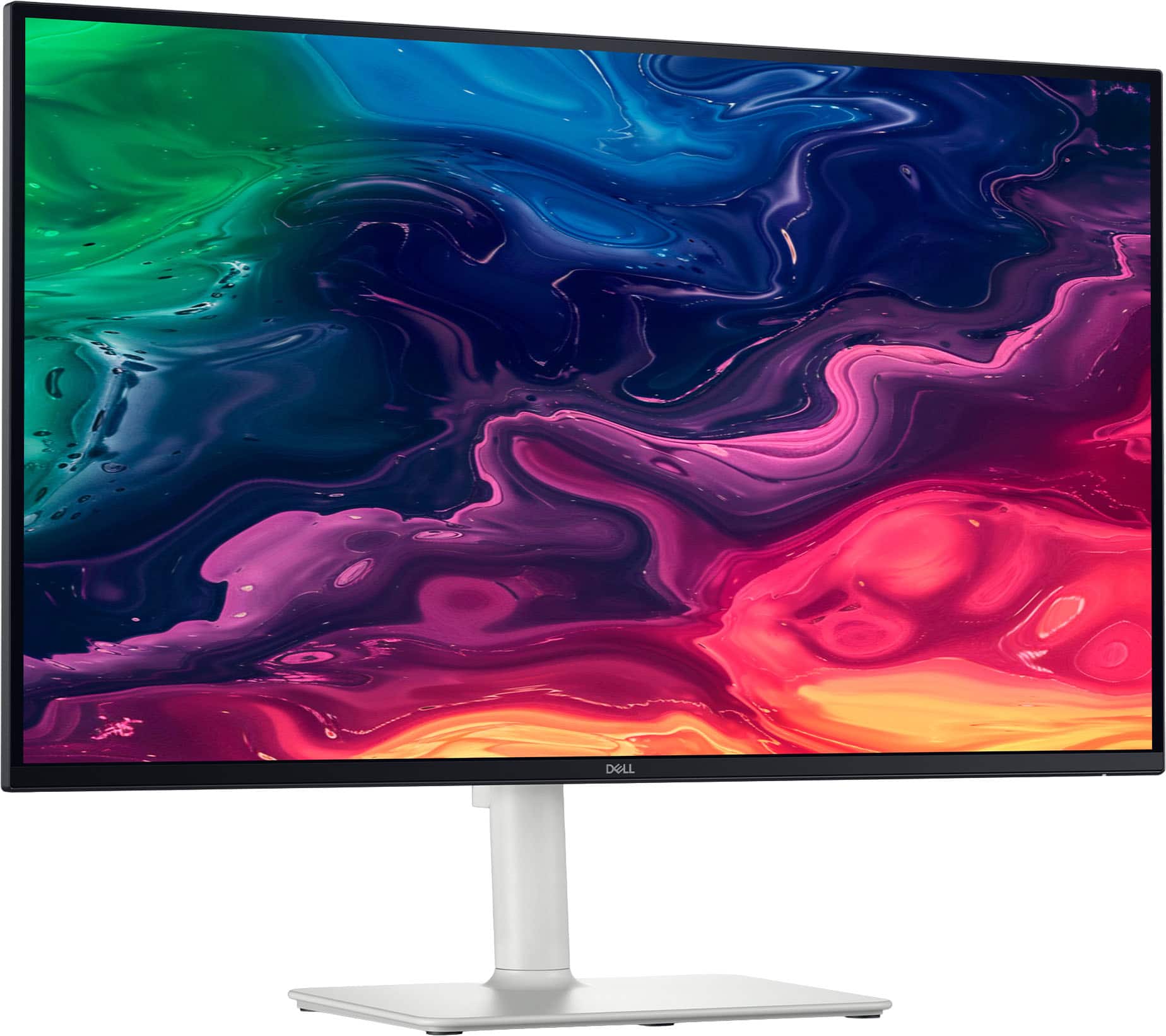
Customers recognize the S2725QC 27" monitor for its excellent screen quality and versatile connectivity options, particularly the convenience of USB-C. The monitor's 120Hz refresh rate and overall performance are also appreciated, along with its adjustable stand and eye comfort features. Additionally, users find the built-in port hub and USB-C power delivery to be quite useful.
This summary was generated by AI based on customer reviews.
Horizontal line without physical damages
||Posted .This reviewer received promo considerations or sweepstakes entry for writing a review.There are two white lines appear on the monitor after 3 month usage. No warranty by bestbuy or dell. Avoid this item.
No, I would not recommend this to a friendNo damage done but green line anyway
||Posted .This reviewer received promo considerations or sweepstakes entry for writing a review.I spent 350$ on this and it got a green horizontal line on it within two months. It is ridiculous and I'd love to get my money back but the return window ended. DO NOT BUY THIS.
No, I would not recommend this to a friend- Pros mentioned:Screen quality

Great 4K Monitor For Work and Play
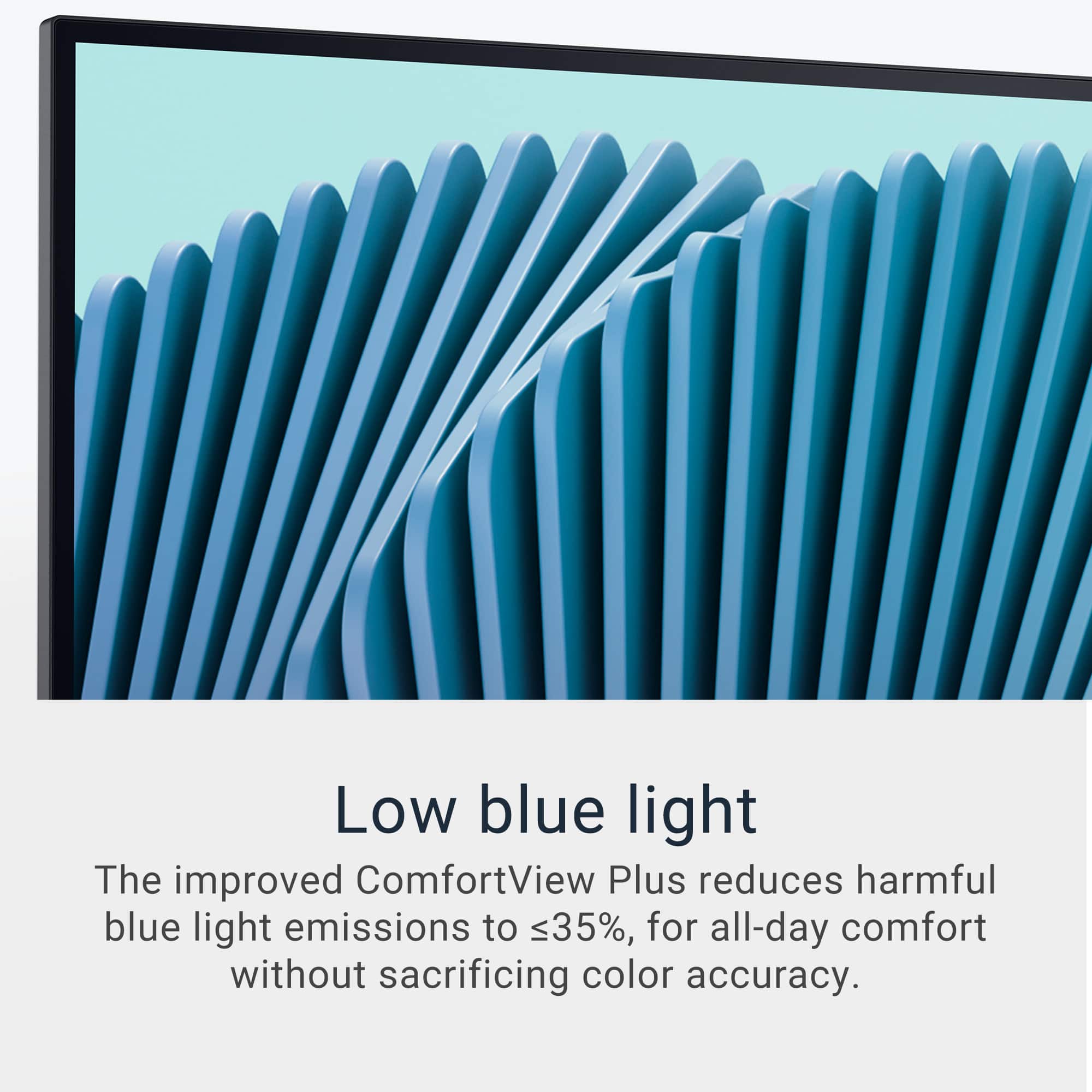
|Posted .This reviewer received promo considerations or sweepstakes entry for writing a review.For me, Dell has always made nice monitors for work and play. With the addition of the Dell – S2725QC 27” IPS LED 4K 120Hz FreeSync Monitor, they have not disappointed with a moitor that can handle it all. Getting set up out of the box is fairly easy. While assembly of the stand is required, you do not need any special tools to get the job down. A pull tab on each of the required screws allows one to easily attach pieces together. The only real drawback in setting up is that the monitor did not come with its own HDMI cable. So, you will need to get a cable to use the monitor. Then the debate over whether to get HDMI 2.0 or 2.1 comes in. If you want to get the most out of the system (specifically 4K at 20 FPS), you will need to get the HDMI 2.1 cable. If you are fine with 4K at 60 FPS, the HDMI 2.0 should work though. This is a minor detail, but you should be aware that you need a cable. There are also 2 HMDI ports in case you want to add multiple systems to the monitor (such as a PS5 and a laptop) which is very nice. No switching cables when you want to work or play. Once you are all connected, you are ready to go. Immediately, the 4K blows you away. Having a 4K, 27” monitor is nice. And even being a 2-3 feet away from the screen doesn’t hurt your eyes. The screen is easy on the eyes and has low blue light emissions. I absolutely loved gaming on this monitor. I tried it with both the PS5 and a gaming laptop. There was no discernable lag associated with the monitor. With a refresh rate of 120 Hz and 0.03ms response, gaming was smooth. One of the other nice features with this monitor is that it has an integrated speaker built into the unit. This may seem like a small detail, but it is nice to avoid desk cluttering. And the speakers actually sound great. I was amazed that even with the speaker set at 50, it was loud and clear. Low volume settings were still crisp. There was not a lack of power with these speakers. The aesthetics of the system were extremely nice. The menu keys are located at the back of the system, but they were easy to access and scroll through. I had no issues related to working with them. In the end, this monitor is wonderful. With the 4K image, fast refresh rate, and built in speaker system, this monitor has become my go-to choice for my office. If you need a monitor for gaming or for work, I highly recommend this Dell monitor.
I would recommend this to a friend Defective Base
||Posted .This reviewer received promo considerations or sweepstakes entry for writing a review.Monitor base was defective and exchanged for another monitor
No, I would not recommend this to a friend- Pros mentioned:Adjustability, Screen quality
Uncompromising computer monitor, it cries out VALU
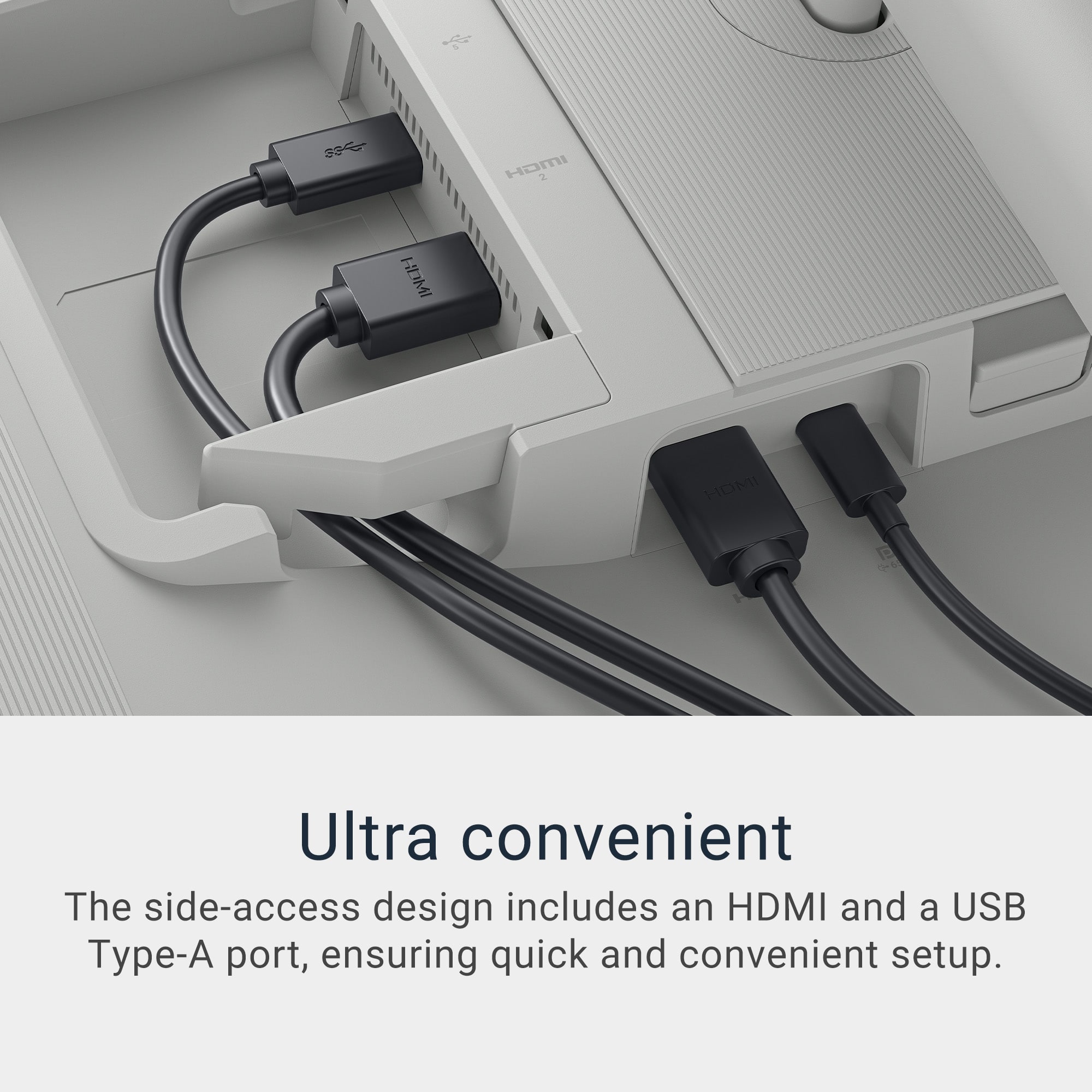
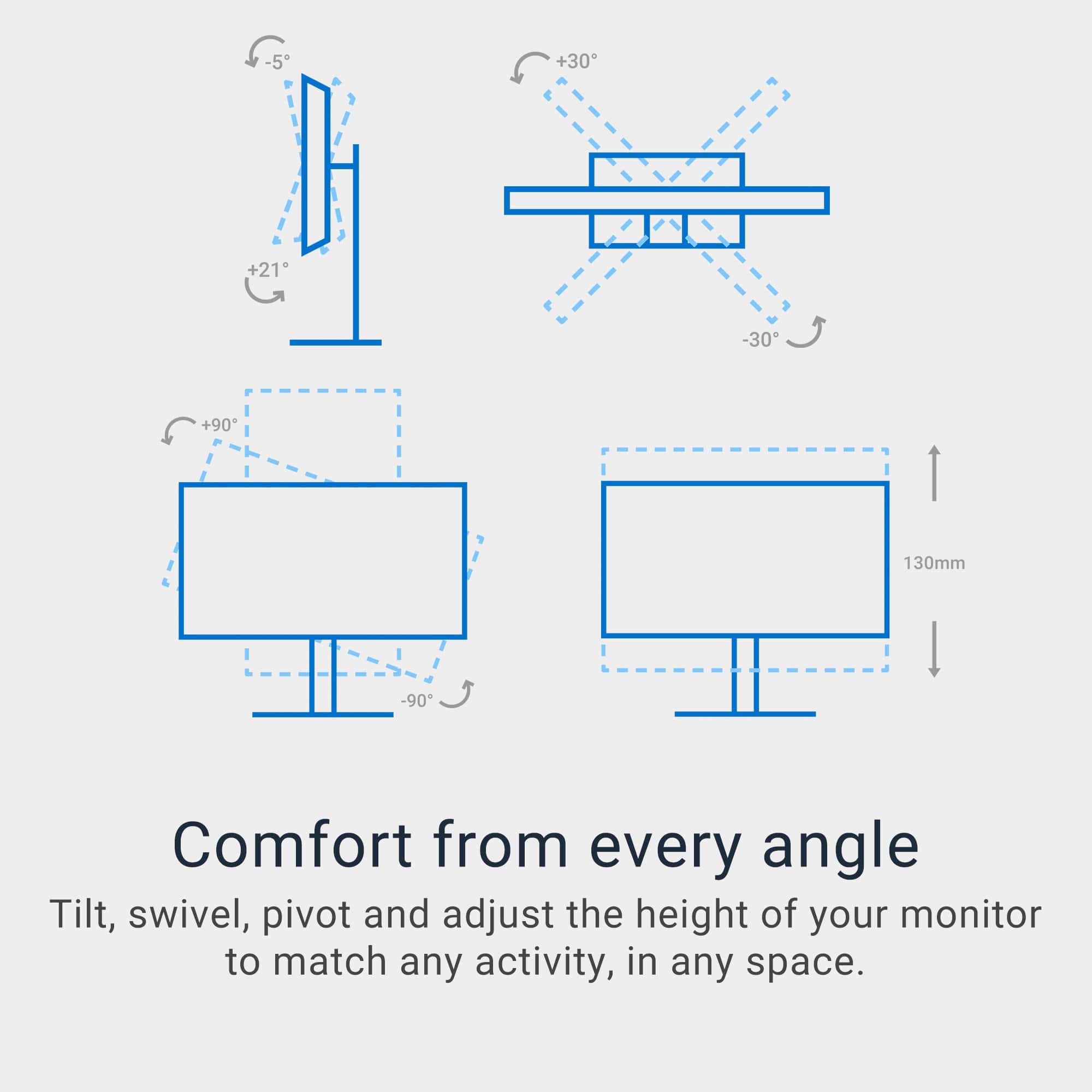
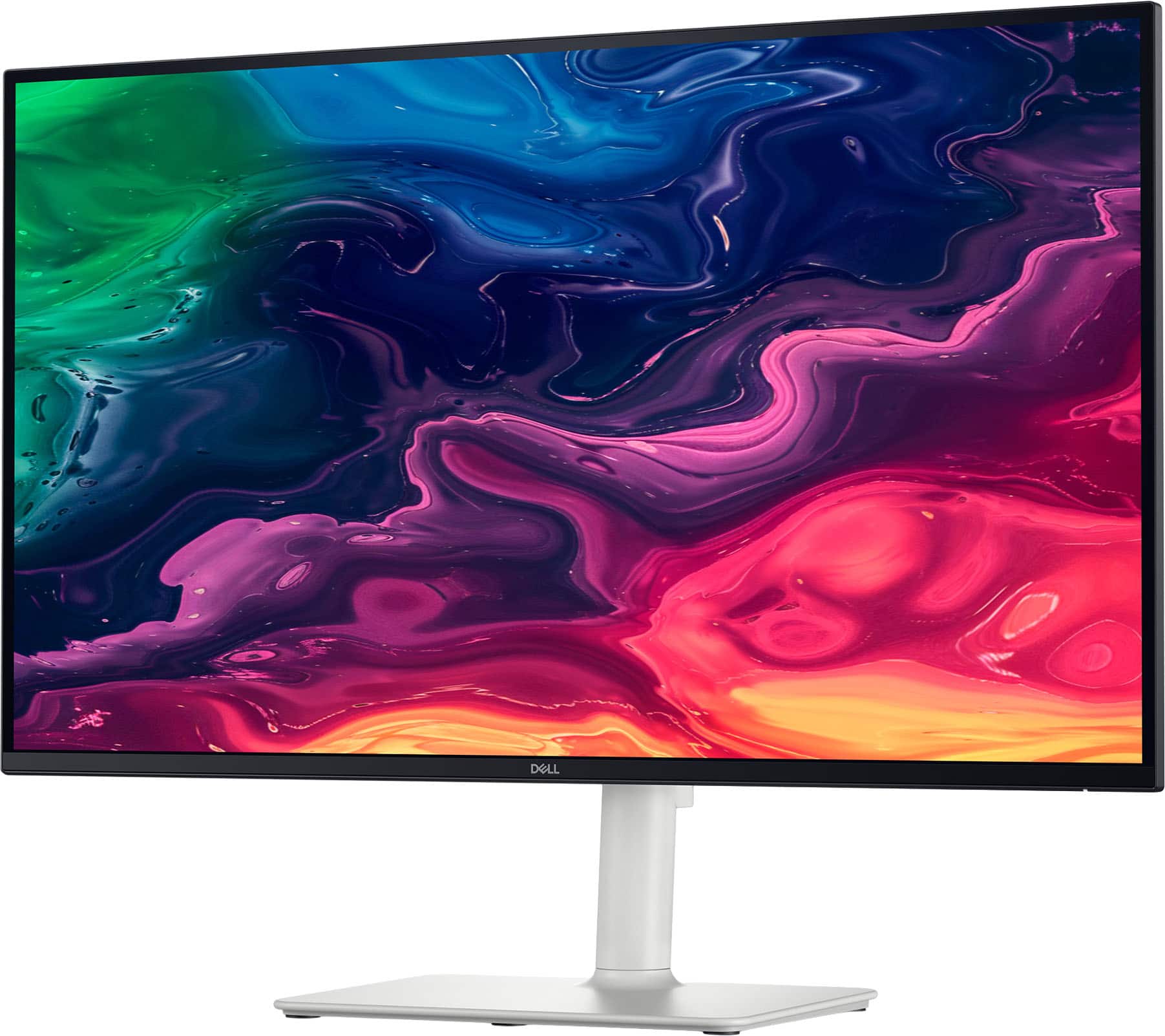
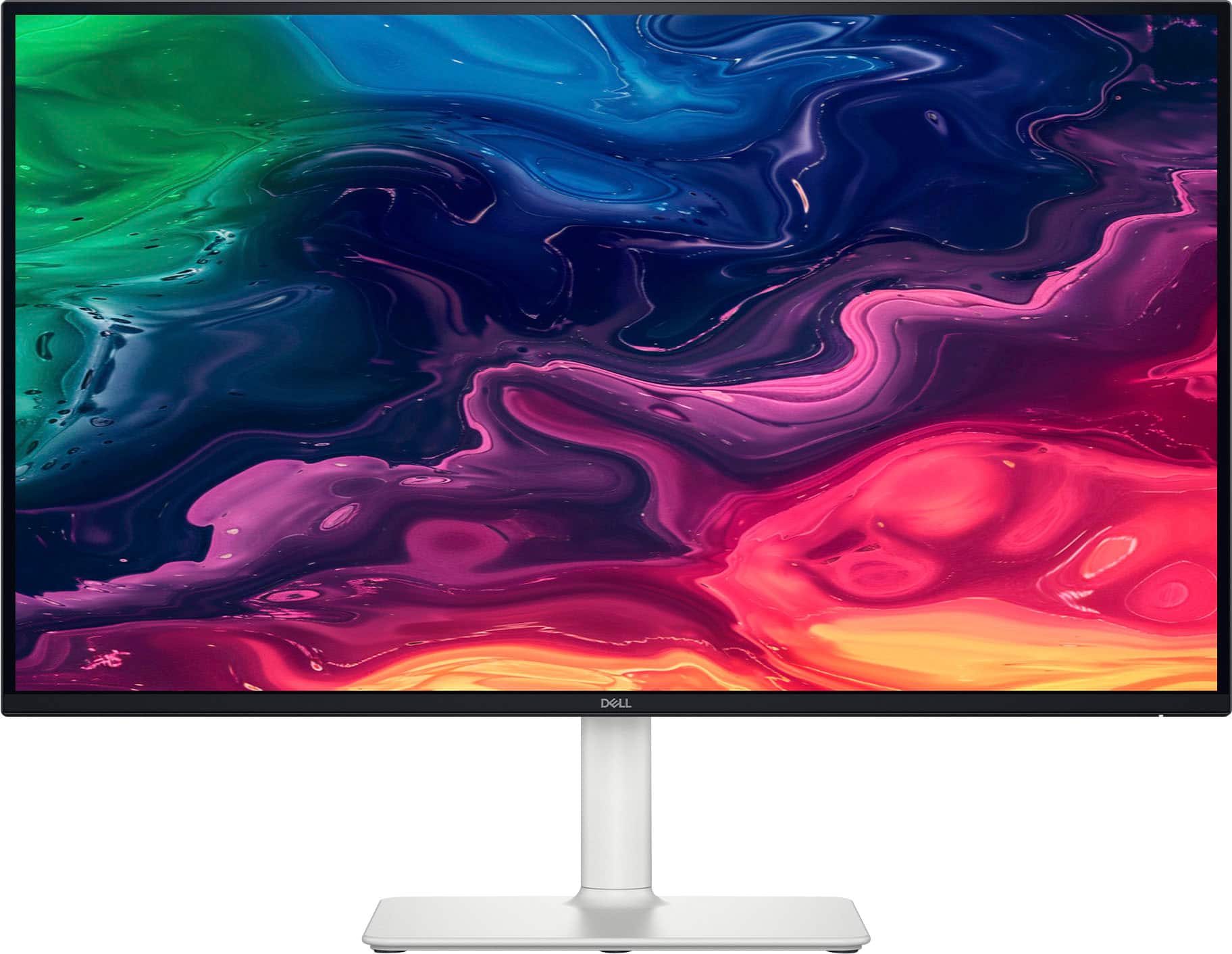
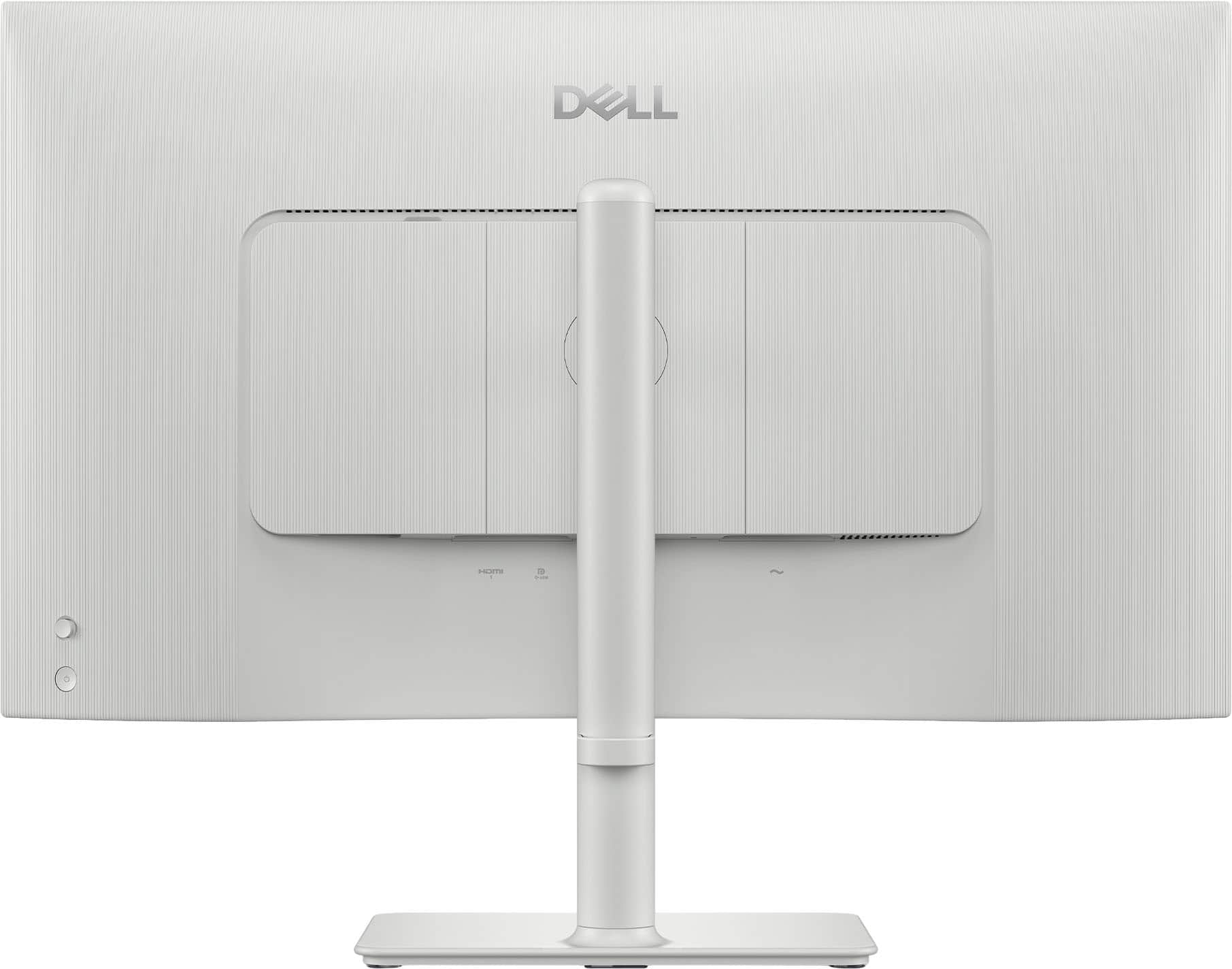
|Posted .This reviewer received promo considerations or sweepstakes entry for writing a review.The DELL 27” 4K LED USB C Monitor is superb. Starting with its appearance, the bezel surrounding the screen is tiny, hence the monitor is 99% screen. From the sides, it is sleek/slim, and the back of the monitor is uncluttered as the panels for connectors are covered with areas that permit the cables to exit, but be unobtrusive. The power button is easily accessed on the lower back of the monitor, and when powered, a tiny white light, just visible from the bottom front of the monitor lets the user know it is powered on (or off). Before the connection between the monitor and the computer is established, there is a tiny toggle above the power on/off button. It functions like a micro joy stick 1/4 inch protrusion. Pushing in on the toggle brings up a menu, and moving the toggle up/down/left/right moves the screen cursor to highlight menu options for set up. Pushing the toggle completes the selection (like mouse clicking on a menu selection). One of the options is AUTOMATIC, and I clicked on it and triggered a search whereupon in seconds the monitor detected the USB C connection with my computer and immediately connected. The screen promptly filled with glorious high resolution image of my desktop computer. I could simply control my mouse cursor from computer to monitor by moving it hard right on my computer and watching it appear on the monitor. I could place the cursor on any app and drag it using the cursor so that I could view the open app on the 27” monitor versus my 13’ computer screen. Working on imagery became a joy instead of eyestrain. The monitor is built on a very sturdy stand (there was mounting bracket for VESA wall mount). On its stand, there is nothing flimsy. An accidental arm movement will not knock this monitor over. It has a rock solid stand/mount. The monitor is very adjustable so that it may be tilted, or angled left or right without any tolls. Grasp the monitor, position the desired screen angles, and let go. BTW: Setting up the stand and monitor required zero tools. The bolts in the arm and in the base of the stand had wing tips. The bolts slipped right in and using the wing tips, could be tightened or loosened in seconds. The wing tips then folded flat. The more I used the monitor for imagery (photos and video), the more enamored I became. The colors are brilliant, the high resolution razor sharp, and the price -- ultra competitive with the offerings of all competitors. I unhesitatingly recommend this monitor because of its design, sturdy build, features, and value.
I would recommend this to a friend - Pros mentioned:Connectivity, Overall performance, Screen quality
Excellent monitor for the price
Posted .This reviewer received promo considerations or sweepstakes entry for writing a review.This monitor works very well and has excellent picture quality. Having upgraded from a 1080p monitor it is significantly improved my productivity. you will also notice the size difference if you're going from a 24 inch monitor. I really liked the usb-c as well since it made connection to my mac mini M2 very simple and didn't force me to use any silly dongles or proprietary cables.
I would recommend this to a friend Terrible Monitor!
||Posted .This reviewer received promo considerations or sweepstakes entry for writing a review.The audio is not working and Dell's technical support is so terrible I want to bang my head against the wall.
No, I would not recommend this to a friend- Pros mentioned:Refresh rate, Screen quality
Save your eyes with this monitor
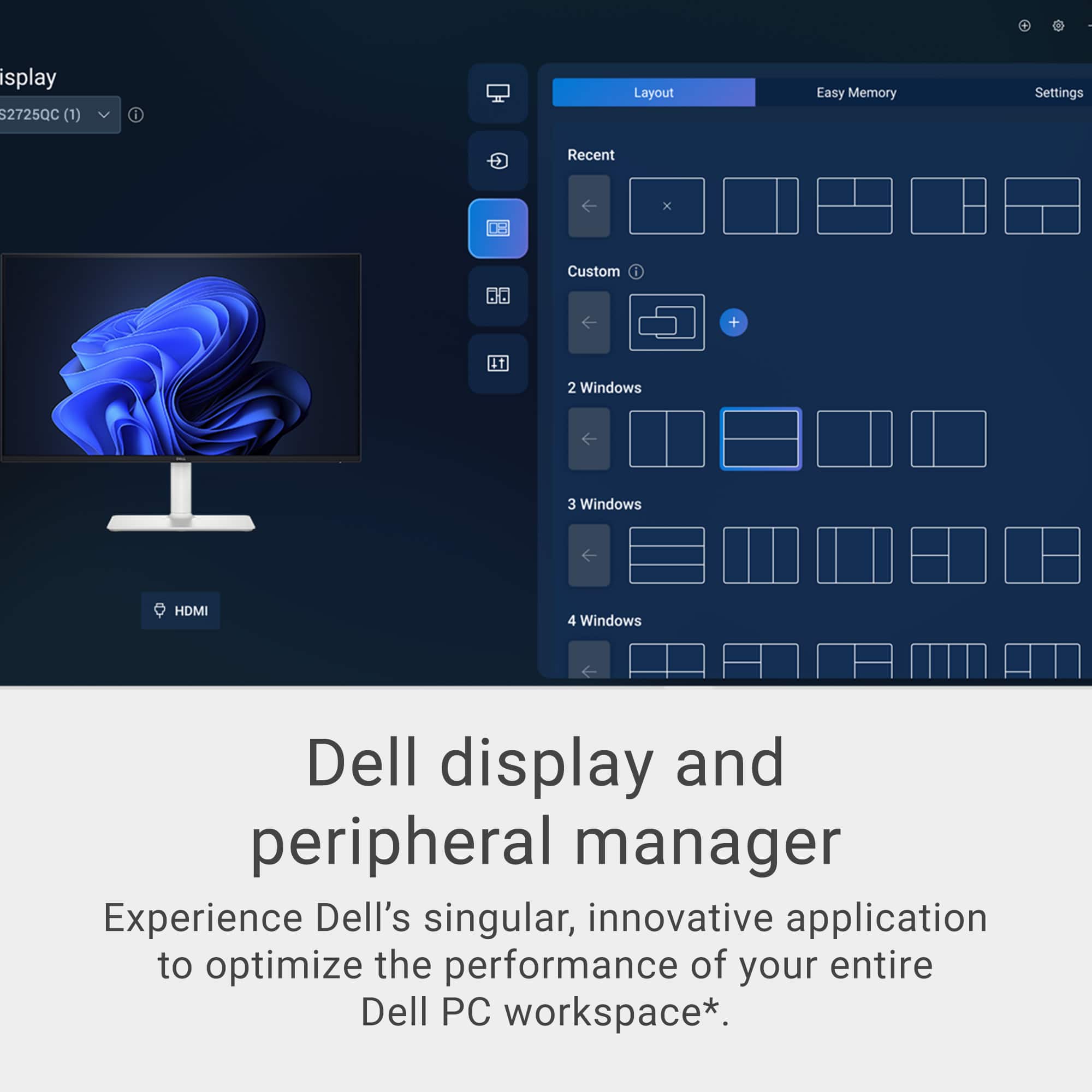
|Posted .This reviewer received promo considerations or sweepstakes entry for writing a review.I was looking for a nice monitor to add to my all in one desktop I have at my shop. I thought this one would be perfect. Come to find out, my desktop at the shop is too old to work with USB-C monitor and the HDMI didn't work with it either. I then took my Asus laptop and connected it. It worked right away without any issue whatsoever. I tried both the USB-C and the HDMI connections and both worked absolutely without any issue with the Asus laptop. The all in one is quite old so I chalk it up to old tech not working with new tech. There is no such thing as diminishing returns when you add additional monitors to your workspace. This monitor is absolutely gorgeous as is the images it displays! The contrast is very sharp. The colors are bright, vivid, and crisp! The low blue light provided by ComfortView Plus has helped my eye strain. The refresh rate makes for blur free video. That, paired with the surprisingly good internal speakers make this a fantastic monitor to stream your favorite videos. When productivity is priority, partitions can be set up to ease the multitasking putting windows into tiles. Dell did a great job with this display and it works wonderfully with my laptop. I think it may be time to finally retire that old all-in-one. I prefer to use the monitor with my laptop for the multitasking that I need in my shop.
I would recommend this to a friend - Pros mentioned:Overall performance, Screen quality
Perfect Size, Clarity and Sound
|Posted .This reviewer received promo considerations or sweepstakes entry for writing a review.TL;DR: SETUP: Plug it in, turn it on, it starts right up. USE: I really like it. I recently started wearing reader glasses, but don’t need them when using this monitor. USABILITY: It works well - from movies and videos to conference calls and spreadsheets. OVERALL: It’s crisp and clear. It’s very easy to see and use. It works great! REVIEW: I usually use 2-3 monitors at a given time. This has become my favorite and I’m using it more than the others because of its clarity. I set up has my desk facing windows, so there’s no glare from natural light, but I have an overhead ceiling fan light, which often causes some glare, but really doesn’t on this. I also just started wearing reading glasses and this has helped to not need them. I don’t usually use a monitor’s speakers, but the sound is great in my average-sized home office. There isn’t much more I can say about this specific Dell monitor, but I like it, I use it and if you need a new monitor, the size is perfect as your main screen (my 36” curved monitor houses all the extra stuff I need, but don’t use frequently. Go for it! :)
I would recommend this to a friend - Pros mentioned:Screen quality
Economical high-end gaming monitor
|Posted .This reviewer received promo considerations or sweepstakes entry for writing a review.Dell has done a great job of making their product very user friendly and this monitor is no exception. It comes will boxed and set up is super easy. The stand clips to the back of the monitor and the stand base clips on with a tool-free op up screw twist. It seems very well made and sets in place securely. It comes with a DVI cable, and you will have to purchase separately if you are needing an HDMI. You will need to use the DVI to get the full experience and 120hz monitor refresh rate. My PC instantly recognized the monitor and after a few setting tweaks (sound, refresh rate and display resolution) I was ready to go. The picture quality is amazing and fast gaming scenes look blur free on the high refresh rate. The built-in speakers work rather well also, and I plan to use in conjunction with a larger speaker system with subwoofer. The blue light filtering screen is nice and my eyes to not feel as tired after a long night-time gaming session. The bezel is thin on these screens and looks really good in any PC setup. I plan to buy a matching monitor to get a dual screen setup for multi-tasking and wide screen gaming.
I would recommend this to a friend - Pros mentioned:Connectivity
Great for Macbook Pro
Posted .This reviewer received promo considerations or sweepstakes entry for writing a review.I think it's great! It was easy to put together and it really is a plug-and-play, even with a Macbook Pro, which was what I was looking for. It charges and displays as a second screen for my Macbook, all from one cord connection, making it super sleek.
I would recommend this to a friend - Pros mentioned:Screen quality
Amazing, but very bright
Posted .This reviewer received promo considerations or sweepstakes entry for writing a review.The monitor is great, colors are amazing, and clarity is phenomenal. It is slightly annoying how bright the screen is in low-light settings, even at 10% brightness whites are very bright.
I would recommend this to a friend Really good but one showstopper for me (a 3-star)
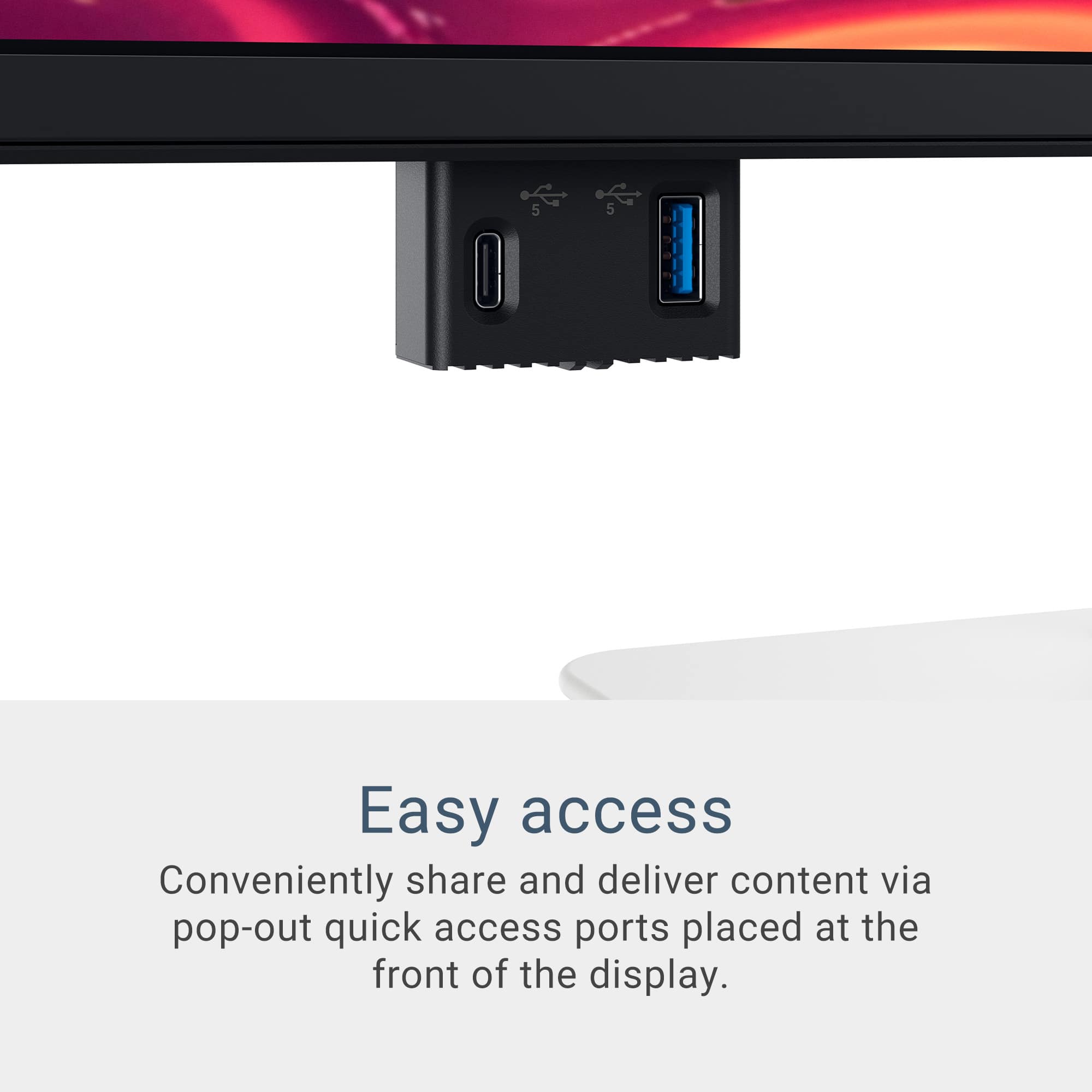
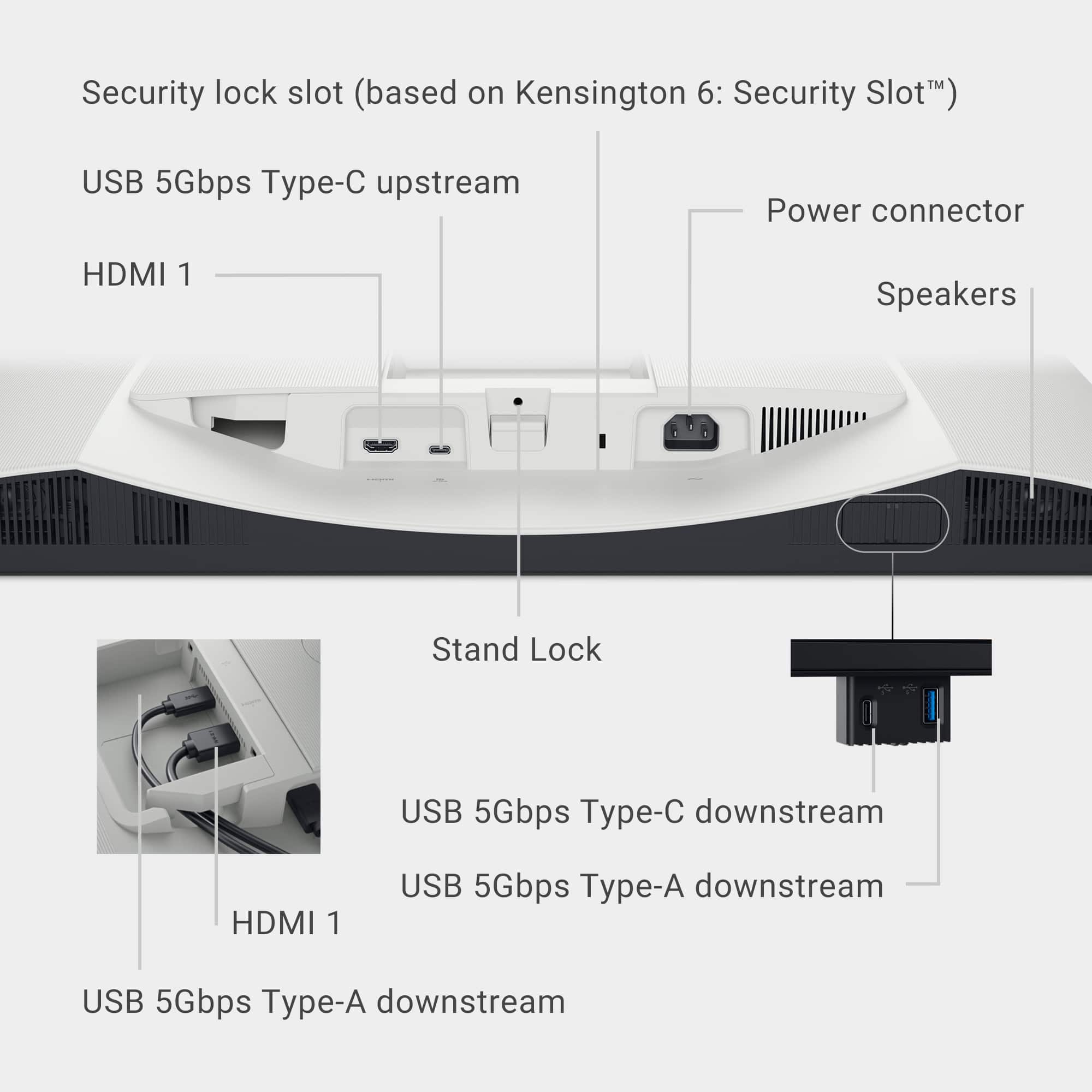
|Posted .This reviewer received promo considerations or sweepstakes entry for writing a review.Overall – This is a really nice monitor with great features however one major drawback (black level) – if that’s a pet peeve for you like it is for me it’s a no-go but if not, you’ll be very happy. Packaging – The unit is packaged very well – the box I received had some minor damage and a gouge at the bottom corner however there was no damage inside of the box. Word of note you really need to lay the box flat to open and assemble Assembly – the monitor has this as a really strong point – no tools required - the foldable t wing on the screws was an absolute A+ Touch and feel – The one I had was silver and it is quite light in color so would need to match your aesthetic with that color – did stand out a bit on my black desk. The monitor has height, rotation, tilt, and swivel ability so you can get it in the perfect view position. Being able to raise gives you different options for functionality if needed. The complete case of the screen adds a bit of rigidity that makes it feel like a premium monitor Setup & Functionality – Setup was easy with the number of connections with a USB-C, 2 HDMI, and USB-A ports – you can easily hold this up to whatever input you have. I used the 2 HDMI with no issues in auto recognizing on power up = it did not auto switch when the signal was lost from one source but easily enough changed through the user menu. As for the menu setup, it was well laid out and as easy to navigate as any on a monitor. I found the reduction in blue light setting the best for standing computer work – no real eye strain for several hours of work. I did have to change the setting if I wanted to use it as a video playback. Most of the other worked well in this case – would depend on your viewing preference. Also if the standards don’t work for you it has a full individual setting customization that would allow you to adjust it to your specific viewing needs. The 4K and 120 refresh rates worked well (lower quality sources) to outstanding in high-quality sources (mainly watching $K content). The speakers are passable – great for an office setting – but may leave a bit to be desired for video or music but again they as accessible in that instance. Now the largest drawback (please note as stated before this is a real pet peeve of mine). The black levels are horrid. I set this up and did a side-by-side comparison with a 2-letter company (one I used daily) competitive model the difference was striking. The Dell had a mid-gray at best black – standalone it’s not as noticeable and or in dim light – but in bright light it does stand out. The features and everything other than the black make this a great monitor and if you are OK with that this would be a high recommendation from me however if you like me, I just could not work with that every day.
I would recommend this to a friend