Customer Ratings & Reviews
- Model:
- DH0NY
- SKU:
- 6375331
Rating by feature
- Display Quality
Rating 4.8 out of 5 stars
- Ease of Use
Rating 4.7 out of 5 stars
- Features
Rating 4.7 out of 5 stars
Customers are saying
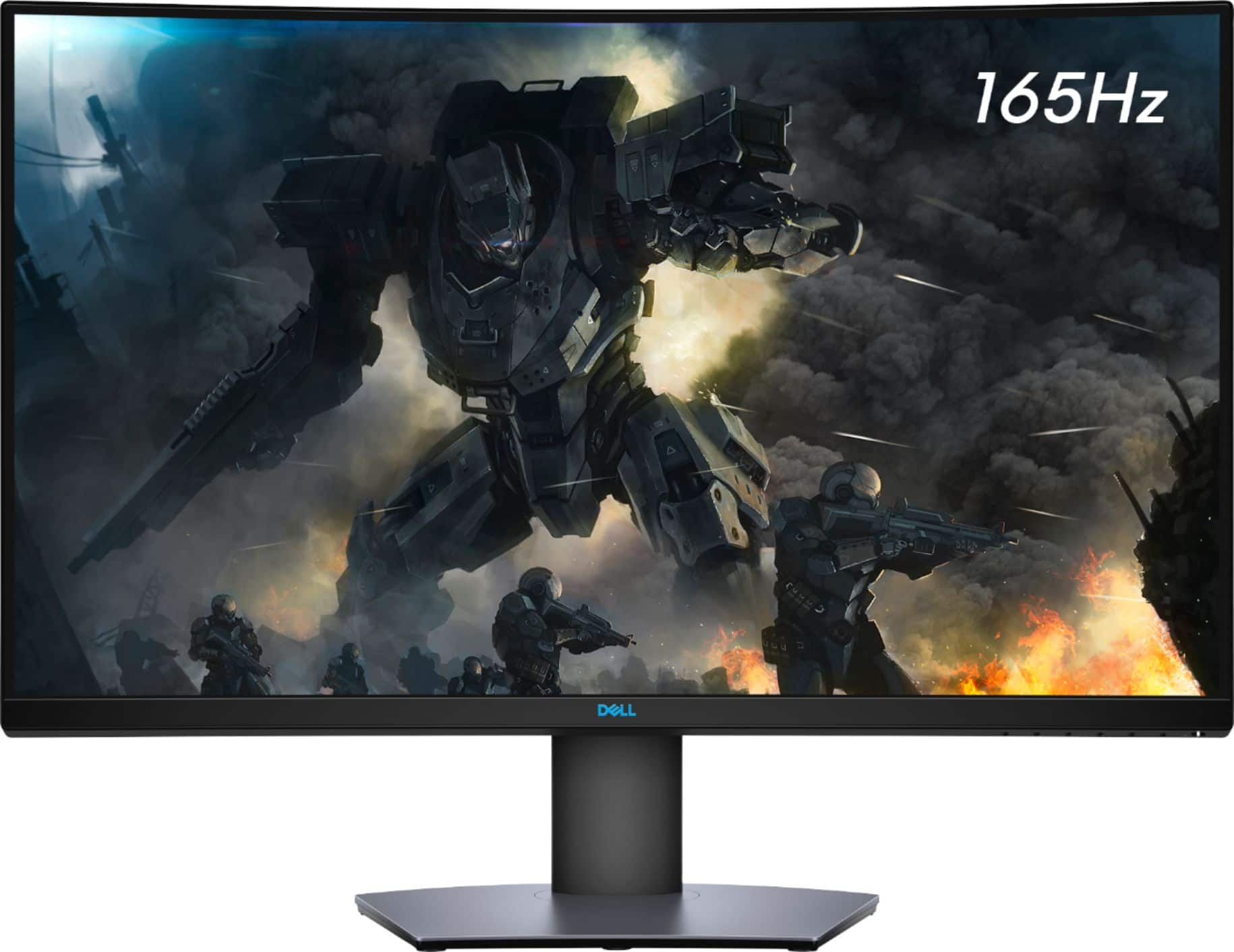
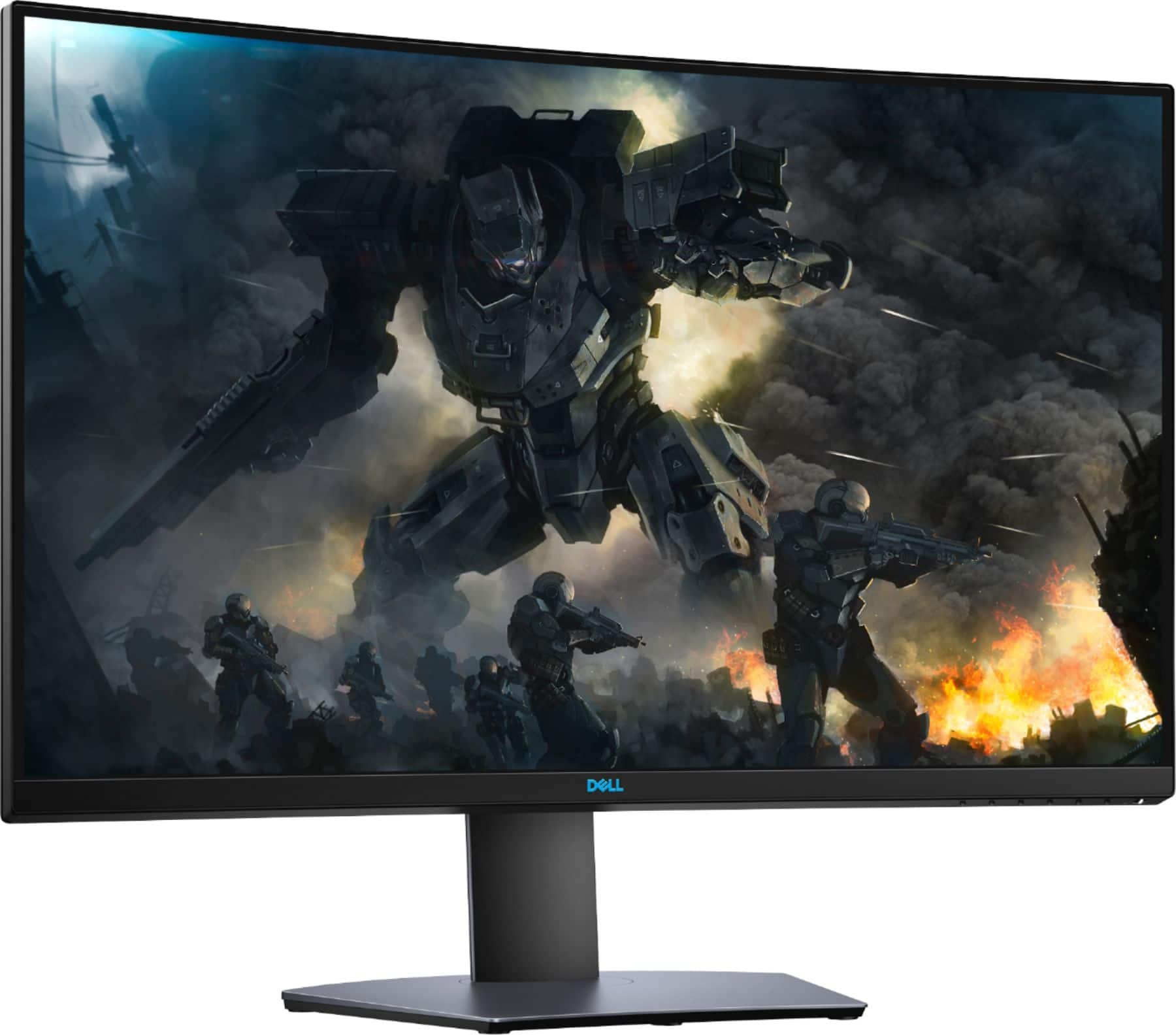
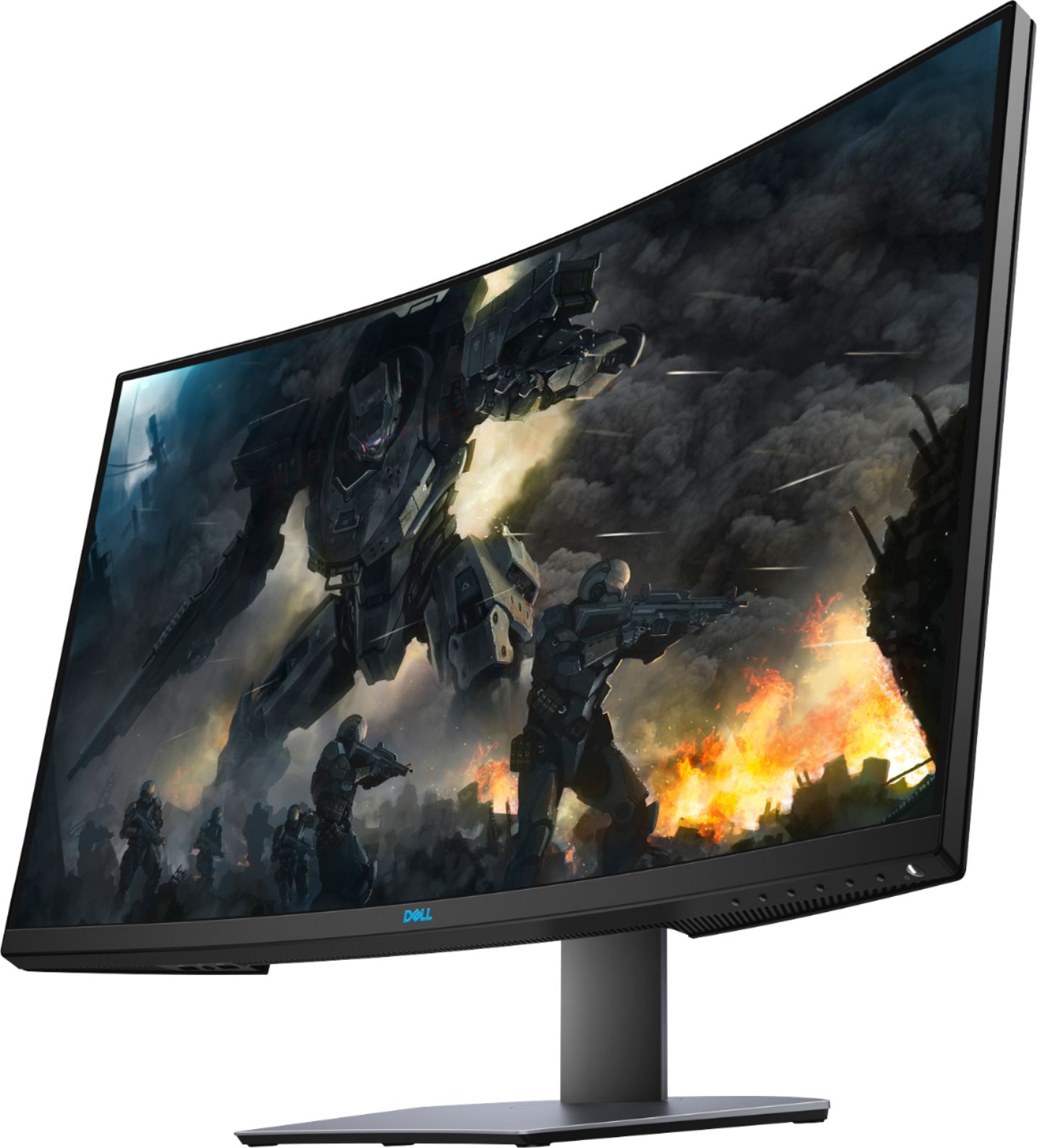
Customers are satisfied with the S3220DGF monitor's screen size, refresh rate, and resolution, frequently praising its suitability for gaming and work. Many appreciate the monitor's quality, HDR capabilities, and FreeSync technology, although some noted the absence of built-in speakers and the monitor's weight as drawbacks. A few users reported issues with dead pixels or ghosting, but these concerns were less prevalent than positive feedback. The curved screen is also a feature that many users enjoyed.
This summary was generated by AI based on customer reviews.
For my son
||Posted . Owned for 3 weeks when reviewed.This reviewer received promo considerations or sweepstakes entry for writing a review.Good monitor Can’t run 4K 120fps But not bad for the price
I would recommend this to a friendWashed out colors.
||Posted . Owned for 3 weeks when reviewed.This reviewer received promo considerations or sweepstakes entry for writing a review.Monitor worked great but the colors weren’t as rich as I hoped. 32” was also way too big for me. You need to sit very far away from this to process the whole screen. Probably great for racing games but not for the games I played. I ended up returning.
No, I would not recommend this to a friendBrand response from YourDellTeam
Posted .Hello,
Thank you for taking the time to share your feedback and response. We are extremely sorry to hear that the colors and size of your monitor have not met all of your expectations, and greatly appreciate your feedback. We will forward these issues you stated onto our product team to improve ourselves for the future. If needed in the future, here is a link that can help adjust your color depth through Windows 10: http://dell.to/3oitVT6.
If needed in the future, we recommend accessing the link above to resolve your issue. If you come across any questions, issues, or concerns, please contact Dell Support at your earliest convenience at 1-800-264-9896.
Best regards,
Wendy C.
https://bit.ly/DellSupportTeam.
Phone number to Dell: 1-800-264-9896.
Happy with it
||Posted . Owned for 3 weeks when reviewed.This reviewer received promo considerations or sweepstakes entry for writing a review.Great monitor! Some minor light bleed, but overall happy with it.
I would recommend this to a friend165Hz
||Posted . Owned for 1 month when reviewed.This reviewer received promo considerations or sweepstakes entry for writing a review.How do you get 165hz on this monitor? The most I got was 144hz.
I would recommend this to a friendI like it.
||Posted . Owned for 3 weeks when reviewed.This reviewer received promo considerations or sweepstakes entry for writing a review.It’s a nice monitor for the price. I would recommend it.
I would recommend this to a friendGood for gaming
||Posted . Owned for 1 month when reviewed.This reviewer received promo considerations or sweepstakes entry for writing a review.It's a very nice screen for gaming, easy to install
I would recommend this to a friendAverage monitor
||Posted . Owned for 1 month when reviewed.This reviewer received promo considerations or sweepstakes entry for writing a review.The colors are average, better than my tn panel (benq) but quite inferior to my ips display (lg). I returned this after almost two weeks cause of the bad backlight bleed. It has backlight bleed over the edges and not just the corners
No, I would not recommend this to a friendBrand response from YourDellTeam
Posted .Hi Ashh,
We want to thank you for taking the time to leave us your review. We are sorry for the issues you had with your Dell Monitor and ultimately decided to return it. We can assure you that Dell takes pride in manufacturing quality products. Even if this particular product was not the right fit for you we hope that you will consider Dell in the future when you make your next purchase. I have provided a link to help with troubleshooting backlight bleeding on a Dell Monitor for future reference.
Troubleshooting Light Bleeding on Dell Monitor: https://dell.to/3F2At1c
If you require further assistance, you can contact Dell directly with the information below.
Chat or call: https://bit.ly/DellSupportTeam
Phone number to Dell 1-800-624-9896
Best,
Ashley@Dell
Very good
||Posted . Owned for 1 month when reviewed.This reviewer received promo considerations or sweepstakes entry for writing a review.Screen is good 144hz refresh rate , USB (not USB-c ) hub.
I would recommend this to a friendI recommend
||Posted . Owned for 1 month when reviewed.This reviewer received promo considerations or sweepstakes entry for writing a review.Enjoying this monitor, looks good and plays smooth.
I would recommend this to a friendGreat value
||Posted . Owned for 1 month when reviewed.This reviewer received promo considerations or sweepstakes entry for writing a review.Great monitor, but it doesn’t come with a speaker.
I would recommend this to a friendSeems awsome
||Posted . Owned for 3 weeks when reviewed.This reviewer received promo considerations or sweepstakes entry for writing a review.I like the curved monitor, the image quality is super fine.
I would recommend this to a friendQuality Issues
||Posted . Owned for 1 week when reviewed.This reviewer received promo considerations or sweepstakes entry for writing a review.The monitor is actually great but I have had other issues so this is more a review of best buy. The first one purchased was in "used - excellent condition" which is supposed to include all the parts it came with originally. Well this monitor is in fine condition but it is missing the display cord which was supposed to come with it. The new one had all the related cords but is damaged in the bottom right corner where the strip of plastic on the face of the monitor is bent out. I cannot find any way to contact support about any of this other than to return the whole thing and that may be more of a hassle than this is worth.
I would recommend this to a friendNot so good
||Posted . Owned for less than 1 week when reviewed.This reviewer received promo considerations or sweepstakes entry for writing a review.Not a fan. In fact, I just returned them for Samsungs. I paid a lot of money for them and they just were very lack luster. Sad. I thought that Dell had finally got out of the dark ages. Nope.
No, I would not recommend this to a friendBrand response from YourDellTeam
Posted .TechGuy,
Thanks for your review and we're sorry that your computer's performance is not meeting your needs. If you'd like to troubleshoot your computer's performance you can try these suggestions:
1. Restart your computer regularly.
2. Run the automated tools provided in the SupportAssist Tool.
3. Run a complete hardware diagnostic test.
4. Scan your computer for malware.
5. Restore your Dell computer using Windows System Restore.
6. Reinstall Microsoft Windows.
You can read the full steps associated with each of these recommendations here: https://dell.to/3n29QjE.
Best,
Bryan
1-800-624-9896
broken after a year
||Posted . Owned for 1 year when reviewed.This reviewer received promo considerations or sweepstakes entry for writing a review.it was good for a year it dead it’s black does not respond my other monitor is working fine my pc is not broken i do not recommend buying this monitor if u want it long term.!
No, I would not recommend this to a friendBrand response from YourDellTeam
Posted .Hello Isabel,
Thank you for your feedback and response. We are extremely sorry to hear that your monitor has stopped functioning. We would love to help you as soon as possible. We have provided steps that can be used to run a Self-Test on the monitor to help diagnose the issue.
To run the monitor built-in self test (BIST):
1. Make sure that the monitor screen is clean (no dust particles on the surface of the screen).
2. Unplug the video cable(s) from the back of the Dell monitor and the PC. The Dell monitor should now enter self-test mode.
3. Press and hold Button 1 for 5 seconds. A gray screen should appear.
4. Carefully inspect the screen for abnormalities.
5. Press Button 1 on the front panel again. The color of the screen should now change to red.
6. Inspect the screen for any abnormalities.
7. Repeat Step 5 and Step 6 to inspect the screen in green, blue, black, white and text screens.
8. The test is complete when the white screen appears.
9. Press Button 1 to exit the built-in self test diagnostics.
If your monitor still has issues, this link can be used to help run further steps and provide more in-depth information:https://dell.to/3jTiTFm.
Best regards,
Wendy C.
https://bit.ly/DellSupportTeam.
Phone number to Dell: 1-800-264-9896.
Super saturated, colors almost look white. No cont
||Posted . Owned for 1 week when reviewed.This reviewer received promo considerations or sweepstakes entry for writing a review.Was trying to upgrade to higher hertz monitor. This one was on sale for $400. Super saturated image, looked like there was a bright white light in the background of the monitor.... terrible colors. I mean, image blur was almost non-existent but youre looking at pale white colors. Very bad monitor for gaming. I had a 144hz monoprice 27 in that looked way way better. Returned this and scored an awesome deal on an 27gp83b-b open box with no issues at all. Their loss to whoever returned it
No, I would not recommend this to a friendBrand response from YourDellTeam
Posted .Hello Chavier,
Thank you for your feedback and review. We apologize for the issues you have come across with the monitor. We have provided steps that can be used to run a Self-Test on the monitor to help diagnose the issue if needed in the future.
1. Make sure that the monitor screen is clean (no dust particles on the surface of the screen).
2. Unplug the video cable(s) from the back of the Dell monitor and the PC. The Dell monitor should now enter self-test mode.
3. Press and hold Button 1 for 5 seconds. A gray screen should appear.
4. Carefully inspect the screen for abnormalities.
5. Press Button 1 on the front panel again. The color of the screen should now change to red.
6. Inspect the screen for any abnormalities.
7. Repeat Step 5 and Step 6 to inspect the screen in green, blue, black, white and text screens.
8. The test is complete when the white screen appears.
9. Press Button 1 to exit the built-in self test diagnostics.
If your monitor still has issues, this link can be used to help run further steps and provide more in-depth information: https://dell.to/2oZBCRW.
Best regards,
Wendy C.
https://bit.ly/DellSupportTeam.
Phone number to Dell: 1-800-264-9896.
Not for macbook
||Posted . Owned for 3 weeks when reviewed.This reviewer received promo considerations or sweepstakes entry for writing a review.I purchased this as external monitor for mackbook pro, based on the specs I thought it will be great (even though it is compatible for Windows only)the resolution wasn't as expected
I would recommend this to a friendBrand response from YourDellTeam
Posted .Raghu,
We're sorry that your monitor's resolution is not what you were hoping it would be. We'd recommend the following article to help with your monitor's resolution quality: https://dell.to/2CLF6yC.
Best,
Bryan
1-800-624-9896
Does not work well with streaming
||Posted .This reviewer received promo considerations or sweepstakes entry for writing a review.This monitor works fine with a laptop computer and an iPad, e.g., for ppt presentations. It does not work well for displaying contents from streaming (e.g., Xfinity).
No, I would not recommend this to a friendBrand response from YourDellTeam
Posted .Hello happy2020,
Thank you for your feedback and review. We are sorry to learn that you're having some issues with displaying content while streaming. Below are steps that can help.
1. Run the Network Troubleshooter.
a) Touch and hold or right-click the network icon (Available Networks or Network Icon, located in the lower right-hand corner).
b) Touch or click Troubleshoot problems and then follow the prompts.
You can read the full article here - http://dell.to/2sLtwRh.
Best regards,
Wendy C.
Not G-SYNC Certified. Only “compatible”
||Posted . Owned for 2 months when reviewed.This reviewer received promo considerations or sweepstakes entry for writing a review.Great monitor for AMD/ATI cards. G-SYNC compatible is not G-SYNC Certified. Very bright and clear image. Returned due to not being a GSYNC Certified monitor.
I would recommend this to a friendBrand response from YourDellTeam
Posted .Hello 3ch0,
Thank you for your feedback and review. We're sorry that the monitor didn't meet your expectations. Your feedback is sincerely appreciated and will surely be taken into consideration when designing future products. If you have any questions about the G-SYNC Compatibility of this gaming monitor, don't hesitate to visit the support page of the Dell S3220DGF - https://dell.to/3xhHp6y.
Best regards,
Wendy C.
For further assistance, you can contact Dell directly with the information below Chat or Call:
https://bit.ly/DellSupportTeam.
Phone number to Dell: 1-800-264-9896.
owned for 4 years and still going string
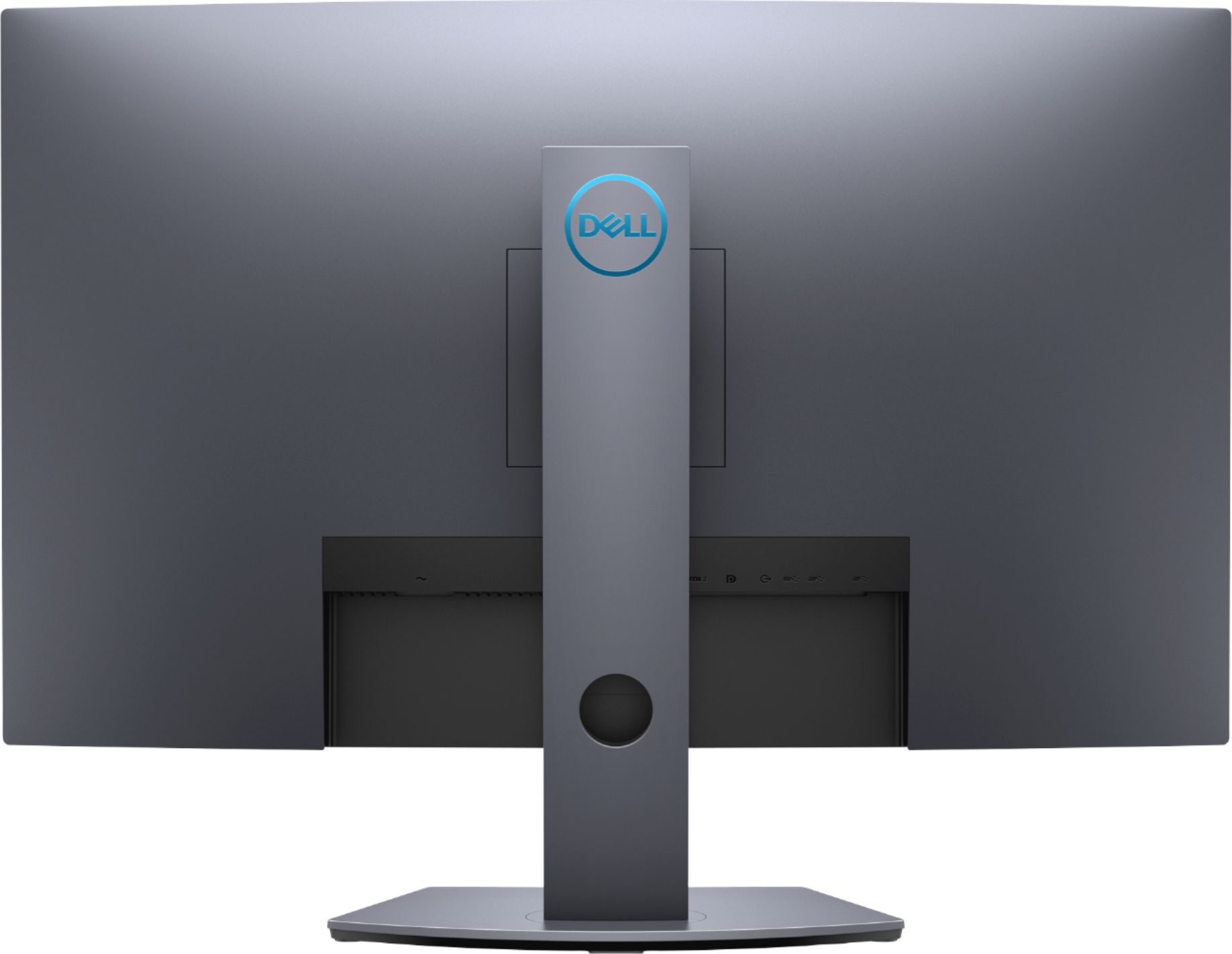
Posted .This reviewer received promo considerations or sweepstakes entry for writing a review.I love this monitor, i have not realized it has been 4 years since I bought it. I is the perfect size for gaming with amazing frame rates. It is also perfect for split/quad screening documents/chrome. I like the multiple USB it has which allows me to plug in random USB devices without reaching for the back of my computer. I had bought two and was planning on getting a third monitor once I had enough room, it is sad that this item is no longer available, but I would buy it again if it were available.
I would recommend this to a friendGood for videogames
||Posted . Owned for 7 months when reviewed.This reviewer received promo considerations or sweepstakes entry for writing a review.It's a good gaming monitor but after a few weeks of use the hdmi started to fail. Dell did a very good customer service and they sent me a refactored one.
I would recommend this to a friendBrand response from YourDellTeam
Posted .Hello DebiGonzz,
Thank you for your kind words. We apologize for the issue you have come across with your HDMI port. We are glad to learn that you were taken care of by the Dell Support Team. Your feedback is sincerely appreciated. If you have any additional questions or concerns, feel free to visit the support page of your monitor.
Best regards,
Wendy C.
For further assistance, you can contact Dell directly with the information below Chat or Call:
https://bit.ly/DellSupportTeam.
Phone number to Dell: 1-800-264-9896.