Customer Ratings & Reviews
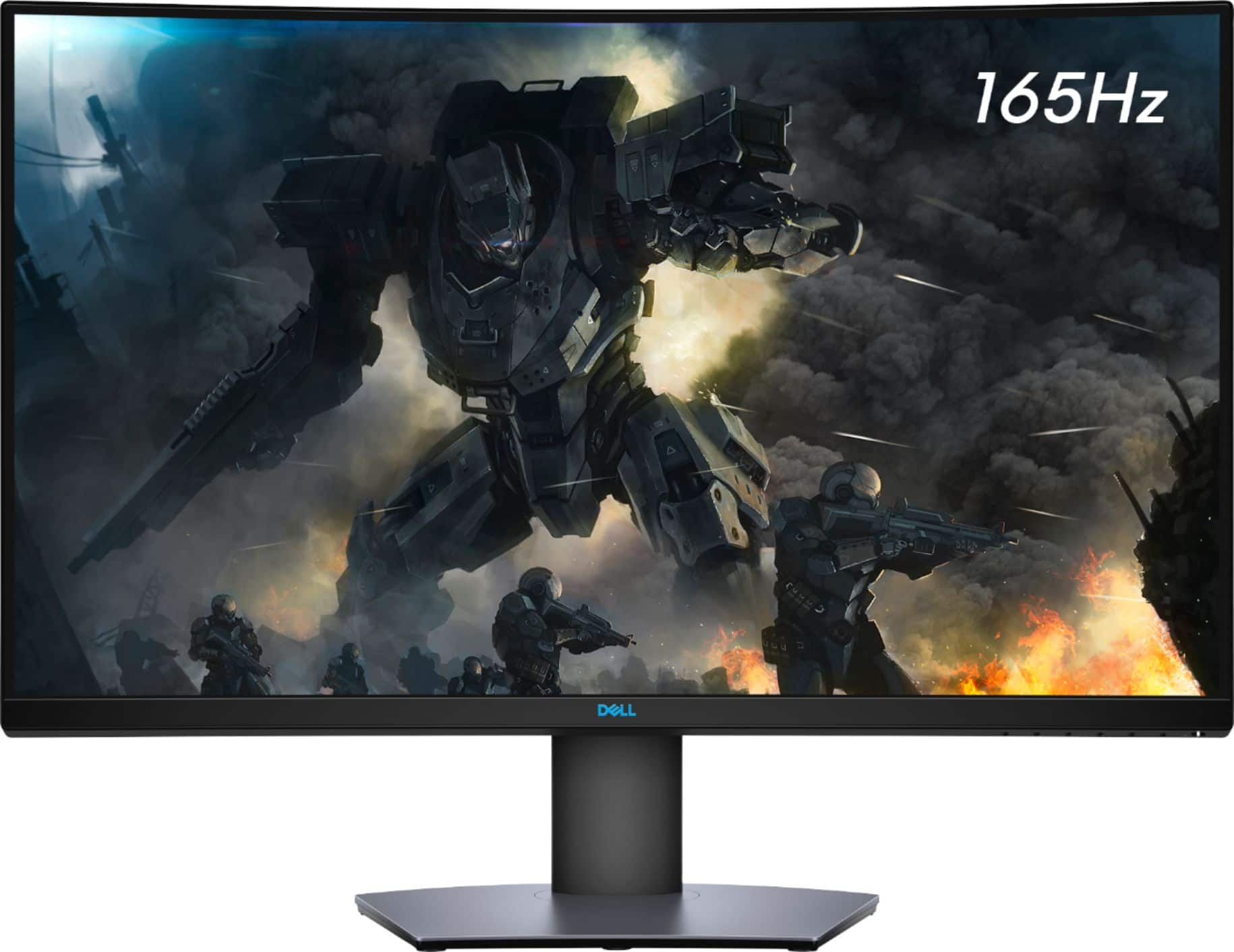
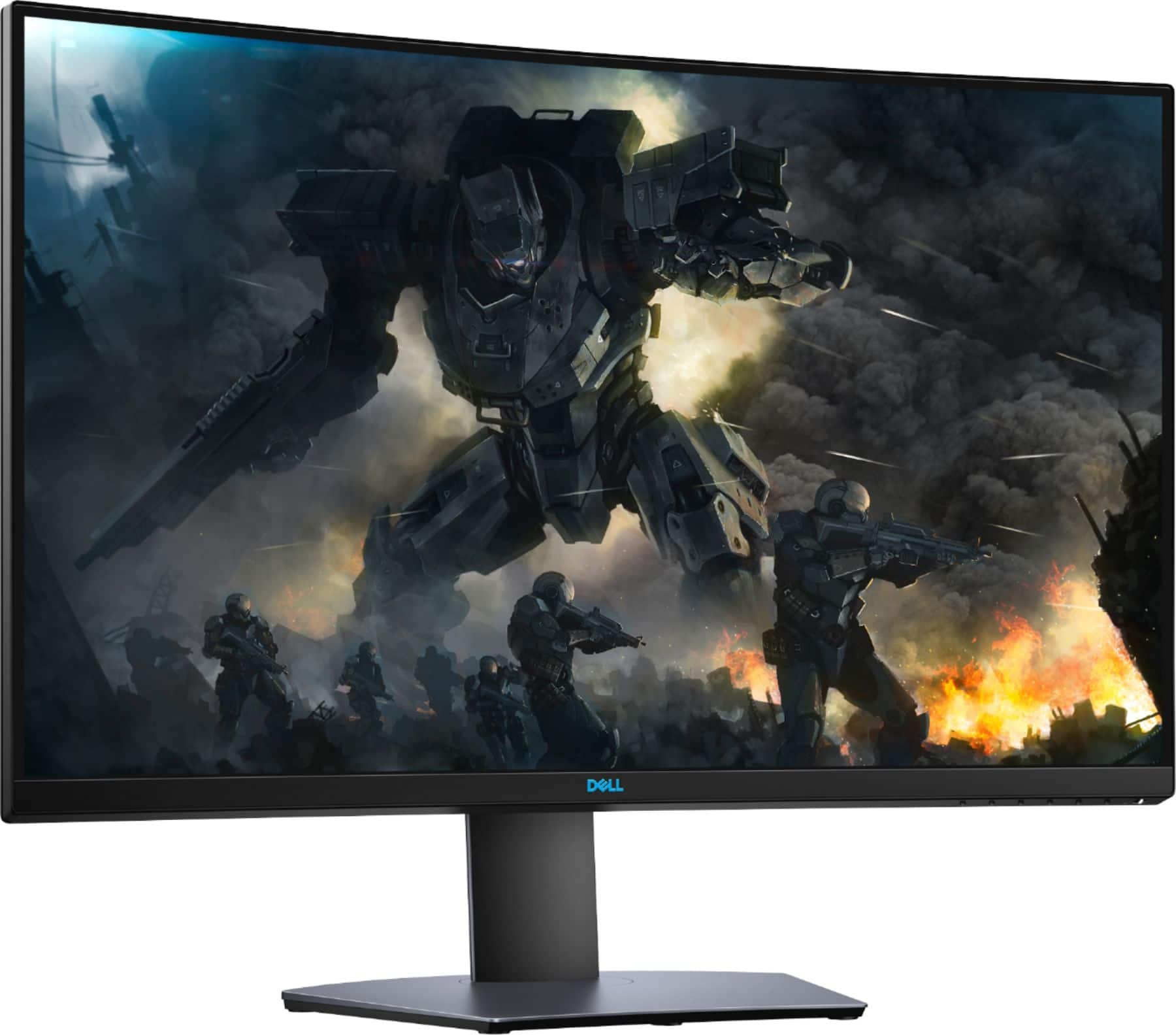
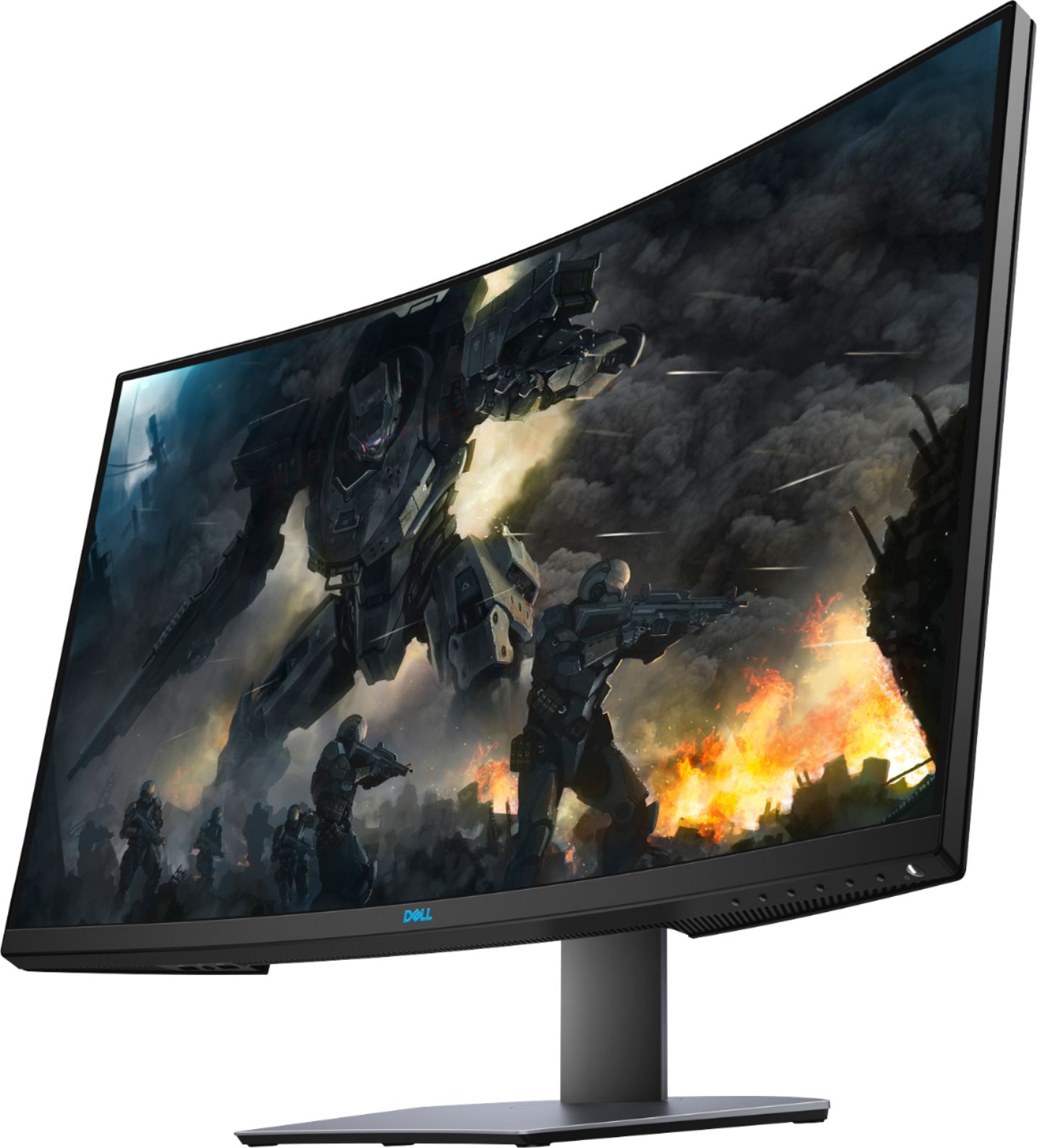
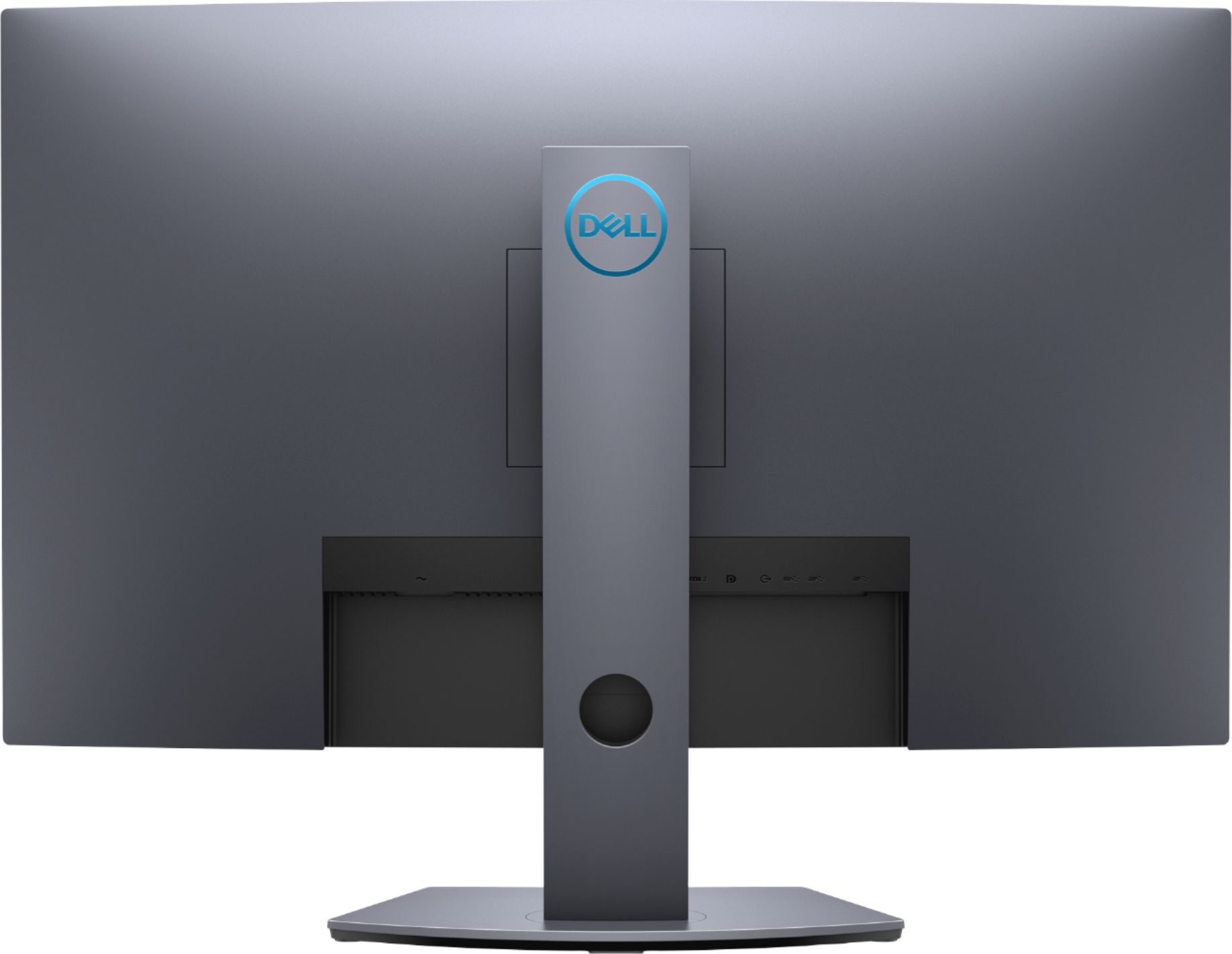
- Model:
- DH0NY
- SKU:
- 6375331
Rating by feature
- Display Quality
Rating 4.8 out of 5 stars
- Ease of Use
Rating 4.7 out of 5 stars
- Features
Rating 4.7 out of 5 stars
Customers are saying
Customers are satisfied with the S3220DGF monitor's screen size, refresh rate, and resolution, frequently praising its suitability for gaming and work. Many appreciate the monitor's quality, HDR capabilities, and FreeSync technology, although some noted the absence of built-in speakers and the monitor's weight as drawbacks. A few users reported issues with dead pixels or ghosting, but these concerns were less prevalent than positive feedback. The curved screen is also a feature that many users enjoyed.
This summary was generated by AI based on customer reviews.
Fragile Monitor!
||Posted . Owned for 7 months when reviewed.This reviewer received promo considerations or sweepstakes entry for writing a review.Great everything except the monitor c glass is fragile
I would recommend this to a friendBrand response from YourDellTeam
Posted .Hello STEFFENSEN,
Thank you for sharing feedback. We are pleased to learn that your monitor is meeting expectations. Your feedback is sincerely appreciated and will surely be taken into consideration when designing future products. If you have any other questions, feel free to visit the support page for your monitor.
Best regards,
Wendy C.
For further assistance, you can contact Dell directly with the information below Chat or Call:
https://bit.ly/DellSupportTeam.
Phone number to Dell: 1-800-264-9896.
Screen got a black patch after 3 months of use
||Posted . Owned for 3 months when reviewed.This reviewer received promo considerations or sweepstakes entry for writing a review.Within 3 months of the purchase, I noticed a small flicker on top of the monitor screen. As I was just logging off work, I made a mistake of ignoring it. Next time I logged in to find about a 5inch black blotch on the entire right side of the screen. I immediately contacted Dell Customer Support only to find out that this is considered a "customer induced damage" and not covered in the "Advance exchange warranty" and that I should just purchase a new monitor.
No, I would not recommend this to a friendBrand response from YourDellTeam
Posted .trinity,
Thanks for your review. We're sorry to hear about the flicker on your screen and the coloring issue that you've noticed. Here are some solutions to common monitor issues: https://dell.to/2oZBCRW.
Please take a look at our Product Support Page for some possible resolutions: https://dell.to/3aJs03U.
Best,
Bryan
1-800-624-9896
Average
||Posted .This reviewer received promo considerations or sweepstakes entry for writing a review.Not a bad monitor, just you get what you payed for
I would recommend this to a friendBrand response from YourDellTeam
Posted .Tjm123,
Thanks for your review and we're glad that your monitor is meeting your needs. If you have any questions about your monitor you can always check our Product Support Page here: https://dell.to/3aJs03U.
Best,
Bryan
1-800-624-9896
No good No bad
||Posted . Owned for 1 month when reviewed.This reviewer received promo considerations or sweepstakes entry for writing a review.Dell - 32" LED Curved QHD FreeSync Monitor Just OK
No, I would not recommend this to a friendBrand response from YourDellTeam
Posted .soso,
We hope that your new monitor is meeting your expectations. If you have any technical questions about your monitor you can check our Product Support Page here: https://dell.to/3aJs03U.
Best,
Bryan
1-800-624-9896
32 Inches of Amazing
Posted .This reviewer received promo considerations or sweepstakes entry for writing a review.This monitor is dope! No tears on screen, refresh rate is on point, and just the pure size of it makes me feel like I'm truly immersed in an experience when wanting to escape reality for a moment or two. Love it, and highly recommend it to anyone who isn't quite ready to attach an enormous-sized monitor to their setups, but are ready for something bigger than the standard screen.
I would recommend this to a friendLost opportunity
||Posted . Owned for 1 month when reviewed.This reviewer received promo considerations or sweepstakes entry for writing a review.I had a problem with the monitor periodically blanking out and resyncing while I was simply browsing or watching an online video. This happened on both HDMI and DVI cables. I did update my AMD software and drivers to no avail. I tried looking online for a fix and got nowhere, I did try and call Dell but I gave up after being on hold and or transferred for an hour. This was too bad as it looked great when it did work and was also well built and has a great stand.
No, I would not recommend this to a friendBrand response from YourDellTeam
Posted .DonG,
Thanks for your recent purchase and for your review. We're sorry to hear about the flickering issues that you're facing on your new monitor. Please note that S3220DGF is a FreeSync2 monitor and is NOT G-Sync Compatible. If G-Sync is enabled on that monitor, issues such as flicker, blanking, etc could occur. A list of Dell G-Sync Compatible monitors are listed here: https://www.nvidia.com/en-us/geforce/products/g-sync-monitors/specs. We hope this helps your monitor perform better for you.
Best,
Bryan
1-800-624-9896
build quality is strong but the display...
||Posted .This reviewer received promo considerations or sweepstakes entry for writing a review.This is not a $300+ display. The text is unclear and fuzzy even at different resolutions and scales. You need to run DisplayPort to get more than 60 hz refresh rate. HDMI will not push 60+ hz usually on most machines / graphics cards. As others have mentioned the menus are confusing and not well laid out. Sharpness is already set to 50% which is weird and makes everything look terrible even when turned down to 0%. This monitor literally made my eyes sore.
No, I would not recommend this to a friendBrand response from YourDellTeam
Posted .Hello Calvin,
Thank you for your review. We are sorry to hear that the clarity of the display is not meeting expectations. Based on what you described, it seems the monitor is experiencing compatibility issues with your system. For example, the monitor supports HDMI 2.0 which outputs a maximum resolution of 2560 x 1440 at 144Hz (rather than the native refresh rate of the monitor, 165Hz). As such, we recommend you verify you are utilizing the cables included with your monitor, ensuring they are seated correctly, and install the latest graphics drivers for your system.
If the issue persists, you are more than welcome to contact Dell Support for additional assistance.
Best Regards,
Anthony P.
Stays black after restart and sleep / color glitch
||Posted . Owned for 2 weeks when reviewed.This reviewer received promo considerations or sweepstakes entry for writing a review.Multiple issues (pictures is nice), but with the technology. a). Upon restarting, it gets hung up, remains black. b). Upon sleep mode, gets hung up, remains black. c). Right out of the box it had image damage/streaks in the picture in certain places. This was my first Dell Monitor, (always get coverage), I hope to trade in for another one at this point. The price vs. picture seems to be the right fit -- but perhaps just had a bad monitor. I hope to be returning and will replace and perhaps change my review after.
No, I would not recommend this to a friendBrand response from YourDellTeam
Posted .Hello JohnClees,
Thank you for your review and input. We apologize for the issues you have come across with your monitor. We have provided steps below that may help with fixing your black screen. To run the monitor built-in self test (BIST):
1. Make sure that the monitor screen is clean (no dust particles on the surface of the screen).
2. Unplug the video cable(s) from the back of the Dell monitor and the PC. The Dell monitor should now enter self-test mode.
3. Press and hold Button 1 for 5 seconds. A gray screen should appear.
4. Carefully inspect the screen for abnormalities.
5. Press Button 1 on the front panel again. The color of the screen should now change to red.
6. Inspect the screen for any abnormalities.
7. Repeat Step 5 and Step 6 to inspect the screen in green, blue, black, white and text screens.
8. The test is complete when the white screen appears.
9. Press Button 1 to exit the built-in self test diagnostics.
If your monitor still has issues, this link can be used to help run further steps and provide more in-depth information: https://dell.to/3ydZV0W. If the issues persist, you are more than welcome to contact Dell support for further assistance at 1-800-264-9896.
Sincerely,
Wendy C.
https://bit.ly/DellSupportTeam.
Phone number to Dell: 1-800-264-9896.
Dissappointed
||Posted . Owned for 1 month when reviewed.This reviewer received promo considerations or sweepstakes entry for writing a review.Had a flickering issue in every video mode, was worse when enabling FreeSync. tried MDMI, DisplayPort. nothing fixed it. Terrible black wash in dark scenes. Had to return it.
No, I would not recommend this to a friendBrand response from YourDellTeam
Posted .Hello,
Thank you for sharing your experience. We are sorry to hear that the monitor was acting abnormally and apologize for the inconvenience. Provided below are instructions on testing your monitor for errors. If needed in the future, we recommend you perform this procedure to determine if there are any errors with your display. To run the monitor built-in self test (BIST):
1. Make sure that the monitor screen is clean (no dust particles on the surface of the screen).
2. Unplug the video cable(s) from the back of the Dell monitor and the PC. The Dell monitor should now enter self-test mode.
3. Press and hold Button 1 for 5 seconds. A gray screen should appear.
4. Carefully inspect the screen for abnormalities.
5. Press Button 1 on the front panel again. The color of the screen should now change to red.
6. Inspect the screen for any abnormalities.
7. Repeat Step 5 and Step 6 to inspect the screen in green, blue, black, white and text screens.
8. The test is complete when the white screen appears.
9. Press Button 1 to exit the built-in self test diagnostics.
If your monitor still has issues, this link can be used to help run further steps and provide more in-depth information: https://dell.to/3ydZV0W. We invite you to review the product Support Page if any other questions or concerns arise.
Sincerely,
Wendy C.
https://bit.ly/DellSupportTeam.
Phone number to Dell: 1-800-264-9896.
Okay monitor but...
||Posted . Owned for 1 month when reviewed.This reviewer received promo considerations or sweepstakes entry for writing a review.Pretty bad backlight bleed and clouding as well :((
No, I would not recommend this to a friendBrand response from YourDellTeam
Posted .Peter,
We're sorry to hear about the backlight bleed that you're experiencing. Here's an article that can help you troubleshoot this concern: https://dell.to/2RjwSFM.
Best,
Bryan
1-800-624-9896
Great value!
Posted .This reviewer received promo considerations or sweepstakes entry for writing a review.Great color and refresh rate. Nice size for viewing movies/YouTube.
I would recommend this to a friendNo thanks
||Posted . Owned for 8 months when reviewed.This reviewer received promo considerations or sweepstakes entry for writing a review.I returned this. I was hoping it would replace my 2 monitor system, but it was very to get things adjusted correctly.
No, I would not recommend this to a friendBrand response from YourDellTeam
Posted .Hello Dadapproved,
We want to thank you for your valued feedback. We are sorry to hear you had some issues with your Dell Monitor and ultimately decided to return it. We will share your comments with our quality team so improvements can be made now and in the future.
If you require further assistance, you can contact Dell directly with the information below.
Chat or call: https://bit.ly/DellSupportTeam
Phone number to Dell 1-800-624-9896
Best,
Ashley@Dell
Horizontal Lines Appearing Even On Screen Saver
||Posted . Owned for 2 weeks when reviewed.This reviewer received promo considerations or sweepstakes entry for writing a review.Opened it and used it for around an hour before horizontal lines started appearing every few seconds. Screen would also black out. I did a days worth of troubleshooting and concluded it was the monitor itself, not my computer. Not worth the hassle of having to return this due to faulty build quality.
No, I would not recommend this to a friendBrand response from YourDellTeam
Posted .iceman90,
We're sorry to hear about the lines that you're seeing on your new monitor. Please reach out to Dell's Technical Support Team for additional assistance when you have a chance: http://dell.to/2sH7Qlm.
Best,
Bryan
1-800-624-9896
Not working for me
||Posted . Owned for 3 weeks when reviewed.This reviewer received promo considerations or sweepstakes entry for writing a review.This is such a great monitor based on reviews but it comes with no manual, splitting the picture for office work is not working for me.
No, I would not recommend this to a friendBrand response from YourDellTeam
Posted .Danny,
Thanks for your review. We're sorry that you're having some issues using your new monitor so far. Here's a link to the manual for your monitor: https://dell.to/3nfxuZJ. We hope this helps your monitor perform better for you.
Best,
Bryan
1-800-624-9896
Great for 2k gaming 1440 120hz/4k 60 Xbox Series S
Posted .This reviewer received promo considerations or sweepstakes entry for writing a review.I sought out a new monitor to match up with my HP Omen and Xbox Series S, they both run best around 1440P so this monitor was on the radar. I was focused on a 27' but was play trying out a 32'. I was pleasantly suprised that the 32 didnt seem that big! This monitor meets my needs and more. The models of this have changed so this one is the updated A06 that was in stores. This one has HDR and i was able to get it to upscale on the Xbox Series S to 4k at 60hz. You are also able to do 1440 at 120hz via the Xbox Series S. Is the picture overwhelming? No, but its much better than the 1080p i was running and getting the upscale at 4k was really nice, its perfect for me with an older set of eyes. I play alot of Warzone on my HP Omen 30l (Nvidia Geforce 3060) and the game looks absolutely amazing. Its worked just fine with the console but really excelled witht the PC/Graphics card. I was also really happy browsing the internet and watching youtube videos in 1440p HD. This screen is great for 2k gaming and any of your other needs if you are on a budget!
I would recommend this to a friendHorizontal screen flickering
||Posted . Owned for 2 months when reviewed.This reviewer received promo considerations or sweepstakes entry for writing a review.Stopped working after 1 month of use. Horizontal lines at bottom of screen. No damage. Would appreciate tech support
No, I would not recommend this to a friendBrand response from YourDellTeam
Posted .Hello Dell,
We are sorry to hear that you are experiencing this abnormality and apologize for the inconvenience. We recommend you diagnose your monitor to determine the severity of the issue. Provided below are instructions to do so.
1. Make sure that the monitor screen is clean (no dust particles on the surface of the screen).
2. Unplug the video cable(s) from the back of the monitor and the PC. The monitor should now enter self-test mode.
3. Press and hold the menu button for 5 seconds. A gray screen should appear.
4. Carefully inspect the screen for abnormalities.
5. Press again. The color of the screen should now change to red.
6. Inspect the screen for any abnormalities.
7. Repeat Step 5 and Step 6 to inspect the screen in green, blue, black, white and text screens.
8. The test is complete when the white screen appears.
9. Press again to exit the built-in self test diagnostics.
If you do notice any abnormalities in the built-in self test mode, you may get the monitor repaired/replaced if it is under warranty by contacting Dell Support directly.
Best Regards,
Anthony P.
Come On
||Posted . Owned for 1 week when reviewed.This reviewer received promo considerations or sweepstakes entry for writing a review.I have only had 2 weeks to use and cant give a legit review, i dont know why they send review emails so soon
I would recommend this to a friendPlague with light bleed
||Posted . Owned for 3 weeks when reviewed.This reviewer received promo considerations or sweepstakes entry for writing a review.Monitor color was great but had lots of light bleed even though it has a va panel
No, I would not recommend this to a friendBrand response from YourDellTeam
Posted .Peruanito,
Thanks for your review. We're sorry that your screen is experiencing light bleed. We'd recommend the following troubleshooting article to see if it will help with the issue that you're having: https://dell.to/2RjwSFM.
Best,
Bryan
1-800-624-9896
Dell Gaming Monitor 32in
||Posted . Owned for 5 months when reviewed.This reviewer received promo considerations or sweepstakes entry for writing a review.I took a gamble and purchased this monitor as "excellent condition open box". When the monitor arrived I immediately noticed the condition the box was in and was concerned that the monitor itself would have issues. Upon taking the monitor out of the box I quickly inspected the screen and found deep scratches on the surface. I returned to the store that day.
No, I would not recommend this to a friendBlack screens while gaming
||Posted . Owned for 2 months when reviewed.This reviewer received promo considerations or sweepstakes entry for writing a review.This monitor worked just fine for about 2 months then when i could no longer return it, it then starts to lose signal for about 15 seconds randomly while gaming. I used the monitor on multiple systems and it does it on all of them and with different DP cables.
No, I would not recommend this to a friendBrand response from YourDellTeam
Posted .DynastyDick,
Thanks for your review. We're sorry to hear about your monitor connection. Even if your return period is over you may still qualify for Dell's One Year Limited Warranty on our products. If you'd like to find out more information about our warranty you can read about it here: http://dell.to/2tNsVOs.
Best,
Bryan
1-800-624-9896