Customer Ratings & Reviews

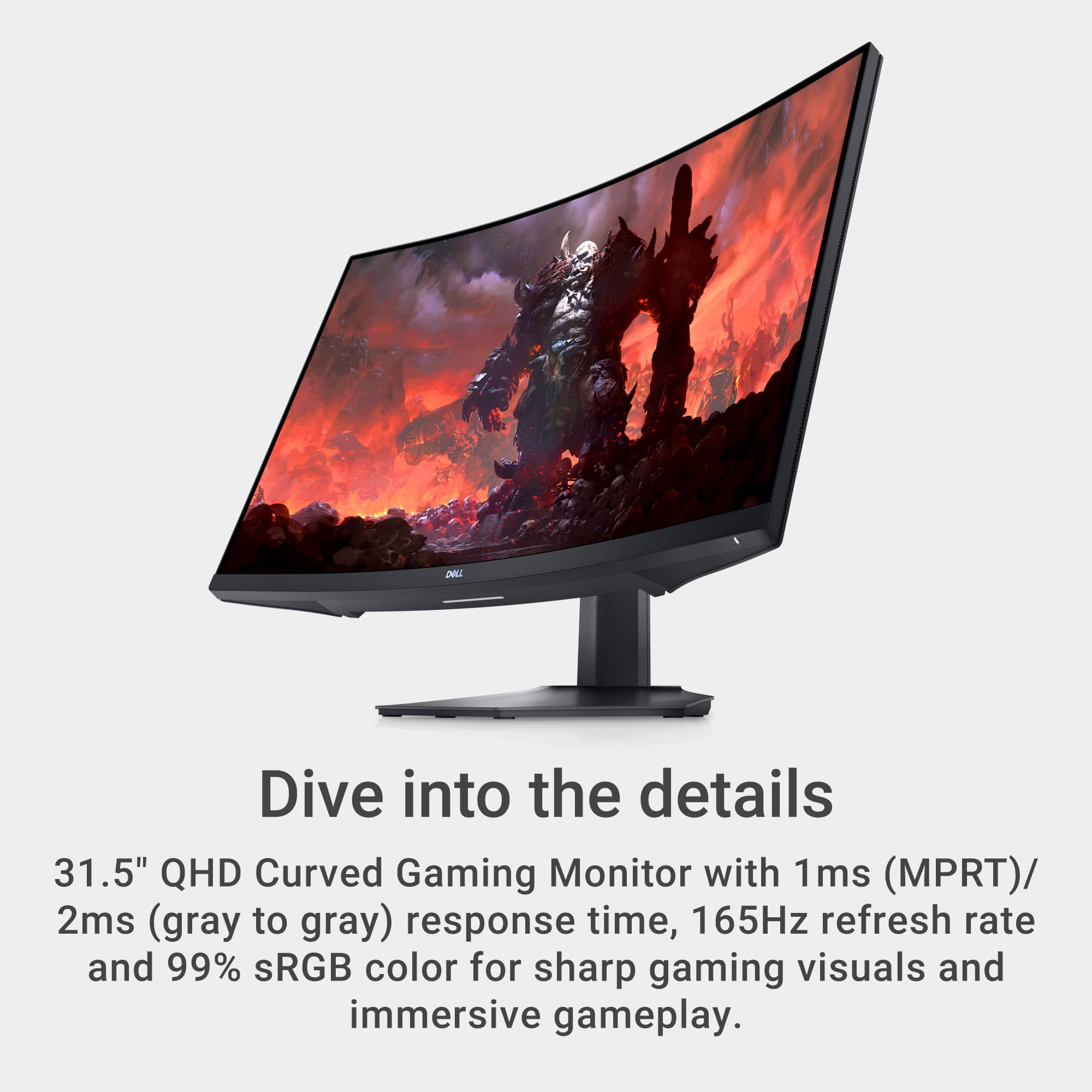


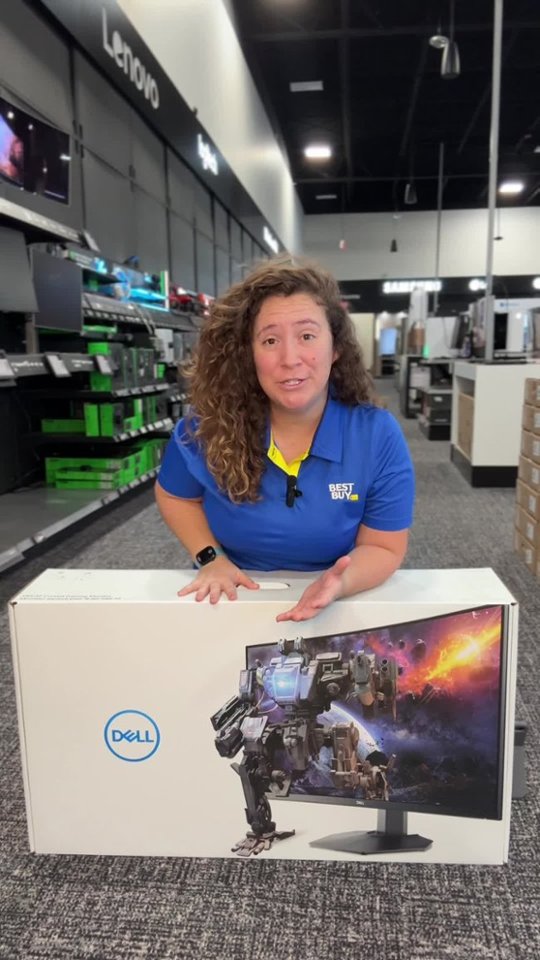
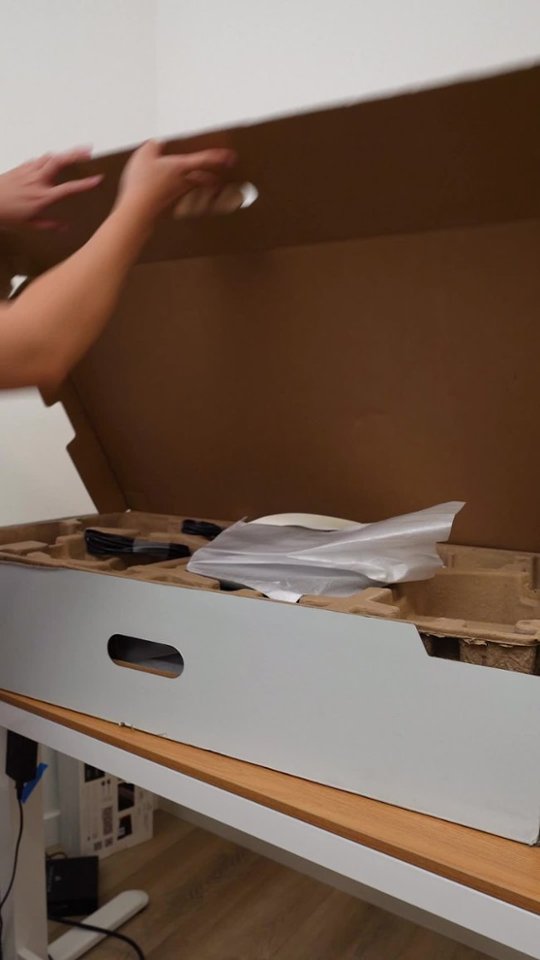
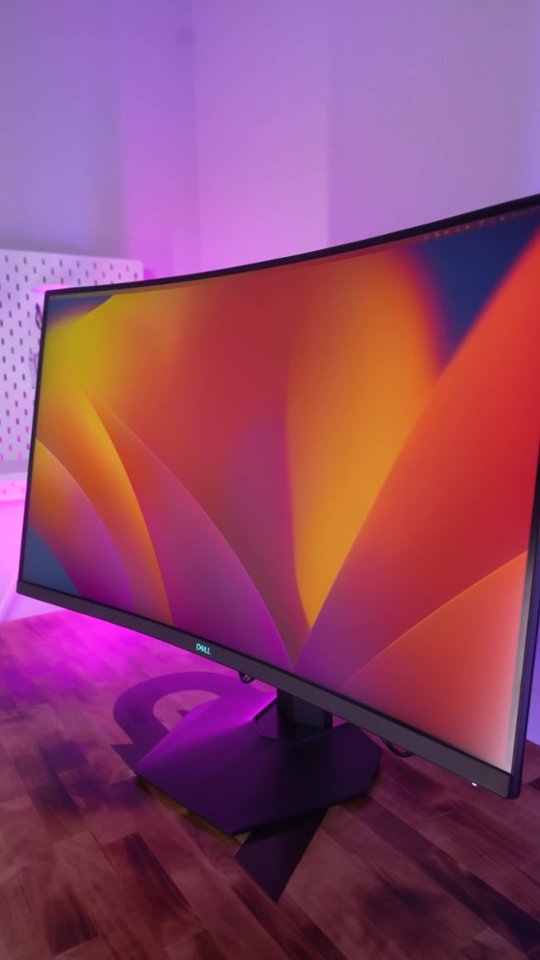
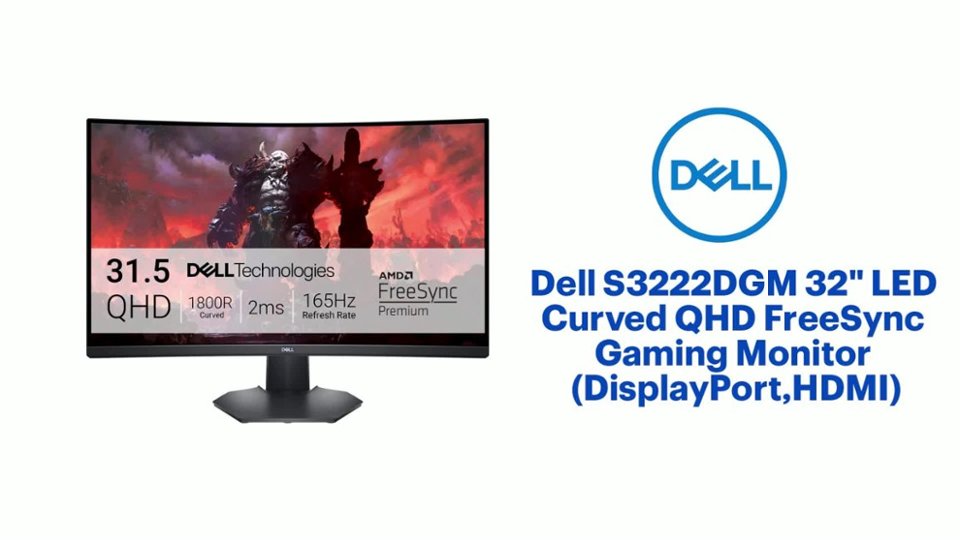
- Model:
- S3222DGM
- SKU:
- 6473700
Rating by feature
- Display Quality
Rating 4.8 out of 5 stars
- Ease of Use
Rating 4.8 out of 5 stars
- Features
Rating 4.7 out of 5 stars
Customers are saying
Customers are enthusiastic about the S3222DGM monitor's large screen size, high refresh rate, and excellent picture quality, frequently citing its immersive curved display as a significant pro for gaming. However, some customers noted the lack of built-in speakers and HDR support as drawbacks, while others mentioned the monitor's weight as a minor inconvenience. A few users also expressed a desire for additional USB ports.
This summary was generated by AI based on customer reviews.
Great monitor
||Posted . Owned for 3 weeks when reviewed.This reviewer received promo considerations or sweepstakes entry for writing a review.Awesome monitor, right outta the box it worked great.
I would recommend this to a friendGreat black levels!
||Posted .This reviewer received promo considerations or sweepstakes entry for writing a review.Excellent black levels but does have slower response than my TN panel. The gentle curve is nice and immersive.
I would recommend this to a friendEhhhh
||Posted . Owned for 1 week when reviewed.This reviewer received promo considerations or sweepstakes entry for writing a review.Soso returned to bulky for me, if I was you I’d look around a little
No, I would not recommend this to a friendGood but no audio
||Posted . Owned for less than 1 week when reviewed.This reviewer received promo considerations or sweepstakes entry for writing a review.My boyfriend loves it it was recommended by an employee it runs well only issue is has no outside audio you need a headset which is weird
I would recommend this to a friend32” hp curved gaming monitors
||Posted . Owned for 1 month when reviewed.This reviewer received promo considerations or sweepstakes entry for writing a review.Screens are very nice and clear, son loves them deff recommend!
I would recommend this to a friendDidn't last 2 years
||Posted . Owned for 1.5 years when reviewed.This reviewer received promo considerations or sweepstakes entry for writing a review.Worked fine for a while. But then, all of a sudden, it died while my wife was using it. The screen turned plain white. There was no collision or contact. It just cracked on it's own and died mid use! The warranty for it is 1 year, so now I have a massive paper weight. How is it that a cheap monitor from a decade ago can still work just fine, but a $300+ can't last even a year? Needless to say, we are never again buying dell monitors.
No, I would not recommend this to a friendBrand response from YourDellTeam
Posted .Dear Blue,
We value your feedback and want to thank you for taking the time to leave a review of your Dell S3222DGM 32 Gaming Monitor. We sincerely apologize for the issues you have encountered with your monitor. This is not the type of feedback we like to hear from our customers, or the type of product Dell intends to deliver. Feedback like yours helps us improve our current and future products.
Below is the link to the troubleshooting guide for your device.
Dell S3222DGM Curved Gaming Monitor Usage and Troubleshooting Guide : https://url.dell.com/9face2
We would love the opportunity to help you but will need a little more information. Please take a moment to call or chat to speak with a Dell representative at your earliest convenience using the information provided below so that we can help you resolve the issue to your satisfaction.
Chat or call: https://bit.ly/DellSupportTeam
Phone number to Dell, 1-800-624-9896
We look forward to making this right for you!
Best,
Minhaj@Dell
Good value
||Posted . Owned for 9 months when reviewed.This reviewer received promo considerations or sweepstakes entry for writing a review.Nice monitor, feels like the curved aspect allows me to sit closer and maintain viewing angles. Used this for work not gaming.
I would recommend this to a friendDell Gaming Monitor
||Posted . Owned for 2 months when reviewed.This reviewer received promo considerations or sweepstakes entry for writing a review.Very pleased with my purchase. Really enjoy the response time a clarity.
I would recommend this to a friend- Pros mentioned:Quality, Refresh rate, Screen sizeCons mentioned:Speakers
Dell monitor 32 inch
||Posted . Owned for 1 month when reviewed.This reviewer received promo considerations or sweepstakes entry for writing a review.I’ve been using the Dell 32-Inch Curved Monitor for a few weeks now, and I’m extremely impressed. The curved 1800R design really enhances immersion, especially when multitasking or watching videos. The QHD resolution (2560x1440) delivers sharp images and vibrant colors, perfect for both work and casual gaming. What I love most is the generous screen real estate—it makes split-screen productivity much easier, and reduces eye strain during long hours at the computer. The VA panel offers good contrast and deep blacks, and the 75Hz refresh rate is a nice bonus for smoother visuals. The design is sleek and minimal, with thin bezels and an adjustable stand that feels sturdy and premium. Setup was quick and easy, with plenty of ports including HDMI and DisplayPort. Pros: Crisp and vibrant QHD display Comfortable curved screen Great for multitasking Solid build and design Flicker-free and low blue light features Cons: No built-in speakers (not a dealbreaker for me) Only tilts; no height adjustment (depending on the model) Overall, this Dell curved monitor is an excellent choice if you're looking for a large, immersive display for work or play. Highly recommend!
I would recommend this to a friend Curved monitor for the win!
||Posted . Owned for 1 month when reviewed.This reviewer received promo considerations or sweepstakes entry for writing a review.Great monitor. I purchased this for my gaming PC. So far, it’s been really nice to use. After a couple days, the curved screen seemed like a better option than a regular flat screen. I haven’t had any problems with it so far.
I would recommend this to a friend
32" of Greatness for All
|Posted .This reviewer received promo considerations or sweepstakes entry for writing a review.Let me start off by saying that this is the largest monitor I have ever had the pleasure of owning and it’s my first endeavor into the curved monitor world. I have a triple monitor mount and have the Dell S3222DGM 32” curved monitor in between two 27” monitors. The first thing that I noticed is that it’s a different game trying to position everything around the 32” curved beast. Once I got past the size of it, it was time to play with it. The Dell 32 Curved Gaming Monitor – S3222DGM boasts AMD FreeSync 2 technology and contrast ratio of 3000:1 with a refresh rate of 144-165Hz depending on your input selection. Either way, I can certainly say that the gameplay has been impressive. Whether it was some FPS fun with Fortnite or flying fun with Star Wars: Squadrons, I didn’t see any flickering with the blacks or the vibrant colors on-screen. I definitely see the upgrade from my previous primary gaming monitors. From a setup perspective, this couldn’t be any easier. You have your choice of 1 DisplayPort or 2 HDMI ports to connect to. Then you have your power cable and a 3.5mm jack for those that want to connect headphones to it. For those like me, you may want to utilize the VESA certified mounting option. This is one of two little dings/issues that I came upon and this could just be my mounting system for my monitor arm. The indentation for the VESA plate setup makes things a little difficult if you have a style that has a sliding/snapping solution to connect to the arm. I had to get creative to make it work because there isn’t enough room to slide it on because of the depth of that indentation. Most of the others that I have worked with mounted right to the back panel and not into an indentation. Again, I may seem like I am drilling on it, but I don’t hold it against Dell or the monitor as a whole. The look and performance totally make up for this little hassle. The other little ding is the button placement on the back panel. If you don’t have a clear view or open path to the back panel, it could be a little difficult to adjust everything. Even after a few days of tinkering with settings, I was still hitting the wrong buttons or pushing the wrong way on the joystick. I am sure I will get by, but the placement could have been better. Luckily, there are a number of presets that will allow you to set it and forget it. That certainly helped me get up and running quickly. Ultimately, I recommend the Dell 32 Curved Gaming Monitor – S3222DGM for all gamers and entertainment enthusiasts. The versatility and style will appeal to all. For the RGB nut, the downlight on the bottom of the monitor is an added bonus. It does well to illuminate a good amount of desktop space while looking nice. The 1 to 2ms response time will certainly make everyone happy. When you have a clean, crisp, and beautiful picture that refreshes excellently, there aren’t too many things that you won’t like.
I would recommend this to a friendI cannot get it to be 165hz
||Posted . Owned for 4 months when reviewed.This reviewer received promo considerations or sweepstakes entry for writing a review.I cannot get it to transfer to 165hz, help please since i triedp nvdia
I would recommend this to a friendBrand response from YourDellTeam
Posted .Hello Keri,
Thank you for taking the time to leave a review of your Dell 32” curved gaming monitor. We are sorry to hear that you are experiencing an issue with your device. That is not the type of feedback we like to hear from our customers, or the type of product Dell intends to deliver. We would love to help you resolve your issue. At your convenience we recommend using the toll-free number or chat link below to reach a member of our Dell Support Team.
If you continue to experience issues or need further assistance, please reach out to Dell Support directly by using the information provided below.
Chat or call: https://bit.ly/DellSupportTeam
Phone number to Dell: 1-800-624-9896
Best,
Summer@Dell
Monitor not 165hz only coming up as 144hz
||Posted . Owned for less than 1 week when reviewed.This reviewer received promo considerations or sweepstakes entry for writing a review.This monitor is not 165hz as advertised only coming up as 144hz
No, I would not recommend this to a friendBrand response from YourDellTeam
Posted .Greetings crazyguy,
We appreciate you taking the time to leave a review of your Dell 32” curved gaming monitor. We are sorry to hear that your product is not as advertised. That is not the type of feedback we like to hear from our customers, or the type of product Dell intends to deliver. We have noted the details of your statement and will use them to make improvements on current and future products.
If you continue to experience issues, please reach out to Dell Support directly by using the information provided below.
Chat or call: https://bit.ly/DellSupportTeam
Phone number to Dell: 1-800-624-9896
Best,
Summer@Dell
Amazing
||Posted . Owned for less than 1 week when reviewed.This reviewer received promo considerations or sweepstakes entry for writing a review.Absolutely beautiful. This puppy is big and gorgeous. Compared to my brand new roku tv the quality blows it out of the water. Also super easy to put together and set up.
I would recommend this to a friendBEAST QHD VA GAMING MONITOR
Posted .This reviewer received promo considerations or sweepstakes entry for writing a review.Incredible monitor and the best one I have purchased yet. First of all the 32” screen with the 1800 curve makes for a large immersive experience. The QHD resolution is razor sharp on this panel as well. Dell has really built a quality monitor with this VA panel. Best VA panel I have owned or seen period. No blurring, viewing angles are excellent for a VA panel, colors are super rich and vibrant and the black levels are amazing due to the 4300+ static contrast this panel puts out. I have the Dell S2721 QHD monitor which is from this same series. It is an IPS panel and has the same 165 hz speed. Honestly, this VA panel looks even better. It’s sharper, richer and the black levels are so much better. The size of the screen makes it so much more immersive as well and the curve really closes out the deal as well. 12 different screen setting presets with so many settings to tweak like saturation, sharpness, etc. The gaming menu has the free sync and other options as well to really allow you to customize your viewing experience. The colors on this monitor are even more vivid than on my IPS Dell gaming monitor, The pixel quality on this screen is amazing and razor sharp. Gaming at 1440p with 120 hz on my Series X looks flawless. Dell has really produced a killer monitor and their best of this series to date imho. Hands down the best display I have owned and will only be using this from now on for all my gaming. Got it $319.99 when they dropped the price $30 last week. A steal and an incredible purchase. Dell is my favorite for monitors and this is their best gaming screen yet.
I would recommend this to a friendGreat gaming monitor for an affordable price!
|Posted .This reviewer received promo considerations or sweepstakes entry for writing a review.Dell S32222DGM is a 32" (31.5") curved QHD FreeSync gaming monitor that Dell recently released. Plenty of real estate with a narrow bezel, offers immersive experience with 165 Hz refresh rate, 3000:1 contrast ratio, and QHD 2560X1440 resolution with FreeSync technology that takes gaming to a whole new level. These are the common specs on most of the gaming monitors and this product definitely competes with the name brand gaming monitors in the market on the price point. I had an opportunity to compare its performance side-by-side and I didn't notice any significant difference in the performance and this comes at a lower price tag compared to the name brand ones in the market. Setup and installation: Set-up was a breeze, took less than a minute to get the stand installed on the monitor. The stand is pretty sturdy and doesn't wobble. Comes with a power cord, HDMI cable and a display port cable. The monitor height can easily be adjusted, slides up and down the vertical rail. The monitor has the menu buttons on the back right that are easily accessible and has two customizable buttons that lets you switch settings with a button click. I had one button programmed for gaming mode and the other for comfort mode for work. Performance: I had it hooked up to a dock to the HDMI port (144Hz) for office use and used the display port (165Hz) to connect to my gaming desktop. I played around with different settings and found the preset game mode 3 best for my gaming needs, chose the Comfort mode for work and sports mode for watching movies on the PC. I didn't see any screen tearing, or blur images, distortion or flicker when playing games on the PC. I have another old gaming monitor and I can clearly tell the SyncFree technology made a big difference on my gaming experience with zero lag, high contrasting colors with a good color depth, excellent response time with a fast refresh rate. Saw some black smears on dark scenes, which is pretty common on most gaming monitors, unless you splurge on some high end gaming monitor, it did bother me though. Cons: My only complain is it doesn’t come with a swivel stand and I have manually adjust the monitor stand to play nice with my second gaming monitor that has a swivel stand. Overall a great gaming monitor at an affordable price!
I would recommend this to a friendVibrant and bright w/smooth, blur-free motion
|Posted .This reviewer received promo considerations or sweepstakes entry for writing a review.The Dell S3222DGM 32” gaming monitor is my first curved screen monitor, and it’s pretty cool. I’d previously been using a flat IPS display for gaming, and since this is a VA display, the experience was quite different. After a very brief acclimation period of getting used to a curved screen versus a flat one, I found that despite the significant increase in screen real estate, I could still see pretty much the whole screen all at once, plus there was little distortion at the peripheral of my vision. That’s thanks to the screen being at a roughly equal distance to your eye even at the sides of the screen, and it really does feel like a more immersive experience when gaming. Make sure you measure your desk space though because the monitor has a quite a large footprint at 28 inches wide, 18 inch minimum height, and a depth of 9 inches. The screen height is adjustable on the included stand about 4 inches increasing the maximum height to 22 inches. You can also tilt the screen around 30 degrees to pitch up or slightly down, however, there is no side-to-side swivel or portrait rotation. I like that attaching the included stand and base is a tool-less process, though the stand can be easily removed, and underneath are four removable screws to make this monitor compatible with VESA 100mm x 100mm mounting systems. Since this monitor is an upgrade for me from 250 nits to 350 nits, the increase in brightness was instantly noticeable, especially in a brightly lit room with window glare. At full brightness, I feel it’s a tad intense, so I like to set the color mode to ComfortView which is Dell’s “Low Blue Light” setting. This mode also has the benefit of reducing eye strain and fatigue, though it will throw off color accuracy, so you’ll want to use the standard of custom color calibrated profile for creative work where accuracy is important. Speaking of which, the colors on the screen are in general, vibrant and well-saturated with a full 8-bit color depth that covers 99% sRGB color gamut. The contrast of this monitor is good at 3000:1, displaying dark blacks and bright whites, and the visual performance is pretty uniform across the screen – provided you’re sitting centered in front of it. Because this is a VA panel, there is a slight color shift at off angles, so while the visuals are great for a single viewer, this monitor may not provide the same experience when there are multiple viewers seated in different positions around the screen. At full 2560x1440 resolution (1440p), text is crisp, clear, and easy to read. While the monitor’s fastest refresh rate is 165 Hz, note that this can only be achieved over a DisplayPort connection and if connecting via HDMI, the max refresh rate you’ll get is 144 Hz, which is still plenty fast. The monitor does support Adaptive Sync for AMD FreeSync Premium, but if you’re using a contemporary NVIDIA GPU, you may still be able to enable G-SYNC for the display, but again, only when connected via DisplayPort and performance/compatibility is not guaranteed. Adaptive Sync over HDMI is available with AMD GPUs. For me, G-Sync appeared to be working just fine with my GTX 1070 and gaming in large, fast-paced arenas like Fortnite and CS:GO was a super smooth with tear-free motion. The monitor’s OSD is accessible by pressing any of the 4 buttons on the back or clicking the 4-way joystick. You can custom set the functions for the OSD buttons and change the various settings like adaptive sync, frame rate display, and response time in the full menu. Interestingly there’s a soft blue downlight in the center of the screen that you can toggle by simply tapping just under the logo, but you can also turn it off altogether in the menu as well as disable the light in the power button. The bezels around the screen are razor thin, though keep in mind there’s about a ¼ inch border from the viewable screen to the bezel as well, so there will be a gap in multi-monitor setups, albeit a pretty small one. One thing to note is that this monitor does not have built-in speakers, so you won’t be able to hear audio out of the monitor itself. However, it can pass through audio via DP/HDMI to the AUX output port adjacent to the video inputs, to which you can attach a set of headphones or external speakers. This model also does not have a USB hub, so you won’t be able to connect or power USB devices off of it. Overall, I’ve been pretty happy with the performance of this screen for gaming. It’s fast, smooth, bright and immersive. It’s even pretty good for watching movies on. For productivity applications and creative work, I’m a bit more ambivalent because you can tell that the screen is curved when you track your eyes along the bottom and at the sides and your eyes have to move over a greater distance, which can be distracting depending on what you’re working on; so when I don’t need all that screen real estate, I just work in a smaller window centered on the screen instead.
I would recommend this to a friendAmazingly vibrant VA display
|Posted .This reviewer received promo considerations or sweepstakes entry for writing a review.I won’t rehash the standard reduced VA viewing angles versus IPS other than to say this monitor looks gorgeous when viewing dead on. Luckily since this is geared towards being a gaming monitor, most users will be directly in front and get to enjoy the best view. As a gaming monitor this one is stellar with the higher resolution providing a more immersive experience. The curvature of the screen helps with this as maintaining a full view across the entire screen in FPS games is made easier with the curve. On most flat 32” screens you lose the edges in your peripheral so the somewhat gentle 1800r curve definitely helped me see the whole scene without having to scan my head right or left. I describe it as gentle as it’s certainly not overwhelming like other more aggressive curves I’ve seen as this one feels like a perfect little hug for your eyeballs. Packaging was well done as always with Dell and included a display port cable, hdmi cable, and power cord. Ports on the back include two HDMI, the DP, and an audio out. I personally used the DP as that gave me the full 165Hz refresh versus looking like it’s limited to 144 with HDMI. Gaming was an absolute pleasure and I mainly tested using Apex Legends. There was no noticeable blurring or stuttering when having to whip around 180 to deal with enemies in the opposite direction. As mentioned previously the colors are super vibrant and this panel definitely lives up to its gaming monitor moniker. Adjustability is all there via up/down and a fairly wide degree of tilt available. Also it looks like the VESA mount is standard on the back (100mm). One key note if you don’t want to peruse the quick guide to find it is that the power button is on the bottom right versus the buttons on the back of the monitor.
I would recommend this to a friendDesign
||Posted . Owned for 1 month when reviewed.This reviewer received promo considerations or sweepstakes entry for writing a review.Overall it's not a terrible monitor, my 1 star review is due to how weak of a construction it is. I had moved the monitor barely putting any pressure on the side(case not screen) and the display went out.
No, I would not recommend this to a friendSuperb
||Posted . Owned for 1 week when reviewed.This reviewer received promo considerations or sweepstakes entry for writing a review.Awesome monitor fully satisfied and recommend everyone
I would recommend this to a friend