Customer Ratings & Reviews



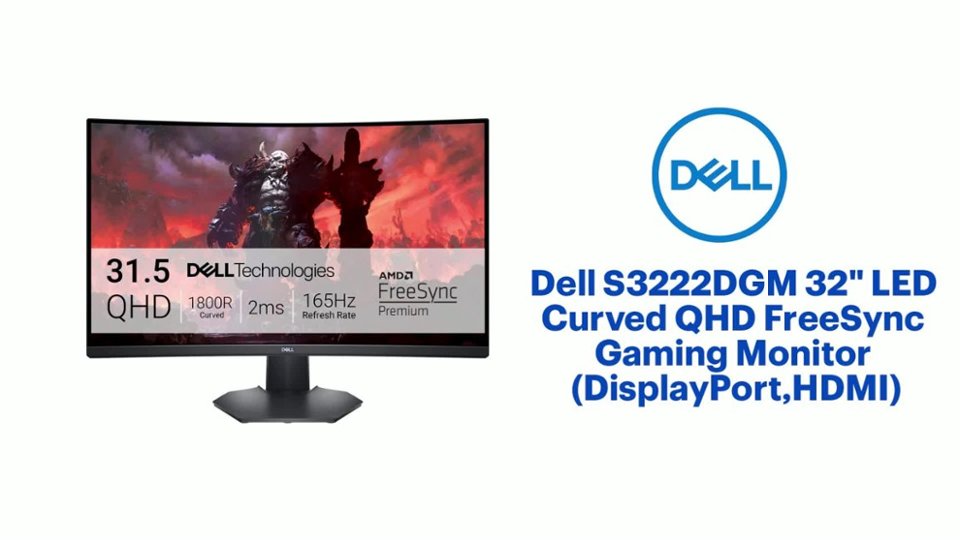
- Model:
- S3222DGM
- SKU:
- 6473700
Rating by feature
- Display Quality
Rating 4.8 out of 5 stars
- Ease of Use
Rating 4.8 out of 5 stars
- Features
Rating 4.7 out of 5 stars
Customers are saying
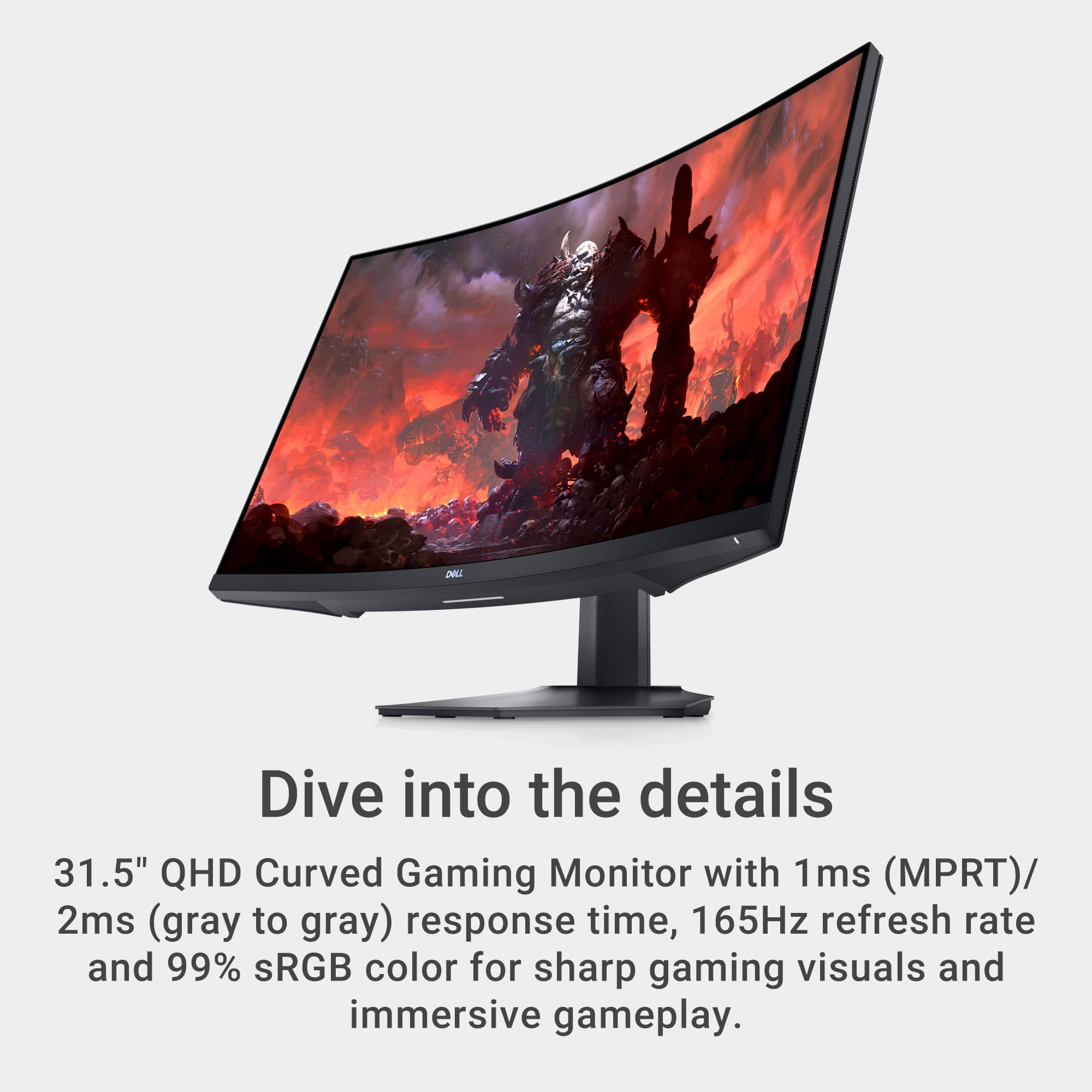
Customers are enthusiastic about the S3222DGM monitor's large screen size, high refresh rate, and excellent picture quality, frequently citing its immersive curved display as a significant pro for gaming. However, some customers noted the lack of built-in speakers and HDR support as drawbacks, while others mentioned the monitor's weight as a minor inconvenience. A few users also expressed a desire for additional USB ports.
This summary was generated by AI based on customer reviews.
Greta size, great value, some nitpicks
Posted .This reviewer received promo considerations or sweepstakes entry for writing a review.First - this probably the best value 32” gaming monitor. 1ms response time, and over 100hz is really excellent for the money. Second - there are some minor issues: it wiggles a little bit when bumped. Not a dealbreaker, but it is noticable. It also is not as bright as it could be. When you crank the bightness all the way up it helps, but ultimately it could be slightly brighter. Thats it! Everything else is killer. If youre on the fence, jump over: its worth buying.
I would recommend this to a friendGreat purchase!!
Posted .This reviewer received promo considerations or sweepstakes entry for writing a review.Great monitor! Works well with with my gaming system.
I would recommend this to a friend
Pretty Good Curved QHD Monitor
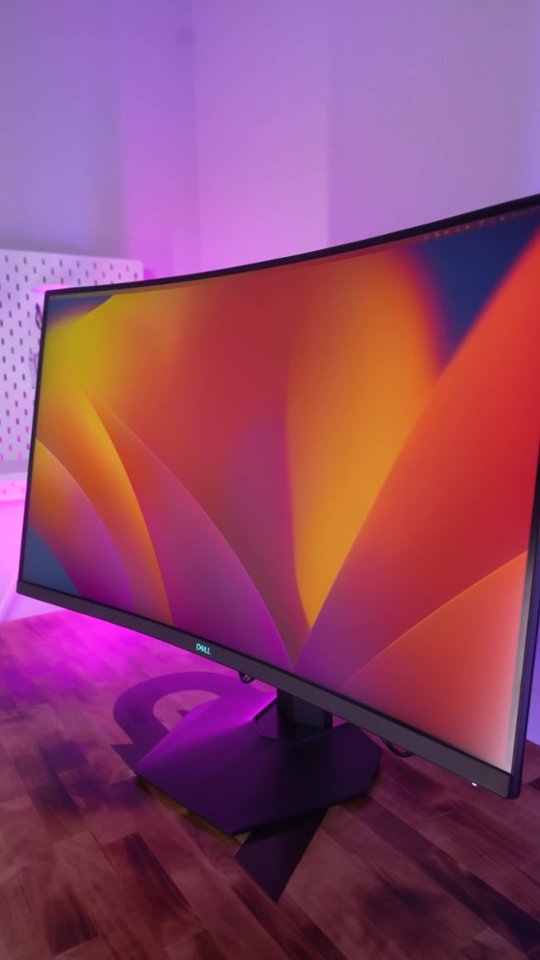
|Posted .This reviewer received promo considerations or sweepstakes entry for writing a review.The Dell 32" Curved QHD Monitor is my first experience using a curved display as well as a Vertical Alignment display, as I am used to using flat IPS monitors prior to this one. First off, I'm surprised that I don't really notice that this monitor is curved while using it. As long as you're centered to the screen that is. After adjusting a few settings, the screen is bright and beautiful and has a phenomenal response. I just wish that the contrast was a little greater. Other than that, this monitor does a good job. Gaming has been great on it. I've got the AMD FreeSync Premium running with Extreme Response Time and I haven't run into a single screen tear or any ghosting. With the DisplayPort I'm running at 165Hz refresh rate. Overall I'm pretty please with the monitor's performance and would definitely recommend this one if you could catch it on a sale, as $410 retail is a bit high in my opinion.
I would recommend this to a friendGreat gaming monitor
Posted .This reviewer received promo considerations or sweepstakes entry for writing a review.This monitor is great straight out of the box. Colors were right on. The fast 1ms response time, 165hz, 2k, and being 32" is excellent for gaming. Dell also used some quality parts that makes it sturdy. The blue glowing light below the monitor is a cool feature also.
I would recommend this to a friendGreat Monitor, Great Price
Posted .This reviewer received promo considerations or sweepstakes entry for writing a review.Fantastic monitor for a low end gaming monitor. The 165 Hz (FPS) and 2 millisecond response are great fir gaming. My primary use is for work and school though and I love having all of the space on the screen to have multiple apps and windows open at one time so that I can see everything I need. Screen resolution is on the lower side so it's not as crisp and I'd like but then I could pay more and get a higher resolution screen! I'd say this is a great monitor for the price.
I would recommend this to a friendI had it for quite a while
Posted .This reviewer received promo considerations or sweepstakes entry for writing a review.Solid 1440p monitor for the price. Thinking on getting a 2nd one.
I would recommend this to a friendExcellent Value
Posted .This reviewer received promo considerations or sweepstakes entry for writing a review.This is an excellent monitor for the money. I was upgrading from a 25" 1080P monitor and found this unit to provide a lot of bang for the buck in terms of resolution, curved screen, refresh rate, and 32" format. If you don't need a 4K monitor, have a serious look at this one.
I would recommend this to a friendAwesome job dell
Posted .This reviewer received promo considerations or sweepstakes entry for writing a review.Awesome gaming monitor. Very crisp 1440P picture with a great refresh rate! I own 2.
I would recommend this to a friendamazing
Posted .This reviewer received promo considerations or sweepstakes entry for writing a review.love every bit of this. best monitor for the price!
I would recommend this to a friendPerfect Monitor!
Posted .This reviewer received promo considerations or sweepstakes entry for writing a review.I recently got a new apartment and needed a new monitor for a desk setup and this is the perfect one!! The monitor shows a pink tint when looking at it from a side angle but it's hardly noticeable - everything else about it is perfect :)
I would recommend this to a friend- Pros mentioned:Quality
Decent monitor.
Posted .This reviewer received promo considerations or sweepstakes entry for writing a review.Big but the picture is okay. Pricey for a monitor with a lower refresh rate compared to other monitors.
I would recommend this to a friend Good Display for PC
Posted .This reviewer received promo considerations or sweepstakes entry for writing a review.It's a big monitor and it has incredible display for my gaming pc. Its got about everything you would look for within a reasonable price range.
I would recommend this to a friendExcellent monitor
Posted .This reviewer received promo considerations or sweepstakes entry for writing a review.Easy to navigate and comes with freesync and G-sync(even though it's not listed). Wish it had a remote but not a deal breaker by any means
I would recommend this to a friendReally good monitor, except theirs one problem.
Posted .This reviewer received promo considerations or sweepstakes entry for writing a review.This is my first monitor and i like how it looks. However theres one problem im trying to fix. When i first set up my monitor, everything connected, and its all working, but theirs no sound. I plugged in my headphones to the tv and their is sound, kinda weird. Does this monitor not have built in speakers? Is that normal? Can anyone tell me how to fix it?
I would recommend this to a friendHappiness
Posted .This reviewer received promo considerations or sweepstakes entry for writing a review.I bought this in 2021 and i am still loving it as the first day i got it
I would recommend this to a friendgreat value
Posted .This reviewer received promo considerations or sweepstakes entry for writing a review.best monitor I have had in a long-time clarity is amazing even on the smallest details
I would recommend this to a friendBest at this price
Posted .This reviewer received promo considerations or sweepstakes entry for writing a review.Best Gaming monitor you can get at this price, not the absolute best specs but you cannot get better at this price point
I would recommend this to a friendTrue to description
Posted .This reviewer received promo considerations or sweepstakes entry for writing a review.Looks great, as advertised. Really good value for the money for someone looking at good but not crazy expensive monitors.
I would recommend this to a friendNice Monitor
Posted .This reviewer received promo considerations or sweepstakes entry for writing a review.Was on sale, so even better. Sharp picture. No complaints. Sharp picture. No complaints.
I would recommend this to a friendWhy didn't I buy this sooner?
Posted .This reviewer received promo considerations or sweepstakes entry for writing a review.I didn't anticipate how much better it is to work on a curved monitor...especially with aging eyes!
I would recommend this to a friend