Customer Ratings & Reviews

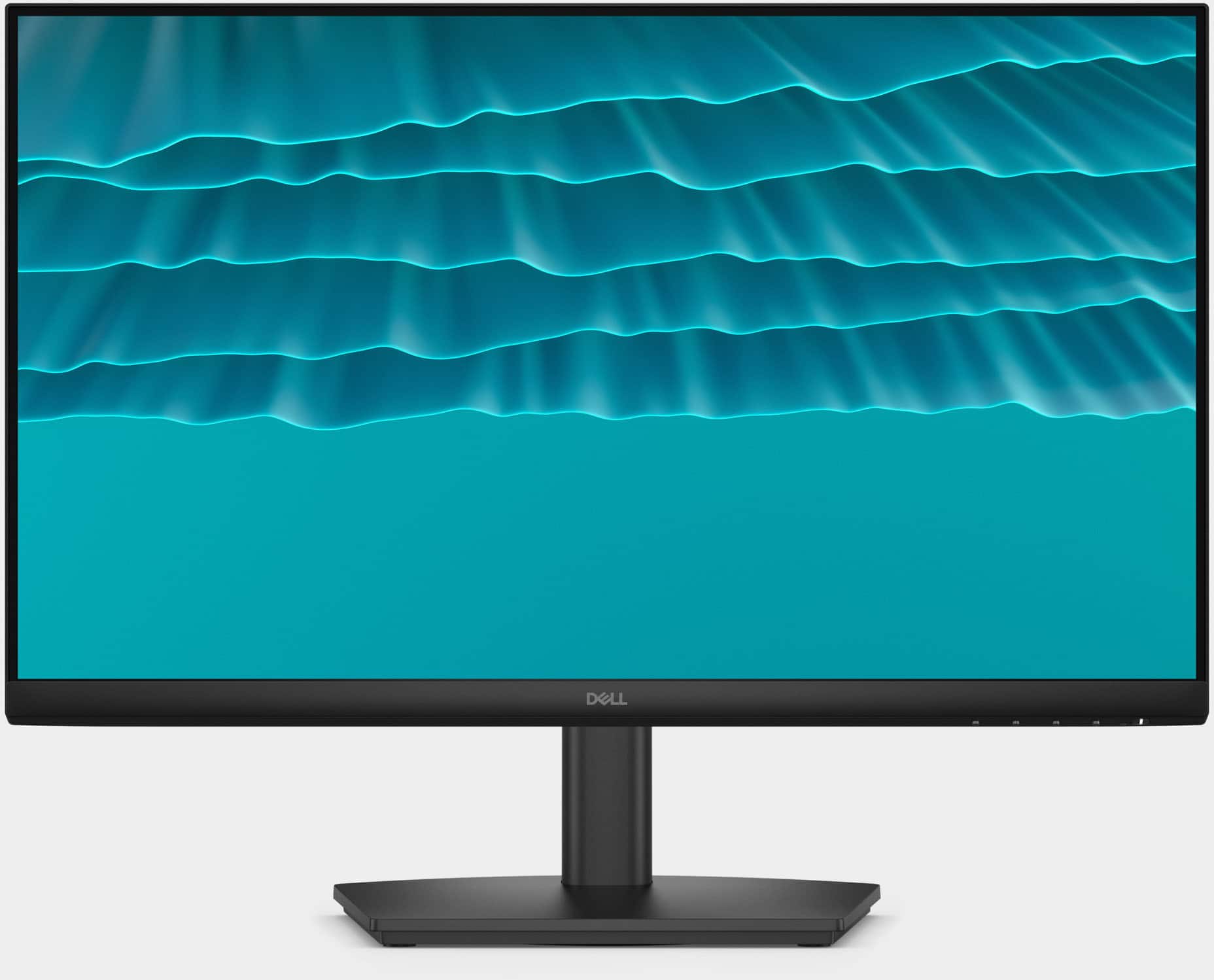

- Model:
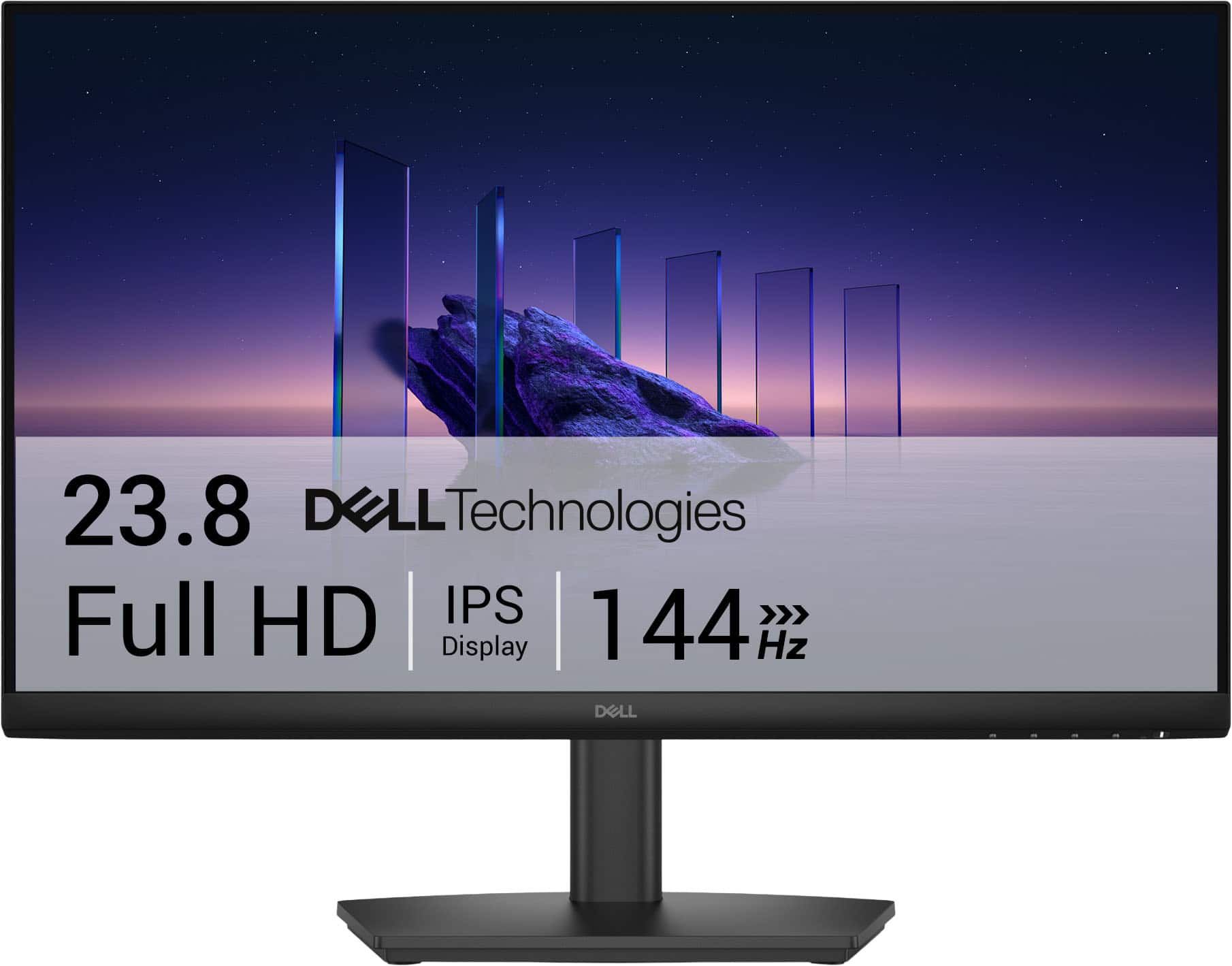
- SE2426HS
- SKU:
- 6670395
to a friend
Customers are saying
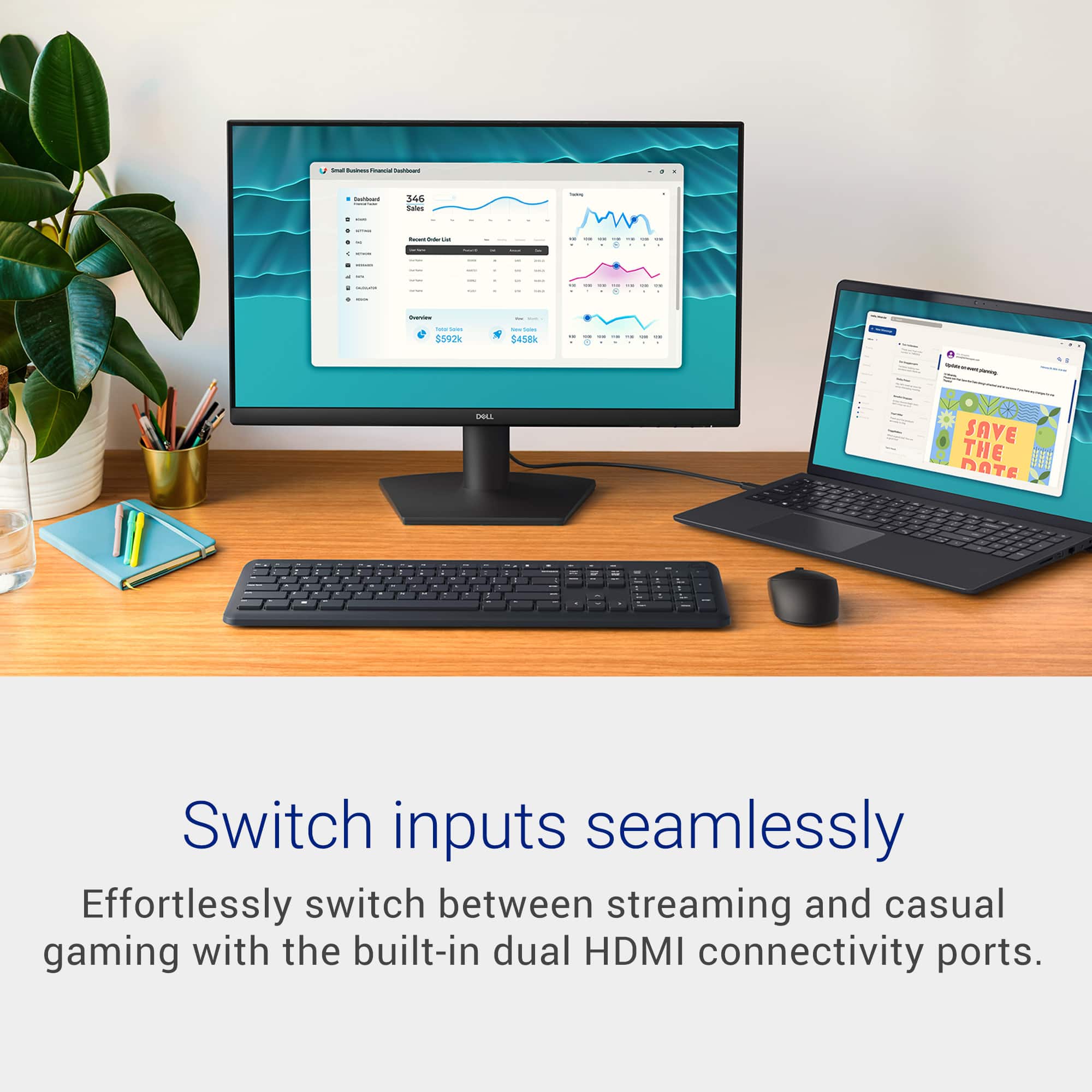
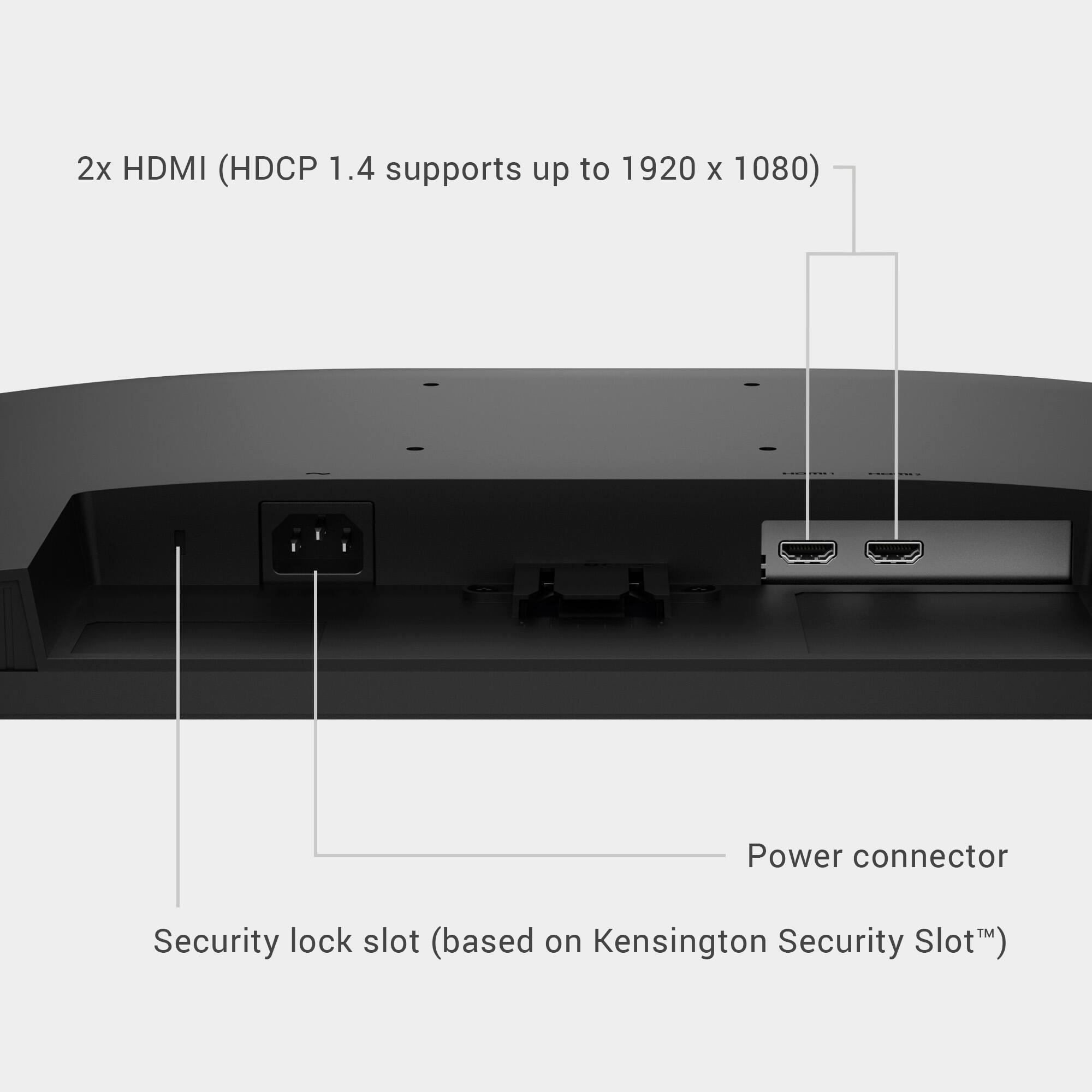
Customers commend the product's excellent color quality, high refresh rate, and versatile adjustability, including height, tilt, and swivel. They also appreciate its great viewing angles and eye comfort, noting that the light is not harsh on the eyes. However, some customers point out that the connectivity options are basic, with only two HDMI inputs and no DisplayPort.
This summary was generated by AI based on customer reviews.
- Pros mentioned:Color quality, Refresh rate, Viewing angle

Accurate & responsive - but still 1080p
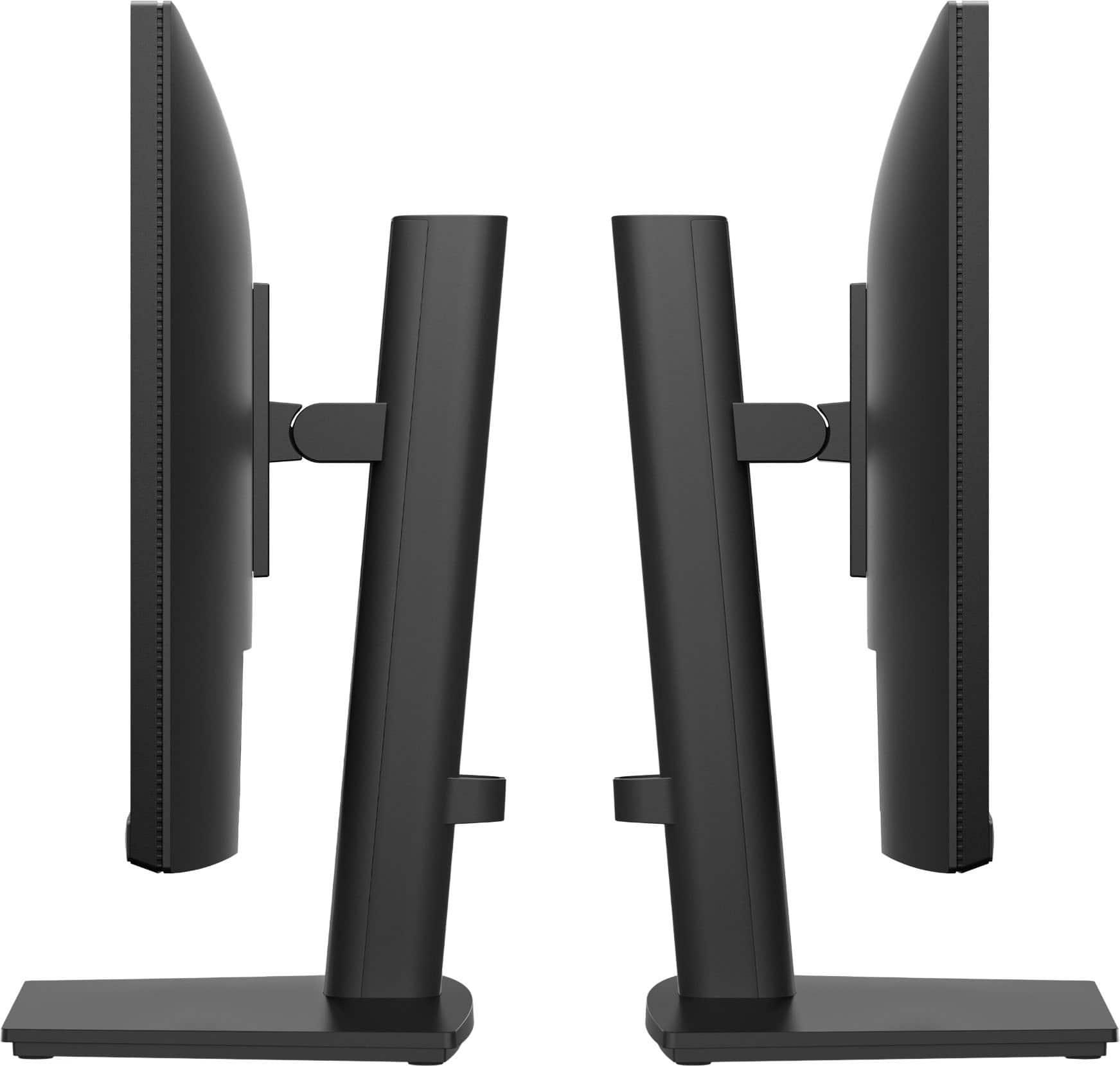
|Posted .This reviewer received promo considerations or sweepstakes entry for writing a review.What a fantastic little display! The key word being "little", at 24" and 1080p... In a vacuum, I have zero complaints about this monitor. The colors look great, the 144Hz is incredibly snappy for gaming and for everyday use, the viewing angles are great - but there's just a little catch with the resolution. When plugged into a PC, a Chromebook, and my Linux desktop, this display was everything I could have hoped for...but then I plugged it into my Mac. MacOS assumes at this point your display is higher resolution than 1080p, because almost everything on screen was blurry and pixelated. It's a total complete non-issue with other operating systems, so this is not the fault of the monitor at all. The other big highlight for me is the included monitor mount. It's effortless to raise and lower the display, and you can adjust it to a big range of viewing angles. The cherry on top is the dual HDMI input - and the fact that the display is powered by an IEC cable straight into the monitor with no need for an external power adapter. I'm very pleased to add this monitor to my setup and you will be too - provided you're not trying to run MacOS on a 1080p screen.
I would recommend this to a friend - Pros mentioned:Color quality
No speaker
||Posted . Owned for 1 week when reviewed.This reviewer received promo considerations or sweepstakes entry for writing a review.This monitor has no speakers. Nice picture no sound.
No, I would not recommend this to a friend - Pros mentioned:Color quality, Eye comfortCons mentioned:Connectivity
No frills standard in the 24" class
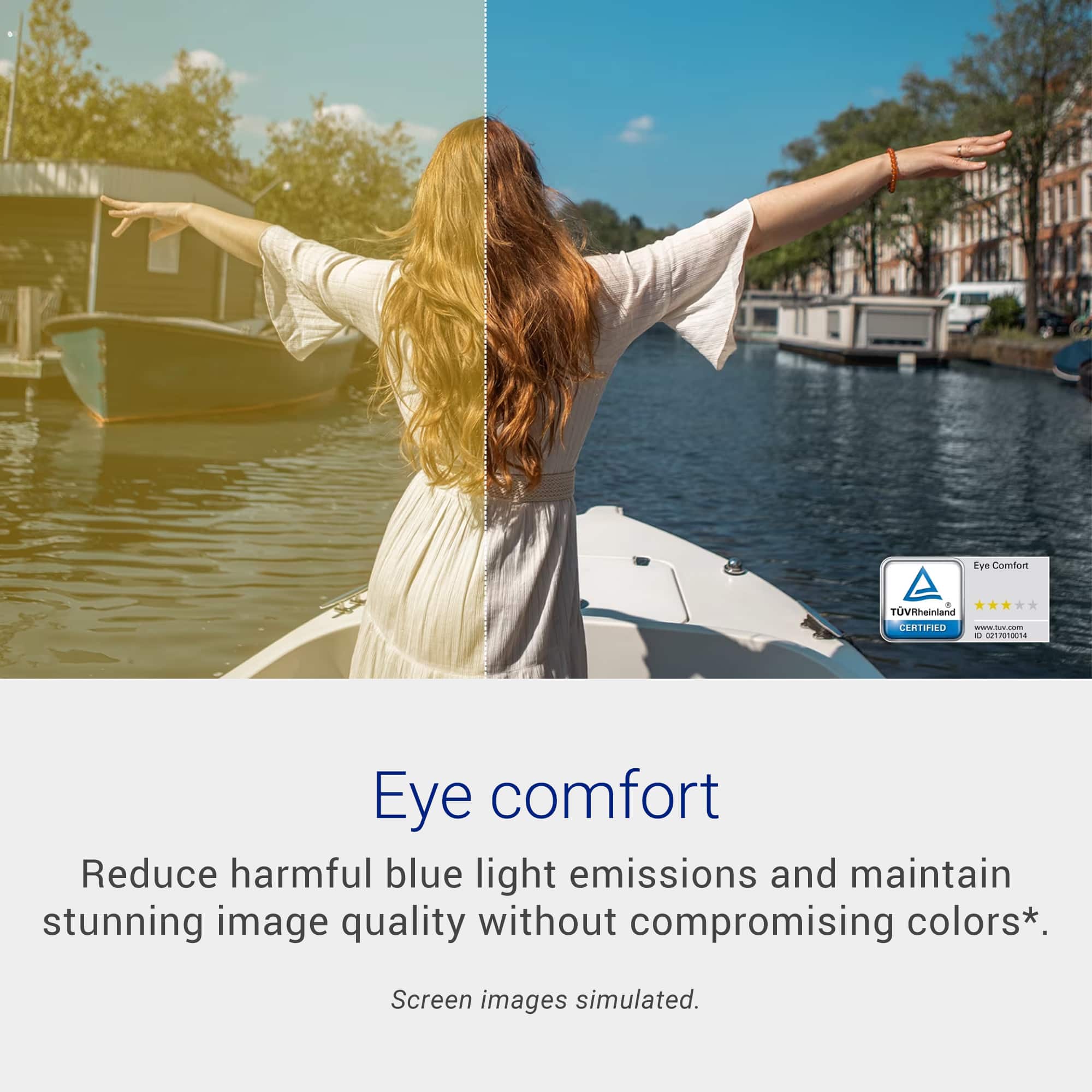
|Posted .This reviewer received promo considerations or sweepstakes entry for writing a review.The Dell - SE2426HS 24" IPS LCD FHD 144Hz FreeSync Height Adjustable Monitor performs well for basic and some extended use as a gaming monitor, if you occasionally game. Serious gamers and video users, IMHO,will want to look elsewhere. Set up is simple, as it should be, this is a monitor. Build qaulity is pretty standard for a monitor, they are all plastic, it doesn't feel cheap, but it is all plastic. The buttons for on/off have a good tactile feel though. I initially had this connected to my docking staion as a third monitor. If you don't have a docking station connection flexibility may be an issue as there are only 2 HDMI ports. For this review I connected the monitor to the HDMI port on my laptop. Another item to point out, my laptop has an INTELi7 chip and according to the documentation you should check the documentation with your graphics card, who has time for that...? Anyway, I will assume the free sync function was working because I did not notice any "tearing" as described when the graphics card may not be compatible and match the refresh rate to the monitor. Color rendering seemed to be reasonable and in comparison to other monitors (older) at times very good. Black still is a little lacking and seems a little more on the grey side of black, was it enough to regret it, no, not by long shot. Response time is on point and I had no issue with clarity. I actually did notice a difference in blue light in comparison to other monitors without the TÜV Rheinland 3‑star* certification, so kudos to Dell for saving my eyes. In the 24" monitor space and at this price point this monitor is more than acceptable for everyday and limited gaming use.
I would recommend this to a friend - Pros mentioned:Adjustability, Color qualityCons mentioned:Connectivity
Great Entry Level Monitor
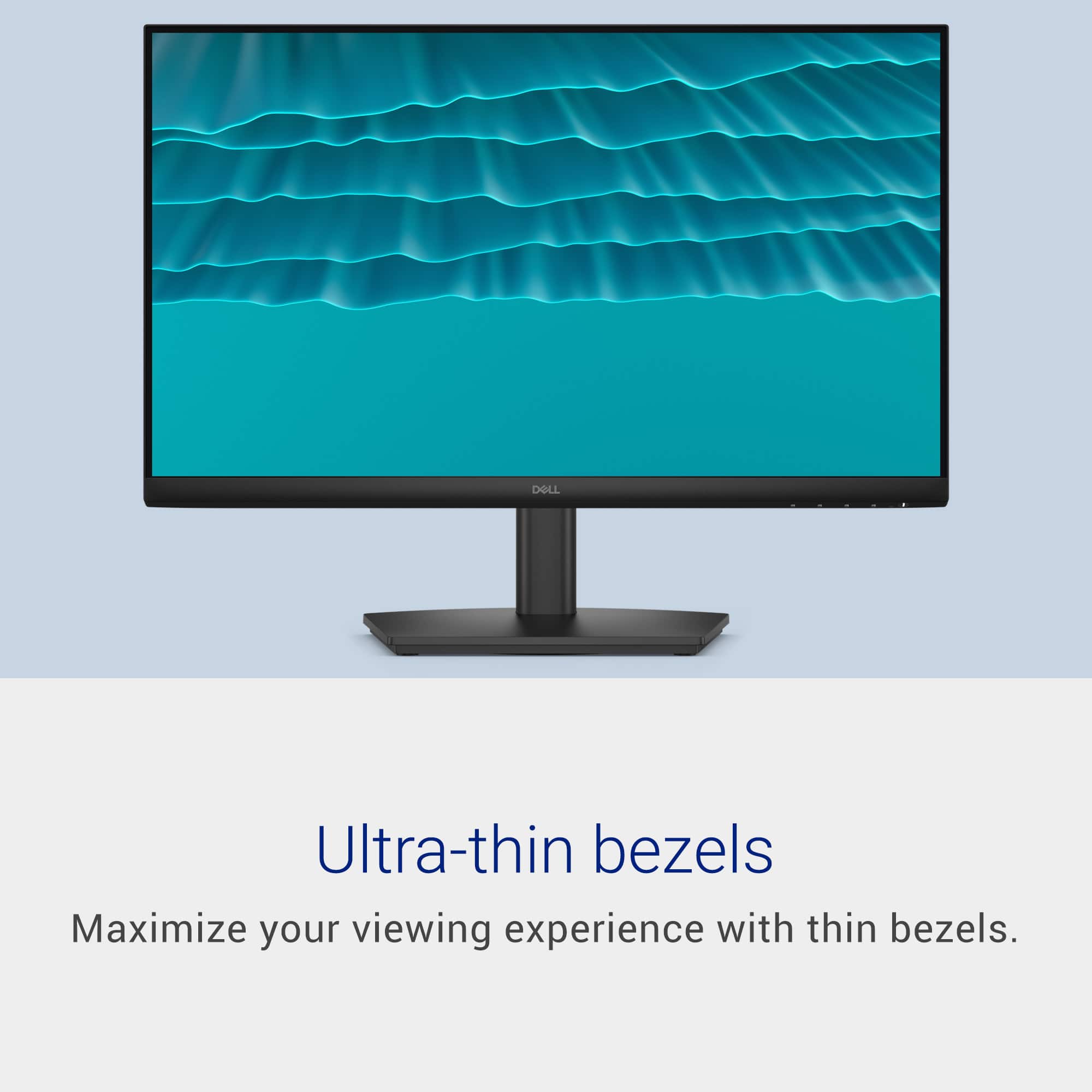
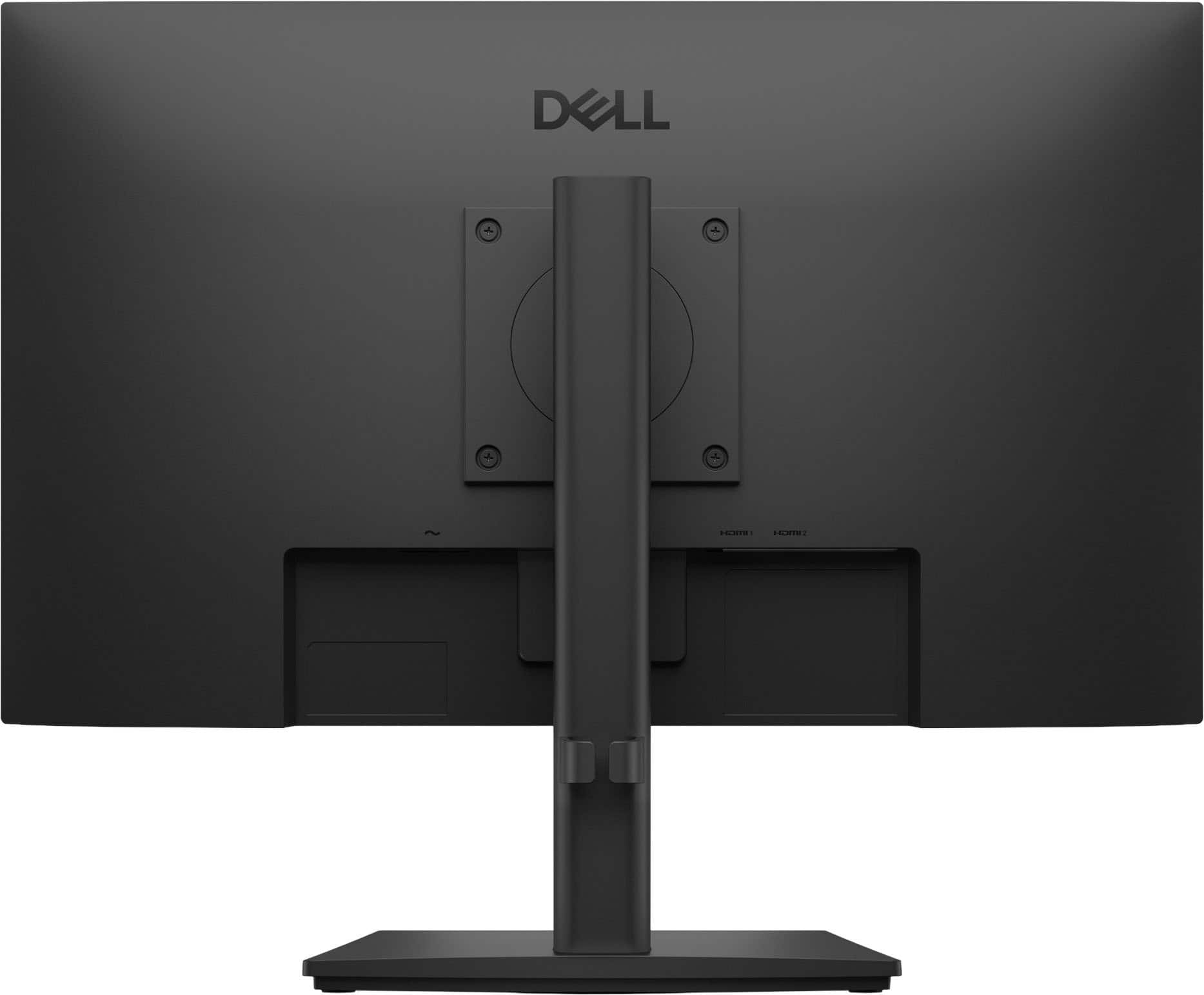
|Posted .This reviewer received promo considerations or sweepstakes entry for writing a review.The monitor is particularly nice looking and sharp. It makes my other monitor look like a dinosaur and I might need to upgrade that one now. It has extremely thin bizzles surrounding the screen. Which makes it look like there is basically no frame at all. Visually, the screen is very nice to look at. It has great clarity. The colors are really bright and vivid. It has buttons on the bottom of the screen for adjustment and power settings. The buttons are pretty small, which is fine for me as I have small fingers. The sliding mount is a really awesome feature and simple to use. It easily lets you adjust the height of the monitor to whatever suits you best. Using the vesa to mount the monitor to the stand is pretty nice because then you can switch quite easily from a horizontal setup to a vertical setup. The monitor has a cable management ring on the back of the stand which conveniently helps keep the cable nice and tidy. The only con for this monitor is that it doesn’t have a display port, which seems kind of unbelievable.
I would recommend this to a friend - Pros mentioned:Adjustability, Color quality, Refresh rateCons mentioned:Connectivity
Easy to setup and high refresh rate
|Posted .This reviewer received promo considerations or sweepstakes entry for writing a review.I've been using an older Dell monitor that worked well enough, but it just never quite gave me what I wanted from a dual purpose monitor. If I'm not working on spreadsheets and workflows, I'm doing online and PC games. I didn't want to go with a monitor that is specifically made for gaming because I don't need all of the features when I'm working. I would say I'm working 75% of the time and then the other 25% would be gaming as far as when I'm using my computer. The high refresh rate of 144Hz is good for gaming. It does not have any built-in speakers and only has two HDMI connections. If you are looking for a dual monitor setup, this wouldn't be the ideal monitor for that unless you invest in a docking station, which is the way i have mine setup. I do like that there is a method to calibrate the display settings and make it work best for your situation. Once I set mine up, its pretty much stationary and I dont make alot of adjusts. The height adjust is good and easy to do, but the base does not swivel, so if you need that feature, this wouldnt be the monitor for you. The display is pretty clear and the color is great in my opinion. Overall, this is a slightly above average monitor and is ideal for office type work, but can double as a moderate gaming monitor.
I would recommend this to a friend - Pros mentioned:Color quality, Refresh rate, Viewing angle
Solid Choice For Your Office / Home-Office
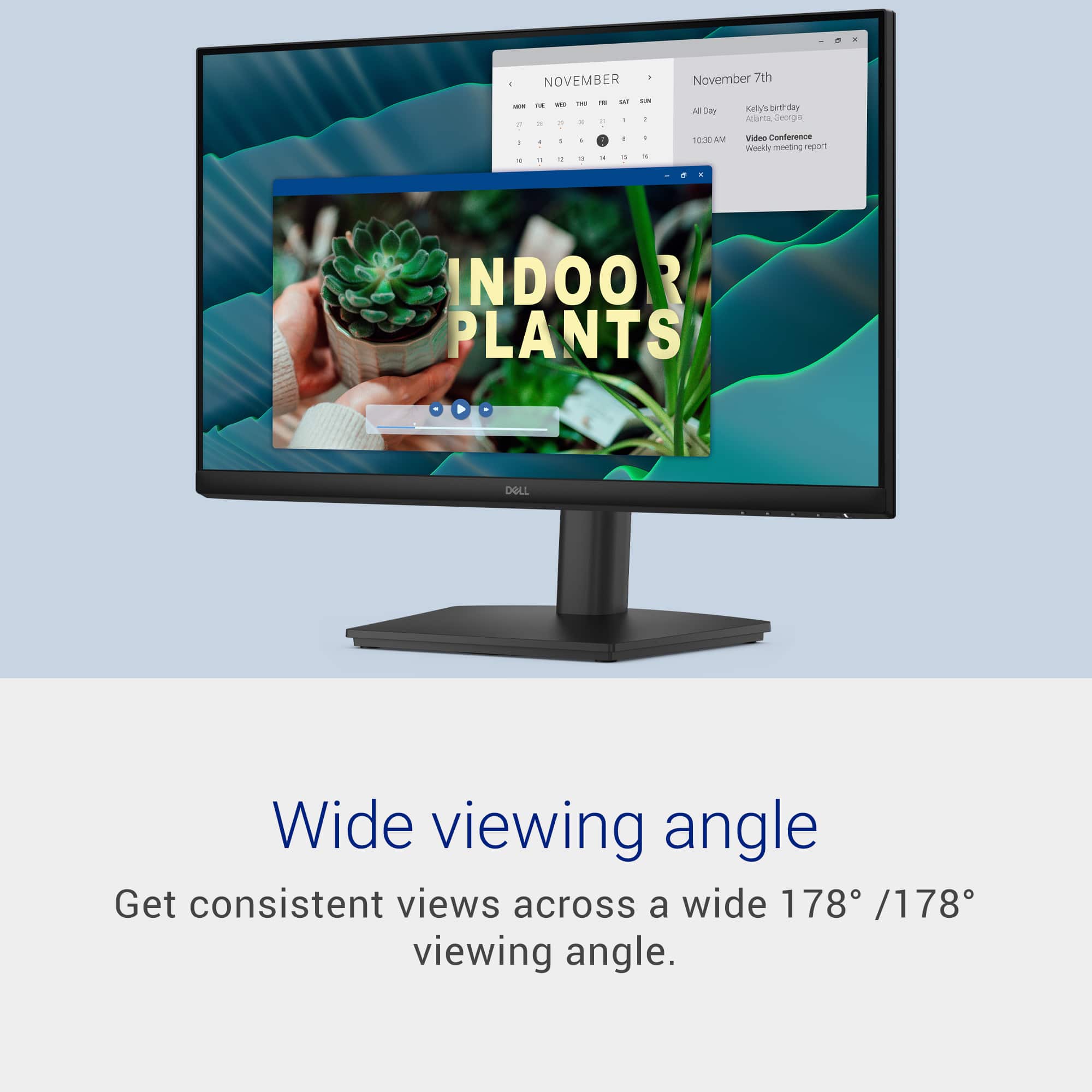
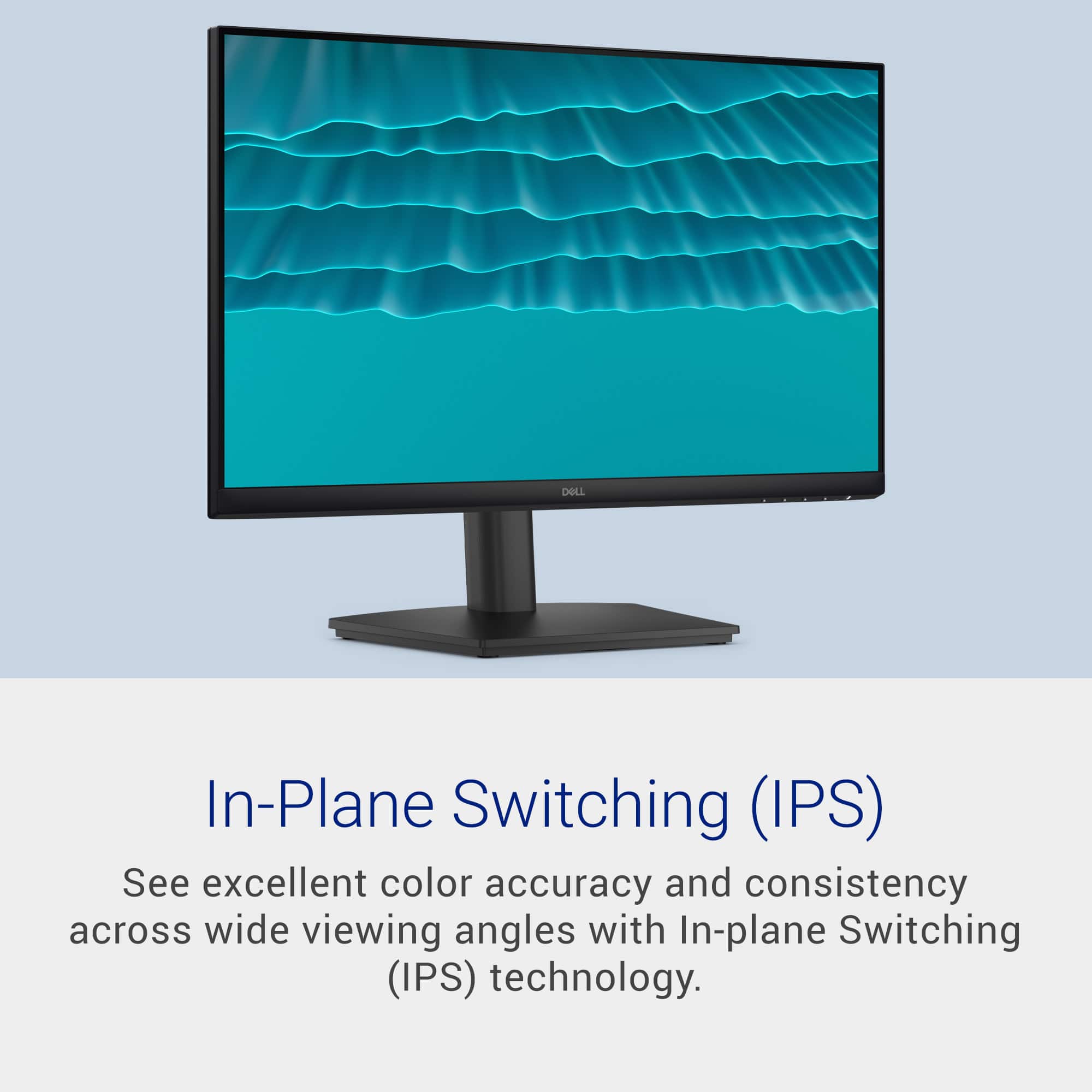
|Posted .This reviewer received promo considerations or sweepstakes entry for writing a review.Decent secondary or primary office... In my case, I am using it as a secondary monitor in my home office. I primarily use this (and my primary) monitor for boring, lame, office stuff. Think E-mail, Internet, word processing documents, spreadsheets etcetera... And of course, the occasional vide that my buddies might send me, or a sill X link. I am not using this (or my other primary monitor), for any gaming. That said, this machine does have a 144Hz (144 times per second), refresh rate. Pretty decent for a non-gaming monitor. It seves my purpose well. The build quality is Typical Dell consumer grade. It has a solid buiold quality and is realtively attractive (for what that's worth) for a home-office monitor. For inputs, it has two (2) HDMI 1.4 ports. Certainly enough for any office/home-office. The viewing angle is listed at 178 degrees, for a nice, wide, viewing angle. This is noce when I have a static document for reference on this machine while working from it on my main monitor. The resolution is a strong Full HD (1920x1080). Certainly more than enough for your office environment. End of the day, a great choice at a fair price, and if reputation holds true, it's a typical high-quality Dell. I expect it tpo operate n my desk untill the foreseeable future. Solid choice.
I would recommend this to a friend - Pros mentioned:Color quality, Refresh rate
Excellent value priced monitor with a great stand
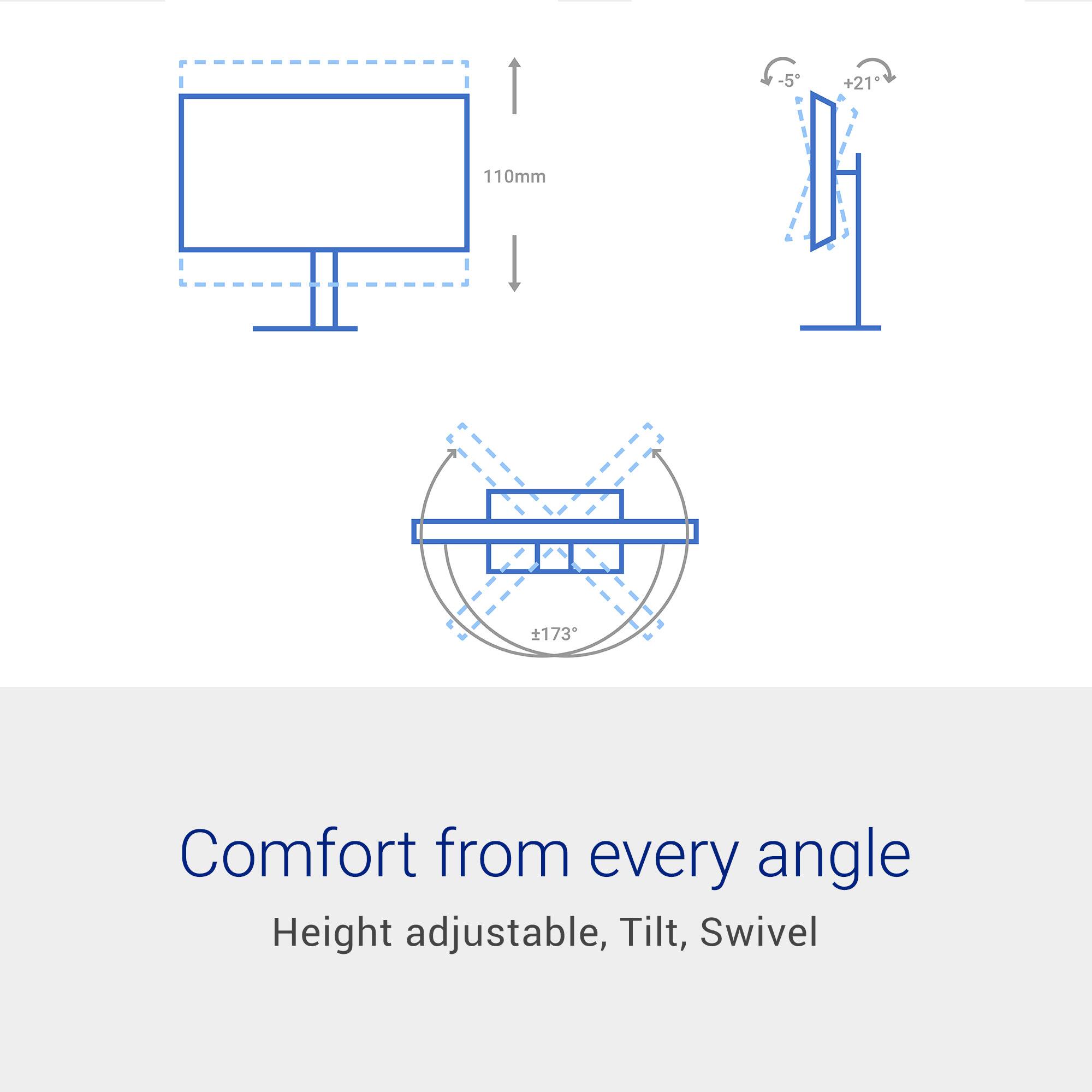
|Posted .This reviewer received promo considerations or sweepstakes entry for writing a review.Bottom Line Up Front: This monitor is a good bargain and is highly recommended. The monitor works great, has convenient physical attributes, setup is easy, and the Dell support and product information is excellent too. You can rotate the monitor 90 degrees for portrait mode. The performance is excellent – although nothing too out of this world. However, given its price, easy of use, downloadable documentation, and ease of use, it is a good buy. Details: This is an In-Plane Switching monitor so unless you need deep blacks, this is the choice for you. It has a standard 16:9 aspect ratio and rated specs of 300 cd/m2, 1000:1 contrast ratio and 167 million colors. It has an anti-glare coating and a response time of 1 ms. There are two HDMI ports supporting standard FHD 1920x1080 and nothing higher which is expected at this price point. There is nothing else – no DP or USB ports or speakers. Dell advertises a wide viewing angle of 178 degrees and a refresh rate of 144 Hz. In a nutshell, the specs are fairly standard for a monitor but at a great price point. What does stand out is the fact that this monitor comes with a very nice stand that is easily attachable. Dell provides the screwdriver to attach the monitor to the stand with its four M4x10mm VESA 100mm x 100mm screw layout. You then attach the unit to the stand base by turning the internal swivel thumbscrew without the need of a tool. Besides being easy to set up, you can tilt It between 5 and 21 degrees up and back. There is a nice built in height adjustment to raise and lower the height of the monitor as well. Dell claims it has a lazy Susan swivel adjust (rotating base plate) for side-to-side adjustments, but I’m not sure that works all that well - I just rotated it on my desktop and the whole unit seemed to rotate. The stand also comes with a convenient cable management clip. What really stands out and is outstanding is the ability to rotate the screen 90 degrees to either use it in portrait or landscape mode. Nice touch! Included are a detachable power cable and an HDMI cable. The monitor has a built-in security lock slot (cable not included). I do appreciate that Dell makes documentation easy to find on their web site. There is a nice 52-page user’s manual in a PDF format that is easily downloadable which provides details on the physical setup, the fairly typical on-screen menu adjustments and specifications. You may not need any of that, but I find it informative and useful….and mandatory for any product! Nice job Dell. Using the monitor is easy. The on-screen controls are intuitive. I played with them, but I really didn’t need to change anything. Windows recognized the monitor immediately. The monitor is clear and bright, with good colors and response rate. It is fantastic – especially at this price point. Summary: As I write this, I noticed this monitor is on sale for less than $100. But even at the price at which I obtained this, it represents a good bargain. The performance is great as is the setup, documentation, and especially, the stand. Highly recommended.
I would recommend this to a friend - Pros mentioned:Color quality, Refresh rate
Clean look, solid monitor
|Posted .This reviewer received promo considerations or sweepstakes entry for writing a review.I like the monitors Dell has been putting out these days. Solid, clean lines, very aesthetically pleasing. This new one SE2426HS (only gonna type that out once…) is the kind of monitor that I think a lot of people are actually looking for, even if it’s not the super flashy. No, it isn’t ultra-premium, RGB-covered, “look at me” display... I mean… you do look at it but you get it right? Good. It’s just a really solid everyday monitor that does what it’s supposed to do and does it well. The 144Hz refresh rate means smooth computing, whether you’re gaming, browsing, or just moving around Windows. Colors look clean and consistent, nothing washed-out. FreeSync support is also a nice bonus for gaming since it helps keep gameplay feeling smooth without screen tearing. Simply put, Dell didn’t overcomplicate this thing. Setup is quick… plug in a couple cords, the design is simple and clean, and the monitor feels dependable. Full HD at 24 inches is still a sweet spot for a lot of people, especially if you want solid performance without needing a monster GPU to push higher resolutions. At the end of the day, this is just a good, reliable monitor. Nothing crazy fancy, nothing pretending to be something it’s not — just a smooth, comfortable display that works well for gaming, streaming, work, and everyday use. Five stars, easy peasy.
I would recommend this to a friend - Pros mentioned:Color qualityCons mentioned:Connectivity
Dell 24” IPS LCD 144Hz FreeSync Monitor
|Posted .This reviewer received promo considerations or sweepstakes entry for writing a review.So I received my new Dell 24” IPS LCD 144Hz FreeSync Monitor a few days ago, and it couldn’t have come at a better time. I needed another monitor to setup an older Mac mini desktop in my spare bedroom and this was just the monitor for the job. This would be the first Dell product that I’ve owned it a long time. No issues with Dell, just usually go with another brand. Inside the box: * 24 “ Dell Monitor * Power Adapter and Cord * HDMI Cable * Flat Base * Stand/Back * Screwdriver & 4 Screws * User Documentation Setup if really easy. Just use take the stand/back and attach it the to the base using the included loop spin screw that’s already installed on the base; tighten that to the stand/back. Next, using the included screwdriver and screws, attach the stand to the back of the monitor and that’s it. You will noticed on the monitor as far as ports, there’s only 2 HDMI ports which is all I needed to for this desktop setup, and the power port to plug in the power cable. I connected the HDMI to the back of the monitor and to the Mac mini and that was it. This monitor does not have speakers, so you will need some to connect to your computer. At the bottom right of the monitor underneath is the power button as well as 4 other buttons that control the menu function on the monitor. I didn’t have to tweak the buttons at all since the monitor was quickly recognized by my Mac and the colors seemed accurate for the type of monitor it is. This is not a fancy monitor like LED or OLED for that matter but it gets the job done as for a spare computer.
I would recommend this to a friend - Pros mentioned:Color quality
Great Value, Great Option
|Posted .This reviewer received promo considerations or sweepstakes entry for writing a review.Very impressive monitor, at the price point, but for power users may be limiting. So very good value, for a 24" 1080p monitor. Great color, smooth video, and very responsive. I have older eyes, but I am not seeing any delays or lags, or shifts, or shadows... everything is bright, crisp and very well detailed displayed. For myself, this has now become a 2nd monitor on my system, and I have rotated it on my mount (which is a standard VESA support), which allows me to have larger vertical space for my chats, emails, code, and even test environments (phone simulators). I have connected it to my MacBook, using the appropriate HDMI cables, and it just worked perfectly out of the box. So be sure to check the specs and know what you are getting... this is a 1080p monitor, capped at 1920x1080 resolution, and there is no audio output on this... so you will need a speaker or headphones if this is your solo monitor. It comes with a very hefty and adjustable base (vertical, and the monitor can tilt)... but for me, for the size, I found the base a little large, but I already had a multi mount for monitors, and I just added it to that, so I could have my layout. This would make a good option for laptops heading to college, paired up with a keyboard and mouse, this monitor would make a great option for that desk, so work can be done at a little larger size then a small 13-14" laptop monitor would.
I would recommend this to a friend Great little monitor
|Posted .This reviewer received promo considerations or sweepstakes entry for writing a review.This is a very nice monitor. Connections are secure and tight compared to other monitors I have had where the HDMI connection is loose. The display is a size for a home office, and the clarity is good enough to watch videos. It is also excellent for displaying multiple windows open at the same time. I had a problem with a message remaining on the screen that I couldn't remove until I had my son who is a computer expert come and look at it. He pushed a button at the bottom of the screen and it went away. The message was: what language do you want. There are no instuctions included, the warrenty and safety instuctions are so small that I couldn't even read them with a magnifying glass. FYI I’m not that old only 45 so I shouldn’t need any assistance reading with some kind of magnifying help lol. This thing is perfect for my home office so as long as you don’t need all the bells and whistles that some of the more high end monitors offer then this thing is good to go in my opinion. Long time dell user as well.
I would recommend this to a friend- Pros mentioned:Refresh rate
Solid entry 144hz display with an adjustable stand
|Posted .This reviewer received promo considerations or sweepstakes entry for writing a review.I really dig this Dell SE2426HS. While it doesn’t have speakers, I feel like it could be a great display for a low cost dorm setup with a console and PC (great having 2 HDMI, plus it doesn’t take up too much space). It would also fit great being used in a small office/home office setting, but the 144hz refresh rate would largely be unneeded. While the monitor panel/brightness/response time was all expected, I was quite impressed with the stand. I didn’t like that you have to screw it manually, (at least it seems to use 100x100 VESA) BUT it has rotation height and tilt adjustment, which is a welcome addition to this value category. For a lower cost gaming setup, make sure you get your settings dialed in, I played a few rounds of rocket league on it, and it felt butter smooth. (didn’t notice any ghosting in the fast pace) Dell really has a value winner here on their hands, while it's only 1080p/144hz, it really would mesh well with a cheaper gaming PC and/or Xbox or PS5. It’s a solid and welcome addition to my setup as a secondary monitor once I get it mounted!
I would recommend this to a friend A high quality monitor for a medium quality price.
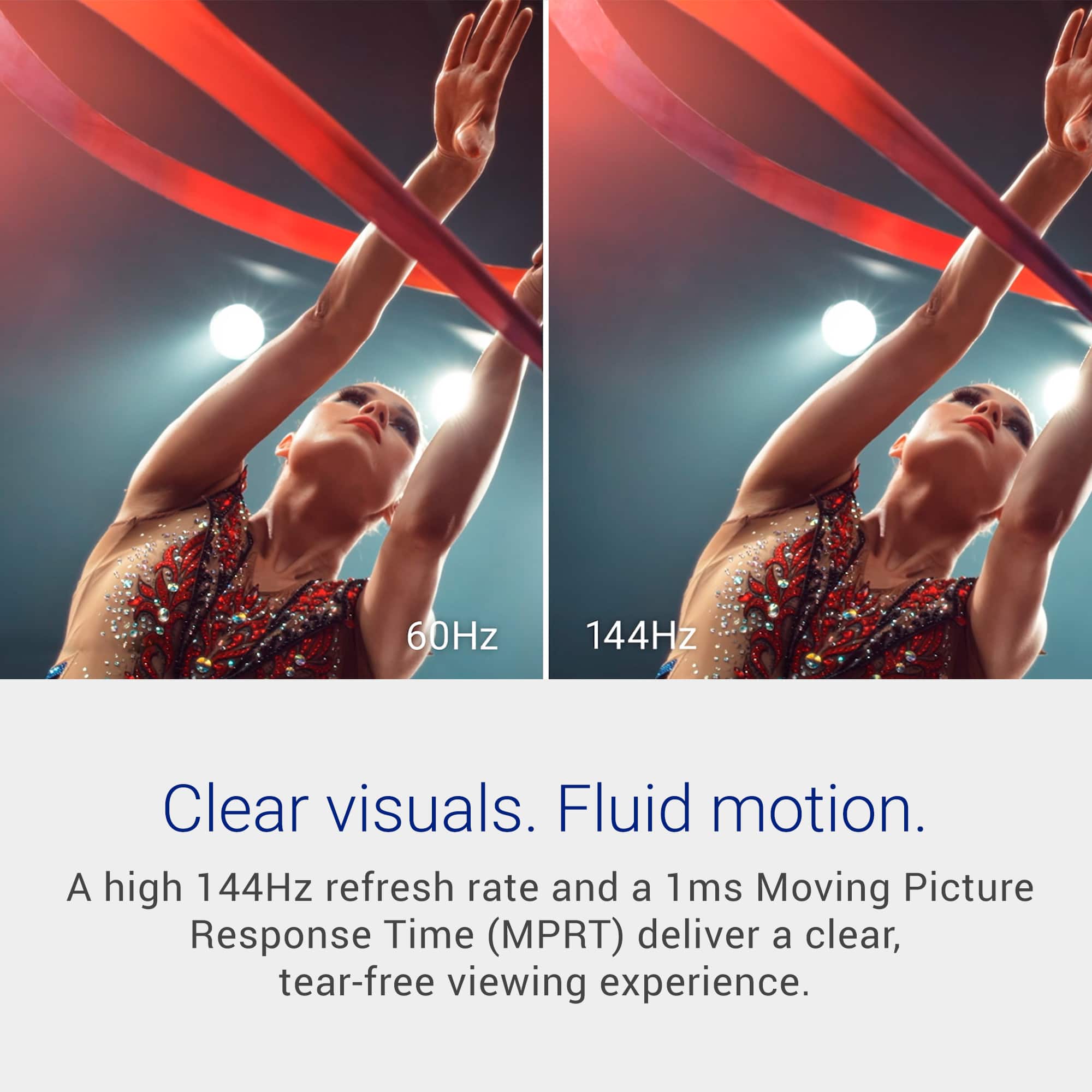
|Posted .This reviewer received promo considerations or sweepstakes entry for writing a review.First impression: My first impression of the Dell SE2426HS IPS Monitor is that it is a well-made budget monitor. It was packaged very well by Dell. Not the newer high-end packaging, but the older style with everything separated by corrugated cardboard pockets. It could fall off a truck and be OK. It seems to be a bit heavy for a new 24” monitor, but that’s not an issue with me. What’s in the Box: • 1 x Monitor • 1 x Stand riser and base • 1 x Side I/O Cover • 1 x VESA cover • 1 x Quick setup guide • 1 x HDMI Cable • 1 x Power Cable Specifications: • Display type: IPS • Diagonal Size: 24" • Aspect Ratio: 16:9 • Resolution: 1920 x 1080 • Refresh rate: 144 Hz • Response Tine: 1 ms • Pixel Density: 93 ppi • Contrast Ratio: 1000: 1 (typical) • Brightness: 300 nits • Color Support: 16.7 million colors • Audio: Integrated 2 x 5W speakers • Ports: 2 x HDMI (HDCP1.4) (Supports up to FHD 1920 x 1080 100Hz • Voltage Required: 100 to 240 VAC/50 or 60 Hz @ 1.5 A • Power: 13.3 watts • Weight: 9.16 lb Performance: This monitor is a budget monitor and can be had for around $100. And you’re reminded of that when assembling the monitor, because there are no slide-in clips like other monitors. You attach the stand to the monitor with screws; Nostalgic. But none of these means it’s a bad monitor, quite the opposite. It’s obvious that the money was put into the performance, not the aesthetics and features. You might think that it cannot really support gaming, video editing, and streaming because it is an IPS monitor. And you might be correct up to a point. You will know it is an IPS monitor for high-performance gaming, but for most everything else, I don’t think you can get a better monitor for the price. The display is very bright at 300 nits, and the colors are vivid without being tiring. And for an IPS monitor, the blacks are black. Even though it might not be perfect black, there is no indication of IPS glow. This monitor also does very good with motion video. The 144 Hz refresh rate and the amazing 1ms response time makes gaming and streaming incredibly fluid with virtually zero ghosting or motion blur. Most IPS monitors can only get down to 4ms response time, so 1ms is amazing, This IPS monitor excels beyond most IPS monitors. IPS monitors really excel with typical office work, and this monitor is no different. Tests from both documents and websites are clear and sharp. And you can see great contrast using dark mode online. And colors are accurate on documents and PowerPoint presentations. I also prefer IPS monitors for work monitors because I don’t ever shut down some of my servers, and I never have to worry about Burn-in. Finally, this monitor has a small border on all 4 sides. I really do like that. Also, it only comes with HDMI ports, no DP ports. For me that is not an issue, I hate having computers come with 2 video ports, 1 HDMI and 1 DP. I would rather both ports match. And the mounting holes in the back are standard VESA patterns, so it will work with any standard monitor mount. Conclusion: I really like this monitor. When I first opened it up, I didn’t expect it to have the performance that it has shown. The picture quality is high, and motion is smooth. The almost instant 1ms response rate allows it to be used for gaming with the exceptions of the high-level games. If you need a high-quality monitor that doesn’t cost what the high-end monitors cost, I highly recommend the Dell SE2426HS IPS Monitor.
I would recommend this to a friend