Customer Ratings & Reviews


- Model:
- 5CKH4
- SKU:
- 6394138
Rating by feature
- Display Quality
Rating 4.5 out of 5 stars
- Ease of Use
Rating 4.7 out of 5 stars
- Features
Rating 4.5 out of 5 stars
Customers are saying
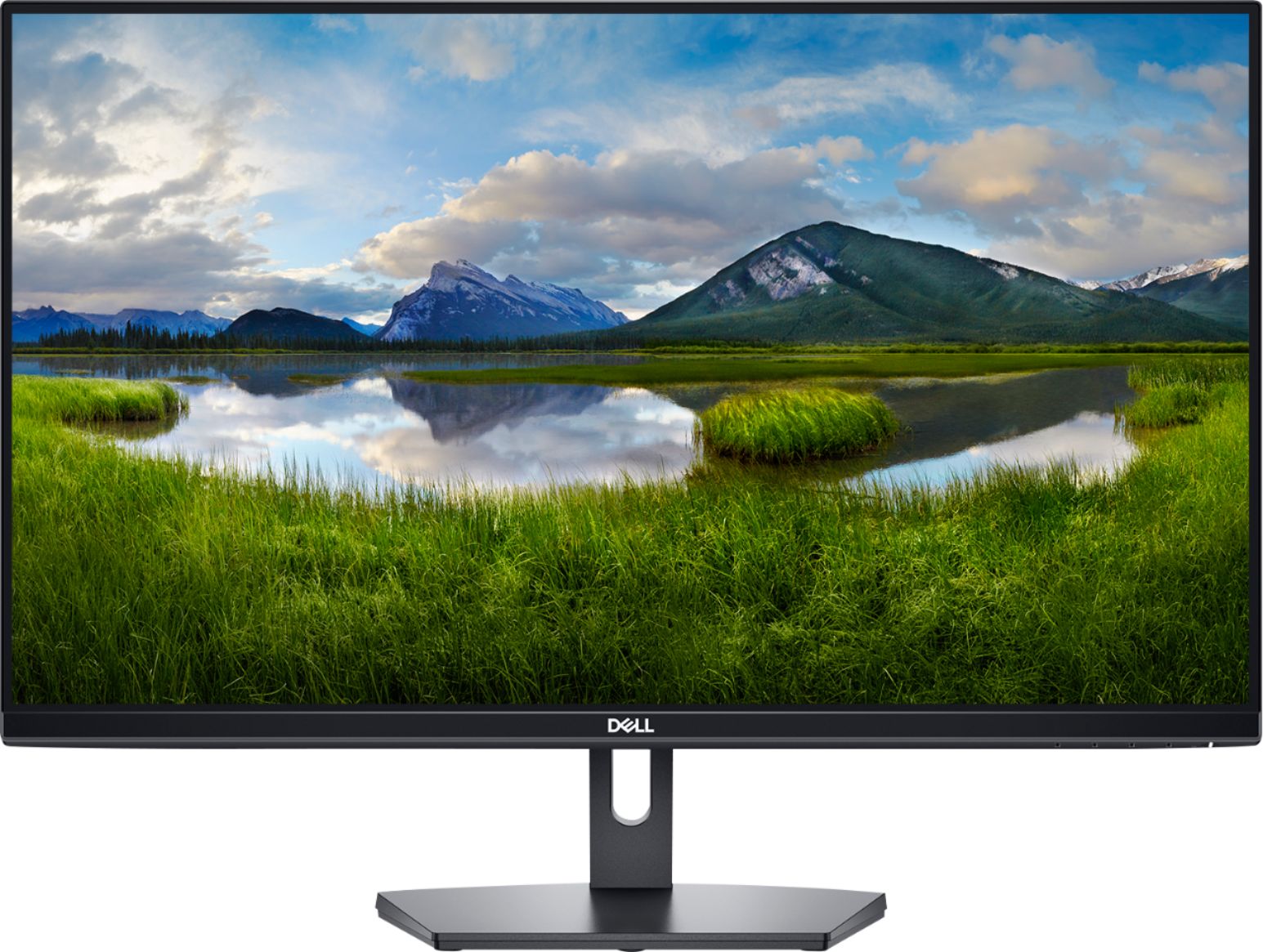
Customers are positive about the SE2719HR monitor's screen size, price, ease of use, and clarity. Many appreciate the resolution and the inclusion of HDMI connectivity. However, customers are negative about the lack of built-in speakers and the somewhat flimsy stand. Some also noted that the refresh rate may not be suitable for all users, particularly gamers.
This summary was generated by AI based on customer reviews.
Monitor
||Posted .This reviewer received promo considerations or sweepstakes entry for writing a review.I love them. Eazy to arrange and so wide . It helps me with my job
I would recommend this to a friendNice value
||Posted . Owned for less than 1 week when reviewed.This reviewer received promo considerations or sweepstakes entry for writing a review.you wouldnt regret as long as you want the best quality for this cost.
I would recommend this to a friendGood Enough
||Posted . Owned for 1 month when reviewed.This reviewer received promo considerations or sweepstakes entry for writing a review.The cords could be longer. Display works for what I need.
I would recommend this to a friendNice
||Posted .This reviewer received promo considerations or sweepstakes entry for writing a review.I forgot to check for built in speakers but great monitor overall
I would recommend this to a friendQuality headset
||Posted . Owned for 1 month when reviewed.This reviewer received promo considerations or sweepstakes entry for writing a review.Good quality and the sound is crisp. I would definitely buy again.
I would recommend this to a friendGreat monitor for beginner.
||Posted . Owned for 1 month when reviewed.This reviewer received promo considerations or sweepstakes entry for writing a review.Look and feel are pretty good. Not being 144hz, I think it’s a very good buy.
I would recommend this to a friendhome office
||Posted . Owned for 3 months when reviewed.This reviewer received promo considerations or sweepstakes entry for writing a review.Bought 2 to use for my home office. clarity is good.
I would recommend this to a friendPoor color and not eye friendly.
||Posted . Owned for less than 1 week when reviewed.This reviewer received promo considerations or sweepstakes entry for writing a review.I am very disappointed with this monitor and I returned it. The color is just really bad and adjusting it is impossible. I use the monitor as an extended display and I have a Lenovo work laptop and a Dell personal one I switch between. The colors on this monitor are totally different from the laptop screens. I can slide a window so it shows up on both screens and you can just the difference. The blue is the worst and nothing I do makes it not look purple. I use a system for work that has tables that are a blue'ish grey and they alternate light are dark. On this monitor they were just white. And I tried different cords to make sure it was not a cord, and since it happens with both the HDMI and the VGA connection, its a problem with the monitor.
No, I would not recommend this to a friendBrand response from YourDellTeam
Posted .Hello MadisonWI,
Thank you for your input and review. We apologize for the issues you have come across with your display color. We have provided steps below that can help adjust your color depth through Windows 10 if needed in the future.
1. Close all open programs.
2. You can either right click Start, and then click Control Panel or click on start and type Control Panel and click the icon that appears.
3. In the Control Panel window, click System, and then click Display.
4. Select the monitor you want to change, if more than one is connected to your PC.
5. Click the Display Adapter Properties link.
6. Select List All Modes.
7. Choose your resolution, color depth and refresh rate from the list and click on OK
8. Click OK again to exit the properties window.
If you still require further help with adjusting your display, this contains more details and troubleshooting steps: http://dell.to/3oitVT6.
Best regards,
Wendy C.
For additional questions, or concerns, you can contact Dell directly with the information below Chat or Call.
https://bit.ly/DellSupportTeam.
Phone number to Dell: 1-800-264-9896.
Monitor
||Posted .This reviewer received promo considerations or sweepstakes entry for writing a review.Excellent monitor. Very good video quality. Perfect for any use.
No, I would not recommend this to a friendGood work at home monitor
||Posted . Owned for 3 weeks when reviewed.This reviewer received promo considerations or sweepstakes entry for writing a review.Great monitor for working at home. I would recommend this monitor.
I would recommend this to a friendGood value
||Posted . Owned for 3 weeks when reviewed.This reviewer received promo considerations or sweepstakes entry for writing a review.Great value for a simple monitor that does the job.
I would recommend this to a friendReceived with a vertical line - had to return
||Posted . Owned for 2 weeks when reviewed.This reviewer received promo considerations or sweepstakes entry for writing a review.I received the item with a vertical line on the screen. By itself, it is not a big deal as it is a common occurrence with LCD screens. But proper quality control was not done before it was dispatched back. I had to return it and took a HP 27 inch monitor which is working very well.
No, I would not recommend this to a friendGreat picture!
||Posted . Owned for 1 month when reviewed.This reviewer received promo considerations or sweepstakes entry for writing a review.I would have rated 5 stars, I would have preferred a couple more inputs.
I would recommend this to a friendSolid monitor
||Posted . Owned for 1 month when reviewed.This reviewer received promo considerations or sweepstakes entry for writing a review.Solid monitor, works for gaming. Simple to assemble the stand.
I would recommend this to a friendnice purchase
||Posted . Owned for 1 week when reviewed.This reviewer received promo considerations or sweepstakes entry for writing a review.Very reliable and nice screen. easy to set up and use
I would recommend this to a friendA Student Must Have!
||Posted . Owned for 3 weeks when reviewed.This reviewer received promo considerations or sweepstakes entry for writing a review.Great monitor for school. Clear screen. Affordable.
I would recommend this to a friendGreat Monitor!
||Posted . Owned for 1 month when reviewed.This reviewer received promo considerations or sweepstakes entry for writing a review.A very sharp image. I like the screen that reaches the edge.
I would recommend this to a friendDell
||Posted . Owned for 9 months when reviewed.This reviewer received promo considerations or sweepstakes entry for writing a review.Pretty good for my first monitor wish it had. Camera on it
I would recommend this to a friendPretty good for price
||Posted . Owned for less than 1 week when reviewed.This reviewer received promo considerations or sweepstakes entry for writing a review.Pretty big screen for 128$. Nice to watch and work as well.
I would recommend this to a friendGood monitor
||Posted . Owned for 1 month when reviewed.This reviewer received promo considerations or sweepstakes entry for writing a review.The display is good. I think this is a good value.
I would recommend this to a friend