Customer Ratings & Reviews
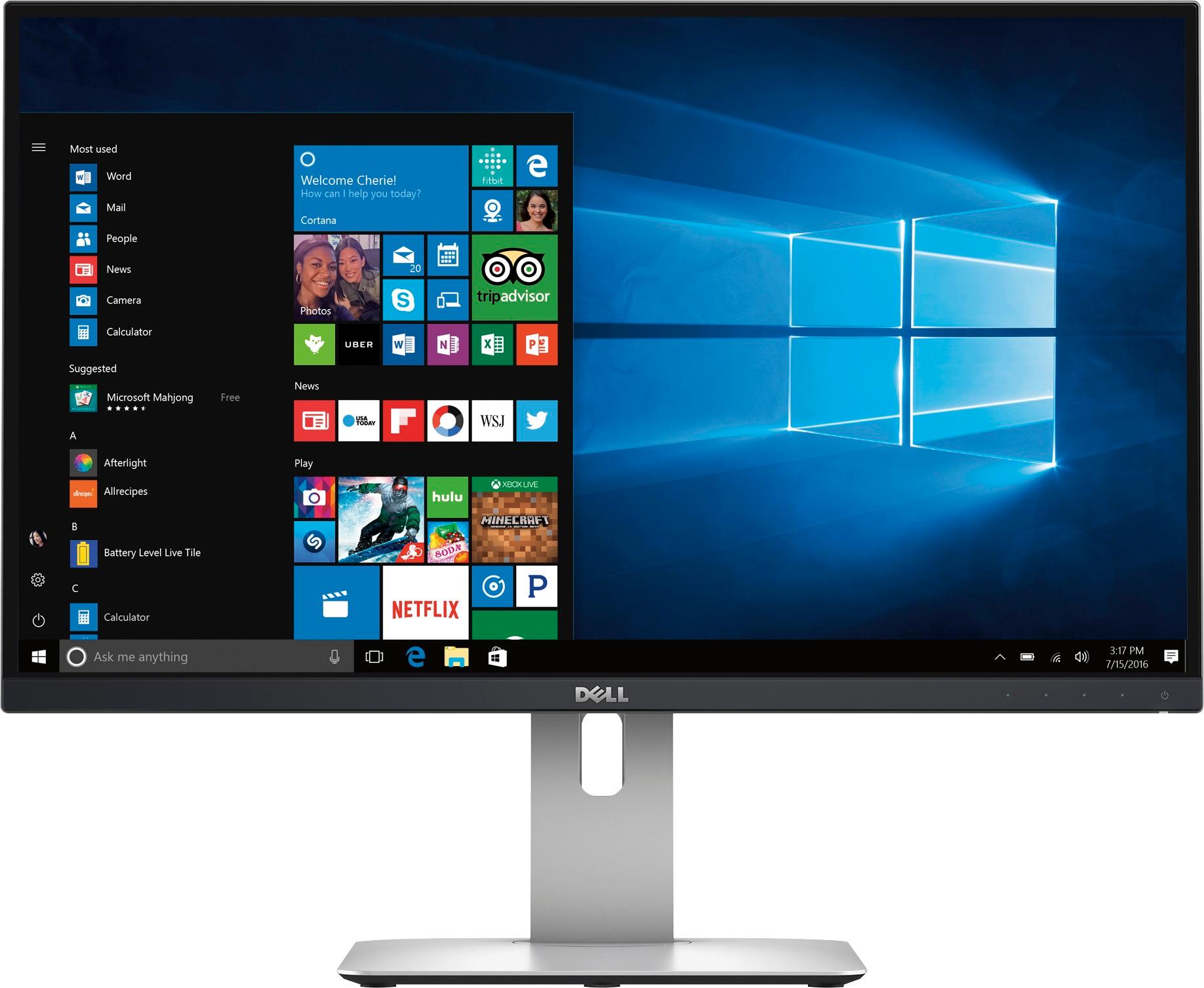
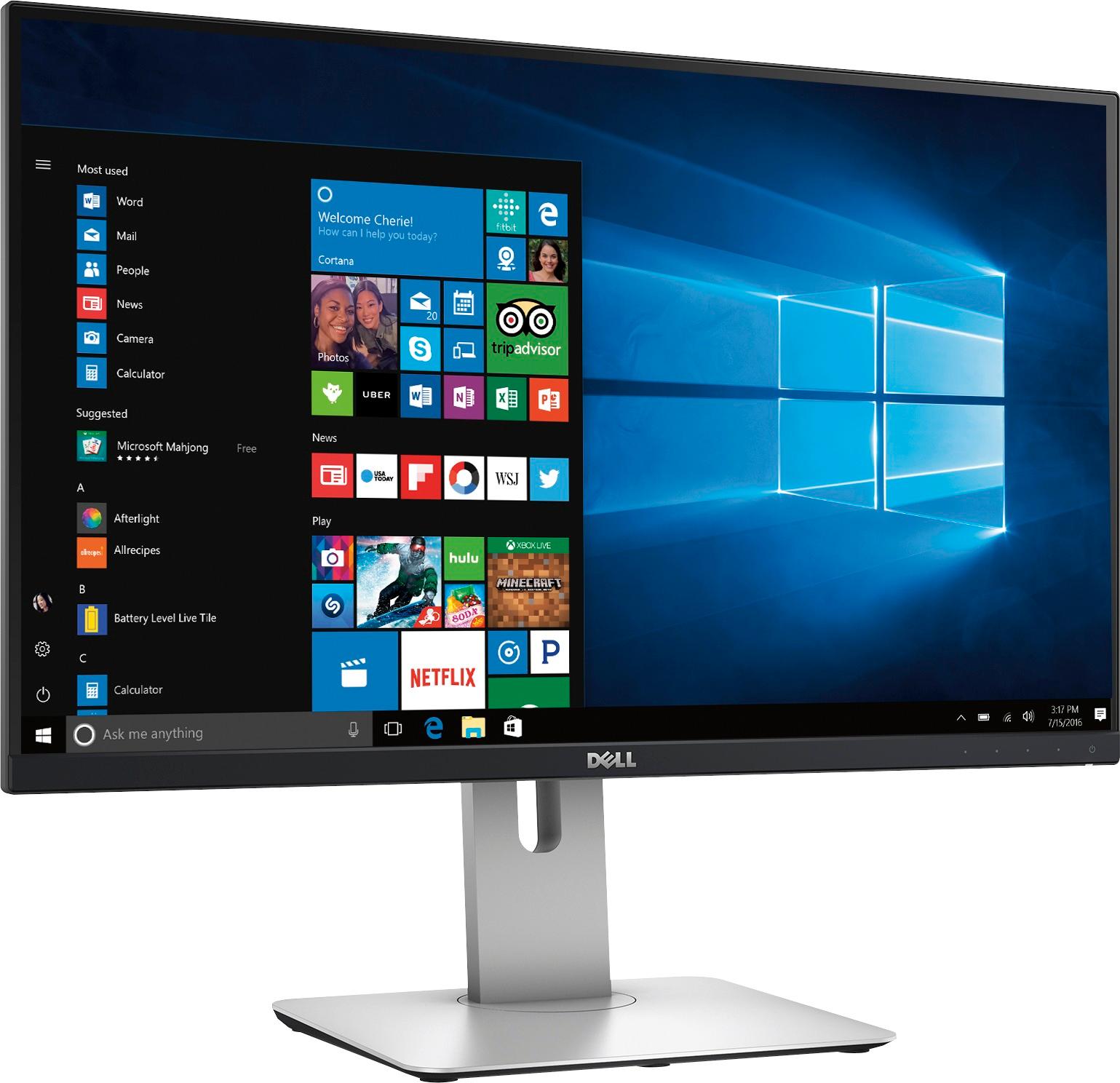
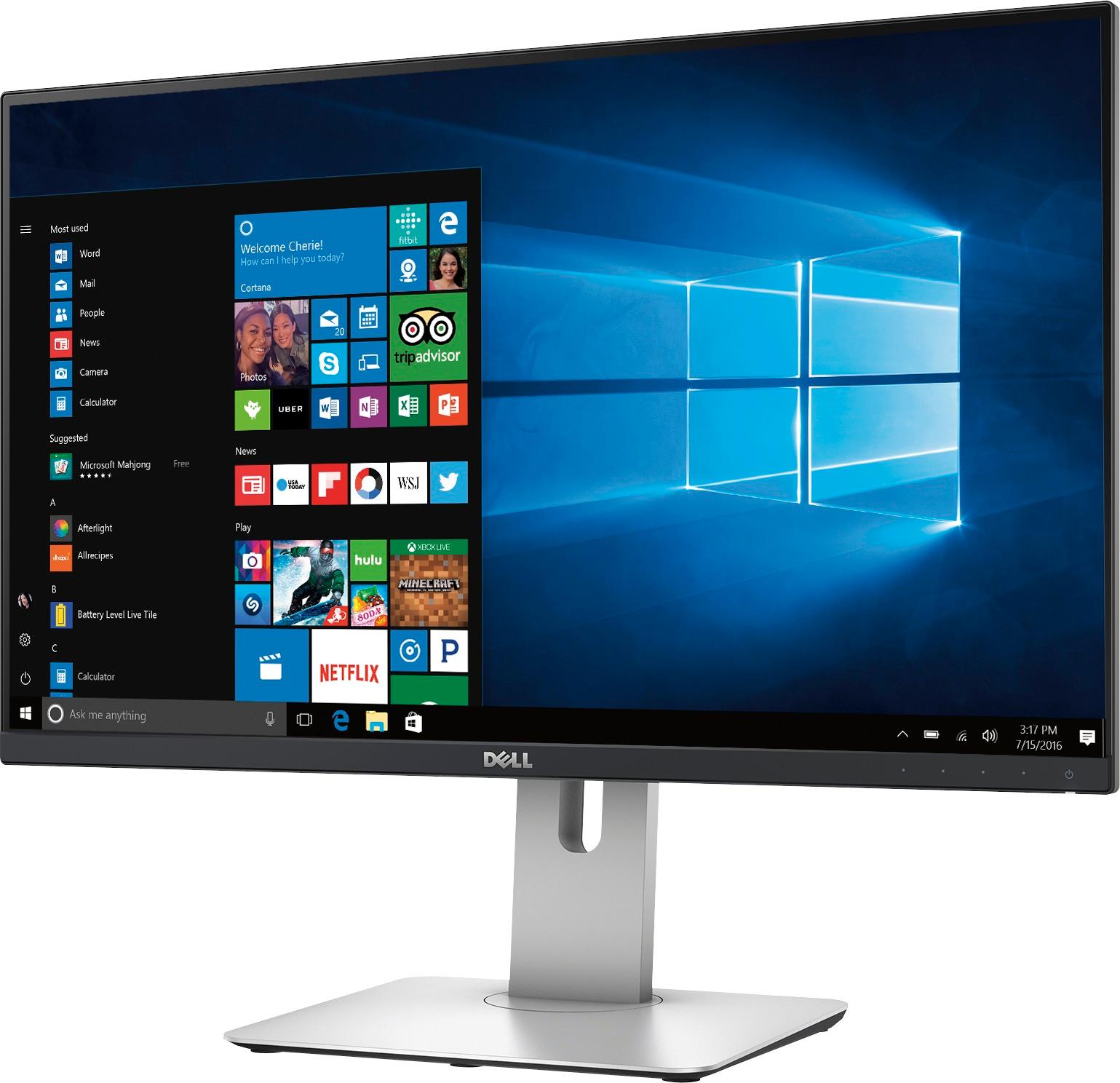
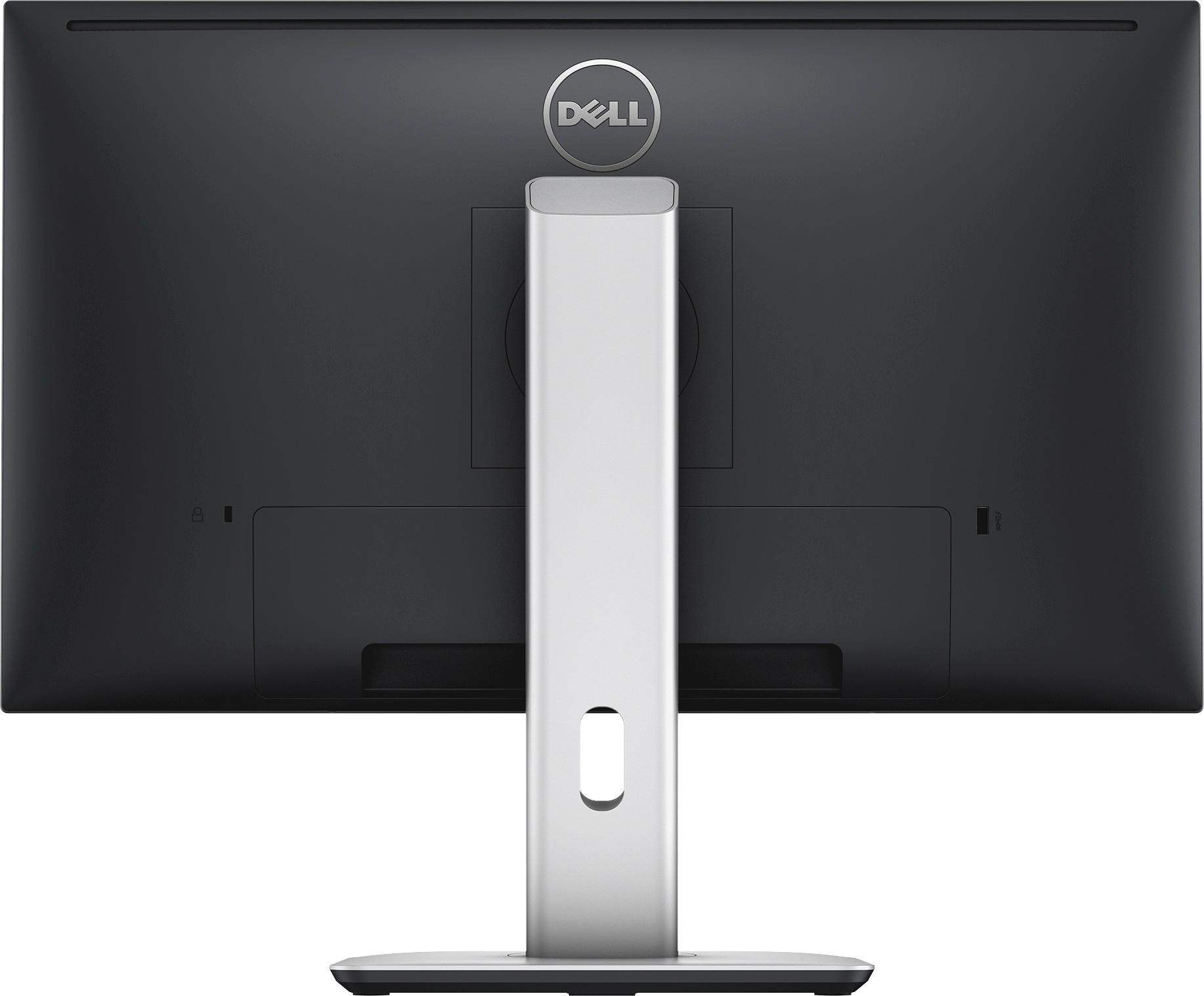
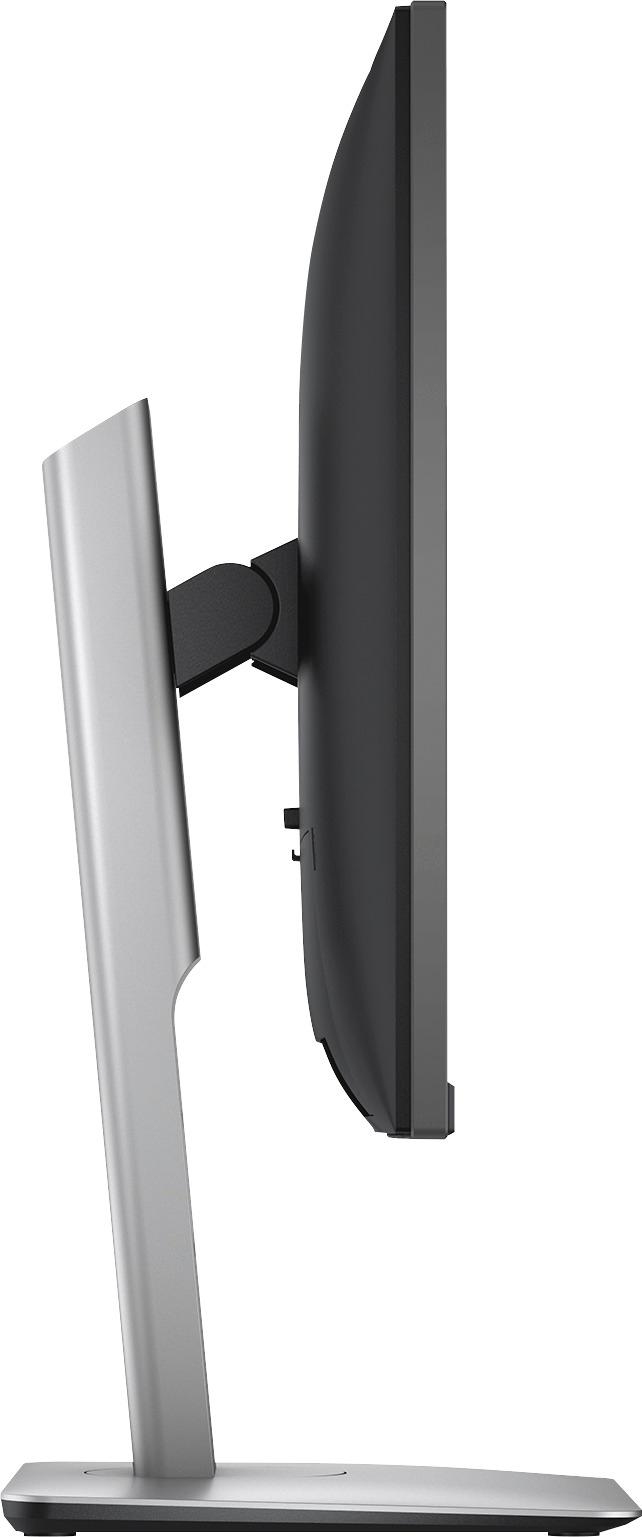
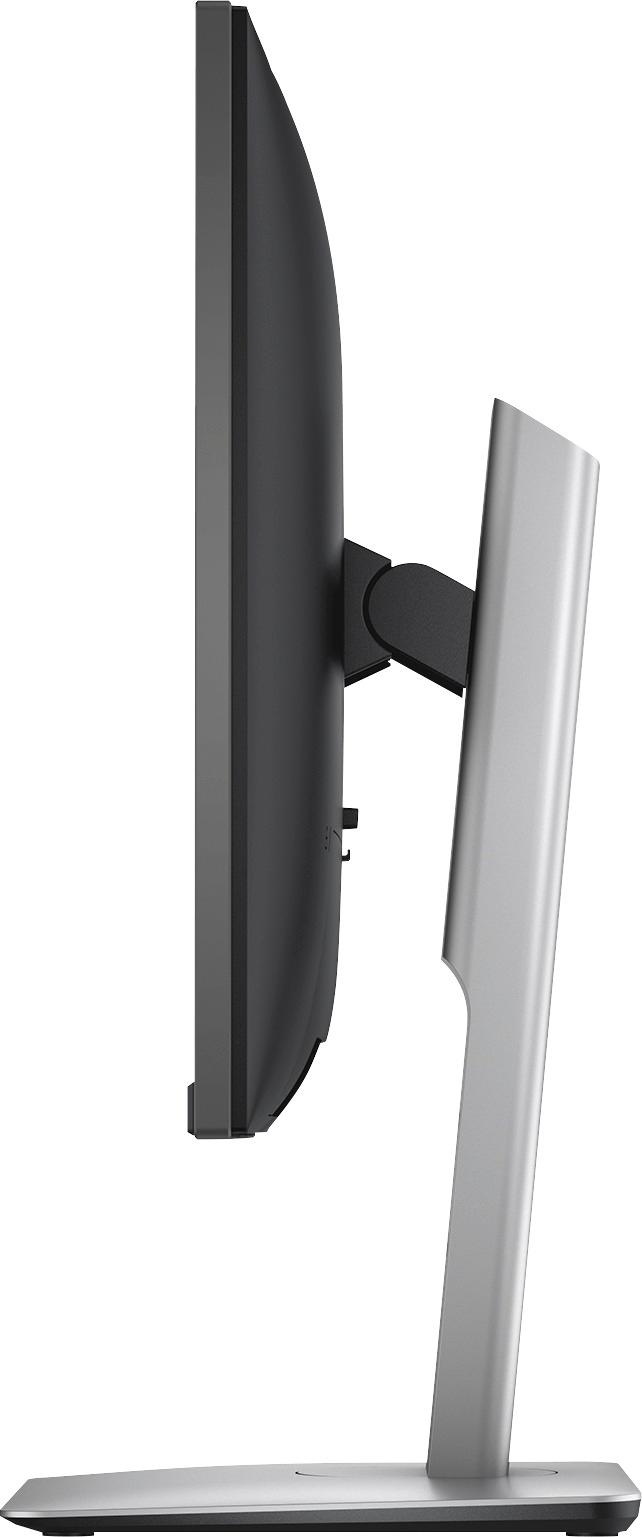
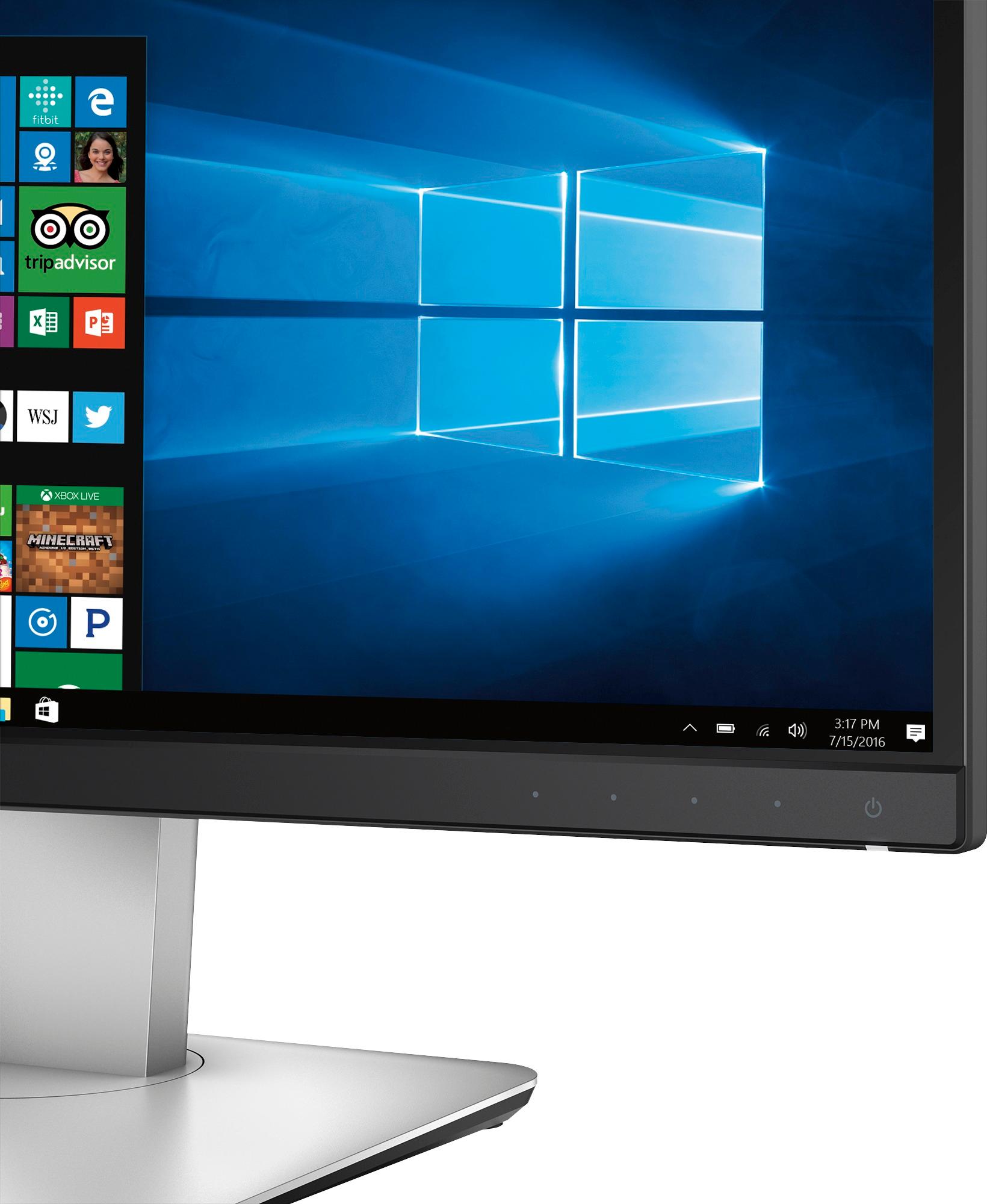

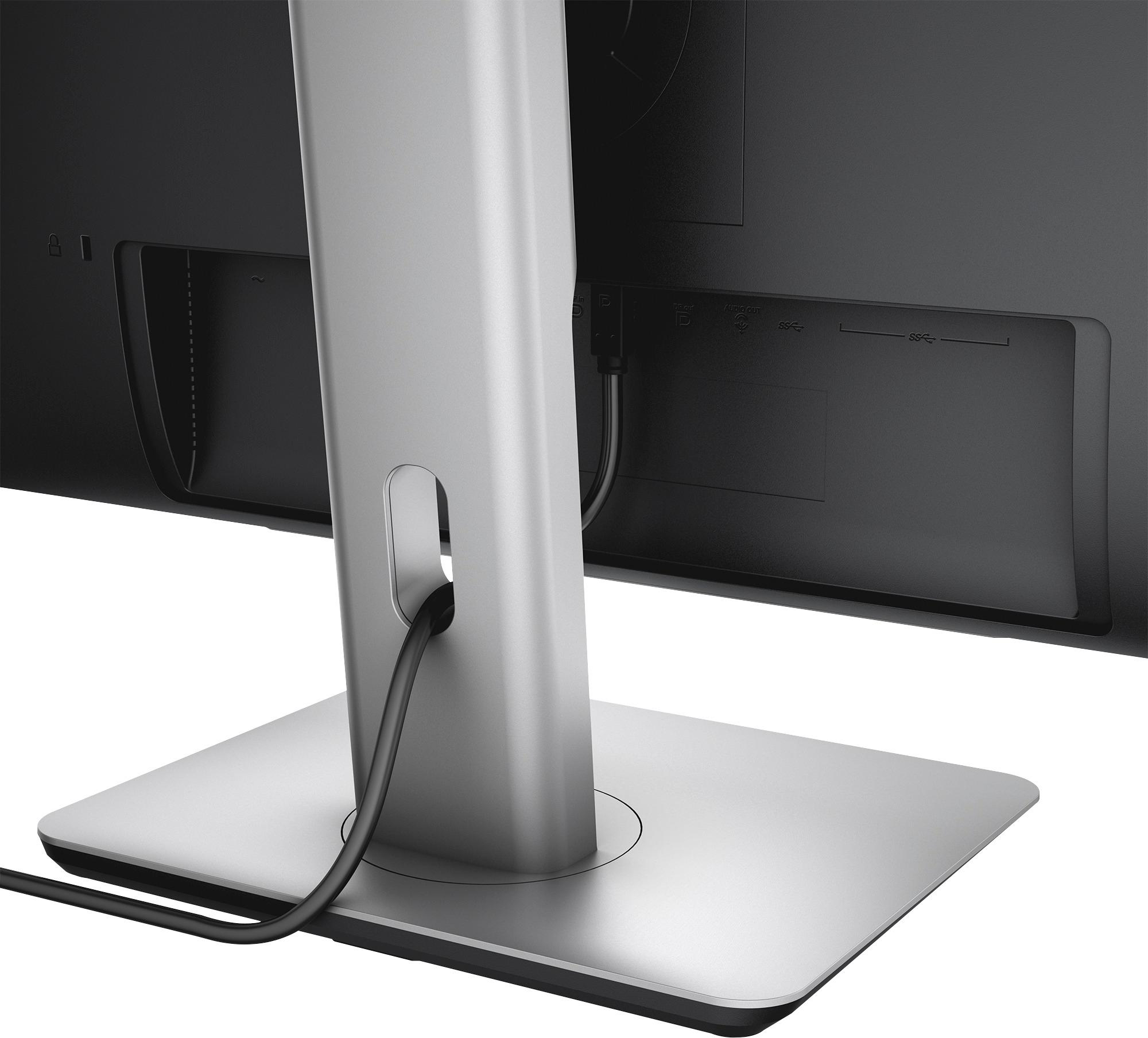


- Model:
- U2515H
- |
- SKU:
- 8388143
Customer reviews
Rating 4.7 out of 5 stars with 224 reviews
(224 customer reviews)to a friend
Customers are saying
Customers are positive about the UltraSharp U2515H monitor's screen size, resolution, and ease of use, with many praising the crisp image quality and convenient setup. The adjustable stand also receives high praise for its versatility. However, some customers reported issues with dead pixels and the power button's responsiveness. A few users also mentioned glare as a minor concern.
This summary was generated by AI based on customer reviews.
Rated 5 out of 5 stars
Excellent Picture Quality for the Office
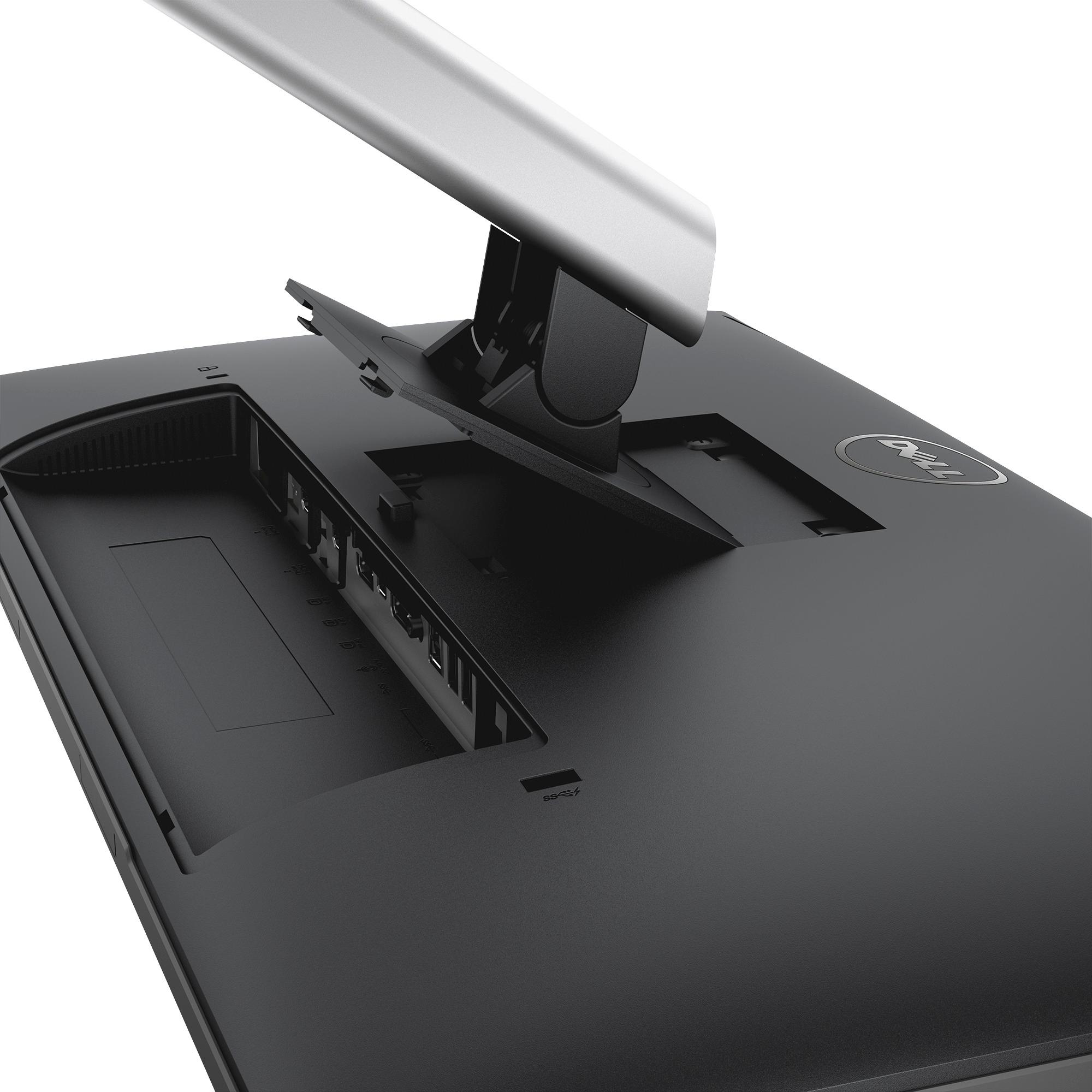
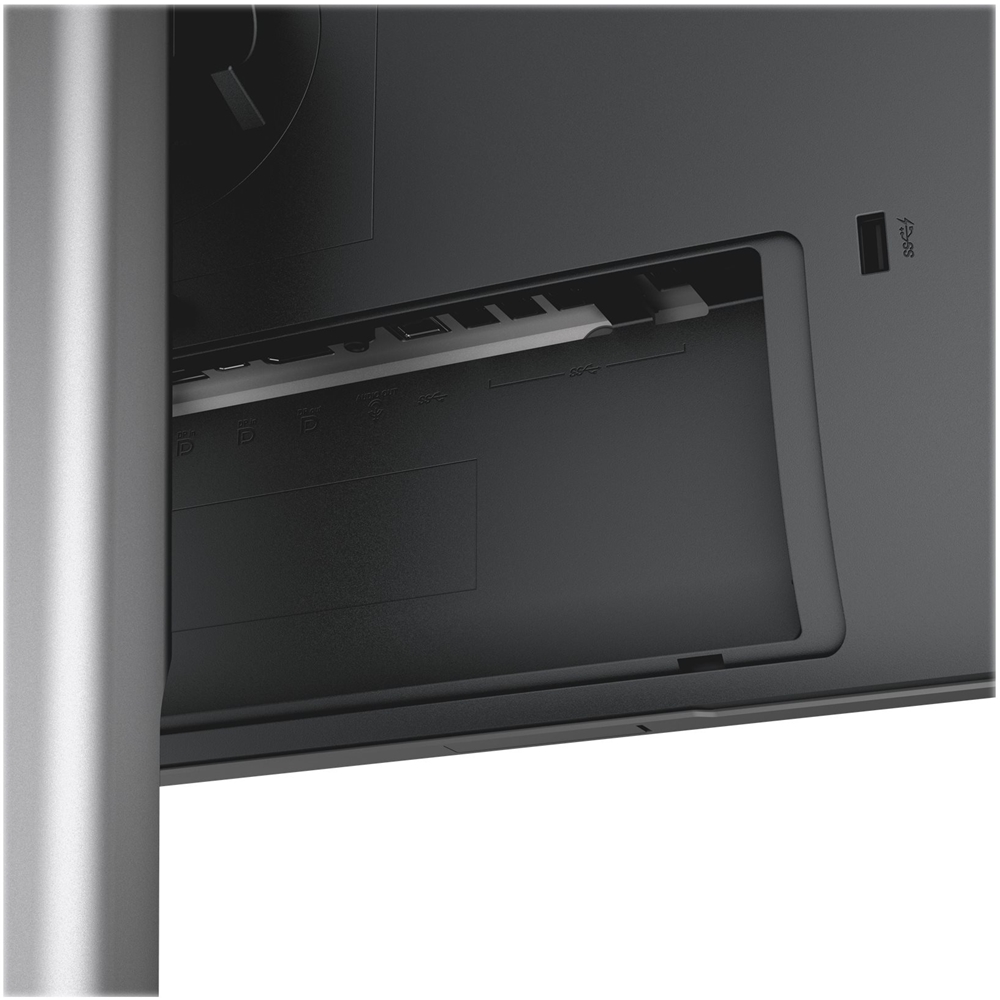
Posted .This reviewer received promo considerations or sweepstakes entry for writing a review.I've been researching upgraded monitors for my office for the last few monthss. Given that I had been working with 2 dated 24" 1080p TN panel screens from one of Dell's High Profile major competitors. My criteria were as follows: Connectivity, color consistency & wide viewing angle, picture quality. TL:DR: If you don't need 4k, these are fantastic monitors that meet or exceed just about every need for the office or home user! (Get it on sale and it's an even better value!) BUY IT. Flexible connectivity: With DisplayPort 1.2 support (can be enabled in the onscreen menu, it's disabled by default), 2 DisplayPort inputs (1 being mini-DP), 1 DP out, two HDMI, and a host of USB connections I can connect pretty much everything on my office desktop. I chained the two together using DP 1.2 rather than run another display port cable from my laptop dock to the 2nd monitor. Color consistency and viewing angles: I'm sure you know if you're considering this monitor that the difference between a TN panel and IPS panel in terms of viewing angle & color reproduction is drastic. My job is a data wrangler and I produce a lot of data visualizations where color consistency is critical. The viewing angles on these screens mean that I can see consistent color from top to bottom on all visualizations without craning my neck or contorting myself to get the right viewing position on my current monitors. Picture Quality: Going from 1080p TN to 1440p IPS...yeah it's good! Your native font scaling may need to be adjusted depending on your preferences when you make this resolution jump, but so far I've not touched it. The added screen real estate is already coming in extremely handy. Very bright, very colorful, but not overly saturated. My enterprise OS is Windows 7, and Windows has struggled with consistent DPI scaling at high resolutions (like 4k) so that combined with not really *needing* 4k resolution in the office steered me toward 1440p, and I really do feel it was the right decision. Price: at regular price of $319, these are a steal for what you get. Get them on sale and it should be criminal. Bonus: Form Factor: Might be odd talking about a monitor's form factor, but I have to say the footprint of these 25" Dells is smaller than the 24 inchers I'm replacing, which is a good thing because my physical desktop real estate isn't exactly massive. These fit right in to my office without any rearranging needed. The bezel along the sides and top are 5/16" so these look fantastic placed next to one another. The tilt and height adjustment of the stands are more than adequate for finding your most comfortable setup. Attaching the monitor to the stand is beyond simple. You line up 2 tabs on the stand to the back of the monitor and it clicks into place. You can easily detach the screen from the stand to re-orient it in portrait mode with literally the push of a button. If I had one or two criticisms they would have to be the on screen menu controls (minor): not a joystick (thankfully!) but they are not physical buttons either, they're capacitive and built in to the bottom bezel. The power "button" on one of my screens seems a little flaky, takes longer than I think it should to register that I'm powering it on/off. Again though, this a minor quibble. Packaging: This one is supremely minor considering you WANT the monitor packaged well to prevent damage during shipping, but I had a heck of a time trying to get these out of the boxes to set them up. They're securely packaged in cardboard (no styrofoam) with directions on the outer box on how to remove them but it seemed like a 2 person job to pull them out of the box! Like I said though, that's a GOOD thing, even if a bit annoying, because I'm not sure how Dell could secure these things in the box any more than they already are. If you've read this far you probably have similar criteria to mine in choosing a monitor. You won't be disappointed in these. Pick one up!
I would recommend this to a friend- Pros mentioned:Resolution
Rated 5 out of 5 stars
Amazing 25" qHD Monitor
Posted .This reviewer received promo considerations or sweepstakes entry for writing a review.I had a 27in Curved Samsung CF396 that was $200 for all of a day before i couldnt stand the 1080p screen, so i went to my local best buy and picked up this monitor. For roughly 100$ more, you get 5 USB ports, a displayport, a mini displayport, and an hdmi port, and a screen resolution bump to 2560x1440. For 320$, this product is an absolute deal and i highly recommend to everyone.
I would recommend this to a friend - Pros mentioned:Screen size
Rated 4 out of 5 stars
Great monitor!
Posted .This reviewer received promo considerations or sweepstakes entry for writing a review.Went with this after my HP monitor failed me after two years. Great 2K monitor. Only downfall Ive found is that its is missing an auto detect feature.
I would recommend this to a friend Rated 1 out of 5 stars
Not Good
Posted .This reviewer received promo considerations or sweepstakes entry for writing a review.These monitors are not good. I bought two of them based on the positive reviews and that turned out to be a mistake. I have two complaints about these monitors that make them deal breakers (for me anyway) and if I could return them at this point I would. 1. I bought two for dual monitor usage and the colors do not match. The whites don't look the same between the two monitors and I've not been able to get them to. If you have your calibration equipment it might be doable, dunno. 2. The monitors have noticeable discoloration/lag when scrolling. For example I grays turn a reddish color while scrolling. It's annoying. I think the color matching issues are a QC problem. Some other reviewers mentioned QC issues and I'm inclined to agree. The scrolling / reddish blur I think is more just a sub-par screen. These things are relatively cheap for a QHD monitor and I believe the panels and poor QC explain why. I'd avoid these.
No, I would not recommend this to a friend