Customer Ratings & Reviews










- Model:
- XPS9710-7484SLV-PUS
- SKU:
- 6474389
Rating by feature
- Battery Life
Rating 4.5 out of 5 stars
- Speed
Rating 4.7 out of 5 stars
- Display
Rating 4.7 out of 5 stars
Customers are saying
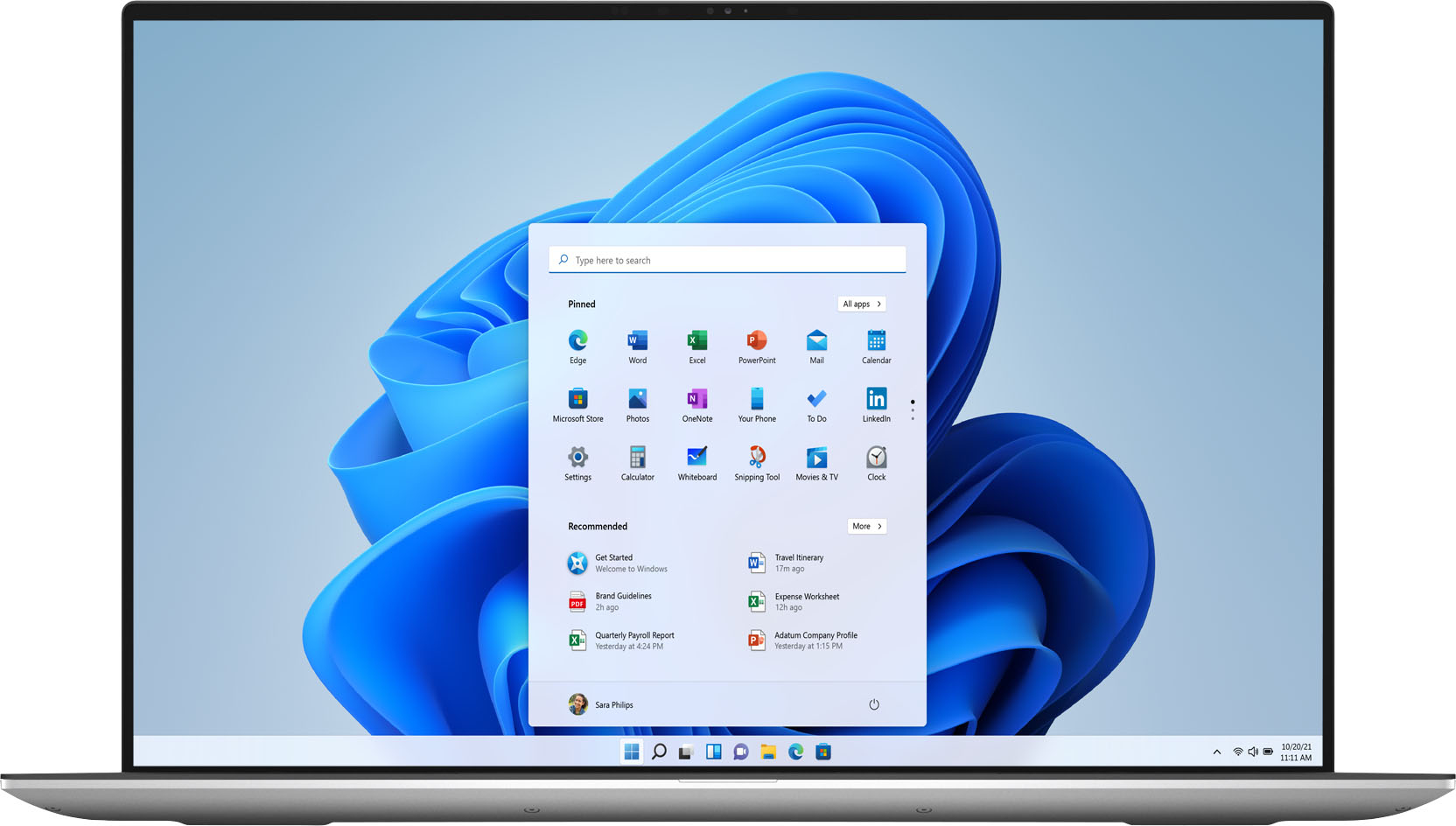
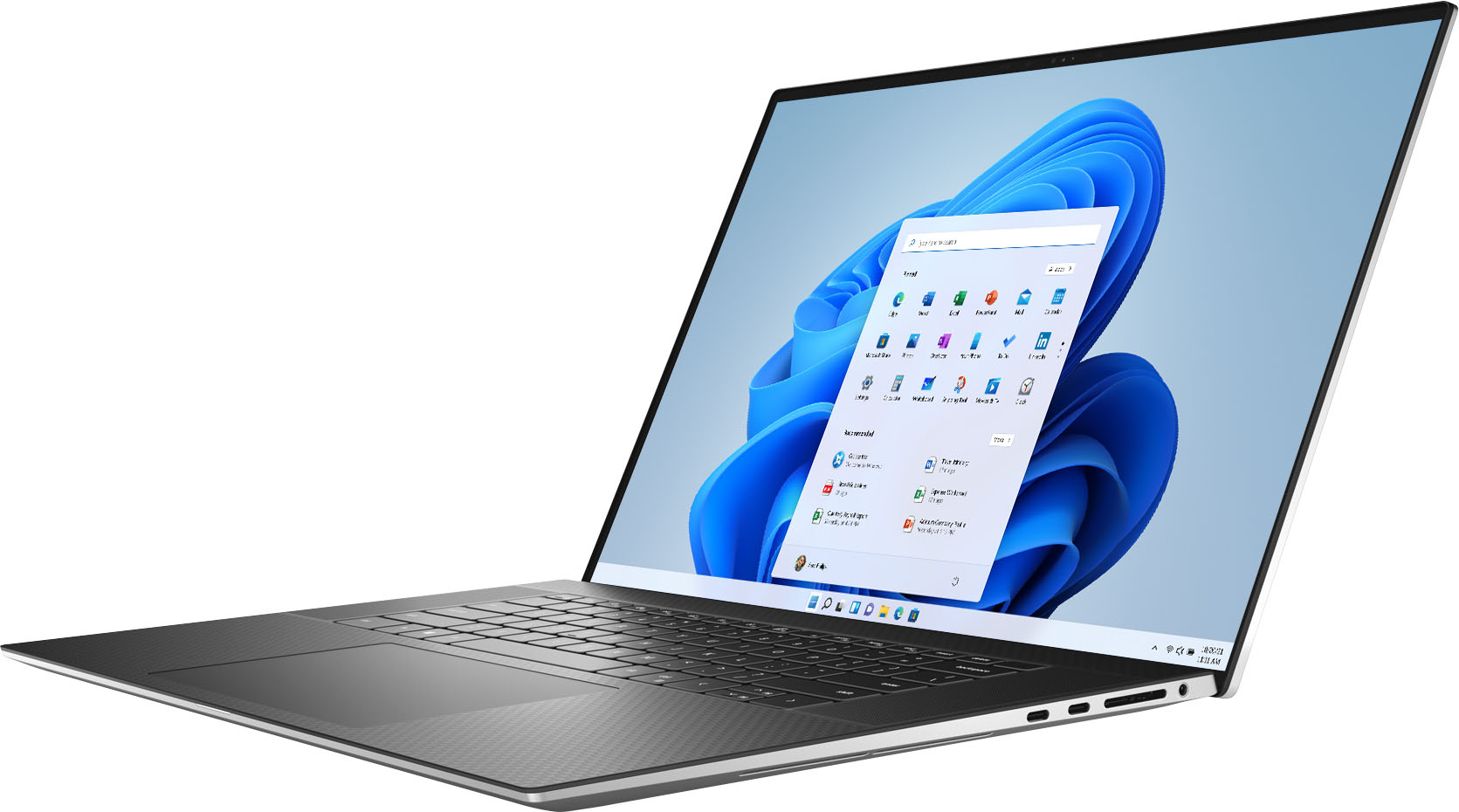
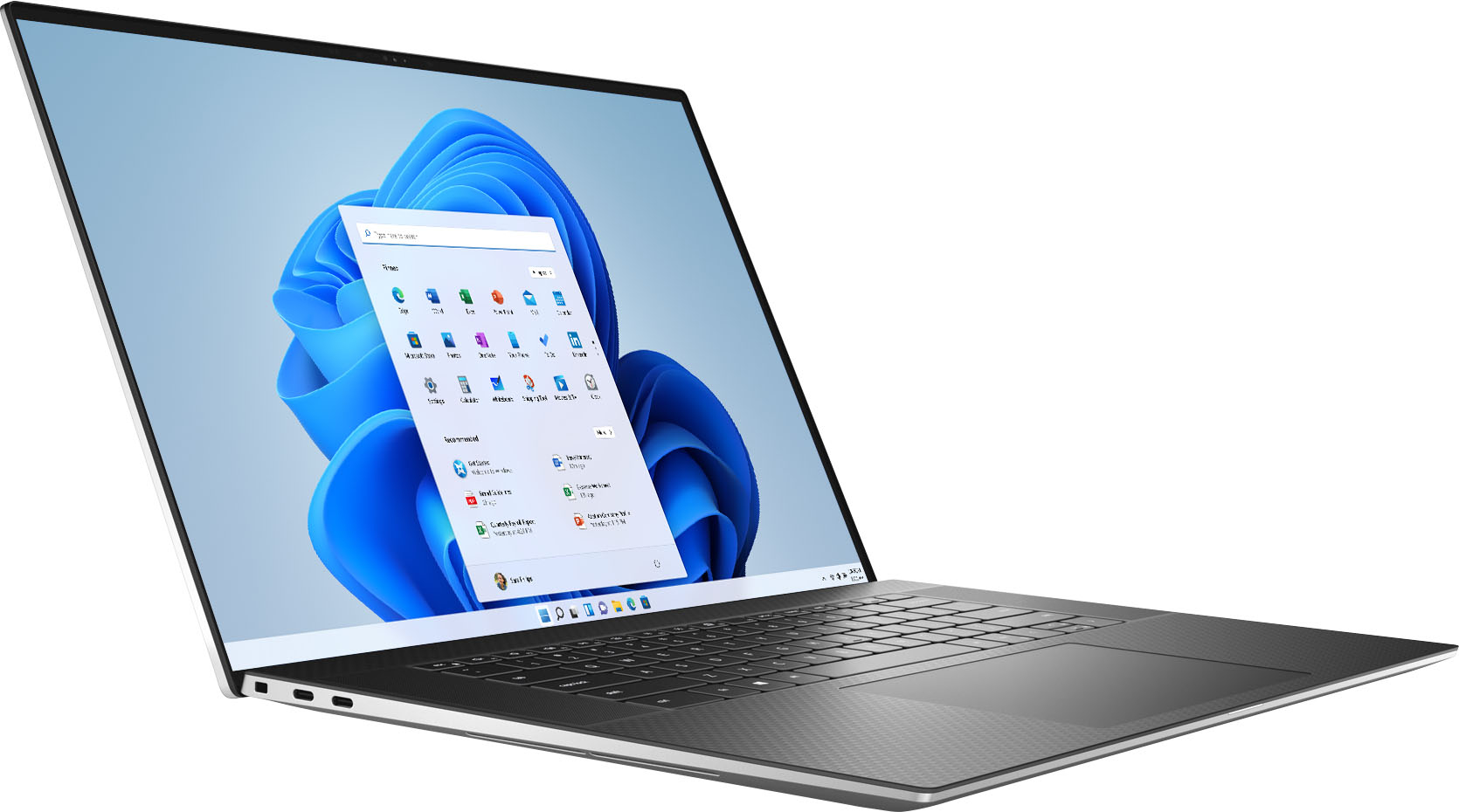
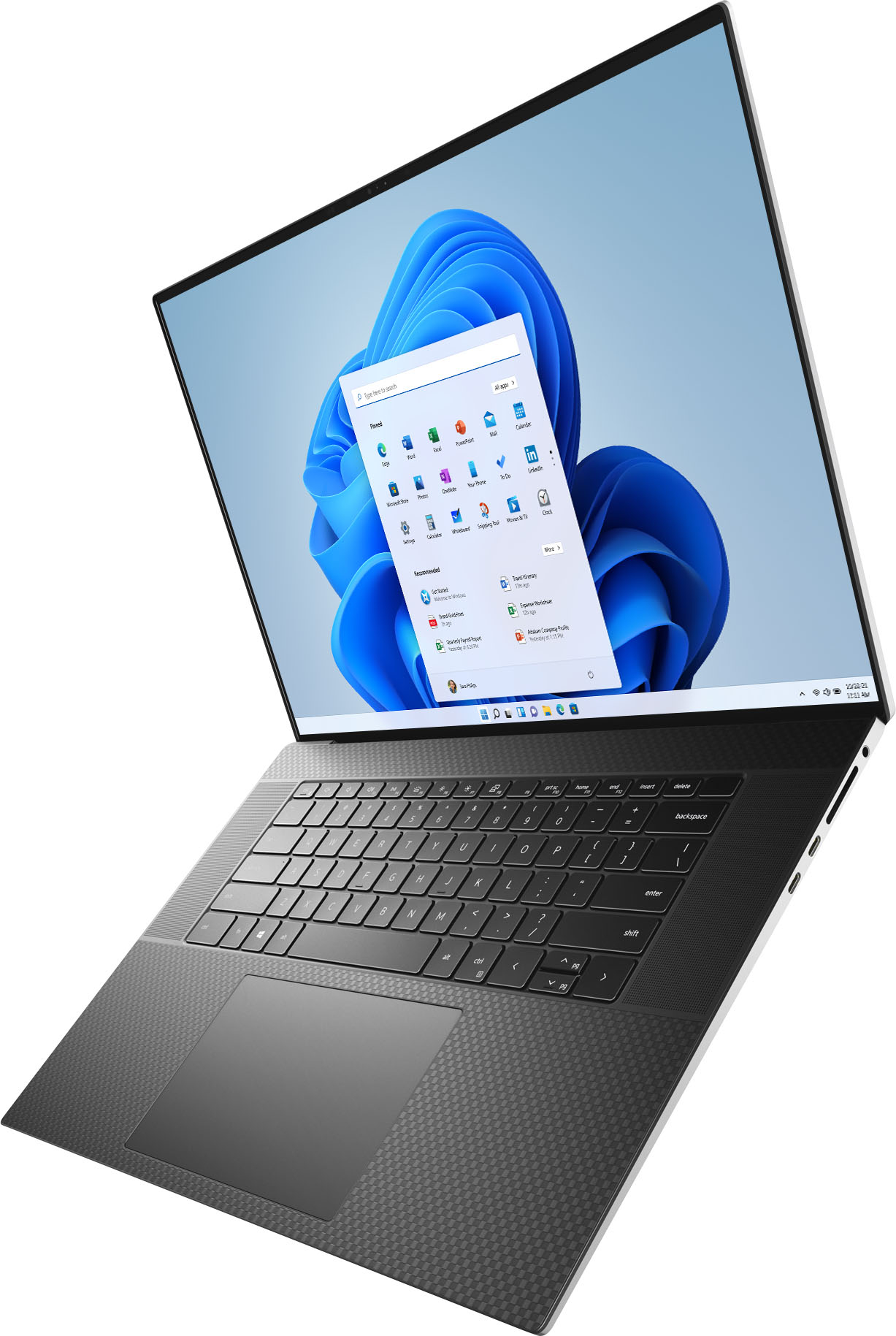
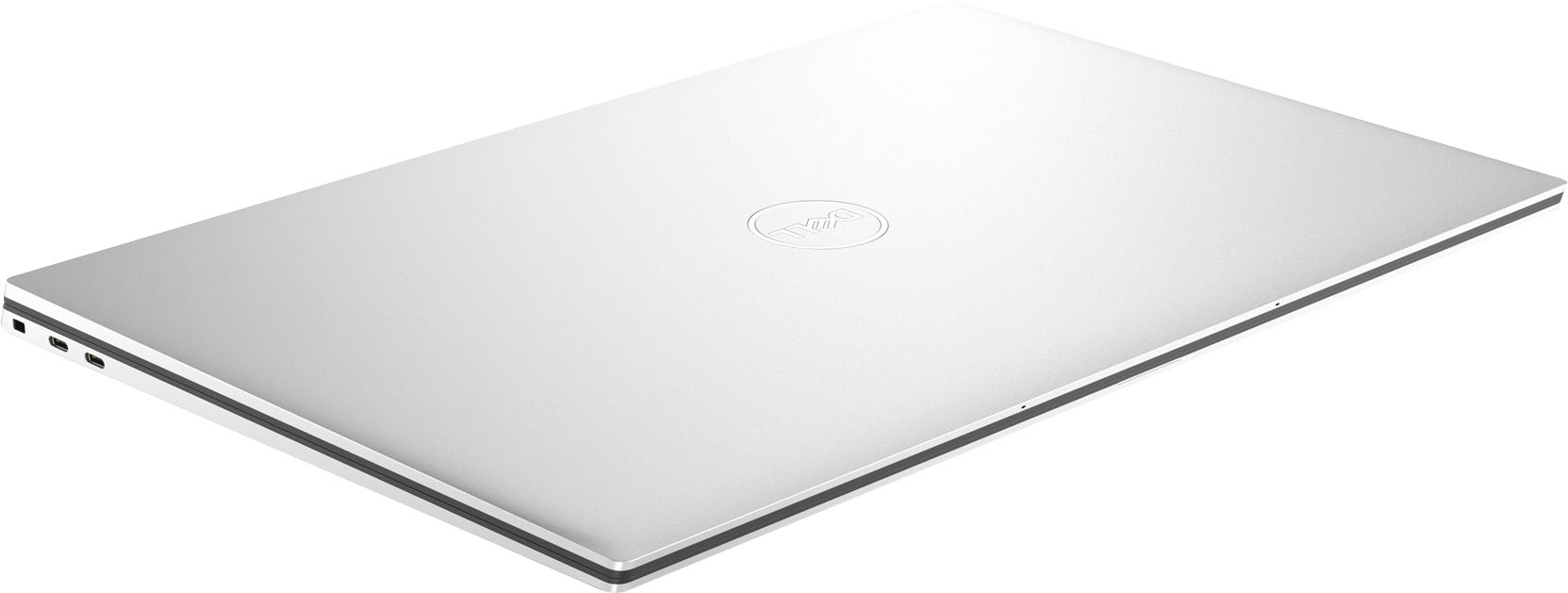
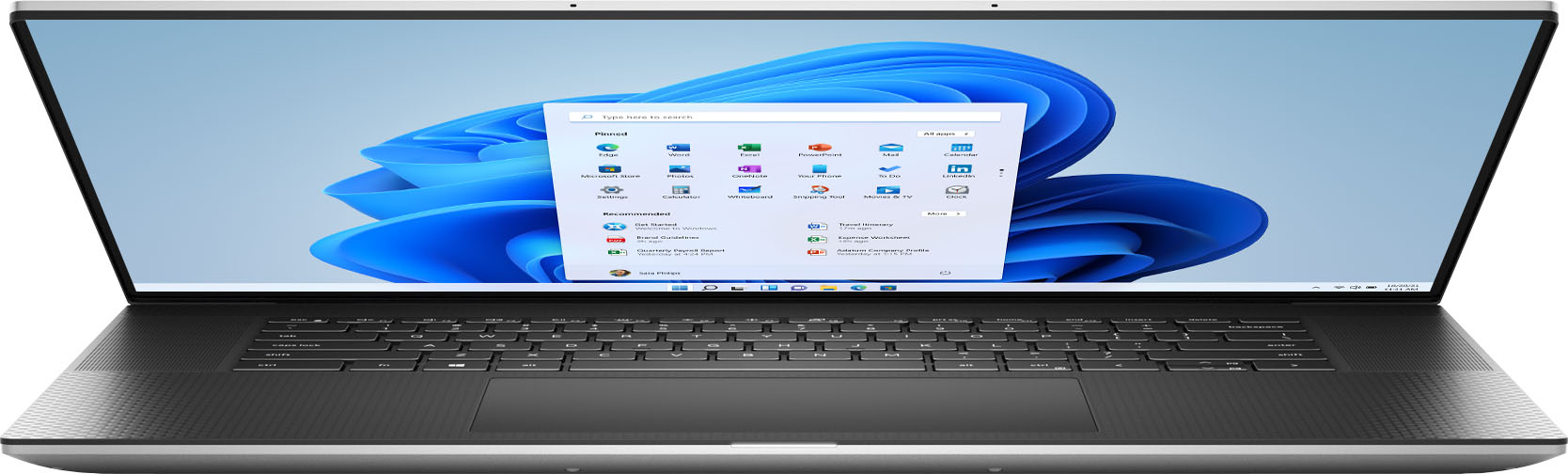
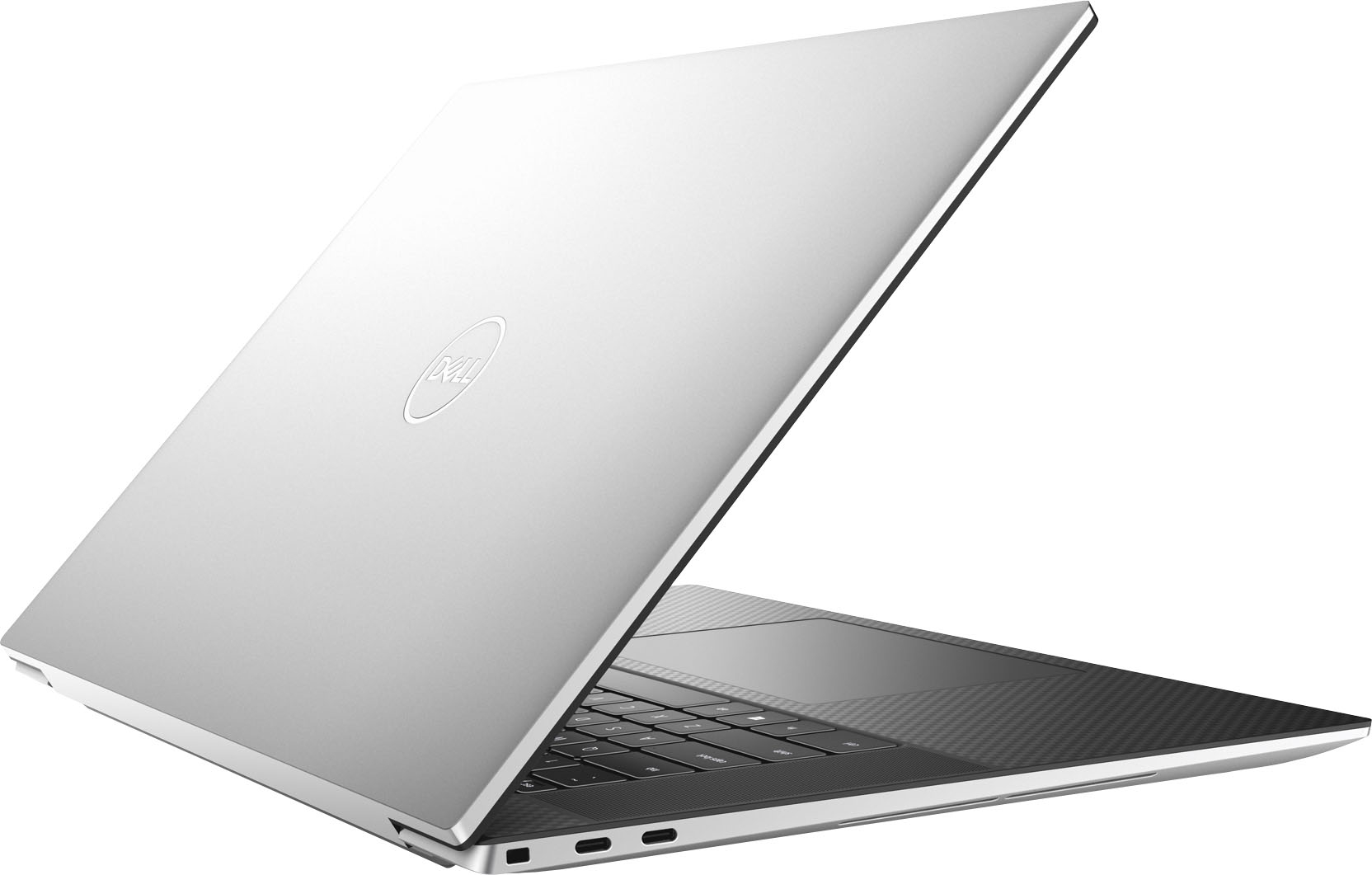
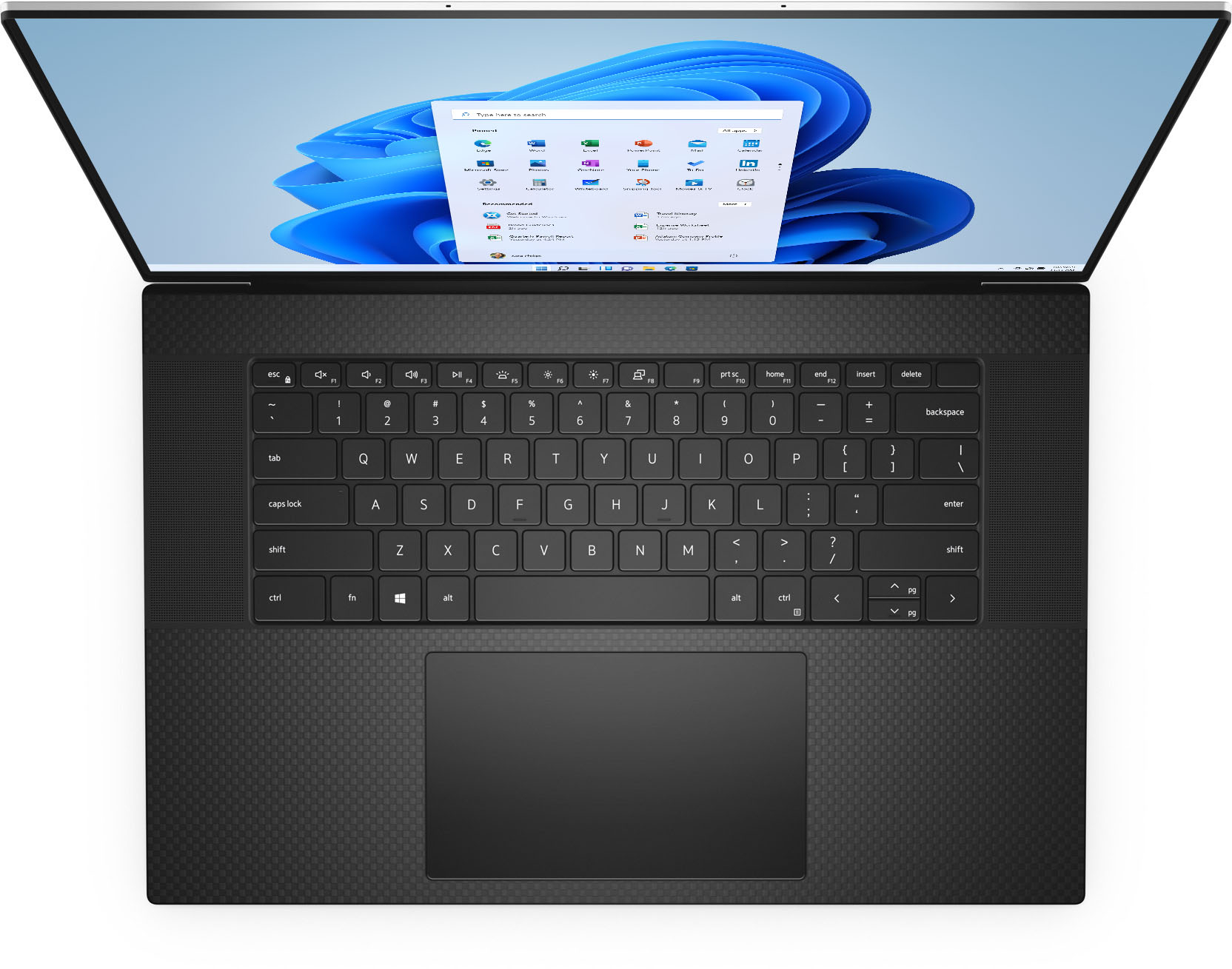
Customers love the XPS 17" UHD+ Touch-Screen Laptop for its stunning 17" UHD+ touch screen display, powerful performance, and impressive graphics capabilities. They appreciate the comfortable full-size keyboard, the clear and nice speakers, and the fair price for the features offered. However, some customers have expressed concerns about the limited port selection, specifically the lack of legacy ports, HDMI, and USB ports.
This summary was generated by AI based on customer reviews.
The best in Dell line
||Posted . Owned for 1 month when reviewed.This reviewer received promo considerations or sweepstakes entry for writing a review.If you are looking the best device on tgr market go for XPS
I would recommend this to a friend- Pros mentioned:Display, Speed
New laptop
||Posted . Owned for 1 month when reviewed.This reviewer received promo considerations or sweepstakes entry for writing a review.I like it. Touch screen, lighted keyboard, long battery. Good speed.
I would recommend this to a friend - Pros mentioned:Graphics
Excellent high end laptop
||Posted . Owned for less than 1 week when reviewed.This reviewer received promo considerations or sweepstakes entry for writing a review.Replaced a razer gaming laptop with this. I don't game but want the discrete graphics. REALLY NICE UNIT! quick and responsive, handles all I throw at it, and runs A LOT COOLER and Quieter!
I would recommend this to a friend - Cons mentioned:Expensive
worth buying if you want something for lung run
||Posted . Owned for 1 week when reviewed.This reviewer received promo considerations or sweepstakes entry for writing a review.excellent laptop! i had this laptop for less than 2 weeks. It is really good. Very nice! great product for work. It would have been better if this was not overly expensively being that this is 2022 model.
I would recommend this to a friend 3 grand burning a hole in your pocket?
||Posted . Owned for 9 months when reviewed.This reviewer received promo considerations or sweepstakes entry for writing a review.XPS17 knocks it out the park. I loved this laptop extremely rigid and 17" in what could almost pass as a 15" form factor. Performance is decent but can have thermal issues due to how thin the body is. 16:10 is always a bonus and as far as LCD displays go this is about as good as it gets minimal backlight bleeding and great color accuracy but even the cheapest OLED panel will still beat it in terms of contrast and vividness. If you have 2-3 grand lying around this is your laptop unless you wanted something specifically for gaming then there are cheaper and more powerful options out there.
I would recommend this to a friend- Pros mentioned:Graphics
Great Choice
||Posted .This reviewer received promo considerations or sweepstakes entry for writing a review.Great computer--very happy with it. I needed something faster and with better graphics than I was using.
I would recommend this to a friend Its a keeper
||Posted . Owned for 1 week when reviewed.This reviewer received promo considerations or sweepstakes entry for writing a review.I love this thing. Best computer I have ever owned to date. much faster than my hp spectre i7 (to which the motherboard died just outside the warranty), better than my lenovo (amd ryzen 3- so that's expected). Love windows 11. It makes it feel like im using an extenssion of my apps. its fgreat. my productivity has imprroved. the screen size is perfect, its a 17 but looks and feels like a 15. it is kind of heavy, but totally worth it.. nothing but positives
I would recommend this to a friendDell xps laptop OPEN BOX
||Posted .This reviewer received promo considerations or sweepstakes entry for writing a review.Dell laptop with 4k display and great price since open box...
I would recommend this to a friendLaptop and set-up
||Posted . Owned for 1 week when reviewed.This reviewer received promo considerations or sweepstakes entry for writing a review.Product arrived within one day. Price is fair for features. Set-up at my home outstanding.
I would recommend this to a friend- Cons mentioned:Blue screen
Defect unit
||Posted . Owned for 2 weeks when reviewed.This reviewer received promo considerations or sweepstakes entry for writing a review.might have a defect unit, give me nine times blue screen for first use, otherwise it is a pretty good lab top, 4k screen is amazing
No, I would not recommend this to a friendBrand response from YourDellTeam
Posted .Dear Zdww,
We appreciate you taking the time to leave us your review. We are sorry to hear you are experiencing blue screen errors on your XPS 9710. This is certainly not what we like to hear from our valued customers. Below I have provided steps to help troubleshoot and resolve the blue screen issue, along with a link to the full article.
1. At the desktop, click the Search the web and Windows box and type "problem reports".
2. Select View all problem reports to view a list of errors that have occurred on your computer and possible solutions for them, such as updating drivers, flashing your system BIOS, or checking for updates to the software.
3. Under the Source column, look for Windows and under Summary, look for Shut down unexpectedly.
4. Right-click the line item and select Check for a solution.
We'd also suggest checking to make sure that your software and drivers are up to date on Dell's Product Page - https://dell.to/3iPmYIr.
You can read the full article here - http://dell.to/2u98Cct.
After utilizing the troubleshooting options provided above, if the issue is not resolved, please contact our support team here: 1-800-624-9896.
If you require further assistance, you can contact Dell directly with the information below.
Chat or call: https://bit.ly/DellSupportTeam
Phone number to Dell 1-800-624-9896
Best,
Ashley@Dell
amazed how fast it is with 3 monitors. Quick books
||Posted . Owned for 1 month when reviewed.This reviewer received promo considerations or sweepstakes entry for writing a review.I bought two of these. One is used extensivily and all that use it are amazed how fast it is with 3 monitors. Quick books, video, blue Iris etc... It never slows down. We have come to appreciate the Alexa built in. Had no interest in it. Now we use it daily.
I would recommend this to a friend- Pros mentioned:Performance
Great Machine
||Posted . Owned for less than 1 week when reviewed.This reviewer received promo considerations or sweepstakes entry for writing a review.Well worth the price, this laptop is a complete beast of a machine
I would recommend this to a friend - Pros mentioned:Graphics
Good laptop!
||Posted . Owned for 4 months when reviewed.This reviewer received promo considerations or sweepstakes entry for writing a review.This laptop is amazing to do graphics on and works extremely fast!
I would recommend this to a friend Wired Headphones
||Posted . Owned for 1 week when reviewed.This reviewer received promo considerations or sweepstakes entry for writing a review.Good sound, nice product. Not a bad price. This will work fine.
I would recommend this to a friendArchitecture students demands this from parents
||Posted . Owned for 3 weeks when reviewed.This reviewer received promo considerations or sweepstakes entry for writing a review.My son needs it for his Architecture course, so we purchased this laptop. He loves it. It's a little bit expensive but if you need it you have to buy it. This is what is compatible for whatever he needs to do for his course.
I would recommend this to a friendNew Dell Laptop
||Posted . Owned for 1 week when reviewed.This reviewer received promo considerations or sweepstakes entry for writing a review.This has been a great purchase, returning back to a dell laptop has been a great decision.
I would recommend this to a friend- Cons mentioned:Auto brightness
Underwhelmed
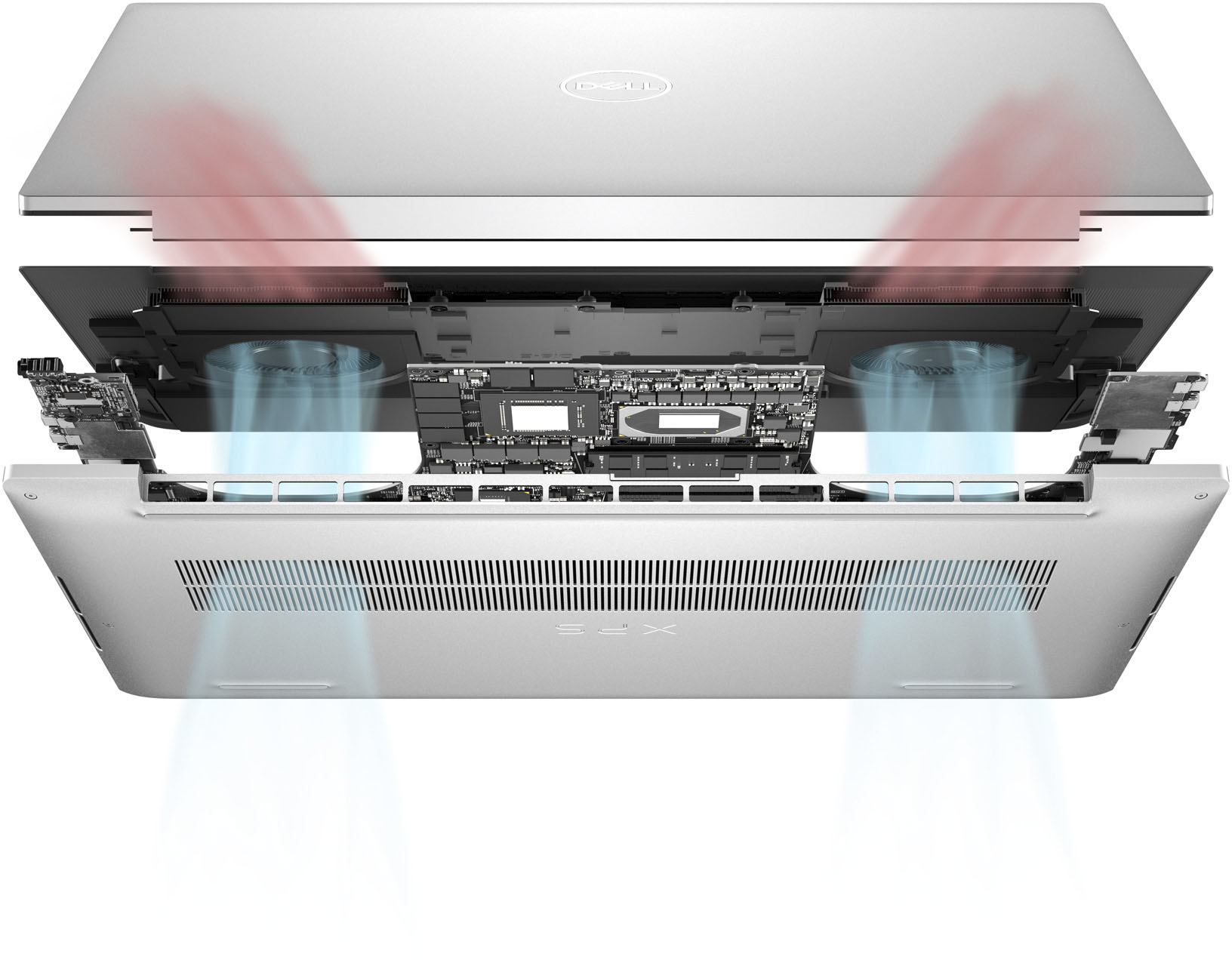
||Posted .This reviewer received promo considerations or sweepstakes entry for writing a review.not best for data science, it overheats, also the display has a very odd color profile, and it keeps adjusting brightness even when that option is turned off
No, I would not recommend this to a friendBrand response from YourDellTeam
Posted .Hello Valued Customer,
We appreciate you taking the time to leave us your review. We are sorry to hear that you are not 100% satisfied with your Dell XPS 9710 laptop because it overheats and you are having issues with its screen.
To help with the screen issues, we recommend making sure, that all drivers are current and up to date. I have provided a link to the Drivers and Downloads Page for your XPS laptop where you can check for any applicable updates.
Drivers and Downloads Page: https://dell.to/3Qi2RBH
We also recommend following these troubleshooting tips:
1. Run the automated tools in SupportAssist to ensure that the drivers and BIOS are up to date and your computer is optimized
2. Verify display or video issue on an external monitor
3. Check for physical damage on the LCD screen
4. Run hardware diagnostics on the LCD screen
5. Verify the display or video issue in Windows Safe Mode
6. Download and install Microsoft Windows Updates
7. Change the video or display settings, and adjust the brightness
8. Touch screen troubleshooting
9. Run a Video Stress Test using Dell SupportAssist
10. Perform a Windows System Restore
11. Restore the computer to factory defaults
The whole article on this subject can be found here:
How to Troubleshoot Display or Video Issues on a Dell Laptop: https://dell.to/3pE7wm4
Dell has released an Intel Power Management Utility to help with the overheating that you may be experiencing on your computer. For this package to take effect, the system power plan must be set to Balanced under the Additional Power Settings. Also, the Power Mode option that is displayed when you click the battery icon, should be set to Better Performance. This package only takes effect on AC power and not on battery power. The Intel Power Management Utility can be found here - http://dell.to/3tStRgX.
If the issues with your computer are still not resolved after utilizing the troubleshooting options above, please contact the Dell Support Team at 1-800-624-9896 for further guidance.
Best,
Katarina@Dell
Should you need further assistance, you can contact Dell directly with the information below.
Chat or call: https://bit.ly/DellSupportTeam
Phone number to Dell: 1-800-624-9896
I recommend DELL XPS17
||Posted .This reviewer received promo considerations or sweepstakes entry for writing a review.This model is amazing. For professional use. I recommend this laptop.
I would recommend this to a friendXPS 17”
||Posted . Owned for 3 weeks when reviewed.This reviewer received promo considerations or sweepstakes entry for writing a review.Love love love this computer! I used the Dell XPS for years at my last job and decided to buy one for my new personal/work computer…but a 17”.
I would recommend this to a friendA good machine for content creators
||Posted . Owned for 1 week when reviewed.This reviewer received promo considerations or sweepstakes entry for writing a review.This machine is very sleek and of high quality finish. The touch ones is excellent and very vivid. With a 3060 powering a 4k screen. Gaming is not the best use for this machine. It is great for creators.
I would recommend this to a friendBrand response from YourDellTeam
Posted .Hi BigBoss1619,
We appreciate your valued feedback. We are happy to hear you are enjoying your XPS 9710. This is what we like to hear from our loyal customers.
If you require further assistance, you can contact Dell directly with the information below.
Chat or call: https://bit.ly/DellSupportTeam
Phone number to Dell 1-800-624-9896
Best,
Ashley@Dell