Customer Ratings & Reviews
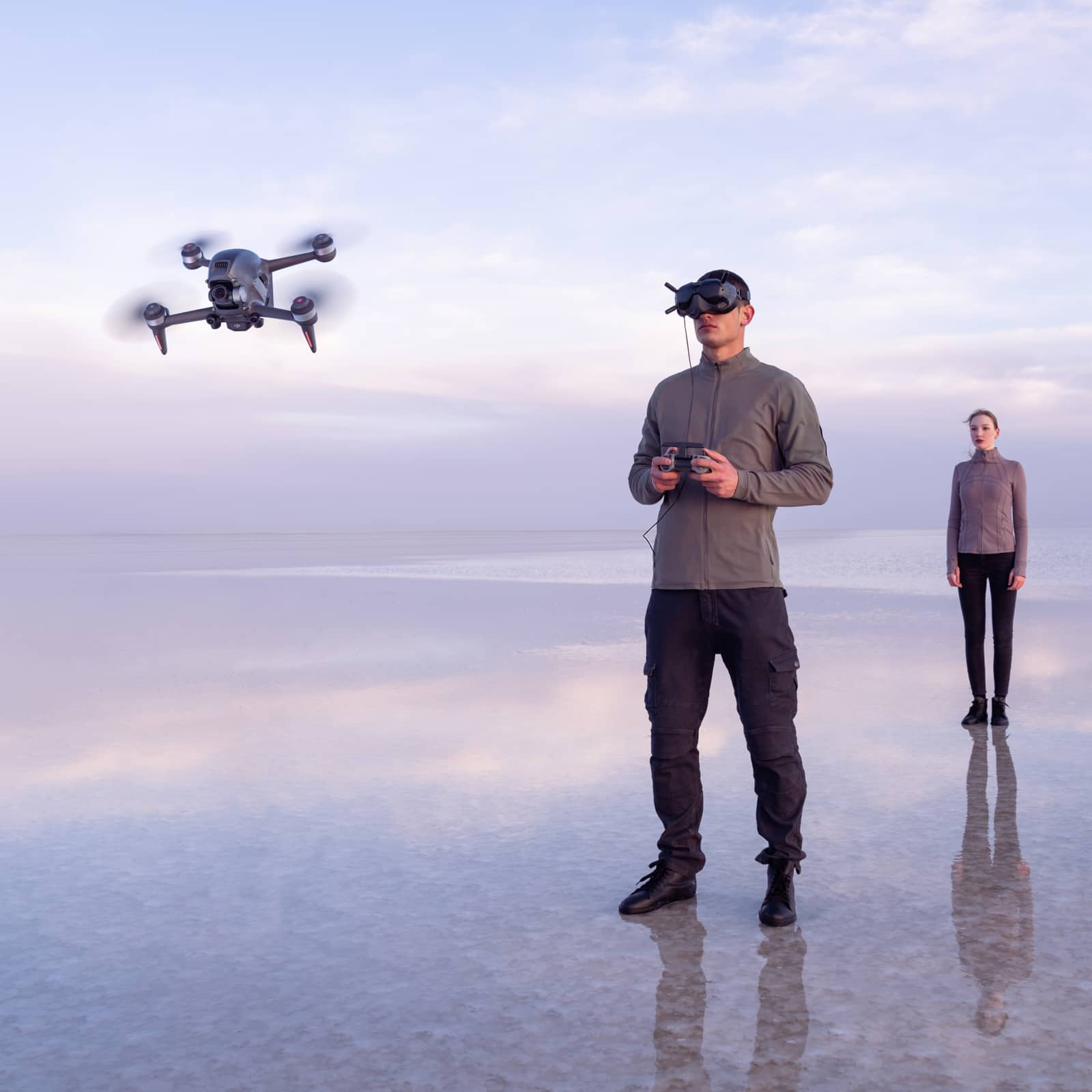
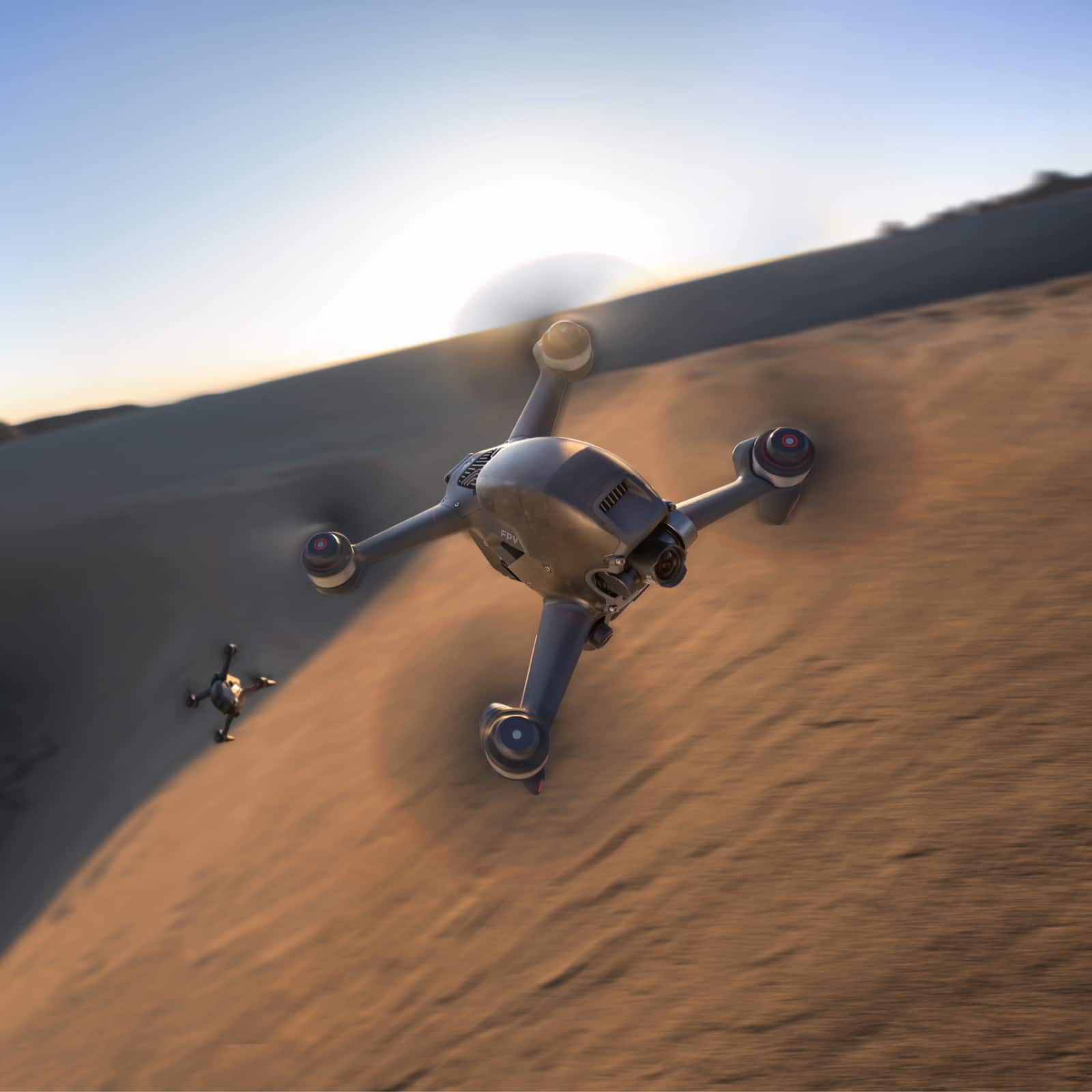
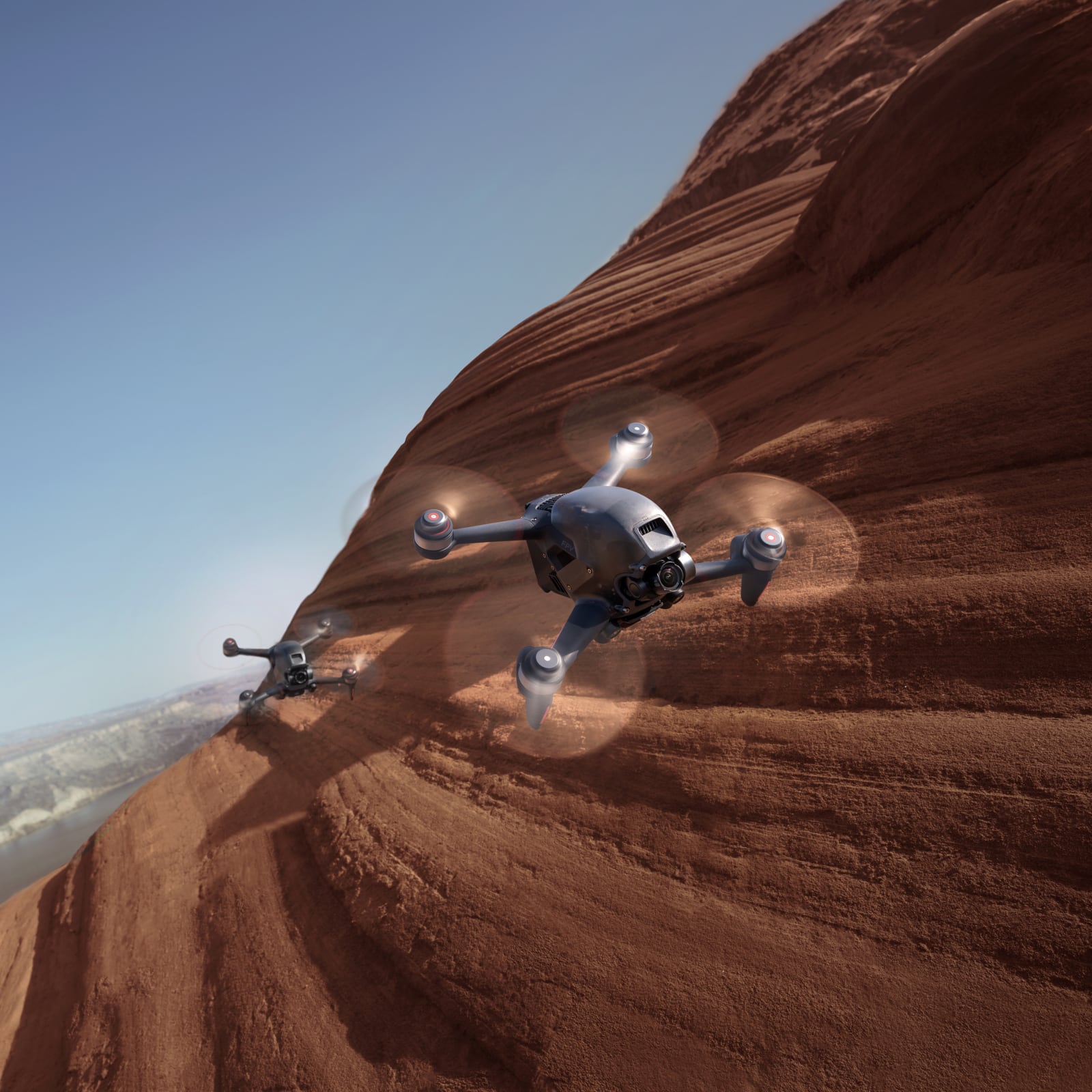
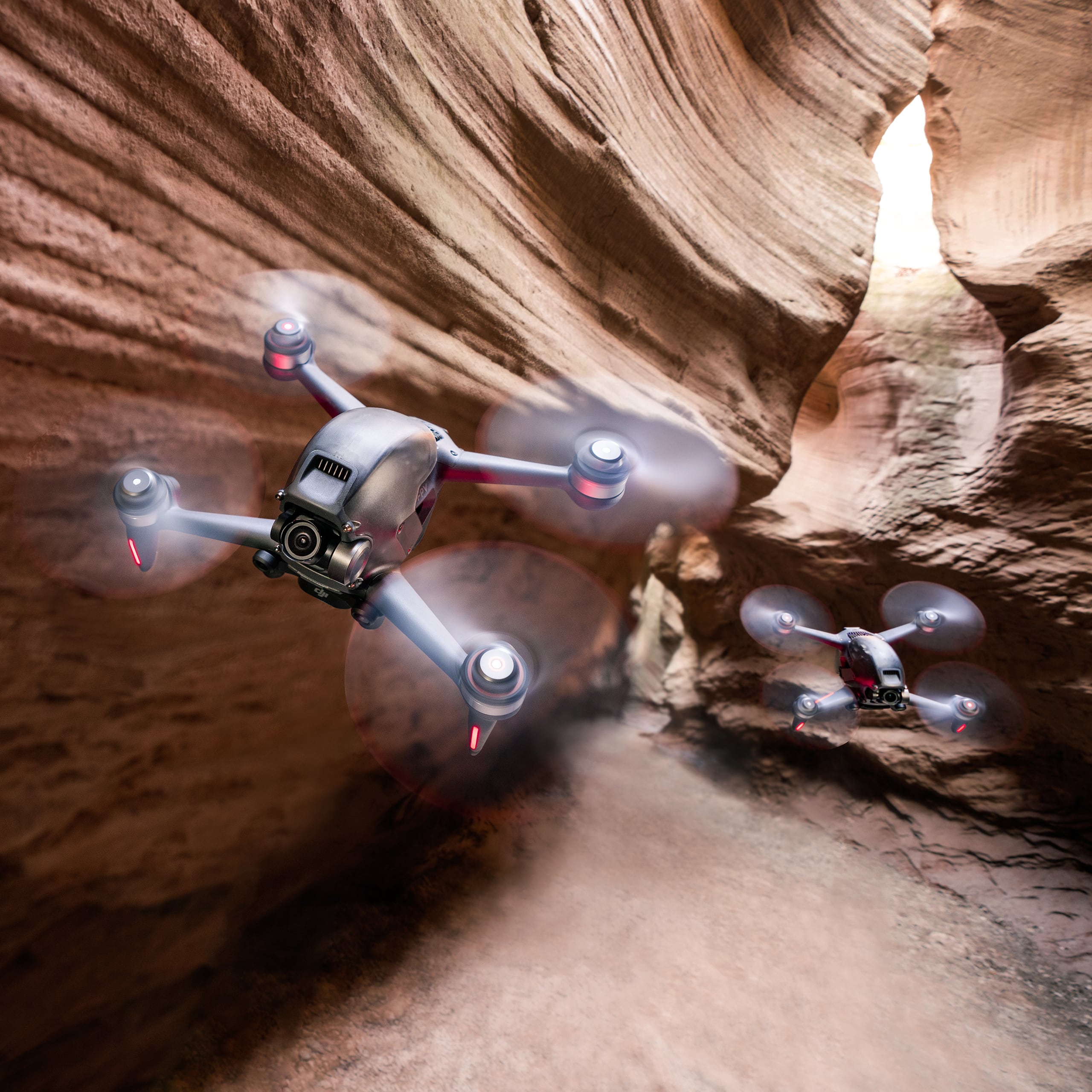

- Model:
- CP.FP.00000001.01
- SKU:
- 6442031
Rating by feature
- Battery Life
Rating 4.0 out of 5 stars
- Range
Rating 4.6 out of 5 stars
- Camera Quality
Rating 4.6 out of 5 stars
Customers are saying
Customers enjoy the high-quality video, ease of use, and immersive FPV experience offered by this drone. Many appreciate the intuitive flight modes and safety features, particularly the included goggles. However, some users find the battery life to be a significant drawback. The price point is also a concern for some customers.
This summary was generated by AI based on customer reviews.
- Pros mentioned:Flight modes, Speed, Video quality

Easy way to get into FPV drones
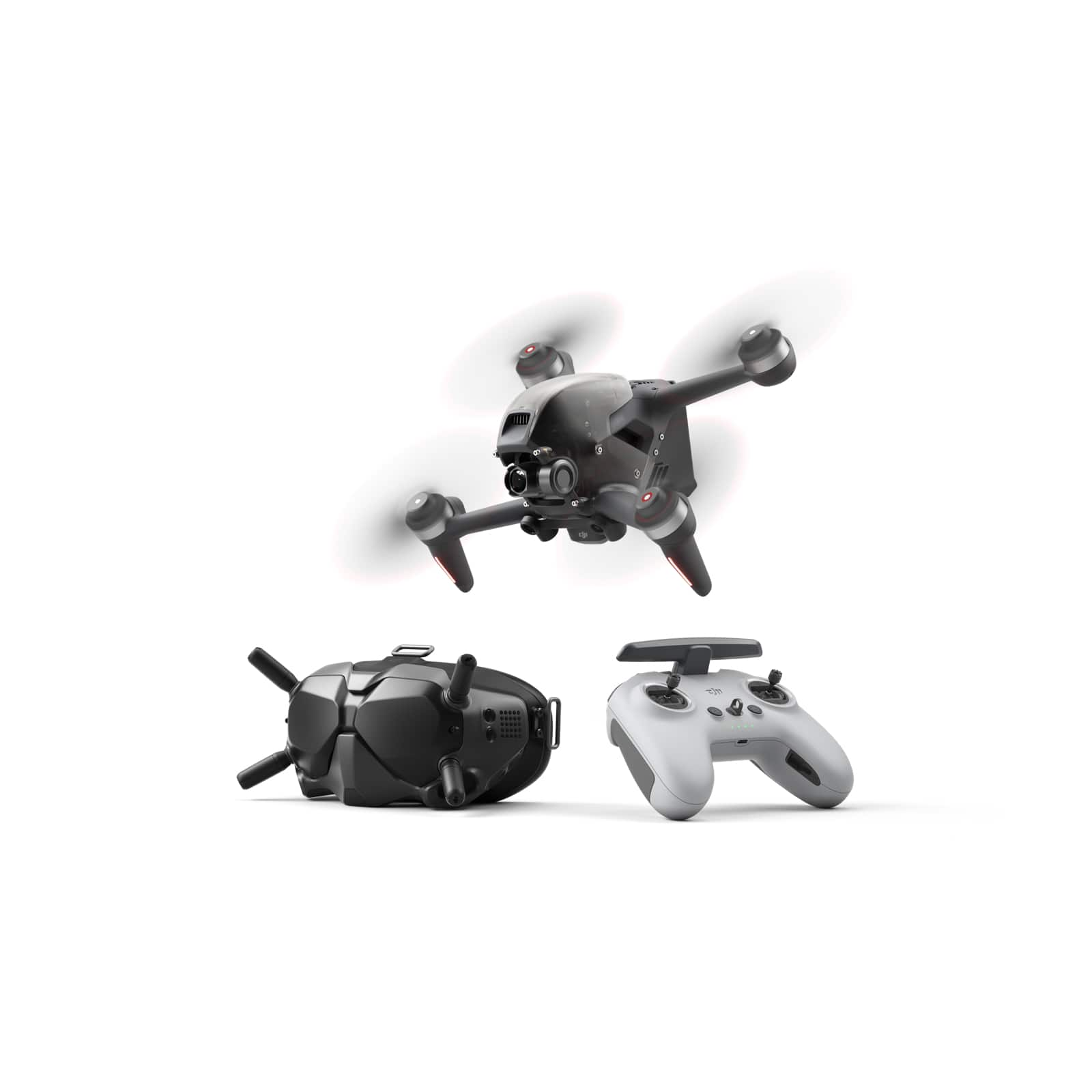
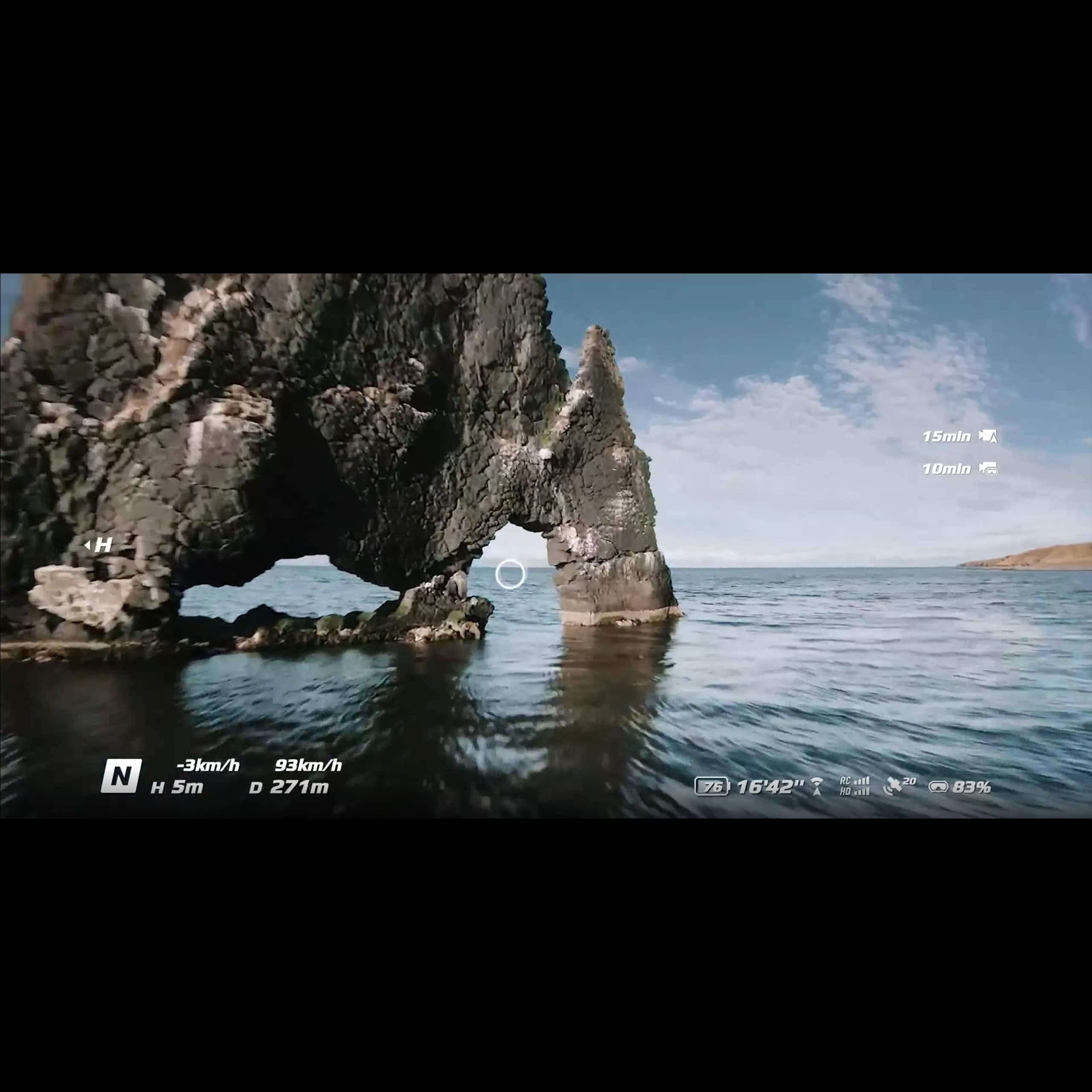
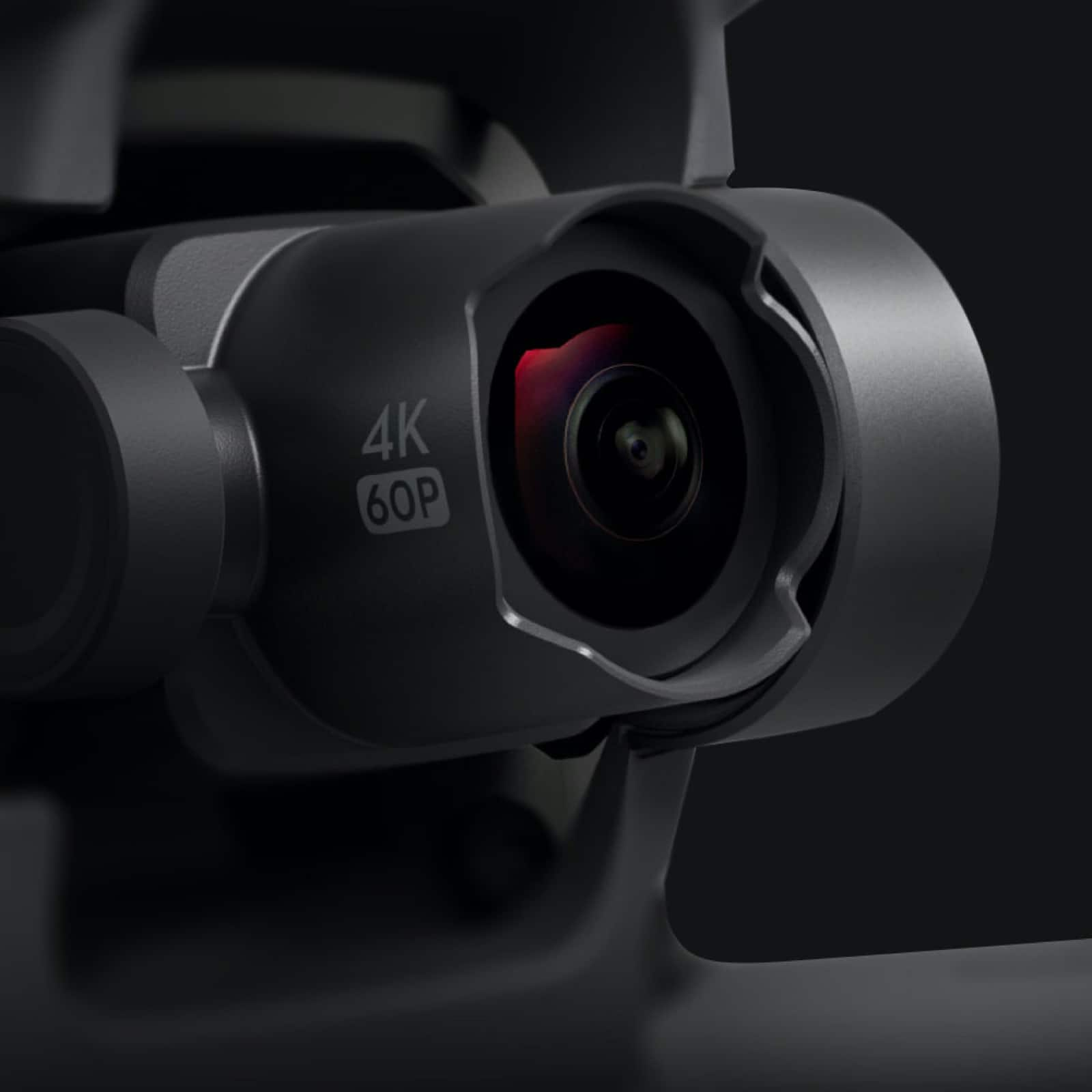
|Posted .This reviewer received promo considerations or sweepstakes entry for writing a review.FPV drones prior to this drone were custom built drones meant for racing and one of a kind video footage. The video captured from an FPV drone is much different than that of a regular drone. The problem with FPV drones prior to this release is that they had to be custom built, and you needed skill to fly them because there were no safety features built in. Another downside was that the battery life of these drones normal was only a few minutes of flight time. With the release of DJI’s FPV drone it is a game changer. It allows just about anyone with drone experience the capability to fly an FPV drone. This is done through DJI’s intuitive flight modes. The first mode is N mode which offers a traditional drone control and includes obstacle avoidance safety feature. The next mode is S mode which is more of a middle ground which offers great FPV footage, faster speeds, cruise control, and many other great features without getting too crazy. The last mode is M mode which is like the traditional FPV experience and offers the fastest speeds, and limitless ability to fly. Another great feature is that DJI has built in flight simulators which really let you get comfortable flying in any of the modes without crashing your drone. A few other safety features included with this drone are an emergency brake and Return to Home (RTH) function. The emergency brake is something that I have never seen on any drone. Essentially if you get into trouble you can push the button and the drone will stop and hover stably. Depending on how fast you are flying will depend how long it takes to stabilize itself but with some testing it appears to function extremely well. I believe this will save a lot of drone from crashing during FPV flight. Return to Home functions just like any other DJI drone and allows the drone to return to its original location it took off from if the battery is low or if you press the button. This could be useful if you lose sight of your drone or simply would like it to return to home for any reason. One plus to this drone is that it has a rated 20-minute battery life which is unheard of in FPV drones. During my testing, the battery lasted plenty long enough and makes this the perfect drone for content creators looking to get FPV footage. DJI’s OcuSync 3.0 allows the drone to fly up to 10km away while keeping crystal clear transmission. This distance is plenty more than I was even comfortable flying it. The video is crystal clear up to 4K 60 fps and has a super wide-angle view. This makes it easy to see what is around while flying FPV. My only gripe is that the front propellers are always in the view of the camera. It is simple to crop them out in post and it also gives it a very FPV perspective. I am looking forward to using this drone more often mainly while doing outdoor activities. I do believe that this drone is better suited for an intermediate to advanced drone user who is looking to up their game with FPV footage. Although it is made that even a beginner could easily use this drone it lacks many features that a standard drone would have such as active tracking or the ability to fly and control settings from your phone. You can plug your phone into the goggles which allows you to have someone spotting you while flying FPV and they are able to see the video transmission. Regardless this is an amazing drone and I believe it will allow many more people to get into FPV drones that would not otherwise be able to fly them. I would highly recommend this drone to content creators and outdoor enthusiast looking to get the best drone footage possible. I have attached some screen captures from video footage that are unedited straight from the drone.
I would recommend this to a friend - Pros mentioned:Flight modes, Video quality
Breathtaking FPV Drone!
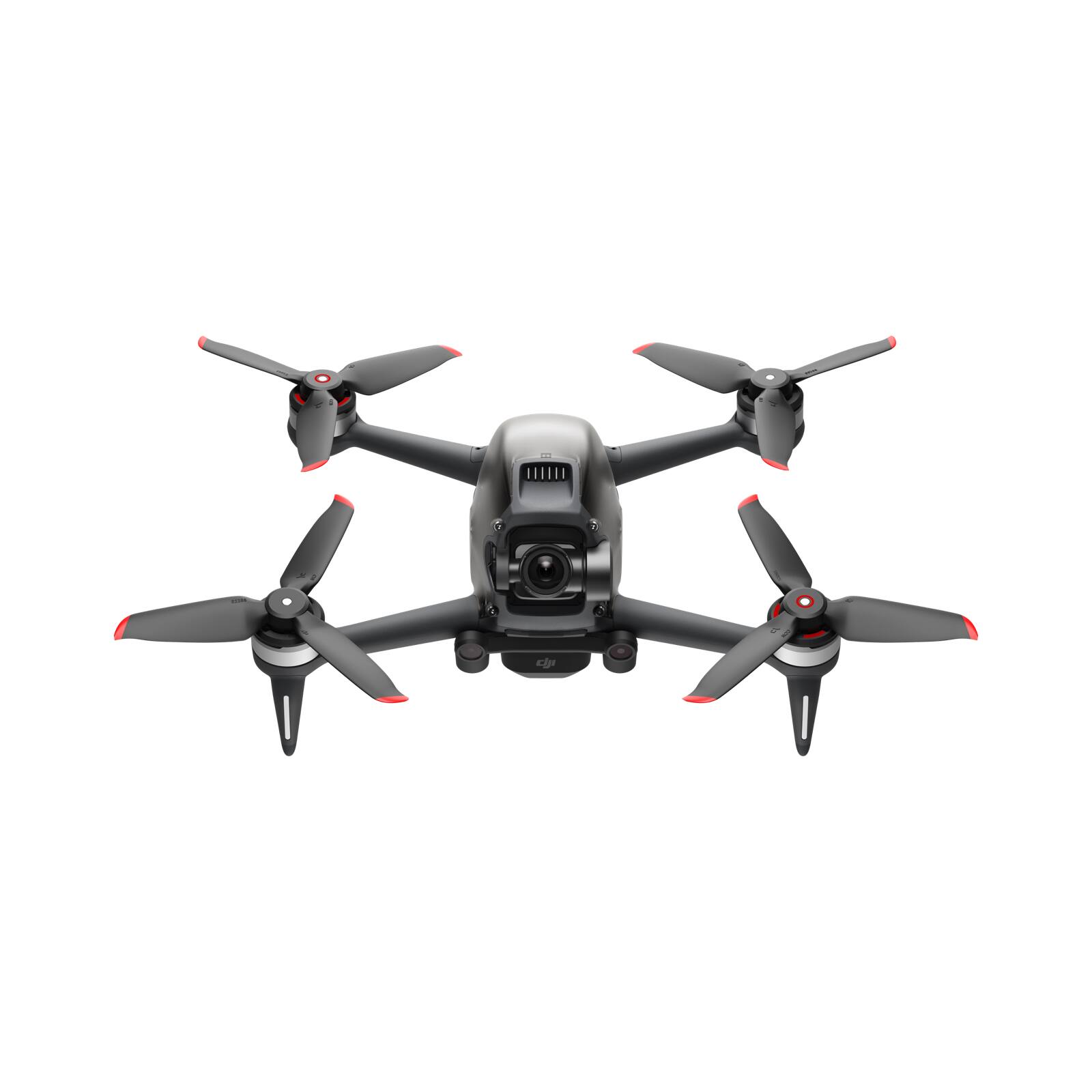
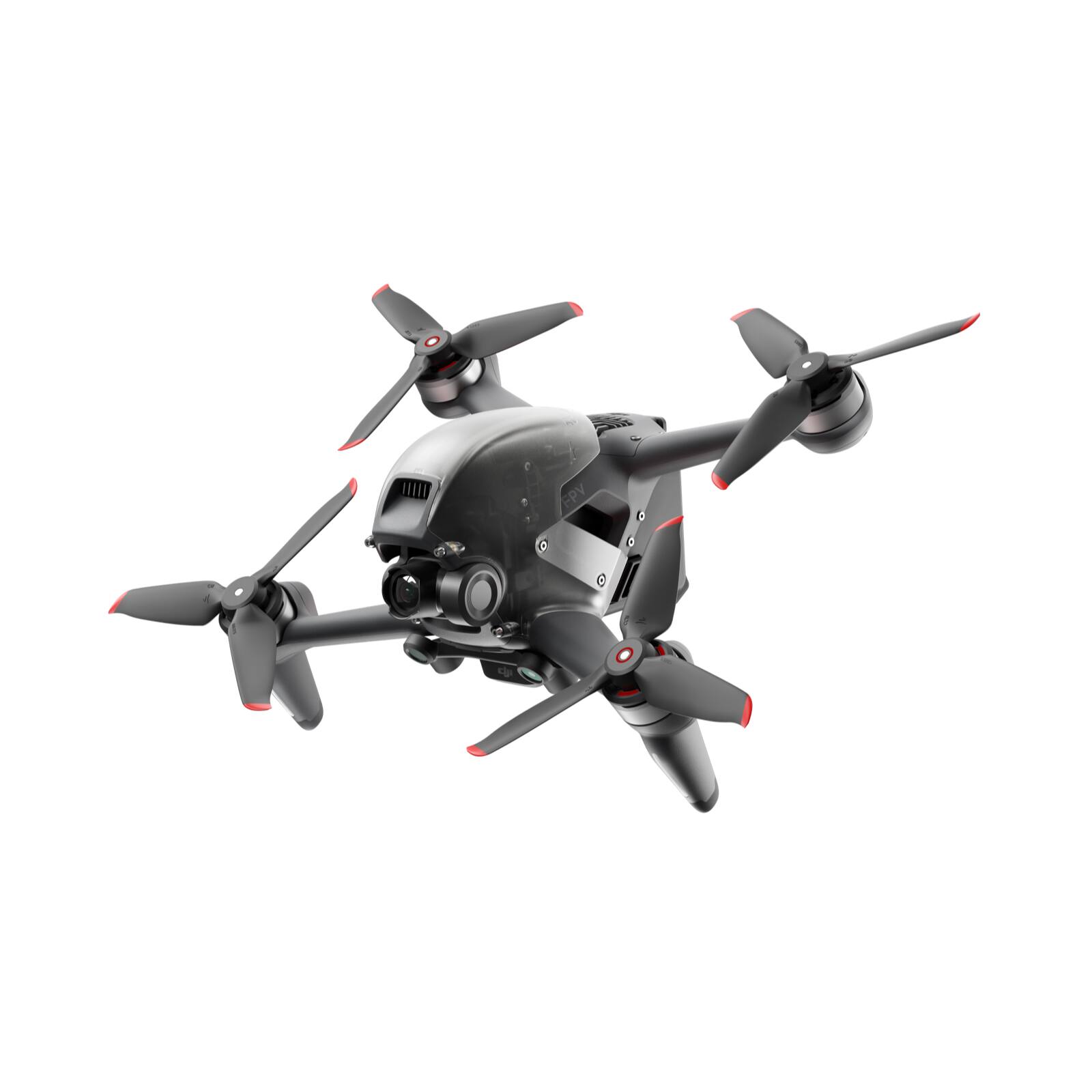
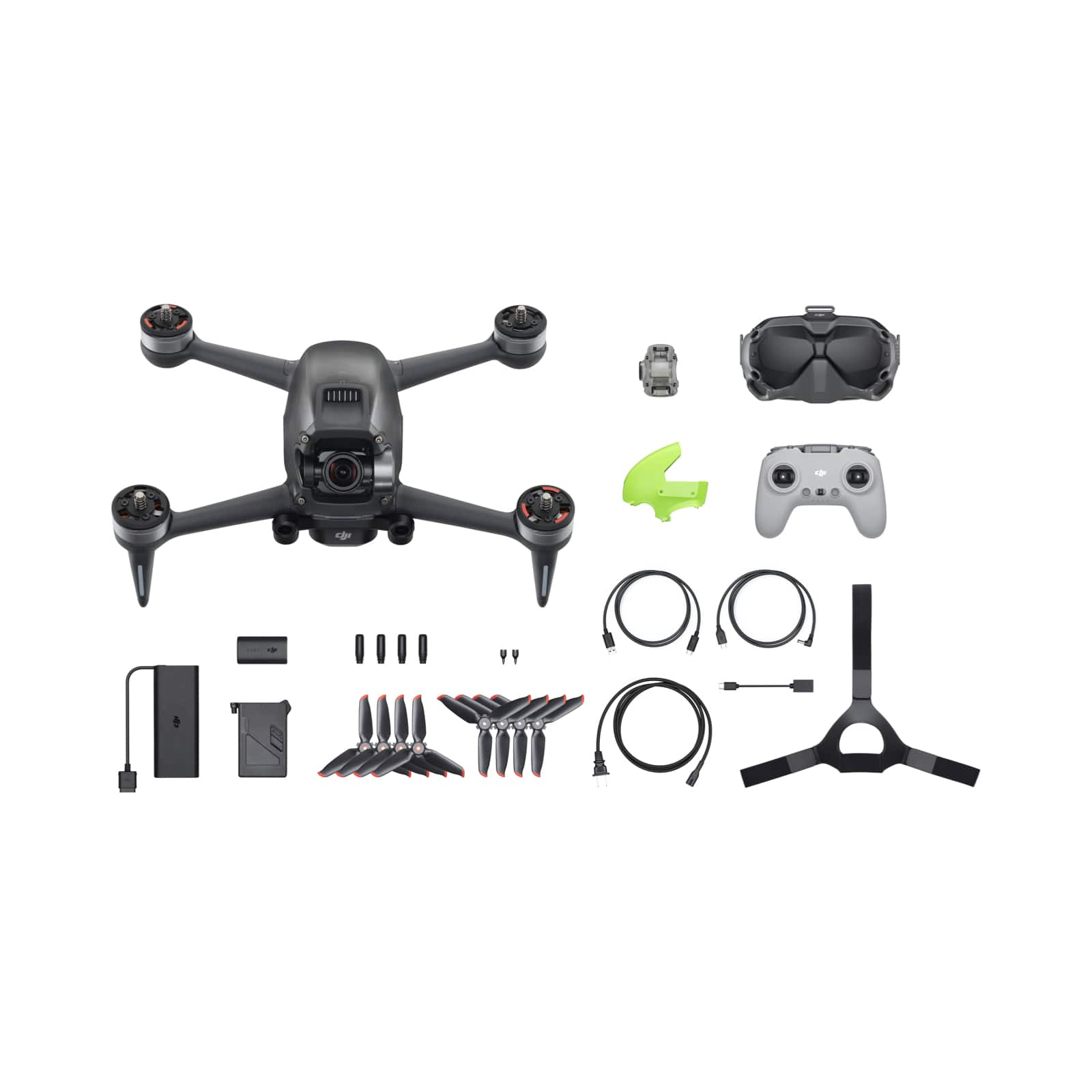
|Posted .This reviewer received promo considerations or sweepstakes entry for writing a review.DJI has done it again! FPV drones are starting to pick up in popularity and DJI has taken an opportunity to create their version of an FPV drone. As someone who has not flown FPV, flying this drone has been a thrilling experience so far. Long flight time(for an FPV drone) and stunning pictures and videos are some of the features this FPV drone has to offer. This drone may not be for all FPV users but if you ever wanted to dip your feet into this hobby, this drone is an excellent starting spot. ========================================================== IN-THE-BOX/SET UP: The DJI FPV Drone Combo comes with everything that you need to start flying FPV. DJI even included extra propellers, control sticks, and a green top shell. Unfortunately, there is no carrying bag/case included for the drone. Carrying everything that is required to fly this drone is a bit of a hassle and having some type of bag included would have been nice. Set-up does take a while to do. The drone MUST be activated before anything else or otherwise it will not fly. Recent firmware updates must also be installed for the drone, goggles, and controller before taking off as well. This can all be done through the DJI Assistant App or the DJI Fly App. Fortunately, DJI made this process easy to do. The following links should be helpful in setting up your drone. I also recommend charging the drone, googles battery, and controller completely before flying. MANUALS, USER GUIDES, SOFTWARE: https://www.dji.com/dji-fpv/downloads VIDEO TUTORIALS: https://www.dji.com/dji-fpv/video DJI FLY APP: https://www.dji.com/downloads/djiapp/dji-fly Once you have activated your drone and all updates are installed, you should be ready to go! Also, note that this drone must be registered with the FAA since the drone is over 250g (weighs 800g), this can be done through the following website: https://www.faa.gov/uas/getting_started/register_drone/ There is a small fee of 5 dollars to register the drone. Not registering the drone can result in regulatory and criminal penalties. ========================================================== FEATURES: The drone contains plenty of features to help you get into FPV and to help maximize your FPV experience. Getting into FPV can be expensive since most people buy all the parts and end up building their drones. Getting into this hobby also requires knowledge in radio receivers/controllers, how to solder, how to safely charge LiPo batteries and more. DJI has made this hobby easier to get into by removing the middleman and providing everything that you need to start flying FPV. This drone offers three flight modes. N mode is where I recommend everyone starts. This mode offers all the traditional drone flight controls. The speed is capped and there is obstacle avoidance enabled. The drone does not have complete obstacle avoidance as the googles will warn you there is something close to the drone, but the drone will not stop you from running into a tree. S mode allows more freedom and allows for a more FPV immersive experience. In this mode, the drone is a lot faster, and obstacle avoidance is disabled. M mode is manual mode. This mode is disabled by default for safety. You will need to play around with a couple of settings to enable this mode. In this mode, the drone is a lot faster, the max speed in this mode is 87mph. I was a bit frightened when I first enabled M mode. I’m not too experienced in flying a drone manually and did have trouble controlling it for the most part. Fortunately, I did not crash the drone which inevitably could’ve happened if it weren’t for the emergency brake button on the controller. This button automatically enabled the brake and hover on the drone and switched me into N mode. Anyone experienced with flying drones manually would have probably had a better time in this mode. DJI offers a virtual flight app for practice flying in manual mode but unfortunately, this app is only available to IOS users as of 03/2021. I own an Android and will have to wait until the Android app is out to practice and hone my manual flying skills. There is currently no set date for when this app will be available for Android devices. The drone does have smart Return-to-Home (RTH) which can be activated through the controller. This feature is fairly accurate for the most part. From the various times, I’ve tested this feature, RTH almost always returns closely to the take-off spot. This feature is automatically enabled when your drone is at low battery as well as if the signal is lost for more than a couple of seconds. Not many people know this feature exists but the LED lights on the drone’s arms are customizable through the goggle’s settings. I recommend having them off when flying during the daytime to maximize battery life. ========================================================== GOGGLES/CONTROLLER: The DJI FPV drone comes with a newly designed controller and the DJI FPV Goggles V2. Both are extremely well built and designed. The Goggles need to be connected to the small battery pack to power them on. The battery pack does last a decent amount of time and should be sufficient for a couple of flights. The goggles provide high-quality video transmission from the drone even at high distances. There is little to low latency going on which allows for smooth video throughout the flight. This is due to the DJI OcuSync 3.0 transmission system. The goggles also have a couple of controls to allow you to navigate the settings. A 5D button to scroll through the menu, a back button, and a shutter/record button. (microSD card required) The new DJI controller is satisfying to hold. The controller almost reminds me of a PS4 controller with the layout of the buttons and overall design. The controller’s control sticks are stored on the inner sides of the handle. Some of the buttons are customizable through the goggle’s settings. On the right side of the controller, there is the camera/record button, a switch that moves the gimble to three different positions(this button is customizable but this is the default), and the cruise control button(available in S mode). On the left side, there is the emergency brake button/RTH (hold button to start RTH), the flight mode switch, and a manual gimble adjustment dial. On the front, there is a power button and a customizable button. The battery life on this controller is great, so far it has lasted me a couple of flights. ========================================================== FLYING EXPERIENCE/VIDEO & CAMERA: Now for the flying experience. I have truly enjoyed flying this drone in general. The FPV experience is simply breathtaking. This FPV experience helps you get that birds-eye view that our friends in the sky experience. Many FPV enthusiasts might not consider this drone a true FPV drone but the drone does have enough features to fully maximize the FPV experience. FPV is usually a lot of manual flying, while I could not test the manual flying to its highest capabilities due to my lack of skills, I seriously respect people who do this as a hobby. Flying manually is indeed difficult and one day I would love to be doing flips and rolls with the drone. One of my favorite things to do with this drone was to fully max out its speed. This drone is fast and seeing this first-hand was enjoyable. The video/camera quality on this drone is truly beautiful. The camera can take up to 4K at 60fps of HD video and take 4K photos. There is a 150-degree field of view which allows for an even more immersive experience. The camera does show the drone’s propellers in both the photos and video which did not bother me too much but may be a problem for those who are looking to use this drone for cinematography. I noticed that this drone does have electronic image stabilization which worked well as a lot of the video I recorded came out smooth and crystal-clear. The googles do also record video but this footage is at 810p at 60fps. ========================================================== CONCLUSION: Overall, flying DJI’s FPV drone has been an entertaining experience for someone who has never flown FPV. Flying FPV is truly breathtaking, and I would recommend everyone to experience it. Now, who is this drone for? I don’t know too much about FPV flying but I can see why this drone may not be for FPV enthusiasts. FPV drones are usually light and easy to repair. This drone is a lot heavier and can be significantly more expensive if it breaks. FPV enthusiasts may also find the safety features on this drone fairly restricting. On the other hand, if you have always wanted to dip your feet into FPV, I would think this is a great way to do so. Not only does this drone contain many safety features to prevent you from crashing but it is already completely built to fly in FPV without having extensive knowledge in the field. If this sounds good to you, I would highly recommend this FPV drone to you.
I would recommend this to a friend If You Can Fly (Goggles Will Not Activate)
||Posted . Owned for 1 week when reviewed.This reviewer received promo considerations or sweepstakes entry for writing a review.As a long term DJI user from the original Phantom series. I've tried or owned most of their drones. This is the first one I truly have gripes with their systems due to the fact that there remains a large issue that is largely remained unaddressed by DJI. The issue is that many of the FPV goggles V2 will not activate. When they do not activate it prevents you from using the rest of the system for most people that encounter this issue. Most reviews will rant and rave about this drones ease of use or allowing them to get into FPV very easily. This may be true but there's continuous growing concern over this issue. DJI's response at first provided an odd work around using a support account workaround. This has however stopped working for most users leaving many with $1200 bricks if you bought the combo or $500 goggles that are barely usable. DJI remains quiet on the situation despite getting attention from such influencers as Joshua Bardwell and other media outlets. There's no ETA on a fix and support provides no answer other than "we'll get back to you" when inquiring about a software patch. BUY AT YOUR OWN RISK! You may end up with a paperweight.
No, I would not recommend this to a friendBrand response from DJI Support
Posted .Dear customer
We apologize for any inconvenience caused. Please contact DJI Support via https://www.dji.com/support to submit your return request and our technical support will fix the activation issue for you.
Best Regards
DJI Support
Dissatisfied
||Posted . Owned for 1 week when reviewed.This reviewer received promo considerations or sweepstakes entry for writing a review.It doesn’t fly up the entire 10km and you lose signal when going far. And only stays in the air for 15-17 mins vs the entire 31 mins
No, I would not recommend this to a friendBrand response from DJI Support
Posted .Dear customer,
Sorry to hear about this. The maximum battery life of the FPV battery is 20 minutes. (40 km/h constant speed flight in a windless environment) The power consumption of the battery may be affected by the flight environment, flight speed or flight mode. And we will also convey your feedback to the corresponding team.
Best Regards,
DJI Support
Bought it for the birds eye view
||Posted . Owned for 2 months when reviewed.This reviewer received promo considerations or sweepstakes entry for writing a review.Best drone I have ever owned. The first drone had problems with the gimbal where it would move uncontrollably with strong wind but I exchanged it and the second one works much better. The headset is a little uncomfortable and not a perfect fit. But the most fun you will ever have with a drone!
I would recommend this to a friend- Pros mentioned:Flight modes, Speed, Video qualityCons mentioned:Battery life
So much fun!
||Posted . Owned for 1 week when reviewed.This reviewer received promo considerations or sweepstakes entry for writing a review.This is my 4th drone purchase and by far the best one yet! This thing makes the entire DJI Mavic line-up feel like kiddie rides at a carnival. It's fast! Like really, really fast! And it rides like it's on rails! DJI has added about as much safety features as I would want on a racing drone, without sacrificing the performance of it so it not a scary experience at all out of the box. I use a Mini 2 as a travel drone for photographs and videos with the family. As such, I fly it more than any other UAV I have. I'm comfortable with getting in tight spots and zipping around at full speed with it. After flying the FPV, the Mini 2 is too slow. I fly it now and it feels like I'm putting around on a moped. The FPV is like a racing motorcycle comparatively. It handles like one too. Turns on a dime at head spinning speed. The combination of the air brake and the sick pitch angle of a hard bank makes the drone feel like it's drifting out of turns. I'm loving the way it handles. The footage from the drone camera is nice as well. Though there isn't any sound being recorded from the drone's perspective. The recording from the goggles is a lower-resolution duplicate of the drone footage, but contains audio directly from the drone. Listening to the winding of the motors, it's apparent this drone has a set of gears it's shifting through. Sounds awesome! Considering this is not a photography drone, the video recording is far superior to anything I've captured with the Mini 2. The 60 frames per second is instantly noticeable. But I doubt I'll find much use for the camera outside of showing off my piloting skills, once I've honed them. It's an exhilarating, immersive and white-knuckling experience to fly this thing on manual mode at full speed. And there's enough hand holding from DJI that anyone that has any flight experience at all should feel comfortable flying this FPV drone. Ten minutes into my first flight on Normal mode I was ready to see how fast I could go. There's also a Sports mode which is a decent bump up from the limiters DJI has in place in Normal mode. Manual mode is where it's really at though. The training wheels are off in this mode! Top speed in just a couple of seconds. I would recommend you get extra batteries if you can! I bought the FPV fly more combo (2 extra batteries and a charging hub) directly from the DJI online store for $299. As of this review, no other stores seem to carry that bundle. It shipped out of China and took 2 weeks to get to me, but now I can fly for about 45 minutes in a single session instead of the 12-15 minutes I would get with the included battery. If you are looking for a ready-to-fly, pure racing drone but are hesitant about the FPV experience, don't be! DJI has done a very good job at making a regular drone pilot feel right at home with the FPV.
I would recommend this to a friend - Pros mentioned:Ease of use, Video quality
Phenominally Fun to Fly and Easy to Crash
|Posted .This reviewer received promo considerations or sweepstakes entry for writing a review.Flying the DJI FPV drone is so incredibly immersive that every pilot will greatly enjoy the experience. DJI has done a truly impressive job at simplifying FPV flight in a way that makes it accessible to hobbyists of any skill level. But, while there are features and flight modes for everyone, those who are already involved in the Hobby will likely have little interest. Until now, those who wanted to experience the thrill of FPV had to build their drone from scratch; soldering components, tuning every aspect of the software, and often going so far as 3-D printing their own parts. In an effort to make FPV available to and usable by the masses, DJI has taken away most tuning options and added so many safety features that experienced FPV pilots will likely feel weighed down and stifled. While Acro mode does provide nearly limitless freedom of control, the motors are slightly underpowered for the weight of the large battery - making the drone less nimble than those built by hand from the ground up. While it may feel limiting to FPV racers, Safety features are incredibly important in a drone that can fly so fast and so high - and DJI has improved safety in many innovative ways. - The radio controller has an emergency brake that quickly stops the drone (in any mode) and causes it to level off and hover in place. - In Normal Mode, the drone has obstacle avoidance which slows the speed when the front sensors detect an object approaching too closely - The battery is safely encased in a thick housing and is much more stable than current FPV lipo (lithium polymer) batteries that can literally catch fire, or explode at nearly any time. - And, unlike current FPV drones that can actually drop out of the sky when they lose radio connection, the DJI FPV will hover in place and either land, or return to home using GPS. If the drone does land when the range is exceeded, the goggles are equipped with features to help you track the drone - either by showing footage of the last seen location, or guiding you with an augmented reality navpoint. Racing and acrobatics aren’t the only uses for drones. There is also aerial photography & videography. The DJI FPV has only one camera (which simultaneously records and sends a live digital feed back to the goggles), but thankfully the camera is quite good and is able to film in 4K at 50 or 60 frames per second. Unfortunately, the lowest latency requires recording in 1080p and there is currently no option to take raw uncompressed photos. The camera is also limited by the single access gimbal - which means that the image noticeably tilts to the side as the drone turns. Smooth cinematic shots are possible, but require a different approach and additional practice. The DJI FPV drone is tremendously fun to fly and I appreciate that it makes FPV flight accessible to those who don’t have the knowledge, or the time to build a drone from scratch. The drawback is that it is quite expensive and is very easy to break. Flying in Acro mode is incredibly difficult and high speed crashes are inevitable. With the drone being so new, many parts and components are not yet sold by DJI. When repairs are needed, the drone has to be sent back to DJI with no clear indication of how much repairs will cost. DJI does offer a damage protection plan, but enrollment is expensive and each repair is charged a $200 deductible (regardless of how much repairs actually cost). Before purchasing (or building) any FPV Drone, I would STRONGLY recommend spending several hours in a drone simulator. Both the DJI FPV Goggles and Radio Controller can be hooked up to a PC and used with drone simulators such as Liftoff (which is available on Steam). DJI has a flight simulator app, but it is not yet available on Android. Flying in a simulator may sound unnecessary, but a single minute is all it takes to realize how difficult it is to fly a drone. Save yourself from expensive mistakes and start smart by learning in a simulator before putting the drone at risk. Those who already fly FPV drones will appreciate the superior battery life and extended transmission range, but will feel limited by the weight, lack of part availability, and cumbersome safety limitations. Those who fly drones for photography will enjoy how immersive the FPV experience is, but will feel held back by the single axis gimbal and the limited camera settings. Regardless, every pilot will have a tremendous amount of fun flying this drone, but I have a feeling that it will inspire many to purchase a different drones with a more specialized focus - either racing, or photography. The DJI FPV drone is the most fun you can have with your 3rd COVID stimulus check! Give it a shot! Just start slowly and avoid crashes until replacement parts are available. (And don't forget that you are required to register the drone with the FAA)
I would recommend this to a friend Goblin FPV (Giant Filmz on Youtube)
||Posted . Owned for 1 month when reviewed.This reviewer received promo considerations or sweepstakes entry for writing a review.I LOVE THIS DRONE!! Giant Filmz on youtube for flight footage. AWESOME DRONE!! BEST BUY BEST DEALS!!
I would recommend this to a friendGreat fpv drone
||Posted . Owned for 1 month when reviewed.This reviewer received promo considerations or sweepstakes entry for writing a review.I love dji products. Great drone, you need practice to be able to fly this one
I would recommend this to a friend- Pros mentioned:Flight modes, Speed
Cinematic FPV drone good-ness
|Posted .This reviewer received promo considerations or sweepstakes entry for writing a review.>> Bottom Line Up front: << ====================== The DJI FPV Combo drone offers you a feature packed, easy to use, and immensely enjoyable option in the “First Person View” segment. The FPV Combo’s Wireless Controller and Google User Interface works really well together and provide a really immersive flying experience that you just can’t get using a traditional drone without them. Factor in DJI’s rock solid software and support, excellent video tutorials on their web site, and the immersive 3rd party/aftermarket support – and its clear the FPV Drone is tough beat. Keep in mind, that even though the FPV drone has several safety features such as obstacle sensing and “emergency brake & hover” (at the touch of button) baked into the “Normal” mode – some though and consideration should be taken prior to throwing it “Sport” or “Manual” mode, especially if you are newer to flying or have never used a FPV style drone before. >> Packaging/Unboxing: << ====================== From the moment you start peeling off the protective plastic tabs on outer packing, its clear that DJI did an excellent job packing the whole drone system up for you unboxing enjoyment. The first thing you notice when you pull the top open, is a nice presentation of the Drone and the FPV goggles sitting securely packed into the foam cushioning layer inside. Under that, once you pull the foam padding up and out of the box, you a good clean look at the wireless controller surrounded by all the smaller boxes that contain your power supply packs, USB, and connection cables, goggle straps, etc, etc… – pretty much everything you’re going to need to get up and going. It nice to see DJI provided you with a couple extra plastic propellers AND a solid color plastic canopy for the main unit housing in there just in case you need a spare down the line. All in all, it looks like DJI really put some though into how the unboxing experience would be when you got it home. The actual components, such as the FPV drone and the wireless controller – feel super solid and have nice weight to them. This is something that is tough to gauge on just words or picture alone. Needless to say, just based off of the time I spent handling it and setting it up this past week – it feels like the FPV drone is going to last as long as you’re going to try to take normal care of it (i.e. not abuse it/physically torture it on purpose). Once >> Personal Observations flying around for a week: << ========================================== Chances are if your ready this, your probably at least a little familiar with the basics of drone flight controls and operations. If you’re not that OK too, because if you weren’t already aware, DJI has a plethora of resources available to you online. Everything from basic tutorial videos, product FAQs, and product support is just a few clicks away and very well though out/easy to access. Prior to taking this DJI FPV drone for a spin, I had been using a different less known/off brand “standard” (read NON-FVP) drone to help me with aerial photographical trail route presentations for my fitness groups. Basically, I rely on the footage to capture route terrain overlay, variations in vegetation, and topographical overlay… but mainly – as a content creation tool to help me create a presentation to submit for approval of proposed hiking route/activity. I know my personal use case for the FPV drone may be very unique – but I could have asked for a better product in any regard for I need a drone to do. For starters, although I have a couple of years of drone flight experience under my belt, I have never really had the opportunity to fly something that as agile, sensor laden, and fast as this DJI FPV drone. I feel this is in large part due the 3 different flight modes that the DJI FPV offers for control: “S” / Sport Mode, “N” / Normal Mode, and “M” / Manual mode. Between these 3 modes, I think almost everyone is going to find the appropriate level of control they feel comfortable to get the most of their flight experience with the DJI FPV drone. I could literally write volumes about all the nuances available within each mode, but I came away with a couple of big take always. First, you can’t just put it into “Manual” mode – which is where you can pretty much have free reign over all of the built-in flight control and hit the top rated speed of approx. 87mph….which is probably a good thing as it seems like the sheer amount of speed and agility you would have access to in this mode can be overwhelming for the un-initiated. To get there though- you’ll have to actually go into the menu system in the goggles themselves to enable it, and confirm it again on the wireless controller. “M” is seemed to be the only mode where I could pull off a couple of loops and minor acrobatics. With all that being, I found the normal mode to be the best place to start right out the box so that I could figure out all the nuances to the controls and how the menu systems accessed the features available to the drone. For what I need the DJI FPV drone to help me with regarding helping me to make cinematic trail routes and presentations – “S” or Sport Mode, is it. In “S” mode, you get to experience a lot of the additional “freedoms” and advanced features afforded to “M” mode, like increased speeds and lean angles – but not so much that you’re going to lose control if you’re not on your “A” game on the controls. I couldn’t get the DJI FPV drone to go faster tan about 63 MPH in S mode, and the added agility really helped to create more interesting and dynamic “First Person Views” of trail routes and locations that was missing from my older off branded standard drone. Controlling the DJI FPV was a straight forward affair. Nice little details like textured metal accent flight sticks coupled with logically laid out and sized buttons made this super easy to just pick up and fly in you’re a previous seasoned pilot. As the name implies – the FPV is pretty much depended on the googles to fly and access all the features. If you have yet to experience an FPV drone, you’re in for a treat. There are so many ways to describe it, but to me it, the FPV drone really captures a dynamic sense of movement that is simply not possible on a standard style drone. I say that as someone who regularly jumps out of planes with a “go pro” strapped on. In my opinion, the DJI FPV is right up there and in some way even better as you can actually control both vertical and lateral movement simultaneously. The FPV relies on DJI’s O3 (OcuSync 3.0) to beam all those imaged straight into your headset for your viewing pleasure. The entire I have been using the goggles I have had nothing but crystal-clear images the entire time. There are more than a few options to dig through when you’re setting up your controls to pick out the resolutions and transmission details to ensure your capturing everything the way you want it. The DJI FPV drone is capable of providing breathtaking images and videos thanks to its 150° field of view and DJI familiar suite of technologies that have been used in some of their other drone product lines. I think one of the key reasons for such a smooth playback experience is likely due to the FPV’s electronic image stabilization, or “RockSteady” as DJI calls it. Worth mentioning again, if you get mildly motion sick, or gets uneasy with the high speed/sense of maneuvers – even with the added electronic image stabilization - you’ll definitely want to take note. On the subject of controls, safety goes a long way in many of the things the FPV drone does. One of the things I really, really … really liked about the FPV’s controls was the “Emergency Brake and Hover” button. It is super easy to activate on the upper shoulder of the controller, and afforded me a comfort knowing if I got into any kind of bad situation or maneuver – I could at least tap that button, and within seconds, put it into a hover before I cratered it. On a side note, I noticed anytime you did actually use the emergency brake and hover button, it kicks you back into “Normal” mode – which is think is a good thing because chances are if you hitting that point where you feel you loosing your control on the drone – its best to let the FPV sensor suite kick in and assist you. Speaking of the FPV’s sensors. They do a decent job of helping the drone with basic obstacle avoidance and even provides you color coded feedback in your goggles so that you can better gauge your distance from anything that could bring it down or cause damage. There is even an auxiliary bottom light for when you need that extra bit of visibility. The DJI FPV drone offers some other nice touches such as “Smart” Return to Home (RTH) and low battery RTH. I found the latter to be particularly useful to me, because it throws up a notification in your FPV goggle’s field of view, and helped to keep me in check when I was getting lost in the fun for too long. Regardless, if you use the RTH feature or not – take offs and landing are super smooth >> Closing thoughts: << =================== The DJI FPV drone provided me an incredible experience like nothing I had previously used before. The standard drones just seem so tame in retrospect. The DJI FPV drone combo system knocks it out of the park for what I use it for, and then some. I think it actually made flying more fun and immersive. Thanks to the amount of safety features and sensor options DJI built into the FPV, it really can be used by pilots of all skill levels. I would recommend the FPV Combo drone even if you already have a standard, as it provides you a perspective you simply can find anywhere else.
I would recommend this to a friend - Pros mentioned:Speed, Video quality
Ridiculously fun
|Posted .This reviewer received promo considerations or sweepstakes entry for writing a review.To put it simply: I had an absolutely great amount of fun flying this new DJI FPV multirotor "drone" and I think you probably would too, almost regardless of what your existing experience with multirotor drones and FPV might be. I say "almost" only because if you are a complete beginner, you may want to learn what "FPV" is and how it differs from using a different drone like the Mavic before making a decision. (And if you're an extremely experienced quad pilot, you probably can decide for yourself if you're interested in this product.) I was provided with the DJI FPV Drone that I'm reviewing by DJI, but the thoughts and opinions are completely my own. As a bit of background, this is the first DJI product I've used, but I have built and fly my own analog FPV "drones." Nonetheless, I consider myself only an intermediate skill-level pilot, at best. DJI made waves with the launch of this DJI FPV Drone. This is partly because DJI drone designs are effectively synonymous with consumer drones to most people, and so any new product of theirs garners attention with drone enthusiasts of all backgrounds. At the same time, this product is also a significant move from DJI beyond their consumer-oriented, aerial-photography-platform drones and towards a higher performance, more acrobatically capable machine. DJI has already built some solid credibility coming into this product launch among serious drone enthusiasts with the DJI Digital HD FPV system, and it is very exciting to see how they've integrated that FPV video technology with their famously beginner-friendly and stable drone technology platform. This drone comes packaged very well, fitting with DJI's reputation. The packaging is reminiscent of pretty much any premium consumer electronic device (such as an Apple or Samsung smartphone.) Being my first DJI product, I was impressed with this. DJI included all the necessary cables, though it would be nice to have two USB type A to type C cables supplied instead of just one, so that you can charge both the transmitter and goggles battery simultaneously out of the box (there are two USB type A ports on the charger). I ultimately used another standard USB A to C cable that I already had, and it worked just fine to complete the initial charging. The initial set-up process is a little involved. You will need to download at least the mobile app for your smartphone or tablet and create an account with DJI to activate all of the new devices. DJI helpfully does include a USB type C to USB type A OTG female adapter so that you can basically use your device's charging cable to complete the set-up. (I used an iPhone, but have no reason to believe the Android experience would be any different.) It was all fairly easy to figure out, and I'm sure it will be a familiar process to anyone that has previously owned DJI equipment. Out of the box, there was a firmware update to apply and for me this did take a few tries before it successfully completed on all three devices in the combo (drone, goggles, and transmitter). DJI has a number of tutorial videos and even an optional simulator program you can download for your PC to get a feel for drone flight before attempting it for real. I'll admit that I skipped over these things as I had some experience already and was eager to see this drone in action. Once everything is activated and updated, it comes time to power it all up and get your first glimpse of the HD video in the goggles. (Of course, you should leave the propellers off during this whole set-up period.) If you have experience with the quality of analog video that FPV goggles have traditionally displayed, it is really quite amazing to see DJI's HD video display. The video and OSD are very crisp. The goggles aren't exactly lightweight, but do fit comfortably. I noticed some "light leak" from around my nose and temples, but for me it was minimal enough to not be distracting. (I did find there are aftermarket solutions for a tighter fit.) You can also connect the goggles to your smartphone and display a live video feed from the drone through the DJI Fly app - similar to the way other DJI drones have worked with mobile devices. Getting in the air is not at all difficult because the drone always starts off in "Normal" mode, which benefits from all the typical DJI position- and altitude-holding technology. (Even if you take off with the transmitter in Sport or Manual modes, it appears to override that and start in Normal - requiring you to flip the switch to Normal and back again to actually change to your desired mode.) It's really impressive experience to see how much DJI's automation trivializes take-off and hovering, and the object proximity warnings at the edges of the FPV feed can be helpful without being distracting. At any time, it's easy to start recording video by pressing a button on the transmitter (there's also a less-convenient button on the right side of the goggles), though you can also enable a setting to begin recording video automatically whenever you take off so that you don't miss any footage. By default, both the drone (at 4k) and the goggles (same picture, but what is broadcast at 1440x810) record video The DJI FPV Drone is enjoyable to fly even in Normal mode due to how stable it is. It behaves pretty much like a Phantom or Mavic would, with the bonus of FPV. Once you have sufficient comfortability flying in Normal mode, the "Sport" mode is a natural step up. This mode raises a lot of the performance limits and enables a "cruise control" feature that keeps the drone flying at a constant speed while allowing you to steer in the other directions. The cruise control feature actually seems like a potentially useful training aide for new pilots. Although there is still an attitude limit to enforce a top speed in Sport mode, that speed limit is about 60 miles per hour, so it has some reasonably zippy performance. Beyond Sport mode, the DJI FPV Drone allows you to enable a full Manual mode that behaves like "acro" mode on a typical hobbyist drone. To unlock Manual mode, the third position on the transmitter's mode switch has to be configured, and a last remaining attitude limit also has to be disabled if you want to be capable of maneuvers that invert the drone. Manual mode definitely has a steep learning curve for inexperienced drone pilots, but opens the door to capturing unique footage at the highest speeds the drone allows (87mph). Of course, the riskier you get with maneuvers, especially in Manual mode, the more likely you'll crash eventually. The DJI FPV Drone does include an "Emergency Brake" feature that works regardless of mode. It works uncannily well, but it won't prevent all crashes since the pilot must still manually trigger it safely in advance of losing control or colliding with an unnoticed object. The risk of damage due to a crash is perhaps the Achilles heel of the this drone. Unlike a typical hobbyist (or even professional) drone that is made of a strong carbon fiber frame often designed with replaceable components, the DJI FPV Drone contains many streamlined plastic parts that do not feel exceptionally robust. DJI has not made all parts available for user replacement yet, so a crash could become very expensive if non-user-replaceable parts are damaged. My own fear of crashing and damaging this drone limited how much I tried to do in Manual mode with this drone, but proficiency and comfort with Manual mode is a goal to work towards. Ultimately, FPV in HD is a joy to experience regardless of the mode. One thing that is notable about the DJI FPV Drone Combo is that the included goggles are compatible with the DJI digital HD "Air Unit" camera and video transmitter system that can be used in any drone, including DIY and non-DJI ones. This is a nice value boost if you are a hobbyist that is considering adopting the DJI HD Digital FPV system, as one of the big pieces of this kit is not limited to just working with the DJI FPV Drone. On the other hand, the included transmitter in this combo is *not* currently compatible with the stand-alone Air Unit, only with the DJI FPV Drone itself, which could be a bit of a disappointment. The goggles also have to be booted into one of two modes - either compatible with the DJI FPV Drone or compatible with the general Air Unit - and not all features are supported in both modes. For instance, live video out to the mobile DJI Fly app appears to be an exclusive feature to the DJI FPV Drone, though it seems like a feature that would only require software support to add. In neither mode does it seem possible to mount the goggles as a mass storage device via USB in order to copy video files off the Micro SD card, which stands out because the drone itself supports this for accessing the onboard 4k recordings. I'm holding out hope that DJI might release software updates to expand support for these features, or even release a 2nd generation Air Unit that includes the hardware improvements of this drone (such as 4k recording). The bottom line, in my opinion, is that this drone is just ridiculously fun to fly and should have broad appeal to almost anyone with interest in FPV. The renowned DJI stability features make it approachable even for inexperienced pilots interested in getting into FPV, and the higher-performing modes open up dynamic flight experiences as a pilot's skills grow. On top of that, the DJI HD FPV technology is amazing to fly with, and the fact this combo's goggles can work with the existing Air Unit system is a nice value addition.
I would recommend this to a friend - Pros mentioned:Flight modes, Video quality
So much fun!
|Posted .This reviewer received promo considerations or sweepstakes entry for writing a review.This drone is so much fun! I have enjoyed every moment with it. Excellent job DJI! I’ve owned several drones to include the DJI Mini, Mavic 2 Zoom, I’ve also owned other non-DJI drones. I’ve flown them for years and they are always so much fun. I have never flown an FPV drone though. I think I’m one of the perfect people for this particular market of drone. I’ve always wanted to fly FPV but the skill involved with a home built FPV drone, is above MY skill level. This drone is the perfect entry, mid, and advanced level drone. Its all in one. As always DJI delivers quality gear. The drone itself looks and feels excellent. High quality materials from a high-quality company. DJI has never disappointed in this category. The goggles are amazing, the controller is amazing. One of my absolute favorite features of this drone is the virtual drone training. I’ve flown in normal mode and in sport but I don’t feel quite ready to graduate to full manual. That being said, I train with the virtual training program and feel I’m getting better in manual mode with each training session. The fact that this training exists makes this drone a solid buy in my opinion because even if you aren’t a skilled FPV pilot, it provides the tools to train you to be one and gives you the confidence to go to the next level. I put this drone through some pretty exhaustive tests in the wind. Since I received it, winds have been 17-20 Mph with 30 Mph wind gusts every single day. I finally got tired of waiting around for a calm day and decided to fly it to see how decent it handled in the wind. I was absolutely blown away. Flying mainly in sport mode, the wind didn’t stand a chance. I was able to go full throttle banking and turning the drone how I wanted with no issues whatsoever. I got about 15-18 minutes of flight time and the auto return to home feature worked excellent. The emergency stop/pause feature works great as well. I feel it would be more suited for manual mode flying but regardless, if you get in a pinch, all you have to do is press the button and the drone will stop and hover. The video quality of the goggles is amazing. I did have some issues adjusting them to my eyes but after a few tweaks with the sliders on the goggles I was able to get it to an almost perfect setting. The controls on the goggles are easy to understand and maneuver, I had no issues whatsoever. I did run in to an issue when I was setting everything up, which by the way is very easy and step by step through the always wonderful DJI Fly app. I did make the mistake of not charging the goggles all the way which rendered me unable to update the remote-control firmware until I recharged them. I would make sure ALL of the batteries are fully charged before starting it up for the first time to account for the firmware updates and to ensure you have no issues with the updates. Camera quality is also amazing. 4k 60fps at 60 Mph in sport mode is smooth and clear. The rock steady image stabilization works great. I will also say that the first time you fly with the goggles, if you aren’t use to FPV or VR, I would probably make sure you were leaning on something or sitting down. The first time I flew, I got a bit disoriented and a tad bit dizzy. That being said, I have had no issues with flights since then. I can stand now with no issues whatsoever. It was probably caused by the fact that I didn’t quite know what to expect. I would highly recommend this drone to anyone who wants to get in to FPV drones, the safety features incorporated in this drone will assist even the newest beginners to the drone scene. This drone definitely gives you the opportunity to advance at several different levels and eventually become a better FPV pilot through the virtual training. I cant say enough good things about this drone!
I would recommend this to a friend - Pros mentioned:Flight modes, Speed
Fantastic DJI Product!
|Posted .This reviewer received promo considerations or sweepstakes entry for writing a review.DJI absolutely knocked it out of the park with this FPV drone. Having already owned two other DJI drones, I would consider myself a fairly competent drone pilot, but the realm of FPV drones always intimidated me. DJI filled the void in FPV drone flying that was missing the plug and play option. This drone is great because you don’t have to be a technology genius to assemble and program, you just turn it on and it is ready to go. I have done a lot of research on this drone and it seems that everyone can agree that the DJI reliability we have come to love and trust is finally in a FPV format and it is amazing. I can honestly say I was nearly speechless during and after my first flight. The best way I could describe it is mounting a GoPro on the very front of a fighter jet, the motion and having control over it was just unreal. It felt like I was flying. I love that DJI put three different flight modes on this drone, I felt very comfortable in Normal Mode as it felt pretty similar to flying my Mavic Air and Air 2 drones. It's great that despite this drone being built for its speed and agility, DJI was still able to put their forward and downward sensors to help beginners feel comfortable as they get the feel of the drone and develop trust in the aircraft. I will say take-off and landing feel the most different from my other drones, it feels like a more manual process but that is to be expected on a drone like this. Once I felt comfortable in normal mode which only took a few minutes, I felt ready to put it into Sport Mode, I was glad I was in a very open space I was familiar with because man this drone is fast. I also realized in both Normal and Sport mode that this drone is unbelievably smooth and very responsive, I had the drone just under 1500 feet away, could not see or hear it, and it was just as responsive as it was 10 feet in front of me. This really shows just how dependable and consistent DJI’s software has become over the years, it was flawless. At one point I did lose my bearings and started to feel dizzy and the emergency brake/pause button came in handy, I was able to take the goggles off, and get my head right again. The goggles are also pretty comfortable, with long hair that is always tied up, I had no issues with it not staying in place, and the screen is very nice as well. I had no issues with the screen cutting out or being too dark/light, or blurry after I adjusted it to my face size. The remote is very ergonomic and easy to learn, the controls are pretty similar coming from the Mavic line, and any new controls this model has was easy to learn. I found that watching a few videos about the controls before I tried it for myself really helped me out. I did not know if I’d like it at first but I like the 3 position toggle switch for the camera gimbal, it seemed to be my go-to way of moving the camera as I was focusing on all the other controls. All the flight and camera info on the screen was also very helpful and easy to understand. I was also very impressed with the flight time the battery provided, I was flying pretty aggressively but it still was comparative to my Mavic Air 2 flight time. From my research from experienced FPV drone pilots, the battery life on this model compared to nearly all other FPV drones is basically unheard of, roughly 4-5 times longer battery life so DJI killed it with that. I also wanted to note the pretty sturdy build on this drone, it feels heavy and solid compared to other drones, feels like it could take more of a beating for sure although I don’t plan to test that out. Another great design by DJI is that this drone is modular, meaning that when parts do break after a crash, it should be pretty easy to purchase and install replacement parts yourself. Great idea to replace parts as needed rather than an entire drone each time you break something. Overall, I am thrilled with this drone and DJI did an amazing job with it. I would recommend this drone for anyone who has wanted to get into FPV drones but has been intimidated, or someone who has tried it but was not happy with the options they’ve tried. If this would be your first drone, know that it is not a photography first drone, I love my Mavic Air 2 drone because it can get to places I cannot with my camera and take amazing photos. Crazy speed and agility skills are not needed for that. Someone who might not care so much about the photography aspect and just wants something very unique to fly and to get good at maneuvers, this is more up their alley.
I would recommend this to a friend - Pros mentioned:Ease of use, Video quality
Amazing Drone All Around
|Posted .This reviewer received promo considerations or sweepstakes entry for writing a review.This drone is amazing! I would consider myself a novice drone flyer, I am a recreational flyer and the drones I've used before were all low end basic ones. I don't know if I can go beck to flying them after using this one. It has all the feature of a top of the line drone but has systems and features that allow a beginner like me to pick it up and fly it with ease. I really feel that I will be able to grow into a experienced flyer with just this one drone. The normal mode makes it incredibly easy to fly and have fun with out having to worry about micro managing the more advanced features. The pause button is great because if you find yourself getting into a bad position, you can just tap the pause button and the drone will automatically stop and hover in mid air. Even with my limited experience with flying knowing that I could save myself from crashing with just a quick push of a button. It's also nice if you need to take your attention away from flying for a second you know that the drone will be right where it is supposed to be. The next feature that makes this drone so intuitive to fly is the 'Return to Home' feature. When you're done flying, the drone will return to its takeoff location and land itself. Any new flyer will tell you that landing can be one of the hardest, most intimidating parts of flying. Now it's as easy as pushing a button. Most of my time flying this drone I was using the 'Normal' mode. It is great for easy flying and fun, but if you're looking to capture of dynamic photos and videos, 'Sport' mode has you covered. In Sport mode, you can really get the most of the amazing 4k camera. The video quality is on a professional level. Even in motion, the video is incredibly smooth. It is such high quality, that the possibilities are endless. The FPV goggles also game changing. The heads up display gives you all the data you need while flying and gives you an amazing real time view through the camera. Not only that, but it allows for you to be able to make adjustments mid-flight to better improve you flying experience.. The DJI Fly app is also a great tool for flyers as it gives up to date flight regulations for your location so that you are always informed of any local restrictions or regulations that your current flight location might have. Like I said earlier, this drone feels like it is designed to be the only drone you ever need. It has all the features an experienced fly could ever want, and all the ease of use that a beginner needs to become a better flyer. I will definitely be using this drone to create awesome videos and capture crystal clear images. I 100% recommend the DJI FPV Drone to anyone and everyone looking to get a drone for any reason. This drone has something for everyone and can be used by recreational flyers and professional photographers/cinematographers alike.
I would recommend this to a friend - Pros mentioned:Ease of use, Speed, Video quality
Beginner Pilot says: Best thing ever created
||Posted . Owned for 1 week when reviewed.This reviewer received promo considerations or sweepstakes entry for writing a review.This machine is life changing. The easy of flight combined with the pure power make it super impressive. I started with the DJI MAV Mini2 also purchased from best buy. WIthin a week i was hooked and learned abut the DJIFPV. So awesome. Important considerations: this is not a standard issue drone for taking steady photos and videos. It does take incredible photos and videos with almost unbelievable clarity. But the two axis gimble means you are flying not filming. THE GIFT OF FLIGHT. The range is pretty incredible, I have only gone to about 2500 meters out far. You can travel at speeds of 89mph. Handles awesome in windy conditions over the ocean or in the mountains. It gobbled up at least 30mph winds at times with no issue. Goggle clarity is excellent, but its not occulus. You have to be attached to two wires (goggles to phone and goggles to battery pack. It can be a lot of wires while holding the controller and orient to the goggles but worth it.
I would recommend this to a friend Not even worth $1k
||Posted .This reviewer received promo considerations or sweepstakes entry for writing a review.Will be absolutely returning this drone. I have spent more time (2+ days) trying to update the drone, controller and goggles and charging the battery than flying this thing. This drone has sat on my desk more than flying through the air. I have tried everything I have found on google but nothing worked, even tried my phone like it said on the user manual. It continued to say "goggles & aircraft are out of date, please update" after 4 updates, still nothing. Spent $1k and nothing work. They all turn on and link, yes, but to actually fly, BIG NOPE. Will probably get the Mini SE for less.
No, I would not recommend this to a friendBrand response from DJI Support
Posted .Dear customer
We are deeply sorry for the unpleasant experience. Please contact us at the following link http://www.dji.com/support, we will do our best to help.
Best Regards
DJI Support
- Pros mentioned:Video quality
Great for Beginners and Enthusiasts
|Posted .This reviewer received promo considerations or sweepstakes entry for writing a review.When you’re in the market for drones, its hard not to hear the name DJI. They seem to be the company that is always innovating and releasing products that are the best in the industry. The new FPV drone is no exception. I am new to the world of drones and have little experience, but the DJI FPV made me feel like I’ve been flying for years. -Unboxing and Set-Up- Out of the box, the entire FPV system was fairly simple to get set-up. Before flying, you need to update the drone, controller, and goggles. I did it through the DJI Fly app on my iPhone, but you can download the DJI Assistant 2 for Mac and PC and update through there (I did have issues doing a “refresh” of the drone firmware on my Mac, but PC worked fine). In the box, DJI also includes an extra set of propellers in case something happens while flying. Everything you need to get in the air as soon as possible is included. -Flying- If you are brand new to flying drones, make sure to check your local laws and airspace. You may need to register with the FAA and get clearance to fly in some areas. On my first flight I was extremely nervous. Using N-Mode to control the drone made it very easy. Watching the videos provided by DJI also made it a very easy experience. The controls and controller feel very good. With the goggles, you experience a whole new way of using a drone. There are no distractions and you can focus completely on flying with a clear video signal. For those with experience, S and M Mode are more at your level. The DJI Virtual Flight app is a great way to practice those modes without using the actual drone. A feature that I really like is Return to Home. If I lose connection or if the drone knows the battery is getting too low, then it will automatically return to its launch point. What I was really surprised about was that it landed always within 1-2 centimeters of its take-off spot. Very impressive and makes for stress-free landings. -Video/Picture Quality- Video quality is amazing. I’ve been shooting in 4K 60 and video is smooth, stable and clear. Something to note is that you need a “fast” MicroSD card to be able to capture video. Pictures come out fairly nice as well, but in lower light situations, there does seem to be a bit of noise and degradation to the quality. Overall, great camera system on the FPV drone. -Cons- The FPV drone has around a 20 minute flight time, so having additional batteries is something to invest in. Also using the goggles every time to fly the drone can be a bit annoying. Sometimes I just want to go out and start flying without having to set-up the goggles with wires dangling down. You can use your phone to watch the Live Feed of the drone, but the “instrument panel” does not show up on it and you still have to have the goggles with you. I’m sure this can be further improved with firmware updates. -Final Thoughts- The DJI FPV is not only marketed as a racing drone, but can easily be used by anyone. For those looking to purchase their first drone, this is it. Easy to use out of the box and fun to fly.
I would recommend this to a friend Shipped with wrong propellers. $1000 paperweight.
||Posted . Owned for less than 1 week when reviewed.This reviewer received promo considerations or sweepstakes entry for writing a review.Bought new yesterday, set up today only to find out my drone shipped out with 4 marked propellers rather than the required 2 marked/2 unmarked propellers. As of right now I am unable to fly, DJI support told me to take it up to Best Buy buy after taking 2 hours to set the thing up the last thing I want to do is exchange it and start over. I ordered new propellers which will be here tomorrow. Huge bummer for a $1000+ purchase.
No, I would not recommend this to a friendBrand response from DJI Support
Posted .Dear valued customer,
We sincerely apologize for the inconvenience. Please send the photo of the propellers you received to our support team at this link: http://www.dji.com/support. Our team will help accordingly. You may also send it via email to this email address: support@dji.com
Best Regards,
DJI Support
The FPV experience I've been looking for!
|Posted .This reviewer received promo considerations or sweepstakes entry for writing a review.TL;DR This thing can really fly! Great for those interested in FPV but more accustomed to flying other DJI drones. Amazing video live feed and recording. I recommend the upgraded foam for the googles and extra batteries. Also be sure to assign turtle mode to a custom button if you fly in M mode. Minor firmware update to maintain video recording through failsafe would be appreciated. It has a nice modern design and cutting edge features, as you would expect from DJI. It is very easy to pilot in N (normal) mode which offers forward and downward obstacle avoidance and uses the gimbal to maintain a consistent, level point of view. When you want to step it up a notch you can forgo the obstacle avoidance in S (sport) mode in exchange for a top speed of ~60MPH. S mode still maintains the easier flight controls of N mode with blended yaw/bank turns and altitude hold. If you are already experienced with FPV piloting, or are just feeling really brave, you have the option to flip it to M (manual) mode and take full control over all aspects of flight. While chasing side by sides in the desert I was able to hit 86MPH in this mode! The speed available coupled with the amazing picture quality really make for an amazing experience. And if you ever get too enveloped in the HD experience and find yourself in a tricky situation there is an emergency brake function that works in all modes! This thing stops amazingly fast and switches to N mode to hold altitude. I'm sure this feature will save more than a few drones, especially as I imagine this will be a few peoples first foray into FPV. Other great features that will be appreciated by veteran and newbie pilots alike include a very reliable failsafe return to home as well as an augmented H icon over your home location. This is very helpful as it can be easy to get disoriented on the longer flights this craft is capable of achieving. While chasing friends off-road and generally exploring the area I was able to travel over two miles away before the return to home suggestion popped up in the goggles. At this range I had no issues with video feed or responsiveness of controls. I averaged about 10-12 minute flight times while chasing and closer to 18 minutes just cruising. This is a great drone for long range FPV and doing mountain surfing/terrain exploration flights. The goggles are generally comfortable enough for these flight times but I do recommend getting the upgraded foam interface for added comfort and a better seal if you have issues with light leak, this fit will obviously vary person to person. Extra batteries are also a must. The drone batteries charge fairly quickly but flying is addicting and waiting sucks! Other items of note include features related to the controller and a couple of things I would like to see updated in firmware. There is an option to disable the spring on the throttle stick for M mode but I decided to not use this feature as I change modes in flight often and it's easier to fly manually with the spring activated that it is to use the assisted flight modes and manual throttle. Another feature on the controller is hidden in the menus much like enabling M mode and that is turtle mode. When enabled this allows you to right the drone by spinning two of the motors in reverse in the event you 'land' upside down. The firmware items I would like to see change have to due with the fact that the drone and DVR will automatically stop recording if they failsafe and do not auto resume on reconnect, I would prefer both to continue recording or at least the drone to record as long it's still in the air. I would also like to see a less sensitive setting for ground detection when in M mode, the on screen indicator is appreciated but the beeping is annoying while proximity flying. Definitely very happy with the drone overall This was the type of experience I really wanted when I bought a Phantom back in 2015 and was hoping for when I got the original DJI goggles for the Mavic. I ultimately turned to hobby grade FPV in the four year interim for that unique flight experience. While I still do enjoy flying whoops indoors and in tight spaces, the convenience and ease of flight the DJI provides means it will likely become my primary exploration and long range drone.
I would recommend this to a friendAmazing freedom of flight!
|Posted .This reviewer received promo considerations or sweepstakes entry for writing a review.Previously FPV drones were something enthusiasts had to build for themselves from parts, mount GoPro on and learn how to fly absolutely manually with no GPS. FPV drones are extremely agile and maneuverable and can fly super fast and perform aerobatic tricks. Until now. DJI came up with this super exciting FPV drone that makes transition to FPV flying available to anyone! If you ever flown a GPS stabilized drone before - like a Mavic - you'll know that they are easy to control, they would hover in place on their own and won't drift away. DJI FPV can do it all just like a GPS drone and it can gradually put you into FPV world where you have ultimate control. What do we get in the box - Drone itself, 2 full sets of propellers (8 total), goggles, controller, flight battery, goggles battery, charging adapter and cables to connect it all. You'll get spare controller sticks, 2 allen wrenches and a spare head shell for the drone (to improve visibility if you want). Allow yourself at least 2 hours startup time when you just get the drone - you'll need to charge 3 batteries (flight battery, goggles battery and controller), thankfully DJI power adapter has 2 USB-A ports to charge it all at the same time. When everything is charged - you will neet to connect your phone to the goggles using the included USB-C OTG cable or just a regular USB-C to Lightning (Apple) in order to update all firmware and activate your drone. Make sure you've got a compatible micro SD card (drone needs a fast card!) and all is ready to take it outside for the 1st flight! NOTE: while it's possible to fly it inside - I would not advise doing it. You will need a large enough room and the air flow is so strong that it will most likely blow stuff all over your floor. Anything paper in the room is pretty much guaranteed to fly around... take it outside instead! Drone has 3 flight modes that can be selected pretty much at any phase of flight. Normal mode - made for a cinematic flyovers, top forward speed is limited to 15 m/s (~33 mph) and obstacle avoidance system (forward and downward) is active. Sport mode - this turns obstacle avoidance off and boosts you forward speed to 27 m/s (~60mph) for dynamic flying, sports mode also enables 'cruise control' - sort of an auto-throttle system that would keep your forward speed constant. And of course a full manual mode with a crazy 87 mph top speed! Manual mode is almost equivalent to the self-built hobby FPV drone, it has to be enabled in the controls section, then you need to turn the controller over, pop up the cover and adjust 2 screw tension to remove auto-center of the left stick to give you a complete control over aircraft throttle. It's also advisable to practice flying the drone in manual mode using DJI Virtual Flight app in advance. When you feel good in the Manual mode - there is a way to kick things up a notch - you can go into controller settings and disable aircraft's attitude control which will allow you do a full 360 rolls with it, and in any time you feel uncomfortable or in trouble - you always have a life saving pause button on the controller - drone will automatically stabilize, hover, and go into the Normal mode with just a single button click. There is an ability to fine tune your controller's stick center sensitivity, max rate and expo. Any mode also has automatic Return To Home ability by long pressing the pause button. Return to Home altitude can be customized in settings and should be set above highest obstacle in the area as your dron will default to return to home in case of a low battery or loss of communications. Camera footage that this drone captures is pretty spectacular - 1/2.3" CMOS 12MP 4K/60 fps sensor with ISO range from 100 to 12800 guarantees you a crystal clear footage with wide dynamic balance and high low light sensitivity! Camera feed looks just amazing in the goggles - it's a complete immersion into reality from up above, like you are actually seeing the world from the drone's perspective! DJI's OcuSync 3.0 communication system works flawlessly - there are no hiccups, artefacts or delays - you see everything exactly as the drone sees it with almost no delay, I was able to fly about 4000' away in the suburbs before I've noticed any signal drop-outs, pretty sure it will be way better out of the city. Camera is mounted on the singe axis gimbal that allows for aircraft pitch correction but it does not remove any bank or yaw from the footage. D-Cinelike and Normal color modes are supported to allow for a post color correction. Goggles are pretty lightweight and comfortable (way lighter than let's say Oculus Quest), I'm not really a fan of the external battery. I understand that external battery enables longer use time (by swapping the battery out) but it's not very comfortable to deal with the wire all the time. Inter-pupillary distance is adjustable so anyone can fly, I was able to keep my prescription glasses while wearing DJI goggles as well. Both eyes screens have 1440x810 resolution. Safety - what I did appreciate a lot is that drone has ADS-B receiver built in so if it senses a real aircraft nearby - you will get a warning in the goggles. If you ever crash your drone (btw - DJI has an extended care plan just in case you want extra insurance) - you can view the last 30 seconds of what drone seen in the goggles (or even the whole flight if you installed an SD card into goggles as well). What is missing in my opinion is auto tracking functions just like in any other DJI GPS stabilized drone. FPV drone won't do any tricks like circle around an object, spiral, rocket and other effects - you'll need to fly those yourself. There is also no way to mount the phone on the controller, this is not a big deal for FPV flights, but just in case you wanted to take a break or flying alone (no Visual Observer) - you'll need to be creative on where to put the phone at. Phone shows drone camera feed, but no menu or warnings. What I think overall - if your desire is just aerial photography - get one of GPS stabilized drones with 3 axis gimbal. This drone if mostly for the fast dynamic flying and immersive flight scenes at high speeds and bank angles. Absolutely get it if you enjoy adrenaline rush! I would also recommend getting DJI FPV fly more kit that includes 2 extra flight batteries and a sequential charging adapter - which would allow you to just connect all 3 batteries. Another fun accessory to get is the DJI motion controller which I don't have just yet.
I would recommend this to a friend