Customer Ratings & Reviews

- Model:
- CP.OS.00000213.01
- SKU:
- 10187328
Rating by feature
- Value
Rating 4.6 out of 5 stars
- Quality
Rating 4.7 out of 5 stars
- Ease of Use
Rating 4.5 out of 5 stars
to a friend

Unbalanced
|Posted . Owned for 1 month when reviewed.This reviewer received promo considerations or sweepstakes entry for writing a review.Bought this to start making videos, never had it balanced on my 13pro max. Everytime It would warn me that it’s unbalanced and cannot use the gimbal at all.
No, I would not recommend this to a friend
One of the best stabilizers I have ever used
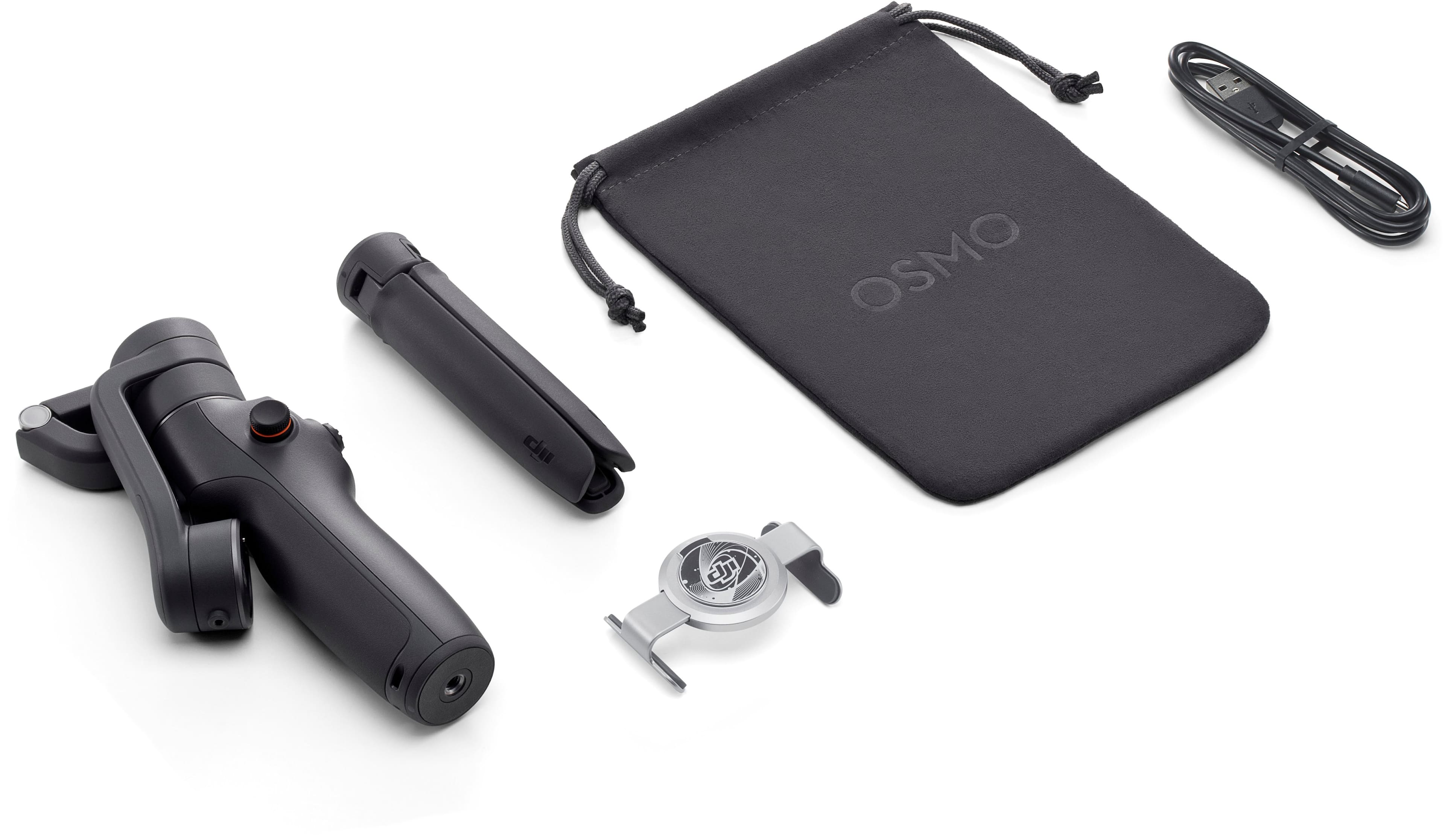
|Posted .This reviewer received promo considerations or sweepstakes entry for writing a review.As a stabilizer, this thing rocks. Videos come out very stable and the stabilizer does a good job accounting for your movements. It folds down very small and comes with a magnetic phone gripper and legs and storage bag. If you are lucky to have a phone that you can put the phone grip on in the middle of the phone and have a perfectly balanced phone in the stabilizer, you will have no problems. If you are unfortunate to have a phone where if you put the phone grip in the middle of the phone in a balanced position, you might have the phone grip constantly putting pressure on the volume button or power button. Luckily, the gripper opens up big enough that it can be placed over my Google Pixel 7 Pro in a Spigen Tough Armor case and avoids pressing the volume down button. Instructions are very lacking in the box and will take time to fumble around to figure out how to use it. The DJI app is not in the Google Play store thanks to embargos, so you have to manually download and install it yourself. Once you have the app installed and paired with the stabilizer, the app walks you through the entire feature set. Overall, if you can get your phone onto this stabilizer without any buttons being pushed, you will be very happy with the performance of this stabilizer. Of all the knockoff stabilizers I have tried, DJI really did an amazing job and is well worth the price if you need stable videos.
I would recommend this to a friendNot good at all.
||Posted . Owned for 5 months when reviewed.This reviewer received promo considerations or sweepstakes entry for writing a review.It's not working as expected. Defective piece after one month usage. And Best Buy doesnt accept returns after two weeks. Waste of money.
No, I would not recommend this to a friendDJI 6
||Posted . Owned for 1 week when reviewed.This reviewer received promo considerations or sweepstakes entry for writing a review.I like it . Perfect for iPhones not for android phones
I would recommend this to a friendWorst Gimbal
||Posted . Owned for 1 month when reviewed.This reviewer received promo considerations or sweepstakes entry for writing a review.This gimbal is no good. It keeps moving the phone automatically and can’t even do simple top to bottom stabilization. Save your time and get something better.
No, I would not recommend this to a friendNot my cup of tea
||Posted . Owned for 3 weeks when reviewed.This reviewer received promo considerations or sweepstakes entry for writing a review.A big no for me. The battery is crap and hardly used it for 20-30 mins and it died. And ull have difficulty using larger phones like samsung s22 ultra
No, I would not recommend this to a friendShop elsewhere not bestbuy
||Posted . Owned for 2 months when reviewed.This reviewer received promo considerations or sweepstakes entry for writing a review.Shop elsewhere or be ready to pay premium with bestbuy everything ships ground.
I would recommend this to a friendWorks but for live stream it is crippled.
||Posted . Owned for 1 week when reviewed.This reviewer received promo considerations or sweepstakes entry for writing a review.This works extreme well but it doesn’t support live stream to YouTube or Facebook from the native app. You can use Facebook or YouTube but you loose features such as active track.
I would recommend this to a friendDont buy if Android phone
||Posted . Owned for 3 weeks when reviewed.This reviewer received promo considerations or sweepstakes entry for writing a review.Says it ilcan be used with android phone. Play store does not even carry the app.
No, I would not recommend this to a friendA toy, not a gimbal.
||Posted . Owned for 1 month when reviewed.This reviewer received promo considerations or sweepstakes entry for writing a review.The limited tilt angle makes this gimbal useless. If you've never experienced a gimbal and this is your first, I still couldn't recommend it.
No, I would not recommend this to a friendAvoid for new iPhone 15 Pro
||Posted . Owned for less than 1 week when reviewed.This reviewer received promo considerations or sweepstakes entry for writing a review.This Gimbal struggles to carry the new iPhone 15 with a thick case
No, I would not recommend this to a friendSmoother video from a compact device.
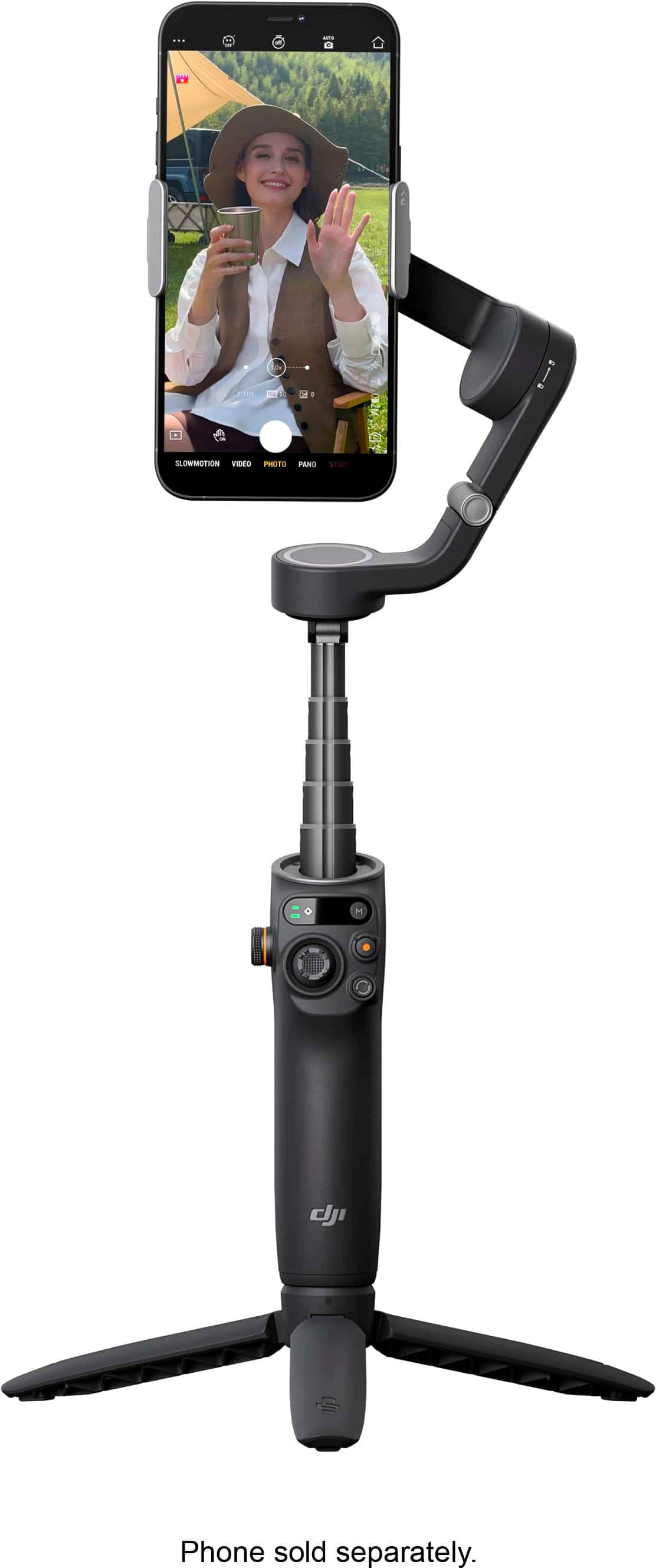
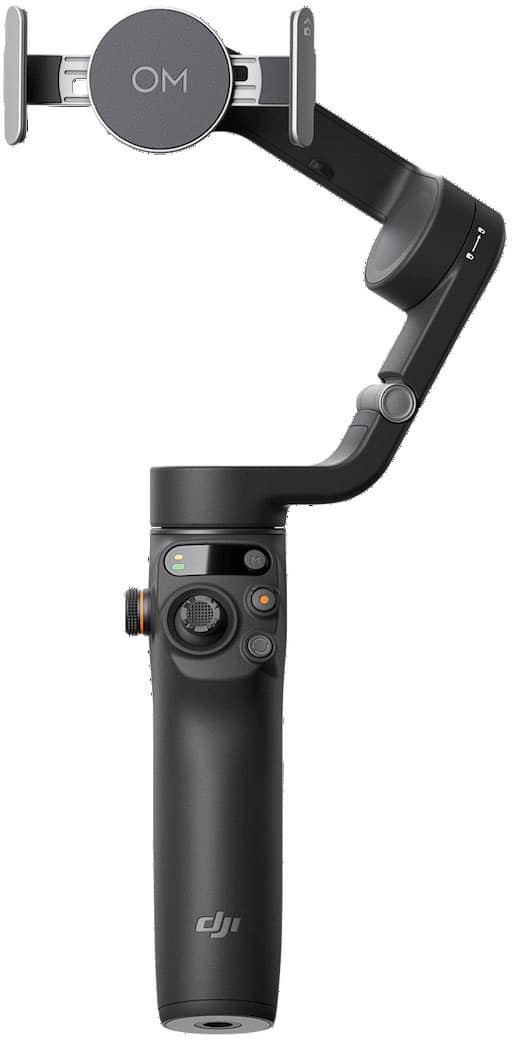
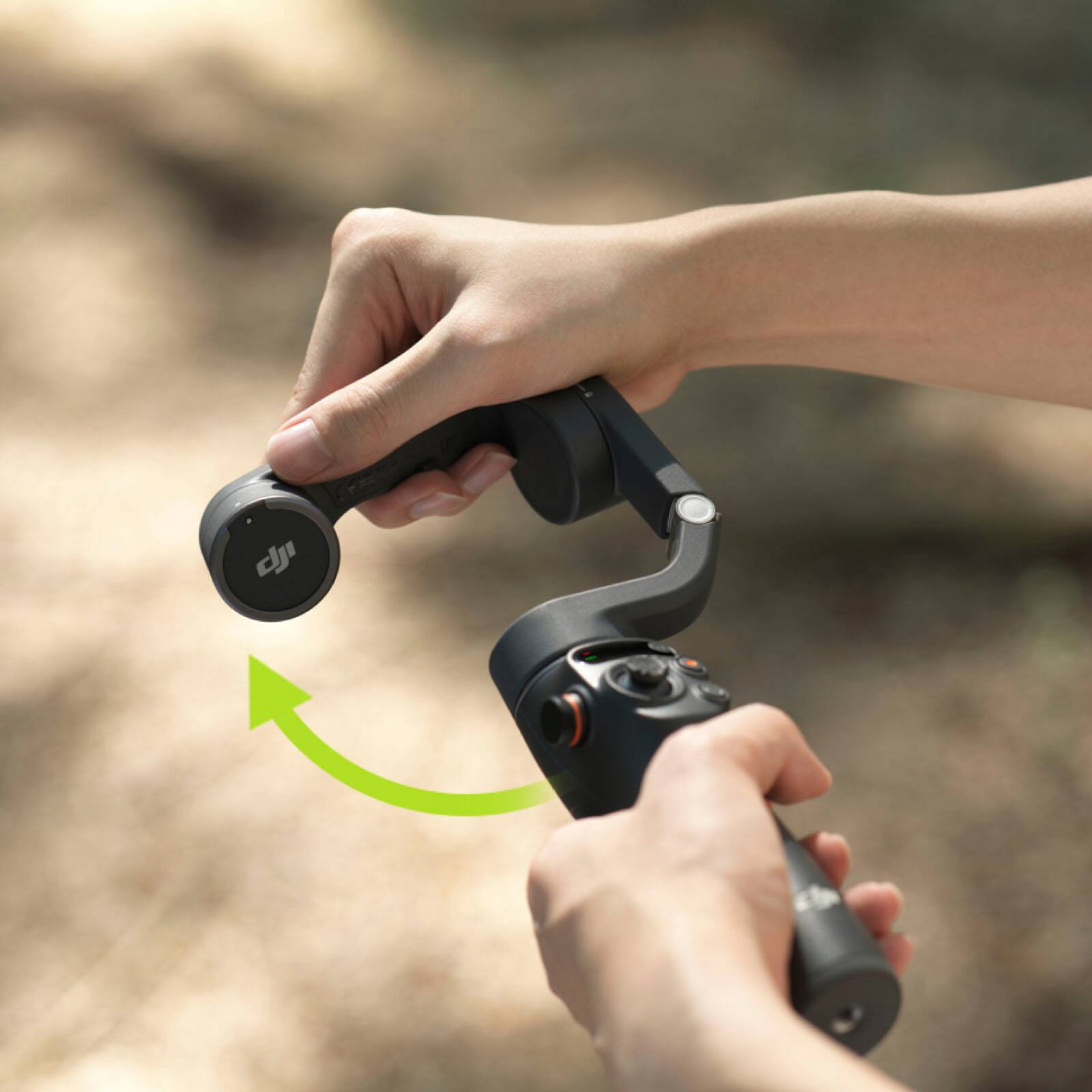
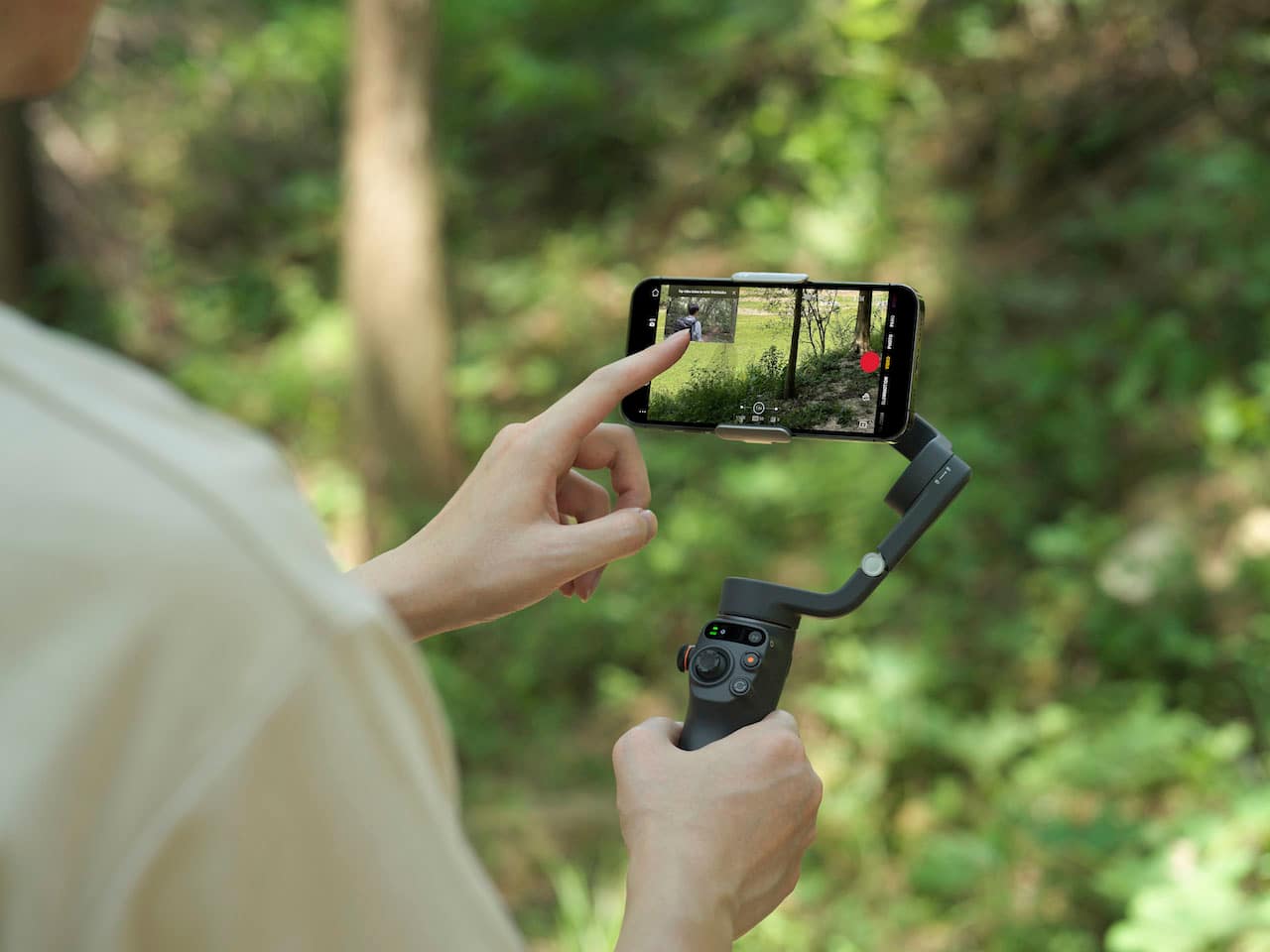
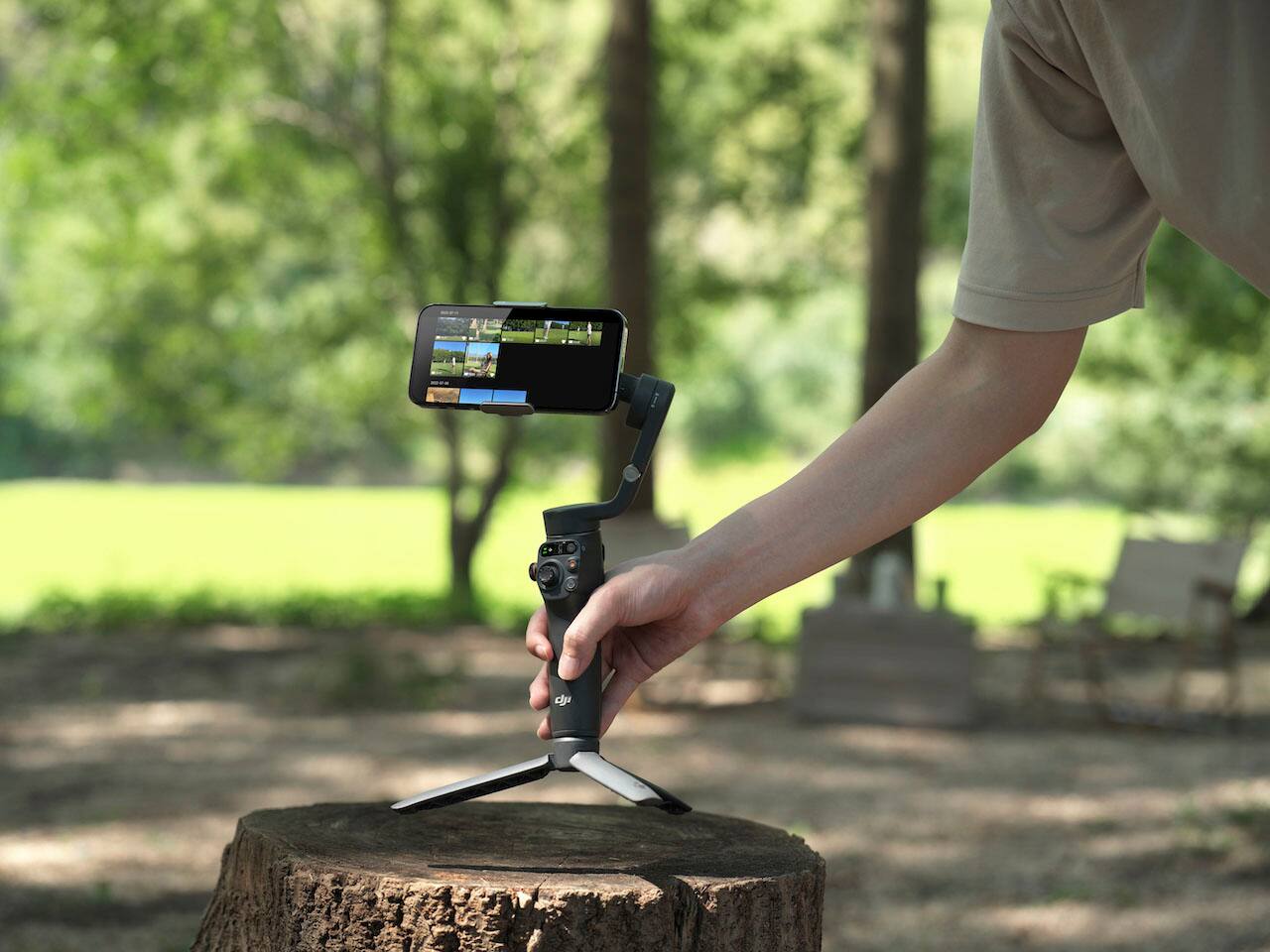
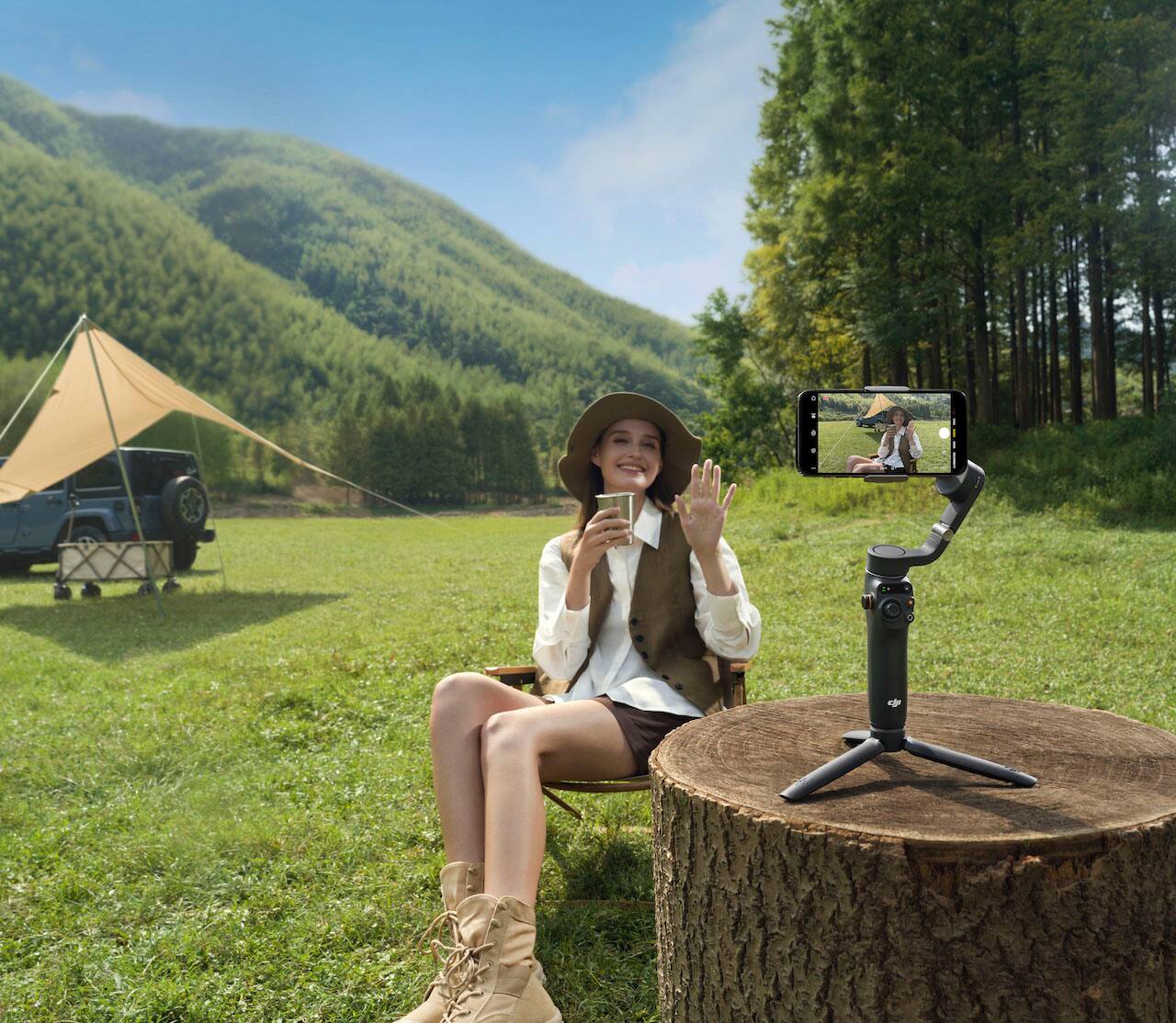
|Posted .This reviewer received promo considerations or sweepstakes entry for writing a review.DJI have some of the best drones on the planet. What happens when they take that gimbal technology and introduce it to cell phones? You get smooth video footage in a compact package without breaking the bank in the Osmo Mobile 6. I was expecting a much larger piece of equipment. However, this thing is relatively small. When closed and in the storage position, it is about an inch longer than an iPhone 12 ProMax. It includes tripod feet that screw into the bottom for hands free self-recording. The mount is a standard ¼-20 screw mount that is found on all current photography tripod so you can even use one of those to hold the gimbal and phone for recording. The phone clamp is quite strong an holds the iPhone 12 ProMax with ease to the gimbal with a very strong magnet that will not allow the phone to drop. Also included in the box is a USB cord to charge the internal battery and a suede pouch to keep everything together. The first thing that caught my attention is the quick on feature built into the device. Once you unlock the lock that keeps it from flopping around in an off state and flip up the arm the device turns itself on. This save seconds that could be used to capture the action sooner. The Osmo mobile 6 has four modes for how the gimbal operates. They are Follow, Tilt Lock, FPV and Spin Shot. For most Vlogging scenarios Follow mode is the most used. The DJI Mimo app that is paired with the Osmo has several tutorials that will get you familiar with the use and functions. Also, there are tutorials for shooting specific scenes. Some the newer features of this model that differ from the previous version and a smooth operating side wheel for zoom or focus. With a press of the side wheel, you can select either the zoom or the focus function. Another nice, upgraded feature is the joystick control that allows for smooth panning. The third feature is a screen that shows which mode the gimbal is set to. Overall if you are looking for a device to get smoother video footage out of your phones camera this thing is great. If you already have a capable smart phone and want to get into vlogging or just shooting more video with your phone that can look more professional, this is probably what you are looking for. All in all another great product from DJI.
I would recommend this to a friendGarbage
||Posted . Owned for 3 weeks when reviewed.This reviewer received promo considerations or sweepstakes entry for writing a review.Hard to use, too many un useful functions. Very complicated
No, I would not recommend this to a friendBad product
||Posted . Owned for 1 month when reviewed.This reviewer received promo considerations or sweepstakes entry for writing a review.I bought two of these and both does not work. right out of the box it does not even charge
No, I would not recommend this to a friendPortable gimbal with great tracking and features
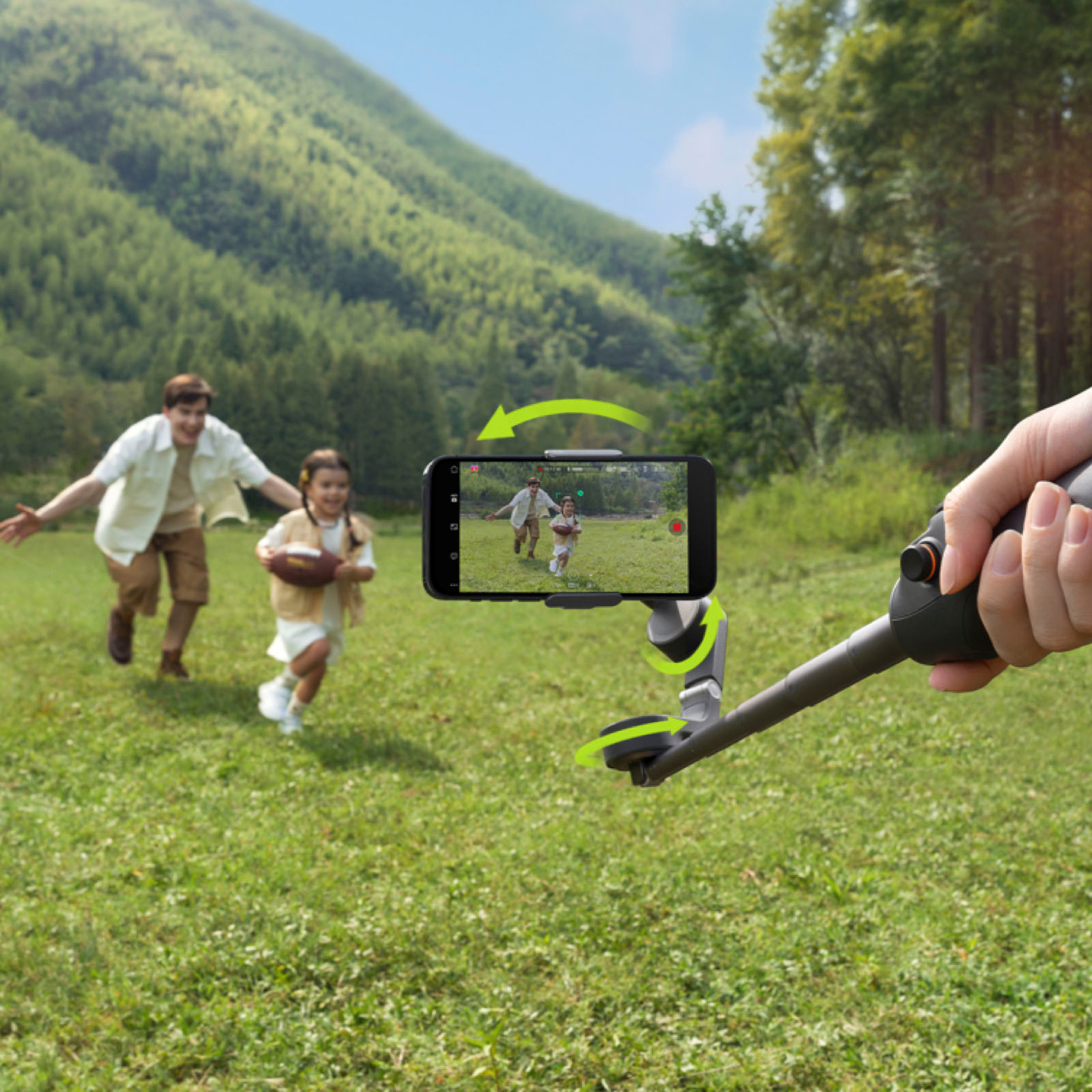
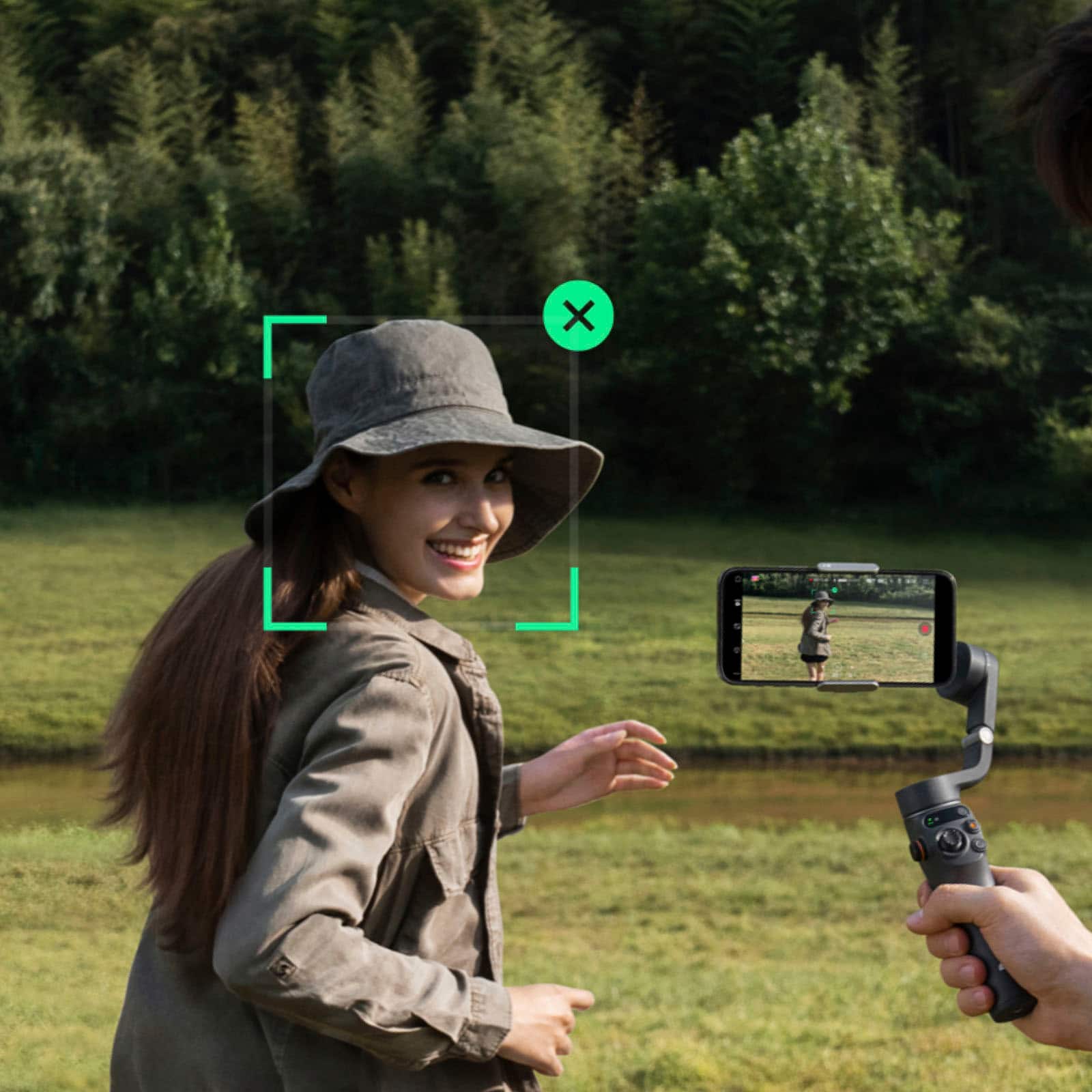
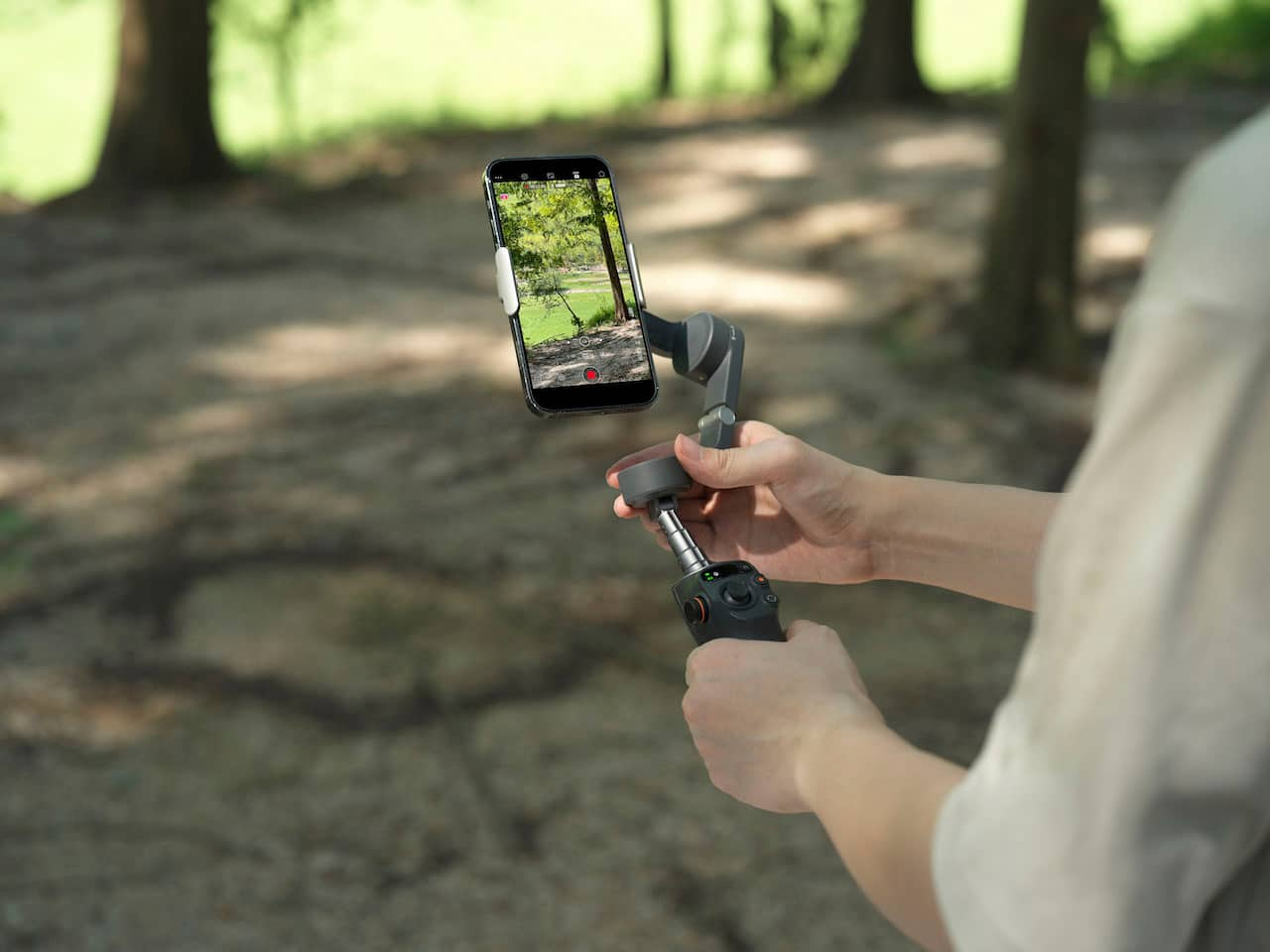
|Posted .This reviewer received promo considerations or sweepstakes entry for writing a review.The design of the DJI Osmo 6 is thoughtful. The body feels to be made of a plastic which I imagine would be good for shock absorption but may lead to some durability issues if not treated with care. It folds which is great for portability. While the device could probably fit in a pocket, l think that it fits better in a small bag, purse, or backpack. The controls are well placed and feel very comfortable for one-handed use. The joystick feels precise. The extendable selfie stick is really useful—especially when trying to get a group shot. The magnetic phone holder is another really nice touch. It allows for quick placement and removal on the phone, which is great for situations where you would need to do that like reviewing footage between takes. I didn’t try any of the accessories but they look like they would be nice upgrades. The gimbal itself is powerful and makes a huge difference in shot stabilization. If you are shooting in conditions with a lot of movement this is going to offer a serious improvement. Using the joystick to pan is super smooth as well. There are a ton of great features included with this product; the most valuable (to me) being the ActiveTrack 5.0. Simply put, the device in conjunction with the app is able to “lock on” to the video’s subject while filming. It works amazing and gives a very specific effect to the content which is heavily featured on Tiktok, Instagram, and other social media platforms. The DJI Mimo app is amazing. It works as intended and adds a lot of functionality to the device. I tested it with my iPhone but it works with Android as well. Overall this is a great device. I would recommend it to anyone looking for a gimbal with great tracking and a number of features.
I would recommend this to a friendA Step in the WRONG direction by DJI
||Posted . Owned for 1 month when reviewed.This reviewer received promo considerations or sweepstakes entry for writing a review.Shakes wildly compared to the older Osmos. Never shoots level video
No, I would not recommend this to a friendThis will level up your content
|Posted .This reviewer received promo considerations or sweepstakes entry for writing a review.This is essentially a gimbal for your cell phone camera. Sure, I've used my cell phones and action cameras over the years for pictures and video, and I've done quite a bit of work using tripods and lighting rigs, but this is the first mechanical stabilizer I've used. This is way more than just a selfie stick, it has all kinds of capabilities to fundamentally change the way you capture video and images. It was a pretty steep learning curve for me to get used to how it works and how to use its functionality, but I feel like I started thinking like a movie cameraman. It's just a wildly different experience to have this device control the actual positioning and tracking of the camera and video. The app is full of guides and tutorials, so there's lots and lots of learning material right there available to you. It even can offer suggestions for how you create certain effects and how you use its features. So yeah for me it was scary to take on this whole new skillset but the app can guide you every step of the way. I'm still learning and getting the hang of how its features can enhance the content that I create. Otherwise this little machine is extremely well built, the motors really do their job positioning that phone in three axes, and it's pretty quiet and the battery lasts a good long time
I would recommend this to a friendShould help open up some photographic opportunity.
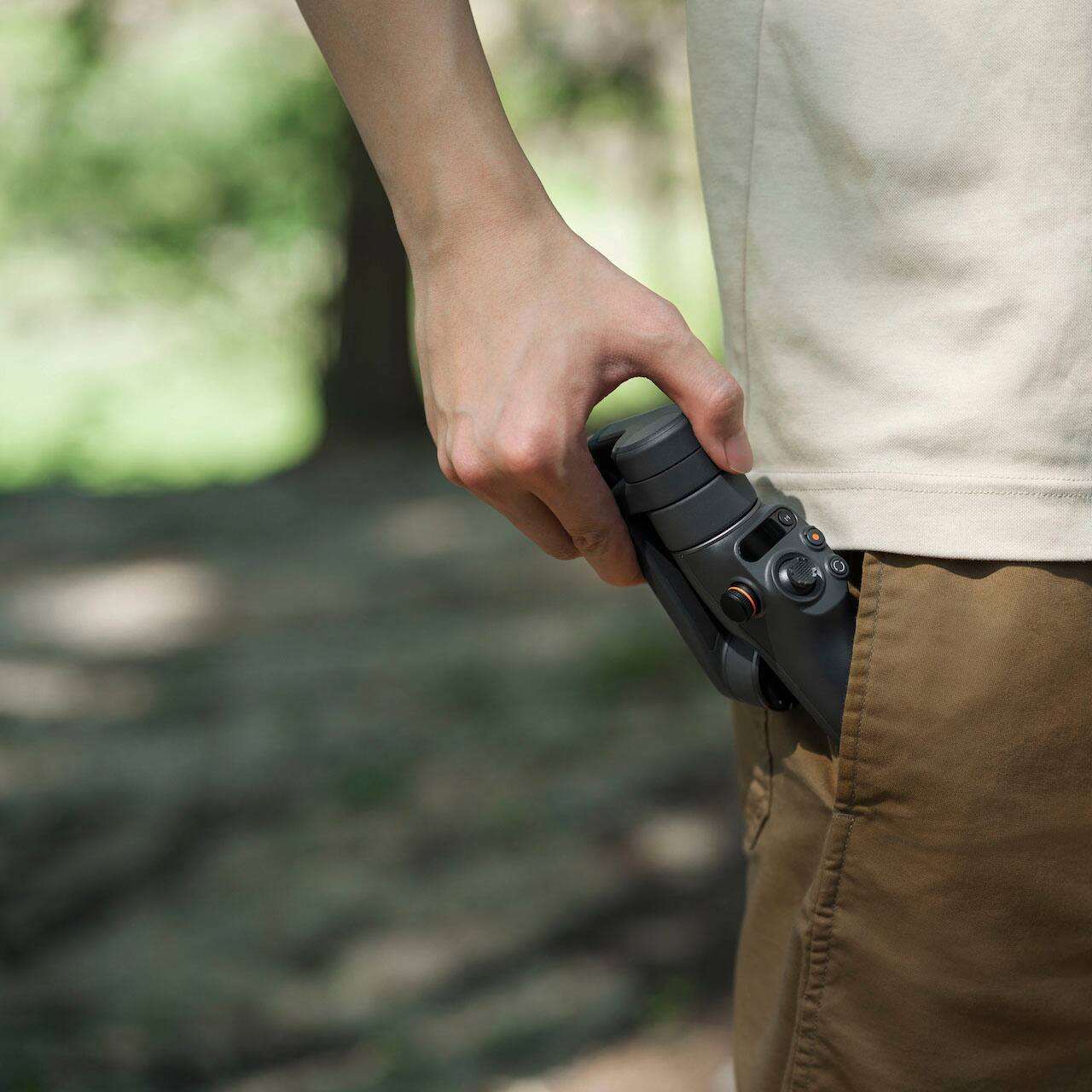
|Posted .This reviewer received promo considerations or sweepstakes entry for writing a review.I’ve been considering getting a system like this for awhile. Particularly for vacations when I want to do videos and those selfies with the wife in nice locations where you don’t necessarily want to go looking for someone to take photos for you. Overall, the Osmo is easy to setup. No complications that I recall. The phone holder looks unassuming and almost too light for the task. So far though, it’s held my iPhone 13 Pro Max, in case, without issue. Don’t know that I would try this setup hanging from a vehicle or anywhere where the motion of the carrier would be excessive. Using the controls is easy but does take some getting used to. More because this is my first time with a device like this so remember what button to multi-click, to do what, is taking some time. With more use I’m sure it’ll be muscle memory though. The tracking feature is nice, but could use some work. It seems to track me fine if I move from side to side in the shot. If I standup from a desk position though, it does not tilt enough to keep my face in view. Not a deal breaker, just something to be mindful of and plan accordingly for. It’s great they include the tripod, instead of making it an accessory that has to be purchased separately. It would be awesome if they could find a way to incorporate a tripod in the handle though, so you don’t have to worry about keeping track of that extra item. I haven’t used it enough to speak to battery life. The extension is good, but for me it could probably use one more section. The extension should help get some nice low angle shots. It is a little bulky. I think the marketing stuff showing this in folks front pockets is a bit laughable. It is a good size for a backpack or camera bag though.
I would recommend this to a friendWonderful Stabilizer
|Posted .This reviewer received promo considerations or sweepstakes entry for writing a review.I can't say enough wonderful things about the DJI Osmo Mobile 6 stabilizer. All that is required is to download the app onto your phone and you're ready to start creating videos. Let's discuss the features. The first feature of course is the stabilizing feature. It does a great job at keeping the camera steady as I even had my daughter hold the camera and check out how well it stabilized. Okay, that's just one little feature. Another great feature is with the app open, you can set the stabilizer up to actively track someone or something. I first tried the feature on a cat (The cat wasn't amused), then I tried the feature on myself just walking around the house, and the stabilizer tracked perfectly (It was a little slow but very smooth). The app itself has so many different features that I can't even list them all, as I'm continuously learning about them as I use the stabilizer. Another great thing about the stabilizer and the app is that as you access new features it gives you simple step-by-step tutorials to follow, which makes learning how to use the stabilizer a breeze. Overall, I'm super impressed with it, from the active track to the features on the app itself. This is a great product!
I would recommend this to a friendHandling is hard
||Posted . Owned for 3 weeks when reviewed.This reviewer received promo considerations or sweepstakes entry for writing a review.Handling and moving the camera phone is hard. The follow feature doesnt work so well. Might be a learning curve but after a few times of using it, I’m still having issues to handle movement of the camera.
No, I would not recommend this to a friend