Customer Ratings & Reviews

- Model:
- CP.OS.00000213.01
- SKU:
- 6519450
Rating by feature
- Value
Rating 4.6 out of 5 stars
- Quality
Rating 4.7 out of 5 stars
- Ease of Use
Rating 4.5 out of 5 stars
Customers are saying
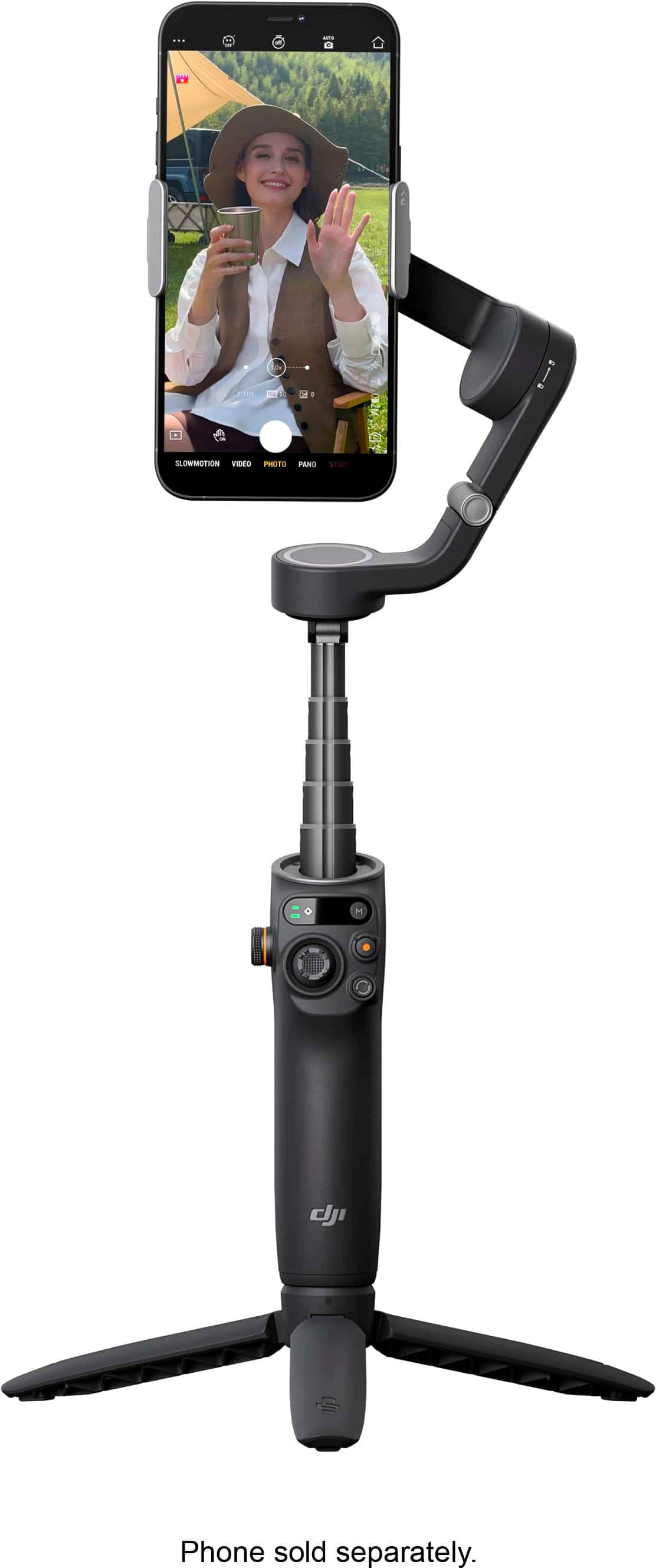
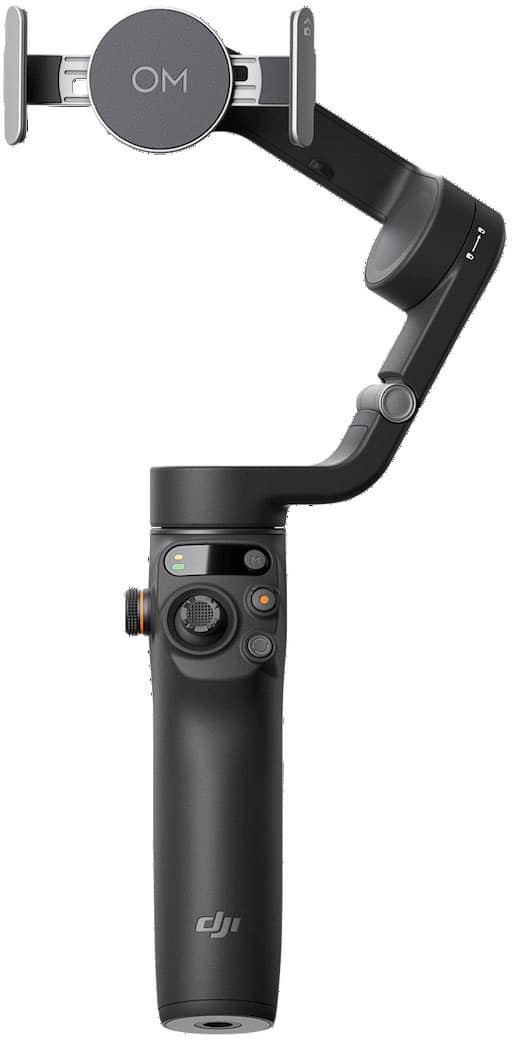
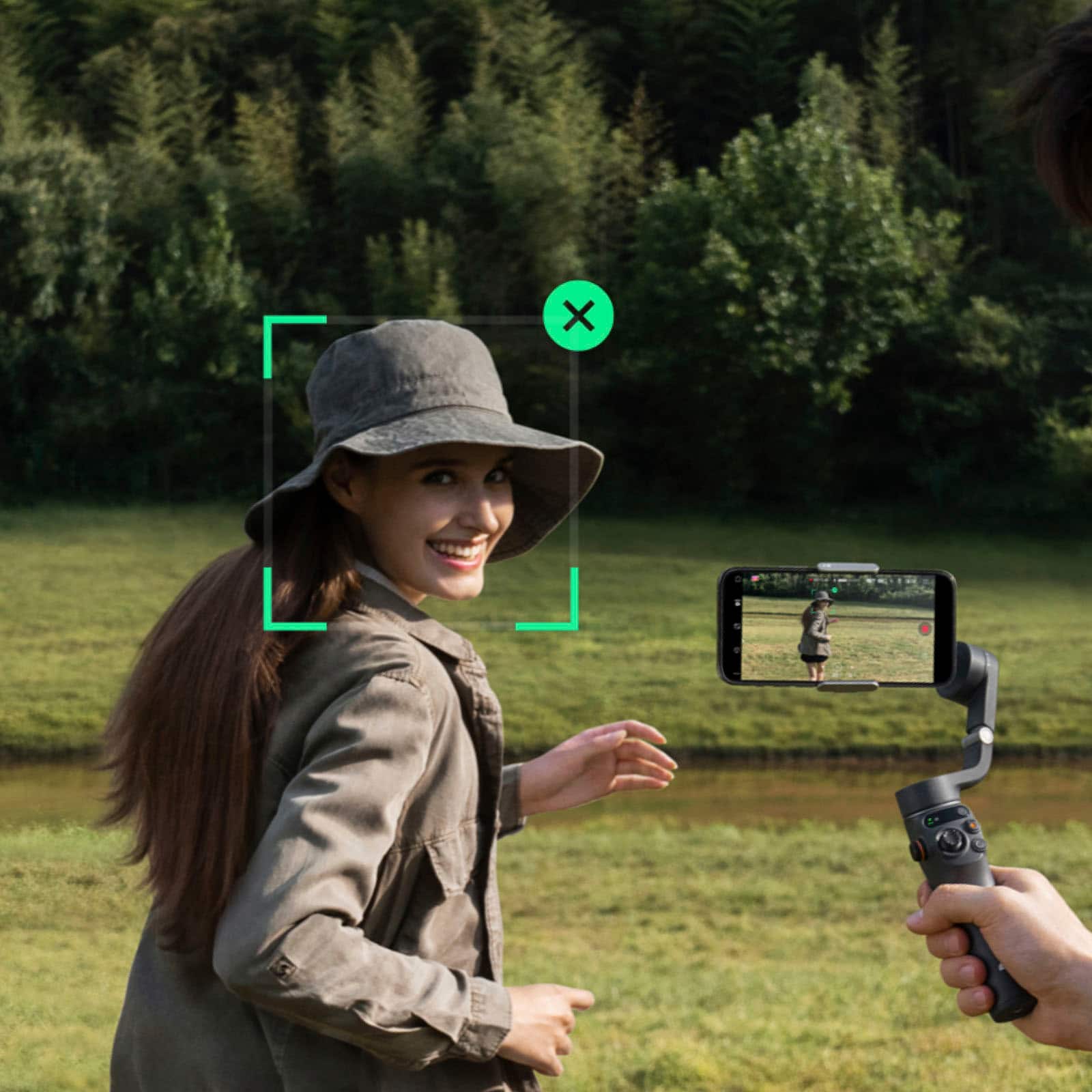
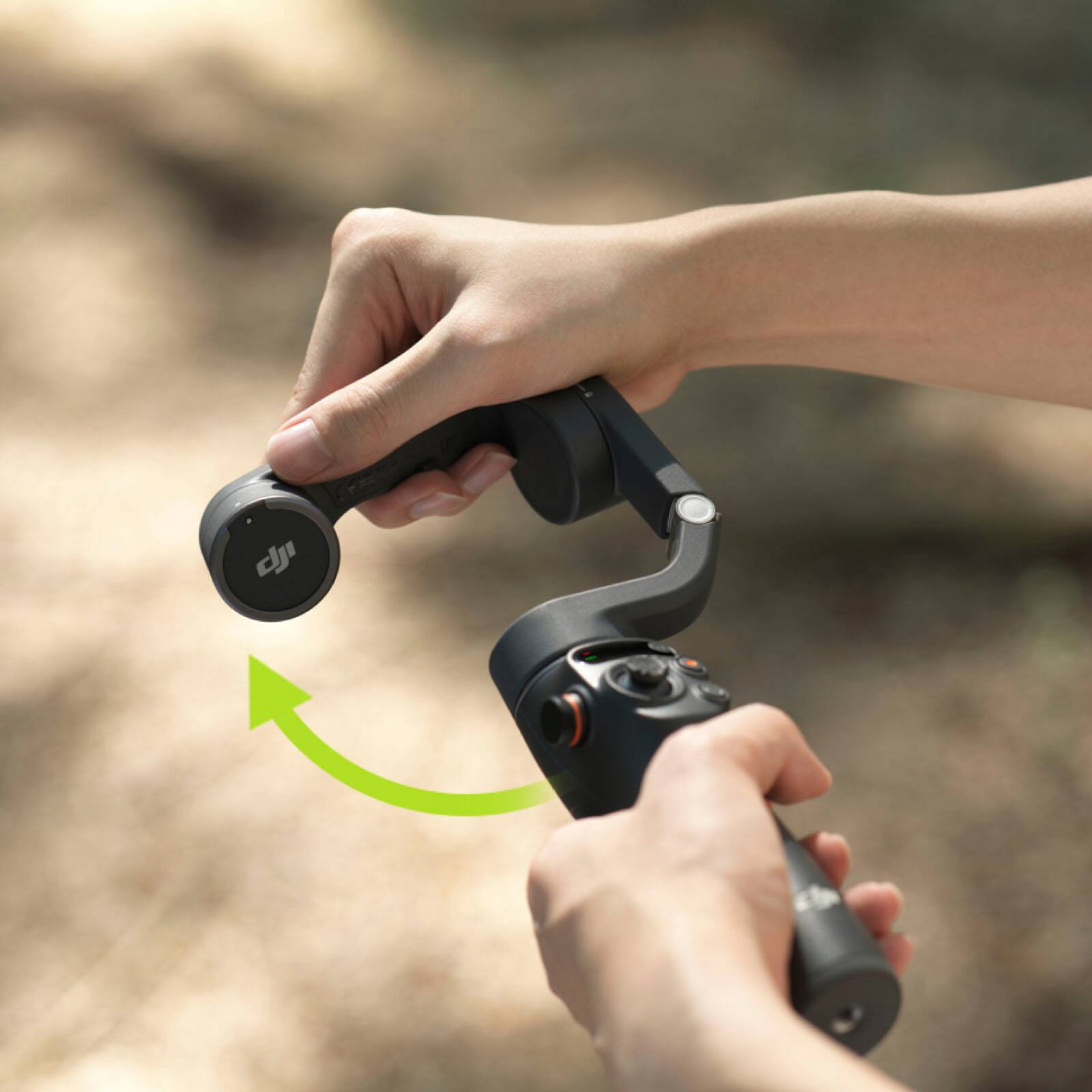
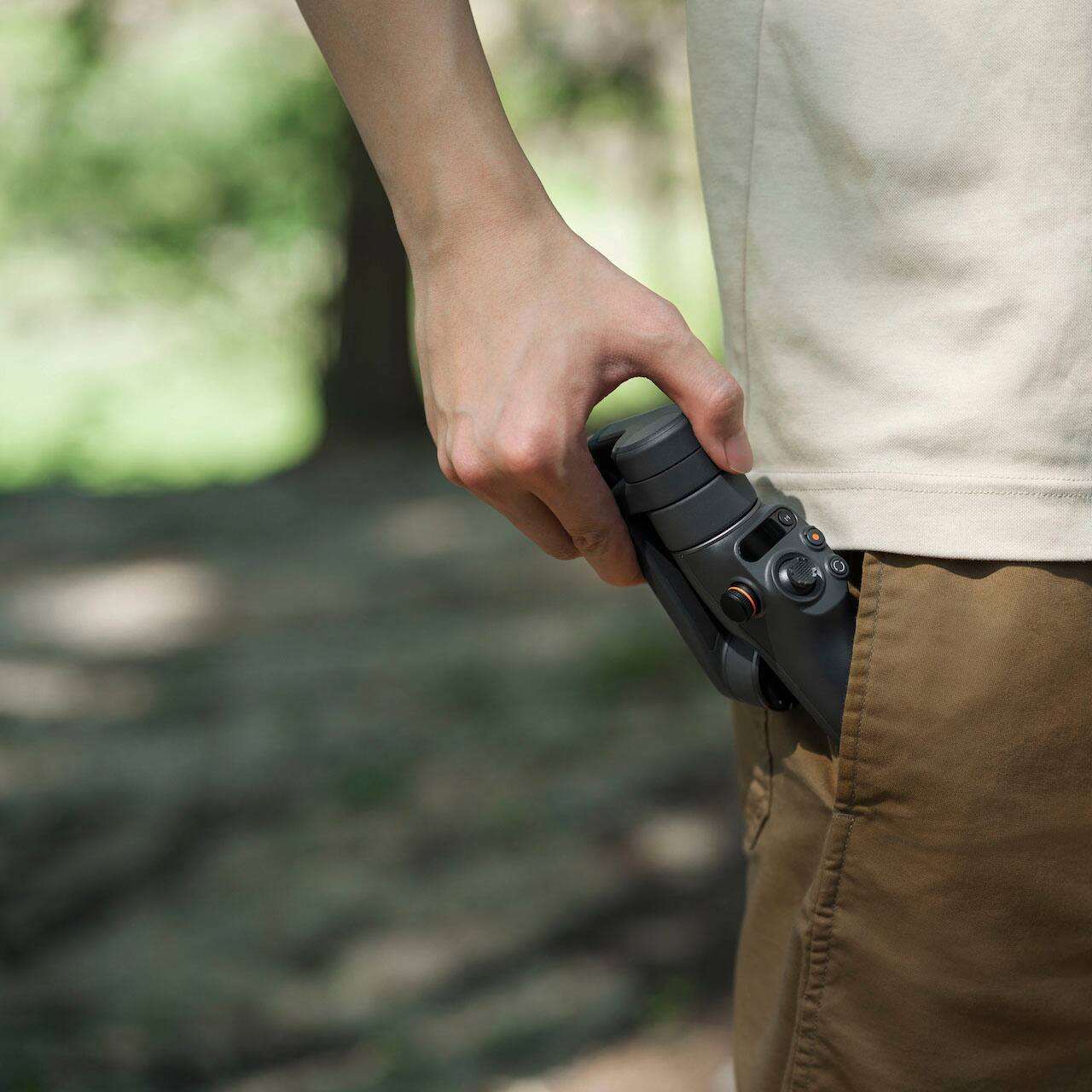
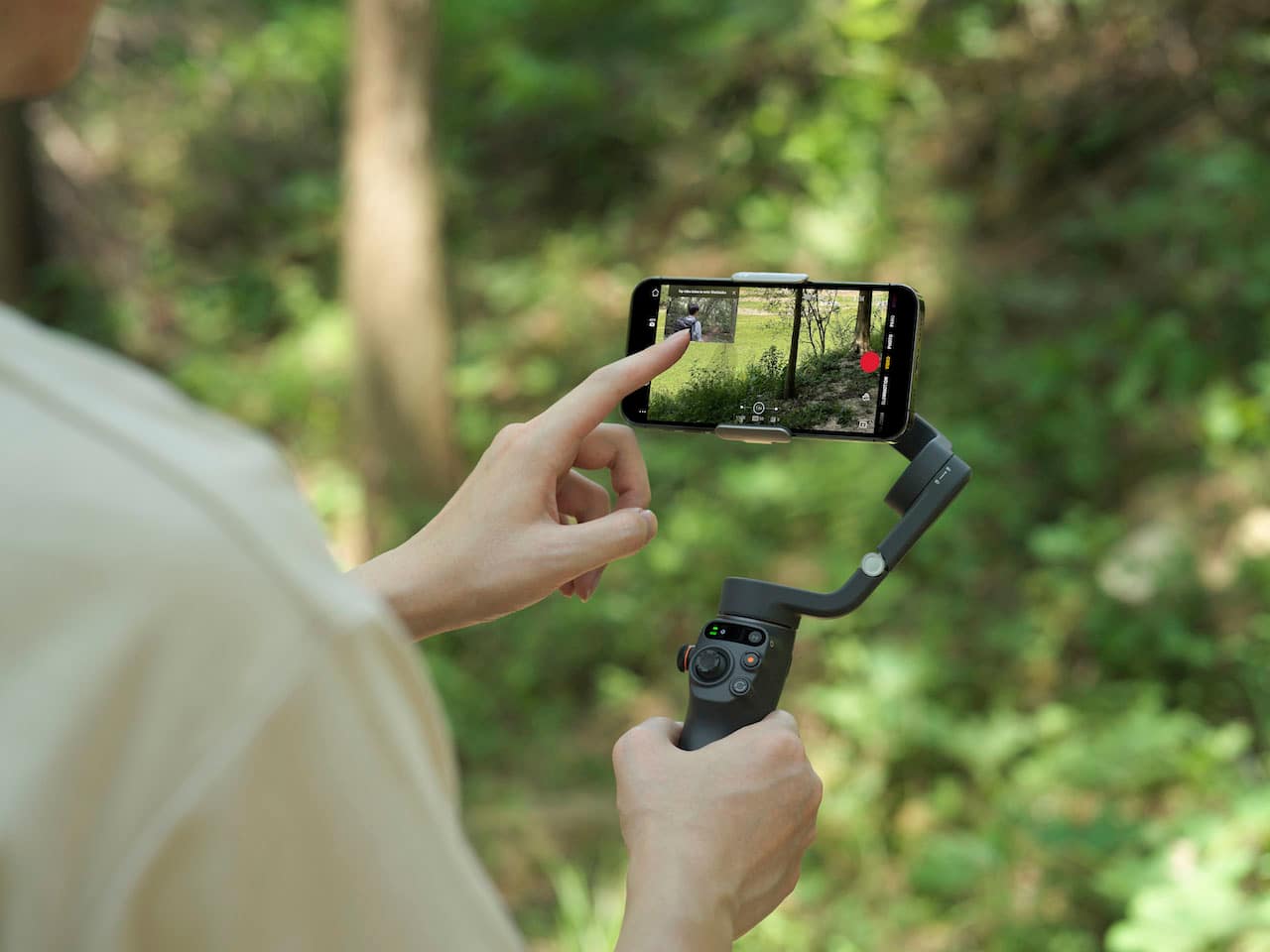
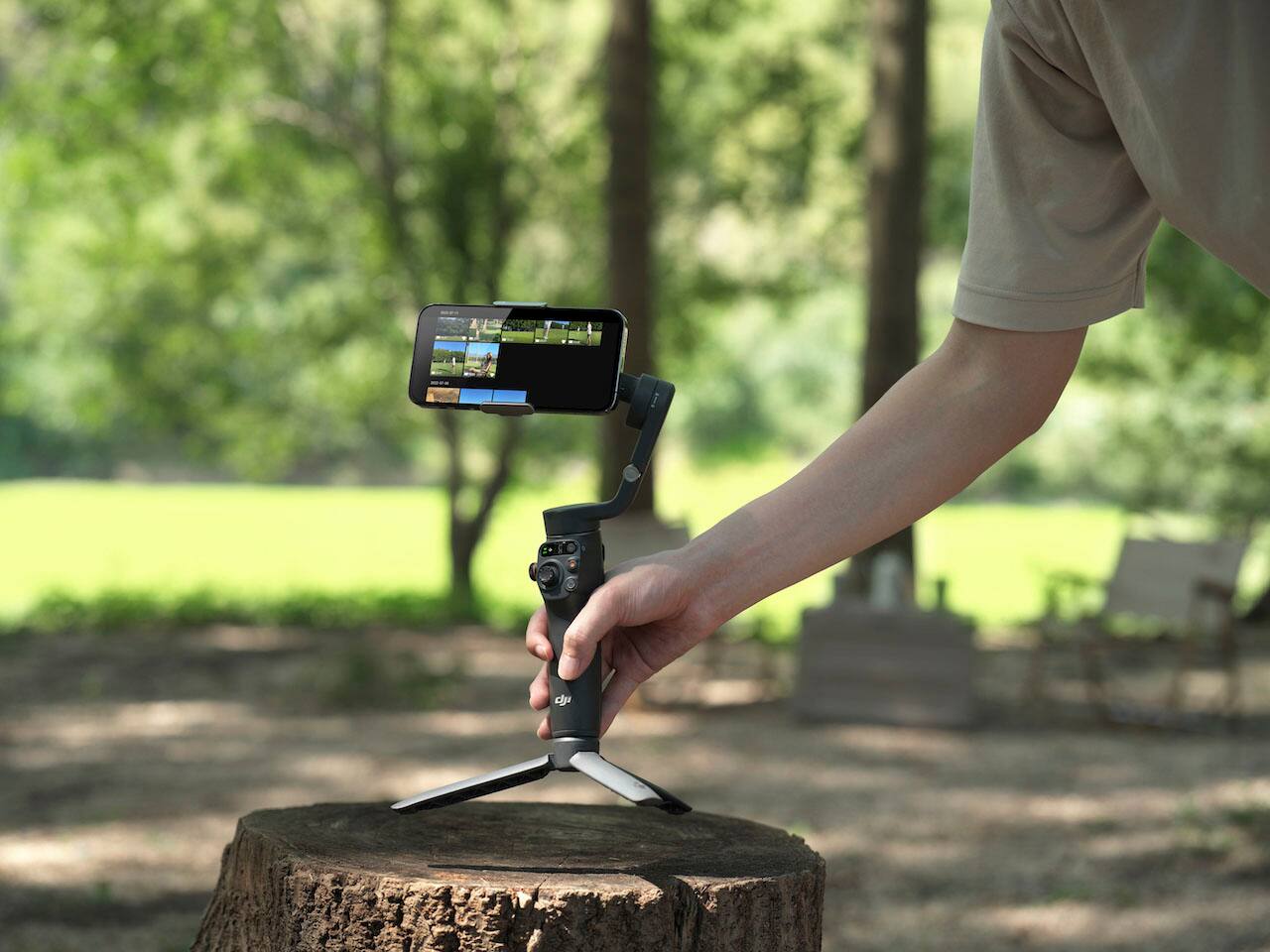
Customers regard the Osmo Mobile 6 Smartphone 3-Axis Gimbal Stabilizer as easy to use, producing high video quality, and having phenomenal stabilization. Many appreciate its good battery life, amazing features, smooth lightweight feel, and compact foldable design. Some customers have expressed concerns regarding the app and limited range of motion. Overall, the gimbal is praised for its compatibility, tracking capabilities, and convenient size.
This summary was generated by AI based on customer reviews.
It works
||Posted . Owned for 2 weeks when reviewed.This reviewer received promo considerations or sweepstakes entry for writing a review.It definitely does the job you need it to do. No regrets.
I would recommend this to a friendGood features
||Posted . Owned for 1 month when reviewed.This reviewer received promo considerations or sweepstakes entry for writing a review.It's very professional; I’d like to recommend it to anyone
I would recommend this to a friendFunctional
||Posted . Owned for 1 month when reviewed.This reviewer received promo considerations or sweepstakes entry for writing a review.Good product and its working as expected. Connected wirh multiple phones and used all the templates
I would recommend this to a friendWorked great
||Posted . Owned for 3 weeks when reviewed.This reviewer received promo considerations or sweepstakes entry for writing a review.Bought this to use at my niece's wedding. Worked great
I would recommend this to a friendNot for Android Users
||Posted . Owned for less than 1 week when reviewed.This reviewer received promo considerations or sweepstakes entry for writing a review.Never even got to try it with my Samsung Galaxy s21 ultra. The DJI Mimo app isn't even available on the Google play store, and when trying to down load the app directly from the DJI website, it won;'t even install on my phone. Without the app, you can't really use it. Returning it.
No, I would not recommend this to a friendGood
||Posted . Owned for 1 week when reviewed.This reviewer received promo considerations or sweepstakes entry for writing a review.Good ggggogogogogogoogogogogogogogogogogogogooggoogog
I would recommend this to a friendDifficult to setup. Even stumped the Geek Squad
||Posted . Owned for 1 week when reviewed.This reviewer received promo considerations or sweepstakes entry for writing a review.This is the biggest waste of $$$$. I bought it because the Geek Squad was unable to show me how to use the zhiyun smooth 5 and suggested this model. Well i bought it and he didn’t know how to use this one either. Some Geek - I think not.
No, I would not recommend this to a friend
Unbalanced
|Posted . Owned for 1 month when reviewed.This reviewer received promo considerations or sweepstakes entry for writing a review.[Employee of bestbuy] Bought this to start making videos, never had it balanced on my 13pro max. Everytime It would warn me that it’s unbalanced and cannot use the gimbal at all.
No, I would not recommend this to a friendDevice dead , even before the first use.
||Posted . Owned for 3 weeks when reviewed.This reviewer received promo considerations or sweepstakes entry for writing a review.Just open the box and connect to the mimo app . The device was asking for firmware update. As I started the firmware update, after it finishes , THE DEVICE IS DEAD. No response , not turning ON
No, I would not recommend this to a friend- Pros mentioned:StabilizationCons mentioned:App

One of the best stabilizers I have ever used
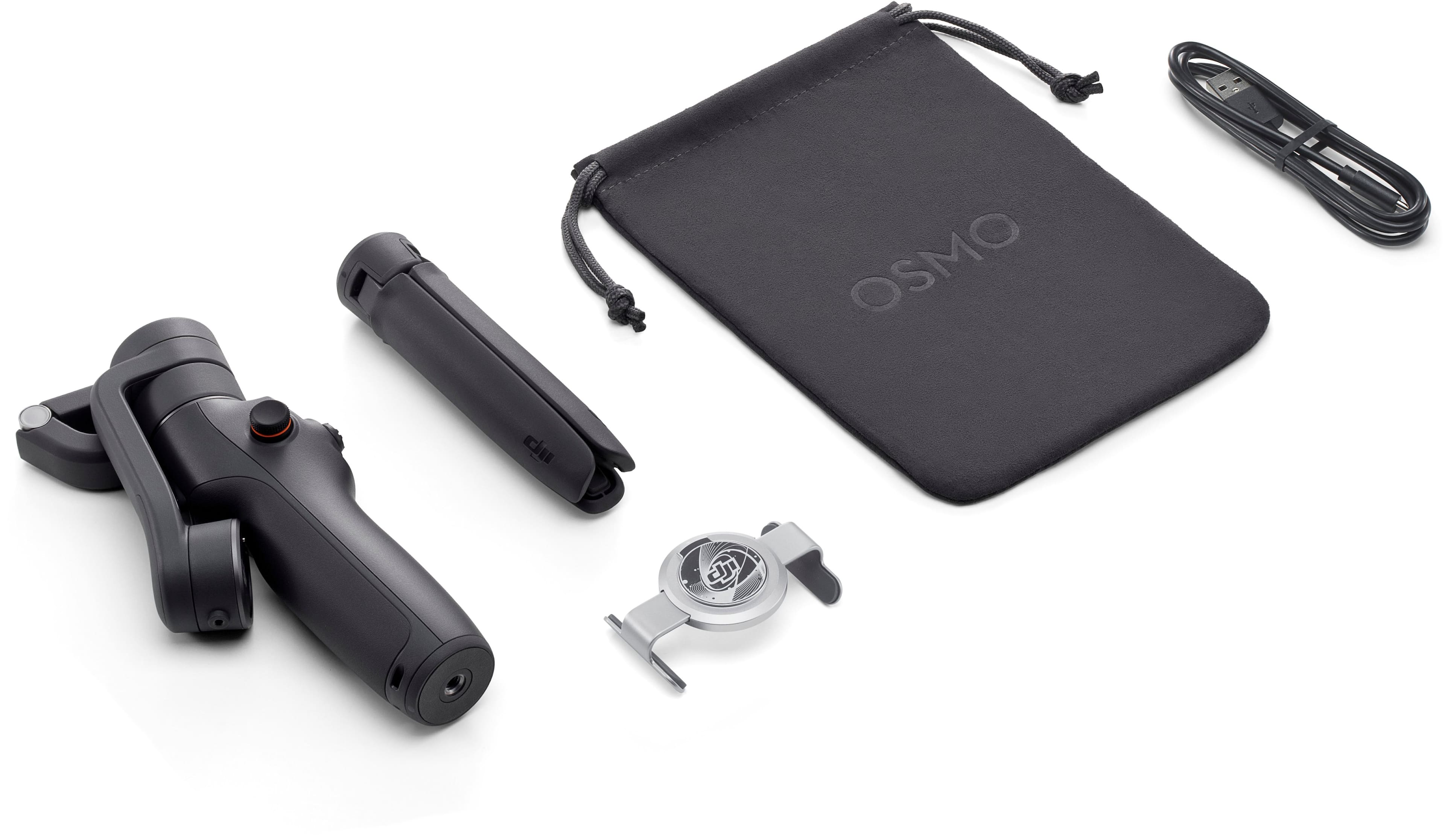
|Posted .This reviewer received promo considerations or sweepstakes entry for writing a review.As a stabilizer, this thing rocks. Videos come out very stable and the stabilizer does a good job accounting for your movements. It folds down very small and comes with a magnetic phone gripper and legs and storage bag. If you are lucky to have a phone that you can put the phone grip on in the middle of the phone and have a perfectly balanced phone in the stabilizer, you will have no problems. If you are unfortunate to have a phone where if you put the phone grip in the middle of the phone in a balanced position, you might have the phone grip constantly putting pressure on the volume button or power button. Luckily, the gripper opens up big enough that it can be placed over my Google Pixel 7 Pro in a Spigen Tough Armor case and avoids pressing the volume down button. Instructions are very lacking in the box and will take time to fumble around to figure out how to use it. The DJI app is not in the Google Play store thanks to embargos, so you have to manually download and install it yourself. Once you have the app installed and paired with the stabilizer, the app walks you through the entire feature set. Overall, if you can get your phone onto this stabilizer without any buttons being pushed, you will be very happy with the performance of this stabilizer. Of all the knockoff stabilizers I have tried, DJI really did an amazing job and is well worth the price if you need stable videos.
I would recommend this to a friend - Pros mentioned:Ease of use, Features, Stabilization
The Best Phone Gimbal Out There Currently
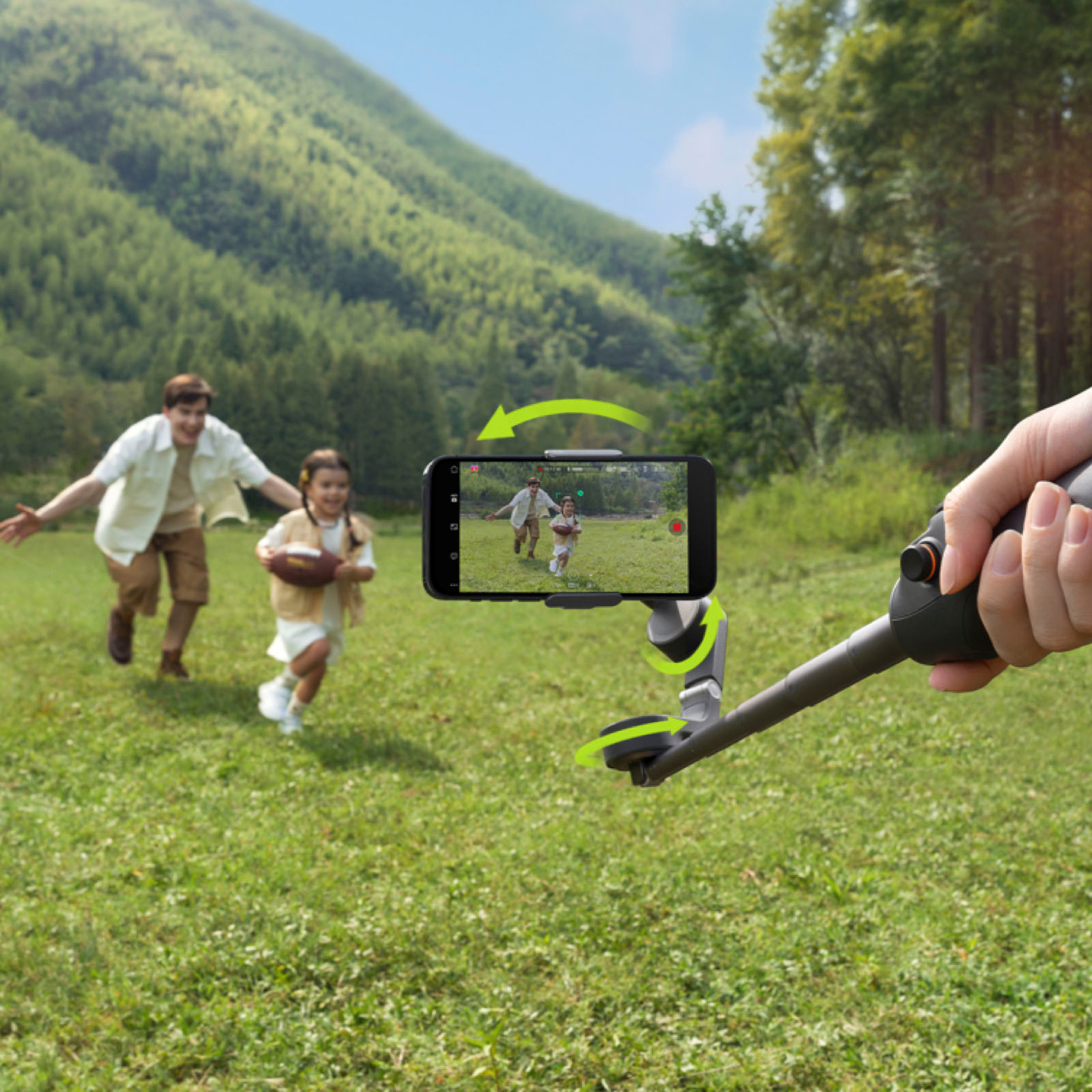
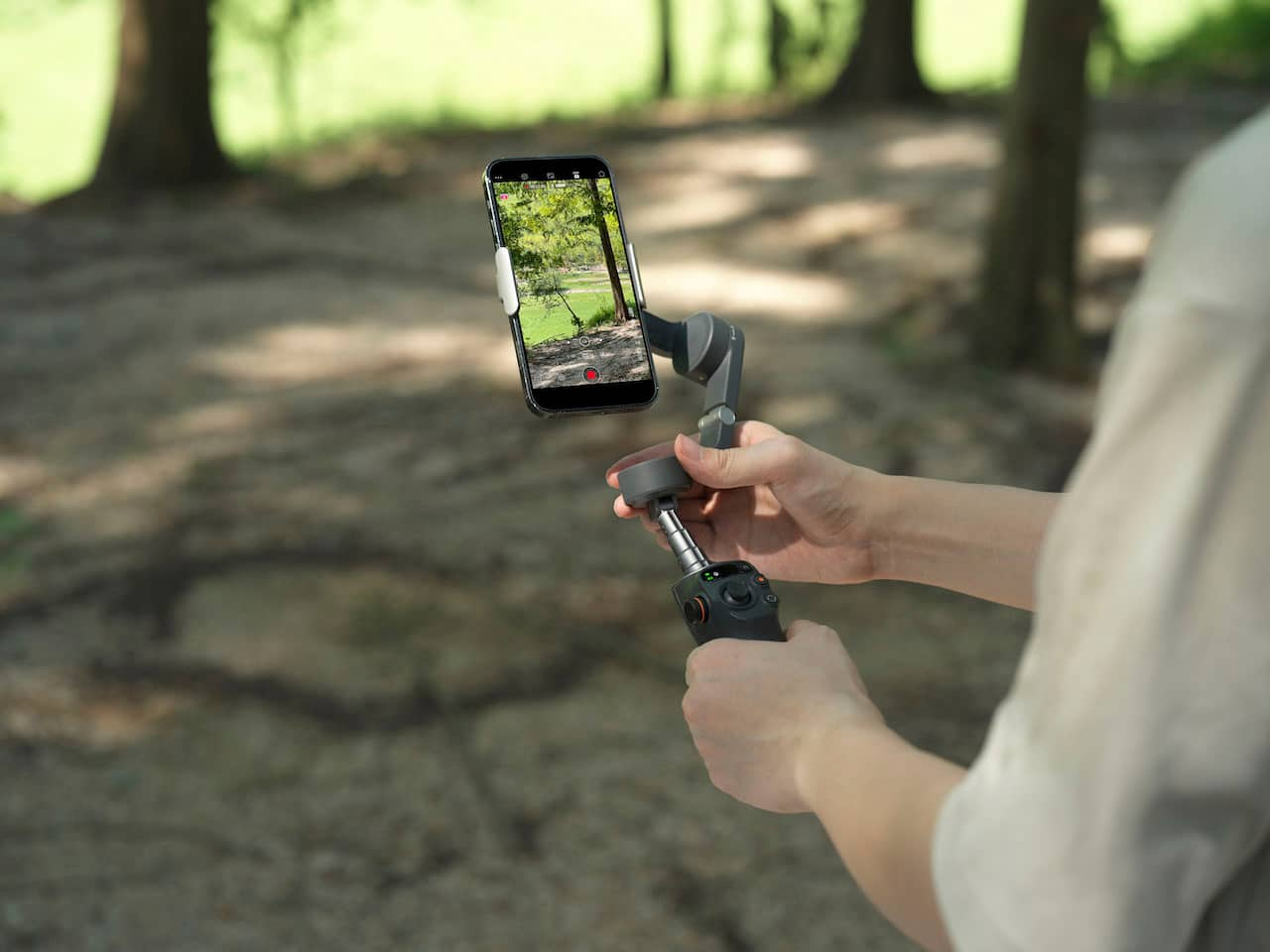
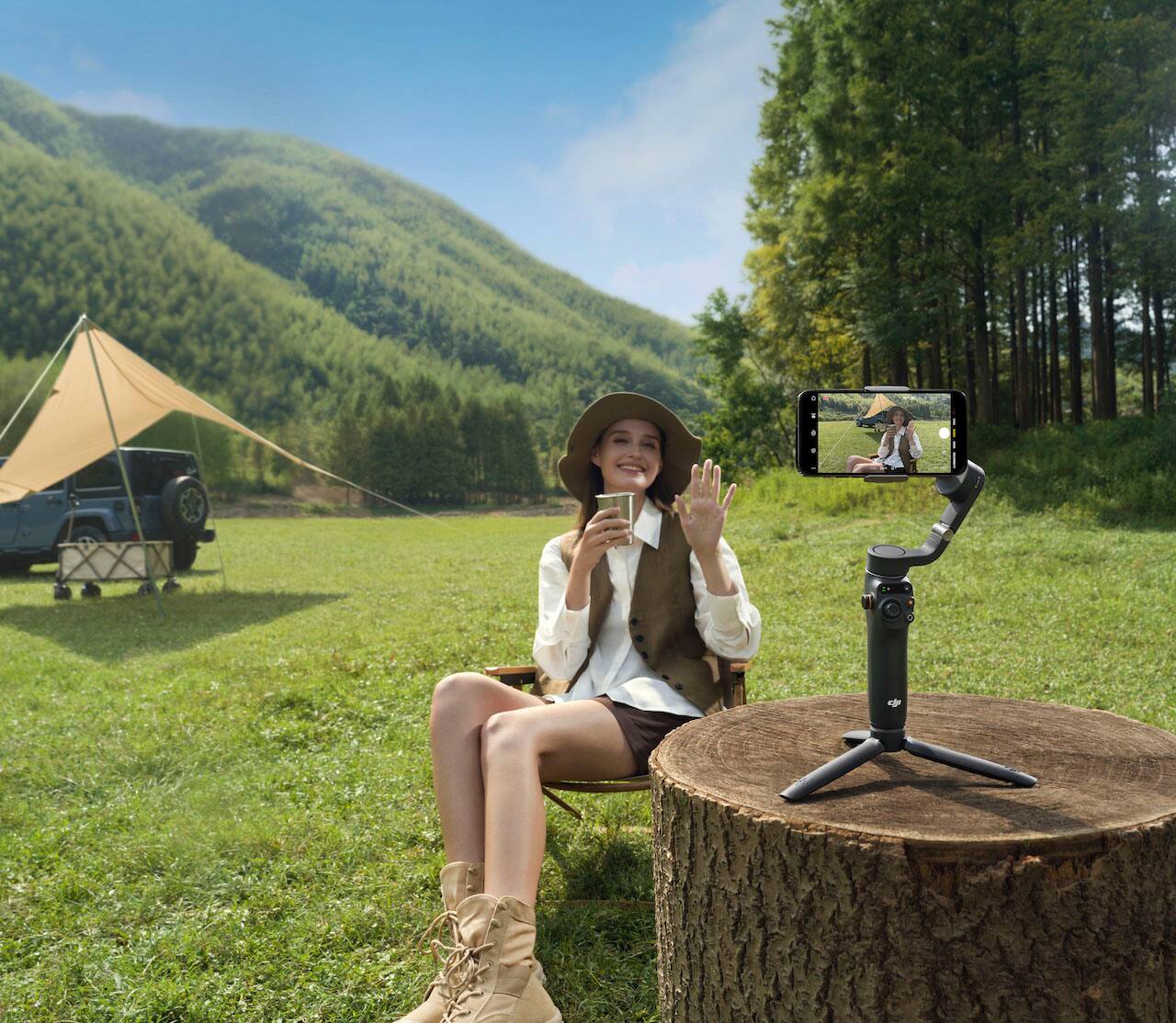
Posted .This reviewer received promo considerations or sweepstakes entry for writing a review.This is the perfect phone gimbal! I have no complaints whatsoever. It balances the phone so easily and quickly. There is no manual balancing required like DJI's bigger camera gimbals. I have used this as a tripod for filming reels and as a handheld gimbal for filming on the go. There are tons of features packed into this thing. I would recommend grabbing the add-on that gives the phone mount a light. I have a Galaxy S21+ which is a super large phone. The magnetic grip of the gimbal holds it easily and the movements are still extremely smooth. The Android app is not in the app store. For some reason, it needs to be downloaded directly from DJI, but I've seen that it works just as well as the iPhone version. The new extension feature is very helpful. I've used it to help give me more reach for my phone when the frame needs to be just a tad larger.
I would recommend this to a friend Product malfunction
||Posted .This reviewer received promo considerations or sweepstakes entry for writing a review.The product I received was malfunctioning. It kept overheating and turning off automatically after one minute of using it.
No, I would not recommend this to a friendDJI 6
||Posted . Owned for 1 week when reviewed.This reviewer received promo considerations or sweepstakes entry for writing a review.I like it . Perfect for iPhones not for android phones
I would recommend this to a friendNot good at all.
||Posted . Owned for 5 months when reviewed.This reviewer received promo considerations or sweepstakes entry for writing a review.It's not working as expected. Defective piece after one month usage. And Best Buy doesnt accept returns after two weeks. Waste of money.
No, I would not recommend this to a friendWorst Gimbal
||Posted . Owned for 1 month when reviewed.This reviewer received promo considerations or sweepstakes entry for writing a review.This gimbal is no good. It keeps moving the phone automatically and can’t even do simple top to bottom stabilization. Save your time and get something better.
No, I would not recommend this to a friendNot my cup of tea
||Posted . Owned for 3 weeks when reviewed.This reviewer received promo considerations or sweepstakes entry for writing a review.A big no for me. The battery is crap and hardly used it for 20-30 mins and it died. And ull have difficulty using larger phones like samsung s22 ultra
No, I would not recommend this to a friendWorks but for live stream it is crippled.
||Posted . Owned for 1 week when reviewed.This reviewer received promo considerations or sweepstakes entry for writing a review.This works extreme well but it doesn’t support live stream to YouTube or Facebook from the native app. You can use Facebook or YouTube but you loose features such as active track.
I would recommend this to a friendShop elsewhere not bestbuy
||Posted . Owned for 2 months when reviewed.This reviewer received promo considerations or sweepstakes entry for writing a review.Shop elsewhere or be ready to pay premium with bestbuy everything ships ground.
I would recommend this to a friendDont buy if Android phone
||Posted . Owned for 3 weeks when reviewed.This reviewer received promo considerations or sweepstakes entry for writing a review.Says it ilcan be used with android phone. Play store does not even carry the app.
No, I would not recommend this to a friendA toy, not a gimbal.
||Posted . Owned for 1 month when reviewed.This reviewer received promo considerations or sweepstakes entry for writing a review.The limited tilt angle makes this gimbal useless. If you've never experienced a gimbal and this is your first, I still couldn't recommend it.
No, I would not recommend this to a friend