Customer Ratings & Reviews
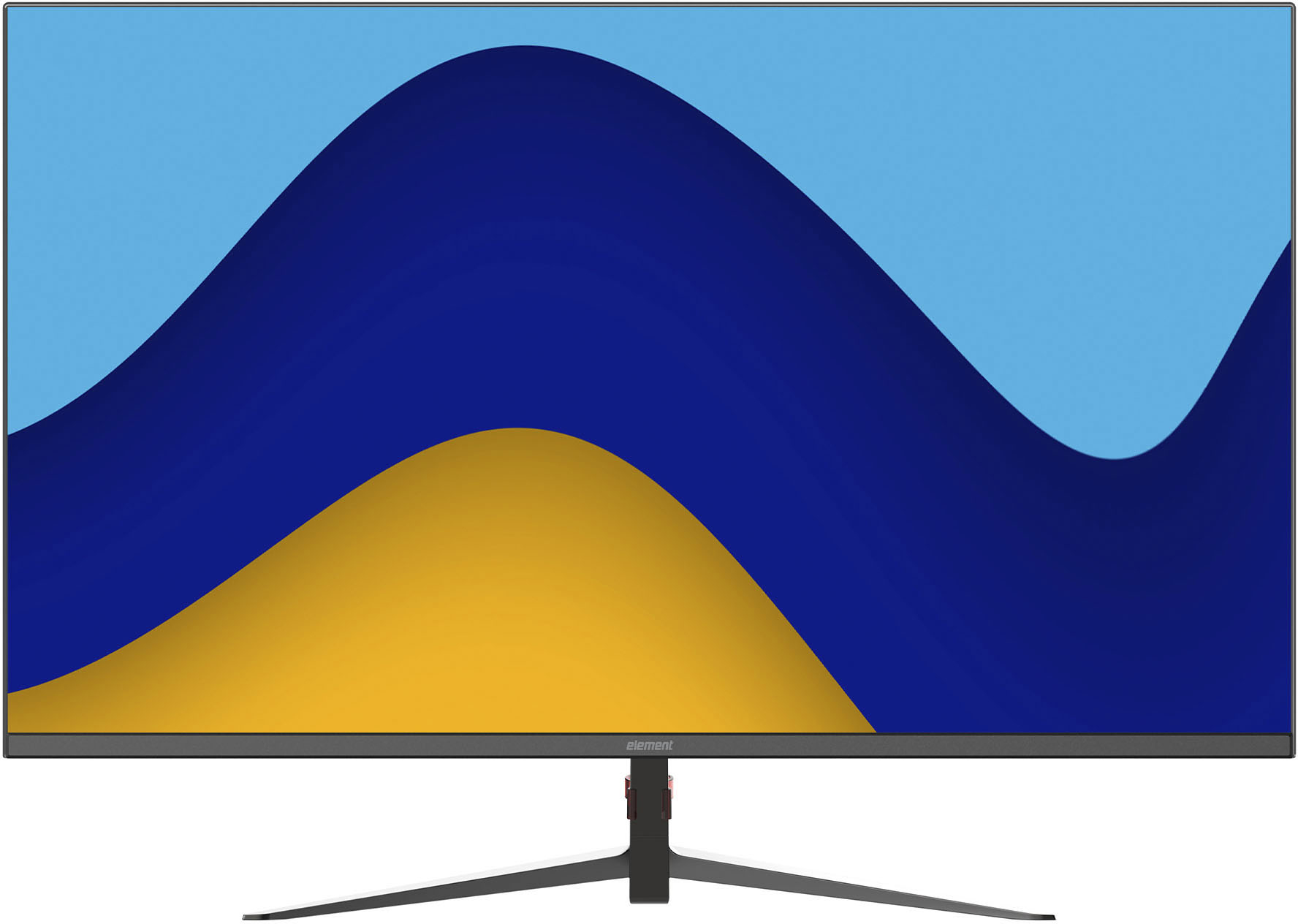
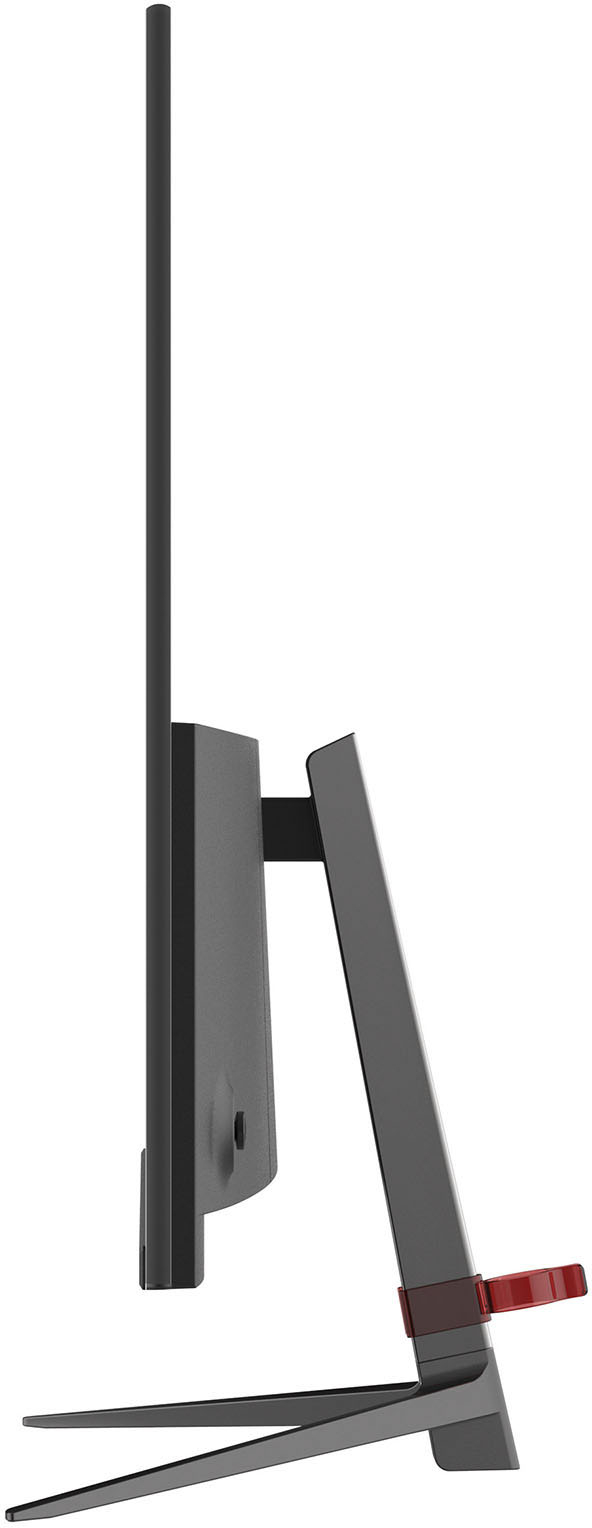
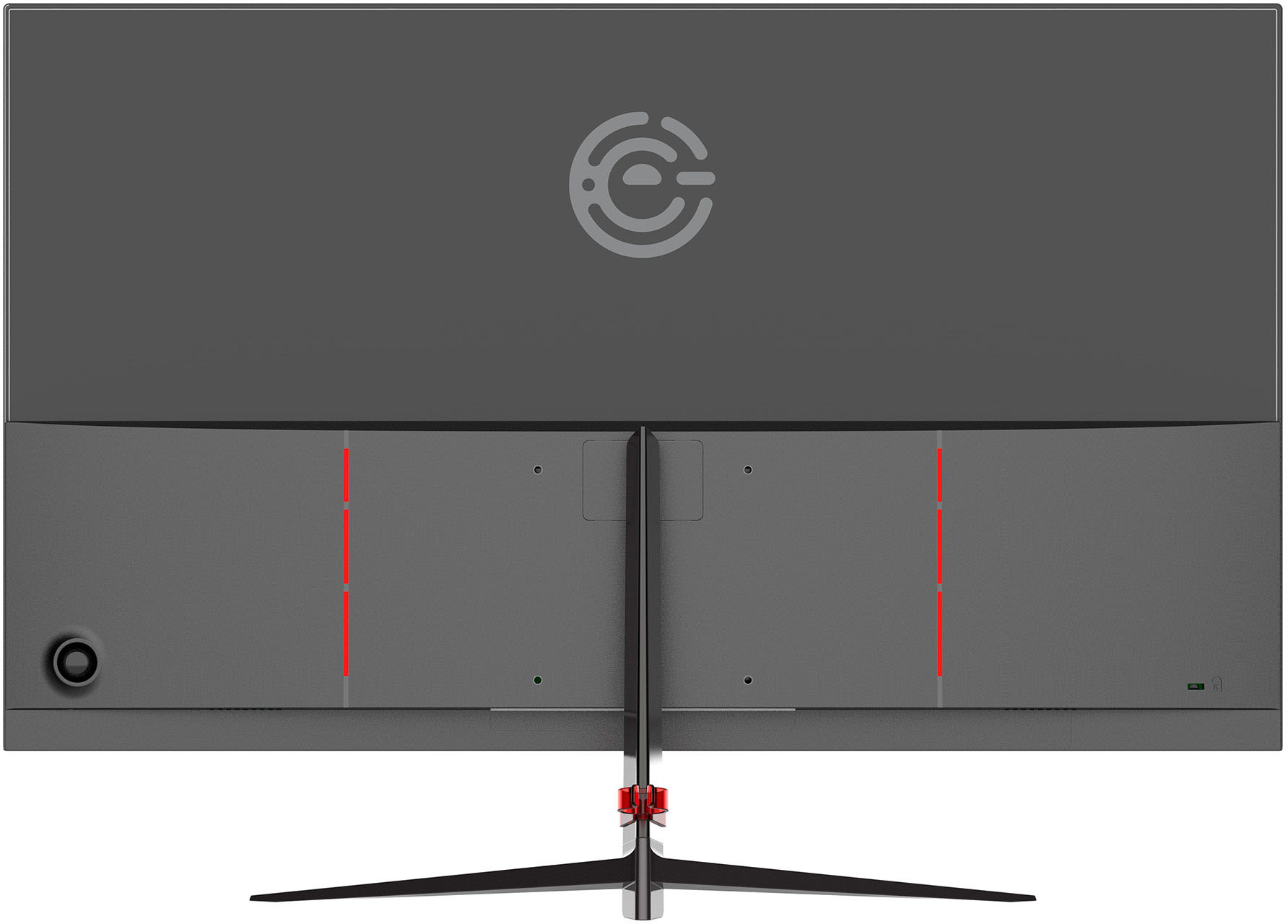
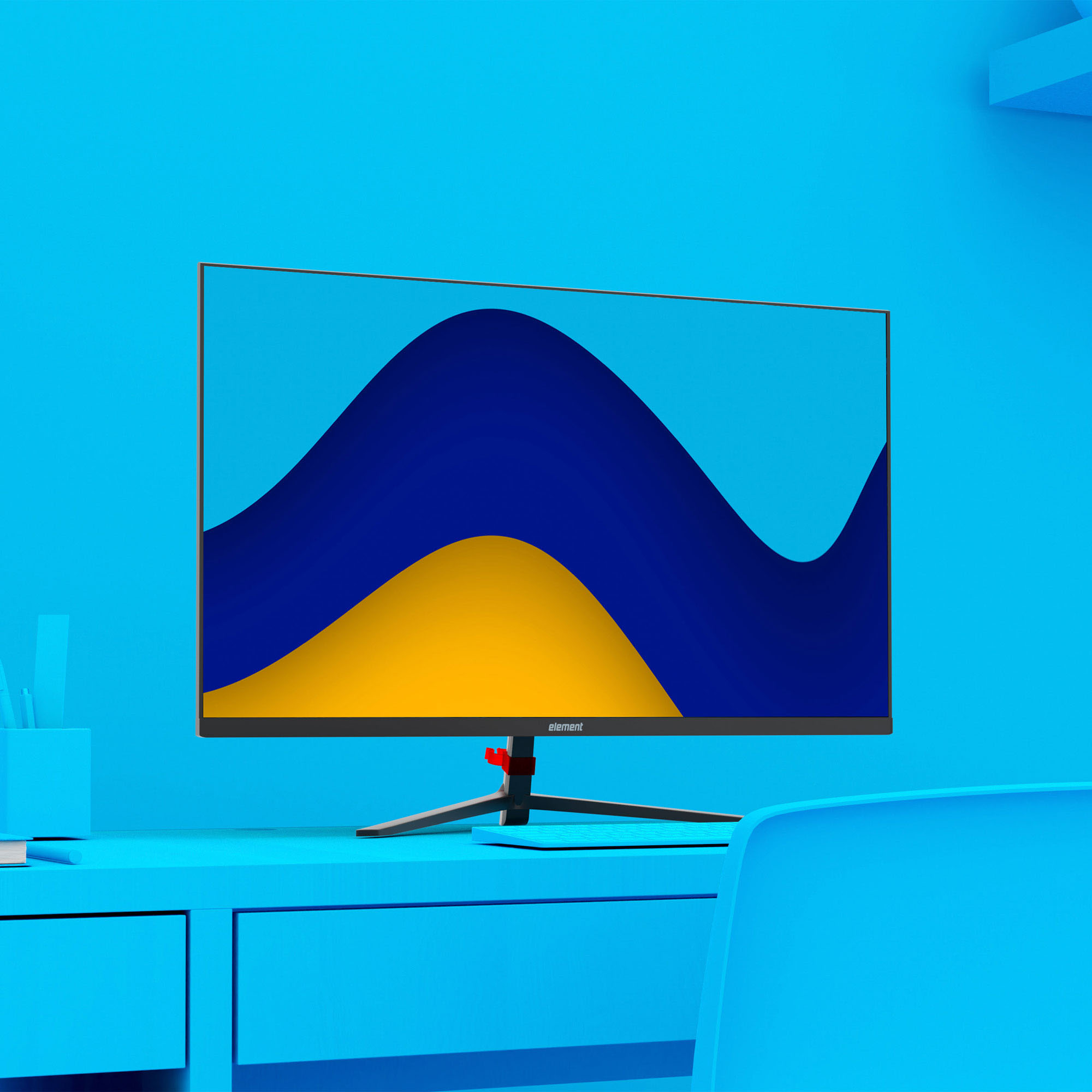
- Model:
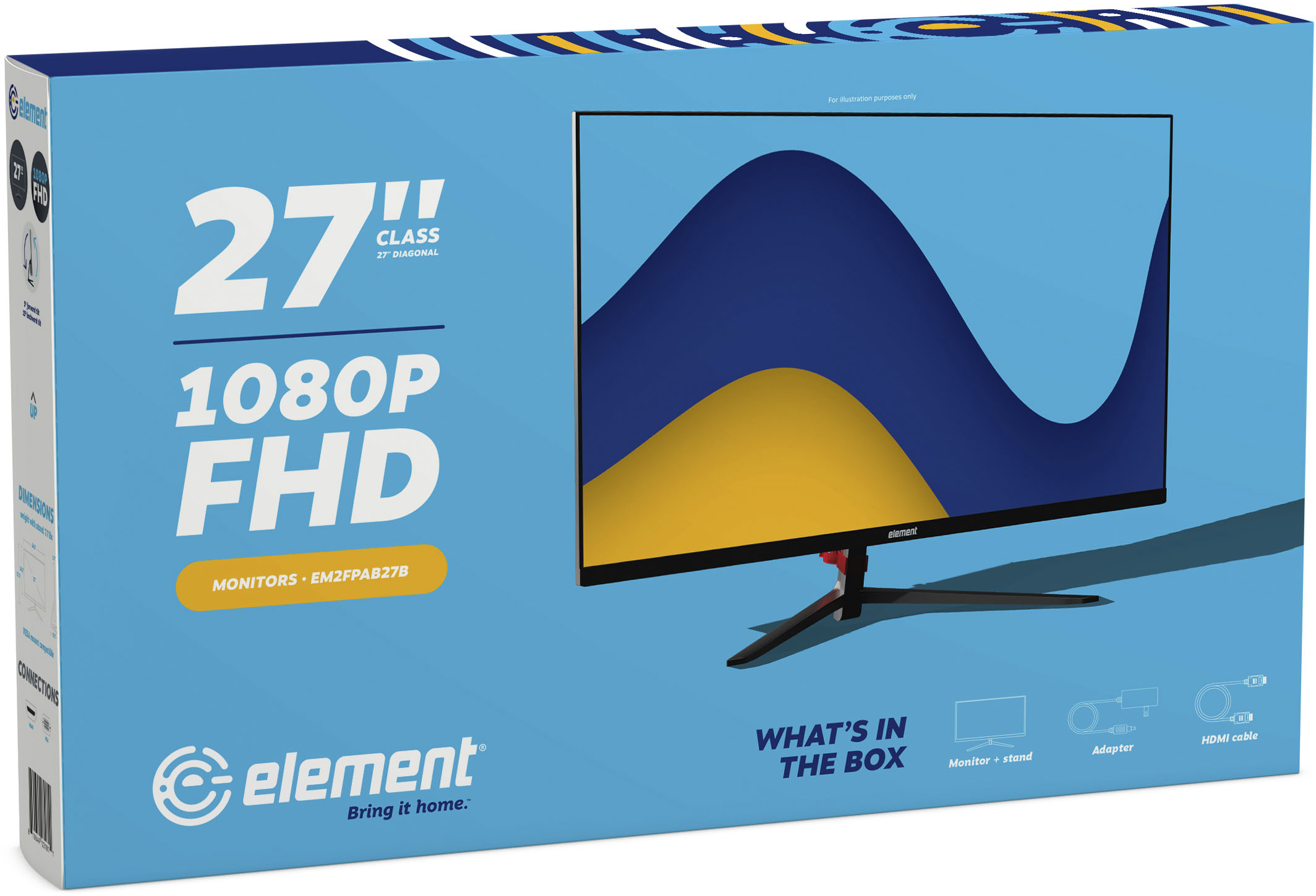
- EM2FPAB27B
- SKU:
- 6483401
Rating by feature
- Display Quality
Rating 4.4 out of 5 stars
- Ease of Use
Rating 4.5 out of 5 stars
- Features
Rating 4.4 out of 5 stars
Customers are saying
Customers love the Element 27" IPS LED monitor's large screen size, which is ideal for gaming, and its affordable price. Many appreciate its ease of use and the excellent resolution, while some found the stand's stability and the lack of built-in speakers to be less satisfactory. The monitor's thin bezel and available HDMI port are also frequently praised.
This summary was generated by AI based on customer reviews.
Spend a little more and get better color
||Posted . Owned for 3 months when reviewed.This reviewer received promo considerations or sweepstakes entry for writing a review.You get what you pay for, sitting next to my Dell 1080p monitor, this one looked like a poor attempt at color, had to returnit
No, I would not recommend this to a friendBrand response from Element Expert
Posted .Thanks for your review. We hate to hear that you aren’t satisfied with your new TV. If you’d like our help, please reach out to us via customerservice@elementelectronics.com, by calling 888-842-3577

Do Not Buy...
||Posted .This reviewer received promo considerations or sweepstakes entry for writing a review.It was not working. I had just gone to turn it on a few weeks after purchasing it, having moved into a new apartment. However, the screen is not visible .. "best" buy will not return it because it has been 3 weeks and they cannot return it . Thieves!
No, I would not recommend this to a friendBrand response from Element Expert
Posted .Hi there. Thanks for your review. We hate to hear that you aren’t satisfied with your new TV. If you’d like our help, please reach out to us via customerservice@elementelectronics.com, by calling 888-842-3577
- Pros mentioned:Ease of use, Screen size

Great priced option
|Posted .This reviewer received promo considerations or sweepstakes entry for writing a review.I've been working from home for awhile now. I took a new position and needed a second monitor. This is similar in size to the monitor I am already using. It looks nice on my desk and it's slim enough that it didn't take up more space than necessary. It's very comparable to the other brand in using in terms of materials and screen quality. It was easy to setup up and I appreciate everything you need coming in the box. It was a breeze to hook up and double my screen space. It's a great size for the price. Great option for someone who works from home.
I would recommend this to a friend Best Buy mess up
||Posted .This reviewer received promo considerations or sweepstakes entry for writing a review.So far the monitor itself is good. But Best Buy offers a 3 month trial for youtube tv and i just spent an hour to get the discount code and got the wrong one. Great service Best Buy!
No, I would not recommend this to a friendA Very Nice 27" Monitor For The Price
|Posted .This reviewer received promo considerations or sweepstakes entry for writing a review.I was in need of a monitor this size as my 32" was doing way too much flickering to my liking, even after setting and resetting. Was very pleased to receive this Element brand 27" IPS LED Full HD frameless monitor. Being just a 1080P FHD and not 4K I was unsure how the screen would look with my new 4K Mac Mini. In the instruction booklet there is no mention of compatibility with Macs - just Windows OS. I was sure hoping it would be okay and better than what I was using. Unpacking was fairly easy. A nice illustrated instruction manual was enclosed that walked me through putting the sleek center stand together. There are small rubber pieces on the bottom of the 3 feet to help keep it from any slippage. There is one screw to attach the feet to the stand and 4 screws to attach it to the back of the monitor. You want to attach the straight back piece to the monitor FIRST before you add the feet. Then there is a square plastic piece that fits over the 4 screws area for cosmetic purposes. Nothing bulky at all about this stand but I found it very sturdy. I was also immediately impressed by the almost frameless design - no unsightly frame that takes up screen space! There was also an HDMI cord included and a nice one might I add with filters on each end. Right out of the box the picture looked great using the HDMI cord. I did not try the VGA as I don't have a computer that uses VGA anymore. I found no worries about it not working with my Mac - no problems whatsoever. There is a round button on the lower right back corner that is your power and also the OSD which opens up your options for adjustments. This button is the reason I gave the monitor 4 stars instead of 5. I got it to open the OSD properly but I couldn't get it to let me adjust the settings and I accidentally kept turning the monitor off in the process of trying. I would move it up and to each side and I could scroll the OSD settings but then trying to actually get one on the monitor was not working for me. I am not sure what the problem is but I feel Element should change the design of this and have a power button separate from the OSD button. The manual does not really tell you whether to push up, down or sideways to get to the different settings. I kept trying to not push IN on the button because that would shut the monitor off. Just my personal opinion but I found it difficult to navigate and some of the settings are only available if you are using a VGA input which is explained in the manual. Even though the manual mentions a speaker adjustment the speakers don't seem to be included on this model as I found no way to access them. Perhaps my mistake? I have a small Bose speaker that I use anyway so that was not an issue for me but it would be nice to know if there actually are speakers inside. The highest HDMI resolution is 1920x1080 and the refresh rate is 75 HZ then has increments going down to the lowest of 640x480 and 3 HZ. Identical settings for the VGA input. At any rate the picture is absolutely fabulous on this monitor and that's what really counts. I do a lot of photo processing and I love the large 27" size (which fit perfectly on my desk) and the screen is VERY easy on the eyes. Crystal clear images. I watched a number of You Tube videos, a movie and of course did my work and all looked excellent. I will definitely recommend this monitor but hope in future models they redesign the OSD settings button so it's easier to manage or explain how to properly use better in the manual. I'm impressed, especially for the reasonable price, and it's perfect for my home office!
I would recommend this to a friendDon’t recommend!!!!!
||Posted . Owned for 1 week when reviewed.This reviewer received promo considerations or sweepstakes entry for writing a review.DID NOT WORK!!! Plugged in the monitor and did not turn on! Quality is cheap!
No, I would not recommend this to a friend- Pros mentioned:Screen size
No frills larger near borderless monitor
|Posted .This reviewer received promo considerations or sweepstakes entry for writing a review.This monitor Is for those looking for an extra monitor to do productive work on. Not a gaming monitor nor would I use it as one. But for video chat and using as a main source for content consumption it works really well. Looks really good with the very small bezel on the sides and top. Also brightness in my room with over head lights on is nothing to worry about. Have zero issues with using this as a main non gaming monitor. Also since i am not doing content creation I cannot say if this will work for color reproduction that's needed in that field. But over all really nice monitor and sleek. Way to go element.
I would recommend this to a friend - Pros mentioned:Screen size
Nice Monitor
|Posted .This reviewer received promo considerations or sweepstakes entry for writing a review.This is a pretty nice Monitor. It is just a monitor and it doesn’t boast extra features like a built in speaker or web cam. That’s okay because the description tells you exactly what you get. I like the HD display and resolution. The monitor features a frameless design. I think it’s called bezel-less? Regardless, the screen goes from edge to edge and it looks pretty darn good. I pair this with my laptop and it is reeeeeeeally nice being able to use a wide screen. The stand is pretty sleek and doesn’t take up extra space on my small desk. Overall, I think this is a great monitor for the price and I would recommend it. One thing to note is that it seems to put off some heat. It’s winter and I don’t mind, but it’s possible it could become a problem when summer rolls around.
I would recommend this to a friend The right elements of a great budget monitor.
|Posted .This reviewer received promo considerations or sweepstakes entry for writing a review.The Element 27" IPS LED 1080p Full HD Frameless Monitor is good budget monitor for basic productivity work. If you set the expectation of just a basic, simple, decent display to be used in office/ productivity applications – you will be satisfied. If you are looking for a feature rich or gaming display – you will be disappointed. However, Elements does not market it as the latter. This is PC monitor targeting the budget segment by offering the a large 27” screen for the lowest price ( at least at the time of this review.) In review: Pros – Offers both VGA and HDMI connections. 1080 P Thin and sturdy frame. 3 sided frameless bezels. Great for dual monitor side by side use with an extended desktop. Includes HDMI cable. Decent color accuracy and performance out of the box for office use. Static image quality was good – circles were complete and round, color gradients had no breaks or banding and frequency patterns were clear and defined. All are good signs for text intensive applications. Wide viewing angle. Cons – ODS control is confusing and difficult to use. Stand has no height adjustment. I had to use a VESA mount stand from a competitor to effectively use it. Light blooming and lack of uniformity is noticeable on all grey backgrounds. Neutral - The slow 6.5ms refresh is noticeable in moving graphics. In a monitor test, it was clear that this is productivity monitor. Brightness 250 nits is passable for productivity applications. Conclusion The decent features and low price make the Element 27" IPS LED 1080p Full HD Frameless Monitor a good value for home office applications. If you catch this one sale, it is hard to beat the value.
I would recommend this to a friend- Pros mentioned:Price
Great second monitor!
|Posted .This reviewer received promo considerations or sweepstakes entry for writing a review.The Element 27" Frameless monitor is an easy-to-set-up HD monitor that works great. I am currently using it as a second monitor with a Dell all-in-one computer. I use it mostly for spreadsheets and some design work. It comes in very handy to have a second monitor. It comes with a stand that is easy to install along with an HDMI cable. The color on the monitor is great and the price point is good too. The only improvement that could be made is that it does not adjust by height. Overall though, it is a decent, attractive monitor for a good price.
I would recommend this to a friend - Cons mentioned:Stand quality
Bright and clear 27in
|Posted .This reviewer received promo considerations or sweepstakes entry for writing a review.This monitor flies under the radar with features normally found in more expensive models I really like the frameless look. They pull it off very cleanly here. The build quality seems decent and the panel itself is nice and bright. If I have any complaints about this rig it is how far behind the back of the monitor the included stand protrudes. The inclusion of a VESA standard mount is also something sometimes lacking in these frameless monitors including the ones from larger brands like HP.
I would recommend this to a friend - Pros mentioned:Screen size
Great Picture and Form Factor
|Posted .This reviewer received promo considerations or sweepstakes entry for writing a review.I am impressed by how slim and trim this monitor is. The stand is sleek and offers just enough adjustment to be handy and provide comfortable viewing. Though there is no height adjustment it does allow you to tilt it. Speaking of viewing, the picture is vivid and very enjoyable for web, video and gaming. My only criticism is that there is only one HDMI input. So, if you are wanting to share the monitor between computers you will need a switch. All in all a great value!
I would recommend this to a friend Perfect for home office.
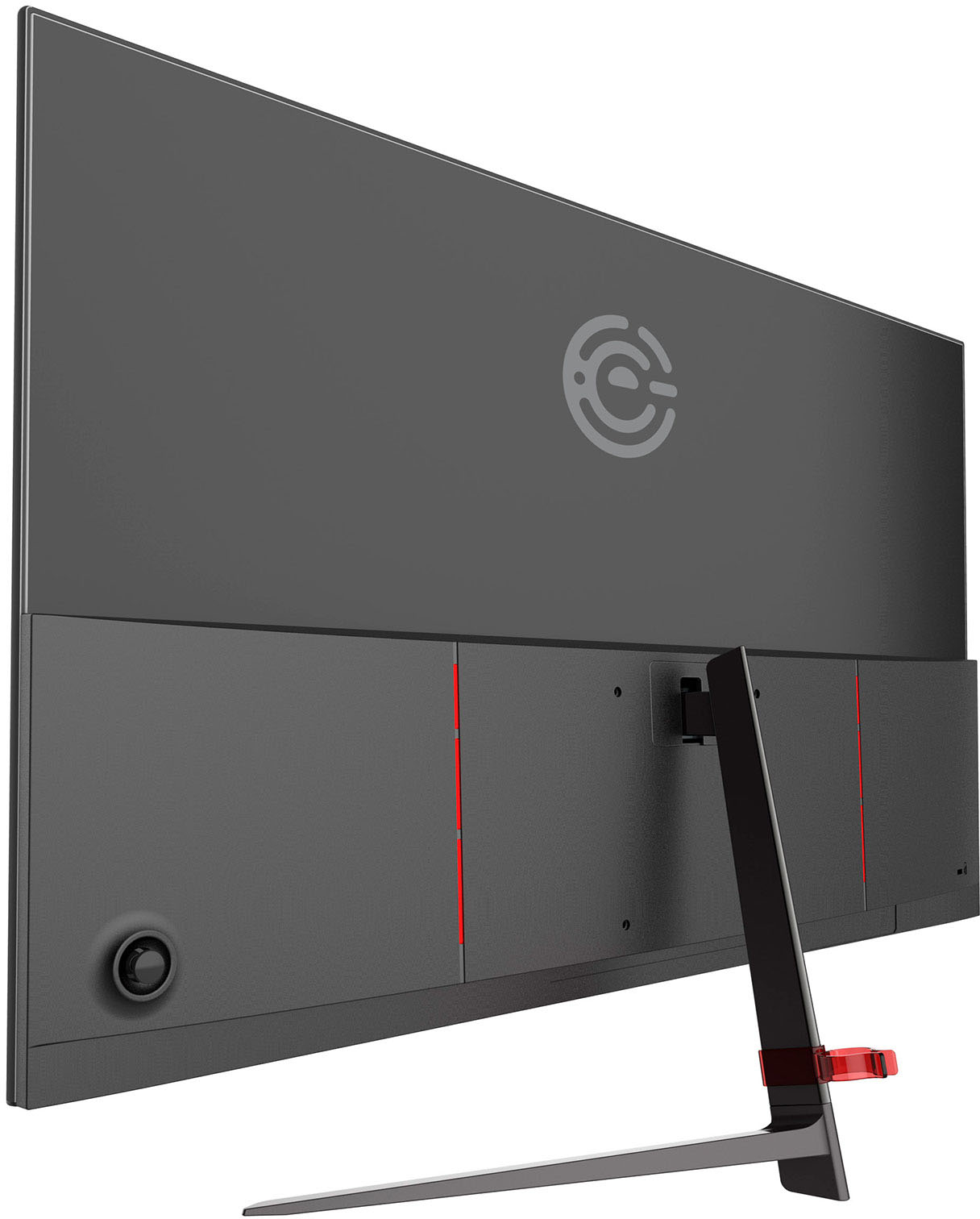
|Posted .This reviewer received promo considerations or sweepstakes entry for writing a review.The Element 27" IPS LED 1080p Full HD Frameless Monitor is a good-looking screen at a reasonable price. The frameless edge is sleek and modern looking. It has one HDMI port and one VGA port, conveniently located at the bottom of the screen. This location is preferable to the ports on the back because they are easier to access on the bottom. I would have preferred an audio out or additional HDMI port to an obsolete VGA. Assembly is simply attaching the stand. If you want to wall-mount it, there are 100 x 100 VESA holes. You can't raise or lower the screen, so you may need a monitor stand if you prefer your screen higher up. An HDMI cable is included, which is nice too. But the most important thing for any screen is the picture, which is bright and clear. There aren't a bunch of bells and whistles here, but with more and more people working from home these days, this screen is an affordable upgrade to any home office.
I would recommend this to a friendBig beautiful screen, no fuss
|Posted .This reviewer received promo considerations or sweepstakes entry for writing a review.Element's new 27" frameless monitor is a big addition to your home office. It is extremely thin and has almost no border to provide a seamless, edge-to-edge aesthetic that will blend into any workstation. The entire design is very minimal, with a sleek but sturdy stand that takes up very little desk real estate. There are no buttons viewable from the front, with only one joystick-like control button in the back right of the panel. With a push of the stick you can easily power the device on and off very quickly, while some toggling in all directions gives you access to some screen settings like inputs through HDMI or VGA, color management, or full and wide screen display options. The monitor comes packaged with the AC adapter, an HDMI cable, some screws and a cord management clip. It doesn't take long to assemble and setup, so within minutes of opening the box you will be viewing your computer in 1080P HD. The IPS panel gives great color performance and clarity from all viewing angles. Whether you're browsing websites, working on documents and sheets, or watching videos, this monitor is perfect for all occasions. There are even convenient blue-light setting options to protect your eyes in times of prolonged viewing. Simply put, this Element 27" monitor looks sleek and comes with no hassles. With a plug-and-play operation combined with a beautiful, frameless design, this monitor will look great on any desk. Bring it home and see for yourself. Full disclosure, I received this product for my honest, unbiased review.
I would recommend this to a friendHappy with my purchase
Posted .This reviewer received promo considerations or sweepstakes entry for writing a review.Great for basic use. It is not bright, colors are not vivid, and the ports are limited. It would also be nice if the ports were higher. That said, for most office tasks, this monitor is fine and the price is great.
I would recommend this to a friendBrand response from Element Expert
Posted .Hi there. Thank you for the 4-Stars! If you are still having issues,– Please email us at customerservice@elementelectronics.com, by calling 888-842-3577.
Excellent monitor!
|Posted .This reviewer received promo considerations or sweepstakes entry for writing a review.The Element 27" IPS monitor surprised me. Excellent color saturation, even better than my last monitor. It even seems bigger than my old 27" due to the near lack of a frame. There is just enough frame on the sides and top to hold the screen in place. My quick measure shows 2.5 mm with the bottom showing 9mm. If you choose not to mount this on a wall or moveable arm (easy to do) the stand it comes with is a great option. Sturdy, yet very minimal and unobtrusive. Performance is excellent. It's true 1080p, so anything streamed or viewed in hi def is very clear and sharp. Gaming persormance ir really good, especially for MMO type games. In fast moving FPS games, you might notice some motion blur, though it's not bad in most cases. It only happened occasionally on COD. No issues with Halo or Mechwarrior 5. It's a solid monitor, looks great, performs well, all for under $200.
I would recommend this to a friend- Pros mentioned:Screen size
Great purchase and value for money
Posted .This reviewer received promo considerations or sweepstakes entry for writing a review.Great monitor with clear visuals. Screen size is ideal for gaming
I would recommend this to a friend - Pros mentioned:Screen size
Huge screen and great picture
|Posted .This reviewer received promo considerations or sweepstakes entry for writing a review.Love this monitor. Have a couple already set up at my work station at home and this one is by far my favorite. The picture is crystal clear and monitor is huge - great for working or gaming.
I would recommend this to a friend - Pros mentioned:Screen size
Great Monitor
Posted .This reviewer received promo considerations or sweepstakes entry for writing a review.Great monitor. Had older Dell and docking station that supported two (2) monitors. Updated to newer technology - MSI laptop and USB-C docking station. MSI laptop doesn't support video thru USB-C... so got this BIG monitor. Can work on two documents side by side - almost like two monitors. GREAT!
I would recommend this to a friendBrand response from Element Expert
Posted .Hi Allen. Thanks for the 5-Stars. We hope you’re enjoying your new monitor!
- Cons mentioned:Power supply
Power Adapter Burned Out after 34 days
Posted .This reviewer received promo considerations or sweepstakes entry for writing a review.I have own this monitor for 34 days and the power supply today just burned up. I heard a pop noise, the monitor went dead and I could smell burning plastic. I thought the monitor may have caught on fire or shorted out, it was enough to make me panic and remove the monitor from my desk. However, it was actually the power supply that burned up and it was extremely hot for several minutes after unplugging it. So hot, that I could not hold it for then a minute at a time. I have a similar power adapter for another device, the monitor turned on using the other power adapter, so I know it was the adapter and not the monitor. Since I am past the 30 day return window, I had to file a warranty claim today to get a replacement power supply. Element says it takes 5-7 days to process the claim. Customer Support kept referring to my monitor as a "TV." The warranty claim also kept referring to the monitor as a tv, and they wanted pictures of it turned on, even though I can't do that without a proper power adapter, which is the reason for the warranty claim in the first place. The monitor itself is pretty basic, its a nice form factor, it doesn't do anything that would amaze you. If the power adapter hadn't burned up, I would be satisfied with the monitor. I use it for work (email, word processing, excel, etc...). I really don't know how I feel anymore about the monitor, since the adapter burned out, I don't know if I trust it being plugged in at night or unattended, even with a new power adapter. Part of me just wants to buy a new monitor, but I would obviously want a refund for this one. I guess I'll see how the warranty claim goes. I never write reviews, but this is a serious flaw to have the power adapter literally burn up while plugged in. I don't give much thought to power adapters, now it has me wondering. In case you have this monitor and want to check your power adapter, My power adapter has the number: XCMD2706213713228, Model: R361-1203000U, Shenzhen Rongweixin Technology Co.
No, I would not recommend this to a friend