Customer Ratings & Reviews
- Model:
- EM2FPAB27B
- SKU:
- 6483401
Rating by feature
- Display Quality
Rating 4.4 out of 5 stars
- Ease of Use
Rating 4.5 out of 5 stars
- Features
Rating 4.4 out of 5 stars
Customers are saying
Customers love the Element 27" IPS LED monitor's large screen size, which is ideal for gaming, and its affordable price. Many appreciate its ease of use and the excellent resolution, while some found the stand's stability and the lack of built-in speakers to be less satisfactory. The monitor's thin bezel and available HDMI port are also frequently praised.
This summary was generated by AI based on customer reviews.

Basic panel with frustrating features.
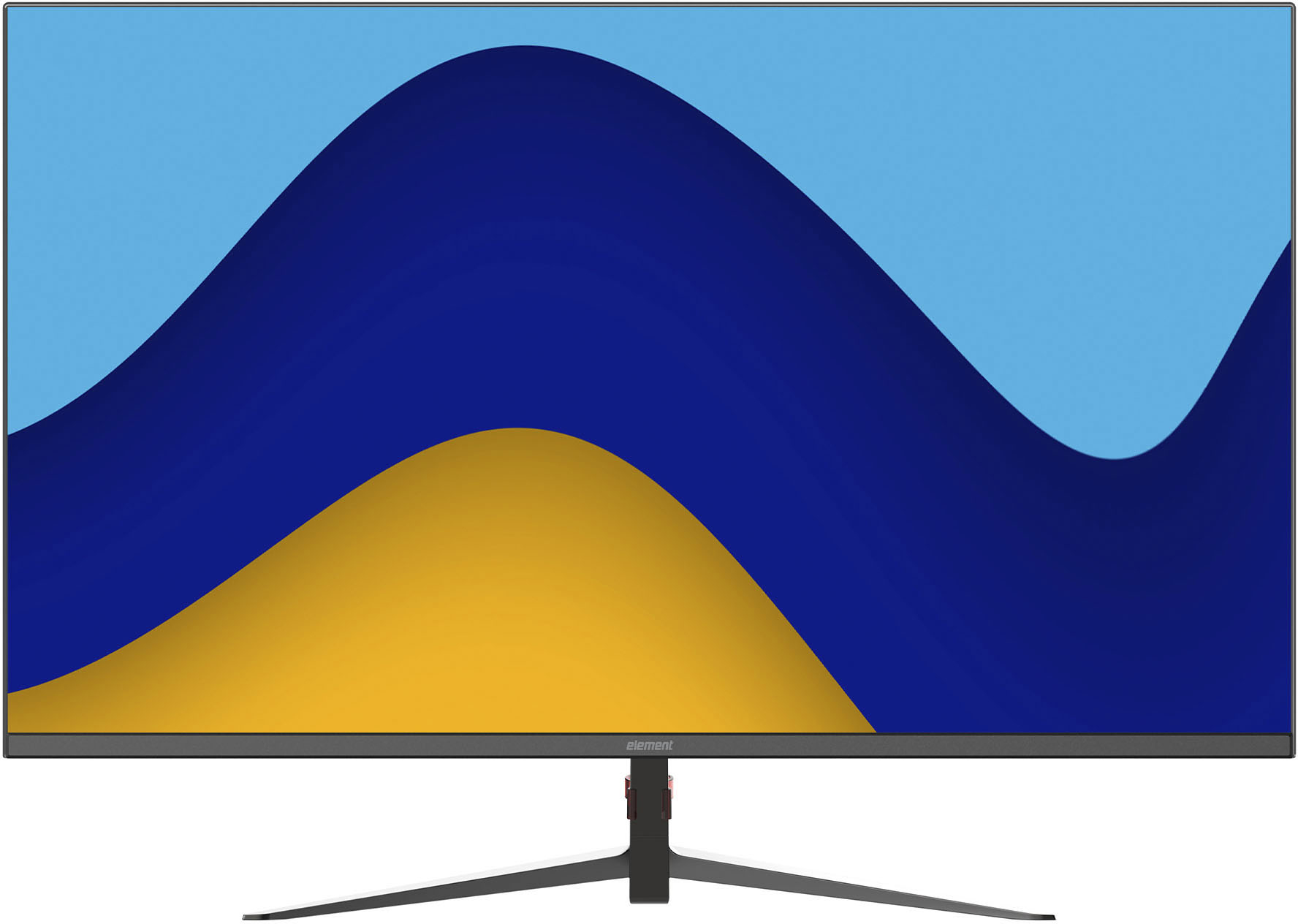
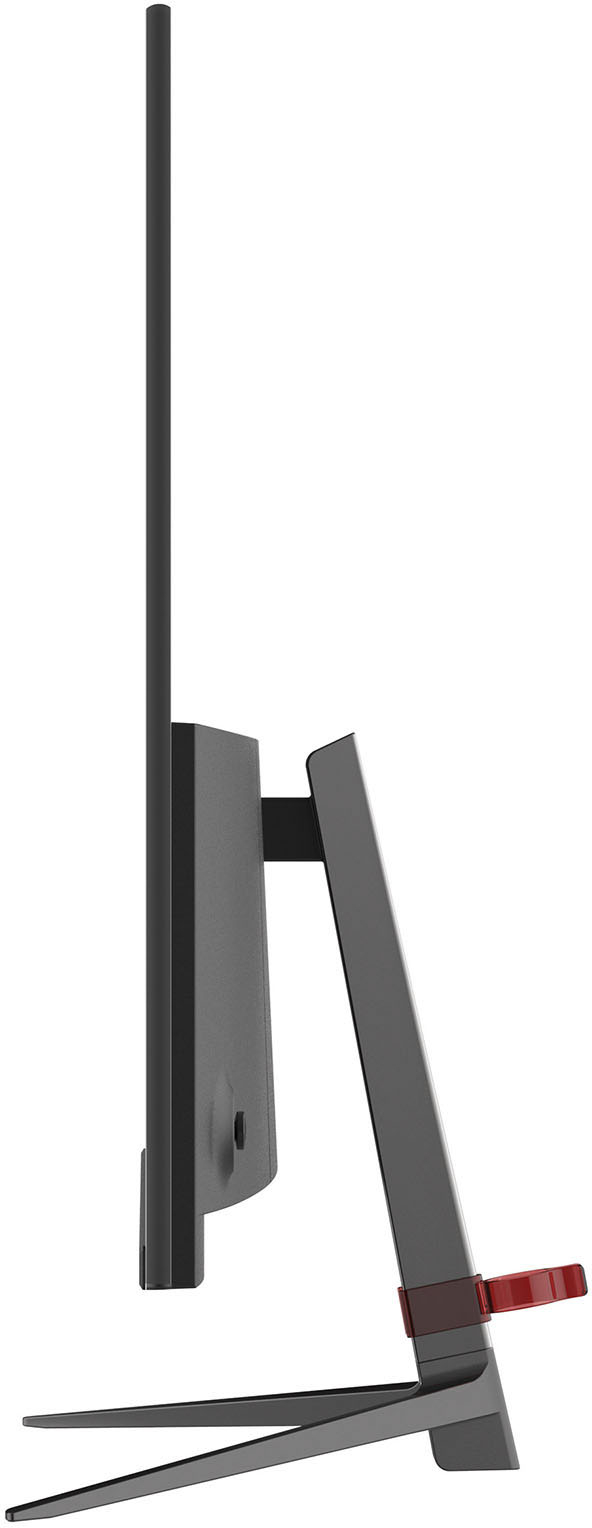
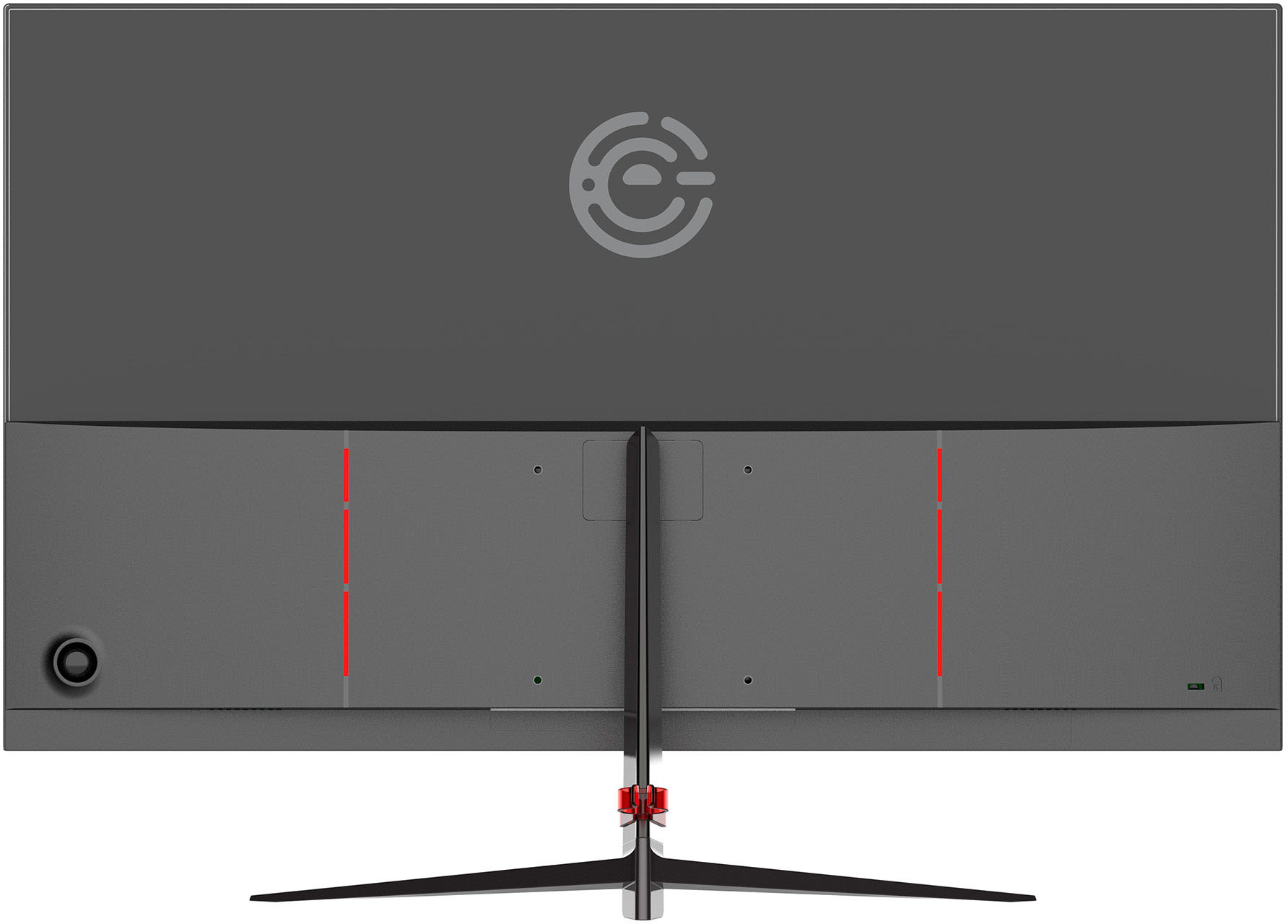
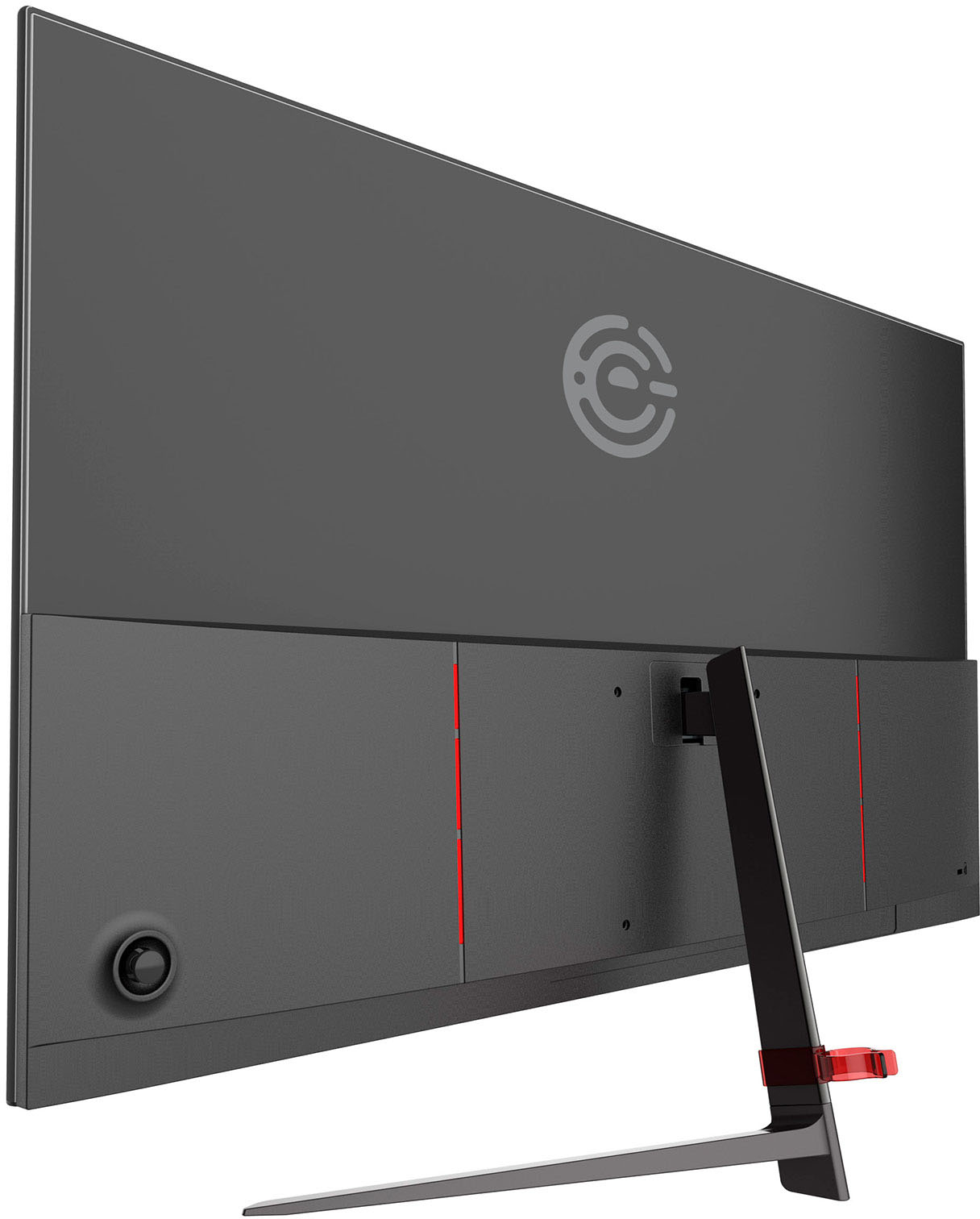
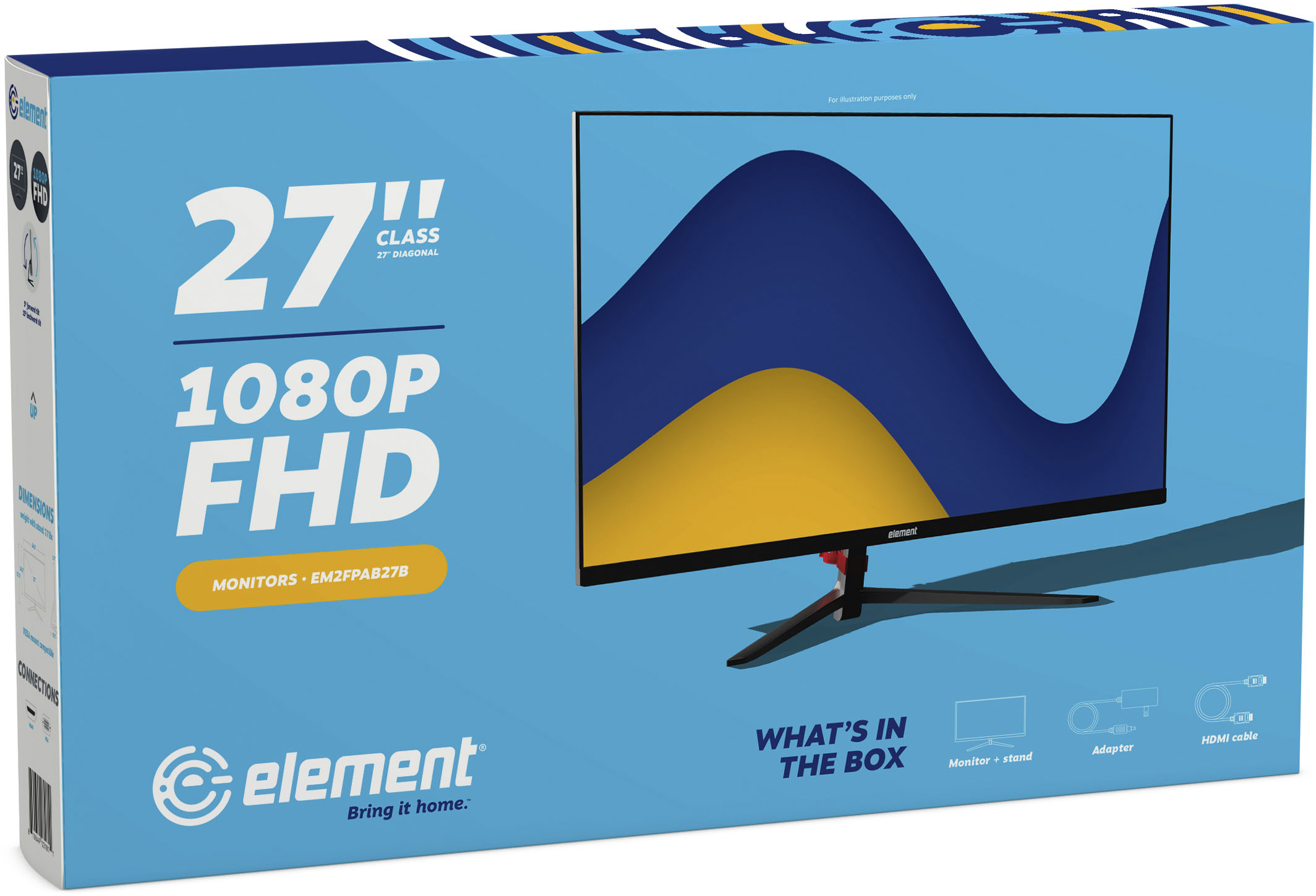
|Posted .This reviewer received promo considerations or sweepstakes entry for writing a review.The Element 27” class frameless monitor, technically named the EM2FPAB27B, is an entry level 27” 1080p monitor boasting an IPS panel and 75Hz refresh rate. For 2021, the monitor is about as inspired as its name, suffering from a low DPI, poor cable management, poor controls, screen door effect, washed out blacks, and just ok colors for IPS. However, at its budget price is it worth living with? The first thing you’ll notice is that this monitor is definitely thin. The box itself is quite thin, and yet the panel is quite protected. Inside the box you’ll find a two part powder coated cast aluminum stand. It’s heavy and wide enough to keep the monitor stable, and connects to the monitor with 4 screws and gives 20 degrees of tilt. The base connects with a single screw, so unlike some of the upper level competition, you’ll need to bring a screwdriver to set up this monitor. Further, there is a 100x100 VESA mount found on the lower half of the monitor which is a plus at this price point. Bringing your own stand could be quite helpful given the limited adjustability of the included one. Once set up, the panel sports both HDMI and VGA inputs. You’d be forgiven if you were born in the past 15 years if you didn’t know what VGA was. The lack of an included VGA cable won’t help its use. Ostensibly years ago the VGA and HDMI combo could be justified for a PC and game console to share a monitor. Of course if you have a recent vintage computer, it most likely doesn’t have a VGA output. Analogue video is so 90’s, but I suppose it’s better than a sharp stick in the eye. Dual HDMI really should be standard these days. The only other port on this monitor is for DC power input. Yes, the thinness of the design doesn’t afford an internal DC converter, so you’ll be stuck with a barrel jack and arbitrarily short power cord with a brick on the other end. This may be a concern to you if you’re looking at VESA mounting. Furthermore the cables plug in less than an inch from the bottom of the monitor, facing straight down. While normally straight down is an excellent way to hide connectors, here the cables themselves are directly visible below the monitor. Even the DC barrel jack sticks out below the monitor making clean cable management impossible. There is a small plastic clip that helps with cable management, but it’s position and height are inconsequential to the actual issues: cables are front and center sticking out of the bottom of the display. There is no audio processing over HDMI here, so you can’t hook speakers up to the monitor. It’s just as well given the single HDMI port. The rest of the physical design is pretty basic. The frameless design is simple but handsome, with only a very small chin at the bottom. Bezel's are under a centimeter (0.9cm). A 5 way switch sits behind the right side that toggles the menu. Small red grills flank the VESA mounting holes and a stylized Element logo appear to give this monitor a very slight ‘gaming’ edge. Speaking of the 5 way switch, it’s obvious whoever designed this monitor adapted it from flat buttons. While the switch is a common design, most un-intuitively pushing the center button toggles power, and pushing right does absolutely nothing. Pushing down starts to adjust the aspect ratio forcibly, and up will adjust brightness. Finally pushing left will open the menu, but god help you if you think following the direction of the on screen menu with the dial will work, in fact it is the opposite. Bring the menu up and pressing right to dig into a menu will close the entire menu. You need to keep hitting left to drop into a menu and up and down to adjust values. Right backs out of a menu. This is the WORST setup ever because it goes against the general usage of the 5 way button setup on every other monitor I’ve ever owned. It’s really just a small annoyance with this monitor, but definitely a symptom of the overall issue with this monitor. So on to the actual display. In a word ‘basic’ comes to mind. This isn’t entirely all bad, as budget panels that are ‘good enough’ make perfect productivity monitors or even entry level gaming monitors depending on the genre. In fact, while a basic IPS, setting the monitor’s overdrive setting to ‘Weak’ produced relatively good motion handling at 75Hz. Very little inverse ghosting was present and ghosting was minimal. The default setting of ‘Medium’ produces some inverse ghosting I found distracting. Overall colors were fine, if a bit muted for IPS. sRGB color preset hits the gamma spot on, while “User” defaults to a decent 2.2 gamma. Viewing angles are ‘meh’ for IPS, with some shifting present in as little as 30 degrees. Colors and gradients are what they are - as this is an 8-bit monitor with SDR. Still on the plus side, text is clear, sub-pixel arrangement seems standard RGB, so no weird artifacts. Output in both Windows and MacOS were clear and pleasing. Sitting at least 2.5ft away meant that any screen door effect or other negative effects from the DPI weren’t as noticeable. Closer, and the DPI really starts to become a problem. One thing I liked about this monitor a lot was the uniformity of grays, perceived brightness, low IPS backlight bleed. Also if the monitor uses PWM for brightness control, it isn’t noticeable. If you’re using this in an office environment, I’d suggest moving to QHD at 27” to get the most out of your investment. Still as an entry level gaming panel, extra small conference room display, or other tertiary concern, this isn’t a bad panel. Good color reproduction, and uniformity are highlights for me. 75Hz does make a difference in smoothing, but don’t think it makes it a gaming monitor. Sadly there is no freesync or other VRR technology here. Overall it’s a worthwhile display that is frustrating to use and sports a middling physical design. It’s attractive, but little details like cable management, and control layout really make it a compromise to live with.
No, I would not recommend this to a friendDecent No Frills Monitor
|Posted .This reviewer received promo considerations or sweepstakes entry for writing a review.I was just thinking…I need another monitor! I wasn’t looking for anything special, just a basic, simple, decent display. I just want it to keep windows open for messaging apps, music, background video, etc. I have it set a little high to be anything you want to stare at for any length of time. The base color settings needed to be adjusted for my preferences…a bit warm. It is all a bit darker. Its like it is in a Movie mode all the time with the contrast. If you are looking for a no frills large monitor (or just need the VGA input still) the Element could meet your needs. This isn’t going to win any rewards unless it is for value. As you can see I did not use the included stand and I will say while it is adjustable, it is going to be micro adjustments…just enough to get a glare from an above light or at least limit it. The construction looks good, sort of wish it wasn’t a two piece to strength it a bit more. It does come with a rubber grommet to hide the screw that pulls the stand together. It also levels out the stand. The monitor is light and so is the stand, so minor taps on the desktop will cause the monitor to wobble. They designed the stand mounting point low on the monitor (VESA mounting points too) so that is good to give you the most space possible, but if you are needing some height to clear gear, etc on your desk, then you will want an third-party mount. VESA size is 100x100 and the screws are M4x10mm. I only had 15mm and they did not bottom out. The power cord is comically short, barely 3ft, so better pickup and extension cord too or have a powerstip on your desk. I did not use the included HDMI cable as I already one ready. If using this for a desktop and not a laptop, I don’t see any issues, but if using it with a laptop, the HDMI cable has the large barrel connector and as well as large housing around the male ends, so it could block other ports and/or become a nuisance during use. Included is also a cable management clip and a bracket to hide the stock stand attachment (not sure why as the wall mount will hide that anyway). Lastly, sound. This monitor does have speakers built-in and my laptop recognized them for the monitor, but I could not get any volume to emit from the speakers. The manual tells you how to access the volume control, however, following the steps, Brightness was all I could change. I did not see in the system menu for the monitor if this could be changed, so not sure if the monitor was not recognizing the input? Note VGA does not carry sound, only HDMI. If you are looking for built-in speakers, then just know it may not work. However, a standalone set are always better. Honestly, I don’t even dock a star for this, it is not all that common to have them. I had an AOC with them too and the only time I could get them to work was when I hooked up a NES Classic, go figure. PS sorry about the messy desk…I’m trying.
I would recommend this to a friendBasic but big
|Posted .This reviewer received promo considerations or sweepstakes entry for writing a review.This is a nice monitor at a reasonable price. There’s nothing exceptional about it, but it does the basics well. The resolution is 1920 x 1080, and the refresh rate is set at 60 Hz but it can be upped to 75 Hz. It does not have the refresh and response rate for high-end games, but it’s a solid office monitor. When displaying video, it has a very nice look. The thin, frameless look is also quite nice. At 27” you can easily display multiple windows and even a couple of side-by-side documents. Keep in mind that this is still only a 2K screen, so if the text gets too small, it may be a bit fuzzy. I found assembling the stand somewhat fiddly. Four very small screws attach the vertical column in a tight, recessed spot (see picture). I think if you were careless, one of those screws could fall inside the case. It is a one-time exercise, so be careful. Once together, there is about a 15 degree up/down tilt to get it positioned to your liking. Power and all adjustments are controlled with a joystick on the back leaving the front uncluttered. The instruction mentioned speaker volume control, but there are no built-in speakers or jacks. Connections are one HDMI, one VGA, and a 12v power plug. When you use the HDMI cable, you may need to make sure your computer isn’t defaulting sound output to that connection. Basic functions, a nice picture, and a decent-looking 27” monitor. If those are your needs, give it a look. If you could give half stars in the ratings, this would have received a 3.5, It's recommended based on price, not performance.
I would recommend this to a friendNice and bright with pretty colors.
|Posted .This reviewer received promo considerations or sweepstakes entry for writing a review.I like the colors and the brightness of this monitor, everything looked nice and vibrant even though it doesn't support HDR. I also like the slim stand as it took up very little space on my desk top. The monitor is also VESA mount capable if desired. The backlight seemed to tuport local dimming as the picture in the center of the screen had nice dark blacks, and no noticeable blooming, yet at the same time there was light bleeding all around the edges of the screen and sometimes light would bleed through some of the grays on certain screens but not on all of them. What was irritating is the screens it would usually choose to bleed through were some of the Windows operating menu screens that I use a lot. Watching video content the light bleed was pretty easy to ignore and I would forget all about it unless a seriously dark scene happened. As pretty as the colors are on this monitor, the banding is terrible on all colors, but really bad on Blues, Reds, and Purples. Also the frame-less bezel is actually thicker than my 24" monitor and the 24" wasn't advertised as being frame less. Overall I think this monitor would be decent if except at the price they're currently asking for it there are a lot of other monitors with better specs from high quality well known brands. I think if this monitor was a little cheaper it would be easier to forgive it's flaws, but for now I wouldn't recommend it.
No, I would not recommend this to a friend- Pros mentioned:Hdmi, Price, Screen sizeCons mentioned:Stand quality
Good Budget, No Frills Monitor
||Posted . Owned for less than 1 week when reviewed.This reviewer received promo considerations or sweepstakes entry for writing a review.Overall, this monitor is pretty good for a budget monitor. You get a great 27in screen size, it has a nice design, and seems decently built. I needed a dual monitor setup as I work from home as a medical coder. I thought the 27in screens may be too big, but I really like them. I purchased two of these as they were on sale and seemed like a good deal. Pros: Budget friendly, easy setup, thin bezels, nice over all aesthetic, sturdy base. Cons: Build quality isn't great, but again, these are budget monitors. The OSD control button on the back of one of the monitors is not very responsive. There is a pretty good amount of backlight bleed. The cable "manager" that clips on the stand is awful. It really just seems like it was an after thought and I opted to just throw it back in the box. One of my biggest complaints is the placement of ports. They are so close to the bottom of the monitor that it makes it difficult to plug cables in. Though, I suppose this may be a trade off for how insanely thin these monitors are. There is only a single HDMI and VGA port, nothing else. I will probably be returning them as they are just not for me. The 1080p resolution on this size of a screen is just not enough. Also, no matter how hard I tried, I could not get the color profile setup to where I needed it. The OSD menu is very poorly designed. The power button is also the button that controls the menu, so I constantly was turning the monitor off by accident when going through the settings. If you really want a 27 inch monitor and aren't needing the best picture, I say go for it. It is a competitively priced, basic monitor.
I would recommend this to a friend - Pros mentioned:Price, Screen size
Exceptional value
||Posted . Owned for 1 month when reviewed.This reviewer received promo considerations or sweepstakes entry for writing a review.Great monitor and awesome price. Value for the money. My 24 inch purchased in 2008 died and I was looking for a reasonably priced 1080p 27 inch that I can use as an external monitor for presentations. It was very easy to set up and I am very happy with the purchase.
I would recommend this to a friendBrand response from Element Expert
Posted .Hi there. Thanks for the 5-Stars. We hope you’re enjoying your new monitor!

- Pros mentioned:Screen size
thin and sleek
||Posted . Owned for 3 weeks when reviewed.This reviewer received promo considerations or sweepstakes entry for writing a review.very nice monitor, more than adequate for using in the office and when you want a great thin bezel-free screen.
I would recommend this to a friendBrand response from Element Expert
Posted .Hi there. We love to hear you think your new Element monitor is worthy of 5-Stars!
- Pros mentioned:Price, Screen size
Element 27" Monitor - Good value
||Posted . Owned for 1 month when reviewed.This reviewer received promo considerations or sweepstakes entry for writing a review.Plug and play easy, good picture, and at a great price. I should've bought this 3 years ago! :-)
I would recommend this to a friendBrand response from Element Expert
Posted .Hello Doug. We are so glad you chose our brand and made this purchase. Thank you for the 5-star review, and Welcome to the Element family.
Fine For Secondary Monitor Use, Not A Primary
|Posted .This reviewer received promo considerations or sweepstakes entry for writing a review.TL;DR: This monitor is nice, but not a daily-use monitor for anyone who has to read/write/code/work on small-ish computer text on a regular basis. The low DPI will cause lots of eye strain; as a secondary monitor to "hold" windows or monitor processes, sure. But not as a primary display. To be fair, I'm spoiled by high-DPI displays and REALLY good monitors. Retina display or better, so the relative low quality of this monitor was off-putting. Pros: - bezel is very thin - the monitor itself is physically light with a decent stand - the color tone and brightness is pretty accurate to my other setups - 1080p max res - HDMI cord included. Cons: - SHORT power cord. I mean it. If you have an adjustable desk, the short cord will be the bane of your existence. - narrow window of adjustability for tilt, no adjustable height - the weird UX of the button on the back. I keep turning the darn thing off and can't get the setting I want. - LOW DPI (seriously, see comparison for side-by-side). - "Frameless" is not quite accurate, it's around half a centimeter around the top, left, and right borders, and 2cm on the bottom. All in all: this is a fine monitor for secondary uses, but if your income depends on your ability to stare at text on a screen for 8+ hours, look for another solution.
No, I would not recommend this to a friend- Pros mentioned:Price, Screen size
Monitor
||Posted . Owned for 2 weeks when reviewed.This reviewer received promo considerations or sweepstakes entry for writing a review.Nice size, good picture quality, price was great. I think it’s a good buy
I would recommend this to a friendBrand response from Element Expert
Posted .Hi Barb. Thank you for the 5-Star review – we’re happy to hear you love your monitor!
- Pros mentioned:Ease of use, Screen size
Large monitor that fits my needs
||Posted . Owned for 6 months when reviewed.This reviewer received promo considerations or sweepstakes entry for writing a review.Awesome monitor with a great picture and easy to use!
I would recommend this to a friend - Pros mentioned:Resolution, Screen size
good monitor for the price
||Posted . Owned for 2 months when reviewed.This reviewer received promo considerations or sweepstakes entry for writing a review.nice big good resolution screen will buy again later
I would recommend this to a friendBrand response from Element Expert
Posted .Hello there. Thanks for the 5-Stars. We hope you’re enjoying your new monitor!
Nice monitor
||Posted .This reviewer received promo considerations or sweepstakes entry for writing a review.I’ve been using this monitor for a while now, and so far it’s working well. The clarity is good, with sharp text and clean visuals. Setup was straightforward, and I haven’t run into any issues yet. It does the job as expected, and I’m satisfied with the performance at this point.
I would recommend this to a friend- Pros mentioned:Price, Resolution, Screen size
Great value
||Posted . Owned for 3 weeks when reviewed.This reviewer received promo considerations or sweepstakes entry for writing a review.This monitor is a great value. large, nice looking monitor with good resolution at a lower than average price. We haven't had it long so it's longevity remains to be seen, but loving it so far.
I would recommend this to a friendBrand response from Element Expert
Posted .Hi there. Thank you for the 5-Stars!
- Pros mentioned:ResolutionCons mentioned:Stand quality
Good deal
||Posted . Owned for 2 weeks when reviewed.This reviewer received promo considerations or sweepstakes entry for writing a review.So far it’s working well. I do wish that I could adjust the angle. The stand has no adjustment feature and the screen is angled down. My credenza is designed for eye level viewing so I will have to find something aesthetically pleasing to use as a riser so I am not looking down at the screen that’s already angled down. The resolution is fantastic as of now. For the price, I am pleased with my purchase.
I would recommend this to a friendBrand response from Element Expert
Posted .Hi there. Thank you for the 4-Stars! If you are still having issues,– please reach out to them via customerservice@elementelectronics.com by calling 888-842-3577.
- Pros mentioned:Ease of use
Great for work at home office.
||Posted . Owned for 3 weeks when reviewed.This reviewer received promo considerations or sweepstakes entry for writing a review.Very easy to assemble and plug and play monitor. Works well for my work from home office. I purchased 2 and have them assembled to my monitor stand for easy adjustment.
I would recommend this to a friendBrand response from Element Expert
Posted .Hi there. We love to hear you think your new Element monitor is worthy of 5-Stars!
- Pros mentioned:Screen size
Monitor
||Posted . Owned for 3 months when reviewed.This reviewer received promo considerations or sweepstakes entry for writing a review.It’s super nice and big! Love using this for work as a third monitor.
I would recommend this to a friendBrand response from Element Expert
Posted .Hi there. Thank you for the 4-Stars! If you are still having issues,– Please email us at customerservice@elementelectronics.com, by calling 888-842-3577.
- Pros mentioned:Ease of use, Price, Resolution
Jack
||Posted . Owned for 1 month when reviewed.This reviewer received promo considerations or sweepstakes entry for writing a review.Excellent resolution and easy to set-up. Great for home office use! Priced competitively too!
I would recommend this to a friend - Pros mentioned:Price
Great Monitor
||Posted . Owned for 2 months when reviewed.This reviewer received promo considerations or sweepstakes entry for writing a review.This is a great monitor for the price and made in the USA. (Monitor only with no audio.) I purchased two for the home office.
I would recommend this to a friendBrand response from Element Expert
Posted .Hi Will. Thanks for the 5-Stars. We hope you’re enjoying your new TV!
- Pros mentioned:Screen size
Good
||Posted . Owned for 1 year when reviewed.This reviewer received promo considerations or sweepstakes entry for writing a review.Ir ID a small tv for small spaces, it does the job
I would recommend this to a friend