Customer Ratings & Reviews
- Model:
- 10GAA9901
- SKU:
- 5899807
Rating by feature
- Value
Rating 4.6 out of 5 stars
- Quality
Rating 4.8 out of 5 stars
- Ease of Use
Rating 4.7 out of 5 stars
Customers are saying
Customers regard the 10GAA9901 Full-size Wired Mechanical USB Keypad with Stream Deck favorably, particularly praising its ease of use, customization options, and the integrated Stream Deck functionality. Many appreciate the product's quality and the convenient USB connection, while some users noted that the stand could be improved and that the number of buttons might be insufficient for certain needs. Positive feedback also highlighted the user-friendly software and straightforward setup process. A few users mentioned compatibility issues with specific applications.
This summary was generated by AI based on customer reviews.
- Pros mentioned:Ease of use
Definitely a good buy
||Posted . Owned for 3 weeks when reviewed.This reviewer received promo considerations or sweepstakes entry for writing a review.Works really good, easy to set up. Made a huge difference in streaming being able to switch scenes quickly, give shout outs, use my sound board, and so many other things I have yet to try yet.
I would recommend this to a friend - Pros mentioned:Ease of use
Good for everything
||Posted . Owned for 2 weeks when reviewed.This reviewer received promo considerations or sweepstakes entry for writing a review.love this product, love that i the last one i saw at best buy, you don’t even need to be a streamer to have one of these, it saves so much time with everything, super happy
I would recommend this to a friend - Pros mentioned:Ease of use
A Must For A Streamer
||Posted . Owned for 1 week when reviewed.This reviewer received promo considerations or sweepstakes entry for writing a review.I love this thing! it has mad my Life so much Easier, if you Stream this is a Must, change a Scene with the push of a button! such an awesome little device!
I would recommend this to a friend - Pros mentioned:Stream deck
Love it
||Posted . Owned for 1 month when reviewed.This reviewer received promo considerations or sweepstakes entry for writing a review.Definitely would recommend for those interested in a positive impact on your stream. If you want to turn it to a sound board, get Soundpad along with your stream deck!
I would recommend this to a friend - Pros mentioned:Ease of use
Nice convenient accessory
||Posted . Owned for 3 weeks when reviewed.This reviewer received promo considerations or sweepstakes entry for writing a review.Makes everything I normally use super convenient. Welcome surprise that I can control my hue lights from it as well
I would recommend this to a friend - Pros mentioned:Ease of use
Perfect for my stream.
||Posted . Owned for 3 weeks when reviewed.This reviewer received promo considerations or sweepstakes entry for writing a review.This was perfect for my stream. I was looking into this for a long time and glad I got it. This is worth buying.
I would recommend this to a friend - Pros mentioned:Ease of use
Excellent product!
||Posted . Owned for 2 weeks when reviewed.This reviewer received promo considerations or sweepstakes entry for writing a review.Easy to use, I configure it for streaming and also you can open web sites, games just pressing the button.
I would recommend this to a friend - Pros mentioned:Ease of use
Makes like easier!
||Posted . Owned for 3 weeks when reviewed.This reviewer received promo considerations or sweepstakes entry for writing a review.Works great and makes controlling my computer and various software so much quicker and easier!
I would recommend this to a friend - Pros mentioned:Ease of use
Stream deck is great!
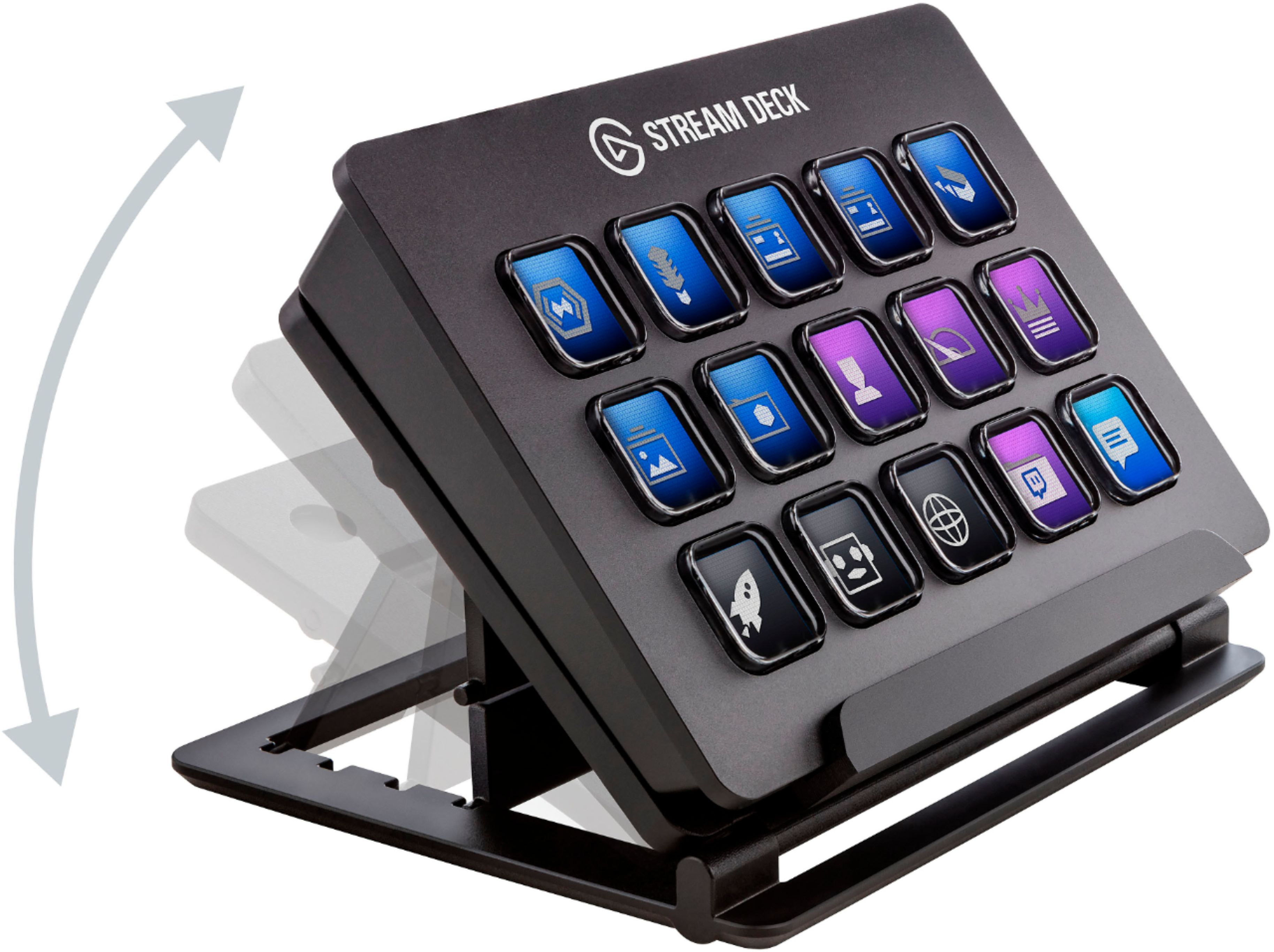
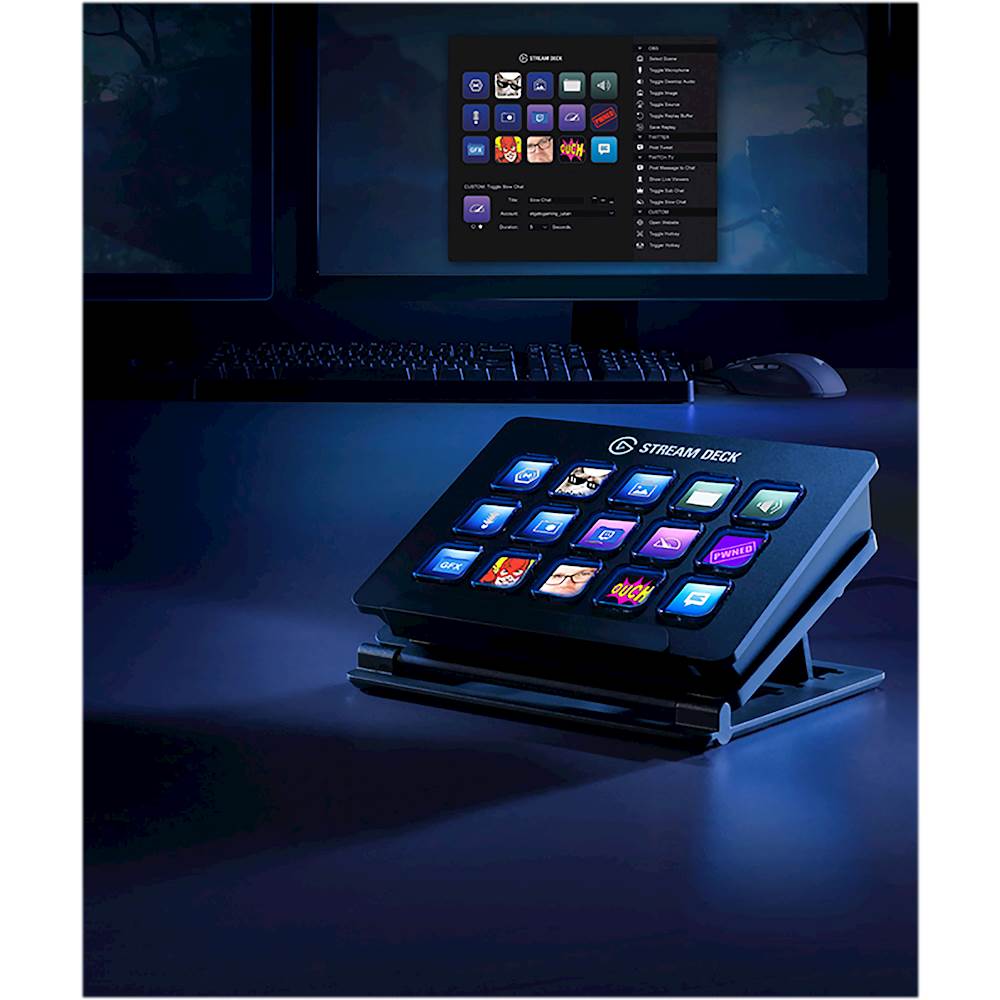
||Posted . Owned for less than 1 week when reviewed.This reviewer received promo considerations or sweepstakes entry for writing a review.It is fun to use. Easy to set up. Plug and play. Sleek design. Adjustable stand.
I would recommend this to a friend - Pros mentioned:Ease of use
Excellent
||Posted . Owned for 3 weeks when reviewed.This reviewer received promo considerations or sweepstakes entry for writing a review.Excellent love the product and it’s great for the people who do stream!!!
I would recommend this to a friend Not worth $150
||Posted . Owned for 1 week when reviewed.This reviewer received promo considerations or sweepstakes entry for writing a review.It’s not worth $150, but having it is priceless when streaming on Twitch.
I would recommend this to a friend...
||Posted . Owned for 1 month when reviewed.This reviewer received promo considerations or sweepstakes entry for writing a review.Amazing I don’t have any problems with it at all..
I would recommend this to a friendExcellent product
||Posted . Owned for 1 month when reviewed.This reviewer received promo considerations or sweepstakes entry for writing a review.Excellent product, very versatile a lot of custom configurations. For example I produce podcast and I have in one touch all the software and web pages that I use for.
I would recommend this to a friendMany buttons (more than 15)
||Posted . Owned for 10 months when reviewed.This reviewer received promo considerations or sweepstakes entry for writing a review.It depends how you use it. you will get more than 15 buttons
I would recommend this to a friend- Pros mentioned:QualityCons mentioned:Stand
The Streamers Ultimate Tool!
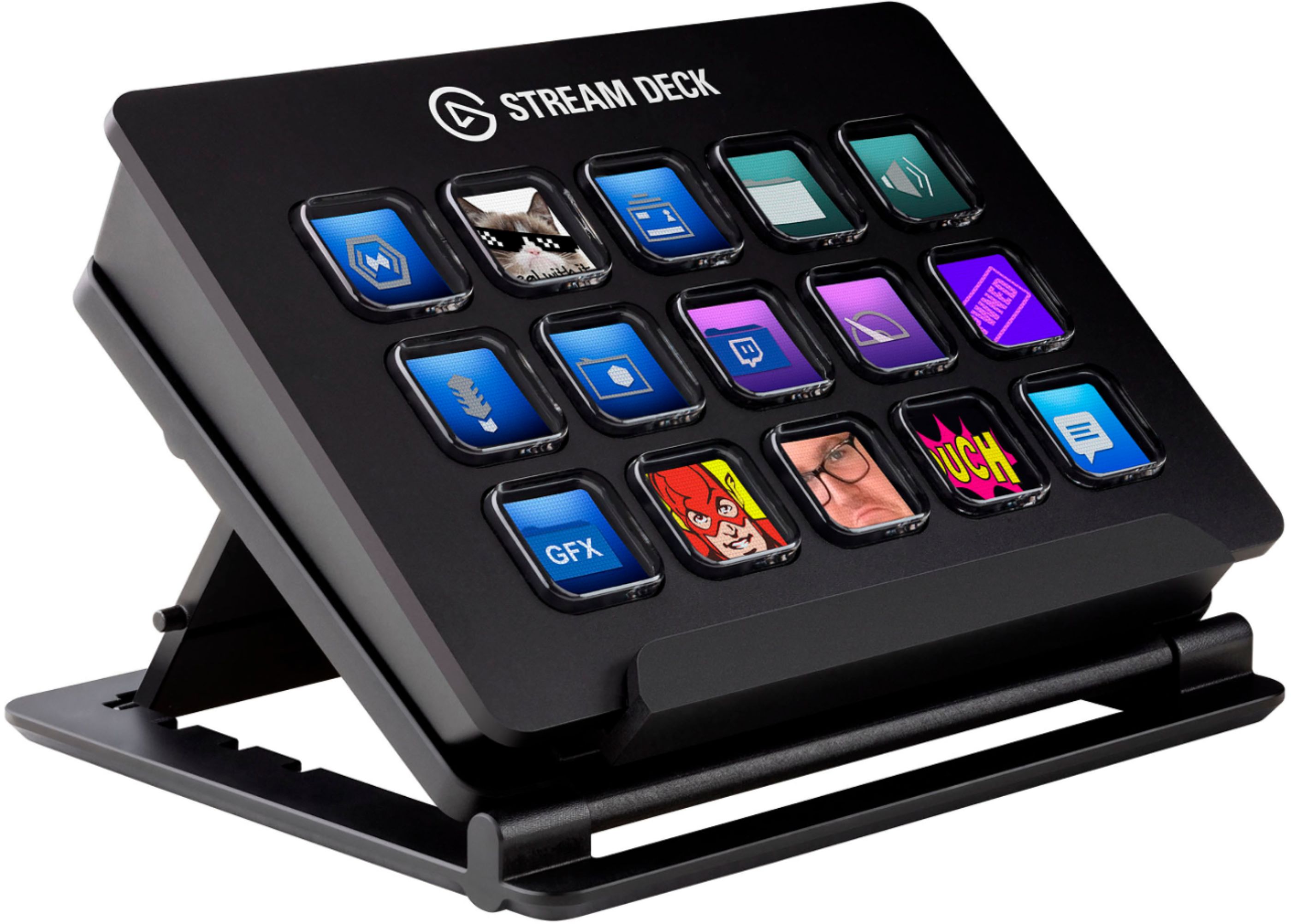
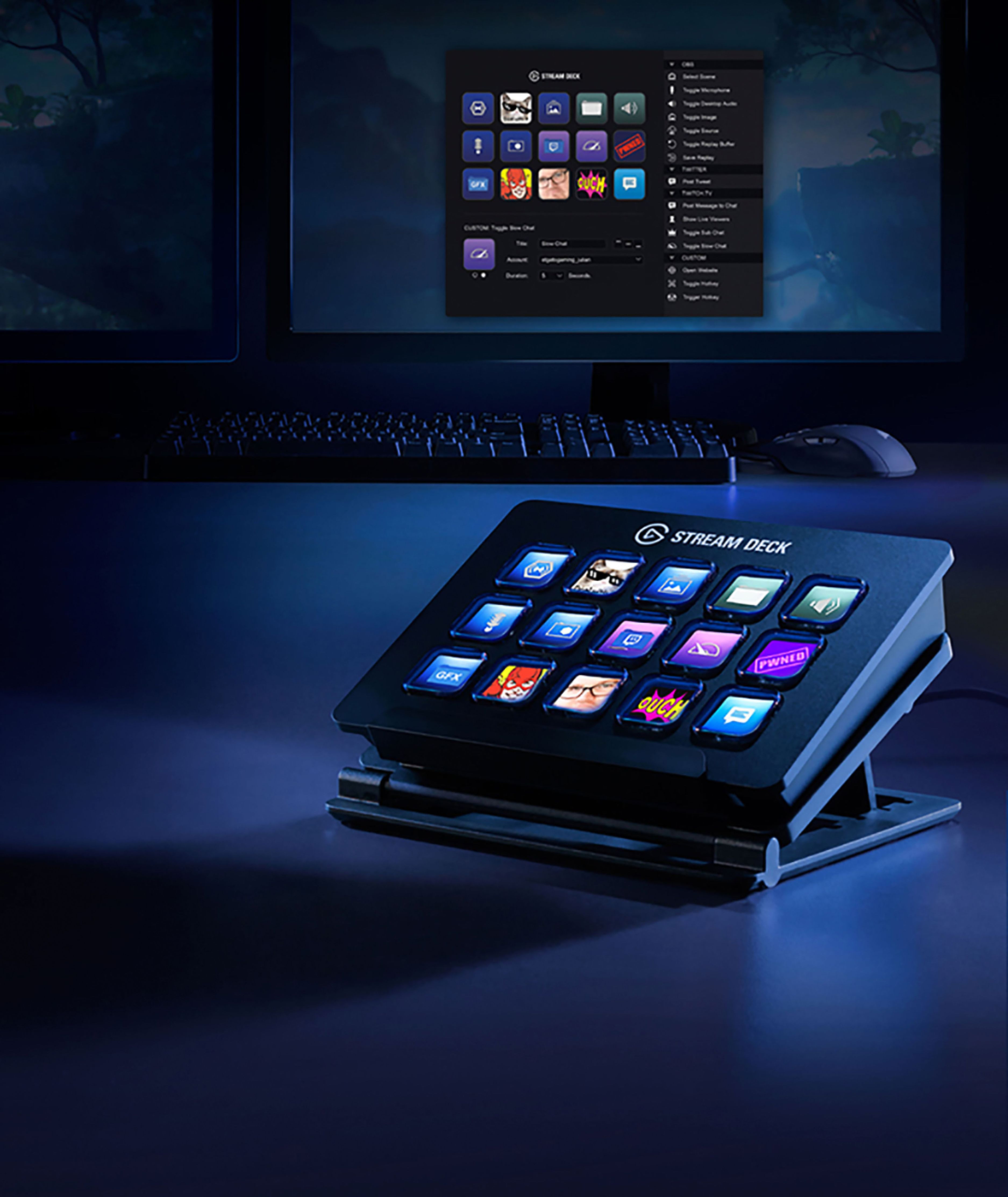
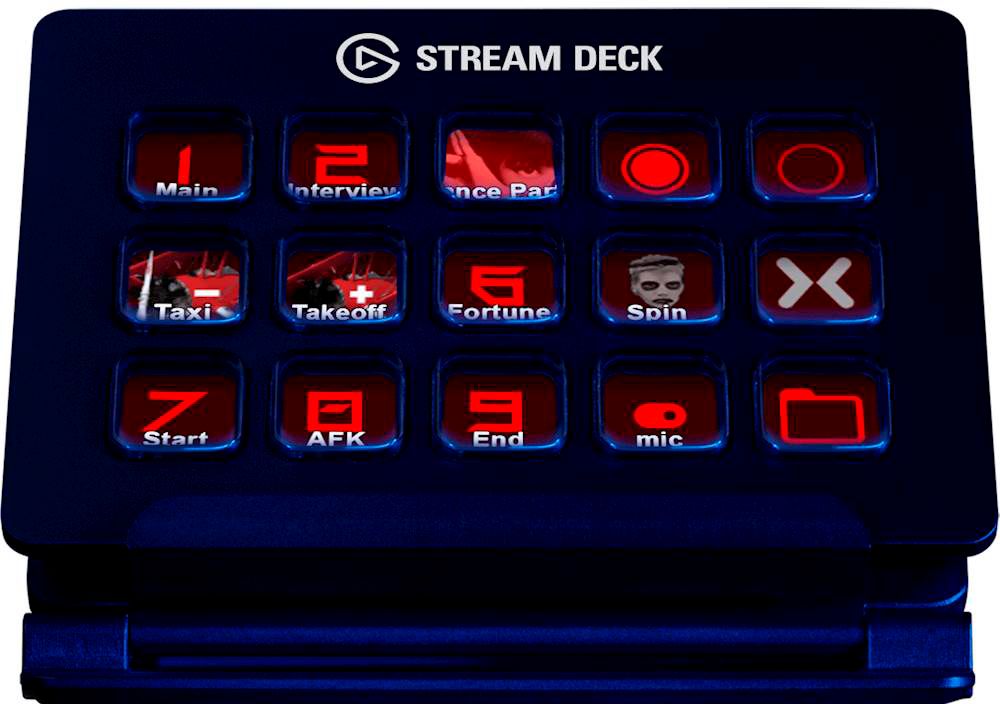
||Posted . Owned for 9 months when reviewed.This reviewer received promo considerations or sweepstakes entry for writing a review.The Elgato Stream Deck is now the main tool I use when I stream. I bought this item brand new on day one, and gave it a few weeks before writing this review so I could try many aspects of it, and give myself some time to give an honest review after the "New and Shiny" period. Craftsmanship: The Deck First off, this deck seems to be very sturdily made, and weighs about a pound. The shell is made out of a hard plastic that has a very slightly textured finish, with the top logo feeling as if it was painted on. The cable provided has been commented as being too short for some users, and I can see where this may be an issue for some people with large desks. The cable is about 3 feet long, but this works perfectly for my set upThe buttons are made of plastic as well, but when touched almost feel slightly gel-like, which is honestly a nice feel when pressing them down. The buttons make almost no sound when pressing them down, so you shouldn't have to worry about a clicking sound being heard on your microphone. The screens used to display artwork for the buttons can be adjusted for brightness, and being set to full, provide a very vivid picture. One thing I will mention, is soon after setting up a few buttons with new images, and at the beginning of my usage of the stream deck, I noticed one of the buttons lose a portion of the image horizontally. I backed out of the "folder" ( you can create folders for different profiles ) and went back into it, and the issue was fixed and never seen again. The Stand The stand is made of a similar sturdy plastic and weighs about a half pound. The section that supports the weight of the deck has a soft cushion for she deck to sit on, which seems to protect the bottom from scratching, a nice touch. The height adjustment pieces sit inside little notches that are out of the base. You have two different back rests provided so you can set it to different angles. The notches that are used don't let the stand clip in, and allows the stand to pop out if it is lifted at all. This hasn't been an issue when streaming, but has been annoying when moving things around on my desk, as you have to reset the back rest every time you move it. Software: The software used for the deck is amazing, and super simple. You can make adjustments to it, while using the stream deck software, stream deck, and broadcast software in real time to make sure your functions work exactly like you want them to. The software has many presets made for Elgato Game Capture, OBS Studio, Twitch, and System functions (such as Website, Hotkey Switch, Hotkeys and Multimedia Control). It also has options for sending preset Tweets to Twitter (such as Live Notifications), and TipeeeStream Scene Element. All of the options that I have used so far are very resposive, Tweets are sent within seconds, Twitch messages almost instantly sent, and media/ mixer elements change immediately. You are given 15 buttons as a "Main Menu". Each one of those 15 buttons can be used as folders for different scenes or functions that you want to include. For example, I have one used for my intro, one for my PS4 livestreams, one for my PC live streams, and one for OBS media/Source changing. Inside each folder you can use 14 buttons for functions, as the first button is used to go back to the "Main Menu". You can also change the images of each element very easily by double clicking on the elements image. You are then able to browse your computer for images to use. The image files that can be used are .bmp, .png, .xmp and .jpg. This part of the software is my only issue. Elgato provides a way to make your own button images, but it is accessed from their site. The process of making your image on their website, saving it to your computer, opening stream deck software, creating button, search for file, then import image, is a little frustrating when you have to do that for 100 or so buttons. I would like to see the option to create your own buttons with your images on the Stream Deck Software itself, as it would save me time having to go to their website to make it. My Experience While Streaming: I love this stream deck so much. It has become such an integral part of my stream, that I really don't know how I managed to change sources and scenes before having it. The ease of putting up an intro scene, then going into a console broadcast, popping up a funny .gif when something happens (or playing a sad air horn when I get destroyed in Overwatch) is incredible. I have used this to display .gifs for when I change characters in games like Overwatch and people always ask me "How does your streaming software know what character you are, and changes when you change characters?!". Oh, and if you have to say something privately, you can just make a microphone On/Off button. Or if you have to step away you can make a scene that shuts your camera and microphone off and displays a "BRB" message. The possibilities are endless. The support for more streaming platforms and stream integration apps is on its way as noted by Elgato. This will be such a game changer for both new and experienced streamers. Seriously. 10/10, Must Buy, Recommended.
I would recommend this to a friend - Cons mentioned:Stand
Highly Overrated
||Posted . Owned for 1 week when reviewed.This reviewer received promo considerations or sweepstakes entry for writing a review.To start a few opening thoughts: • I would have rated this a 2.5/5 but since this isn’t an option and I feel this product is highly overrated, I rounded down instead of up. • I purchased this on sale for $99.99 and used a Best Buy reward certificate to reduce the price even further. • I don’t stream and I only planned on using this device for quick access to key binds, simple macros and to display simple information like the time and pc vitals. • I waited exactly one week to review this product. I felt that was fair amount time to fully assess the product. • The review is kind of long, if you wish you can skip to the TDLR at the bottom it sums it up pretty well. Pros: • The novelty of having a display on each of your keys. This is main selling point of the product and it does it well. The displays are highly customizable and Elgato provides tools to help make a unique looking display. • The Stream deck desktop application. For the most part it is easy to learn and use. There are number of useful commands that are pre-installed and ready to use. There are also a few free plugins that can be added that expands the library of useful commands. Neutral: • The Stream deck app store. Before purchasing I noticed a number of cool plugins that made the stream deck a very appealing purchase. Now a few of these plugins lived up to expectations, but I also noticed something very unusual that I didn’t really understand until I started to use some them. That was the fact the majority of the plugins had a relatively low rating. Like over half had a less than 3 star rating. Now I don’t want to bash these plugins because the majority are community made, free and much better than anything I could make, but I feel like it needs to be said there is a reason some of these plugins are lowly rated. Some are very buggy and aren’t really to point that they should be used. I also noticed that recently Elgato changed it so it no longer displays a rating, but the number of times a plugin has been downloaded. I can’t even find the ratings anymore. Imo this is a very poor decision. • The Stand. It function well enough. It stays in place during normal use and it has four levels of adjustment. The main problem is that there is no way to lock the stand into one of the adjustments. So any kind of picking it up and moving will cause you to have to readjust the stand. For a high priced product like this, a higher quality stand was expected. • Key Display. This is a bit nit-picky, but the key display is just okay. You have look dead on to clearly view the entire button. The bigger the angle, the more distortion and loss of view of the entire key. Also the resolution is noticeably low, but I wasn’t expecting a high resolution. • The Cord. It functions, but it is noticeably made as cheap as possible. It is shorter than any other keyboard or mouse I’ve ever owned at around 5 feet. The cord really needs to be around 6-6.5ft like most other pc peripherals. (I had to bore another hole in my desk because this thing was just a little short. I could’ve just used the spare 1.5ft extension cable I have laying around, but I might need that for something else someday.) The cord is also noticeable thinner most of other my pc peripherals. The bottom line is this is a cord you’d expect to find on a $5 product not a $150 or even $100 one. Cons: • The Keys/Buttons. This is by far the biggest issue. And it probably is the biggest factor in 2.5 star rating I gave it. Without this issue I probably would have given this product a 4 star rating. I haven’t seen this issue stated in any other review so I’ll try to explain this as best as possible. o Keystrokes Regularly Not Registering. I’ve noticed during regular use when I press a key it sometimes won’t register. This rate is probably around 1 in every 10 attempted keystrokes. This is unacceptable. I’ve noticed this every time I use it. When I press a key that key needs to register 100% or nearly 100% of the time. If my keyboard had this poor of a rate, it would be unusable. The reason for this rate is most likely due to the following 5 points. Please note if you mash a key with enough force you probably won’t notice some or all of these issues, but as someone who doesn’t, they are extremely noticeable. * Keys do not depress evenly. This may be the root of the problem. Whether I press the top, bottom, left, right, center or any combination of the above, the entire key should depress evenly. Every single keyboard/keypad I’ve owned has done that. That is not the case of this product. For example on this keypad if you only press the bottom left corner of a key, only the bottom left corner will depress. The top and right of the key are left up in their relatively normal rest position. You have press dead center for the entire key to go down and even then it doesn’t fully depress evenly and feels weird. * False double “tactile bump”. As long as you press sort of near the center of the key, you’ll feel two slight depressions before a key bottoms out. This is due to the fact the keys do not depress evenly. What makes this worse is that even after getting to this point, a keystroke will not register. You need to go further and press harder than you expect. * Every key has a slightly different feel. Every single area of every single key requires a slightly different amount of pressure to ensure a correct keystroke is registered. This causes an inconsistency and makes it harder to learn where you need to press and how hard you need to press a key for it to register correctly. * Some keys stick in different places and produce a slightly different sound. The one in the bottom right corner sticks a little bit every time you press it near the middle and makes a noticeably louder sound then rest when it come back up to its rest position. The one to the left of it also sticks a little bit, but only if press near the top and doesn’t stick as bad so it’s not as loud. I could go on but I won’t, you get the point. * Supposedly Mechanical Switches. I am no mechanical keyboard expert, but I’ve owned around 4 budget mechanical keyboards each with a different switch type. I have to say if this truly has mechanical switches, they are by far the worst I’ve tried. And at this price point, I don’t consider this a budget unit. Honestly every single keyboard I’ve owned, including old and cheap membrane laptop keyboards, have a better feel than these. o I’ve thought about this and wanted to find the best comparison for these Keys/Buttons toward something I actually own. The best comparison I could find is the front (△ ○ × □) buttons of my old heavily used PS1/PS2 controllers that I haven’t used in over 15 years. They actually don’t depress evenly, which was a surprise to me, but since they are smaller buttons it was harder to notice. They have a noticeable stickiness to them. And I’m sure if I were to plug them in they wouldn’t have a great register rate unless I mashed them. The only thing they are missing is the false double “tactile bump” (they only have a single noticeable bump/click, which is a much better design). Please note I also tested my PS3/PS4 controllers and they did not have any of these issues (well except for maybe a little stickiness). And I don’t own a PS5 to test a PS5 controller even though I should (Thanks for nothing Burger King / Sony / Realtime Media). This review will probably come off like a long, unfair rant and bashing of this product, but I feel like these issues need to be clearly and honestly stated. The fact of the matter is I like the idea of the product, and was very excited to try it. I was ultimately left disappointed by the quality of the hardware and to be left this disappointed is a shame when the product price point is so high. There is slight chance I just got a bad unit, but since every single key/button has issues that is hard for me to believe. The package was also in pristine condition and the product looks brand new, so I have hard time believing it was damaged and a different unit would perform much better. I would have returned it, but I don’t like going through the process of a return and I used Best Buy certificates to cover a large portion of the cost. So I’ll probably just keep it and hope I’ll eventually adjust to having to press harder to accurately have my keystrokes register. I also do realize there is an update to this product, the MK.2, that according to other reviews does fix the cord and stand issue, but since I don’t own it, I can’t confirm this. However of the issues that this product has these two are the least. The key responsiveness is the biggest and I haven’t seen anywhere that this was fixed or that it was even an issue. So I don’t know if I’m crazy, my personal preference on how a key should feel is drastically different than anyone else that owns this product or something changed in the quality of control of these units recently. TLDR; “Keys that show digital pictures is the good. Keys that function worse than the buttons on my old PS2 controller is the bad.”
No, I would not recommend this to a friendBrand response from Corsair
Posted .Hi Trent,
Thank you so much for the feedback, the keys are mechanical and can be subjective in how they feel versus traditional keyboard mechanical switches. While there may be a variance in manufacturing, there shouldn't be a large discrepancy that you may be experience. We'd like to look further into this with you, please contact our support team so we can work with you directly: support.corsair.com
-Brian
- Pros mentioned:Ease of use, Quality
Great Stream Deck
||Posted . Owned for 3 weeks when reviewed.This reviewer received promo considerations or sweepstakes entry for writing a review.Elgato has and makes very good products! This stream deck is well made and works great. I read researched a lot about stream decks before purchase and was carefully with my decision of what stream deck to get. Elgato has three types, basically, small, medium and large. I happy I went with the medium size one. I could totally see get the smaller based on price however you would find yourself needing more keys. The much larger deck does seem a bit over kill unless you are very precise with layouts and knowledgeable of how to use stream decks. Overall, it's cool and awesome. It does help, work flow, speed, and does just feel fun to use! I do like that there are many options on how to adjust the key pad stand levelness/height. I read the the cord could be longer, but it's fine. Just pick a USB extender. This doesn't go against the deck, but I do wish there would be more knowledgeable people that could show how to setup ideas, tutorials, etc.... It's all good!
I would recommend this to a friend - Pros mentioned:Customization, Ease of use
Great desktop helper, not just for streaming!
||Posted . Owned for 1 month when reviewed.This reviewer received promo considerations or sweepstakes entry for writing a review.The Elgato Stream Deck is incredibly easy to set up and use, and works extremely well with OBS software. Customization is quick and intuitive, and very flexible. I've also been using it with Adobe Lightroom as a dedicated editing surface (for image select/reject, viewing, etc). The size is great for having a few quick functions available, along with nested folders for keeping a few extras at hand as you switch tasks.
I would recommend this to a friend - Pros mentioned:Customization, Ease of useCons mentioned:Button count
Makes things easier for a new streamer!
||Posted . Owned for 1 month when reviewed.This reviewer received promo considerations or sweepstakes entry for writing a review.Very easy setup; download the software and plug in and your good to go! Offers a ton of different options for your shortcuts, so you will have to play around with what your looking for and what is most convenient for you. Has made streaming much simpler, allowing me to focus on interacting with my audience instead of messing with obs! Consider the other sizes if this one seems line to few/many buttons.
I would recommend this to a friend - Pros mentioned:Customization, Ease of use
Saved my job
||Posted . Owned for 3 weeks when reviewed.This reviewer received promo considerations or sweepstakes entry for writing a review.This is marketed for streamers to ease their multiple button pushes while streaming their content. I have a job that requires the same information such as addresses and copy/pasteting P.O.#s to invoices that is very repetitious, data entry. Instead of continuing to pull my hair out from the boredom, or quitting because of the constant same #'s having to be manually entered over and over and over and over and over, I got one of these. Yes it can perform sophisticated things like posting a video to every social media platform at the same time, while opening twitch, and tweeting, while opening picture in picture on one of my five monitors so I.. I meant everyone can see me play a video game. But I made a expensive bet, that it would also allow simple repetitive keystrokes to be assigned to the buttons, and allow me to not quite my job. I also found out that I was not limited to the 15 buttons, but could assign one button to say "addresses" that would open 15 more buttons, that I could assign 15 addresses to each button. Not only that but technically this will allow you to go as far as you would like down a rabbit hole that you could assign a button that would open every word in the English language, if you had enough patience. It has saved my job and sanity.
I would recommend this to a friend