Customer Ratings & Reviews
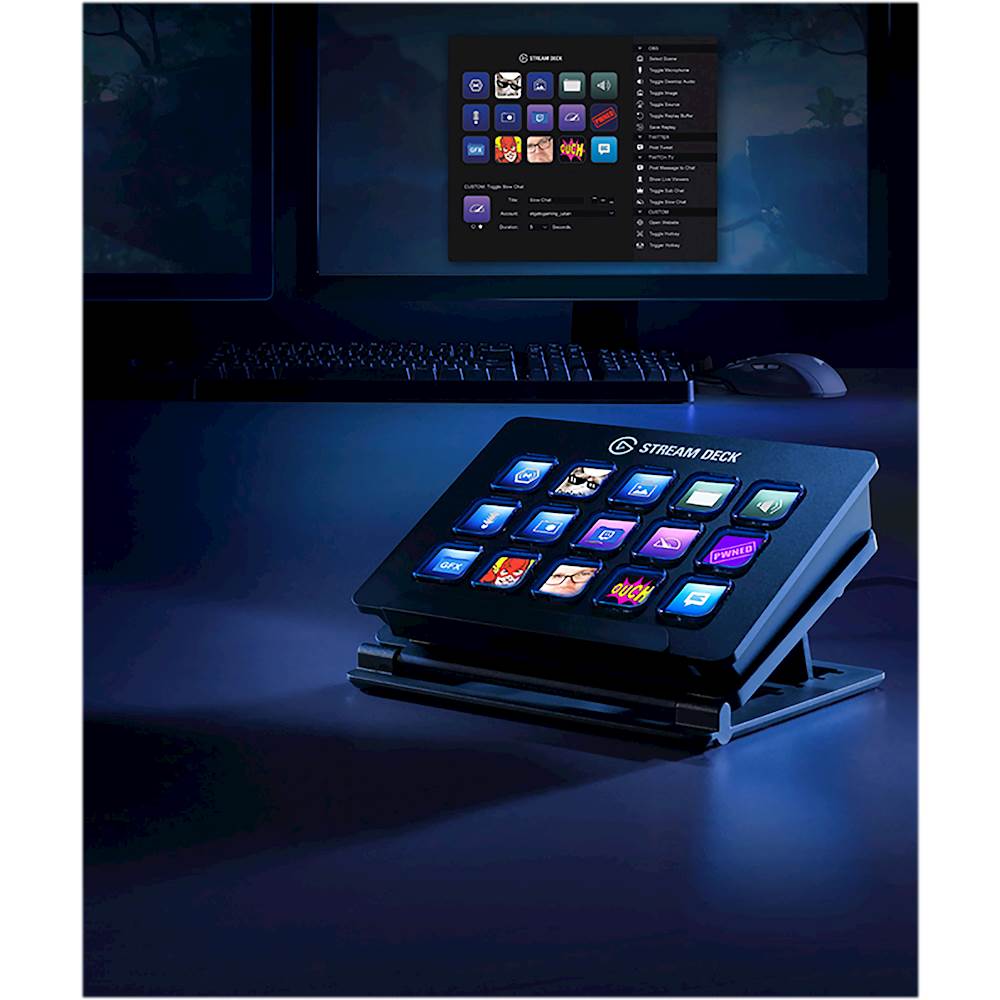
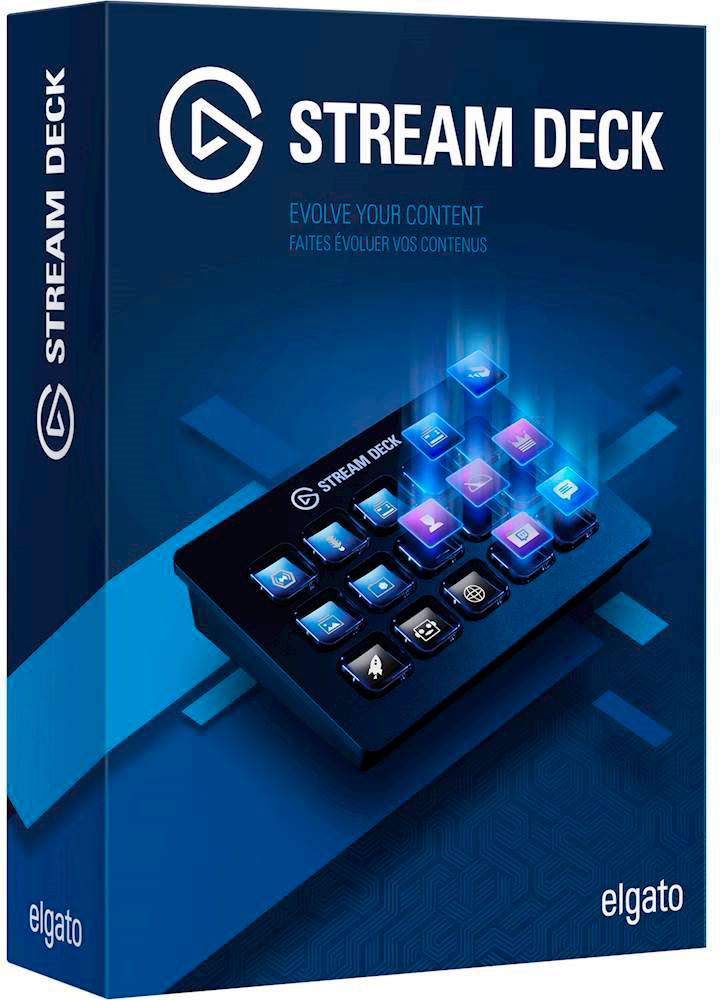
- Model:
- 10GAA9901
- |
- SKU:
- 5899807
Customer reviews
Rating 4.9 out of 5 stars with 1044 reviews
(1,044 customer reviews)Rating by feature
- Value4.6
Rating 4.6 out of 5 stars
- Quality4.8
Rating 4.8 out of 5 stars
- Ease of Use4.7
Rating 4.7 out of 5 stars
Customers are saying
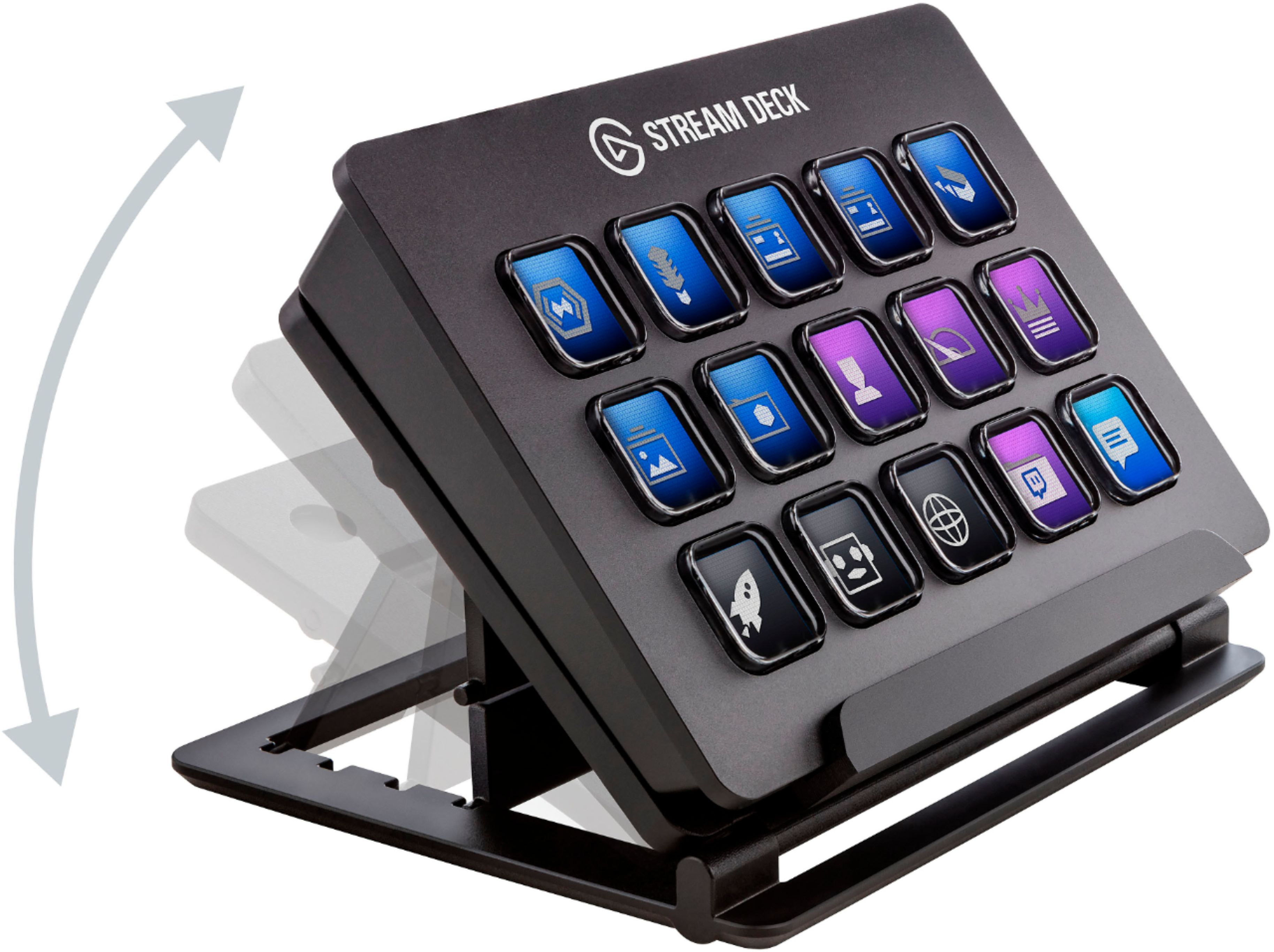
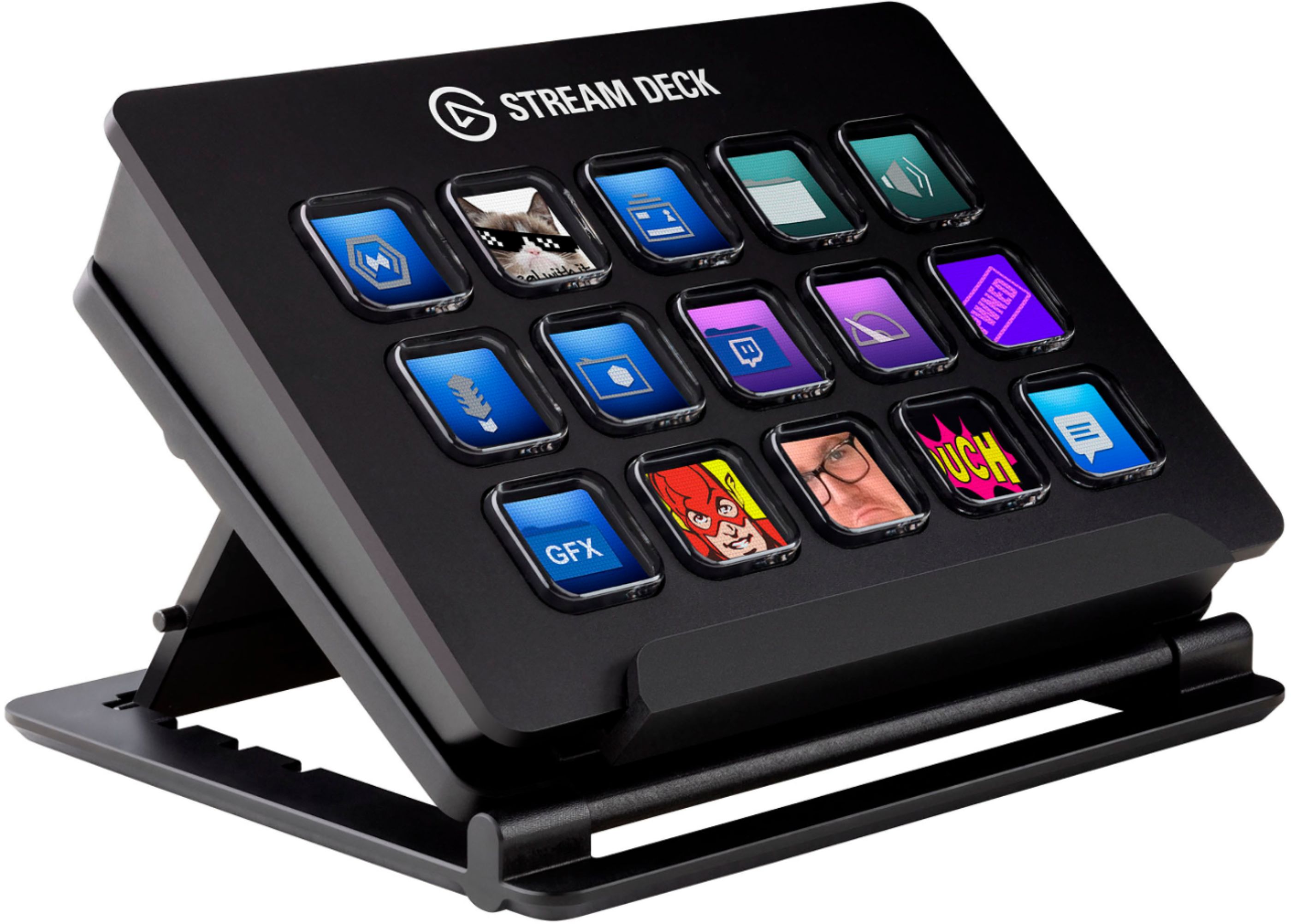
Customers regard the 10GAA9901 Full-size Wired Mechanical USB Keypad with Stream Deck favorably, particularly praising its ease of use, customization options, and the integrated Stream Deck functionality. Many appreciate the product's quality and the convenient USB connection, while some users noted that the stand could be improved and that the number of buttons might be insufficient for certain needs. Positive feedback also highlighted the user-friendly software and straightforward setup process. A few users mentioned compatibility issues with specific applications.
This summary was generated by AI based on customer reviews.
- Pros mentioned:Ease of use
Rated 5 out of 5 stars
Amazing Efficiency Tool
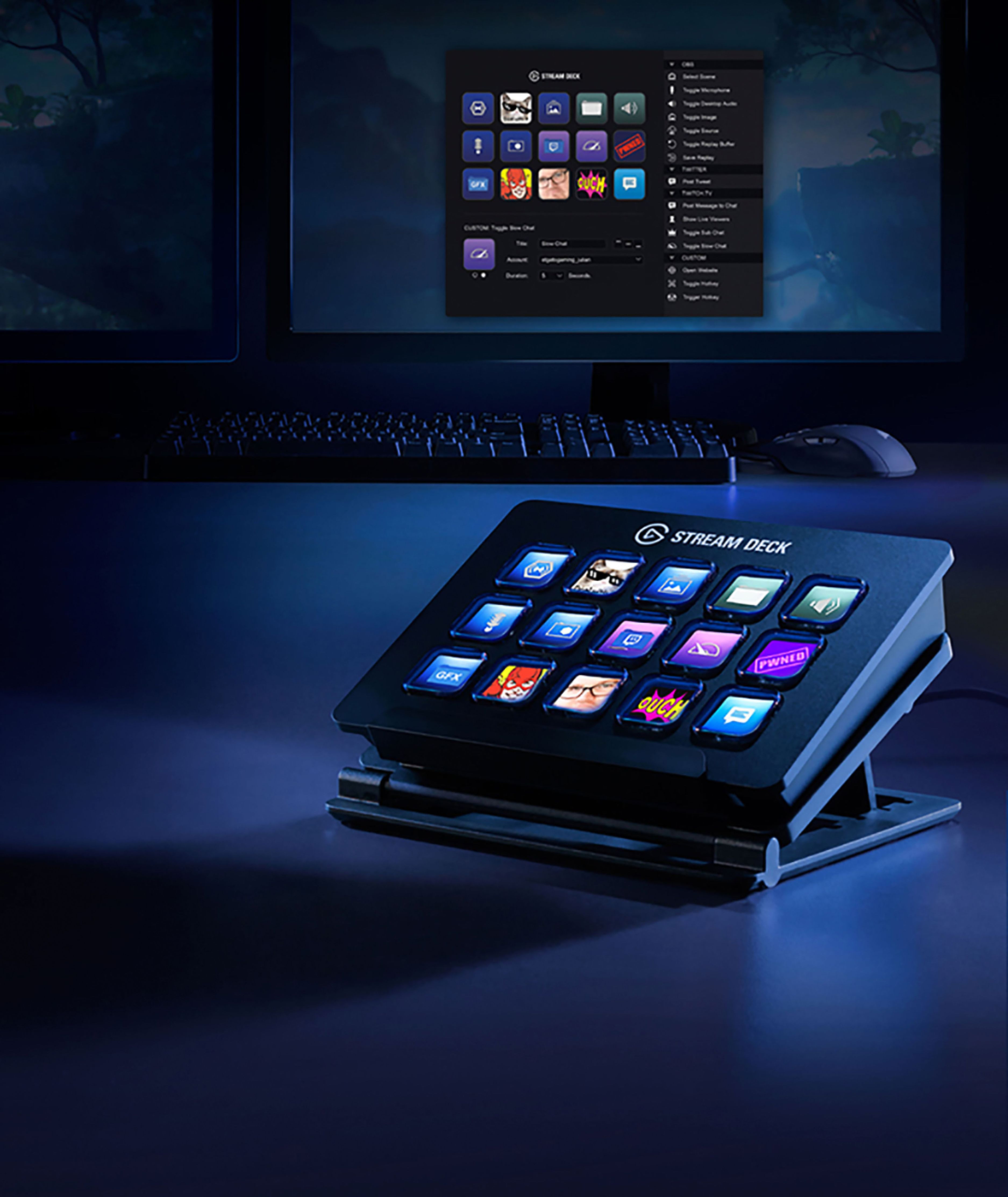
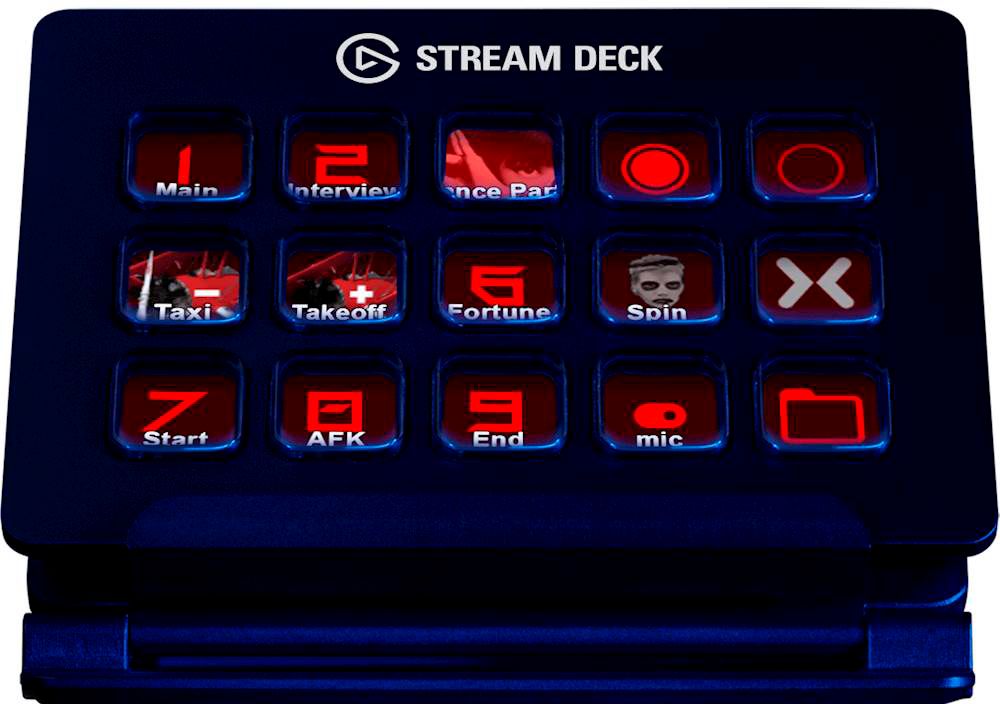
||Posted . Owned for less than 1 week when reviewed.This reviewer received promo considerations or sweepstakes entry for writing a review.Whether you stream or not, this is a great device to have on your desk. Simple setup, easy to use, good software. Also, there is support for third party extensions. I got a Spotify extension so that I can specifically control Spotify's volume, start specific playlists, play/pause, etc. all from their own button on the Stream Deck. I was a unsure if I wanted to go for the 32 key Stream Deck, but I'm happy with this one because You can switch profiles (button layouts/functionality) on the fly, or even make folders in which you can group certain actions. For example, I made a Media folder that holds all of my Spotify playlist and media control buttons. I love it so far
I would recommend this to a friend - Pros mentioned:Ease of use
Rated 5 out of 5 stars
simply must have for streaming
Posted .This reviewer received promo considerations or sweepstakes entry for writing a review.simply must have for streaming makes the overall experience so much better and easier to control
I would recommend this to a friend - Pros mentioned:Ease of useCons mentioned:Button count
Rated 5 out of 5 stars
Fast Setup, Reliable and User-Friendly
||Posted . Owned for 3 months when reviewed.This reviewer received promo considerations or sweepstakes entry for writing a review.Easy to install and get started! This is advertised as an assistant for streaming. However, there is so much potential for other uses such as programs and shortcuts. For example, you can set up multi-key or multi-action buttons that can perform multiple tasks with a single button press, for digital art, video editing and other activities. For the nitpicking review, there is very few to mention. One small thing would be that sometimes pressing buttons can feel sticky, as if you need to press down in the centre enough to activate the button. Other than that, everything works great! As for streaming, it is incredibly helpful. You can set up unlimited buttons and organise them using the button layout and on-screen folders to create more button layouts. There are many add-ons that can be installed for even greater customisation. Even if you're not a streamer or a gamer, this product is sure to enhance your computer experience!
I would recommend this to a friend - Pros mentioned:Customization, Ease of use
Rated 5 out of 5 stars
great tool never new I needed it long time ago
||Posted . Owned for 6 months when reviewed.This reviewer received promo considerations or sweepstakes entry for writing a review.This is literally an amazing tool. I don't use it for streaming but I do have lots of short cuts and hotkeys I need to use on a daily basis, and having this set up how it's faster for me has changed the game! Love how you can customize each tile separately, make folder and sub folders with short cuts etc, overall if you're a streamer, or someone who has lots and lots of files and shortcuts this is a must get. will save you time by just clicking one thing rather than getting into folders and subfolders in your files. the only downside to it is that you have to spend a good 2-3 hours to fully set up with text in each tiles, an icon to it and overall program everything to work with each function you need, do it over a weekend and be ready on the weekday for the workload, this makes my tasks cake.
I would recommend this to a friend - Pros mentioned:Ease of use, Usb
Rated 5 out of 5 stars
A Great Addition to a Stream Setup
||Posted . Owned for 3 weeks when reviewed.This reviewer received promo considerations or sweepstakes entry for writing a review.I've been wanting one of these for a while and finally decided to pull the trigger on buying one. I'm so glad I did! I previously used hotkeys on my keyboard to do things like change scenes and mute sources but would often find myself accidentally doing so when typing, so having a completely separate button box to assign those things too is huge. Plus, I don't have to remember which button is which. While I have multiple monitors, I generally am streaming a racing game, which uses all 3 of my monitors, so OBS is most always hidden. So, being able to press a button and trust that it did the right thing is a huge help (would be a great addition to anyone streaming with just 1 monitor as well so you can always keep OBS hidden from the stream). Great for non-streaming as well - lots of functions available on here, such as website and system hotkeys to easily start programs or open websites.
I would recommend this to a friend - Pros mentioned:Customization, Ease of use
Rated 5 out of 5 stars
Well worth the price
||Posted . Owned for 1 week when reviewed.This reviewer received promo considerations or sweepstakes entry for writing a review.I use this primarily for my flight sim DCS, but other activities on my computer as well. This thing is super cool! You can create numerous sub folders to do just about anything. In DCS virtual toggle switches change position, lights can turn on etc. you can only have two values though, so three way toggle switches can be done but you have to get creative (I just use two toggle switches and a button for off). I also use this to quick launch games and apps on my computer. It’s so simple to use and program. There are tons of tutorials that show you have to use it for system monitoring, gaming, streaming, to monitoring stocks and crypto in real time. Is it pricey? Yes, but the customizability is worth it in my opinion. Use to to play your music, launch complex strings of command cia one button, and so much more!
I would recommend this to a friend - Pros mentioned:Ease of use, Quality
Rated 5 out of 5 stars
Does anything, the end!
||Posted . Owned for 1 month when reviewed.This reviewer received promo considerations or sweepstakes entry for writing a review.OK So here's the information you need to know to decide if you will buy a Stream Deck or not... Do you want to make your own custom buttons, each with it's own custom icon to do anything you want to do on your computer? If you're answer is yes, then buy now and thank me later. What else would you like to know? Is it built good? Yes. Does it do what I want it to do? We covered that already. Will it make my workflow faster? If you use it correctly it will. Is it easy to setup and use? Absolutely, very intuitive. It will do everything, pretty sure you could even program it to cook you dinner and flush your toilet somehow, haven't figured that one out yet though. Seriously, it's a great piece of hardware and software to add to any computer setup whether it be for gaming, video/audio production, etc... even if you just want some cool hotkeys to launch your programs or websites... get one, you'll like it.
I would recommend this to a friend - Pros mentioned:Ease of use
Rated 5 out of 5 stars
My son stopped using it, so I took it.
||Posted . Owned for more than 2 years when reviewed.This reviewer received promo considerations or sweepstakes entry for writing a review.I bought it for my son, but he had other uses for his USB ports. I took it and have had fun using the various macro settings. It's easy to set up and the only limit is your imagination.
I would recommend this to a friend - Pros mentioned:Ease of use
Rated 5 out of 5 stars
Macros without Macros
||Posted . Owned for less than 1 week when reviewed.This reviewer received promo considerations or sweepstakes entry for writing a review.Stream Deck is a practical and simple device that makes not only streaming, but multitasking more efficient in a small package. It has all but changed my entire streaming process. I have a singular action that now starts my stream, sets my music, mutes my mic, and sends a tweet out letting viewers know that I'm live. I'm also using it to map my commonly used apps and shortcuts, managing my wave link microphone, and opening all the programs I use at start up and setting the position on my monitors. It's crazy how many it can do. It's well designed and the software is user friendly. There are also many video guides on YouTube that'll get you started. I love this thing, Elgato knows their market and are doing everything right .
I would recommend this to a friend - Pros mentioned:Customization, Ease of use
Rated 5 out of 5 stars
Stream Deck, not just for gamers
||Posted . Owned for 1 week when reviewed.This reviewer received promo considerations or sweepstakes entry for writing a review.The Elgato Stream Deck is a pretty handy tool. It allows you to easily set up hotkeys for tons of different actions. I'm currently using my Stream Deck to help quickly navigate Zoom meetings. I can quickly mute/unmute me or the audience, control a couple lights I have set up to make my camera feed look a bit nicer and toggle the camera without having to fumble through menus. I do hope to eventually do more with the Stream Deck, but I haven't had the time yet to dive deeply into all the customization it allows. There are a ton of plugins to control just about anything dealing with your computer. I'm really eager to look into hotkey/macro functionality.
I would recommend this to a friend - Pros mentioned:Ease of use, Quality
Rated 5 out of 5 stars
Worth the Money Even if you Don't Live Stream
||Posted .This reviewer received promo considerations or sweepstakes entry for writing a review.You don't have to do live streaming to like this thing. It is hard to explain just how useful this thing is. It's not just a bunch of buttons. You can program them to do pretty much whatever you need. There are 15 buttons, but each button can be turned into a folder of buttons. For example, if you have a button for writing, you can have that be a folder, one icon inside can be for Word and the others can all be hot keys, etc. I use that for video editing in the same way. I also use it to launch a bunch of web pages at one time that I use together. It is well built, fun to play with, and saves time computing.
I would recommend this to a friend Rated 5 out of 5 stars
Saved me time and money
||Posted . Owned for 1 month when reviewed.This reviewer received promo considerations or sweepstakes entry for writing a review.Was not sure of I really needed the Stream Deck or not or if the mini version would be better for me. I also looked at using the mobile version instead since it was cheaper. I ended up using most buttons on the device and having a physical button to press instead of a touch screen was really nice. If you don't need more than 5-6 buttons at a time, the mini would be great, but for an extra $50 it will worth it for me. The software with it also had a nice system for scripting things and allowed many different plugins to expand functionality. This had made things easier for my recording and streaming.
I would recommend this to a friend- Pros mentioned:Customization, Ease of use
Rated 5 out of 5 stars
Easy to use - great functionality
||Posted . Owned for 8 months when reviewed.This reviewer received promo considerations or sweepstakes entry for writing a review.Currently used for running frequently launched apps, PC audio controls and some very light streaming. This is a fantastic product and while the functionality can be produced by similar, cheaper products (or your own ingenuity) very few do it with such simplicity and style. Very customizable and if you use any major streaming platforms on PC the integration already in place makes it that much easier to incorporate into your setup. As for non-streaming uses it's great for launching apps and audio control. I even use it in some tabletop RPG games (Roll20 and the like) for audio and some common macros!
I would recommend this to a friend - Pros mentioned:Customization, Ease of use
Rated 5 out of 5 stars
WFH podcast gamer gadget lover dream
||Posted . Owned for 3 weeks when reviewed.This reviewer received promo considerations or sweepstakes entry for writing a review.You might not think you need this, but once you try it, you will wonder how you ever did without it. If it were just a specialized keyboard for running macros that let you control Zoom or Twitch or your podcast software, that would be cool enough. But the fact that you can customize the key caps in software takes this to another level. Honestly, it is worth just having a single button to exit a Zoom without fumbling around after you say goodbye!
I would recommend this to a friend - Pros mentioned:Ease of use
Rated 5 out of 5 stars
Should’ve Bought Sooner
||Posted . Owned for 2 weeks when reviewed.This reviewer received promo considerations or sweepstakes entry for writing a review.I was looking for ways to enhance my new WFH set up. This cool looking stream pad has opened up a whole new world for me when it comes to increasing productivity. A fun way to turn repetitive tasks into a button. I can adjust my lighting during my Zoom meetings. Log into some of my applications without touching my keyboard. Launch apps with ease. Highly recommend this not just for streamers, but for anyone looking to work smarter.
I would recommend this to a friend - Pros mentioned:Ease of use, Quality
Rated 5 out of 5 stars
Amazing Something like this exists!
||Posted . Owned for 3 months when reviewed.This reviewer received promo considerations or sweepstakes entry for writing a review.Absolutely love this piece of hardware. I personally bought it for streaming using Stream Labs and the ease of use as well as the number of ways to customize the unit is AMAZING! You can program your buttons to do single function tasks as well as multi function tasks (turn off small camera then turn on large camera) with a single button push. The unit is very solid and feels like a high quality piece if hardware. I like this one do much i then bought the XL version and i would do it again in a heart beat!
I would recommend this to a friend - Pros mentioned:Usb
Rated 5 out of 5 stars
Best purchase for my streams!!!
||Posted . Owned for more than 2 years when reviewed.This reviewer received promo considerations or sweepstakes entry for writing a review.I have had this product for a few years now and I love it, it gets the job done, but looking to upgrade it soon!!!
I would recommend this to a friend - Pros mentioned:Customization, Ease of use
Rated 5 out of 5 stars
Great tool for streaming and more!
||Posted . Owned for 3 weeks when reviewed.This reviewer received promo considerations or sweepstakes entry for writing a review.This practical device can be use to make streaming much easier especially if you are managing multiple things on your stream. As long as you can program it, the stream deck can do it. It is also very customizable and barley lags. The limit does not stop at streaming, however. You can use it in your everyday computer-related work. In my opinion, 15 keys is the perfect number do do everything you need to do. Especially since you can create multiple folders and profiles for your presets.
I would recommend this to a friend - Pros mentioned:Ease of use
Rated 5 out of 5 stars
Will cop another Stream Deck Soon™️
||Posted . Owned for more than 2 years when reviewed.This reviewer received promo considerations or sweepstakes entry for writing a review.Perfect for my Streaming and Recording Workflow. And daily simple Macros. I will need to cop another Stream Deck Soon.
I would recommend this to a friend - Pros mentioned:Customization, Ease of use
Rated 5 out of 5 stars
Makin things easier for streams
||Posted . Owned for 3 weeks when reviewed.This reviewer received promo considerations or sweepstakes entry for writing a review.I purchased this to make things easier for my streams, and it did its job perfectly! Its pretty easy to setup, works right out of the box, and the whole customization options is really fascinating and leaves so much to your imagination to make a button do whatever you need it to do. Maybe there’s a limit, but who knows. Overall it’s pretty helpful too with how just a press of a button that you assign makes things so much more easier.
I would recommend this to a friend