Customer Ratings & Reviews
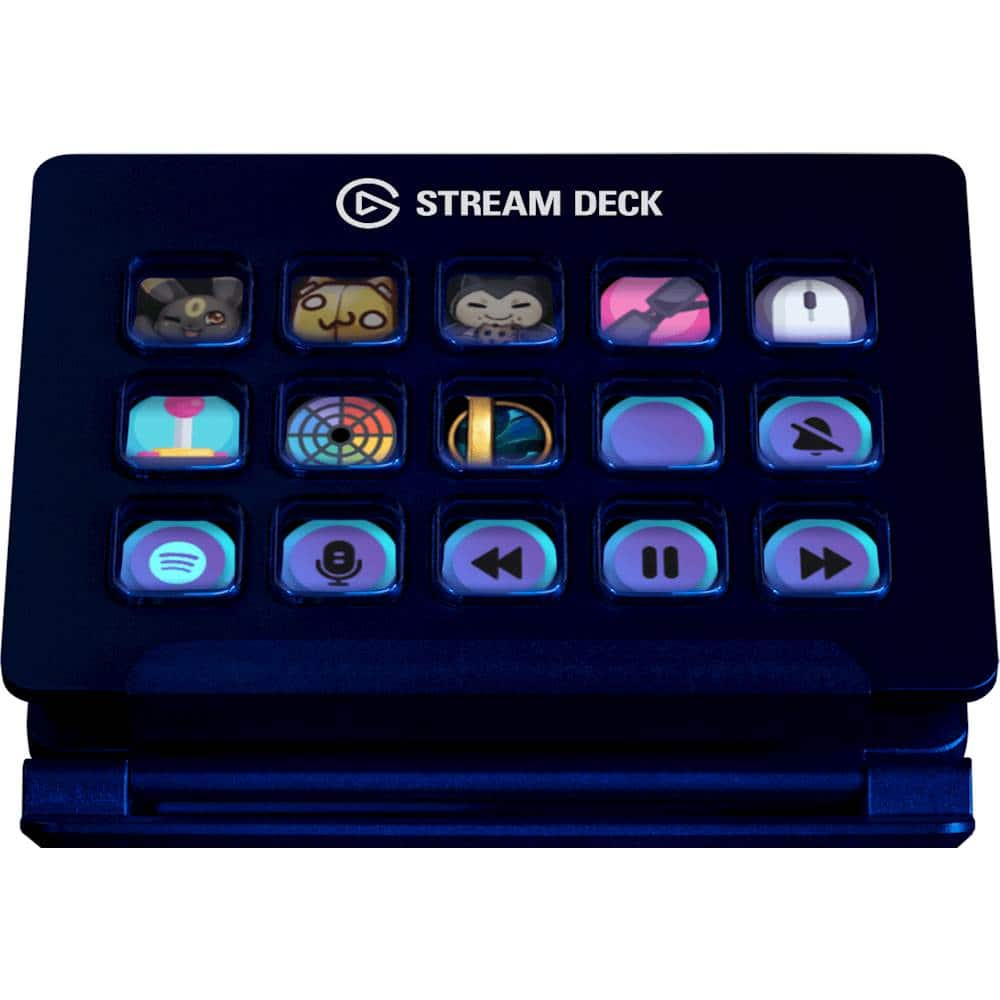
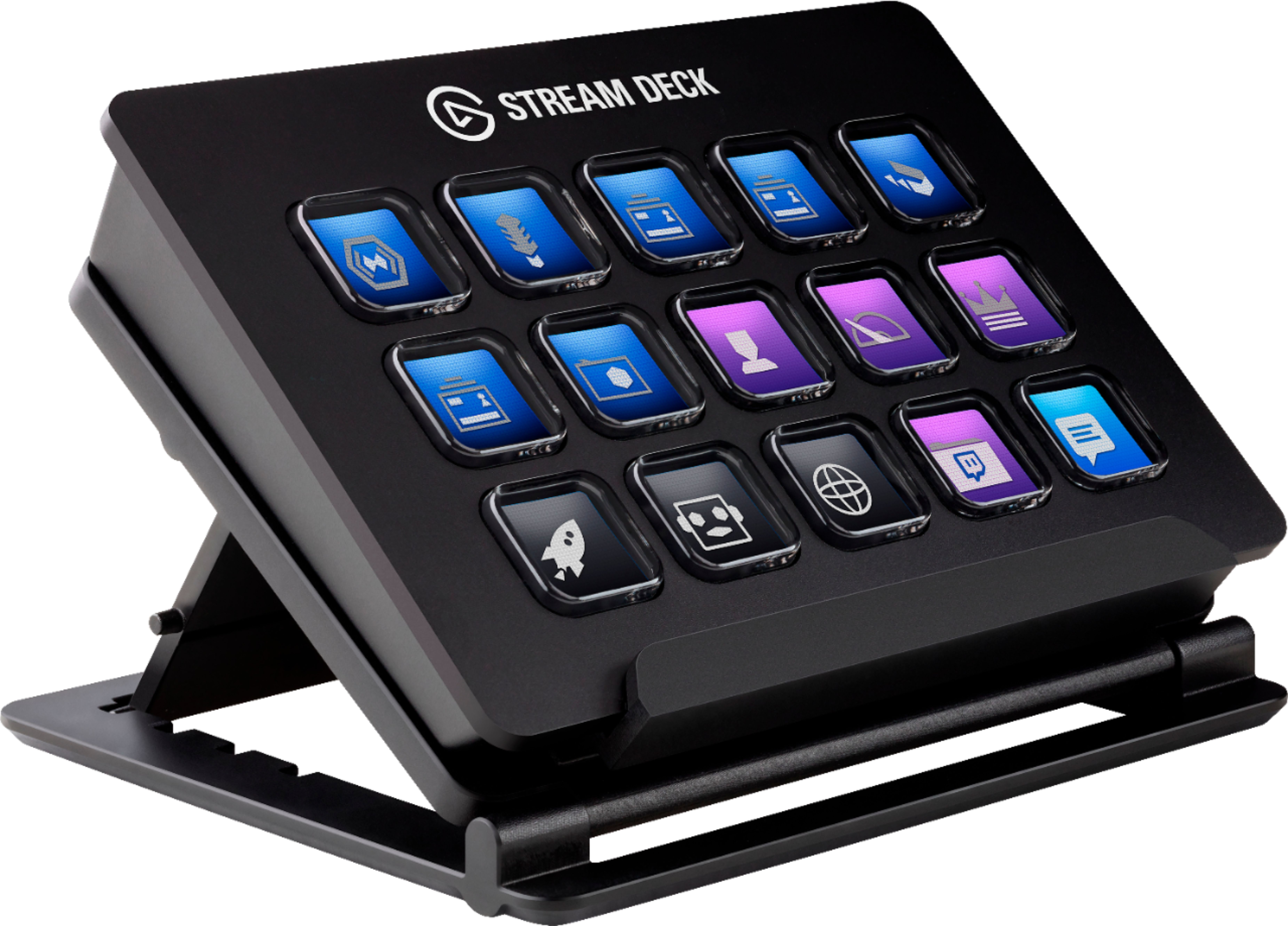
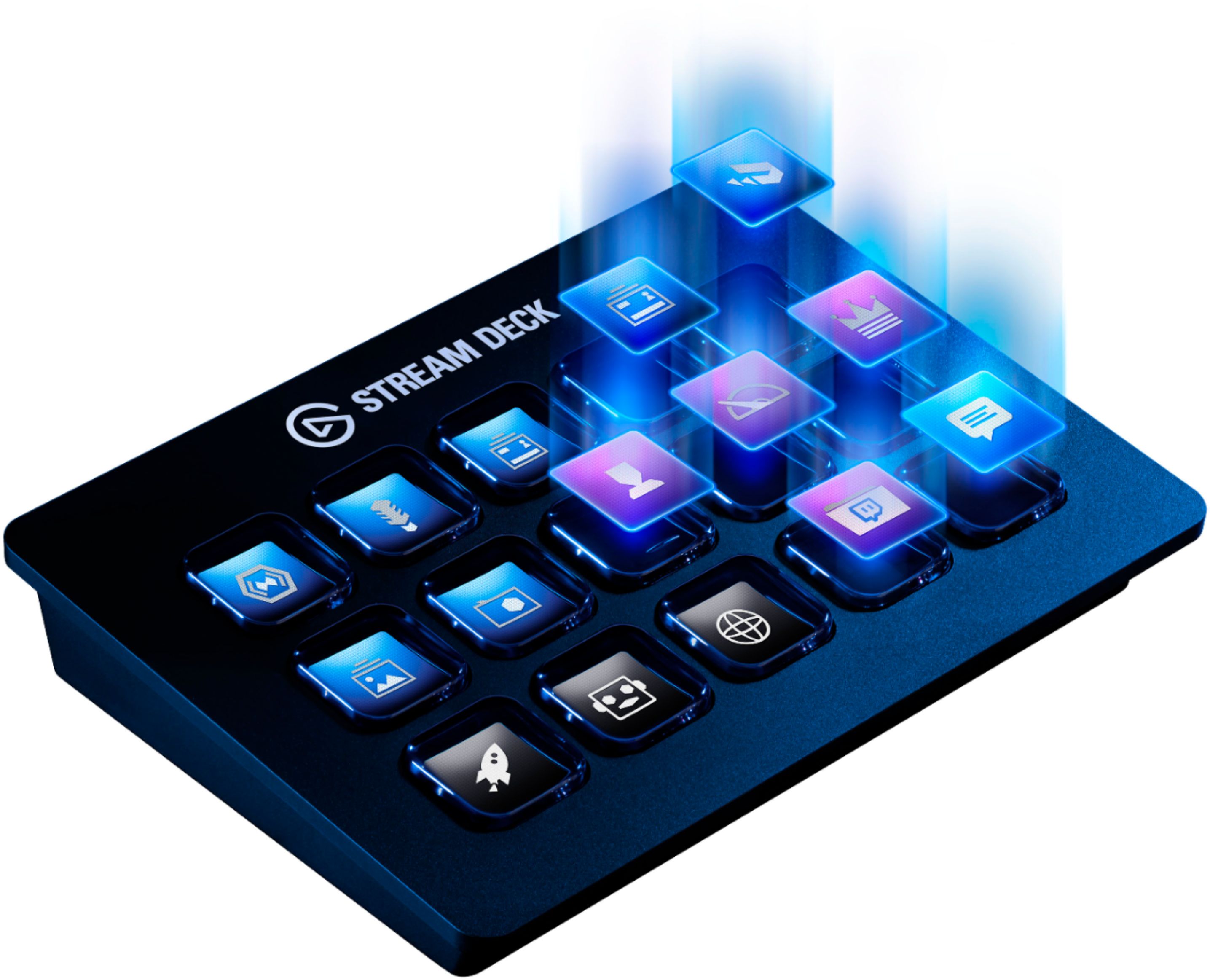
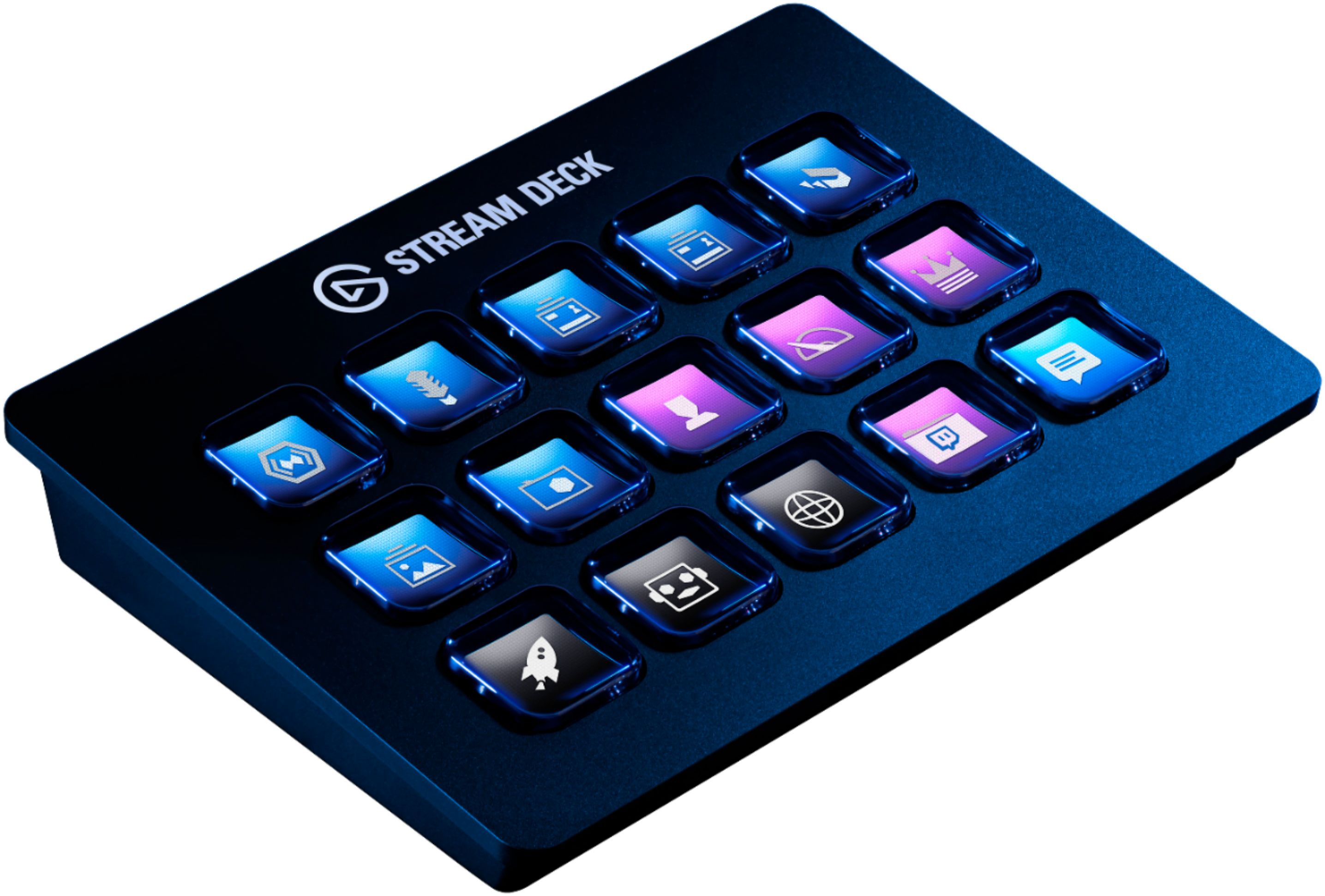
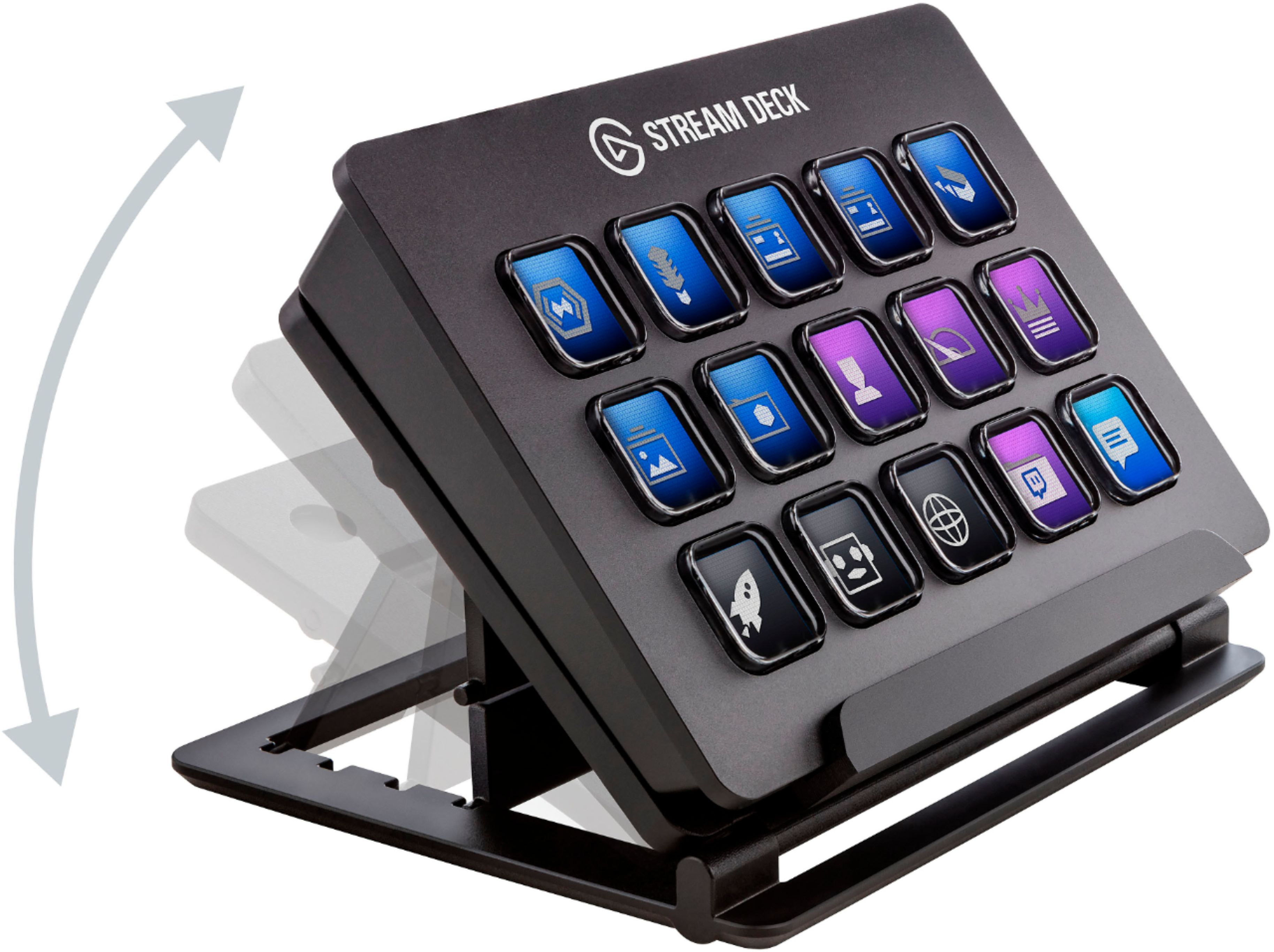
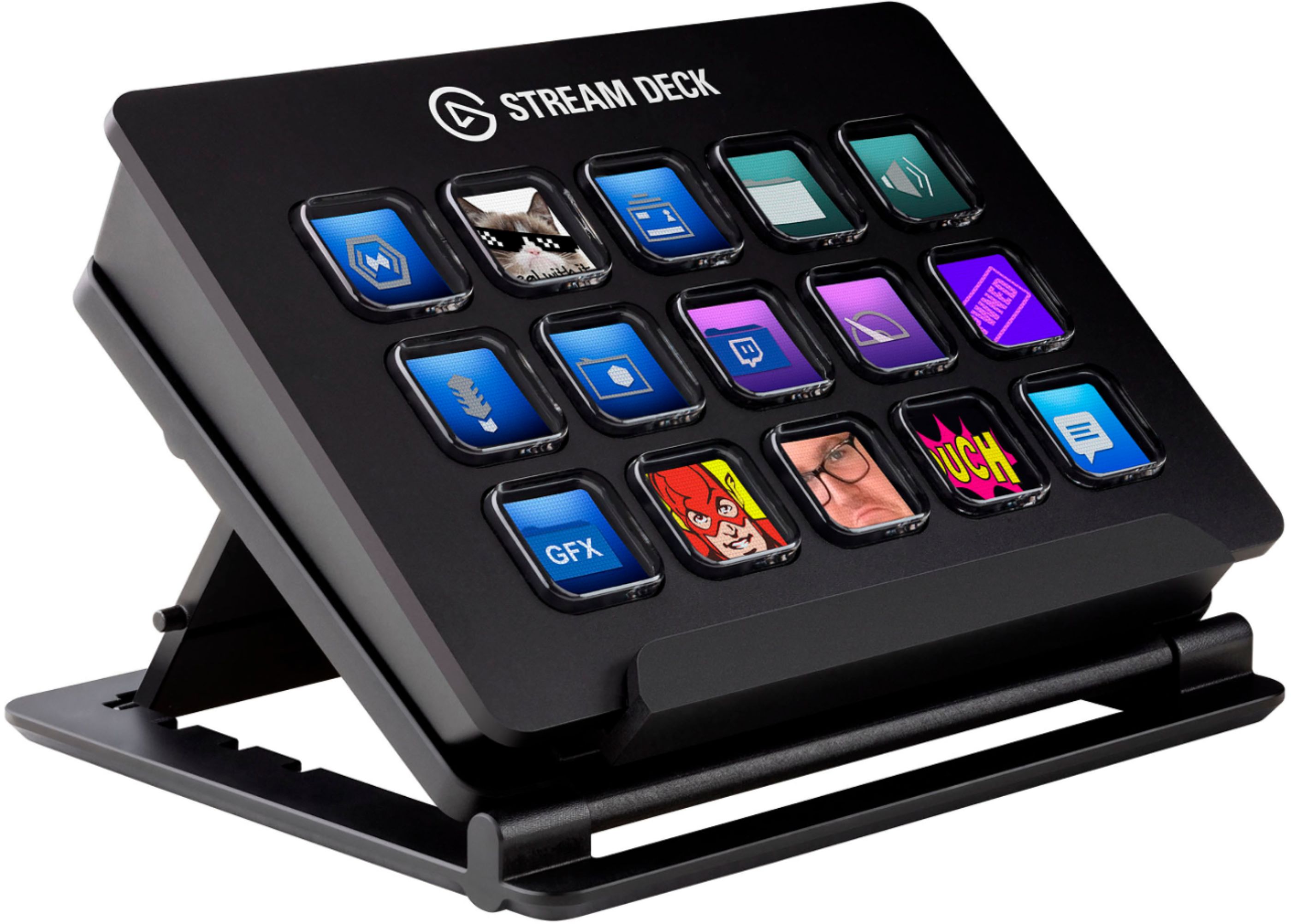
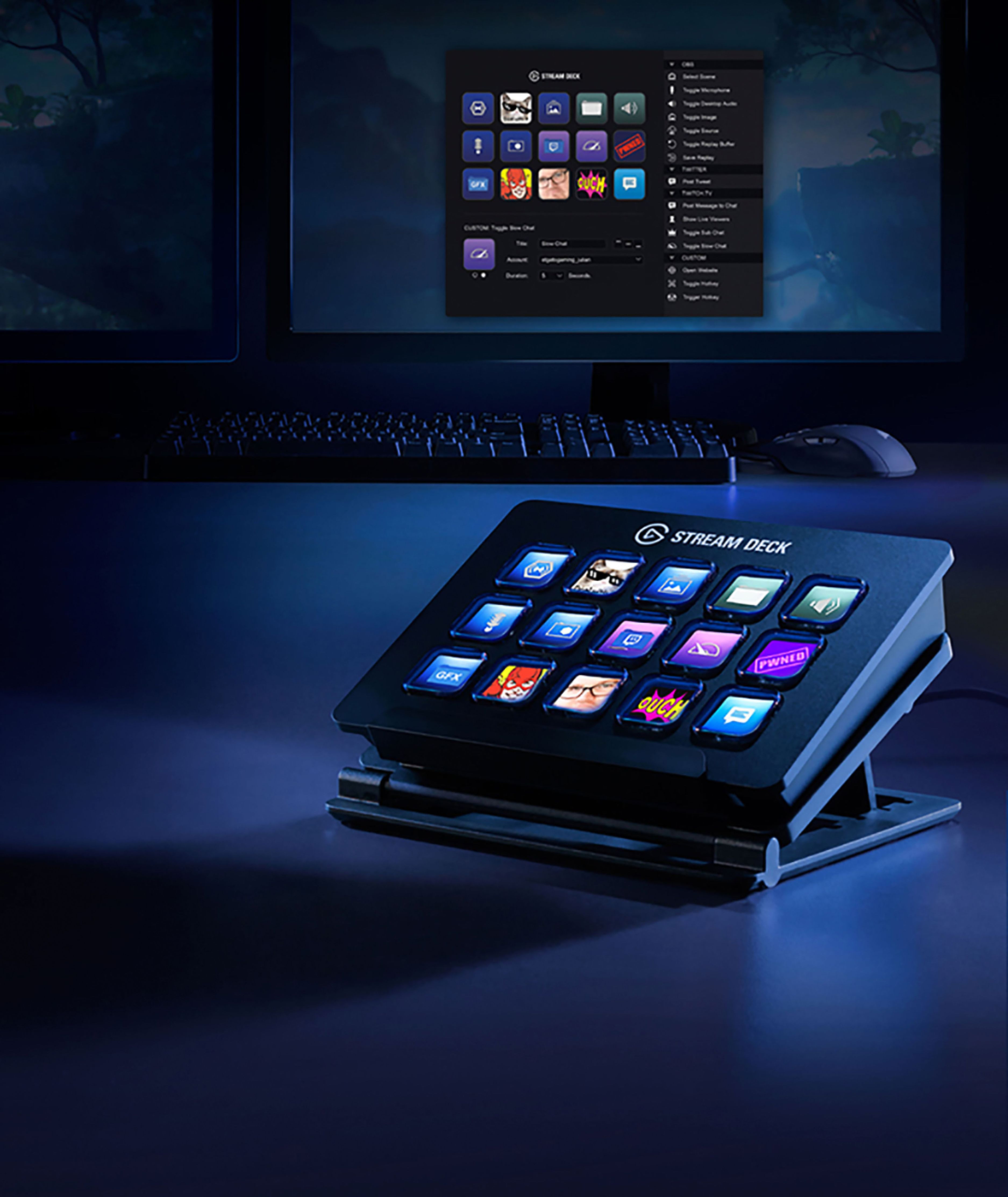
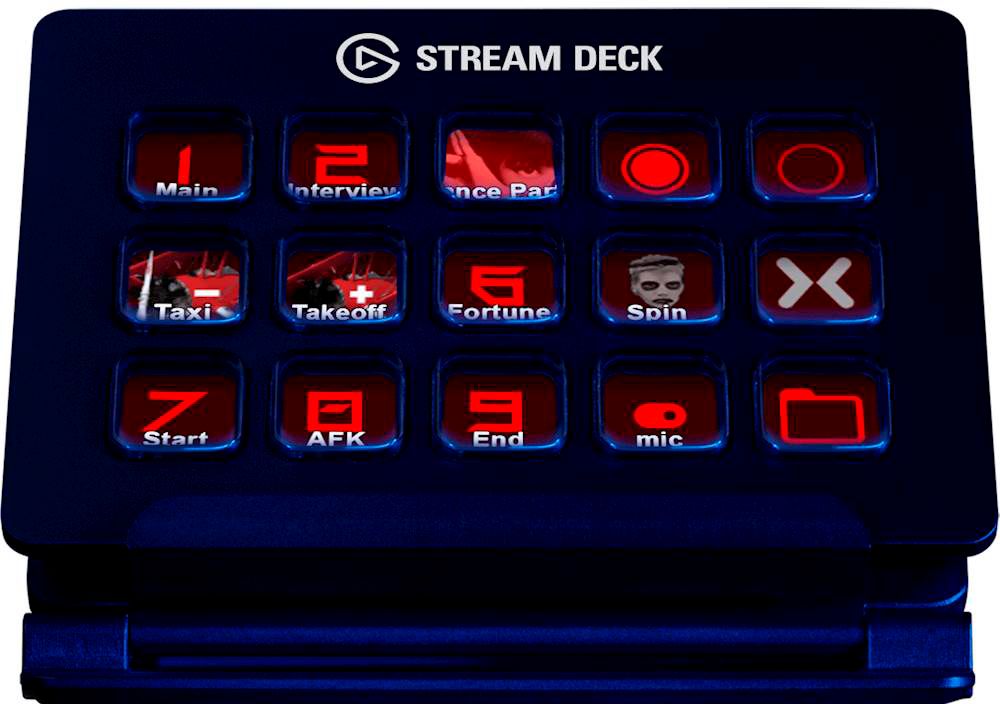
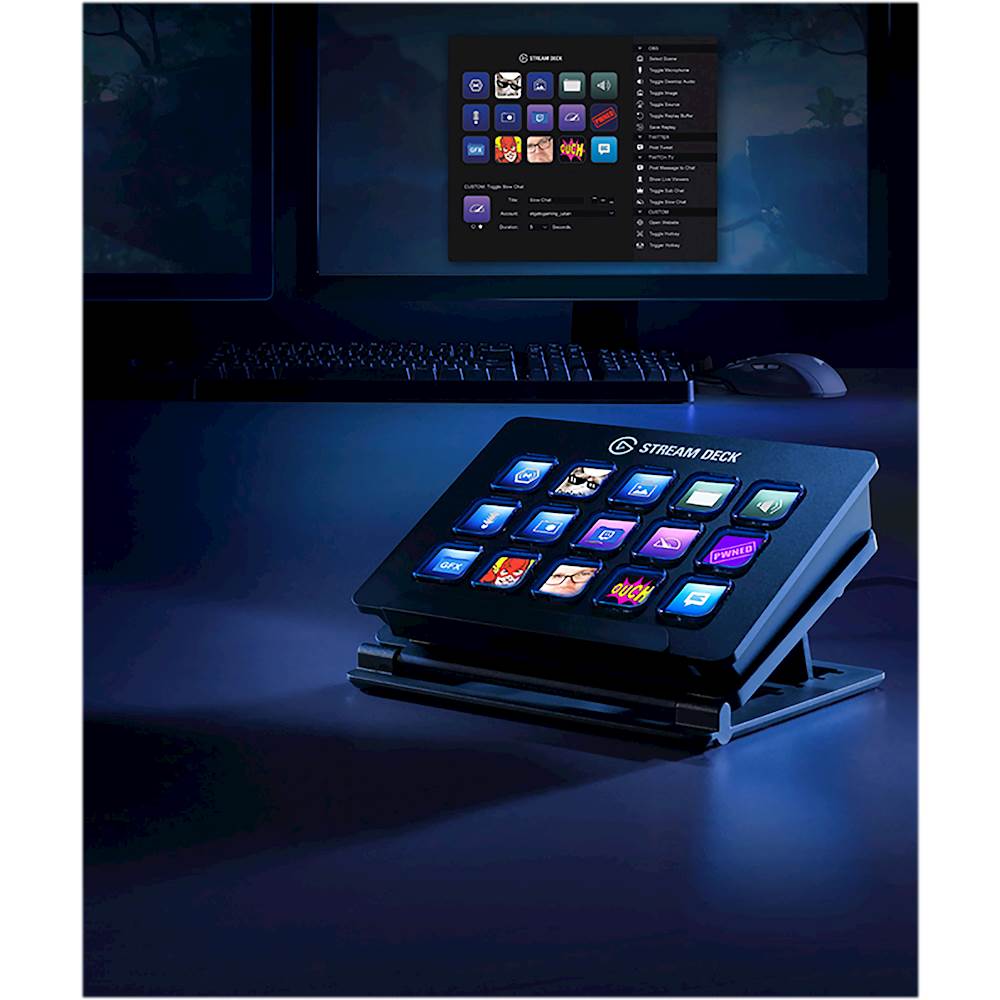
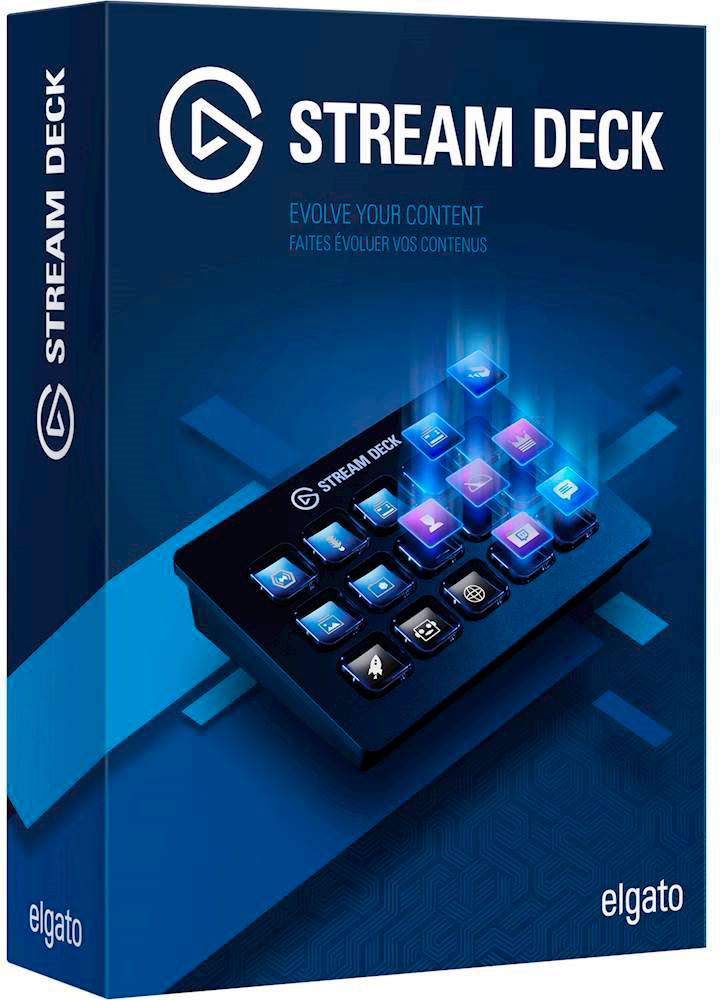
- Model:
- 10GAA9901
- |
- SKU:
- 5899807
Customer reviews
Rating 4.9 out of 5 stars with 1044 reviews
(1,044 customer reviews)Rating by feature
- Value4.6
Rating 4.6 out of 5 stars
- Quality4.8
Rating 4.8 out of 5 stars
- Ease of Use4.7
Rating 4.7 out of 5 stars
Customers are saying
Customers regard the 10GAA9901 Full-size Wired Mechanical USB Keypad with Stream Deck favorably, particularly praising its ease of use, customization options, and the integrated Stream Deck functionality. Many appreciate the product's quality and the convenient USB connection, while some users noted that the stand could be improved and that the number of buttons might be insufficient for certain needs. Positive feedback also highlighted the user-friendly software and straightforward setup process. A few users mentioned compatibility issues with specific applications.
This summary was generated by AI based on customer reviews.
- Pros mentioned:Ease of use
Rated 5 out of 5 stars
Streaming Control Of Your Programs
||Posted . Owned for 1 month when reviewed.This reviewer received promo considerations or sweepstakes entry for writing a review.Many programs can be controlled by using macros. The problem is remembering what keystrokes you have set for the function you want to perform. The Elgoto Stream Deck can be set to control the many short-cut macros you could use, into a few buttons with customizable logos. Streaming, podcasts, and editing software are just a few of the common uses for the Stream Deck. This product has eliminated the need for several programs to be visible on my desktop and improved the control of my computer. While this version of the Stream Deck only has 15 buttons, you can have a single button open up a folder with additional buttons so there is almost an unlimited variety of controls that are possible. A great product.
I would recommend this to a friend - Pros mentioned:Customization, Ease of use
Rated 5 out of 5 stars
Incredible tool for streaming
||Posted . Owned for 3 weeks when reviewed.This reviewer received promo considerations or sweepstakes entry for writing a review.I use this for my stream, and it is so helpful for transitions. Being able to change from scene to scene with just a button. The fact that you can customize even the image for that button, over the top
I would recommend this to a friend - Pros mentioned:Customization, Ease of use
Rated 5 out of 5 stars
Streamer/multitaskers best friend!
||Posted .This reviewer received promo considerations or sweepstakes entry for writing a review.Works perfectly for having access to countless different programs and files without having to hunt for them. Plenty of tutorials and guides online to teach you additional functions and customization options.
I would recommend this to a friend - Pros mentioned:Ease of use, Quality
Rated 5 out of 5 stars
Very streamer friendly
||Posted . Owned for 2 weeks when reviewed.This reviewer received promo considerations or sweepstakes entry for writing a review.My husband is a streamer on twitch, and he decided to get a brand new setup. This stream deck is AWESOME! There’s so many settings and really makes the stream professional. Very happy with this.
I would recommend this to a friend - Pros mentioned:Ease of use, Stream deck
Rated 5 out of 5 stars
Great gadget to save time and trouble when streami
||Posted . Owned for 1 month when reviewed.This reviewer received promo considerations or sweepstakes entry for writing a review.Simple to setup macros make this a welcome addition to a streaming setup. Scene changes, media requests, and system controls at your fingertips. Works seamlessly with my OBS and StreamElements software for streaming.
I would recommend this to a friend - Pros mentioned:Ease of use, Usb
Rated 5 out of 5 stars
Is a keyboard not enough?
||Posted .This reviewer received promo considerations or sweepstakes entry for writing a review.Got a bunch of common tasks that you want to macro to a convenient place? This is great for that. I set up a couple of profiles for my computer to switch between video editing and video streaming. Very great.
I would recommend this to a friend - Pros mentioned:Ease of use, Quality
Rated 5 out of 5 stars
great gift
||Posted . Owned for 1 week when reviewed.This reviewer received promo considerations or sweepstakes entry for writing a review.Great value and great quality. highly recommended. I bought it for my son 21st birthday who loves video games and just start streaming,he said best gift ever and super easy to use.
I would recommend this to a friend - Pros mentioned:Ease of use, Usb
Rated 5 out of 5 stars
Easy to setup and use
||Posted . Owned for less than 1 week when reviewed.This reviewer received promo considerations or sweepstakes entry for writing a review.This thing is awesome and really easy to use. Plug in a USB, download a single program and the rest is simple point and click or drag and drop. I highly recommend it.
I would recommend this to a friend - Pros mentioned:Ease of use
Rated 5 out of 5 stars
Amazing macro-keyboard with screens
||Posted . Owned for 1 month when reviewed.This reviewer received promo considerations or sweepstakes entry for writing a review.Easy to use. Screens look great. Software is very capable. If you can think it, this little macro-keyboard can probably do it. Very happy with the product for my day-to-day use.
I would recommend this to a friend - Pros mentioned:Customization, Ease of use
Rated 5 out of 5 stars
Easy to Learn
||Posted . Owned for 1 week when reviewed.This reviewer received promo considerations or sweepstakes entry for writing a review.Super easy to learn & use right out off the box, but has some really great options for customizing in detail. Would totally recommend for others.
I would recommend this to a friend - Pros mentioned:Ease of use, Usb
Rated 5 out of 5 stars
Versitle, customizable
||Posted . Owned for 3 weeks when reviewed.This reviewer received promo considerations or sweepstakes entry for writing a review.Streamdeck is great. I use it for streaming and not having to tab out of games to switch scenes is perfect. Also with the extra commands on a button, interaction gets a whole new dimension
I would recommend this to a friend - Pros mentioned:Ease of use
Rated 5 out of 5 stars
Simplifies Multi-Camera Zoom Meetings
||Posted . Owned for 3 weeks when reviewed.This reviewer received promo considerations or sweepstakes entry for writing a review.This little thing is amazing. I'm using it for controlling a four camera setup for zoom meetings. Got three Aluratex web cams, the free OBS Studio software, and this Stream Deck and with a little simple configuration setting, it can be run by anyone. Set up OBS Studio to start the "virtual camera", then tell zoom to use the virtual camera. The buttons on the Stream Deck show Cam 1, Cam 2, Cam 3, Cam 4, Spit 4, and Split 3. With a simple button push, it switches between the different cameras. Another button to mute the mic. All very easy to use. Makes it soo much easier.
I would recommend this to a friend - Pros mentioned:Ease of use
Rated 4 out of 5 stars
Great tool for content creators
||Posted . Owned for less than 1 week when reviewed.This reviewer received promo considerations or sweepstakes entry for writing a review.The Elgato Stream Deck is a invaluable tool for any streamer/content creator. The ability to quickly perform functions that would normally require a few mouse clicks is a big time saver as well as providing a way to do things during a stream that would typically require you to tab out of the game you are playing. The software is very user friendly and intuitive. It is easy to set up and Elgato and their community provide many resources and ideas to help you along the way. The reason I did not give this 5 stars is because I ended up returning the one I purchased. The reason was because I was noticing some image burn in on the keys. I was able to clear it out by turning off the unit for a bit and restarting it, but it definitely concerned because of the burn in possibility and having read some other people having a similar issue. From what I read this was not suppose to happen and was probably due to a defective unit. I returned the unit I had and did not pick up another one because I already have a subscription to Elgato's Android version. I am going to simply use a spare phone I have with a case that has a kickstand. I would recommend this to anyone thinking of purchasing it. However, do be aware of the possible image burn in.
I would recommend this to a friend - Pros mentioned:Ease of use
Rated 5 out of 5 stars
good for streaming and other applications
||Posted . Owned for 1 week when reviewed.This reviewer received promo considerations or sweepstakes entry for writing a review.This stream deck is very easy to setup. Literally plug and play, then download and install the software. Pretty easy to use. The instruction manual explains how to use the software and there is a video on their website that demonstrates how this works and what can be done with it. Integrates very well with OBS studio. I also setup a button as a folder and have application icons setup to open apps I use frequently. Streamers online highly recommend this product and as I have this product, I can see why they recommend it. Once it is configured and setup, push a button and it does what its suppose to do.
I would recommend this to a friend - Pros mentioned:Ease of use, Stream deck
Rated 5 out of 5 stars
Streaming assistant
||Posted . Owned for 1 month when reviewed.This reviewer received promo considerations or sweepstakes entry for writing a review.The Streambox is a must if you are trying to be a streamer. It lets you call up menu's and create shortcuts and macro's and assign them one button push on the screen. You need this.
I would recommend this to a friend Rated 5 out of 5 stars
Great addition for automation
||Posted . Owned for 1.5 years when reviewed.This reviewer received promo considerations or sweepstakes entry for writing a review.Very useful for setting up macros for anything really. I use mine for streaming mainly but it can be setup to automate office tasks easily as well.
I would recommend this to a friend- Pros mentioned:Ease of use, Stream deck
Rated 5 out of 5 stars
Great product. Perfect for streaming
||Posted . Owned for less than 1 week when reviewed.This reviewer received promo considerations or sweepstakes entry for writing a review.Works perfectly for my streaming. With just a press of a key, I am able to do scenes and activities in a very short amount of time (seconds).
I would recommend this to a friend - Pros mentioned:Ease of use, Quality
Rated 5 out of 5 stars
Adds great functionality too any stream!
||Posted . Owned for 1 month when reviewed.This reviewer received promo considerations or sweepstakes entry for writing a review.Pleased with the ease of use with Deck. Well made although I do still think the price is a little high. Adds instantaneous functionality too any stream!
I would recommend this to a friend - Pros mentioned:Ease of use
Rated 5 out of 5 stars
Crazy good
||Posted . Owned for 5 months when reviewed.This reviewer received promo considerations or sweepstakes entry for writing a review.Bought it for adobe PS and microstation. I love it! Upgrading to the bigger one for my streaming and content creation. No regrets on this purchase :)
I would recommend this to a friend - Pros mentioned:Quality
Rated 5 out of 5 stars
Not cheap but great at what it does
||Posted . Owned for 11 months when reviewed.This reviewer received promo considerations or sweepstakes entry for writing a review.If you do any sort of live streaming or even just want to set up cool actions on your PC/Mac attached to real buttons that also act as context-sensetive screens, this is the item for you. Software for setup is great. Functionality is heavily tied to the world of online streaming so if that isn't something you're interested in, you might want to look closely at the features to see if it's still something you have use for. That said, the quality is great and given what has come before it, the price while not cheap, is still pretty remarkable.
I would recommend this to a friend