Last-Minute SavingsLimited quantities.Shop now

Skip to content
Gift Ideas
Main Content

Customer Ratings & Reviews
Last Minute Deal
Your price for this item is $199.99
The comparable value price is $249.99

Customer reviews

Rating 4.6 out of 5 stars with 358 reviews

Rating Filter

Rating by feature

  • Value

    Rating 4.5 out of 5 stars

  • Quality

    Rating 4.7 out of 5 stars

  • Ease of Use

    Rating 4.5 out of 5 stars

Pros mentioned filter

Cons mentioned filter

92%would recommend to a friend

Customers are saying

Customers highly value the exceptional video quality, ease of use, and compatibility of this 4K capture card, with many praising its simple setup and impressive frame rates. The HDMI 2.1 support and ability to record in stunning 4K resolution are frequently highlighted as key strengths. While some users noted minor lag in certain scenarios and expressed some concerns about the software, the overall experience is overwhelmingly positive. The product's ability to work seamlessly with various consoles and PCs is also a major selling point.

This summary was generated by AI based on customer reviews.

The vast majority of our reviews come from verified purchases. Reviews from customers may include My Best Buy members, employees, and Tech Insider Network members (as tagged). Select reviewers may receive discounted products, promotional considerations or entries into drawings for honest, helpful reviews.
Page 17 Showing 321-340 of 358 reviews
  • Rated 3 out of 5 stars

    Good product for new purchase, but not as upgrade.

    |
    |
    Posted . Owned for 1 month when reviewed.
    This reviewer received promo considerations or sweepstakes entry for writing a review.

    It takes a pretty powerful computer to get the most out of this product. It might be worth it if you don't already have the version with the card that plugs into the motherboard, but I didn't notice any increased efficiency, which is what I was looking for.

    I would recommend this to a friend
    • Brand response from Corsair
      Posted .

      Hello Kevin,

      Capabilities wouldn't change from what is advertised for our products. If you have anything you need clarified, please don't hesitate reaching out to our team directly on our site at any time.

      -Art CorsairGaming

  • Rated 1 out of 5 stars

    Don’t buy this one

    |
    |
    Posted .
    This reviewer received promo considerations or sweepstakes entry for writing a review.

    Junk. I bought this thing so I could record PS5 gaming on my computer. This is the last thing that this device wants to do. Not wanting to get beat, I tried everything I could think of and reached out to their tech support who has been useless til this point. Obviously I’m outside of warranty with a nonfunctional device. BOTTOM LINE: get the $30 one on Amazon. Literally plug and play. I love it.

    No, I would not recommend this to a friend
    • Brand response from Customer Care
      Posted .

      Sorry to hear it’s not working correctly. 4K X includes a two-year warranty with Elgato, and we can look into replacing it if needed. Please reach out to us at elgato.com/help.

  • Rated 1 out of 5 stars

    Not good for dual PC streaming

    |
    |
    Posted .
    This reviewer received promo considerations or sweepstakes entry for writing a review.

    It was capable of projecting 4k, but the FPS dropped to below 30 frames. Did not work as intended. The earlier Elgato HD60 works better at 1080p60fps

    No, I would not recommend this to a friend
  • Rated 2 out of 5 stars

    4K60 review

    |
    |
    Posted . Owned for 1 month when reviewed.
    This reviewer received promo considerations or sweepstakes entry for writing a review.

    Feel like the avermedia is a better capture card IMO

    No, I would not recommend this to a friend
  • Pros mentioned:
    Ease of use, Overall performance, Setup
    Tech Insider Network Member

    Rated 5 out of 5 stars

    Great and Versatile Capture Card

    |
    Tech Insider Network Member
    Posted .
    This reviewer received promo considerations or sweepstakes entry for writing a review.

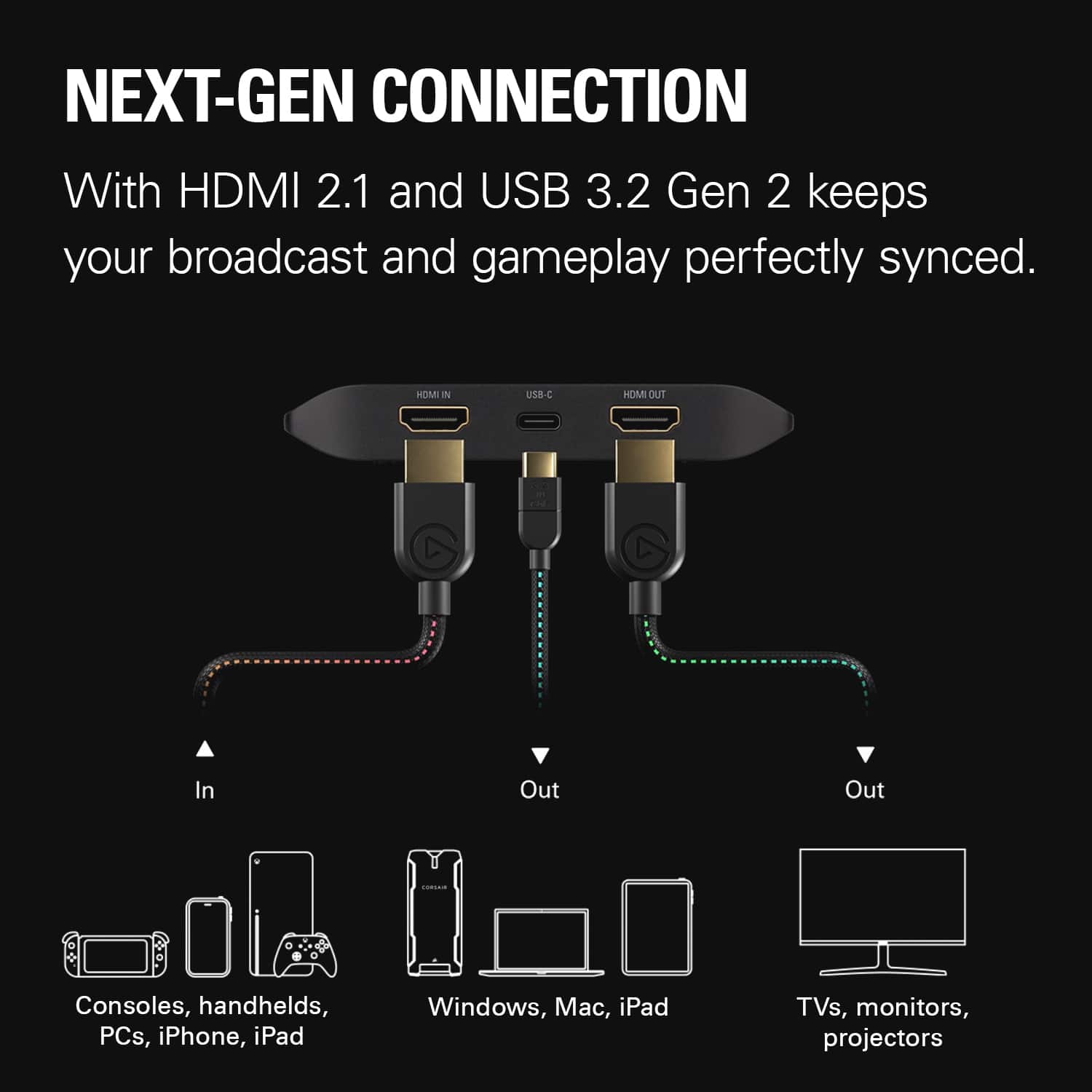
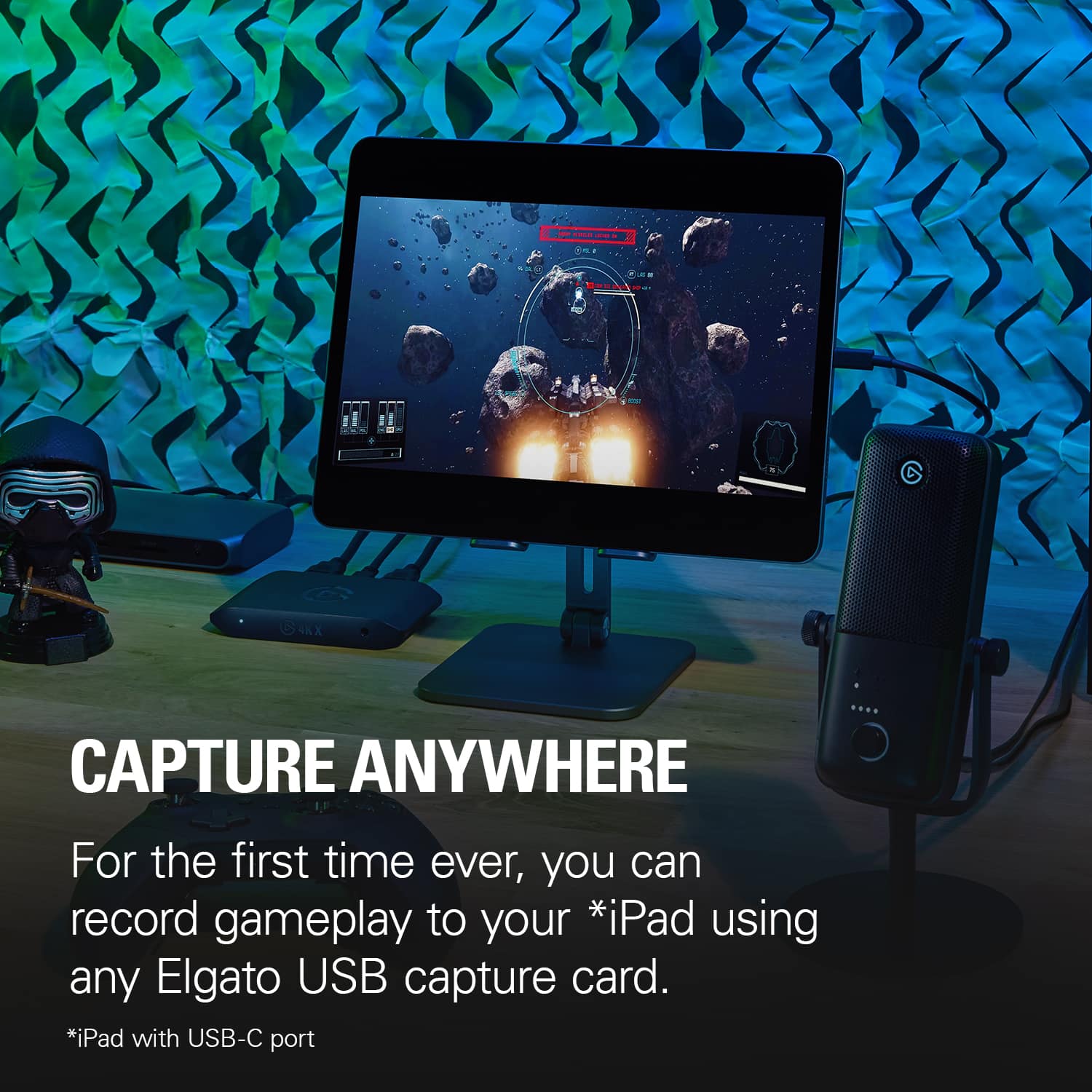
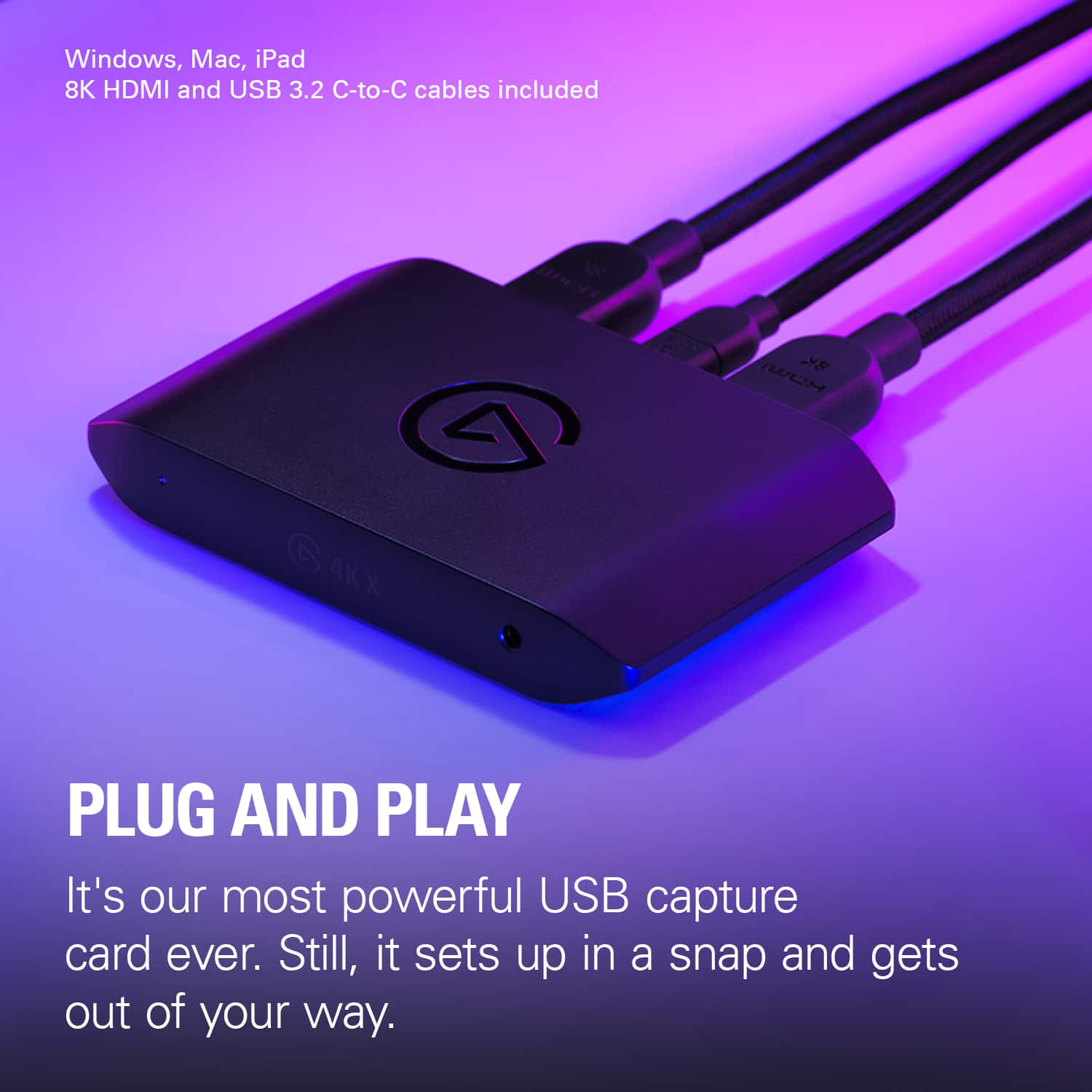
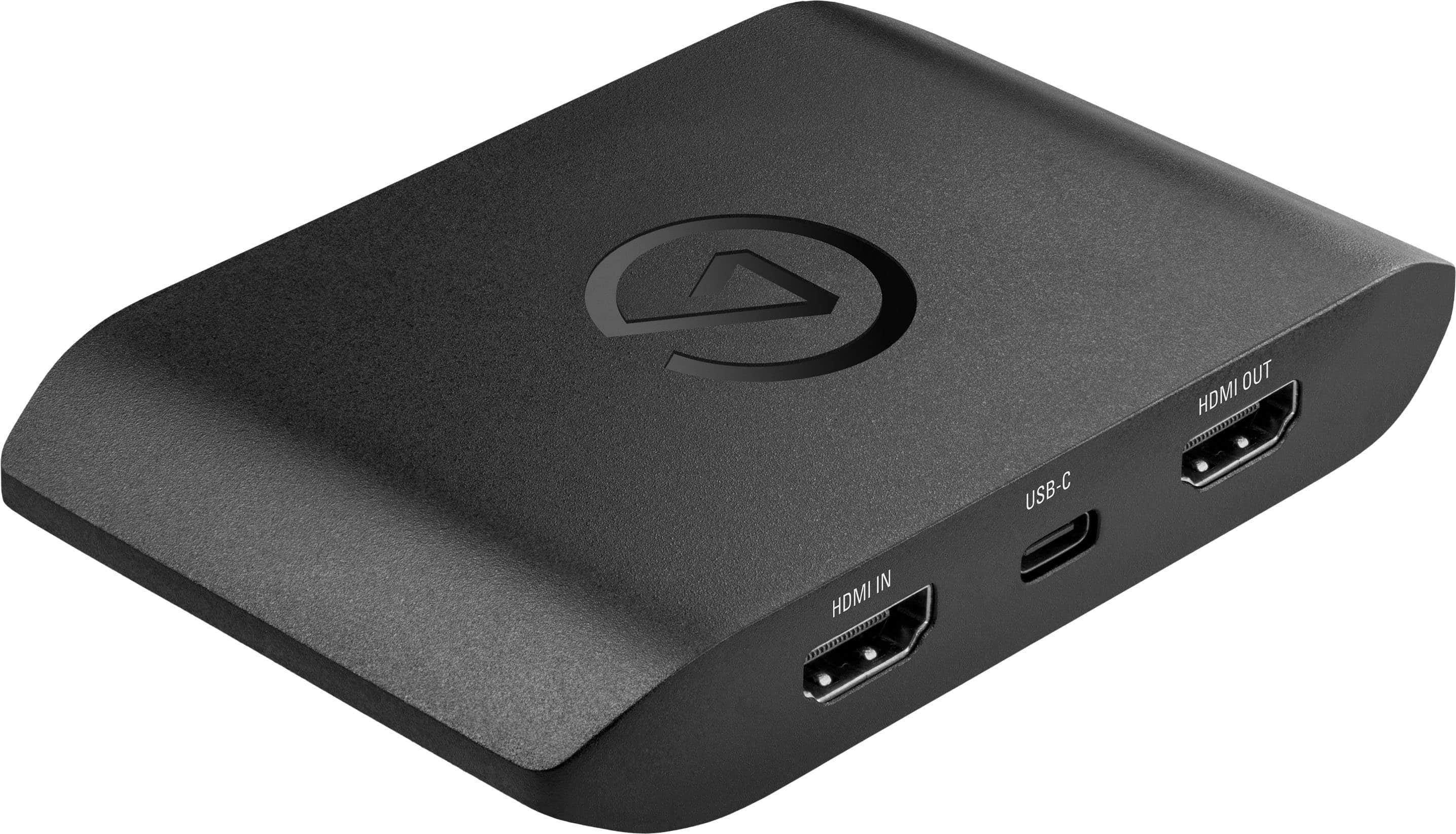
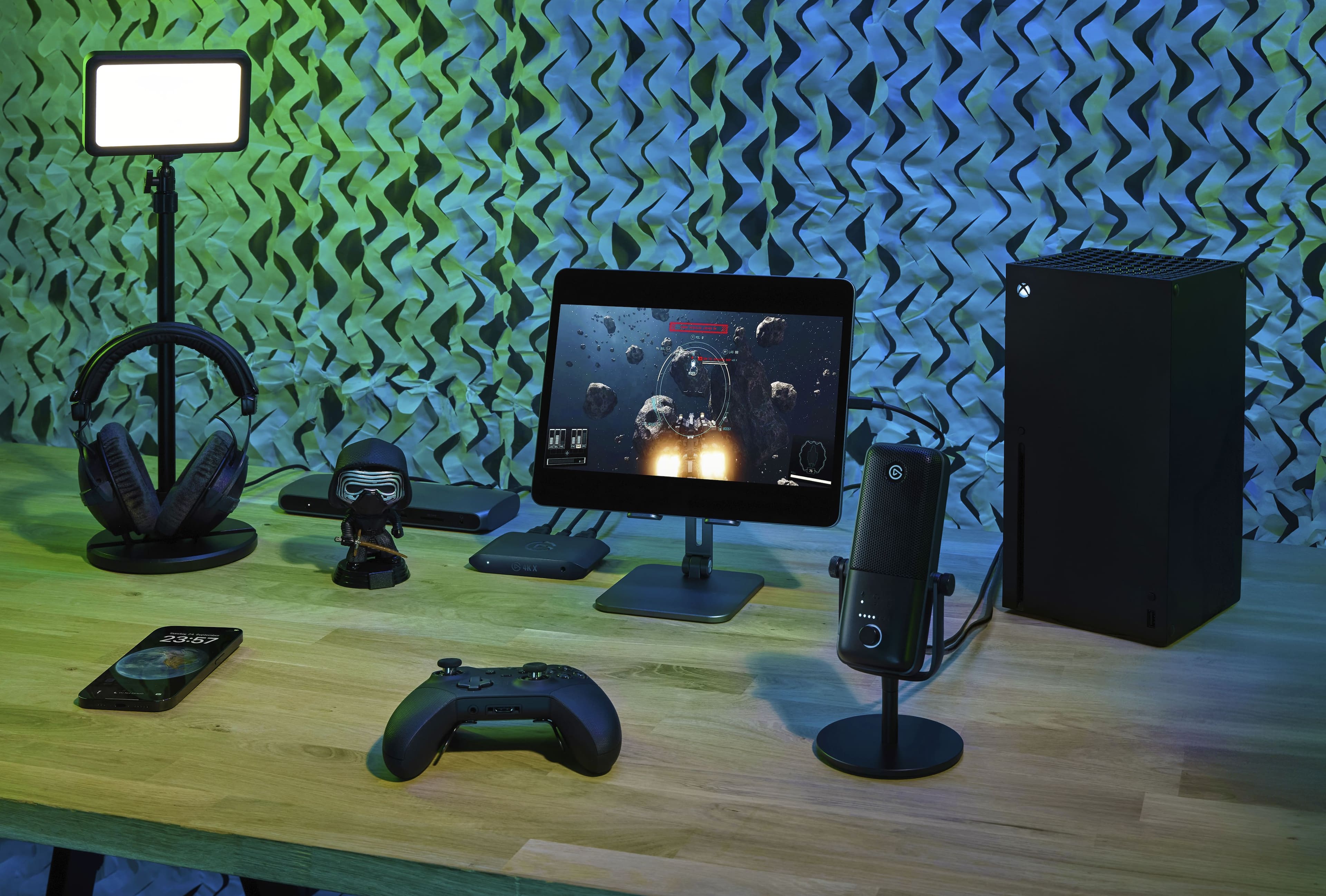
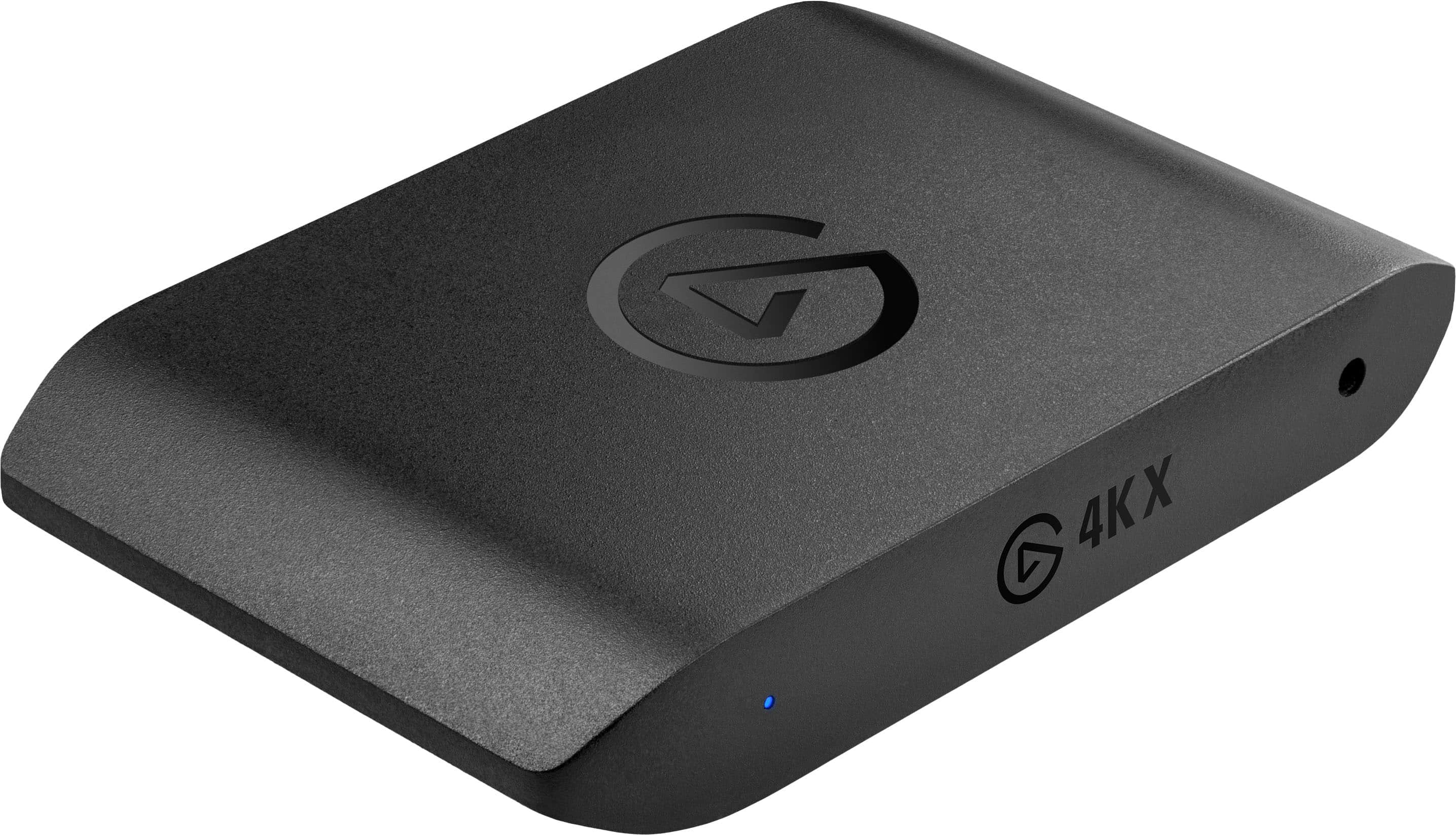
    The design of the streaming box is great. It’s small–definitely compact enough to fit on a desk or in a home theater setup without being noticed. It’s also extremely portable if you were the type of person who likes to stream from different locations and setups. It seems extremely streamlined and well thought out. In terms of input/output, there are 2 HDMI 2.1 ports, a USB C port, and an audio in port. The audio in port allows you to capture a separate voiceover track. In the box you also get an HDMI cord and a USB C cable which are great bonuses. Setup of the device was simple. It consisted of going to the elgato website, downloading a utility, plugging the box into the device in between what I wanted to capture and a monitor/tv. After those steps, I was able to use it with elgato’s software, but instantly use it with streaming software like OBS. Capture quality is excellent. For me there was no visible latency. It has a number of features to make this a great capture card for whatever you throw at it, whether it be a PC, Playstation 5, Nintendo Switch, Xbox, or even a portable like a Steam Deck or ROG Ally. These include HDR10 support, passthrough for up to 4K at 144fps (which is especially great for capturing content that hits high frame rates like PC gaming), and variable refresh rate. The bundled elgato Capture Utility is super easy to use. It has a feature called stream link which allows you to capture video using the utility while also streaming the footage to a streaming software like OBS. There is also a capture utility app for iPad if you were looking for a fully portable streaming setup. Overall, this is an easy product to recommend. It has a number of features that makes it super easy to stream your gameplay to platforms like Youtube, Twitch, or Kick.

    I would recommend this to a friend
  • Cons mentioned:
    Software

    Rated 1 out of 5 stars

    Unimpressed

    |
    |
    Posted . Owned for 1 week when reviewed.
    This reviewer received promo considerations or sweepstakes entry for writing a review.

    El gato 4k software is one of the worst softwares I have ever used. Would not recommend this product at all.

    No, I would not recommend this to a friend
  • Cons mentioned:
    Software

    Rated 1 out of 5 stars

    waste of money

    |
    |
    Posted .
    This reviewer received promo considerations or sweepstakes entry for writing a review.

    This thing is junk. The software that this device works with is buggy, and poorly supported. buy literally anything other than an Elgato product.

    No, I would not recommend this to a friend
    • Brand response from Corsair
      Posted .

      Hello,

      Sorry to hear you ran into issues, please contact our team directly right on our site for assistance.

      -Art CorsairGaming

  • Rated 1 out of 5 stars

    Bad audio

    |
    |
    Posted . Owned for 2 months when reviewed.
    This reviewer received promo considerations or sweepstakes entry for writing a review.

    Buzzy audio, I returned it. I tried for hours updating and everything, no luck.

    No, I would not recommend this to a friend
  • Rated 1 out of 5 stars

    Trash

    |
    |
    Posted . Owned for less than 1 week when reviewed.
    This reviewer received promo considerations or sweepstakes entry for writing a review.

    Complete trash! Spent 2 days playing around trying to make it work! Different hdmi, youtube tutorials, ps5 and xbox none worked! From grey screen to black screen with “no connection” to chuppy frozen screen and app crashing just trash. Sadly not allot of other options for a capture cards..

    No, I would not recommend this to a friend
    • Brand response from Customer Care
      Posted .

      I'm sorry to hear about your experience. If you’ve already returned the product, we completely understand, but if you’d like to give it another shot, our support team is here to help troubleshoot and make sure everything works as it should. Feel free to reach out at elgato.com/help.

  • Rated 1 out of 5 stars

    Doesn’t work as advertised

    |
    |
    Posted . Owned for 1 month when reviewed.
    This reviewer received promo considerations or sweepstakes entry for writing a review.

    Doesn’t work with the M series chips on mac had a laggy stuttering issue when recording and playing back the footage. Returned immediately with no issue works fine on windows or older macs

    No, I would not recommend this to a friend
  • Pros mentioned:
    Hdmi
    Tech Insider Network Member

    Rated 4 out of 5 stars

    Great! Passthrough anything and record up to 4K144

    |
    Tech Insider Network Member
    Posted .
    This reviewer received promo considerations or sweepstakes entry for writing a review.

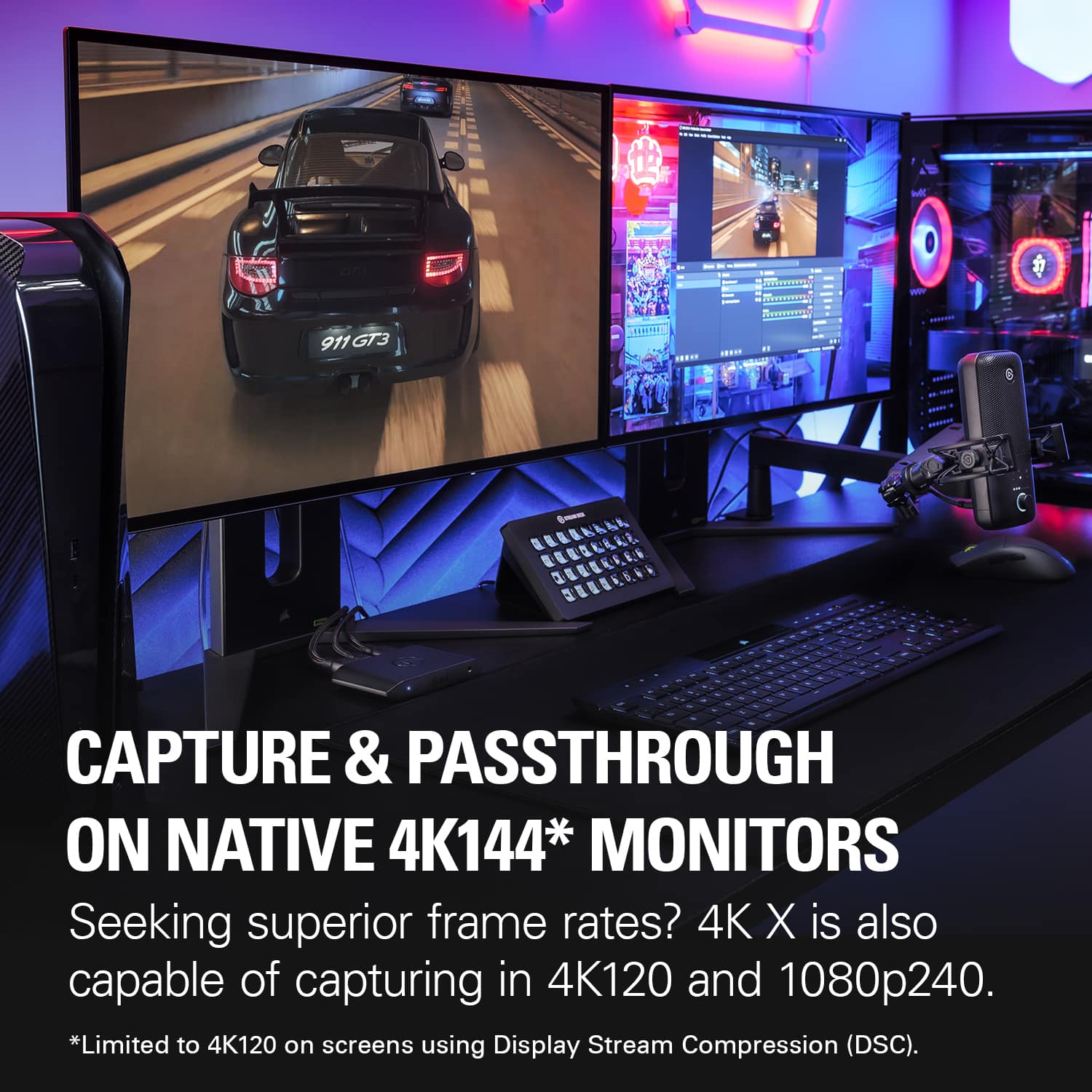
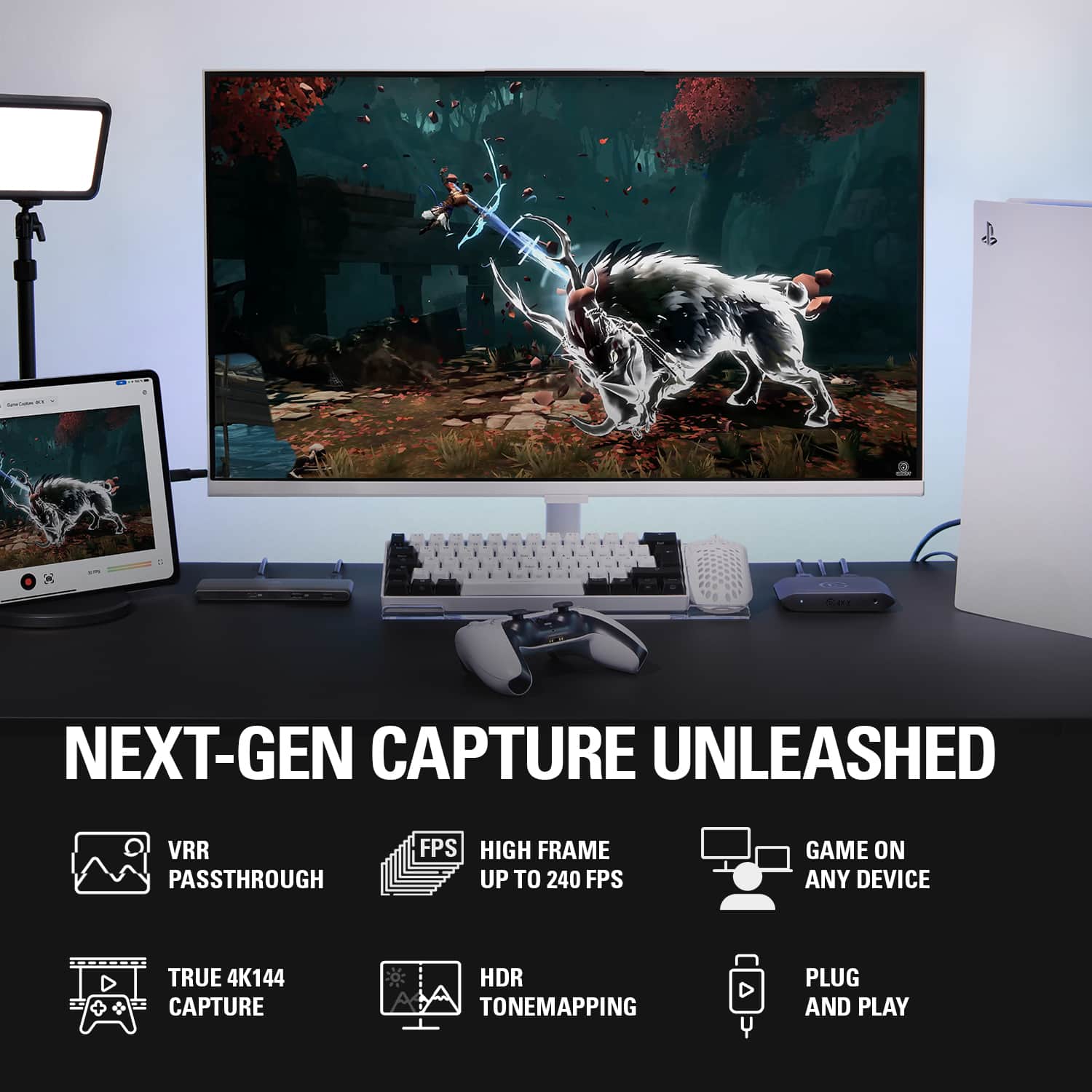
    Pro: Passthrough all major resolutions Capture up to 4K144 SDR, or 4K30HDR Certified braided HDMI cable included Con: Switching resolution can freeze the 4K Capture Utility Gets warm USB malfunction errors with Windows (multiple PCs) Having had many Elgato capture cards over the years, the 4KX improves over the last version (HD660X) and should satisfy anyone who wants to game and capture with little compromises. It looks identical to the HD60X, with the inputs/outputs in the back, keeping the wiring clean of the desk. The difference is that it now has HDMI 2.1 and a 10Gbps USB-C, so it should be able to handle most 4K signals. It includes a nice certified braided HDMI cable and USB-C cable. Capturing and streaming, it will pretty much passthrough any resolution up to 144 fps, including HDR and VRR. I don’t have to give up playing games with HDR at 4K144 to record/stream. You can record SDR up to 4K144 but is limited to max at 4K30 for HDR. The HDR to SDR tonemapping has improved greatly since I last tried with the HD60X. It does a great job at keeping the colors very similar, both in OBS and the Capture Utility. It does run a bit hot while capturing. While overall good, there are some issues that occurred regularly that I never had with the previous Elgato cards. I don’t know if it’s the card itself but it’s something I wanted to mention. One is that while using the 4K Capture Utility, whenever the game resolution changes, it freezes and must be forced shut down. For instance, on the PS5, going from the home screen to a game playing at 120fps, the capture freezes. This doesn’t seem to happen if I’m using OBS so it’s not a big deal to me since I rarely use the Capture Utility. Another issue is when I plug in the capture card, I get the “USB devices malfunction” error. This happened on multiple computers. Reconnecting fixes it, but it happens about half the time and something to be aware of. If I hadn’t encountered these issues, it would have been a perfect score. For an external card to be able to handle 4K144 is a big improvement. The HDMI 2.1 and the faster USB-C port allows for more compatibility. Unless you need 8K or higher than 144 fps, the 4KX should be just fine.

    I would recommend this to a friend
  • Pros mentioned:
    Overall performance, Setup
    Tech Insider Network Member

    Rated 5 out of 5 stars

    Elgato Knocks it Out of the Park Again

    |
    Tech Insider Network Member
    Posted .
    This reviewer received promo considerations or sweepstakes entry for writing a review.

    Elgato has a chokehold on the industry when it comes to capture card technology. Simply put it is the truth. This new product, the 4K X 4K144 HDR10 is a wild step up in the game of capture card technology especially from the standpoint of a content creator. Frame Rates/Refresh rates are very key when engaging in gameplay that requires quick reflexes and reactions such as (Insert your favorite first person shooter here). Elgato has stepped up the game when it comes to that. Along with the fact now you can capture 4:4:4 in certain resolutions not sacrificing anything is astounding. Mind you it will take you a few minutes to figure out what the device allows and does not allow. Right now in 4K you can do 120FPS which is more than acceptable. If you lower the resolution to 2K then you get a higher refresh rate. Mind you that your PC needs to support USB-C 3.2 Spec to get the full features of this device. You can use a USB-A to C cable using a 3.0 spec port but you are going to sacrifice capture frame rate allowed due to the bandwidth the device requires. Overall I am still doing a lot of testing with this but if you want a device that gives you everything and the kitchen sink when it comes to capture cards you need look no further than this device. I was beyond impressed how easy the setup was and how amazing the capture quality was. Elgato... you've exceeded expectations once again!

    I would recommend this to a friend
  • Rated 2 out of 5 stars

    DOA on arrival

    |
    |
    Posted . Owned for 2 weeks when reviewed.
    This reviewer received promo considerations or sweepstakes entry for writing a review.

    Bought it brand new - there was severe screen artifacting. Returned.

    No, I would not recommend this to a friend
    • Brand response from Corsair
      Posted .

      Hello,

      That's definitely not the experience we'd want you to have whatsoever. If you repurchase, and have any issues, do contact our team directly right on our site for assistance.

      -Art CorsairGaming

  • Pros mentioned:
    Overall performance
    Cons mentioned:
    Software
    Tech Insider Network Member

    Rated 5 out of 5 stars

    Best Capture Card

    |
    Tech Insider Network Member
    Posted .
    This reviewer received promo considerations or sweepstakes entry for writing a review.

    This is my third ever capture card and my first time using Elgato. This by far is the best capture card and there is two main reasons why. The quality that can be played at and the quality that can be captured is above the competition. I will honestly be playing my PS5 more now. With the previous capture card I lost 4k and HDR. Other capture cards will say "supports 1080p60" and that's it. Support as in how? Can I play at a higher resolution? I have so many questions by the way the other companies describe it. I like that I can go on Elgato's website, find the 4K X spreadsheet and I can see that I can play 4k60 in HDR and can record in 1080p60 HDR. There is no guesswork. The other main reason that this Elgato capture card is the best is the software. I downloaded the software and within less than a minute I was able to see my PS5 screen on my computer. The other competitor I spent over 10 minutes installing drivers. Installing multiple software programs. Updating more modules within those programs. Just to have the capture card say I have no signal. I would have to reinstall, unplug the device or restart my computer to see a picture. So without a doubt, Elgato is the best capture card.

    I would recommend this to a friend
  • Pros mentioned:
    Ease of use, Overall performance, Setup
    Tech Insider Network Member

    Rated 5 out of 5 stars

    Small yet POWERFUL

    |
    Tech Insider Network Member
    Posted .
    This reviewer received promo considerations or sweepstakes entry for writing a review.

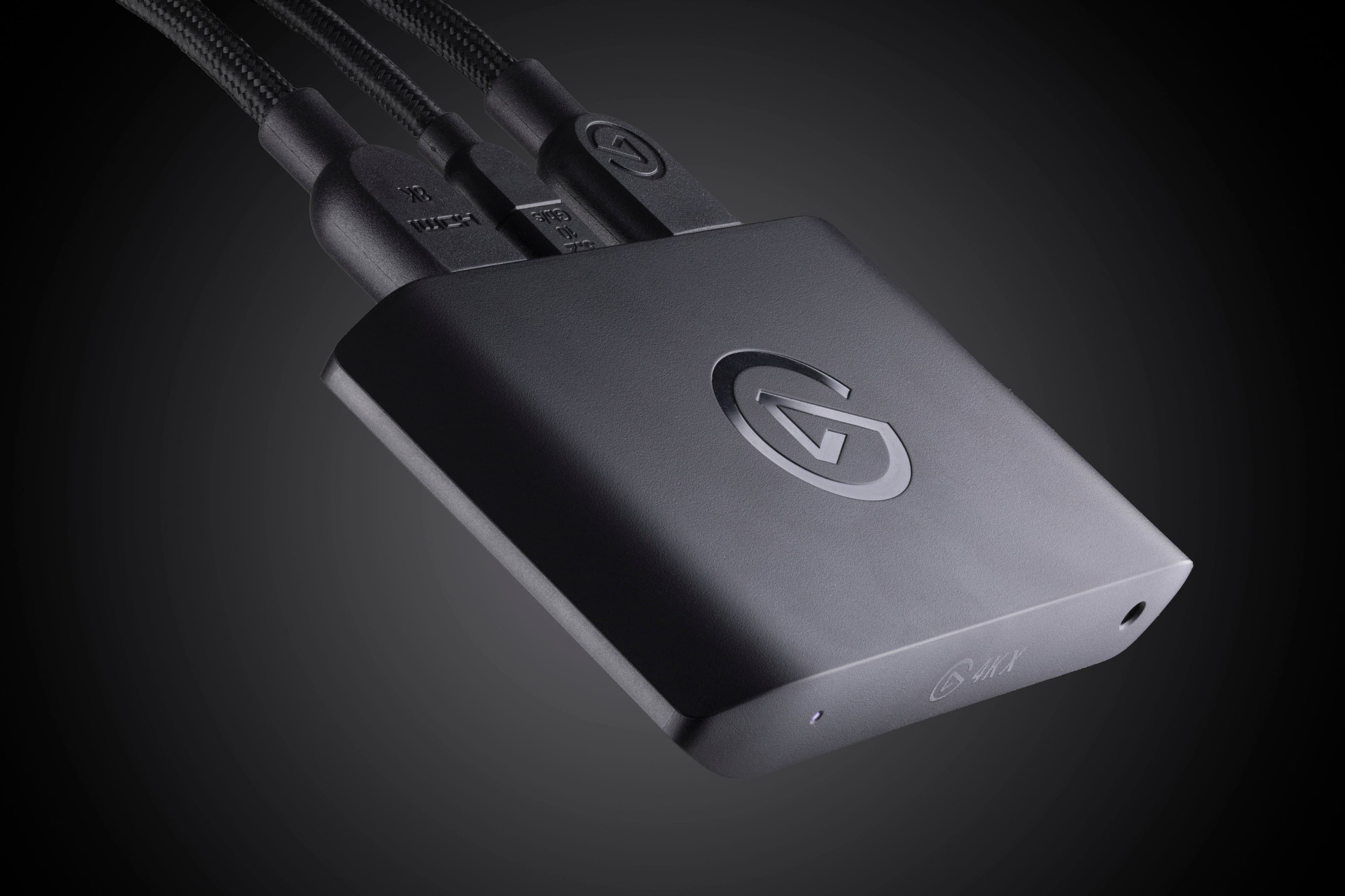
    The Elgato 4K external capture cars with HDMI 2.1 is a work machine. This is a very simple to use and set up device, that will take your gameplay replays to a whole new level. weather it is to watch your replays or to upload your gameplay to an online database Elgato takes it to a whole new level. The capture quality is amazingly clear and captures the sound also. The se up is very simple, it consists of downloading the capture utility and the rest is plug and play. The device feels flimsy but looks are definitely deceiving this device is a monster and simple to use. The pros about this device are simple to use, easy setup, capture quality of sound and video are amazing. The cables are long enough however if your set up is not close to a desktop then a laptop will be needed if you don't want to move your whole gaming set up. The con and only con about this device is that I personally dislike the fact that you have three wires HDMI in HDMI out and the USB-C that you need to have all plugged in if you would like to capture. The replay is better you only need the USB-C plugged in and the rest is done on the utility but overall is an amazing device.

    I would recommend this to a friend
  • Rated 1 out of 5 stars

    It's crap

    |
    |
    Posted . Owned for 7 months when reviewed.
    This reviewer received promo considerations or sweepstakes entry for writing a review.

    Didn't work from out of the box, can't display to any of my TV's. Can't get a refund. Total complete waste of money!

    No, I would not recommend this to a friend
  • Rated 1 out of 5 stars

    Not good

    |
    |
    Posted . Owned for 1 week when reviewed.
    This reviewer received promo considerations or sweepstakes entry for writing a review.

    Barely works and the softward you need to download is terrible

    No, I would not recommend this to a friend
  • Pros mentioned:
    Ease of use
    Tech Insider Network Member

    Rated 5 out of 5 stars

    GAME CHANGER

    |
    Tech Insider Network Member
    Posted .
    This reviewer received promo considerations or sweepstakes entry for writing a review.

    Amazing 4K capture card. I am very impressed. I have been wanting to record my xbox fortnite games to post on my social media channel and this has been a game changer for me. Lets dig into the features and experience Features With this version you get amazing 4K resolution and 60 frames per second. This level of detail ensures every moment is preserved with unparalleled clarity. This is perfect for live streaming or uploading to youtube later. This card also supports HDR10 passthrough, which allows you to maintain the colors and contrast of HDR content. One feature that stands out to me is the onboard HEVC encoding, which enables compression without losing quality. Translation, you can enjoy high-quality recordings without working about massive file sizes. And that means it is even easier to share your content. Genius, Finally this device integrates seamlessly into existing setups, with true plug and play functionality and compatibility with software such as OBS studio (my go to). Performance WOW…… the performance exceeds all my expectations. Setting up the device is a snap. There are only a few simple connections between your gaming console and your display. Once set up the capture device works with nearly zero latency. My go to was Fortnite and I had no issues with lagging and was able to compete just as if the device was not connected at all. Clearly one highlight of this device is it’s versatility. Clearly it captures game footage well from practically any device but it also supports a wide range of inputs including cameras, microphones, and external devices. Experience Form the intuitive setup and user friendy interface, the Elgato provides a streamlined workflow for managing your recordings. With easy start, stop and preview options, using only a few clicks. You also get advanced features such as flashback recordings, which automatically capture gameplay retroactively, so no event is missed. The compact design and ease of setup make this tops for anyone's list. From the novice to the professional, this device meets everyone's needs. This is a worthwhile investment for anyone looking to capture their footage and share their gameplay.

    I would recommend this to a friend
  • Pros mentioned:
    Hdmi, Video quality
    Cons mentioned:
    Lag

    Rated 5 out of 5 stars

    No compromises Highest quality

    Posted .
    This reviewer received promo considerations or sweepstakes entry for writing a review.

    No lag, 120 fps 4k. Zero compromise, play and capture as if you weren’t even streaming. Seriously perfect. Comes with one 2.1 HDMI cable and a usb-C to C cable. Streaming from my MacBook Pro crystal clear quality.

    I would recommend this to a friend
  • Pros mentioned:
    Ease of use, Hdmi
    Tech Insider Network Member

    Rated 5 out of 5 stars

    Plug and play external capture card!

    |
    Tech Insider Network Member
    Posted .
    This reviewer received promo considerations or sweepstakes entry for writing a review.

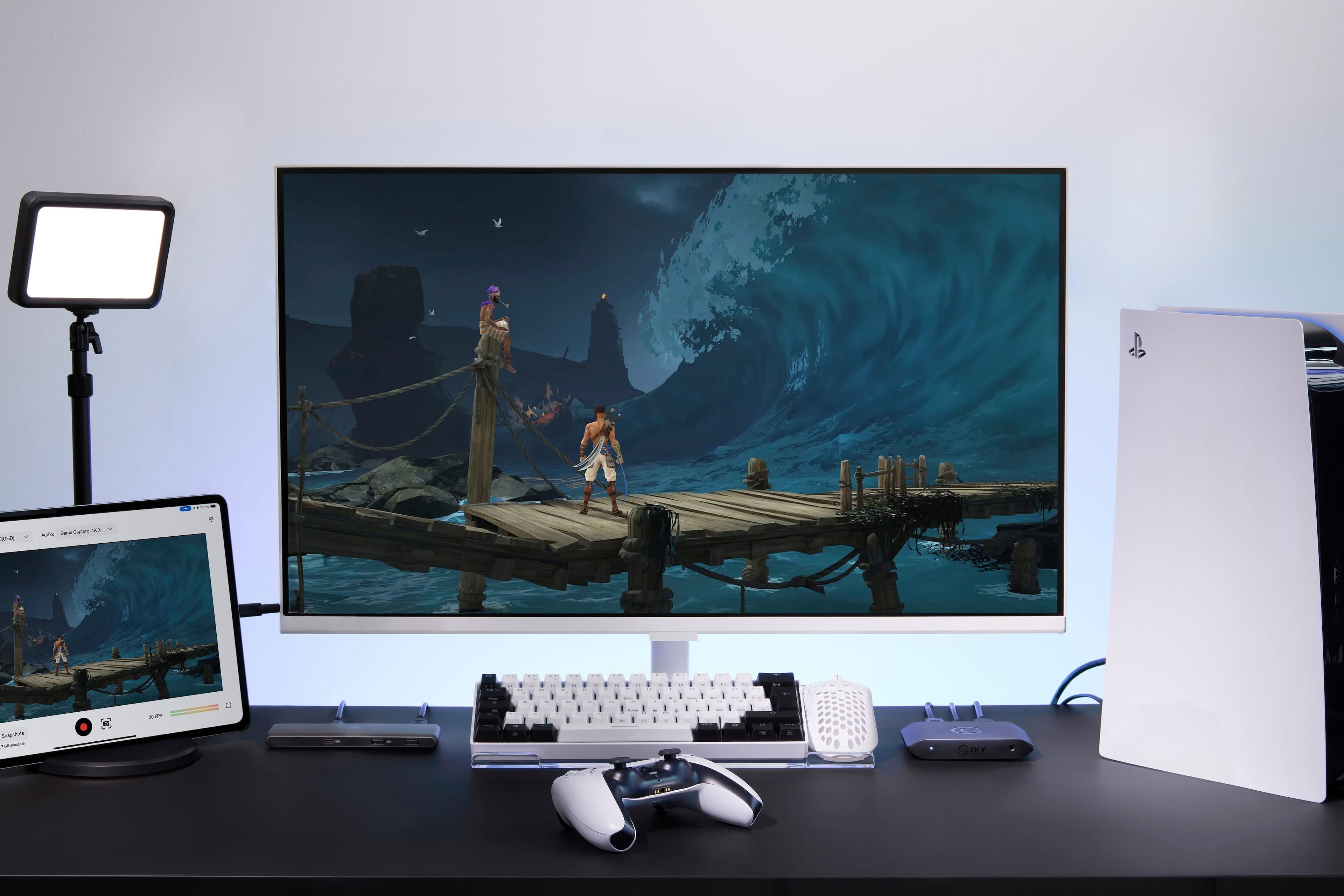
    The Elgato 4K X is an external capture card that gives you the ability to capture and record/stream video up to 4K 144Hz in HDR10. This is a great external device that allows you to record from multiple systems to your device of choice. With full HD input and output you can capture footage from your external consoles or gaming computer and capture or stream it from a Windows, Mac, or iPad. Using the USB port on this device you can even record straight to a USB SSD or SD card allowing you to edit your footage or clips later and put them out however you choose. This is a great device for anyone looking to get into content sharing, with it's high-definition inputs and outputs and multiple methods of streaming or capturing your content you can get your content out to your audience in whatever way works best for you. Setup and use is extremely simple and requires very little technical knowledge. You can hook up your console/computer to the HDMI input, output that to your television or monitor and using the USB-C port capture or stream your content to your platform of choice. This makes it easy to capture your content without requiring a specially built streaming or capture computer, you can even use an iPad and get your content out to your audience. I highly recommend this product to anyone looking to get into content creation who wants an easy method of capturing their content.

    I would recommend this to a friend