Customer Ratings & Reviews
- Model:
- 10GBH9901
- SKU:
- 6570417
Rating by feature
- Value
Rating 4.5 out of 5 stars
- Quality
Rating 4.7 out of 5 stars
- Ease of Use
Rating 4.5 out of 5 stars
Customers are saying
Customers find value in the overall performance and ease of use of the 4K X 4K144 HDR10 External Capture Card. Users appreciate the HDMI cable included, stunning video quality, and consistently high frame rates. Some users have reported experiencing lag, occasional disconnections, and the lack of a Mac version of the capture software. However, many find it easy to set up, and are impressed with its compatibility and high resolution.
This summary was generated by AI based on customer reviews.
Review
||Posted . Owned for 1 month when reviewed.This reviewer received promo considerations or sweepstakes entry for writing a review.It was great just needs more support it was amazing though
I would recommend this to a friend
X
|Posted . Owned for 3 weeks when reviewed.This reviewer received promo considerations or sweepstakes entry for writing a review.This was great just make sure you have a great PC with you
I would recommend this to a friendThe one to capture them all
||Posted . Owned for 1 week when reviewed.This reviewer received promo considerations or sweepstakes entry for writing a review.Finally 4k60 and HDR on ps5 with an external card. Plug and play with OBS to
I would recommend this to a friendUseless capture card and support, disappointed
||Posted . Owned for less than 1 week when reviewed.This reviewer received promo considerations or sweepstakes entry for writing a review.After doing way too much research into capture cards, I settled on this one, and after visiting a couple best buys I finally managed to grab one in stock. My excitement pretty quickly turned to disappointment when I tried to set it up though - despite using USB and HDMI cables and ports that were all compliant / correct protocol to fully work with the 4K X and my connected devices, I couldn't get a video signal through to either my display or my capture software. I tried connecting different devices, different displays, different cables, checking for firmware and software updates, disconnecting other USB devices to check for conflicts, disabling HDCP settings on all devices, changing EDID settings in the 4K capture software for the card to match the display; no matter what I tried nothing would get any sort of video signal to come out of this thing. I do IT support for a living so I'm not uncomfortable with this sort of troubleshooting, but after trying every suggestion I could find for this issue online I eventually turned to Elgato support. Elgato support was what really sealed the deal on this disappointing experience. The first representative I talked to had me generate a support log zip file and email it to them, promising he'd respond the next morning with next steps. When I hadn't heard from him by the afternoon I called their support again, and this time the rep I talked to told me that their capture cards aren't designed to capture a PC (despite the elgato website advertising the 4K X as working for Windows PC capture) and that there's no point in using one since I can just capture gameplay via software in OBS. I tried to explain the purpose of using an external capture card on PC, namely avoiding the performance hit that running capture software takes, and this elgato rep tried to tell me that "actually the PC takes more of a performance hit when you're using a capture card, because it has to process the capture card too". After hearing this I didn't even try to correct him or point out that he was contradicting their advertising, I just gave up - elgato delivers, for a premium price, non-functional devices and support that doesn't understand fundamental basics of how their tech works. I'm returning this thing first chance I get.
No, I would not recommend this to a friendBrand response from Corsair
Posted .Hello Mike,
Sounds like a frustrating ordeal. I'm sorry to have to ask you this, but if you could reach out once more to our support team and ask for a supervisor to give your issue a look, I'm certain they'll be of assistance.
-Art
good product
||Posted . Owned for 1 week when reviewed.This reviewer received promo considerations or sweepstakes entry for writing a review.The product arrived in good condition. It arrived undamaged.
I would recommend this to a friendAmazing
||Posted . Owned for 1 week when reviewed.This reviewer received promo considerations or sweepstakes entry for writing a review.Amazing product I love it will buy again as a gift
I would recommend this to a friendElgato 4kx
||Posted . Owned for 1 week when reviewed.This reviewer received promo considerations or sweepstakes entry for writing a review.Works as intended, can’t ask for anything else to be improved
I would recommend this to a friendGreat capture card
||Posted . Owned for 1 week when reviewed.This reviewer received promo considerations or sweepstakes entry for writing a review.Great product minimalistic will fit in any gaming setup
I would recommend this to a friendGreat Capture Card
||Posted . Owned for 1 week when reviewed.This reviewer received promo considerations or sweepstakes entry for writing a review.This capture card records great at 4k great colors
I would recommend this to a friend- Pros mentioned:Ease of use, Hdmi, Video quality

Upgraded and honestly loving the new quality!
|Posted .This reviewer received promo considerations or sweepstakes entry for writing a review.I have heard great things about elgato products, but never had the chance to try them because they were out of stock during the pandemic. Now I have a chance to upgrade from an old capture card from a competitor, and right away, I am blown away on just how better this 4KX is. Overall, my rating is a 5/5 on this capture card because it improves the quality of my gameplay videos, and the plug-n-play truly makes things super easy and looks way cleaner than my previous set up. Unboxing experience – 5/5 – for me, unboxing the product is the first step that sets the tone on how I am going to interact with the product, and fortunately, elgato takes the time and money to provides us with a simple yet elegant presentation that lets me know the product I am holding is from a top brand. Video quality – 6/5 – seriously, going from full hd 60gps to 4k 120 is a game changer. Having 2.1 hdmi combined with usb-c 3.2 for better quality and higher frame rates is needed for any sort of streaming or video recording in 2024. Further, the HDR10 capture and HDR10 tone mapping is a plus, and being able to use this for HDR content is lovely. Plug-n-play 5/5 – I love that is compatible with for Windows and Mac as I have both, and normally my set up consist of playing on my PC while using my Mac to stream. The 4KX makes things easy and this way my gaming PC is just focus on the game. Product quality – 5/5 – I have zero concerns about the quality of the capture card. Quality built is top-notch compared to my other one, and I love just how slim it is. Additionally, it’s black and discrete and just goes well with my black-on-black gaming set up. Maybe they should consider doing a white one for those with a white set up, but for me this is perfect! Overall, I highly recommend this to any streamer, or anyone interested in capturing highlights of your gameplay. The biggest reason to get this one versus the older version or other competitors is you can record 4k at 120 variable refresh rates. It’s 2024 and this is what you need to future proof your set up!
I would recommend this to a friend Expensive but worthit
||Posted . Owned for 1 week when reviewed.This reviewer received promo considerations or sweepstakes entry for writing a review.First one i got was defective so i had to go get another one
I would recommend this to a friendRating
||Posted . Owned for 1 month when reviewed.This reviewer received promo considerations or sweepstakes entry for writing a review.Displays very nice. Audio is clear enough.. 7.5/10
I would recommend this to a friendGood product for new purchase, but not as upgrade.
||Posted . Owned for 1 month when reviewed.This reviewer received promo considerations or sweepstakes entry for writing a review.It takes a pretty powerful computer to get the most out of this product. It might be worth it if you don't already have the version with the card that plugs into the motherboard, but I didn't notice any increased efficiency, which is what I was looking for.
I would recommend this to a friendBrand response from Corsair
Posted .Hello Kevin,
Capabilities wouldn't change from what is advertised for our products. If you have anything you need clarified, please don't hesitate reaching out to our team directly on our site at any time.
-Art
- Pros mentioned:Ease of use, Overall performance, Setup
Great and Versatile Capture Card
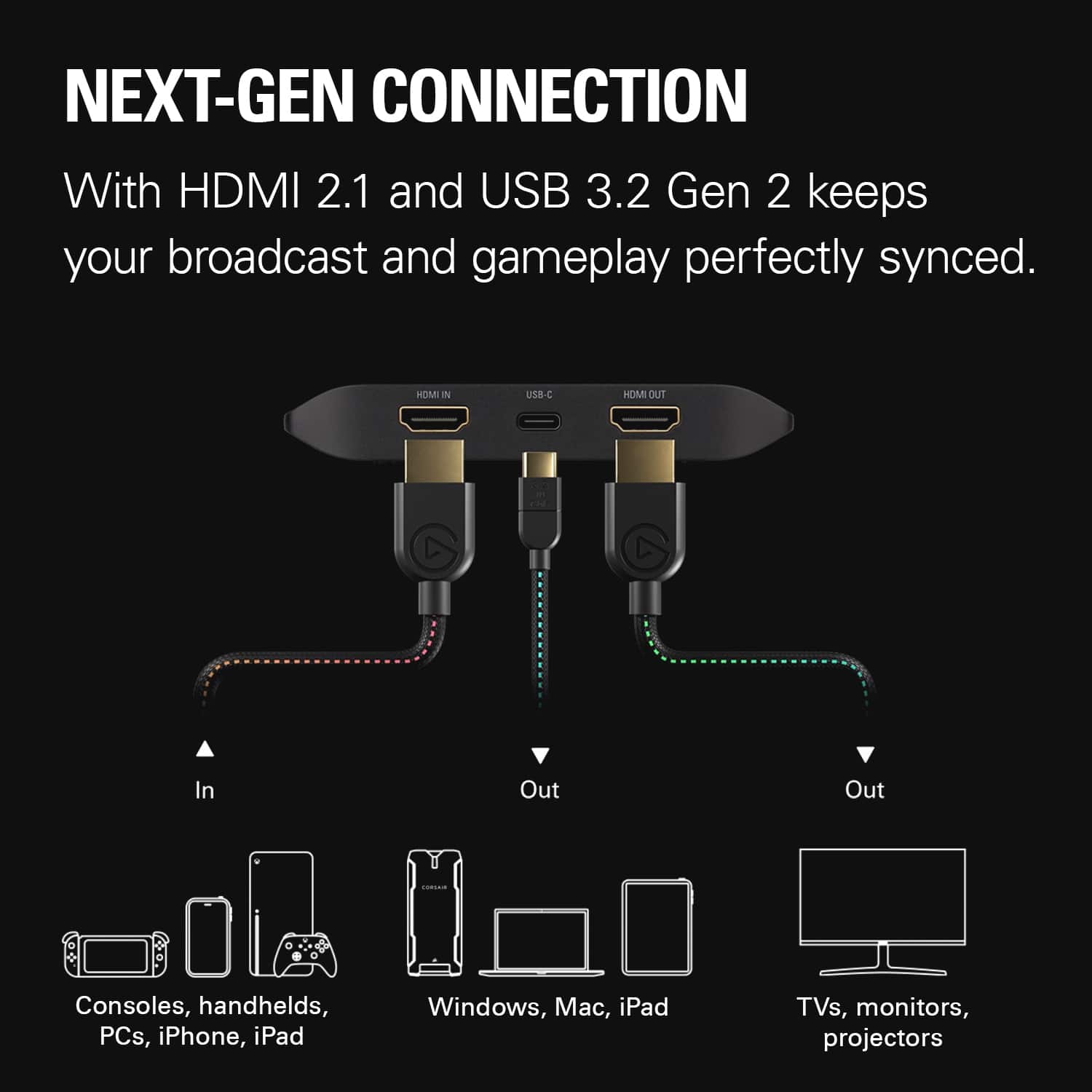
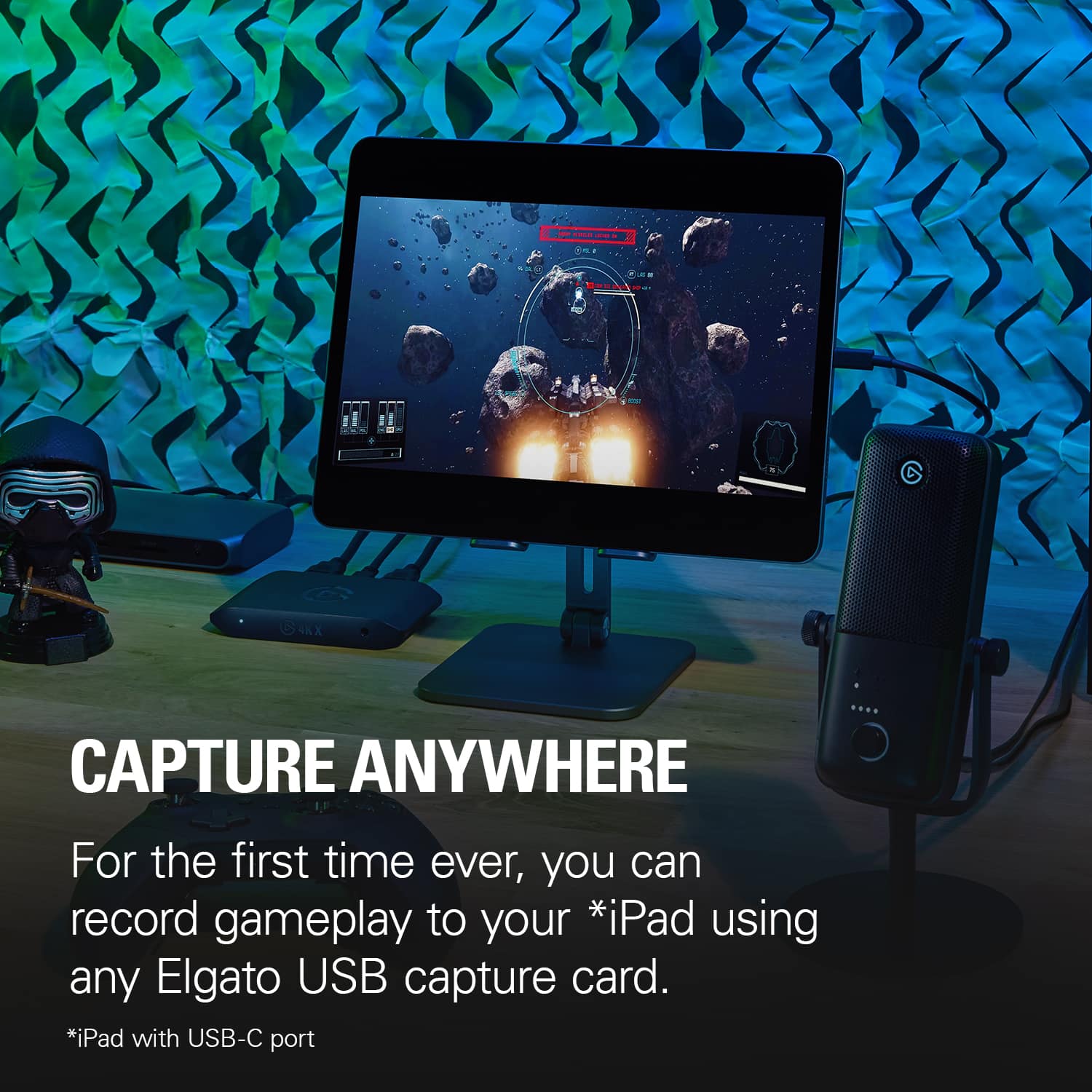
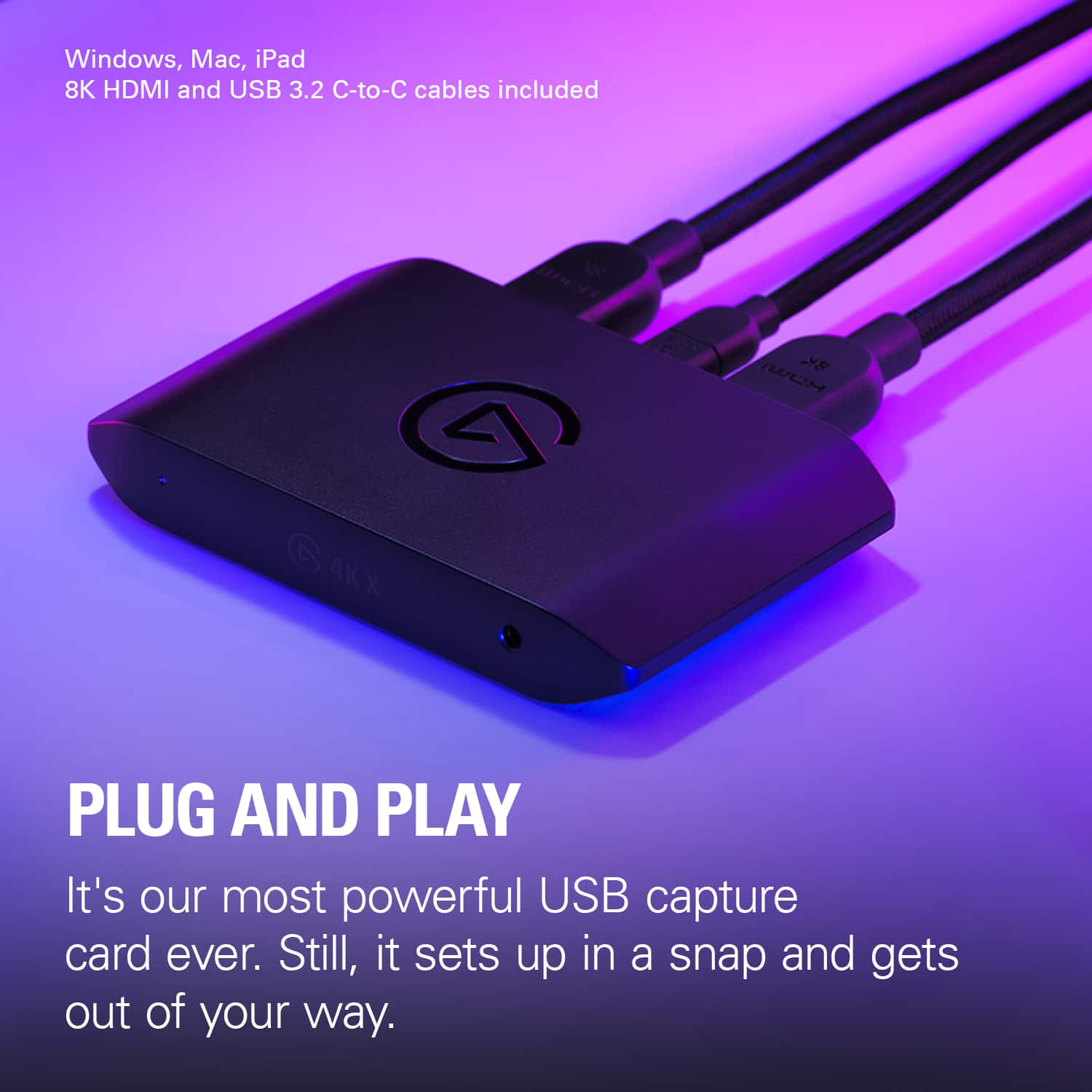
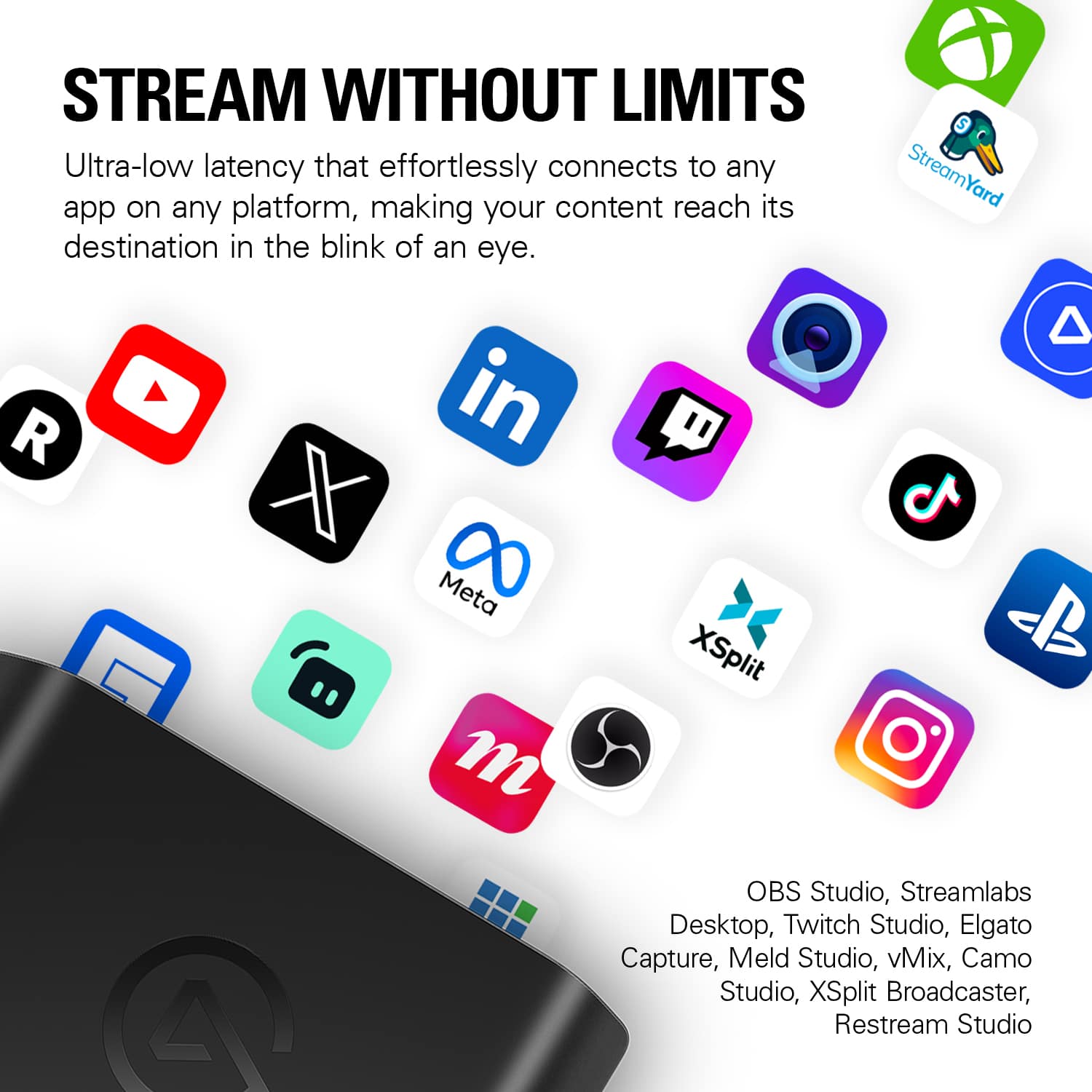
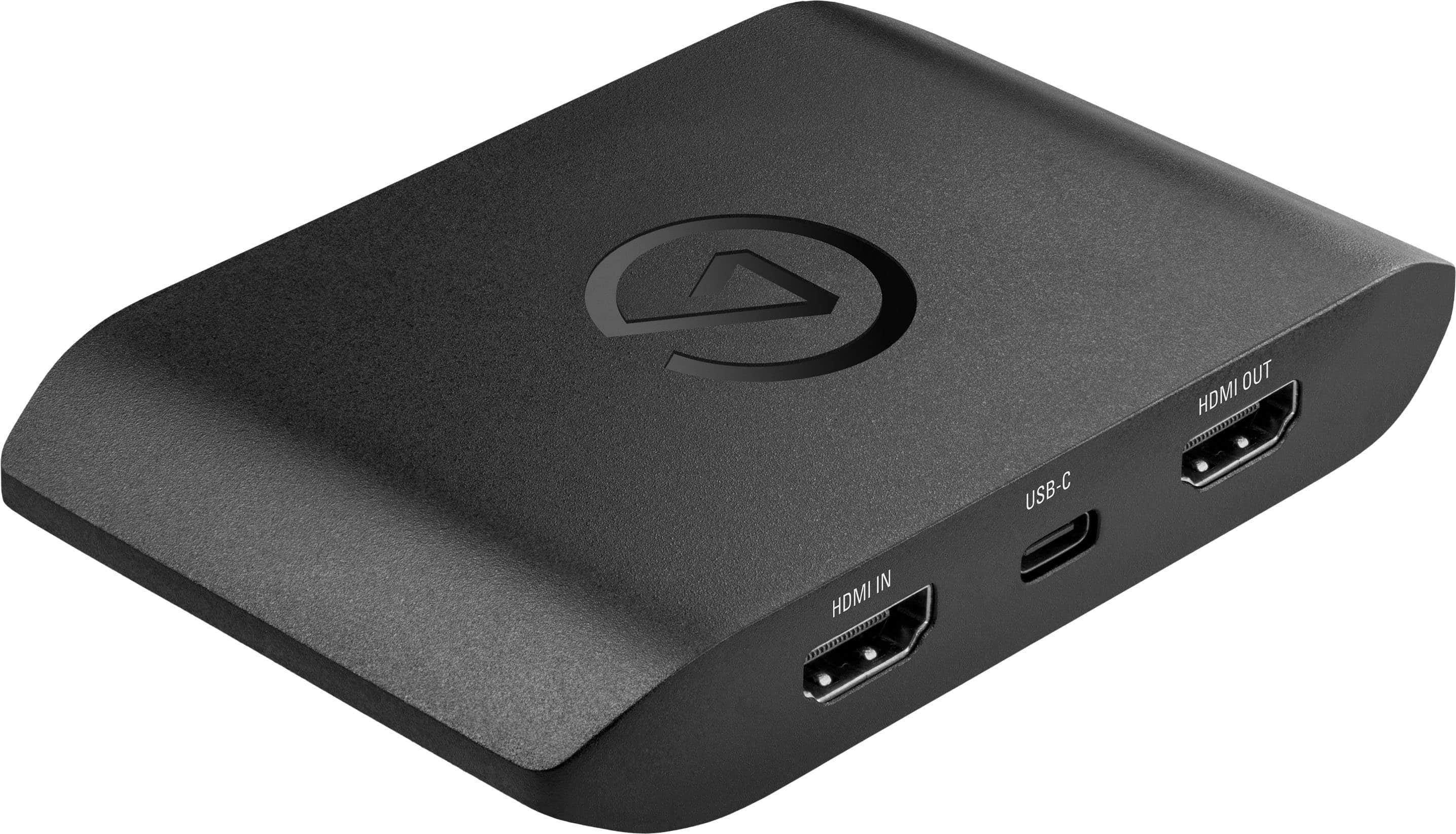
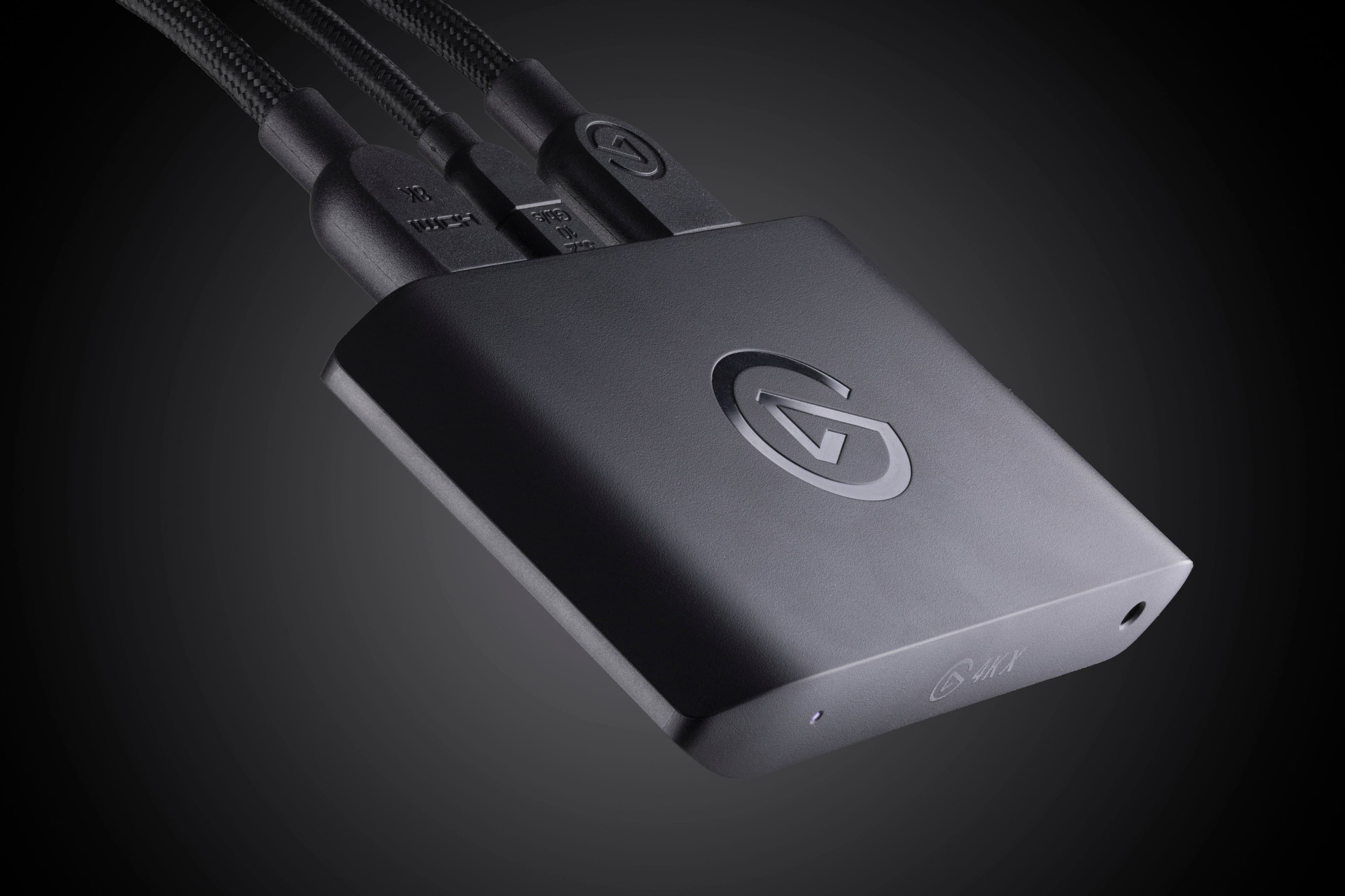
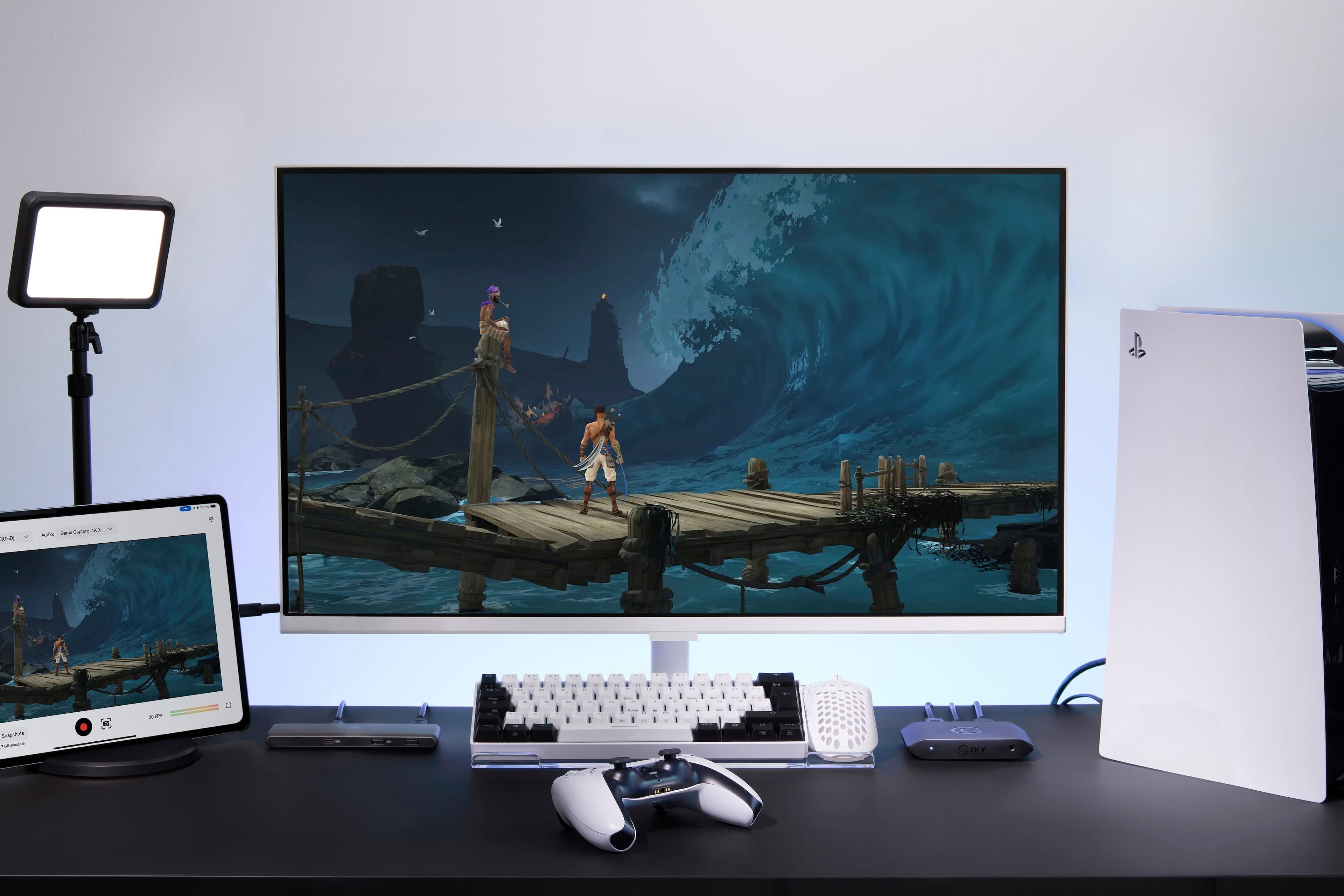
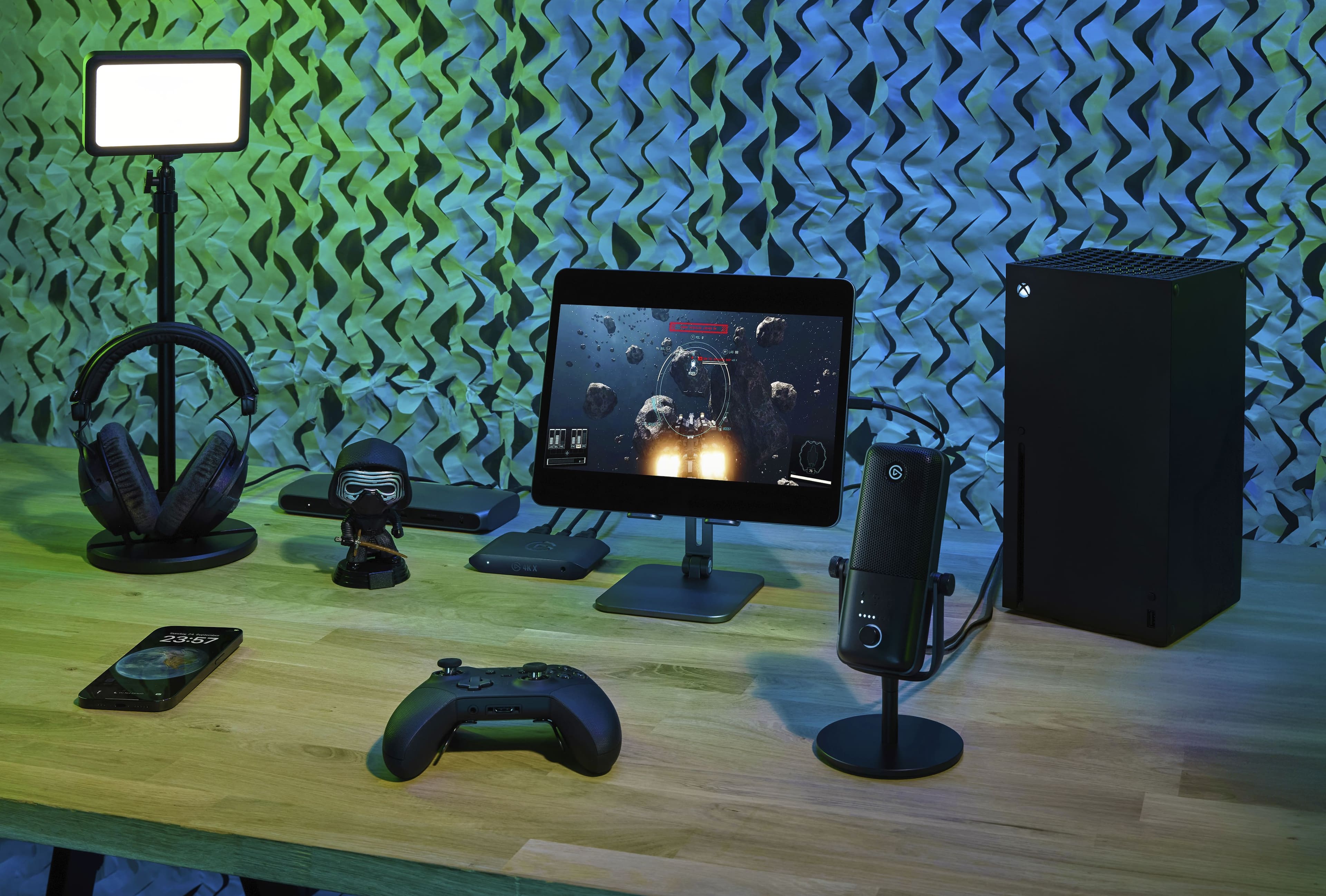
|Posted .This reviewer received promo considerations or sweepstakes entry for writing a review.The design of the streaming box is great. It’s small–definitely compact enough to fit on a desk or in a home theater setup without being noticed. It’s also extremely portable if you were the type of person who likes to stream from different locations and setups. It seems extremely streamlined and well thought out. In terms of input/output, there are 2 HDMI 2.1 ports, a USB C port, and an audio in port. The audio in port allows you to capture a separate voiceover track. In the box you also get an HDMI cord and a USB C cable which are great bonuses. Setup of the device was simple. It consisted of going to the elgato website, downloading a utility, plugging the box into the device in between what I wanted to capture and a monitor/tv. After those steps, I was able to use it with elgato’s software, but instantly use it with streaming software like OBS. Capture quality is excellent. For me there was no visible latency. It has a number of features to make this a great capture card for whatever you throw at it, whether it be a PC, Playstation 5, Nintendo Switch, Xbox, or even a portable like a Steam Deck or ROG Ally. These include HDR10 support, passthrough for up to 4K at 144fps (which is especially great for capturing content that hits high frame rates like PC gaming), and variable refresh rate. The bundled elgato Capture Utility is super easy to use. It has a feature called stream link which allows you to capture video using the utility while also streaming the footage to a streaming software like OBS. There is also a capture utility app for iPad if you were looking for a fully portable streaming setup. Overall, this is an easy product to recommend. It has a number of features that makes it super easy to stream your gameplay to platforms like Youtube, Twitch, or Kick.
I would recommend this to a friend Not good for dual PC streaming
||Posted .This reviewer received promo considerations or sweepstakes entry for writing a review.It was capable of projecting 4k, but the FPS dropped to below 30 frames. Did not work as intended. The earlier Elgato HD60 works better at 1080p60fps
No, I would not recommend this to a friend4K60 review
||Posted . Owned for 1 month when reviewed.This reviewer received promo considerations or sweepstakes entry for writing a review.Feel like the avermedia is a better capture card IMO
No, I would not recommend this to a friendDon’t buy this one
||Posted .This reviewer received promo considerations or sweepstakes entry for writing a review.Junk. I bought this thing so I could record PS5 gaming on my computer. This is the last thing that this device wants to do. Not wanting to get beat, I tried everything I could think of and reached out to their tech support who has been useless til this point. Obviously I’m outside of warranty with a nonfunctional device. BOTTOM LINE: get the $30 one on Amazon. Literally plug and play. I love it.
No, I would not recommend this to a friendBrand response from Customer Care
Posted .Sorry to hear it’s not working correctly. 4K X includes a two-year warranty with Elgato, and we can look into replacing it if needed. Please reach out to us at elgato.com/help.
- Cons mentioned:Software
Unimpressed
||Posted . Owned for 1 week when reviewed.This reviewer received promo considerations or sweepstakes entry for writing a review.El gato 4k software is one of the worst softwares I have ever used. Would not recommend this product at all.
No, I would not recommend this to a friend - Cons mentioned:Software
waste of money
||Posted .This reviewer received promo considerations or sweepstakes entry for writing a review.This thing is junk. The software that this device works with is buggy, and poorly supported. buy literally anything other than an Elgato product.
No, I would not recommend this to a friendBrand response from Corsair
Posted .Hello,
Sorry to hear you ran into issues, please contact our team directly right on our site for assistance.
-Art
Trash
||Posted . Owned for less than 1 week when reviewed.This reviewer received promo considerations or sweepstakes entry for writing a review.Complete trash! Spent 2 days playing around trying to make it work! Different hdmi, youtube tutorials, ps5 and xbox none worked! From grey screen to black screen with “no connection” to chuppy frozen screen and app crashing just trash. Sadly not allot of other options for a capture cards..
No, I would not recommend this to a friendBrand response from Customer Care
Posted .I'm sorry to hear about your experience. If you’ve already returned the product, we completely understand, but if you’d like to give it another shot, our support team is here to help troubleshoot and make sure everything works as it should. Feel free to reach out at elgato.com/help.