Customer Ratings & Reviews
- Model:
- 10GBH9901
- SKU:
- 6570417
Rating by feature
- Value
Rating 4.5 out of 5 stars
- Quality
Rating 4.7 out of 5 stars
- Ease of Use
Rating 4.6 out of 5 stars
Customers are saying
Customers regard the 4K X 4K144 HDR10 External Capture Card as having great overall performance and ease of use, with many appreciating its plug-and-play functionality and included HDMI cable. The video quality and resolution are frequently praised, along with its compatibility with devices like the PS5 and Mac. However, some users have reported experiencing lag, occasional disconnections, and noted the absence of Mac software, while a few find the price to be somewhat high.
This summary was generated by AI based on customer reviews.
- Pros mentioned:Ease of use, Overall performanceCons mentioned:Connectivity
Perfect capture card for Switch 2 (and more)
||Posted . Owned for 1 month when reviewed.This reviewer received promo considerations or sweepstakes entry for writing a review.Works flawlessly with my Switch 2. Extremely easy to hook up. Make sure to use the fastest USB port you can. It will cause the capture and display to stutter if the USB port is not fast enough. (this goes for all models not just the 4K X)
I would recommend this to a friend - Pros mentioned:Ease of use, Overall performance
Elgato 4k Capture Card
Posted .This reviewer received promo considerations or sweepstakes entry for writing a review.The Elgato 4K capture card is truly top-of-the-line—flawless performance, crystal-clear quality, and zero hassle. Best Buy made the purchase even better with their reliable service and unbeatable selection of digital equipment. Highly recommend both the product and the store!
I would recommend this to a friend 
Great capture card with a little trial and error
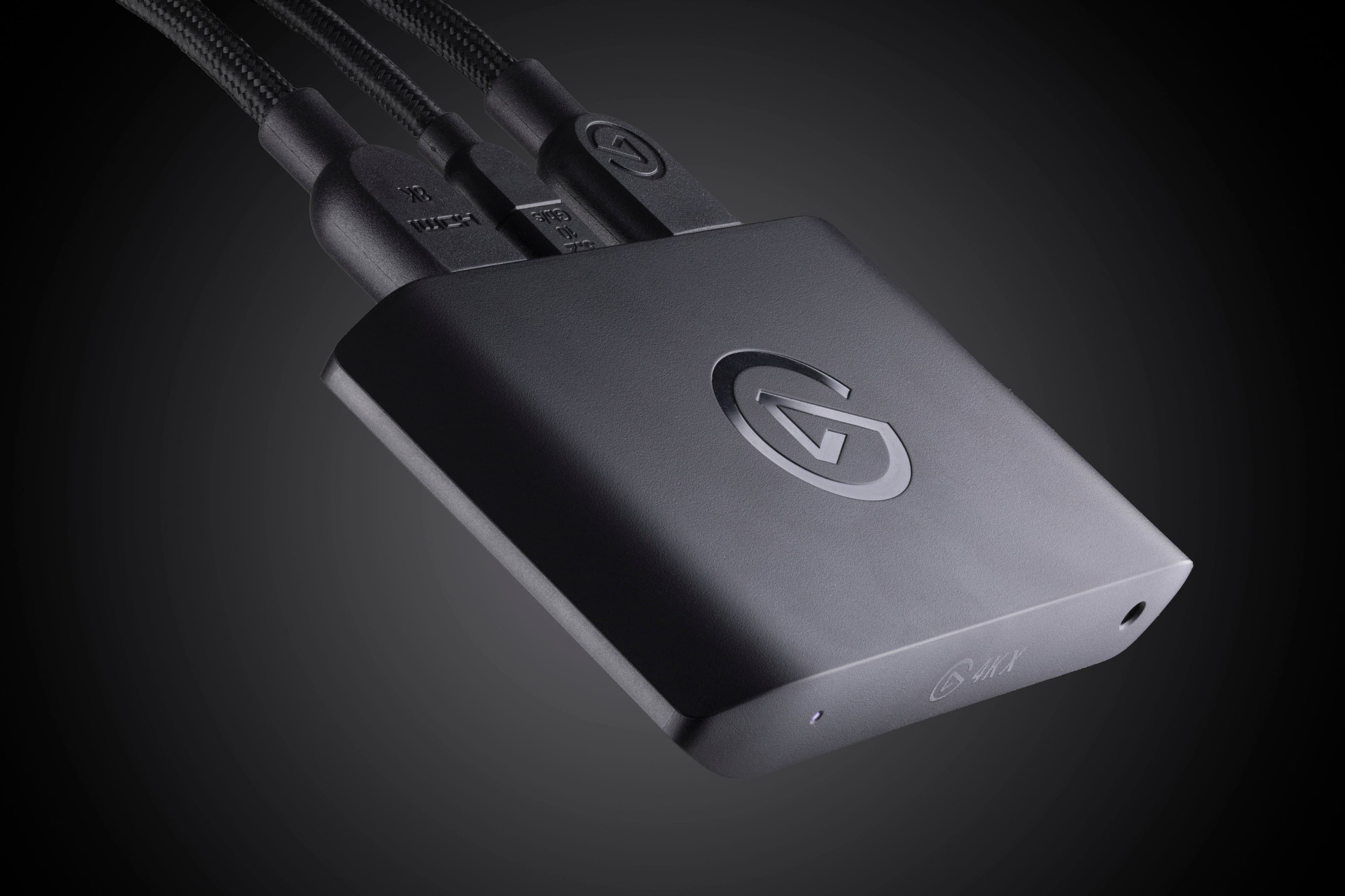
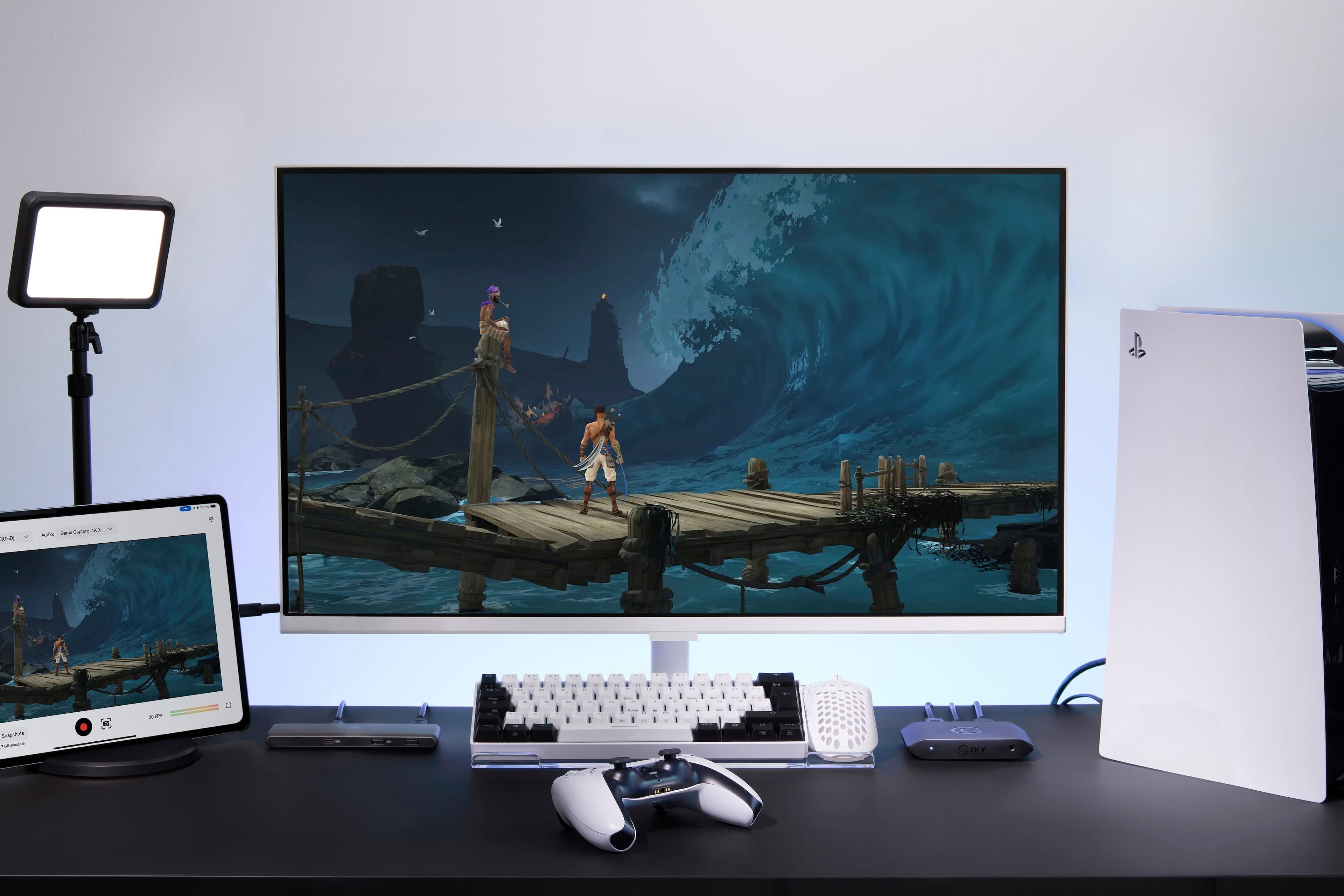
|Posted .This reviewer received promo considerations or sweepstakes entry for writing a review.This is a nice little power-house of a capture card, and my first. It’s largely straightforward, but in my case, also presented a learning curve. Now that I spent a bit of time reading up on best software and tuning settings for my setup, it works well. The 4K X hardware itself is quite nice and comes with a great 8k HDMI cable, and quality USB cable -both in a woven style. I captured on a PS5 using a MacBook Pro and while there is a provided infographic on the inside of the box to indicate how to plug in the various cables, the lack of Quickstart guide and only a website reference for software download didn’t fully get me prepared for capturing video out-of-the-box. I did, however, have to find and read the FAQ for recording on PS5 to discover that HDCP setting on the console had to be turned off in order to connect and see any image. - I’m new to this, so these necessary steps could have been made more obvious. Elgato promotes using their 4k Capture Utility software on their website, but at the time of review, that wasn’t offered for Mac. I instead first used Quicktime, which really was easy to set up, but it my version didn’t allow for highest resolutions. Eventually I read up on other alternatives and discovered the more widely used OBS Studio (also downloadable from Elgato’s site) - This also posed a challenge, as for a while I wasn’t getting a signal from the 4K X. After some research, re-downloading and reinstalling, I discovered that I likely had a bad set of hidden library files. Sure enough, after deleting those and trying again, I was presented again with a list of permissions that OBS seemed to need in order to get things running. And while I also strangely didn’t hear any audio while recording, despite toggling that setting, it all came through well in the outputted video. This was the ticket, I’m fairly tech-savvy and once I got in, things largely just work now. Video capture is quite good and with plenty of control. There's little to no latency between what is actively being played and what is previewed during recordings on your computer. For such a small device, achieving such high frame rates and HDR10 recording is no small feat. I should note that I also attempted recordings on a Windows gaming laptop as well, but something was very off with the capture and audio every time. Given the large number of other people reporting no issue, I assume it must be our setup. 4k Capture Utility seemed partly to blame in that it defaulted to audio processing, which I needed to turn off at an OS level-application level. Overall, this card is a great offering for those looking to capture great content. Getting up and running as a newcomer had a variety of rough moments for me that could have been better directed by Elgato, but beyond that, it became straightforward. It's a very well designed capture device, with many people rightly praising its top-tier capabilities.
I would recommend this to a friend- Pros mentioned:Ease of use, Overall performance
Capture Power, Zero Compromise
||Posted . Owned for less than 1 week when reviewed.This reviewer received promo considerations or sweepstakes entry for writing a review.The Elgato 4K X delivers exceptional performance with 4K144 capture, ultra‑low latency, and flawless HDMI 2.1 passthrough. Setup is effortless—plug it in, open your streaming software, and you’re ready to go. Gameplay stays smooth with VRR support, and the device runs cool with a premium, compact build. Whether you’re streaming, recording, or editing high‑frame‑rate footage, it performs like a top‑tier internal card without the hassle.
I would recommend this to a friend - Pros mentioned:Ease of use, Overall performance
Great product
||Posted . Owned for 2 weeks when reviewed.This reviewer received promo considerations or sweepstakes entry for writing a review.I have used this for a couple weeks and it’s solid. It makes recording gameplay easier. A couple quirks but that’s mostly due to how many different settings you have to set between OBS and PC settings and all that. If you’re looking to record gameplay. This is a very good device to use.
I would recommend this to a friend - Pros mentioned:Overall performance, Setup
The Elgato 4K X is the Heart of Our Livestream Set
||Posted . Owned for 2 months when reviewed.This reviewer received promo considerations or sweepstakes entry for writing a review.We’ve built our entire TikTok Live setup around the Elgato 4K X, and let me tell you — this capture card is an absolute beast. We run a PS5 Pro through it into a high-performance sleeper laptop build, and the 4K X keeps up with everything we throw at it. Streaming live gameplay at 1080p60 through TikTok Live Studio? Flawless. Zero lag, zero stutter. Just silky-smooth video, even during intense action scenes. It handles HDR passthrough beautifully, and VRR support keeps our gaming buttery smooth on our LG C3 OLED. Setup was fast. Literally plug-and-play. It integrated with our Elgato Cam Link, OBS, and TikTok Studio with no hiccups. It even looks good on the desk — small, sleek, and pro-level. This thing has become the heartbeat of our content. Whether we’re streaming The Last of Us, Wanderer VR, or showcasing PC mods, the Elgato 4K X never lets us down. It makes our content look polished and pro — even when we’re streaming from a couch with snacks everywhere. If you’re a TikTok creator or livestreamer looking to level up, this is the card you want. Period. Elgato nailed it. We wouldn’t change a thing. — Finn & Dom CTRL+ALT+DOM Livestreams
I would recommend this to a friend - Pros mentioned:Ease of use
El gato
||Posted . Owned for 2 weeks when reviewed.This reviewer received promo considerations or sweepstakes entry for writing a review.“I’ve been using the Elgato 4K external capture card for a few weeks now, and it’s absolutely fantastic. The 4K resolution is crystal clear, and the latency is really low. It was super easy to set up—everything worked right out of the box. If you’re looking to stream or capture in 4K, this is definitely the device to get.”
I would recommend this to a friend - Pros mentioned:Overall performance
A MUST HAVE For Content Creators
||Posted .This reviewer received promo considerations or sweepstakes entry for writing a review.The beat capture card I have had in a long time! This 4k capture card deliver amazing quality and delivers what it promises. I have 2 different recording stations and might considering buying another one because its just that essential and works amazing. Also has audio jacks if you want to jack in woth headphones. Works perfect with OBS and Streamlabs but surprisingly not so well with the El Gato Capture Software. No issues with plug and play on OBS or Streamlabs. You will need to edit your streamlabs settings to output 4k resolution and other various details. Dive deep and you will have a great recording process in no time with this device.
I would recommend this to a friend - Pros mentioned:Ease of use, Overall performance, Video quality
A must-have capture card for gaming enthusiasts.
||Posted .This reviewer received promo considerations or sweepstakes entry for writing a review.A fantastic, easy-to-use capture card. Works great with its own software, and OBS alike. I use it for work whether streaming or recording footage for game reviews, and it puts out beautiful video and audio.
I would recommend this to a friend - Pros mentioned:Ease of use, Overall performance
Best card I've used to date
||Posted . Owned for 7 months when reviewed.This reviewer received promo considerations or sweepstakes entry for writing a review.Best card I've used out of the series, and i started with an Elgato HD60. Runs very smooth and is easy to set up. Make sure to download Elgato Studio instead of Elgato 4K software though.
I would recommend this to a friend - Pros mentioned:Ease of use, Video quality
Best Way to Capture Gameplay
||Posted .This reviewer received promo considerations or sweepstakes entry for writing a review.If you are a streamer or content creator, this is a must. Connection setup is easy, and the software is just as simple. Follow the steps and ensure you get 4k or 1440 with 120 FPS to maximize your gameplay as you record. If you stream it is the same process. There are other makers of capture cards, but Elgato is king
I would recommend this to a friend - Pros mentioned:Overall performance, Video quality
Oh we streaming now!
||Posted . Owned for 1 month when reviewed.This reviewer received promo considerations or sweepstakes entry for writing a review.I really dig this capture card! I had to disable HDCP to get the screen to work on my end, not sure what cause that issue but it was resolved. I've been streaming and have received compliments of the quality. I used to use a cheap Amazon capture card, and after 30 minutes of play people would comment that my stream was frozen or choppy; which I could also tell by my preview screen on OBS. Not anymore, I've streamed for up to 4 hour sessions about 3 times a week and have not noticed any issues!
I would recommend this to a friend Great products as always
||Posted . Owned for 2 weeks when reviewed.This reviewer received promo considerations or sweepstakes entry for writing a review.Ive been using elgato for years, and when i tried other brands, it just never worked as niceley or easily as elgato. I had an issue with the model i had purchased, and the elgato customer service was absolutely impeccable. They walked me through way more detailed troubleshooting than most companies would. And when it was determined there might be a fault in the device, they offered a free exchange either with them or with the location i purchased from. When i went to Best Buy, they had no problem swapping this out for me. And its been working great ever since. Wonderful customer service from both elgato and Best Buy. Would highly recommend either company for your future endeavors.
I would recommend this to a friend- Pros mentioned:Overall performance
Flawless 4K Capture – A Must-Have for Creators
||Posted .This reviewer received promo considerations or sweepstakes entry for writing a review.The Elgato 4K X is everything I hoped for and more. Setup was simple and quick—plug-and-play with no hassle. It handles 4K at 144Hz and HDR10 like a champ, and the HDMI 2.1 support means I’m future-proofed for all my devices, including the PS5 and Nintendo Switch 2. The passthrough is ultra-smooth with no noticeable latency, even during high-action gameplay. Recording and streaming quality are top-tier, making this perfect for content creators who want crystal-clear output. It works seamlessly with OBS and other software on both my PC and Mac, and I love the compact design—it doesn’t take up unnecessary space in my setup. Highly recommended for anyone looking to elevate their streaming or capture setup.
I would recommend this to a friend - Pros mentioned:Ease of use, Overall performance, Setup
Elgato is Amazing
||Posted .This reviewer received promo considerations or sweepstakes entry for writing a review.Great Capture Card, Easy to use, Quick to setup. If you need a capture card this is the one I'd advise.
I would recommend this to a friend - Pros mentioned:Video quality
Excellent capture card
||Posted . Owned for 2 weeks when reviewed.This reviewer received promo considerations or sweepstakes entry for writing a review.I'm extremely happy with this capture card. It records and streams beautifully in all manner of resolutions and framerates, not to mention the stereo sound capturing is perfect (especially compared to the capture card I owned before this one). On top of that, the card comes with a super high quality USB C and HDMI cables that make this even more possible. Best of all bestbuy got me a discount on this compared to elgato's MSRP.
I would recommend this to a friend Plug and play if you use OBS
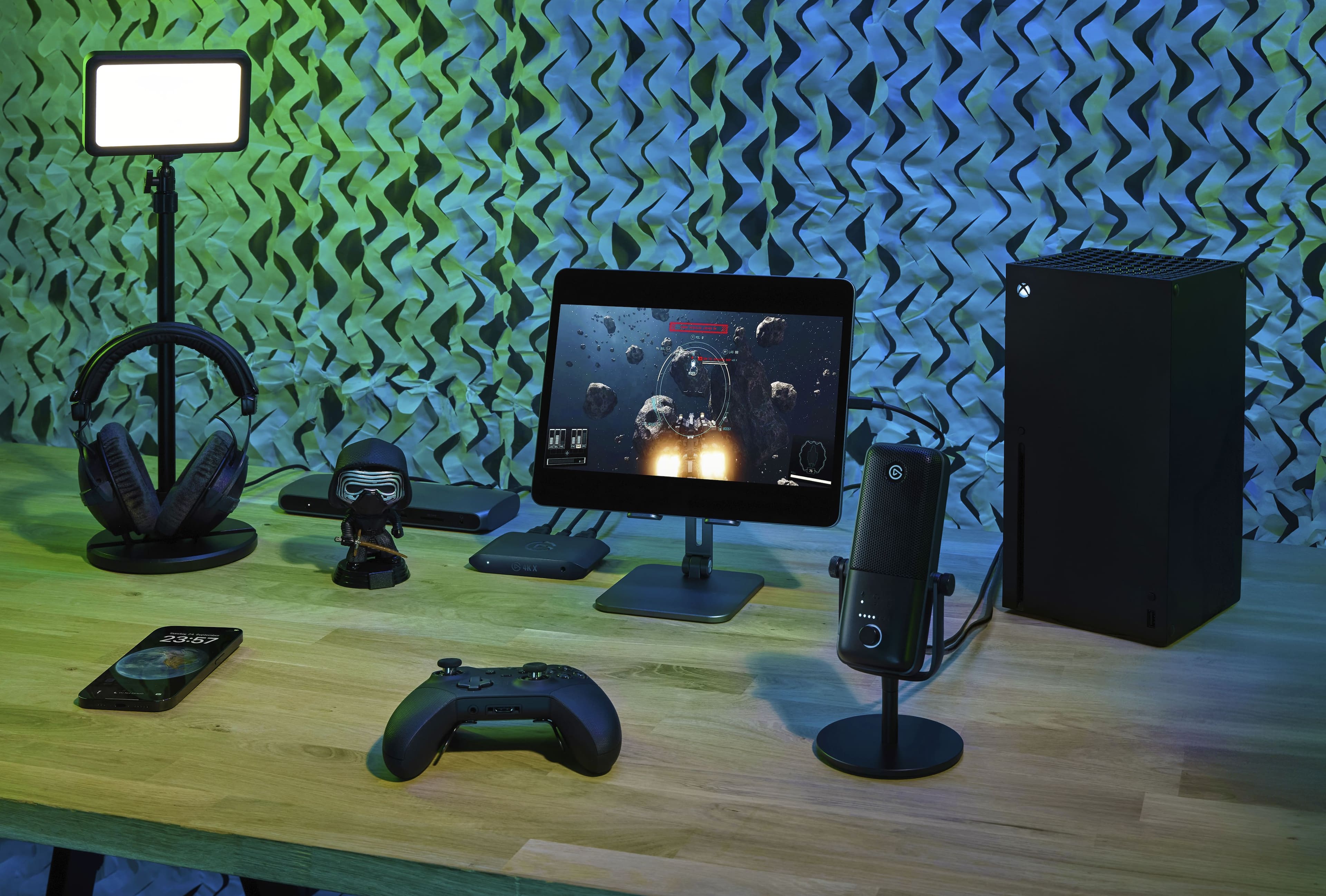
||Posted .This reviewer received promo considerations or sweepstakes entry for writing a review.If you use OBS, 4K X is a plug and play device. Zero software installation needed. Comes with hdmi 2.1 cable and a SS usb c cable in the box. I have used it with Xbox series X on a Samsung QN90B and the passthrough functions as though the Xbox were connected straight into the tv. The exception would be if I close a game or load up a new game. Then there is a moment of a second or two where the screen goes black but that is likely a DRM thing. Once a game is loaded however there is no interuption. Lag is usually zero but if there is maximum bandwidth being pushed through you may experience "maybe" 1 frame of lag. Most people will not be able to notice one frame if it even happens. If you have an older pc that does not have an adequate usb c port you can still use a usb A to usb C cable to connect to your older PC. Just make sure it's an SS cable. And you are using the blue usb port on the pc.
I would recommend this to a friend- Pros mentioned:Overall performance
Top-tier capture card for modern consoles and PCs
||Posted .This reviewer received promo considerations or sweepstakes entry for writing a review.This capture card is outstanding. The Elgato 4K X delivers incredibly smooth gameplay capture with support for high refresh rates, HDR, and HDMI 2.1. I’m using it with modern consoles and a gaming PC, and the passthrough performance is flawless with no noticeable lag. Being able to capture high-frame-rate gameplay while still gaming at full resolution and refresh rate is a huge plus. Build quality feels solid, setup was straightforward, and Elgato’s software makes recording and streaming simple. If you’re serious about high-quality game capture—especially for 4K or high-FPS content—this card is absolutely worth it.
I would recommend this to a friend - Pros mentioned:Ease of use, Overall performance
El gato 4kx is nice
||Posted . Owned for 3 weeks when reviewed.This reviewer received promo considerations or sweepstakes entry for writing a review.Device works great. The set up was super easy! I suggest you get some high end hdmi cables to get the 4k.
I would recommend this to a friend - Pros mentioned:Setup
Good upgrade option and reliable capture device
||Posted .This reviewer received promo considerations or sweepstakes entry for writing a review.I bought this capture device to replace an old one, which was a great decision. The device comes with HDMI 8 K and USB-C 3.2 cables. You can use the Elgato software to configure the device's behavior based on the current configuration (monitor and source device). It was easy to connect everything. It works perfectly with OBS Studio and macOS.
I would recommend this to a friend