Customer Ratings & Reviews

- Model:
- 10GAM9901
- SKU:
- 6316580
Rating by feature
- Value
Rating 4.5 out of 5 stars
- Quality
Rating 4.7 out of 5 stars
- Ease of Use
Rating 4.7 out of 5 stars
Customers are saying
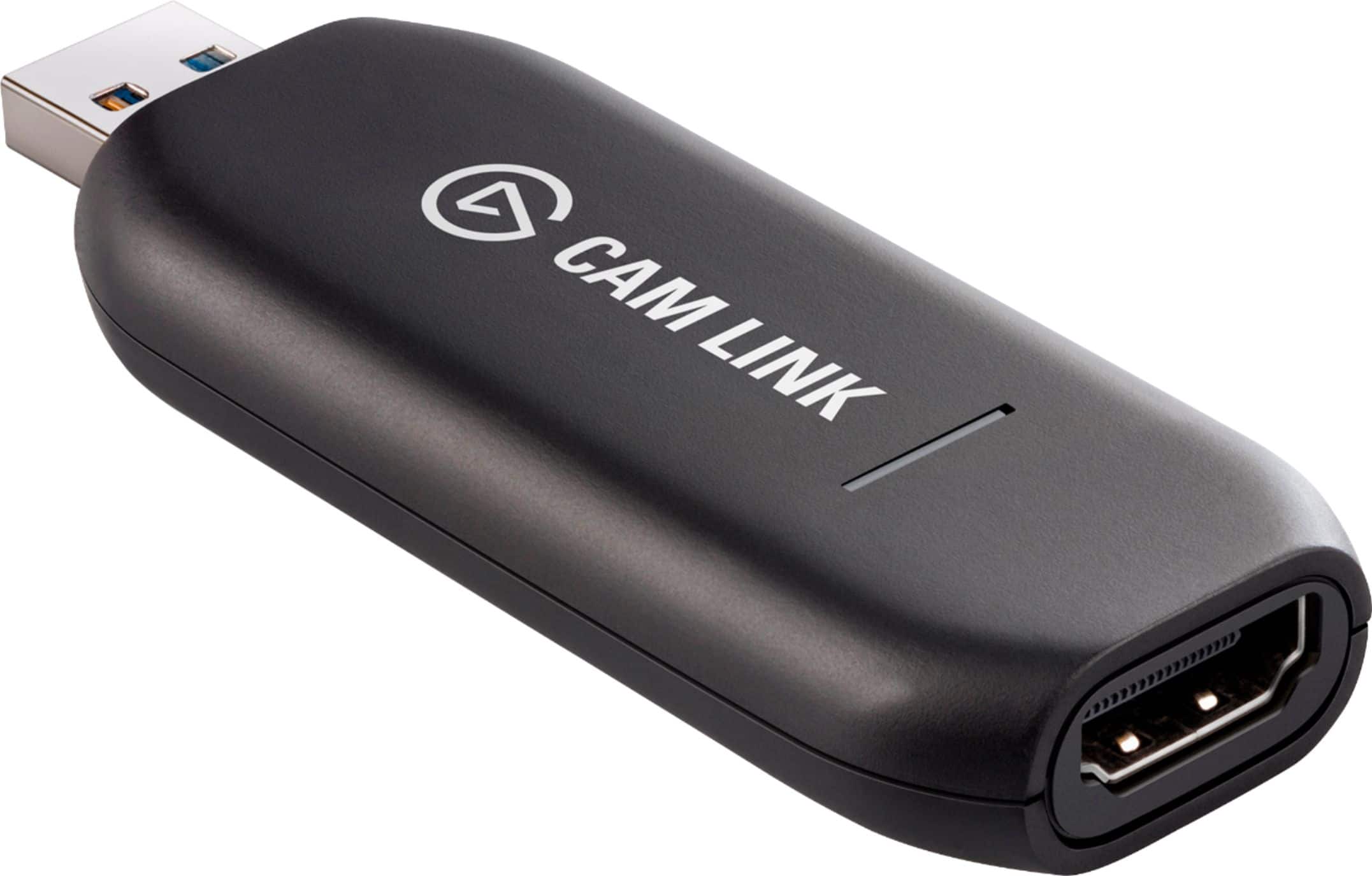
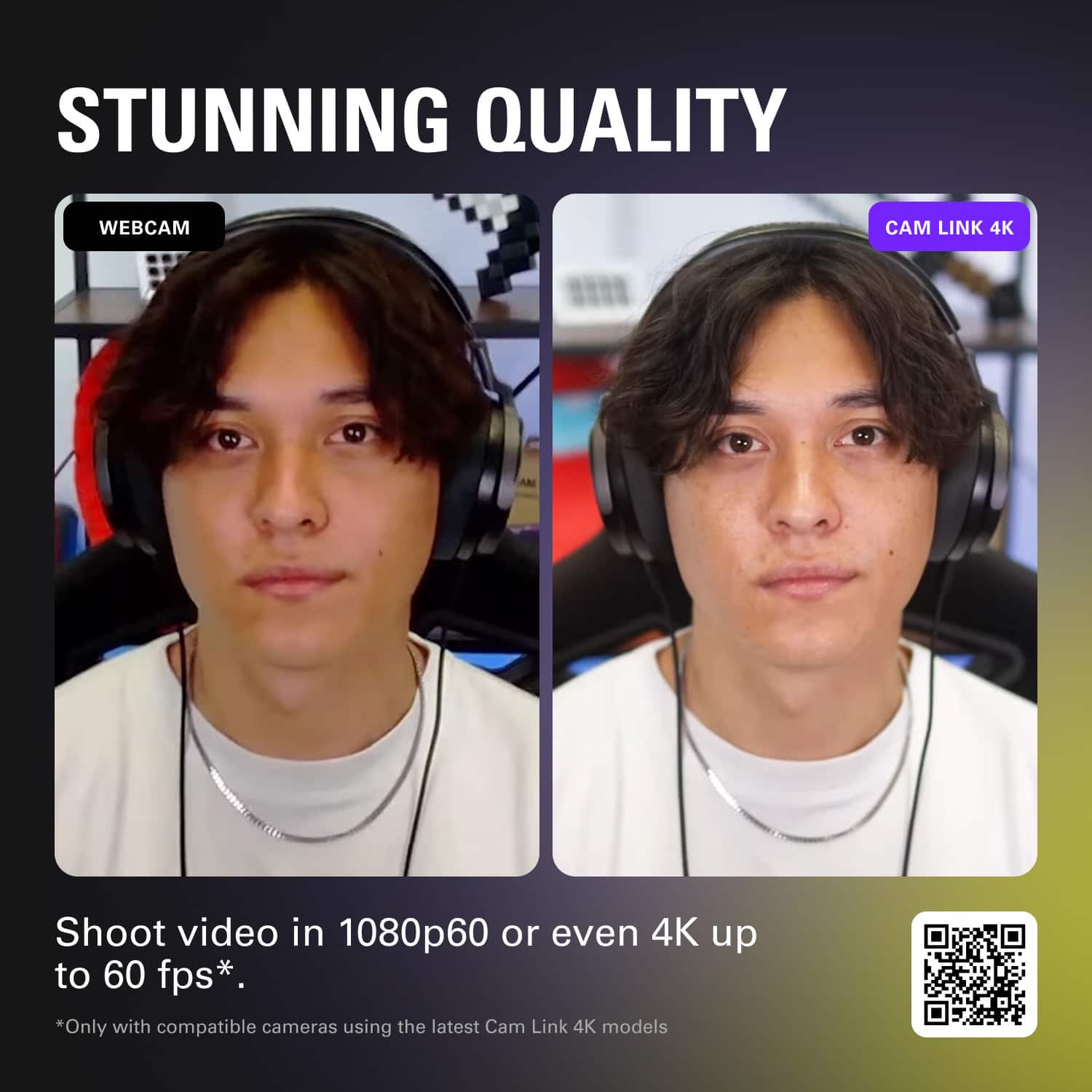
Customers are pleased with the Cam Link 4K's ease of use and fantastic video quality. Many also appreciate its overall performance and compatibility with various devices using HDMI. Some customers have expressed concerns regarding the product's price, latency, and heat generation. Additionally, a few have mentioned issues with resolution and the quality of the software.
This summary was generated by AI based on customer reviews.
- Pros mentioned:Overall performance
Awesome for Streaming!
||Posted . Owned for 1 month when reviewed.This reviewer received promo considerations or sweepstakes entry for writing a review.Awesome worked as intended set up was easy and didn’t have any issues connecting it to my camera!
I would recommend this to a friend Works as expected, great product overall
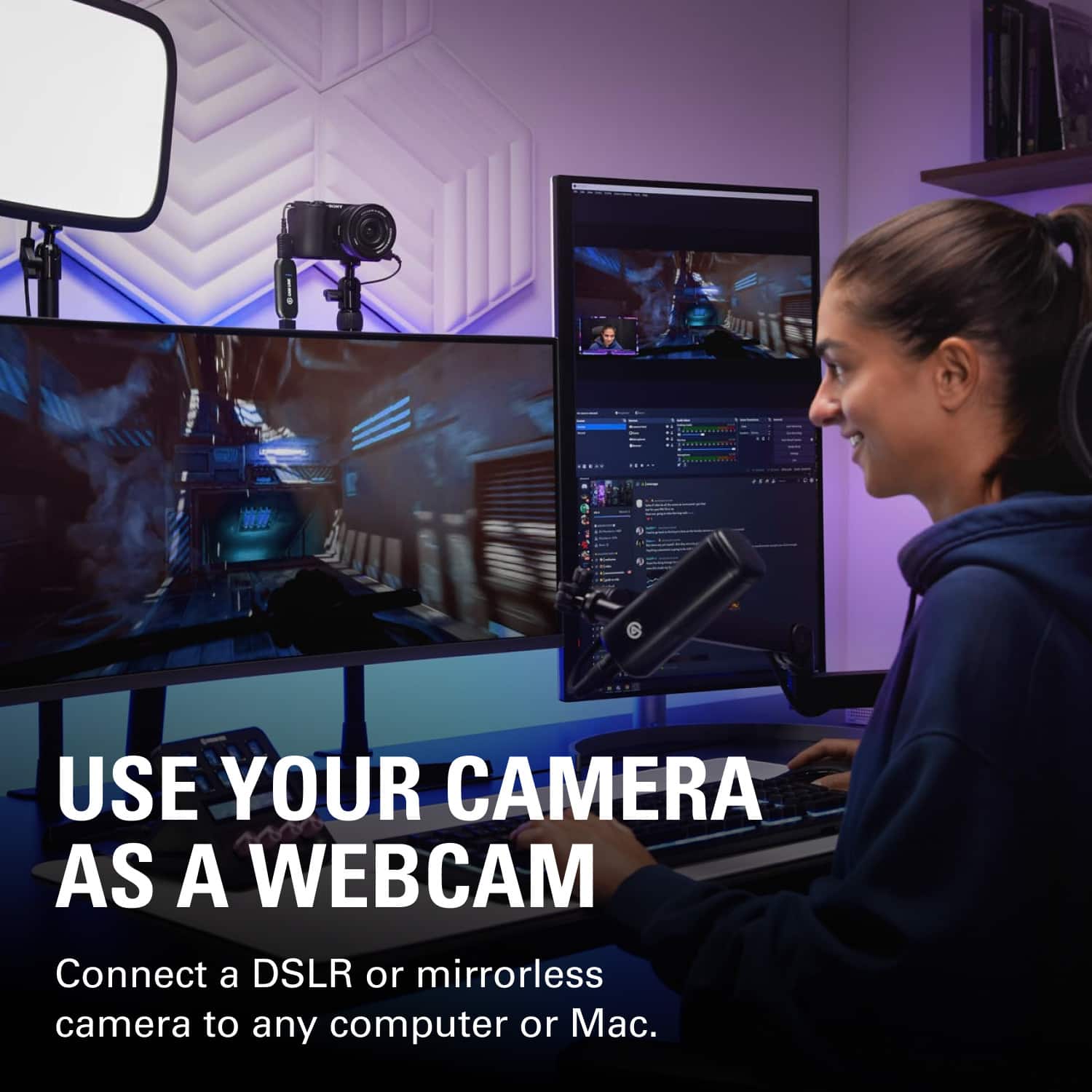
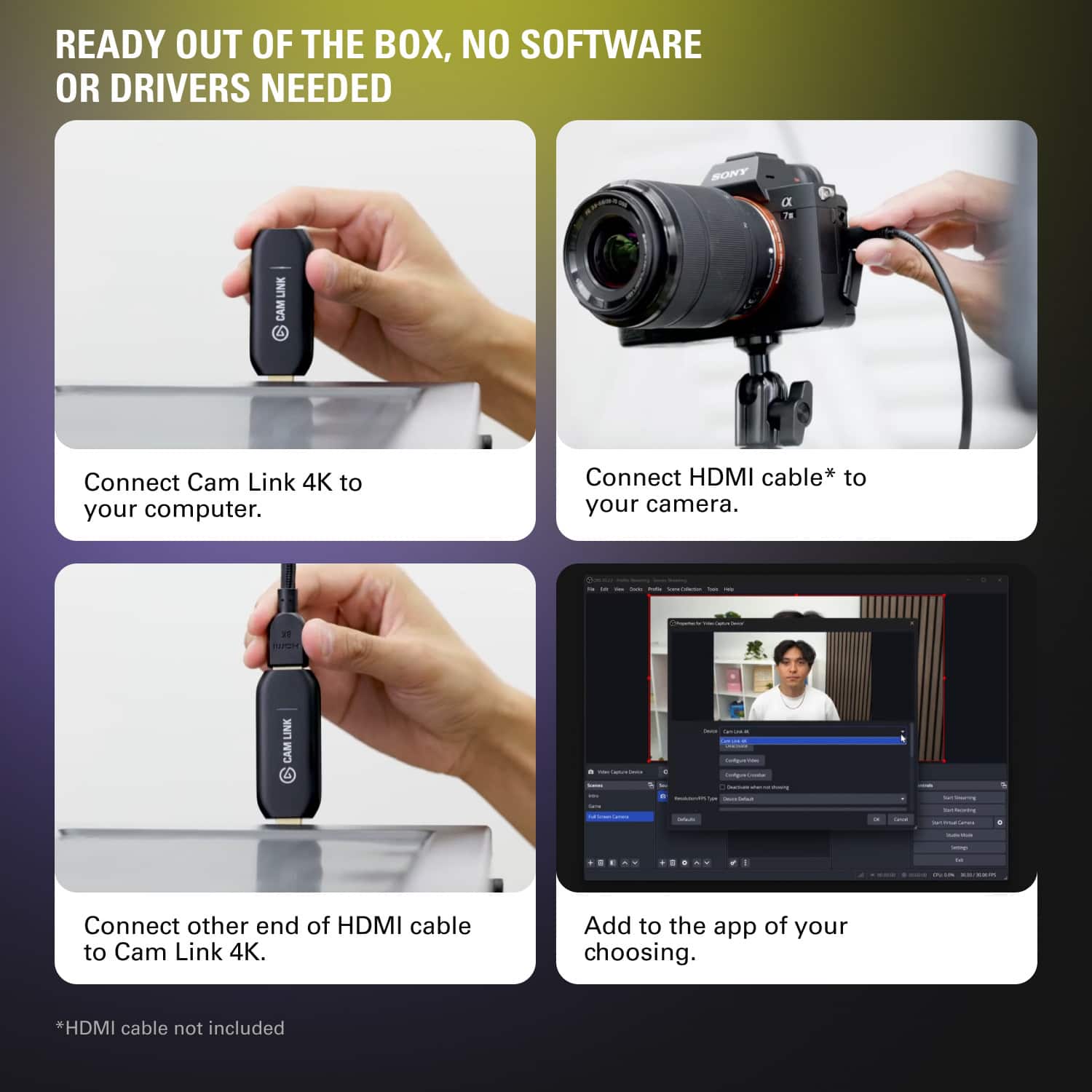
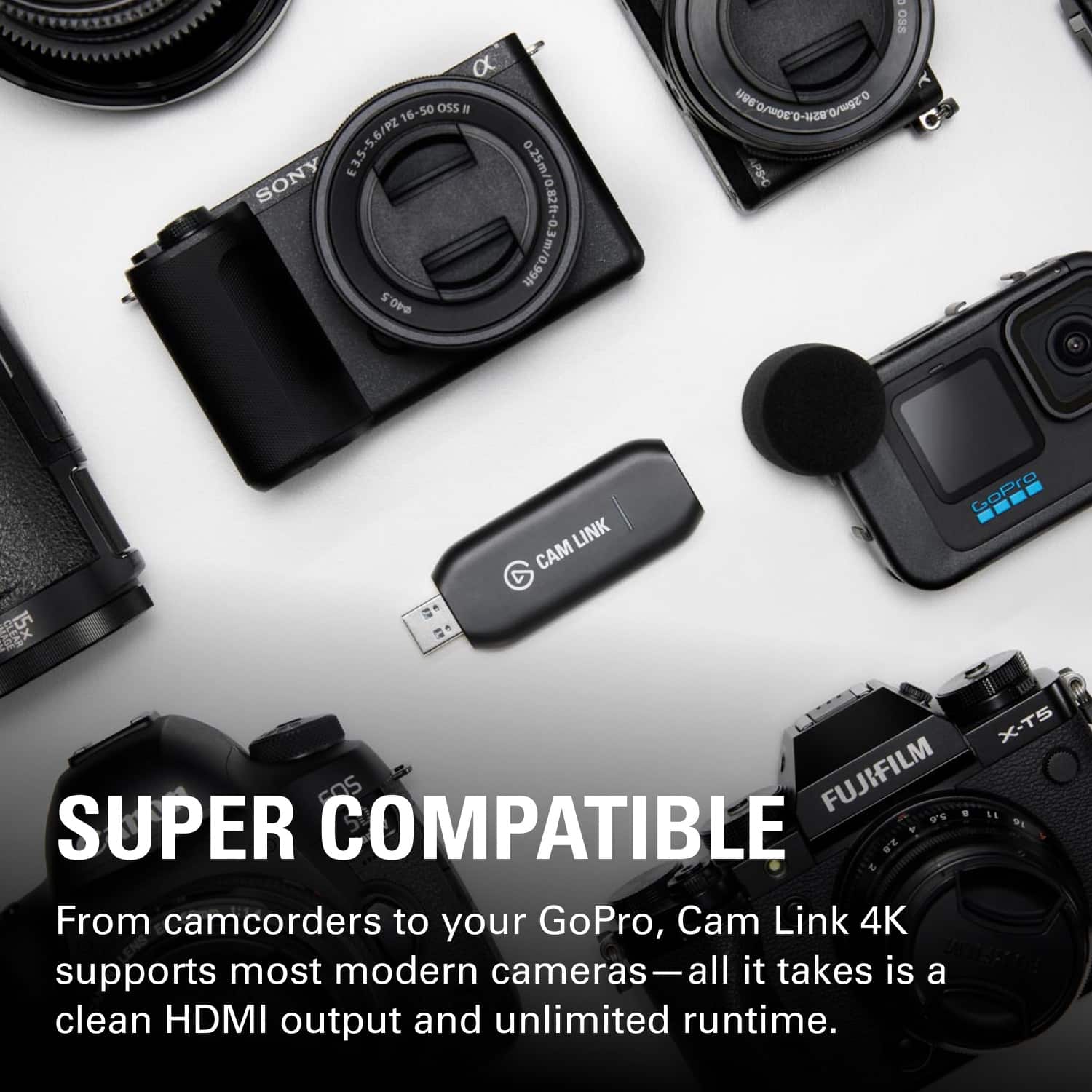
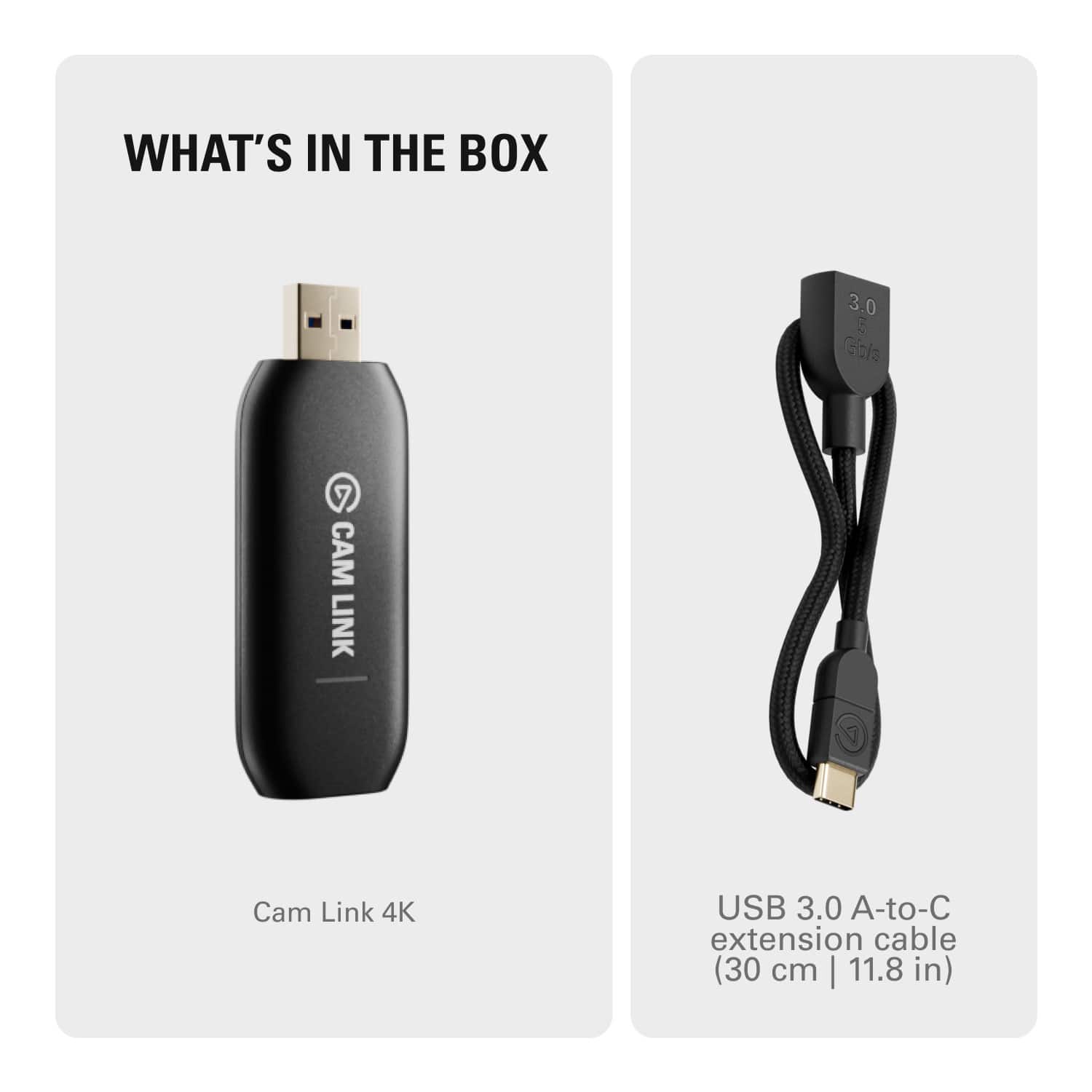
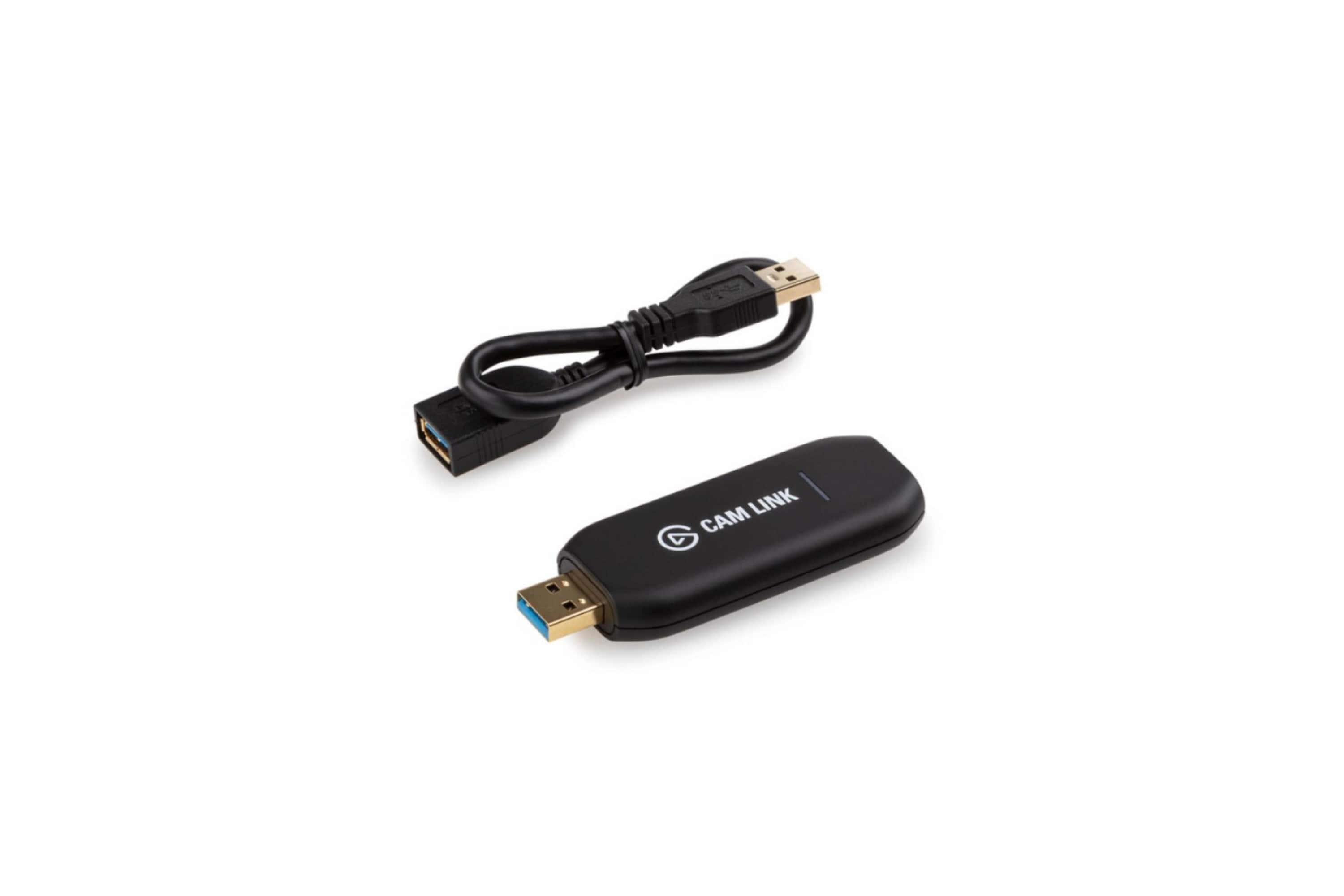
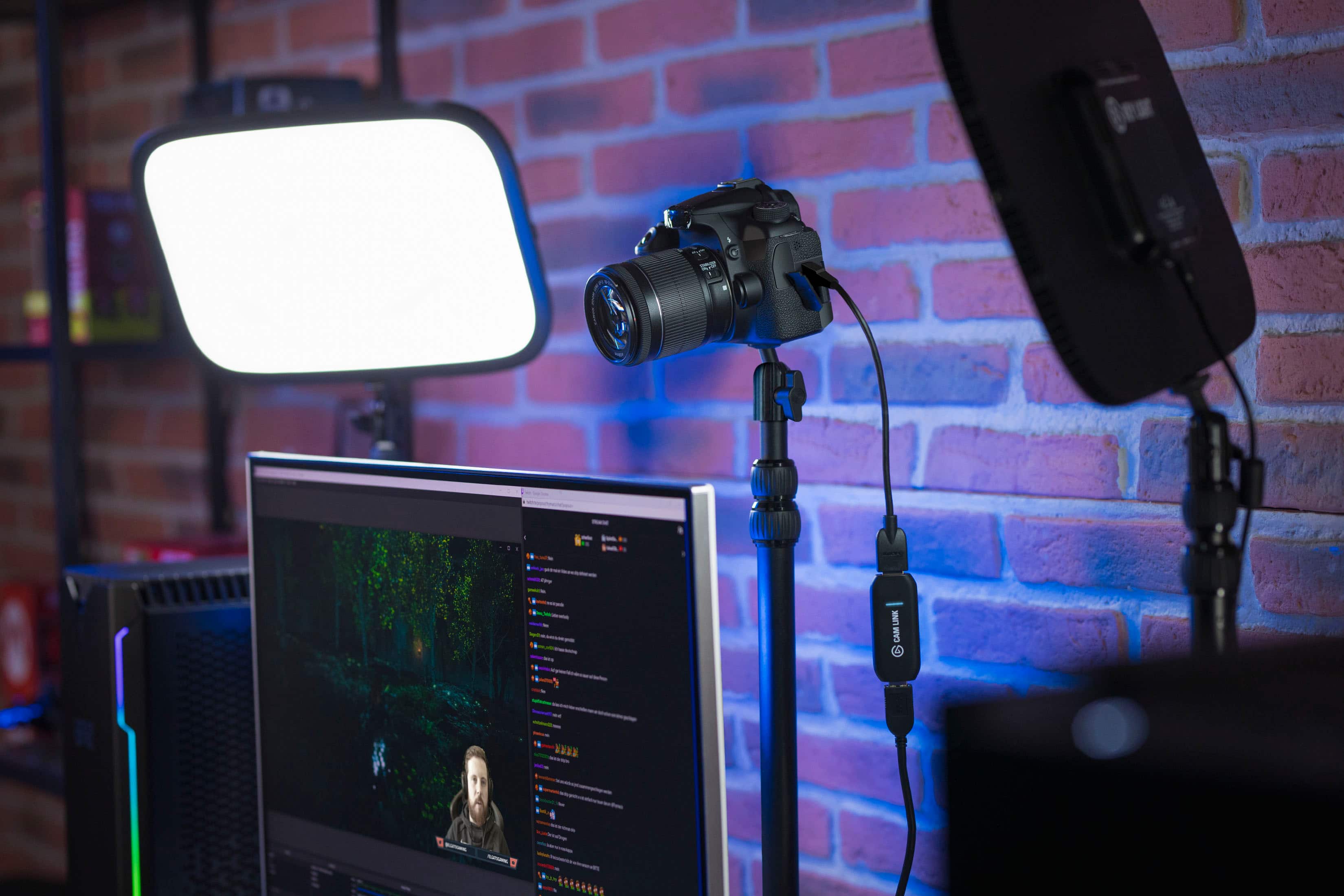
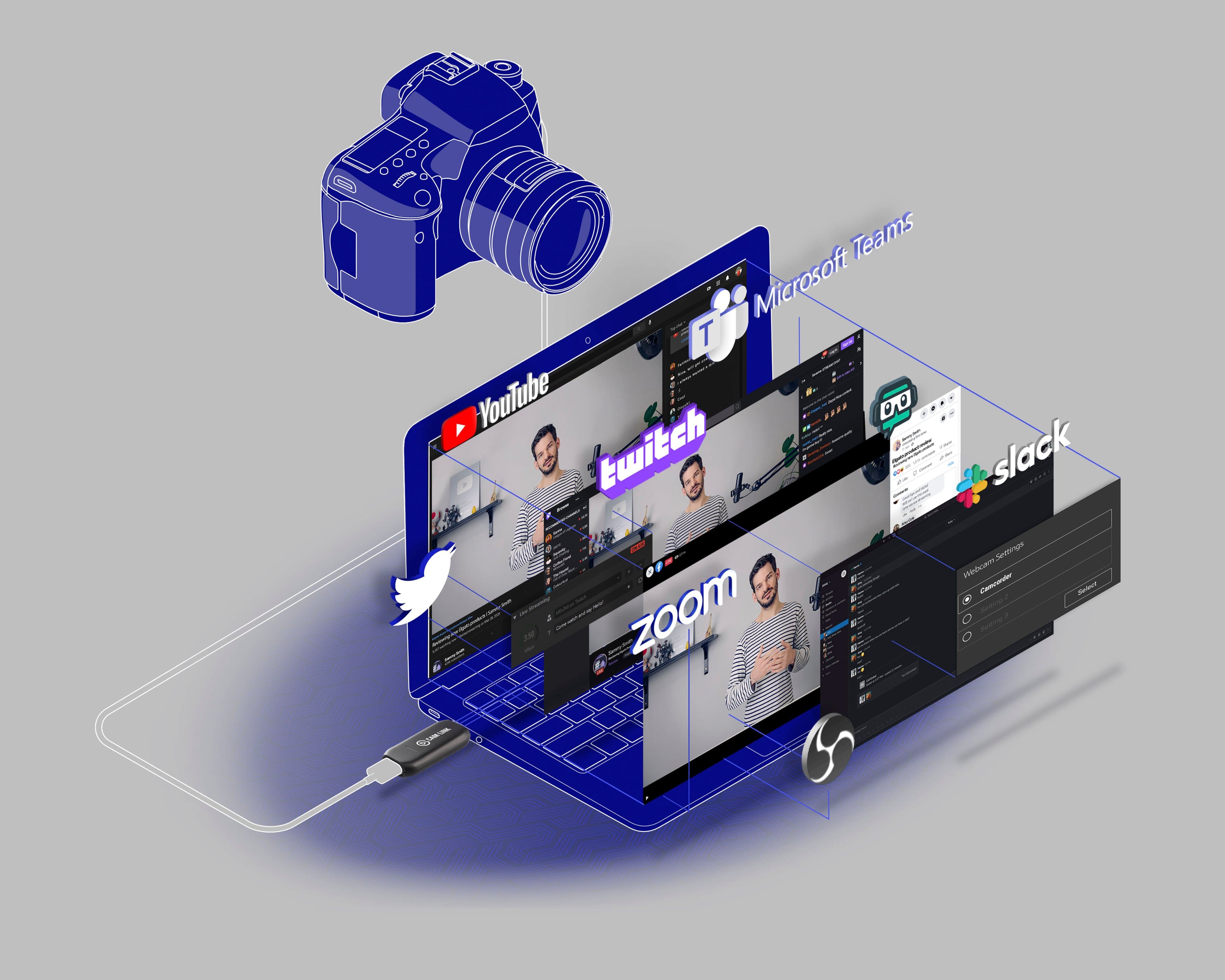
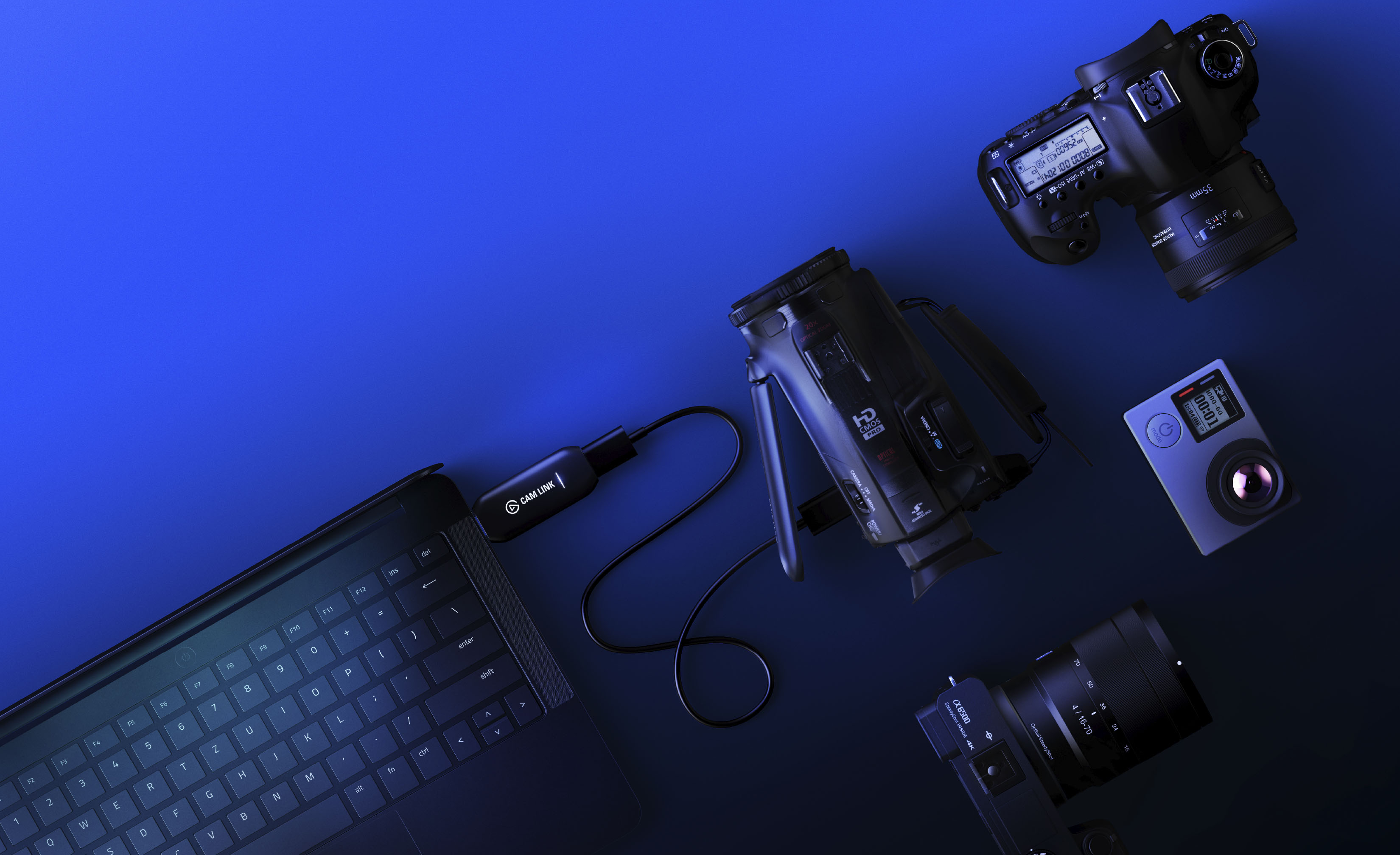
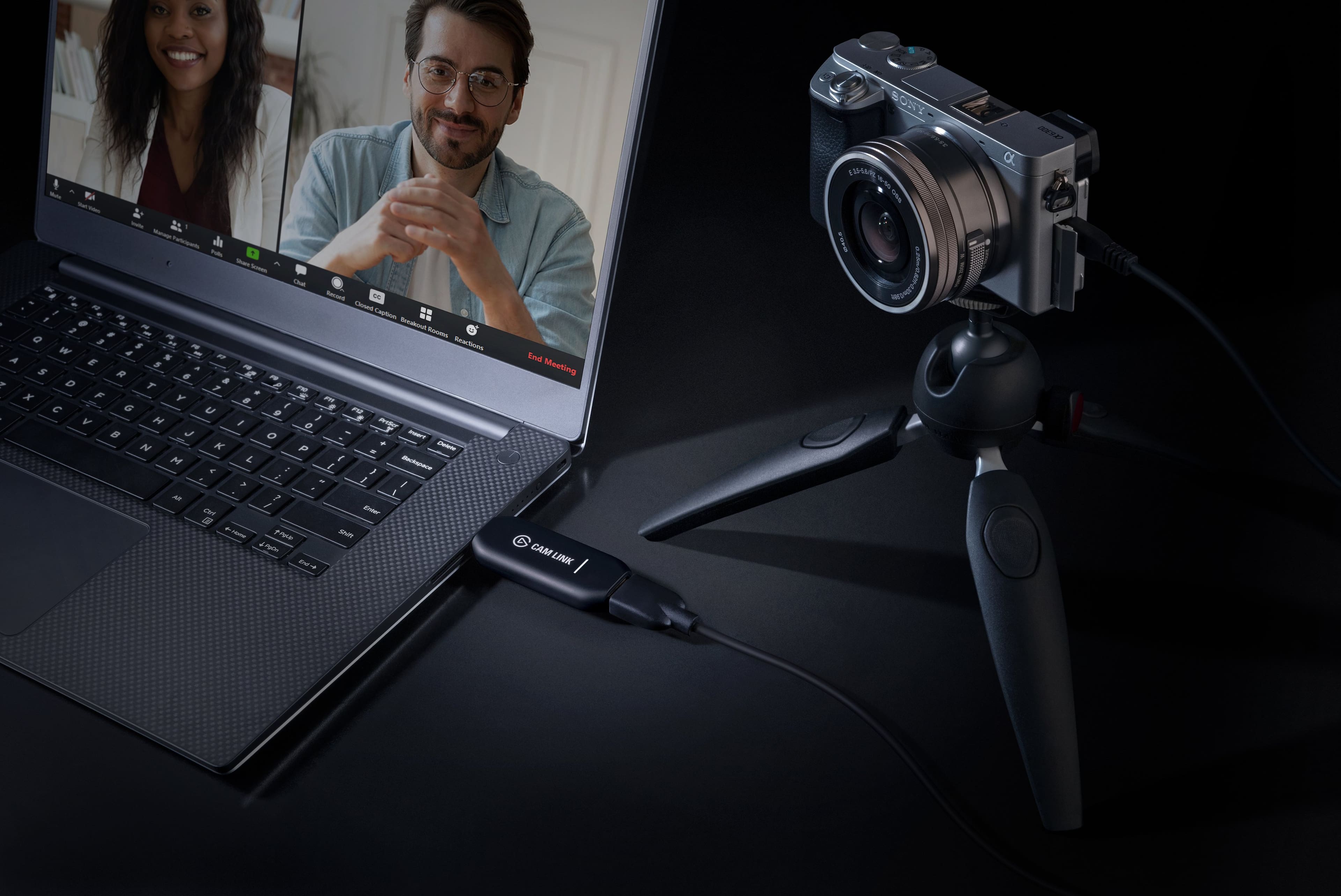
||Posted . Owned for 3 months when reviewed.This reviewer received promo considerations or sweepstakes entry for writing a review.I got this "Cam Link 4k" so that I could stream directly from my camera to my computer, and it does that very well. I have a sony a6000 camera, which I connect to the cam link using an HDMI cable; The cam link plugs into one of my computer's USB 3 type A ports. I use the program OBS, and once the camera is turned on OBS detected it immediately as a "Video Capture Device". To set it up in OBS, I selected the 'Plus' sign under "Sources", then chose Video Capture Device. In the "Device" dropdown menu, I selected the Cam Link 4K. This picks up the camera signal immediately. Also, the Cam Link works exactly the same on my Linux and Windows 10 desktops, I didn't need to install any drivers or anything. A few things to note: -The Cam Link 4K comes with a USB 3 Type A extension cable, thats about 1' long. This is really useful because if you are moving your camera around, the HDMI cable strain on the Cam Link, but that doesn't matter, because the device is not plugged directly into a USB port. -OBS can detect the camera without needing any other software. I thought I needed to download the Elgato software, but it was unnecessary; And, since I had my camera streaming to the Elgato program, it actually prevented OBS from detecting the camera until I ended to program. -By default, my a6000 camera displays a bunch of information (battery %, exposure, etc), and this gets picked up by OBS. To fix this, you go to MENU, then go to the 'toolbox' tab on the right, and then go to '3'. Select "HDMI Info. Display", and select "OFF". Also, for HDMI Resolution I have 1080p, and "CTRL FOR HDMI" set to 'On'; not sure if those actually affect anything, but it works for me. -I definitely recommend getting a 'Dummy Battery', which basically is an AD to DC power supply that plugs from a wall outlet directly into the camera's battery compartment. Just be sure to get the correct one, that fits your camera. For the sony a6000 its the NP-FW50.
I would recommend this to a friend- Pros mentioned:Compatibility
Works with Lumix G7
||Posted . Owned for 2 months when reviewed.This reviewer received promo considerations or sweepstakes entry for writing a review.Works with Lumix G7 but in order to get it to work you need to contact Elgato customer supoort and update the firmware, the steps get a little tricky but after a few back and forth emails with the supoort team everything was sorted out and running perfectly! Besides that i would highly recommend to anyone and advise you to contact supoort if sometbimgs not working or your camera just starts “glitching” (if it does this then its a connection issue with the Camlink, not your camera settings.
I would recommend this to a friend - Pros mentioned:Hdmi, Video quality
Amazing Device!
||Posted . Owned for 8 months when reviewed.This reviewer received promo considerations or sweepstakes entry for writing a review.This little device is fantastic. This allows me to use my Sony a6400 as a webcam for discord calls with friends. It's definitely overkill, but looks incredible. Discord limits resolution/framerate in calls, but theres still a clarity benefit. When in OBS or other calling applications, the picture quality is fantastic. This is setup as a plug and play, meaning drivers aren't required, which is great for a lot people. I had to alter my windows USB settings to ensure I didn't get a freezing issue others have experienced. I believe Windows to be the culprit, not the Cam Link. I'm able to easily unplug this and throw it on my laptop if needed for anything professional through work.
I would recommend this to a friend - Pros mentioned:Overall performance
Works well
||Posted . Owned for 1 month when reviewed.This reviewer received promo considerations or sweepstakes entry for writing a review.I have used this now for a number of streaming shows with my camera and no issues, recommend
I would recommend this to a friend - Pros mentioned:Ease of use
Great for your DSLR or mirrorless camera
||Posted . Owned for 2 weeks when reviewed.This reviewer received promo considerations or sweepstakes entry for writing a review.Easy to set up! Have a mirrorless camera I wanted to use to stream with and did just that for me
I would recommend this to a friend - Pros mentioned:Ease of use, Video quality
AWESOME!
||Posted . Owned for 3 weeks when reviewed.This reviewer received promo considerations or sweepstakes entry for writing a review.I was using another brand that we had to settle for (because of limited supply and high demand of the Elgato when covid hit) to link my camera to our system so we could do FB Lives for our church services. It worked well for a couple years and it was ok but, WHAT A DIFFERENCE this Cam Link made in video quality! Plus, it's easier to setup. I highly recommend Elgato Cam Link!
I would recommend this to a friend - Pros mentioned:Ease of use, Overall performance
2 years later & still the best!
||Posted . Owned for more than 2 years when reviewed.This reviewer received promo considerations or sweepstakes entry for writing a review.Had mine for 2 years now and it’s worked awesome!! Never had a single problem. It has made streaming with my DSLR cam seamless. And I’ve moved and had to reset it up. Super simple plug and play.
I would recommend this to a friend - Pros mentioned:Ease of use, Overall performance
Very good.
||Posted . Owned for 4 months when reviewed.This reviewer received promo considerations or sweepstakes entry for writing a review.Worked well. Did not use for long but enjoyed the ease of the product.
I would recommend this to a friend - Pros mentioned:Compatibility, Ease of use, Video quality
Easy to use, great quality!
||Posted . Owned for 1 week when reviewed.This reviewer received promo considerations or sweepstakes entry for writing a review.Super simple to use, had my setup going in less than 10 minutes. Plug and play, great video quality. Perfect for live streams. Worked great with my DSLR and SONY Handicam.
I would recommend this to a friend - Pros mentioned:Ease of use, Video quality
Amazing item to record
||Posted .This reviewer received promo considerations or sweepstakes entry for writing a review.Great quality, easy to set up and use. I personally enjoy the look of it when it’s all hook in amazing item for 80-90 dollars.
I would recommend this to a friend - Pros mentioned:HdmiCons mentioned:Price
Cam Link saved the day... for me at least.
||Posted . Owned for 4 months when reviewed.This reviewer received promo considerations or sweepstakes entry for writing a review.Didn't know this existed until we had to go on coronavirus lockdown back in 2020. I was able to use my old Canon Vixia video camera, hook it up the Elgato Cam Link 4K (not entirely straight forward plug-n-play)... but eventually, it worked. You need to read through Elgato's website to see if your camera or video cam is compatible. Make sure your camera has a micro HDMI or mini-HDMI output, connect your camera to the Cam Link 4K with an Full HDMI cable. What you need to make this work: 1) Depending on your camera video output options, you will need either a Micro HDMI to Full HDMI cable or Mini HDMI to Full HDMI cable; I think some high-end cameras have Full HDMI output connectivity 2) Your computer needs to have at least USB 3.0 INPUT CONS: This unit is not cheap. So before you invest, do your research on your camera compatibility.
I would recommend this to a friend - Cons mentioned:Price, Resolution
Good, but getting long in the tooth. 4K at 30fps
||Posted . Owned for less than 1 week when reviewed.This reviewer received promo considerations or sweepstakes entry for writing a review.This works fine for 1080p, as you can stream 1080p at 60fps without any issues. However, if you want to delve into 4K, you'll be stuck at 30fps. I would recommend the Elgato 4K X instead, as it can stream not only at 60fps, but beyond. The CamLink is long in the tooth and should be lower-priced since there haven't been significant updates in a few years.
I would recommend this to a friend - Pros mentioned:Video quality
Good for cameras
||Posted . Owned for 3 weeks when reviewed.This reviewer received promo considerations or sweepstakes entry for writing a review.Good for 4k mirrorless camera pass through. Wish the plugin end was thinner.
I would recommend this to a friend - Pros mentioned:Ease of use, Video quality
Camlink 4K convenience!
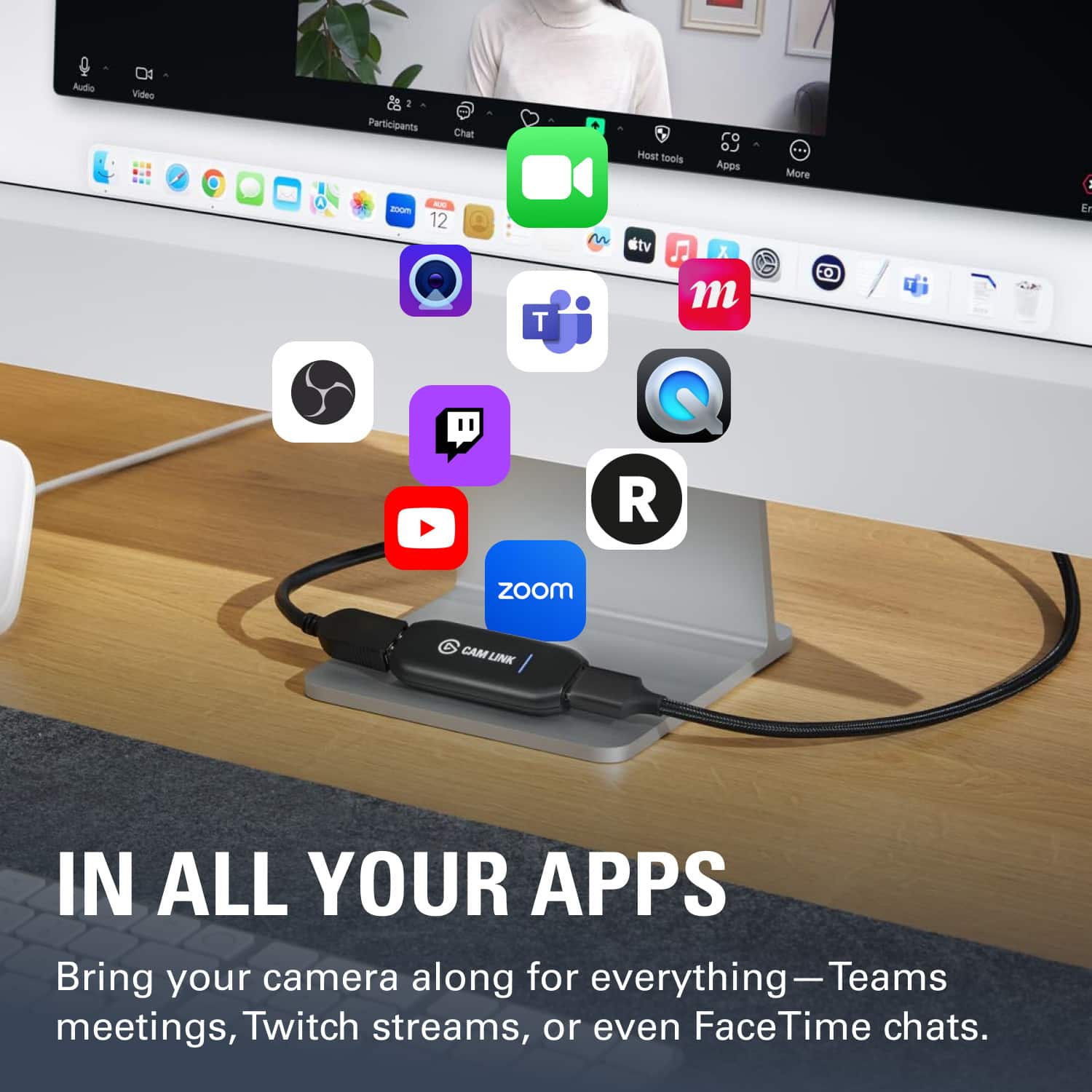
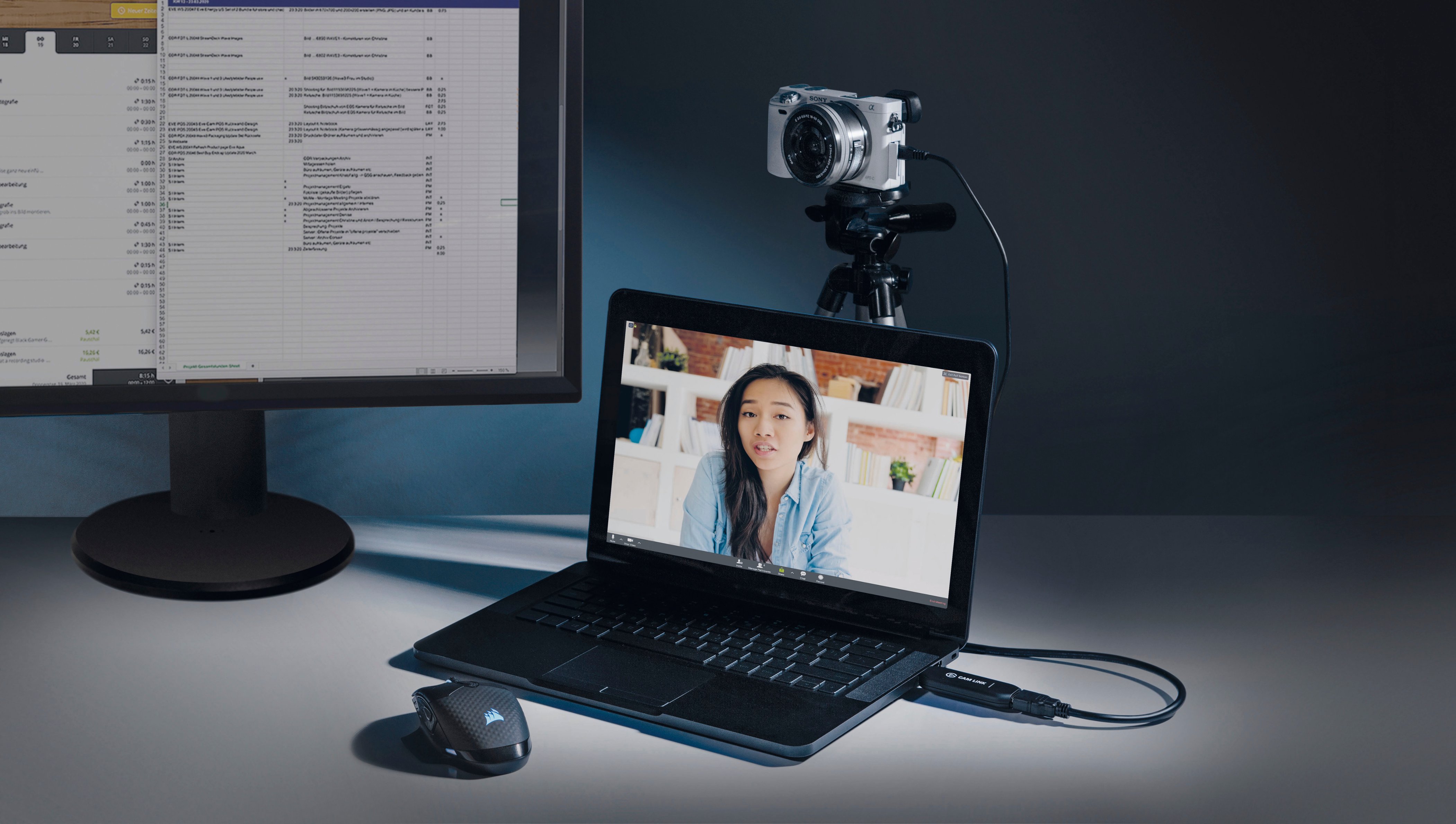
||Posted . Owned for 3 weeks when reviewed.This reviewer received promo considerations or sweepstakes entry for writing a review.So convenient and works right out of the box. Used it on my Sony camcorder to use as a webcam for higher quality and zooming options when broadcasting event meetings over WebEx, Teams, and Zoom. Becomes instantly selectable as Camlink 4K in the camera drop down menu in these applications. No other configuration needed!
I would recommend this to a friend - Cons mentioned:Heat
Great for streaming with a camera as webcam!!
||Posted . Owned for 1 year when reviewed.This reviewer received promo considerations or sweepstakes entry for writing a review.Great. Fast and efficient. No issues except slight overheating.
I would recommend this to a friend - Pros mentioned:Compatibility, Hdmi
Valuable component for meetings and streams.
||Posted . Owned for 1 month when reviewed.This reviewer received promo considerations or sweepstakes entry for writing a review.Exceptional device. Works against a a range of systems. For best result, provide a discrete GPU and USB3. Excellent results when paired with a camera like Canon 7D MKII and a cheap prime lens. If the host system is a laptop, expect higher than normal fan output during streams. The last key component for those Zoom/Google meet sessions now so common in daily life. To get the most out of it: send the input through OBS software, use that software output as your camera source. You can refine/customize the results even more.
I would recommend this to a friend - Pros mentioned:Overall performance
Good Cam Link
||Posted . Owned for 3 weeks when reviewed.This reviewer received promo considerations or sweepstakes entry for writing a review.Works great. Good 4K! We use it for streaming and recording and it does both very well.
I would recommend this to a friend - Pros mentioned:Video quality
Does what it I need it to. Few setup kinks.
||Posted . Owned for 2 weeks when reviewed.This reviewer received promo considerations or sweepstakes entry for writing a review.I am not a streamer. I use this with my mirrorless camera to push video to Zoom via OBS. I'm not a camera guy. I am a guy who needed better quality video for work. Web cams were not cutting it. Here is my setup: sony a5100 > Cam Link 4K > OBS > Zoom I am still not sure why a $2,000 laptop and a $500 camera need an extra $140 widget to make video appear in Zoom. However, Elgato claimed the Cam Link 4K would solve this problem, and it has delivered on that promise so far. Also, I imagine I am not unique. This is a relatively cookie cutter approach. The video quality is excellent. KEY NOTE ON INITIAL SETUP / FRUSTRATIONS Initially, I kept getting a black screen in OBS when I first started using this device. Ultimately, I needed to fix something in OBS. However, I needed to go to Elgato's troubleshooting page to fix this. Again, I call this out because I am using this for a pretty pedestrian approach. So other users may likely experience same frustration. Hopefully think makes your life easier. If you have this issue, go here and search "USB Transfer Mode" on the page https://help.elgato.com/hc/en-us/articles/360041899471-Cam-Link-4K-Troubleshooting-Frozen-Video The instructions were simple and easy. Do not waste any time with any non-Elgato blogs until you take this step. I already made this mistake for you (I wasted about 8 hours before I went to my local Best Buy. Those guys were great. They provided quick diagnosis).
I would recommend this to a friend - Pros mentioned:Compatibility

best capture device for DSLR/mirrorless camera
|Posted . Owned for 2 weeks when reviewed.This reviewer received promo considerations or sweepstakes entry for writing a review.works how I wanted it too great way to capture video from your camera without having to pay for subscriptions to do it and zero latency when using it for live-streaming. works flawless with both windows and Mac and instantly recognized in obs literally just plug and play
I would recommend this to a friend