Customer Ratings & Reviews


- Model:
- 10WAA9901
- SKU:
- 6470494
Rating by feature
- Value
Rating 4.4 out of 5 stars
- Quality
Rating 4.6 out of 5 stars
- Ease of Use
Rating 4.6 out of 5 stars
Customers are saying
Customers have good things to say about the Facecam Full HD 1080 Webcam, particularly regarding its great image quality and ease of use. Many appreciate the software and quick setup. Some users have noted that a USB 3 port is needed for connectivity, and others have mentioned issues with the size and compatibility.
This summary was generated by AI based on customer reviews.
Broken at arrival
||Posted . Owned for 1 month when reviewed.This reviewer received promo considerations or sweepstakes entry for writing a review.Camera came and didnt work, not best buys fault just a faulty item
No, I would not recommend this to a friendBrand response from Corsair
Posted .Hi,
Sorry to hear about your experience. Considering the Facecam carries a 2-year warranty, please get in touch with support via Elgato's website - we'd appreciate the opportunity to remedy the situation.
-Albert
- Pros mentioned:Image quality

Excellent FaceCam
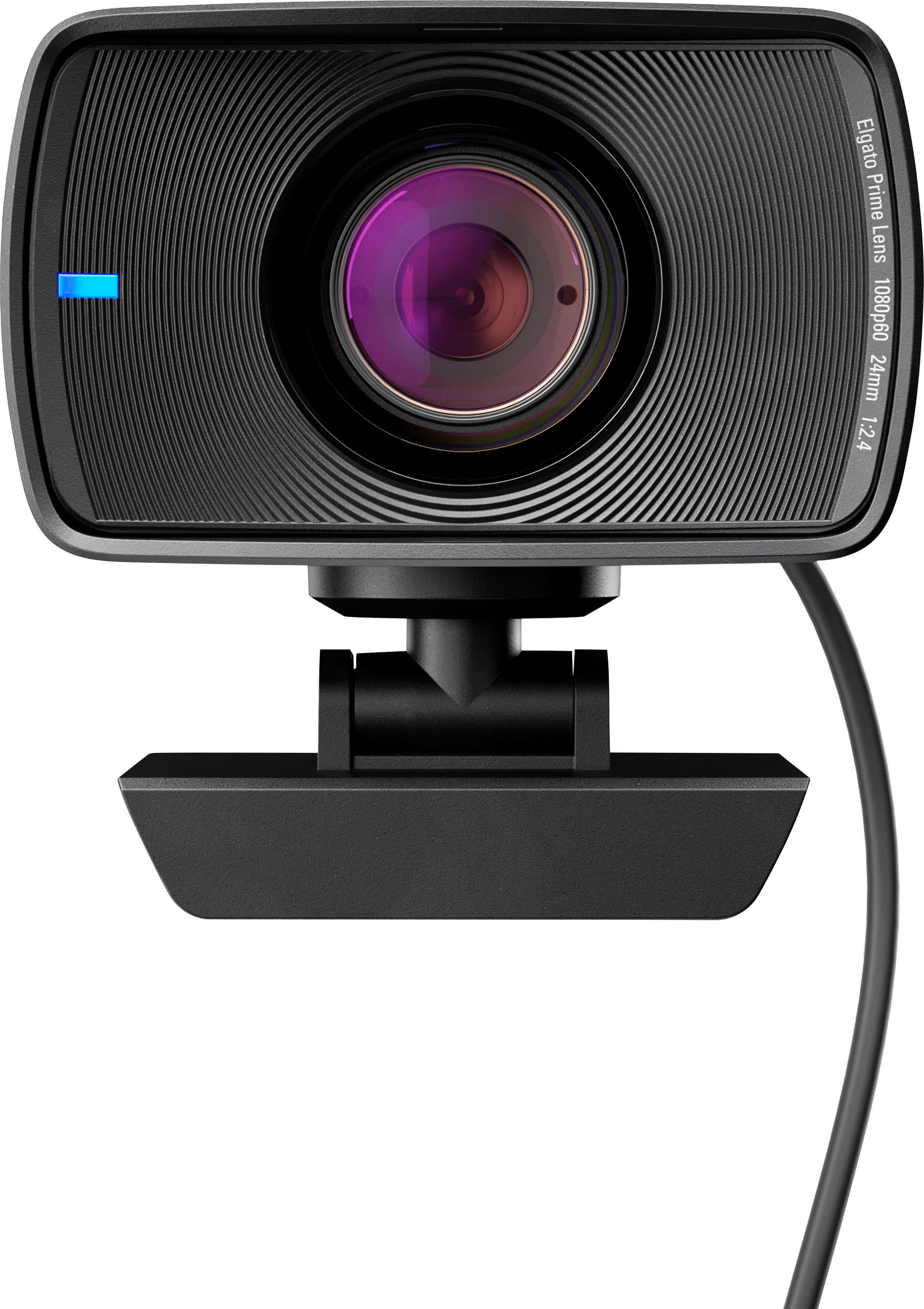
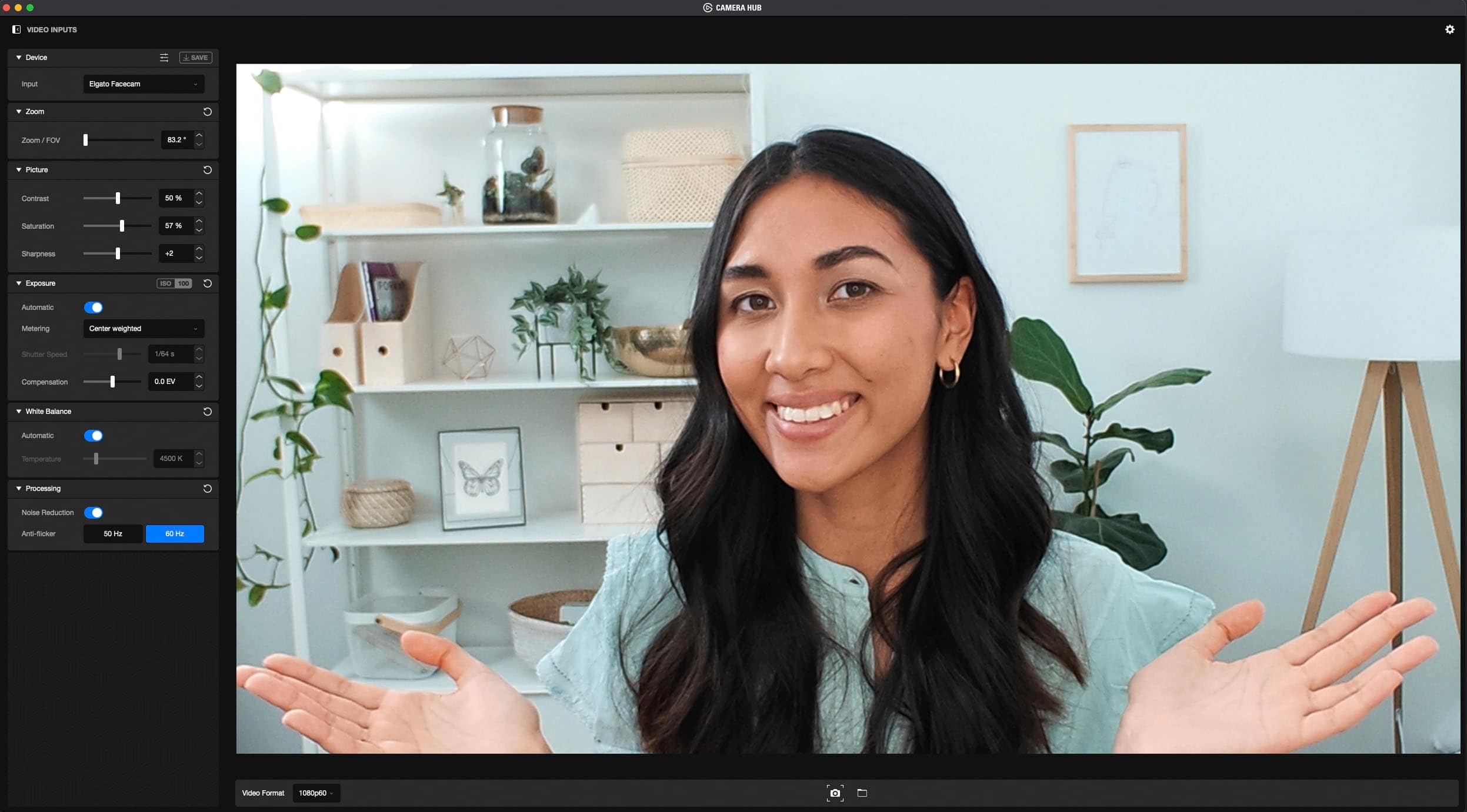
|Posted .This reviewer received promo considerations or sweepstakes entry for writing a review.To be honest, I never heard of the company Elgato, so I Googled them. According to the information on the internet, Elgato was founded in the year of1999 and Corsair gaming, Inc., back in the year of 2018 acquired them. The Elgato FaceCam is decent and does a really nice job with capturing your image and your room contents. Picture quality is sharp and in focus, but it does lack an autofocus feature as well as a microphone. For those of you that are unsure of exactly what this means is that the lens of this product is fixed focus. If you bring an item close to the lens intending to show details to someone you are chatting with, the item tends to be out of focus. If you back-off from the lens, your item tends to come back into focus. Software enables you to tweak numerous settings such as zoom, exposure, white balance (warmth), however there is no tint adjustments. You can also snapshot a single picture at a time, Nivida broadcast enables blurring of the background, and auto-frame tries to keep you centered in frame. The lens of FaceCam is made out of glass and is anti-reflective. I was happy the product was supplied with its own lens cover. You have an 82 degree field of view which was more than enough for my needs. In closing, I am pretty happy with this product. It seems well made and I expect many trouble free years of use. So far nothing but good results and I had no buggy experiences.
I would recommend this to a friend - Pros mentioned:Image qualityCons mentioned:Size
Fantastic Quality Webcm
|Posted .This reviewer received promo considerations or sweepstakes entry for writing a review.I only needed to plug this in and compare it to my mid quality webcam to see the huge difference in video and lens quality. The video is clear and fast and very wide angle for how close the camera sits. I have to say I am very impressed with the quality. The only thing I don't like about the camera is its size. It is rather large for a webcam and the HD cable is thick and difficult to bend. I'm sure this is because of the high quality nature of it but that is the only negative I could come up with. Overall, this is a really great camera and I would recommend it for anyone that wants to make high quality video calls or record themselves for online video.
I would recommend this to a friend Avoid do not buy
||Posted . Owned for 1 year when reviewed.This reviewer received promo considerations or sweepstakes entry for writing a review.It doesnt work freezes on program no matter what PC or compatibility mode
No, I would not recommend this to a friendBrand response from Corsair
Posted .Hi Whiskey,
I'm certain our team can assist, please reach out to them at any time right on our site.
-Art
- Pros mentioned:Image quality
Best Webcam on the market
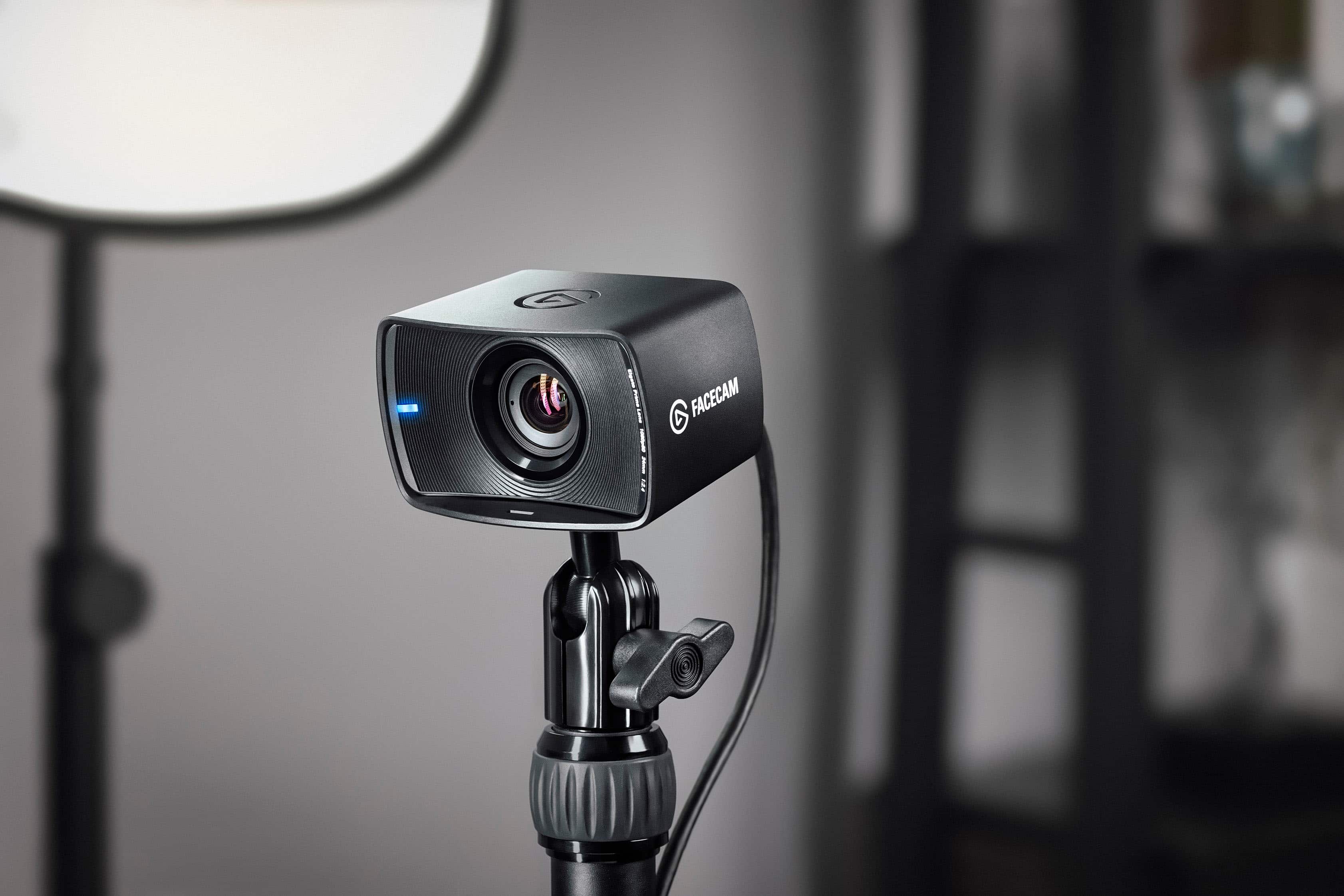
|Posted .This reviewer received promo considerations or sweepstakes entry for writing a review.I’m completely blown away. I’m used to built in webcams on my laptops and this webcam is on a totally different level. Whether you’re a hardcore streamer or are looking for a great webcam for all day zoom calls, this is by far the top of the line. The build of the camera looks great. It feels sturdy and can be rotated in many ways or attached to a camera mount to film at any angle. With usb c connectivity and a large wide angle lense this is by far high quality. In use it works great. The field of view is very wide especially in comparison to built in laptop webcams. The 1080p resolution looks amazing and crystal clear. I really haven’t seen a webcam that looks this good. The included software allows for customization beyond anything you could want. You can control all aspects of the camera l, saturation, brightness, contrast and so much more. It’s incredibly detailed. If you are the kind of person that likes to dial in your stream this will give you all the tools you need. Overall, this is a premiere camera, capable of the highest quality stream. You will not be disappointed with the video quality or overall setup of the camera. Highly recommended.
I would recommend this to a friend No Worky No Buy
||Posted .This reviewer received promo considerations or sweepstakes entry for writing a review.It doesn't even work straight out of the box bruh!
I would recommend this to a friendBrand response from Corsair
Posted .Hello Patches,
Please contact our team directly right on our site to confirm this was being used with compatible hardware, and help you if it was.
-Art
Horrible picture quality
||Posted .This reviewer received promo considerations or sweepstakes entry for writing a review.Horrible quality gonna return for something else!!!
No, I would not recommend this to a friendBrand response from Corsair
Posted .Hi,
Sorry to hear about your experience. Have you tried updating your Facecam's firmware via our Camera Hub software? If you continue to experience any issues, please contact us - we'd appreciate the opportunity to assist: help.elgato.com
-Albert
- Pros mentioned:Image qualityCons mentioned:Microphone
Great Camera For Gamers
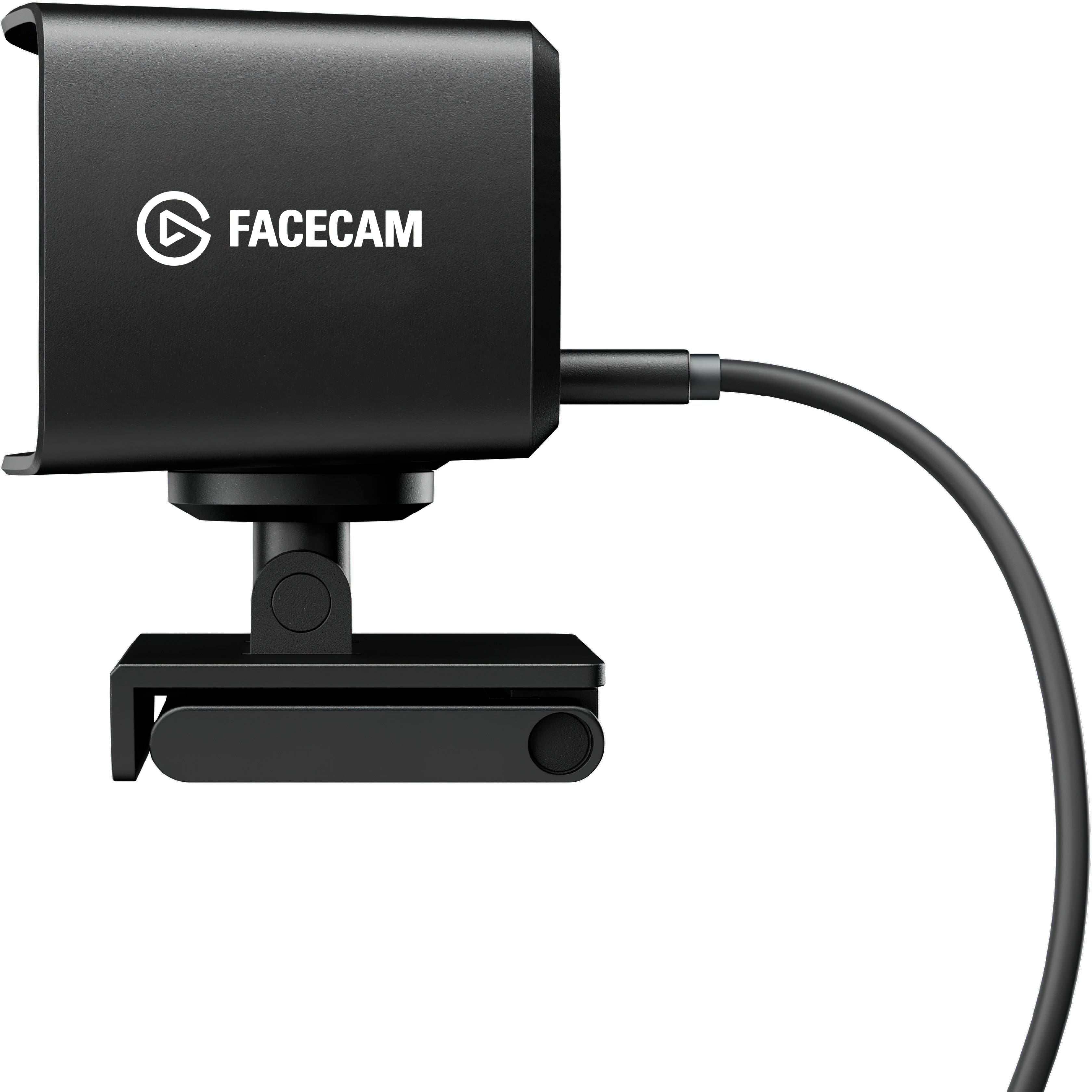
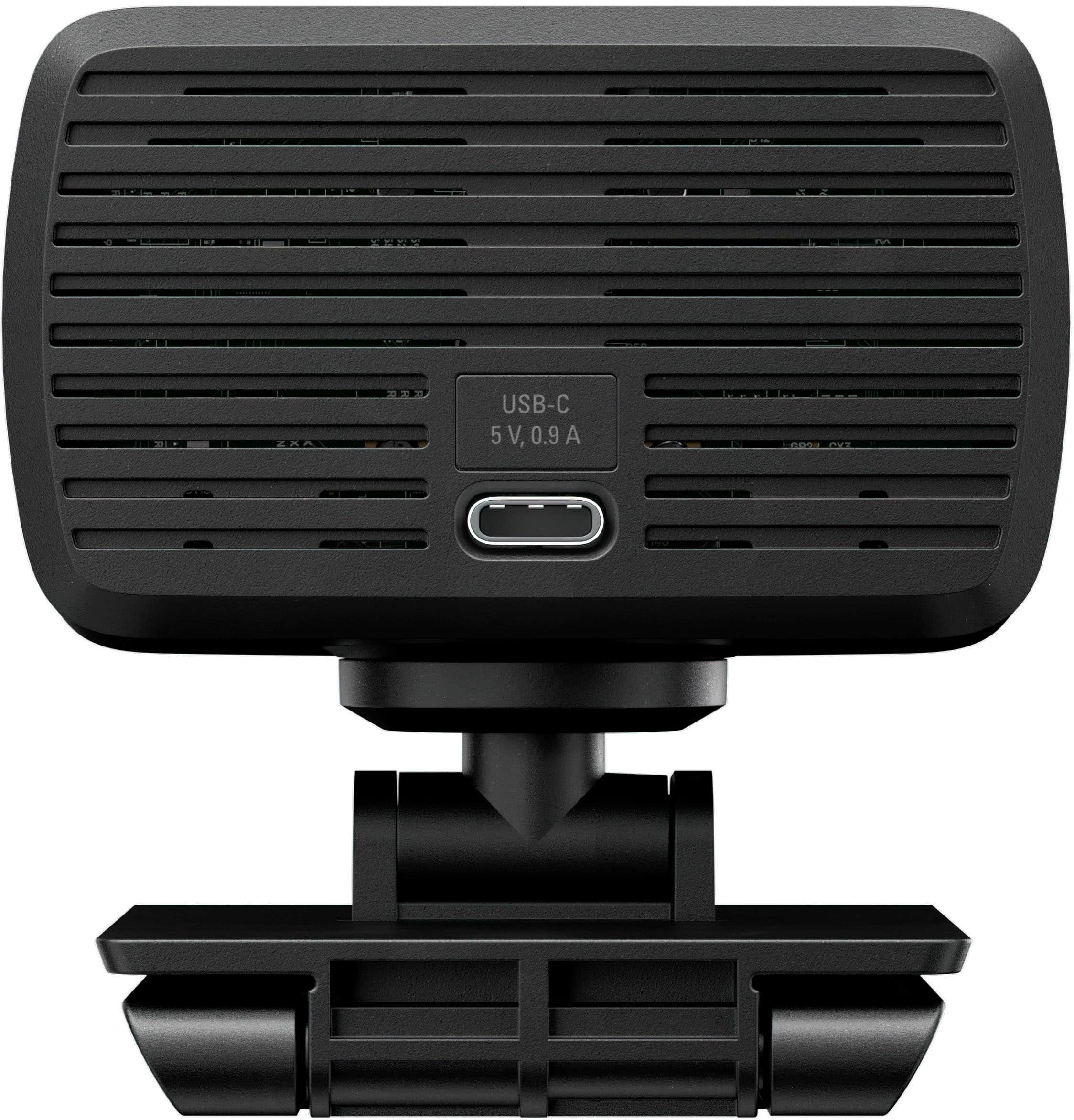
|Posted .This reviewer received promo considerations or sweepstakes entry for writing a review.I hooked this up right out of the box and the picture quality is amazing! Set up is very easy. Plug the USB-C into the camera and the other end into a USB-A outlet on your computer, the cable is 6 feet long, so you can place it pretty much where you want it. The mount clip that comes with this camera can easily be put on top of your monitor. The camera can be turned left or right and tilted up or down to get yourself in the picture. If you don’t like the clip mount, there is a standard ¼ screw-mount that you can use for any standard tripod. Once you download the Camera Hub software, you have access to all you need to get really great quality video. You can zoom in and out, change the contrast, saturation and sharpness, change the white balance as well as other options. The only downfall some people may have with this camera is that there is no microphone with it. I didn’t find that a problem. I have the choice of either an external microphone or headphones with a microphone. I find the quality of those better than any camera with a microphone anyway. For the quality of this camera and the software you get with it, I find the price reasonable. This makes a great camera for all gamers.
I would recommend this to a friend - Pros mentioned:Ease of use, Image quality
Amazing picture right out of the box
|Posted .This reviewer received promo considerations or sweepstakes entry for writing a review.We are all Zooming and steaming and recording ourselves for work our school or socialization these days—more than we ever thought we would. For the past 18 months I have relied solely on my phone or onboard laptop camera for all those things. I have asked others what external webcams they are using and no one is particularly thrilled with one over another. Elgato’s FaceCam puts everything I have seen to shame. It’s not cheap, but it falls to a decent price point for those of us who would like a professional look for our video content and meetings. Out of the box, plugged into a USB 3 port, download the software, and you are off to the races. Plug and play, the picture is gorgeous. Open the software and makes easy tweaks to zoom, white balance, aperture, sharpness, and more. Choose the resolution, 1080 is perfect, and go. I did not realize how bad my other options were until I put the FaceCam to use. It’s a no brainer, so easy to use, and it keeps its settings onboard if you move to another device! Highly recommend for everyone, but especially for content creators—immediate stress reducer because whatever you put out will look professional with no effort.
I would recommend this to a friend An utter fiasco. No one at BestBuy cares
||Posted . Owned for 1 week when reviewed.This reviewer received promo considerations or sweepstakes entry for writing a review.An utter fiasco. No one at BestBuy takes responsibility.
I would recommend this to a friendBrand response from Corsair
Posted .Hi cbono,
Sorry to hear, what issues did you have with the Facecam? Did you have any issues during installation or use? Please feel free to reach out to our support team so we can assist you directly: support.elgato.com
-Brian
- Pros mentioned:Ease of use, Image quality
Best quality picture
|Posted .This reviewer received promo considerations or sweepstakes entry for writing a review.This face cam is incredible. The quality of the picture is awesome. I am surprised how light it is as well. I am a newbie when it comes to streaming or cameras but like to use it for a fantasy football broadcast i will be doing weekly for my league. So far I can say that it is very easy to use, the app gives you a lot of options. As far as the actual camera wow its so light! The only thing I dont like is the cable is long which would be a plus for a desktop user but for my laptop use it is something I just have to hide away/deal with. Not a huge problem really. Other then that I am very impressed when I used it to stream a game on twitch and have my picture on the corner, was extremely easy to set up even though its not going to be something I plan on doing as I am no expert in gaming. If you get this you will be very very very pleased!
I would recommend this to a friend - Pros mentioned:Image quality
Corsair Elgato Facecam, Premium Full HD Webcam
|Posted .This reviewer received promo considerations or sweepstakes entry for writing a review.Just received my Corsair Elgato Facecam Premium Full HD Webcam a week ago and have been putting it through its paces. This cam would have been wonderful for most of last year seeing as how COVID had pretty much most of us working from home. However, it's still useful this year as well. Some of us are still working from home and this cam came at the right time. Perfect addition to my home office. Inside the box comes the camera, with a privacy cover, stand, and USB-C cable. There's also a pamphlet as the manual which is kinda hard to read seeing as how its dark blue and the print is very small light blue. The cam is very easy and simple to use. Simply plug the USB cable up to your computer and the other end to the back of the camera. My computer didn't prompt me to, however, I had to go online and download the software for the camera. After downloading and installing the camera, I opened up the camera software on my computer and was greeted with a sidebar full of different options to tweak the camera to my liking. I must say that I was very impressed by this webcam, more so than any other webcam I've used in the past. The resolution was amazing. Using the cam with both Zoom and WebEx was easy and everyone said my picture was a lot clearer and the video was very smooth versus the integrated camera that came preinstalled on my desktop. Great camera for anyone looking for an awesome webcam for any type of videoconferencing, whether its school or work related.
I would recommend this to a friend - Pros mentioned:Image quality
Excellent Webcam
|Posted .This reviewer received promo considerations or sweepstakes entry for writing a review.The Corsair Elgato Facecam is a premium Full HD Webcam, and it is fantastic for all webcam uses. It is simple to setup, simple to use, and creates gorgeous uncompressed HD video that is perfect for streaming, business meetings with practically every service, and even family web calls. Out of the box you get the Facecam, a privacy cap, a mount with 1/4" thread, and a USB C cable. Setup is easy; first, setup the mount on your monitor and then attach the Facecam. If you have a separate Multi Mount on lighting, the Facecam will attach directly to that as well. Plug in the USB C cord to the Facecam and to your computer. Start using the Facecam. For me, it integrated seamlessly with Twitch for streaming. I also used it with both Skype and Zoom for personal and business use. The image it captures is simply stunning, even with average lighting conditions. It is truly uncompressed 1080p full HD, uncompressed, 60 frames per second. It will do wide angle shots, if you need it, and it always kept me in focus at several different distances. Another feature that I appreciated was that the Facecam has onboard memory so that if I move it from my desktop to my laptop, it remembers my settings. When I open the Camera Hub Software, I can adjust the settings like Zoom, White Balance, Exposure details, and many more, and the Facecam will remember all of that information for the next device. It saves so much time! Co-workers and family remarked how sharp the detail was compared to the video from the default onboard webcam I had been using on my laptop. Supported resolutions include: 1080p60, 1080p30, 720p60, 720p30, 540p60, and 540p30. If you are looking for a high-quality webcam that is easy to operate and produces great video, I would recommend the Corsair Elgato Facecam for any type of use.
I would recommend this to a friend - Pros mentioned:Image quality
Great for small streamers looking to upgrade
|Posted .This reviewer received promo considerations or sweepstakes entry for writing a review.My Experience: From the unboxing experience to turning it on for the first time, the steps were very straightforward. I was able to open it and get it working in under 10 minutes. Initially, the picture was a little oversaturated and warm, however I was able to easily fix that with their Camera Hub software (software can be found on Elgato’s downloads page). Overall, I had a very good experience setting up and using the Facecam, so on to the pro’s and con’s. Pro’s: As previously mentioned, I really liked how easy it was to set up. Another aspect I really liked about the webcam was the mount. It mounts very well, even on my Alienware monitor where the back is angular and nowhere near parallel to the front. I also like how the camera is able to rotate and pivot atop the mount. When using the camera, one of the biggest benefits is the very easy to use software, and the fact that settings can be saved onto the camera. The quality and framerate along with the wide field of view makes the video very nice and smooth. The exposure is pretty good; with a desk lamp on the camera is able to properly expose my face even in front of a bright window. The colors are pretty accurate, maybe a tiny bit too red. Con’s: The con’s of this camera have nothing to do with the video quality, but with the hardware. The included cable is very thick and feels as if it doesn’t belong with this camera. When setting it up, the cable can pull down on the camera which is annoying. Another annoying feature is that the mount covers some of my screen. The front face of the mount has a good quarter-inch overlapping the front of my monitor.
I would recommend this to a friend - Pros mentioned:Image quality
Amazing webcam
|Posted .This reviewer received promo considerations or sweepstakes entry for writing a review.I have had an opportunity to test the Elegato Facecam for a while now. With my company mostly returning to the office I wasn’t sure I’d get to use it for anything other than gaming or streaming. However, we still have a portion of our workforce that is remote. The image quality whether I was streaming & doing teleconference meetings was superb. I like to work & stream in a dimly lit room because the bright lights mess with my ability to see enemies, friendlies, NPCs & ai controlled enemies. The Facecam did not disappoint in low light scenarios. Setup was super easy. It was a must for me to use the included usb cable because I tried a different one and it didn’t work, not too big a deal but if you already have a super long cable it may not work just like it didn’t for me. Teams & every other program I used the Facecam with worked very easily. The lack of noise or artifacts really blew me away. I really want a 2K or 4K webcam but this 1080p Facecam looked insanely more detailed than my onboard and external 1080p webcams. If you are looking for a webcam for your business or gaming leads then look no further as the Facecam is the one for you!
I would recommend this to a friend Camera is trash
||Posted . Owned for 1 week when reviewed.This reviewer received promo considerations or sweepstakes entry for writing a review.Trash camera the display is pixelated amd lines are going across the screen
No, I would not recommend this to a friendBrand response from Corsair
Posted .Hi,
Sorry to hear about your experience. Have you updated your camera's firmware to the latest version via our Elgato Camera Hub software? If the issue persists, please get in touch with us - we'd appreciate the opportunity to further look into this and provide a solution: help.elgato.com
-Albert
- Pros mentioned:Image quality
Not worth 200 usd
Posted .This reviewer received promo considerations or sweepstakes entry for writing a review.The camera itself was really good. The quality of it was exactly what I expected. I’m a huge elgato fan, but unfortunately the reason for the 3 stars was because the usbc to usba that came with the camera had faulty issues.I tried many common fixes. I tried all suggestions elgato provided, and still was having issues with keeping the camera from turning off 3-5 minutes into my stream. I have more than enough to power anything I plug into my pc, so I know my psu was not the issue. I tried every port, and different cables I had laying around. I did a little more research and came to find out many people had the same issue and they suggested buying a specific cable to prevent it from turning off. Paying 200 +tax I would expect to not have to buy a different product from a different brand to make this camera work. The software itself was really easy to use, but my issue with it was that even after I’d hit the “save settings” it would not save my presets. It was super easy and fast to manually set up my old presets, but very inconvenient. Would I recommend this item? Yes and No. if you can get the camera to work, and don’t mind spending extra cash… then go for it. The quality and ease of use was really easy. It really was a plug and play. Otherwise there are many more options to choose from for much less.
No, I would not recommend this to a friendBrand response from Corsair
Posted .Hi,
Sorry to hear you experienced this issue. Please get in touch with us, we'd be happy to provide a replacement USB cable and help with any other issues: support.elgato.com
-Albert
- Pros mentioned:Image quality
Good for general use - exploring additional use
|Posted .This reviewer received promo considerations or sweepstakes entry for writing a review.I got this unit mostly as a general webcam, knowing that it has additional use for video recordings. As a webcam, the performance is good. It shows a good, clear image and I've had no issues with it. I've not yet had an opportunity to use it for video recordings - something that will be up next for me. So far, so good.
I would recommend this to a friend - Pros mentioned:Image quality
A bit expensive, but quality webcam!
Posted .This reviewer received promo considerations or sweepstakes entry for writing a review.Great webcam! It's a little pricey, but really easy to set up, customize, and save your preferences directly to the camera. If you combine it with good external lighting, your video will look crisp and smooth.
I would recommend this to a friend - Pros mentioned:Image quality
The product is held down by its' software.
Posted .This reviewer received promo considerations or sweepstakes entry for writing a review.I bought this camera to do two things: The first is to record college classes, and the second was to entertain my friends. I could do neither, in the end the Elgato Facecam requires you to download a piece of software called "Elgato Camera Hub" and this is where the problems begin. The hub acts as a way for you to manage image quality and settings, and the hardware is amazingly clear and precise, but the hub cannot record and isn't meant to. You can ONLY use another program with the Hub active because it's (what I assume) what creates the image from the camera. Activating the camera using a program like your default Windows 10 Camera app will result in a screen telling you to activate the Elgato Camera Hub. However, even with the hub ACTIVE it will give you the same message, rending programs like OBS Studio unable to work with it without constantly turning the Hub off and on repeatedly. To make matters worse, any program that uses motion capture like PrprLive or VTube Studio will NOT be allowed to pick up motion on the camera for the same reasons as OBS will not work. Elgato needs to change this, they need to make stable software that is able to WORK with any program that needs it. The fact that the Hub renders the camera useless is a crime, and the fact that their helpdesk mentions nothing of what to do in these scenarios is merely a slap in the face.
No, I would not recommend this to a friendBrand response from Corsair
Posted .Hi Trace,
For the issues you ran into, some of those I'm certain can be tuned to be used with the Facecam much more fluidly, please contact our team at any time for assistance right on our site.
-Art