Customer Ratings & Reviews

- Model:
- 10GBA9911
- SKU:
- 6501140
Rating by feature
- Value
Rating 4.7 out of 5 stars
- Quality
Rating 4.9 out of 5 stars
- Ease of Use
Rating 4.8 out of 5 stars
Customers are saying
Customers express satisfaction with the product's ease of use, overall performance, and extensive customization options, which include customizable LCD keys and intuitive software. They also appreciate its helpful button functionality for quickly opening applications and its versatile size. However, some customers note that the price is high and express concerns about the stand not securely holding the unit.
This summary was generated by AI based on customer reviews.
- Pros mentioned:Ease of use
The best
||Posted . Owned for 1 week when reviewed.This reviewer received promo considerations or sweepstakes entry for writing a review.Is the best product for you computer easy to install
I would recommend this to a friend Great for Streaming
||Posted . Owned for 1 week when reviewed.This reviewer received promo considerations or sweepstakes entry for writing a review.Love everything about the stream deck… Makes my streams more lively and funny …
I would recommend this to a friend- Pros mentioned:Ease of use
great for streamers
||Posted . Owned for 8 months when reviewed.This reviewer received promo considerations or sweepstakes entry for writing a review.helpful for ease of use with my pc and different streaming apps
I would recommend this to a friend - Pros mentioned:Ease of use
Surprisingly awesome! Great for mac (IMO)!
||Posted . Owned for 1 month when reviewed.This reviewer received promo considerations or sweepstakes entry for writing a review.I bought this because it looks good and it was on sale. The first time I used it I was confused but it was easy to set up I was really surprised that I loved it! I do take out my keyboard sometimes when I decide to write something on my table. So I just use this as a “remote” for my imac when I’m watching something. I’m not a streamer so I’m just saying my opinion as a person who uses this for basic features!
I would recommend this to a friend Elgato Stream Deck
||Posted . Owned for 1 month when reviewed.This reviewer received promo considerations or sweepstakes entry for writing a review.Perfect for streaming! Also good for discord to mute/unmute mic!
I would recommend this to a friendLove it
||Posted . Owned for less than 1 week when reviewed.This reviewer received promo considerations or sweepstakes entry for writing a review.I love my stream deck. It's the oerfect streaming companion. So many features. I think the 15 button is all you need!
I would recommend this to a friendGood Buy
||Posted . Owned for less than 1 week when reviewed.This reviewer received promo considerations or sweepstakes entry for writing a review.Honestly I wasn't a fan of the device. But this update just looks more attractive. This really enhances productivity.
I would recommend this to a friendStream Deck is legit
||Posted . Owned for 7 months when reviewed.This reviewer received promo considerations or sweepstakes entry for writing a review.This is exactly what my kid was looking for to broaden his streaming experience.
I would recommend this to a friendDon't hesitate, buy!
||Posted .This reviewer received promo considerations or sweepstakes entry for writing a review.I love my stream deck. one of the best purchases I ever made. Completely streamlines my workflow
I would recommend this to a friend- Pros mentioned:Customization
A pleasant surprise
||Posted . Owned for 1 week when reviewed.This reviewer received promo considerations or sweepstakes entry for writing a review.Cool little device. A lot of flexibility to consolidate and/or automate computer tasks. Plenty of ways to ways to adapt to how you like to work. A pleasant surprise.
I would recommend this to a friend - Pros mentioned:Customization, Ease of use
Making things easy!!
||Posted . Owned for 1 week when reviewed.This reviewer received promo considerations or sweepstakes entry for writing a review.Setup is easy!!! Plus I love being able to add custom buttons!!
I would recommend this to a friend - Pros mentioned:Ease of use
Stream Deck
||Posted . Owned for less than 1 week when reviewed.This reviewer received promo considerations or sweepstakes entry for writing a review.I bought this for my streaming setup and it is very easy to set up
I would recommend this to a friend - Pros mentioned:Ease of useCons mentioned:Price

Amazing tool if you got the extra cash
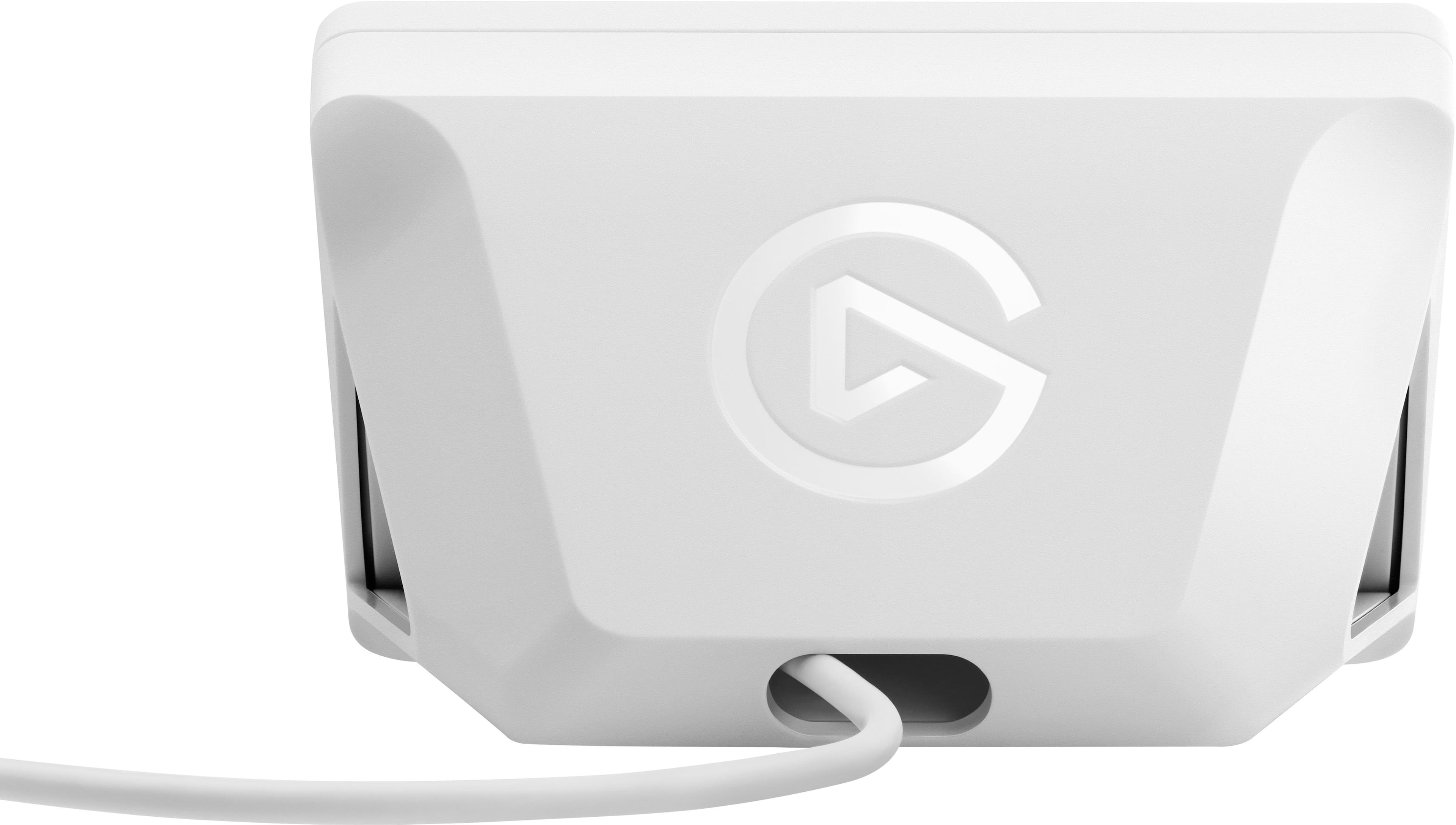
|Posted .This reviewer received promo considerations or sweepstakes entry for writing a review.PROS: - Custom button images - unlimited buttons when using folders - easy to use interface and application - a lot of plugins and user buttons available in the app - a lot of useful tutorials and help online for setup and ideas CONS: - YouTube account wouldn’t connect. Seems to be a known bug I’m sure will be worked out - Not a ton of useful buttons or tools out of the box, plugins are necessary but free - price is fair, but high - Bad cable placement. The USB C cable that plugs into the back ends up getting crimped pretty tight. It’s not major, but it’s easily avoidable with a better design or better angle on the cable. (see photos) FIRST THOUGHTS: I’ve heard people say, “after having a stream deck, you’ll wonder how you ever streamed without it” and I thought that may be an exaggeration, but after a week of owning my own, that may be more true than I assumed. That doesn’t mean it’s perfect, and there are some flaws, but in my experience, the benefits outweigh the cons for sure. SETUP: The setup was pretty easy; I just had to download the application from the elgato website and then plug the stream deck into a USB port on my PC. I am working on windows 10 and on a pc and a laptop both and had no issues with downloads or setup. Once I had the program downloaded, I was able to easily move around the app and find what I wanted and start setting up profiles for different programs I use. Personally I run my live stream through OBS like most people and I found the stream deck worked almost perfect during my live stream on YouTube. I had a few minor bugs like a button not activating right away etc but nothing major. I set up my hotkeys in OBS and then set up corresponding hotkeys via the stream deck app and found that to be the best way to maintain control of my stream. One minor issue I had during the setup process was connecting my YouTube account. When going through the options to set up outside accounts, I was able to get the twitch and twitter accounts to work but when I tried to set up my YouTube account nothing happened. I click the button but it just goes blank. (other accounts open a window to log in.) I did a minor bit of research and found that others had this problem over the years and that elgato is “working on a fix” so I’m not sure how long this will be a problem, but as of Aug 2021 it is an issue for me. This isn’t a deal breaker because there isn’t a lot gained from linking the accounts, but there are a few features I would like to use and can’t. But when you’re paying a lot, you do want all the features to work. Luckily this is a software issue and should be able to be fixed eventually. There is also a minor chance there is something wrong on my end and your results may vary. OPERATION: Once I was set up and confident I could use the stream deck during a live stream, I fired up my YouTube channel and quickly saw the benefits of the stream deck right away. My stream consists of a welcome scene as well as a countdown scene, transitions, and multiple mics/videos/capture sources and I was able to jump between all my scenes easily and efficiently. I used to have an issue with remembering what hotkeys I assigned to what buttons in OBS but with the stream deck, I can easily label (and change later) any button with text and custom images. This was fantastic for transitions because I could simply make a button with the image of the transition and know which one is which at a quick glance. When you’re focusing on being on camera and talking etc, it’s hard to remember which keyboard shortcut is which, but with a stream deck, it’s as easy as looking for the picture and name and pushing the button. OVERALL: A stream deck is an interesting tool that isn’t technically necessary and therefore a little hard to say it’s a “must have” but it really does make a big difference. The price is not cheap, and I think that’s a common point in most reviews, but if you have the extra money burning a hole in your pocket or you happen to get a good deal on one, a stream deck can really help you take your stream to the next level. It’s not an instant fix, and it does take some basic setup work and a bit of time initially but once you have your profiles set up, the maintenance is minimal and the benefits are massive. One other thing I want to note is that I also use my stream deck for other computer programs and you can essentially use it for anything on your computer if you know what you’re doing. Personally, I use mine to help speed up photo editing and video editing and with a little practice, has really sped up my workflow. If you’re just getting started in streaming and you don’t have a good mic, or a good camera, or fast machine, things like that, those items will improve your stream more than a stream deck, but if you’ve been streaming for awhile and/or have good gear already, then a stream deck would be a fantastic add to your gear pile!
I would recommend this to a friend - Pros mentioned:Ease of use
Enhance Productivity in Every Tool & Application
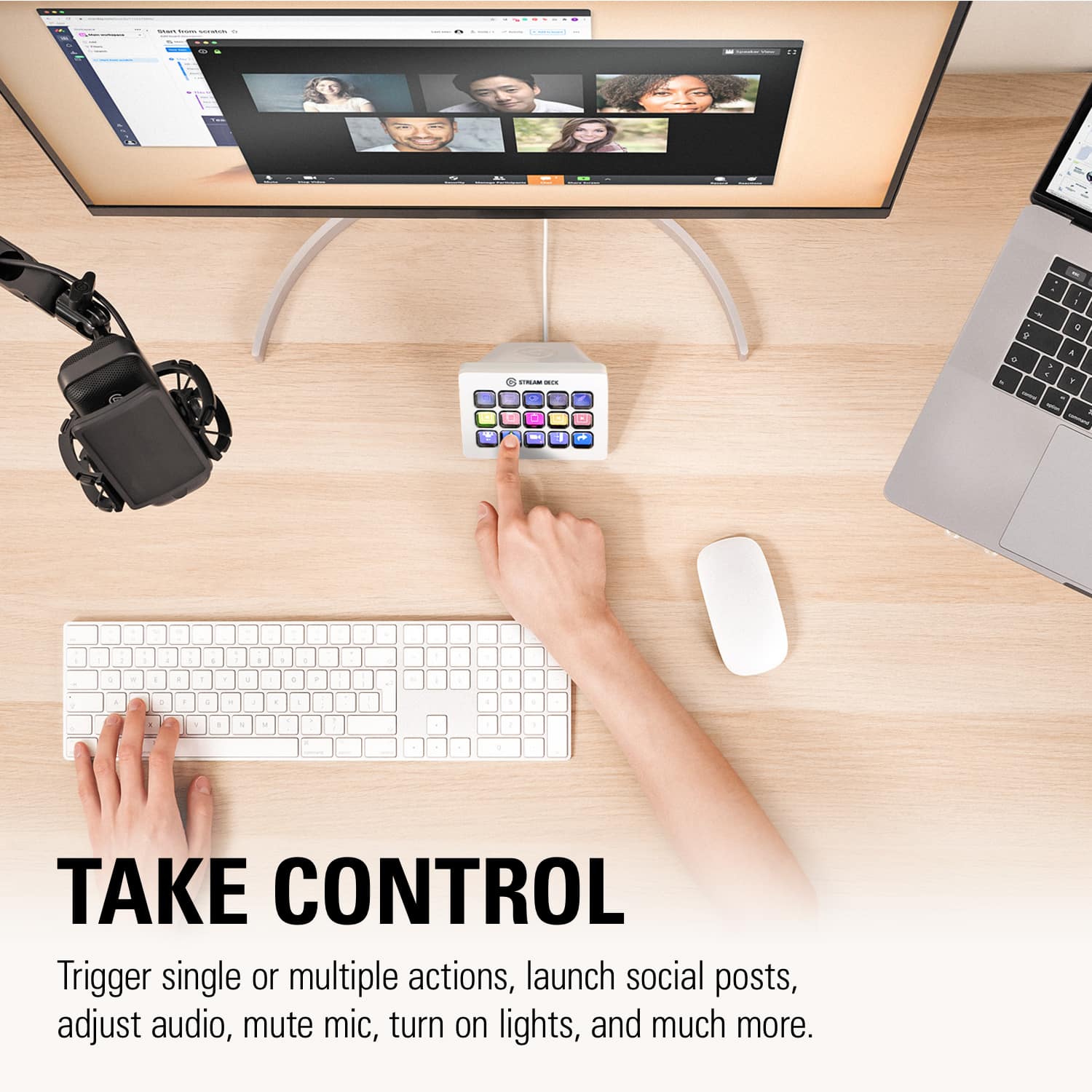
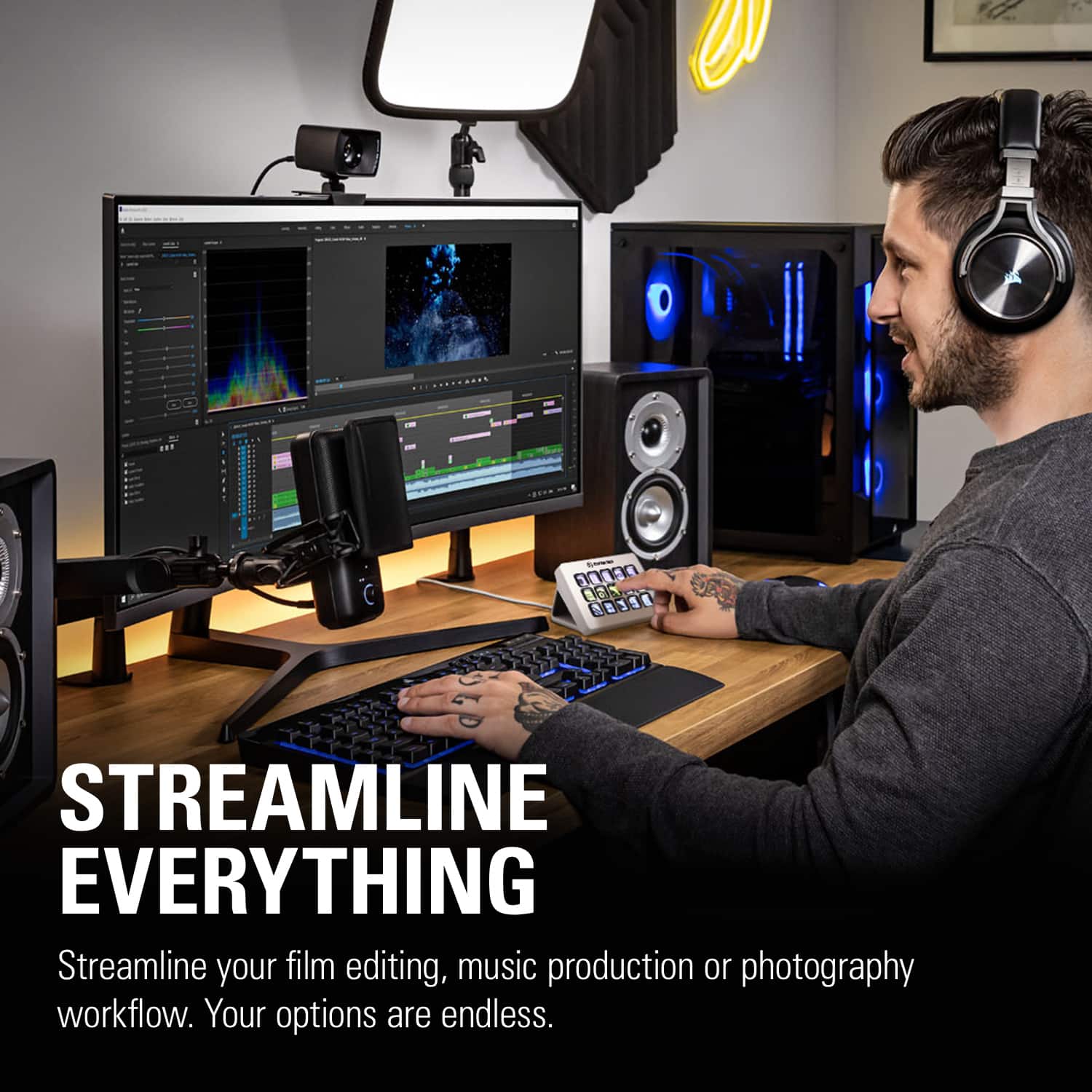
|Posted .This reviewer received promo considerations or sweepstakes entry for writing a review.The Stream Deck is well established as a useful tool for helping to improve the quality and ease of live streaming. But, the utility of the Stream Deck is phenomenal and its usefulness goes far beyond streaming alone. The Stream Deck has the ability to enhance productivity within virtually any program or activity on your computer. With preset icons packs for Premiere Pro, After Effects, Illustrator, Final Cut Pro, After Effects, Photoshop - the Stream Deck becomes an absolute necessity for accomplishing tasks, edits, and shortcuts with the quick push of a single button. I absolutely love the Stream Deck because of its incredible versatility. I am not limited to the 15 buttons, but instead can set up a folder for every task or system that I use. An extremely basic example would be making buttons which show all of the websites you frequent. And, because the buttons are all small LED screens, the image can reflect the icon of the website - or - the button can display a moving GIF Image that represents the task. Push one button and you’re on BestBuy ready to shop. Seriously, after using the Stream Deck I honestly feel as though I have been missing out. I don't know how customizable LED Image buttons haven’t been integrated into every gaming keyboard. There are, however, a few minor annoyances: 1) The clear plastic buttons are slightly concave and annoyingly reflect light causing a glare that is incredibly distracting. 2) The base/stand does not allow you the option to adjust the angle that the Stream Deck sits. If I could tilt the Stream Deck forwards, or backwards - I would be able to eliminate the glare. 3) While the bottom of the base is coated in rubber - the whole unit slides backwards each time I press one of the buttons on the outer edge. 4) The Stream Deck itself doesn't have any internal memory and runs off of software stored on the computer. This means that if you want to take your shortcut profile with you to a different computer, you will need to go through steps to export your profile and load it onto a new device. It would be much prefered if profiles were saved directly onto the Stream Deck - for a faster and more plug-and-play experience. 5) While basic tasks and shortcuts are easy to add to the various buttons, there is a sizable learning curve that may prevent many users from discovering just how versatile the options are. Many users will save a few shortcuts and never uncover the incredible options available. Elgato doesn't do a very good job of providing tutorials to teach users how to use the tool. Instead users must spend hours on YouTube learning how to put the tool to best use. I confidently recommend the Stream Deck to everyone. It’s amazing how simple buttons can make using every program easier. One feature that I use incredibly often is one button to launch a game from Steam and a 2nd button moves the game onto my 2nd monitor and resizes to my exact specifications. It’s incredibly convenient to use and now the Stream Deck automates tasks in every program that I use. I can’t wait to add home automation to the stream deck. This tool is incredible!
I would recommend this to a friend Love it
||Posted . Owned for 1 month when reviewed.This reviewer received promo considerations or sweepstakes entry for writing a review.I like it, it makes easier when I’m streaming and its very responsive especially the software.
I would recommend this to a friend- Pros mentioned:Customization, Ease of use
Elgato Stream Deck Rocks!
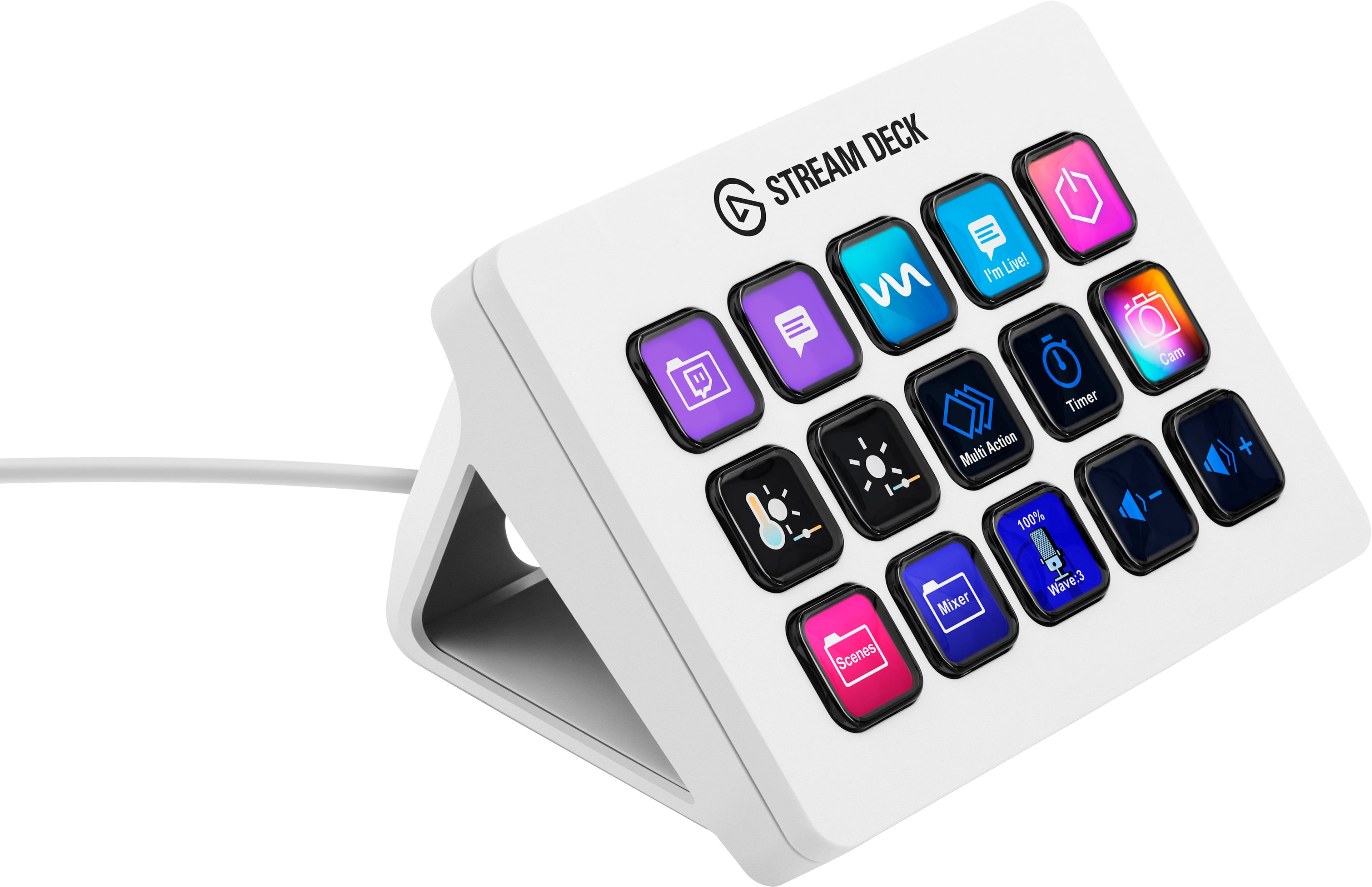
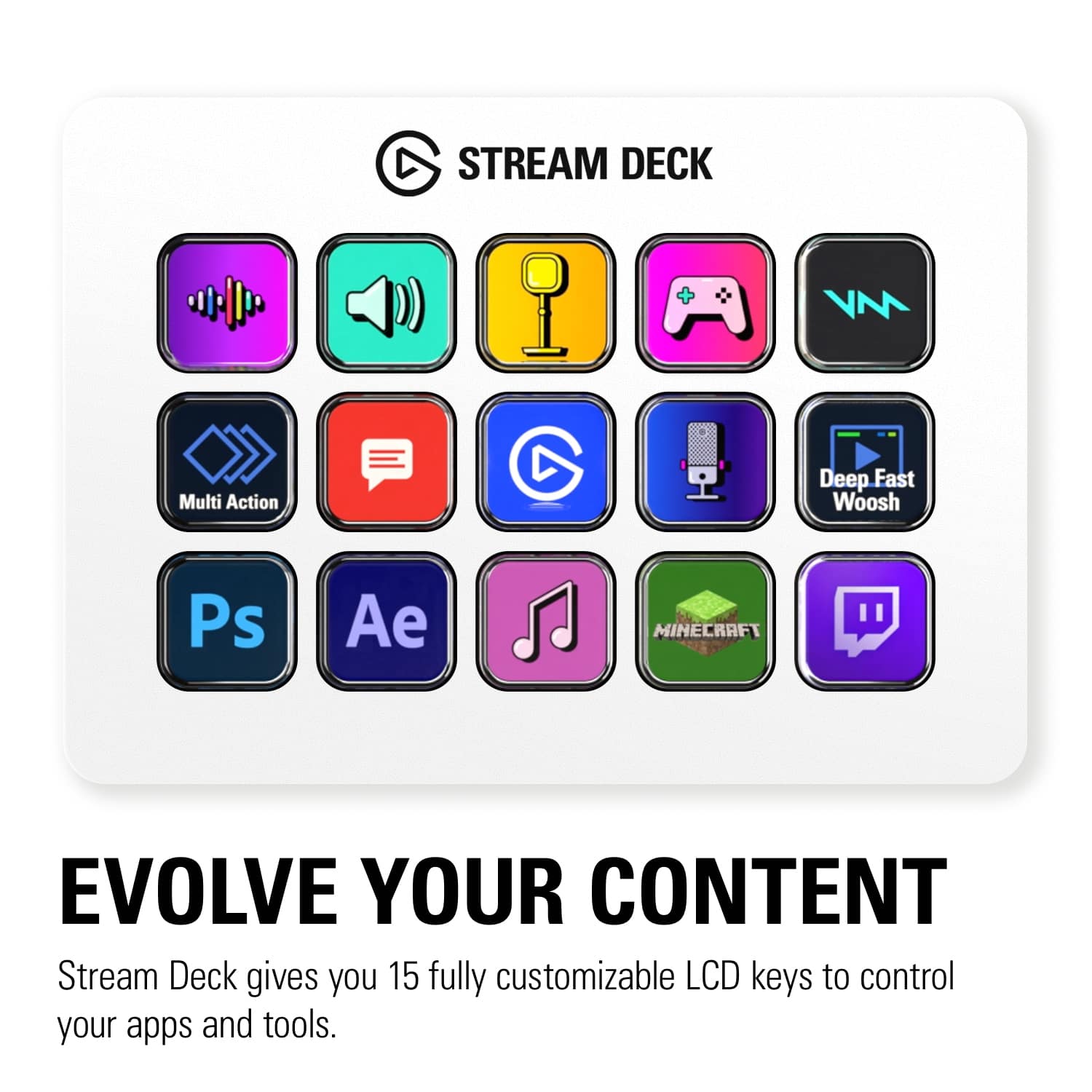
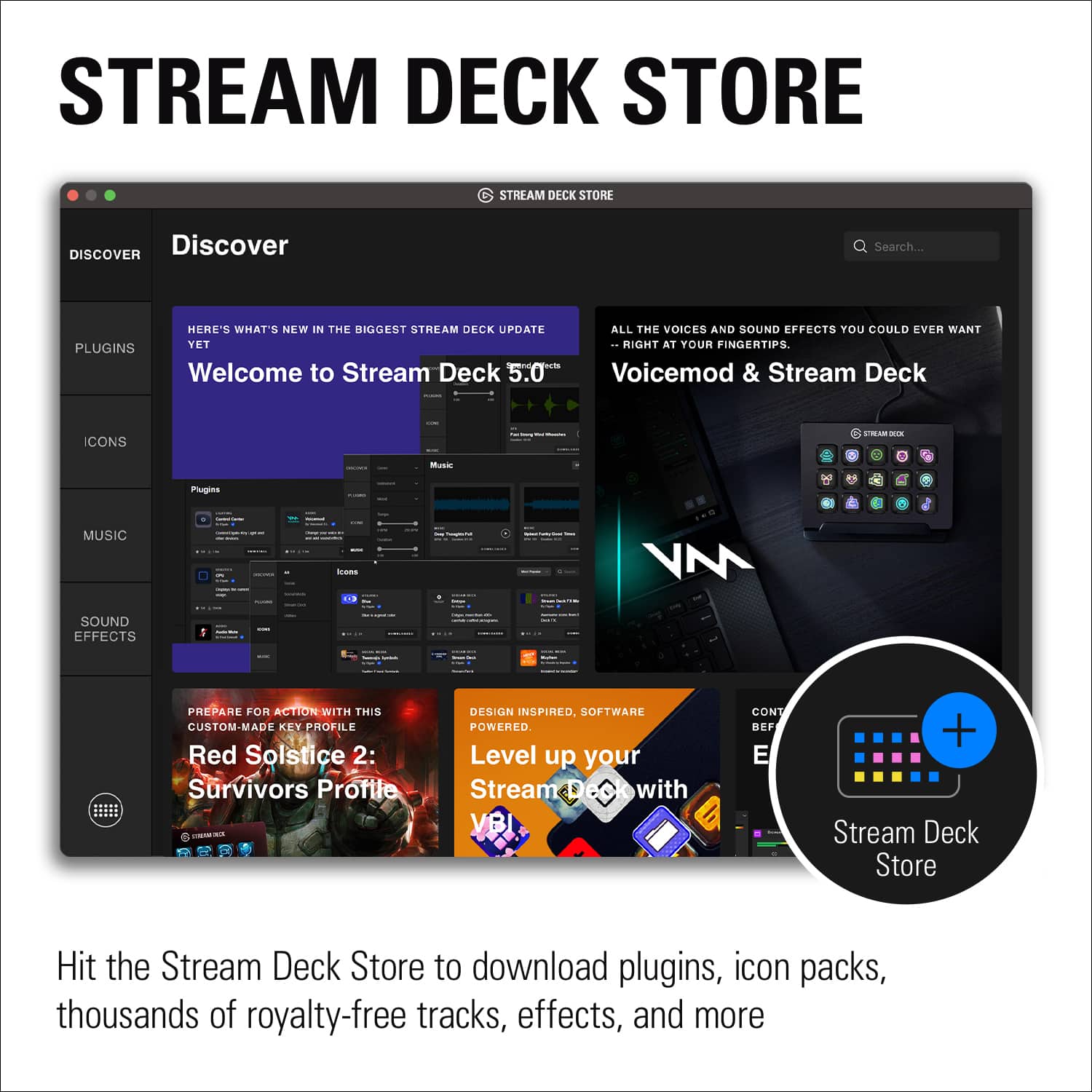
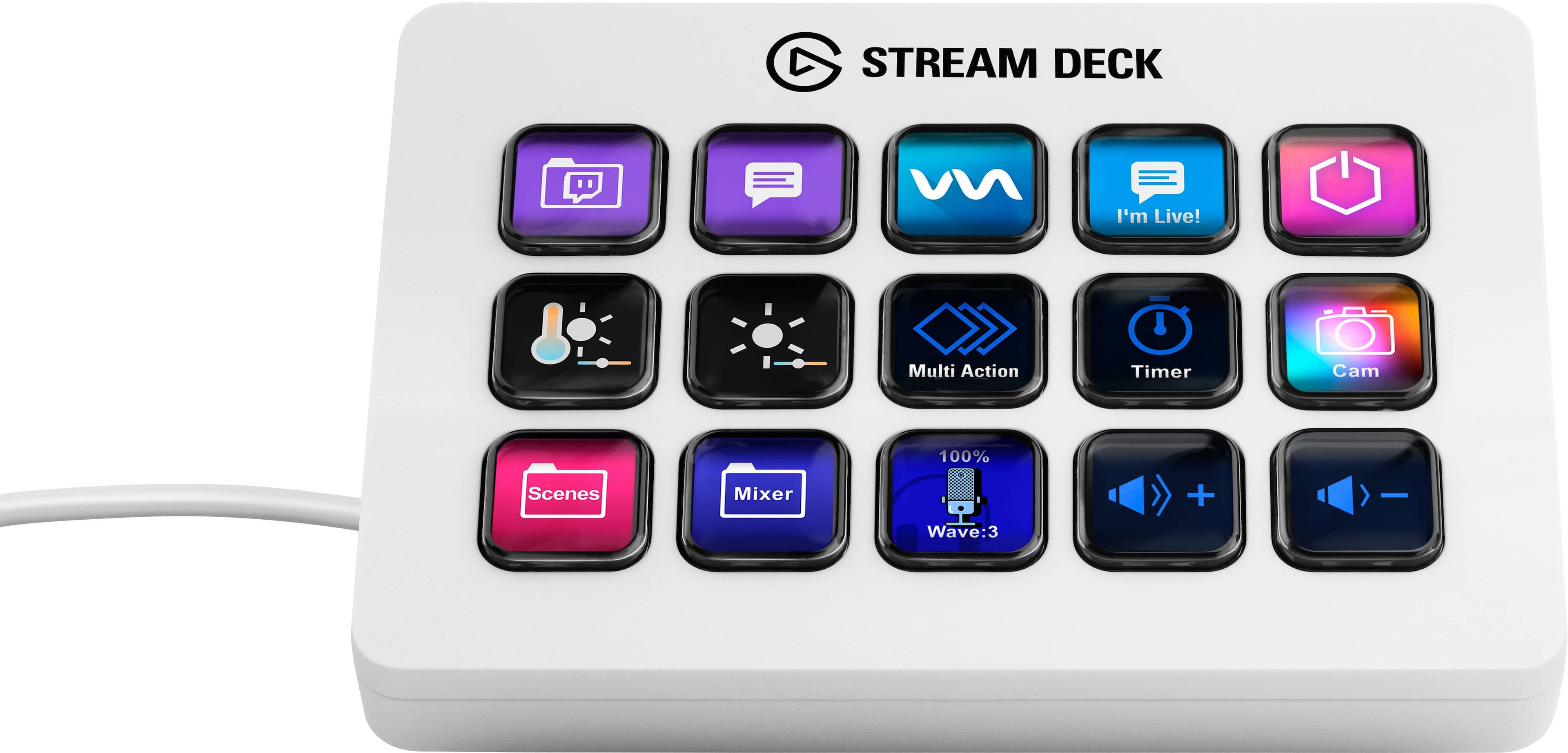
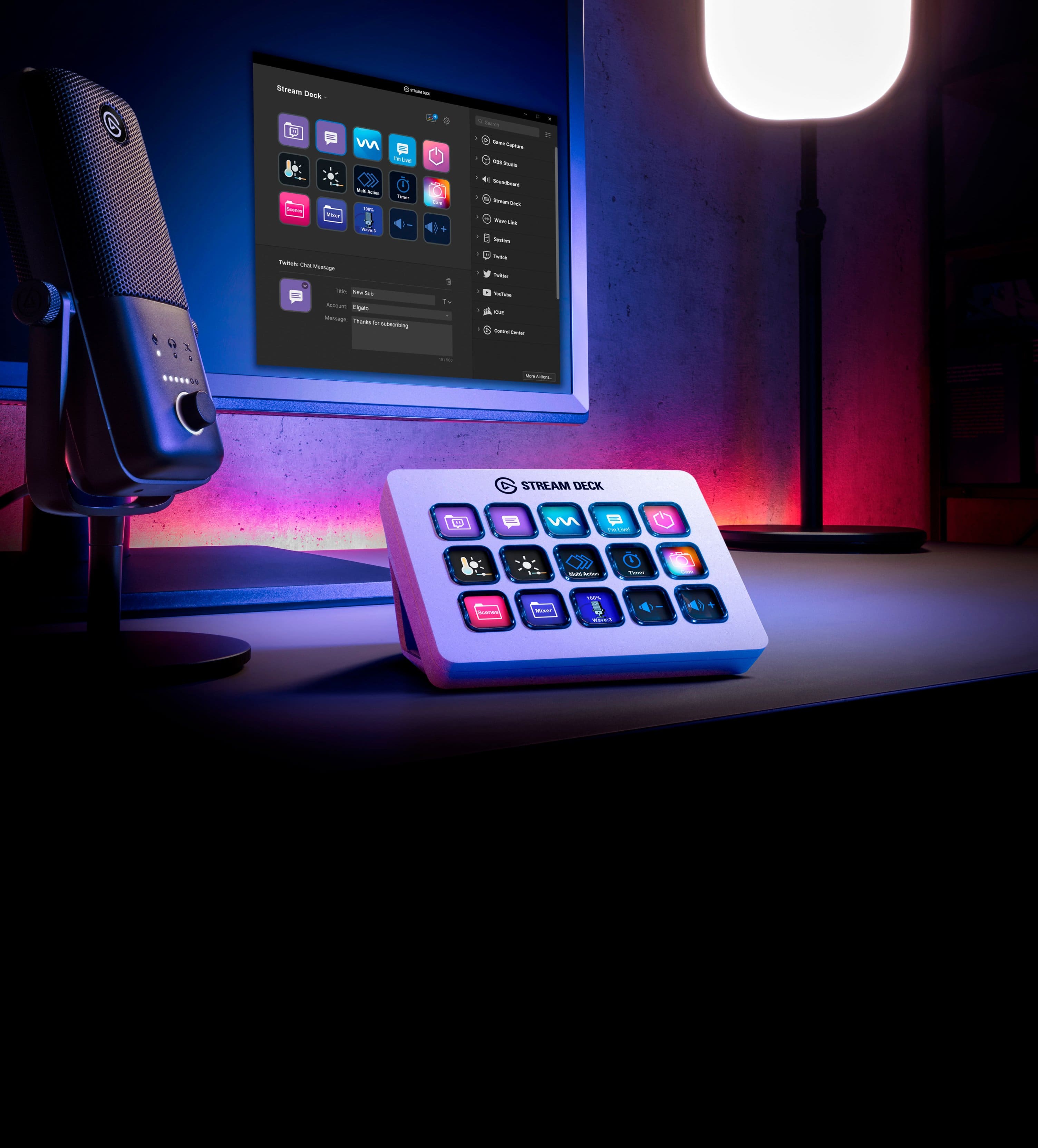
|Posted .This reviewer received promo considerations or sweepstakes entry for writing a review.The Elgato Stream Deck is a well designed streaming tool that offers 15 customizable LCD keys to control apps and tools. Pros *Unboxing and setup: The Stream Deck comes in a nicely designed box with minimal wasted space. It includes the Stream Deck with desktop stand, USB-C to USB-A cable, and a quick start guide. The initial setup only takes a few minutes. Simply plug in the USB-C cable to the back of the Stream Deck and the USB-A to your computer. Download the Stream Deck software from their website provided in the quick start guide and let the customization begin. *Limitless customization: From the faceplate to the LCD keys, you are able to fully customize the Stream Deck. While I haven't purchased a custom faceplate yet, there are many options available online (ie: Corsair website). Within the Stream Deck software, there are numerous plugins, icons, and royalty free music/sounds effects. The icons can be either static, animated, or a combination of the two. Of note, you are not limited to using the Elgato store when customizing your Stream Deck. It is just a convenient option to get started and avoid DMCA flags/copyright strikes. *Hotkey actions: This is one of the main selling points of the Stream Deck. It allows me to stream more naturally by easily switching between XSplit scenes and controlling audio/video cues. It is also compatible with OBS, Streamlabs, Twitch, etc. The hotkey actions can be either single action or multiple action depending on what you are trying to do. It is very easy to setup even for the most novice user. If you are not buying this for streaming, it would also be useful in workflow intensive tasks as you can set up the LCD keys to quickly switch between different apps/programs and websites. Overall, the Elgato Streaming Deck is great addition to my gaming/streaming setup. I find it much more convenient to hit one of the 15 customizable keys to quickly switch between various tasks/apps and games. I highly recommend it!
I would recommend this to a friend - Pros mentioned:Lcd keys
So much you can use this for!!
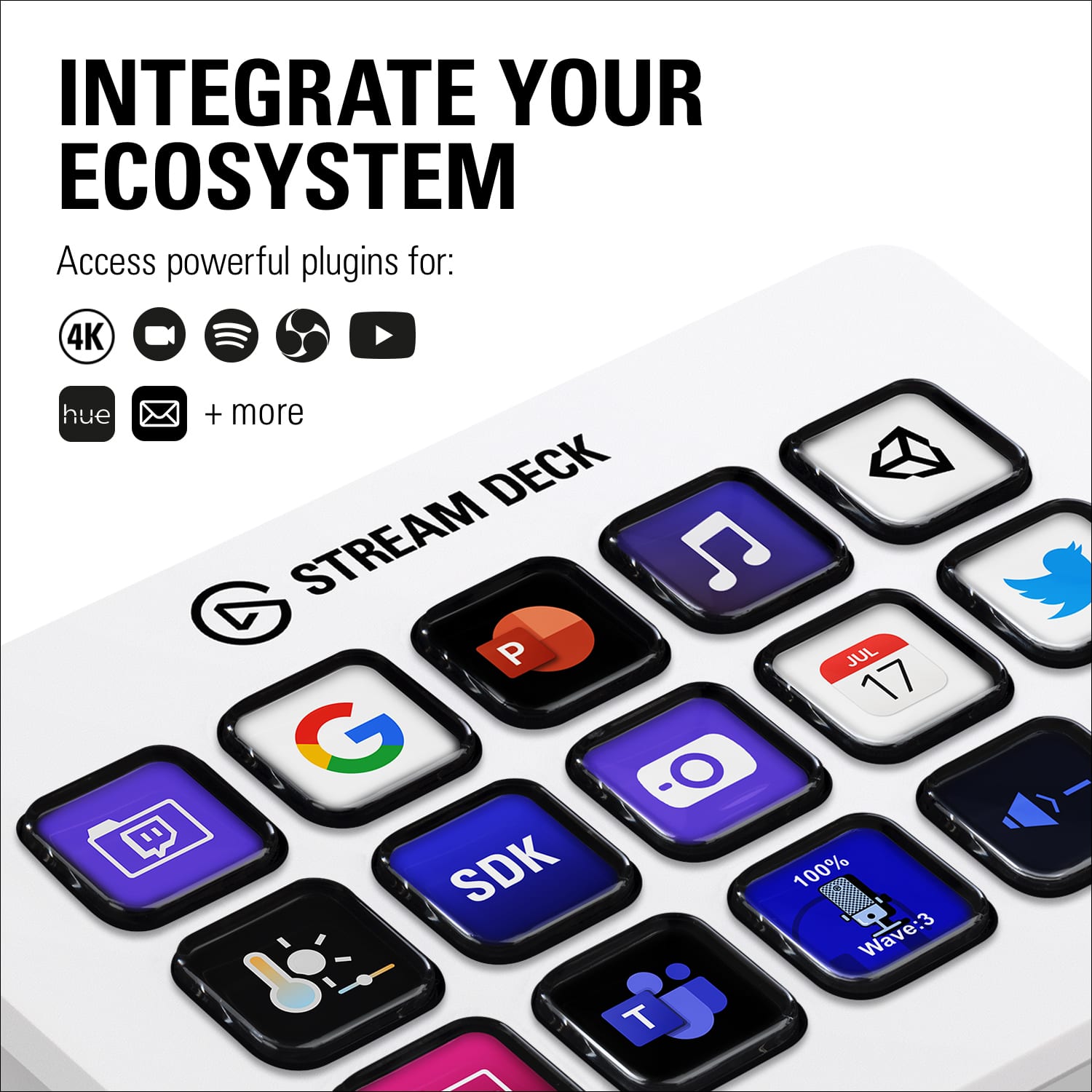
|Posted .This reviewer received promo considerations or sweepstakes entry for writing a review.Stream Deck MK.2 is pretty useful if you are into the ultimate control for streaming. It gives you tons of actions and features in applications that are faster than pressing hotkeys. This instantly makes this one of my favorite PC tools. The software is powerful allowing me to download plugins from my favorite services as well. I can use ShadowPlay, Twitch, Youtube, Spotify, Developer tools and so much more on the Stream Deck. This is a nicely designed unit that will fit in anywhere with your PC setup, The Stream Deck is not initially large in size. Comes with a nice stand as well. The USB-C is L-Shaped angled so that it will easily fit in. Setting up the device was easy as plugging it in, Love that you can create multi-action profiles as making a folder for all the Nvidia ShadowPlay Controls. Using Twitch Studio was a breeze and made my life much easier for streaming. That’s pretty much what’s the SteamDeck is, makes using your favorite streaming programs easy to use at a click of a button with real accessibility. I’ve been waiting for something like this but had no real idea how it can really unleash your creativity and workflow. 15-keys are nice and bright with the screen that is on here. You can also make profiles to give it some color when not in use. There are ways to replace the faceplates which I’m pretty much interested in but haven’t tried. Would love for them to work with gaming companies or streamers for different design. There feels like unlimited personalization for whatever you need your PC for. Great product for streaming online and editing too.
I would recommend this to a friend - Pros mentioned:Customization, Software
A Game Changer for Streaming and Productivity!
||Posted . Owned for 11 months when reviewed.This reviewer received promo considerations or sweepstakes entry for writing a review.The Elgato Stream Deck MK.2 has been an incredible addition to my desk setup. The 15 customizable LCD keys are perfect for managing streams, switching scenes, and triggering complex shortcuts with just a single press. The companion software is incredibly intuitive, making it super easy to set up folders, multi-actions, and integrate with apps like OBS, Spotify, and Discord. I especially love the crisp white design—it looks incredibly clean—and having the option to swap out faceplates later is a fantastic touch. Whether you are a content creator, editor, or just want to streamline your daily workflow, this is an absolute must-have device. Highly recommended!
I would recommend this to a friend - Pros mentioned:Ease of use
The new and improved Stream Deck is here!
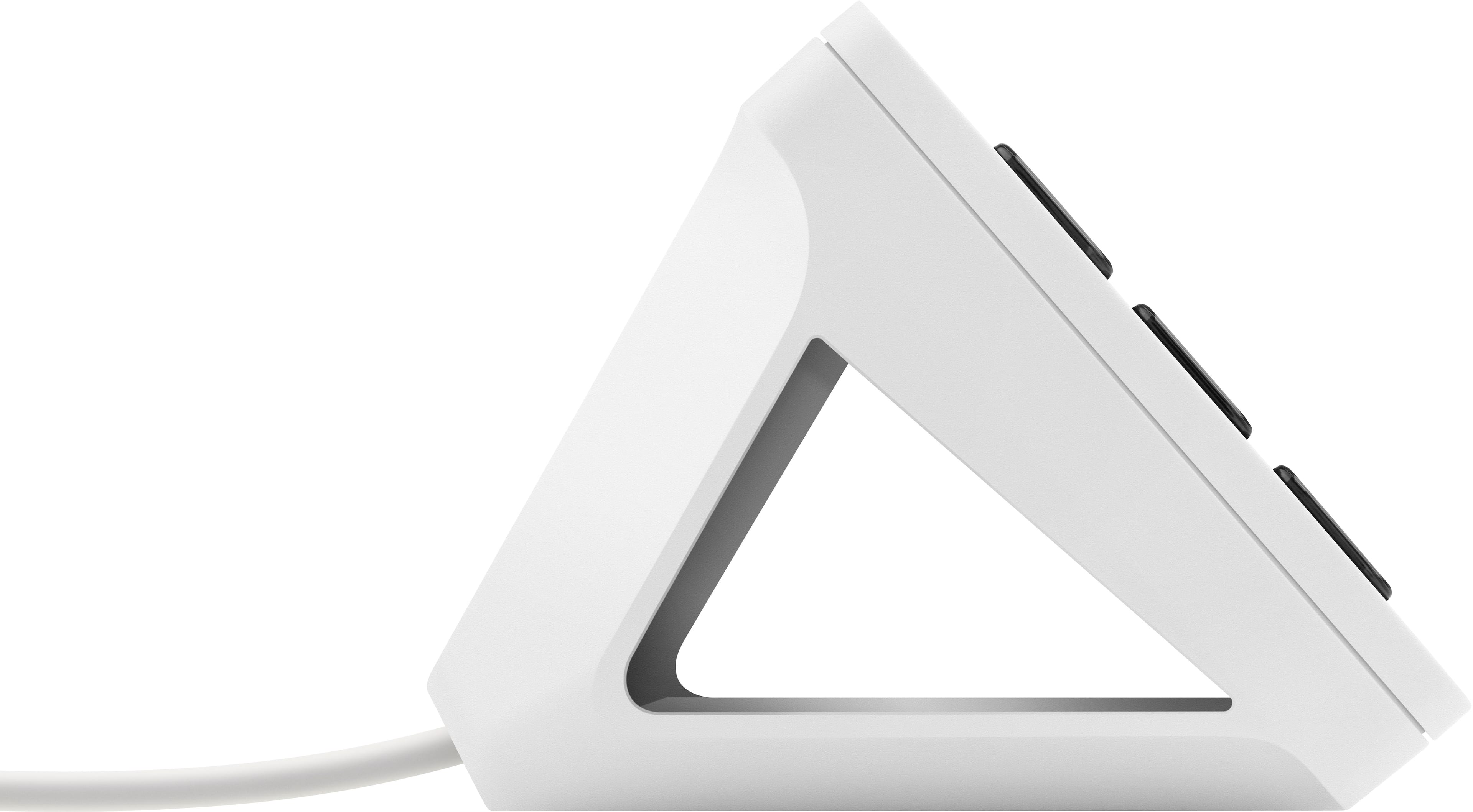
|Posted .This reviewer received promo considerations or sweepstakes entry for writing a review.If you’re a streamer, you’re probably already familiar with the Elgato Stream Deck. You might even have one! This is the MK.2 version and although it looks very similar, it does come with a few upgrades and design improvements. This is my first Stream Deck, so I’m only judging this device by its own performance and features. I did read a little about the former model on the Elgato website to get a basic idea of the differences, and it appears that the integrated USB cable was replaced with a USB-C port, and that this edition comes with a desktop stand that tilts the device to a 60 degree angle. The desktop stand has a grippy surface, so it stays nicely in place on your desktop or table. The device itself is pretty simple to explain and understand. There are 15 customizable buttons on a black surface. The unit plugs into your computer with the included USB-C to USB 2.0 cable. That’s it. Where it gets complicated is the programming. When I say complicated, I don’t mean it’s hard to figure out, because it’s actually very easy to get started. You start out by downloading the Stream Deck app from the Elgato website, and it will automatically connect to the device on startup. I’m glad it doesn’t force you sign in to or create an account, although you can create multiple profiles and layouts. There are many programs and options available, so I won’t list them all, but you can do pretty much anything you would want it to do, such as changing scenes in OBS, start a game, mute your microphone, turn your camera off or change lighting. You can even set up a voice changer, but to get the full use out of it, you have to pay for a Pro license. I would generally recommend not to use a voice changer too much anyway. It gets old rather quickly, unless you get creative with it. Programming a button is done by simply dragging-and-dropping an item from the menu on the right side. Once you drop something, you get more options. For example, when you drop an OBS scene selection, you get to select the scene and profile. You can also change the icon to many included graphics or you can design your own. You can also name the button which will show on the button display. If you don’t want to spend hours in photoshop perfecting your own graphics, using the included ones is the quickest way to get started; it doesn’t take long at all. You can also download more icons in the store. If you’re streaming on multiple computers and would like to use the same Stream Deck, keep in mind that your presets don’t save on the device, but on the computer it’s configured on. I prefer this, because I have completely different setups on my two computers, one for music streams, one for gaming streams. I’ve been streaming for over a year on Twitch, and I’m used to doing everything with my mouse and keyboard. Having the Stream Deck definitely makes life easier for a streamer. With 15 buttons, you can have a button for all the most important things you click on during a stream. It’s faster and more convenient than a mouse and keyboard for sure, and once you try one, you’ll start wondering how you made it without one for all this time. If you spend a lot of time streaming, don’t hesitate any longer, get yours today!
I would recommend this to a friend - Pros mentioned:Software
Ultimate Streaming Companion
|Posted .This reviewer received promo considerations or sweepstakes entry for writing a review.The Elgato Stream Deck is a fantastic streaming companion, it allows you to control multiple apps, recording, mic settings, PC settings, and hotkeys without having to alt-tab out of your game or break your streaming and recording workflow. Software is easy to install and very intuitive, just drag and drop functions for each app over to the Stream Deck in the PC App interface. If you don't see your preferred app like Youtube or Twitch, you can search for and download the plugins from the Stream Deck Store App. The most-used functions seem to be supported by default, but I'm not sure if there's a way to add them if you don't see what you need. The Stream Deck itself isn't overly well-built as the housing is plastic with a frame that you insert the Stream Deck into which angles the keys at a nice 45 degree angle. The keys and LED display however are very impressive. Bright and pleasant to use with a kind of spongy feel but very responsive and affirmative when you press them. The light intensity also changes when a key is active to let you know if a key has been pressed. I'm not sure if there's a way to add animations to some of the other icons like the default Elgato Welcome icon. Only a few negatives I will note, the Stream Deck is USB-C to the unit and USB-A to your PC. When using USB-C to USB-C it actually doesn't work at all. Also, the instruction booklet (which fell apart at the seam on a few pages) says its easy to change the faceplate to a custom one, but I didn't find that to be the case since there's nothing to grab onto because the unit is so thin once its removed from the housing. Overall this is a great device that will help you maintain your streaming workflow without interruption!
I would recommend this to a friend