Customer Ratings & Reviews

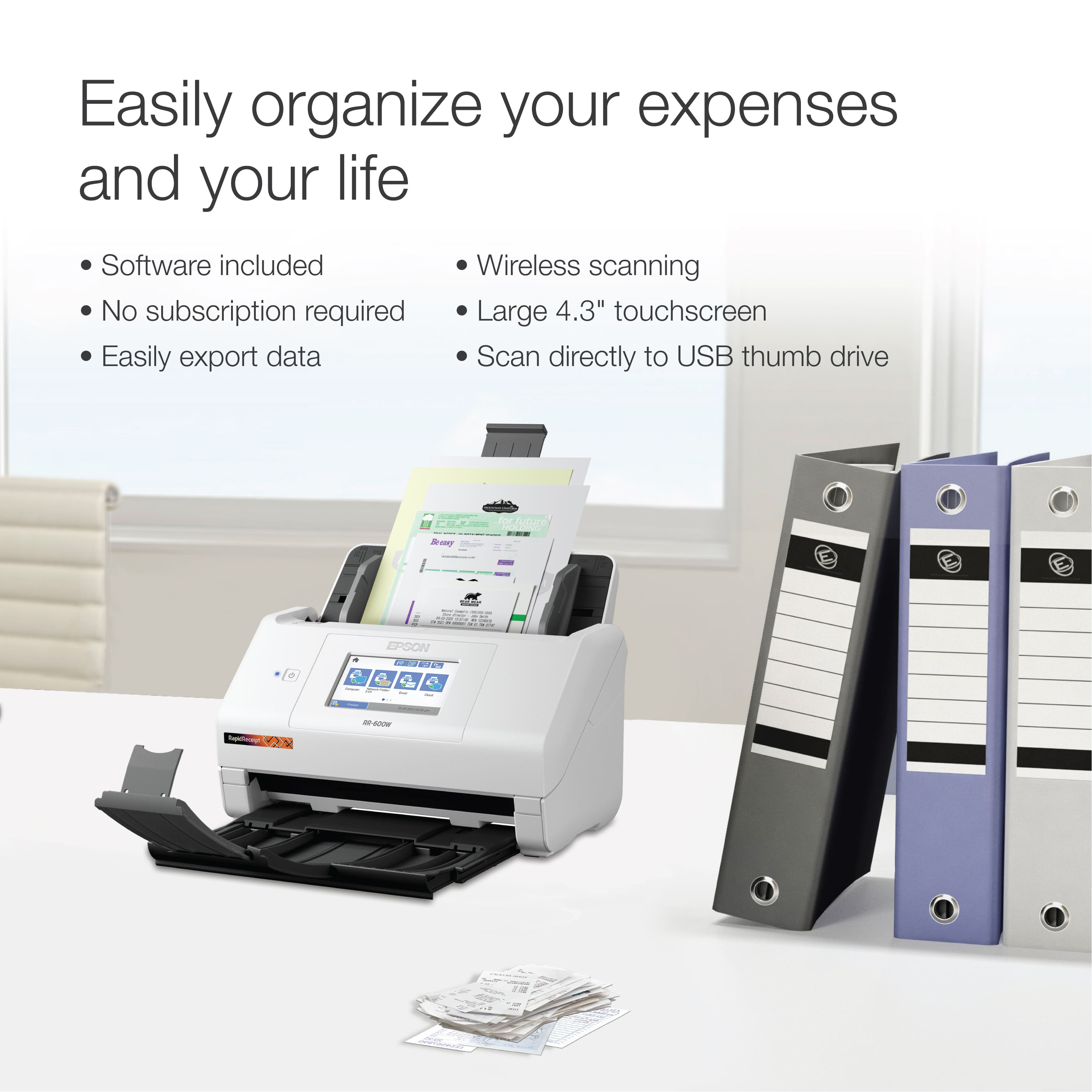
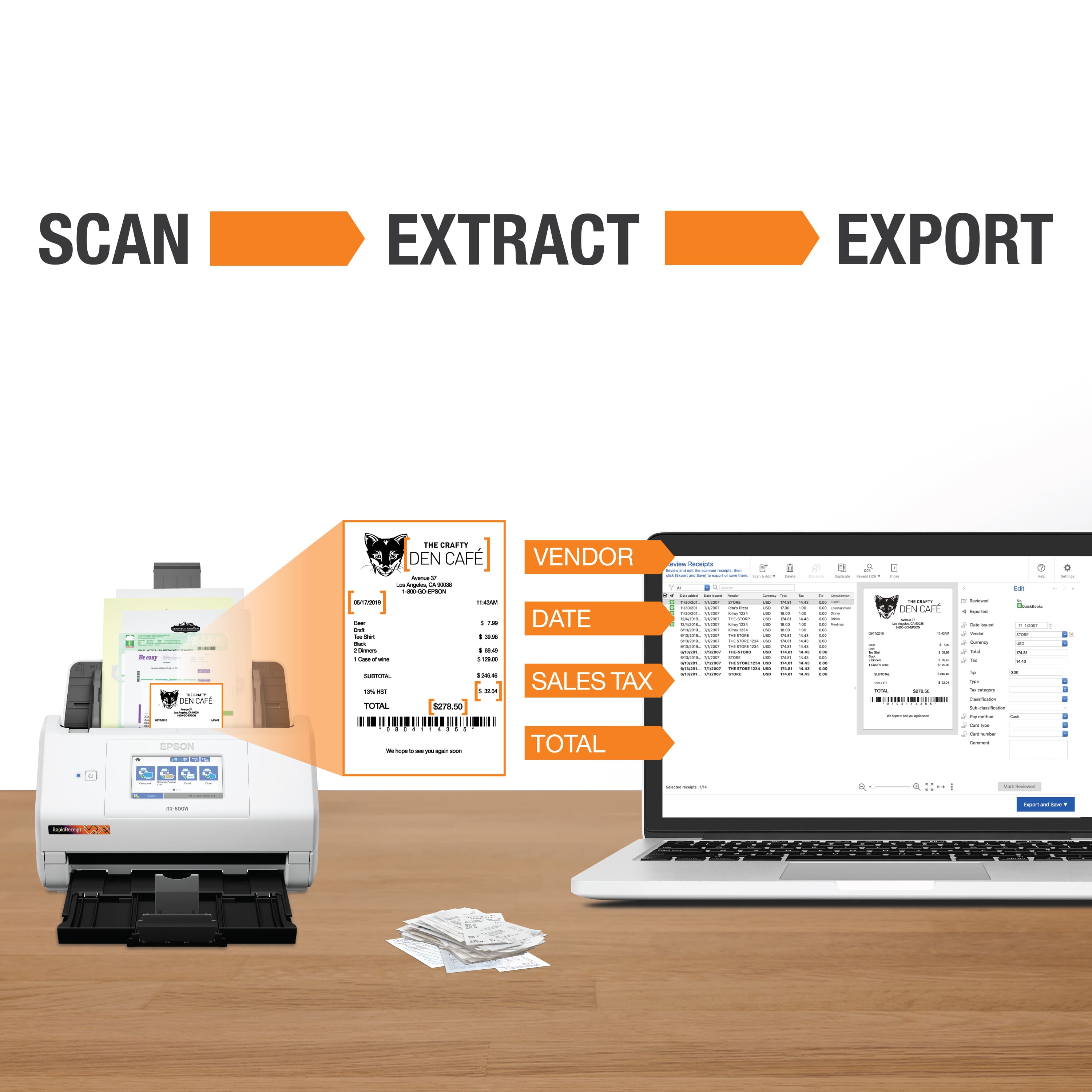
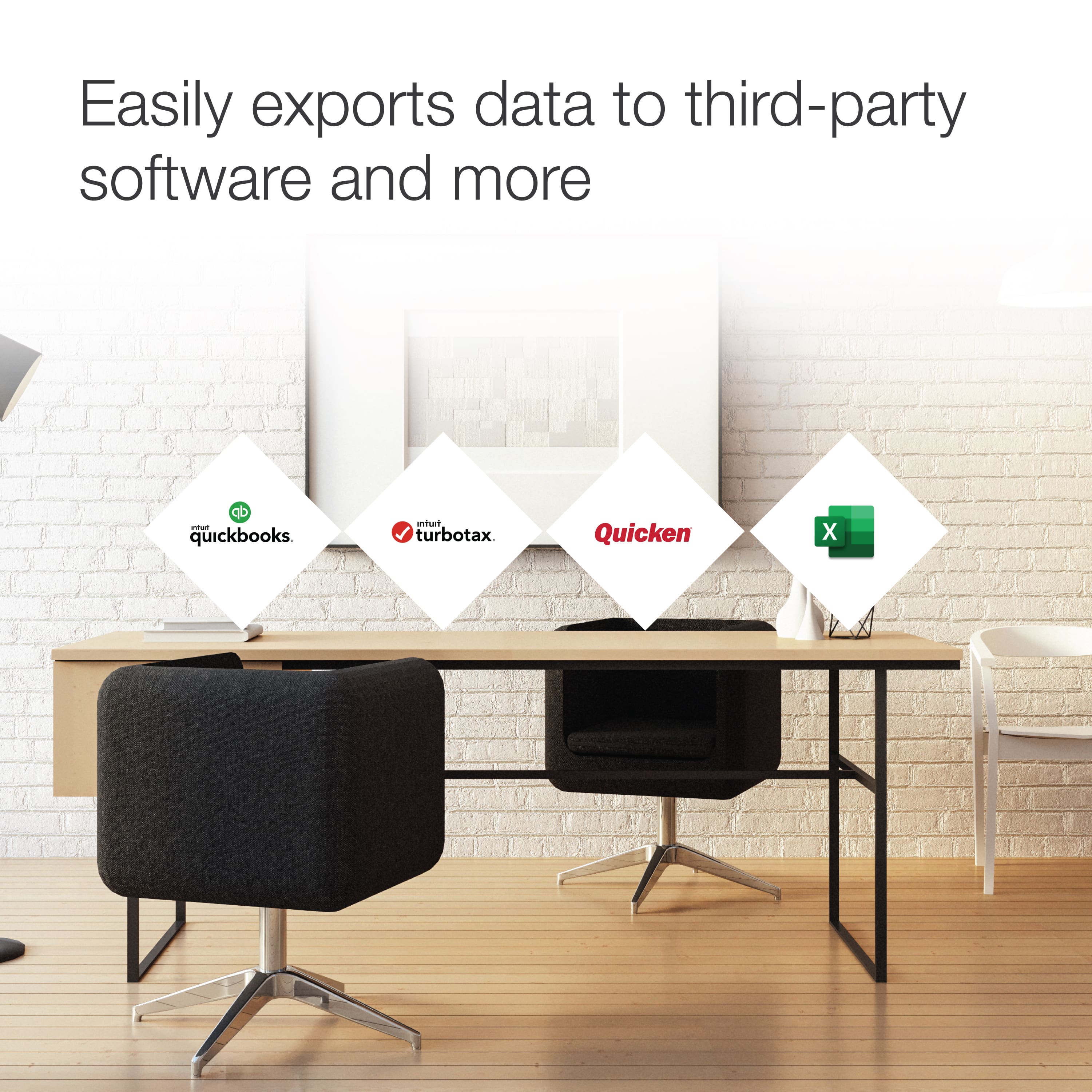
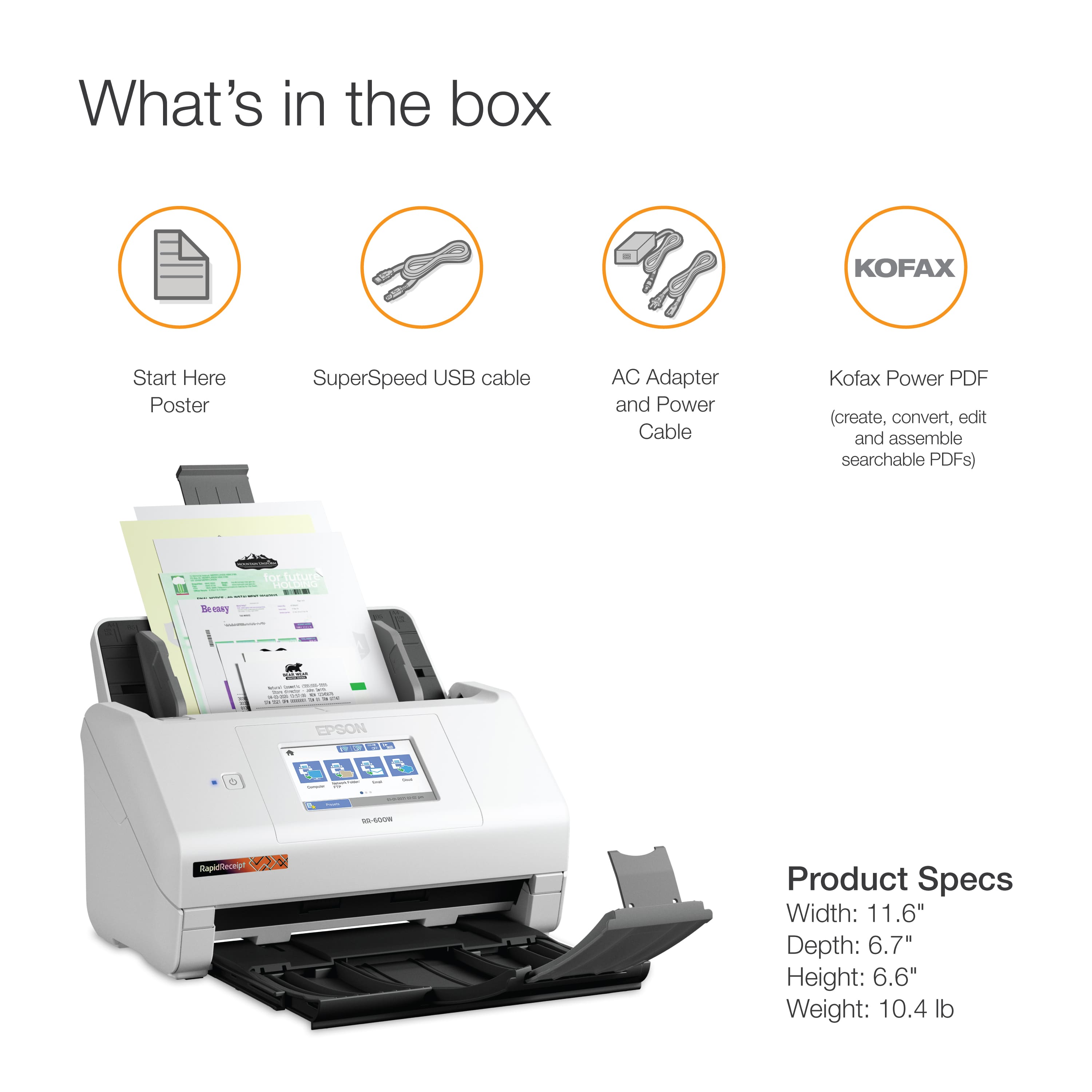

- Model:
- B11B258202
- |
- SKU:
- 6442939
Customer reviews
Rating 4.5 out of 5 stars with 356 reviews
(356 customer reviews)Rating by feature
- Value4.4
Rating 4.4 out of 5 stars
- Quality4.7
Rating 4.7 out of 5 stars
- Ease of Use4.4
Rating 4.4 out of 5 stars
Customers are saying
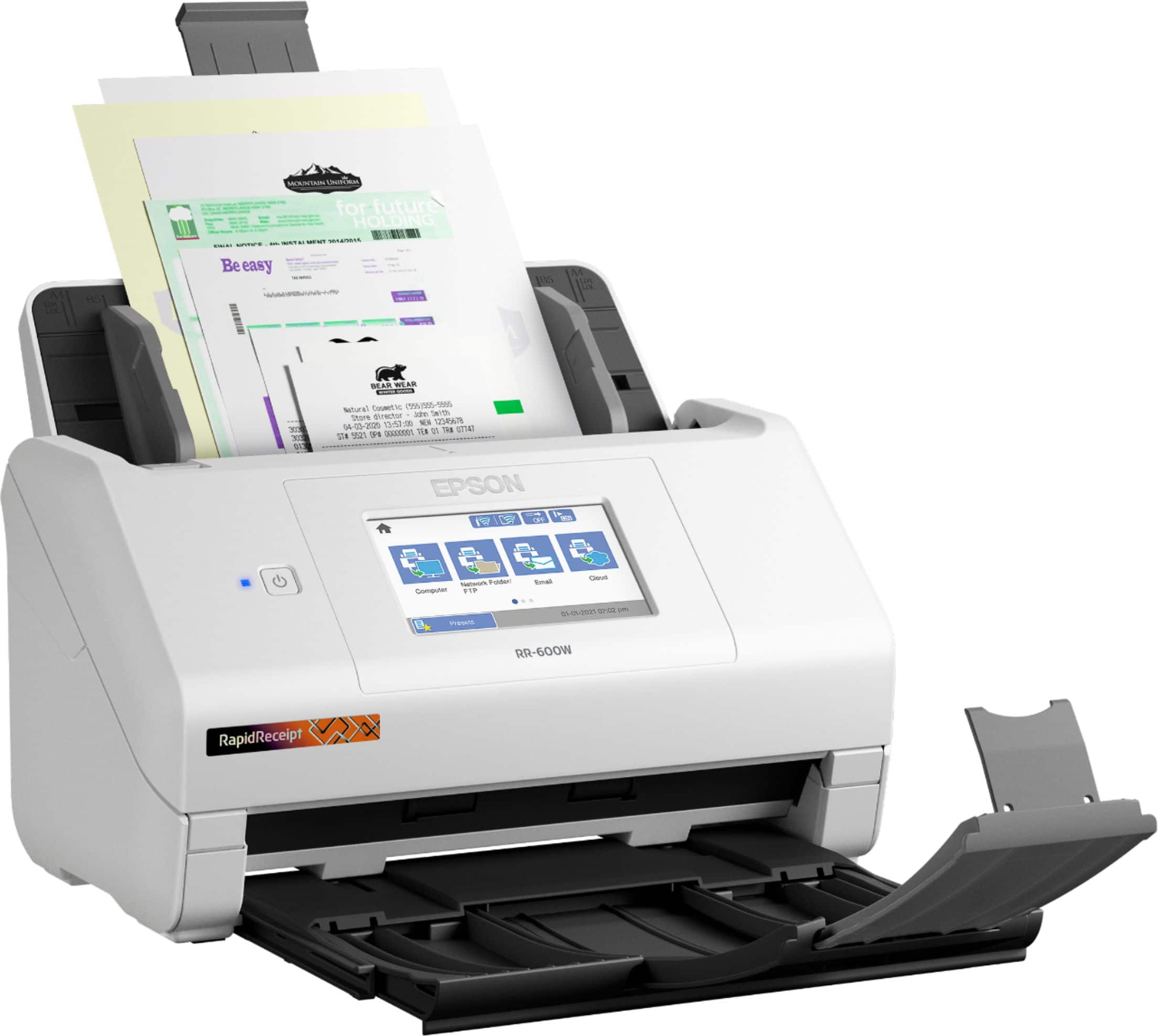
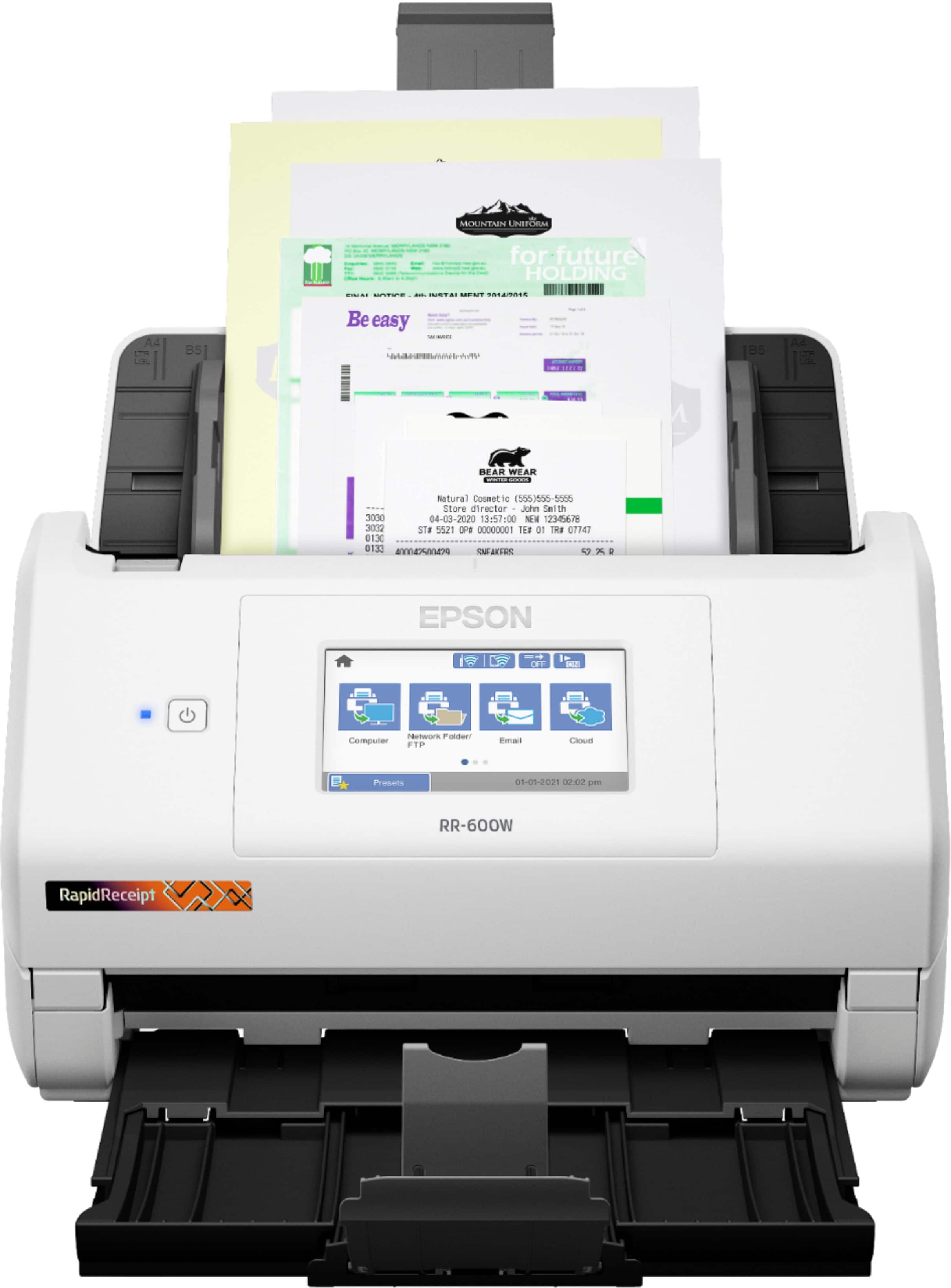
Customers regard the RapidReceipt RR-600W Wireless Receipt and Desktop Document Scanner highly for its speed and ease of use. Users also appreciate the scan quality, responsive touchscreen, wireless capabilities, and impressive software. However, some customers have expressed concerns about the price, vague instructions, and compatibility issues.
This summary was generated by AI based on customer reviews.
- Pros mentioned:Ease of use
Rated 5 out of 5 stars
Epson Scanner Review
||Posted . Owned for 3 weeks when reviewed.This reviewer received promo considerations or sweepstakes entry for writing a review.Epson Desktop Document Scanner works fantastic with my PC and allows me to not store paper bills.
I would recommend this to a friend - Pros mentioned:Speed
Rated 5 out of 5 stars
rapid receipt
||Posted . Owned for 3 weeks when reviewed.This reviewer received promo considerations or sweepstakes entry for writing a review.Very fast and efficient. works every time. Saves time
I would recommend this to a friend - Pros mentioned:Ease of use
Rated 5 out of 5 stars
Love it
||Posted . Owned for 1 month when reviewed.This reviewer received promo considerations or sweepstakes entry for writing a review.Love it, can't live with out. It is so much easier.
I would recommend this to a friend - Pros mentioned:Speed
Rated 5 out of 5 stars
Worth the money!!
||Posted . Owned for 1 week when reviewed.This reviewer received promo considerations or sweepstakes entry for writing a review.This machine is the fastest scanner I have ever used. The amount of time it saves me is absolutely amazing.
I would recommend this to a friend - Pros mentioned:Speed
Rated 5 out of 5 stars
Good purchased
||Posted . Owned for 3 weeks when reviewed.This reviewer received promo considerations or sweepstakes entry for writing a review.If you need to save a lot of reciepts this is the one.
I would recommend this to a friend - Pros mentioned:Ease of use
Rated 5 out of 5 stars
PJR
||Posted . Owned for 1 month when reviewed.This reviewer received promo considerations or sweepstakes entry for writing a review.Ease/proficiency of use. Organize papers/files. Help keep this clutter free.
I would recommend this to a friend - Pros mentioned:Scan quality
Rated 4 out of 5 stars
Good for all documents, not special for receipts
||Posted . Owned for 1 month when reviewed.This reviewer received promo considerations or sweepstakes entry for writing a review.Useful and handy to scan documents in general. Not as special to scan receipts, which is what it was made for.
No, I would not recommend this to a friend - Cons mentioned:Price
Rated 4 out of 5 stars
Scanner
||Posted . Owned for 4 months when reviewed.This reviewer received promo considerations or sweepstakes entry for writing a review.Product is OK could be better for the price it’s reasonable not all what I expected but overall satisfied
I would recommend this to a friend - Pros mentioned:Ease of use
Rated 5 out of 5 stars
Awesome
||Posted . Owned for 1 month when reviewed.This reviewer received promo considerations or sweepstakes entry for writing a review.Love this machine..made our office paperwork much..much easier.
I would recommend this to a friend Rated 5 out of 5 stars
It Works Great!
||Posted . Owned for 1 year when reviewed.This reviewer received promo considerations or sweepstakes entry for writing a review.The document scanner works as advertised and would be a great addition to any office.
I would recommend this to a friend- Pros mentioned:Ease of use
Rated 5 out of 5 stars
Good scanner for the price.
||Posted . Owned for 3 weeks when reviewed.This reviewer received promo considerations or sweepstakes entry for writing a review.Works great. Integration with Mac was simple and quite easy.
I would recommend this to a friend - Pros mentioned:Ease of use
Rated 5 out of 5 stars
Old "NEAT" scanner user
||Posted . Owned for 3 weeks when reviewed.This reviewer received promo considerations or sweepstakes entry for writing a review.Easy to use and also easy to set up. I had a Neat for years and this is a better product so far.
I would recommend this to a friend - Pros mentioned:Speed
Rated 5 out of 5 stars
Scanner
||Posted . Owned for 1 month when reviewed.This reviewer received promo considerations or sweepstakes entry for writing a review.Very fast scanning! Works well when you add the APP/software.
I would recommend this to a friend Rated 5 out of 5 stars
i like the checkout process
||Posted . Owned for 1 month when reviewed.This reviewer received promo considerations or sweepstakes entry for writing a review.fast checkout- its was really good to see there own checkout (printer section.)
No, I would not recommend this to a friend- Pros mentioned:Ease of use
Rated 5 out of 5 stars
Happy with my Purchase
||Posted .This reviewer received promo considerations or sweepstakes entry for writing a review.It works great and was pretty easy to set it up to my computer and get it connected to my wifi.
I would recommend this to a friend - Pros mentioned:Speed
Rated 5 out of 5 stars
Epson scanner
||Posted . Owned for 1 month when reviewed.This reviewer received promo considerations or sweepstakes entry for writing a review.Purchased the epson scanner to get a lot of files scanned and it works great and fast!
I would recommend this to a friend Rated 5 out of 5 stars
Scanner Epson
||Posted . Owned for 1 month when reviewed.This reviewer received promo considerations or sweepstakes entry for writing a review.Epson Scanner works perfect. Easy to install, easy to use.
I would recommend this to a friend- Pros mentioned:Ease of use
Rated 5 out of 5 stars
rapid receipt
||Posted . Owned for 1 year when reviewed.This reviewer received promo considerations or sweepstakes entry for writing a review.this is a great help with receipts easy to use very helpful
I would recommend this to a friend Rated 4 out of 5 stars
Not the best, not the worst
||Posted . Owned for 3 weeks when reviewed.This reviewer received promo considerations or sweepstakes entry for writing a review.Doesn't function as well as my old Neat scanner. A little slow, and took a bit to figure out how to efficiently scan and upload to Neat. Not compatible if that's what you're looking for. Jams more often than I'd like. Otherwise, decent scanner.
I would recommend this to a friend- Pros mentioned:Speed
Rated 4 out of 5 stars
Best low cost scanner available at BEST BUYS
||Posted . Owned for 3 weeks when reviewed.This reviewer received promo considerations or sweepstakes entry for writing a review.Excellent for rapid reciept scanning, color reproduction good but not for photos
I would recommend this to a friend