Customer Ratings & Reviews


- Model:
- B11B258202
- SKU:
- 6442939
Rating by feature
- Value
Rating 4.4 out of 5 stars
- Quality
Rating 4.7 out of 5 stars
- Ease of Use
Rating 4.4 out of 5 stars
Customers are saying
Customers regard the RapidReceipt RR-600W Wireless Receipt and Desktop Document Scanner highly for its speed and ease of use. Users also appreciate the scan quality, responsive touchscreen, wireless capabilities, and impressive software. However, some customers have expressed concerns about the price, vague instructions, and compatibility issues.
This summary was generated by AI based on customer reviews.
- Pros mentioned:Ease of use
EASE of Use
||Posted . Owned for 2 weeks when reviewed.This reviewer received promo considerations or sweepstakes entry for writing a review.Love this thing! took all of the hassle out of sending my receipts to my accountant.
I would recommend this to a friend Great Scanner!
||Posted . Owned for 3 weeks when reviewed.This reviewer received promo considerations or sweepstakes entry for writing a review.This is the second Epson scanner I have purchased. It is a good scanner.
I would recommend this to a friend- Pros mentioned:Ease of use
Needed one for business
||Posted . Owned for 1 month when reviewed.This reviewer received promo considerations or sweepstakes entry for writing a review.great product easy to set up and get working. Highly recommend this item
I would recommend this to a friend - Pros mentioned:Ease of use
Epson
||Posted .This reviewer received promo considerations or sweepstakes entry for writing a review.Good product. Made my life a lot easier. Well worth the money.
I would recommend this to a friend - Pros mentioned:Ease of use
Epson Rapid Receipt Scanner
||Posted . Owned for 1 month when reviewed.This reviewer received promo considerations or sweepstakes entry for writing a review.Great receipt scanner, easy to use and very. .
I would recommend this to a friend - Pros mentioned:Speed
Great Scanner
||Posted . Owned for 3 weeks when reviewed.This reviewer received promo considerations or sweepstakes entry for writing a review.Great document scanner. Fast and really accurate scanning.
I would recommend this to a friend - Pros mentioned:Ease of use, Scan quality, Speed

Features and Speed Perfect For The SOHO User
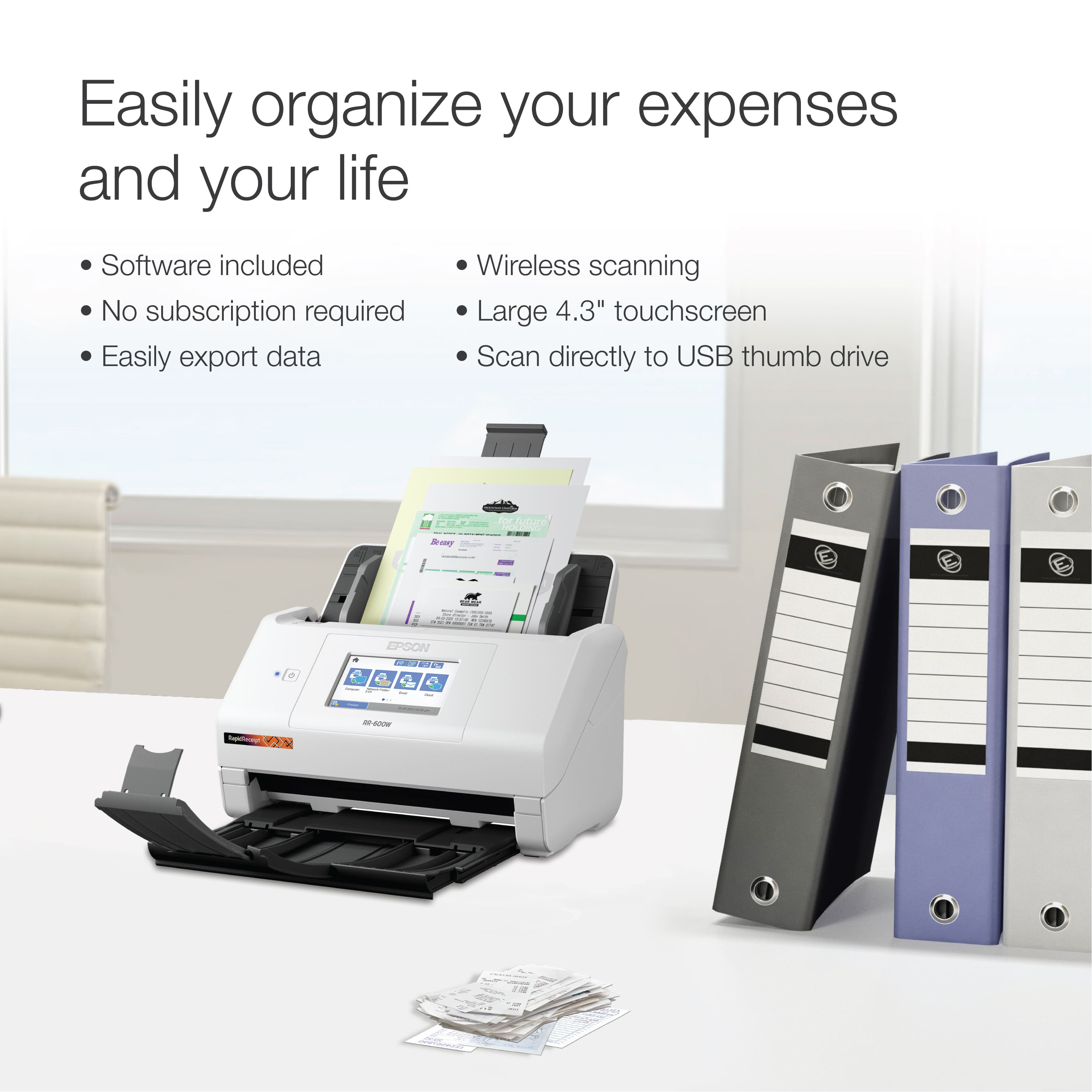
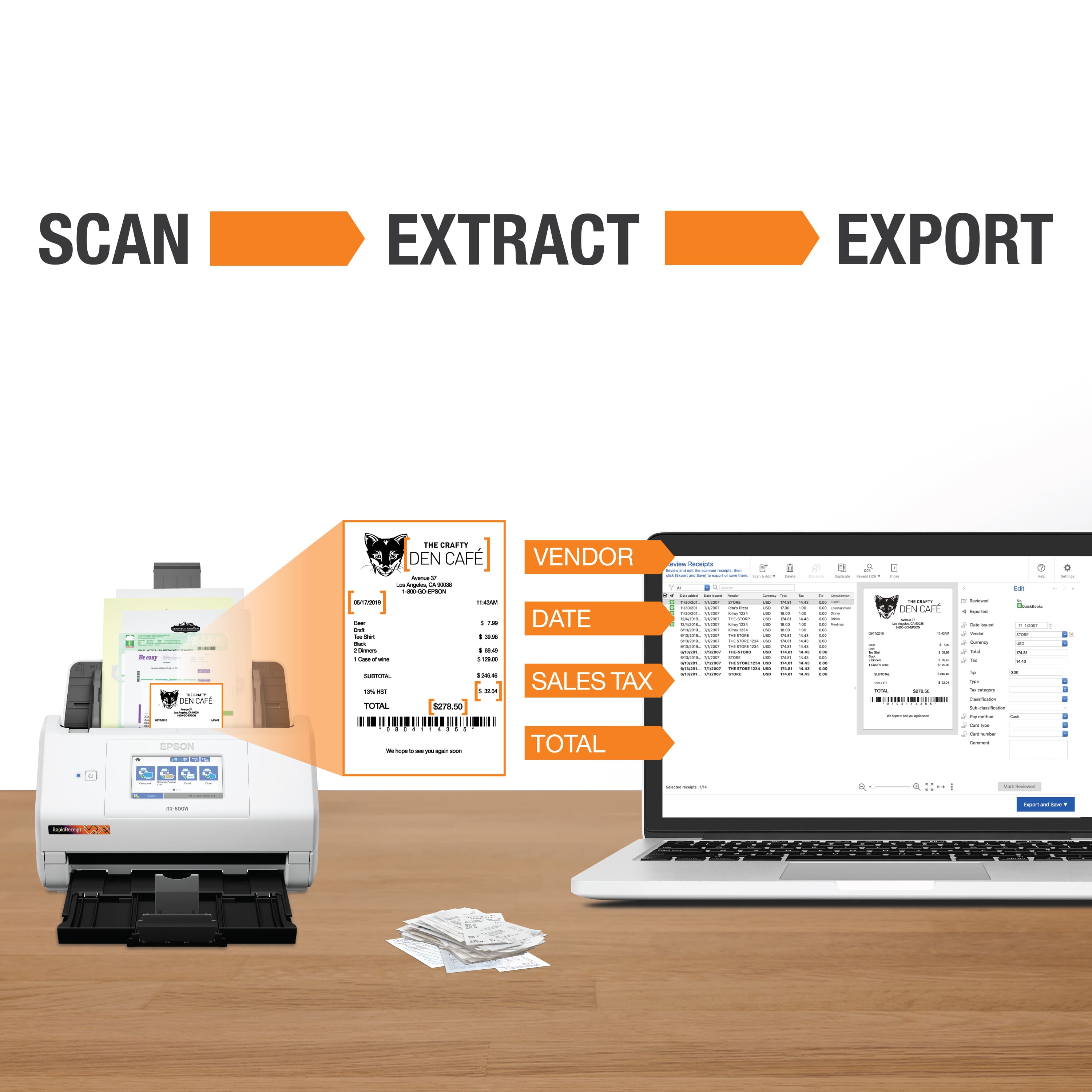
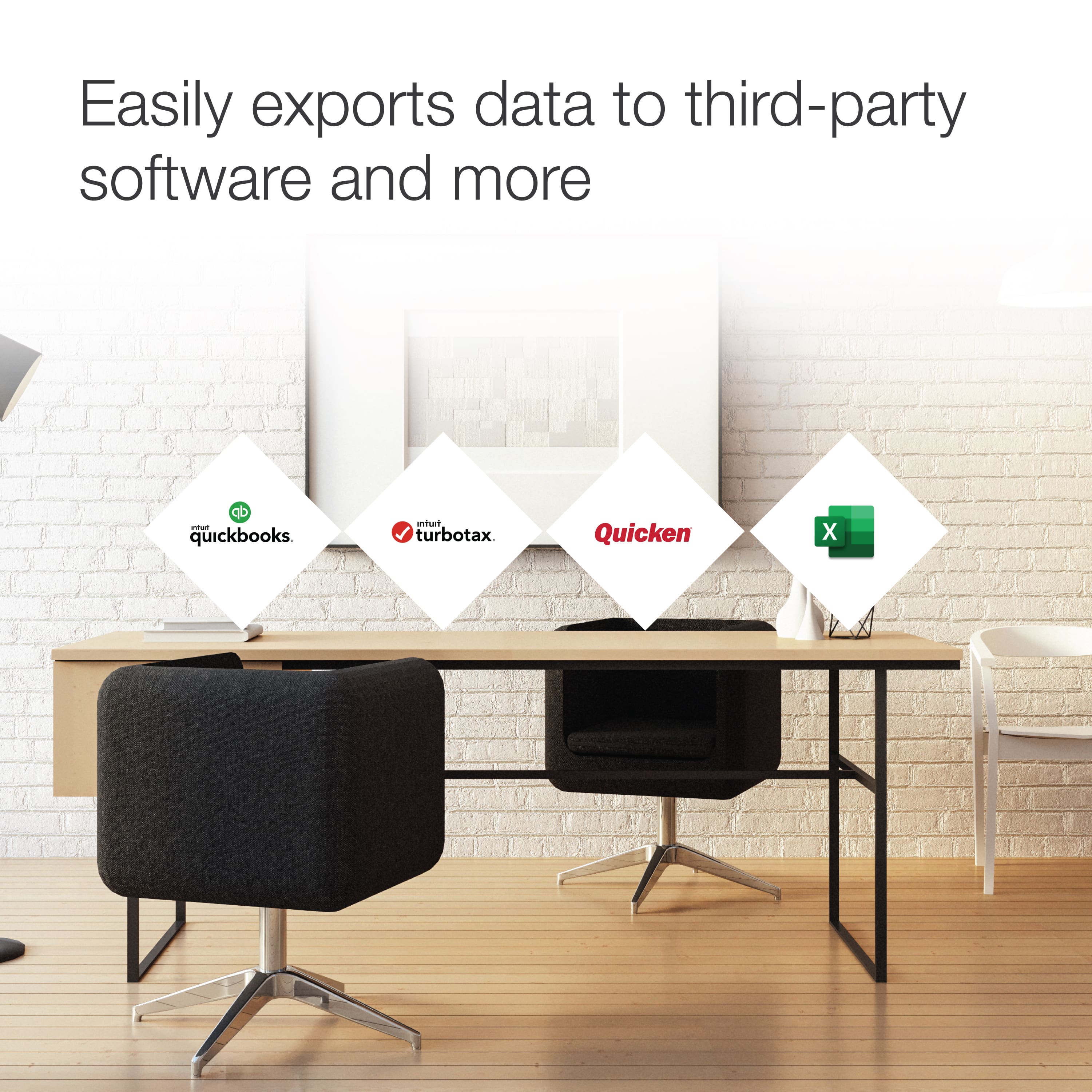
|Posted .This reviewer received promo considerations or sweepstakes entry for writing a review.Once I received the scanner, I downloaded the software and set it up quickly and easily by following the prompts. The quick Start guide is brief. For those with questions, looking to wring out every feature to the fullest, a 183 page User’s Guide in PDF format is available from Epson’s product support page. You can connect the scanner via USB 3 using the included USB cable, or go wireless; 2.4 & 5 GHz are both supported. To use with a phone app or tablet will require you need to setup wireless of course. There is no wired Ethernet connection which may prevent its use in some offices that do not permit Wi-Fi. The LCD touch screen is logically laid out, clear and responsive. But some of the smaller icons near the edges require a bit more effort to engage due to the bezel being higher than the screen. Unless you have very pointy fingers. They work, but one has to slow down to ensure the press registered. You can use your phone, tablet, or PC instead of the touchscreen panel. Maybe a future firmware update will pad the edge with some space or change the layout to resolve this minor issue. The scanner scans both single and two sided receipts in a single pass, up to 8.5 wide and a whopping 20’ long. And it does so fast; 35 PPM/70” PM over USB. It also scans smartly. If the back of a receipt is blank, it detects that and stores as single sided to avoid storing a blank page. Very useful if you load up the 100 page feeder as I did. It scans in color and B&W. For hard to read or faded receipts, you can tweak the scan settings to improve the capture. The OCR was very accurate, even on small grocery store receipt type which must be about 6 Point in size. The only problems I had with OCR and ScanSmart software was with some old faded thermal receipts that were hard to read. This is expected since I had trouble reading them. But with tweaks to the scan settings, the software was able to read more details from them than I could. But when data is just unreadable, you can edit the PDF to fill in what’s missing. Using the OCR to scan into a PDF you can search through is the key to easy and powerful organization. i.e. find receipt from Best Buy, or those with a keyword like the item or brand name. No need to organize into numerous nested folders, let the software find it. This works so well though, keeping up from here should be easy. I don’t see where I’ll need to scan any old receipts older than a week, maybe a month ever again. When using the ADF (Automatic Document Feeder), it’s best to make batches of receipts with the same width. If you mix letter sized paper receipts with thin register receipts, the narrower receipts will often go askew and not scan well, or jam. Overall, the feeder worked really well, only jamming on some old folded over wrinkled and weak register receipts mixed with larger receipts. Fortunately the scanner opens all the way making it easy to unjam it without damaging a receipt. So many products have a subscription component these days. For us they are the financial equivalent of “death by a thousand small cuts”. Aside from avoiding another monthly subscription drain, what if the price on the service goes up, allot? Or one day the company just folds up and goes away? Your data is now their asset that they might sell or provide a new owner with. Fortunately, unlike some competitors, there is no subscription here. I much prefer that Epson provides the software and lets you send the scans to a computer, USB drive, network share, FTP account, via e-mail, or one of the free/low cost cloud storage drives (DropBox, Google Drive, One Drive, Evernote) if you wish to. You get a very good software bundle that covers more than just the basics and receipt scanning. • Epson ScanSmart financial software to scan your receipts into useful, searchable data. • Easily export your receipt data to Quicken, QuickBooks, TurboTax, Excel, and CSV files. • The ‘Presto! BizCard’ software to scan business cards. You can edit them, which you will need with cards that have fanciful fonts and background images that make a clean scan of the text difficult. This will provide you with a basic contact manager. • The ‘Kofax Power PDF’ software lets you create searchable and editable PDF files. • You can also use other scanning software as a TWAIN driver is included. This scanner is priced competitively to other similar receipt scanners. But considering you can get a Multi-function Printer/Scanner/Fax for just over $100, it’s hard to justify this receipt scanner for home use only. You are getting a high level of organization and many capabilities as well as an ease of use and speed not typically found on a home MFP. But all of these features add up to a scanner that is likely more than most home users need at a price above what they wish to pay. This is the ‘Cadillac’ of receipt printers Don’t despair, just as GM makes Chevy and Buick models Epson offers other receipt scanners, some for less than half the cost of this one and in a smaller footprint. Look for features you really need at a price you can justify. The home user model will provide the organization and ease of use. You’ll lose the ADF, which you don’t really need as a low volume home user. You feed the receipts one at a time and keep some cash. Check them out by expanding the “Explore the Epson RapidReceipt Scanners Collection” link on the product page, or searching the Best Buy site for “RapidReceipt”. One is sure to appeal. But if you’re a SOHO user or otherwise have lots to scan, this is a nearly perfect purpose built receipt scanner to get the job done quickly with more features than you are apt to need. It works flawlessly when fed properly and is built to last. Download the Owner’s Manual and read the section on maintenance to ensure you properly clean it where needed so it performs at its best and lasts. I have absolutely no regrets in choosing this scanner.
I would recommend this to a friend Best Office Products “Best Buy”
||Posted . Owned for 3 weeks when reviewed.This reviewer received promo considerations or sweepstakes entry for writing a review.The best receipt scanner I have bought. I had bought a previous one by another company I paid twice the amount and it wasn’t user friendly like this one I bought from Best Buy. Thank you Best Buy.
I would recommend this to a friendGood scanner
||Posted . Owned for 3 weeks when reviewed.This reviewer received promo considerations or sweepstakes entry for writing a review.Great scanner although i have trouble connecting wirelessly. A call to customer support helped me fix this issue. One thing i wish i could change If you put more than one sheet at a time in the scanner, it treats all as one file. I wish it would create separate files if you batch scan.
I would recommend this to a friend- Cons mentioned:Price
Pricey
||Posted . Owned for 5 months when reviewed.This reviewer received promo considerations or sweepstakes entry for writing a review.Good product. It's a little expensive for what it does.
No, I would not recommend this to a friend - Pros mentioned:Scan quality
Love it
||Posted . Owned for 2 weeks when reviewed.This reviewer received promo considerations or sweepstakes entry for writing a review.Excellent scanner we love it . Especially for receipts
I would recommend this to a friend - Pros mentioned:Ease of use
Epson
||Posted . Owned for 3 weeks when reviewed.This reviewer received promo considerations or sweepstakes entry for writing a review.Great product, very happy with it. Use it everyday
I would recommend this to a friend RR-600W
||Posted . Owned for 1 month when reviewed.This reviewer received promo considerations or sweepstakes entry for writing a review.Easy setup. Ink bottles convient but the is a residual amount that cannot be used. Good quality print. Bought to enable picture printing from phone. Need satisfied!
I would recommend this to a friendWorks as advertised.
||Posted . Owned for 1 month when reviewed.This reviewer received promo considerations or sweepstakes entry for writing a review.Works as advertised. We are very happy with the scanner. We use it only for receipt scanning.
I would recommend this to a friendEpson RR 600-W
||Posted .This reviewer received promo considerations or sweepstakes entry for writing a review.This is a fantastic product. I have a small home business. I had the portable version that only took a handful of sheets at a time. This one scans at least 50 pages. The other positive thing is that it will export to Excel, QuickBooks, your hard drive and much more. I recommend this product.
I would recommend this to a friend- Pros mentioned:Scan quality, Touchscreen, Wireless
Quick, Accurate, Wireless, Touchcreen Scanner
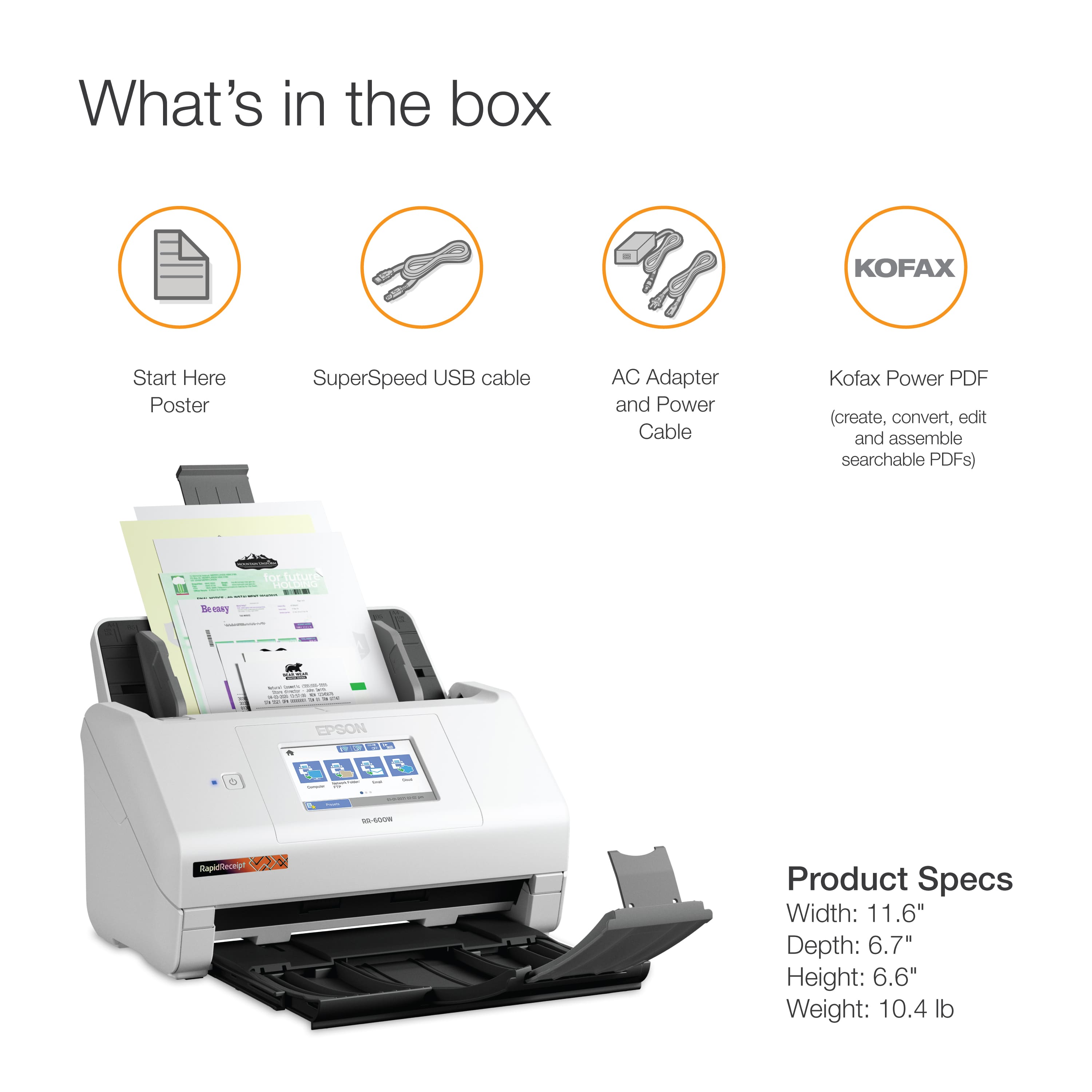
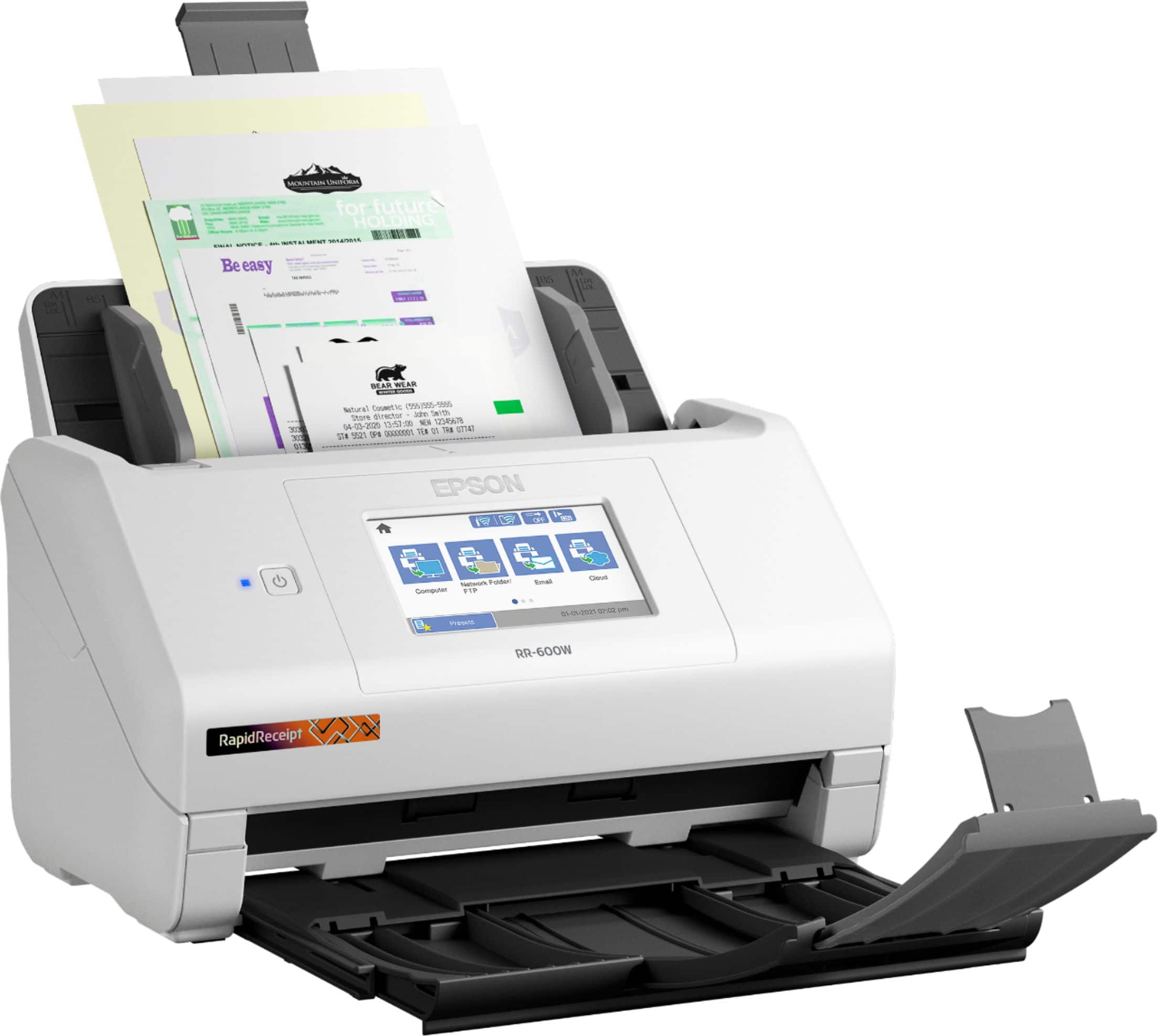
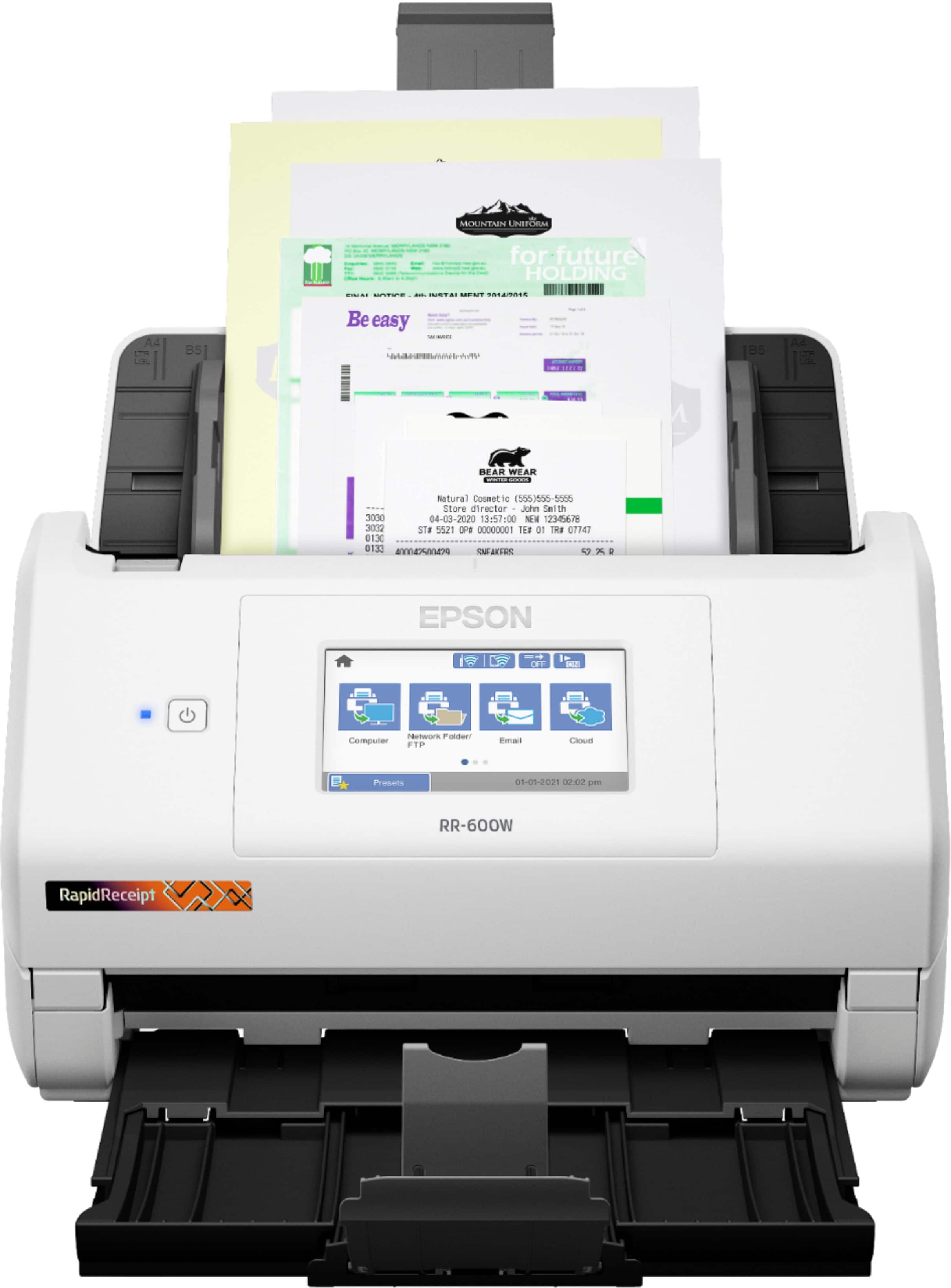
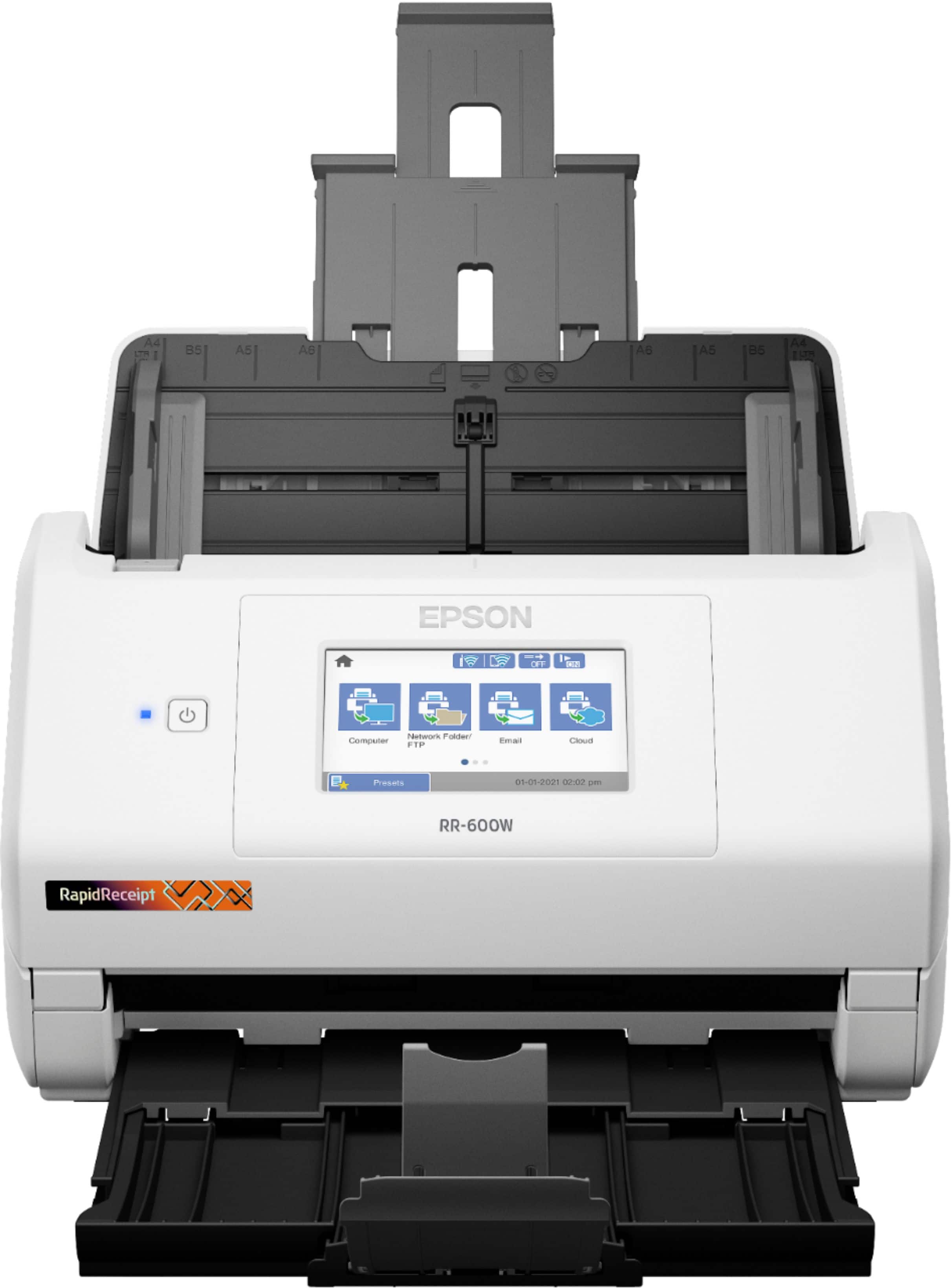
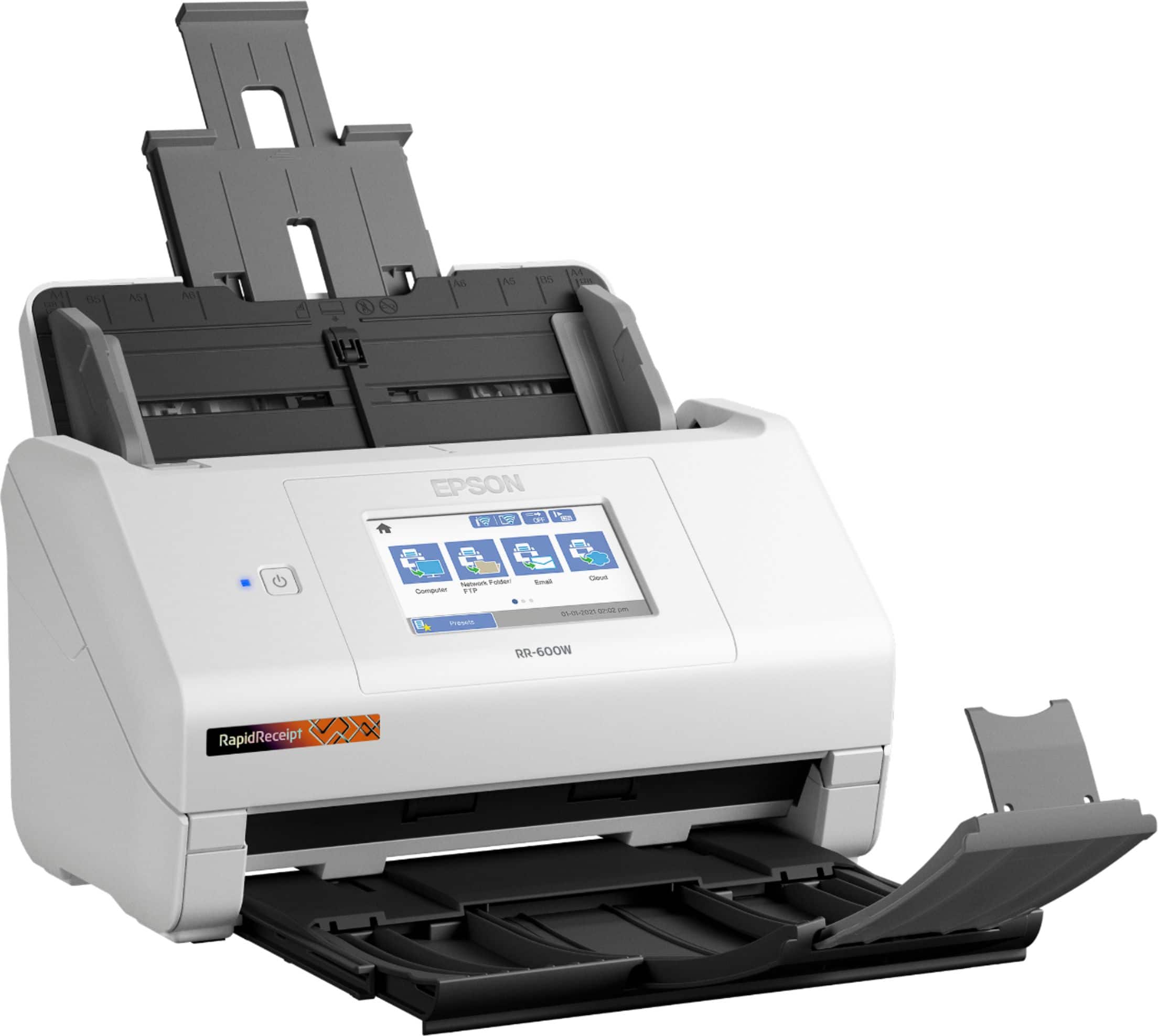
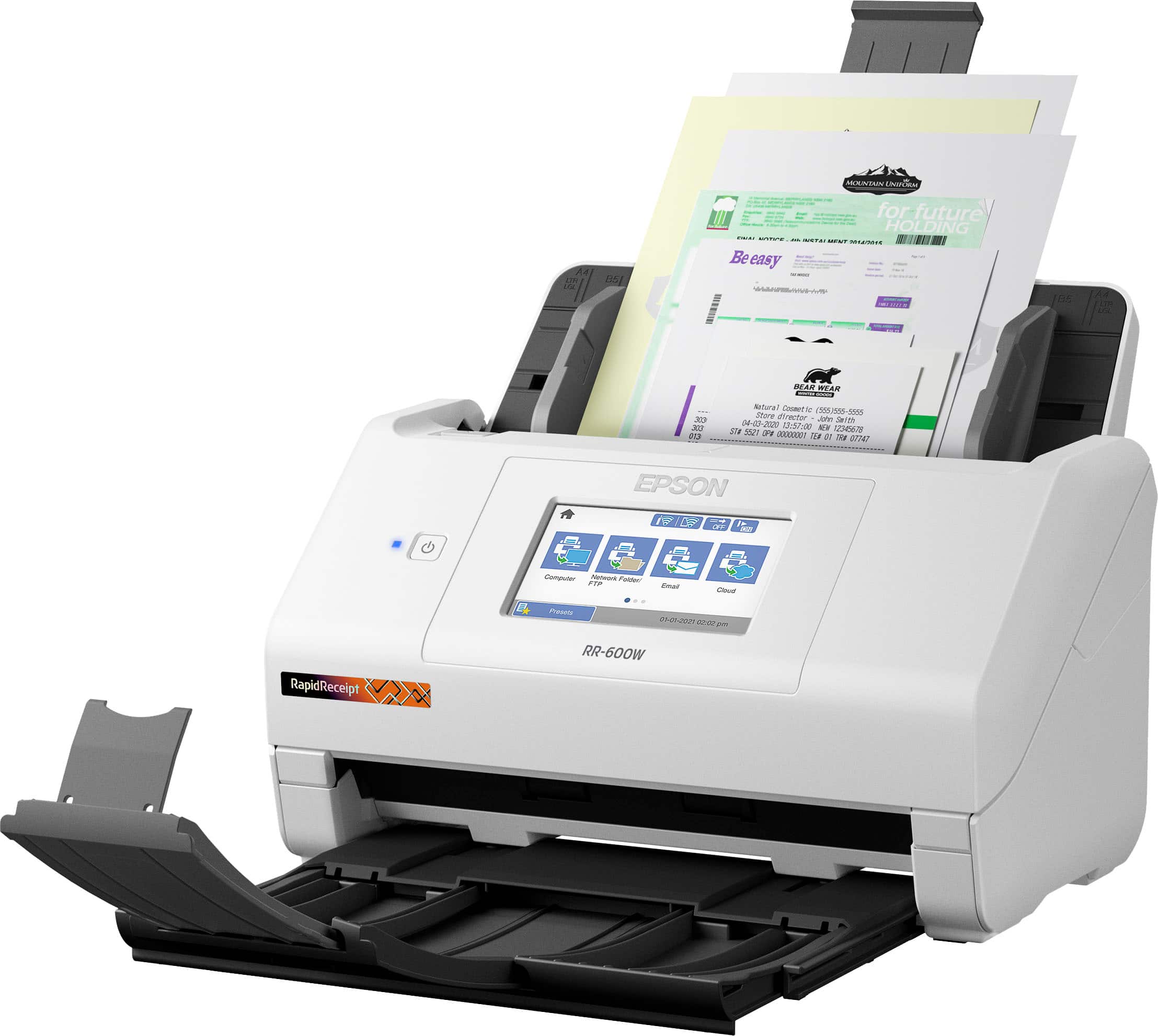
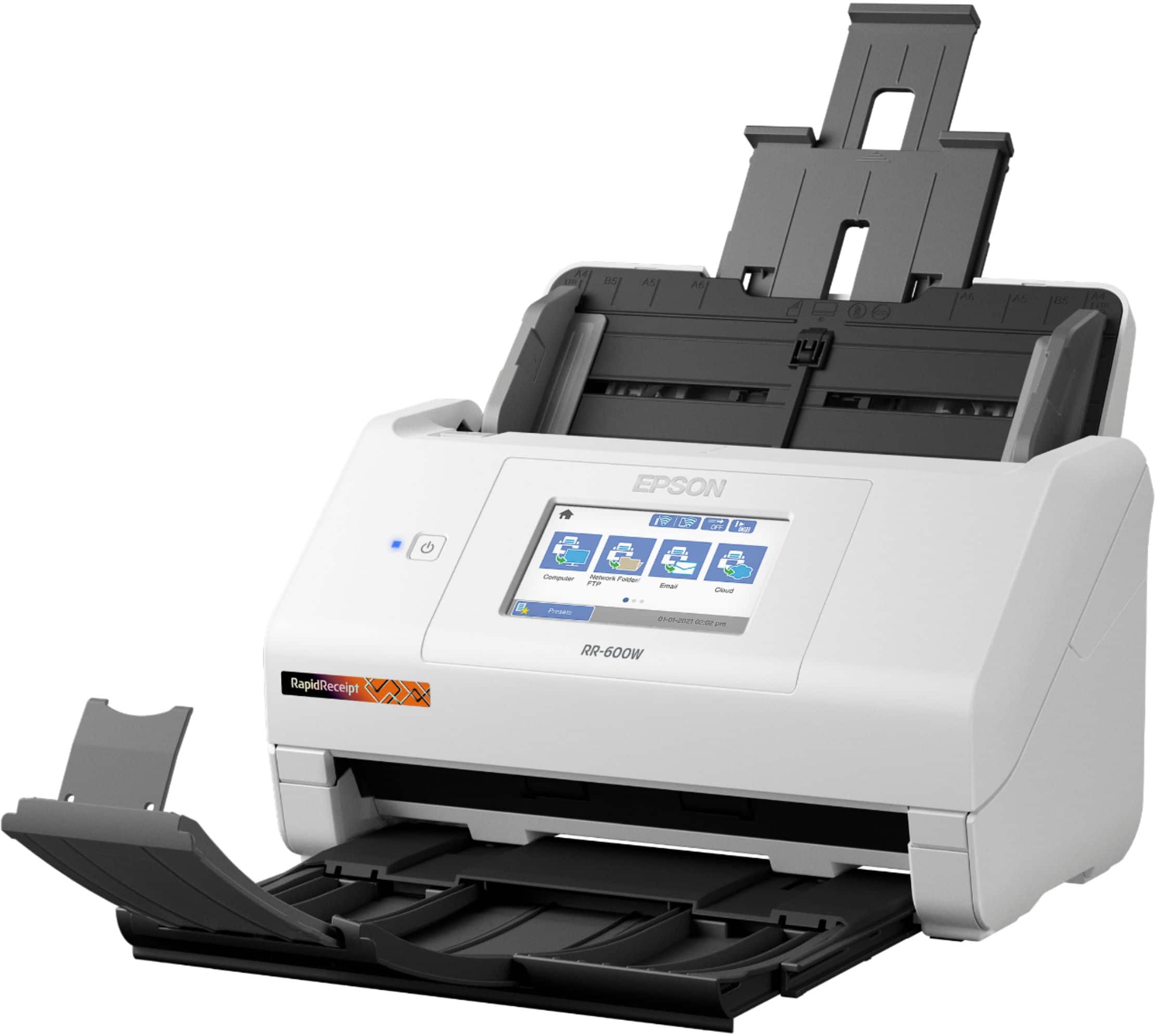
Posted .This reviewer received promo considerations or sweepstakes entry for writing a review.I work in the Higher Education Administration field. I’ve been working remotely for about a year now. I miss having accessibility to the Canon C650 in my office. The Epson RR-600W Wireless Duplex Touchscreen Scanner is making me miss the Canon C650 in my office much less though. This is my first Epson Scanner and I am very impressed. The RR-600W measures about 6.9 (H) by 11.8 (W) by 6.6 inches (D) with its trays closed and weighs 8.1 pounds. It is plug and play. I took it out of the box, attached a few parts, and then plugged in the power adapter. Needless to say, it was easy to assembly, set up, and it is very light (not bulky and takes up little space). The intent of the Epson RR-600W Wireless Duplex Touchscreen Scanner is specifically designed for organizing and managing receipts and invoices. My job does not include organizing and managing receipts and invoices in Higher Education Administration. Thus, I used this feature to scan my personal receipts and invoices. My receipts come in different lengths and widths. For example, I recently went to H-E-B to restock after a winter storm in my area, and that receipt was very long because I bought a lot of items. Another example, I had a doctor’s appointment and that receipt was thin, 5 inches long by 2 inches wide. I put both receipts in the tray and the scanner scanned the receipts seamlessly. Within seconds the receipts appeared wirelessly onto my MacBook Air via the ScanSmart Accounting Edition, also known as the Receipt Manager software. This software is very impressive. It was able to identify vendor names, date on the receipt, total amount, sales tax, etc. I can see how this can benefit business owner who collect tons of receipts daily. They no longer need to manually enter data because the software accurately extracts and organizes data from receipts and invoices, and seamlessly integrates the data into Excel spreadsheets, QuickBooks, TurboTax, Quicken, etc. As mentioned in the above paragraph the Epson RR-600W is wireless. You do not need extra cables to connect the Epson RR-600W to your computer. I’m grateful that the Epson RR-600W is wireless because my MacBook Air only has two Thunderbolt ports. I’m glad I do not need to buy extra attachments. I use the Epson RR-600W mainly for its TWAIN driver feature. The TWAIN driver feature easily integrates my documents into PDF. I can now create searchable and editable PDFs at no cost and sent it to coworkers. I use the 4.3-inch touch screen control panel often. The screen control panel is very user friendly. The first thing I did was connected the Epson RR-600W to my wifi network. I scrolled right using the arrow to find “Settings” icon. I tapped the “Settings” icon and used the down arrow to scroll down to find the “Network Settings” icon. Then I clicked on the “Wifi Setup” icon. I’ve also used the 4.3-inch touch screen control panel to send data from the Epson RR-600W to my computer, to send data from the Epson RR-600W to coworker’s email, and to send data from the Epson RR-600W to a thumb drive. Lastly, the Epson RR-600W has a duplex feature. I’ve put a piece of paper with writing on front and back into the Epson RR-600W tray. The Epson RR-600W automatically scans both sides with me having to reinsert the back page manually. All features have been accomplished quickly and accurately. While the Epson RR-600W has many advantages; I wish it also included a way to print so that I could get rid of my bulky Brother HL-5070N printer. This is a review for the Epson RR-600W Wireless Duplex Touchscreen Scanner that I received free of charge to do a beta test and review.
I would recommend this to a friend Software is junk
||Posted . Owned for 1 month when reviewed.This reviewer received promo considerations or sweepstakes entry for writing a review.Nice and neat scanner but if you have MacBook software come with it junk too many downloads doesn’t work perfectly with MacBook Pro but with out software if you need just scanner still if you using on MacBook Pro
I would recommend this to a friendPleased
||Posted . Owned for 1 month when reviewed.This reviewer received promo considerations or sweepstakes entry for writing a review.So far so good ....haven't been able to utilize its full potential. However, pleased thus far. We're impressed with it's current use & hope to adapt to it's full use.
I would recommend this to a friendGreat scanner for small business at home use
||Posted . Owned for 4 months when reviewed.This reviewer received promo considerations or sweepstakes entry for writing a review.Great scanner for small business at home use. I was able to business cards, documents, both letter, and Adel, and a lot of old photos. Worked well with both windows 10 and 11.
I would recommend this to a friendYes! Yes! Yes! "Life Saver!"
||Posted . Owned for 1 week when reviewed.This reviewer received promo considerations or sweepstakes entry for writing a review.I absolutely love this Epson Rapid Receipt Wireless and Desktop Scanner! It has truly simplified my life and allowed me to organize everything I have paper wise! I would highly recommend this product for anyone, regardless of receipts or documents!
I would recommend this to a friend