Save up to 50% on 3-Day Sale deals.Ends 12/14.Shop now

Skip to content
Gift Ideas
Main Content

Customer Ratings & Reviews

Your price for this item is $529.99

Customer reviews

Rating 4.5 out of 5 stars with 343 reviews

Rating Filter

Rating by feature

  • Value

    Rating 4.4 out of 5 stars

  • Quality

    Rating 4.7 out of 5 stars

  • Ease of Use

    Rating 4.4 out of 5 stars

Pros mentioned filter

Cons mentioned filter

89%would recommend to a friend

Customers are saying

Customers are satisfied with the RapidReceipt RR-600W Wireless Receipt and Desktop Document Scanner, particularly its speed and ease of use. Users also appreciate the scan quality, responsive touchscreen, and wireless capabilities. Some customers have expressed concerns about the price, vague instructions, and compatibility issues with certain software.

This summary was generated by AI based on customer reviews.

The vast majority of our reviews come from verified purchases. Reviews from customers may include My Best Buy members, employees, and Tech Insider Network members (as tagged). Select reviewers may receive discounted products, promotional considerations or entries into drawings for honest, helpful reviews.
Page 15 Showing 281-300 of 343 reviews
  • Rated 4 out of 5 stars

    Useful tool

    |
    |
    Posted . Owned for 1 month when reviewed.
    This reviewer received promo considerations or sweepstakes entry for writing a review.

    Little difficult to set up but once set up it works well

    I would recommend this to a friend
  • Rated 3 out of 5 stars

    Good scanner

    |
    |
    Posted . Owned for 1 month when reviewed.
    This reviewer received promo considerations or sweepstakes entry for writing a review.

    I like it and it works well but the receipt software just saves a copy of it doesn't let me make a category file that would keep running totals for each category. Needs better software.

    No, I would not recommend this to a friend
    • Brand response from Epson
      Posted .

      Hello Mark, we're sorry to hear about your disappointment with the receipt software for your RR-600W scanner. Epson takes into consideration all feedback to improve the performance and quality of our products. Epson provides helpful information on the product support web page, including FAQs and self-help tools at https://epson.com/Support/Scanners/RapidReceipt-Series/Epson-RR-600W/s/SPT_B11B258202. Additionally, your RapidReceipt scanner includes a 1-year Limited Warranty, plus free lifetime technical support. If you need any assistance, our Epson Support Team would be happy to help you and can be reached at (562) 276-4382; Hours: Monday - Friday, 7 am - 4 pm PT; Sincerely, Sam - The Epson Team. Epson

  • Rated 5 out of 5 stars

    Epson Scanner

    |
    |
    Posted . Owned for 2 months when reviewed.
    This reviewer received promo considerations or sweepstakes entry for writing a review.

    Love it, and would buy another one. Defiantly would recommend!

    I would recommend this to a friend
  • Rated 4 out of 5 stars

    Epson Scanner

    |
    |
    Posted . Owned for 3 weeks when reviewed.
    This reviewer received promo considerations or sweepstakes entry for writing a review.

    Great Scanner I like the wireless capability Great purchase

    I would recommend this to a friend
  • Rated 5 out of 5 stars

    Epson Scanner

    |
    |
    Posted .
    This reviewer received promo considerations or sweepstakes entry for writing a review.

    The installation was easy and able to start using within 30 minutes.

    I would recommend this to a friend
  • Rated 5 out of 5 stars

    Great product

    |
    |
    Posted . Owned for 1 week when reviewed.
    This reviewer received promo considerations or sweepstakes entry for writing a review.

    Awesome equipment weather for personal use or a small business!

    I would recommend this to a friend
  • Rated 5 out of 5 stars

    Epson Scanner

    |
    |
    Posted . Owned for 1 week when reviewed.
    This reviewer received promo considerations or sweepstakes entry for writing a review.

    Epson Rapid receipt scanner works great go paperless

    I would recommend this to a friend
  • Pros mentioned:
    Ease of use, Scan quality, Touchscreen

    Rated 5 out of 5 stars

    Easy to Use

    Posted .
    This reviewer received promo considerations or sweepstakes entry for writing a review.

    I have to give the RR-600W scanner an A+. The scanner is easy to set up and great for a remote office. It is wireless which is a huge plus for me since that means fewer cords. I can easily scan my documents for my home office including receipts for expenses. I love the touchscreen that makes it easy to adjust settings. It scans all black and white and well as color awesome. With the receipts, does scan at a high quality so I had no problem with the image once uploaded. It's great that it has duplex scanning. Love that you can categorize the documents, which makes it so much easier to find and organize docs. This is a review for the Epson RR-600W Wireless Duplex Touchscreen Scanner that I received free of charge to do a beta test and review.

    I would recommend this to a friend
  • Rated 3 out of 5 stars

    Skip this purchase

    |
    |
    Posted . Owned for 5 months when reviewed.
    This reviewer received promo considerations or sweepstakes entry for writing a review.

    Thought this would be a lot easier to use then it actually was and I hardly even really use it to this day because it just wasn’t what I had hoped for.

    No, I would not recommend this to a friend
    • Brand response from Epson
      Posted .

      Hello Pim20200, we're sorry to hear about your disappointing experience with the RR-600W scanner. Epson considers all feedback to improve the performance and quality of our products. Epson also offers helpful information, including FAQs and self-help tools, on the product support web page at https://epson.com/Support/Scanners/RapidReceipt-Series/Epson-RR-600W/s/SPT_B11B258202#questions. Your RapidReceipt scanner includes a 1-year Limited Warranty and free lifetime technical support. If you need any assistance, our Epson Support Team would be happy to help you and can be reached at (562) 276-4382; Hours: Monday - Friday, 7 am - 4 pm PT; Sincerely, Sam - The Epson Team. Epson

  • Rated 3 out of 5 stars

    Difficult to set up.

    |
    |
    Posted .
    This reviewer received promo considerations or sweepstakes entry for writing a review.

    Extremely difficult to set up. You’ll need a rocket scientist to help you set this product up, once everything is set up, you’re good to go.

    No, I would not recommend this to a friend
    • Brand response from Epson
      Posted .

      Hello EpsonRR600, we're sorry to hear you had difficulty setting up the RR-600W scanner. Epson considers all feedback to improve the performance and quality of our products. Epson also offers helpful information, including FAQs and self-help tools, on the product support web page at https://epson.com/Support/Scanners/RapidReceipt-Series/Epson-RR-600W/s/SPT_B11B258202#questions. Your scanner includes a 1-year Limited Warranty and free lifetime technical support. If you need any assistance, our Epson Support Team would be happy to help you and can be reached at (562) 276-4382; Hours: Monday - Friday, 7 am - 4 pm PT; Sincerely, Sam - The Epson Team. Epson

  • Pros mentioned:
    Speed, Touchscreen, Wireless

    Rated 5 out of 5 stars

    Solid performer with great features & touchscreen

    Posted .
    This reviewer received promo considerations or sweepstakes entry for writing a review.

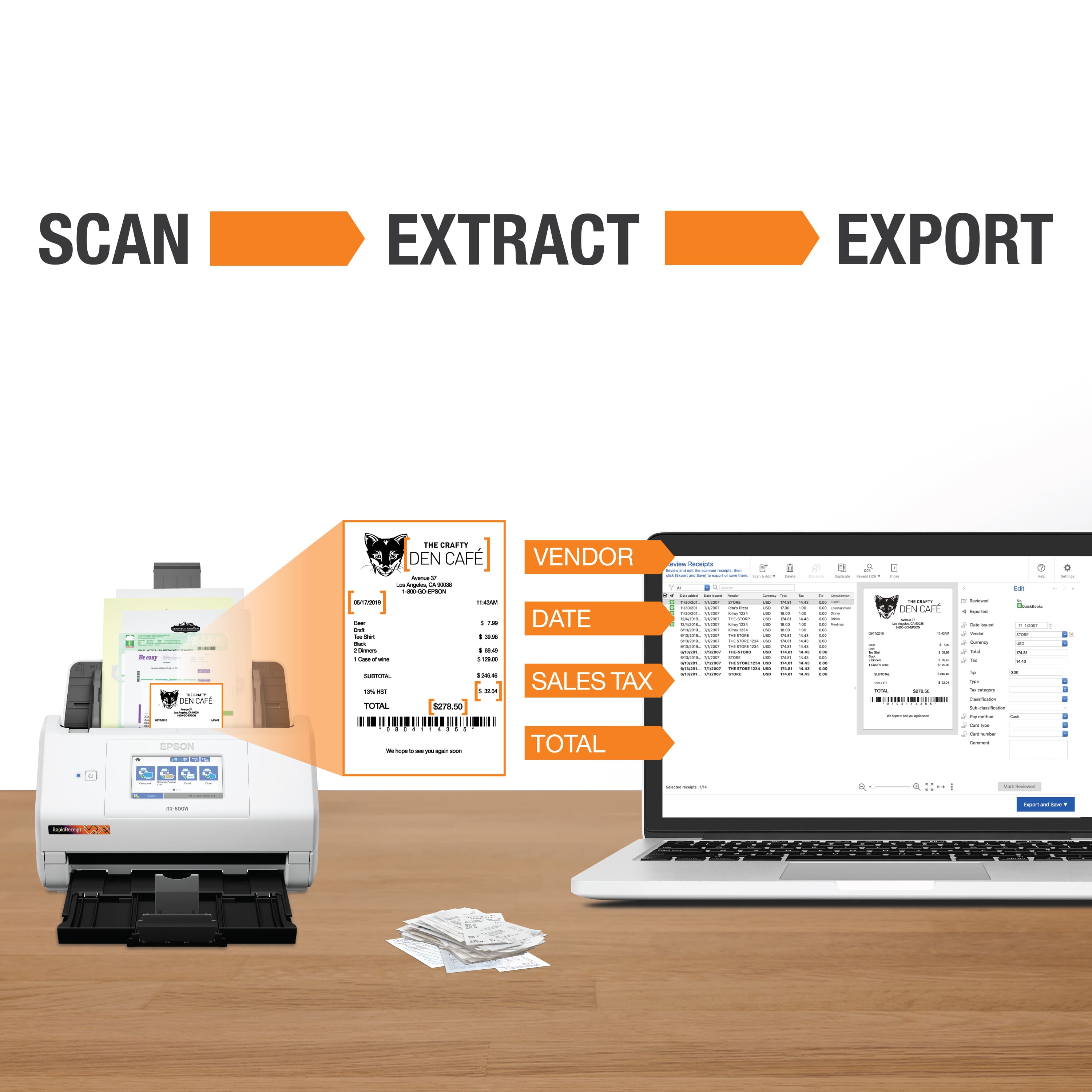
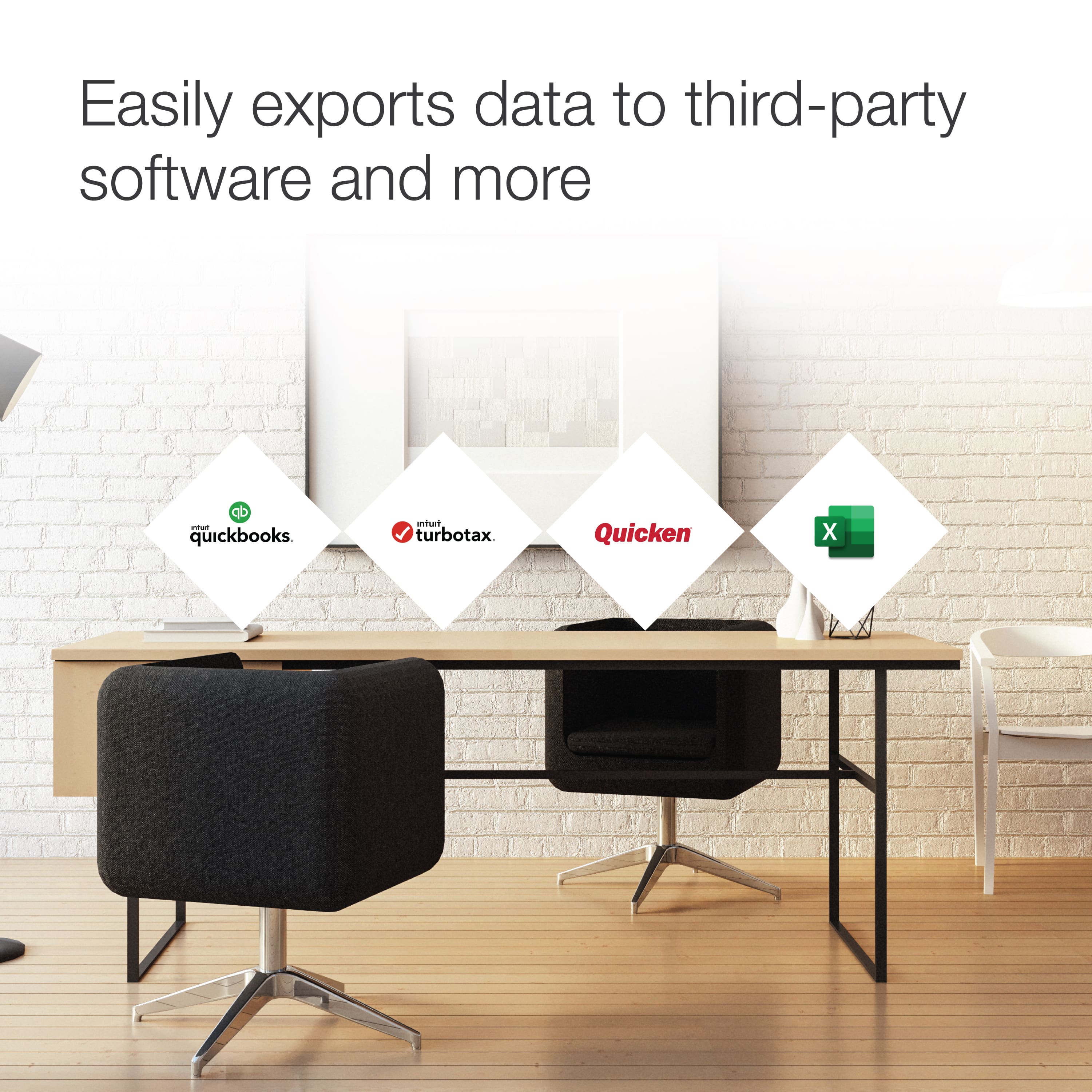
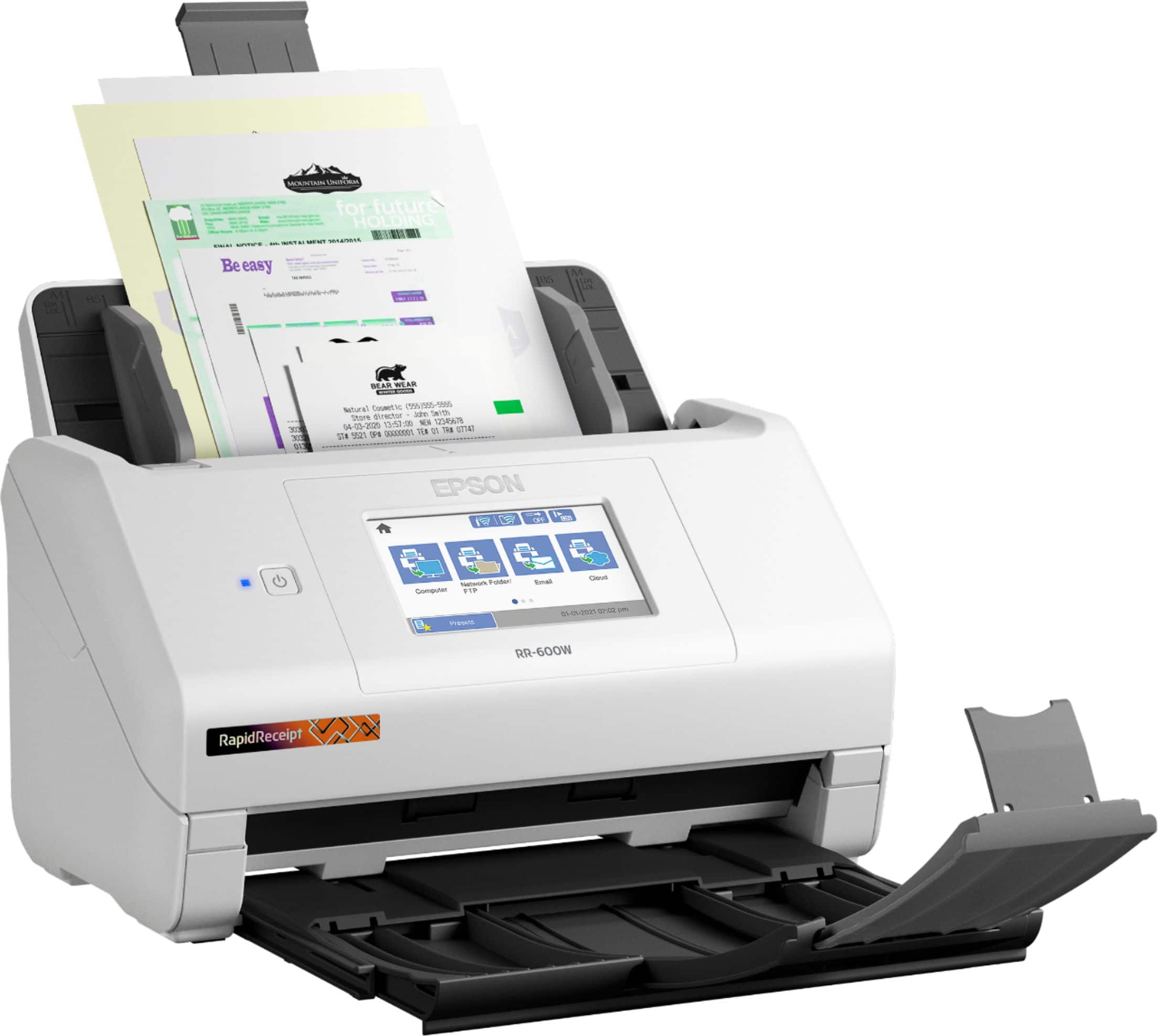
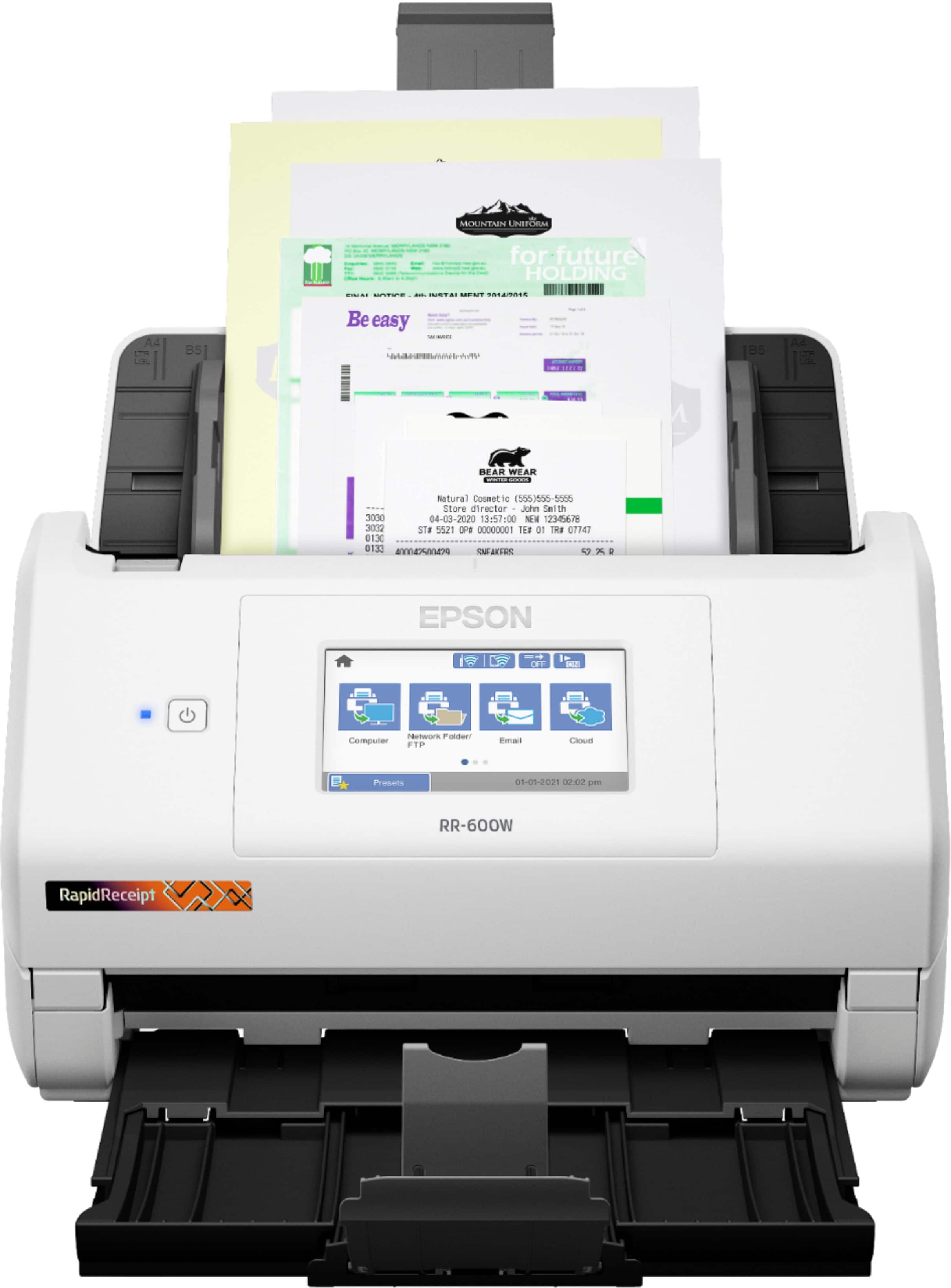
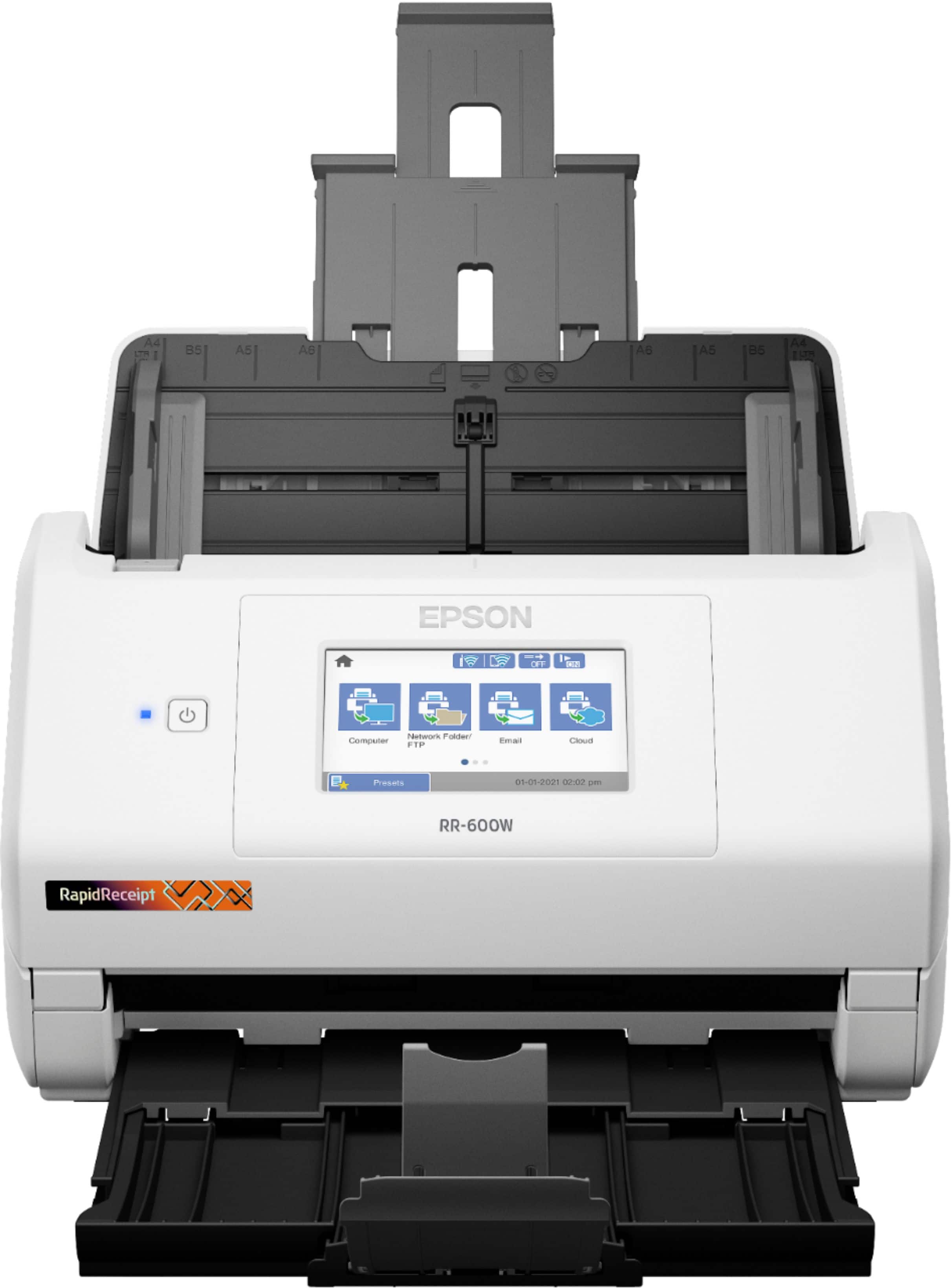
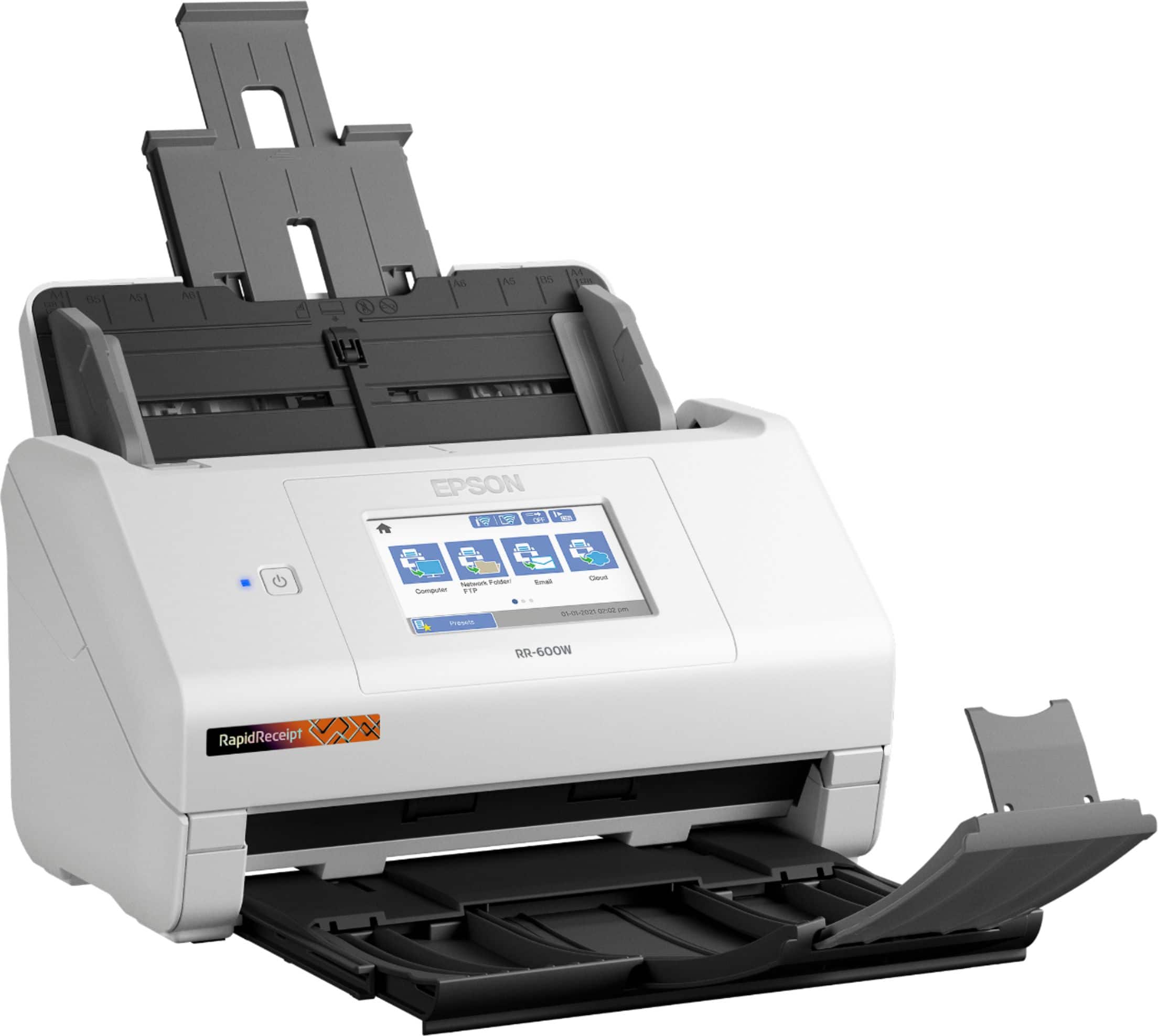
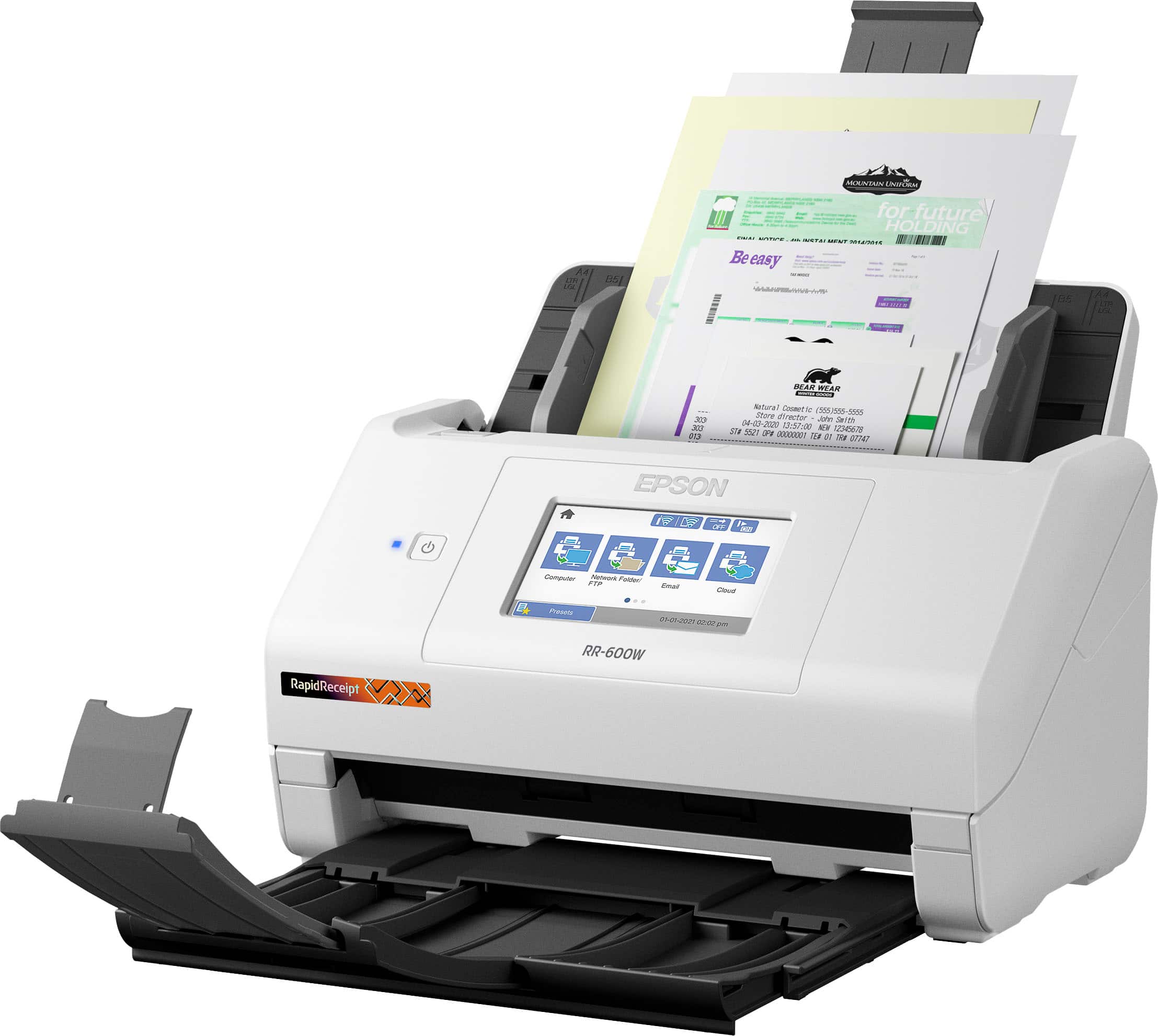
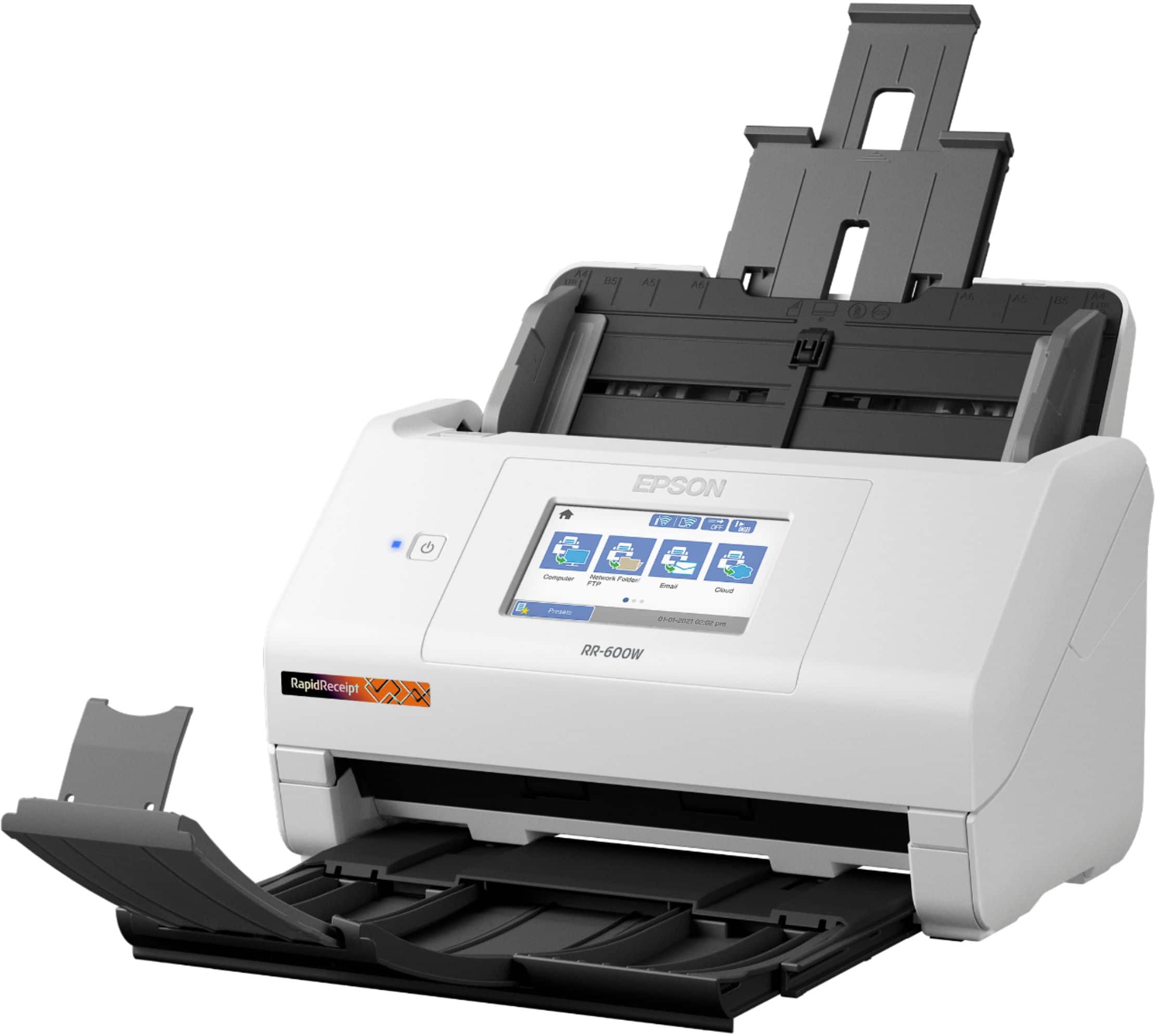
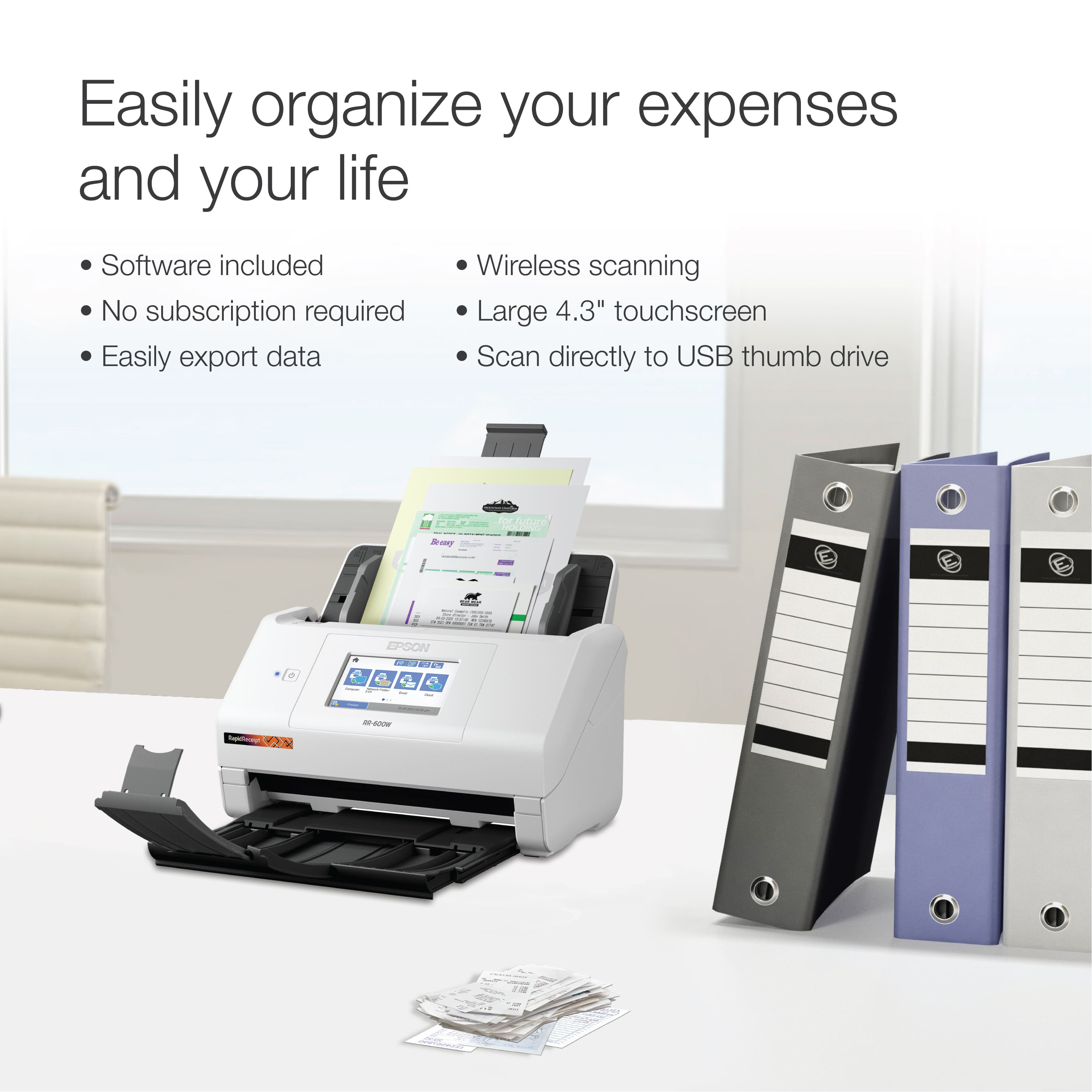
    I've used many, many types of scanners over the past couple of decades, including flatbed, document, copier/scanner, scanner-printer, etc., etc. and the Epson RR-600W doesn't disappoint! While the RR-600W is called "Rapid Receipt" (and it does well with receipts), it really is a full-function document scanner that will satisfy the needs someone who requires desktop scanning for a multitude of document/receipt/statement/etc. sizes. It scans quickly and can handle multiple page sizes in one stack. What I like most about the Epson RR-600W is the touchscreen, and the ability to scan things even without having my computer on. I can scan items to a USB memory stick, send a document via e-mail, send it to a network folder, or to the cloud -- no computer needed! You can also set up Presets (favorites) to quickly carryout functions you use the most. Of course, you can also use the Epson RR-600W with the manufacturer-provided software with your computer to easily scan and save documents quickly. I have the scanner connected to my wi-fi network and also to my computer via USB. The unit uses wi-fi so you can do things without your computer on, like send scans via e-mail or the cloud. Because the RR-600W has a large touchscreen the size of a smartphone, you can program everything on the screen, but also program many of the same features using the computer software. The touchscreen is intuitive enough that you can swipe like you can on a smartphone and easily navigate the screens. The included software lets you scan to PDF, graphic formats, etc., etc. It scans both sides of the document (but you can turn that off). I also like that you can save as an archival PDF/A, and can add passwords to PDFs. You can also set the PDF so it's searchable. Also included is the handy Invoice/Receipt Manager, which is software that takes receipts and breaks down the information in easy-to-use fields, including vendor/store, total, tax, tip, pay method, etc. You can then export the information to QuickBooks Online, QuickBooks Desktop, Quicken QIF File, TurboTax TXF file, CSV File or IMG Image file. The CSV file can easily be opened in Microsoft Excel, so you can do additional work on the data for recordkeeping or tax purposes. One spot for improvement (but not a dealbreaker) is that the computer software does not let you set all of the settings for the scanner - you have to use the touchscreen on the unit for certain things. For some things, it can be easier to use a computer keyboard, but that's my personal preference. Everything about the Epson RR-600W makes it a solid choice for keeping even the busiest professional or home user organized. This is a review for the Epson RR-600W Wireless Duplex Touchscreen Scanner that I received free of charge to do a beta test and review.

    I would recommend this to a friend
  • Rated 3 out of 5 stars

    A little to time consuming.

    |
    |
    Posted . Owned for 3 weeks when reviewed.
    This reviewer received promo considerations or sweepstakes entry for writing a review.

    Found setup to be difficult and returned item. Reviews are good though so it may just be user error. I found it easier just to save my business receipts.

    No, I would not recommend this to a friend
  • Rated 2 out of 5 stars

    Difficult to install software

    |
    |
    Posted . Owned for 3 weeks when reviewed.
    This reviewer received promo considerations or sweepstakes entry for writing a review.

    Most modern laptops,don't have a CD player ant this scanner has a CD to load its software. Downloaded the software followed the on screen instructions, now stuck in the endless loop it cant find scanner run the trouble shooting program,did that , program says all fixed. Nope cant find scanner.

    No, I would not recommend this to a friend
    • Brand response from Epson
      Posted .

      Hi CCcfood, we are sorry to hear you are having issues setting up for your Epson RapidReceipt R-600W. Please contact Epson Support at (562) 276-4300 for assistance; Hours: Monday – Friday, 7 a.m. to 4 p.m. (PT). Sincerely, Dylan – The Epson Team. Epson

  • Rated 2 out of 5 stars

    Keeps Jamming

    |
    |
    Posted . Owned for less than 1 week when reviewed.
    This reviewer received promo considerations or sweepstakes entry for writing a review.

    Bought this scanner 3 days ago and it keeps jamming. It will scan several pages fine and then it will have a problem and stop in the middle of a scan and I have to power it off and back on, some times several times. Plan to exchange it to see if this one was a lemon. Jams on all types of scans- single, double, and multi page scans. I only scan 1-4 pages at a time then I look at the quality and name them, so not a heavy work load.

    No, I would not recommend this to a friend
    • Brand response from Epson
      Posted .

      Hello JammedUp, we apologize for your disappointing experience with the RR-600W scanner. Epson considers all feedback to improve the performance and quality of our products. Epson provides helpful information, including FAQs and self-help tools, on the product support web page at https://epson.com/Support/Scanners/RapidReceipt-Series/Epson-RR-600W/s/SPT_B11B258202#questions. Additionally, your scanner includes a 1-year Limited Warranty, plus free lifetime technical support. Please contact our support team directly at (562) 276-4382 between 7 am - 4 pm (PT), Monday - Friday if you need assistance.
      Sincerely, Sam - The Epson Team Epson

  • Rated 1 out of 5 stars

    Disappointed in Geek Squad; pleased with scanner

    |
    |
    Posted . Owned for 1 month when reviewed.
    This reviewer received promo considerations or sweepstakes entry for writing a review.

    The Epson scanner seems to be a fine machine. However, I am VERY disappointed in the installation that was performed remotely by the technician. Now, the scanner doesn't even connect wirelessly with my computer. Sadly, it appears that this level of "service" has become too common for Best Buy Geek Squad--Technology Services technicians. In April 2021 a different Geek Squad technician "Double Agent Tyler D." came to my home and worked on a different scanner (Neat brand scanner). This "Double Agent" lived up to his moniker because he (likely) disappointed Best Buy and he certainly disappointed me: My Neat brand scanner never functioned properly again and Tyler D. refused to respond to multiple text messages that I sent to him and phone calls that I made to him. A non-functioning Neat brand scanner led me to purchase the Epson scanner and, well, I'm now unable to utilize the Epson scanner. Thanks, Geek Squad! I would probably recommend purchasing the Epson scanner, but utilizing someone other than Geek Squad to install it for you, unless you can install it yourself.

    I would recommend this to a friend
  • Pros mentioned:
    Scan quality, Speed
    Tech Insider Network Member

    Rated 5 out of 5 stars

    Powerful space saving productivity whiz

    |
    Tech Insider Network Member
    Posted .
    This reviewer received promo considerations or sweepstakes entry for writing a review.

    Since scanner performance can be limited or enhanced by the software used to complete the intended tasks, let me start with the plethora of software included with this unit. Epson Scanner Utility including software/firmware updater, Kofax Power PDF license for PC/Mac and Presto!BizCard6. The scanner can scan to a connected computer, WSD (Microsoft’s Web Services for Devices), FTP/Network Folder, Flash Drive, Cloud Services, or to an email address. The scanner has a very small footprint and with the wireless connectivity functional for most tasks, it can be set up almost anywhere. The scanner works out of the box with a 4.3” color touchscreen to scan to a USB, but you need to create an account at www.epsonconnect.com to set up the Cloud and Scan to email services. This scanner is part of their business line Rapid Receipt series and is designed for scanning and organizing receipts, invoices and almost all scannable items for your home or business. It also includes the ScanSmart financial software that allows you to integrate with QuickBooks, Quicken, TurboTax, Excel, etc. The Presto!BizCard6 software allows you to scan and organize business cards. The document feeder will accept up to 100 pages with a limit of 8.5” wide. That stated scanning speed is 35 pages per minute, and it scans both sides of the document at once! It works great for print documents and automatically crops and cleans up the scans and removes blank pages! Even though it’s not marketed as a photo scanner, it performs that task well. I had a stack of antique postcards that were a challenge since some were in mint condition and some were well-aged. Most scanners would either give me a good picture and unreadable handwriting, or the reverse. This unit scanned them all in batches, cleaned up the pictures and the messages were as clear as they would be looking at them in person! The max resolution is 600dpi which is equivalent to 1200 dpi interpolated.

    I would recommend this to a friend
  • Pros mentioned:
    Scan quality, Speed
    Tech Insider Network Member

    Rated 5 out of 5 stars

    This is perfection

    |
    Tech Insider Network Member
    Posted .
    This reviewer received promo considerations or sweepstakes entry for writing a review.

    This is unbelievably fast, I mean it works so quickly, I was shocked. I love that you can close the tray to safe space when not in use. I love that it can scan to my laptop, email and USB. It also easily scanned right to my Dropbox. This is versatile and I will be using it very often. I didn't count but I was able to put a nice pile of different size documents, receipts in the adf and it scanned it all correctly and quickly. The document says it holds 100. The receipt software it comes with works very well and helps to keep the scanned items organized. This is so great that it changes how I'm organizing and decluttering my piles. I even scanned a receipt that was older and not in best shape just to try it out and surprisingly it still scanned correctly. This software also makes it simple to edit info and find what I needed. I also tested importing some files to TurboTax and it worked! I'm telling you this is a life changer. You can also scan through ocr which works pretty well too. Most of the info came out correctly. In one document, I had to make 2 corrections, they other 3 was great. The business card software was great too and picked up the words in them too not just picture. Almost forgot, I also scanned to my phone. I don't know what else to say about this but that I loved everything about it and my life has become much easier now that I have this. Can't think of any cons.

    I would recommend this to a friend
  • Pros mentioned:
    Scan quality, Speed, Touchscreen

    Rated 5 out of 5 stars

    amazing scanner!

    Posted .
    This reviewer received promo considerations or sweepstakes entry for writing a review.

    This Epson Receipt RR-600W Remote Duplex Touchscreen scanner is a lifeline with regards to saving receipts. The machine is super speed which implies you simply feed the machine with receipts and blast it filters them unimaginably quick. Arrangement is simple just when you read the necessary projects and what is expected to effectively get the machine associated with wifi and working. In the wake of unpacking and fueled on, I went to Epson to download the Epson ScanSmart pack notwithstanding included Kofax Force PDF which permits clients to make editable PDF information that which an incredible just as Presto BizCard that is utilized to examine business cards and alter them the manner in which it gets accessible. What I loved about this machine is the plan, contact screen, opportunity of utilizing it wired and remote whether from a PC or cell phone or tablet (Epson Shrewd Board is needed to download on brilliant gadgets) such application is not difficult to utilize and permits me to set up the wifi direct output capacity and sweep from the telephone. Another component is the duplex that permits me to filter the two sides and the capacity to save documents locally or move to related applications on gadgets like One Drive or Google drive mists. Profoundly reco0mmnnededc machine for saving receipts, Bussines cards, id's, and make alters effectively as Epson filter programming removes and arranges the information out of the receipt naturally like date, merchant, money and other data on the receipt and capacity to alter and make it accessible effectively notwithstanding check archives at same quality instruments. Extraordinary scanner. This is a review for the Epson RR-600W Wireless Duplex Touchscreen Scanner that I received free of charge to do a beta test and review.

    I would recommend this to a friend
  • Pros mentioned:
    Speed

    Rated 5 out of 5 stars

    Invest in your Recordkeeping

    |
    |
    Posted . Owned for 3 weeks when reviewed.
    This reviewer received promo considerations or sweepstakes entry for writing a review.

    Easy set up.. scans super fast.. great investment!

    I would recommend this to a friend
  • Pros mentioned:
    Speed, Touchscreen

    Rated 5 out of 5 stars

    High Quality Scanner

    Posted .
    This reviewer received promo considerations or sweepstakes entry for writing a review.

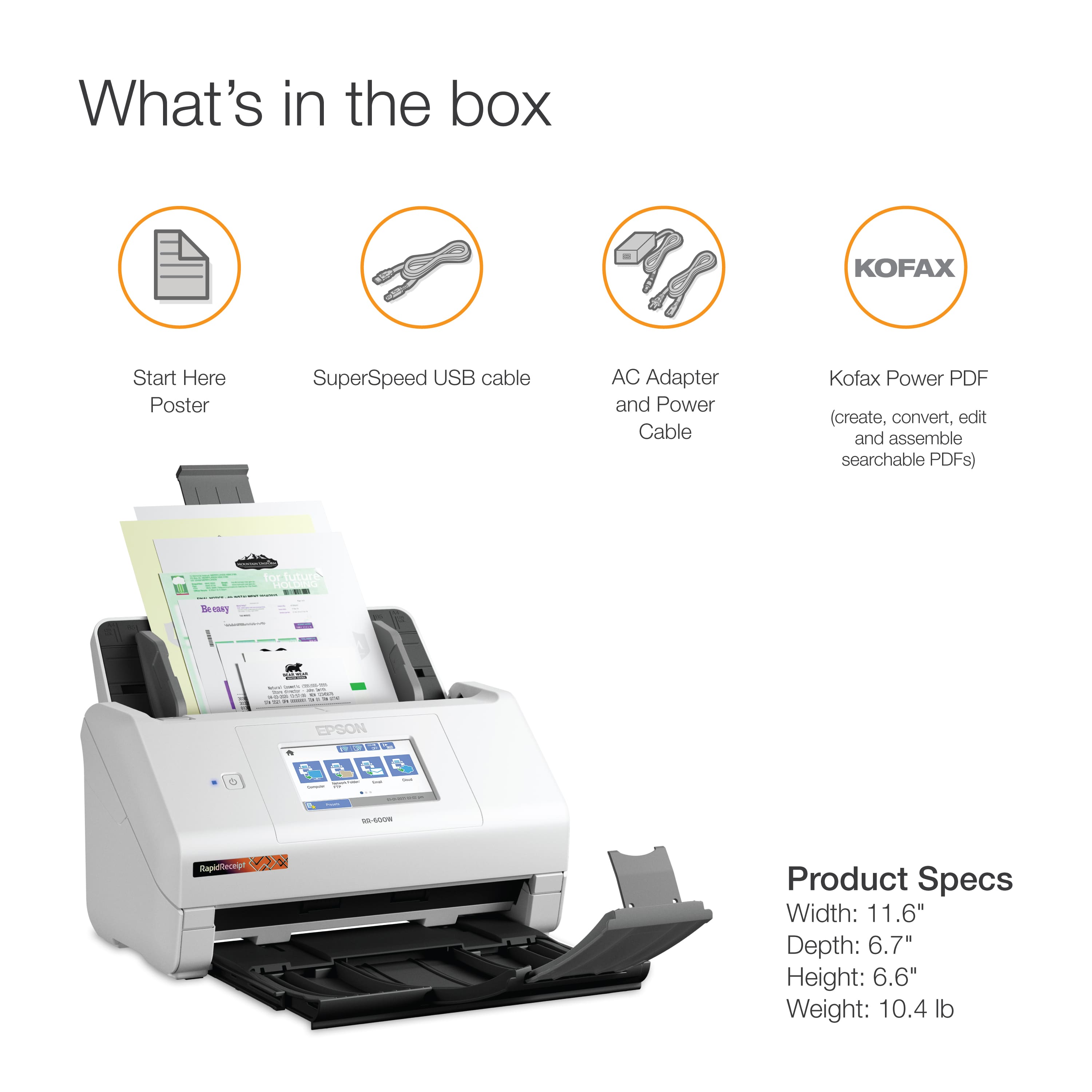
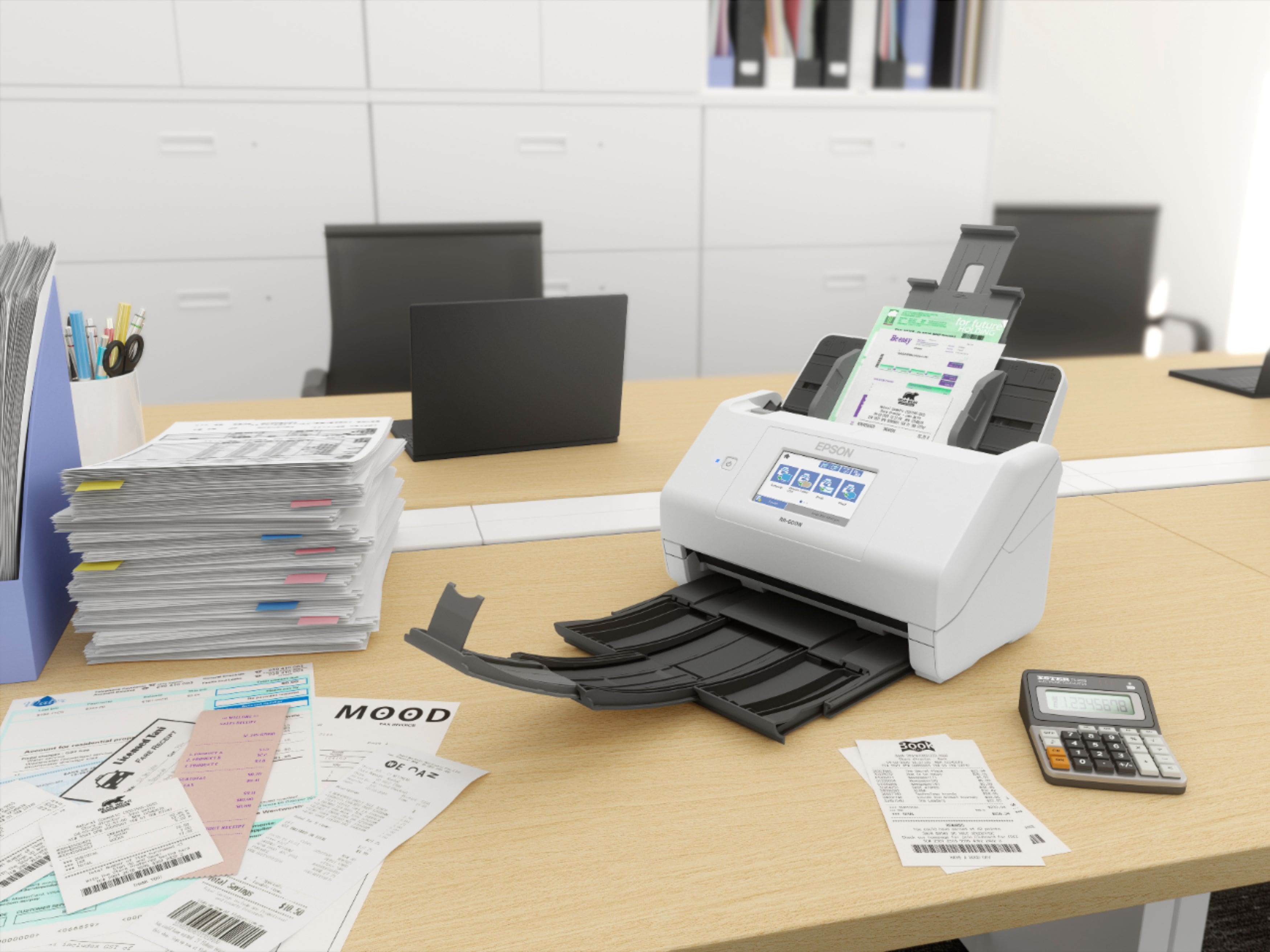
    If you want a high quality scanner for a reasonable price, I totally suggest the Epson RapidReceipt Scanner. I save my receipts and invoices from everything and have been using a small handheld scanner, and using the Epson totally made my life so much easier. I could load 25-30 receipts in one shot and have them done by the time I did 1 on the handheld. It was very easy to set up, so no fear if your not technologically inclined. The 4.3” touchscreen is clear and easy to read. And if you think you have big fingers you should have no problem using it. It’s small and compact so doesn’t take up that much room on your desk. All necessary cable are provided with the scanner. One major plus is that its wireless so no wires running to your computer. I would suggest you download and install the software to your computer before you plug it into your computer. I have yet to download the app for my Google Pixel4xl, but I believe it should be just as easy as my computer, which is a Lenovo Idealpad. Having the choice of where to save it is great such as your computer, One Drive, Google Drive, a USB Stick or email. And you can export it to at least 7 different places. “This is a review for Epson RR-600W Wireless Duplex Touchscreen Scanner that I received free of charge to do a beta test and review.”

    I would recommend this to a friend