Customer Ratings & Reviews


- Model:
- B11B258202
- SKU:
- 6442939
Rating by feature
- Value
Rating 4.4 out of 5 stars
- Quality
Rating 4.7 out of 5 stars
- Ease of Use
Rating 4.4 out of 5 stars
Customers are saying
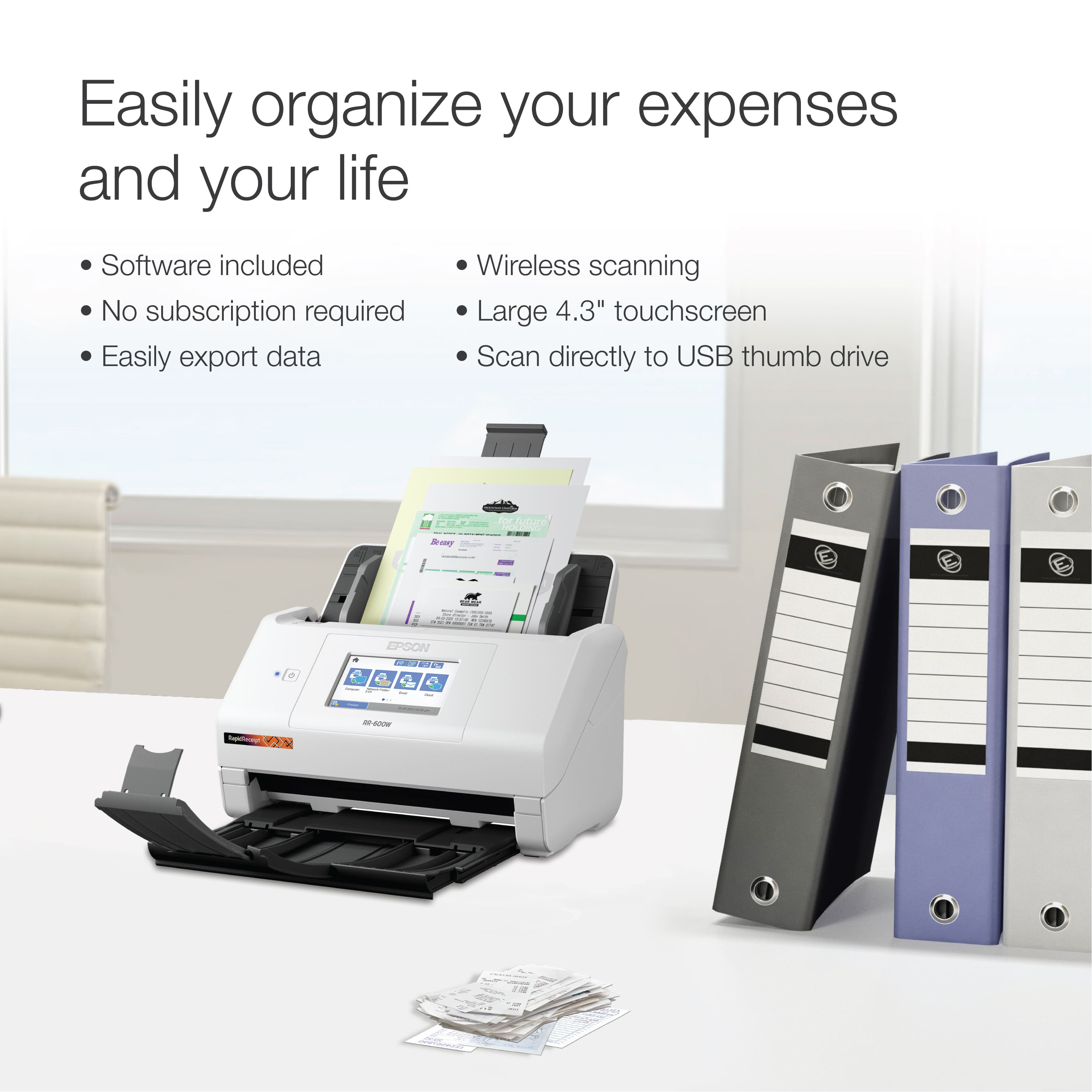
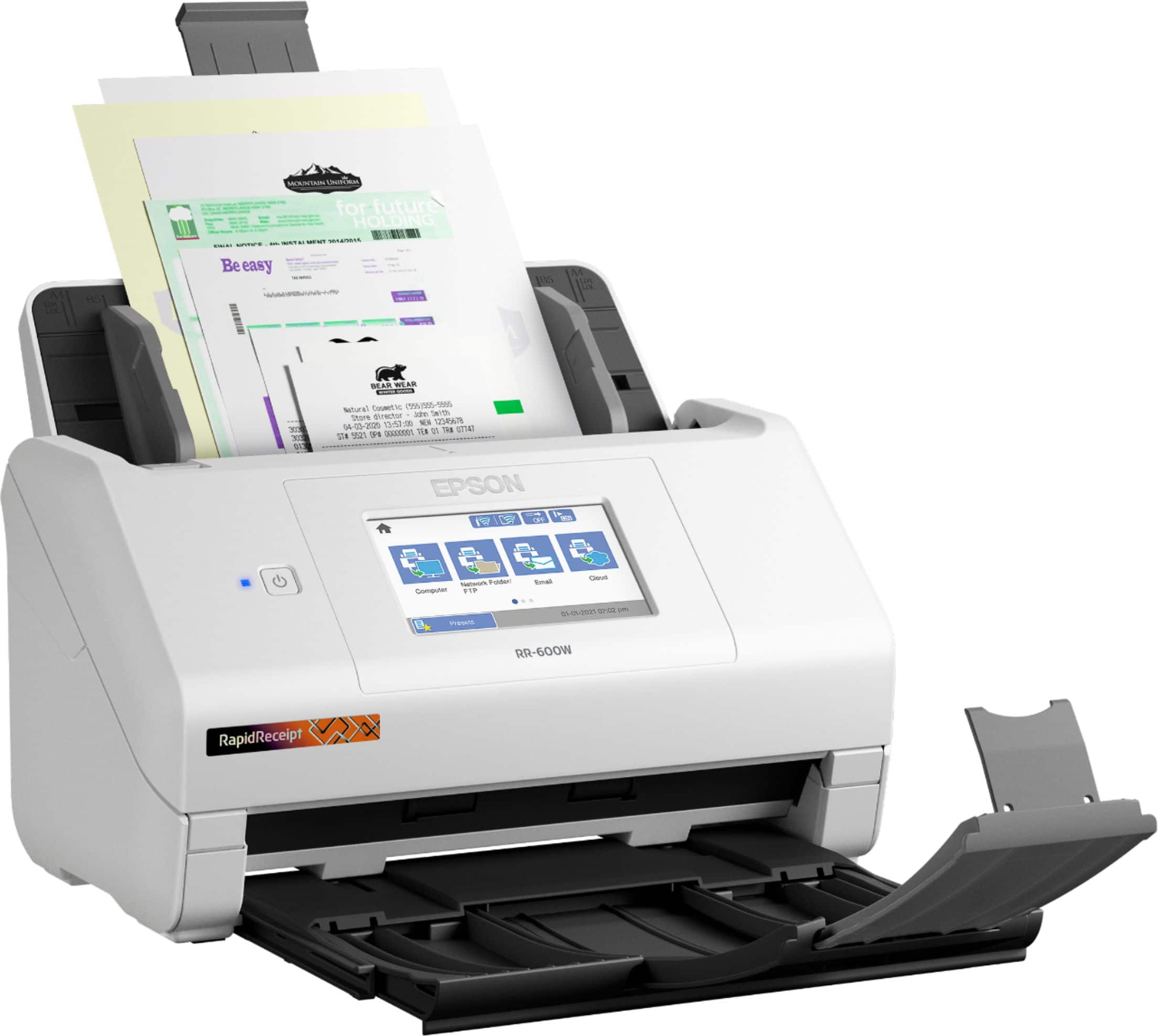
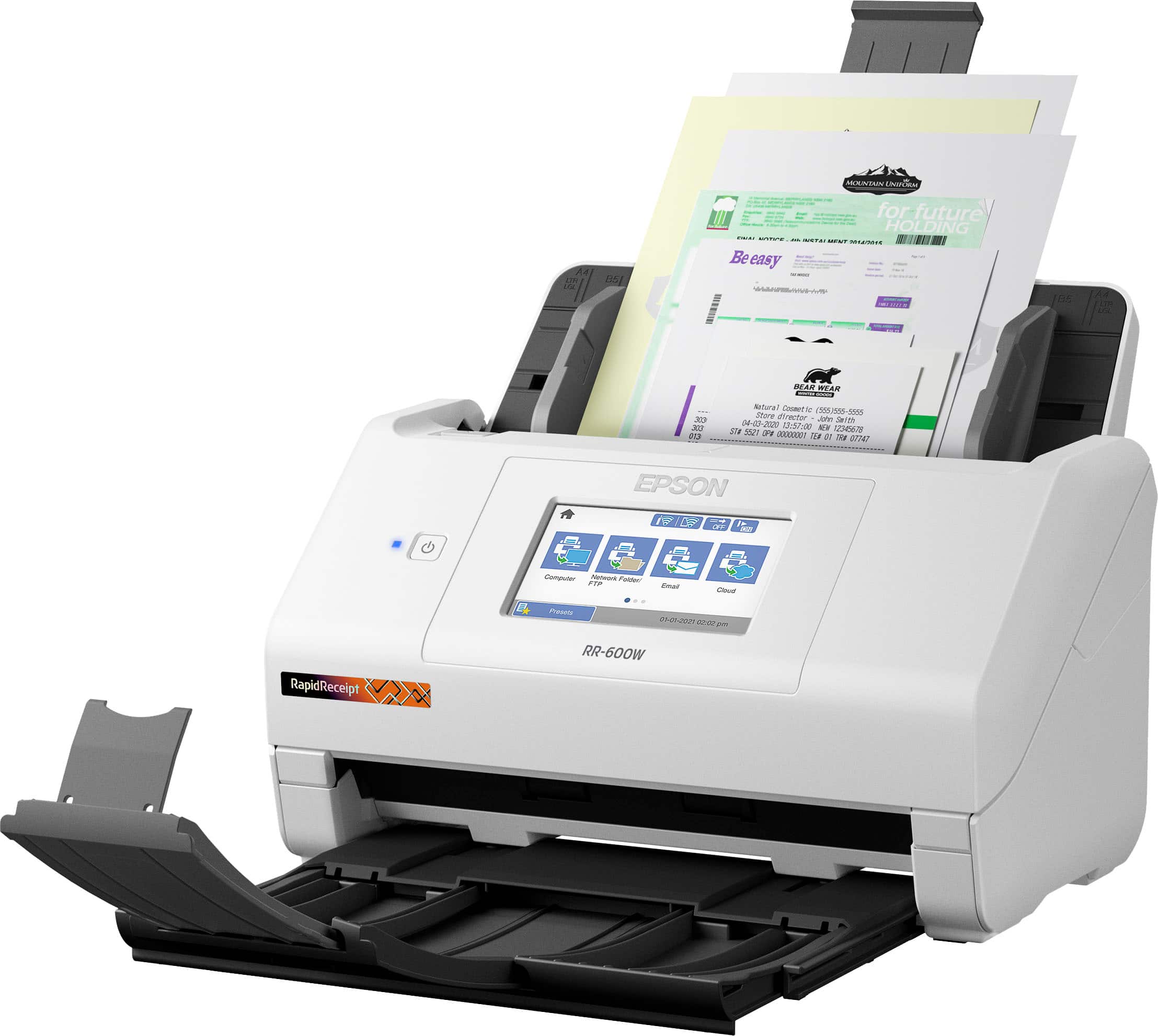
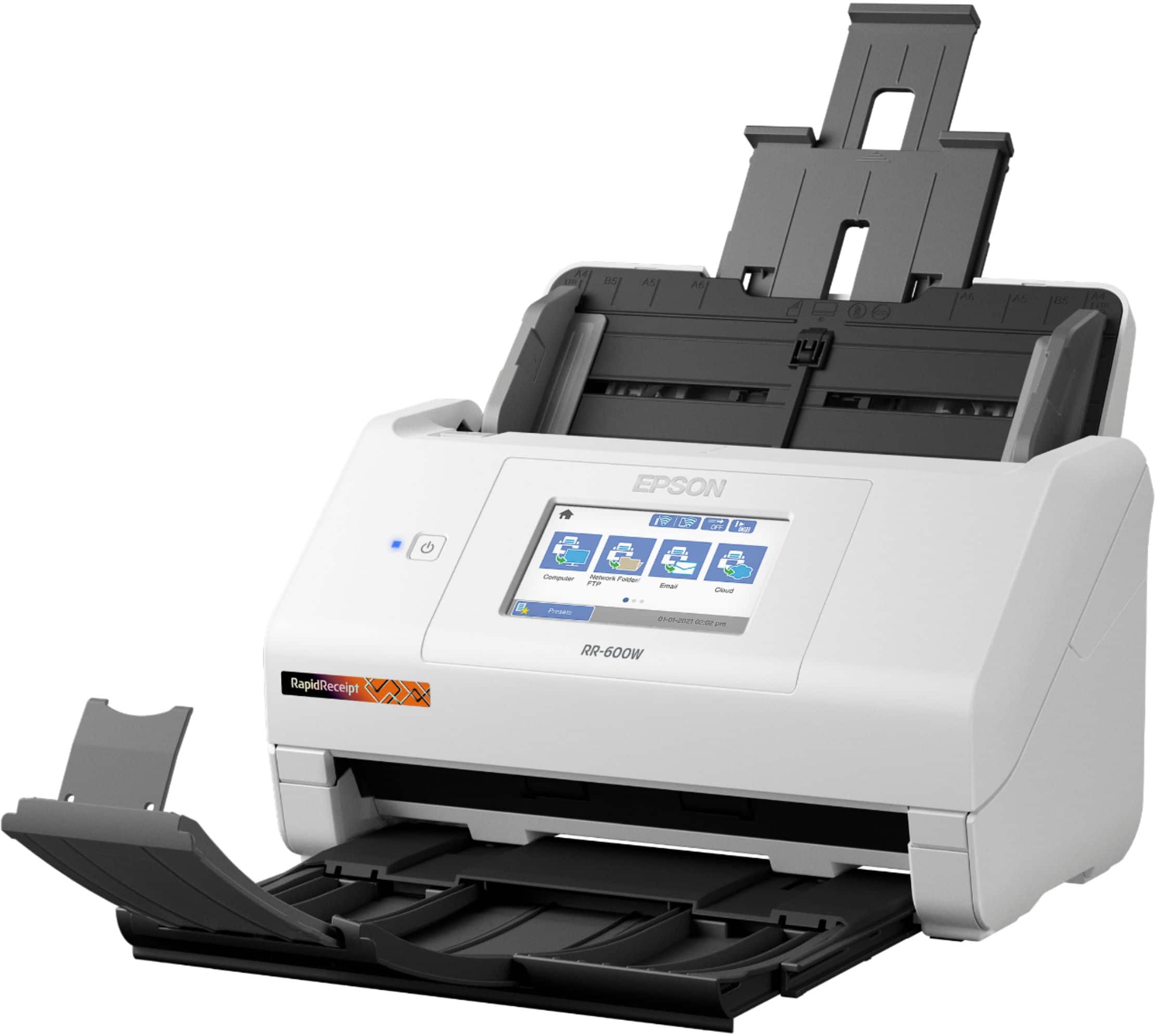
Customers regard the RapidReceipt RR-600W Wireless Receipt and Desktop Document Scanner highly for its speed and ease of use. Users also appreciate the scan quality, responsive touchscreen, wireless capabilities, and impressive software. However, some customers have expressed concerns about the price, vague instructions, and compatibility issues.
This summary was generated by AI based on customer reviews.
- Pros mentioned:Speed
Great Companion Organizer
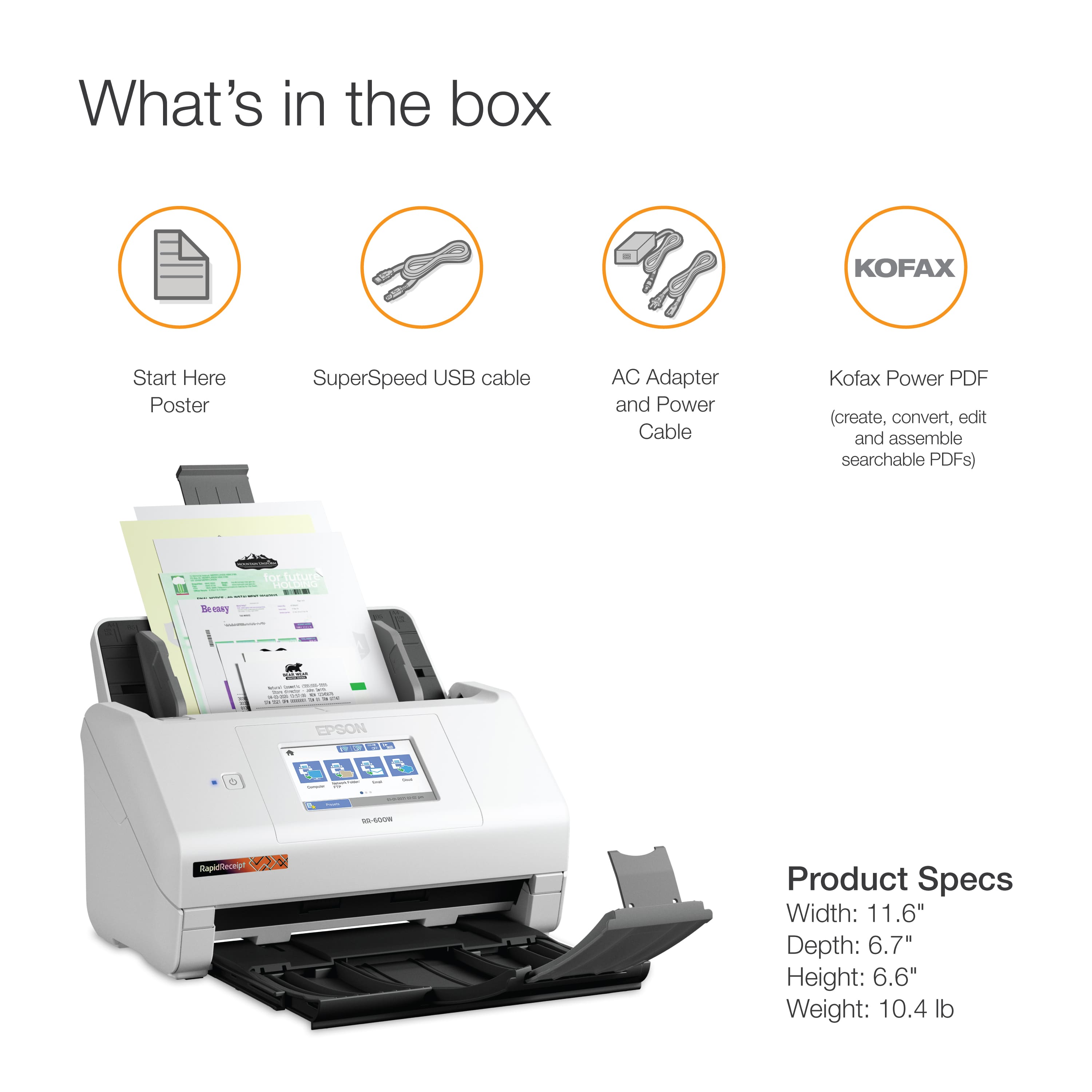
Posted .This reviewer received promo considerations or sweepstakes entry for writing a review.I like to digitize my life, and I was looking for a quick and efficient way to digitize my receipts. I already own a flatbed scanner and that was taking way too long. Then I came across the Epson RapidReceipt RR-600W printer. The device is very compact and is made up of three parts. The printer itself along with upper and lower tray components. Once assembled Epson directs you to download their Navi software, which helps you setup your printer quickly and efficiently. Once things are setup, you can use Epson’s ScanSmart software or the ample touchscreen display on the printer to navigate and organize your documents. You can scan single sided or double sided (duplex), and the RR-600W is very quick. The software includes an invoice/receipt manager that lets you store and organize your important invoices, with a link to QuickBooks if you want to take it one step further. The RR-600W also offers storing files on network FTP folders, USB devices or your favorite cloud services like OneDrive or Google Drive. You can even directly email documents you’ve scanned directly from your printer. One of the biggest drawbacks of this product was the software itself. While I was able to quickly set it up the first time on my personal laptop, Epson’s Navi suite didn’t detect the printer on my desktop computer. I had to directly connect the printer through USB in order for it to be detected. First time users would also likely have to adjust the scanning speed when they are dealing with stapled documents or double feeds. Overall I would still recommend this product for small businesses or folks you like to better organize their digital lives. Its compact size, fast speeds and rich features make it a valued addition to your work desk.
I would recommend this to a friend - Pros mentioned:Speed, Wireless

Great scanner for Home Finances
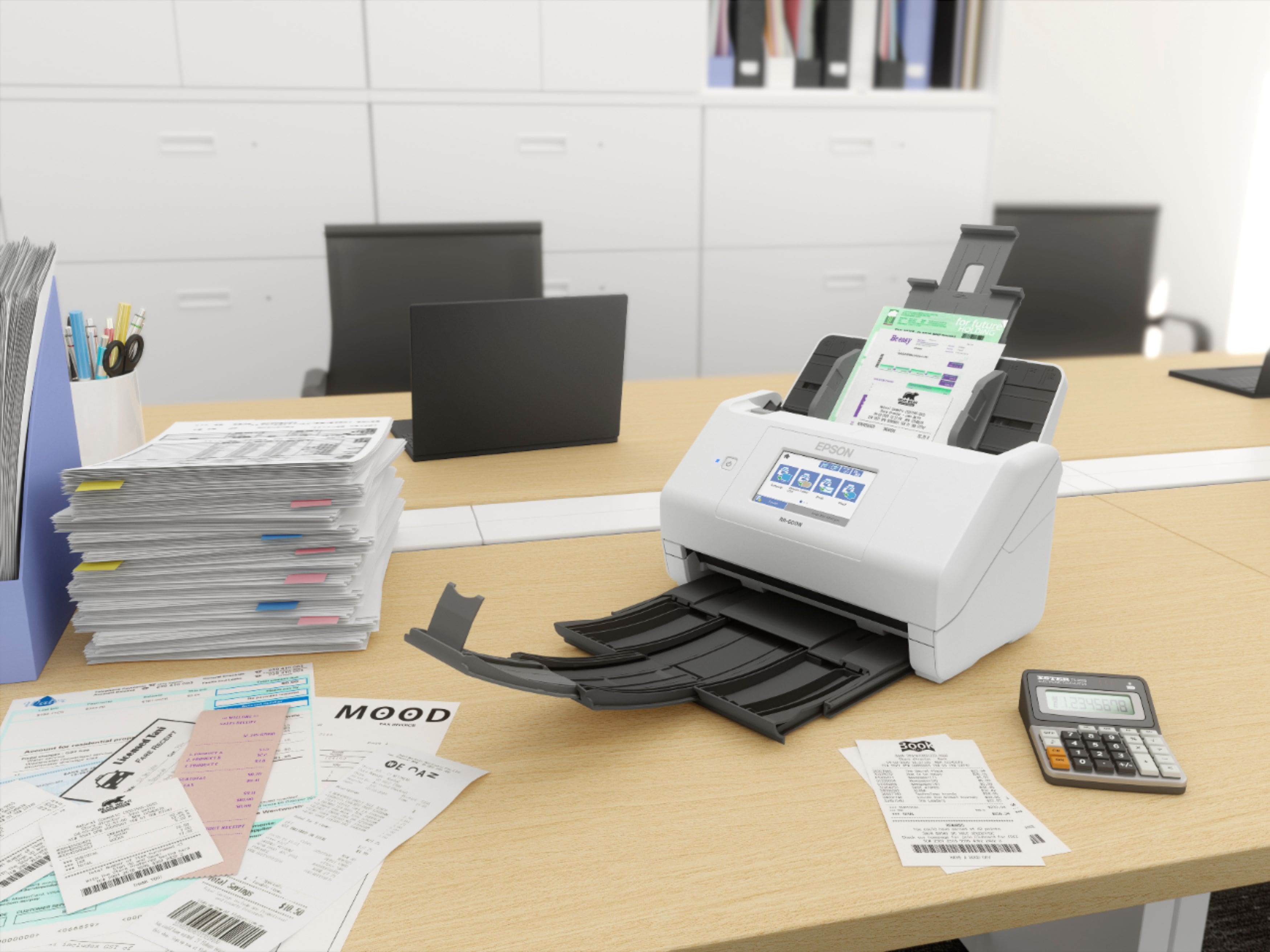
|Posted .This reviewer received promo considerations or sweepstakes entry for writing a review.My wife saves all of our receipts. With this scanner and included software I was finally able to turn all of that paper into a digital filing cabinet. I scanned a 4 drawer filing cabinet in 2 days. Of course that was 4 hours a day of scanning and organizing. I feel that this is a complete solution and at first seems like a lot of scanner for the money. For example the need to scan now in maintenance is just a few a week and can do with my ios Smart Receipts app. Like I said it did categorize all of my receipts and allow indexible fields which made the future lookup much easier. I do not use Quickbooks or Quicken so was unable to test the export but the included software is all you need. Rarely these days do you get everything. Usually there is a catch. I did have to use my own One Drive app to access my historical scans on the fly which should have been included. Pro’s: Scans fast Very tolerant toward wrinkled receipts Wireless scanning allows me to scan at my files with no wires vs stuck to a desktop. Scan to Ios/Android is a nice bonus Cons: After intial scans the machine seems like a lot for daily receipts. Cost is a bit high for personal use. Lack of Scan Smart SW for mobile No cloud backup options included Summary: Out of the box setup was fast and the software download was easy and pain free. Great for home paper to digital conversion but can be expensive for long term use if you have just typical house hold receipts. Also now that we are entering in a touch-less environment I wonder how long this device will stay relevant.
I would recommend this to a friend - Pros mentioned:Scan quality
Great scanner for receipts!
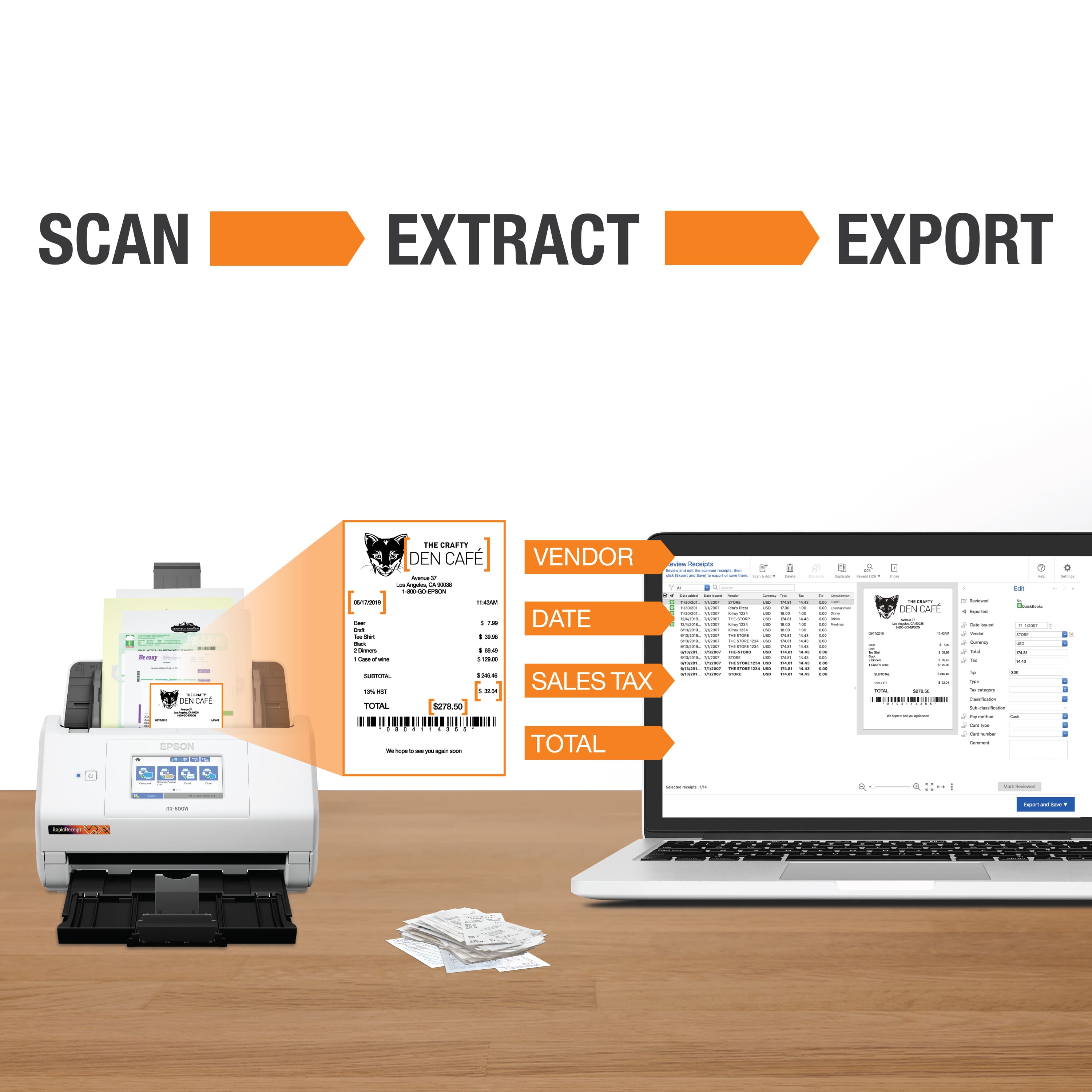
|Posted .This reviewer received promo considerations or sweepstakes entry for writing a review.It took me a little while to get started because I didn't have the help that I normally do when hooking up my electronics. After downloading the software and hooking up the scanner, I immediately grabbed a pile of receipts from my business to see how it would scan and sort. So far so good, I love how it takes the name of the business, the purchase price, and the taxes and separate them. I'm still trying to figure out some more things, but I'm really enjoying this right now! I wish I had this about a month ago, when I was getting my receipts and invoices ready for my taxes! Now I'm kind of looking forward to doing taxes next year, now that I have this! I 100% recommend this to anyone who has a lot of receipts from their business!
I would recommend this to a friend - Pros mentioned:Touchscreen
Great capabilities, cumbersome configuration
|Posted .This reviewer received promo considerations or sweepstakes entry for writing a review.I've been using Epson scanners for over ten years. When I got the opportunity to try this one, I jumped at it. This is my fourth Epson sheet-feed scanner, so I hit it hard to work through several use cases. My biggest annoyance with it is incompatibility with the previous Epson software, so I had to install Scan Smart to be able to use its features; it won't work with Document Capture Pro, and it over-wrote Epson Scan 2, so I can't get to the configuration for my old scanner. Scan Smart has some awesome features, but I can only use it with this scanner, it won't work with any of my other scanners, including Epson, Brother, and HP. Scan Smart has some good OCR and intelligence functions in it, it can attempt to name files for you based on the content. It can find dates and most of the time identifies the right date to use, and it knows the difference between a receipt, a contract, and an invoice. Also, once you save a document through the invoice/receipts function, it remembers your settings for that same document in the future. For example, when I scan in a utility statement, even though it mis-identified the vendor at first, it uses my settings the next time I get a statement from them. A super-annoying thing -- you can set the naming standard pretty granular for receipts IF THEY ARE SAVED AS JPG. Once you flip it over to PDF, you can't use the name standard selections. Also -- there's no way to specify save locations. The save-as browser does remember your last few choices, but that's limited and not awesome. It also wants "text enhancement" to only be used with black & white, so not awesome for brochures, manuals, etc. The good news is that it includes Kofax Power PDF, so you can unlock lots of its capabilities and save document types exactly how you want them, but you lose the automatic naming features. It has a useful touch-screen and you can set up presets, but that can be pretty time-consuming to navigate through that touch-screen. I did discover that you can browse to a web interface to the scanner once you have it set up on Wi-Fi, which makes it way easier to configure the shortcuts. I found that saving to a network folder is the best way to specify the save location; saving to network folder is pretty fast and doesn't take any processing power from your computer. Unfortunately, the shortcuts and even the Scan Smart software don't let you choose to save your doc as a searchable PDF, which adds another step to my processing. Again Power PDF comes to the rescue there; that application can OCR a batch of scans. Launch the OCR batch and go out for lunch and it's done. Overall, the basic software and onboard controls don't give you a whole lot of choices, it makes a lot of the decisions for you. For example, it does a good job with color photos but doesn't give you a whole lot of control over the settings. The manual recommends that you don't scan pictures with it because it doesn't want the feeder to chew up your pictures. As for feeding, I have had a few misfeeds -- it doesn't like thinner or softer paper, which makes it really fussy with receipts. It should have come with a feeder sleeve to resolve this problem, however it detects the feeder sleeve as a paper jam, so you have to disable that safety to use a sleeve! So -- lots of drawbacks and disappointments for me, so I hesitate to recommend it. The Scan Smart software is awesome, so if you need something that can scrape financial data from receipts and invoices, you can't beat it. But if you want it for general archival, and even scanning statements, this isn't your best choice. Scan speed is okay, not awesome. Also, sometimes it's faster than other times with the same type of document, probably because of how it detects the document, but at the fastest it still isn't anywhere near my previous scanner.
No, I would not recommend this to a friend - Pros mentioned:Ease of use, Wireless
Awesome Scanner
Posted .This reviewer received promo considerations or sweepstakes entry for writing a review.I love this awesome scanner. I have been using RapidReceipt RR-^00W Wireless Duplex Touchscreen Scanner for a little less than a week. Withing this time, i was able to finally get rid of the backlog of papers that need to be scanned in. I really like the ease of control, touchscreen really helps that. I also like the wireless connectivity( I hate the clutter of wires all over the place). Being able to scan in the document to the cloud or to the computer, helps also. This scanner has replaced my All-in-One printer as my scanning source. I definitely recommend this to everyone who needs to scan stuff. This is a review for the Epson RR-600W Wireless Duplex Touchscreen Scanner that I received free of charge to do a beta test and review.
I would recommend this to a friend - Pros mentioned:Speed, Touchscreen
Rapid Receipt Scanner
|Posted .This reviewer received promo considerations or sweepstakes entry for writing a review.The EPSON RR-600W has a large touchscreen. It scans both sides of receipts quickly. This unit can be hooked up either wired, or wireless. The downloading of the software took longer than expected. The installing of the software was even longer as you must download even more software. However, after all the downloading the set up was completed in a few minutes. The software converts your receipts to pdf files that are searchable. In my work I generate over 20 receipts daily. I must scan and upload each to a server. This scanner cuts that time by over half. I would highly recommend this scanner to family and friends.
I would recommend this to a friend - Pros mentioned:Speed
Fast, great software but big size
|Posted .This reviewer received promo considerations or sweepstakes entry for writing a review.The setup was pretty straightforward via my WiFi but sometimes connection would drop for no real reason, very quirky. The downloaded software is above average but the OCR is pretty good but has issues likemost packaged OCR. Once you get the hang of straightening your receipts out and WiFi remains stable, scanning is quick and fairly accurate other than minor OCR issues. The size is moderate but does take up a chuck of desk real estate but a worthwhile addition to catalogue your bills and receipts.
I would recommend this to a friend - Pros mentioned:Ease of use, Speed
Pricy but well worth it - Very fast and great imag
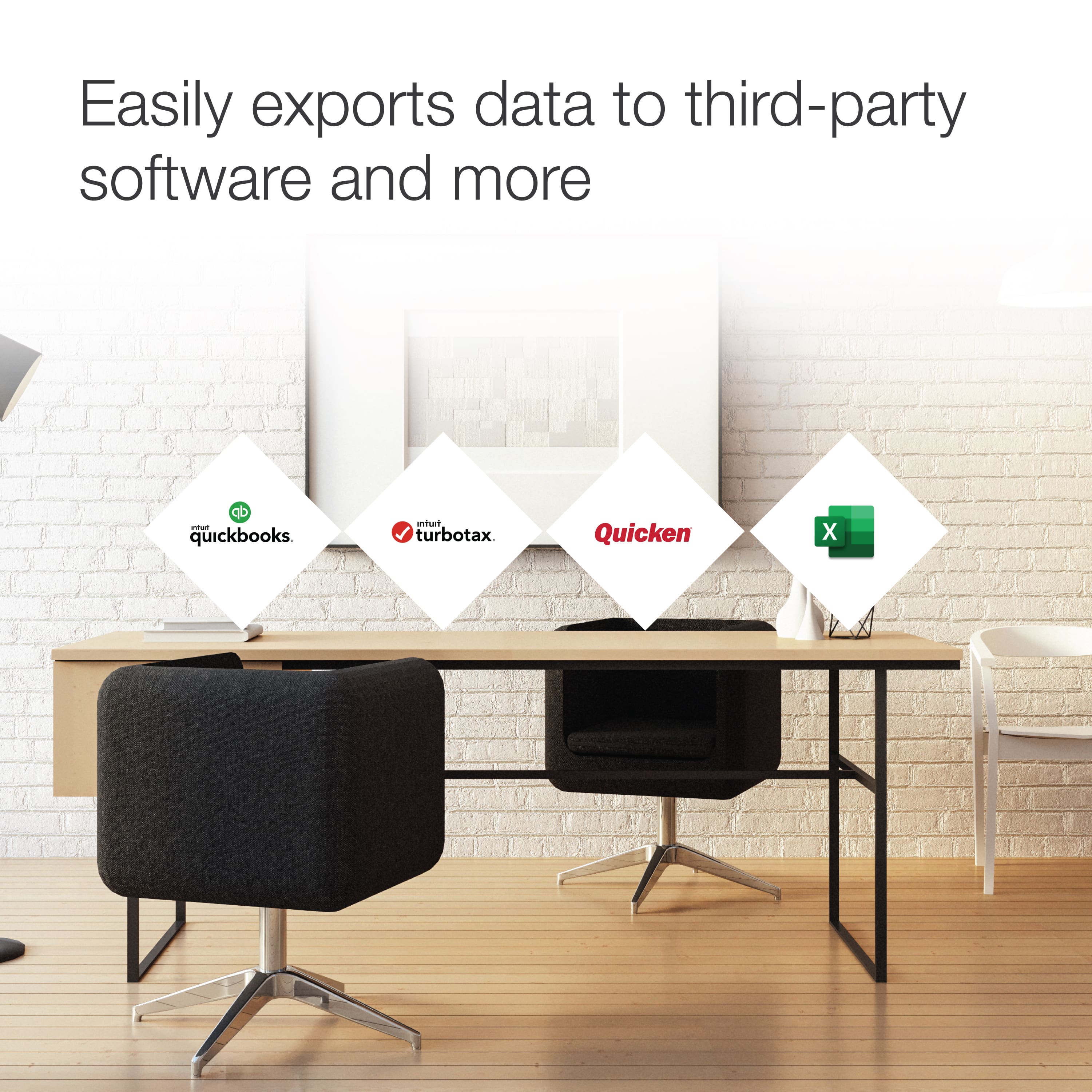
Posted .This reviewer received promo considerations or sweepstakes entry for writing a review.Just blown away by this thing. It scans double sided receipts and documents insanely quick. Image quality is good. I just used with a USB thumb drive and was able to set shortcuts for scanning I needed. Like sometimes multi page PDFs. Other times multiple documents each with their own individual PDF. I found it quick to learn and get going. Then put all my documents into QuickBooks.
I would recommend this to a friend - Pros mentioned:Ease of use
Great for tax season
|Posted .This reviewer received promo considerations or sweepstakes entry for writing a review.I’ve always seen these type scanners and often wondered what’s the use. Well I definitely know the perfect use now. My position at work requires me to travel quite a bit and every year when I need to get my paper work in order for taxes it’s always a pain, but not this year. The EPSON RR-600W made quick work of sorting and tallying up my annual receipt pile. I’m thoroughly impressed with how it could scan any dimension receipt and file it for me. The only thing that took me a little bit of time was installing the required software. This machine is a must for anyone that owns a business or itemize on taxes. I will be using this for many years to come. So glad to have this powerful scanner.
I would recommend this to a friend - Pros mentioned:Ease of use, Scan quality
Best Purchase Yet!
Posted .This reviewer received promo considerations or sweepstakes entry for writing a review.I Love the quality and easy use of this equipment!
I would recommend this to a friend - Pros mentioned:Ease of use
Simple receipt scanner
Posted .This reviewer received promo considerations or sweepstakes entry for writing a review.So, far it works great on scanning receipts and giving you an option of where you would like to store and organize them. The set up was easy to follow with the instructions!
I would recommend this to a friend - Pros mentioned:Ease of use
Amazing scanner
Posted .This reviewer received promo considerations or sweepstakes entry for writing a review.I just started my own business and trying to deal with the struggles of a start-up business. The scanner has made it so much easier for me to scan my receipts and other documents. I can't believe how easy it is to use. I now have my receipts and documents in one place on my computer. I don't know what I would do without the scanner.
I would recommend this to a friend Great functionality
|Posted .This reviewer received promo considerations or sweepstakes entry for writing a review.Overall this machine is a good machine, there are two reasons why it did not receive a five star rating. Number one, it took an over extended amount of time to set up on a Mac, to include all software. You have to fill out multiple forms (One of which, their server went down). Number two, everytime I've attempted to use this item I have had to reconnect it to my computer. Where as with my other scanner, I open the program and it works fine. Once you get the scanner to work (Not hard just time consuming), the functionality is awesome. I was able to scan in a receipt it figured out the vendor, the price, and sales tax, I was able to input it into quicken without even trying. Overall I do like the machine, it just had some minor glitches for Macs.
I would recommend this to a friend- Pros mentioned:Speed
Epson scanner
Posted .This reviewer received promo considerations or sweepstakes entry for writing a review.Works great. Allows us to scan several documents a day.
I would recommend this to a friend Dont waste your time
Posted .This reviewer received promo considerations or sweepstakes entry for writing a review.This is junk. Totally useless. Why call it rapid scanner if it takes way to much effort to scan something? This thing is slower than manually flipping the pages on a normal scanner and a normal scanner is only $30 vs this thing at $400! 1. it wont recognize my computer 2. It wont let me save each document as a separate pdf file and there's no option to tell it to 3. I can't bypass the stupid scansmart app 4. The old scan utilities app, which is much better, is gone and I cant find it anywhere Epson used to be the best. Now they're the worst. Whoever designed the software should be fired.
No, I would not recommend this to a friendBrand response from Epson
Posted .Hello jeremys18, we're sorry to hear about your disappointing experience with the RR-600W scanner. Epson considers all feedback to improve the performance and quality of our products. Epson also offers helpful information, including FAQs and self-help tools, on the product support web page at https://epson.com/Support/Scanners/FastFoto-Series/Epson-FastFoto-FF-680W/s/SPT_B11B237201#questions. Your scanner includes a 1-year Limited Warranty and free lifetime technical support. If you need any assistance, our Epson Support Team would be happy to help you and can be reached at (562) 276-4382; Hours: Monday - Friday, 7 am - 4 pm PT; Sincerely, Sam - The Epson Team.

Dont buy
Posted .This reviewer received promo considerations or sweepstakes entry for writing a review.Wow what can I say other then this is the worst use of money ive ever spent. Paid cash for it at Best Buy did not open it up for a few months. Too busy working and was using quickbooks app to scan witch is why i bought this. Finally try to set it up won't link to QB, wont scan a long receipt, jammed several times. Waited to long to use it so i couldn't return it and epsons customer service is worthless
No, I would not recommend this to a friendBrand response from Epson
Posted .Hello PatrickjBuckley, we are sorry to hear that we were not able to resolve this issue. For further assistance, please contact Epson Support and include your name and support ticket number, if available. Ask to be escalated to our Epson Advanced Support Team. Please call (562) 276-4382; Hours: Monday – Friday, 7am – 4pm PT. Thank you for your patience. Sincerely, Tony – The Epson Team.