Customer Ratings & Reviews

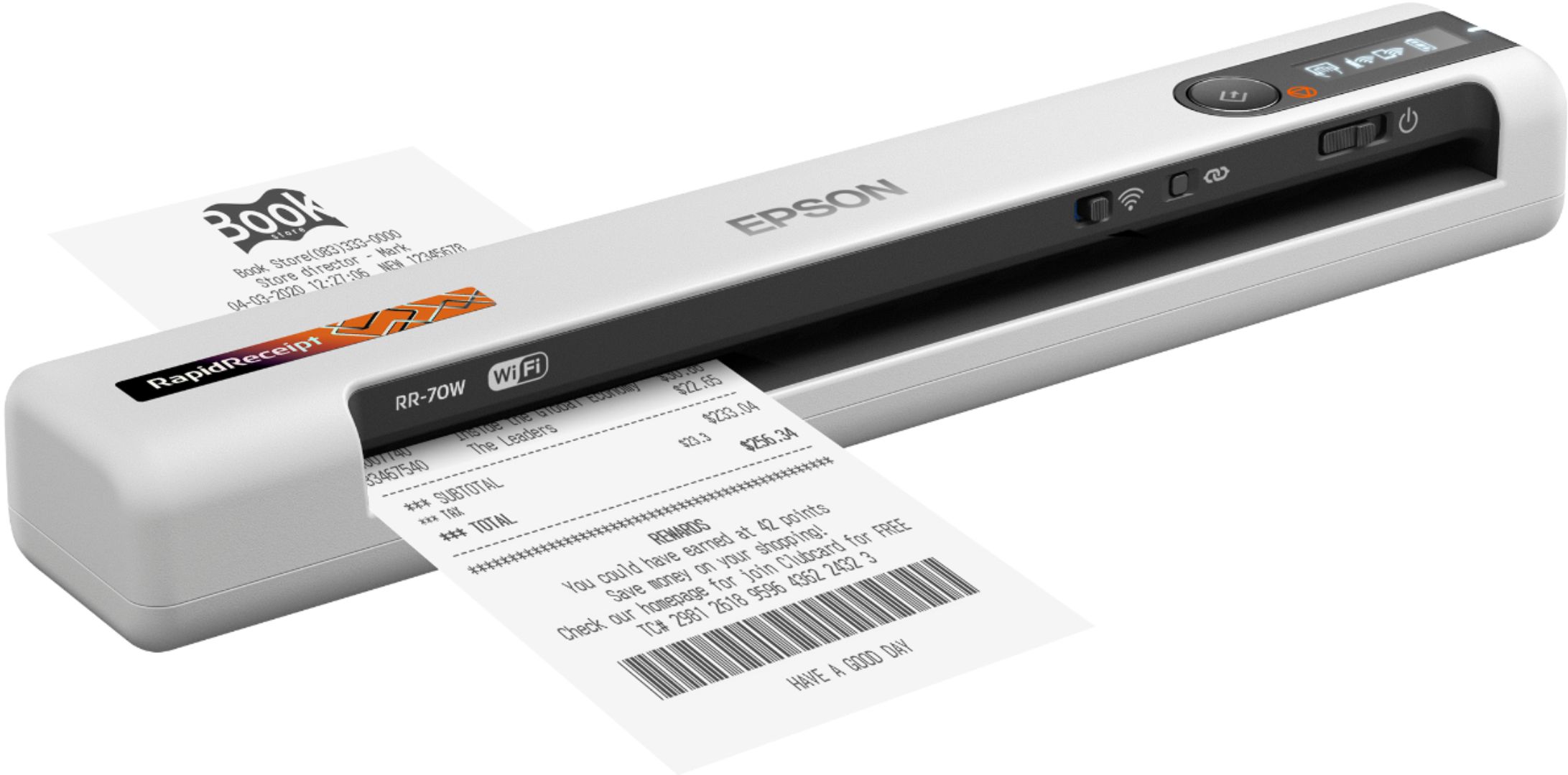


- Model:
- B11B253205
- SKU:
- 6442938
Rating by feature
- Value
Rating 4.3 out of 5 stars
- Quality
Rating 4.4 out of 5 stars
- Ease of Use
Rating 4.4 out of 5 stars
Customers are saying
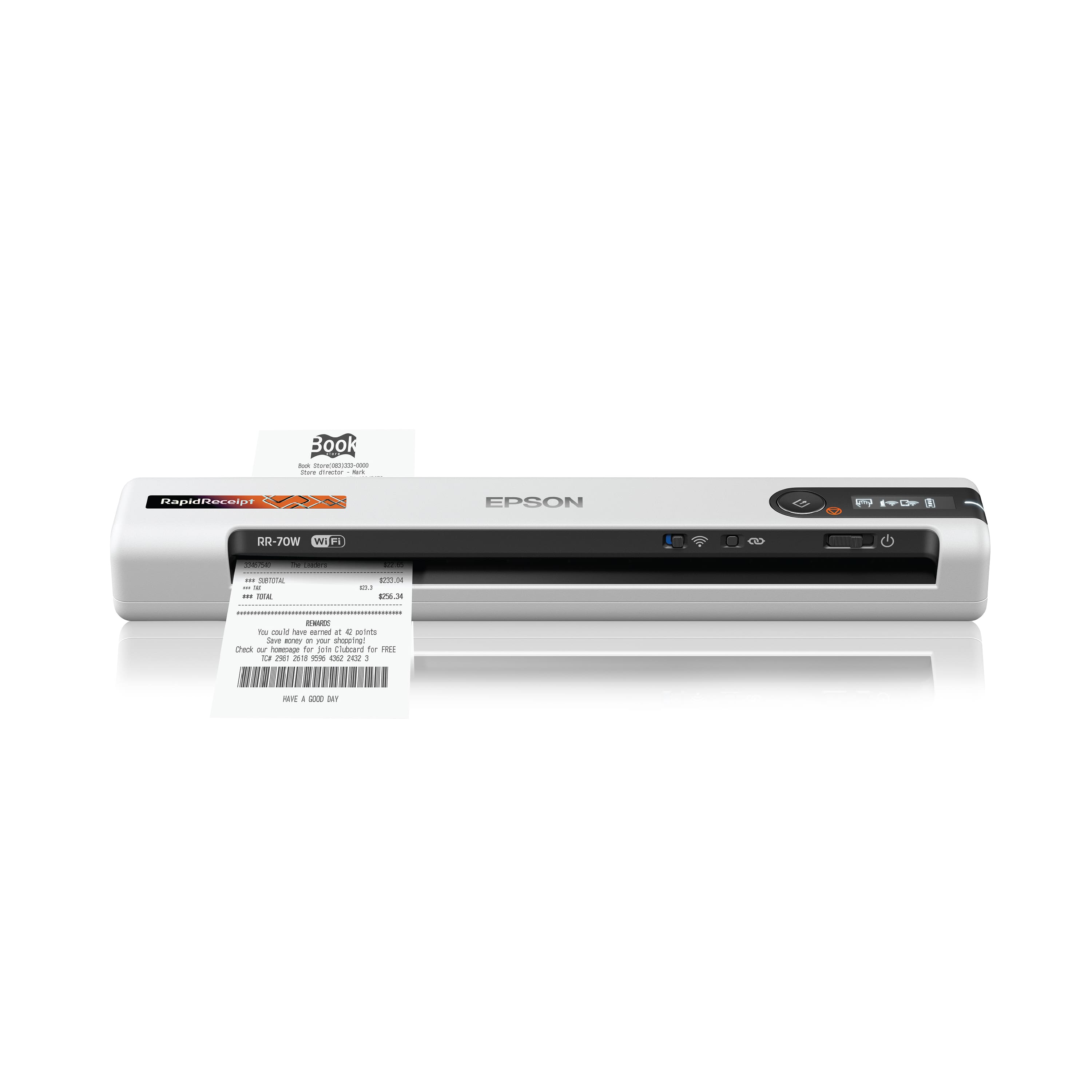
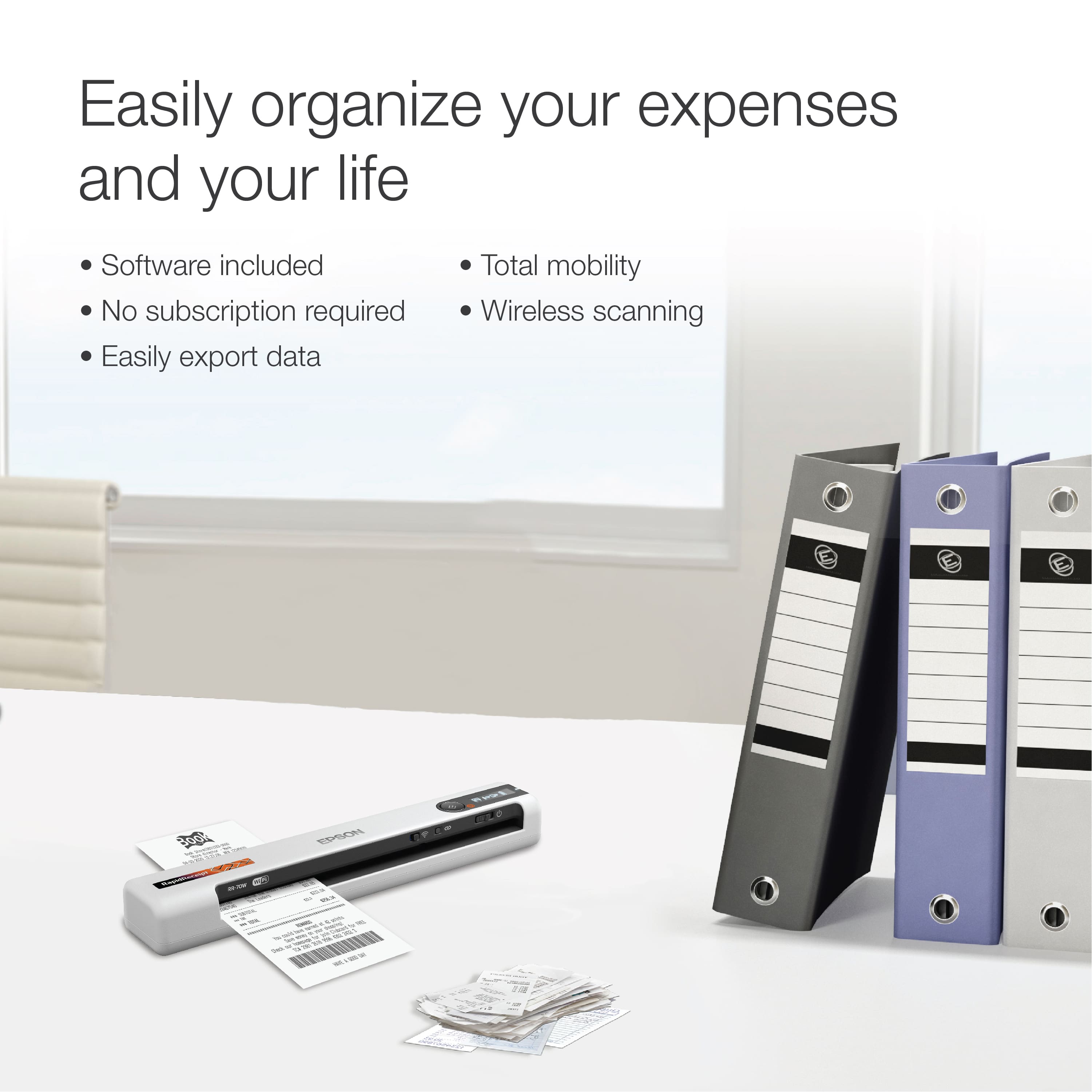
Customers value the RapidReceipt RR-70W for its user-friendliness, rapid scanning, and compact size. The wireless functionality, helpful software, lightweight design, straightforward setup, long battery life, and impressive image quality are also appreciated. However, some customers have reported issues with its performance when scanning receipts.
This summary was generated by AI based on customer reviews.
I had it for 3 months
||Posted . Owned for 3 months when reviewed.This reviewer received promo considerations or sweepstakes entry for writing a review.I had it for 3 months, I haven't been able to make it work even 1 time. Lack of instruction. I had to dig for user guide online. Even then, i was not able to make it to work. The buttons are very confusing. The wifi connection simply doesn't work.
No, I would not recommend this to a friendBrand response from Epson
Posted .Hello skippy, we're sorry to hear about your issues with the RR-70W scanner. Epson also offers helpful information, including FAQs and self-help tools, on the product support web page at https://epson.com/Support/Scanners/RapidReceipt-Series/Epson-RR-70W/s/SPT_B11B253205#questions. Your scanner includes a 1-year Limited Warranty, plus free lifetime technical support. If you need assistance, our Epson Support Team would be happy to help you and can be reached at (562) 276-4382; Hours: Monday - Friday, 7 am - 4 pm PT; Sincerely, Sam - The Epson Team.

cannot download
||Posted . Owned for 1 month when reviewed.This reviewer received promo considerations or sweepstakes entry for writing a review.I cannot rate until I can actually download to get the scanner to work
No, I would not recommend this to a friendBrand response from Epson
Posted .Hi GB1952, thank you for your feedback on the RR-70W scanner. Epson considers all feedback to improve the performance and quality of our products. Epson also offers helpful information, including FAQs and self-help tools, on the product support web page at https://epson.com/Support/Scanners/RapidReceipt-Series/Epson-RR-70W/s/SPT_B11B253205#questions. Your RapidReceipt scanner includes a 1-year Limited Warranty and free lifetime technical support. If you need any assistance, our Epson Support Team would be happy to help you and can be reached at (562) 276-4382; Hours: Monday - Friday, 7 am - 4 pm PT; Sincerely, Sam - The Epson Team.
Defective scanner
||Posted . Owned for 4 months when reviewed.This reviewer received promo considerations or sweepstakes entry for writing a review.I could not even get the scanner to charge. Took it to Geek Squad at my local Best Buy and they determined it was defective so I returned it.
No, I would not recommend this to a friendBrand response from Epson
Posted .Hi Shell, thank you for sharing your experience. We strive to improve the performance and quality of our products and will forward your feedback to the relevant Epson department(s). Should you have questions or need assistance, the Epson Support Team would be happy to help. You can reach them at (562) 276-4382; Hours: Monday – Friday, 7am – 4pm PT. Sincerely, Tony – The Epson Team.
Useless product
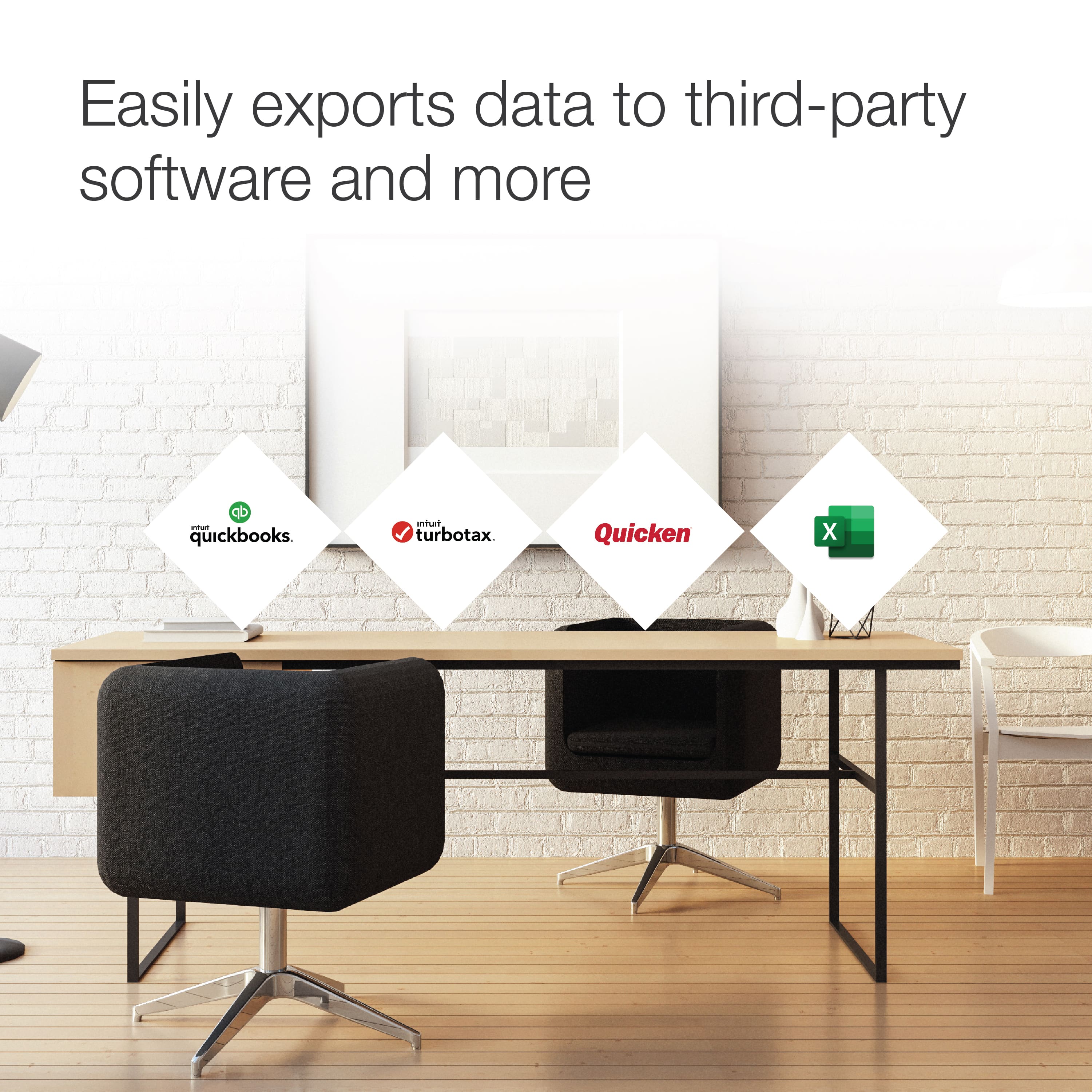
||Posted . Owned for 3 weeks when reviewed.This reviewer received promo considerations or sweepstakes entry for writing a review.Sales associate guarantee me this product would transfer from its scanning platform to the QuickBook platform it does not. Now I am stuck $180 in and nothing to perform what I need it too. Such a waste of money!!
No, I would not recommend this to a friendBrand response from Epson
Posted .Hello BRICH, Epson takes into consideration all feedback to improve the performance and quality of our products. Your RR-70W scanner includes a 1-year Limited Warranty, plus free lifetime technical support. Additionally, Epson provides useful information on Quickbooks export features, including FAQs and self-help tools, on the product support web page at https://epson.com/Support/Scanners/RapidReceipt-Series/Epson-RR-70W/s/SPT_B11B253205#questions. If you need further assistance, our Epson Support Team would be happy to help you and can be reached at (562) 276-4382; Hours: Monday - Friday, 7 am - 4 pm PT; Sincerely, Sam - The Epson Team.
- Pros mentioned:Size, Wireless
Perfect Portable Scanner
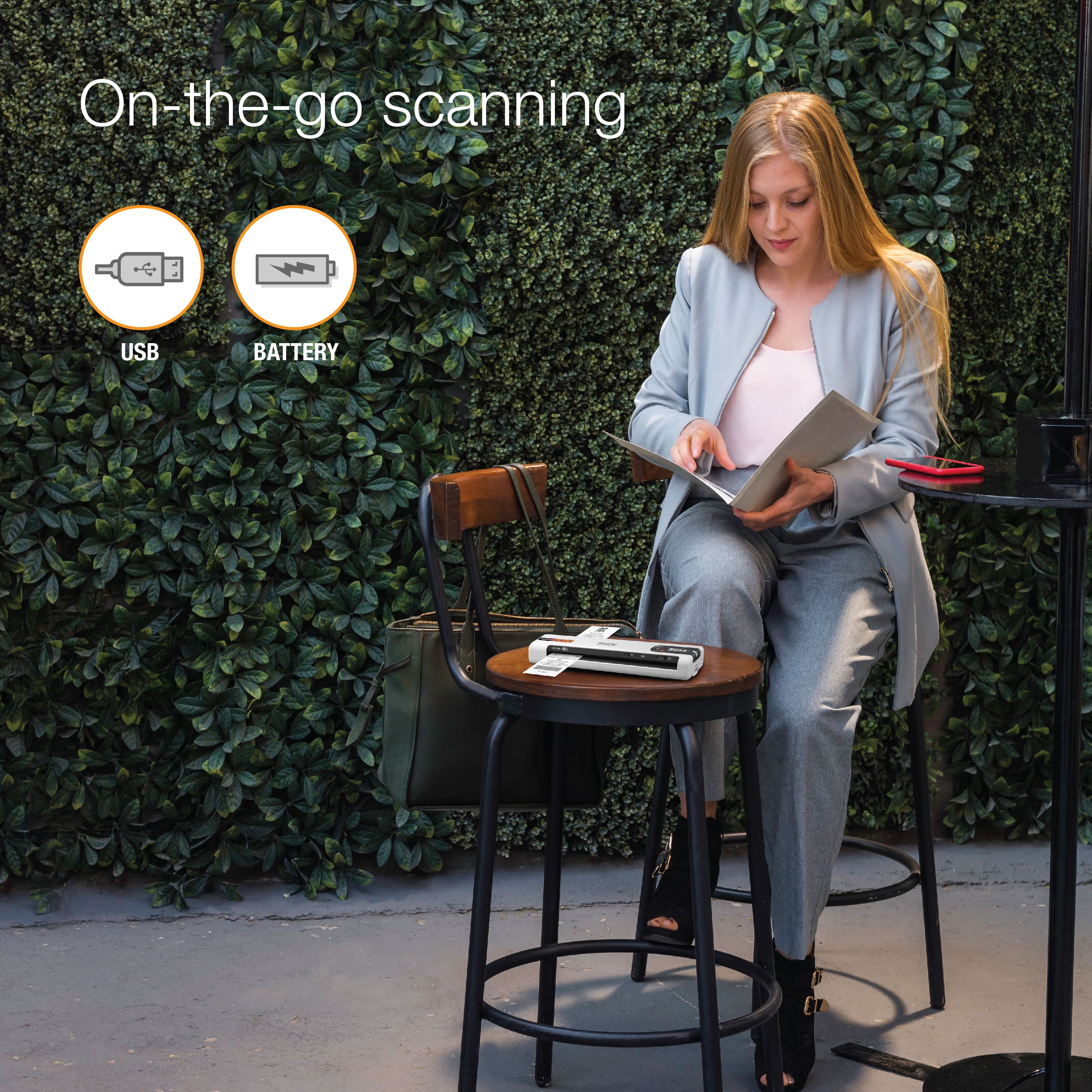
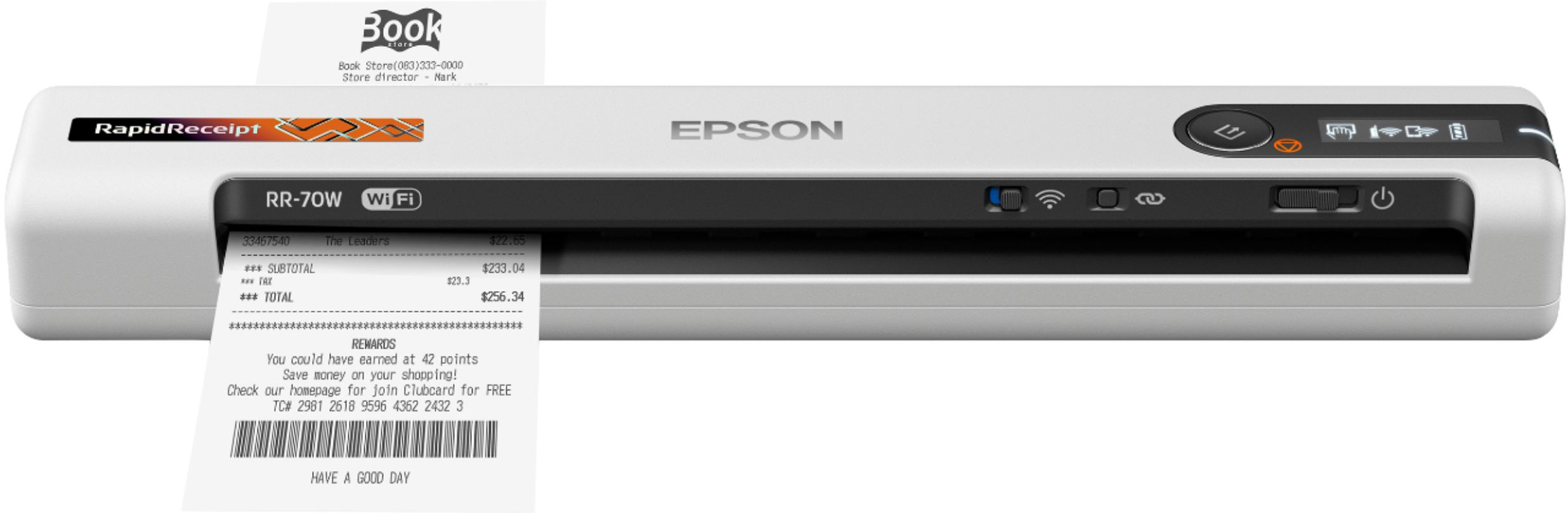
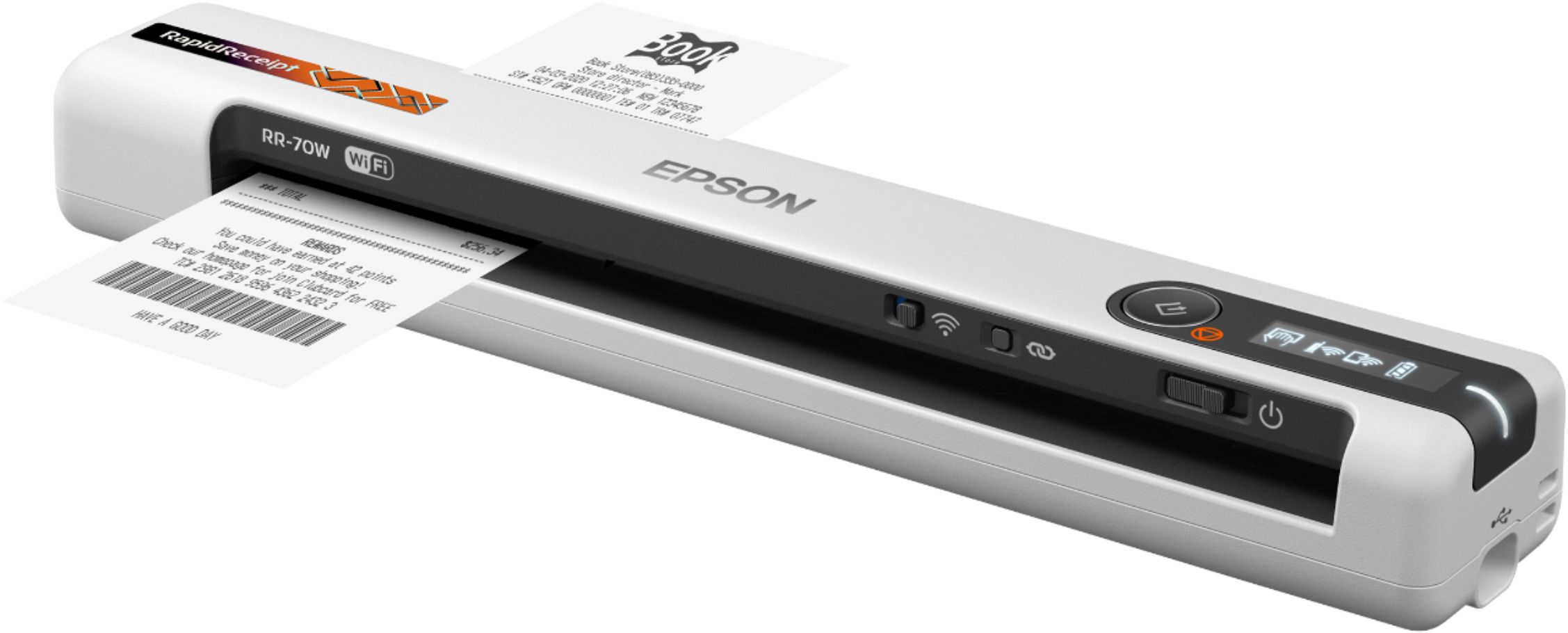
Posted .This reviewer received promo considerations or sweepstakes entry for writing a review.The RR-70W is a super lightweight and compact scanner that is perfect for home, the office, and especially on the go. Setup is quick and easy, and everything you need to get started is included in the box. It can tethered with the included USB cable, or you can set it up with a wifi connection. It also has a built in battery so it can be used truly wirelessly. The battery is also long lasting so you can get all your work done at once. Scanning is highly accurate and crystal clear. It leaves very little room for error in scanning. To initiate a scan, you feed one- or two-sided pages into the slot on the front. Both sides of two-sided documents are scanned simultaneously, and you feed receipts, business cards, credit cards, and other narrow items at the far-left end of the slot. The Accounting Edition of the software that's included makes scanning and filing receipts quick and easy, which is a plus for those who do their own bookkeeping. This is a review for the Epson RR-70W Wireless Mobile Receipt Scanner that I received free of charge to do a beta test and review.
I would recommend this to a friend - Pros mentioned:Ease of use, Scanning speed

Works great!
|Posted .This reviewer received promo considerations or sweepstakes entry for writing a review.This is a great little scanner. It is so convenient and easy to use. I know a lot of people these days don't have a all in one printer or even a flatbed scanner. But they still have the need to scan receipts or pictures or tax documents and things like that. This is so convenient to just tuck away in your drawer and pull it out when you need it. I also love that it has a battery so you don't even have to try and find a cord and fumble around with plugging it in. I found the setup to be fairly straightforward. You do need to plug it into your computer for the initial setup and to connect it to wifi. But after that, you only really need the cable when you are charging the battery. I just timed it and powering it up, having it connect to wifi, and scanning a page took just under 30 seconds. You get all the usual settings like you would on any other scanner like the different quality settings and different formats to save it to and things like that. I found the scans to be very high quality from simple receipts all the way up to photos. This is a great little scanner and I cant even think of one negative thing about it. I highly recommend it if you're looking for a small portable scanner! You'd be hard pressed to find anything better.
I would recommend this to a friend Save your money
||Posted . Owned for 3 weeks when reviewed.This reviewer received promo considerations or sweepstakes entry for writing a review.This seems to be difficult to connect to my computer and has no response when being used and reset
No, I would not recommend this to a friendBrand response from Epson
Posted .Hello, thank you for taking the time to write a review of the RR-70W scanner. Epson considers all feedback to improve the performance and quality of our products. Epson provides helpful information to address most problems, including FAQs and self-help tools, on the product support web page at https://epson.com/Support/Scanners/RapidReceipt-Series/Epson-RR-70W/s/SPT_B11B253205#questions. Additionally, your scanner includes a 1-year Limited Warranty, plus free lifetime technical support. Please reach our support team directly at (562) 276-4382 between 7 am - 4 pm (PT), Monday - Friday, if you need any assistance. Sincerely, Sam - The Epson Team.
Spent money at best buy gone forever
||Posted . Owned for 4 months when reviewed.This reviewer received promo considerations or sweepstakes entry for writing a review.Read your total tech contract very carefully. Once best buy has your money you will not get it back. Only store credits.
No, I would not recommend this to a friendBrand response from Epson
Posted .Hello Scormako, we're sorry about your disappointing experience with the FF-70W scanner. Epson considers all feedback to improve the performance and quality of our products. Epson provides helpful information, including FAQs and self-help tools, on the product support web page at https://epson.com/Support/Scanners/RapidReceipt-Series/Epson-RR-70W/s/SPT_B11B253205#questions. Additionally, your scanner includes a 1-year Limited Warranty, plus free lifetime technical support. Please get in touch with our support team directly at (562) 276-4382 between 7 am - 4 pm (PT), Monday - Friday if you need assistance. Sincerely, Sam - The Epson Team
Not a good item
||Posted .This reviewer received promo considerations or sweepstakes entry for writing a review.The wireless doesn't work. I tried everything, but still connection to my wifi.
No, I would not recommend this to a friendSo complicated
||Posted . Owned for 1 week when reviewed.This reviewer received promo considerations or sweepstakes entry for writing a review.I cannot get the software to install on my Microsoft surface laptop so i need to return
No, I would not recommend this to a friendBrand response from Epson
Posted .Hello Joetorr, we apologize for your disappointing experience with the Epson RR-70W scanner. Epson considers all feedback to improve the performance and quality of our products. Epson also provides helpful information on FAQs and self-help tools on the product support web page at https://epson.com/Support/Scanners/RapidReceipt-Series/Epson-RR-70W/s/SPT_B11B253205#questions. Additionally, your scanner includes a 1-year Limited Warranty plus free lifetime technical support. Please get in touch with our support team directly at (562) 276-4382 between 7 am - 4 pm (PT), Monday - Friday, if you need further assistance.
Sincerely, Sam - The Epson Team
- Pros mentioned:Ease of use, Scanning speed
Lightweight, Portable, Fast & Efficient
Posted .This reviewer received promo considerations or sweepstakes entry for writing a review.This Epson RR-70W Wireless Mobile Receipt scanners compact lightweight design makes it conveniently portable & easily stored without hassle. The setup was pretty simple; it took me around 15 to 20 minutes. This wireless scanner is battery operated and is capable of scanning business cards, receipts, or full size sheets of paper quickly & accurately into my desktop. You can hand feed your documents one by one but I prefer to turn on its automatic feeding mode. I definitely would recommend the RR-70W scanner; it's an excellent choice for anyone on the go or even for those with limited office space! “This is a review for the Epson RR-70W Wireless Mobile Receipt Scanner that I received free of charge to do a beta test and review.”
I would recommend this to a friend - Pros mentioned:Size
Great features
Posted .This reviewer received promo considerations or sweepstakes entry for writing a review.I'm so happy to be using my rapid receipt wireless mobile receipt and color document scanner. I really love all the features that it has. I like that I can scan receipts and documents of different sizes. I like that it scans in color and black and white. It helps me keep track of my invoices at work. I like how lightweight it is. It is small enough that it doesn't take up a lot of space. I like that I have the option to use it wireless or with the usb cable. I love that I can create pdfs with the included software. This is a great scanner to have for work in the office or at home. This is a review for the Epson RR-70W Wireless Mobile Receipt Scanner that I received free of charge to do a beta test and review.
I would recommend this to a friend - Pros mentioned:Ease of use, Scanning speed
Portable, fast, quality scans. Convenient.
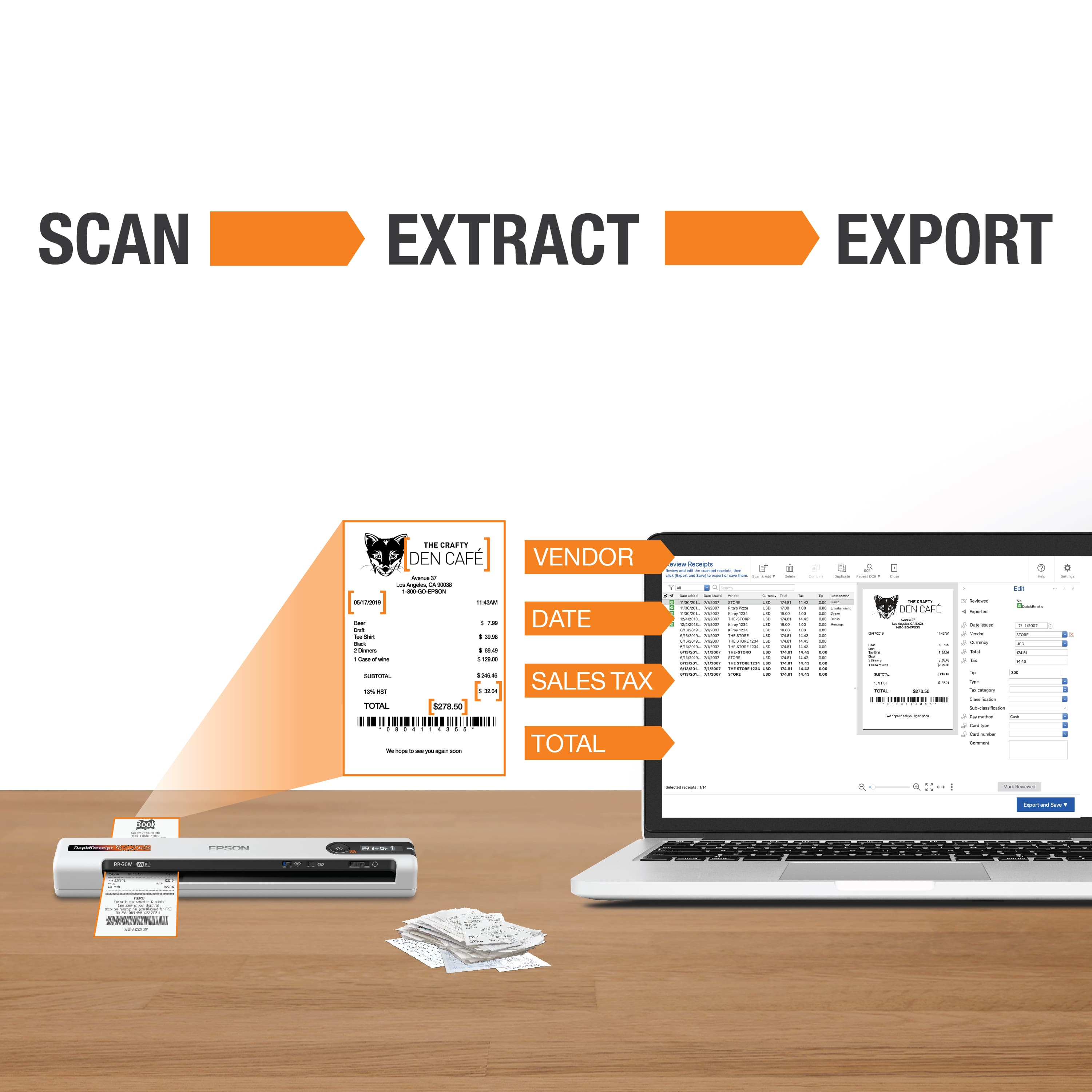
|Posted .This reviewer received promo considerations or sweepstakes entry for writing a review.This is a great scanner. It is extremely portable, built very well, scans very fast, and produces quality scans. I have been using this for receipts, tons of invoices and other paperwork at my work location and to say this has been convenient is an understatement. It outputs loads of data (via integration or CSV), can send copies to many formats (PDF, Word, Excel…), and also to many locations (Dropbox, Google Drive, One Drive…). It is not only making my workflow more efficient but is also leading to some changes on how our organization handles this type of data. We were (are) kind of living in the past. Setup was fairly simple and to the point, although I did have some minor issues that I think were more a product of the work machine and network I was dealing with. Once it was all worked through, it has been nothing but rock solid. Like I said previously, the scans are quick, and the quality is good. You can scan many sizes, shapes, and varieties of papers. The size and portability of the machine are probably the main selling points here and having the battery available helps makes that portability a reality. The build quality as well, and it is quite good. It is mostly a plastic construction, but it is solid, and I do not expect any issues going forward. You should be able to pack it in a bag, take it with you and not have to worry. There are many things I like about this scanner, but there are also a few things I wish were different. I will die on this hill, but why not USB-C? It is Micro USB, and I just do not understand. That may be more a personal thing for me there. I do also wish it had duel-sided scanning. Not a big issue with “most” things I have to scan, but for an otherwise “premium-type” device, it would be great to see. Lastly, I am just not sure how essential the W-Fi is, at least in my use case. I have needed and used it, but in many cases, I have not. I will have a better feel for this with more time. Just something to think about. Despite those few things I just listed, I really could not be happier with this scanner. It works, works well, and fills a need for me.
I would recommend this to a friend - Pros mentioned:Ease of use, Scanning speed
Outstanding portable scanner
|Posted .This reviewer received promo considerations or sweepstakes entry for writing a review.This a great page scanner, and the wireless connection makes it easy to use. Setup was simple, just a full charge, connect with a USB cable, and specify the network. After installing the scanning software and disconnecting the cable it was ready to go. The scanned image quality is sharp and colors are accurate. While it can only scan a single sheet at a time, the software does allow you to create a multi-page PDF by feeding in separate sheets. Scanning is also fast. What this is not designed to do is scan bulkier items, like a passport page, or to scan a large, multi-page document. For this, you'll need a larger device. Easy to use, accurate, fast, and portable. I would highly recommend this if you need a portable scanner.
I would recommend this to a friend - Pros mentioned:Ease of use, Scanning speed
Epson RapidReceipt Scanner RR-70W
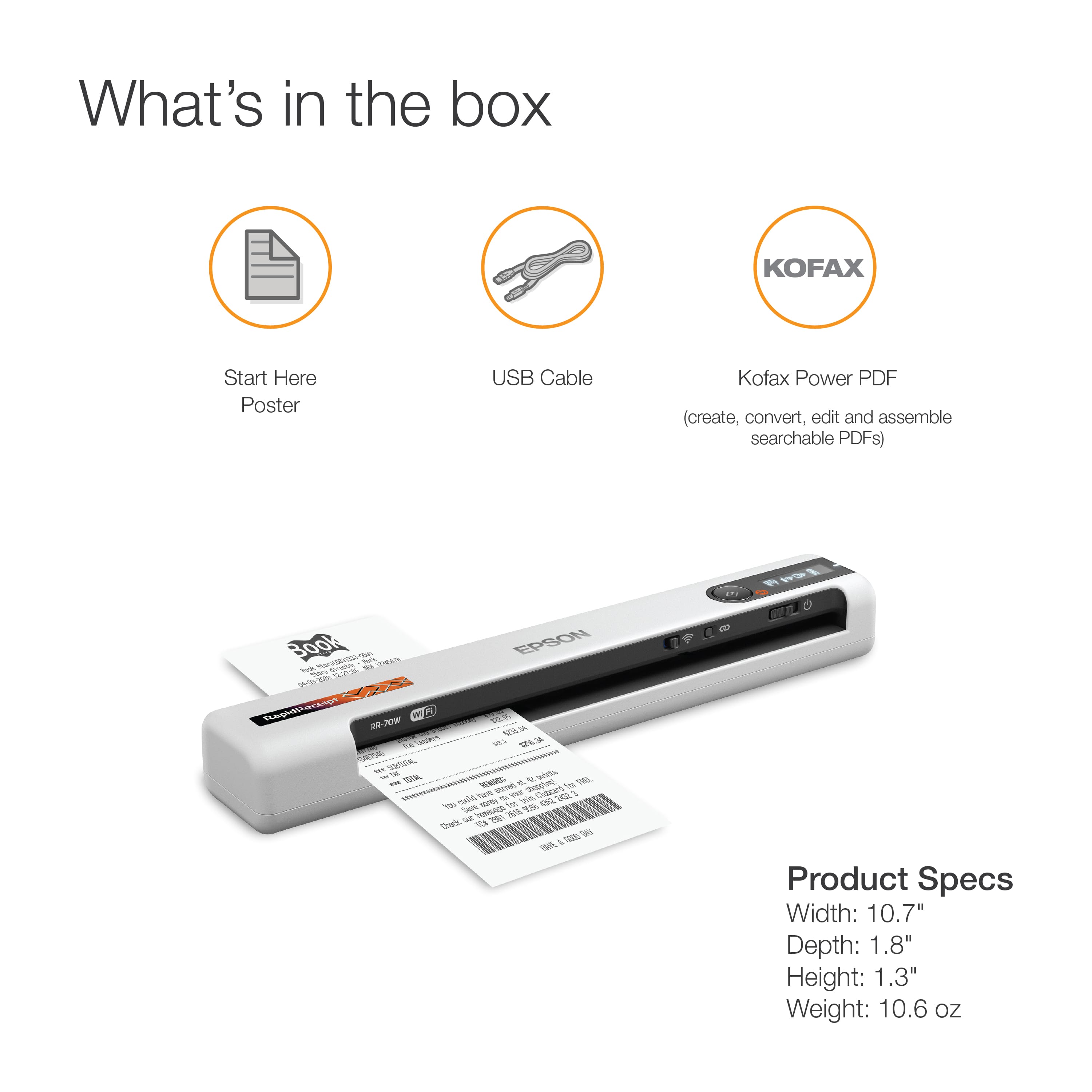
|Posted .This reviewer received promo considerations or sweepstakes entry for writing a review.Received my Epson RapidReceipt RR70W Scanner a week ago and have been using it almost daily to put it through its paces. It couldn't have come at a better time since I'm setting up my new home office in my new condo. Inside the box along with the scanner is: user manual documentation, a micro-USB charging/power cable, a cleaning sheet, a calibration sheet, and serial number codes for Nuance Power PDF software for both Windows and Mac computers. Setting up the scanner was fairly simple. Just plug it in to and empty USB port on your desktop/laptop. Following the instructions in the manual, download and install the driver software from www.epson.com/support/rr70w. Once installed, the software will guide you through the setup process including any firmware updates. Make sure to follow the steps as given in the instructions. After the scanner is fully updated and all software installed, then you can download and install the Nuance PDF software from www.epson.com/nuancepdf. Restart your computer to activate the software and enter the serial number for your specific operating system. This scanner can also be configured in the settings to be used via WiFi. However, for my purposes, I will mainly be using it via the included micro-USB cable. With purchasing a new condo/home, I started to pile up with receipts from new furniture and appliances, and this scanner has been a godsend with allowing me to back up receipts that may otherwise get lost amongst the unpacking of boxes. Not only is this great with receipts but business cards, ID cards, and regular documents such as tax documents especially with the tax season now upon us. After the software is installed, you can open up the Epson ScanSmart software and tweak the settings to your liking. Click on the settings gear and you can change such settings as the DPI or correct the skew of scanned documents/receipts. Once scanned, a preview window opens up that shows you your scanned document. You can rotate it as you like and click to save it onto your computer, either as a jpeg or pdf. You can also attach it to an email or save it to Google Drive, Dropbox, Evernote, etc. All in all this is a perfect scanner for those looking to keep up with receipts. And because of its size, its easy to pack up and take to the office with you or for traveling purposes. i recommend this to anyone looking for a quick and easy to use portable scanner.
I would recommend this to a friend - Pros mentioned:Ease of use, Scanning speed, Wireless
Great Portable Scanner
Posted .This reviewer received promo considerations or sweepstakes entry for writing a review.This portable scanner is lightweight and very portable. It is aesthetically pleasing and takes almost no space/profile in your desk. This is really well made and a breeze to set up. You can connect wirelessly to it and easily scan documents or receipts into your computer or mobile phone. As I said, configuring the device was really straightforward and the scanning process is the easiest I've come across. You can use the app to also scan on your phone. I definitely recommend this as a great option for scanning documents or receipts. This is a review for the Epson RR-70W Wireless Mobile Receipt Scanner that I received free of charge to do a beta test and review.
I would recommend this to a friend - Pros mentioned:Ease of use, Scanning speed, Size
great size
Posted .This reviewer received promo considerations or sweepstakes entry for writing a review.this printer was an amazing size its to portable that fit with my laptop i could scan in car or anywhere i don't need a lot desk i can work on go and didn't need more space and more wires or equipment and my car has WIFI so i can scan on go witch is awesome to send it back to my company about gas receipts and send them all things proof they need. it was very smooth in doing the small things papers receipts and any thing i needed it was just great no issues. This is a review for the Epson RR-70W Wireless Mobile Receipt Scanner that I received free of charge to do a beta test and review.”
I would recommend this to a friend - Pros mentioned:Ease of use, Wireless
So small and convenient!
|Posted .This reviewer received promo considerations or sweepstakes entry for writing a review.Great scanner! It was so easy to set-up. I connected it to my wifi then my laptop using the usb cord it came with. Once I was connected, it was a cinch to connect over wifi without a wire. I love the ease of scanning long receipts and any document. This is so simple to use and easy to navigate. It has a few apps you can connect and keep track of receipts or you can just save your receipts using a program you already have on your computer. I would def recommend this.
I would recommend this to a friend - Pros mentioned:Scanning speed, Size
Best thing of 2021 so far!
Posted .This reviewer received promo considerations or sweepstakes entry for writing a review.The Epson RR70W is a massive machine in a very little package. This portable mini scanner is perfect for the office, or for mobile work for Tax Preparers and/or Notaries like me. After opening the box and setting up the scanner on my mobile device and computer, I was off and running with very minimal effort. It also came with a nice booklet to help get started, a cleaning sheet, a calibration sheet as well as a USB charging cable. It was extremely easy to set up, download the needed software, and charging is super-fast as well. The RR70W is much smaller than I had imagined, but that’s a PLUS! It fits in my laptop bag with my other business essentials just fine. I have scanned over 50 receipts of various sizes in just a few days. The scanner takes each receipt effortlessly and gives a perfectly scanned image to my mobile device and/or computer. Business cards are so easy to scan! I have also scanned full size pages to my computer as well as my mobile device using both the wireless capability as well as the USB connected capability, and both worked great! I will be buying a carrying case for my new Epson RR70W as it will now be with me everywhere I go! This is going to save me so much time tapping receipts to blank pages to scan them on a regular business multi-function machine and having to scan items back home and then send back to clients later has been a burden, but now I can scan items and hand them directly back to customers in a snap. This is a review for the Epson RR-70W Wireless Mobile Receipt Scanner that I received free of charge to do a beta test and review.
I would recommend this to a friend - Pros mentioned:Scanning speed
Worth the Price Point
Posted .This reviewer received promo considerations or sweepstakes entry for writing a review.I have had several less expensive portable receipt scanners in the past but I have always had to give up something in order to stay at that price point. For not much more, this little scanner did some big work for me. I was able to scan several receipts in just a few minutes. The dpi was good and really preserved the information on the receipt. I was especially happy at the width capability of this scanner. Not just long receipts but wide ones too. AND NO JAMS!! I still use Quickbooks for accounting and figuring out how to get the receipts to attach to certain transactions took some time but was so worth it when cross-referencing expenses for certain jobs. If you need the scans to go quicker, you can reduce the resolution but I fax my receipts often so I needed the best resolution I could get which slightly slowed down the scan time. The look and feel of the scanner are also pluses. The scanner happens to match my laptop color almost perfectly so it looks like they were purchased together. The scanner is super lightweight so taking it with me when working on vacation or on location is super convenient. I will admit, for the price of this one, I could purchase 4 of the previous scanners I owned, but there is a reason why I don't own those anymore! I have had this scanner for several weeks and can tell, right away, that will outlast all the previous ones I've owned. This is a review for the Epson RR-70W Wireless Mobile Receipt Scanner that I received free of charge to do a beta test and review.
I would recommend this to a friend