Customer Ratings & Reviews



- Model:
- B11B253205
- SKU:
- 6442938
Rating by feature
- Value
Rating 4.3 out of 5 stars
- Quality
Rating 4.4 out of 5 stars
- Ease of Use
Rating 4.4 out of 5 stars
Customers are saying
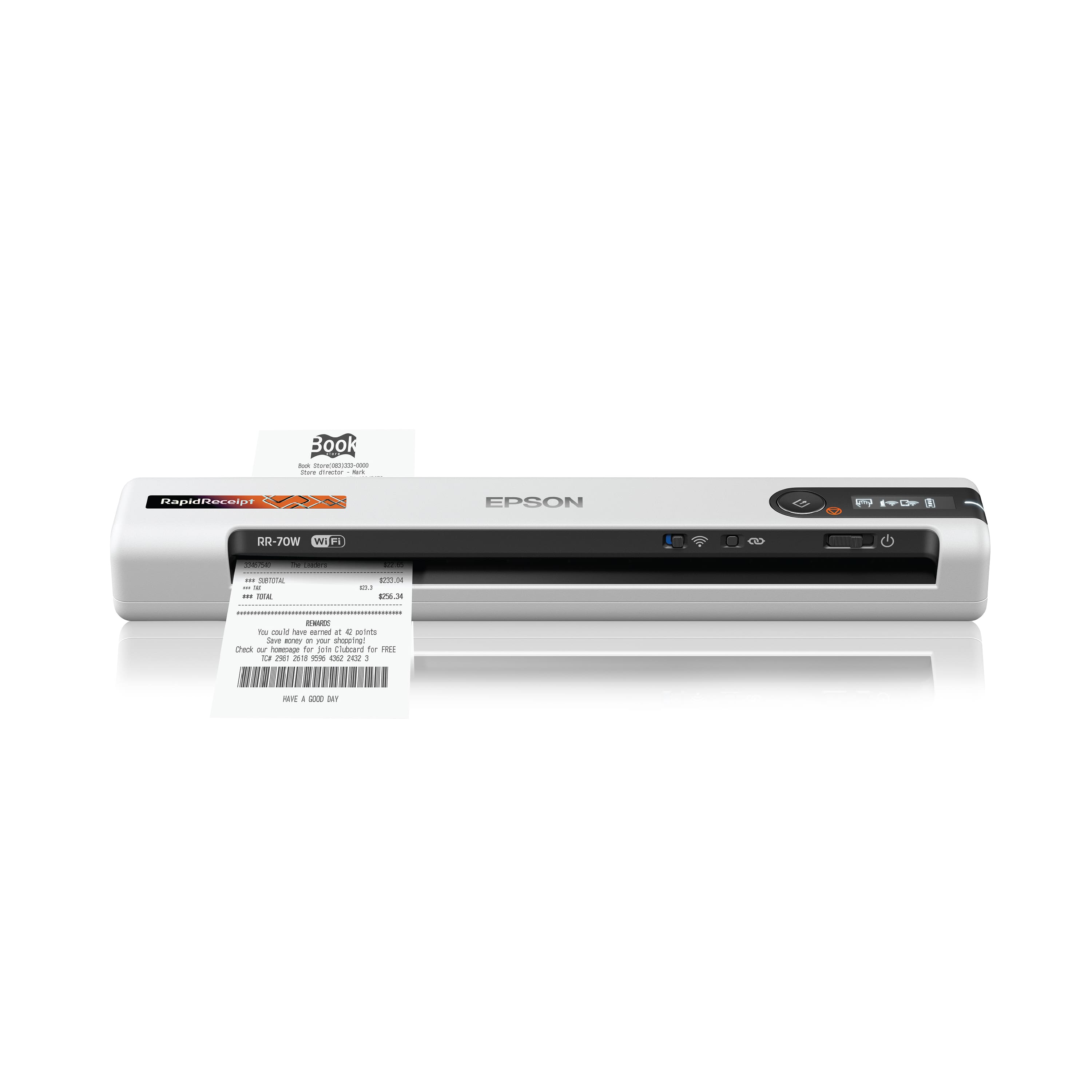
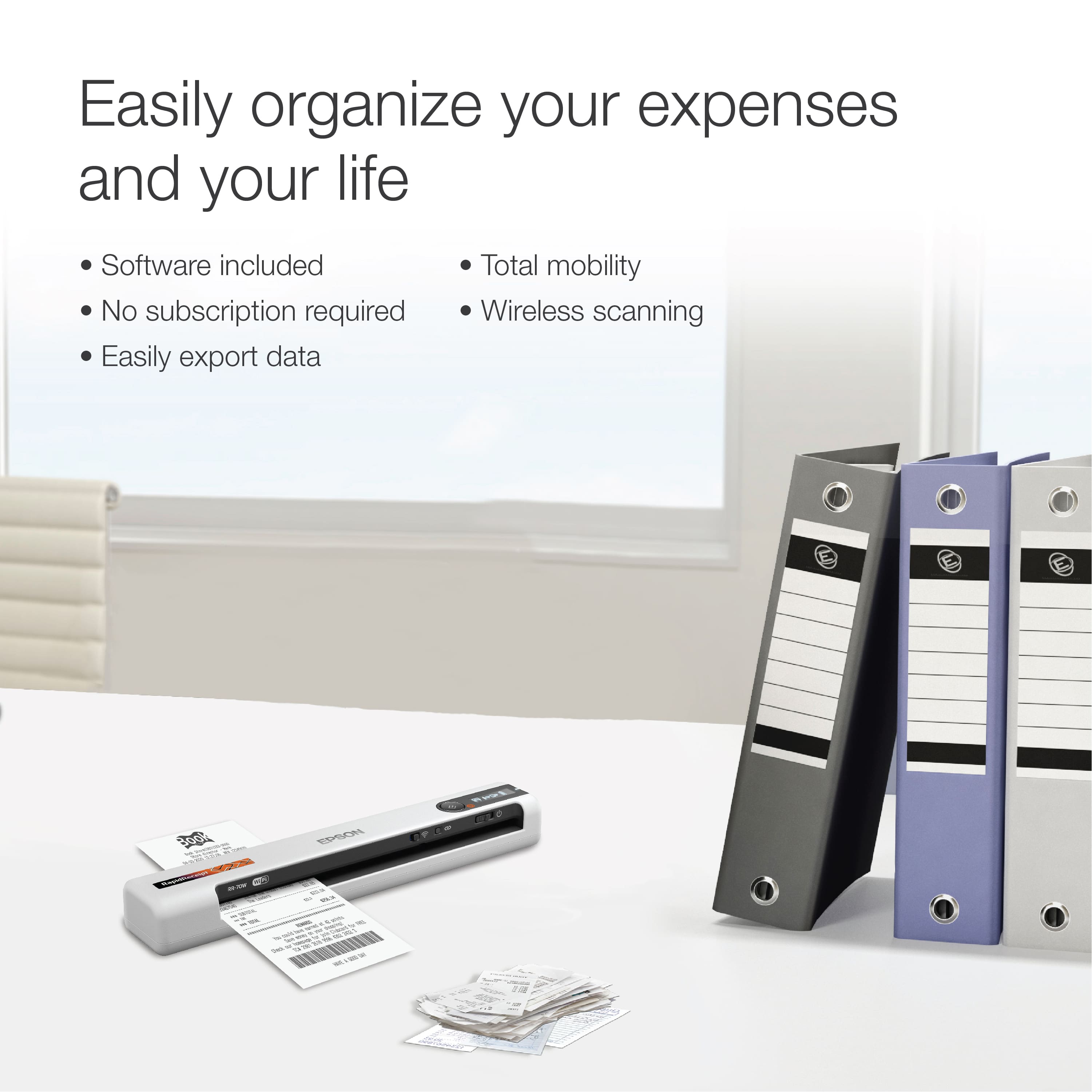
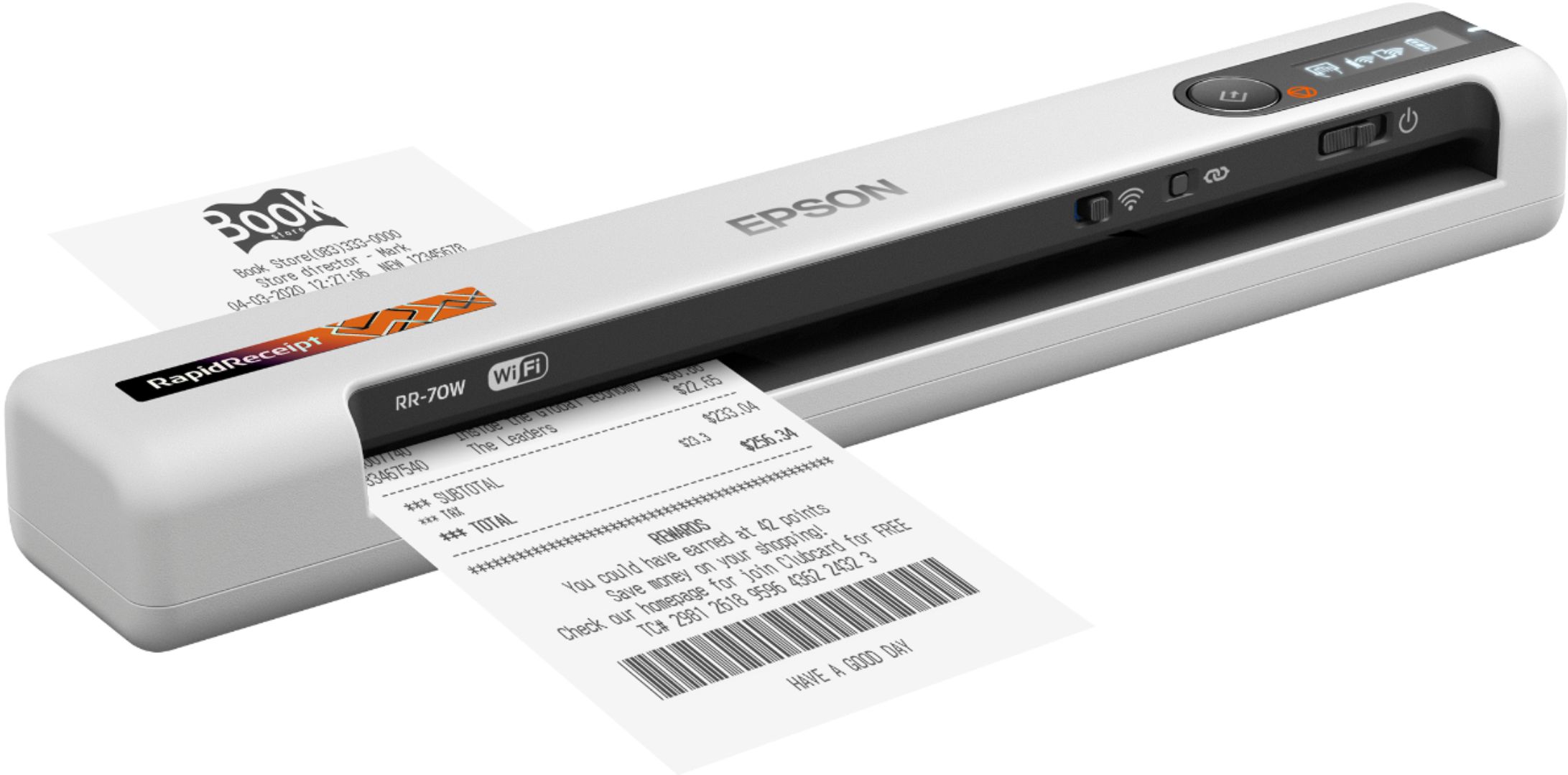
Customers value the RapidReceipt RR-70W for its user-friendliness, rapid scanning, and compact size. The wireless functionality, helpful software, lightweight design, straightforward setup, long battery life, and impressive image quality are also appreciated. However, some customers have reported issues with its performance when scanning receipts.
This summary was generated by AI based on customer reviews.
- Pros mentioned:Ease of use, Scanning speed
Great scanner
Posted .This reviewer received promo considerations or sweepstakes entry for writing a review.The Epson RapidReceipt RR-70W Wireless Receipt scanner is a great scanner with a focus on scanning receipts and other documents. It's very compact and portable which means you pop it in a laptop bag and take it anywhere. Setting up the printer and connecting to wifi was very straightforward. You only need to connect the printer to the computer with the attached USB cable to download the necessary software and drivers and to charged the internal battery. Otherwise, you can use it wirelessly by pressing the wifi button to connect to your home network. Another area where the printer excels is performance. Overall, I found the scanning process to be fast and efficient with almost no hiccups. The included scanning software does take some time to get used to, but otherwise scanning is an eas, fast, and straightforward process. Overall, the Epson RapidReceipt RR-70W Wireless Mobile Receipt is a solid machine that will serve your needs for a long time. I would highly recommend it. This is a review for the Epson RR-70W Wireless Mobile Receipt Scanner that I received free of charge to do a beta test and review.
I would recommend this to a friend - Pros mentioned:Ease of use
Great scanner
Posted .This reviewer received promo considerations or sweepstakes entry for writing a review.The rapidreceipt RR-70W scanner is very useful as it, is lightweight and easy to carry. If you like not to accumulate many papers, but you need to keep important receipts, this scanner will be a great help. It is very simple to scan letter-size receipts or the small receipts that you get in stores. Beside that you can transfer them to your cell-phone, email or the cloud. Not is necessary to connect to a computer to receive the scanned document, since just by download the epson "document scanner" app to your cell-phone you can see all the documents you are scanning. Therefore, through the app it is very easy to connect your cell-phone just by linking rapidreceipt RR-70W scanner through wi-fi. Personally, it seems like a very effective product, it helps me stay organized and without much stress from many papers. This is a review for the Epson RR-70W Wireless Mobile Receipt Scanner that I received free of charge to do a beta test and review.
I would recommend this to a friend - Pros mentioned:Scanning speed, Size

nice document and receipt scanner
|Posted .This reviewer received promo considerations or sweepstakes entry for writing a review.I have used this document scanner for small receipts and for 8.5 x 11 printed paper receipts as well. The scanner works well for thin paper up to 20lb bond paper just fine. I tried to use it for photos, but glossy photos got stuck in the scanner. I would not recommend it for glossy photos. It scans full pages pretty quickly. This unit is very small so it is easy to store when not using it. It powers on fairly quickly, then connects quickly and easily to my computer. It works great on Wi-Fi or USB. if you are looking for a small document scanner, this one works well.
I would recommend this to a friend - Pros mentioned:Scanning speed, Size
fast and easy
Posted .This reviewer received promo considerations or sweepstakes entry for writing a review.I was very surprised and the speed and accuracy of this scanner. It's very easy to feed my receipts through even if they are a little wrinkled. Easy setup and very compact and works with your phone and tablet. The wireless capability is a must for me so that I am not tethered to a device. I have a lot of receipts due to rebates I do and this is such a great way to keep the receipts and be able to organize them. This is a review for the Epson RR-70W Wireless Mobile Receipt Scanner that I received free of charge to do a beta test and review
I would recommend this to a friend - Pros mentioned:Ease of use, Size
Small, efficient and user friendly
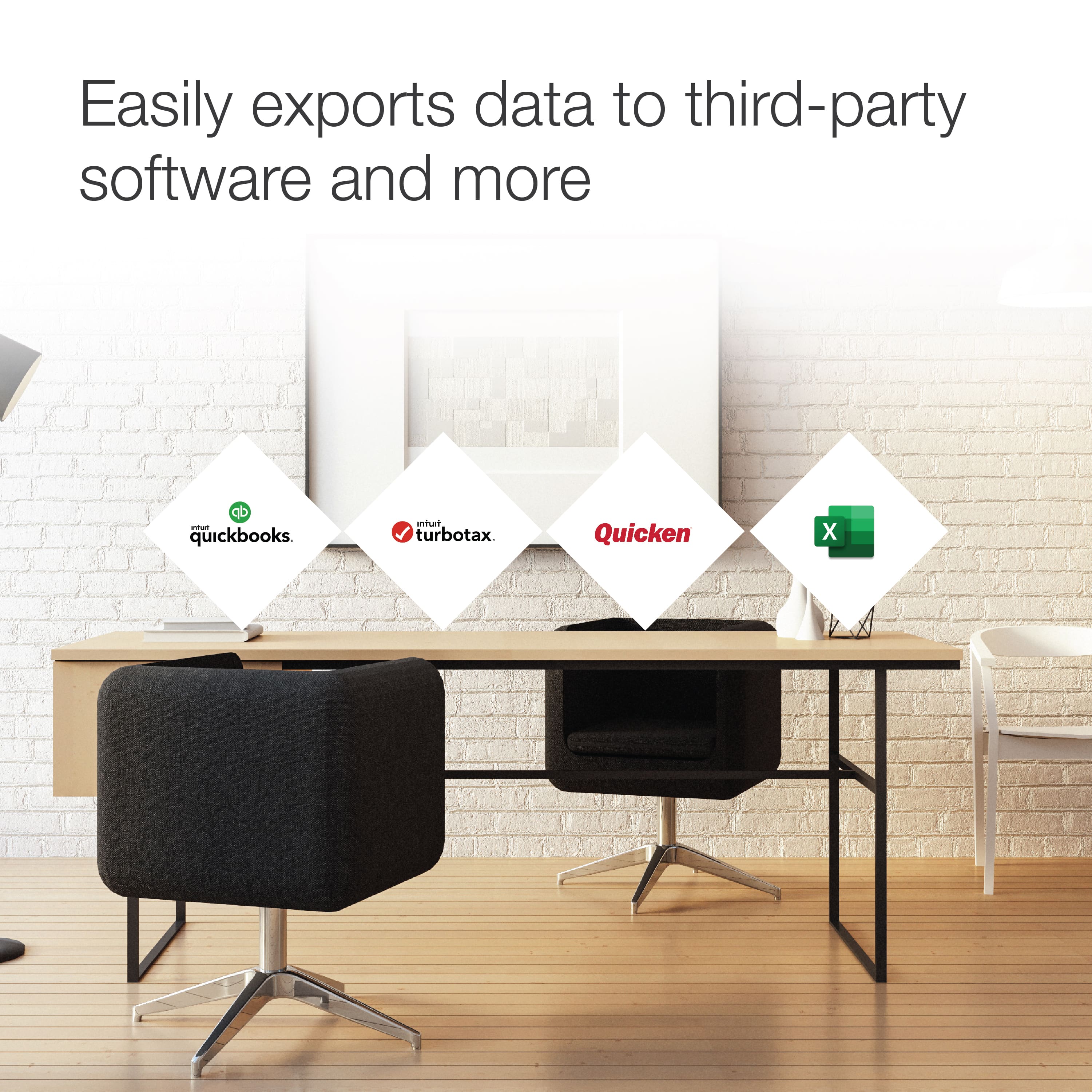
Posted .This reviewer received promo considerations or sweepstakes entry for writing a review.I enjoyed how easy it was to unbox, set up was very user friendly. The manual was descriptive and easy enough to follow. The scanner is very sleek and light which I love since it barely takes up space on my already cluttered desk. Being able to scan receipts is amazing, and will def. Help come tax time. I love the wireless set up and was able to connect it to my wifi with no issues. The scanner is not too loud which I like as well. I found it the feature to export to other third party apps a plus. I do want to note while the opinion is mine, this is a review for the Epson RR-70W Wireless Mobile receipt scanner that I received free of charge do to a beta test and review.
I would recommend this to a friend - Pros mentioned:Ease of use
Excited my expectations
Posted .This reviewer received promo considerations or sweepstakes entry for writing a review.Can't go wrong with EpsWow this little scanner has changed how I run my stay at home business. I normally kept all my paperwork in shoe boxes an folders all around the house till we're my husband would get upset. This has definitely made me well organized. It was a breeze to set up an connect to my wifi , I have the app on my phone an that's it. Crystal clear imagery of everything I scan. I do wish it came with a lil bag to put it in for traveling but I love this scanner. This is a review for the Epson RR-70W Wireless Mobile Receipt Scanner that I received free of charge to do a beta test and review.”
I would recommend this to a friend - Pros mentioned:Wireless
Excellent Portable Document Scanner
|Posted .This reviewer received promo considerations or sweepstakes entry for writing a review.Configuring the scanner is very simple. I configured mine for use with Wi-Fi so I could connect from my mobile devices. First you must charge the scanner to 100%, this took less than 30 minutes plugged into a USB wall charger. While it is charging, download the app from the Epson site. This download includes any drivers needed for Windows. After the installer download, start the install and follow the documentation in the box. There is a Wi-Fi button that the installer will tell you when to turn it on. After install, open the application and go through the configuration. During the install it will ask you to connect the device to your computer. It will also ask if you want to configure wired or for Wi-Fi. You do need to connect the scanner via USB to configure Wi-Fi. There appears to be a way to connect to the internal Wi-Fi network to configure without the cable, but I did not do that process. During the setup, the installer will tell you to turn on the Wi-Fi switch. If the first test scan in the installer fails, retry once. If it still fails skip the step. You will need to open the Epson App under the start menu and do a test scan. It worked for me after I exited the installer. The Epson DocumentScan app, in the Play Store or App Store, connects from our mobile devices without issue. The app is very basic and straightforward. When first opening it will ask if you want to scan for the device, make sure Wi-Fi is on and configured on the scanner. I have had no issues finding the scaanner over Wi-Fi. Simply put the document in the scanner and push scan button in the app on your phone. You can rotate the scan and do minor edits. Oddly I do not see a crop in the mobile apps (this could be updated in future app releases). Overall, this was very easy to configure and setup the Wi-Fi. The scans are crisp and clear. You do have paper size you can select in the apps and there is a scan button on the scanner that you can configure to open whatever scanner app you prefer on your PC. The PC application is much fuller functioning and allows you to crop the scan if need be. Also there is a Nuance PDF editor you can download that seems very full functioning. Don't lose the Nuance registration card that should be included with the scanner, it has the registration number you need for additional functionality. This was my first test scan and also I save the registration numbers saved in the folder I saved the software I downloaded. This was really easy and the documentation included was very precise, something too many companies fail with by using only pictures that make no or little sense. Thank you Epson for writing a actual instruction manual. The installer was very precise in the steps to follow. If you follow along, everything witll work as expected.
I would recommend this to a friend A Solid Product for the Right Usage Scenario
|Posted .This reviewer received promo considerations or sweepstakes entry for writing a review.The Epson - RapidReceipt RR-70W Wireless Mobile Receipt and Color Document Scanner is a solid choice for specific applications. Mobility: Its size and weight make it extremely portable. However, the issue of needing to disconnect from network wifi inorder to connect with the scanner wifi is counter-intuitive to a full-freedom mobility when using it with a loptop. When using it with a phone or cellular tablet, it works more smoothly. I'm on a Mac, so some of this has to do with the fact that most of Epson's Mac software is clearly Windows-centric. The image quality is good and the software has some excellent features. Personally, I find myself using my iPhone for random scans and going to the Epson - RapidReceipt RR-70W Wireless Mobile Receipt and Color Document Scanner for dedicated tasks. Especially if those involve a number of accumulated receipts or similar documents. I took one star off because of the uneven compatibility level between whether you're using it with a Mac or with Windows. Overall, this is a very solid product if your use scenario is compatible.
I would recommend this to a friend- Pros mentioned:Size
Great little scanner to help consolidate reciepts!
Posted .This reviewer received promo considerations or sweepstakes entry for writing a review.I'm known to keep way too many receipts, so I'm thrilled to be able to start categorizing my receipts with the Epson Receipt Scanner RR-70W and scanning them all at once. Most receipts go into a bucket by the door (kind of like a change dish) and this allows me to quickly scan them all at once every month or so -- and with the small form factor I can do it while sitting on the Sofa or up in the office. The scanner and associated software allows me to do this quickly and efficiently, and the small size isn't taking up too much space in my office. This is obviously not ideal for large amounts of large 8.5x11 documents but for feeding receipts and the occasional larger document it works flawlessly! This scanner makes me want to try one of Epsons larger format document feeder scanners! The wireless appears to be 2.4 only so be aware of that, slight issue trying to get it set up with my Mesh network but eventually got it figured out. This is a review for the Epson RR-70W Wireless Mobile Receipt Scanner that I received free of charge to do a beta test and review.
I would recommend this to a friend - Pros mentioned:Scanning speed
I REALLY like this scanner
|Posted .This reviewer received promo considerations or sweepstakes entry for writing a review.The first thing that sticks out to me is that this scanner is SMALL. It's a tiny wand of a device that you should have no trouble fitting into a bag, briefcase, etc. But it also scans really well - and really fast (using 300 dpi). The main selling point for me was its wireless capability and versatility. This little stick of a scanner can connect to your network or use Wifi Direct, and I have access to it from my phone, laptop or tablet. The battery life is OK...I think I'm at ~30 pages before the battery gives out, but this was scanning both 300 and 600 dpi pages. Finally...I didn't think I would like it, but I'm actually pretty happy with the Epson DocumentScan (phone) and ScanSmart (laptop) software - particularly the former since it makes it easy to file and manage your scans on your phone or tablet. All in all, I'm really happy with this scanner, and it's the perfect on-the-go device for quick work when using the camera on your phone doesn't cut it. If I were to give the scanner any real criticism, it's that I can see this device doing quite a bit of traveling. it would have been nice to have included a simple case our pouch to help protect it.
I would recommend this to a friend - Pros mentioned:Scanning speed
Must have
Posted .This reviewer received promo considerations or sweepstakes entry for writing a review.I really like this product. The set up was pretty simple. The speed was great. The built in battery is great. The copies came out good. I no longer need to have receipts just laying around causing clutter.
I would recommend this to a friend Long Receipts are an annoyance of the past
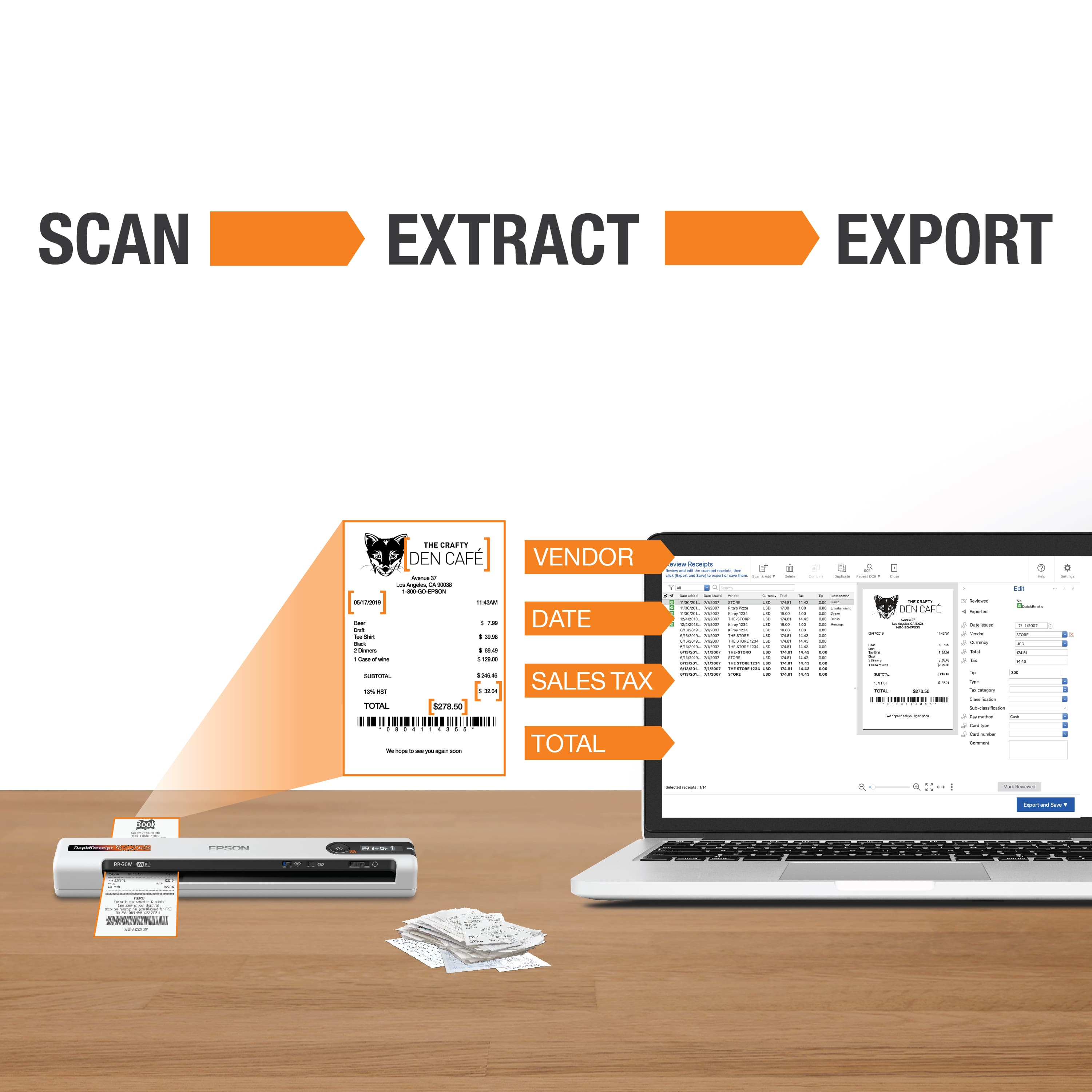
|Posted .This reviewer received promo considerations or sweepstakes entry for writing a review.If receipts are in your daily life or scanning on the go, this little guy is pretty awesome, not perfect but it has all the parts that really matter. It is compatible with Mac, windows (32 bit version so it would be ARM compatible too), and Linux. Linux while not applicable to most people does enable it to be installed on some Chromebooks (you should confirm if you have this capability if this interests you). This is both easier than you would think to do and not for beginners at the same time. Either way, in the direction it gives you the website to download the programs from. There were a couple of updates and addons once I got everything installed, one of the updates was an OCR function that reads the receipts and extracts the pertinent information like the date, time, total, and last four of the card used. You can also categorize the receipt and such on this screen before exporting it to a csv file, image file, or a few major accounting programs that they mention in the advertising already. I wasn’t able to run the OCR and save to a PDF which would be useful, but not necessary for their intended audience for the use of receipt uploads. Scanning and sending to work worked well for text documents with very few errors however, any type of form got totally screwed up going to word. The better bet is to save as a PDF then use word to covert it if you are trying to do something like that. You can also upload all your receipts and save them to separate documents or same them to the same document which is a nice option. You need to plug it into the computer to configure the first time but after that you just power it on, wait about a min for it to find the computer, put the paper on the far left and then hit the scan button (as long as you have the Wi-Fi turn on of course). Talking about the Wi-Fi, if you want to use this on the go there are three options: One, plug it into the computer. Two, connect directly to the printer (the passcode is on the back of the scanner). Three, setup your hotspot to be identical (same SSID and password) as your home system. While I would prefer a connection more like Bluetooth for extreme ease of use data transfer speeds are quite a bit faster on Wi-Fi. On the physical side, It is easy enough to stick in my bag, it has a micro USB for changing and connection which is annoying because first it is not USB C and second because it is recessed and currently the only cord I have that fits this is the one that came with it. Love that it is recessed as that will make it hard to bust the usb cord, I just wish it was a tad on the larger side to accommodate other micro USB cords just in case this one busts or I don’t happen to have this cord on me. Overall, this gets the job done nicely and there is a lot to love what it can do for your workflow. There are a few items that people like myself that are a little too obsessed with the cutting edge might miss but for getting work done this will definitely do the trick. Pros: - Integration with some accounting programs. - Ability to export data to a CSV if you are not using one of those. - Ability to save Scans in many different formats (PDF, word, Excel, powerpoint,) as well as different online drives (Onedrive, Google, Evernote, and Dropbox) - Scanning papers of many different sizes is extremely easy. - Easy to use and can support Chrome books for advanced users. Cons: - Micro USB and it is hard to find just any Micro USB replacement cord. - Make sure to set it up how you plan to use it on the Go and not at home for easiest setup. - OCR functionality doesn’t output to a full PDF. - No Android or iOS support
I would recommend this to a friend- Pros mentioned:Ease of use
Great little scanner
Posted .This reviewer received promo considerations or sweepstakes entry for writing a review.I received my epson scanner and instructions and really like the versatility of use. I scanned receipts and checks right to my phone and/or computer. Which willl make daunting tasks like tax time much easier to deal with. While setup was quick and easy, and everything needed to get started is included in the box with super easy to read instructions on how to setup. I have a scan copy print machine at home and this little guy will be much easier to use everyday on the go to o keep all my receipts in order and not have to worry about carrying them around. I will definitely be keeping this around. This is a review for the Epson RR-70W Wireless Mobile Receipt Scanner that I received free of charge to do a beta test and review.
I would recommend this to a friend - Pros mentioned:Ease of use, Scanning speed
Easy to Use and Portable
|Posted .This reviewer received promo considerations or sweepstakes entry for writing a review.I love this portable scanner. It was easy to set up and start using. The scan quality is very good but the best thing is the portability. You can put it in your bag and bring it with you. Highly recommended.
I would recommend this to a friend - Pros mentioned:Scanning speed
great item
Posted .This reviewer received promo considerations or sweepstakes entry for writing a review.I thought this device was a genius invention tech has come along way from the bulky scanners of the early 90s this was easy to use and easy to setup has wireless capability to scan to your computer phone or tablet just love there are so many options on using this scanning was fast and did a great job on moving the images to the computer This is a review for the Epson RR-70w Wireless Mobile Receipt Scanner that I received free of charge to do a beta test and review
I would recommend this to a friend - Pros mentioned:Ease of use
scanner
Posted .This reviewer received promo considerations or sweepstakes entry for writing a review.This was extremely easy to install and use. Receipts are easy to scan but you have to be careful so that they don't skew. software was also easy to install. I should purchased this long ago
I would recommend this to a friend Expense Report Life Saver
|Posted .This reviewer received promo considerations or sweepstakes entry for writing a review.This has made my life so much easier on business trips. The setup is easy and I can use this with my cellphone via the app or with my laptop. No more stress of tracking down all my receipts after business trips.
I would recommend this to a friend- Pros mentioned:Ease of use
Receipt scanner
Posted .This reviewer received promo considerations or sweepstakes entry for writing a review.Easy to set up, works as intended. Very happy with this product
I would recommend this to a friend - Pros mentioned:Ease of use
Easy to use
Posted .This reviewer received promo considerations or sweepstakes entry for writing a review.I’m in love with this product! It makes scanning a breeze and makes my life so much easier. I highly recommend it!
I would recommend this to a friend Real mobile setup instructions
Posted .This reviewer received promo considerations or sweepstakes entry for writing a review.Three stars bc setting up on brand new iPhone 13 pro max was next to impossible. My phone is exactly a week old and was released 1 month ago. Here is how to get it to connect on your mobile, After 2 hours of trying this, turning everything off and on etc etc it continued to say no internet connection. So as last ditch under the info tab for wifi connect on iPhone I wrote down the IP address, subnet, and router info. Switched auto config IP to manual and manually entered everything. Immediately worked. Clicked auto join, works perfect. I have a 1 week old iPhone 13 pro max. You may want to add this info to the mobile device setup page.
I would recommend this to a friendBrand response from Epson
Posted .Hello, thank you for sharing your review on the Epson RR-70W scanner. Epson takes into consideration all feedback to improve the performance and quality of our products. Epson offers helpful information, including FAQs and self-help tools, on the product support web page at https://epson.com/Support/Scanners/RapidReceipt-Series/Epson-RR-70W/s/SPT_B11B253205#questions. Additionally, your RapidReceipt scanner includes a 1-year Limited Warranty, plus free lifetime technical support. If you need any assistance, our Epson Support Team would be happy to help you and can be reached at (562) 276-4382; Hours: Monday - Friday, 7 am - 4 pm PT; Sincerely, Sam - The Epson Team.
